

 FSX Civil Aircraft
AI Royal Jordanian Boeing 787-8
This freeware repaint brings the distinctive Royal Jordanian Boeing 787-8 liv…
Royal Jordanian’s Boeing 787-8 Dreamliner arrives as a complete freeware aircraft for FSX, pairing crisp airline markings with CamSim’s refined second-generation model, smoothly aligned textures, and intuitive door and cargo animations. Integrated Animated Ground Servicing brings vehicles, steps, and handling to life at the gate for more immersive turnaround scenes.
 Rate
Rate
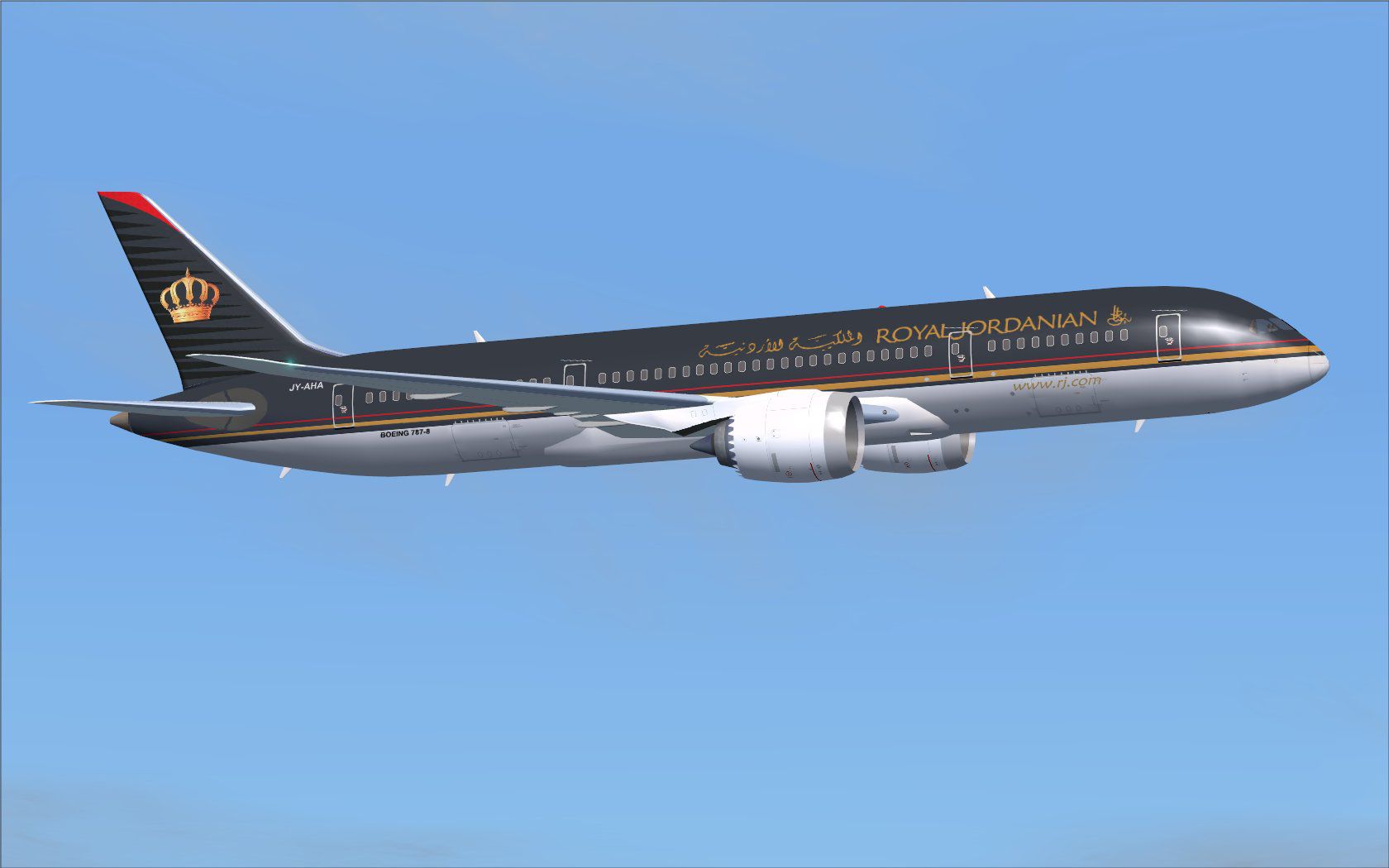
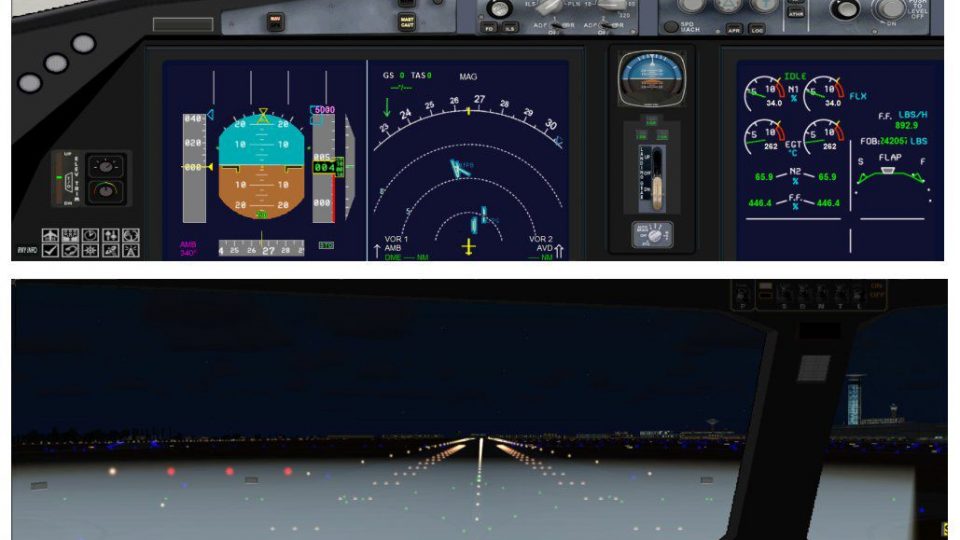
This freeware package features the Boeing 787-8 in Royal Jordanian livery, complete with a fully realized base model and integrated Animated Ground Servicing (AGS). Designed and painted by Camil Valiquette, this release offers refined visual details, user-friendly animations, and accurate airline markings for use in FSX.
Royal Jordanian, the flag carrier of Jordan, operates the 787-8 on both regional and international routes. In this rendition, creators have focused on precise fuselage lines and distinctive airline branding. The Boeing 787-8 (sometimes referred to in aviation circles as the “Dreamliner”) is recognized for its advanced composite structures and efficient aerodynamics. This version has been updated with CamSim’s second-generation refinements, resulting in seamlessly aligned textures and more responsive animations.
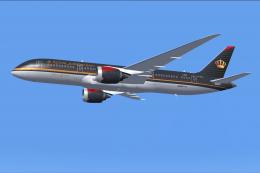
Royal Jordanian Boeing 787-8 in flight.
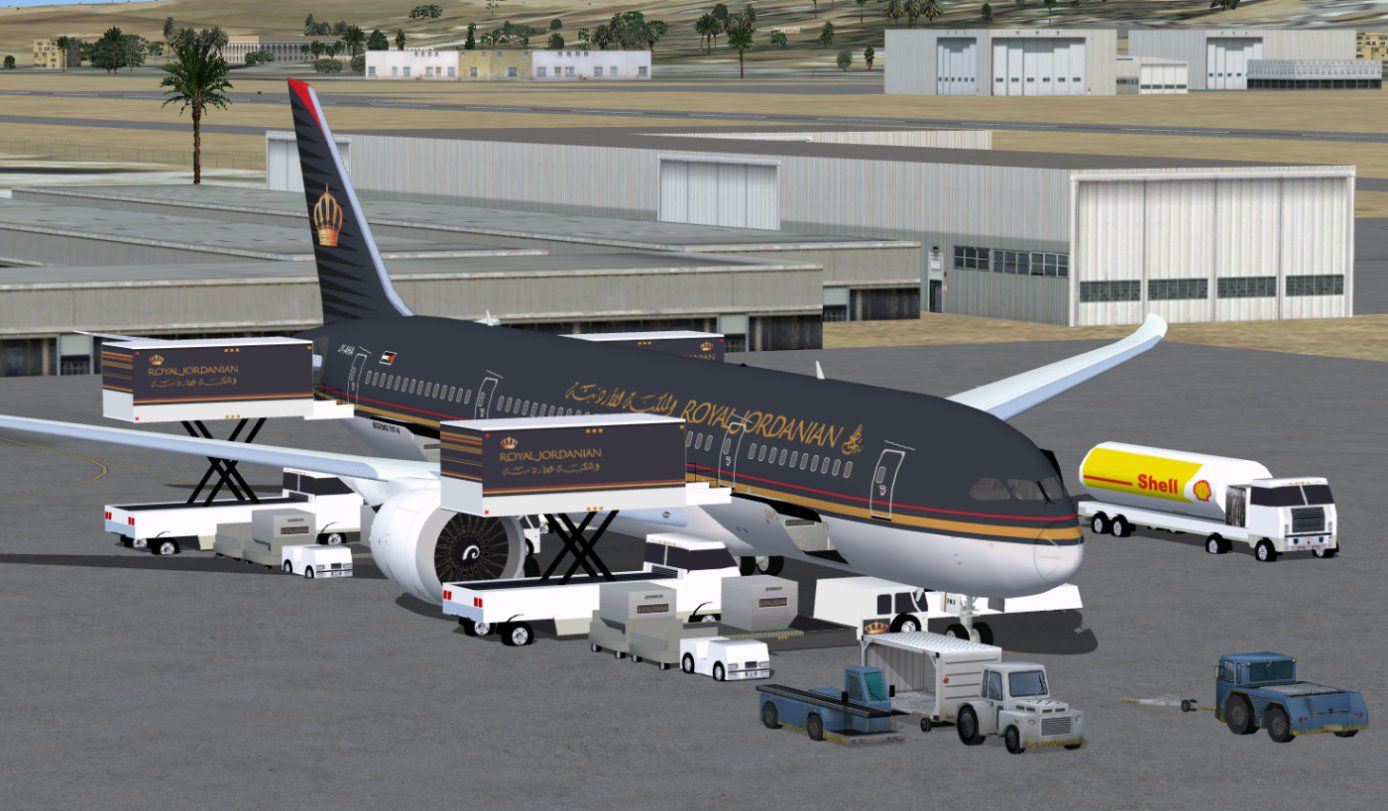
This release integrates the Animated Ground Servicing system. AGS activates ground vehicles, passenger steps, and cargo handling, enhancing overall realism when your aircraft is parked at a gate or stand position. Pilots can access these custom animations through dedicated key commands configured in FSX.
Additionally, make sure to assign “Wing fold/unfold” to Shift + C and “Tail hook up/down” to Shift + D within your FSX controls menu, enabling correct responses for the on-screen services.
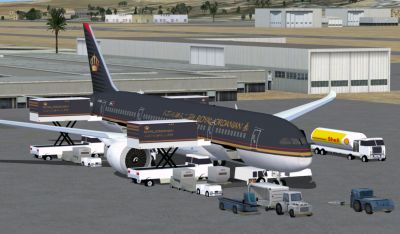
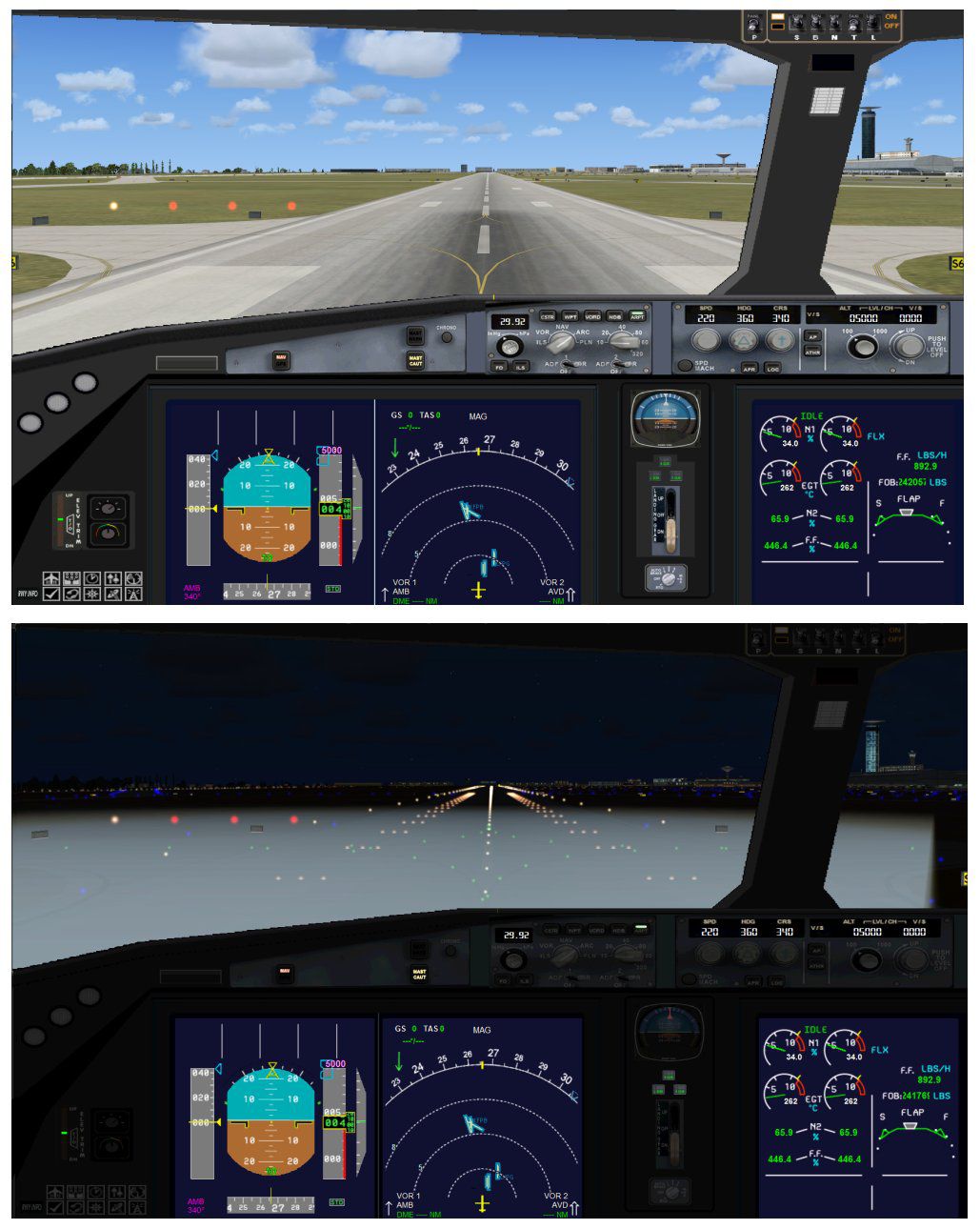
Royal Jordanian Boeing 787-8 with enhanced details.
This mod is fully freeware, including a complete base model created by CamSim. Model design and paint are by Camil Valiquette. When installed correctly in FSX, the package delivers an authentic Royal Jordanian 787-8 experience with animated ground services and detailed exterior effects. If you prefer to explore long-haul simulations across various regions, this aircraft offers an appealing blend of performance and modern design.
Free for all simmers · 5.19 MB · Scanned clean Sep 2026
Download speed: Free tier is capped at 0.5 Mbps (this file takes approximately 1 min at the cap). PRO members download at full line speed.
This add-on may require the following files to function properly. If this is a repaint, the dependency below is likely the base aircraft package.
FSX\SimObjects\Airplanes\. The folder must contain an aircraft.cfg file. Effects go into FSX\Effects\; gauges go into FSX\Gauges\.readme.txt or README file. It tells you exactly where files go, what dependencies are needed, and any quirks specific to this add-on.The archive 788v2rjx.zip has 35 files and directories contained within it.
This list displays the first 500 files in the package. If the package has more, you will need to download it to view them.
| Filename/Directory | File Date | File Size |
|---|---|---|
| CamSim Boeing 787-8 V2 Royal Jordanian | 06.08.10 | 0 B |
| 787-8.air | 02.25.10 | 12.76 kB |
| 788v2rj_ags fsx.jpg | 06.08.10 | 176.08 kB |
| 788v2rj_x.jpg | 06.07.10 | 83.99 kB |
| aircraft.cfg | 06.08.10 | 15.44 kB |
| Effects.zip | 03.25.06 | 1.80 kB |
| file_id.diz | 06.08.10 | 195 B |
| model.787-8 ags | 06.08.10 | 0 B |
| 787-8 ags.mdl | 12.21.09 | 2.67 MB |
| Model.cfg | 03.16.06 | 28 B |
| Panel | 06.08.10 | 0 B |
| 787_350_panel_background.bmp | 02.25.10 | 2.25 MB |
| 787_350_panel_background_night.bmp | 02.25.10 | 2.25 MB |
| Airbus_A321.cab | 09.04.06 | 2.72 MB |
| panel.cfg | 02.25.10 | 5.48 kB |
| panel camsim 787-350 afx_2.jpg | 04.09.10 | 182.86 kB |
| Read Me_FSX.txt | 06.08.10 | 2.61 kB |
| sound | 06.08.10 | 0 B |
| Sound.cfg | 08.30.09 | 35 B |
| texture.rj | 06.08.10 | 0 B |
| 787eng_t.bmp | 06.07.10 | 1.00 MB |
| 787ext_L.bmp | 06.08.10 | 4.00 MB |
| 787ext_t.bmp | 06.08.10 | 1.00 MB |
| 787int_L.bmp | 06.08.10 | 4.00 MB |
| 787int_t.bmp | 06.08.10 | 1.00 MB |
| 787tail_t.bmp | 05.22.07 | 1.00 MB |
| 788fuse_t.bmp | 06.08.10 | 1.00 MB |
| 789wings_t.bmp | 11.24.09 | 1.00 MB |
| gris_t.bmp | 12.09.09 | 16.07 kB |
| pilot1.bmp | 03.04.10 | 257.05 kB |
| pilot1_l.bmp | 12.06.06 | 1.00 MB |
| thumbnail.jpg | 06.08.10 | 4.87 kB |
| w_t.bmp | 12.06.08 | 16.07 kB |
| flyawaysimulation.txt | 10.29.13 | 959 B |
| Go to Fly Away Simulation.url | 01.22.16 | 52 B |
Only PRO members can place votes.
More FSX & P3D add-ons hand-picked based on this download.
FSX Civil Aircraft
This freeware repaint brings the distinctive Royal Jordanian Boeing 787-8 liv…
 FSX Civil Aircraft
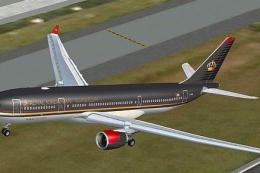
Royal Jordanian Airbus A330-200 PW, "City of Aqaba". Textures only. Model by …
 FSX Civil Aircraft
This repaint features Royal Jordanian’s emblematic Airbus A330-200 (Pratt & W…
 FSX Civil Aircraft
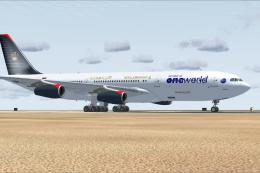
Royal Jordanian Airbus A340-200 in One World livery. Textures only; requires …
 FSX Civil Aircraft
Expand your virtual fleet with this meticulously detailed Royal Jordanian Air…
 FSX Civil Aircraft
This freeware repaint collection offers a customized Royal Jordanian Airbus A…
 FSX Civil Aircraft
Immerse yourself in a nuanced representation of Royal Jordanian’s wide-body o…
 FSX Civil Aircraft
A repaint of the payware Captain Sim L1011. Textures only. Painted by Corina …
Be the first to leave a comment on this download.
Be the first to share your thoughts on this download.