

 FSX Civil Aircraft
jetBlue Embraer 190-2
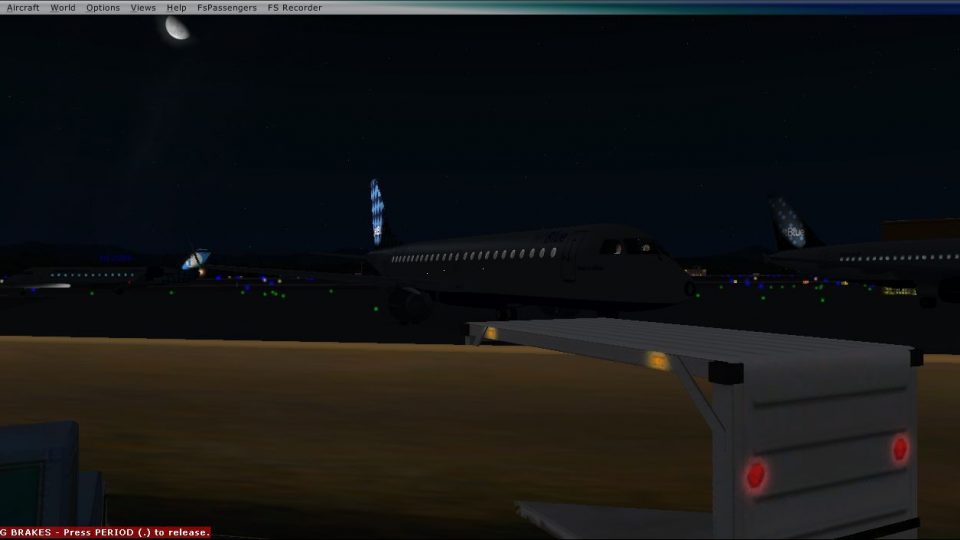
This jetBlue Embraer 190 repaint provides a detailed visual rendition for Mic…
jetBlue’s second Embraer 190 livery brings a fresh, authentic look to regional operations in Microsoft Flight Simulator X, with clean airline markings and a polished finish that suits the E-190’s modern lines. Textures only, it requires the free Premair Aircraft Design E-190 base model for full use.
 Rate
Rate
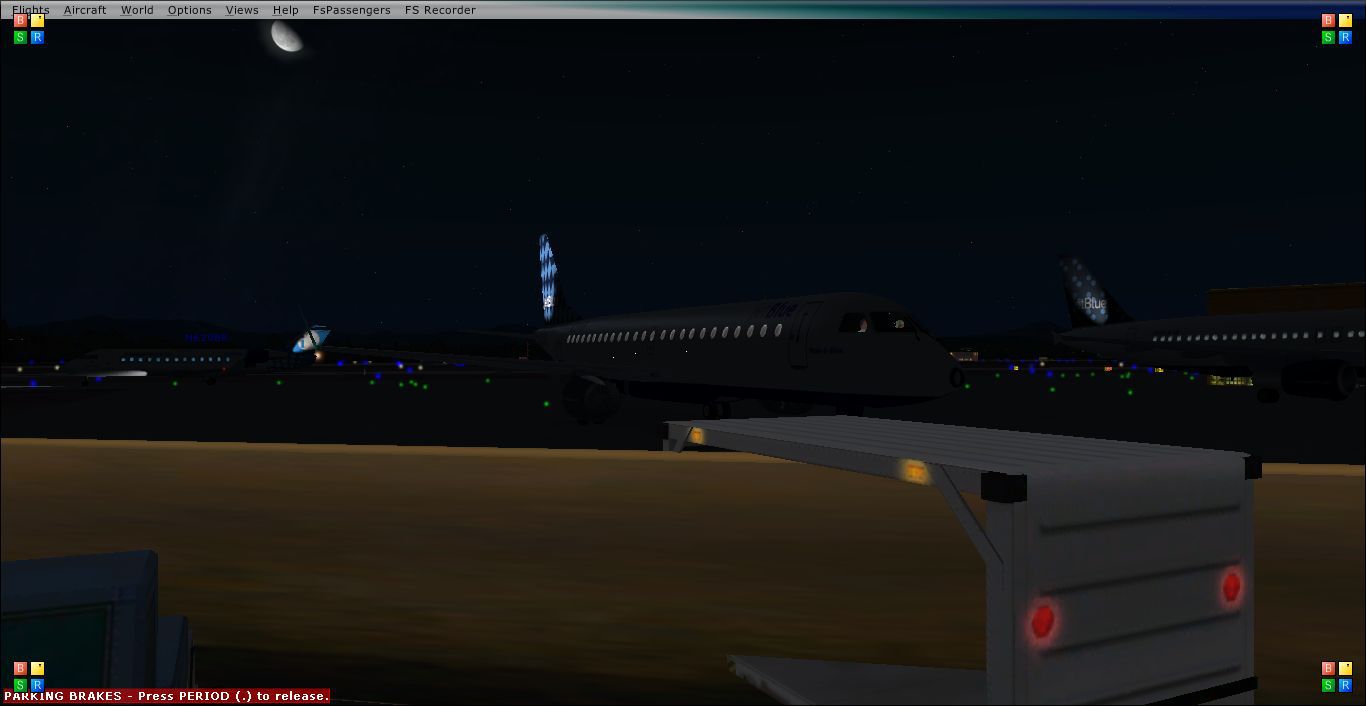
Enhance your virtual hangar with this distinctive repaint of a jetBlue Embraer 190, specifically crafted for Microsoft Flight Simulator X. Developed by Premair Aircraft Design and painted by creators Jason Harnois (A.K.A. Vermount1998), this freeware offering replicates jetBlue’s second E190 livery for anyone seeking additional variety in their regional jet collection. This repaint requires the free base model, which can be found in the Fly Away Simulation library.
The Embraer 190 (E-190) is known for its twin turbofan configuration, efficient flight envelope, and seating capacity that typically ranges between 98 and 114 passengers. Embraer enlarged the airframe from its smaller E-170 predecessor by integrating a broader wing and adopting General Electric CF34-10E powerplants. This enhanced propulsion system provides approximately 18,500 lb of thrust (82.30 kN), boosting climb performance and operational range.
In real-world service, the E-190 competes against the Bombardier CRJ900, Boeing 717-200, Boeing 737-600, and Airbus A318 in the short-haul market segment. It first flew in March 2004, while the E-195’s maiden flight followed in December of the same year. Low-cost carriers worldwide—like New York-based jetBlue—have favored the E-190 for its cost efficiency and mid-market seat capacity. jetBlue originally placed an order for 100 of these aircraft, with an additional 100 on option, making it an influential player in popularizing the type.
This repaint is “textures only” and designed to overlay a valid Premair Aircraft Design E-190. After installing the base model, simply append the following to your aircraft.cfg file, remembering to replace “xx” with the next available index number:
[fltsim.xx] title=EMBRAER ERJ190-LR_JetBlue_2 sim=EMB-190 model= panel=bwb sound=EMB texture=JetBlue219 kb_checklists=E190_check kb_reference=E190_ref atc_id=N219JB atc_airline=JetBlue atc_flight_number=219 ui_manufacturer=EMBRAER ui_type=ERJ-190 LR ui_variation=JetBlue N219JB ui_typerole="Regional Jet" ui_createdby="Premier Aircraft Design" atc_parking_types=gate,ramp atc_parking_codes= description=Embraer ERJ90-LR\nA 98-114 passenger twin fanjet regional airliner...
jetBlue Embraer 190.
Special thanks to Premair Aircraft Design for the E-190 platform and Jason Harnois for the meticulous jetBlue texture work. Enjoy flying this regional jet with jetBlue’s unique flair on your next virtual route.
Free for all simmers · 948.98 KB · Scanned clean Oct 2026
Download speed: Free tier is capped at 0.5 Mbps. PRO members download at full line speed.
texture.{airline}) inside FSX\SimObjects\Airplanes\{base-aircraft}\.aircraft.cfg in Notepad. Add a new [fltsim.X] section per the readme.readme.txt or README file. It tells you exactly where files go, what dependencies are needed, and any quirks specific to this add-on.The archive jetblue-1.zip has 36 files and directories contained within it.
This list displays the first 500 files in the package. If the package has more, you will need to download it to view them.
| Filename/Directory | File Date | File Size |
|---|---|---|
| Read me jetBlue219.txt | 08.29.10 | 1.79 kB |
| texture.JetBlue219 | 08.29.10 | 0 B |
| doors-n-windows_template.bmp | 08.25.10 | 3.00 MB |
| E190panels.bmp | 06.25.10 | 512.07 kB |
| E190panels_L.bmp | 06.25.10 | 1.00 MB |
| Elevator.bmp | 06.25.10 | 256.07 kB |
| EMB190_details.bmp | 06.25.10 | 512.07 kB |
| engines.bmp | 06.25.10 | 256.07 kB |
| Fuse190.bmp | 08.28.10 | 4.00 MB |
| fuse190_alpha.bmp | 08.25.10 | 3.00 MB |
| fuse190_L.bmp | 06.25.10 | 1.00 MB |
| fuse190_nite.bmp | 06.25.10 | 1.00 MB |
| fuse190_nite_L.bmp | 06.25.10 | 1.00 MB |
| fuselage_alpha.bmp | 08.25.10 | 3.00 MB |
| glass.Bmp | 06.25.10 | 65.05 kB |
| interiors.bmp | 06.25.10 | 1.00 MB |
| interiors_L.bmp | 06.25.10 | 1.00 MB |
| left_wing template.bmp | 08.15.10 | 682.75 kB |
| lights.bmp | 06.25.10 | 32.07 kB |
| lights_L.bmp | 06.25.10 | 65.05 kB |
| misc.bmp | 06.25.10 | 1.00 MB |
| overhd3.bmp | 06.25.10 | 1.00 MB |
| overhd3_L.bmp | 06.25.10 | 1.00 MB |
| pilotdh8.bmp | 06.25.10 | 257.05 kB |
| pilots.bmp | 06.25.10 | 257.05 kB |
| pilots_L.bmp | 06.25.10 | 257.05 kB |
| right_wing_template.bmp | 08.15.10 | 682.75 kB |
| roue2.bmp | 06.25.10 | 64.07 kB |
| seats.bmp | 06.25.10 | 512.07 kB |
| trolley_steps.bmp | 06.25.10 | 256.07 kB |
| wings190_L.bmp | 06.25.10 | 1.00 MB |
| wings190_R.bmp | 06.25.10 | 1.00 MB |
| Yoke_VC.bmp | 06.25.10 | 256.07 kB |
| Thumbnail.jpg | 08.29.10 | 54.52 kB |
| flyawaysimulation.txt | 10.29.13 | 959 B |
| Go to Fly Away Simulation.url | 01.22.16 | 52 B |
Only PRO members can place votes.
More FSX & P3D add-ons hand-picked based on this download.
FSX Civil Aircraft
This jetBlue Embraer 190 repaint provides a detailed visual rendition for Mic…
 FSX Civil Aircraft
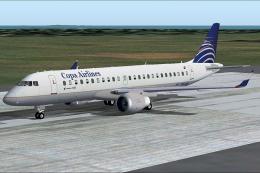
Copa Embraer 190. Full aircraft with enhanced lights, four opening doors, mov…
 FSX Civil Aircraft
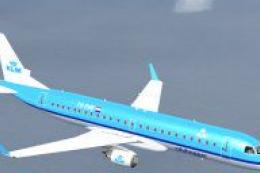
FSX KLM CityHopper Embraer 190-LR. A 98-114 seat regional airliner. Full pack…
 FSX Civil Aircraft
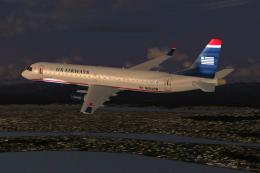
FSX US Airways Express Embraer 190-LR. A 98-114 seat regional airliner. Full …
 FSX Civil Aircraft
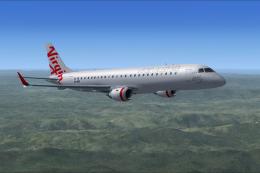
Flyable AI Aardvark Embraer E-Jet. Painted in the new Virgin Australia livery…
 FSX Civil Aircraft
FSX Virgin Blue Airlines Embraer 190-LR. A 98-114 seat regional airliner. Ful…
 FSX Civil Aircraft
Enhance your virtual flight deck with this carefully crafted Delta Airlines E…
 FSX Civil Aircraft
SkyWays Embraer E-190. By Orlandy Perez. Screenshot of SkyWays Embraer E-190 …
Be the first to leave a comment on this download.
Be the first to share your thoughts on this download.