



 South Africa
 MSFS Scenery
Matterhorn Mountain
A complete overhaul of the default Matterhorn Mountain scenery by developer N…
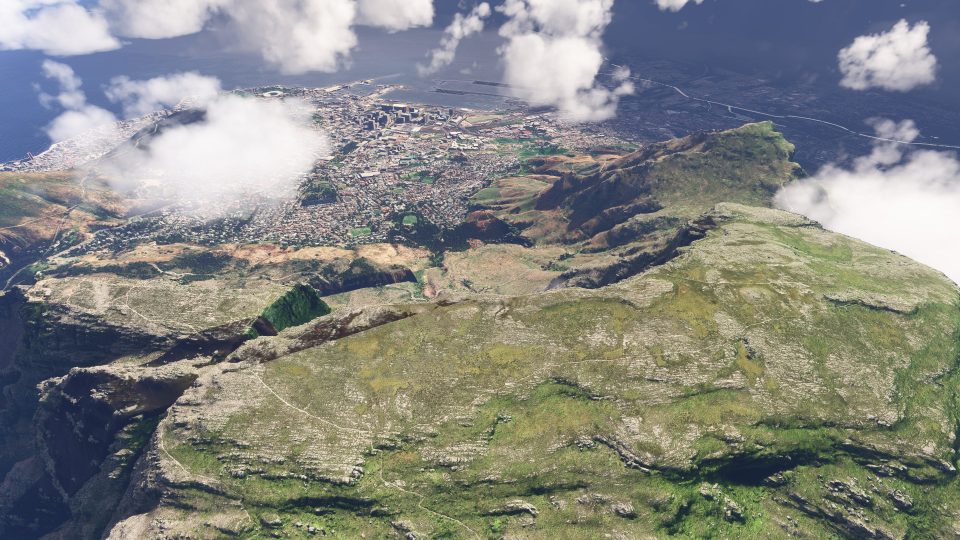
Table Mountain’s flat-topped backdrop rises above Cape Town in Microsoft Flight Simulator 2024, with LOD 17–19 photogrammetry, Google Maps imagery and extensive terraforming enhancing its city-facing slopes for VFR sightseeing. The mountain package requires Cape Town RSA scenery parts 1–6 to blend its terrain with the surrounding city.
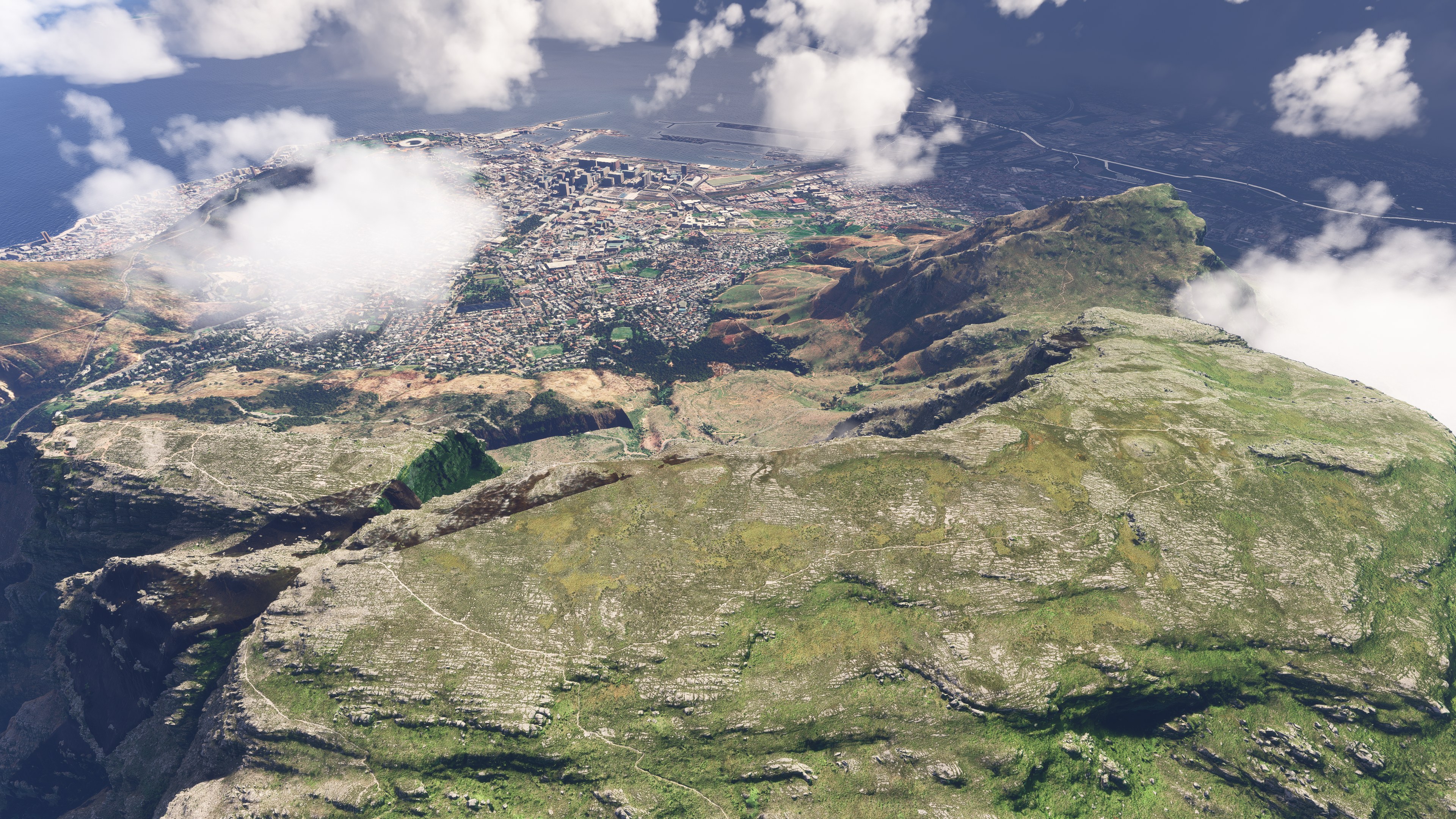
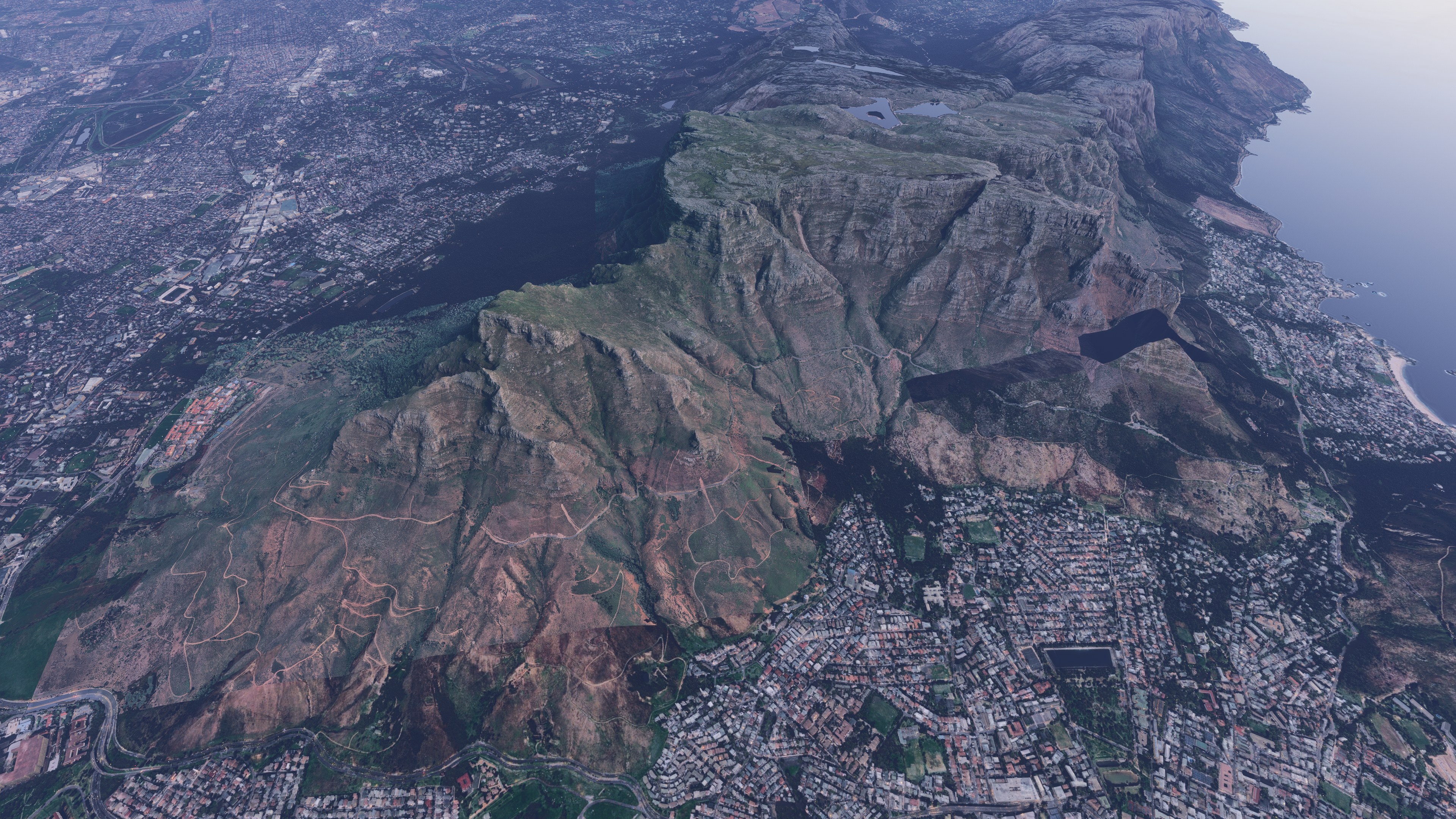
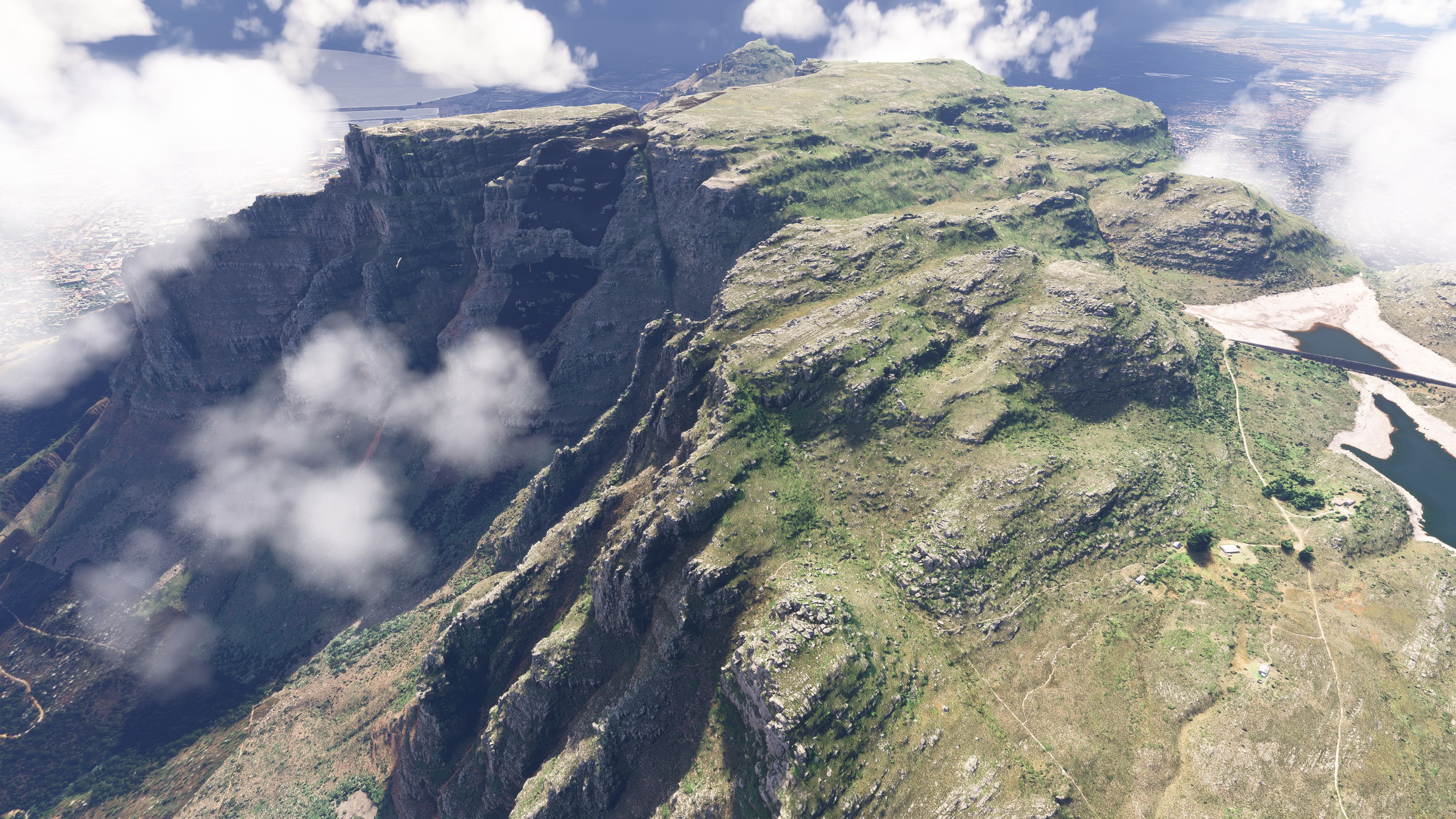
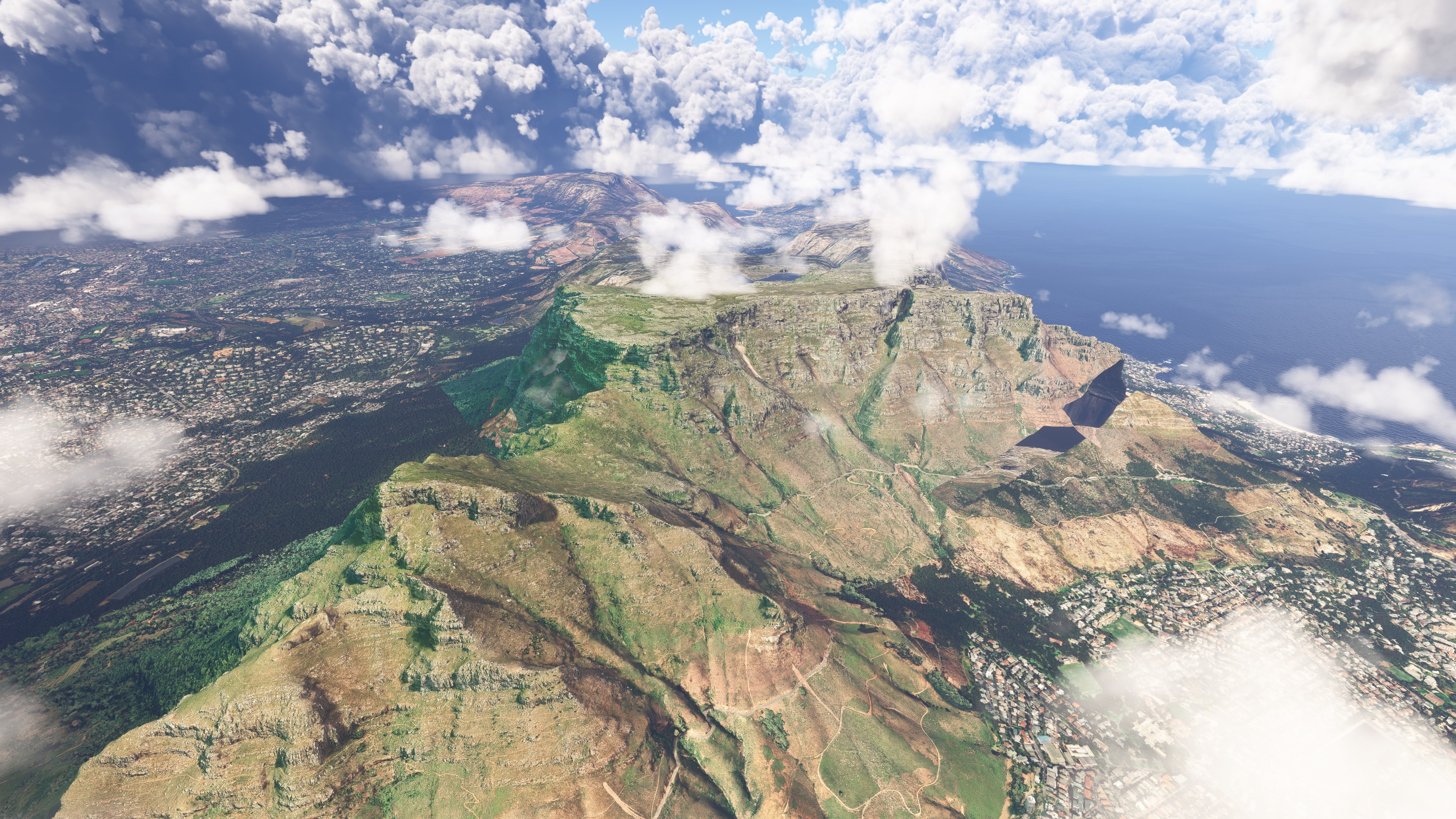
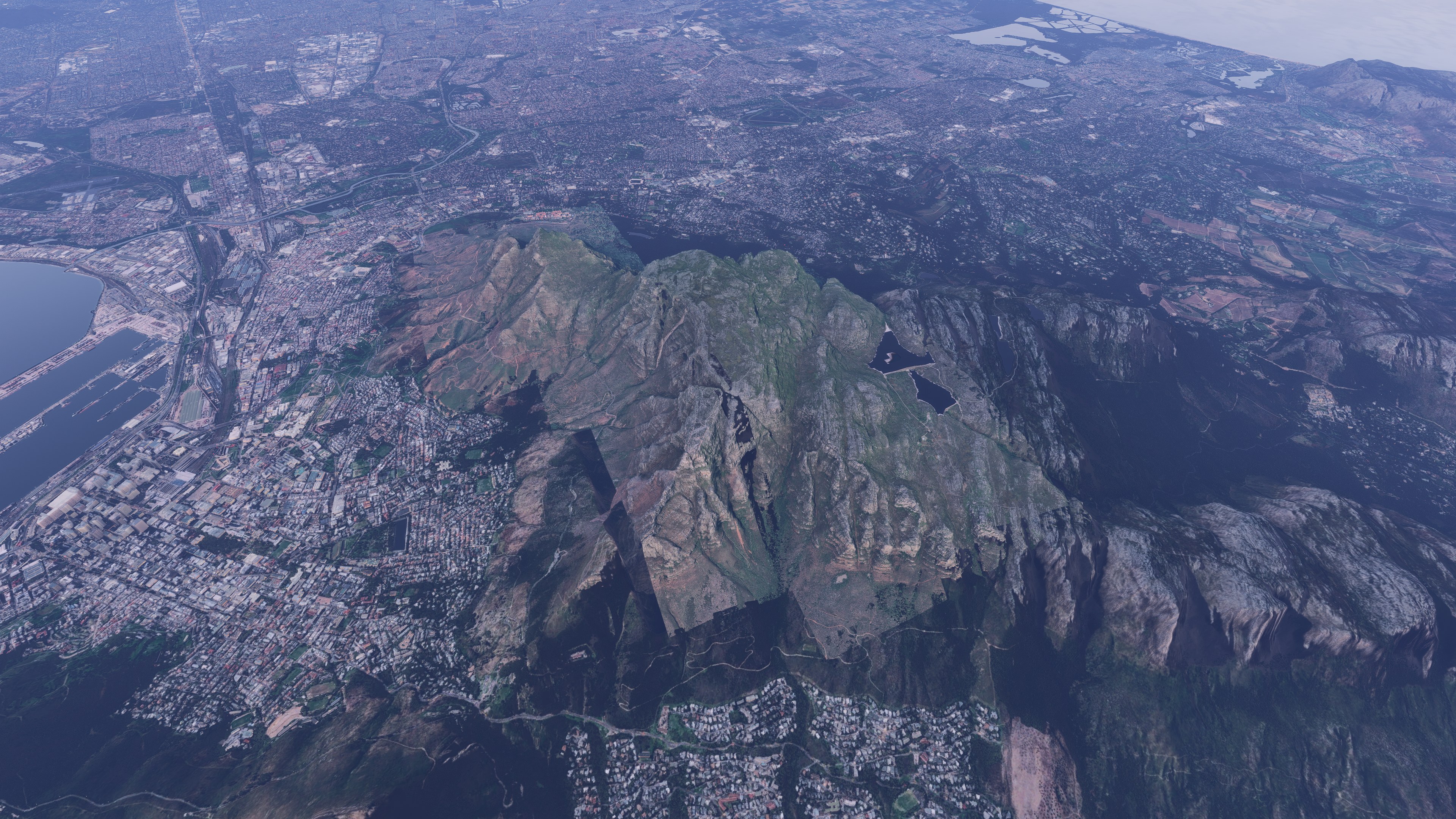
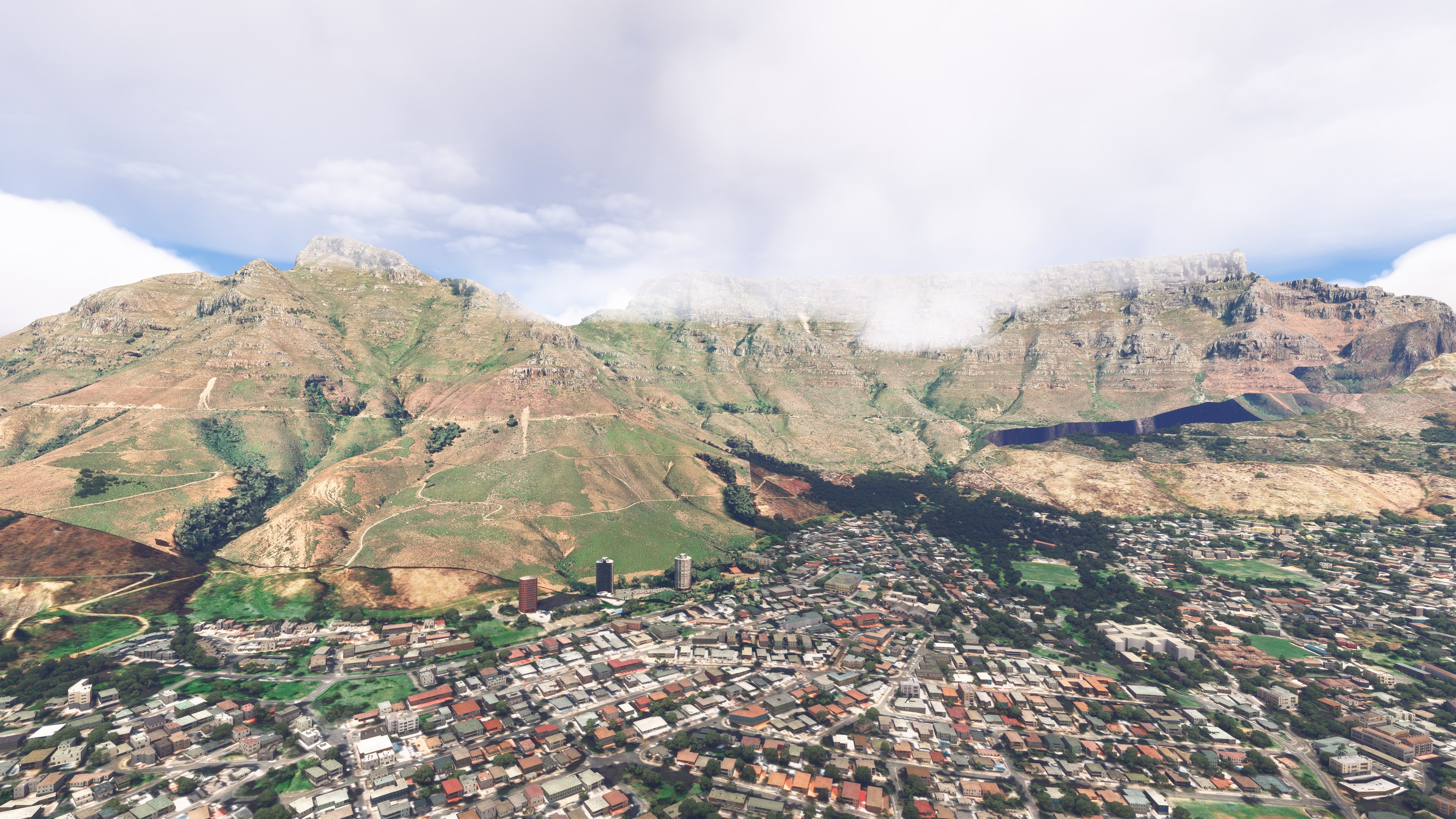
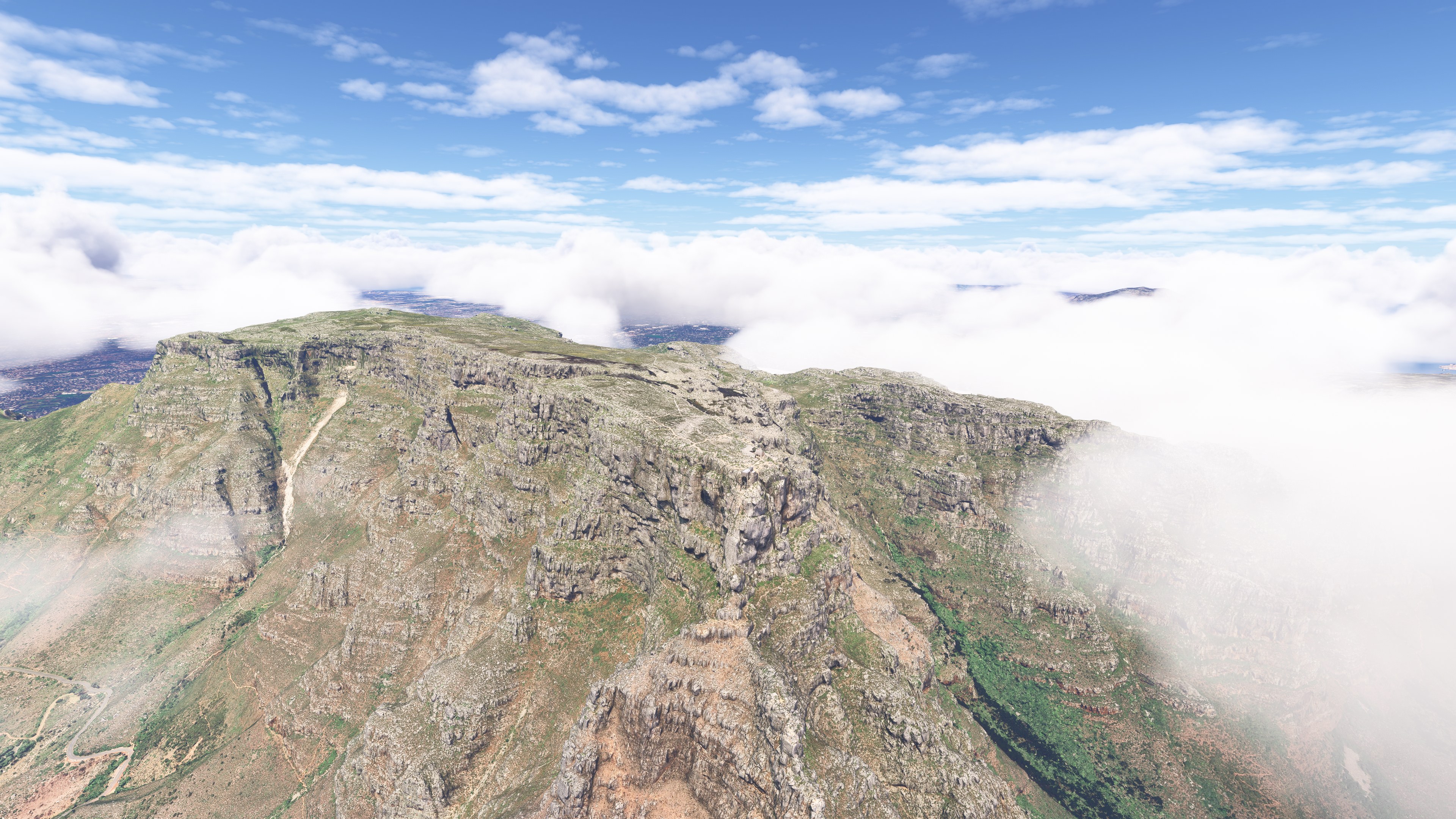
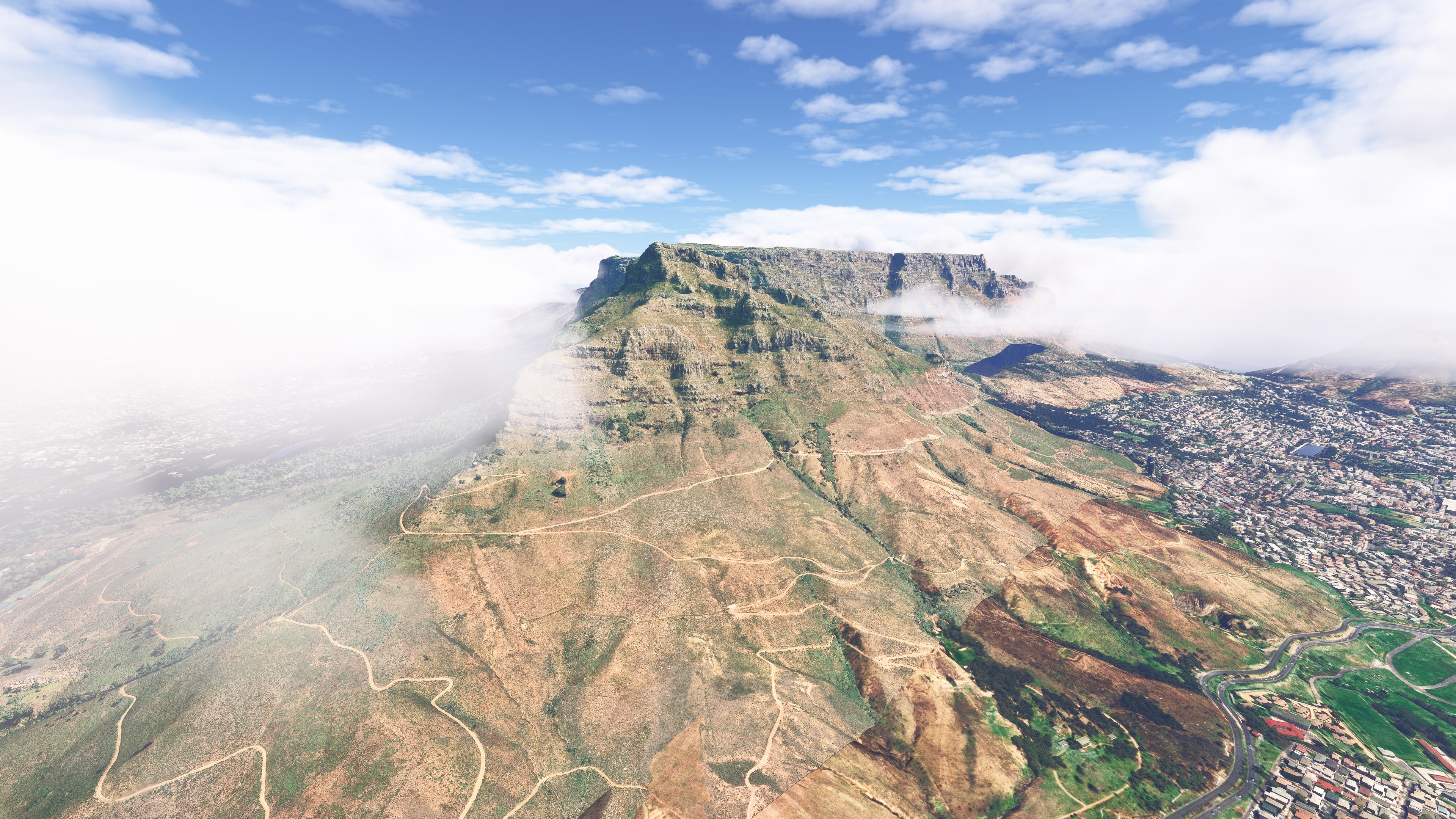
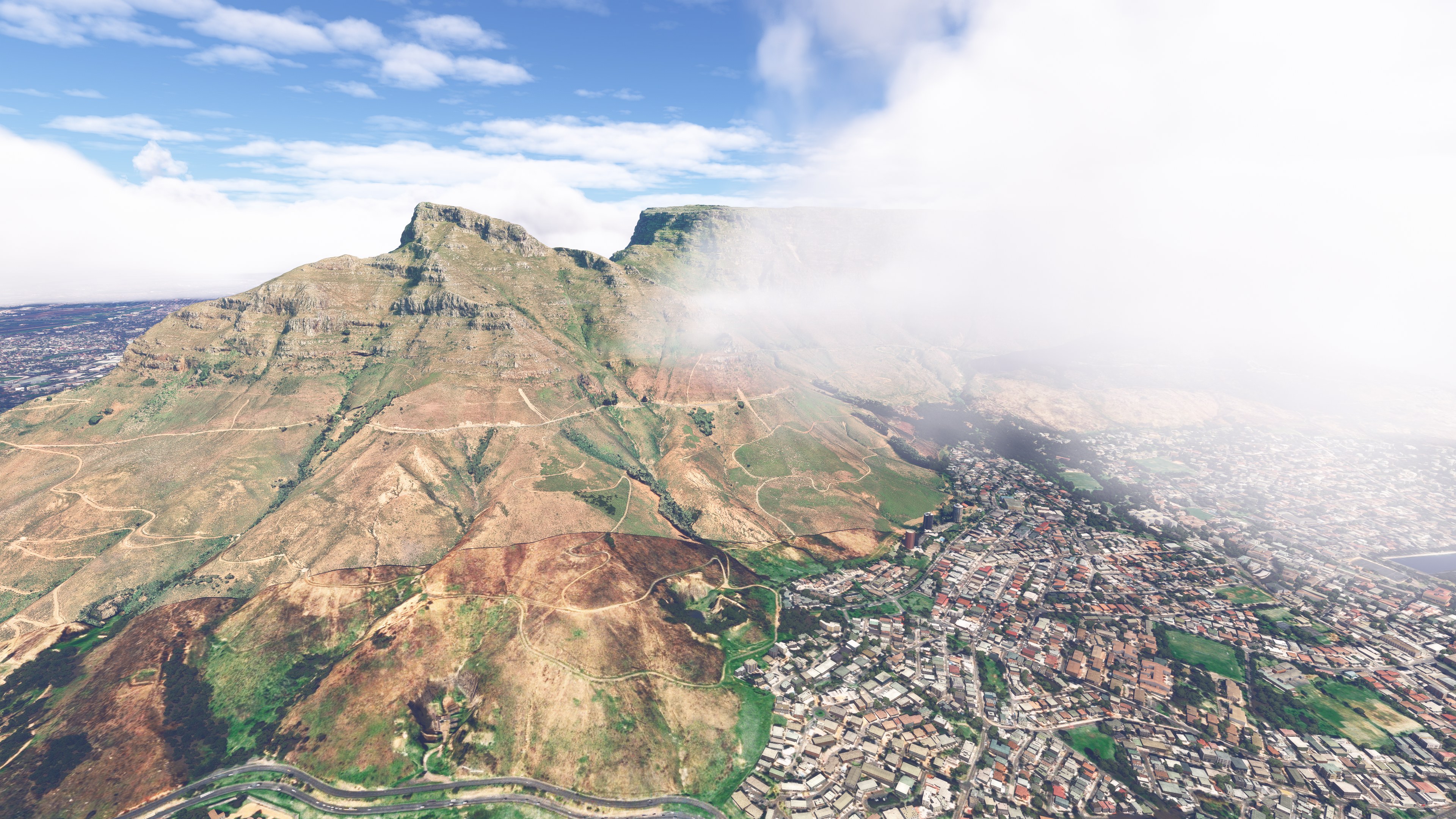
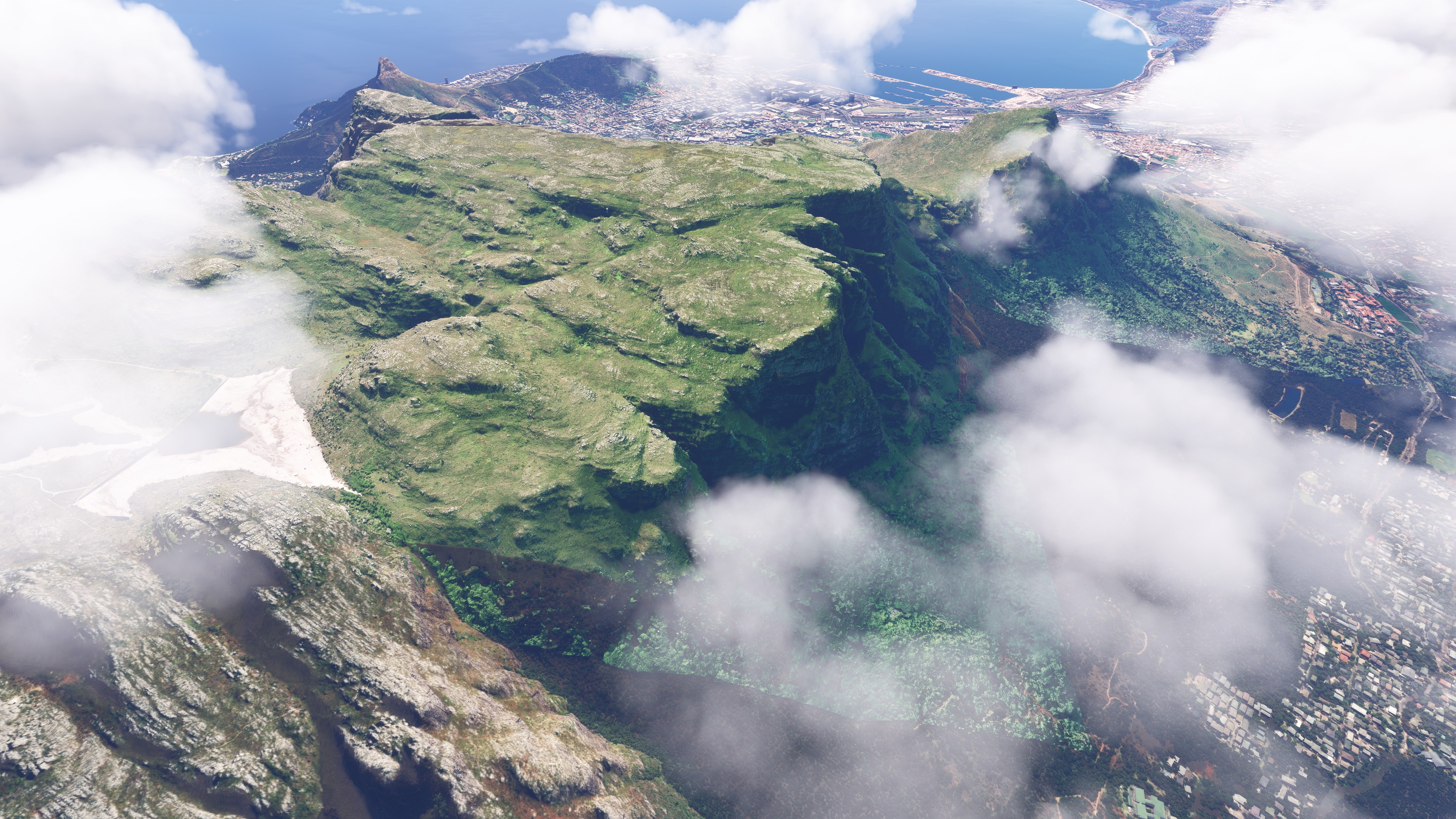
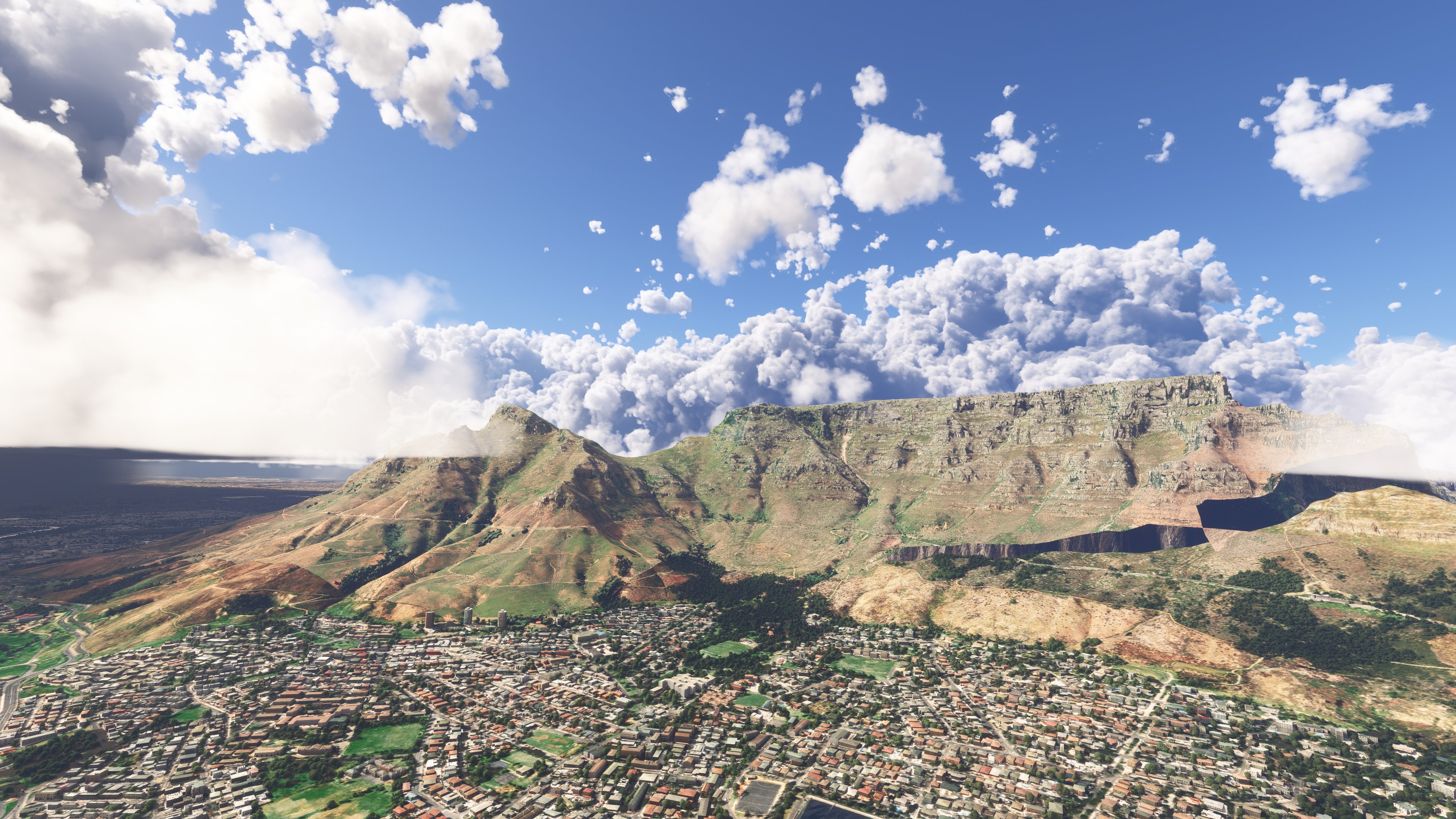
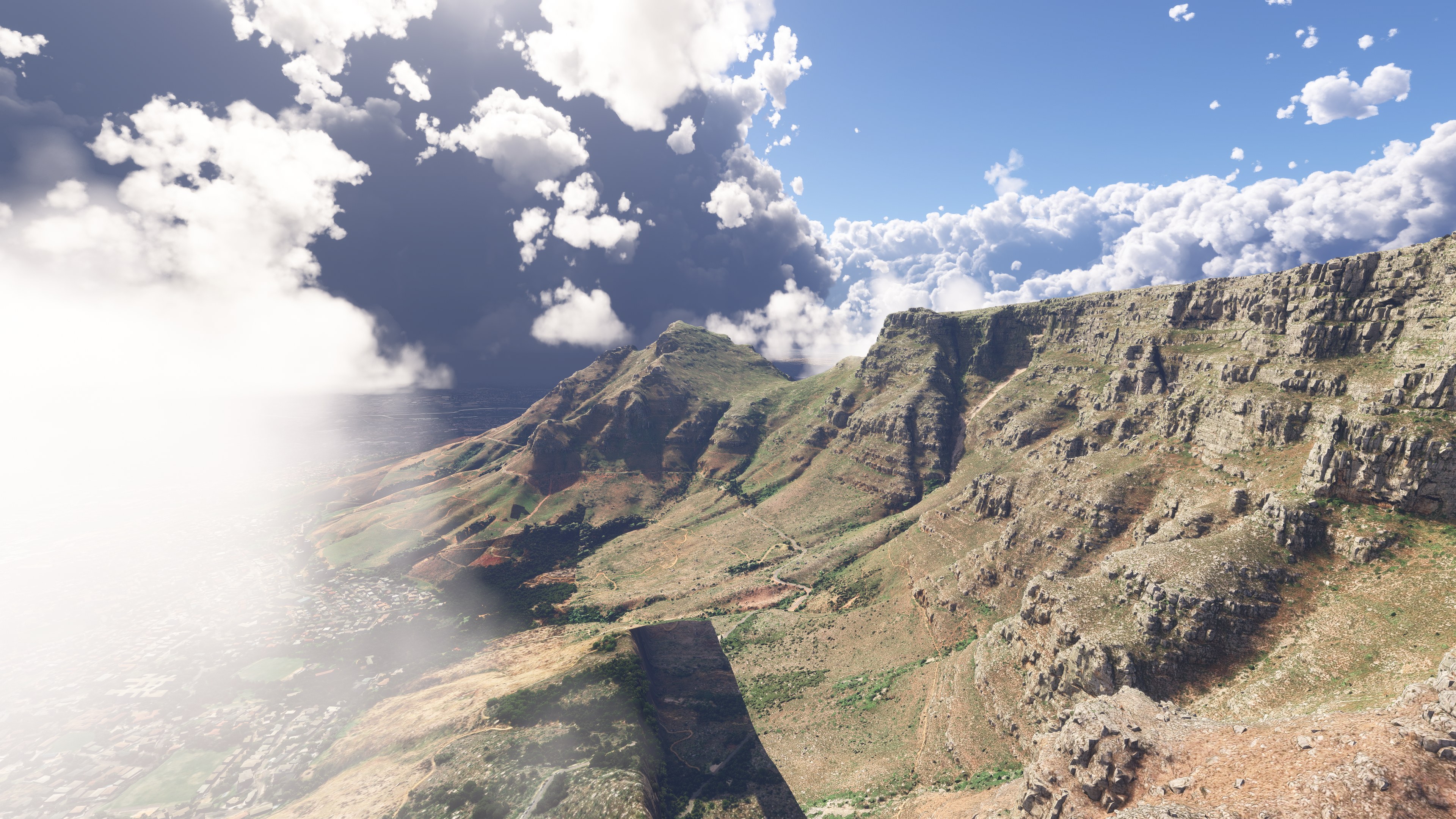
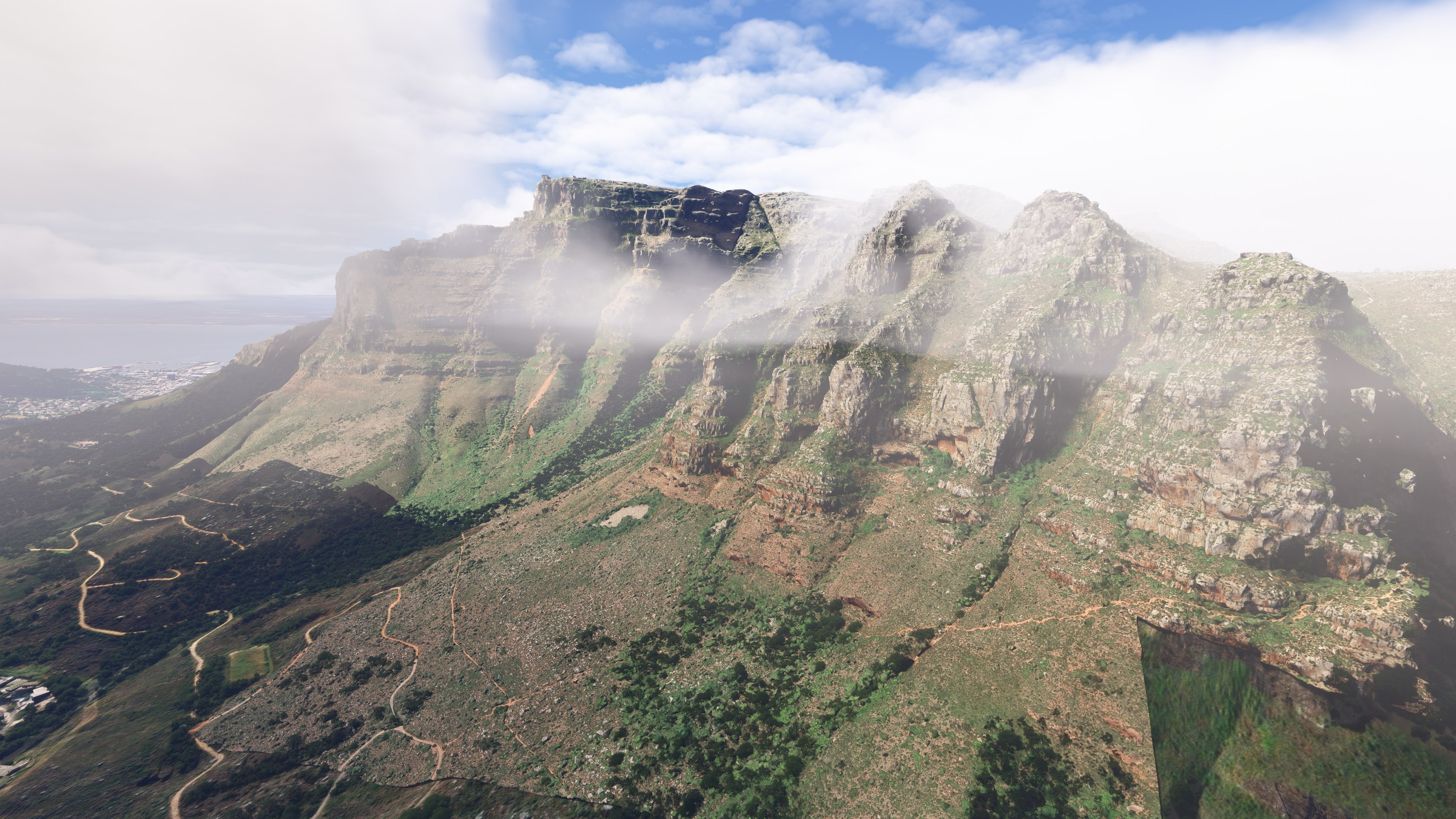
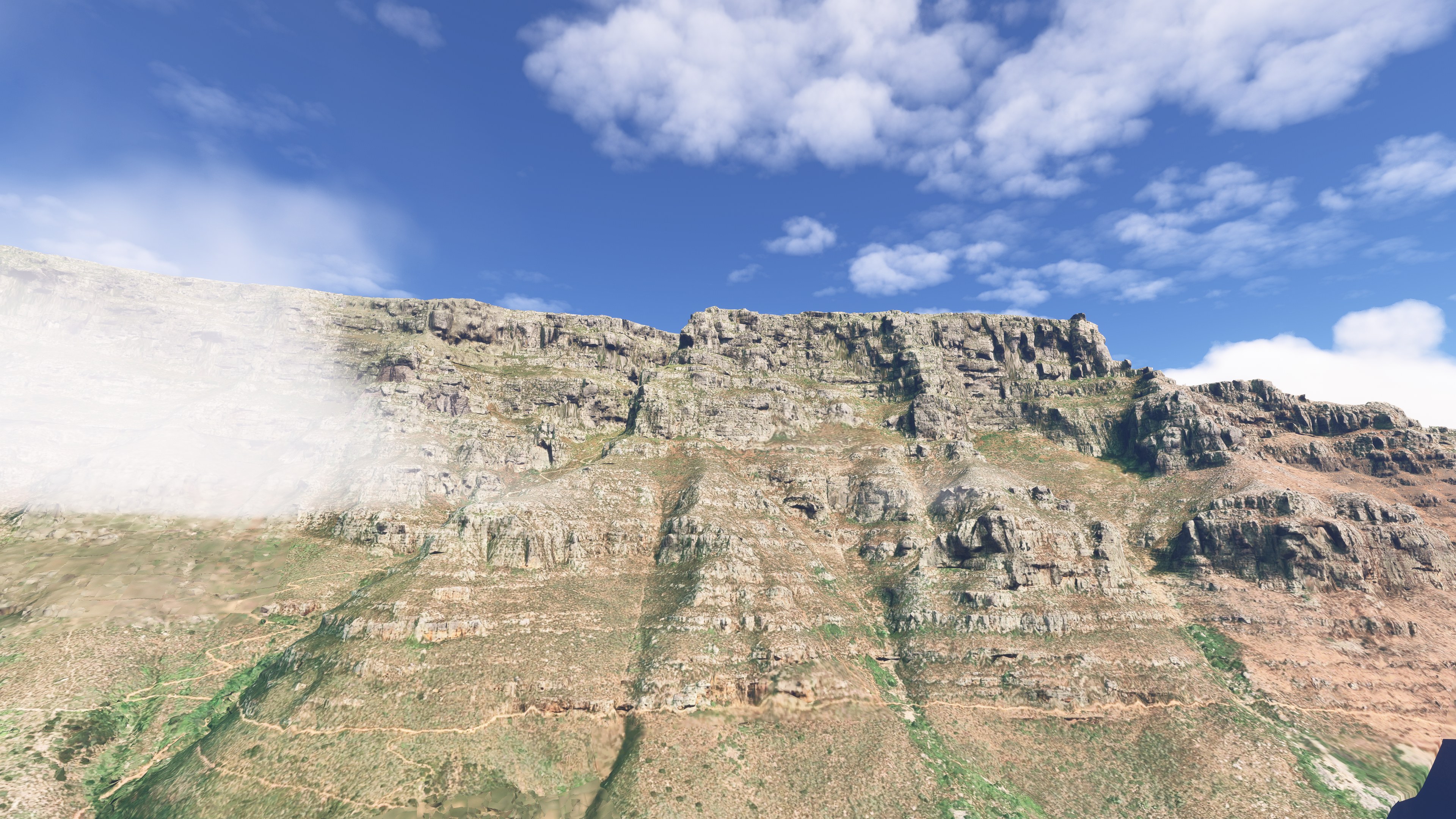
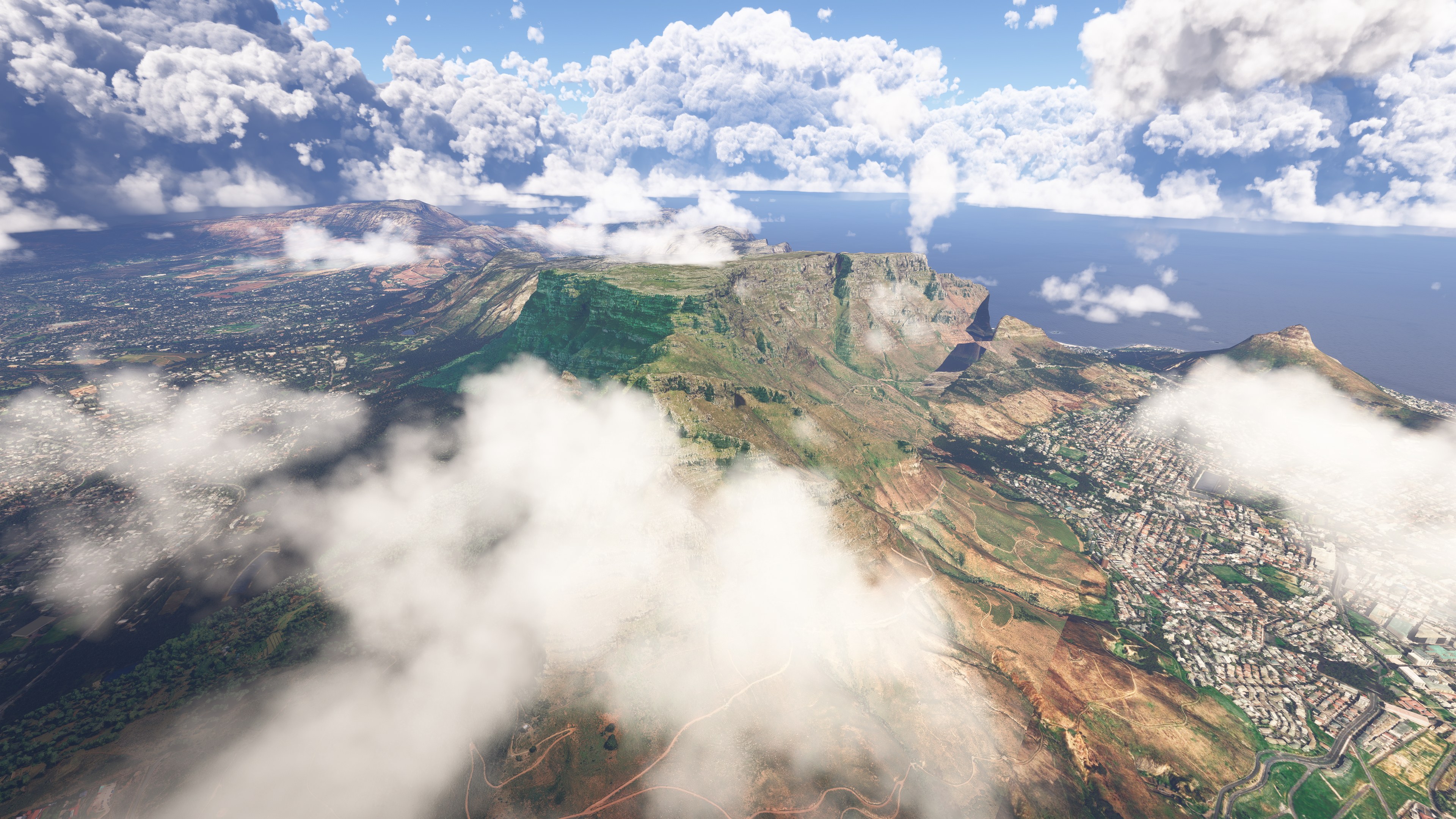
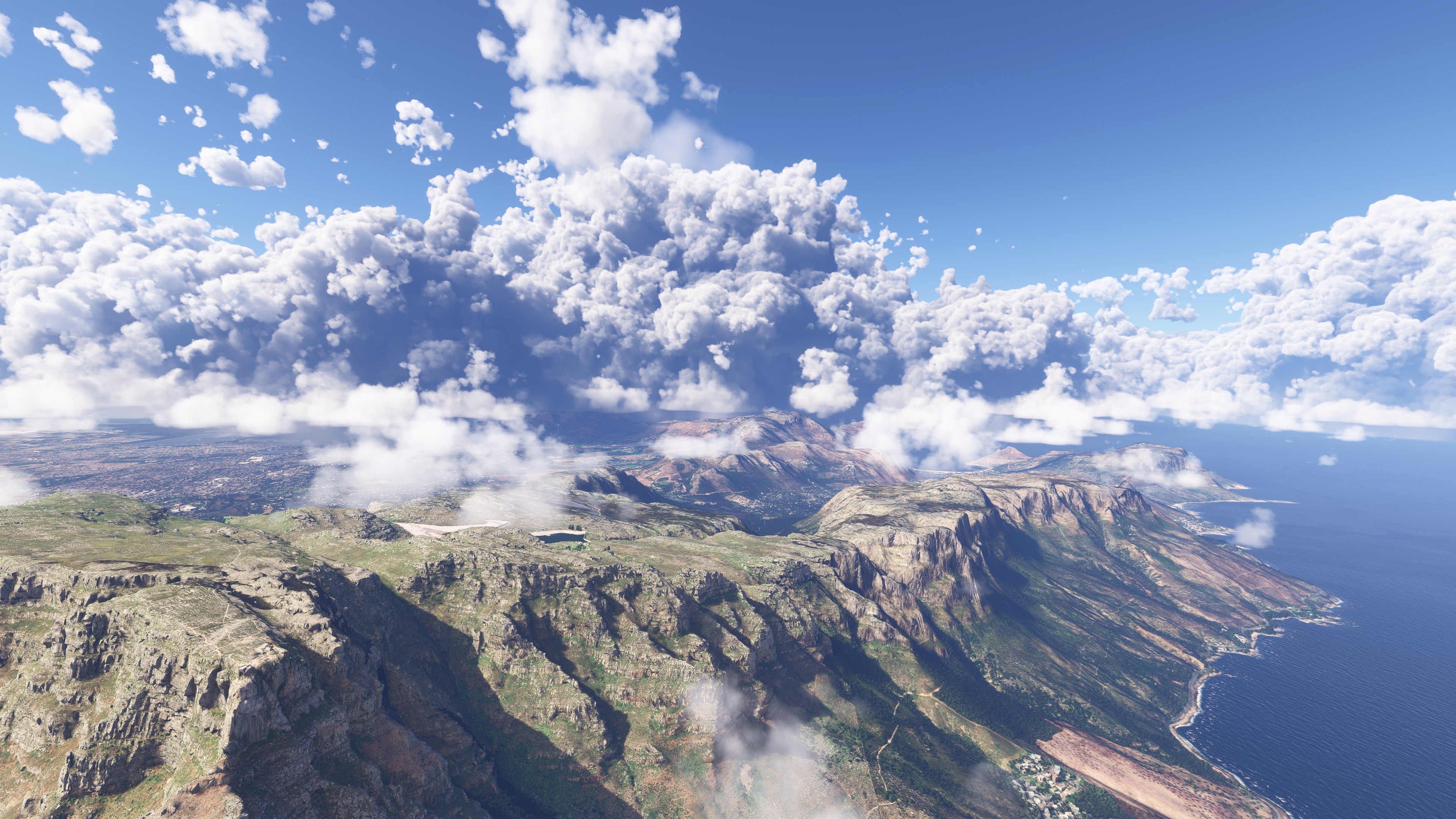
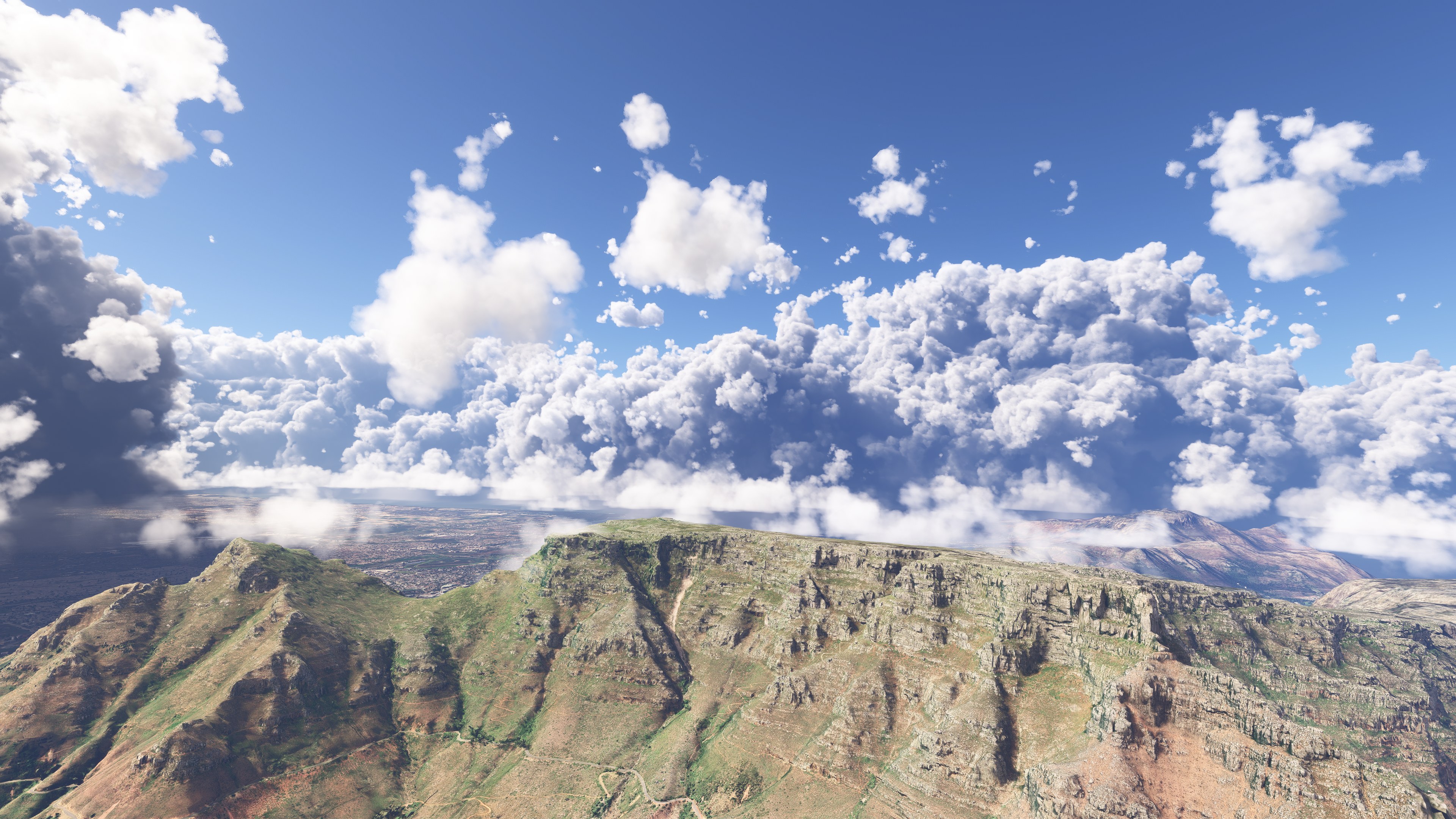
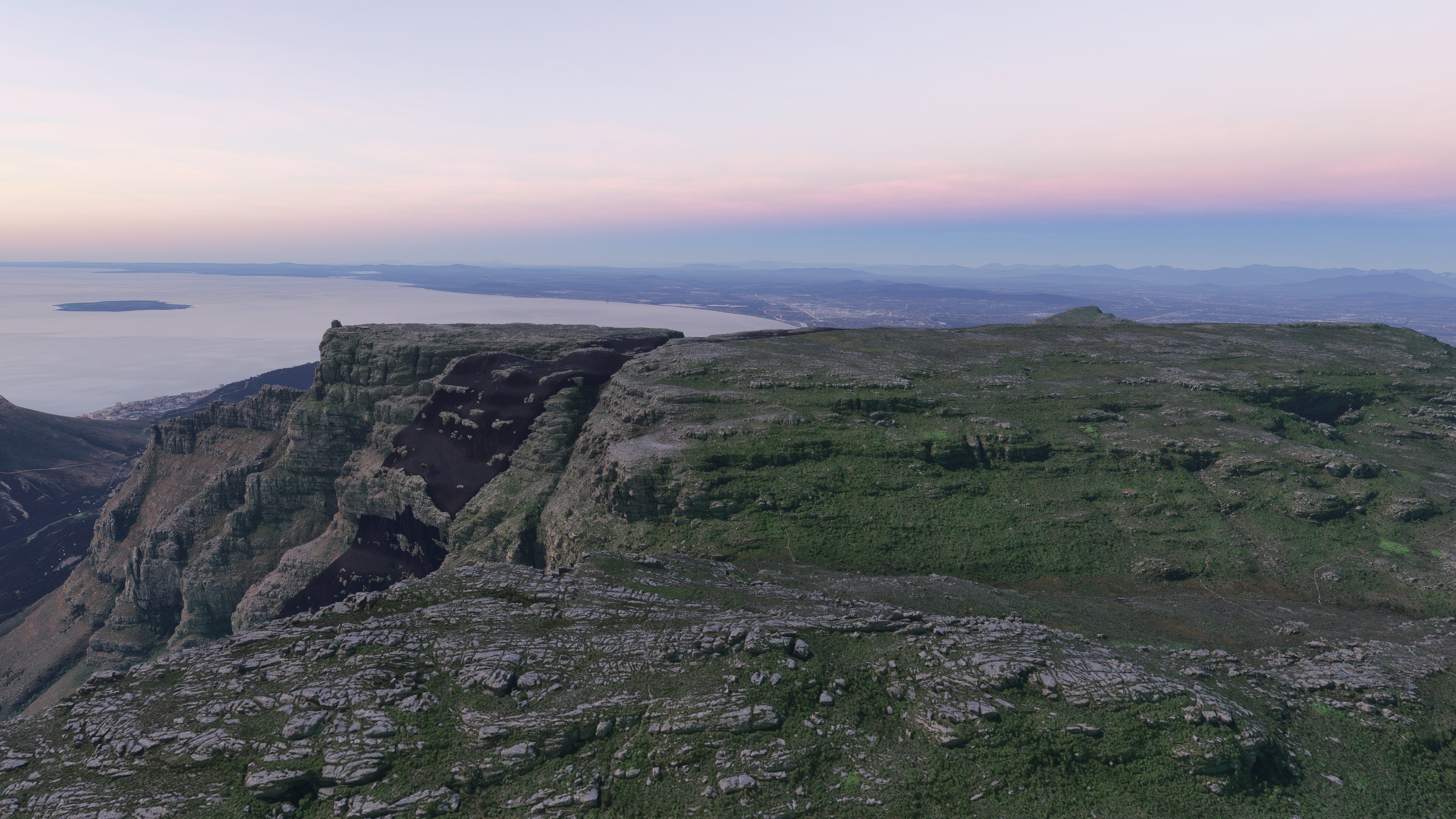
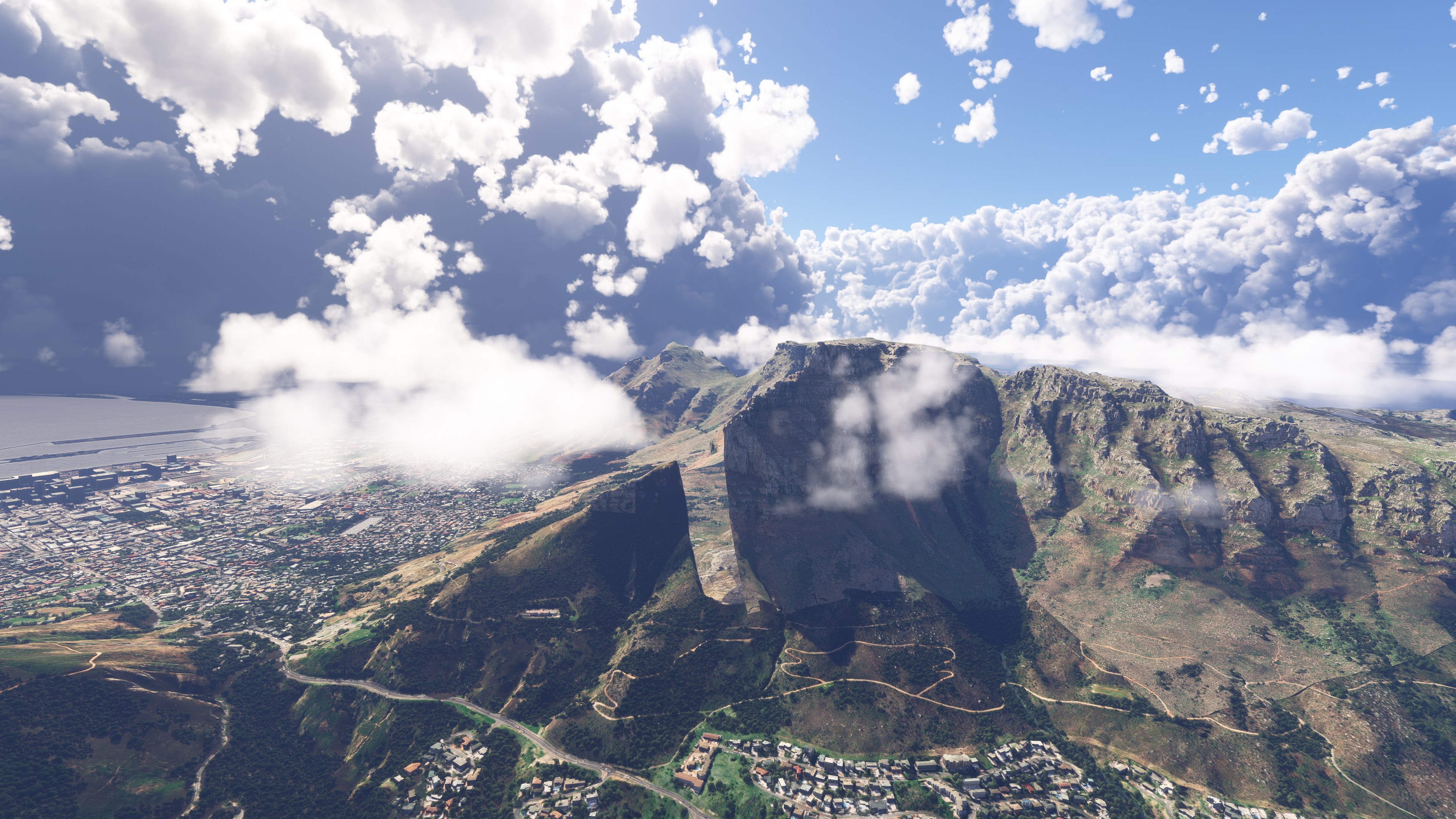
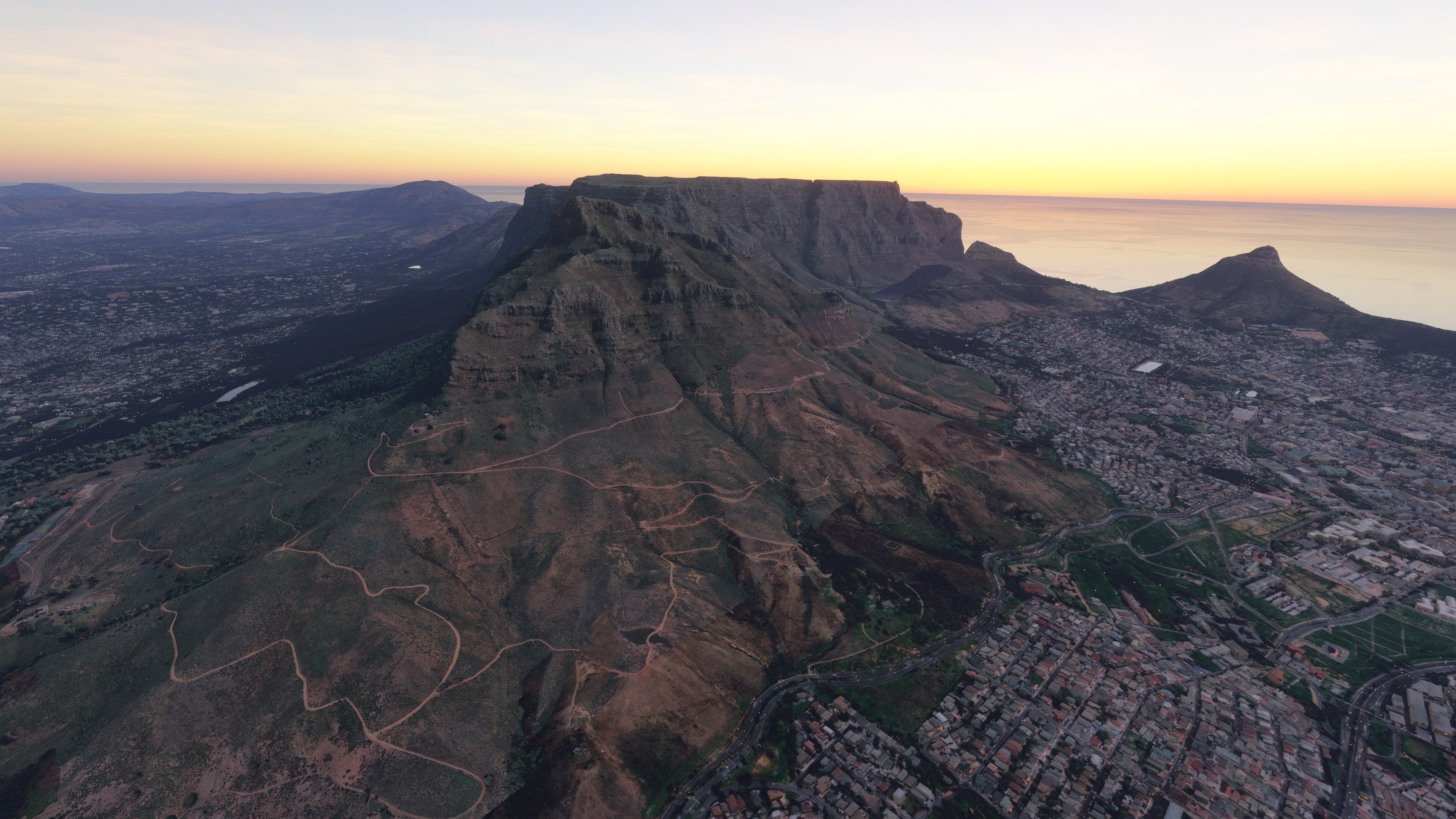
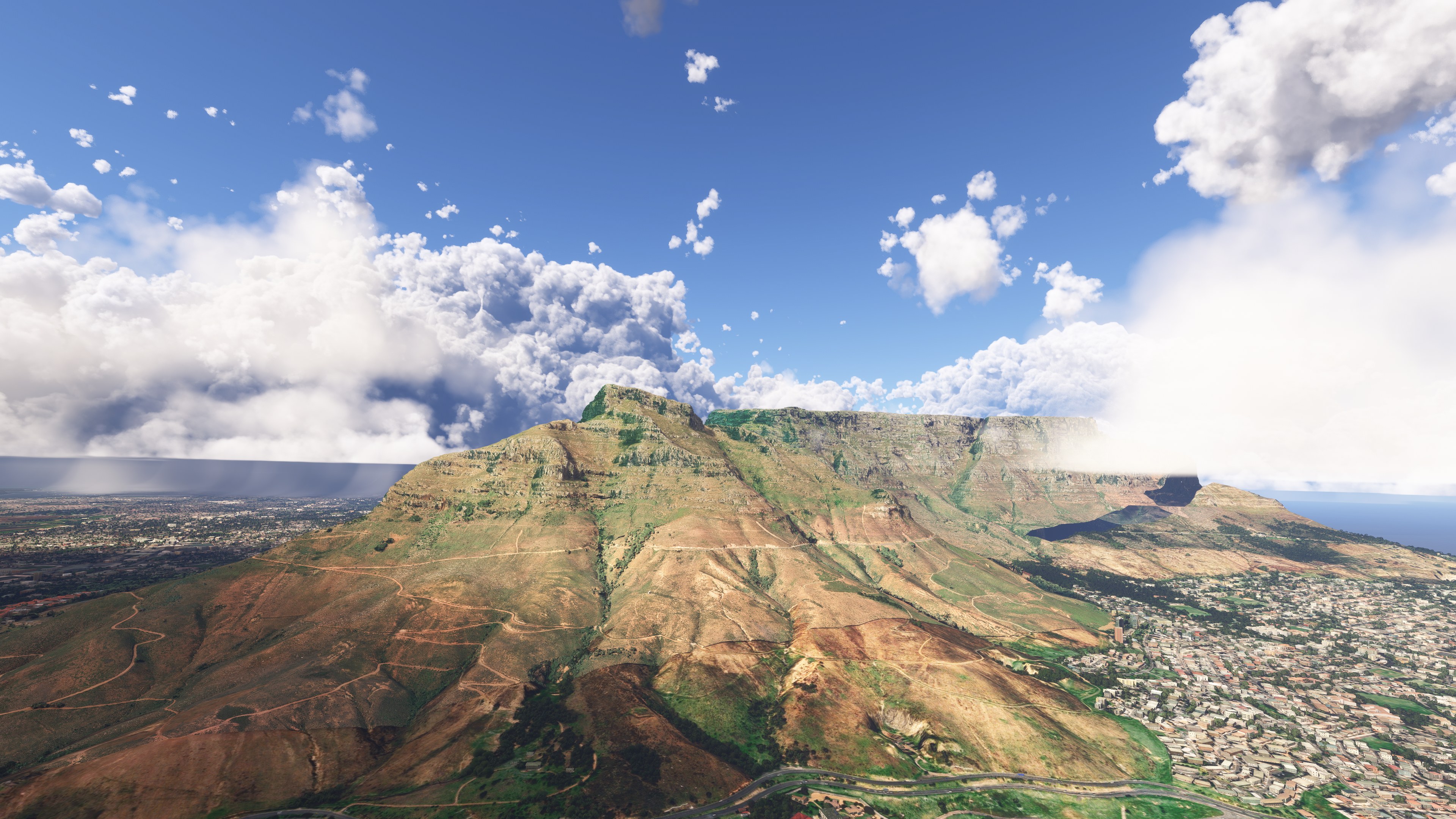
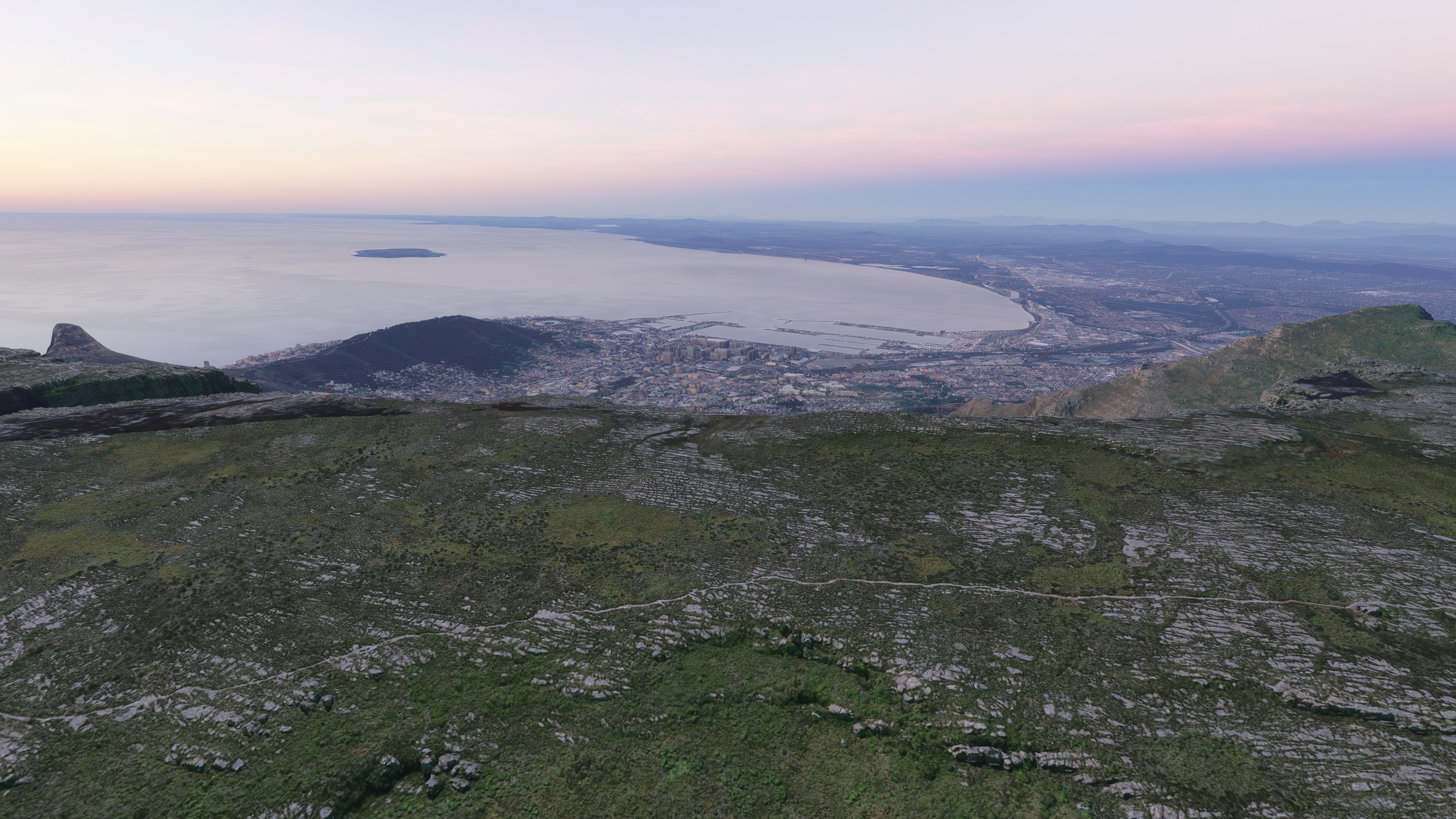
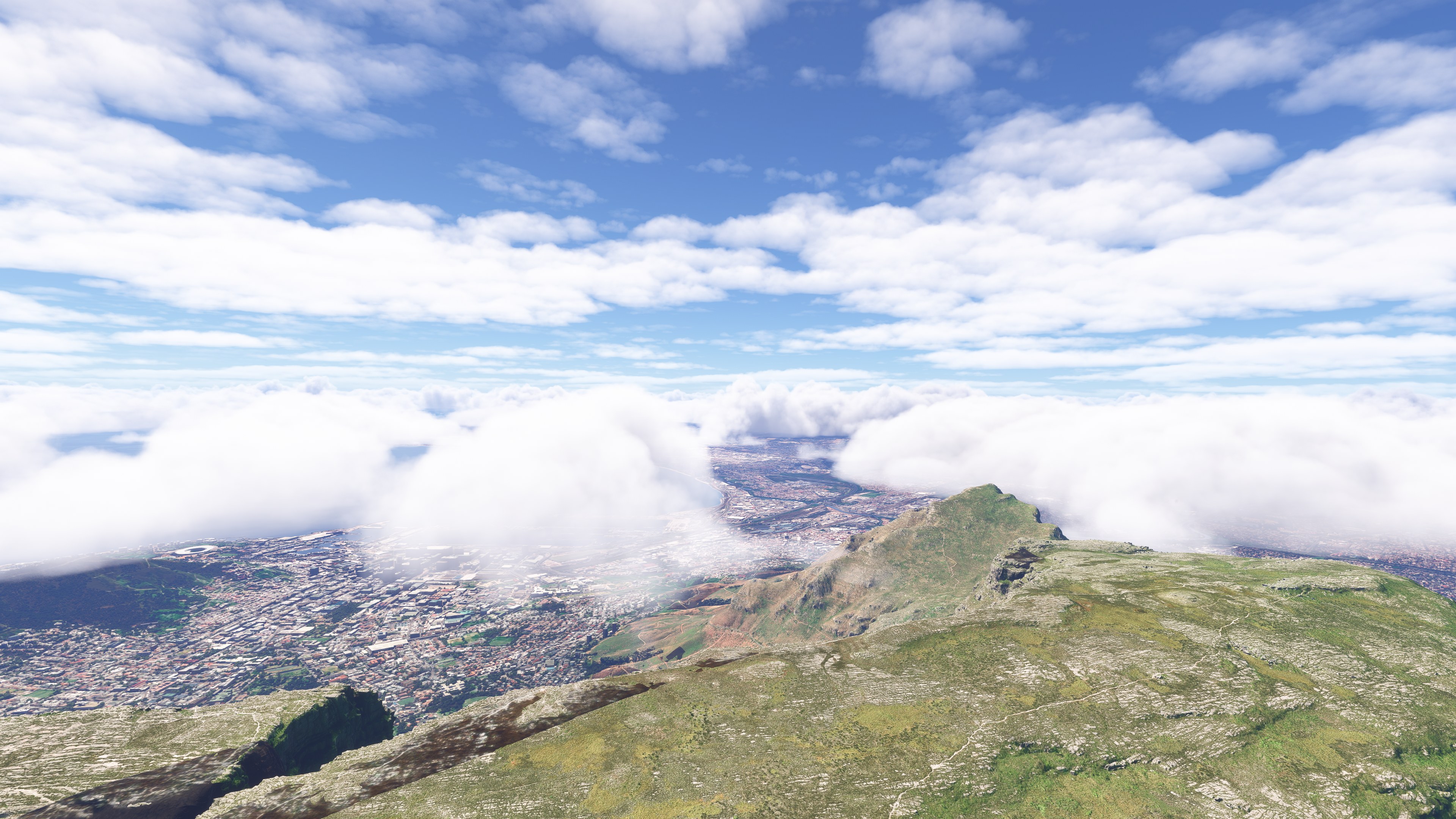
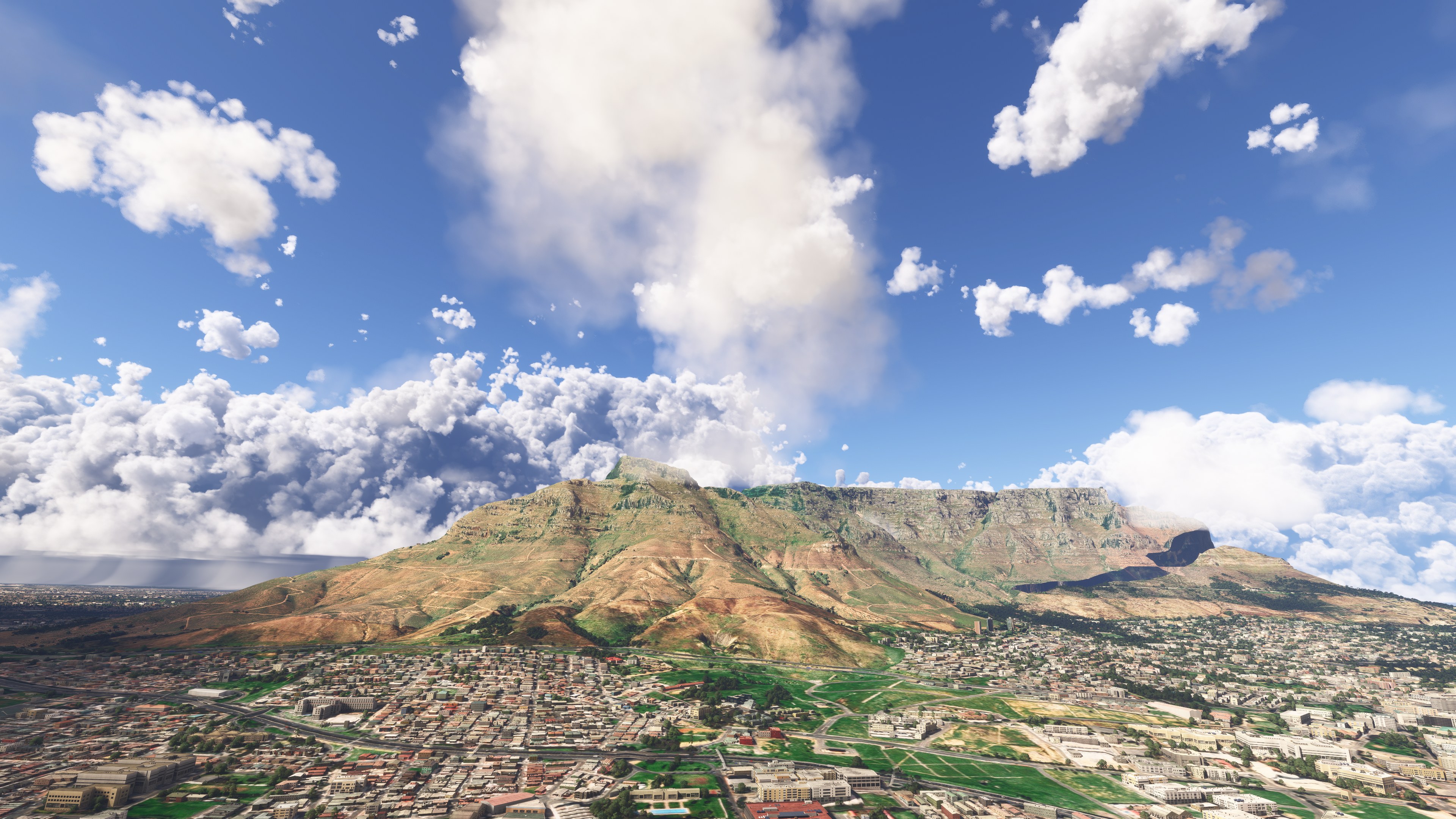
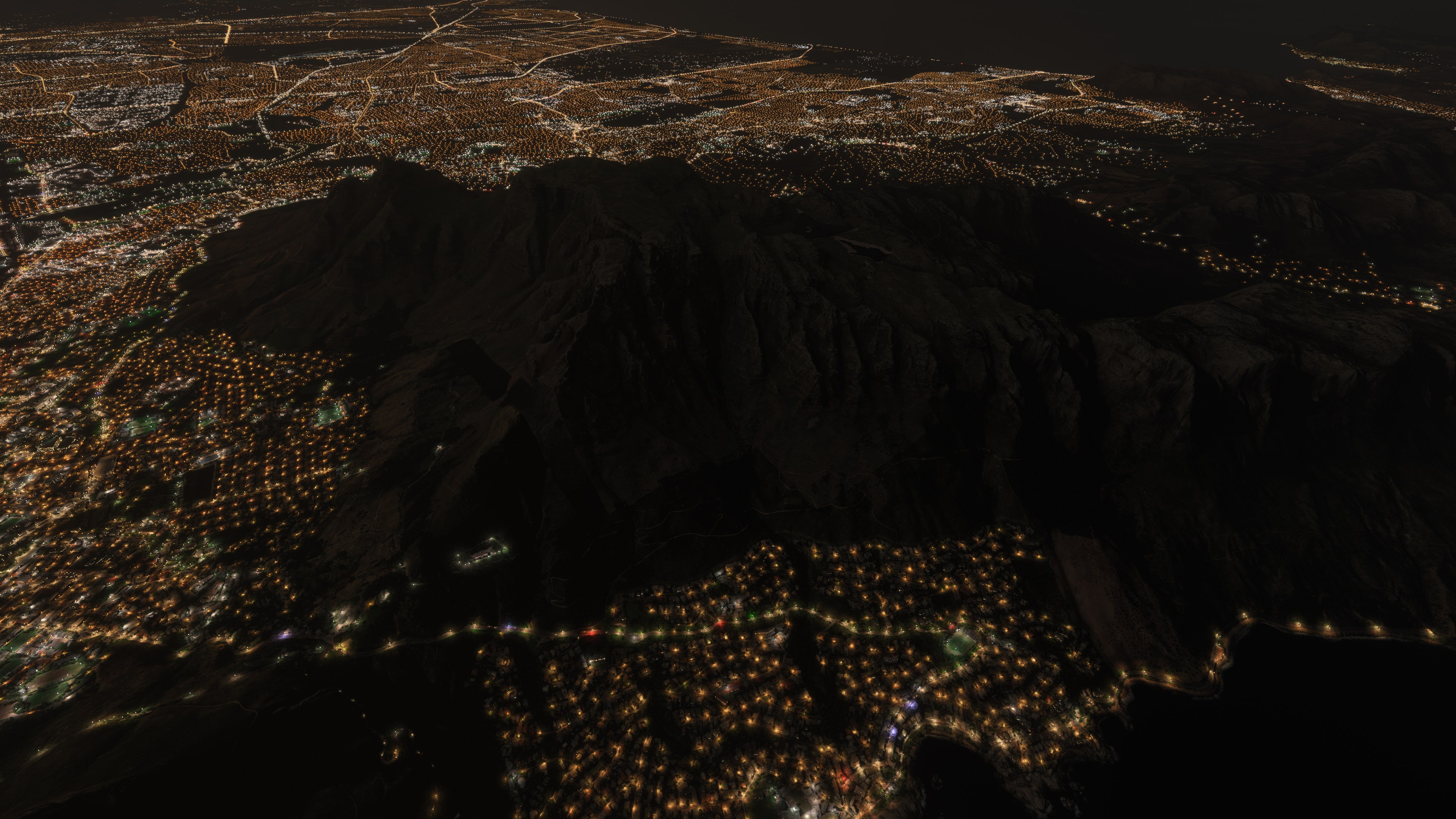
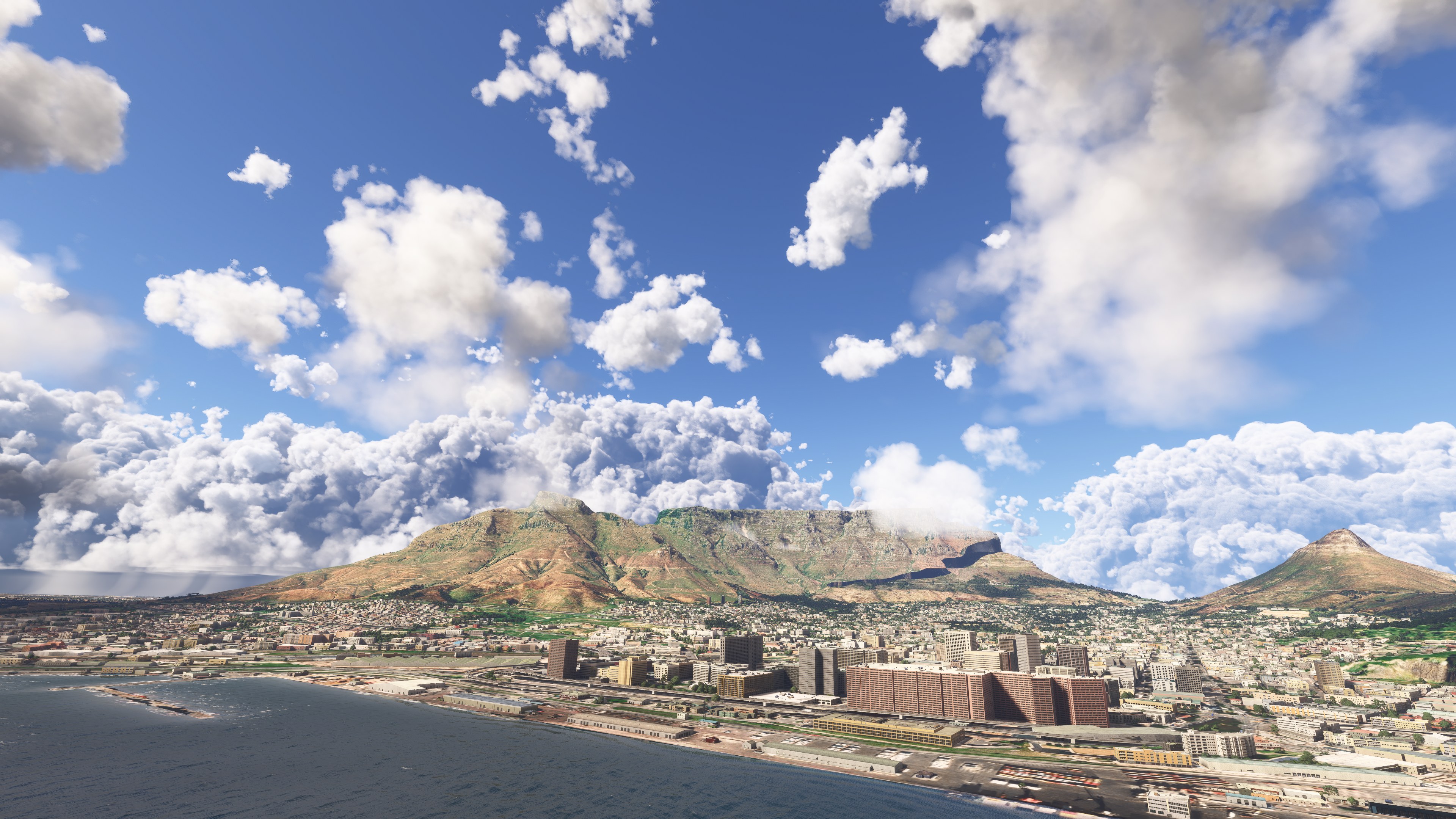
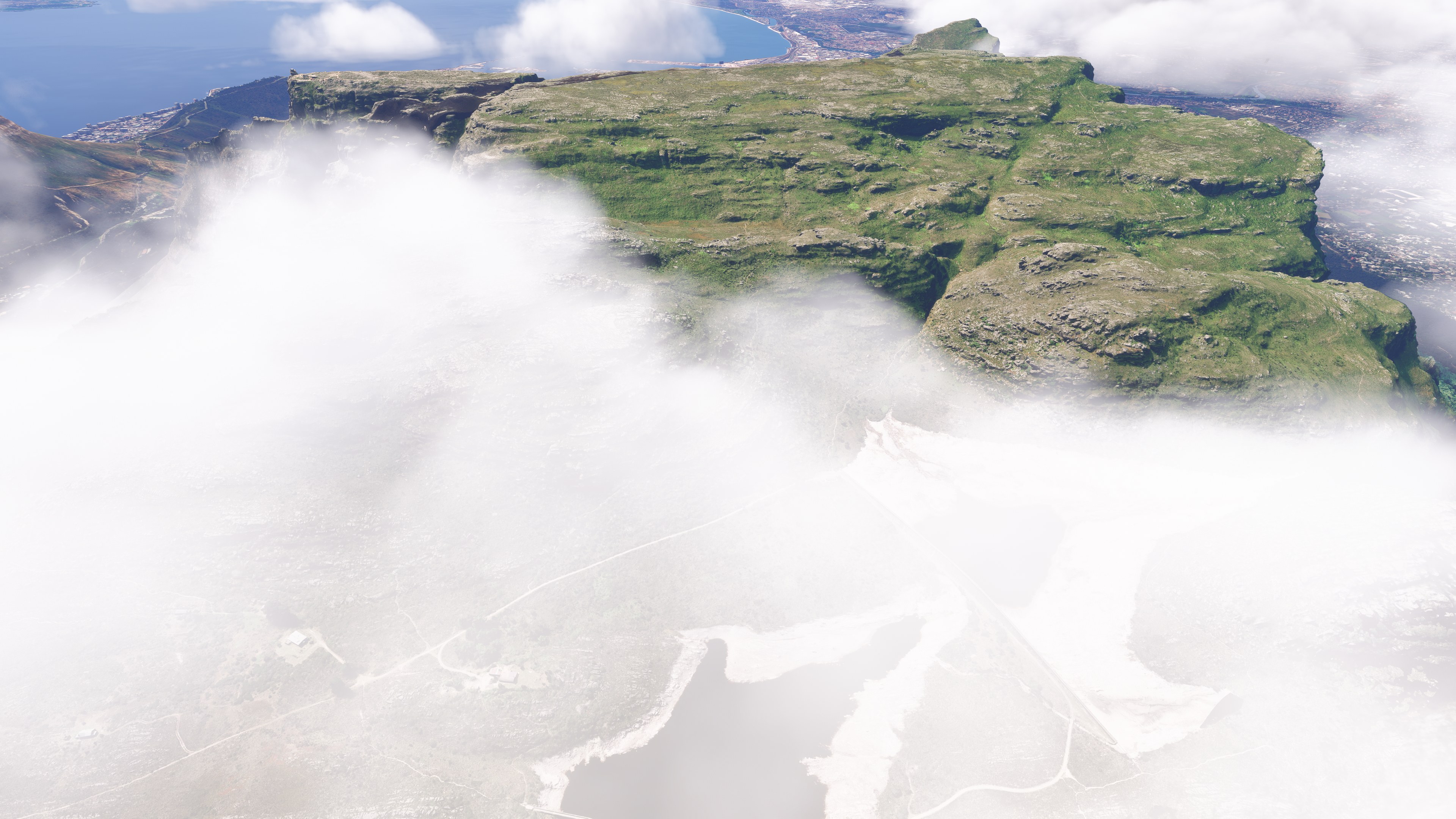
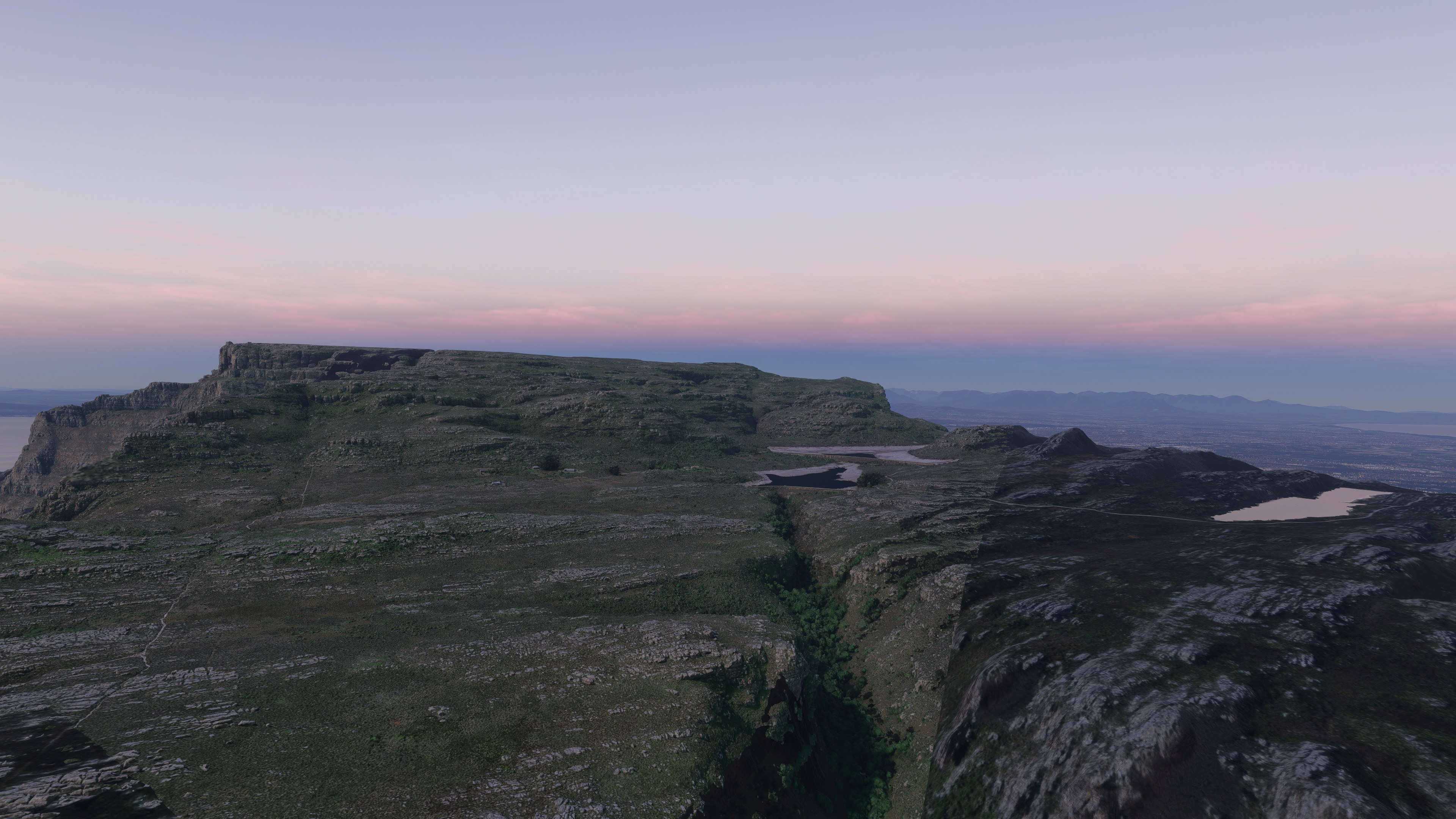
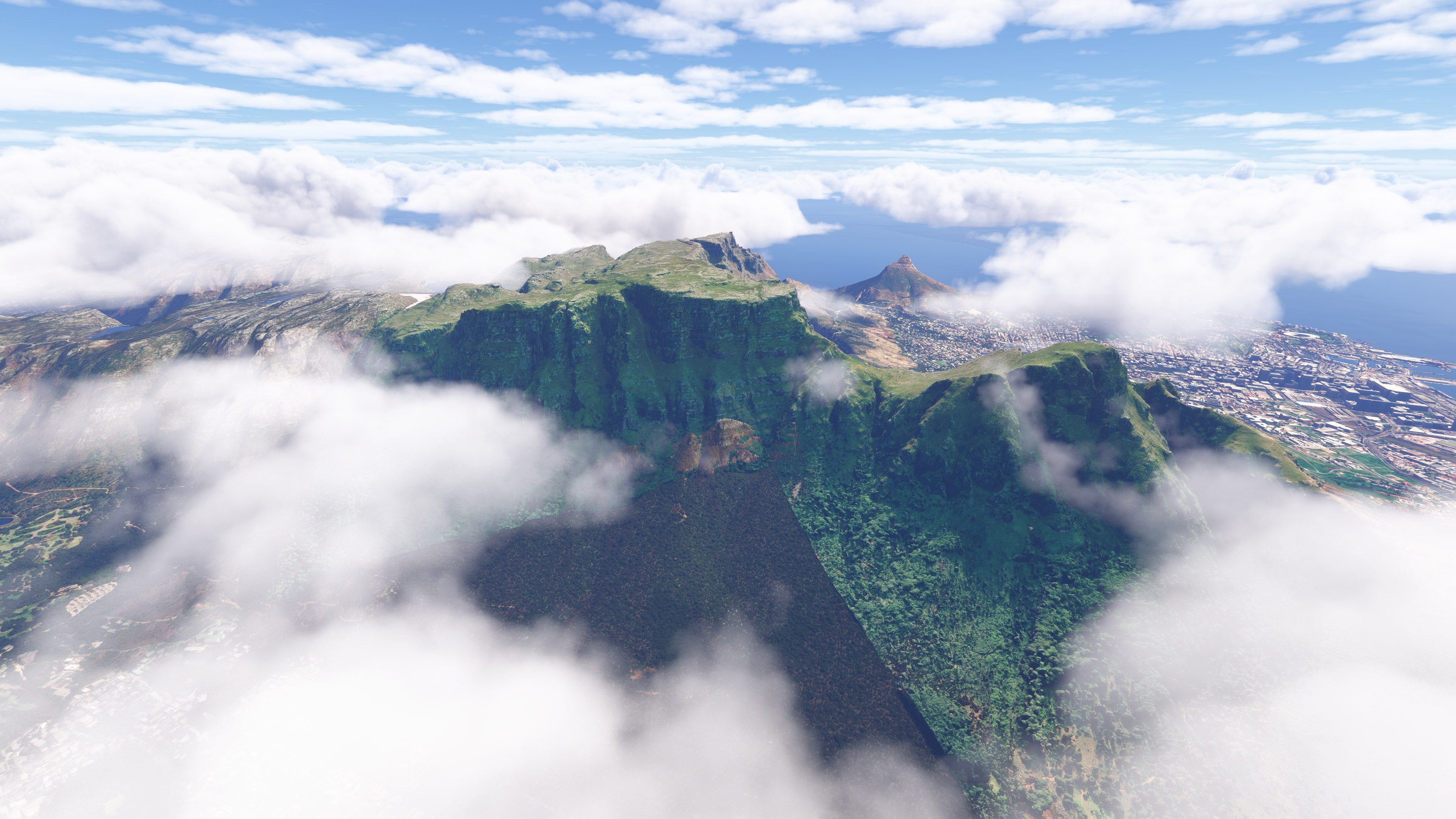
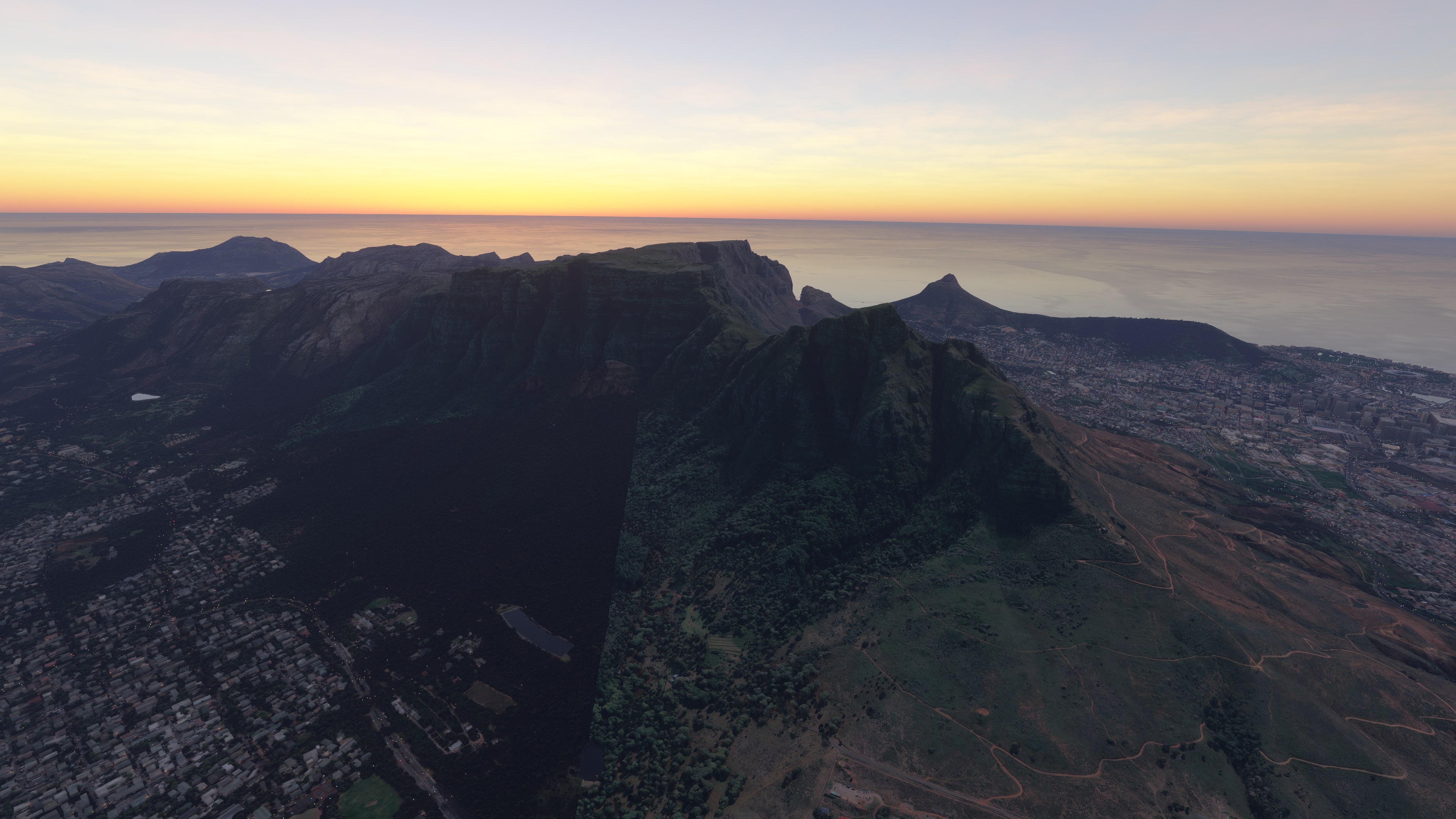
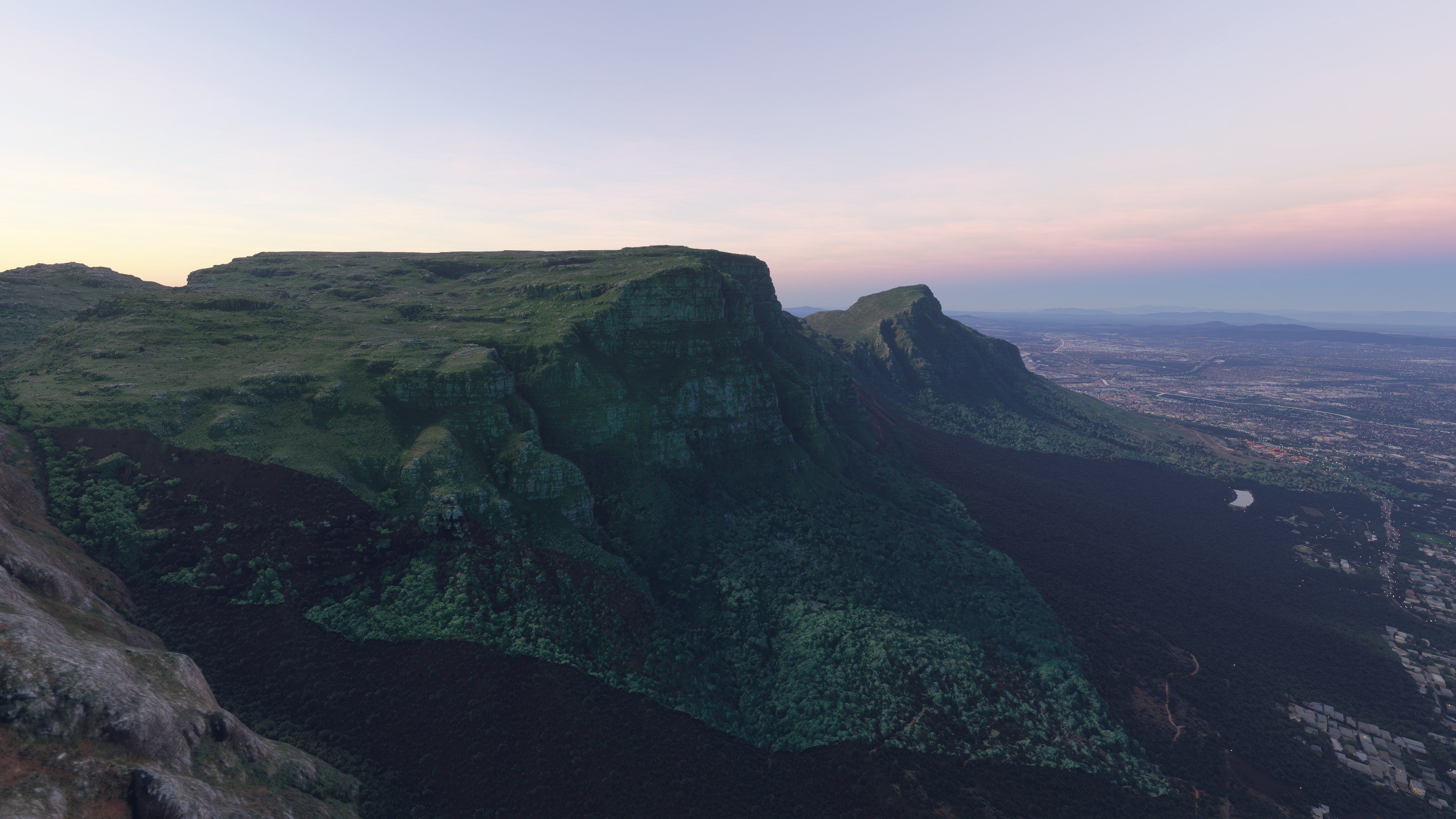
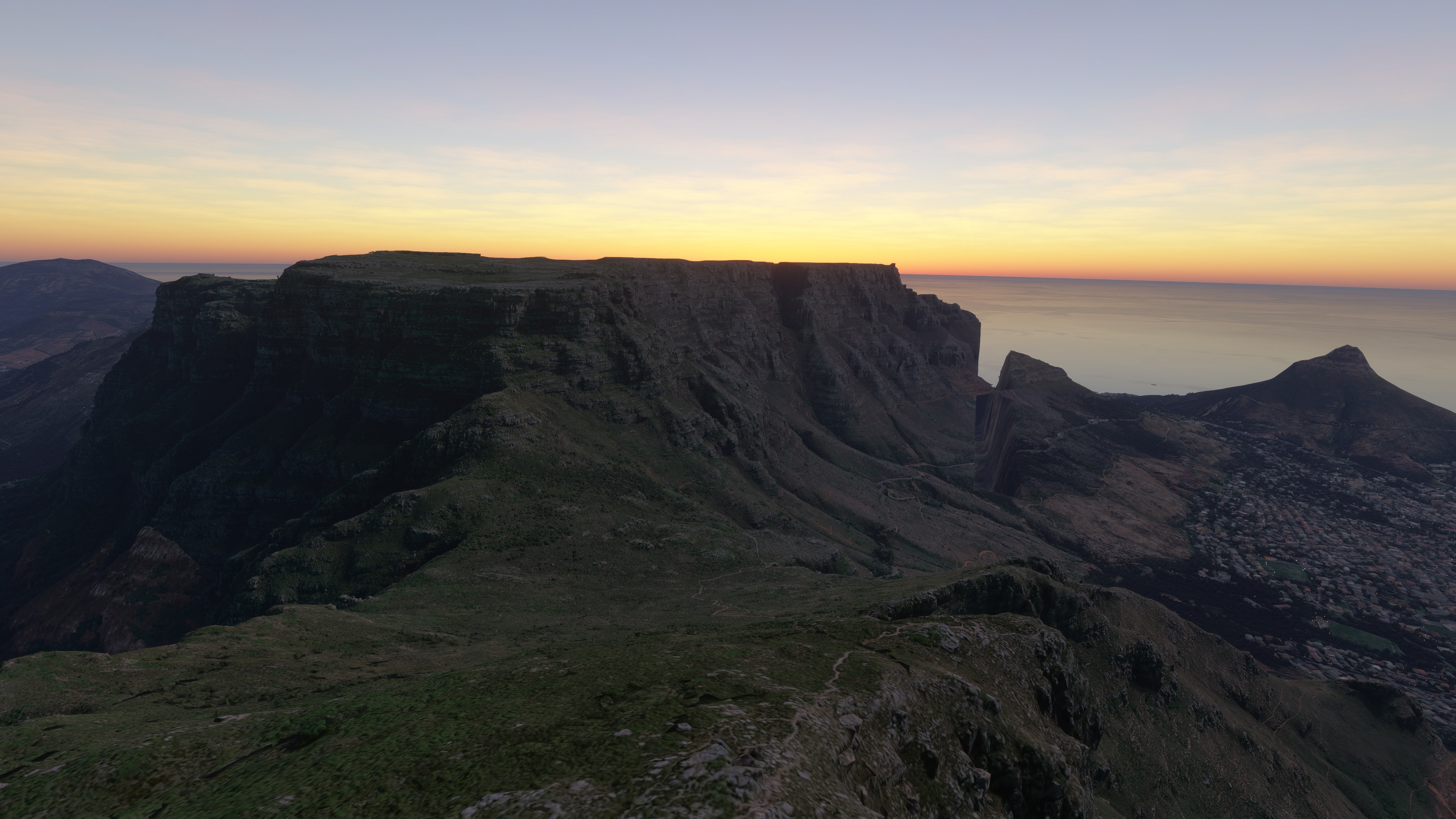
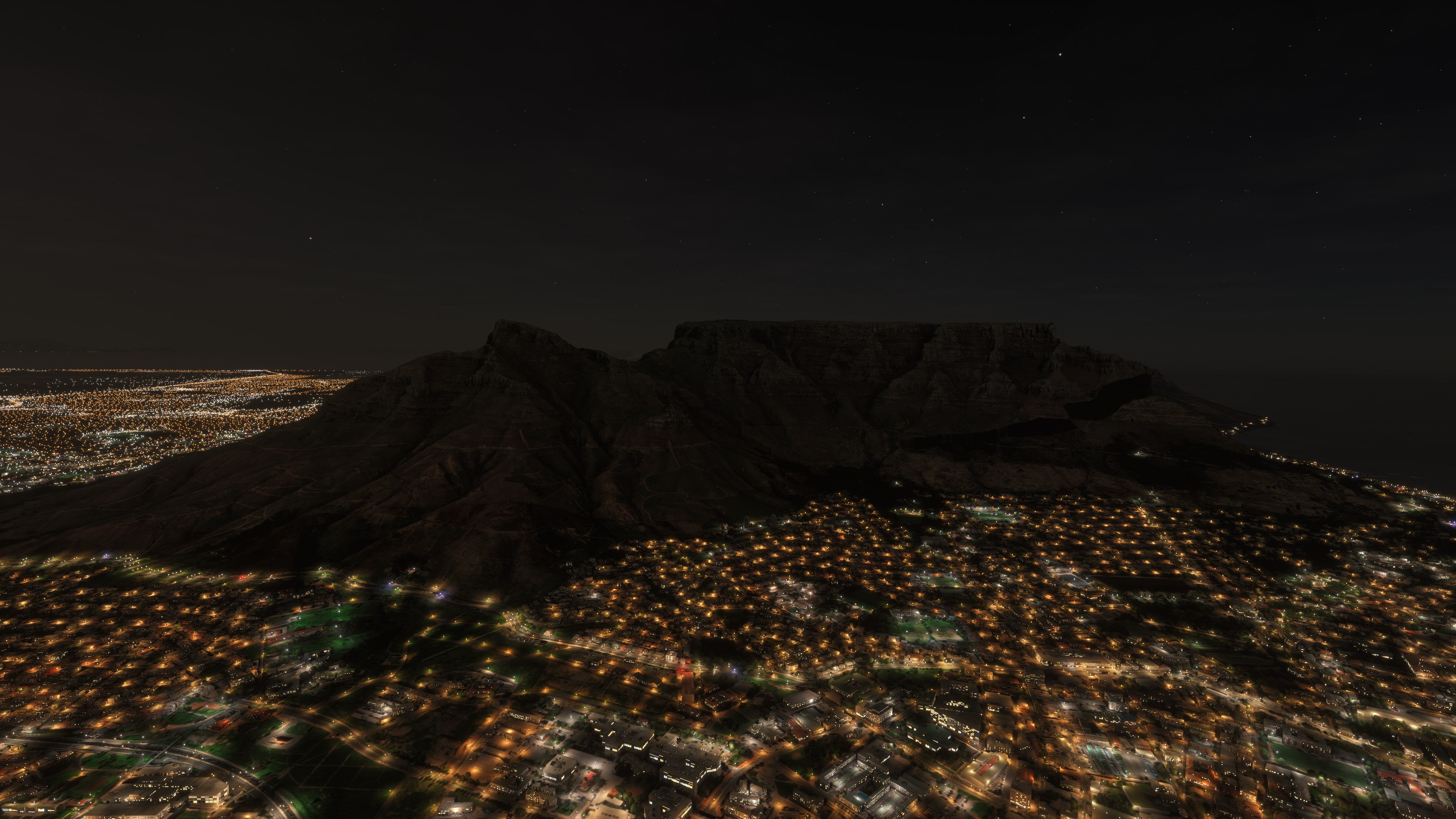
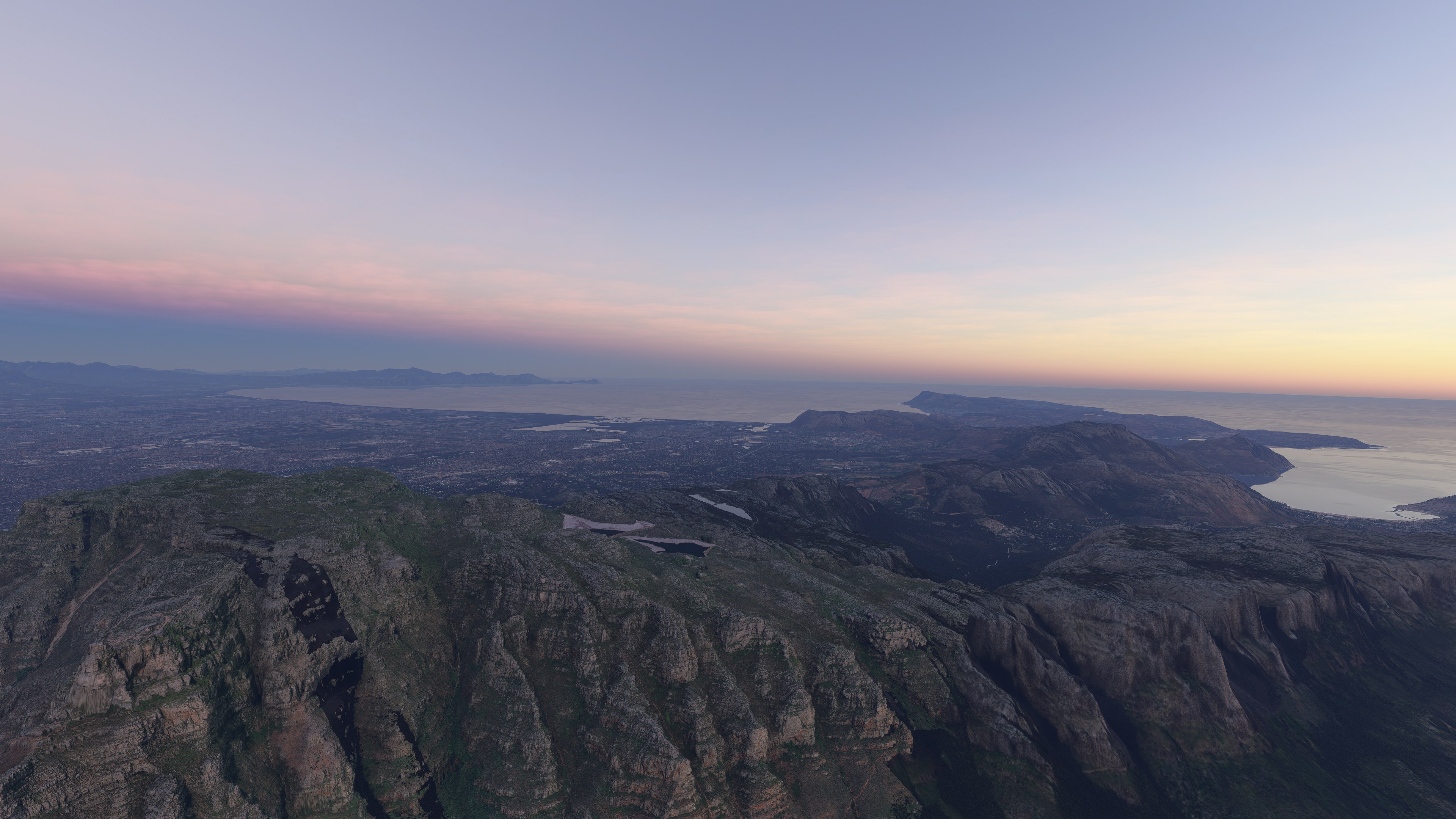
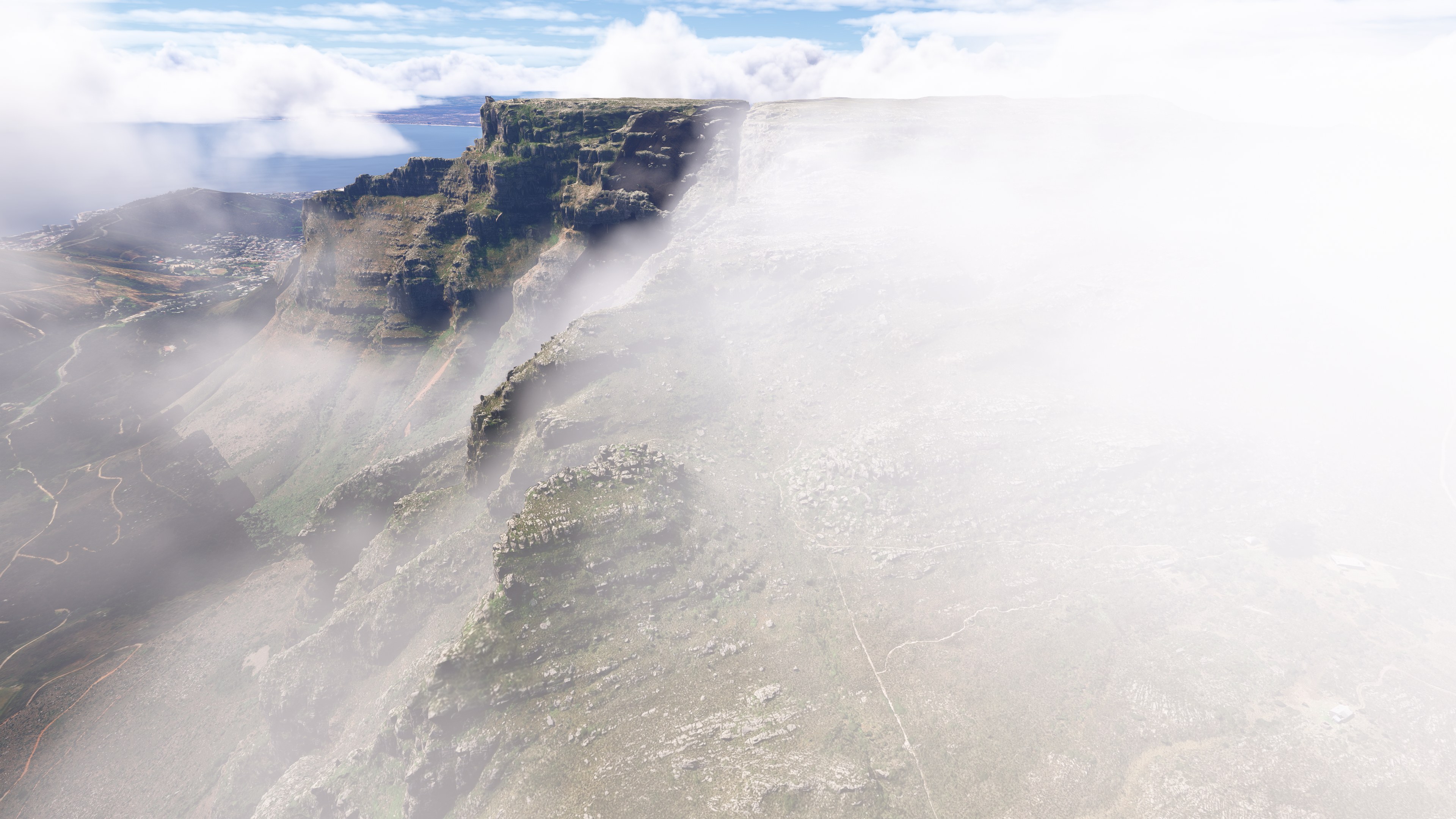
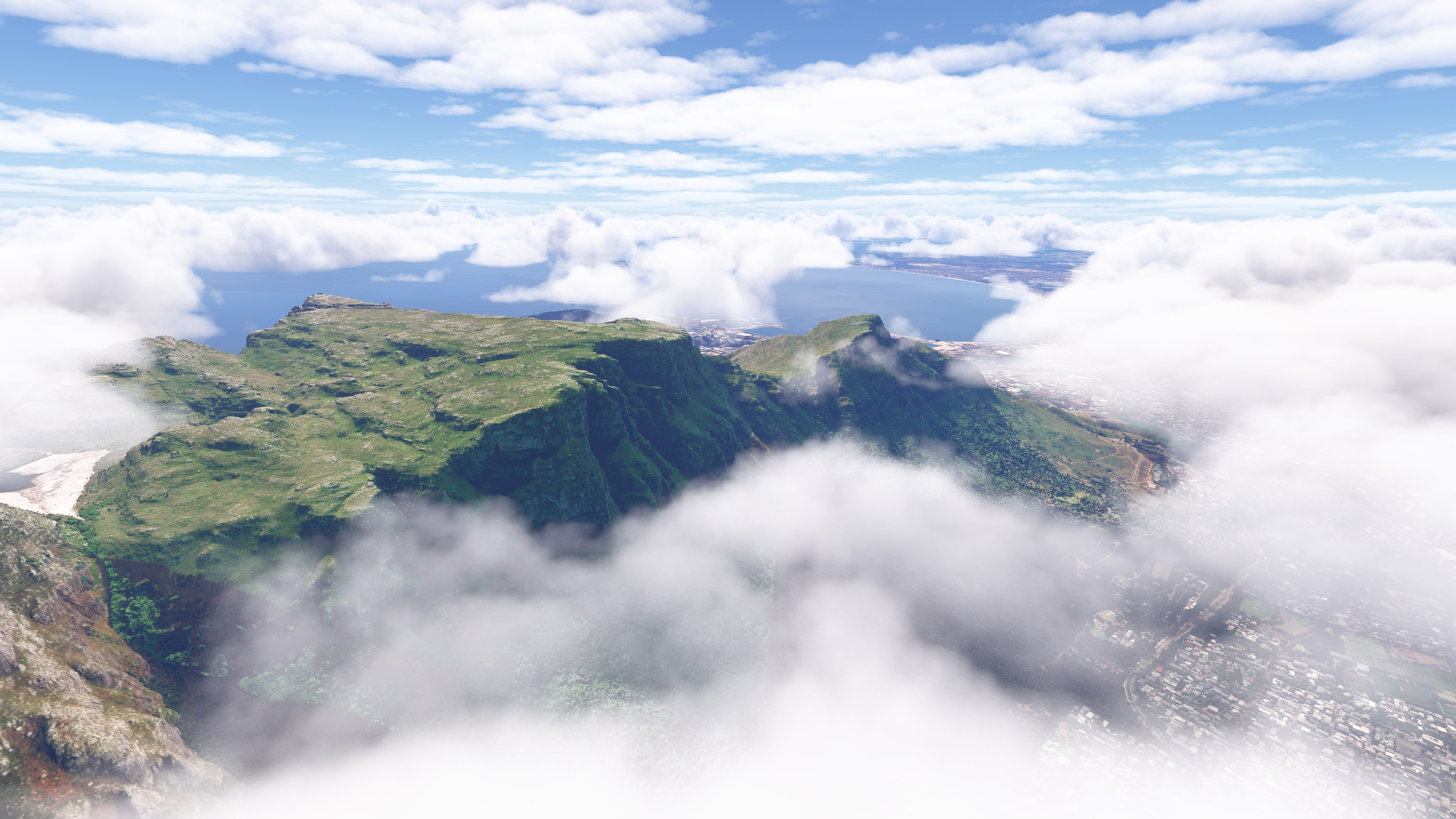
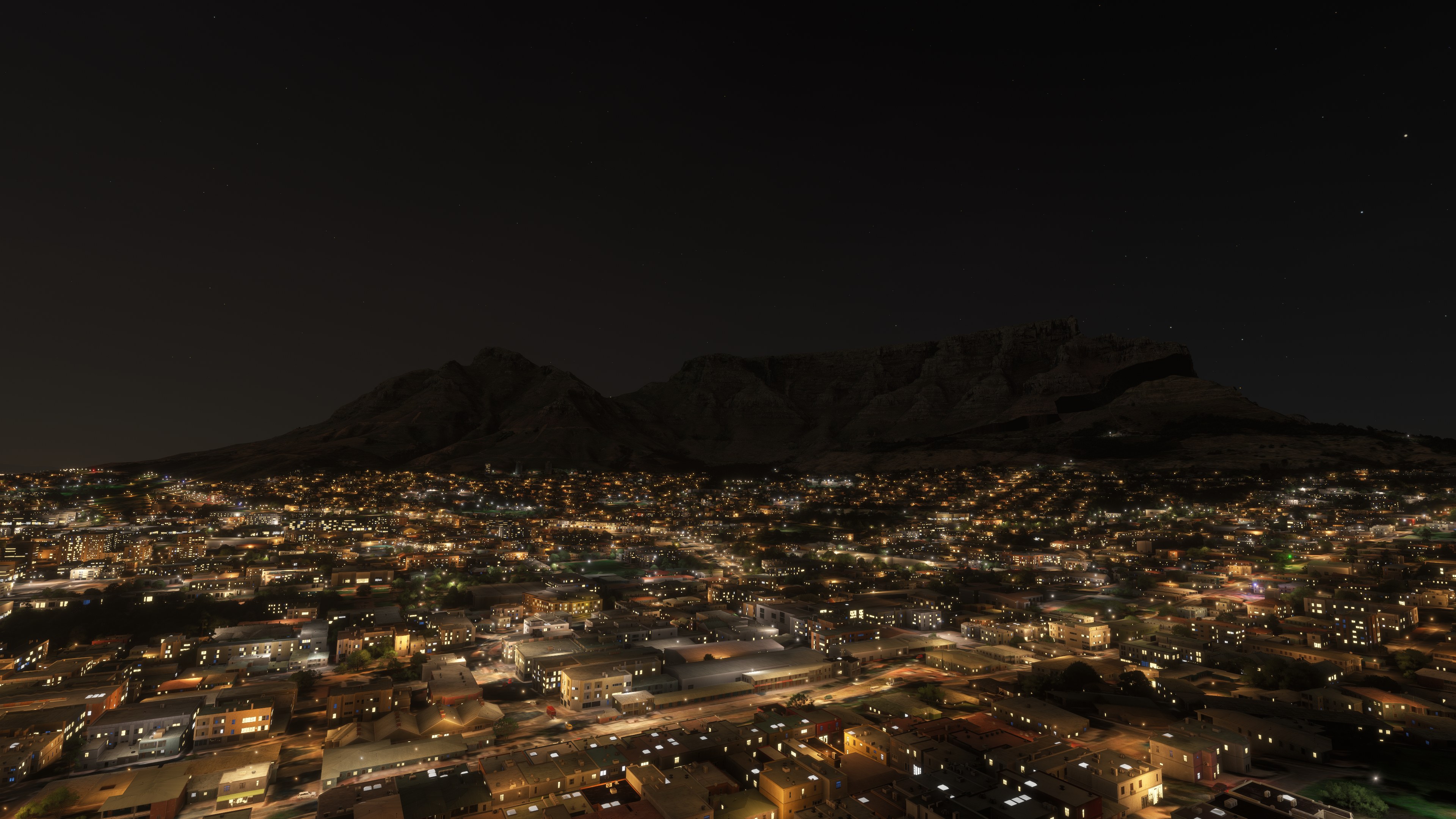
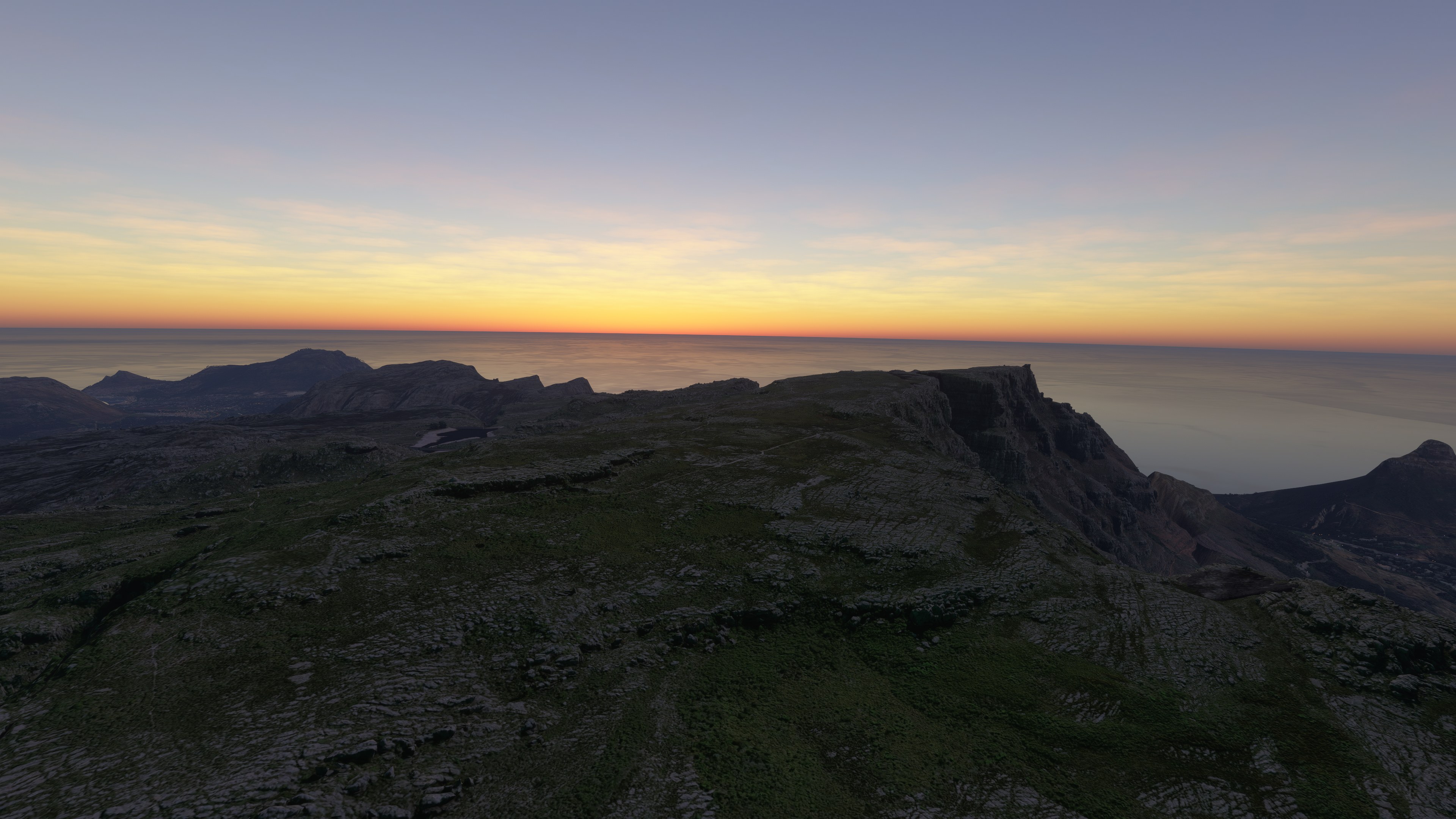
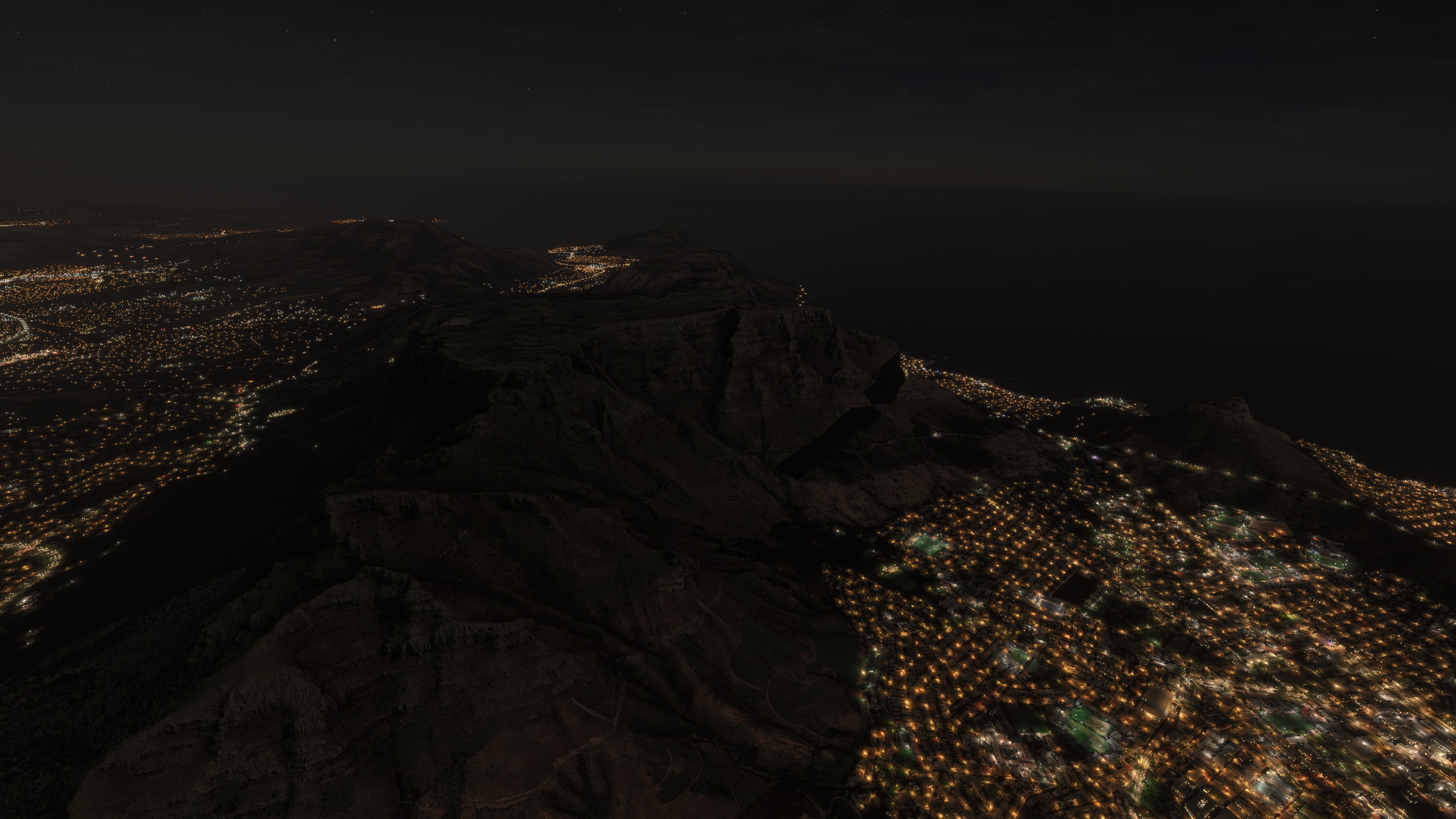
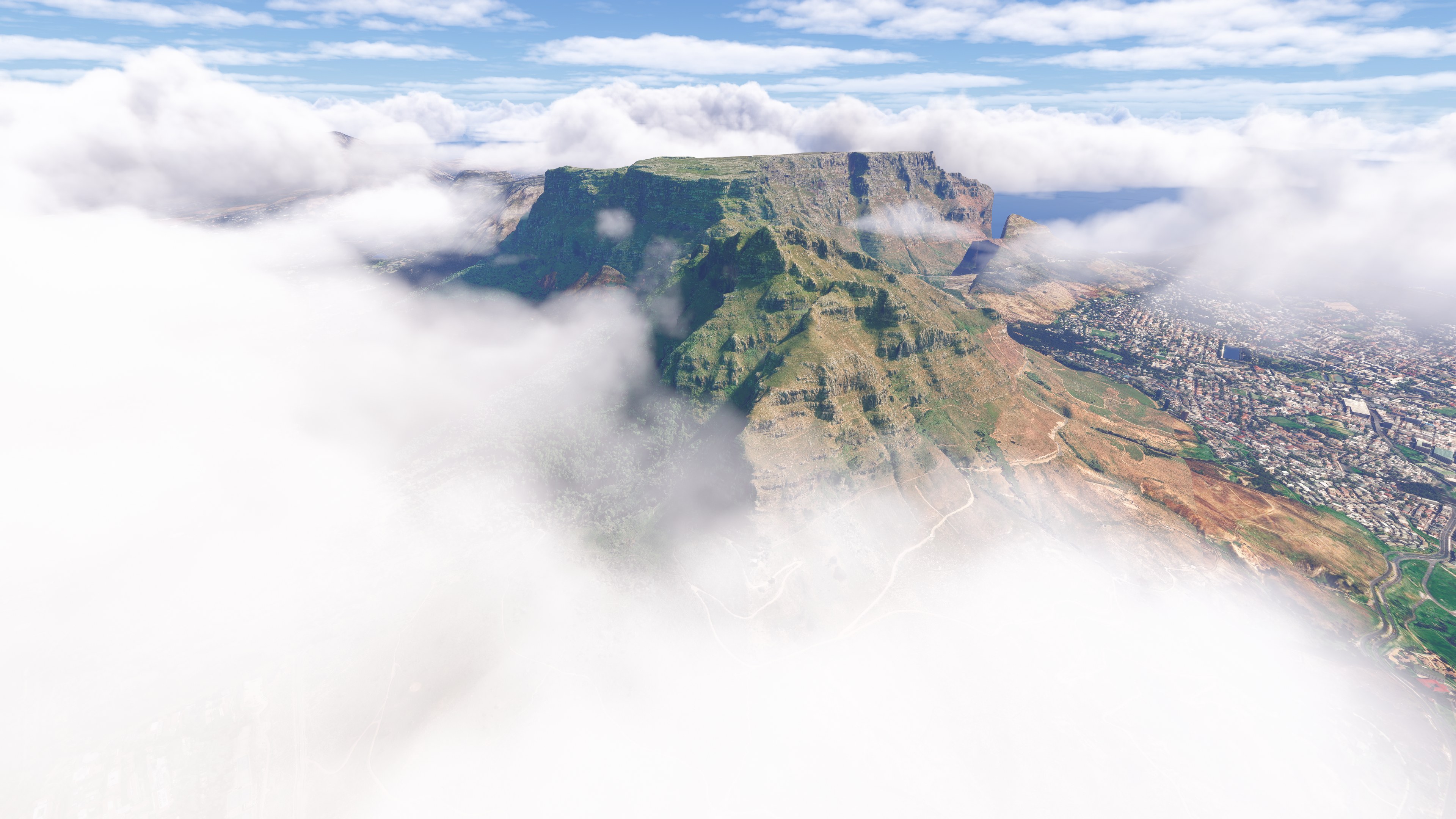
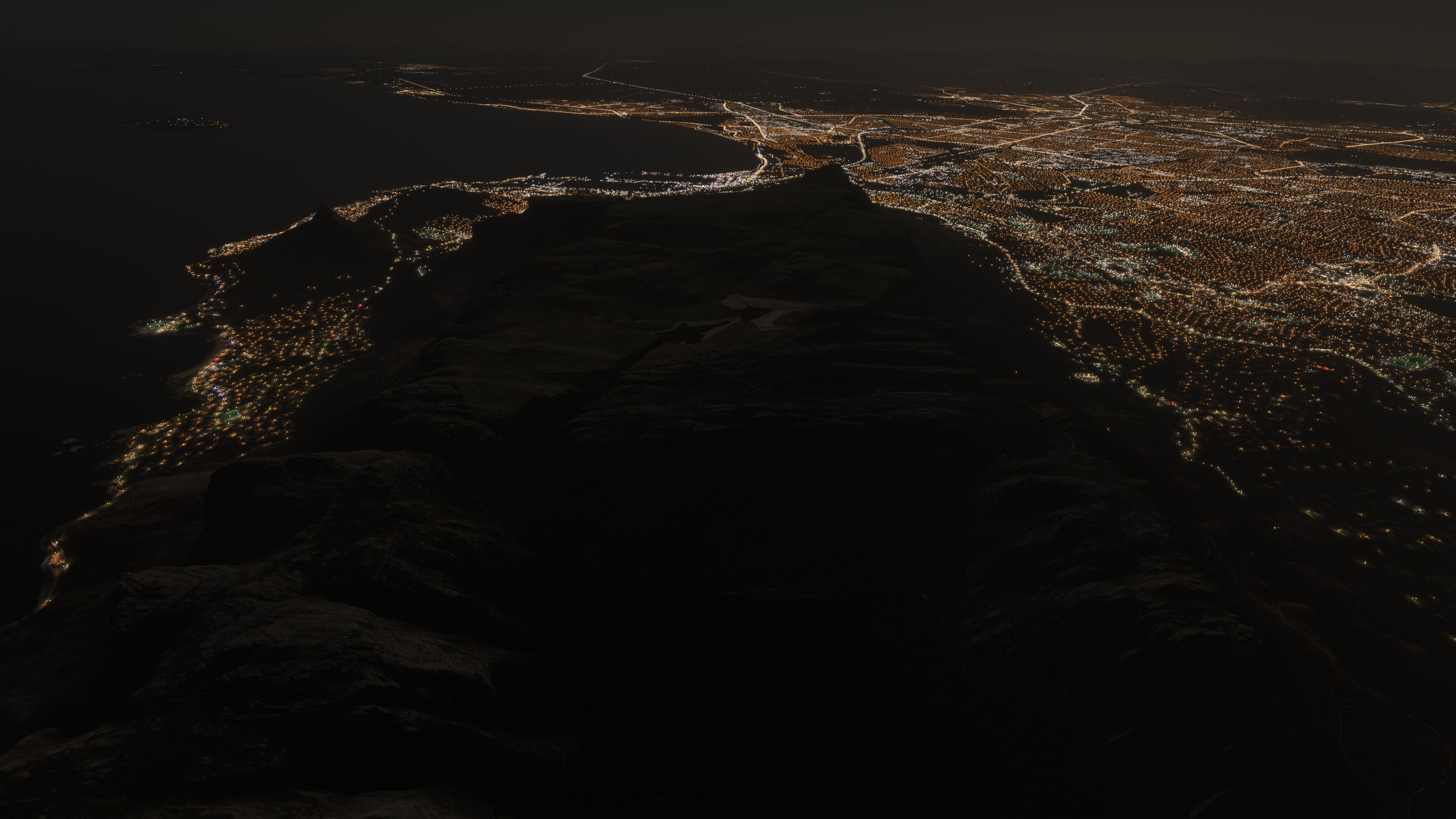
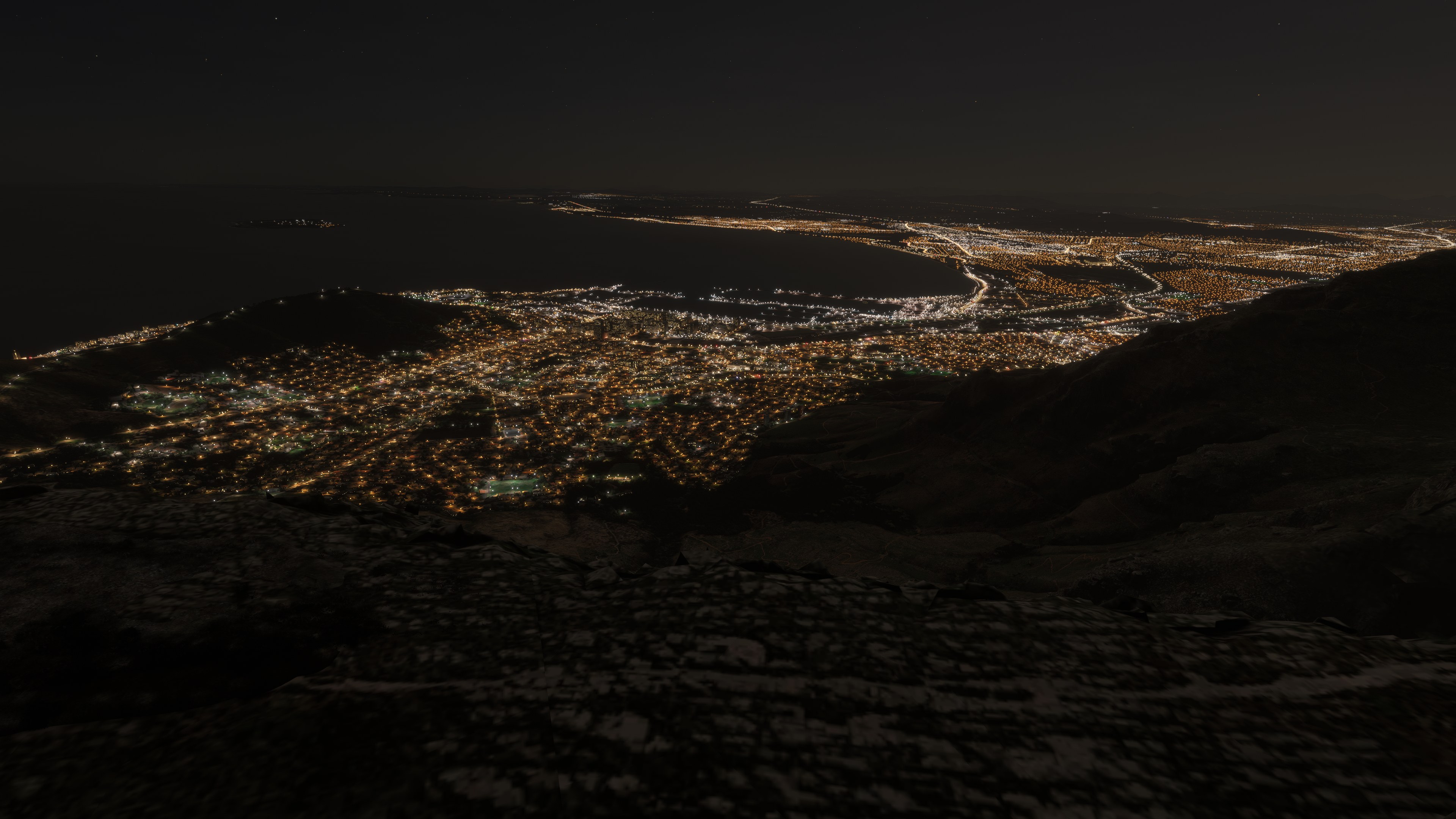
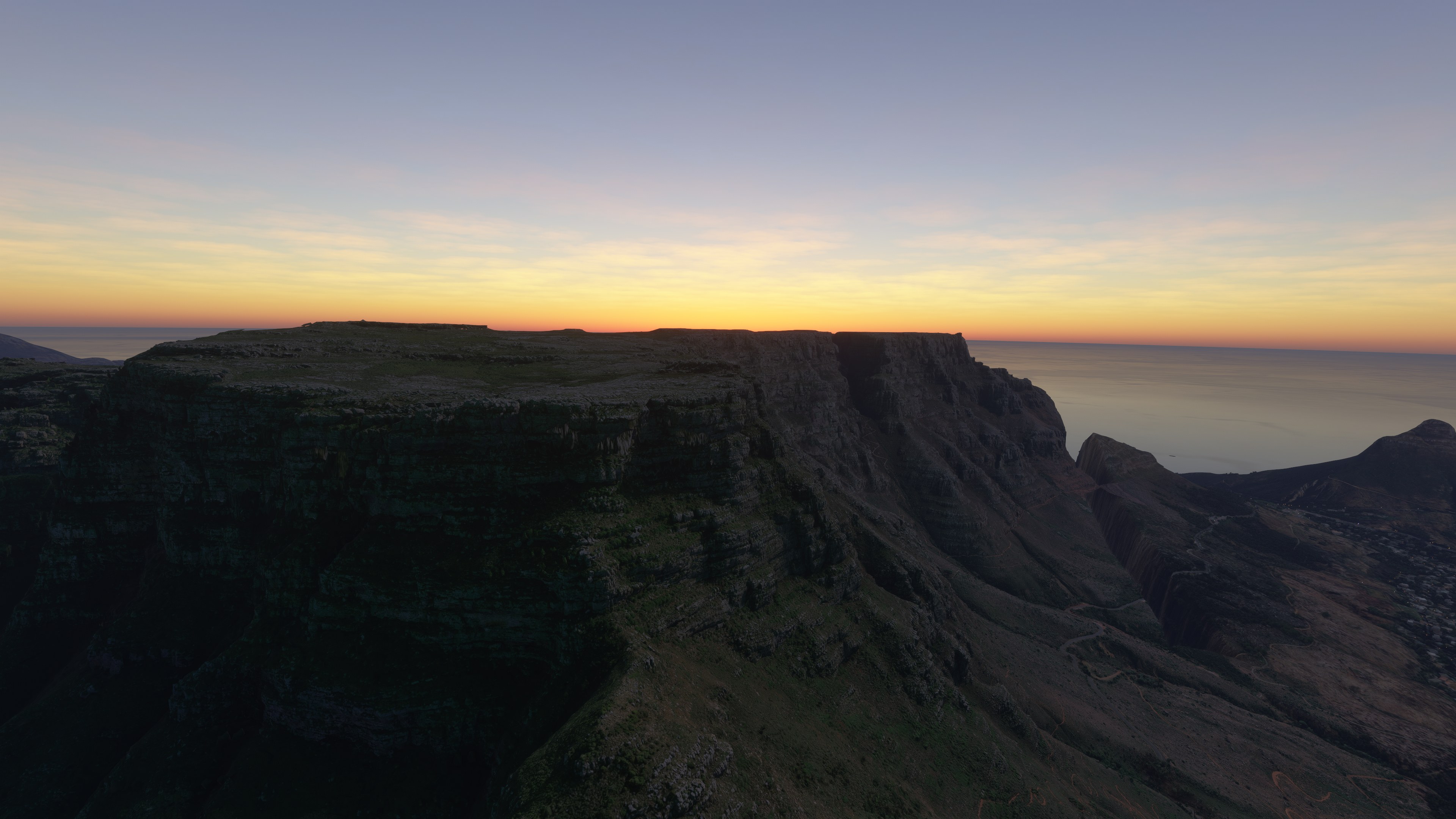
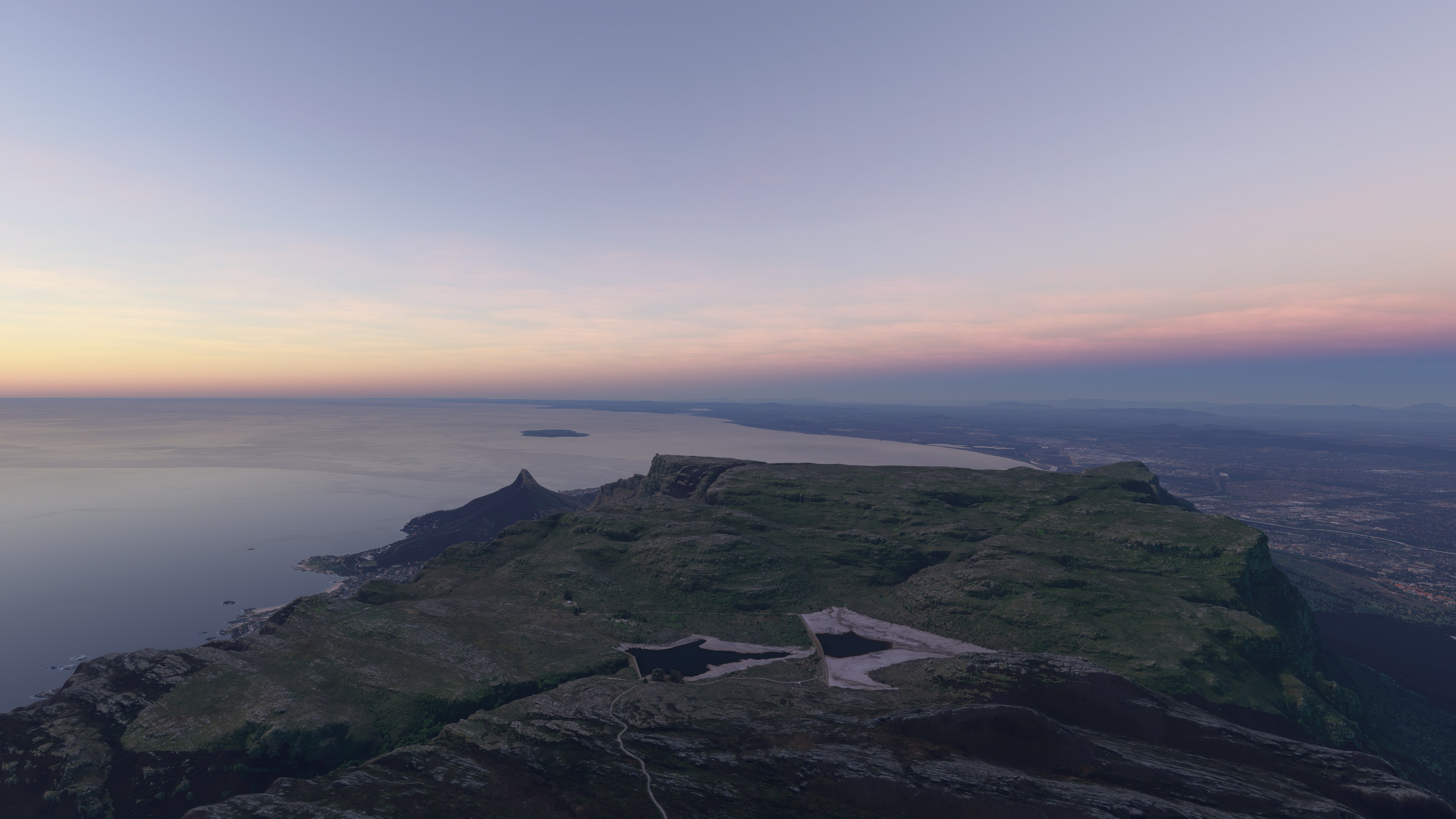
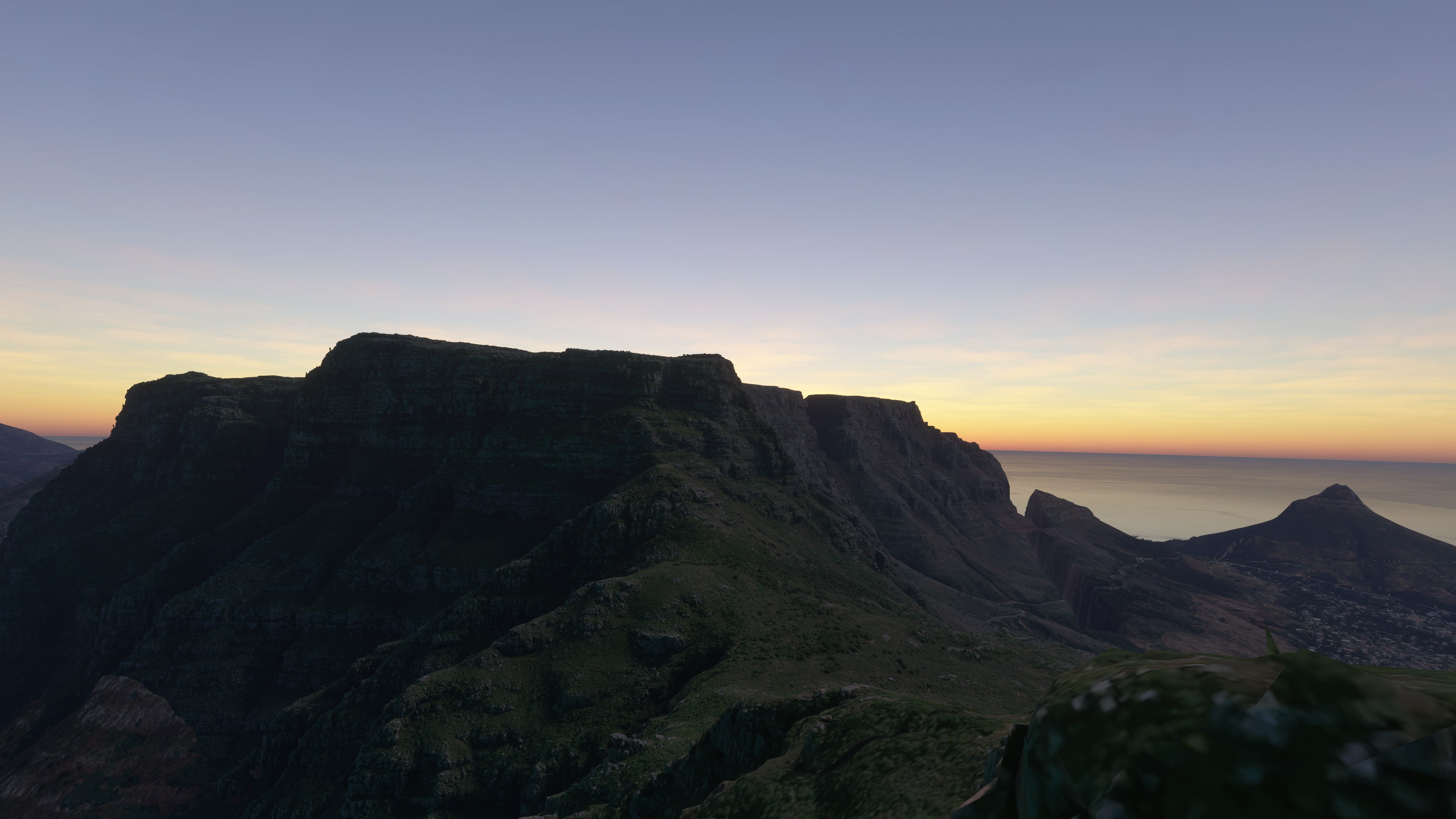
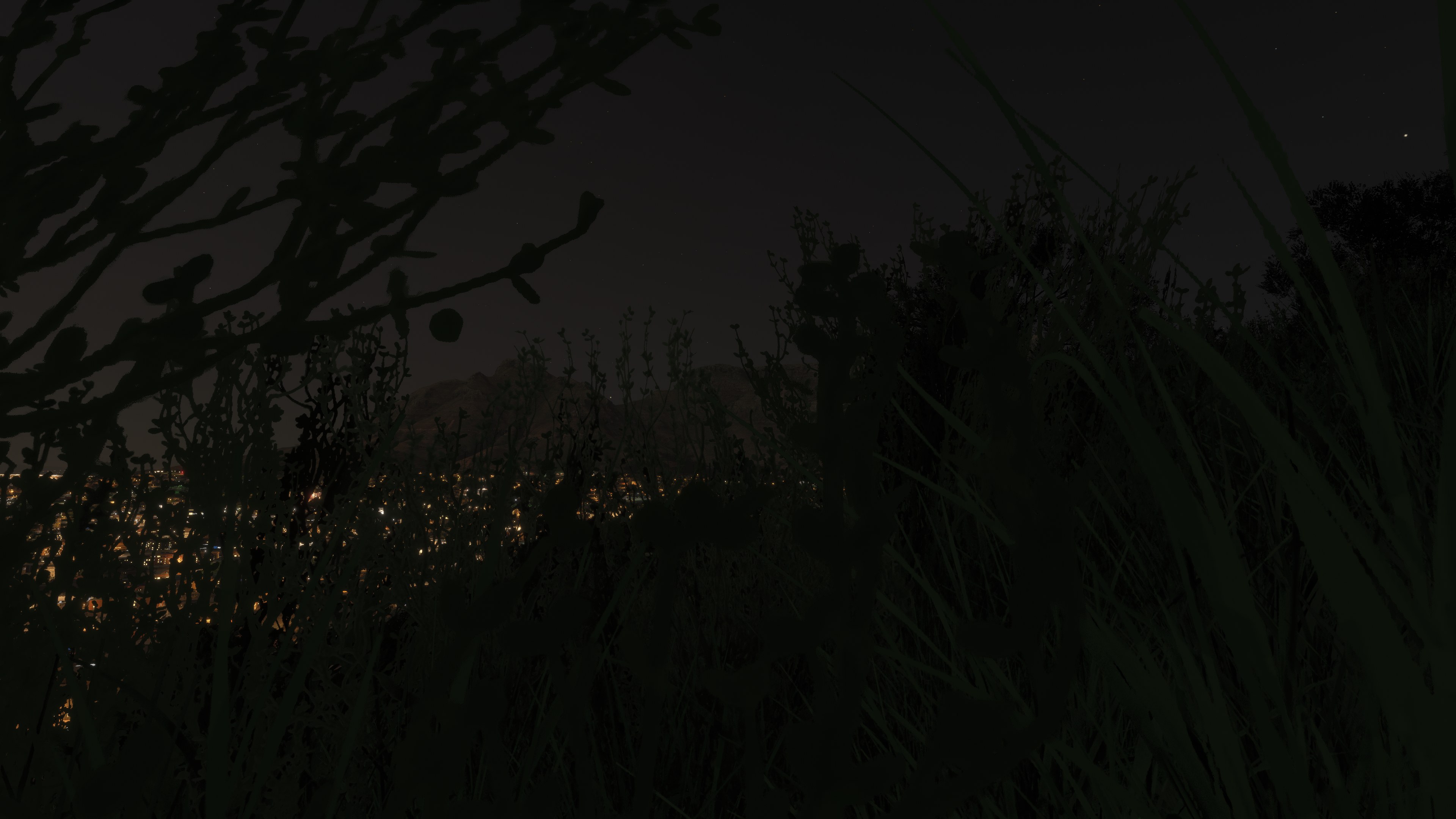

I flew Keinowaara’s Table Mountain scenery in Microsoft Flight Simulator 2024 alongside the complete Cape Town RSA package. From the city side, I found the mountain’s familiar silhouette a useful reference for a sightseeing circuit. The Google Maps geometry and surface imagery give the slopes their character, with LOD 17–19 data defining the terrain. Coverage concentrates on the mountain face visible from Cape Town, not the entire national park.
I noticed the green cast on the eastern slopes, which remains a limitation of the source textures rather than something the terraforming resolves. The terrain work supports the fit between adjoining sections, but all six Cape Town RSA parts are required for correct blending. I regarded that dependency as essential context: without the companion scenery, substantial terrain deformation can occur.
Keinowaara’s freeware Table Mountain Photogrammetry Scenery brings Cape Town’s distinctive mountain backdrop to Microsoft Flight Simulator 2024, using Google Maps geometry and imagery at LOD 17–19. This separate mountain package complements the developer’s Cape Town RSA scenery and requires all six city parts for correct terrain blending.
Table Mountain’s flat-topped profile provides a readily recognisable visual reference above Cape Town, South Africa. For VFR [visual flight rules] flying, its relationship to the city and surrounding slopes makes this scenery particularly relevant to low-level sightseeing. The package covers the mountain’s most visible section from Cape Town, rather than the whole of Table Mountain National Park.
Keinowaara uses LOD [level of detail] 17–19 source data to balance visual definition with performance. Google Maps ground textures remain visible over the surface, a choice the developer found worked best with this scenery. Extensive terraforming also adjusts the underlying simulator terrain to accommodate the landforms and blend adjoining sections.
The accompanying Cape Town project grew after requests to extend the original parts 1–2. Its expanded coverage reaches farther in every direction and cleans up the earlier scenery, while this separate download adds the mountain backdrop. Cape Town spreads across a broad area—the developer describes a city of around 3.5 million inhabitants—with two nearby airports and other wildlife and national parks within reach.
The eastern slopes retain a pronounced green tint in their source textures. Keinowaara attempted to reduce the green values but achieved little improvement, so users should expect that colour imbalance.
For performance, the developer recommends considering 2K rather than 4K display resolution on a mid-range system. An RX 6800 XT handled the scenery at 4K in the developer’s testing, although 2K felt more fluid. These observations describe that particular setup, not a guaranteed frame rate.
Install Cape Town RSA parts 1–6 before using this mountain package. The terrain adjustments rely on the complete companion scenery. If you already have the original parts 1–2, add the four newer parts; otherwise, install all six. Without them, a major terrain deformation can leave a hole cutting through the scenery.
You can find the complementary MSFS Cape Town South Africa Photogrammetry Scenery on Fly Away Simulation. The screenshots for this Table Mountain listing show the add-on over a base simulator installation without the Cape Town companion package, so they document that configuration rather than the complete combined scenery.
Extract the downloaded archive or archives, then copy these three scenery folders into your simulator’s Community folder:
keinowaara-table-mountain_p1keinowaara-table-mountain2_p2keinowaara-table-mountain3_p3Some users have reported that extraction produces loose package files without their enclosing folder. If that happens, create a folder named to match the corresponding ZIP archive, move that archive’s contents into it, and repeat for the other two downloads. Then place the three resulting package folders in Community; do not copy the loose contents there individually.
Keinowaara built this release for Microsoft Flight Simulator 2024. It may also work in Microsoft Flight Simulator 2020, but the developer has not tested that compatibility.
Free for all simmers · 1.21 GB · Scanned clean Oct 2026
Download speed: Free tier is capped at 2 Mbps (this file takes approximately 1h 27m at the cap). PRO members download at full line speed.
%LOCALAPPDATA%\Packages\Microsoft.FlightSimulator_8wekyb3d8bbwe\LocalCache\Packages\Community\. Steam version: %APPDATA%\Microsoft Flight Simulator\Packages\Community\. Tip: enable Developer Mode in MSFS to see your exact Community folder path.readme.txt or README file. It tells you exactly where files go, what dependencies are needed, and any quirks specific to this add-on.Use these coordinates to fly directly to this location once the mod is installed.
-33.96280000,18.40980000
Paste these coordinates into the Microsoft Flight Simulator search bar when planning a flight, or into the Developer Mode Teleport window, to fly directly to this location.
Keinowaara is a freeware scenery developer for Microsoft Flight Simulator 2024, best known for photogrammetry city scenery across Finland and the wider Nordic region.
Are you keinowaara? Sign in to Fly Away Creators for download stats, comment replies and updates. Make add-ons? Publish them here.
Only PRO members can place votes.
More MSFS add-ons hand-picked based on this download.
MSFS Scenery
A complete overhaul of the default Matterhorn Mountain scenery by developer N…
 MSFS Scenery
The MSFS Rocky Mountain Metro Airport (KBJC) scenery add-on is a meticulously…
 MSFS Scenery
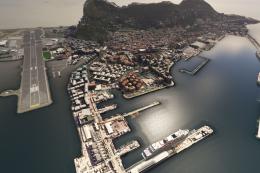
Immerse yourself in the stunningly recreated Gibraltar region in Microsoft Fl…
 MSFS Scenery
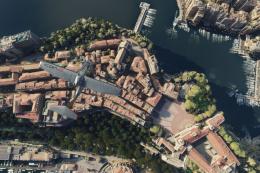
The MSFS Monaco Photogrammetry Scenery mod is an intricate addition to Micros…
 MSFS Scenery
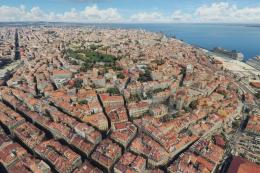
Embark on a visually stunning exploration with the Lisbon Photogrammetry Scen…
 MSFS Scenery
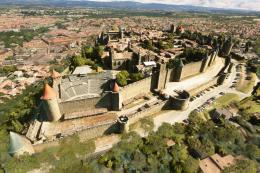
Step into a world of historical authenticity and stunning detail with the Car…
 MSFS Scenery
Immerse yourself in the rugged beauty of Iceland's capital with the Reykjavik…
 MSFS Scenery
Immerse yourself in the historic charm and breathtaking landscapes of Greece'…
Be the first to leave a comment on this download.
Be the first to share your thoughts on this download.