



 Finland
 MSFS Scenery
Finland 20 m Terrain Mesh (DEM)
A brand-new, replacement terrain mesh (DEM) scenery covering most of Finland …
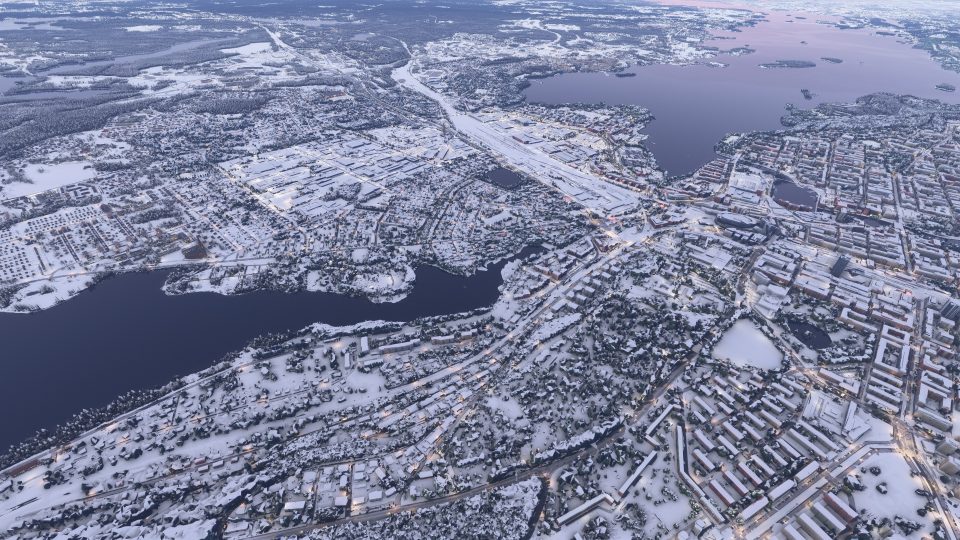
Tampere’s photogrammetry scenery brings Google Maps-derived detail to the city center, western neighborhoods and adjoining districts between lakes Näsijärvi and Pyhäjärvi. The unified package combines all scenery sections at LOD 17–19 for Microsoft Flight Simulator 2024, with potential 2020 compatibility, capturing the lake-framed urban landscape around the Tammerkoski rapids for sightseeing flights.
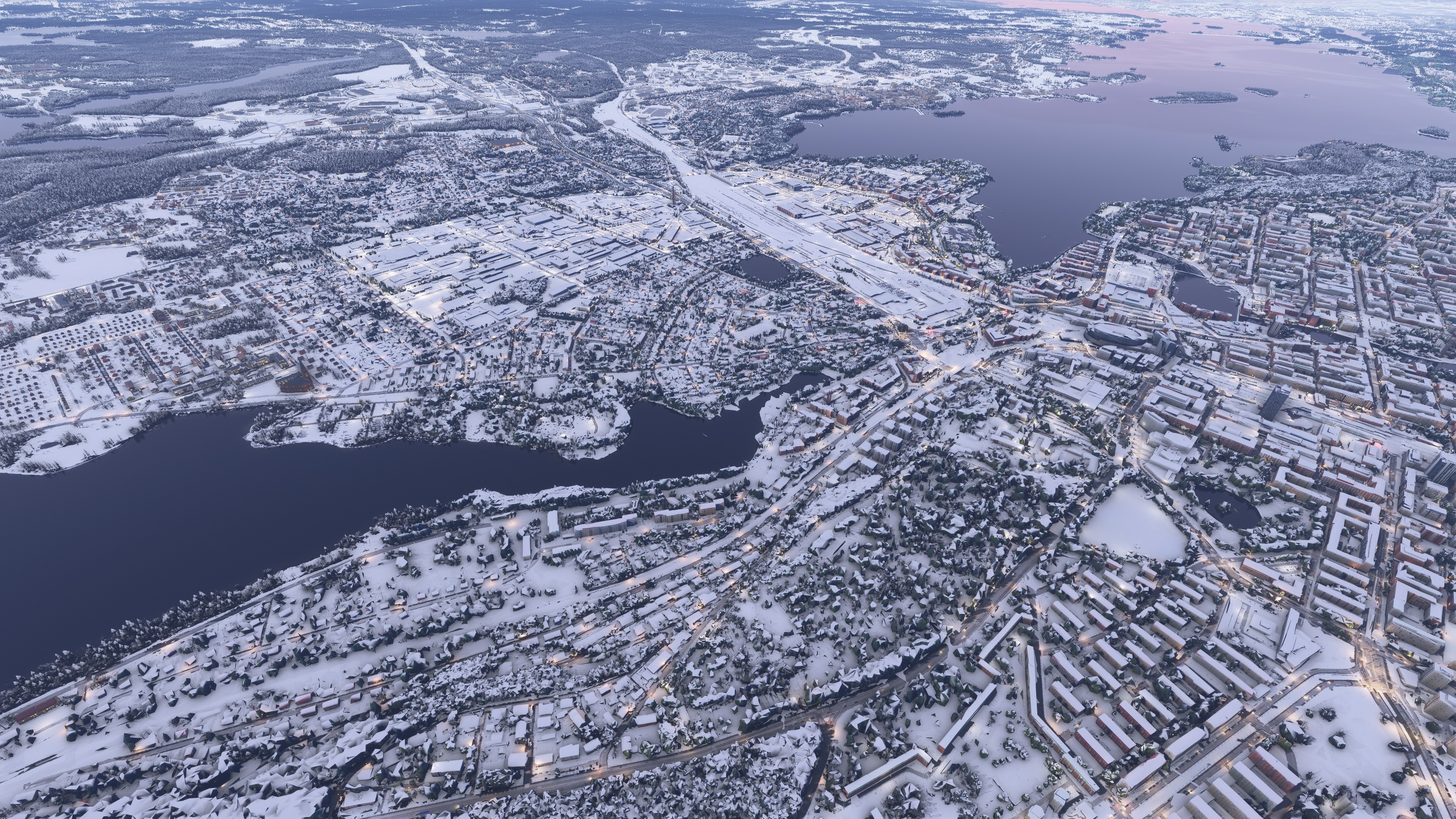
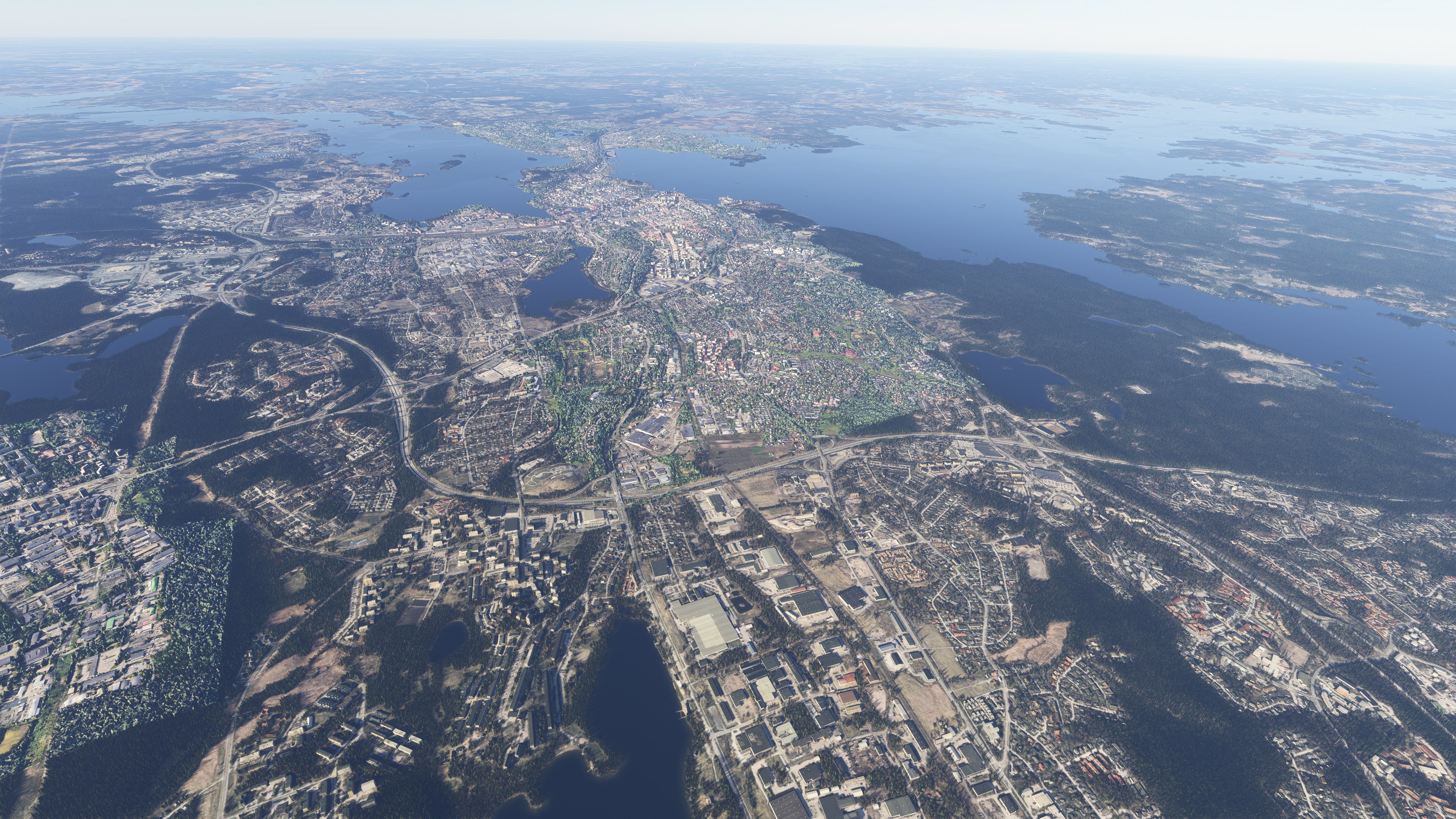
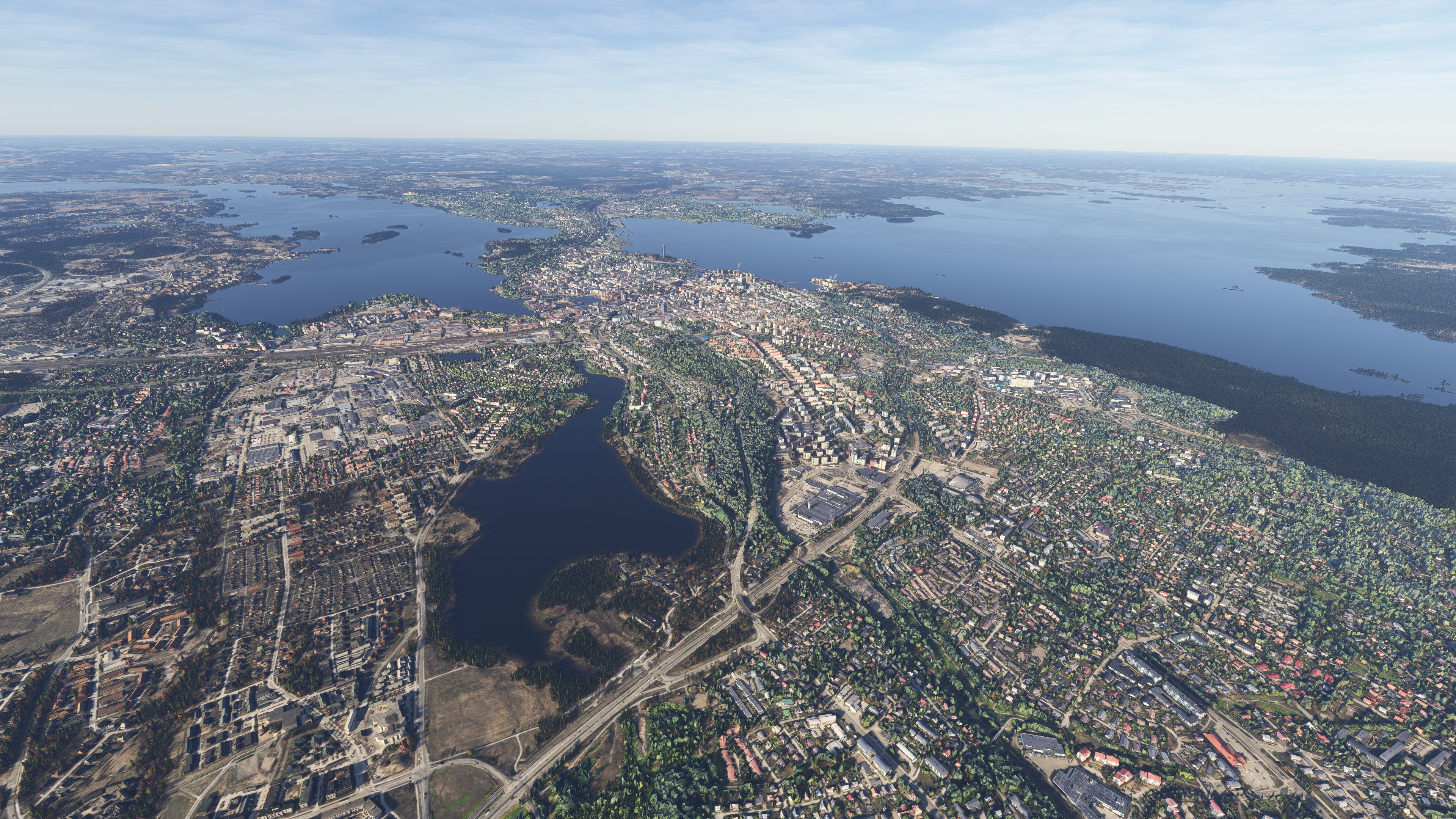
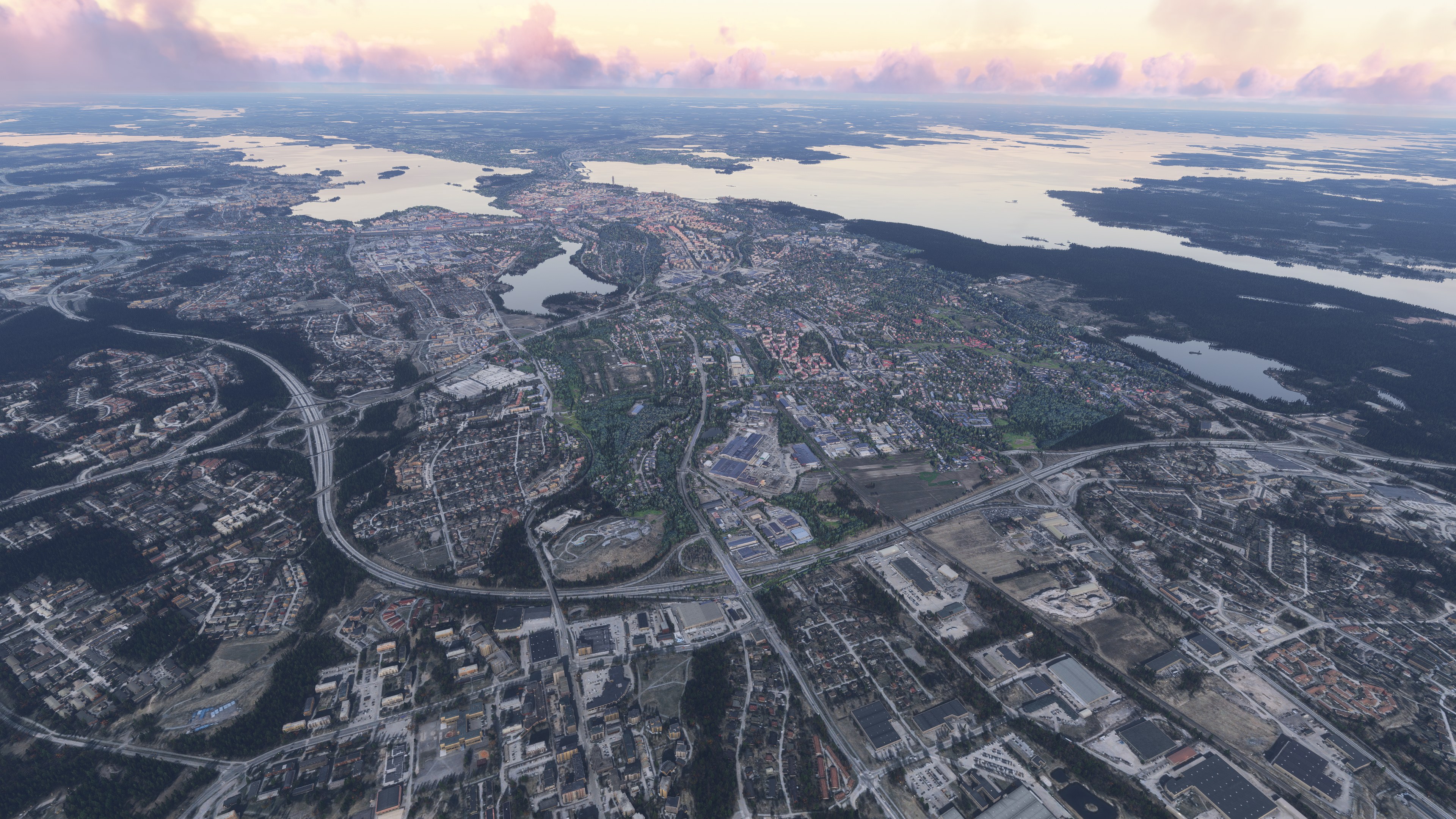
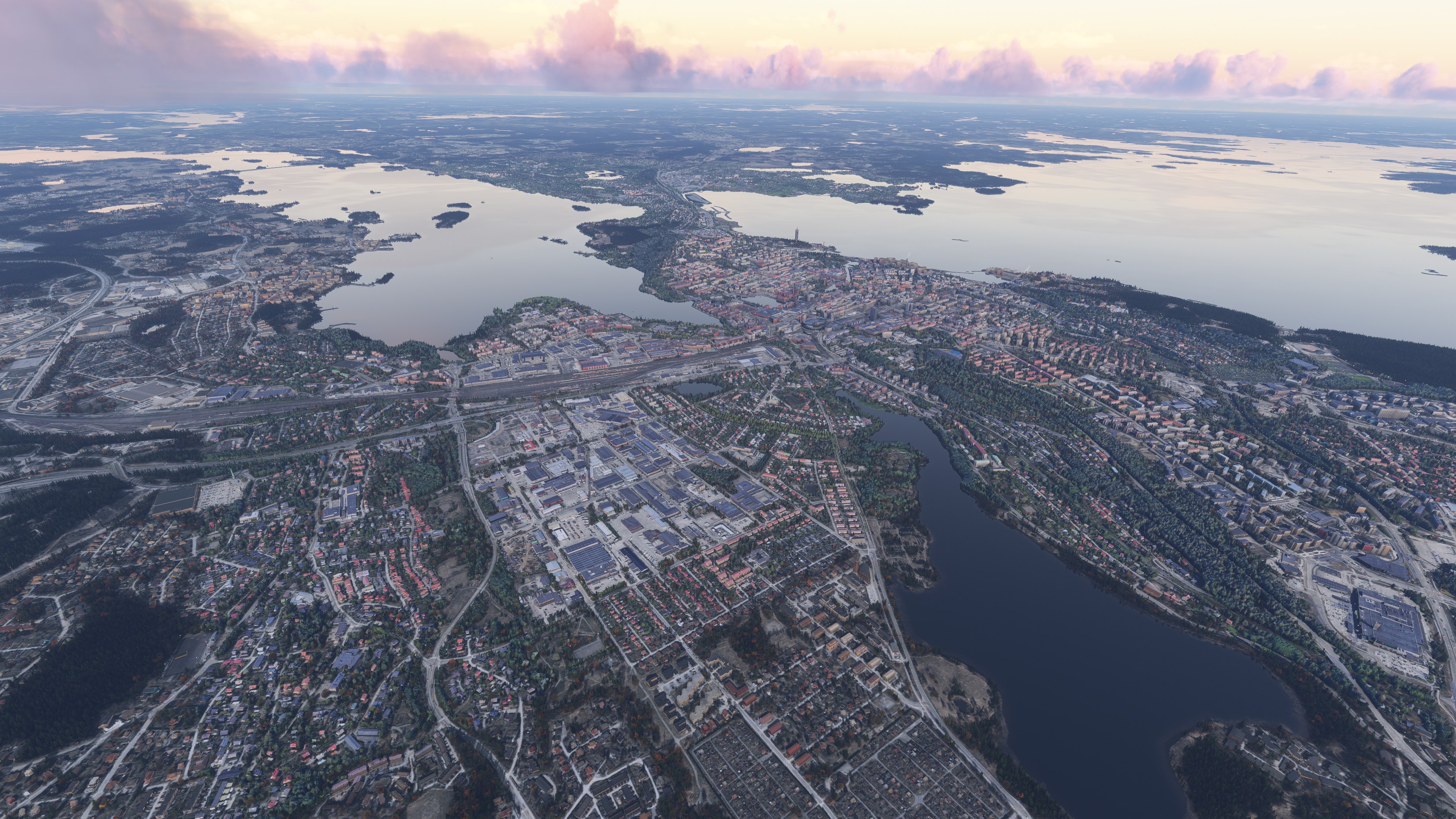
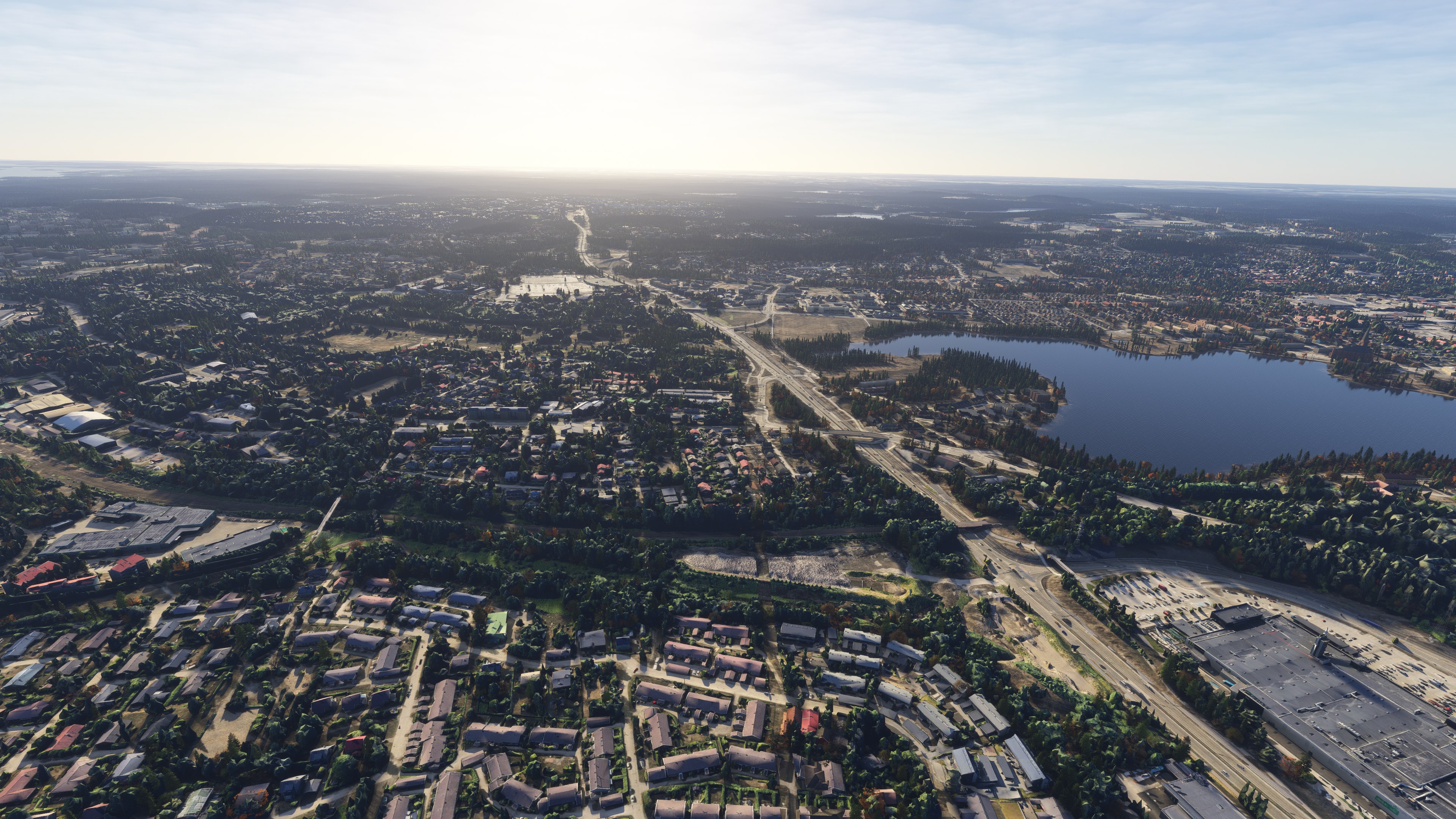
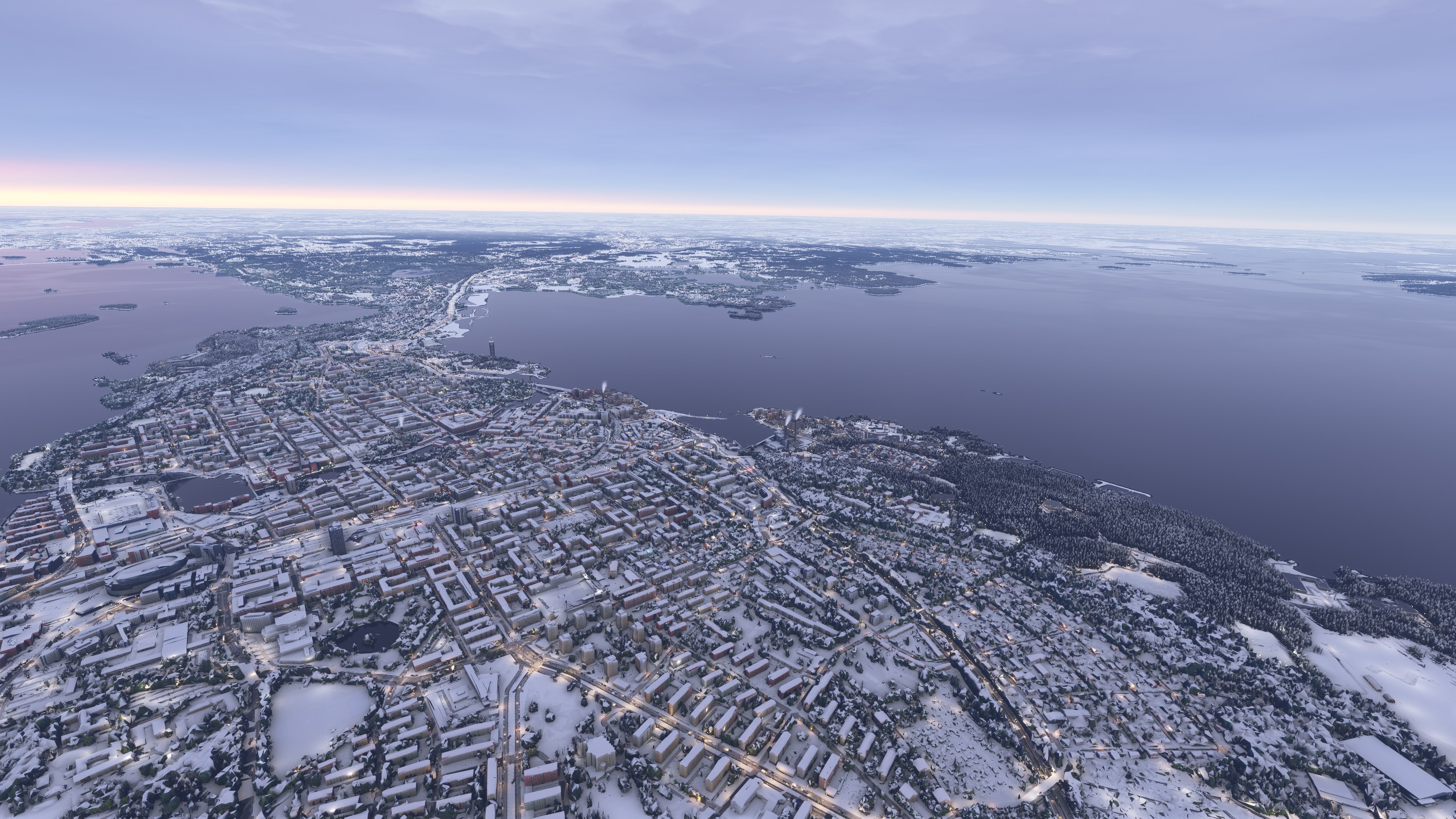
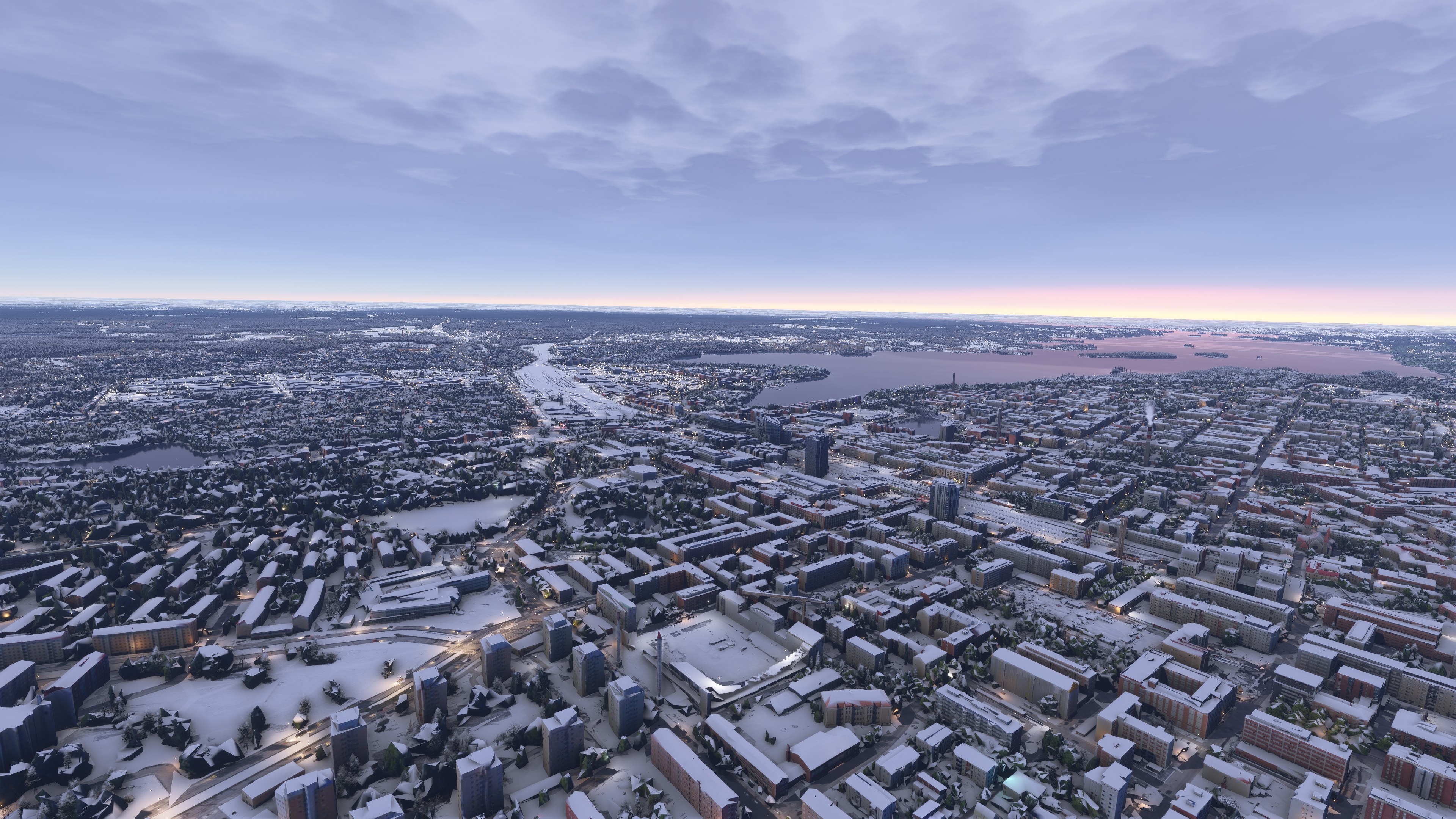
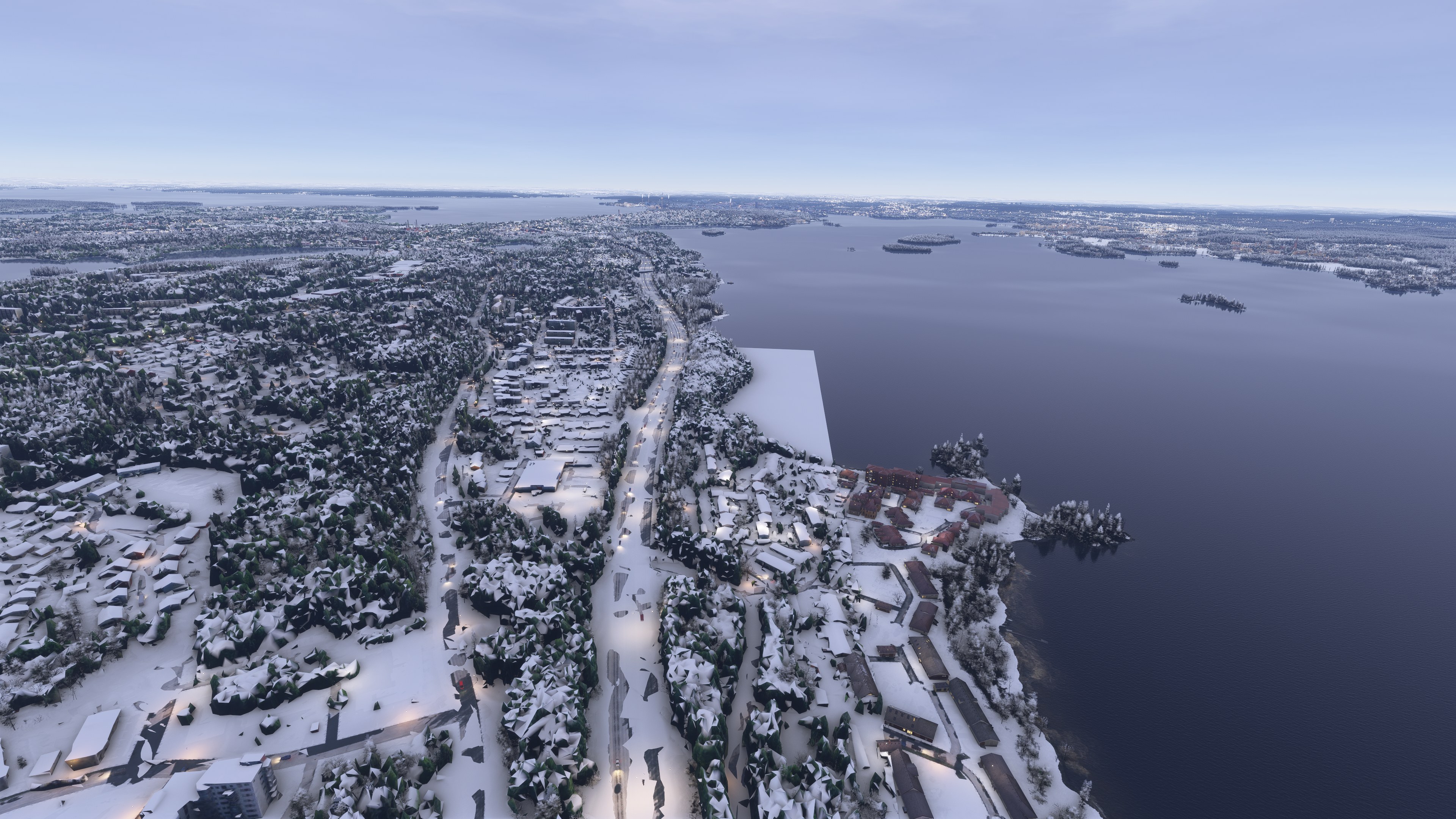
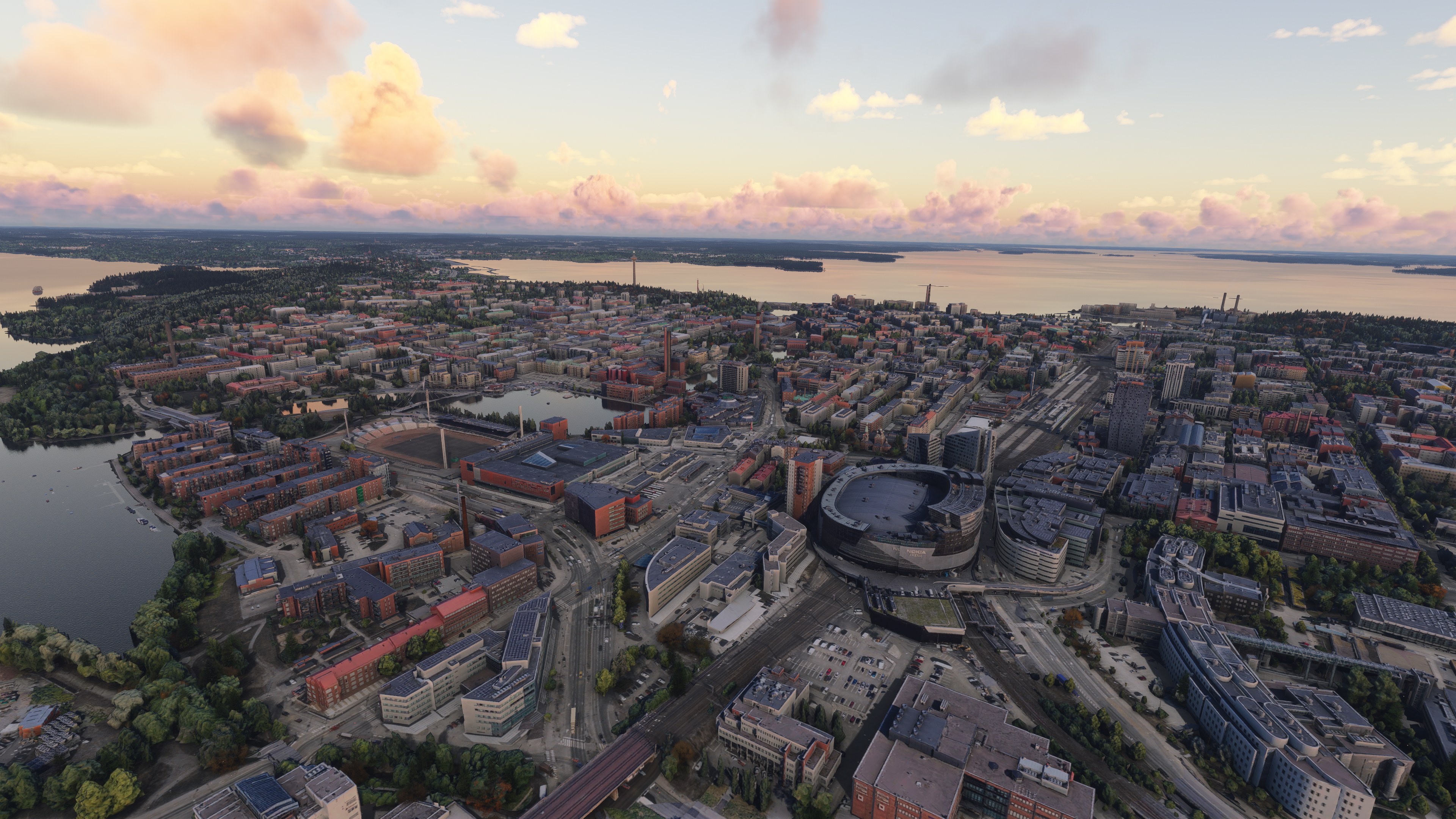
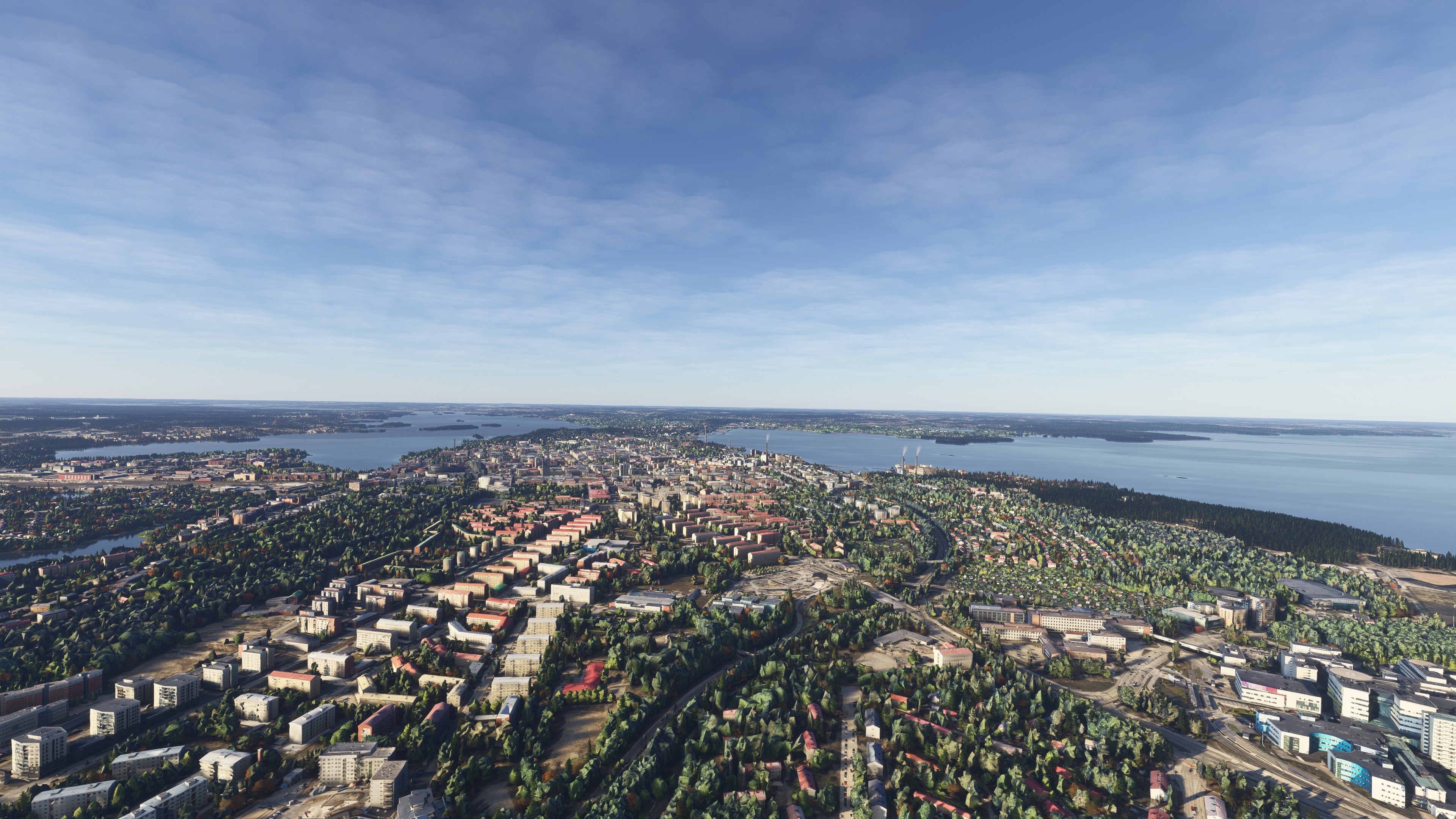
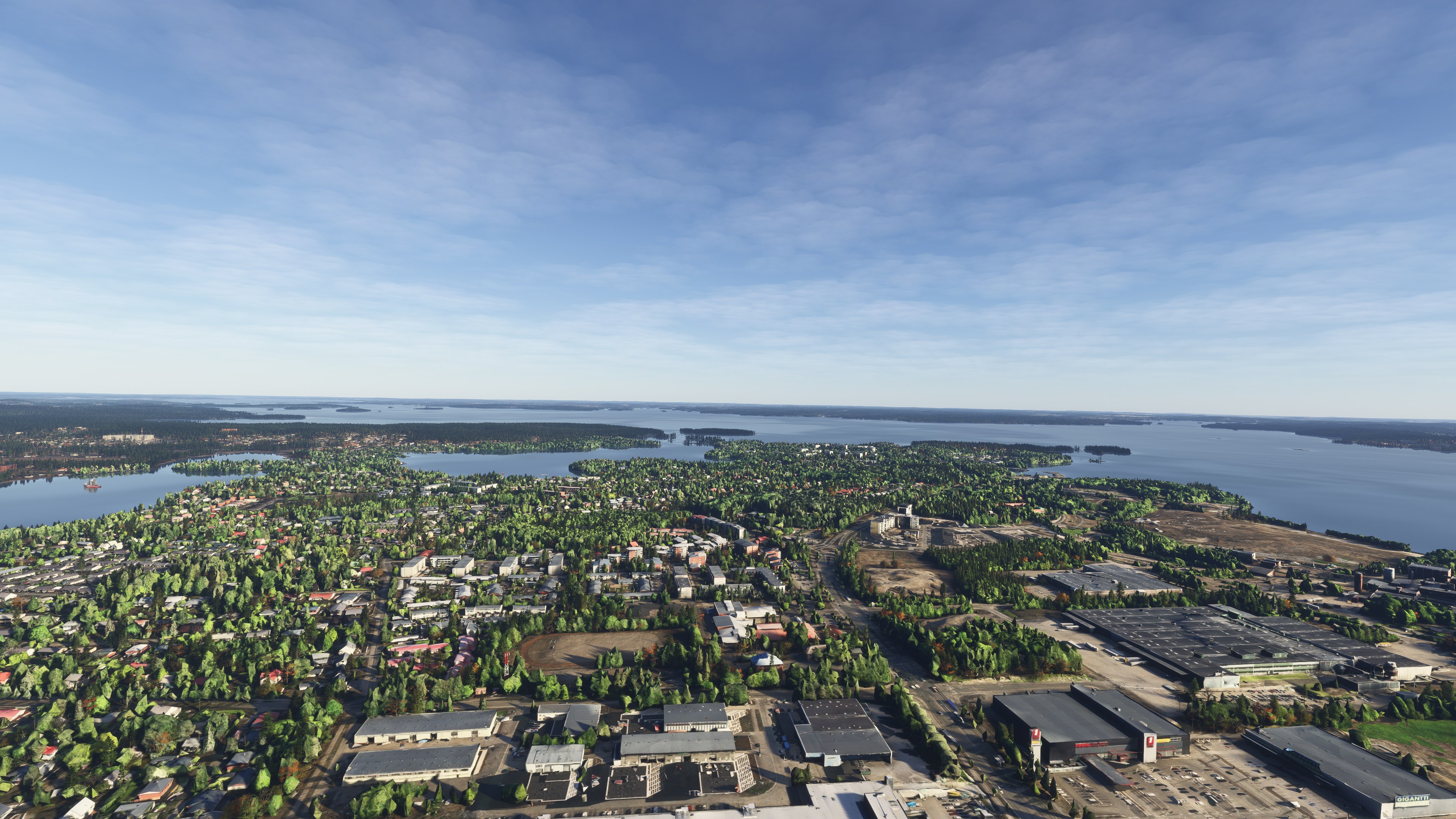
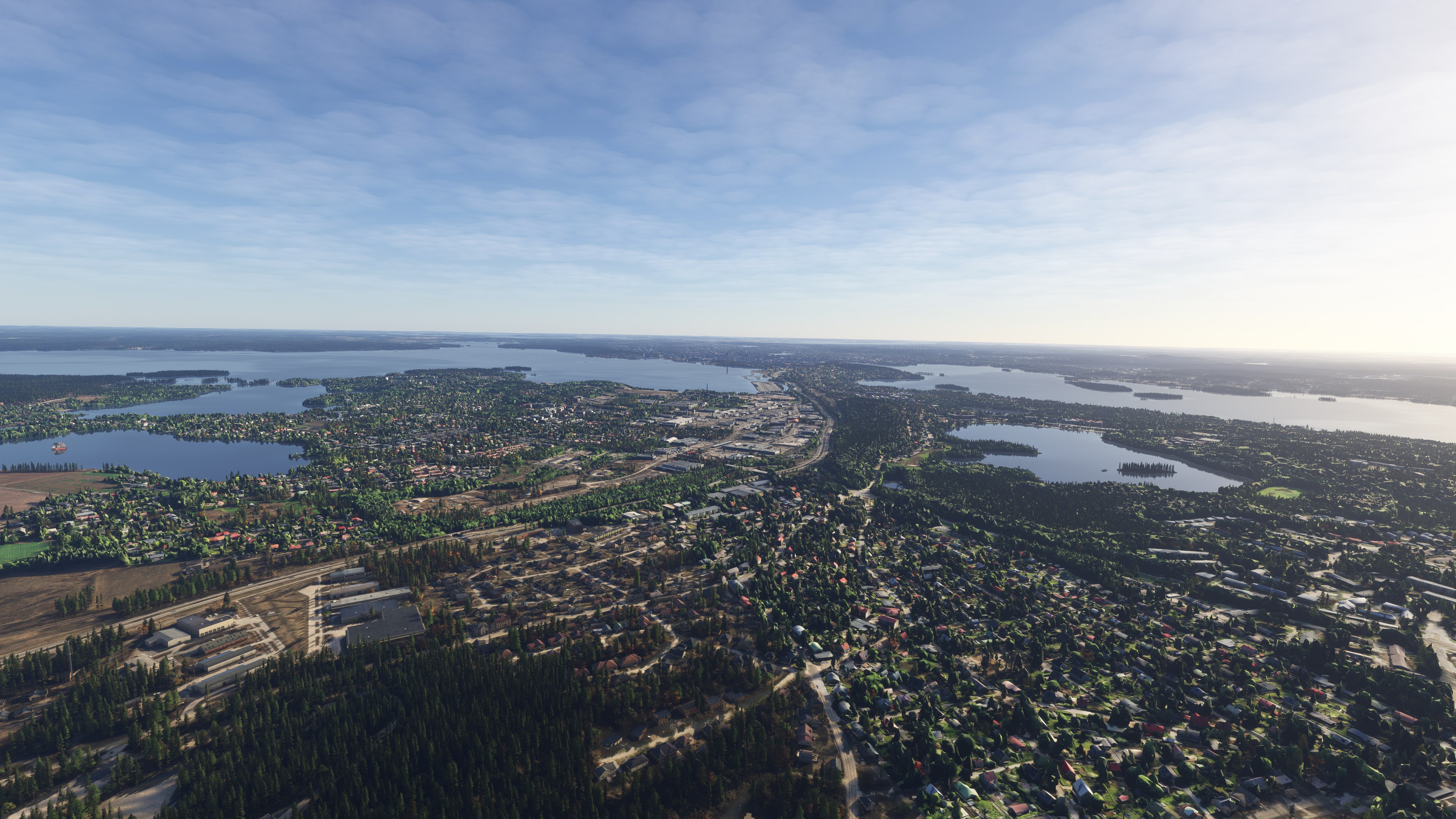
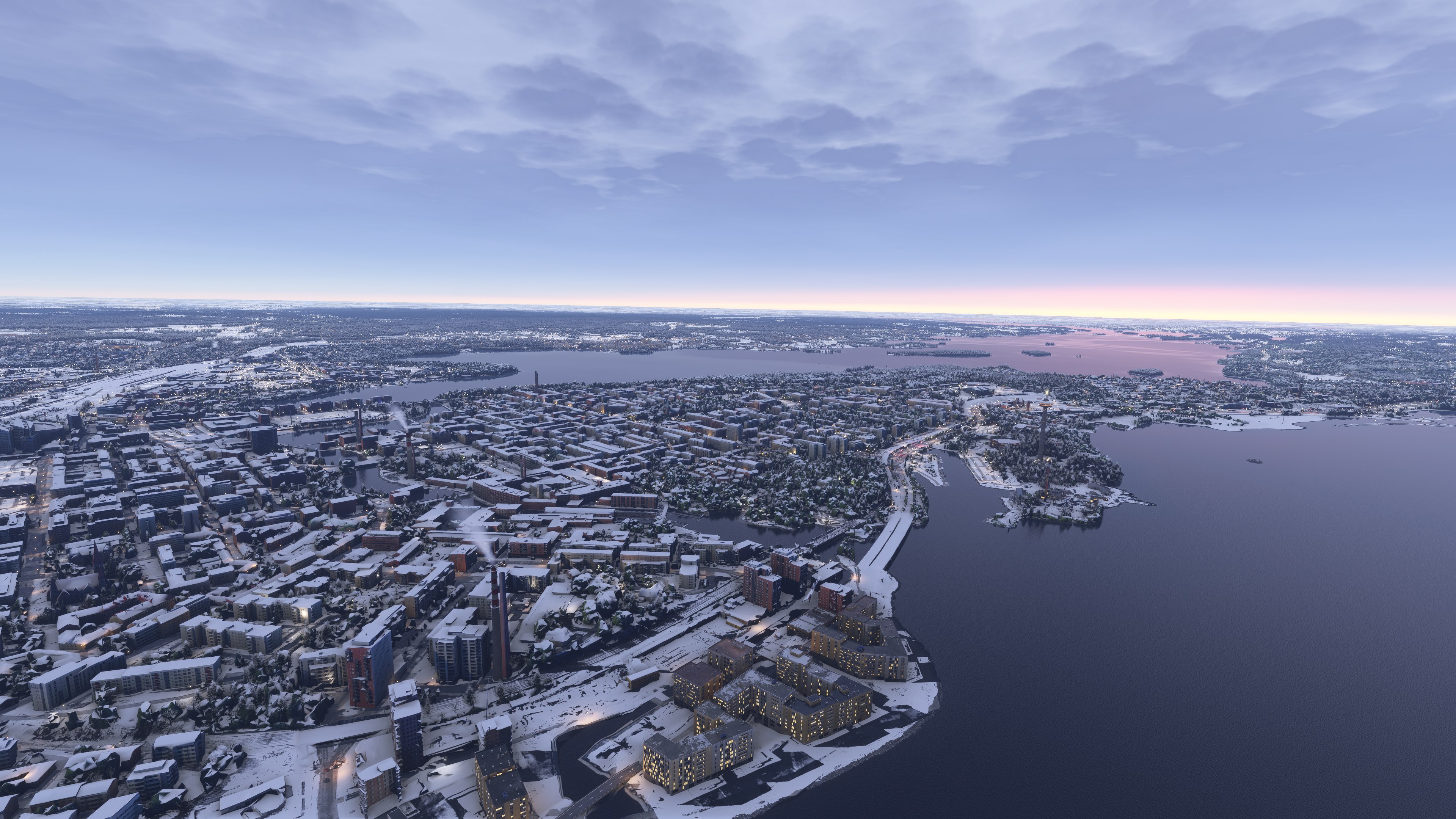
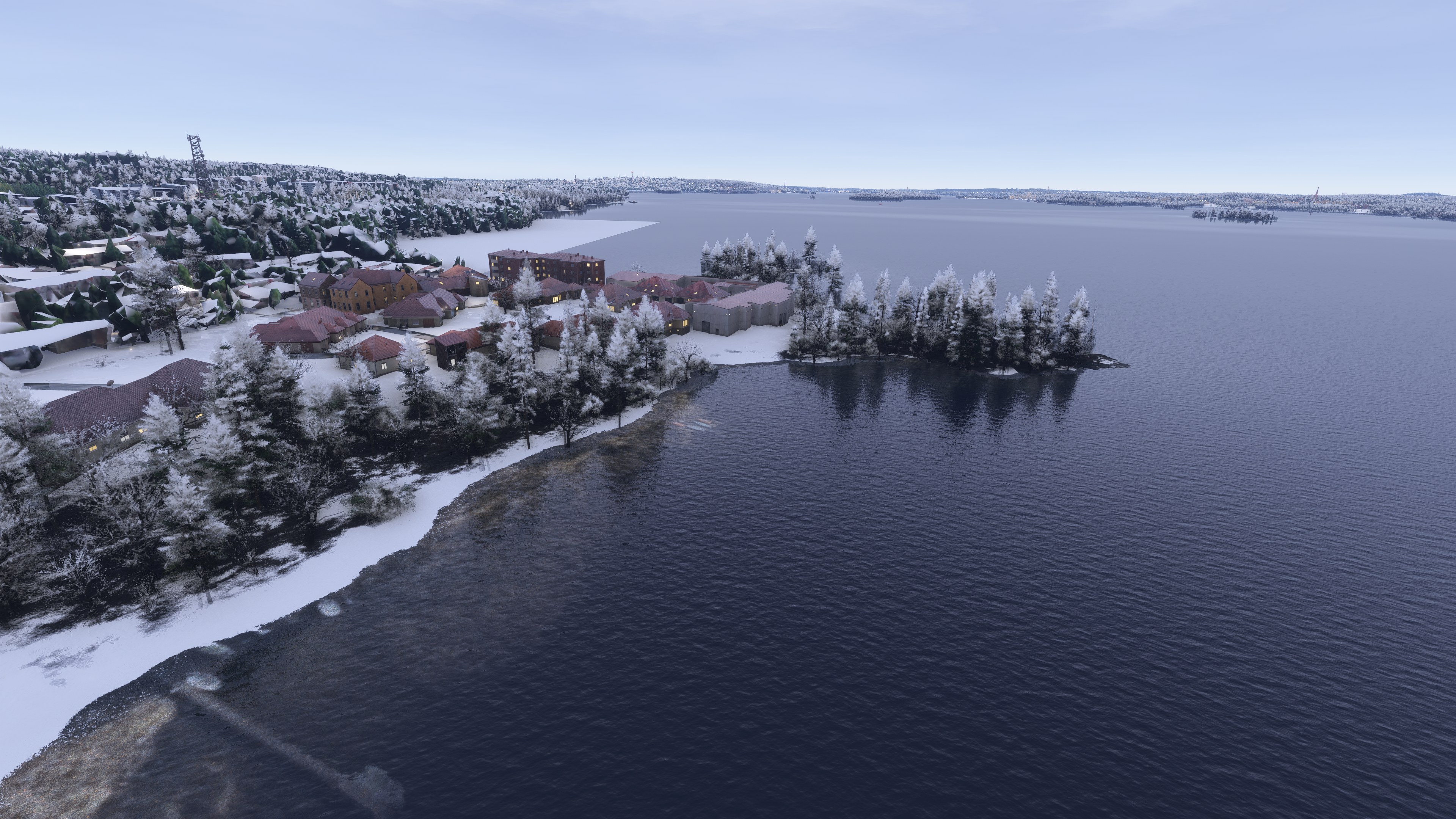
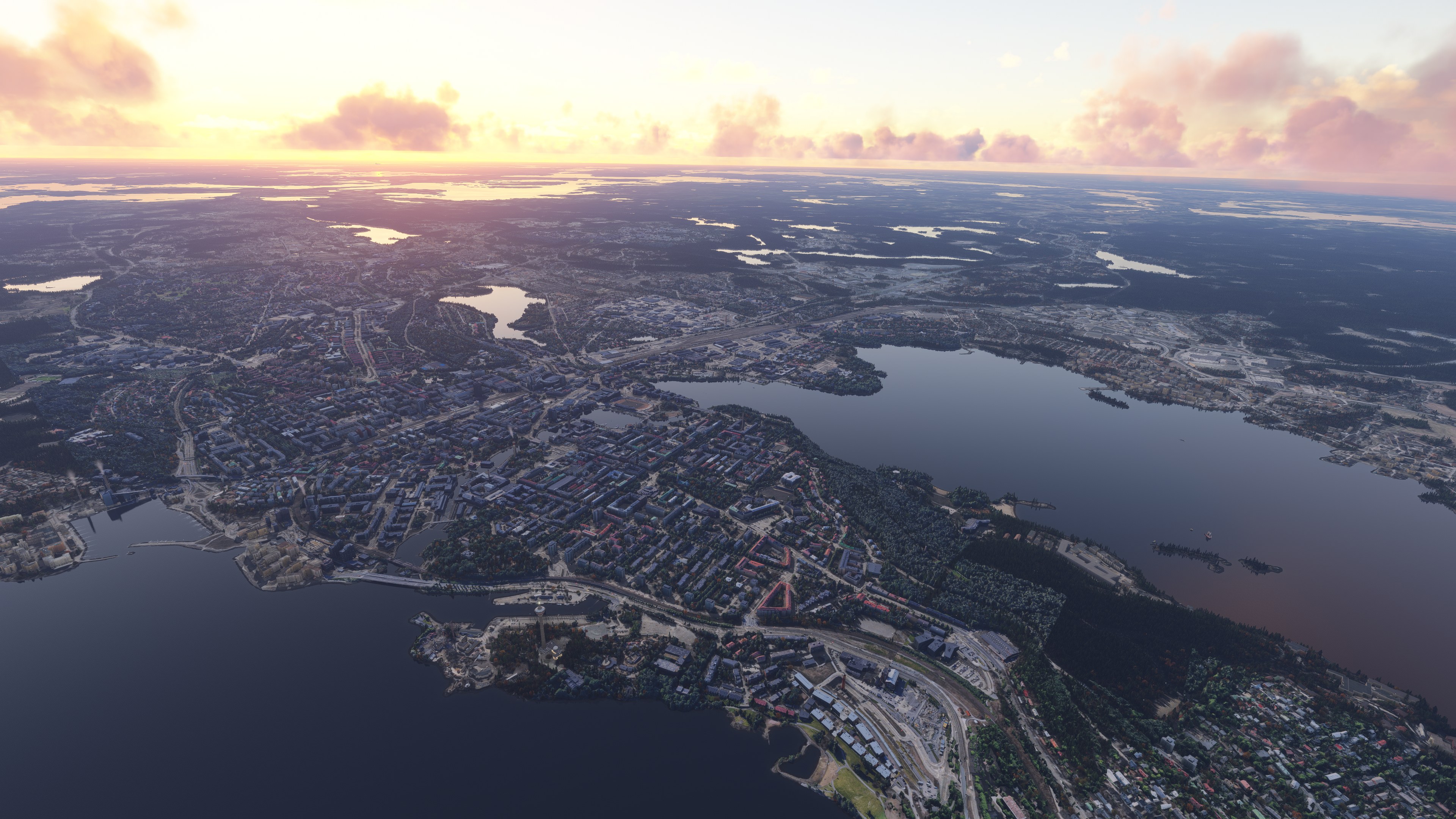
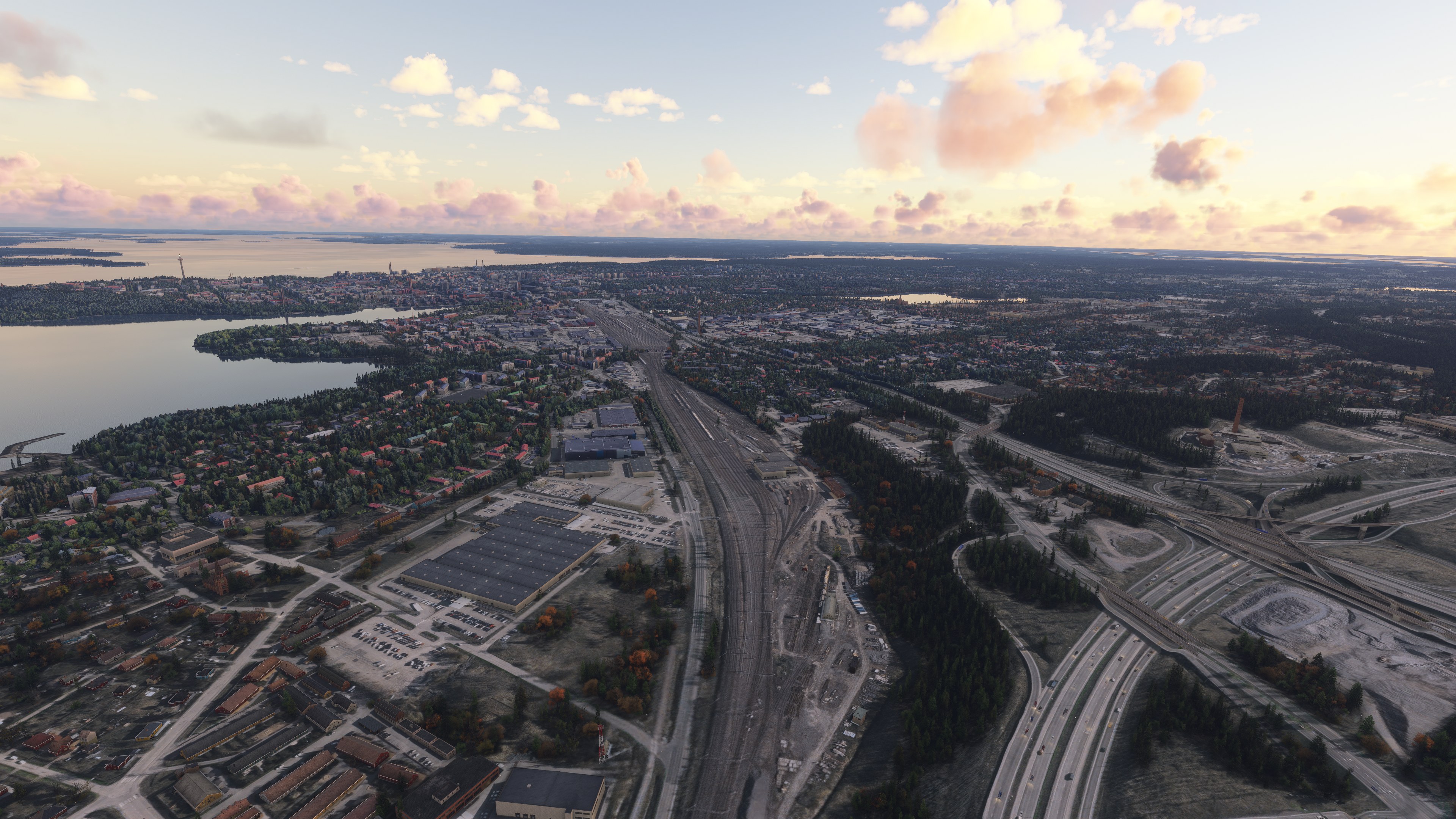
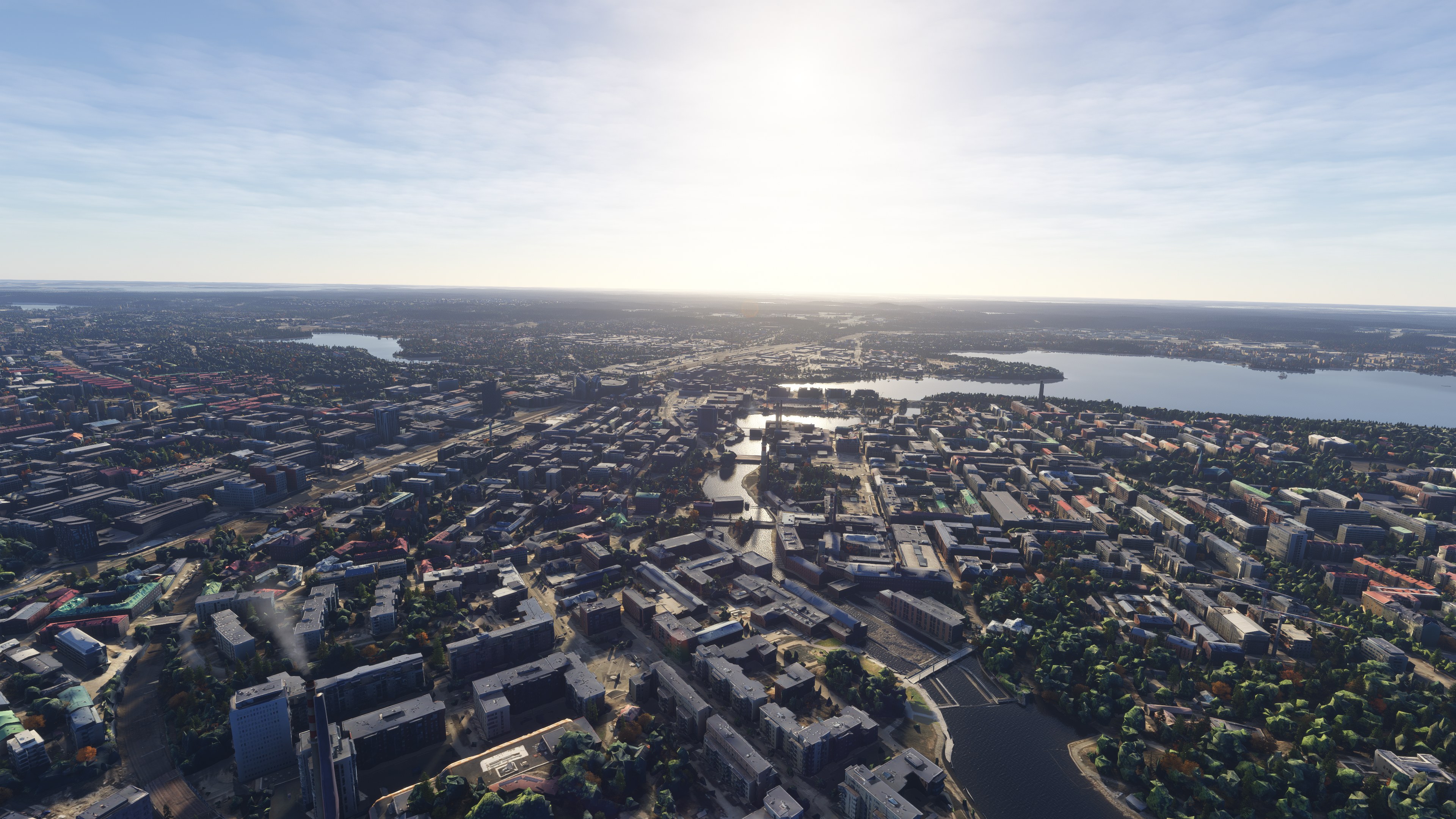
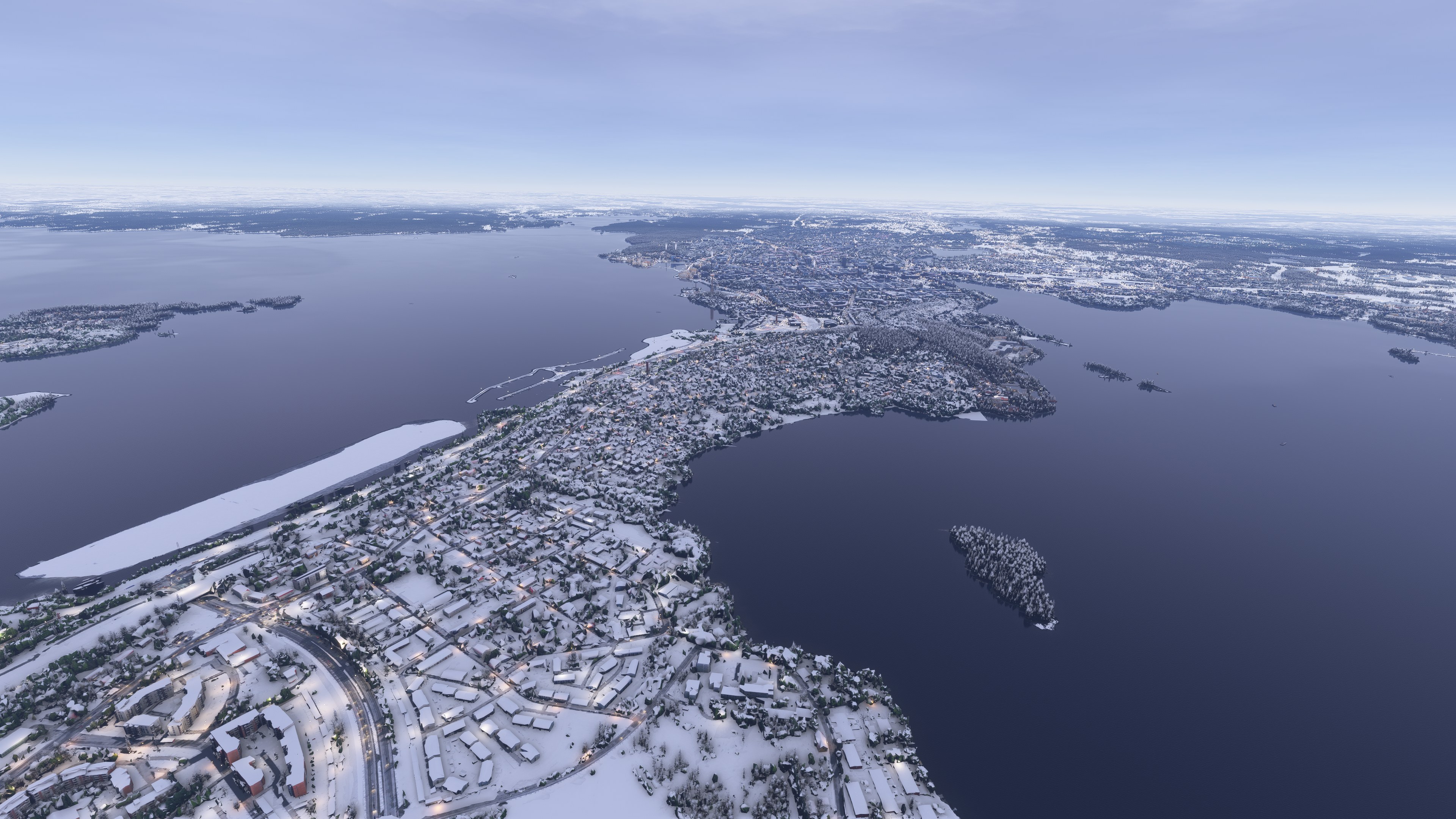
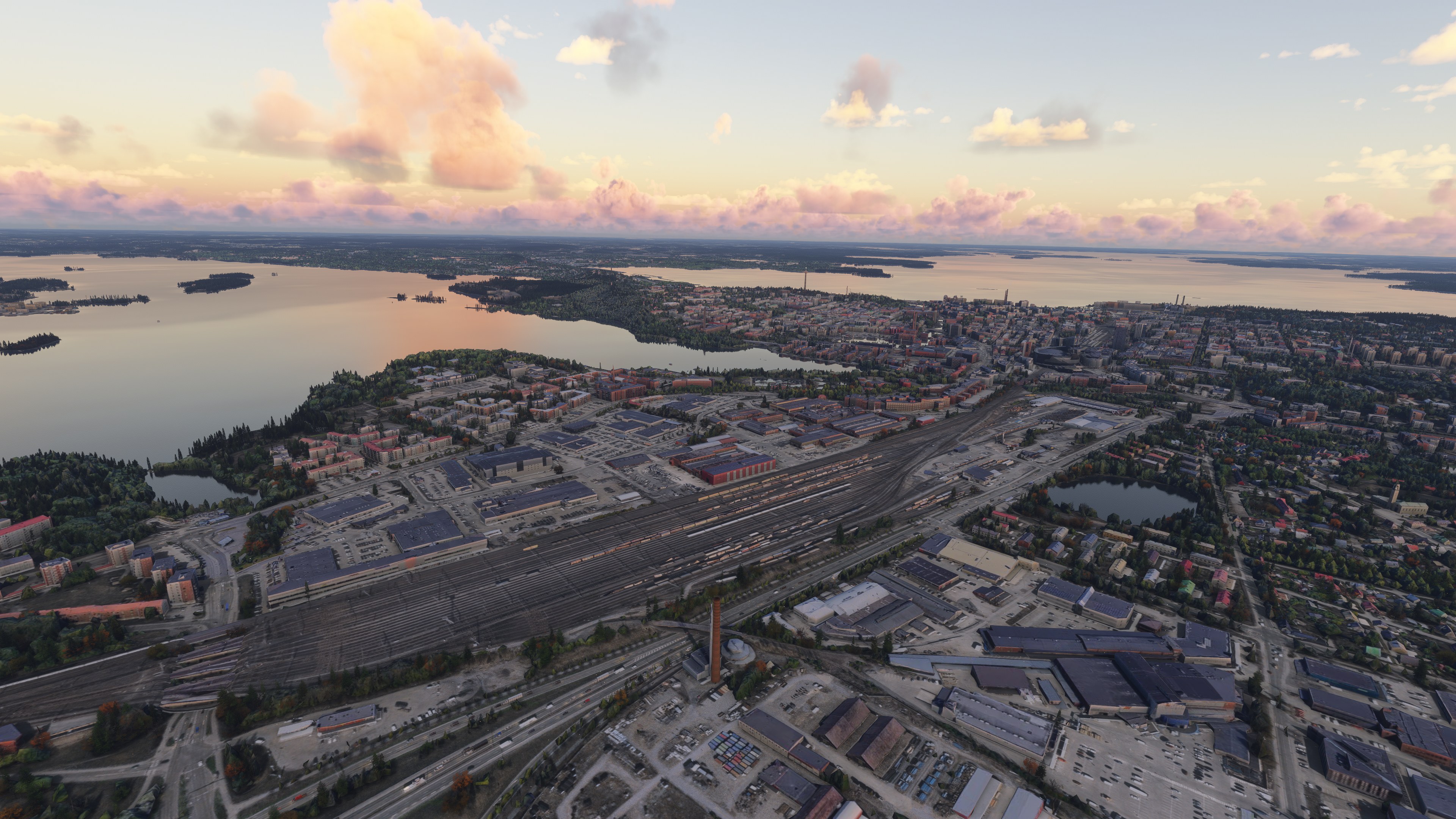
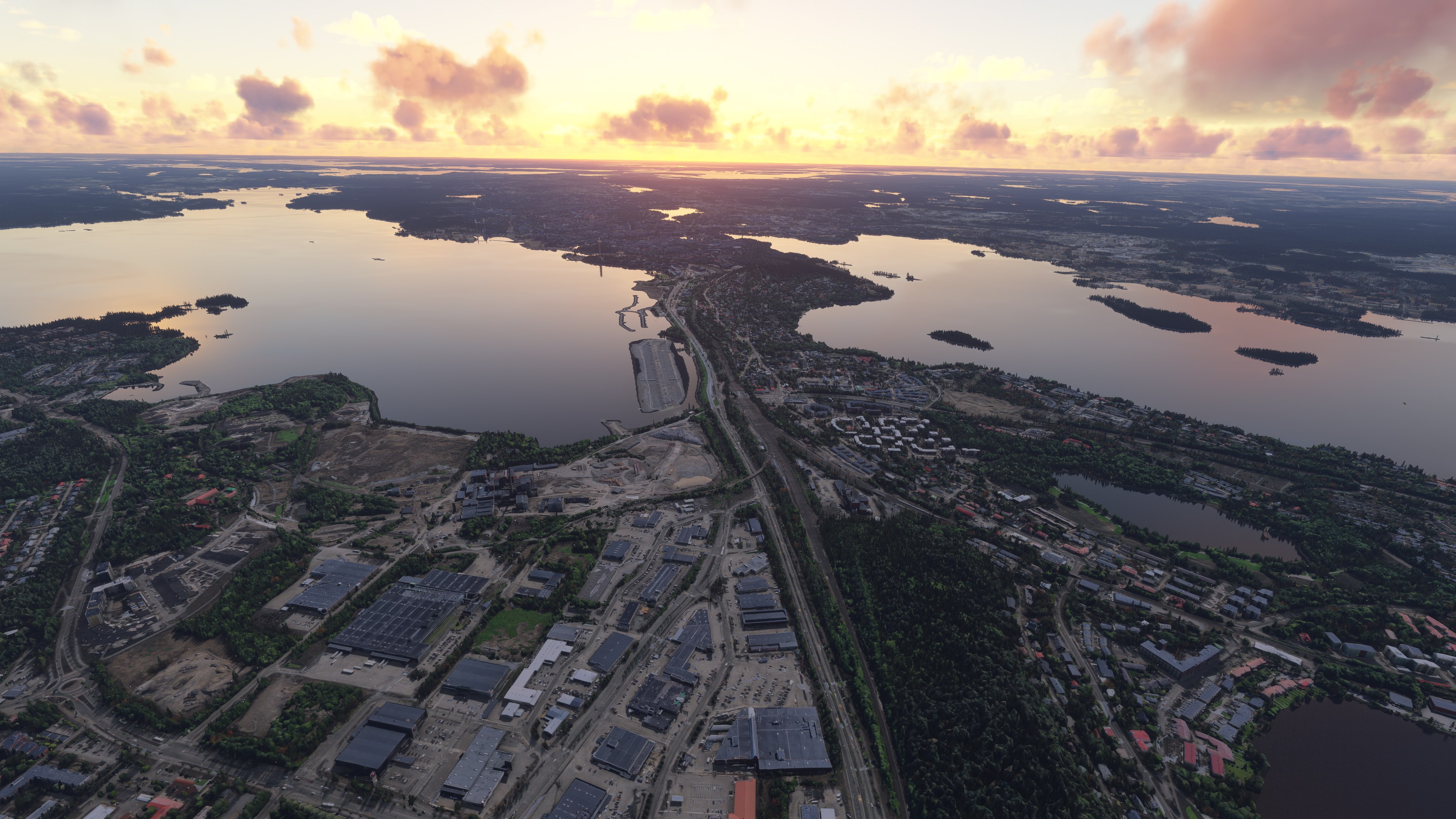
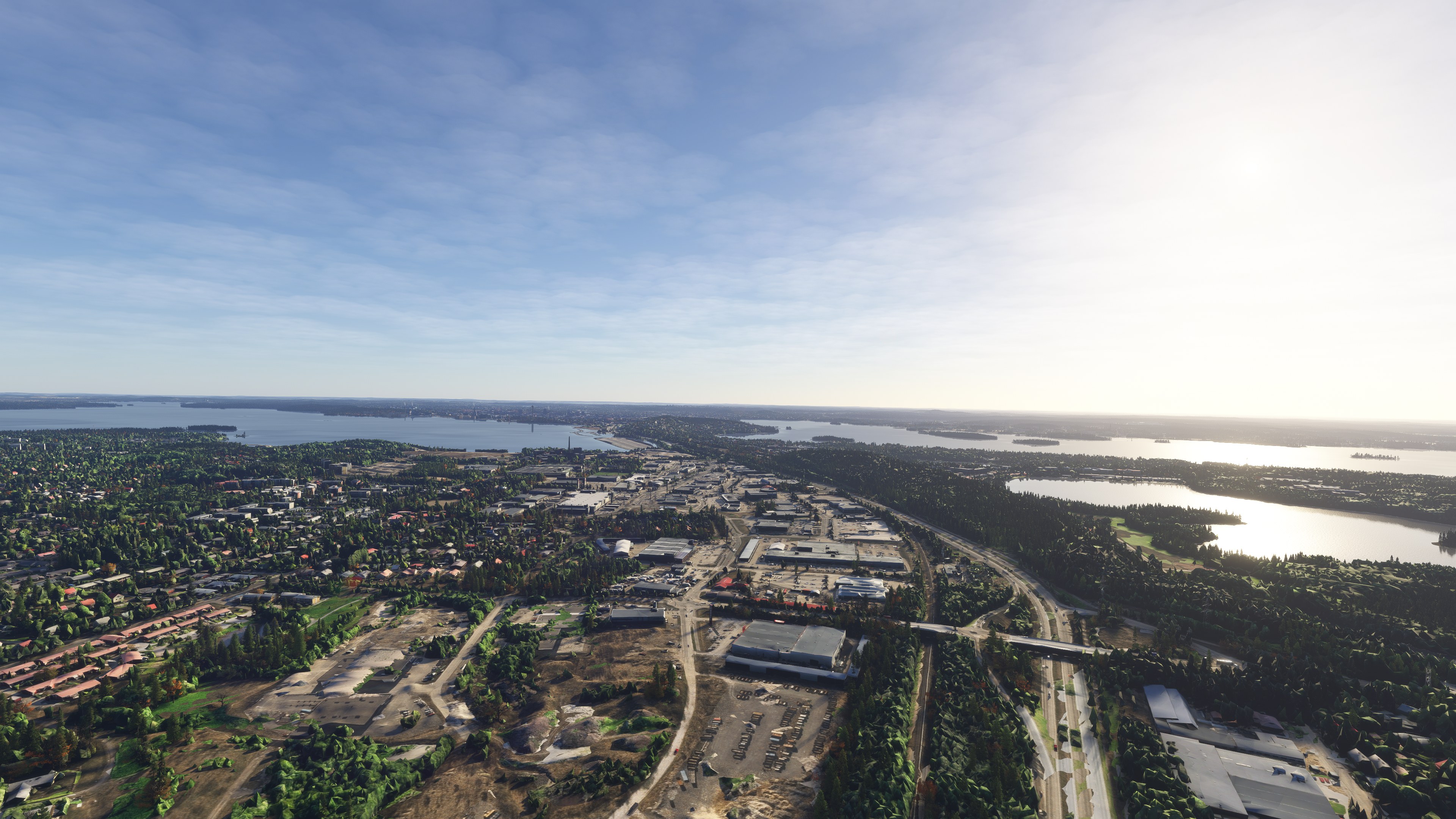
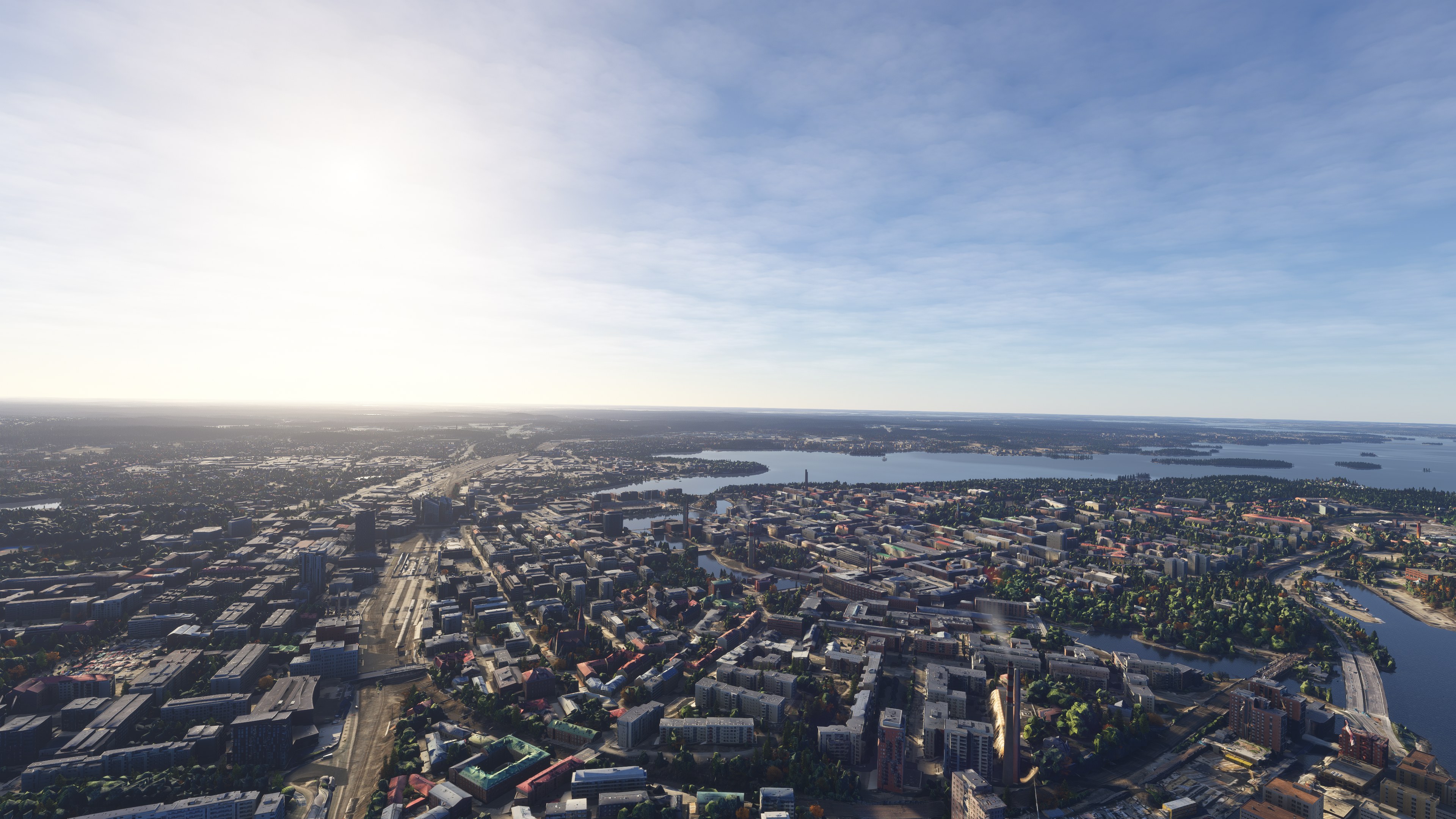
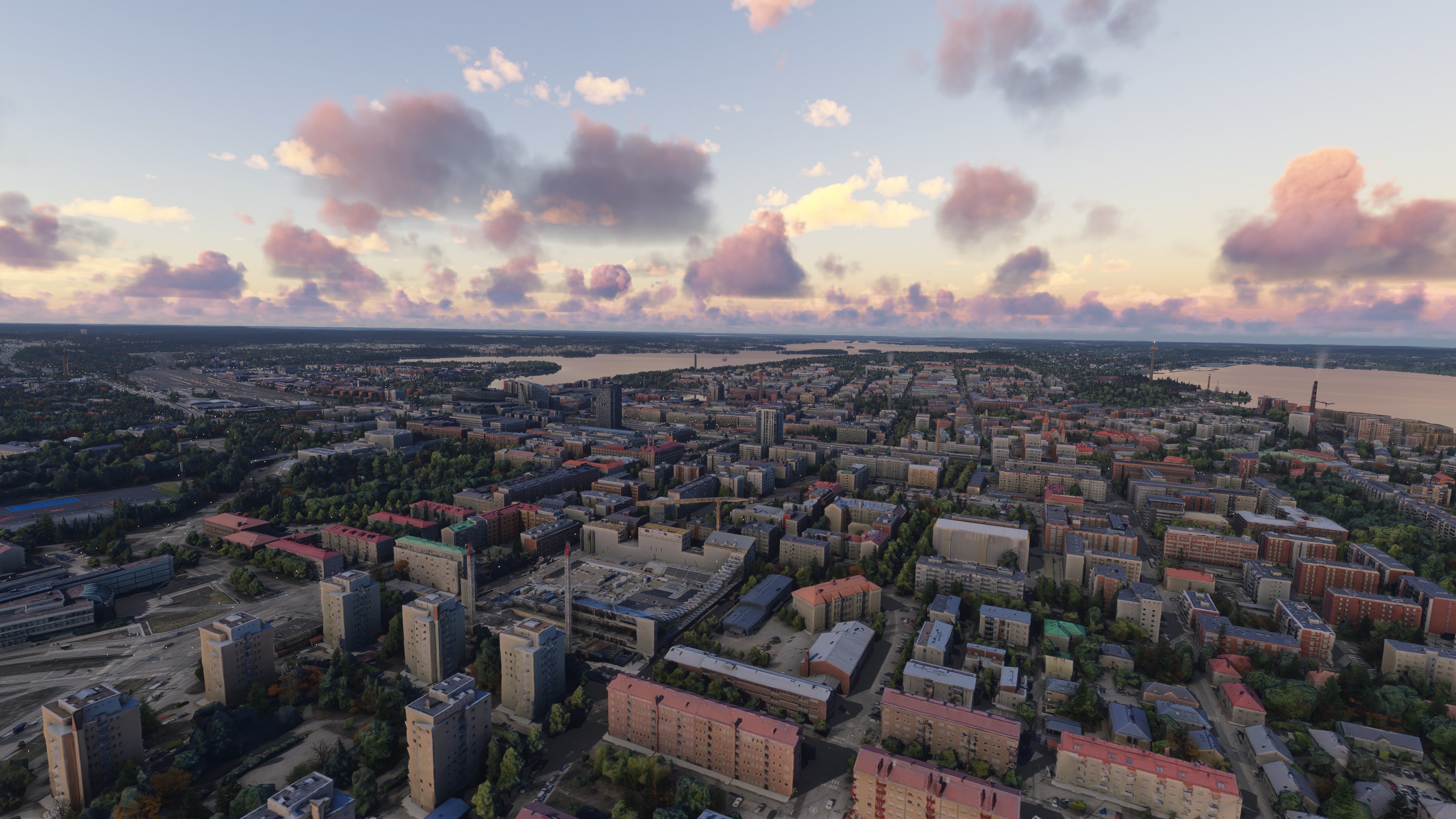
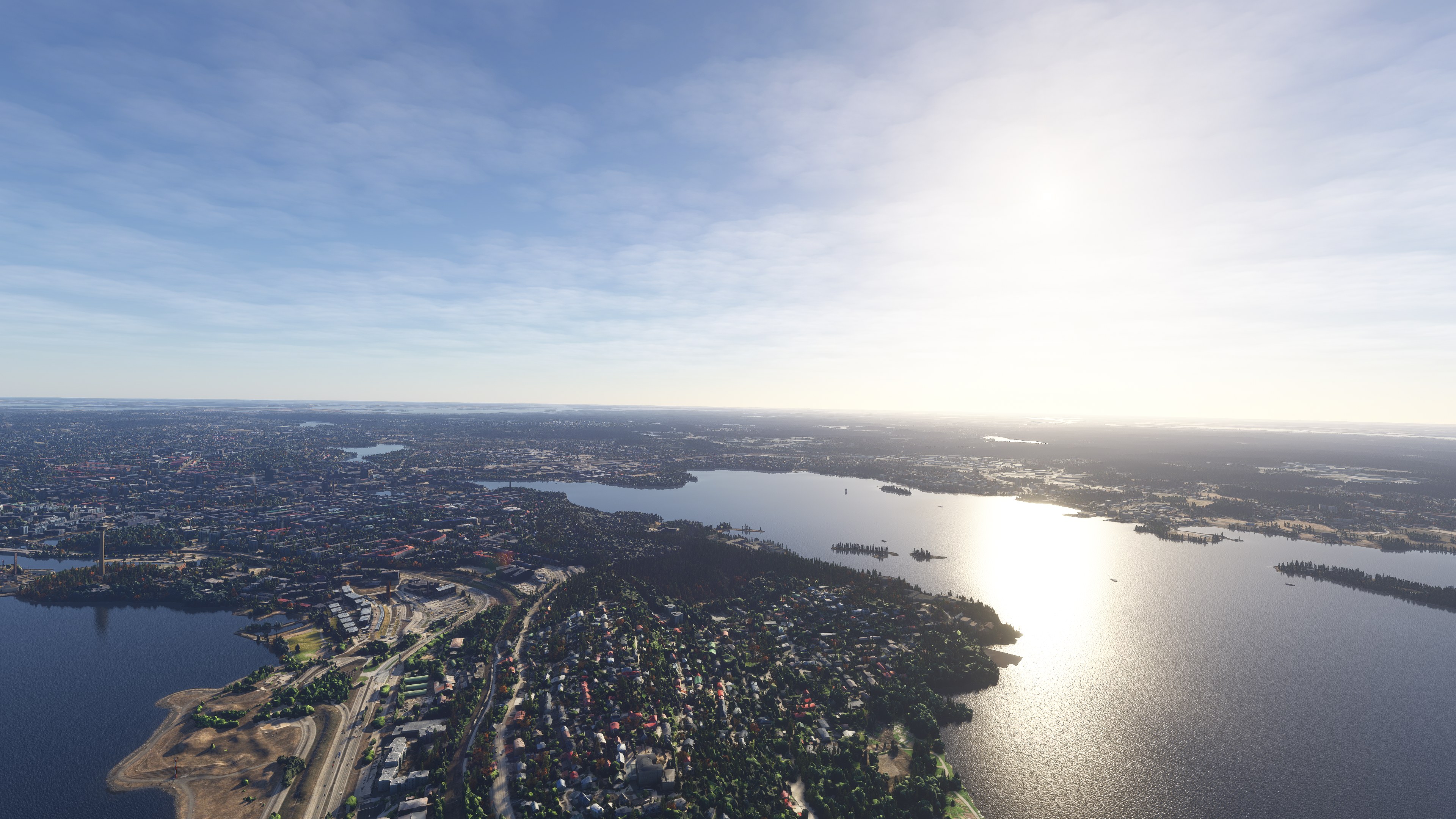
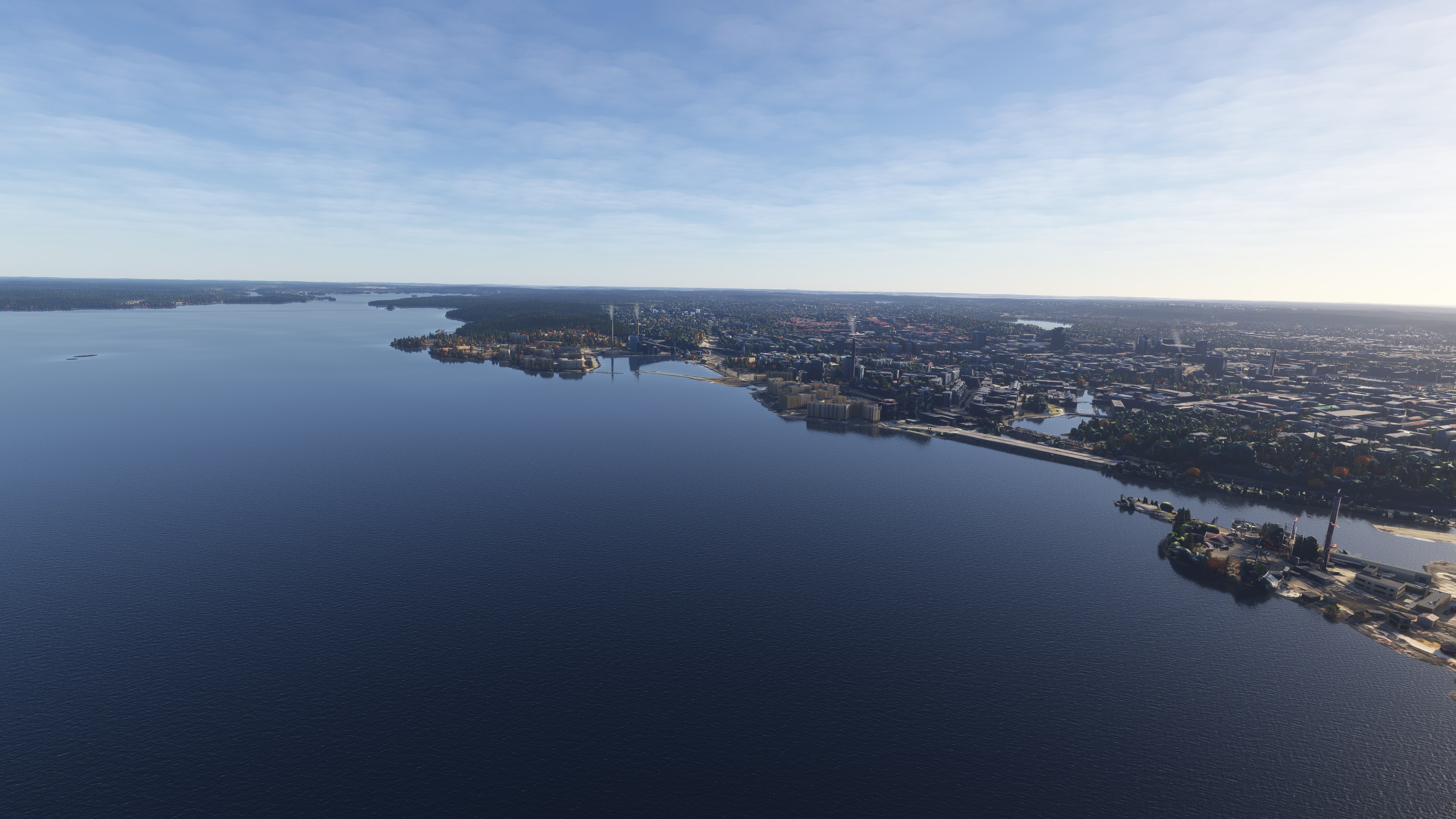
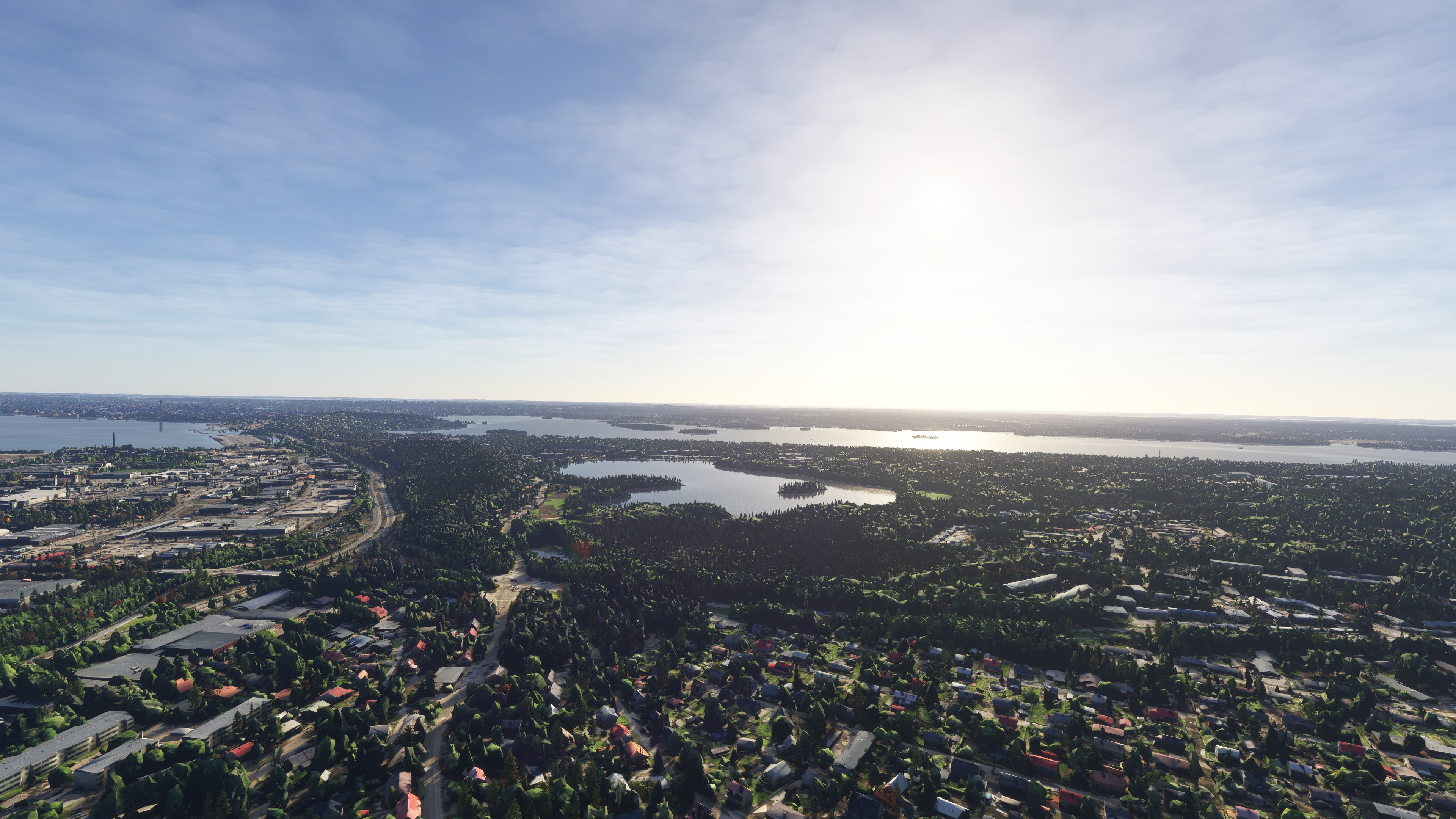
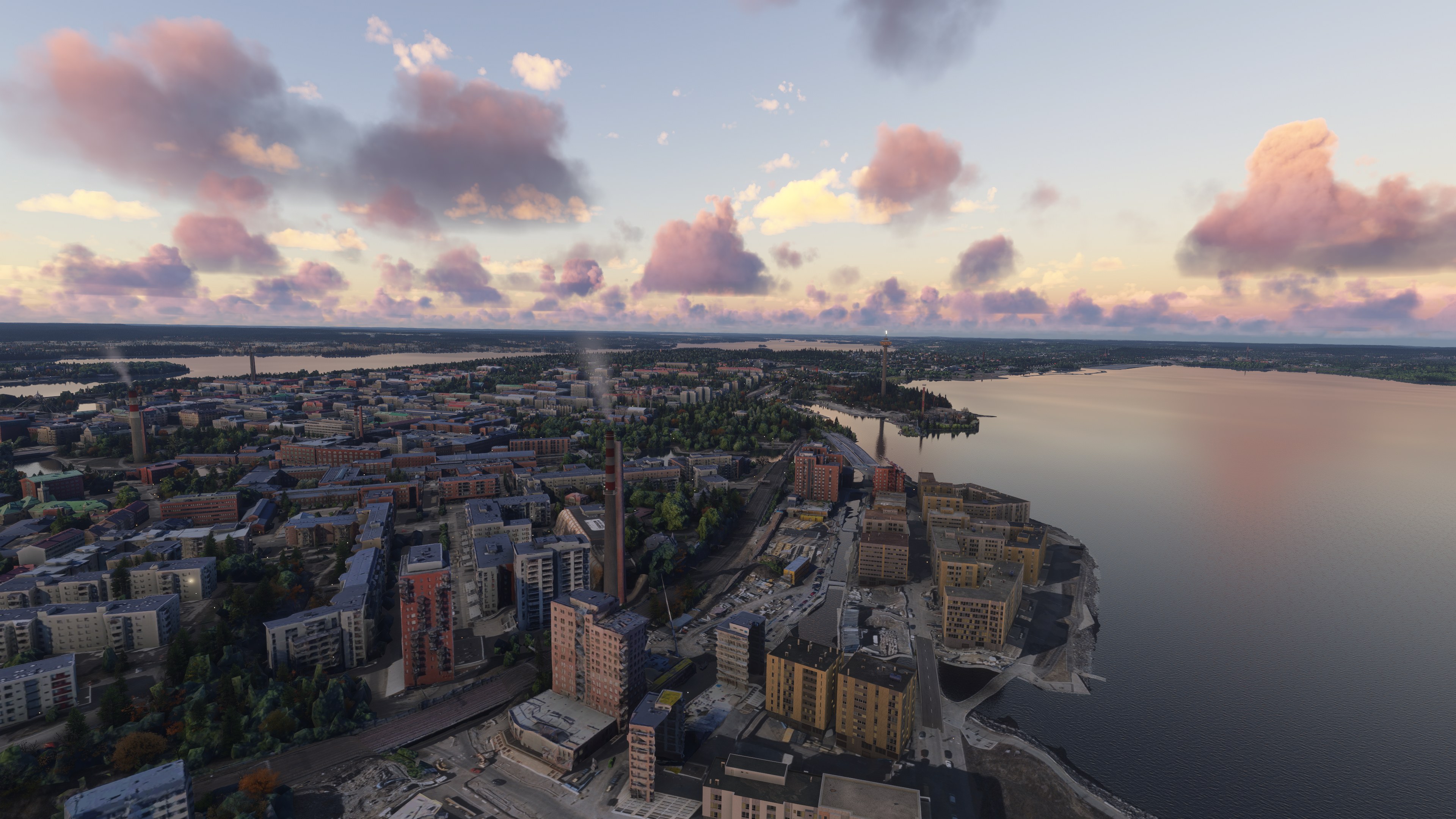
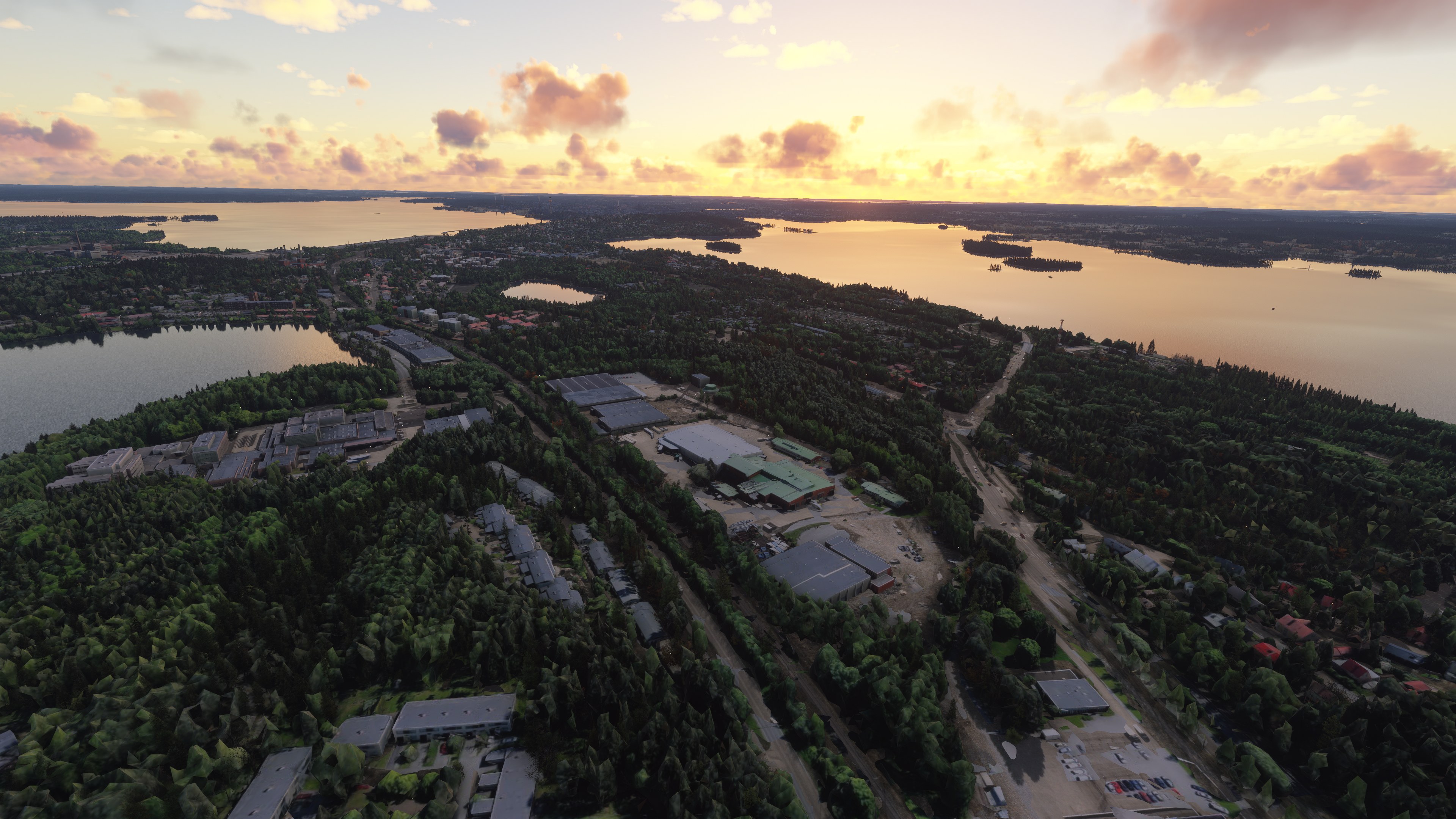
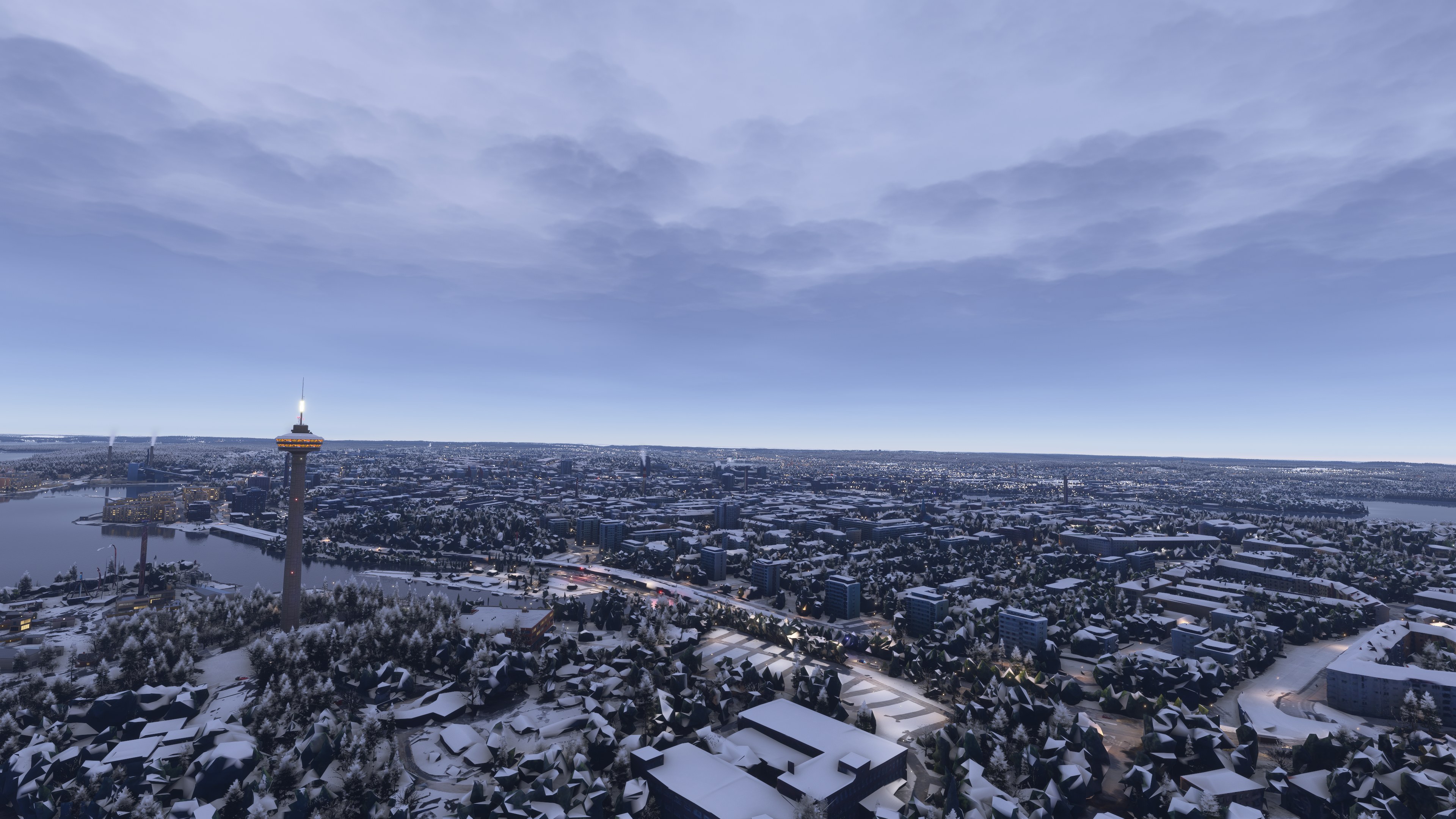
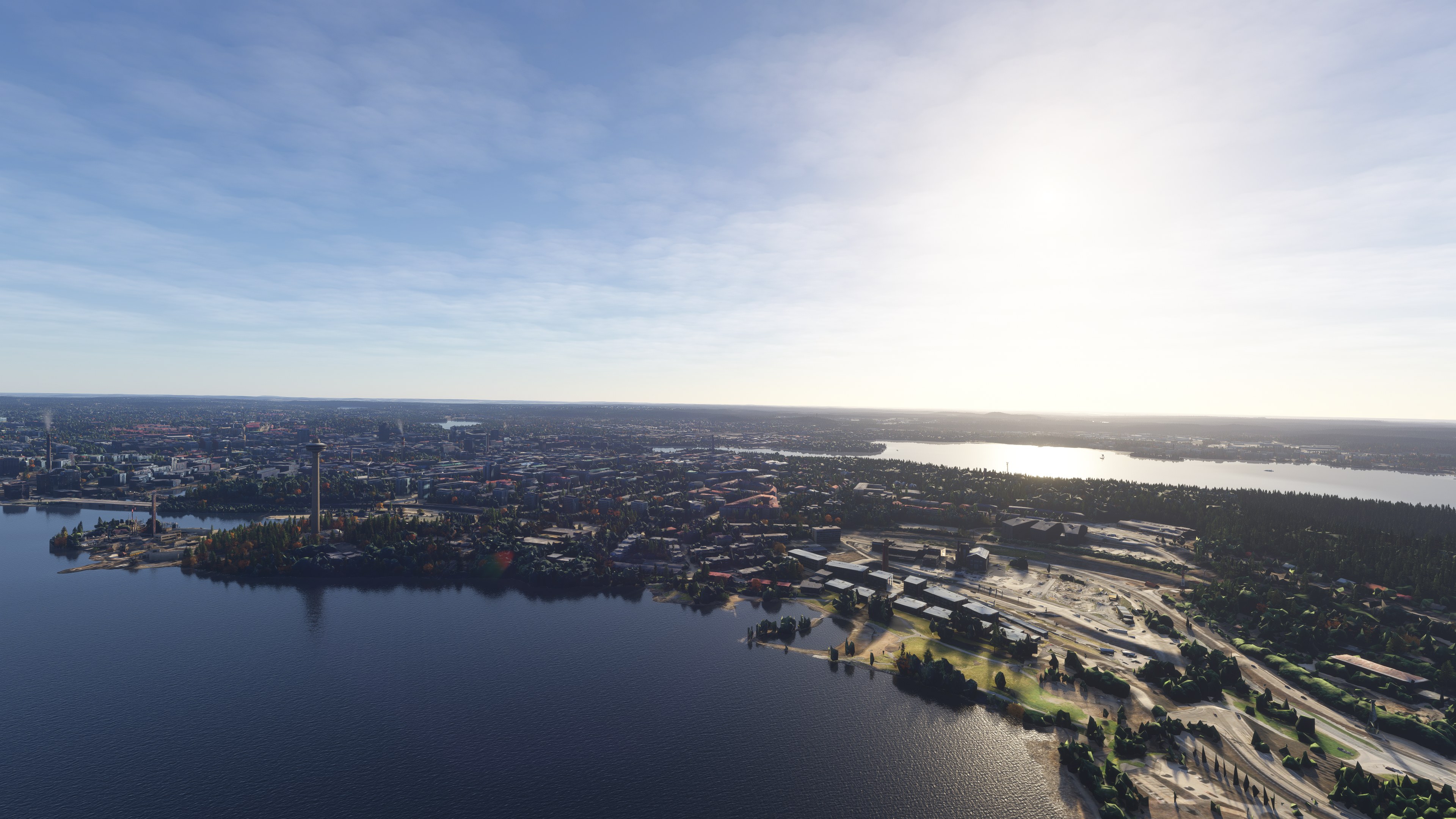
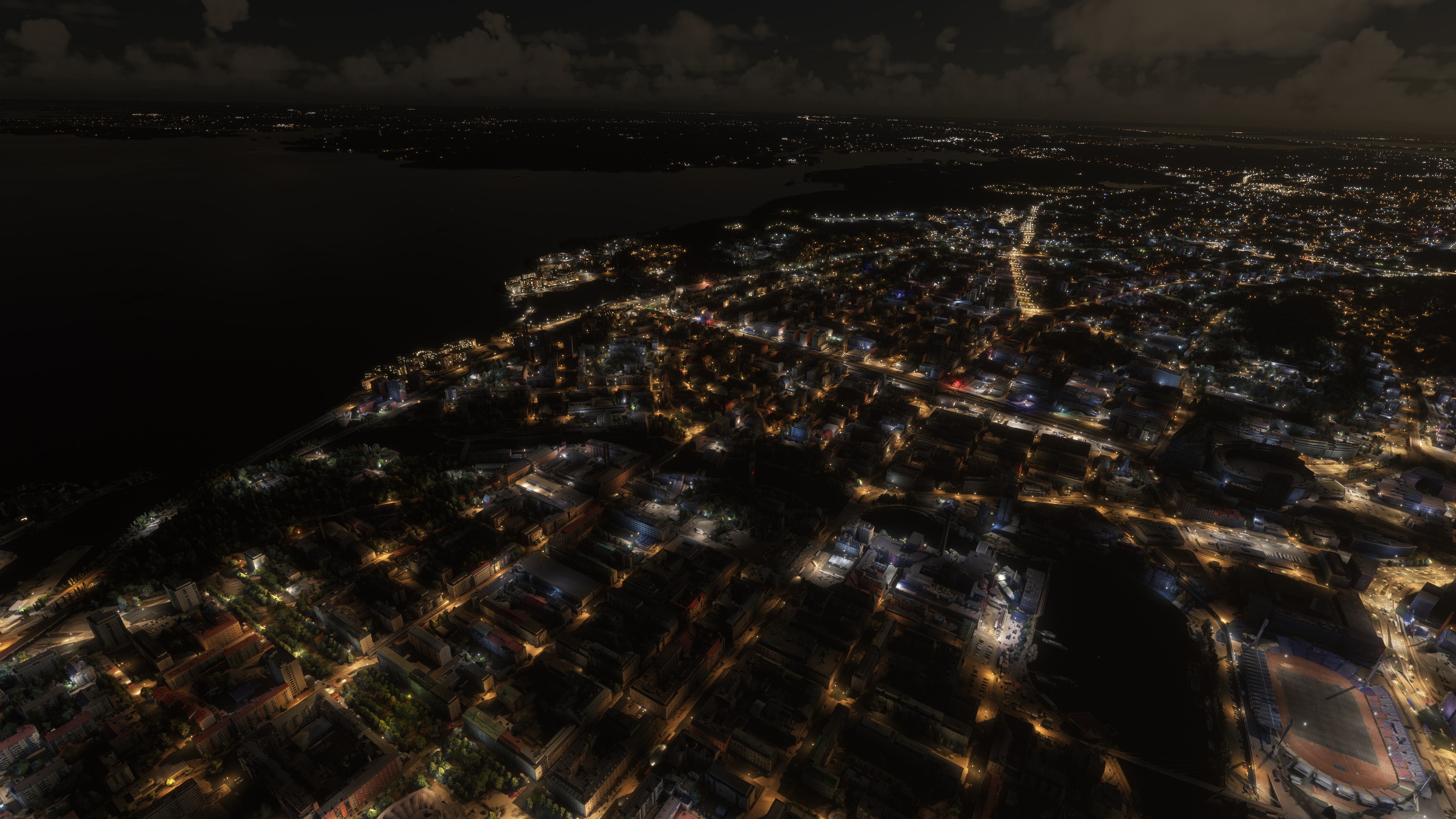
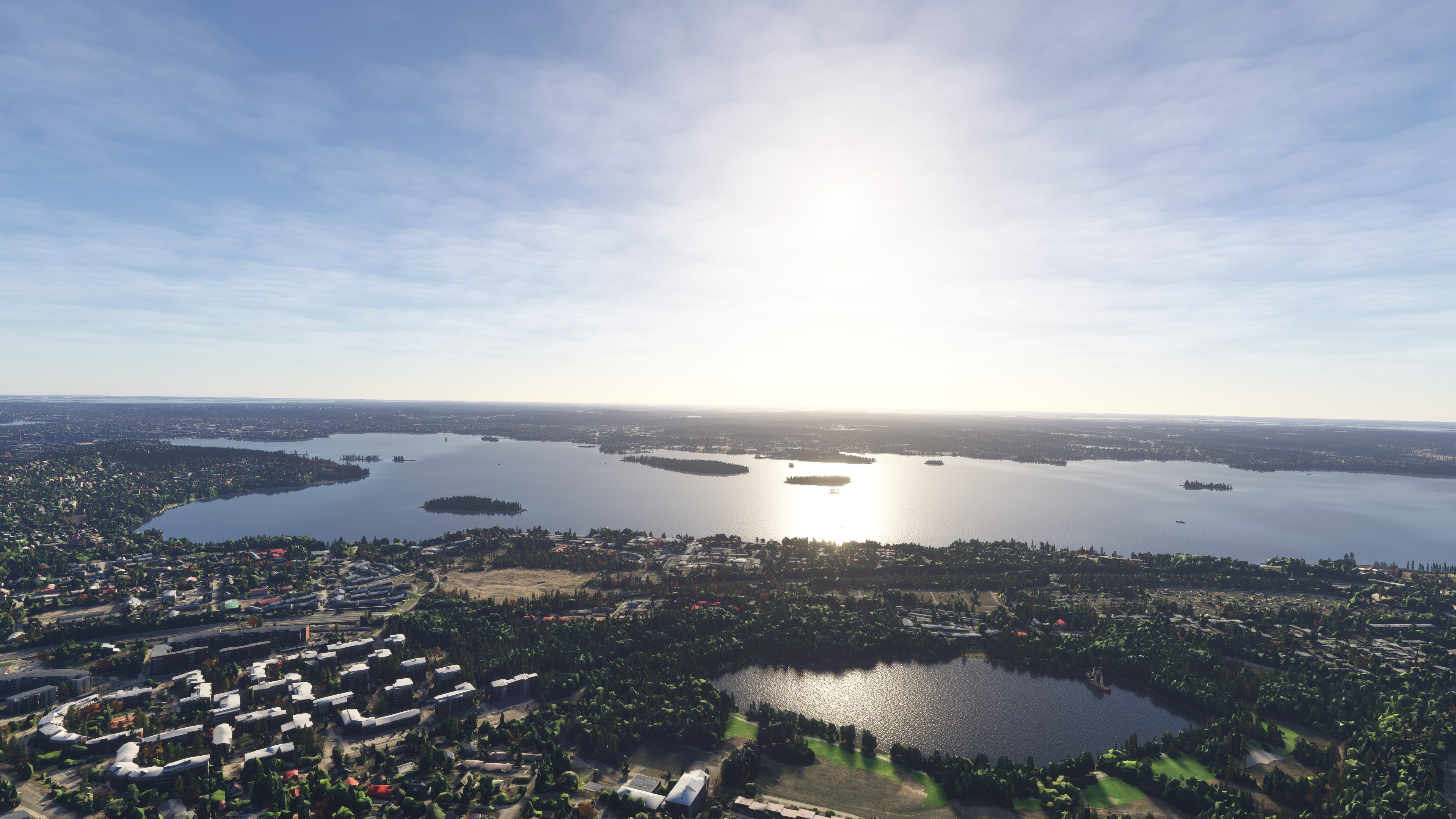
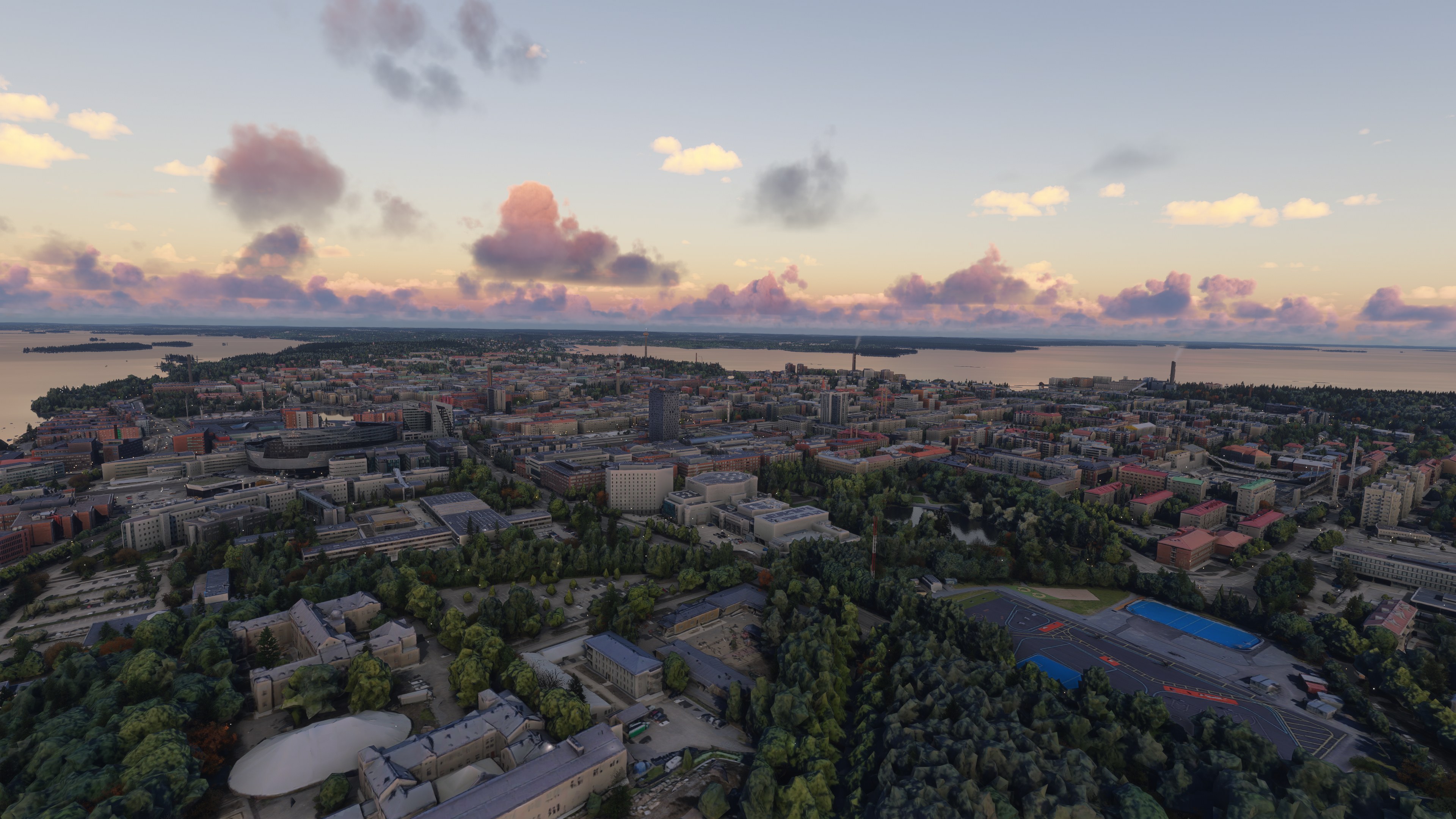
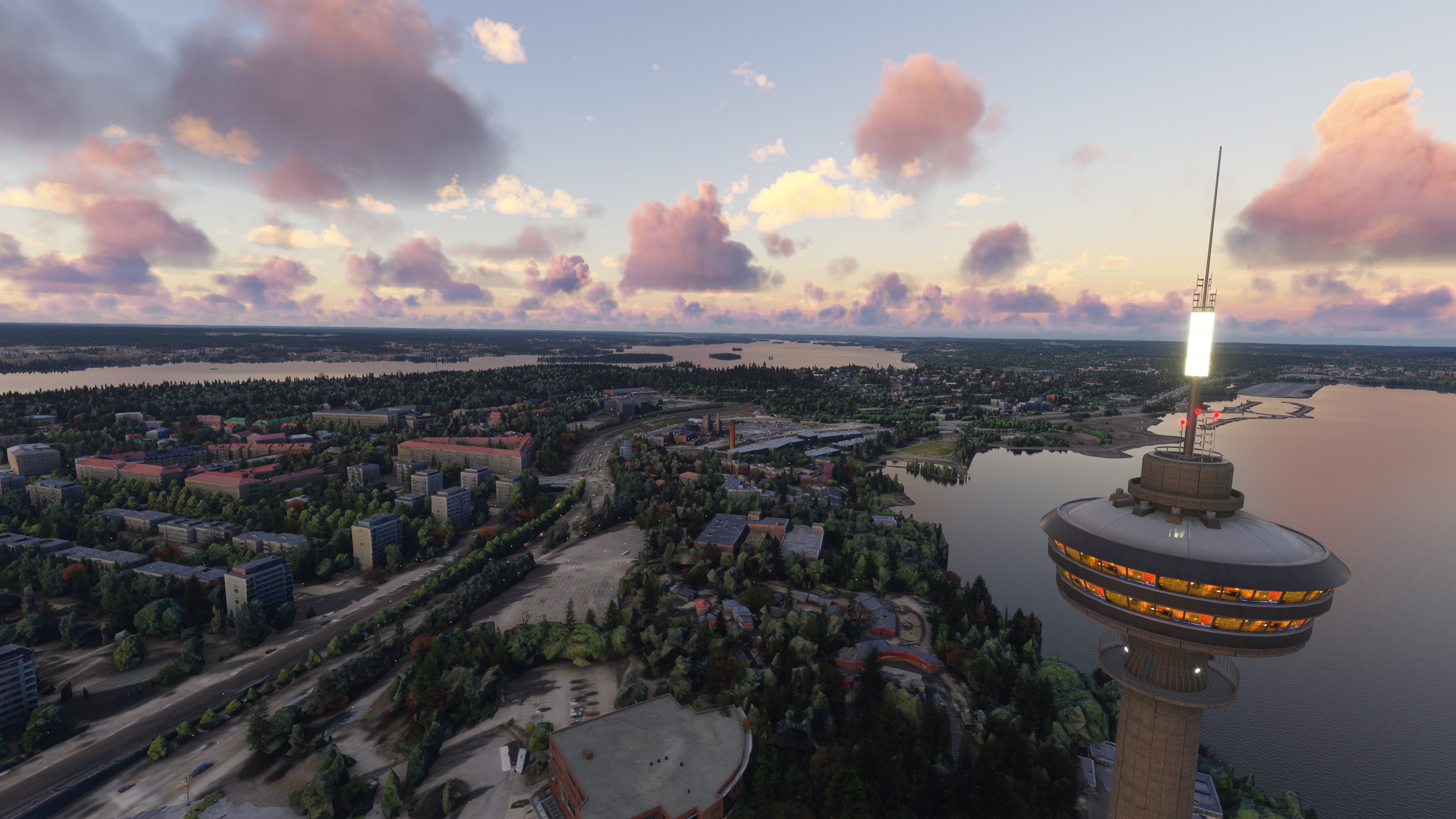
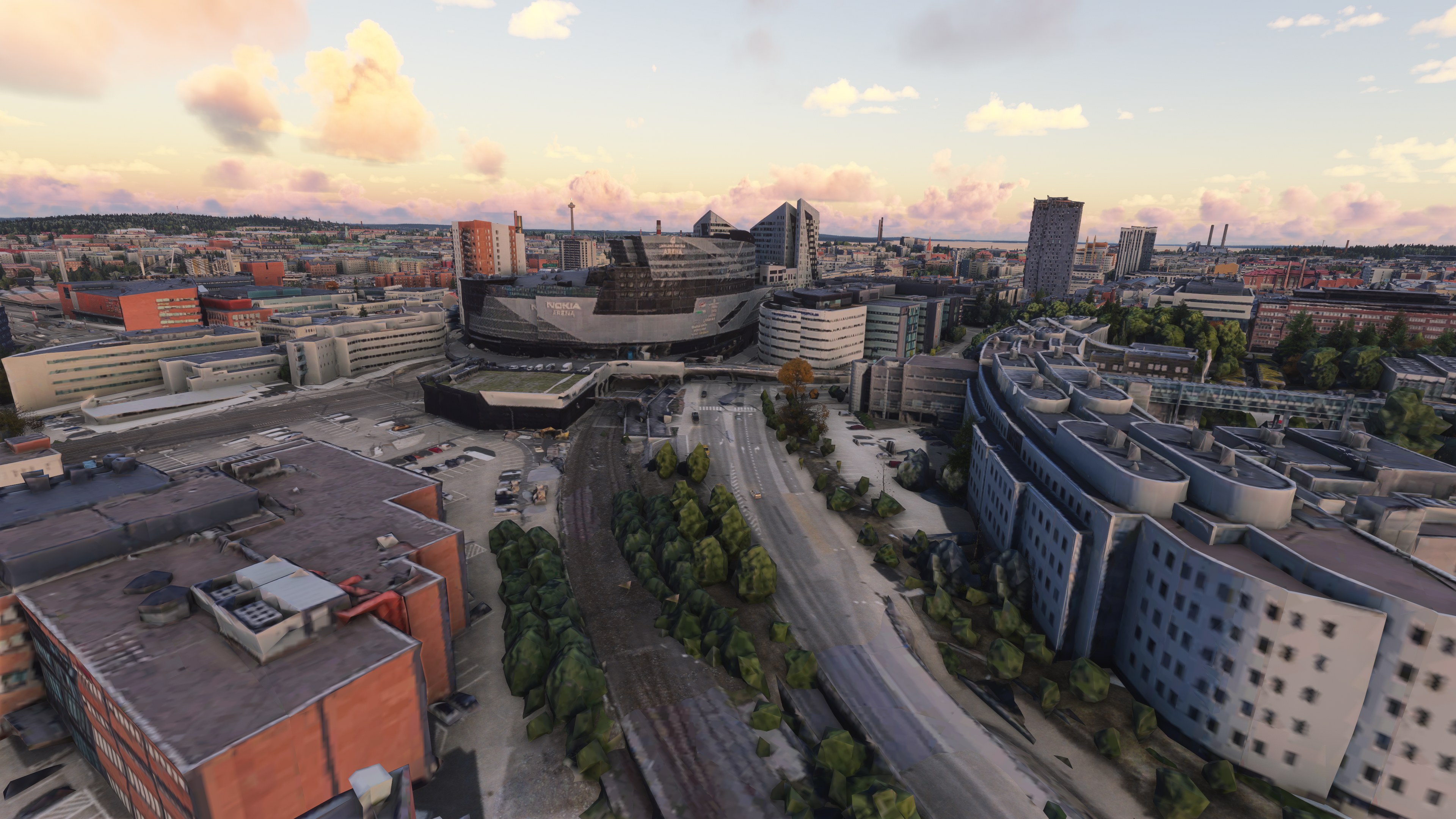
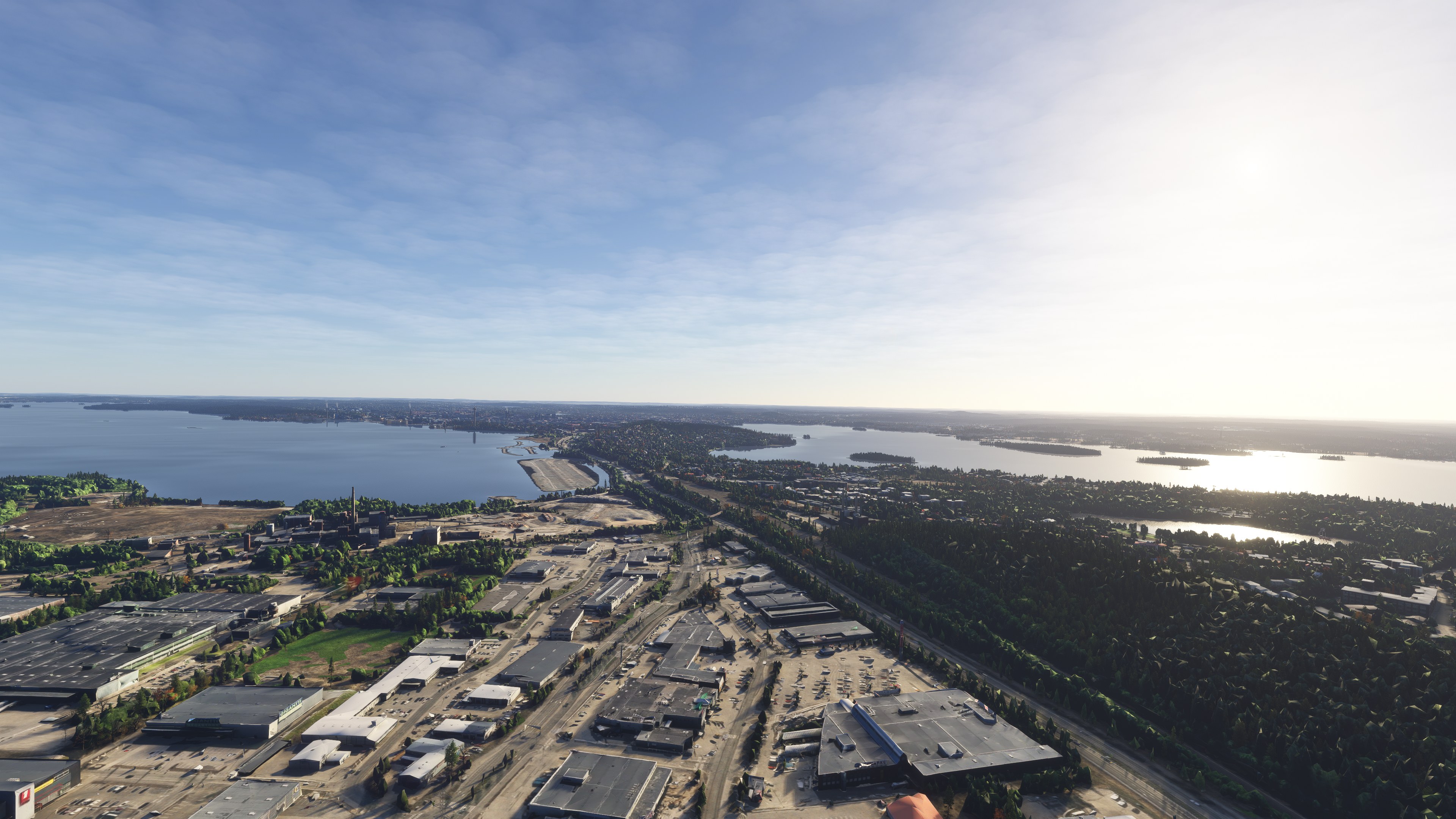
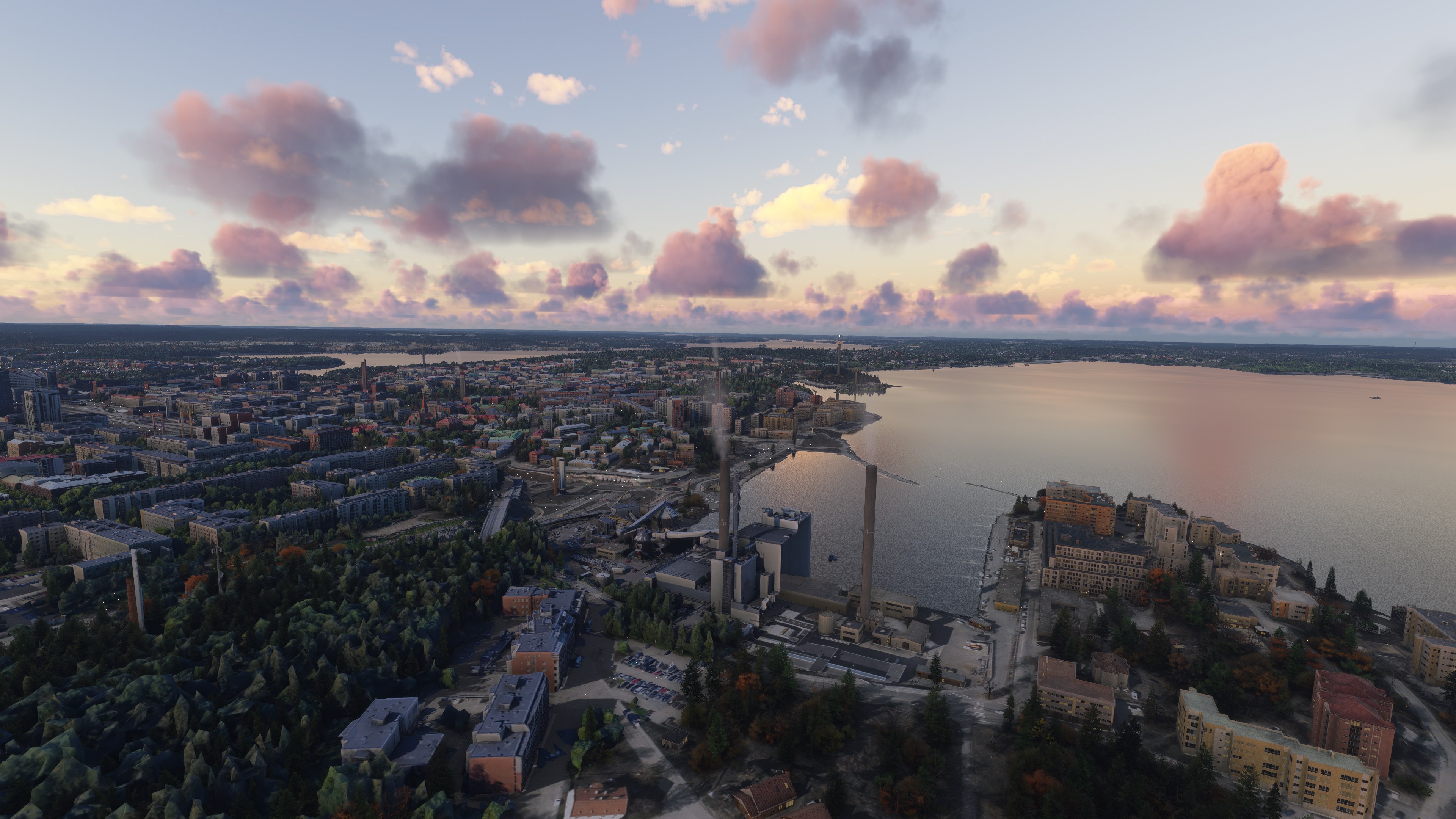
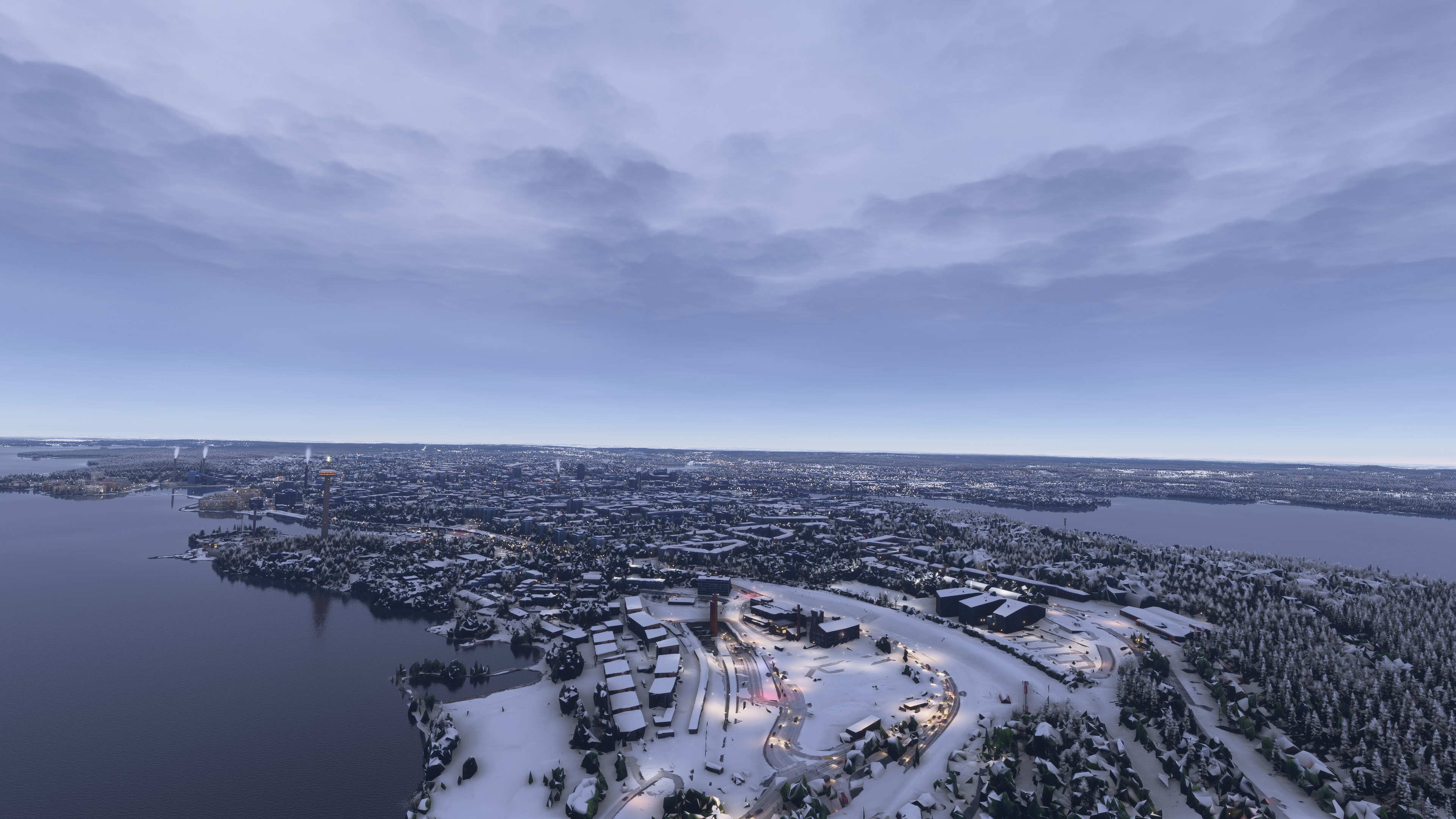
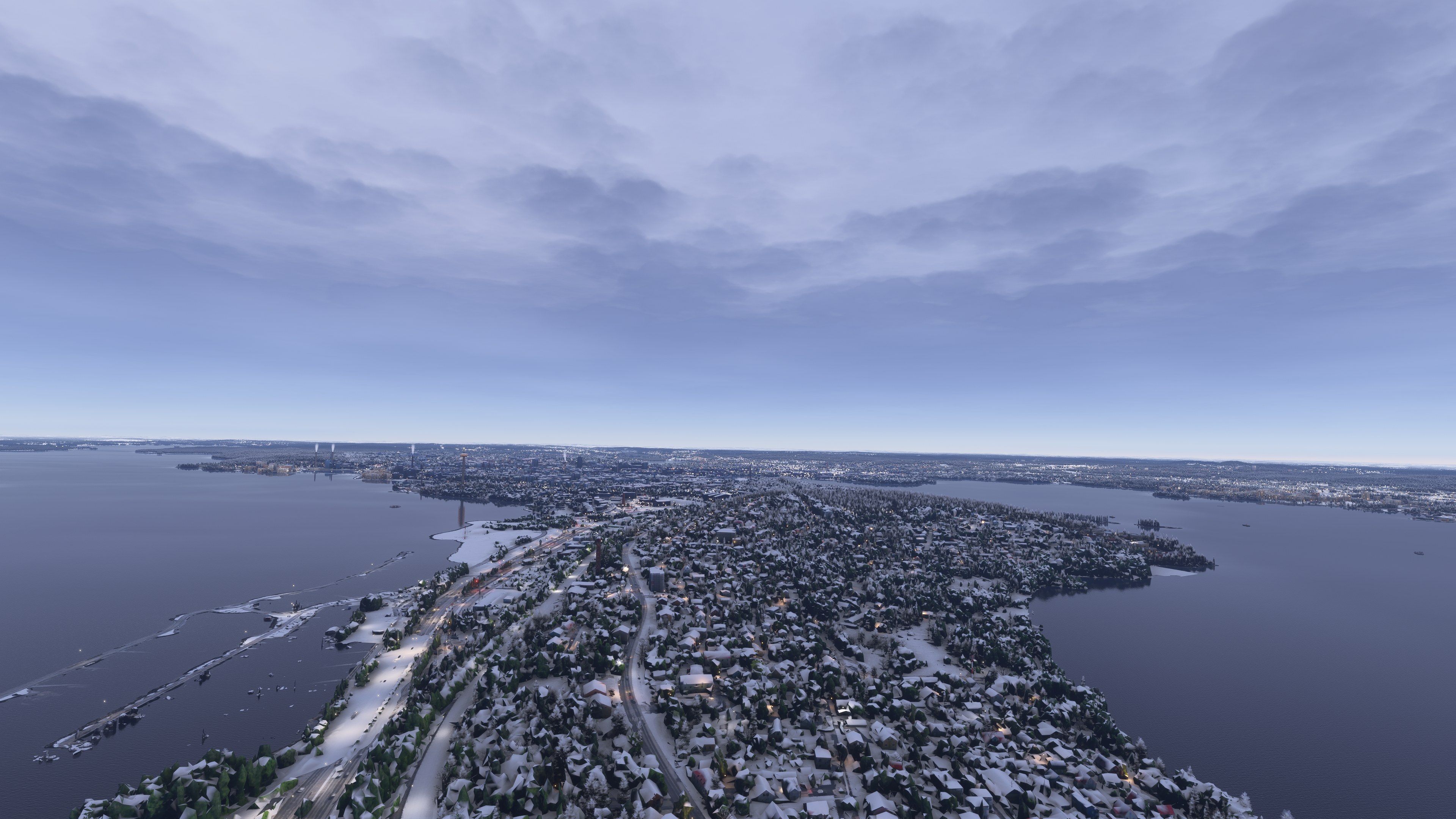
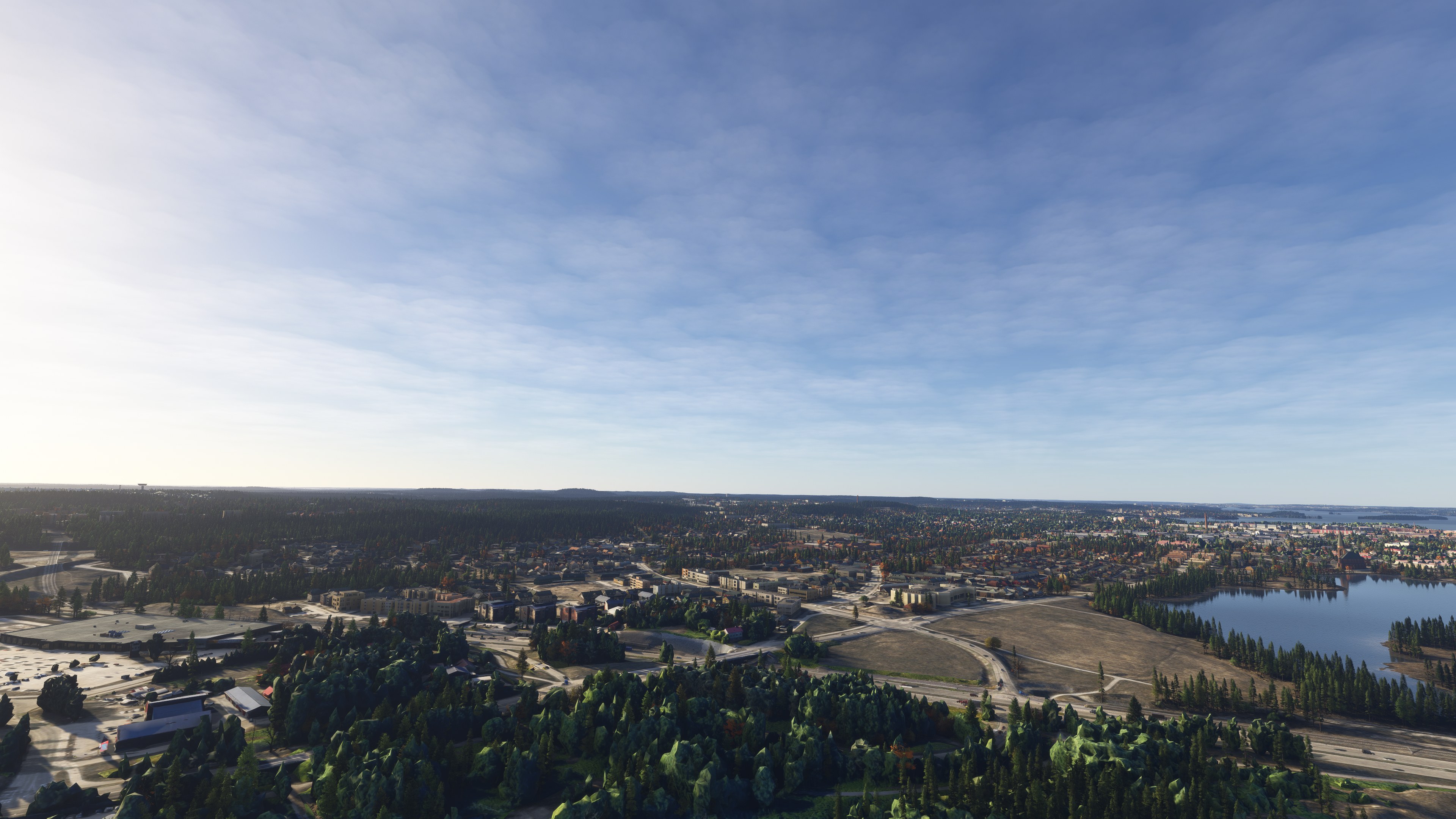
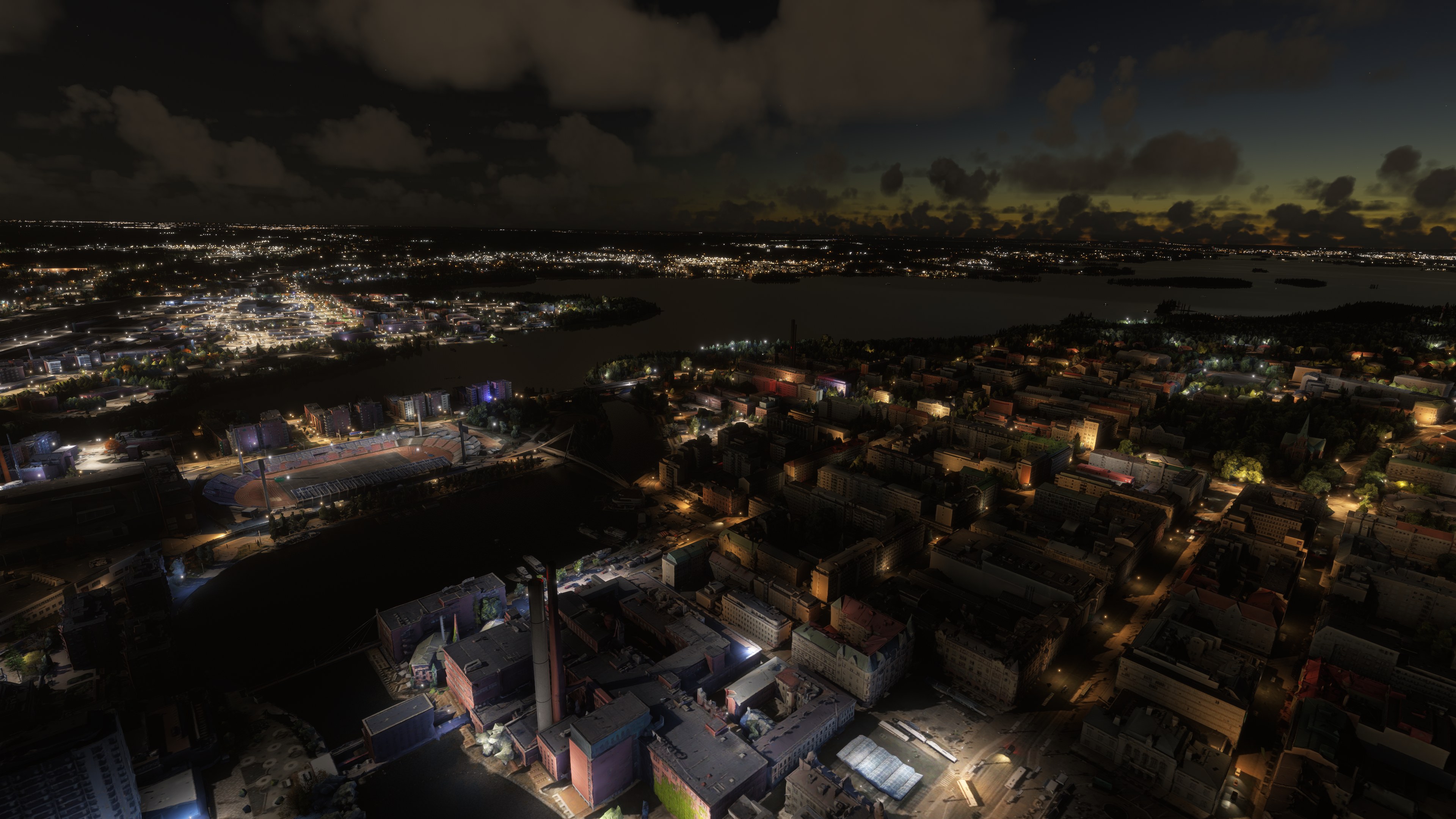
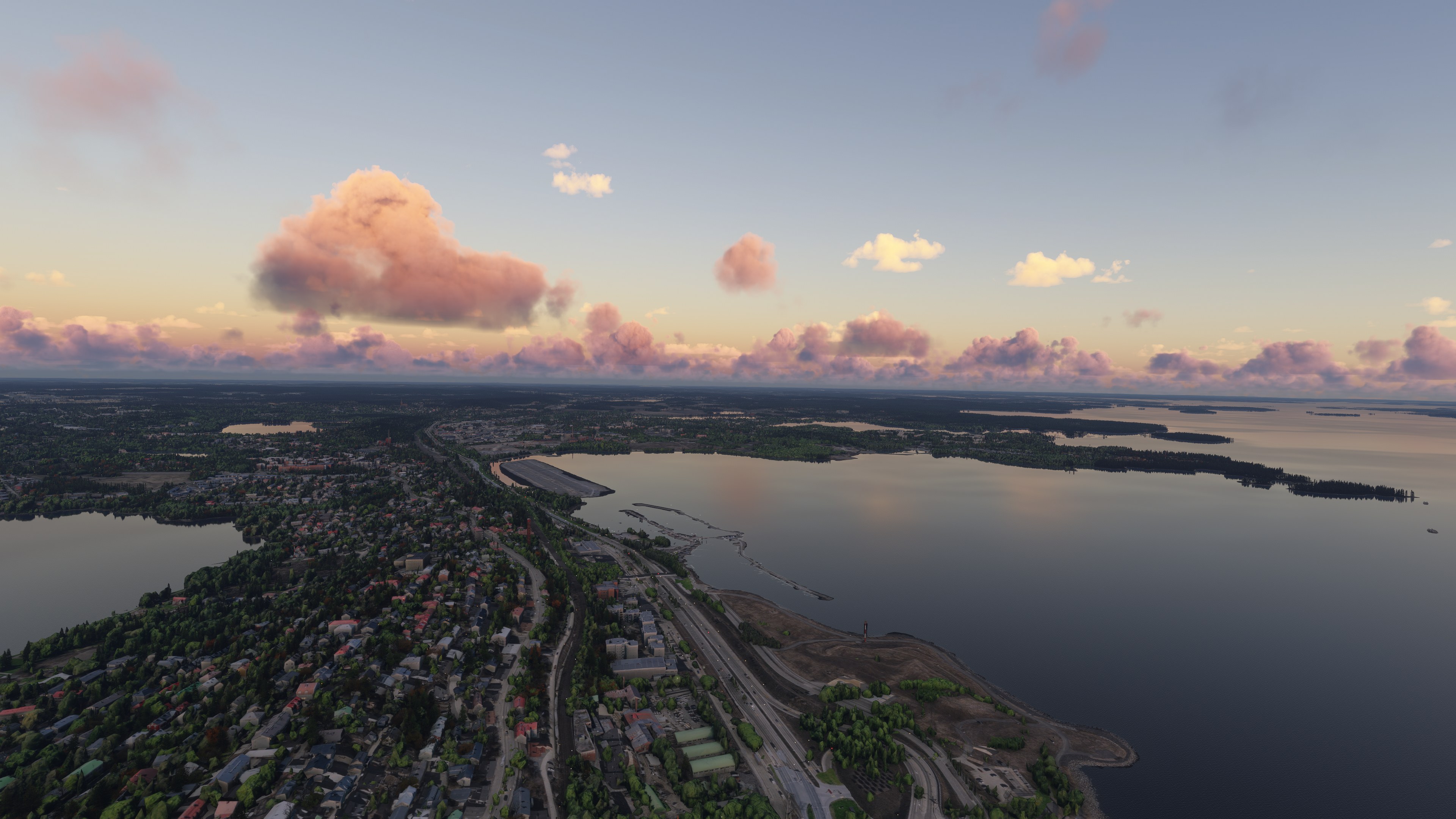
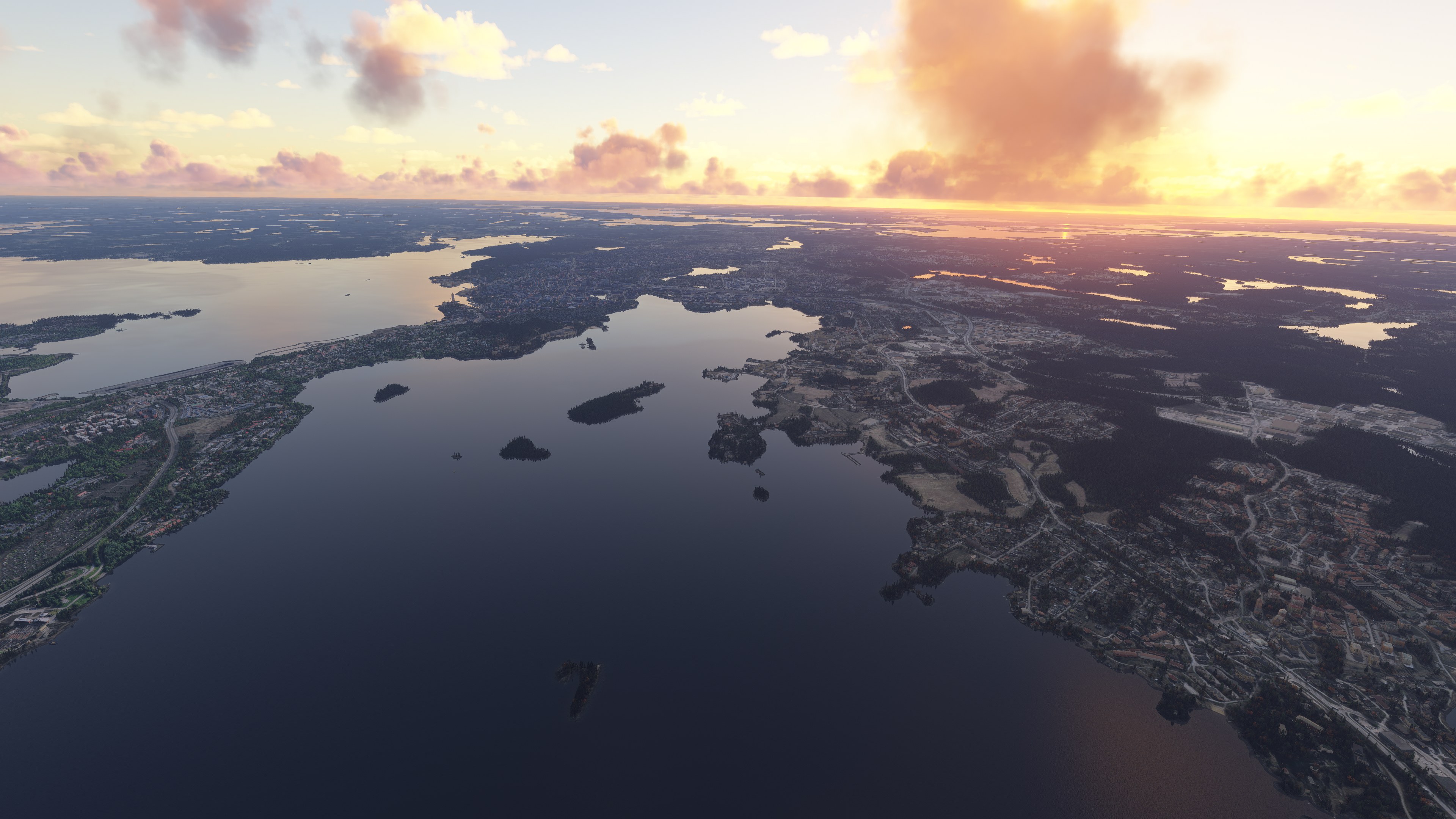
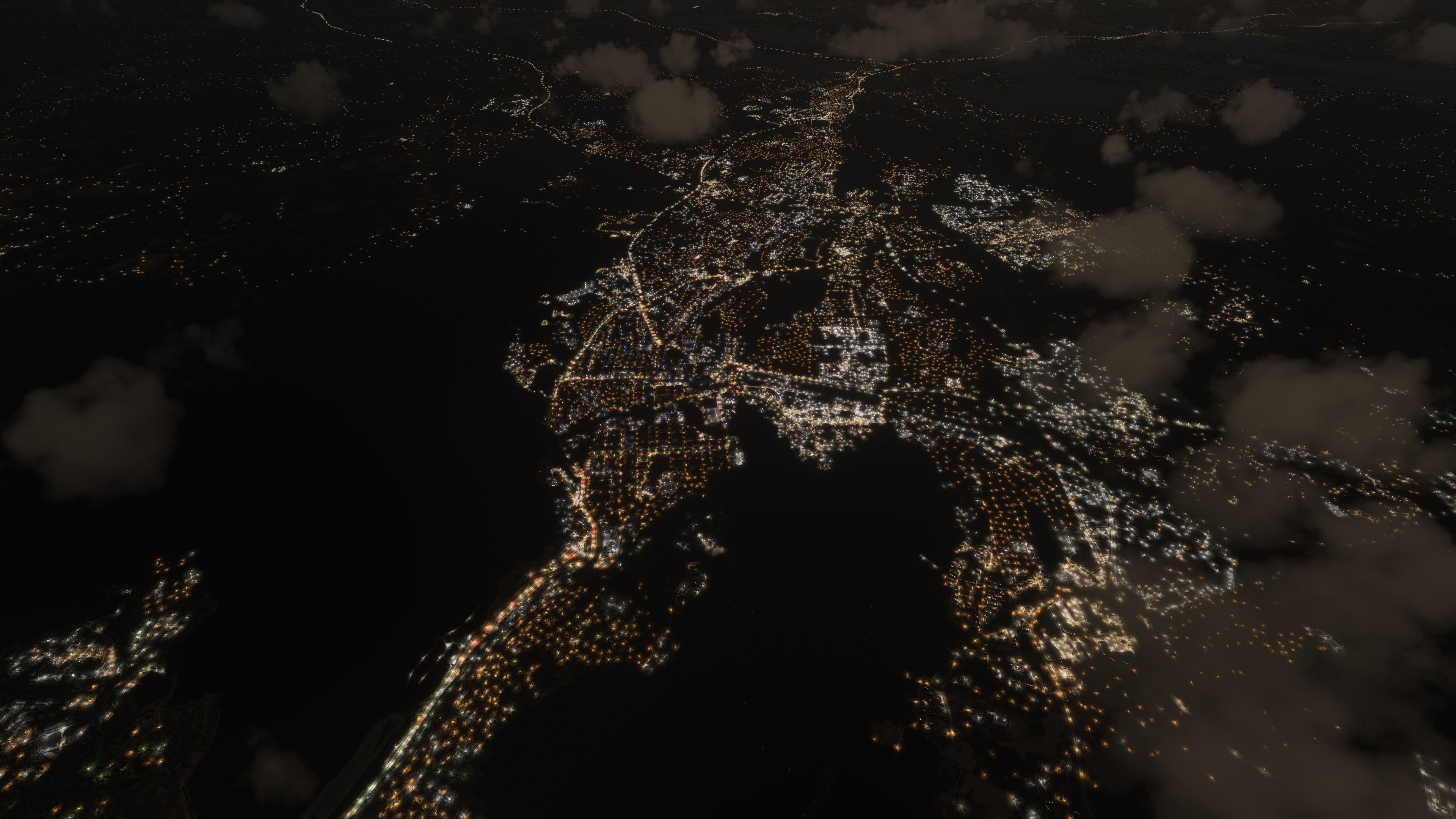
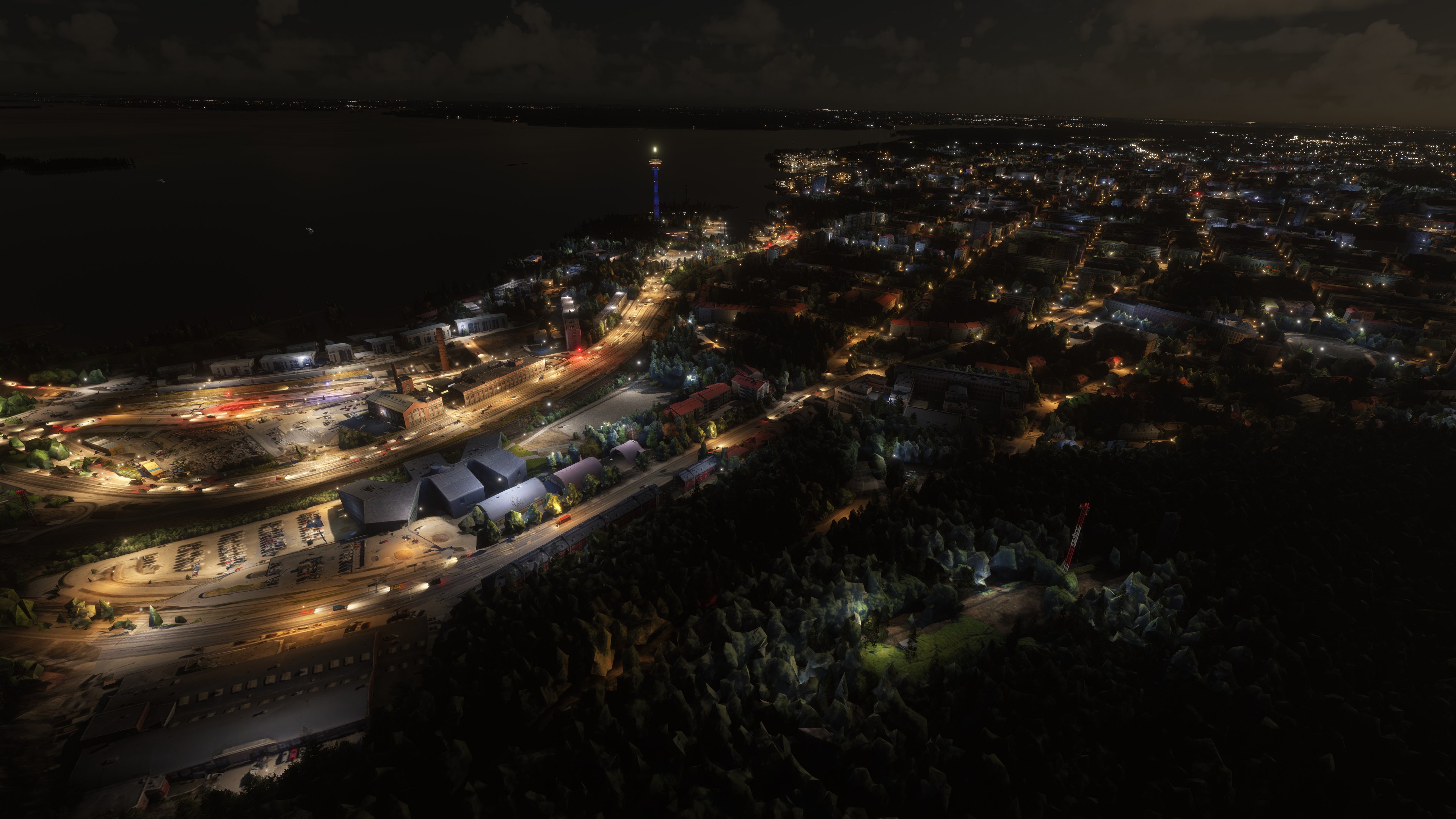
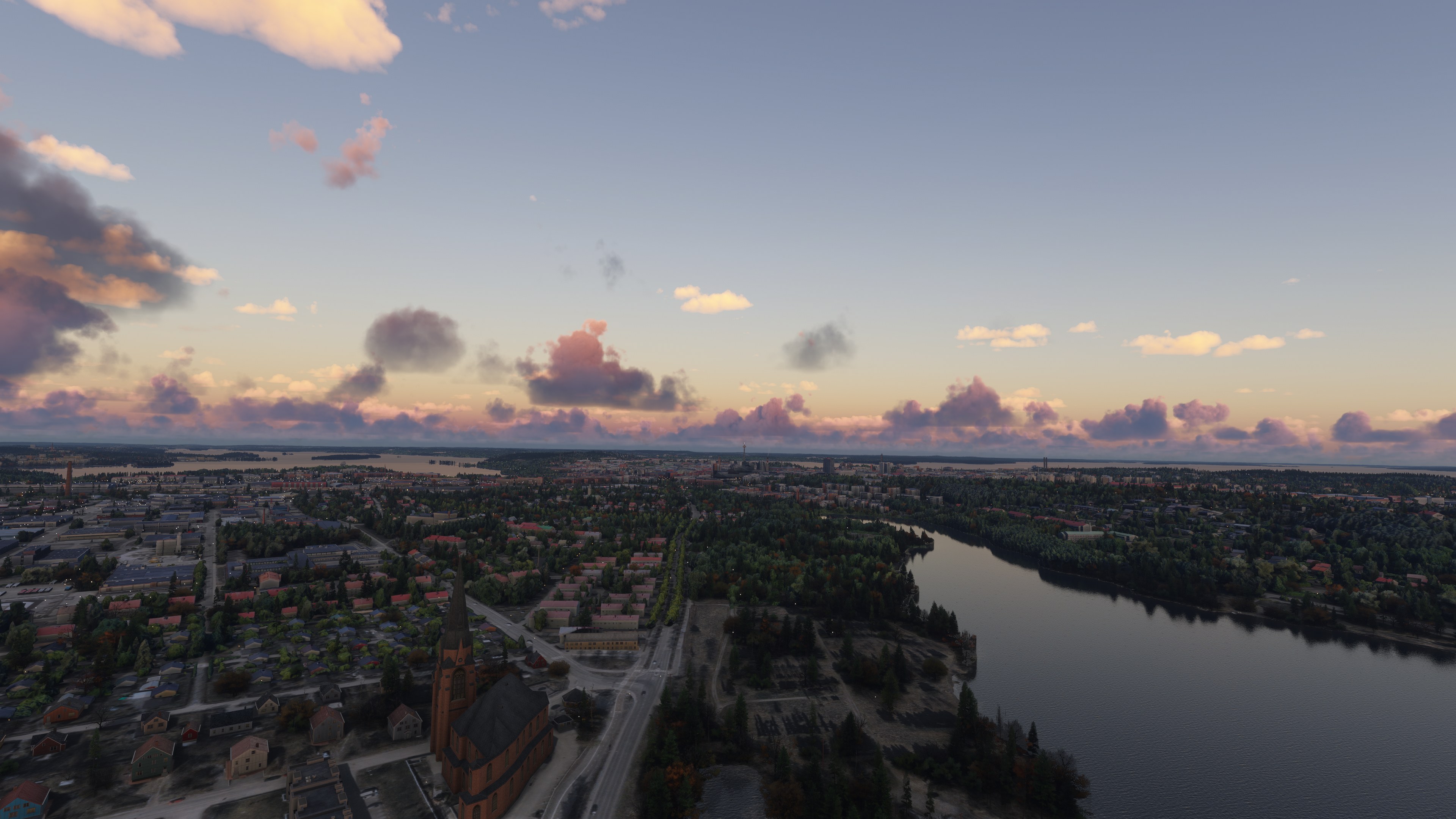
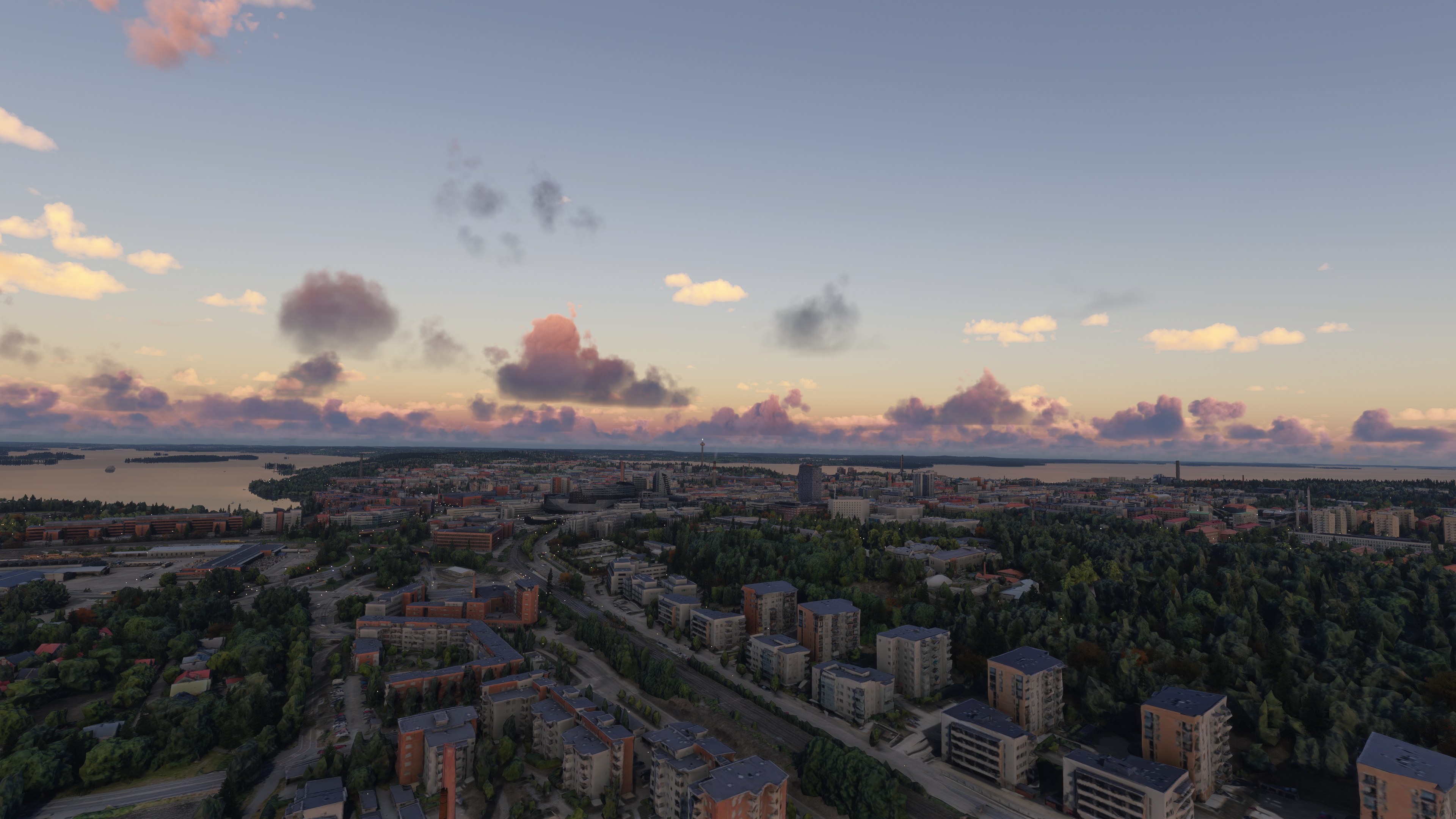
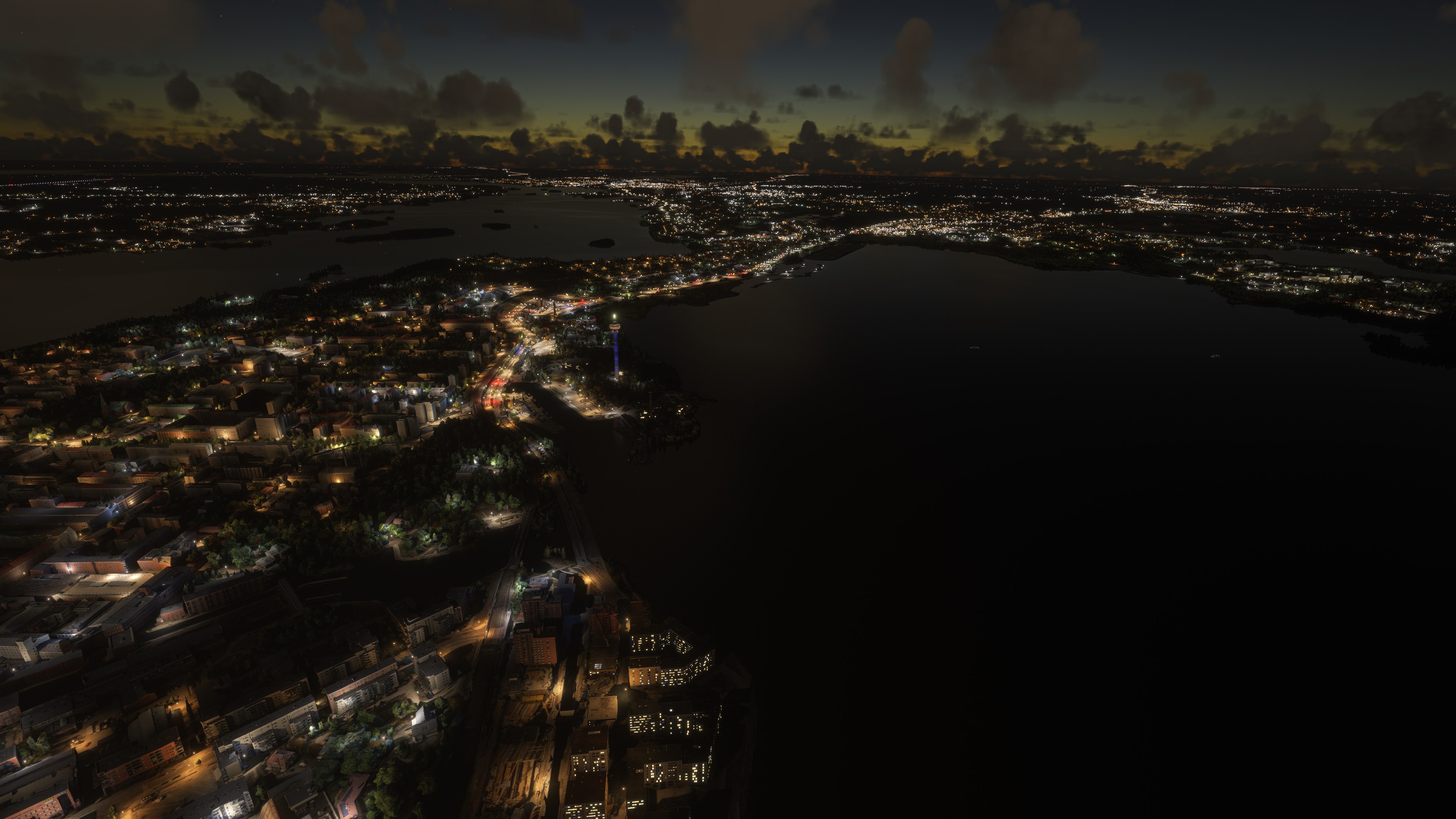
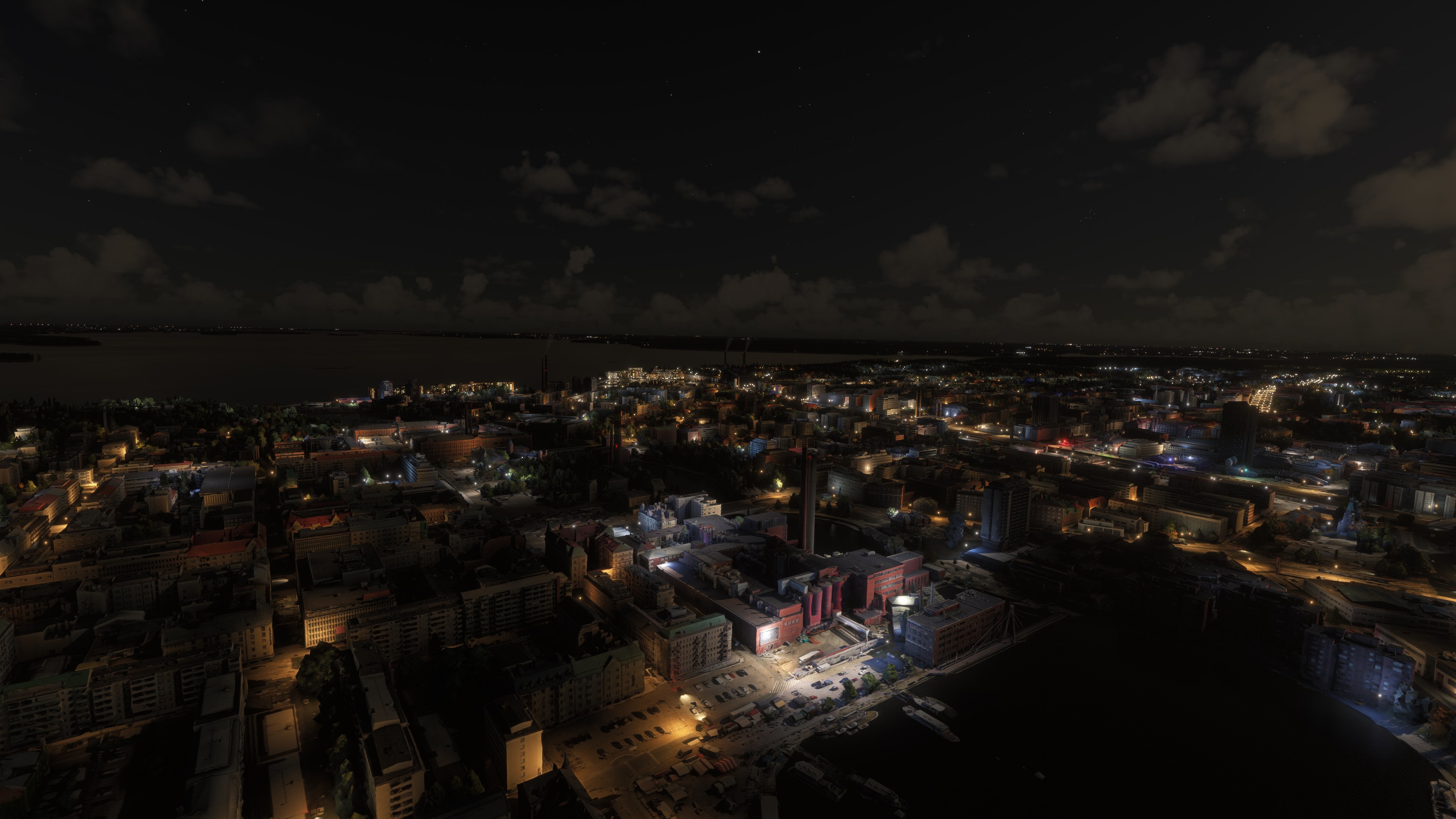
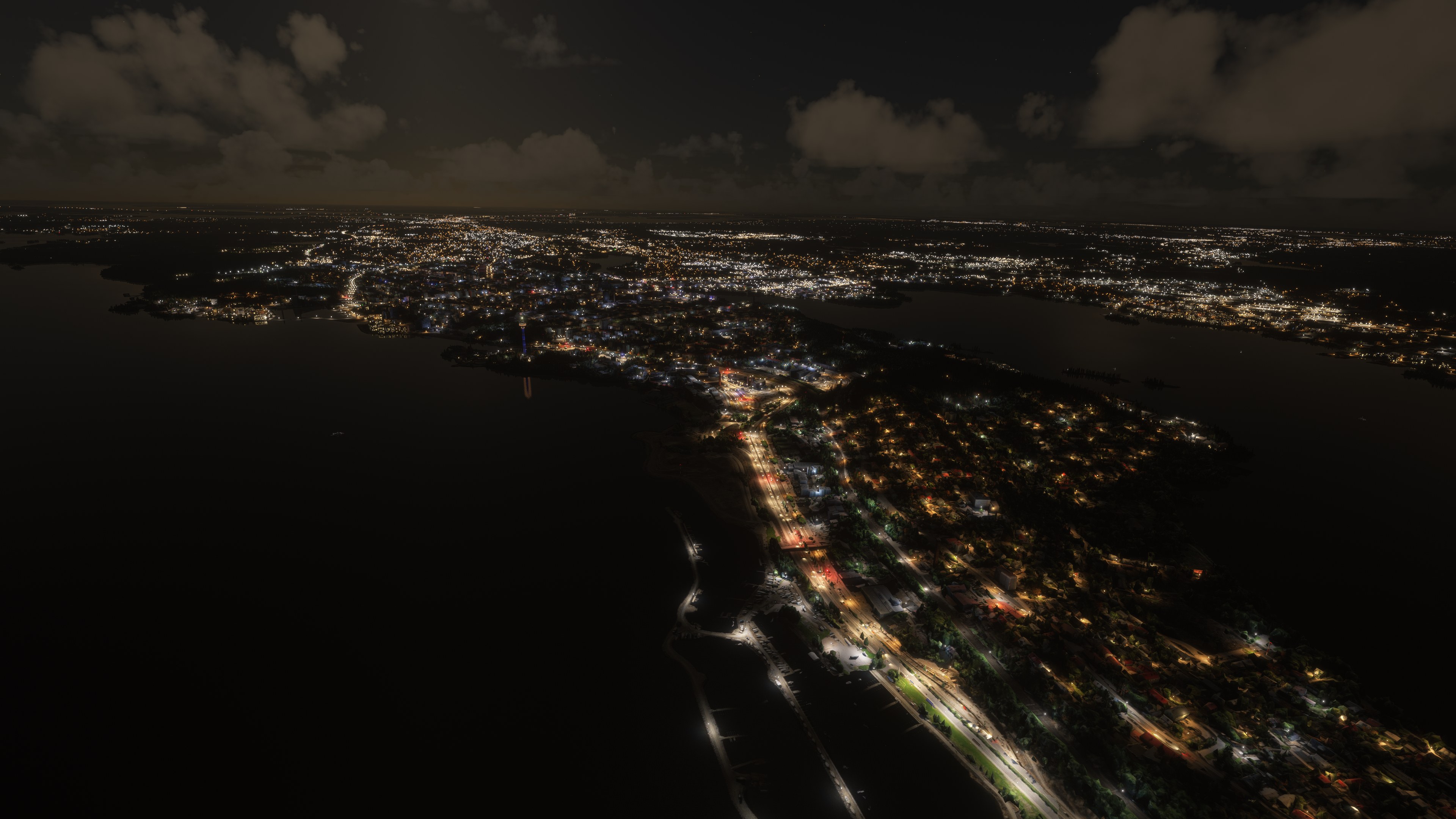
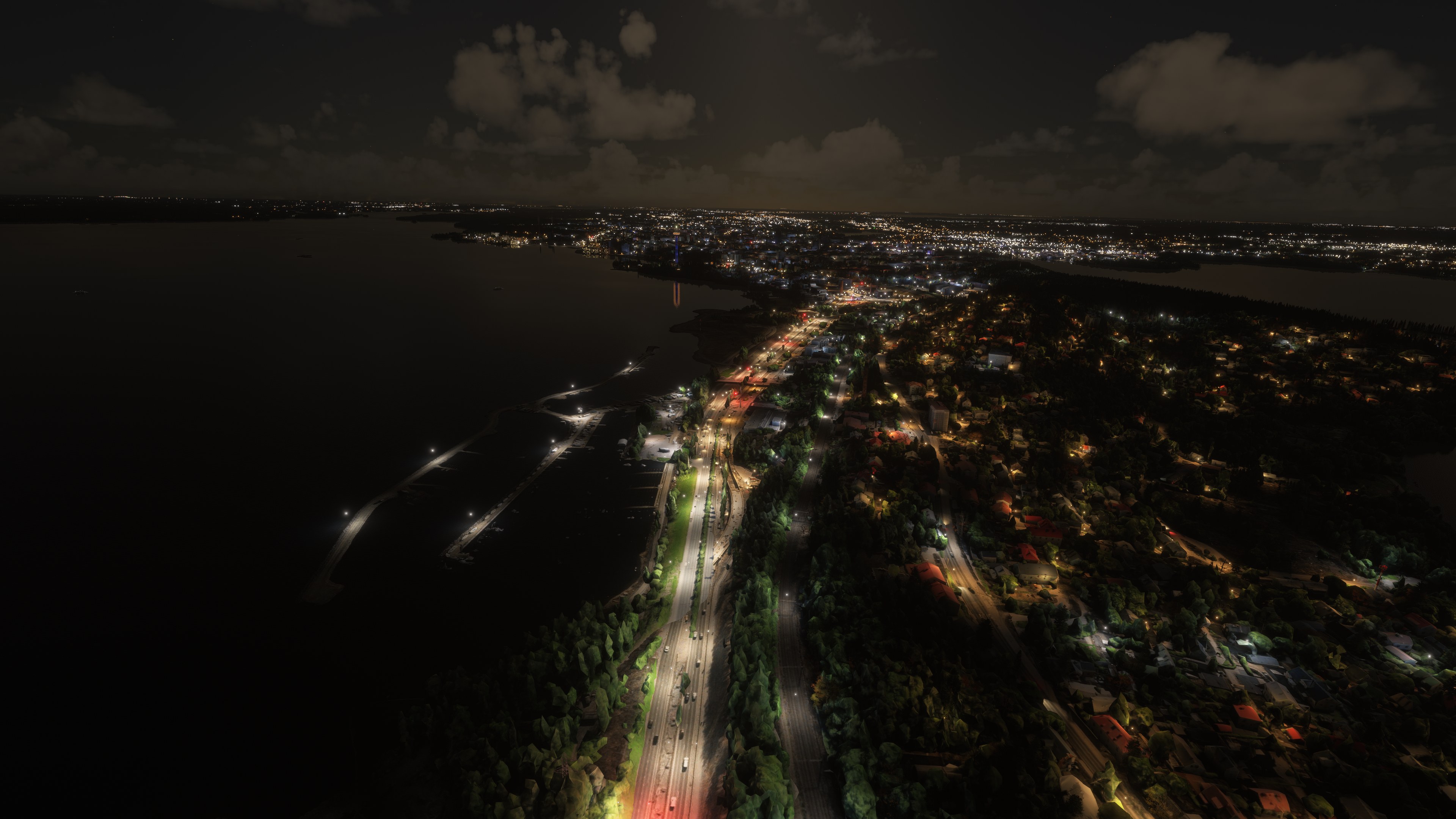
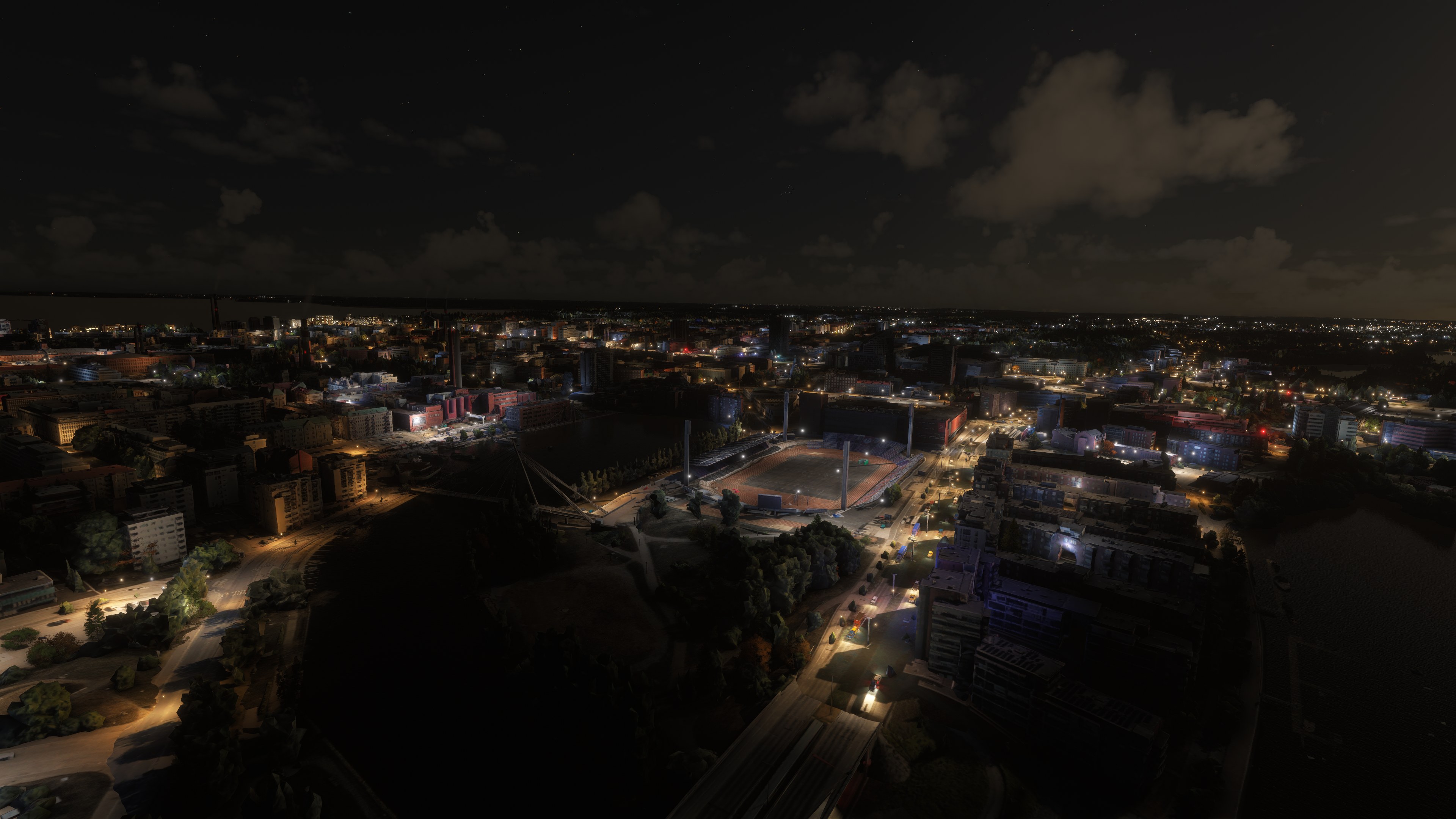
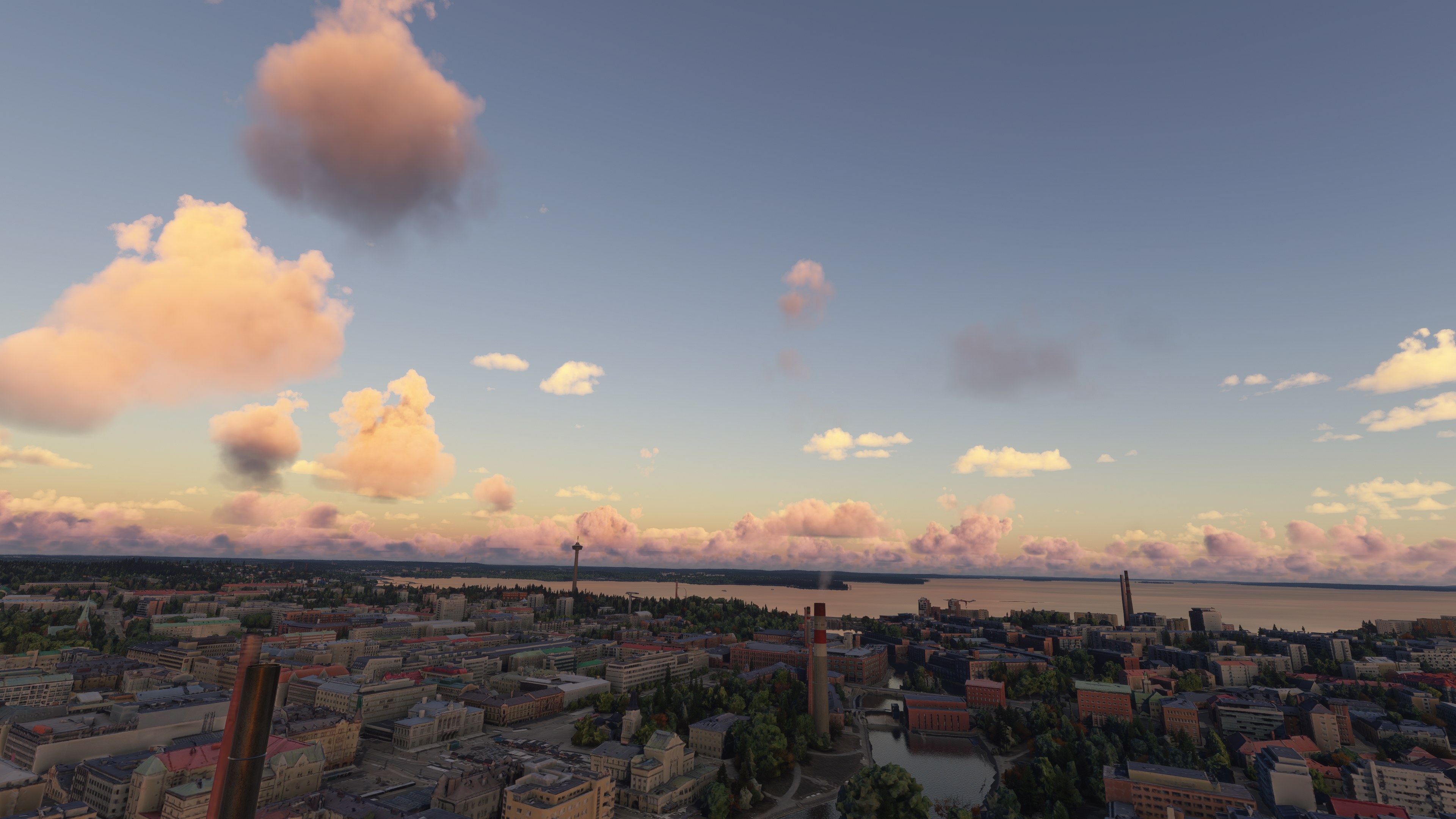
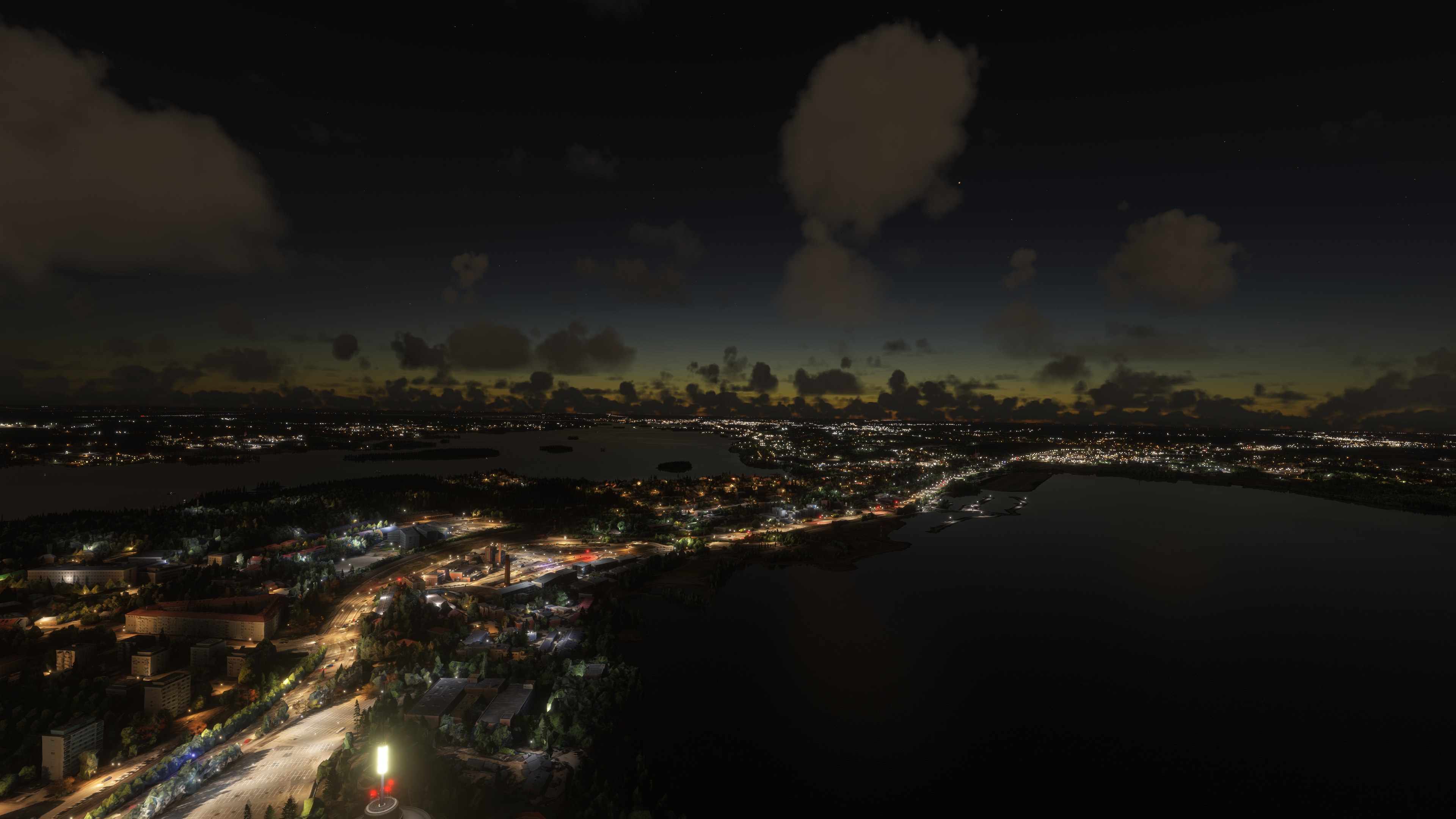
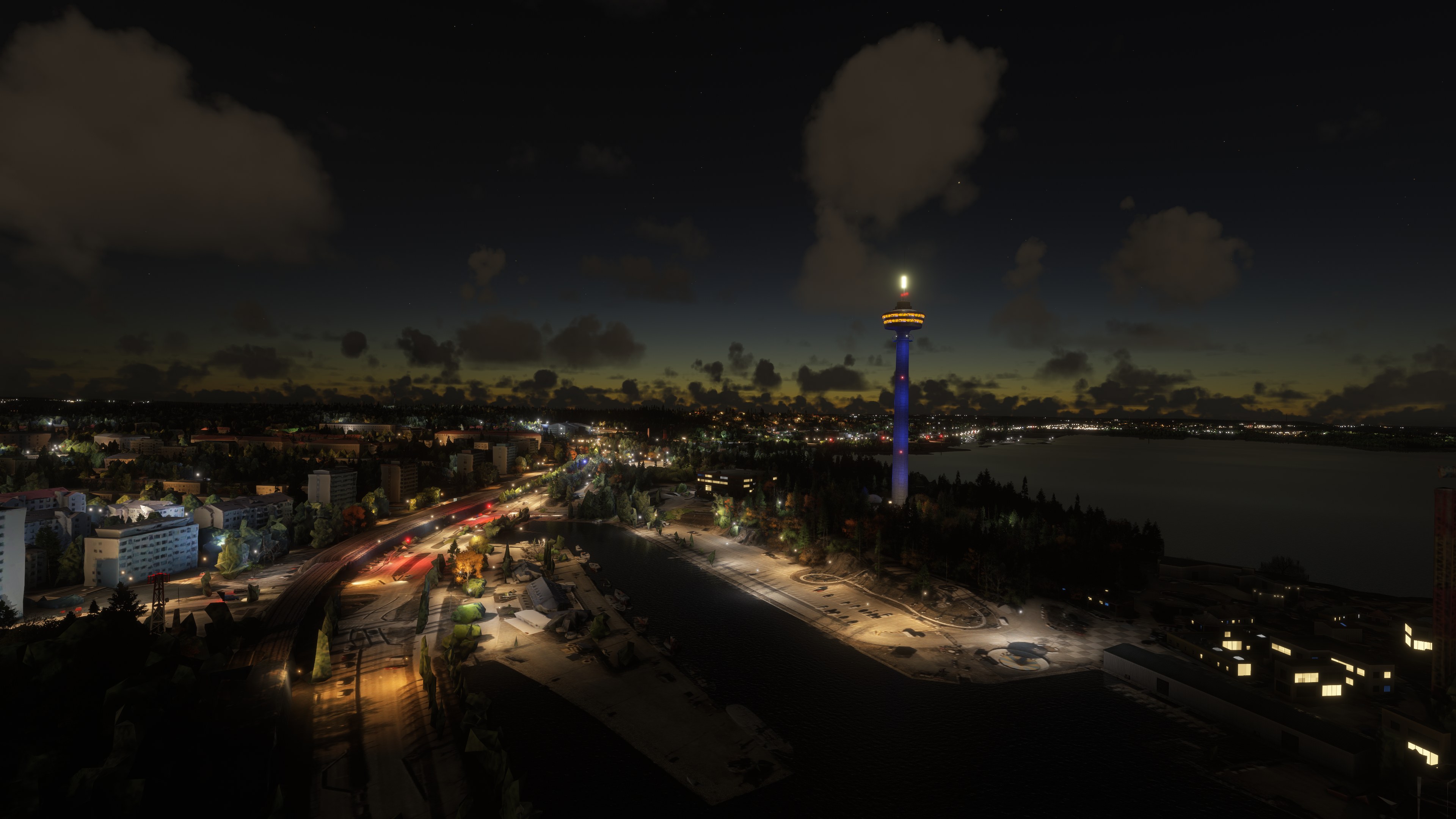

I installed Keinowaara’s Tampere scenery in Microsoft Flight Simulator 2024 and flew from Tampere–Pirkkala toward the center. On approach, the photographic building shapes gave the urban area a more distinctive character than generic blocks, while the lakes made its layout easy to appreciate. The package concentrates on central and western Tampere, with adjoining districts included rather than complete coverage of the wider city.
I found the imported vegetation less convincing than the buildings, a limitation worth keeping in mind for sightseeing. Google Maps tree geometry remains in place and may appear abruptly as scenery loads. Uncompressed textures also leave the package heavier than intended. With all sections combined and LOD 17–19 geometry, it offers a useful city-focused landscape, though the farther northeastern and southeastern extensions remain outside its coverage.
Keinowaara’s freeware Tampere photogrammetry scenery brings Google Maps-derived city detail to Microsoft Flight Simulator 2024, covering the Finnish city’s center and adjoining districts. This complete archive combines all parts in one download, with LOD 17–19 detail and an emphasis on the central and western urban area.
Tampere’s setting gives this scenery a distinctive backdrop: the city sits between lakes Näsijärvi and Pyhäjärvi, with the Tammerkoski rapids running through its center. Finland’s third-largest city has roughly 260,000 inhabitants, or around 460,000 when including the surrounding area, according to the developer’s figures. Beyond the urban districts, smaller lakes, extensive forests and agricultural land provide varied terrain for local sightseeing flights.
Meanwhile, Tampere retains much of its Jugend architecture [the regional expression of Art Nouveau], an aspect of the city that Keinowaara particularly values after spending the first 20 years of life there. The imported photogrammetry reproduces urban forms from photographic mapping data rather than assembling the city solely from generic simulator buildings.
For a nearby departure point, consider Tampere–Pirkkala Airport (EFTP), southwest of the city. From there, a flight toward central Tampere offers a practical way to approach the lake-framed urban scenery; the package itself focuses on the city rather than an airport replacement.
The developer originally distributed the scenery in stages, but this release includes all parts in one archive; you do not need separate downloads. Coverage includes the city center, substantial areas to the west and portions of adjoining districts. However, the combined package does not reproduce the entire Tampere urban area, particularly its farther northeastern and southeastern extensions.
Keinowaara welcomes advice on resolving the decoder-tool, Blender and texture-processing issues. For a smaller initial trial, the developer recommends the city-center component, originally labeled “Main file,” which can also serve as standalone scenery.
Extract the archive, then copy the following folders into your Microsoft Flight Simulator 2024 Community folder:
vomitairlines-tamperecentereastvomitairlines-tamperecenterwestvomitairlines-tampereeastvomitairlines-tamperenorthwestvomitairlines-tamperesouthvomitairlines-tamperesoutheastvomitairlines-tamperesouthwestvomitairlines-tamperewestThe package targets MSFS 2024. It may also work in Microsoft Flight Simulator 2020, but the developer has not tested that compatibility.
Free for all simmers · 4.13 GB · Scanned clean Oct 2026
Download speed: Free tier is capped at 2 Mbps (this file takes approximately 4h 56m at the cap). PRO members download at full line speed.
%LOCALAPPDATA%\Packages\Microsoft.FlightSimulator_8wekyb3d8bbwe\LocalCache\Packages\Community\. Steam version: %APPDATA%\Microsoft Flight Simulator\Packages\Community\. Tip: enable Developer Mode in MSFS to see your exact Community folder path.readme.txt or README file. It tells you exactly where files go, what dependencies are needed, and any quirks specific to this add-on.Use these coordinates to fly directly to this location once the mod is installed.
61.49780000,23.76100000
Paste these coordinates into the Microsoft Flight Simulator search bar when planning a flight, or into the Developer Mode Teleport window, to fly directly to this location.
Keinowaara is a freeware scenery developer for Microsoft Flight Simulator 2024, best known for photogrammetry city scenery across Finland and the wider Nordic region.
Are you keinowaara? Sign in to Fly Away Creators for download stats, comment replies and updates. Make add-ons? Publish them here.
Only PRO members can place votes.
More MSFS add-ons hand-picked based on this download.
MSFS Scenery
A brand-new, replacement terrain mesh (DEM) scenery covering most of Finland …
 MSFS Scenery
Immerse yourself in the stunningly recreated Gibraltar region in Microsoft Fl…
 MSFS Scenery
The MSFS Monaco Photogrammetry Scenery mod is an intricate addition to Micros…
 MSFS Scenery
Embark on a visually stunning exploration with the Lisbon Photogrammetry Scen…
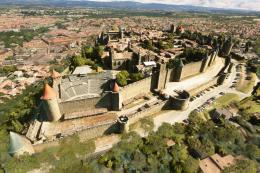 MSFS Scenery
Step into a world of historical authenticity and stunning detail with the Car…
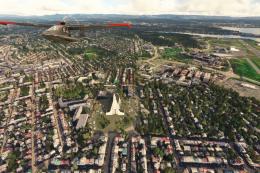 MSFS Scenery
Immerse yourself in the rugged beauty of Iceland's capital with the Reykjavik…
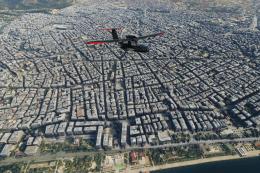 MSFS Scenery
Immerse yourself in the historic charm and breathtaking landscapes of Greece'…
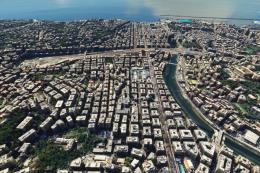 MSFS Scenery
Embark on a visually rich journey over Genoa, the pivotal maritime city in It…
Be the first to leave a comment on this download.
Be the first to share your thoughts on this download.