


 South Africa
 MSFS Scenery
Gibraltar Photogrammetry
Immerse yourself in the stunningly recreated Gibraltar region in Microsoft Fl…
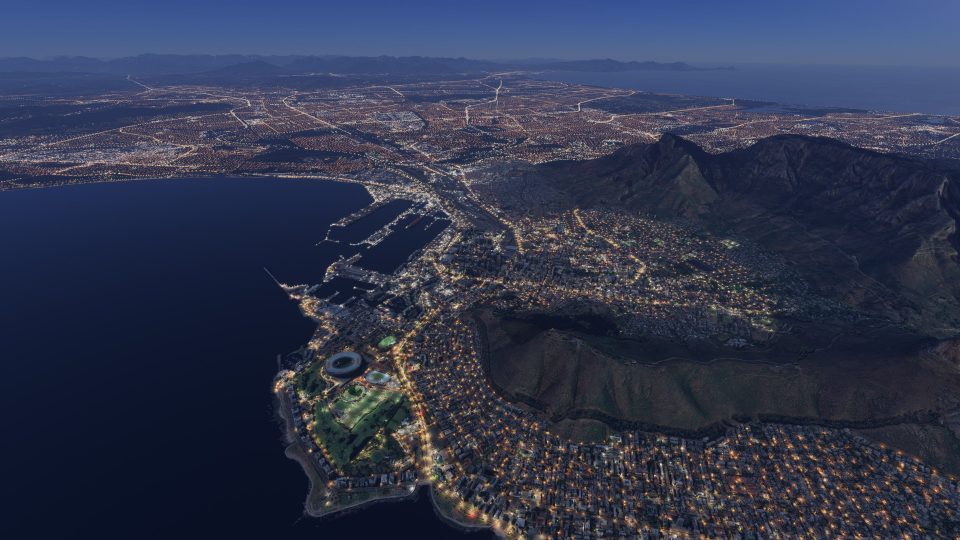
Cape Town’s city center, waterfront and main marina gain location-specific detail in Microsoft Flight Simulator 2024 through a six-part photogrammetry scenery package. Google Maps imagery at LOD 17–19 supplies recognizable buildings and detailed ground textures, while extensive terrain adjustments align the urban landscape beneath Table Mountain for coastal VFR exploration.
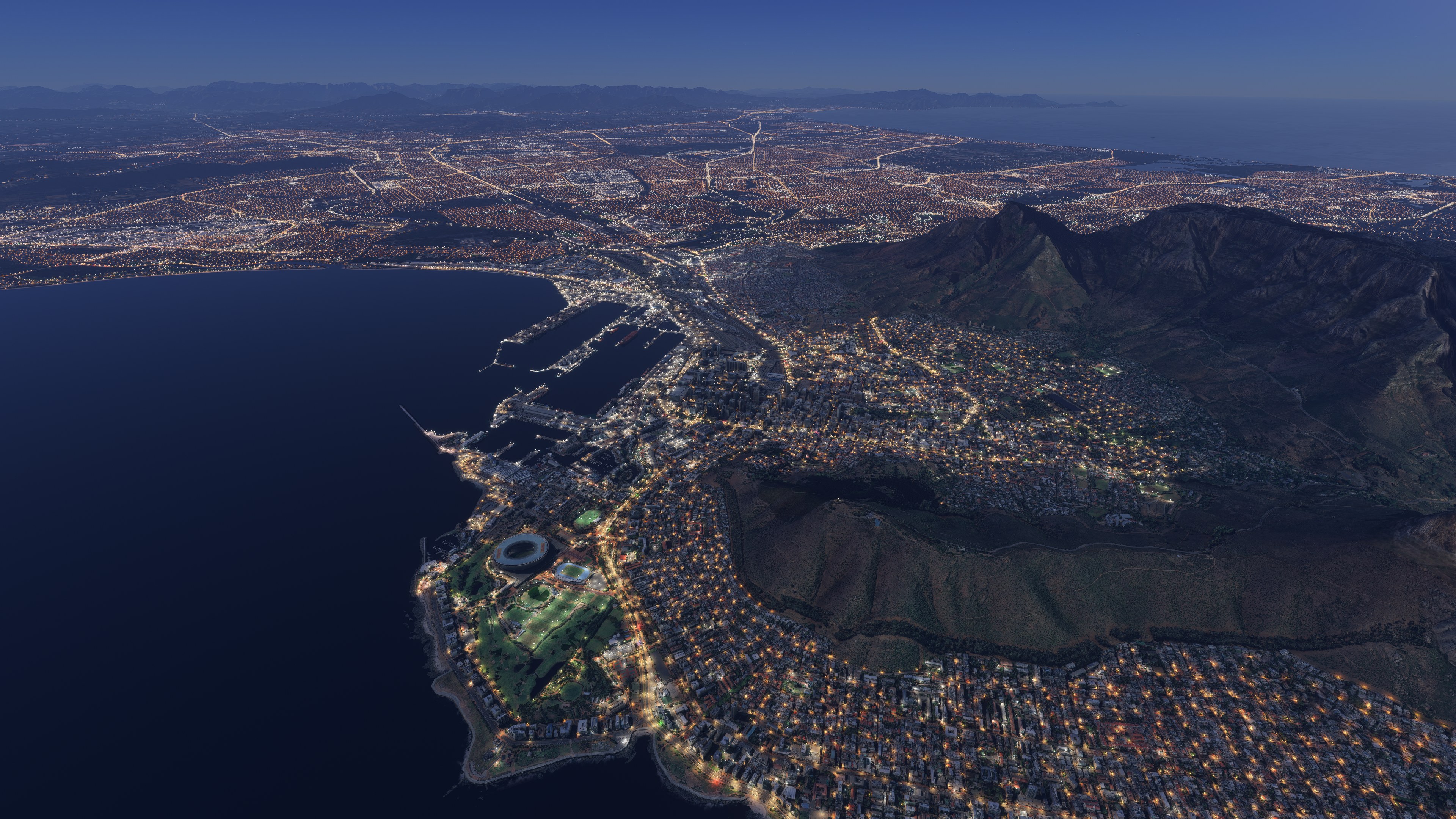
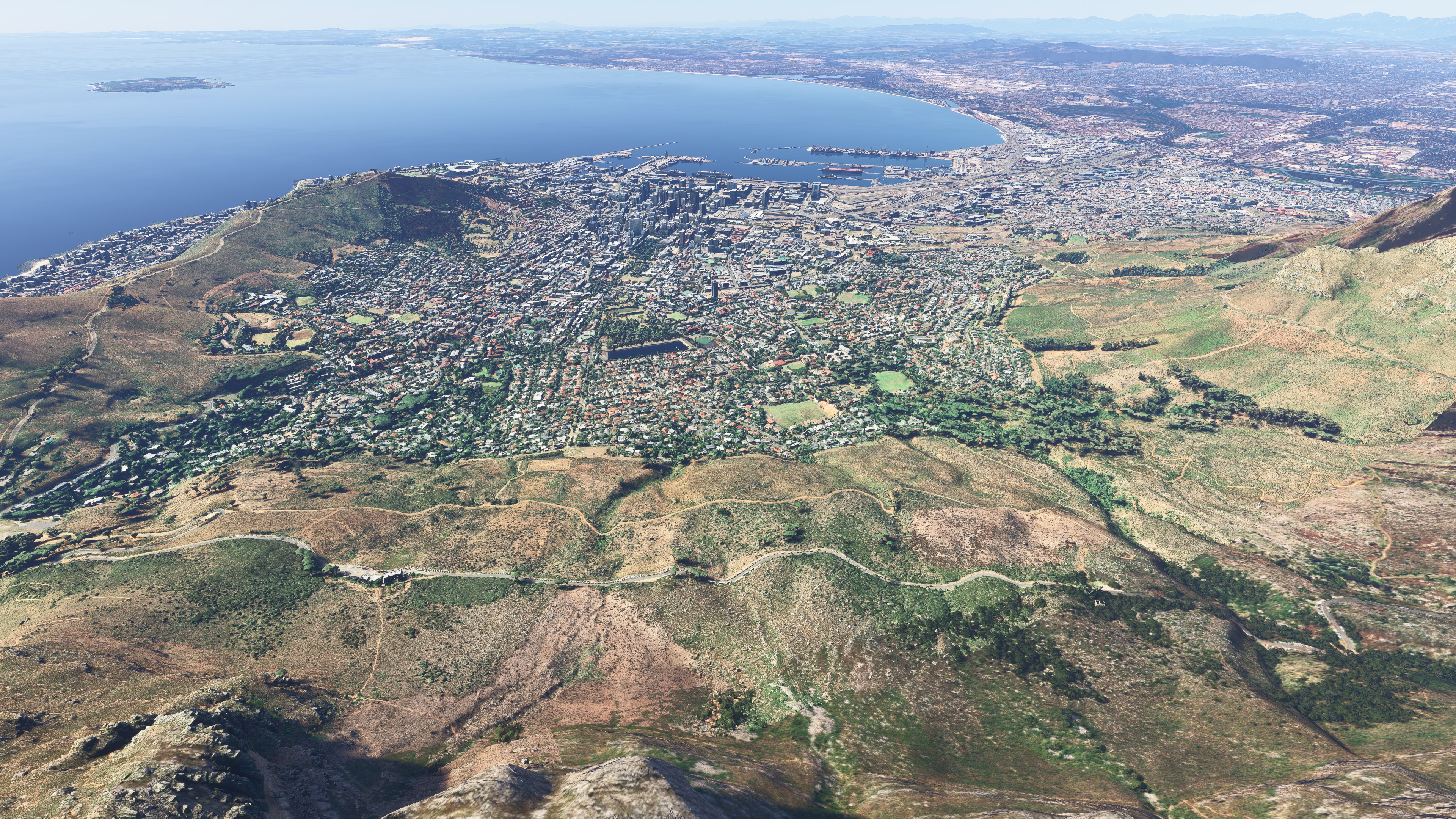
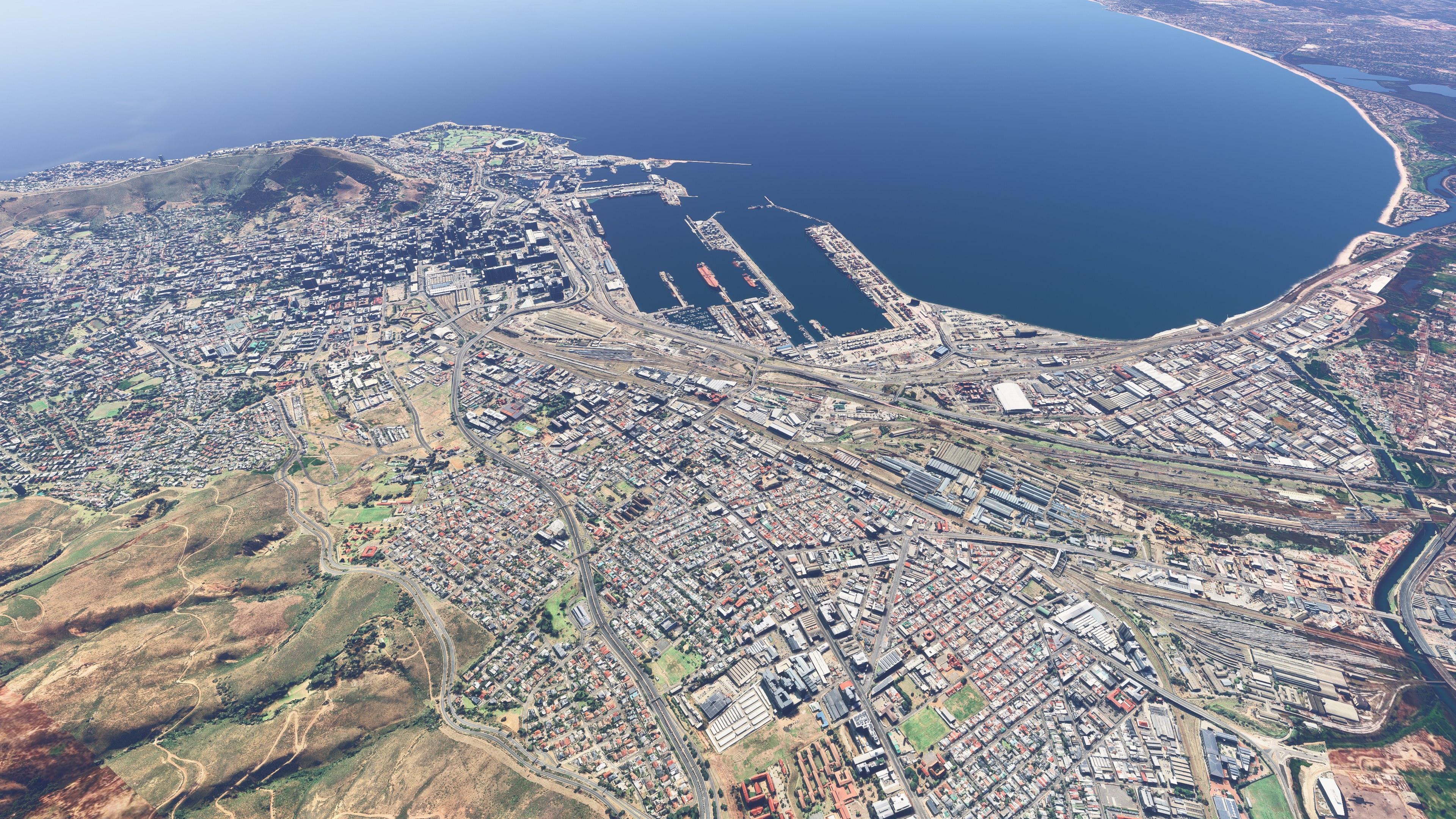
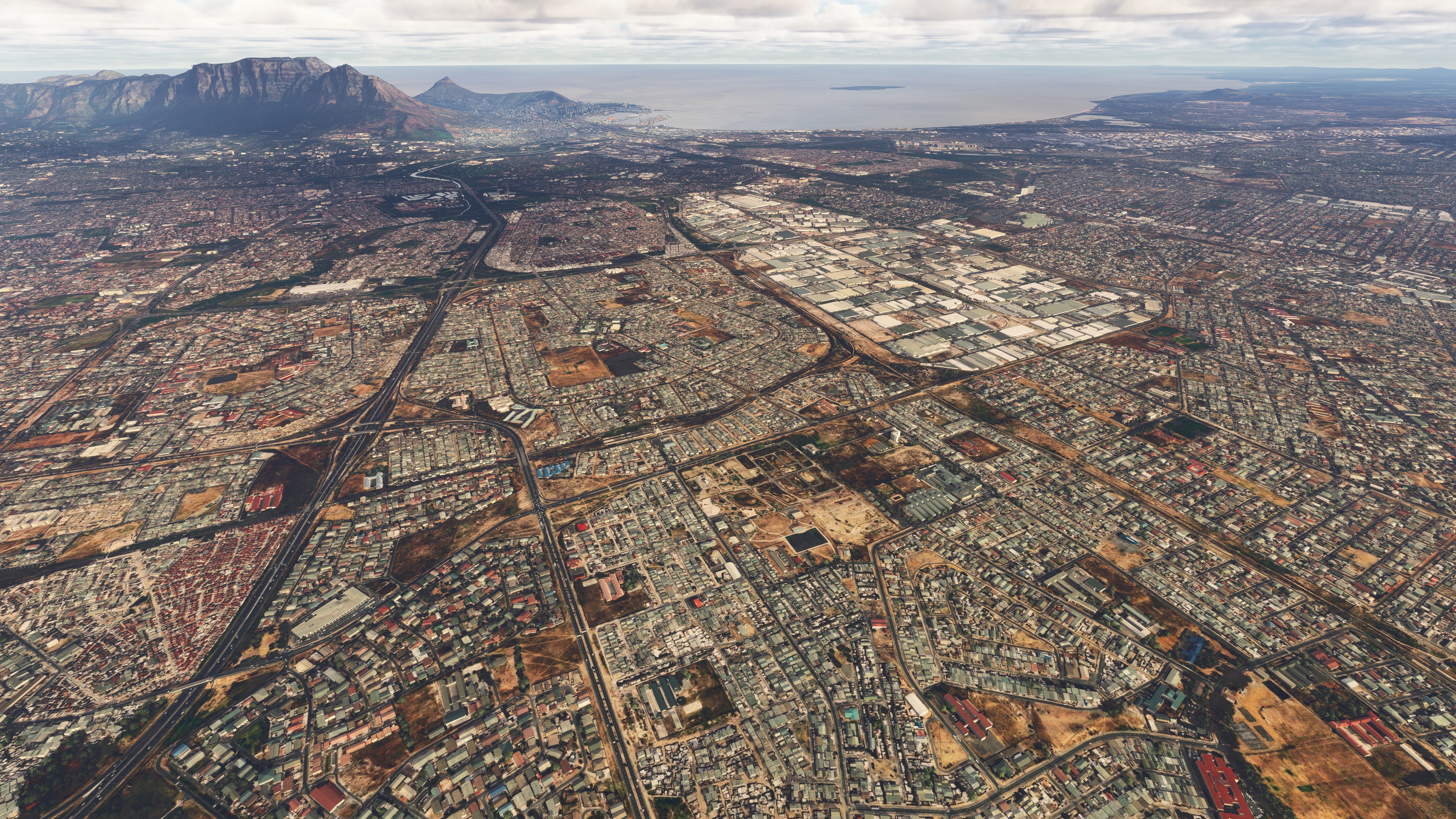
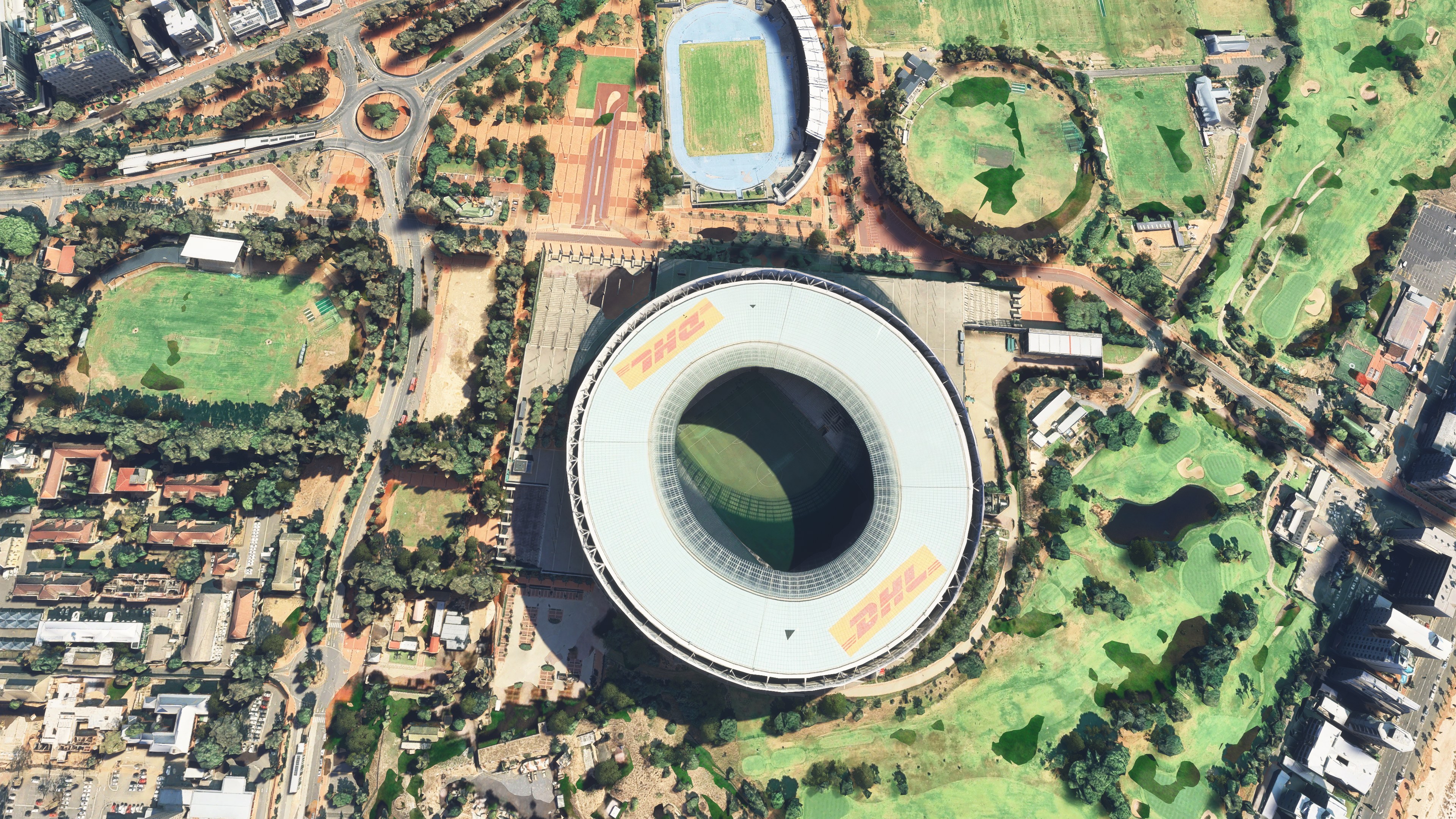
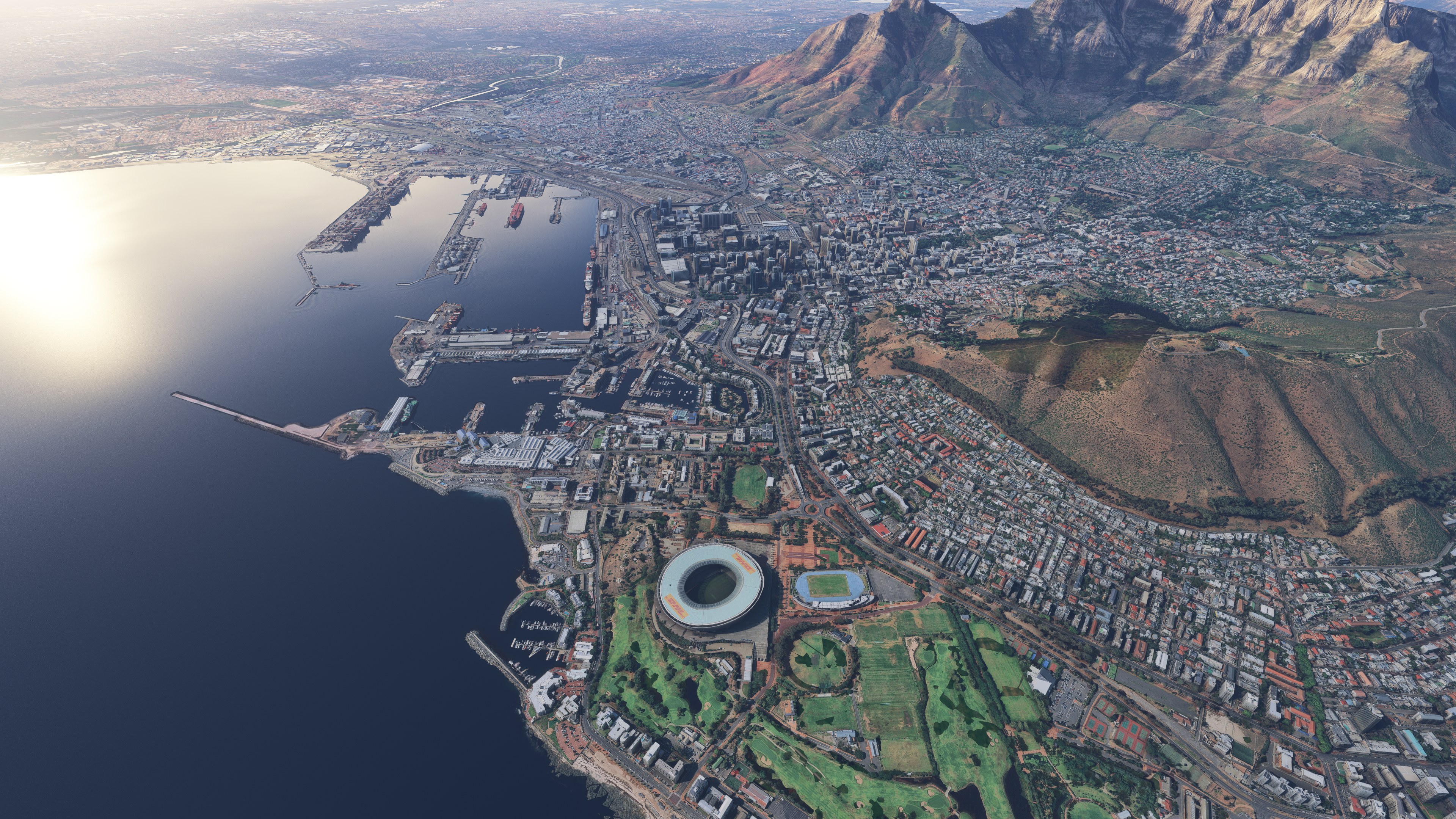
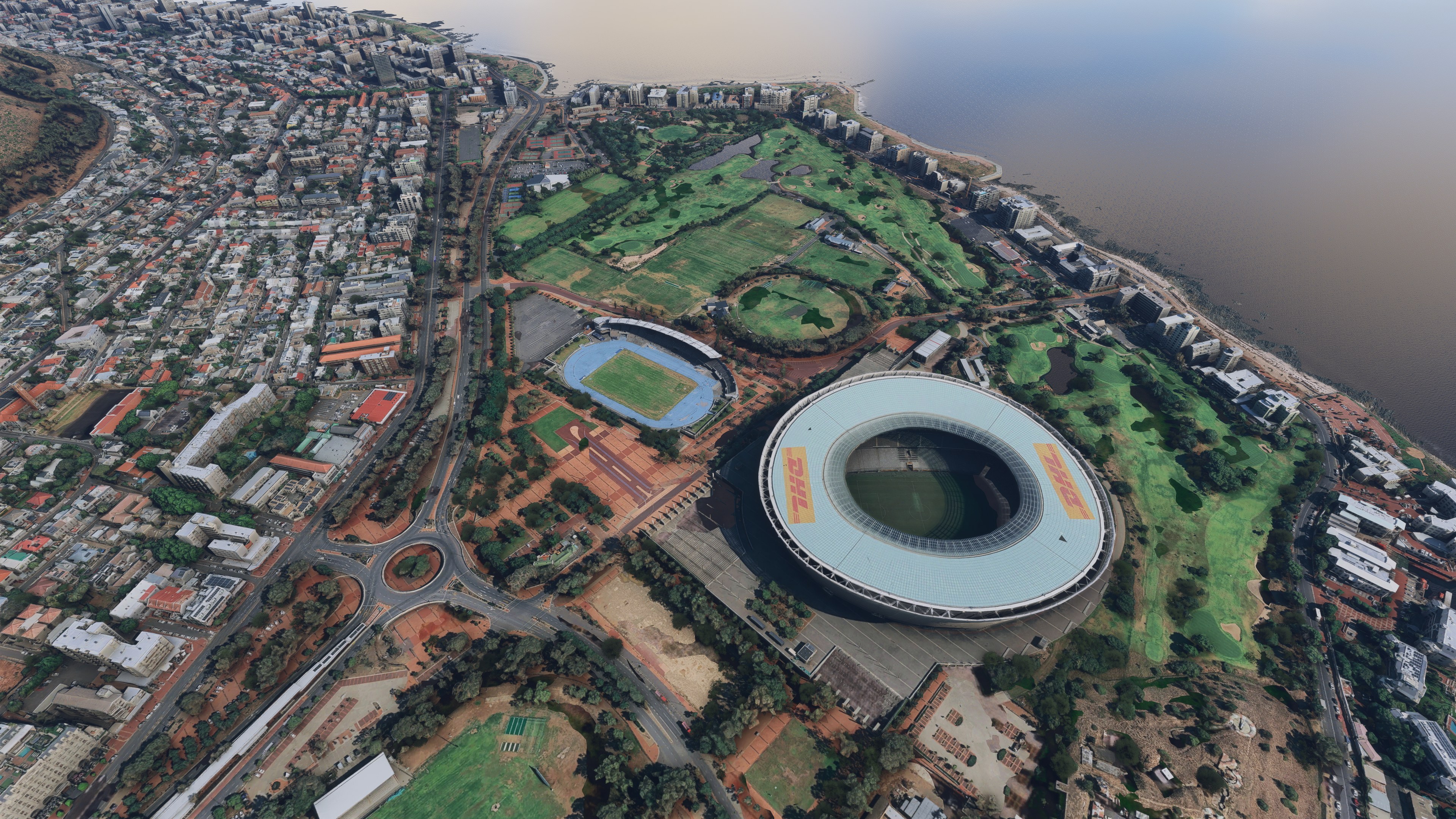
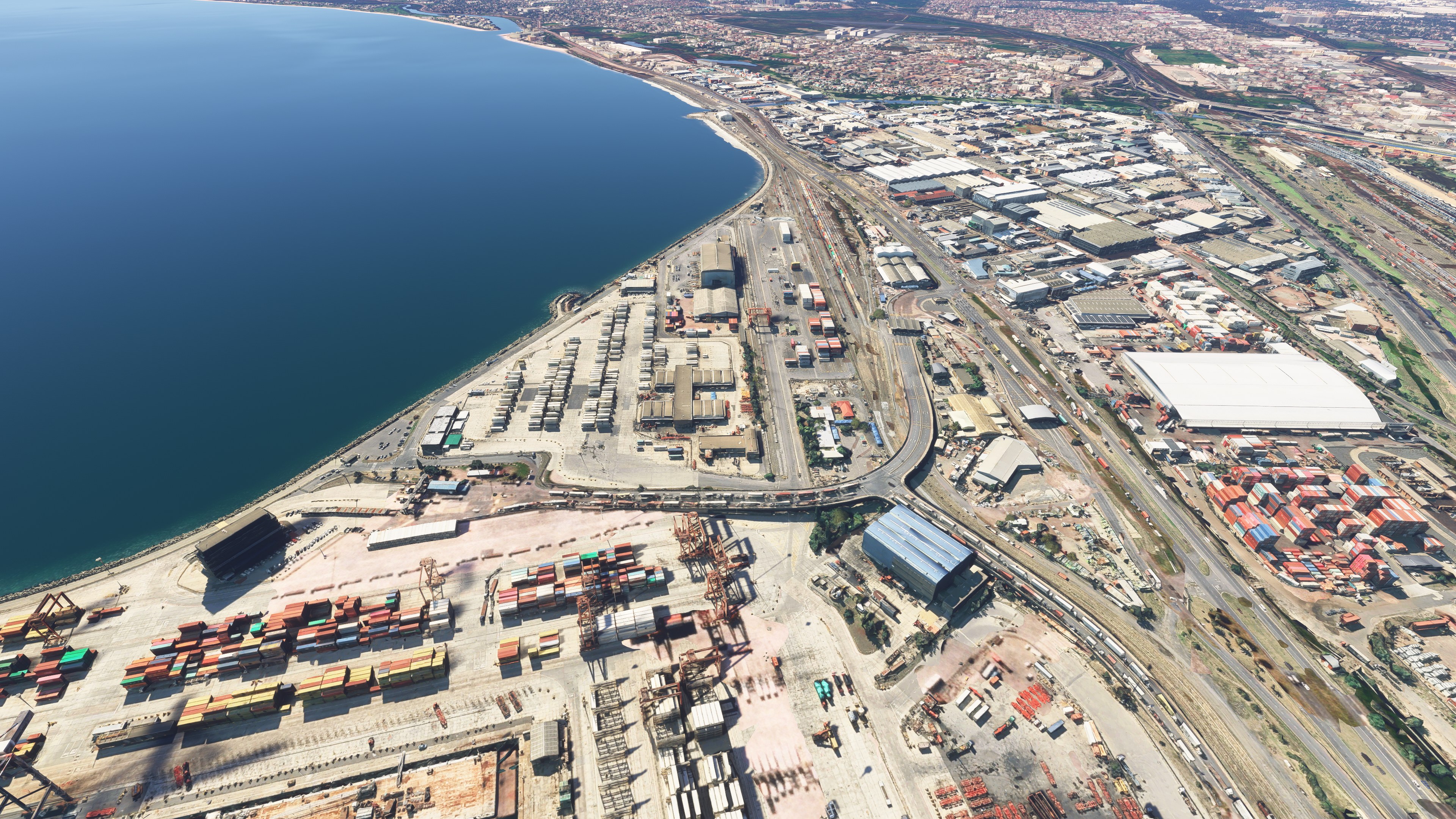
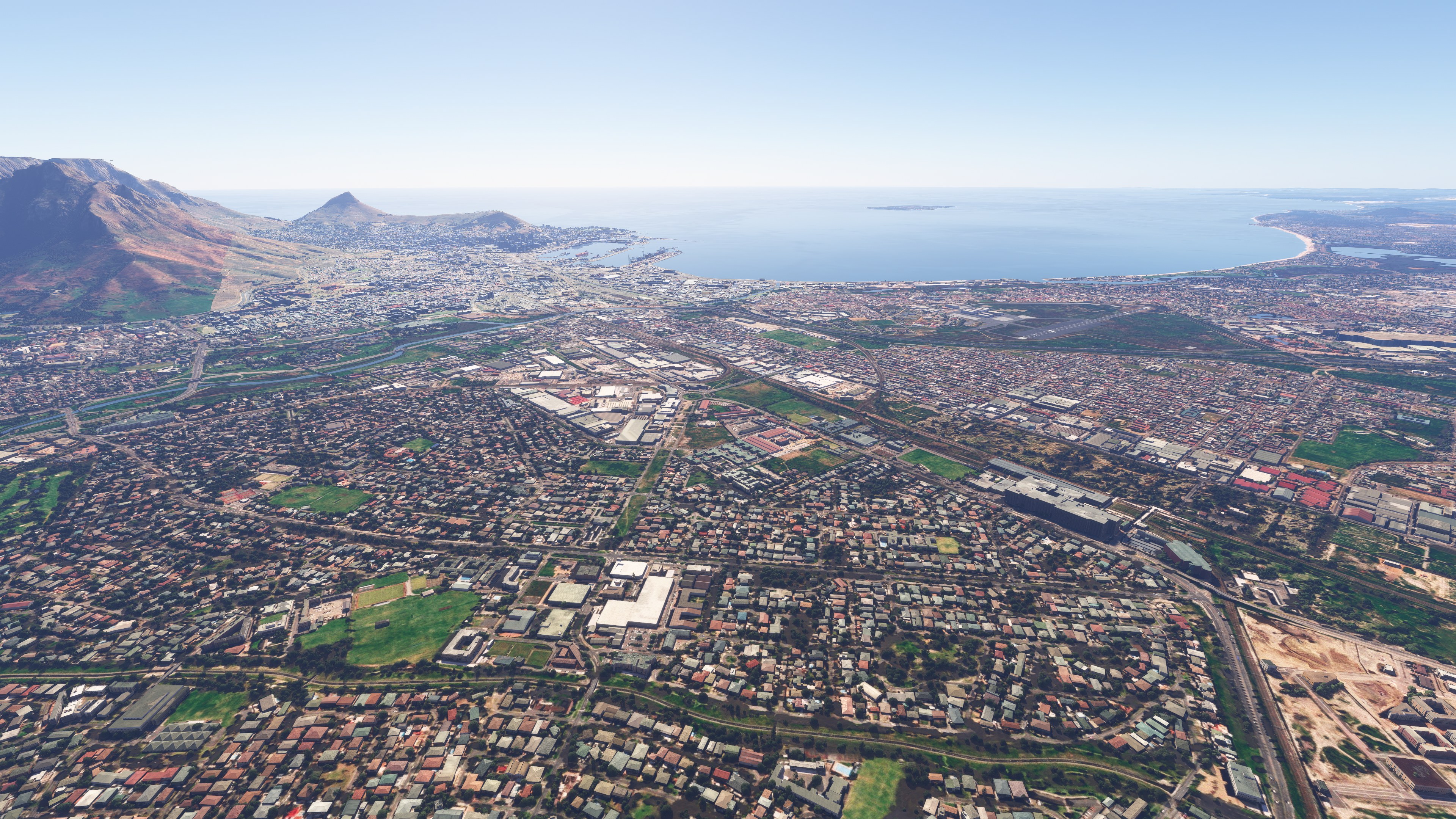
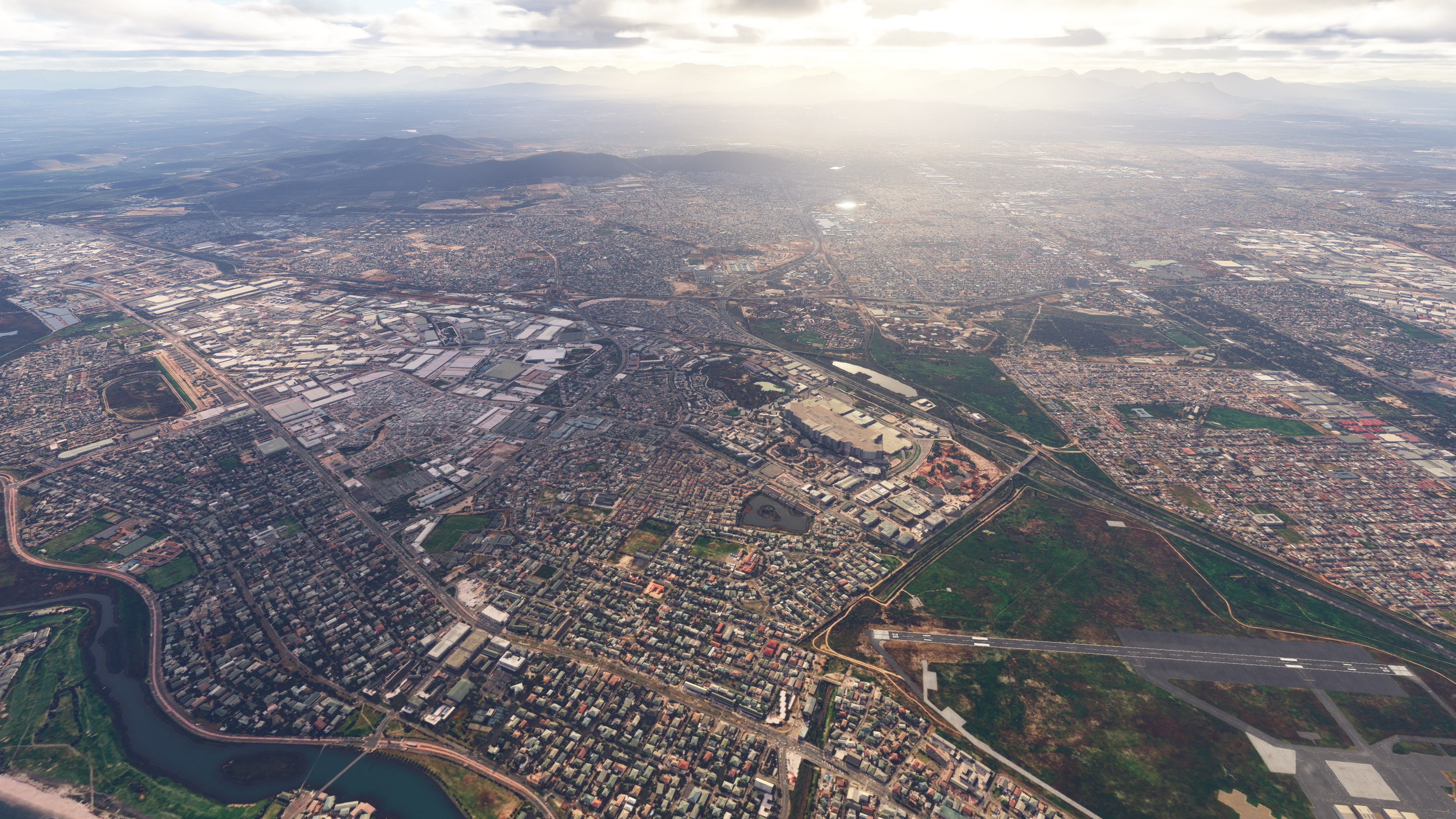
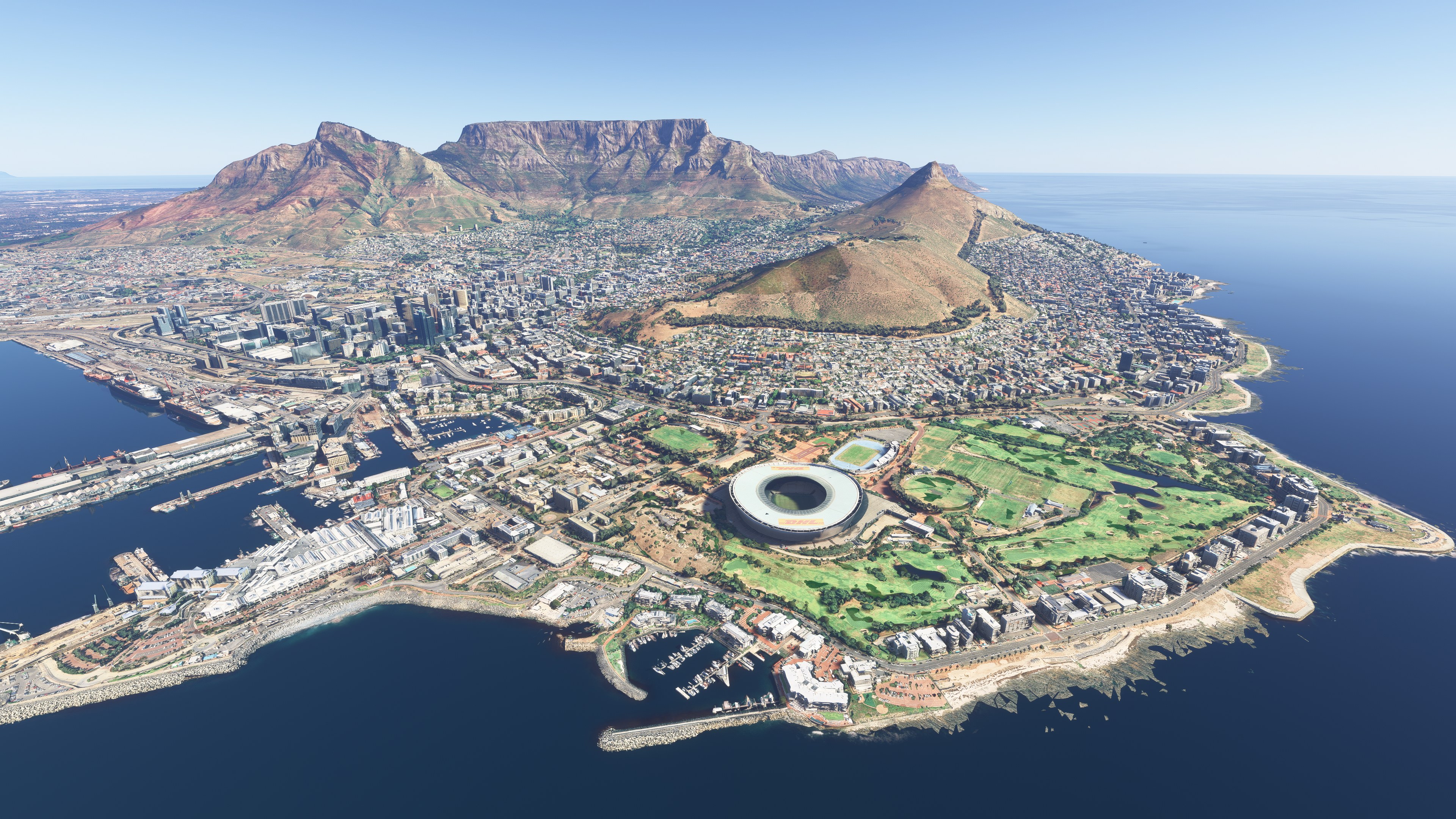
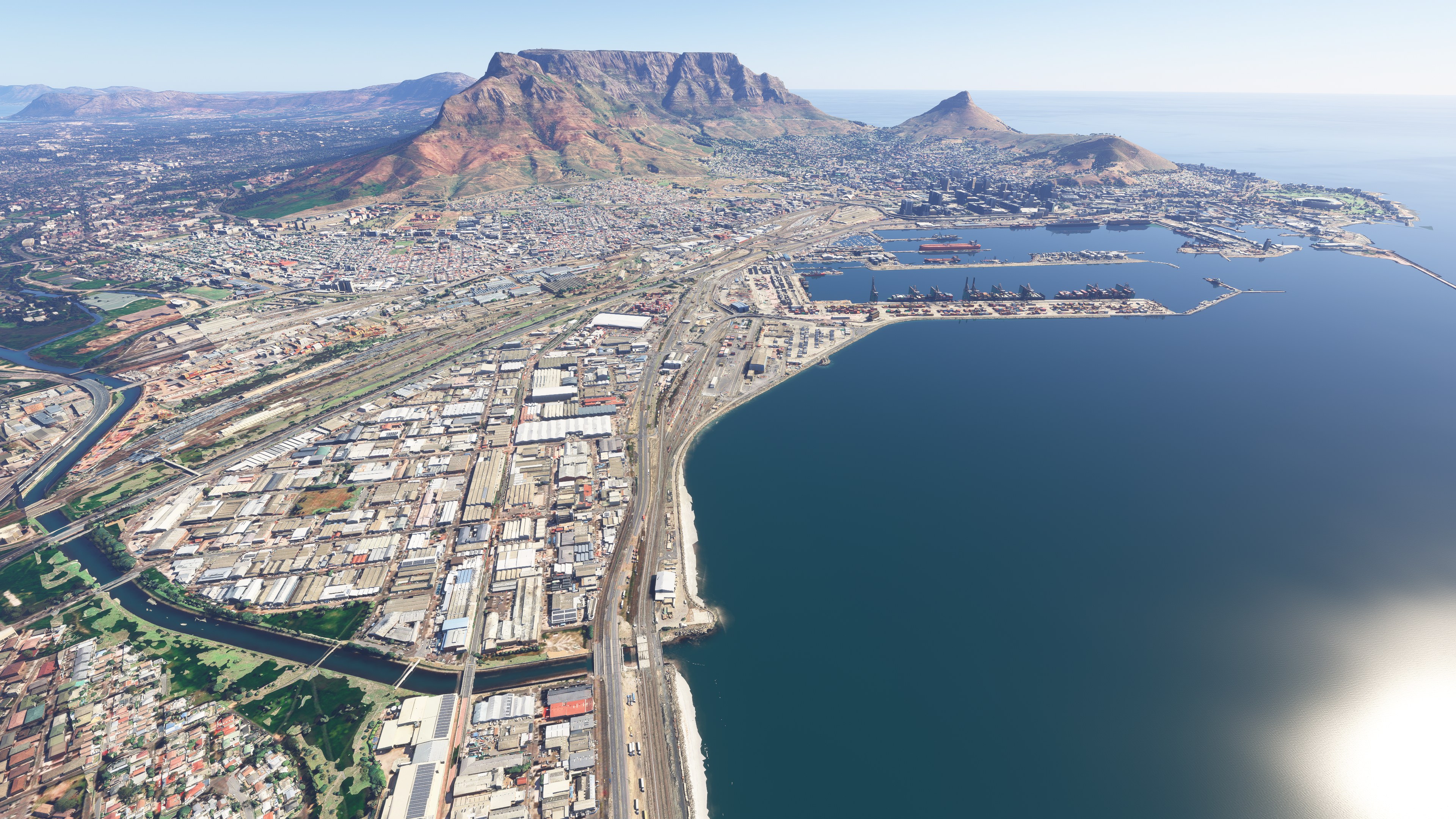
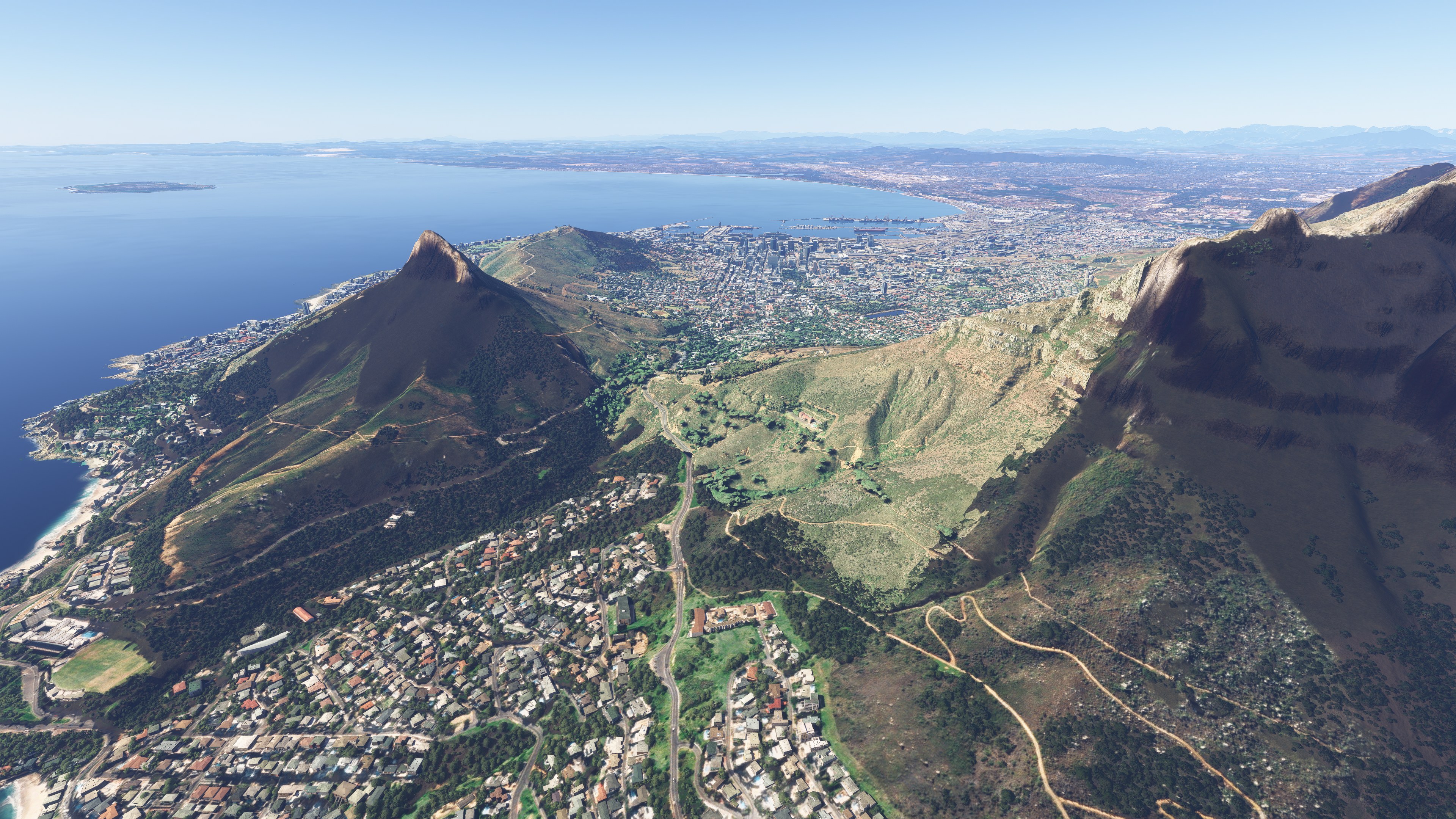
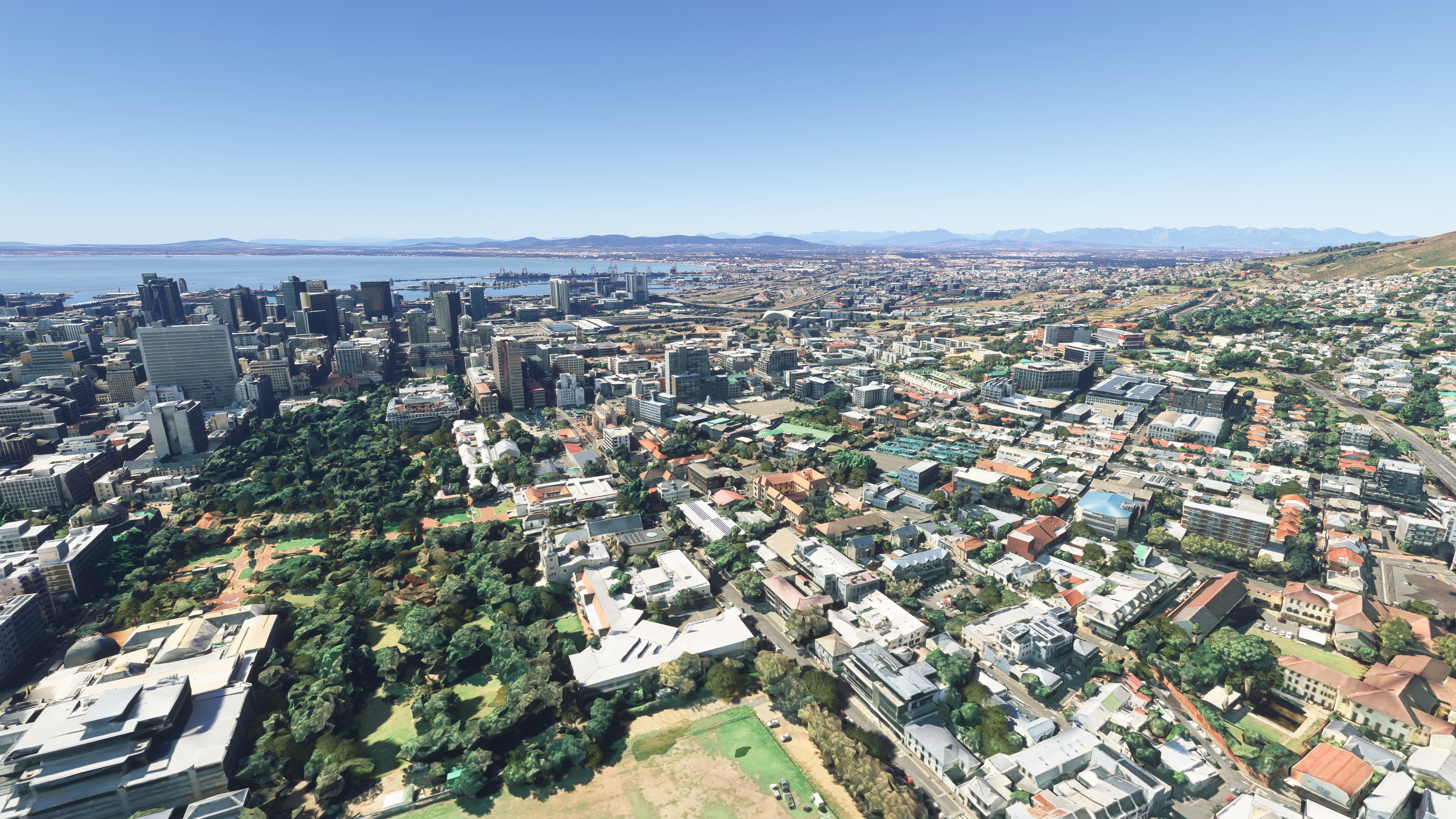
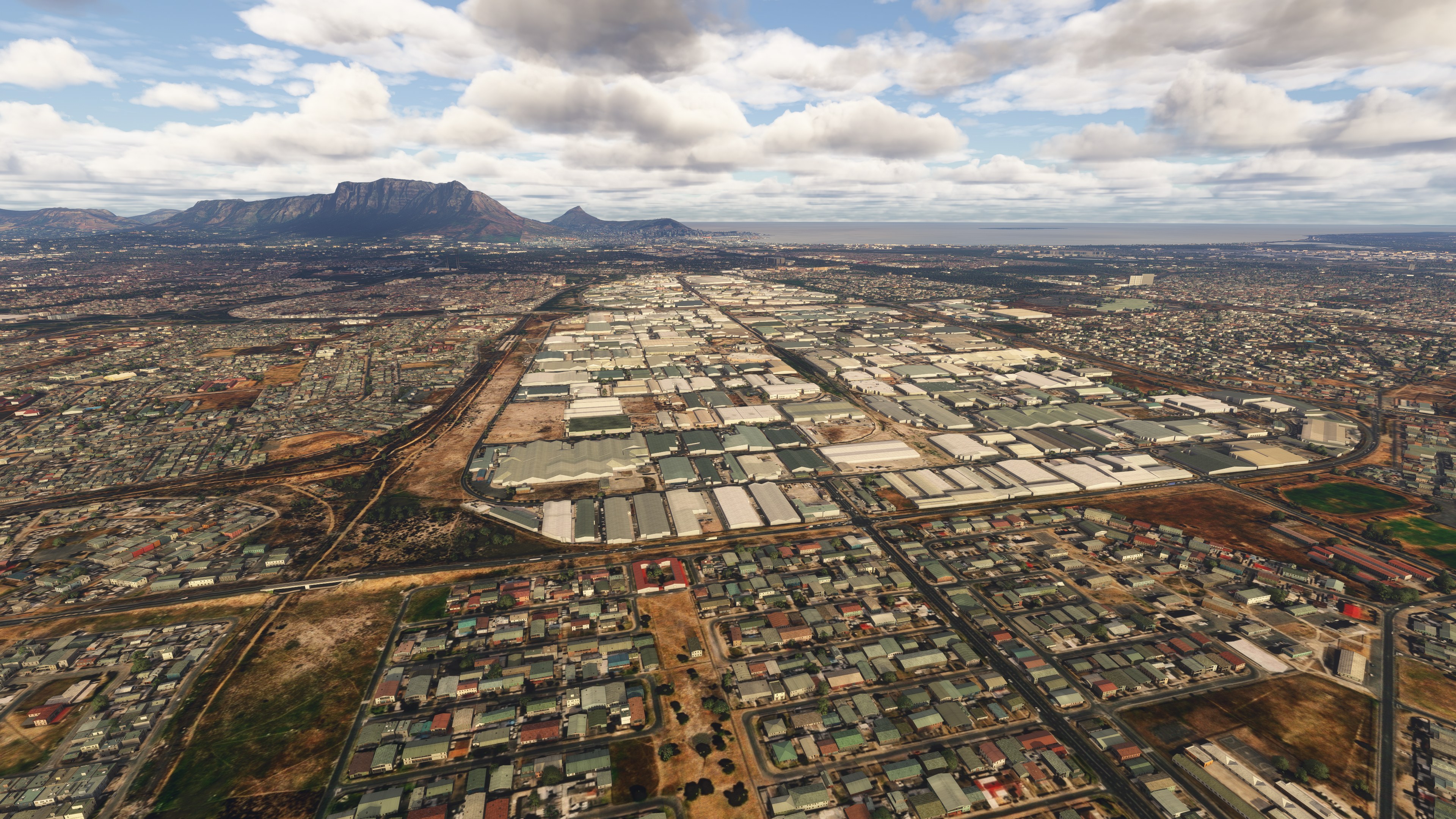
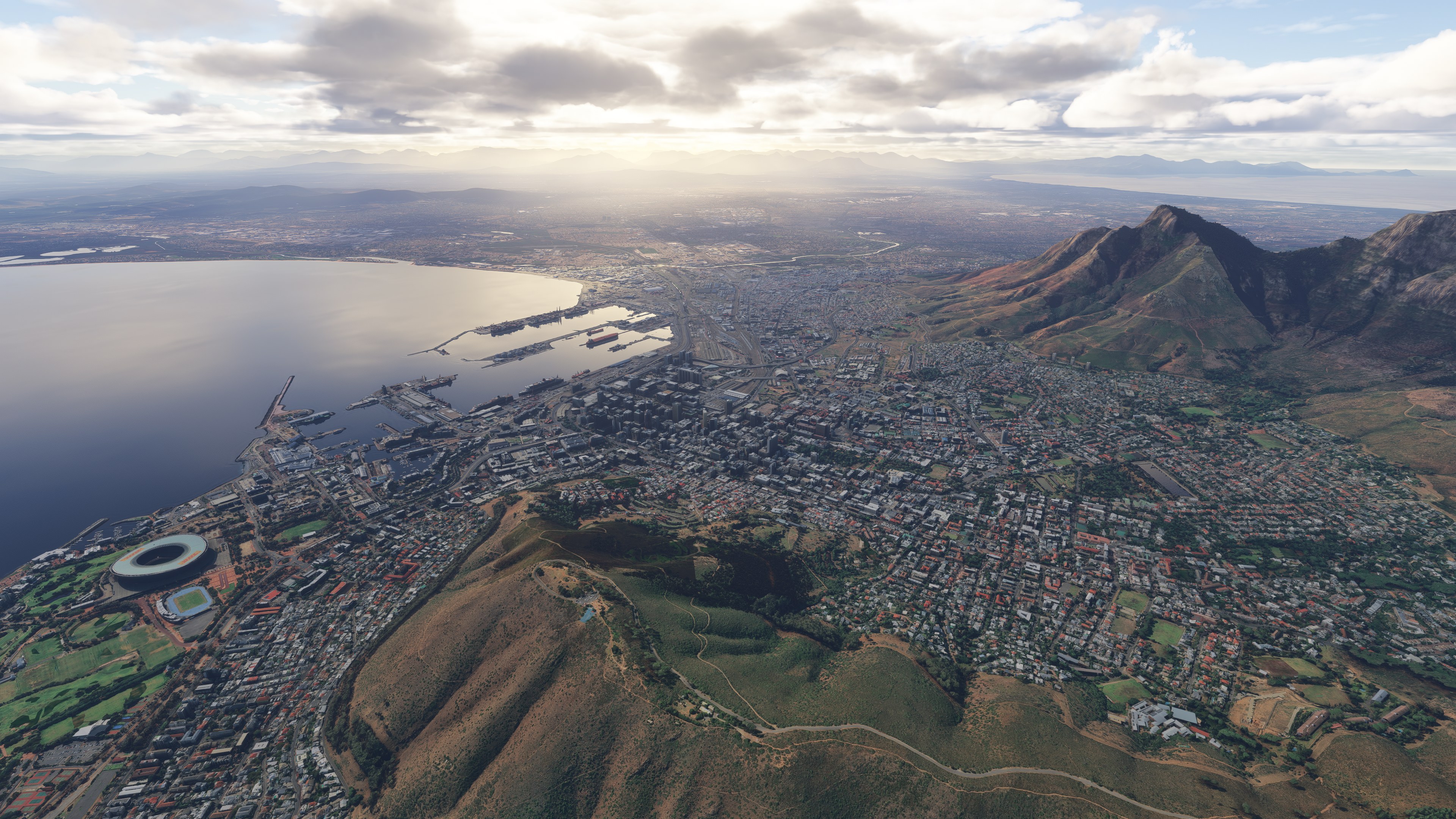
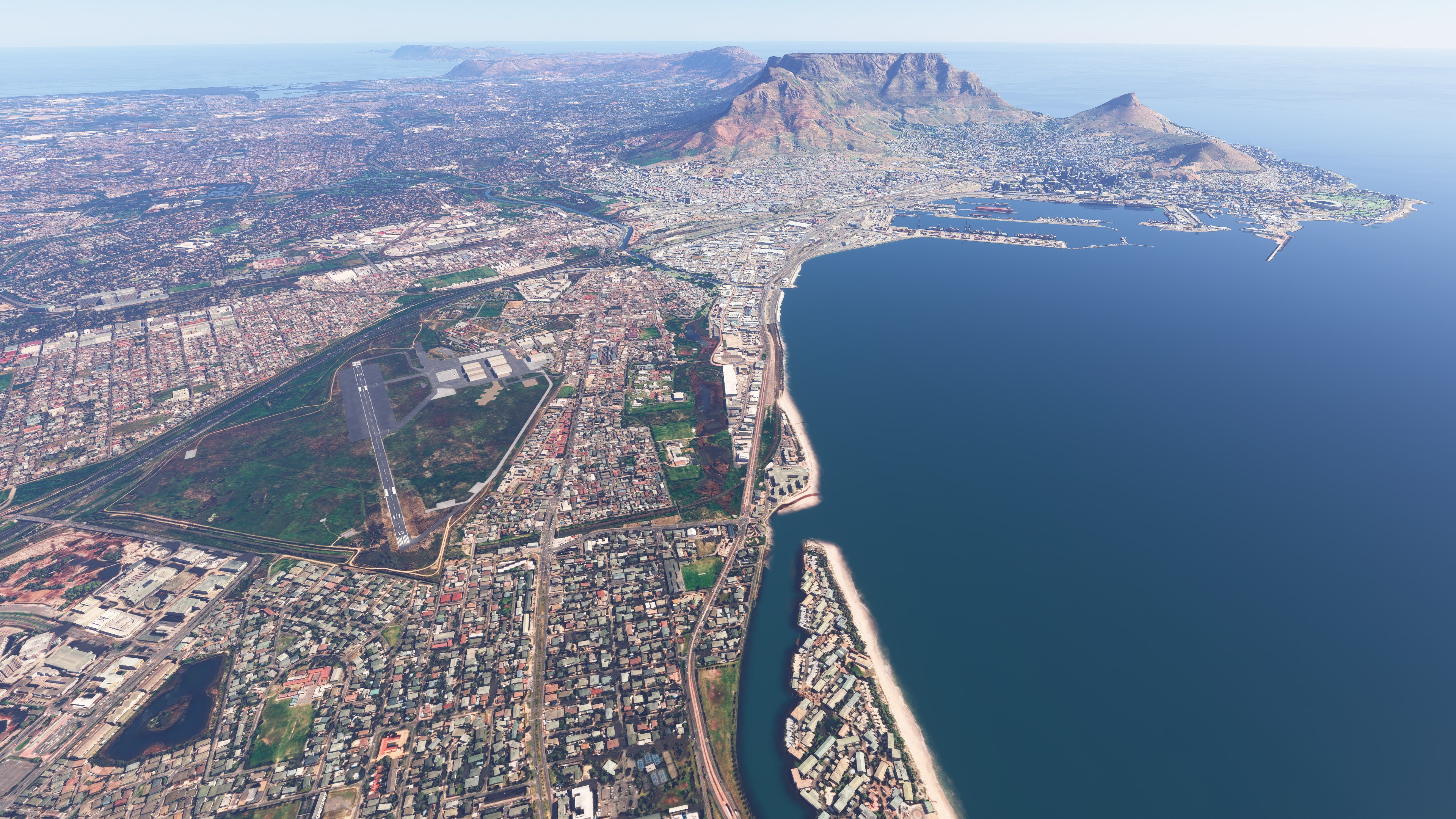
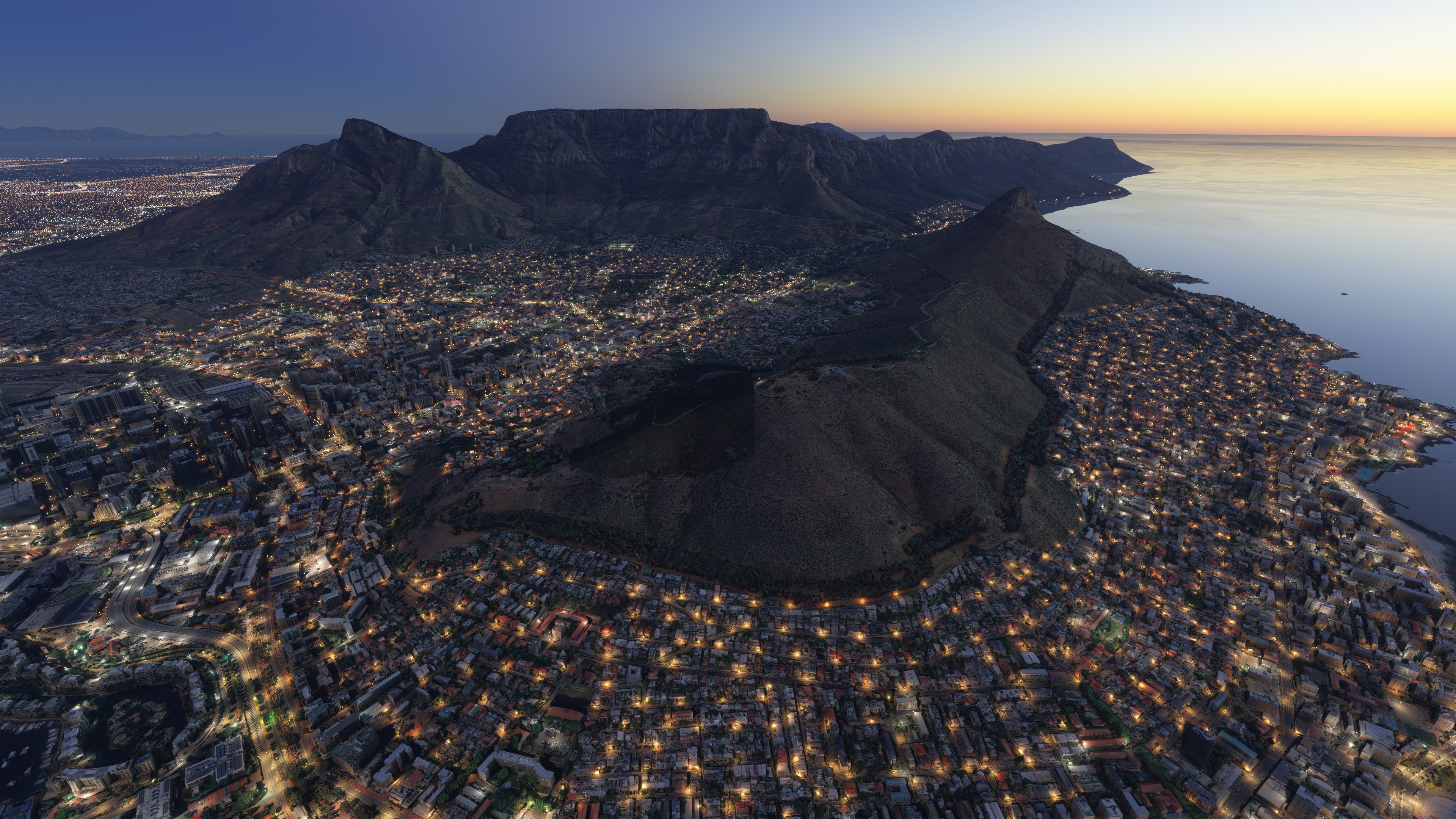
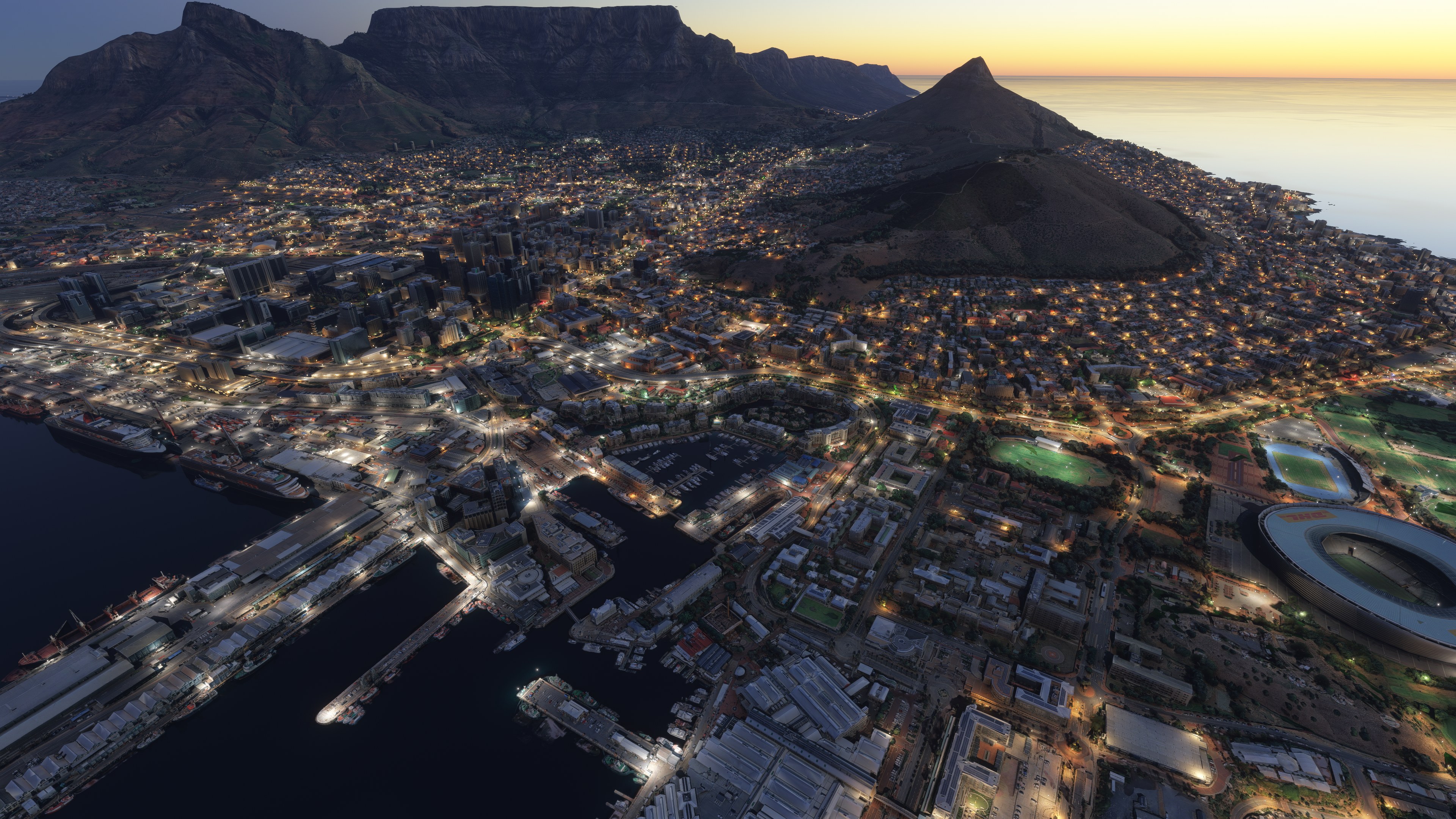
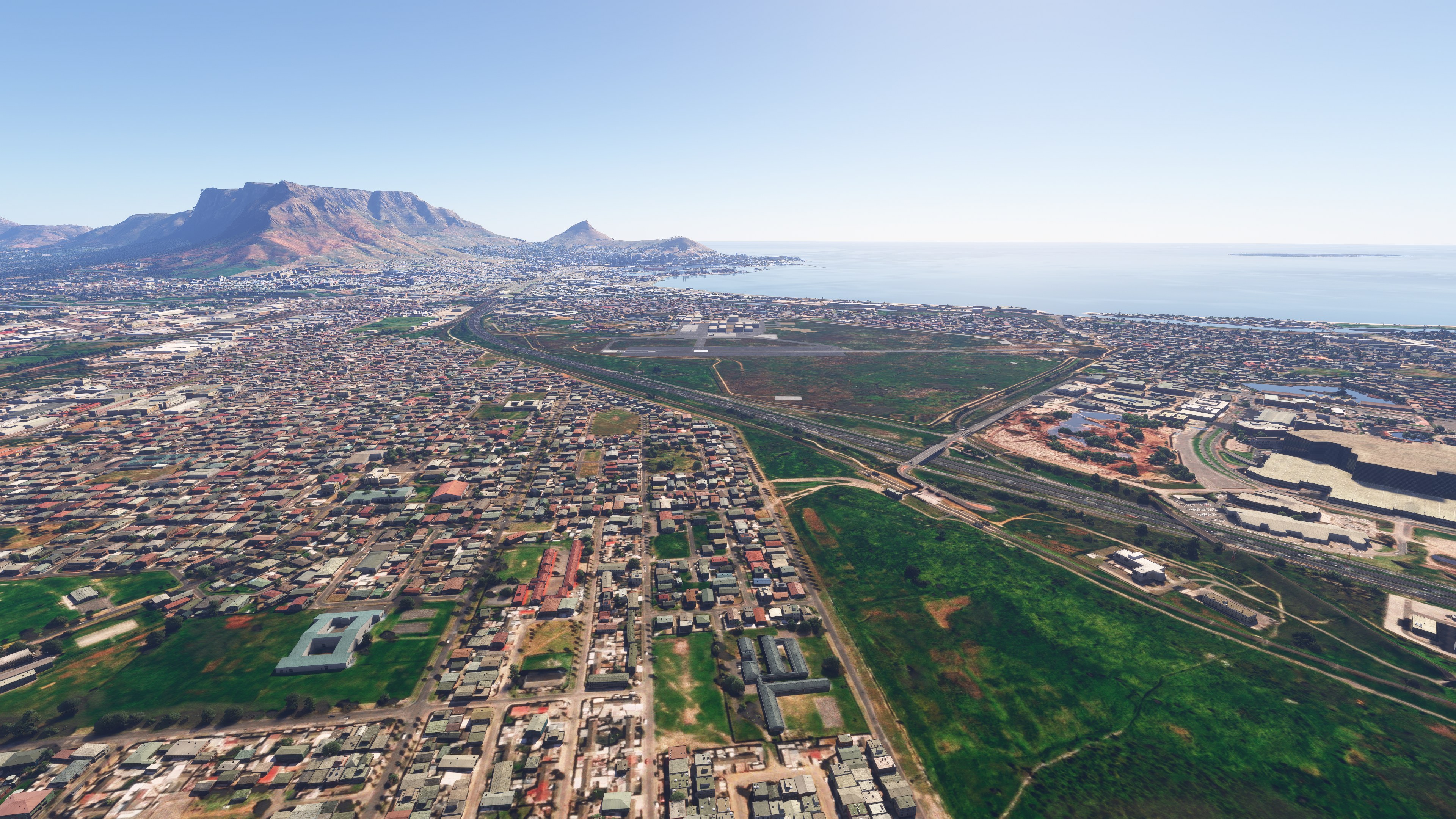
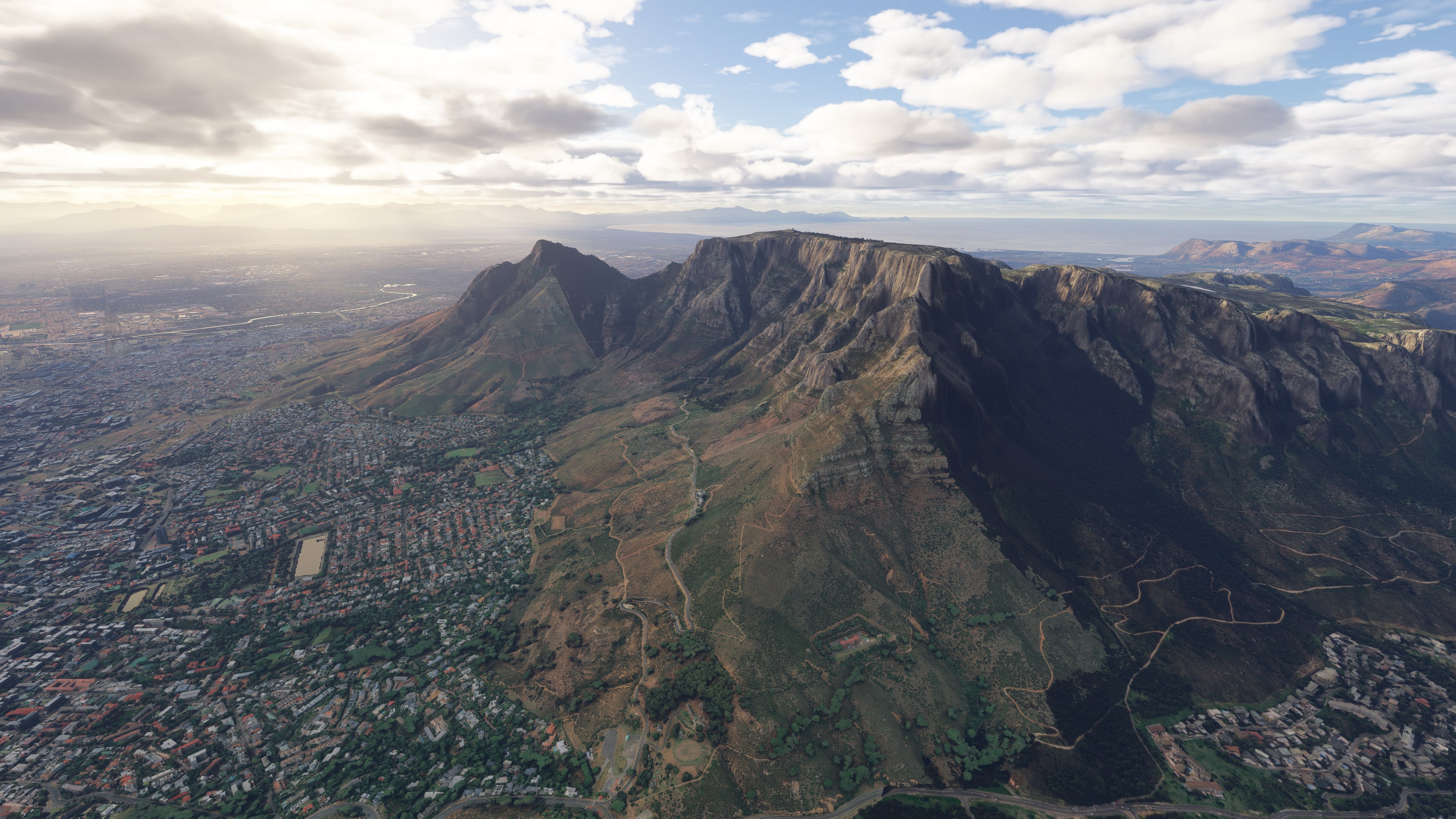
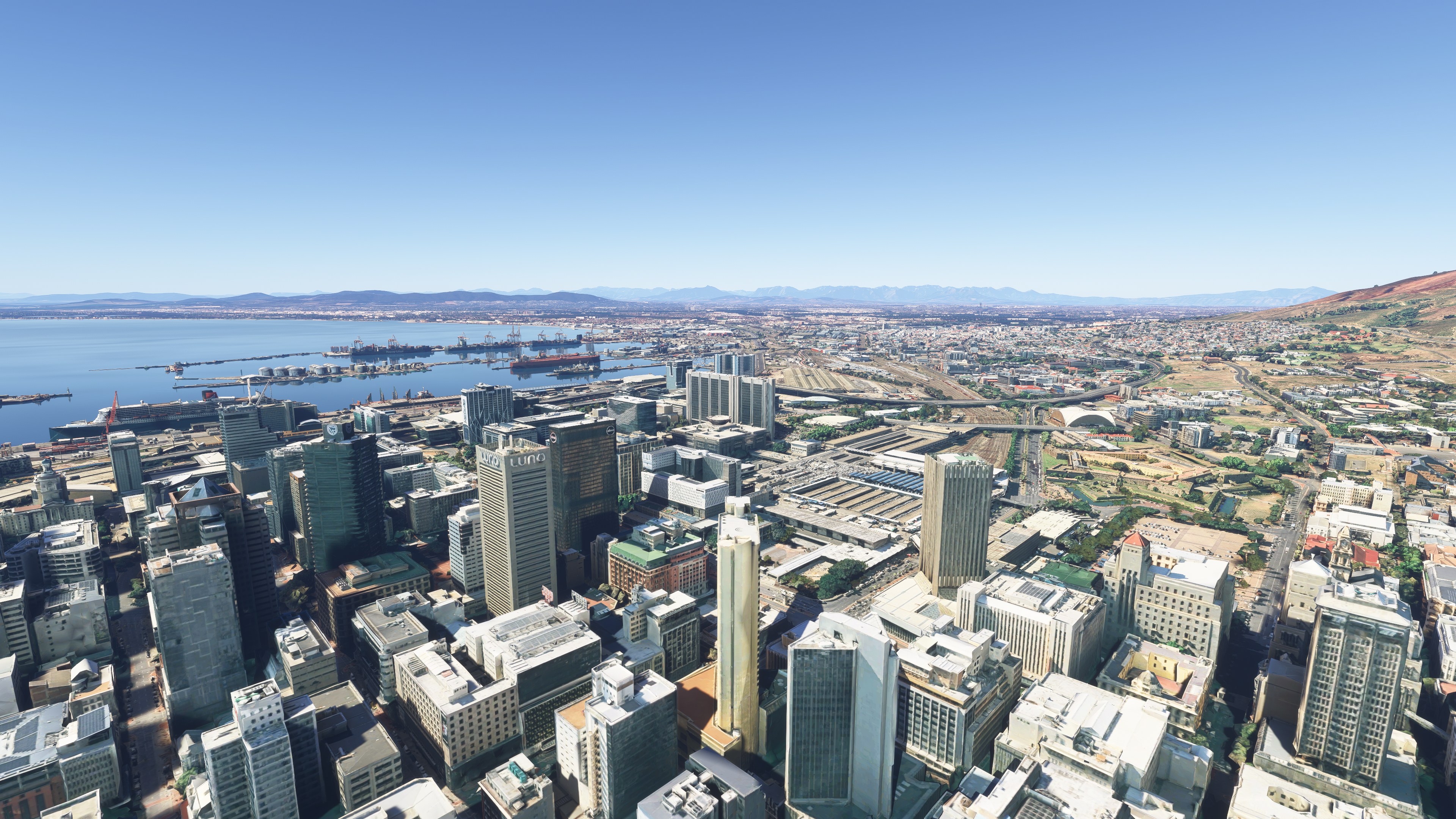
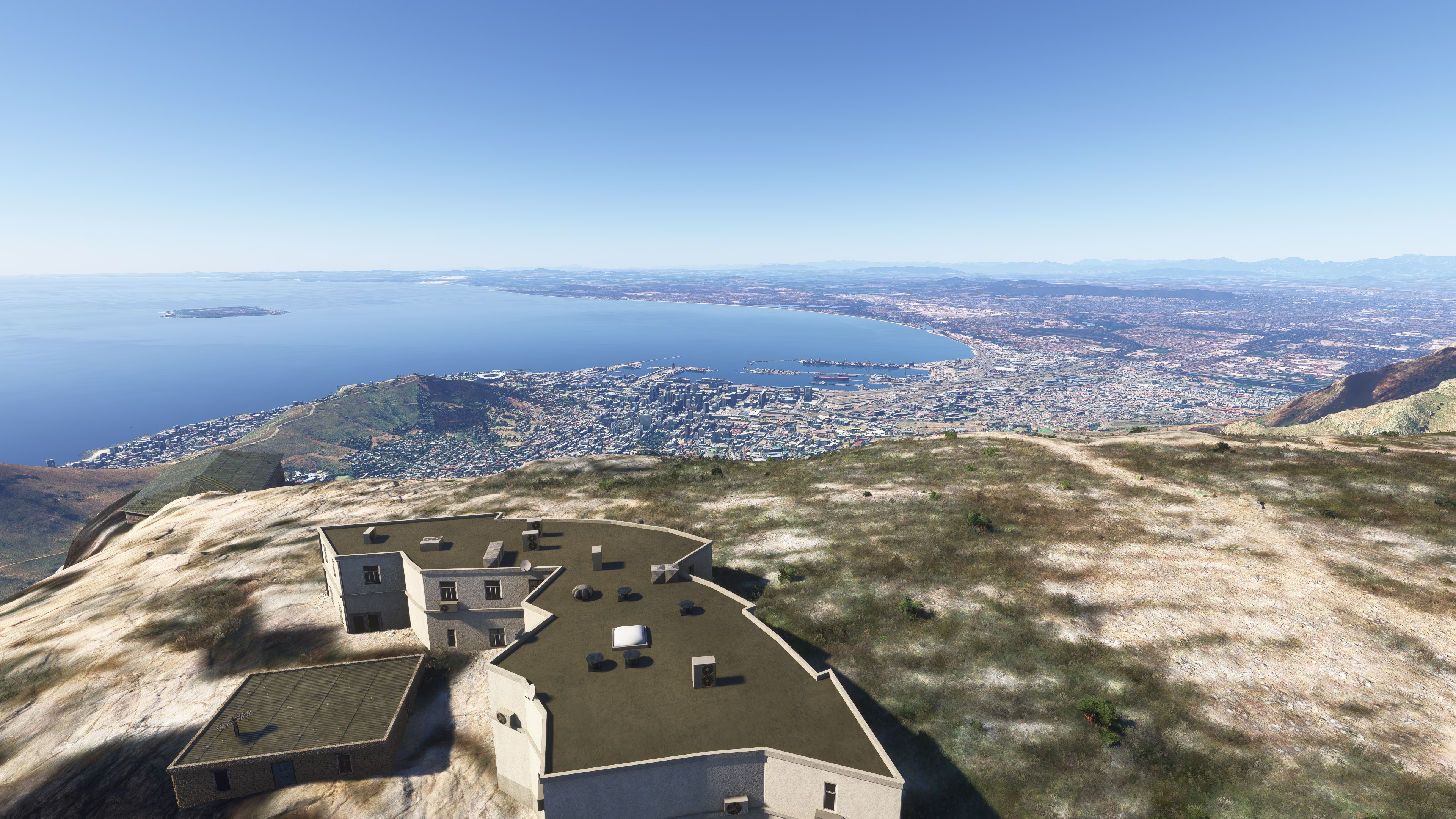
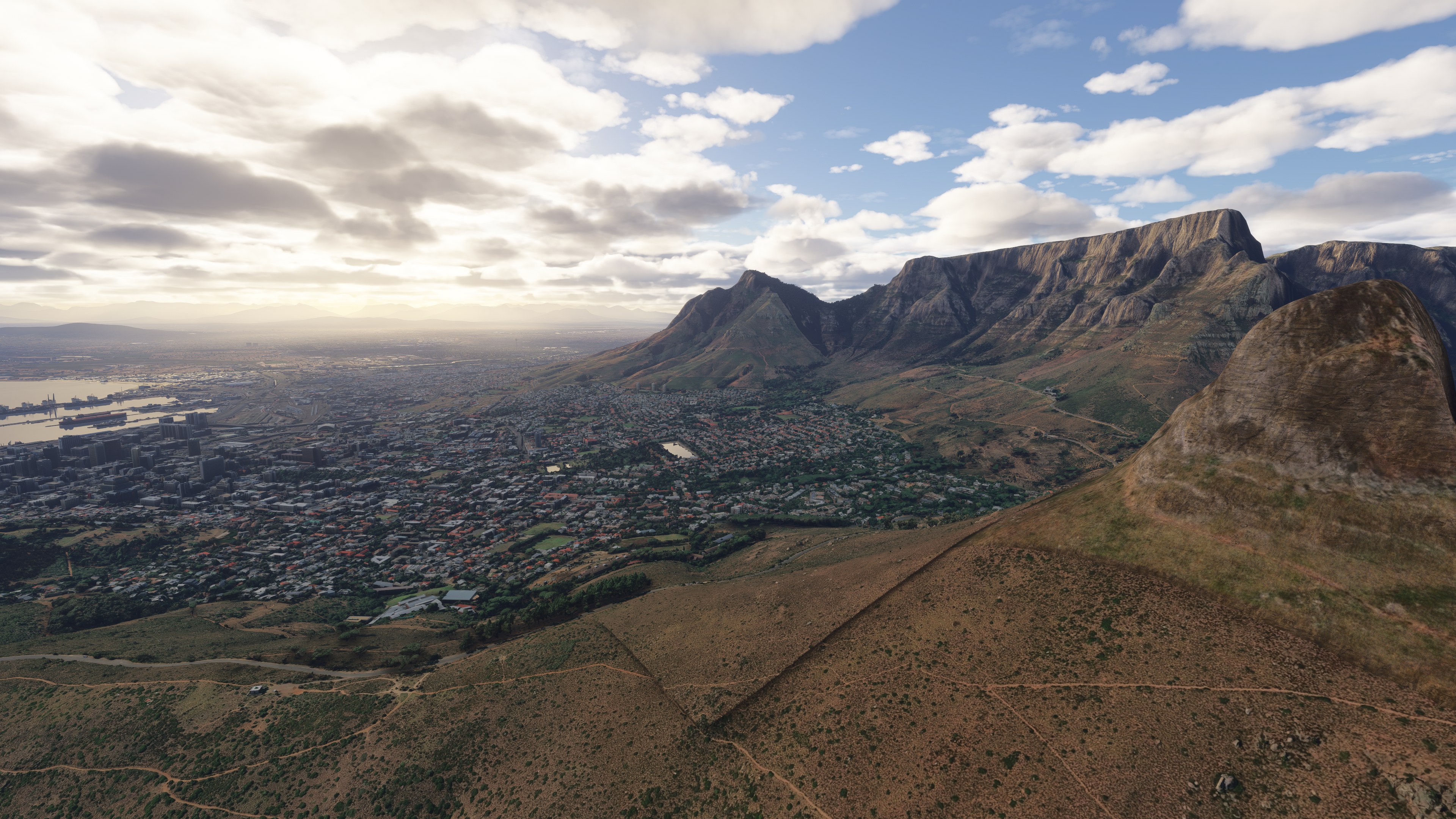
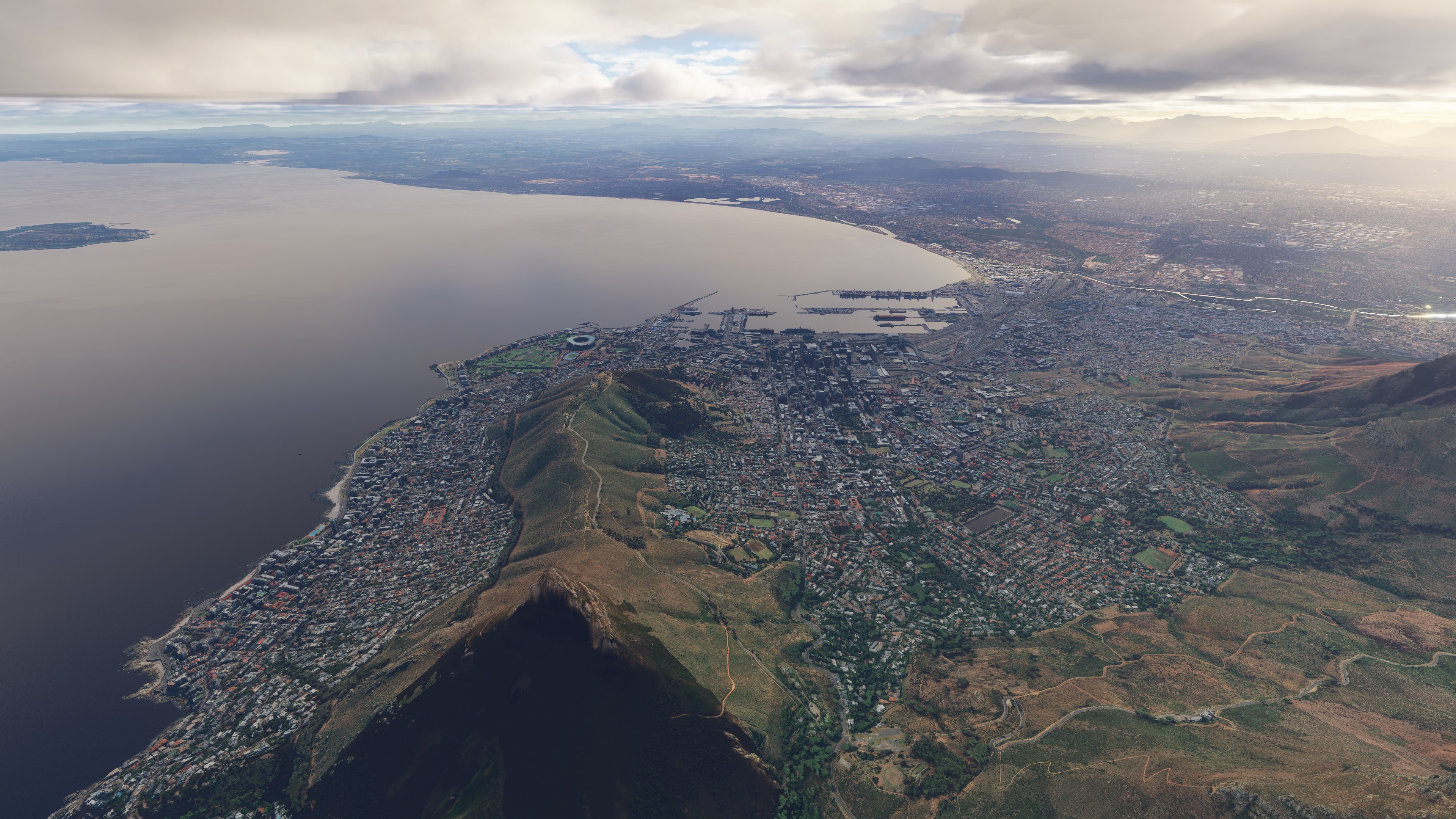
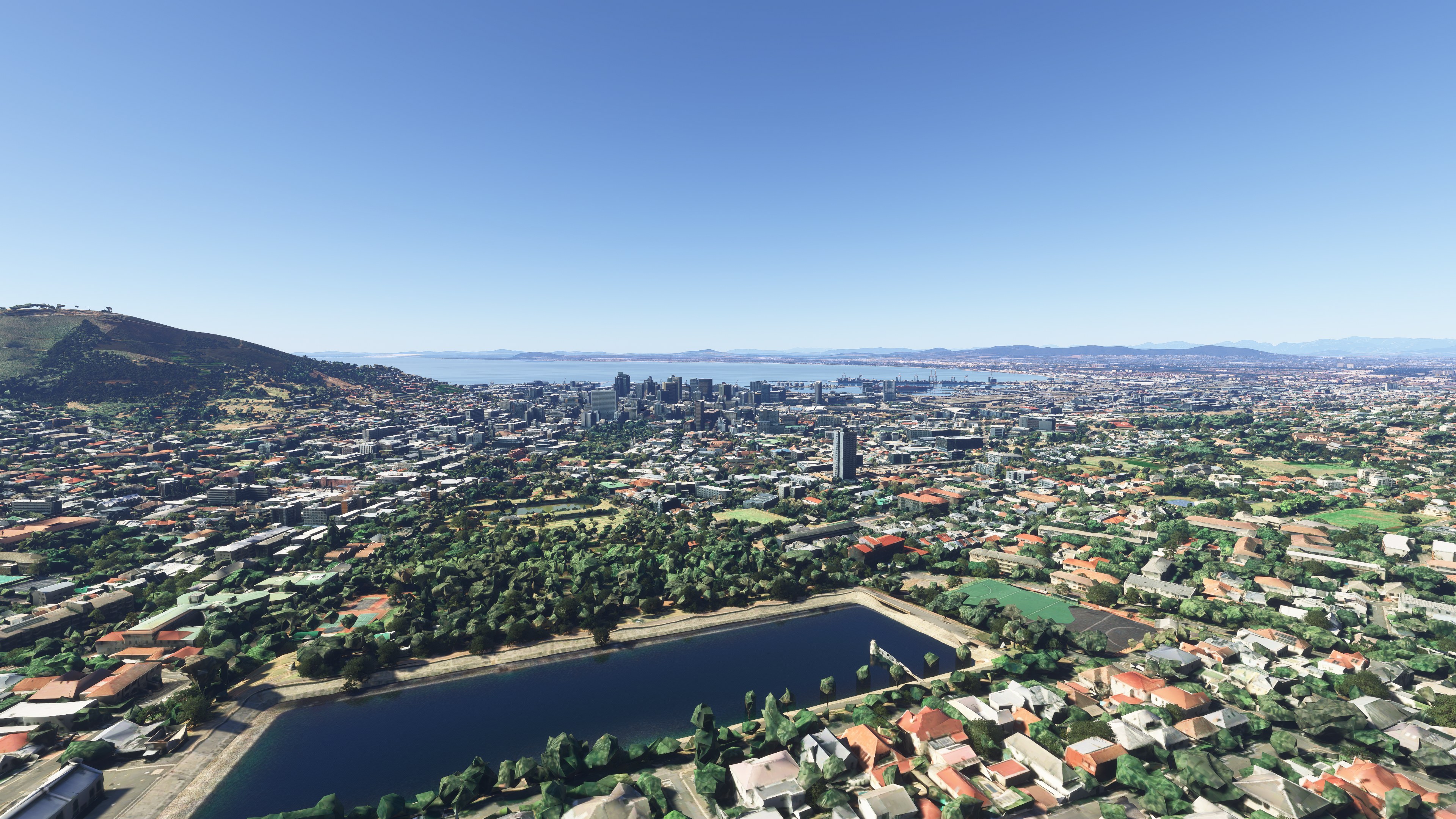
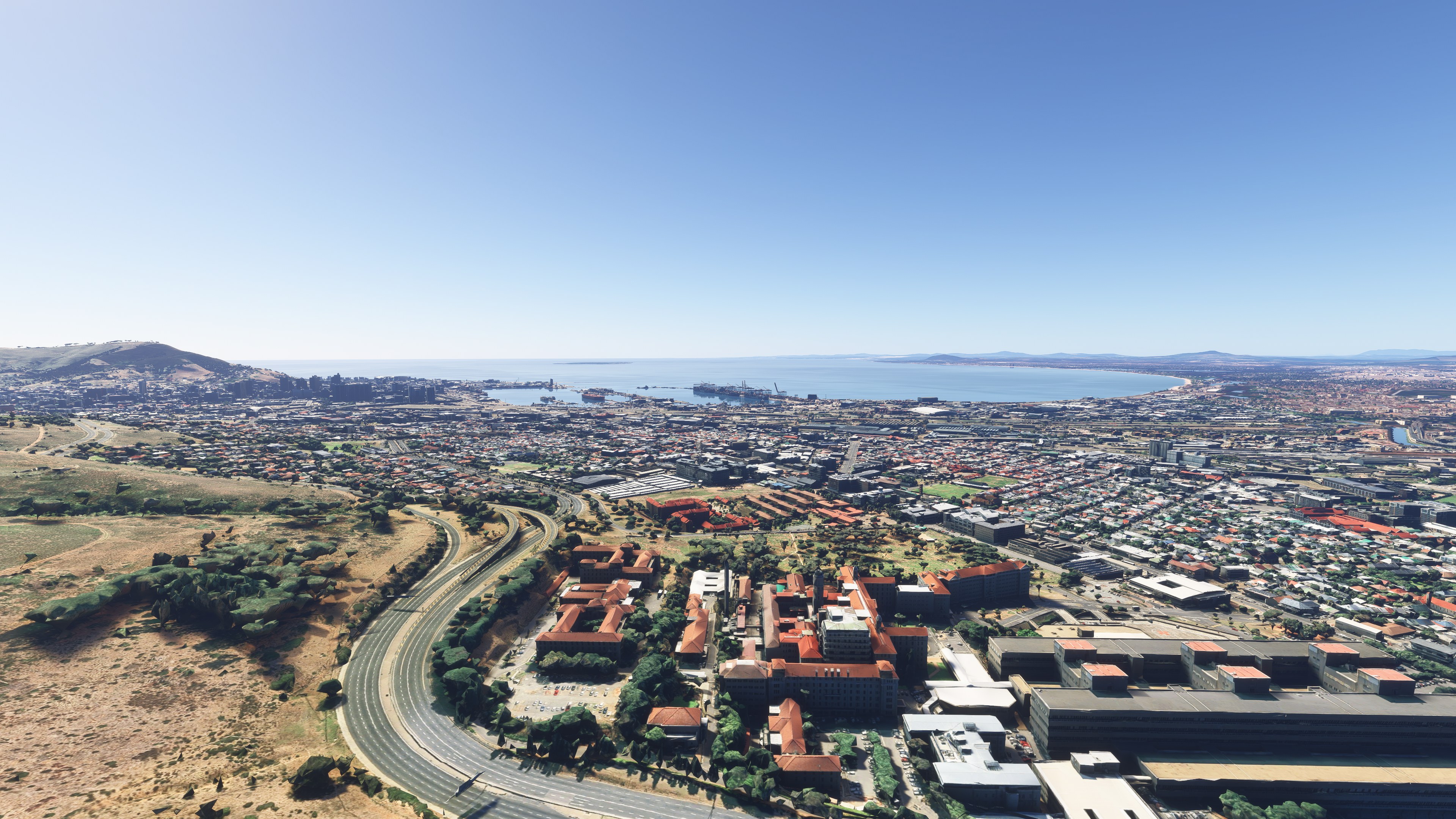
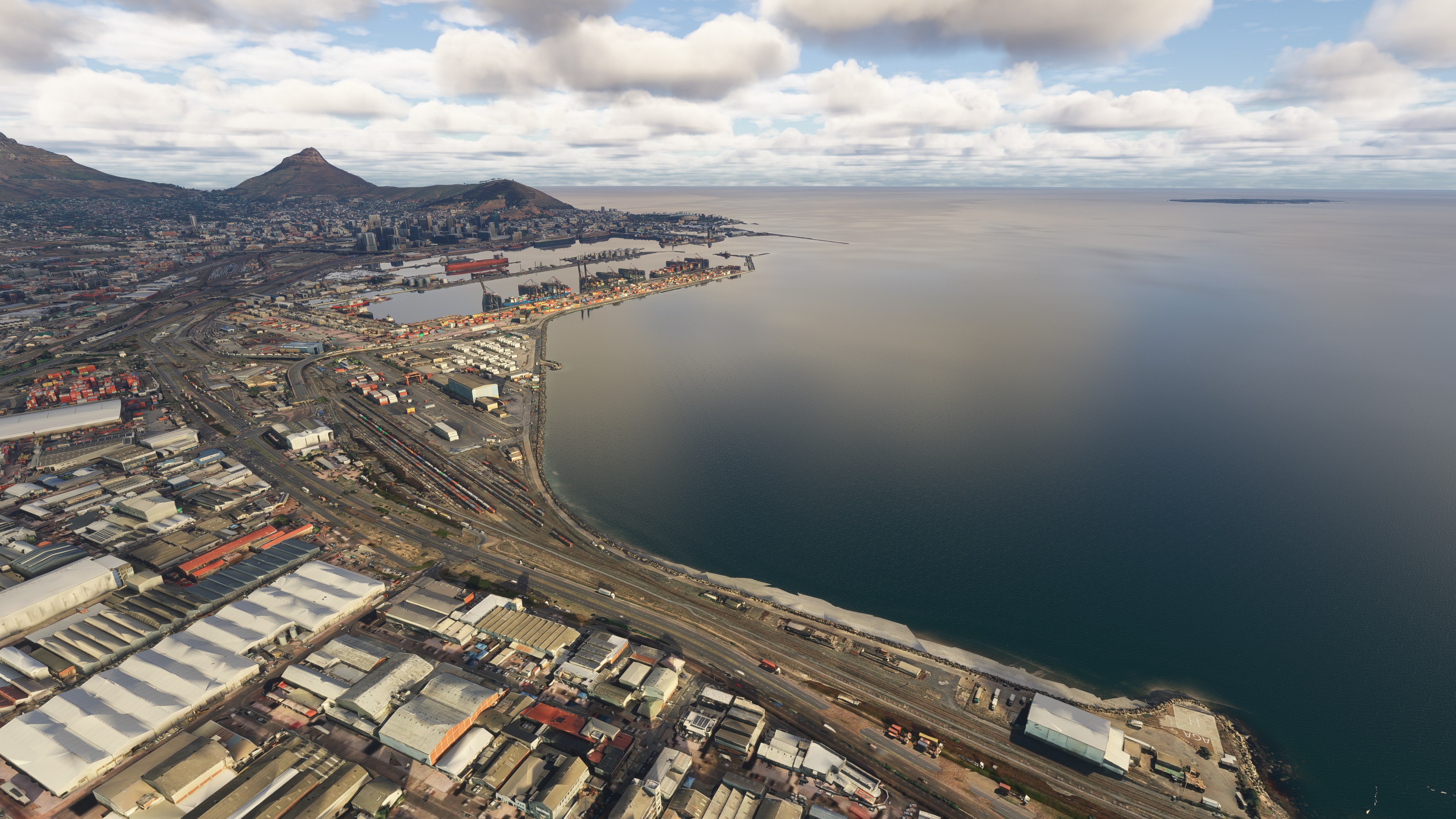
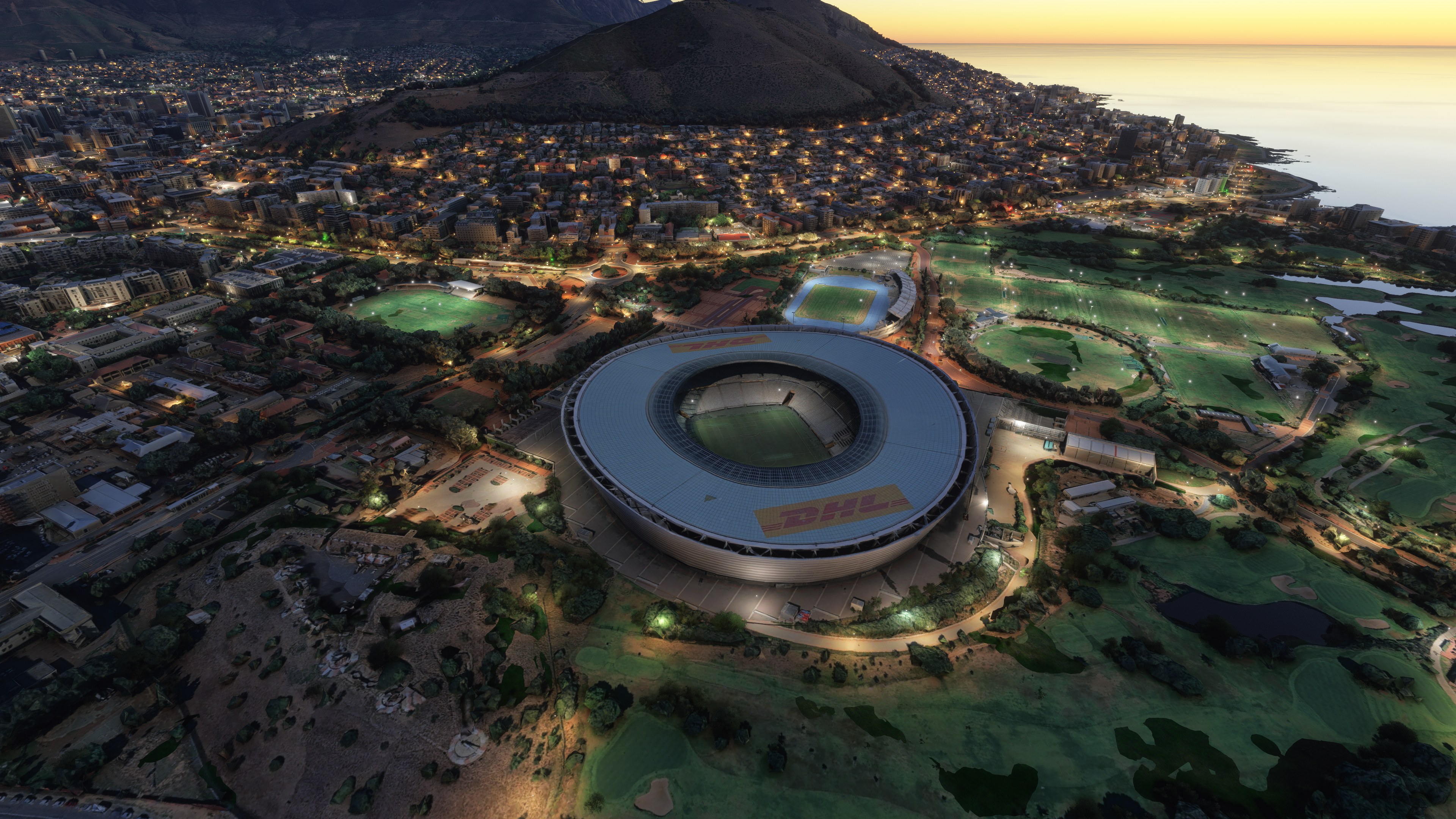
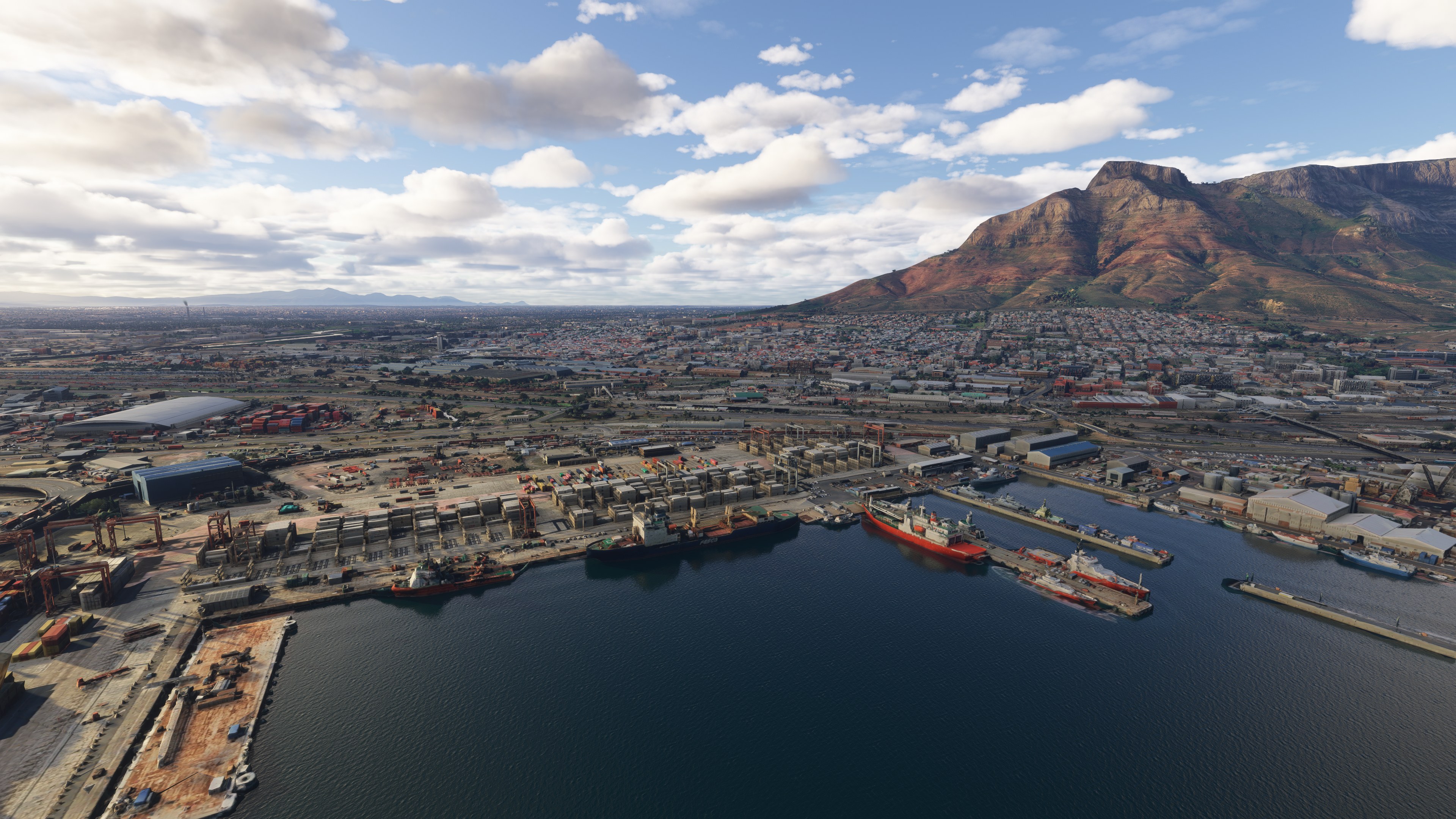
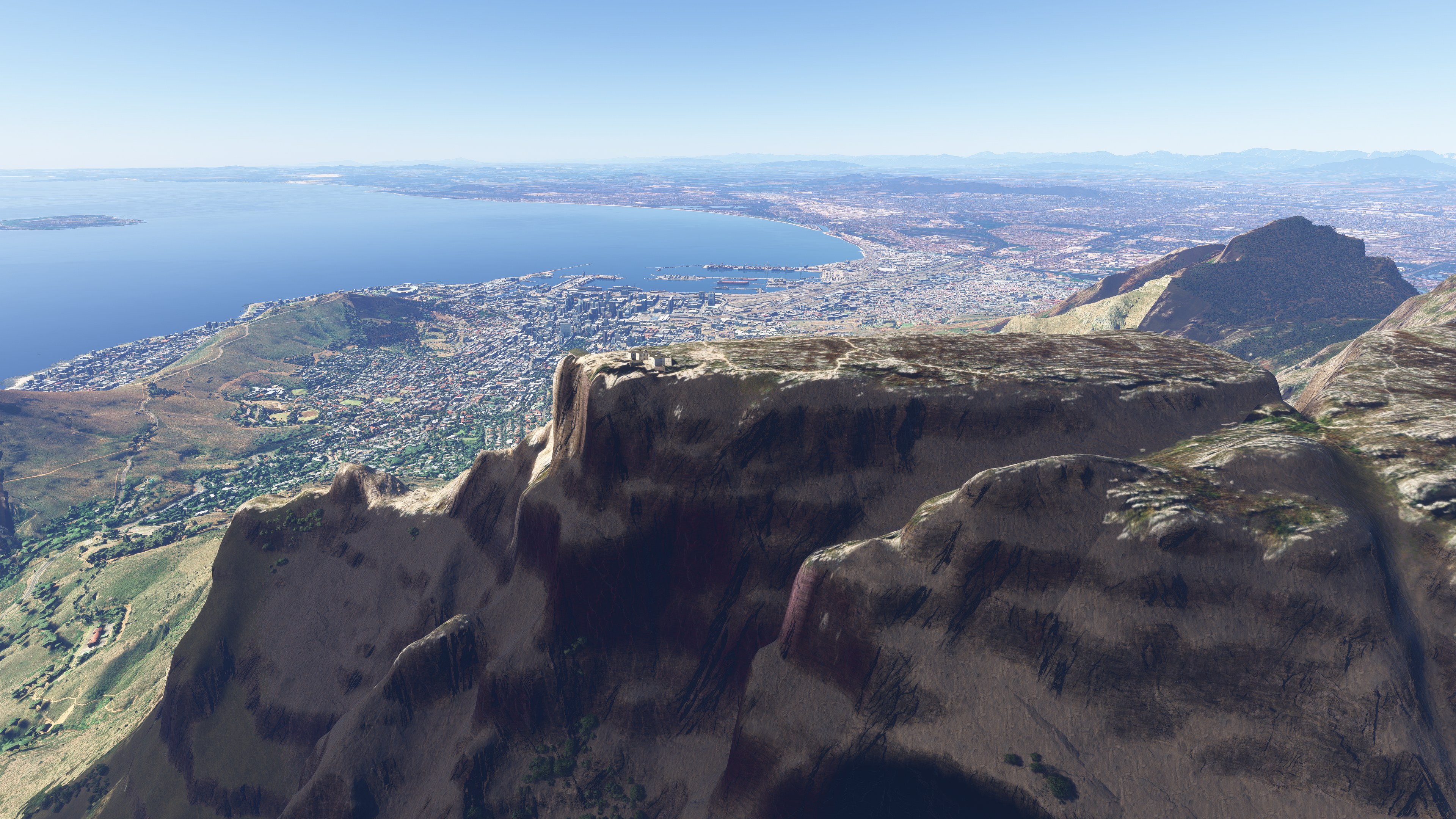
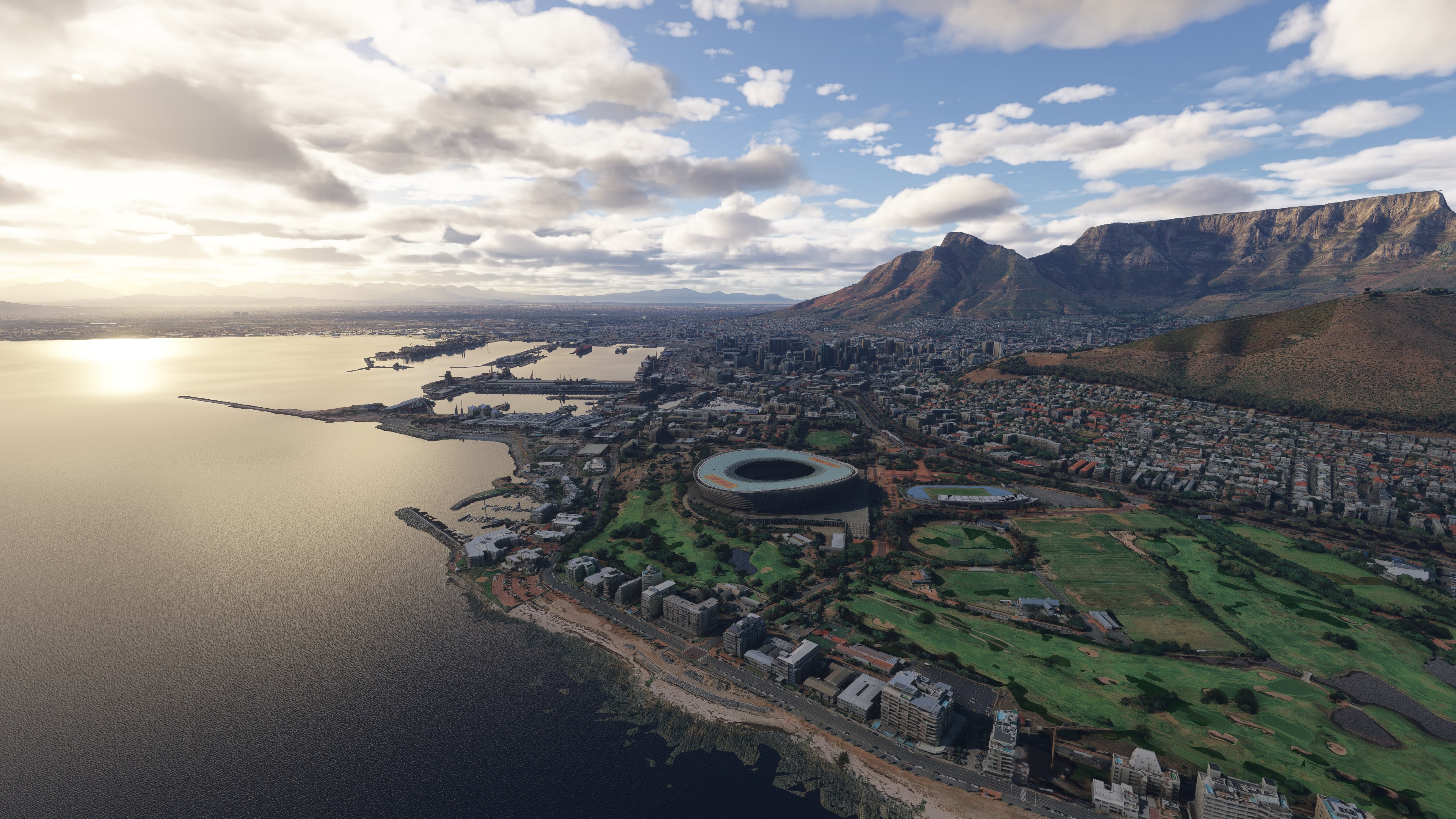
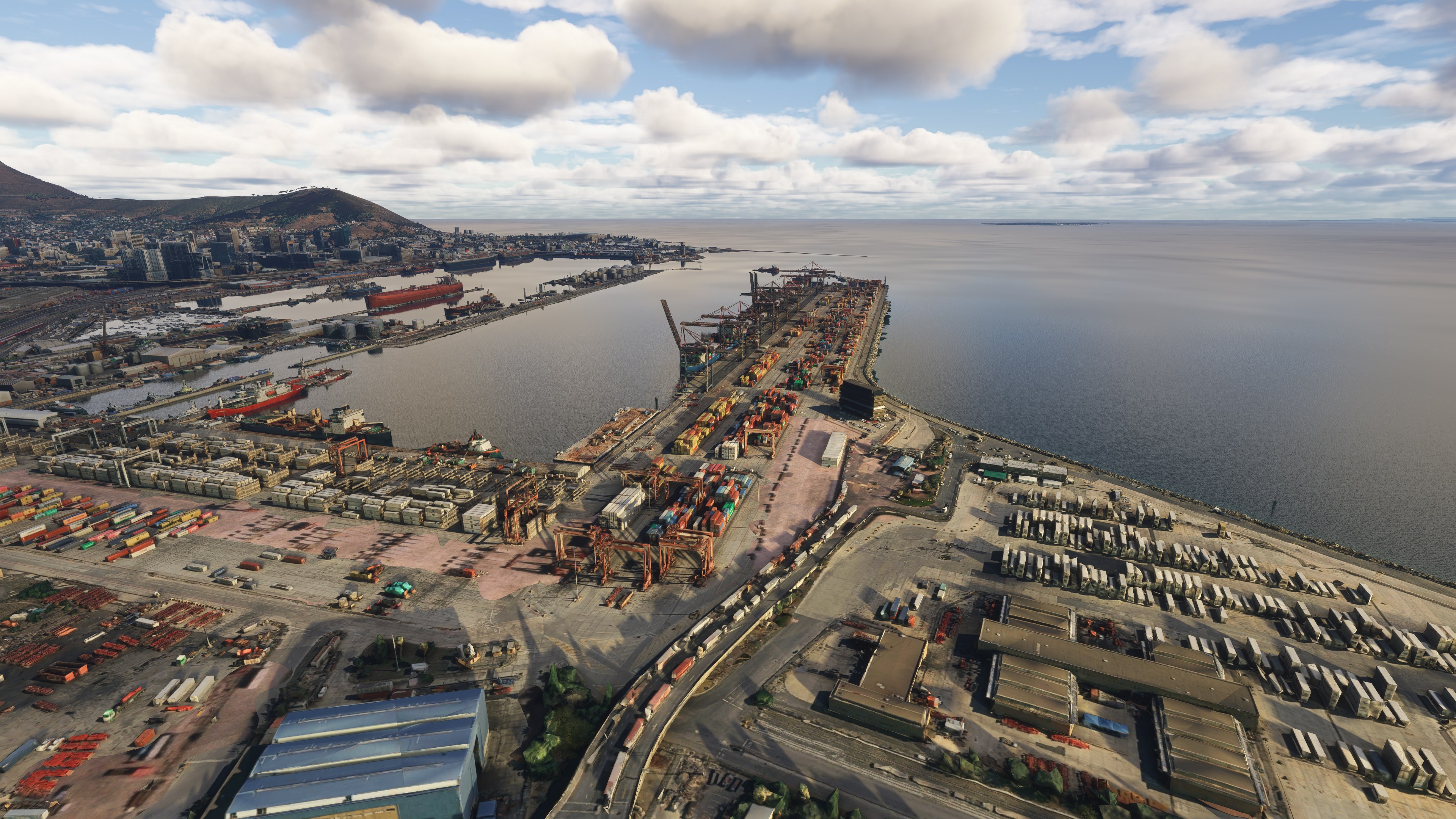
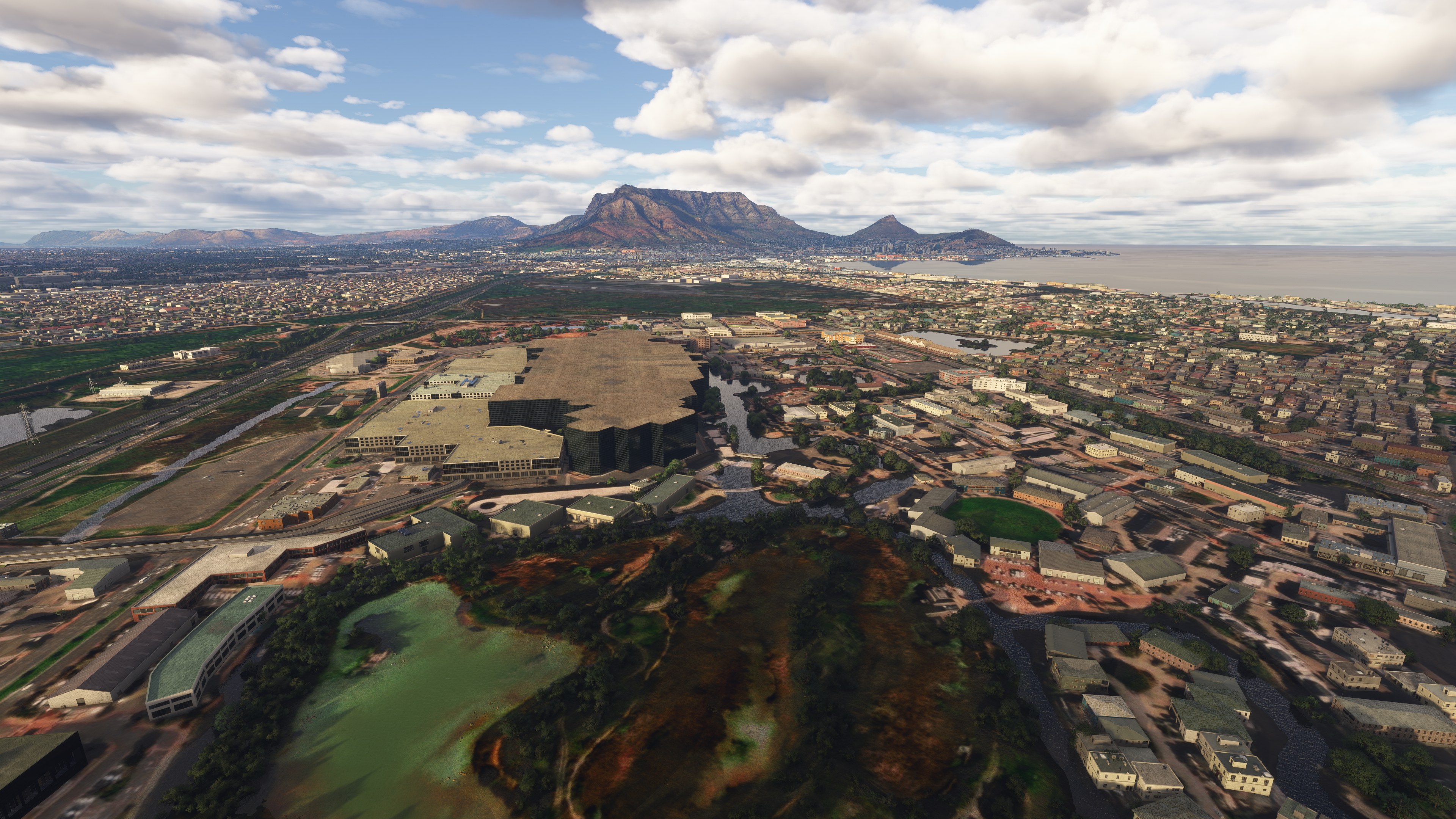
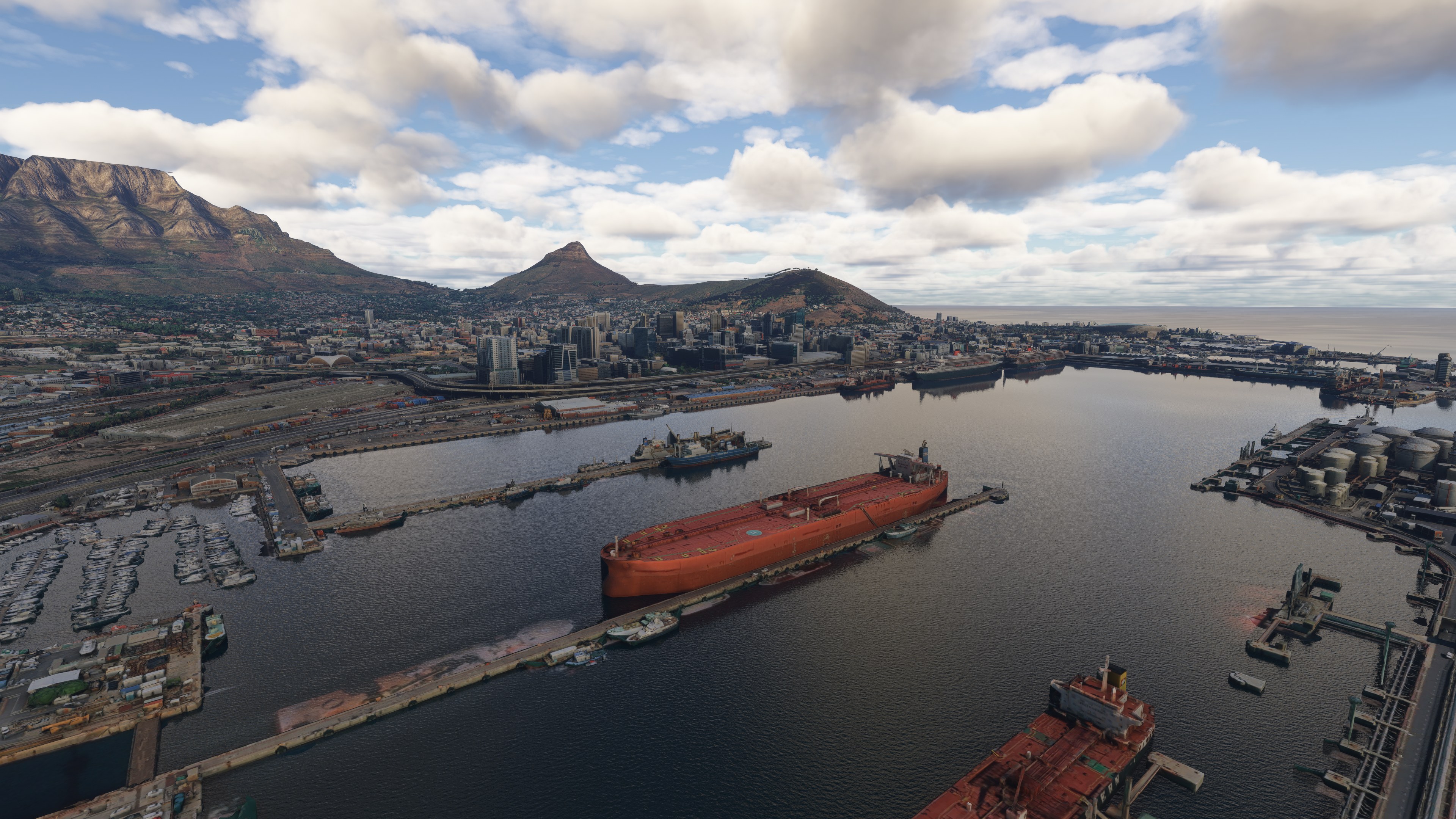
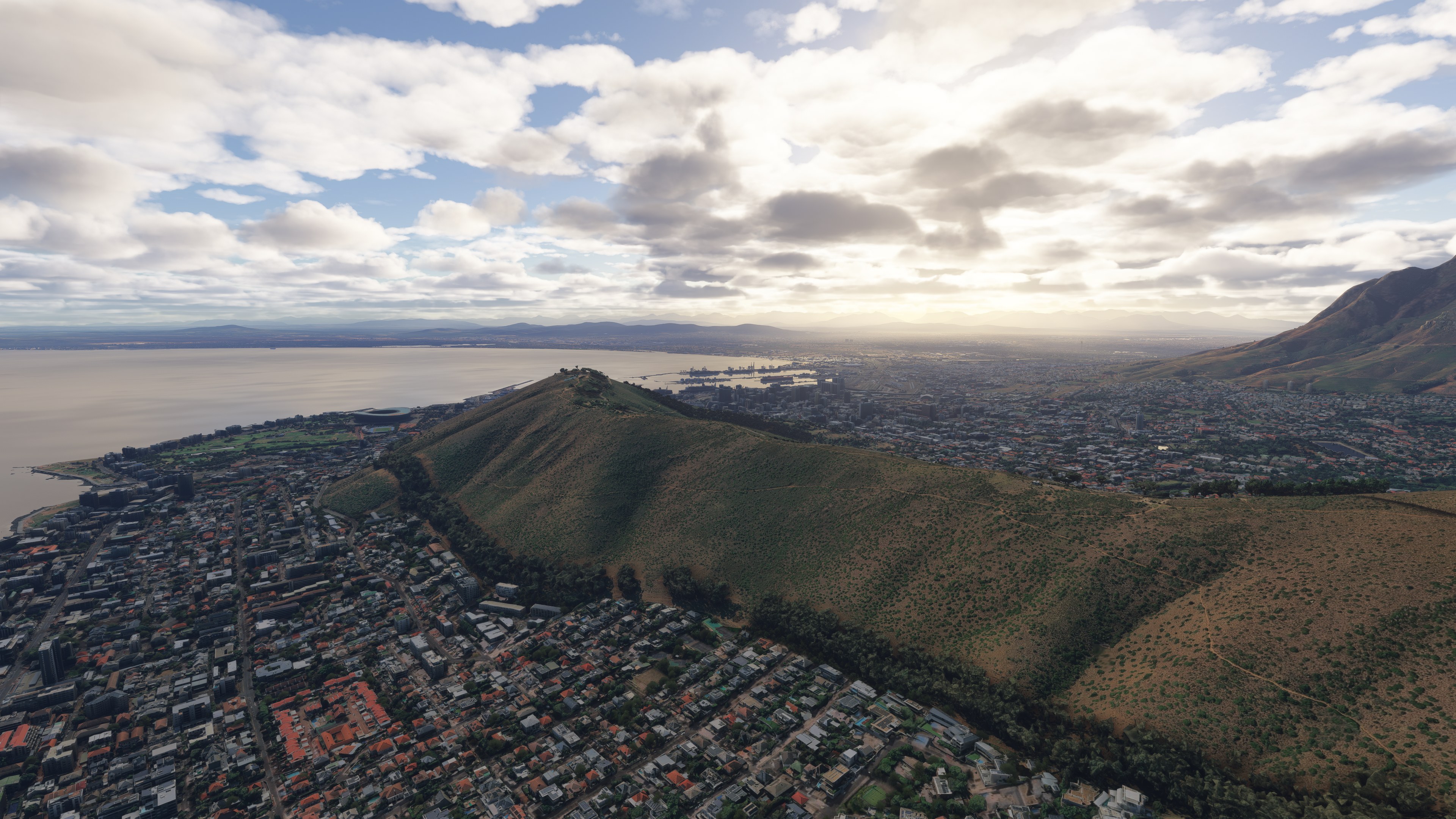
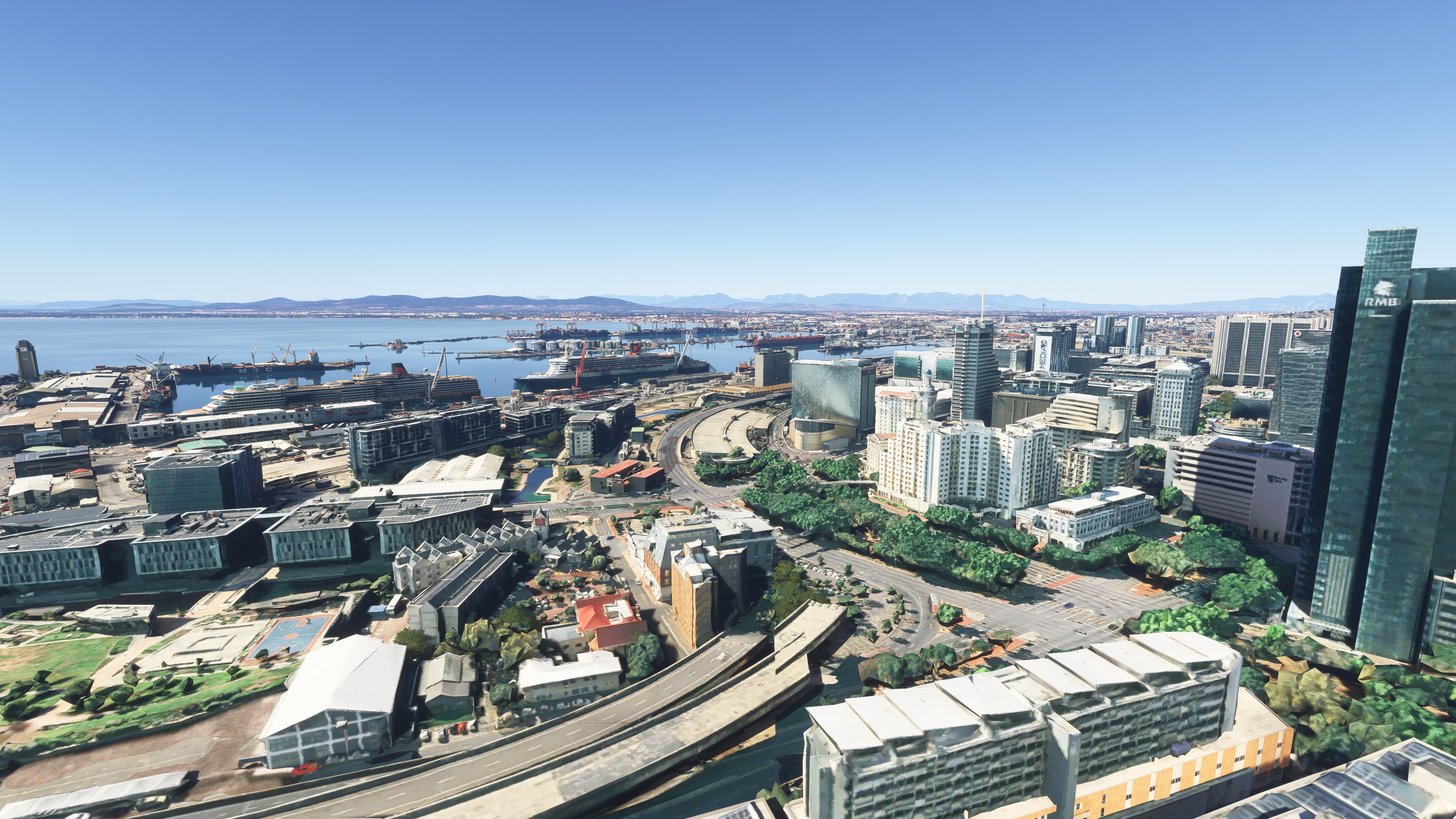
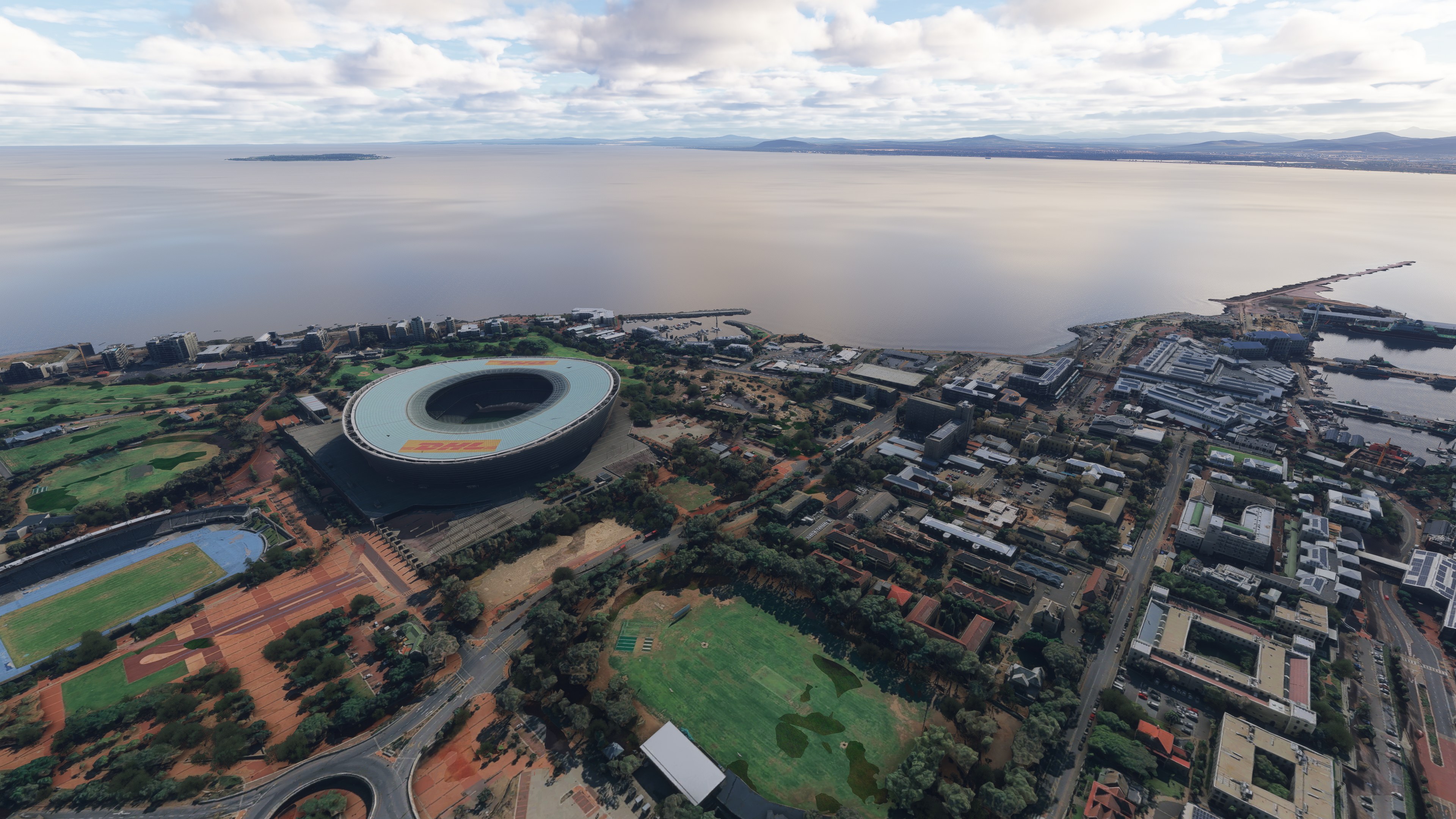
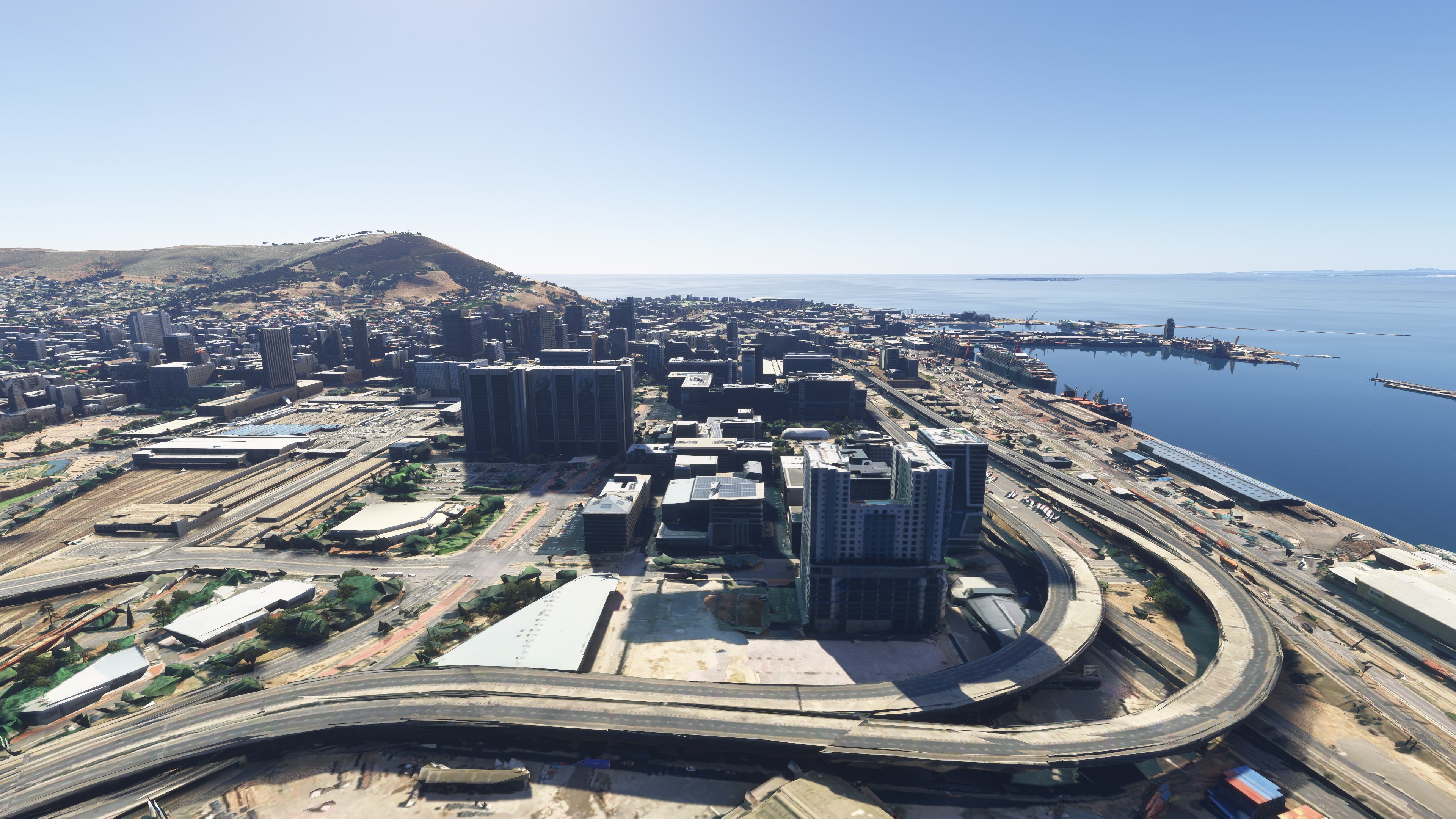
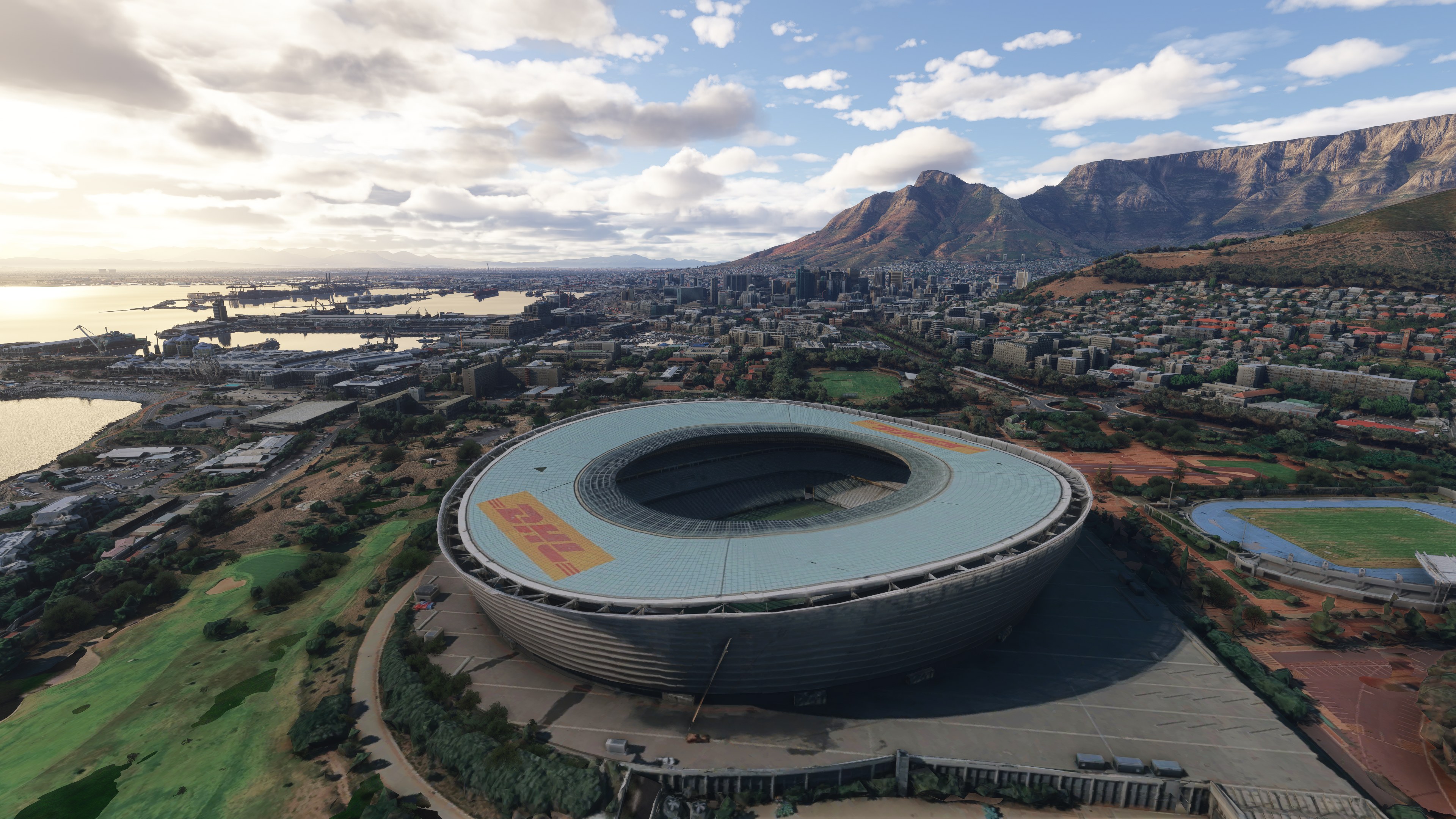
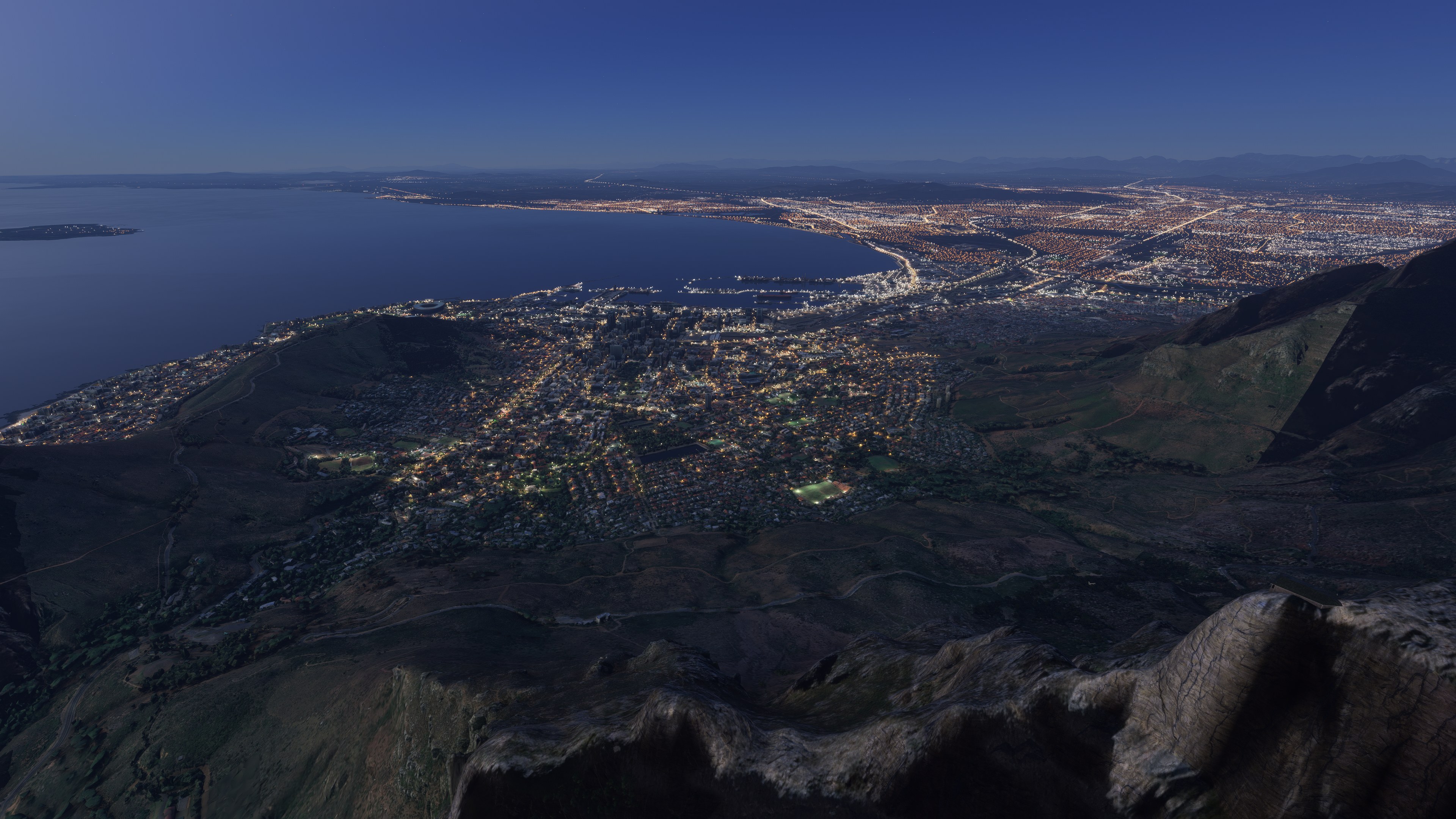
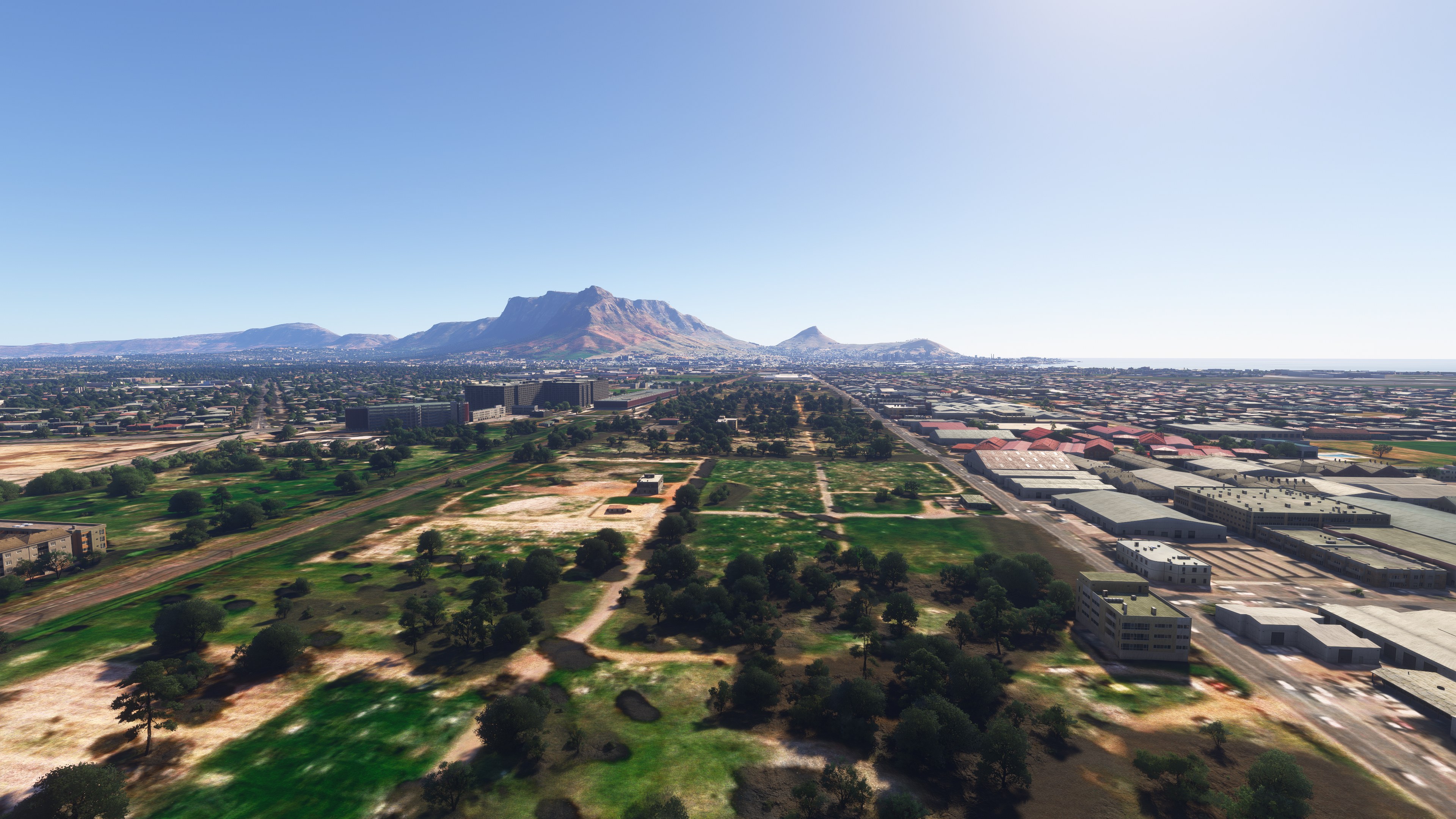
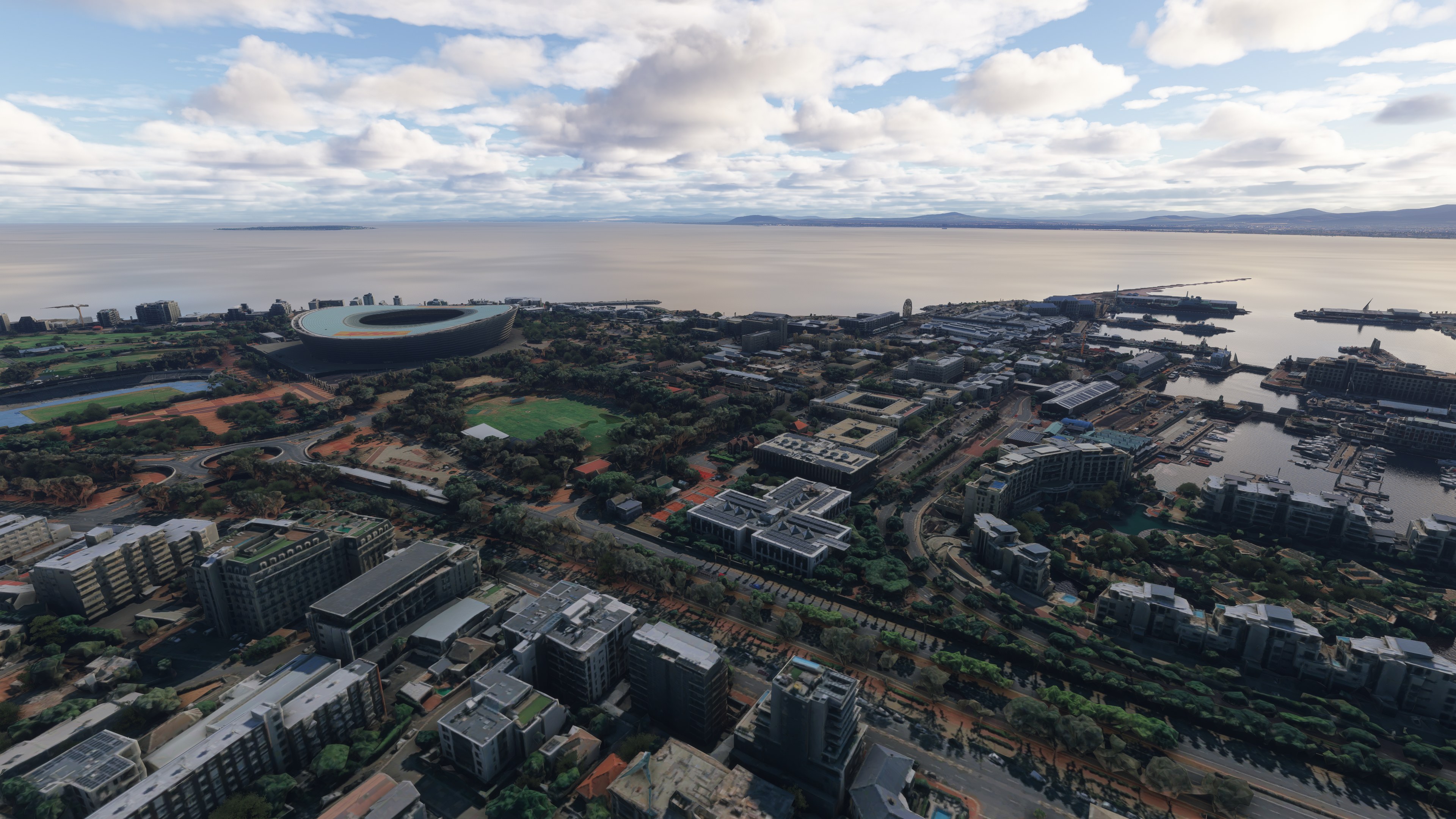
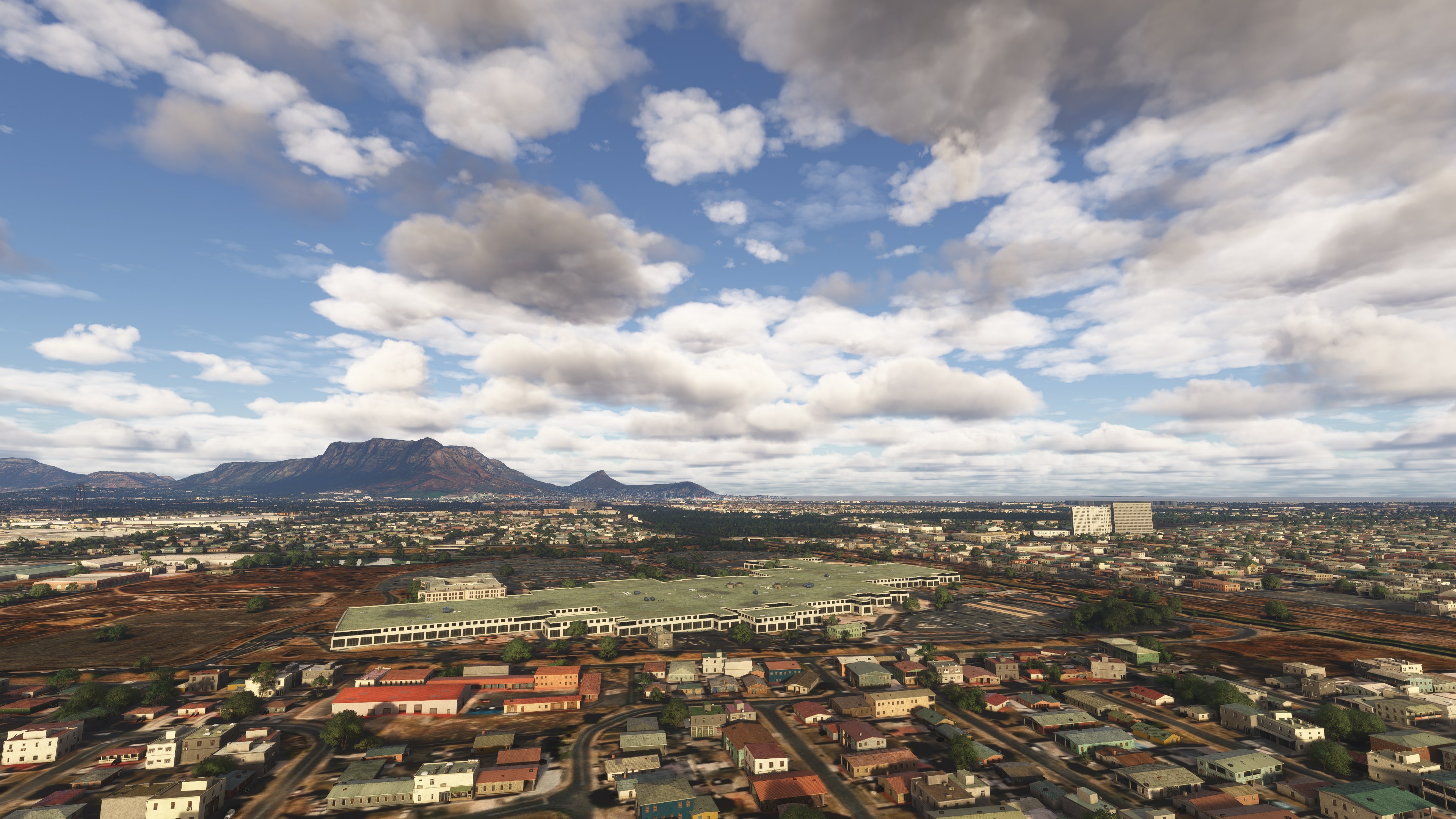
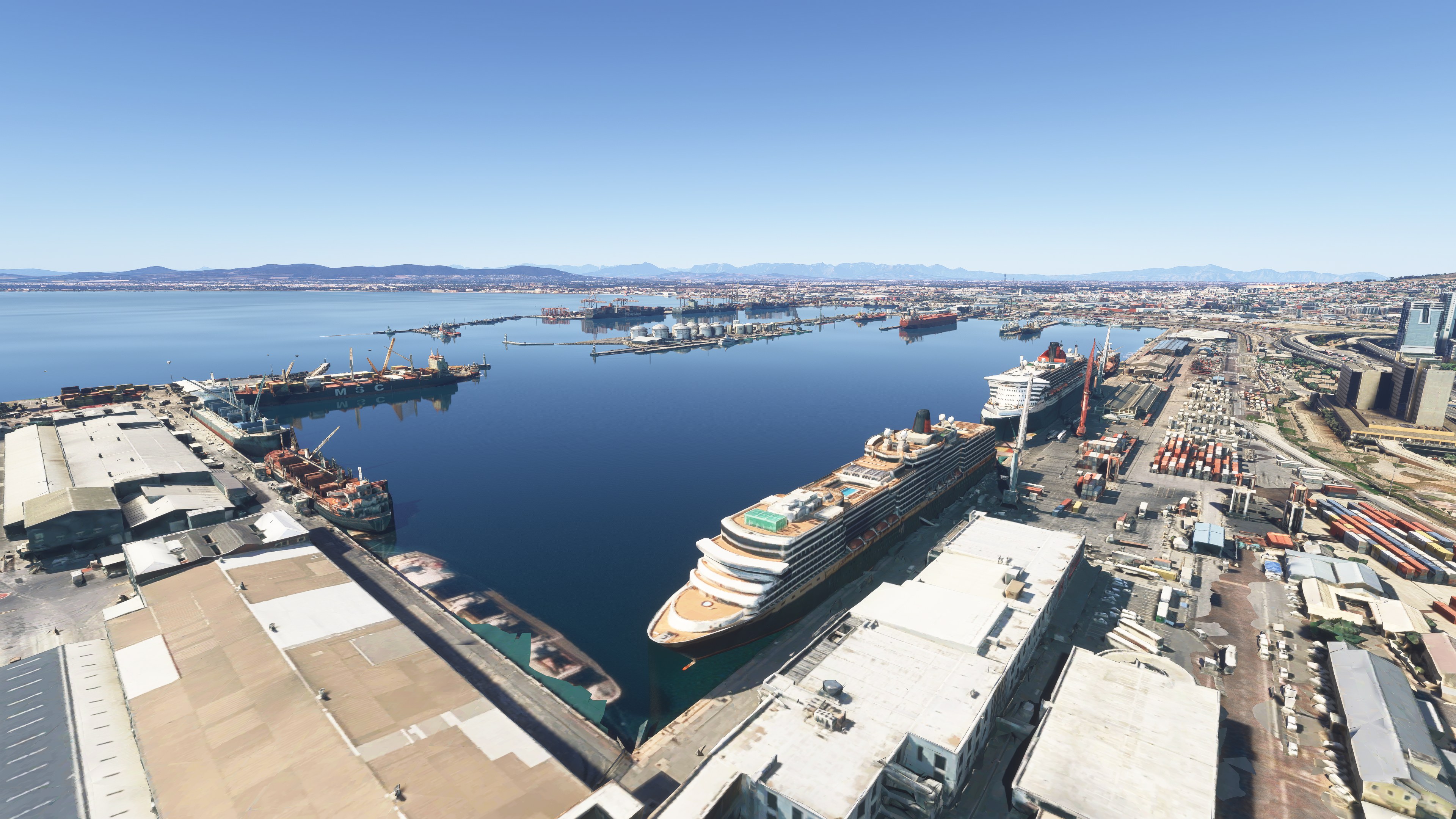
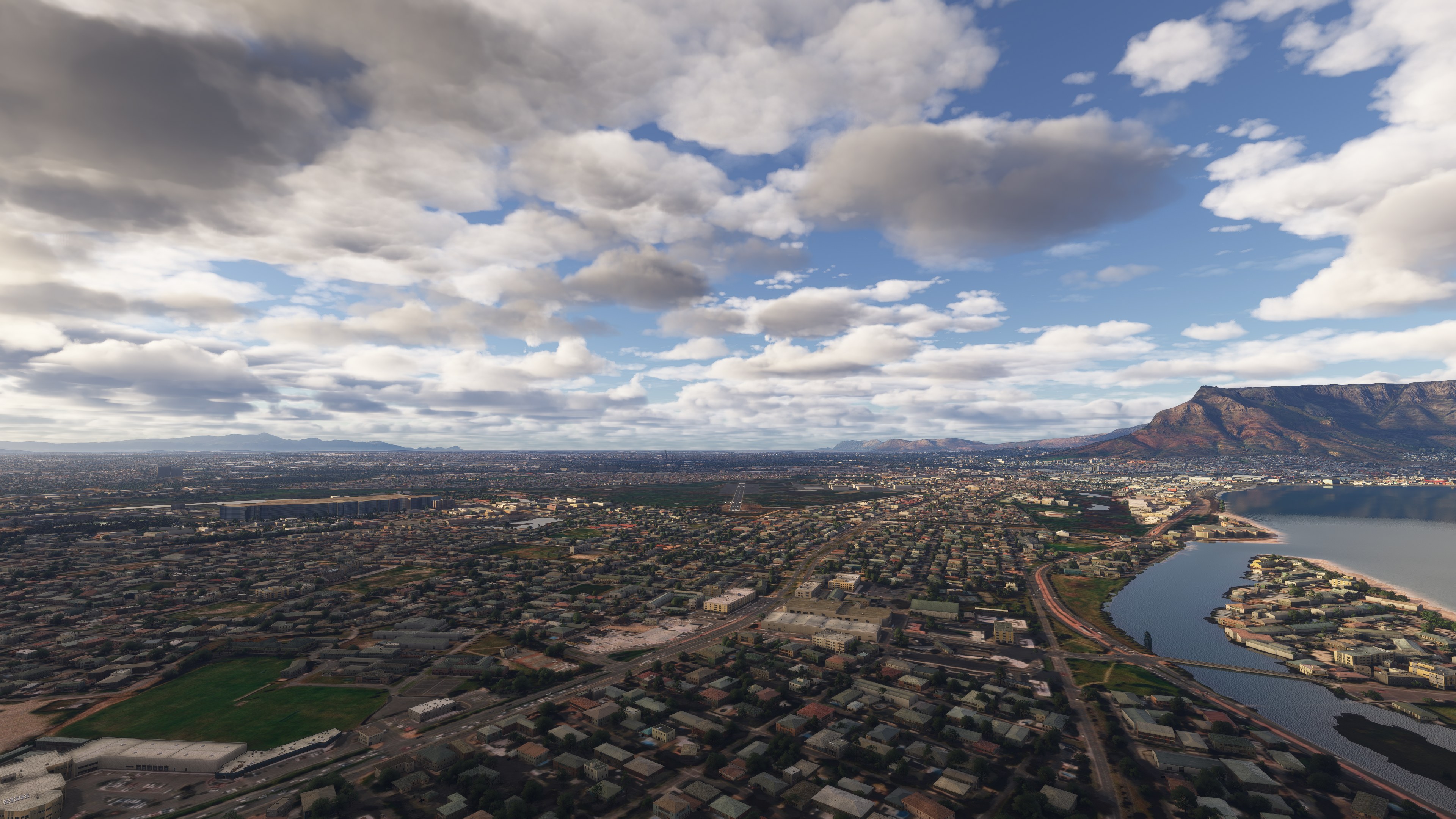
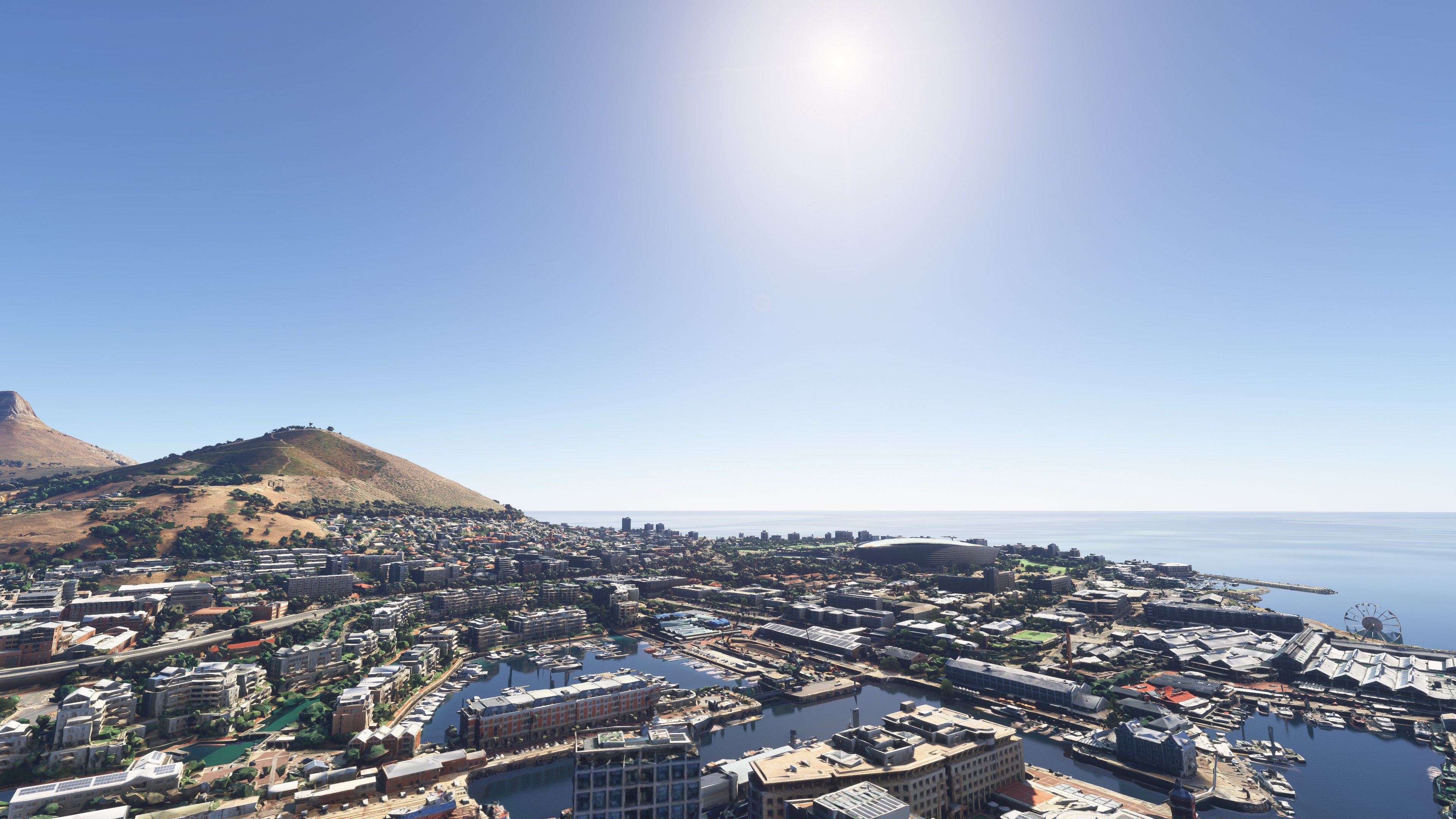
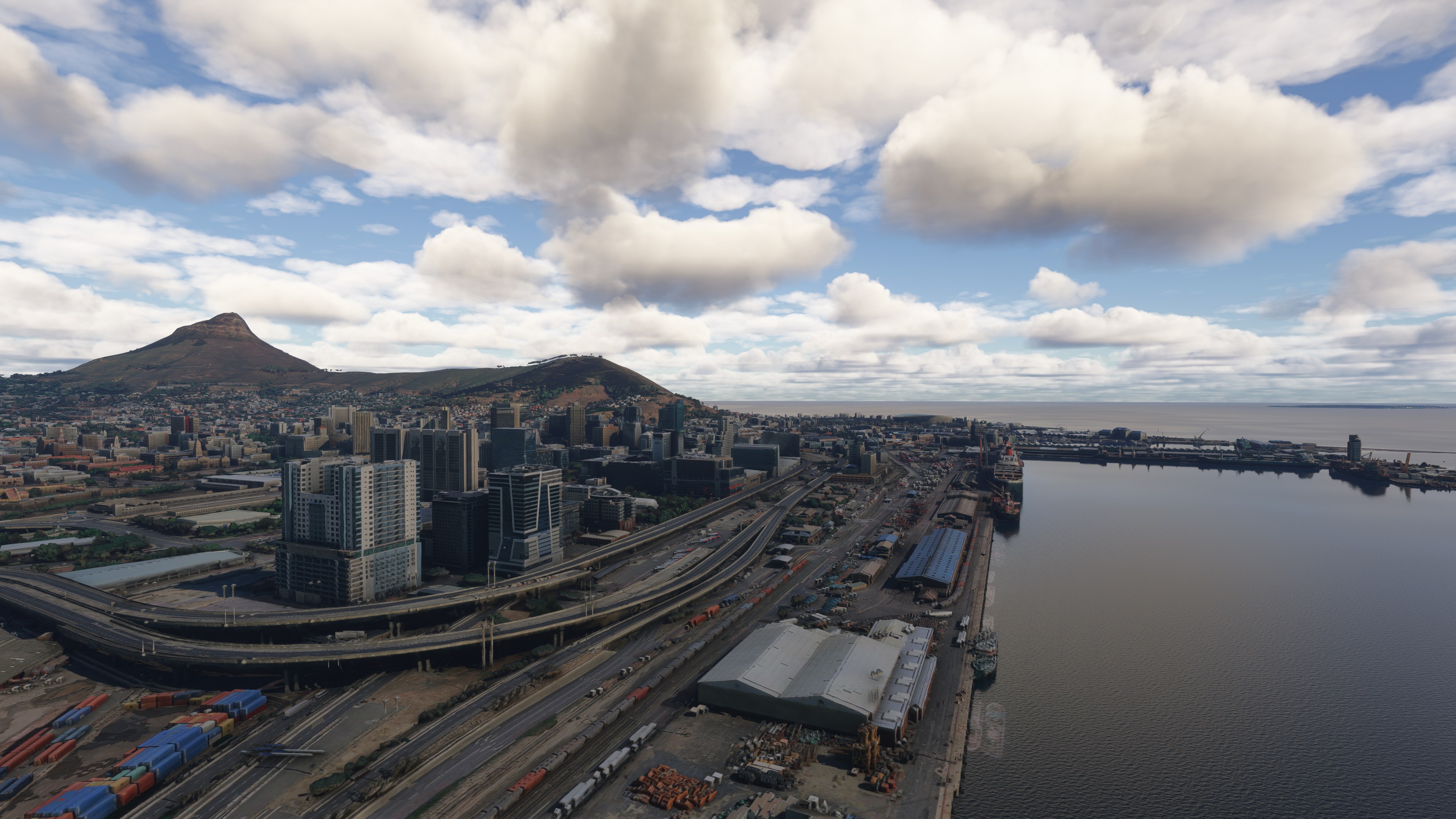
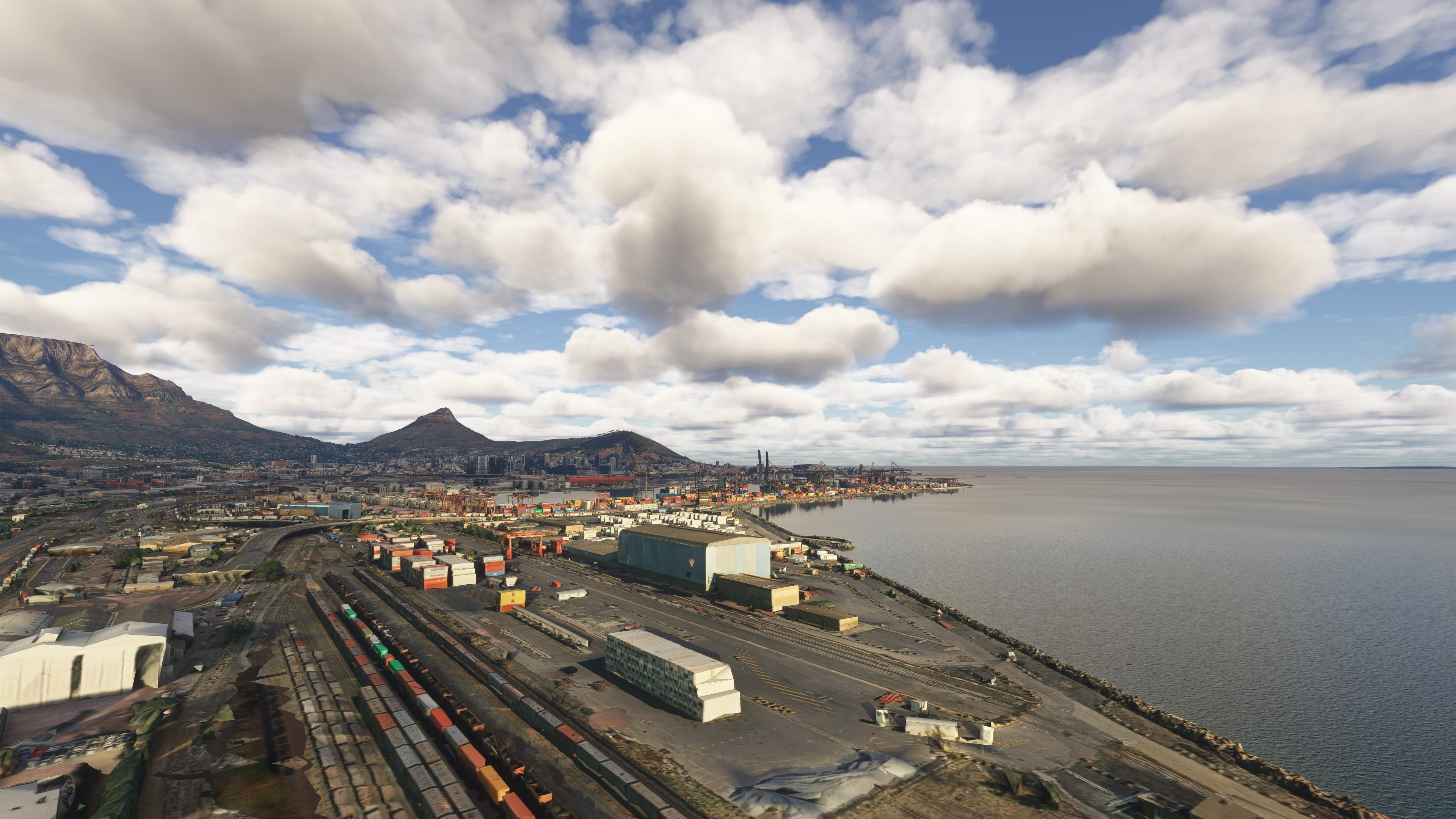
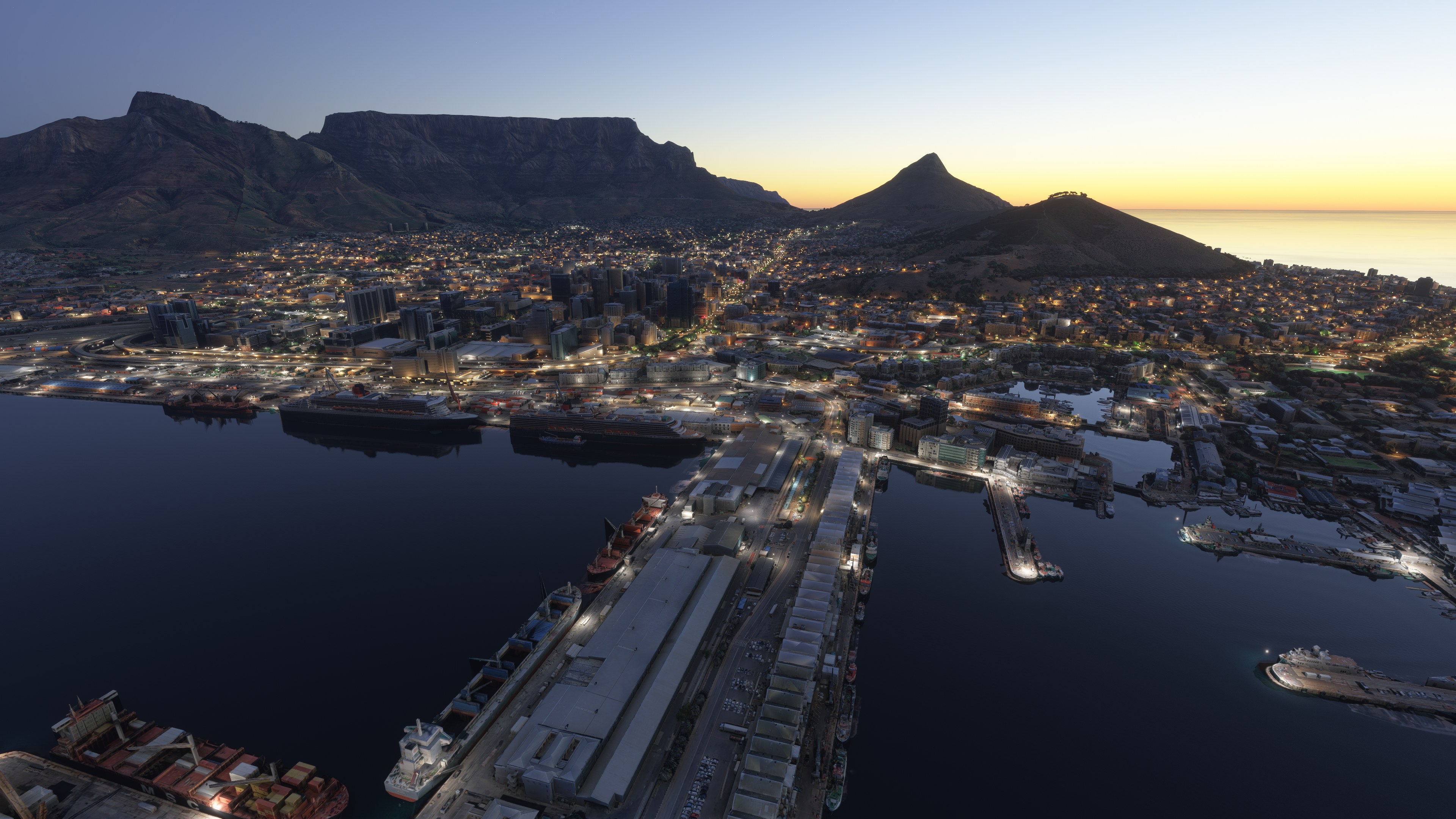
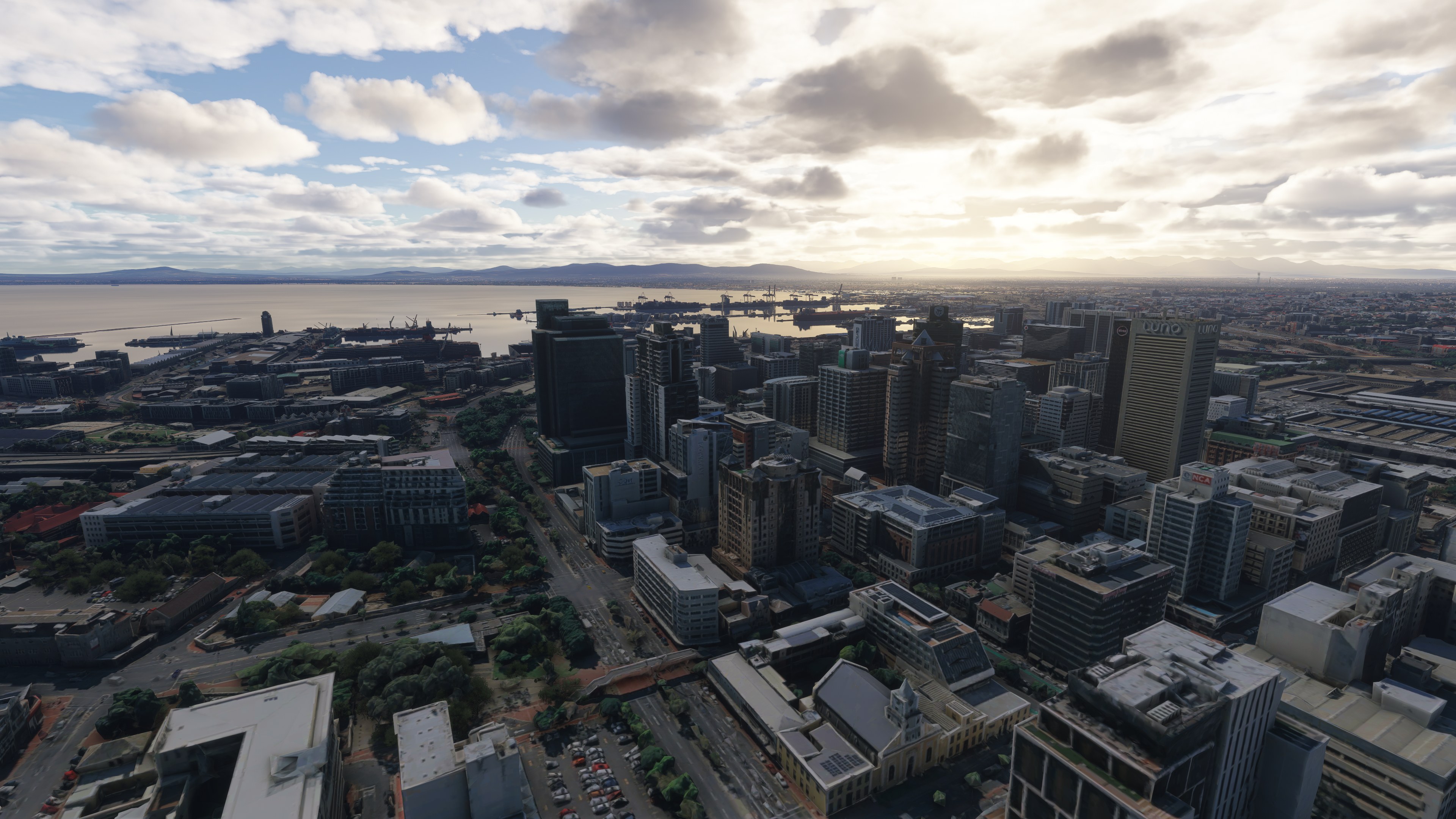
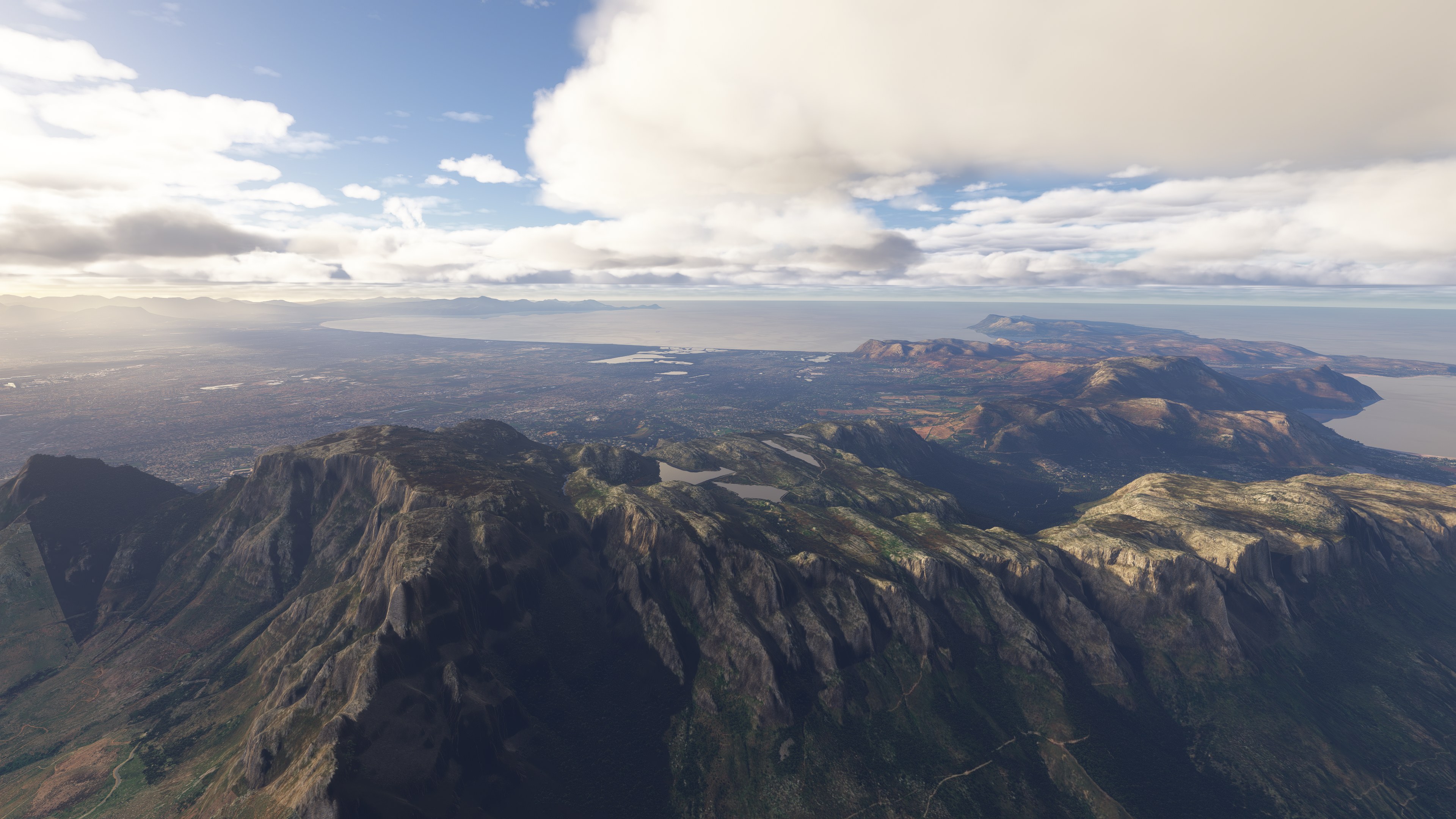
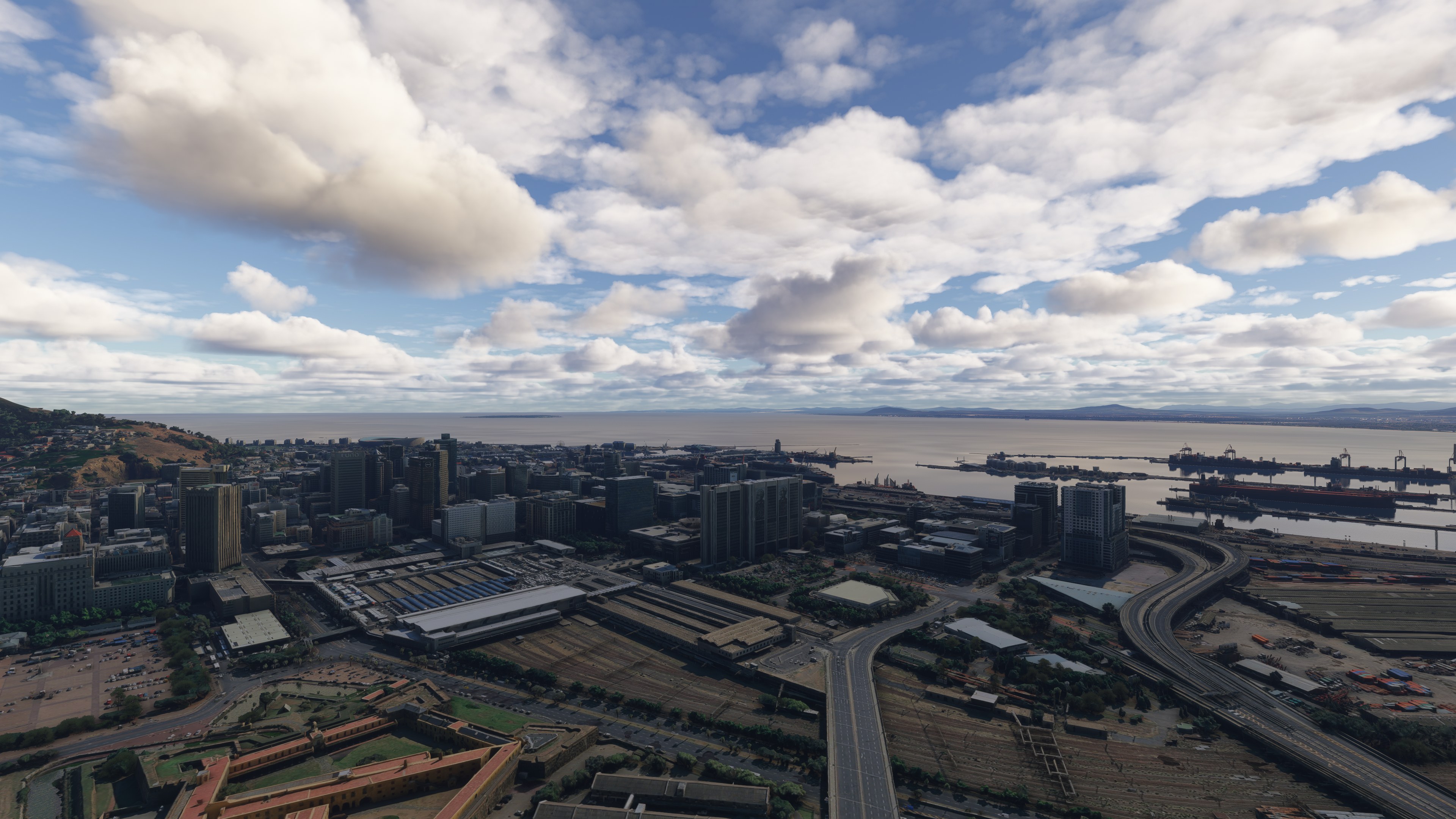
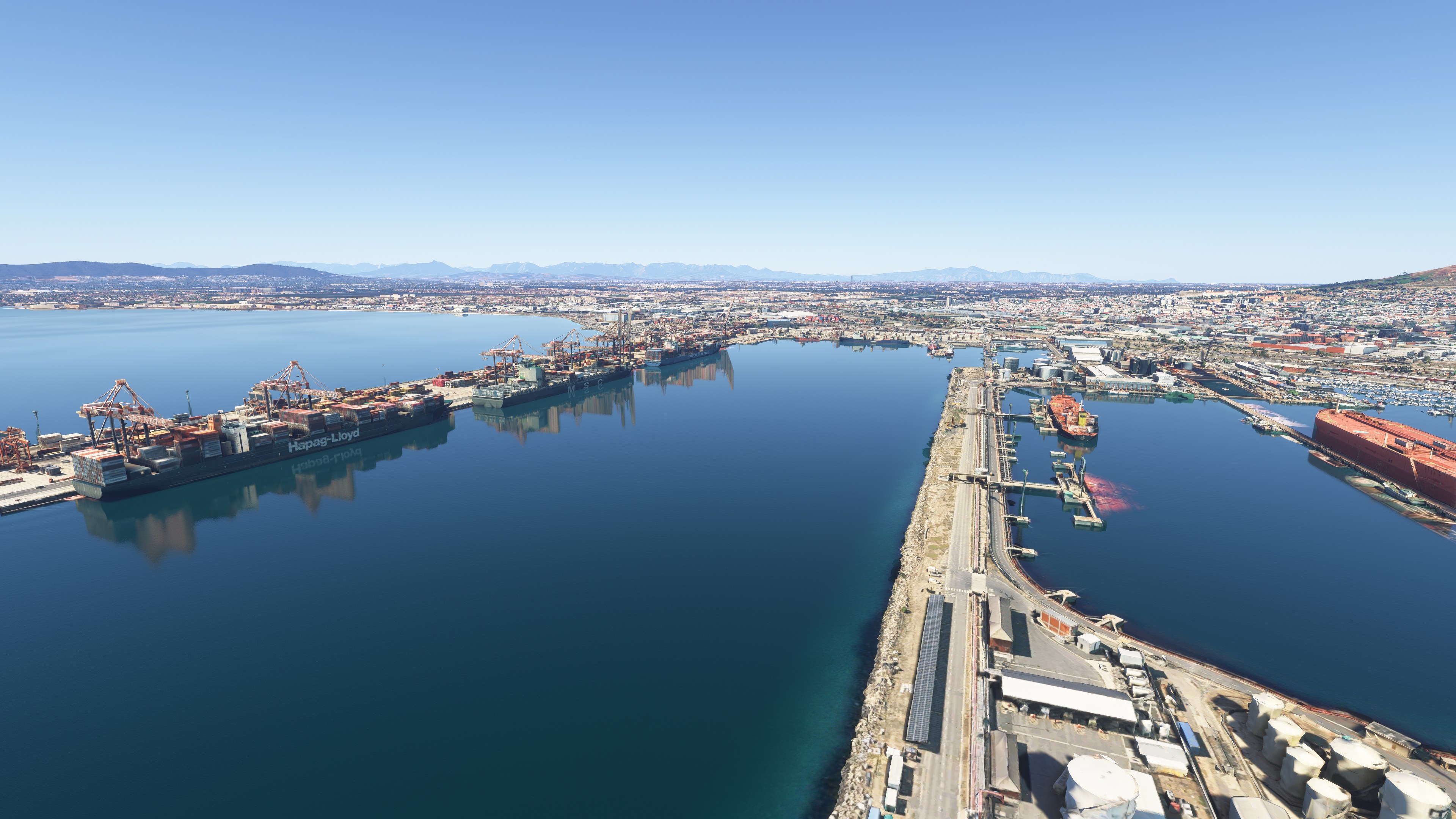
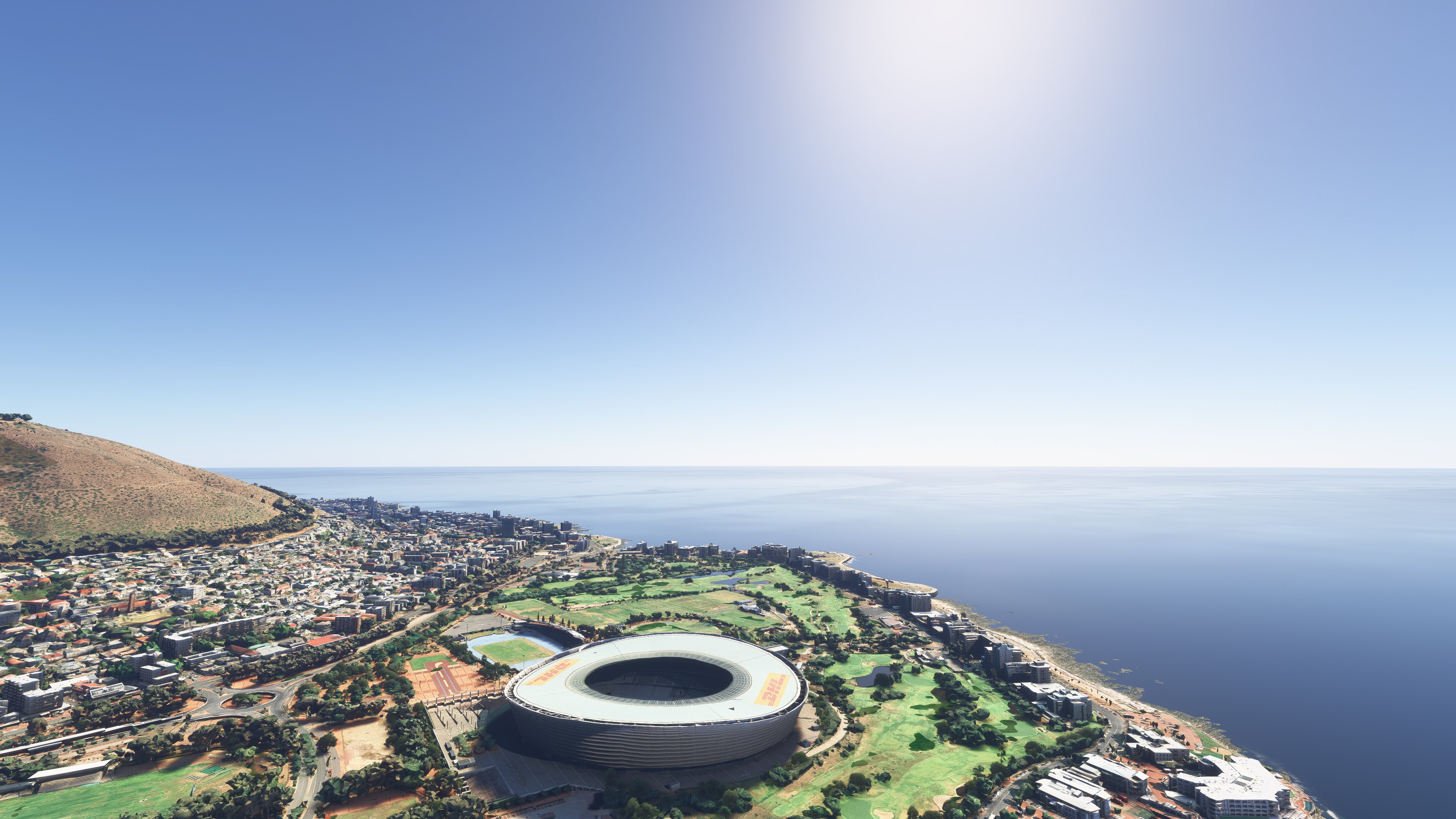
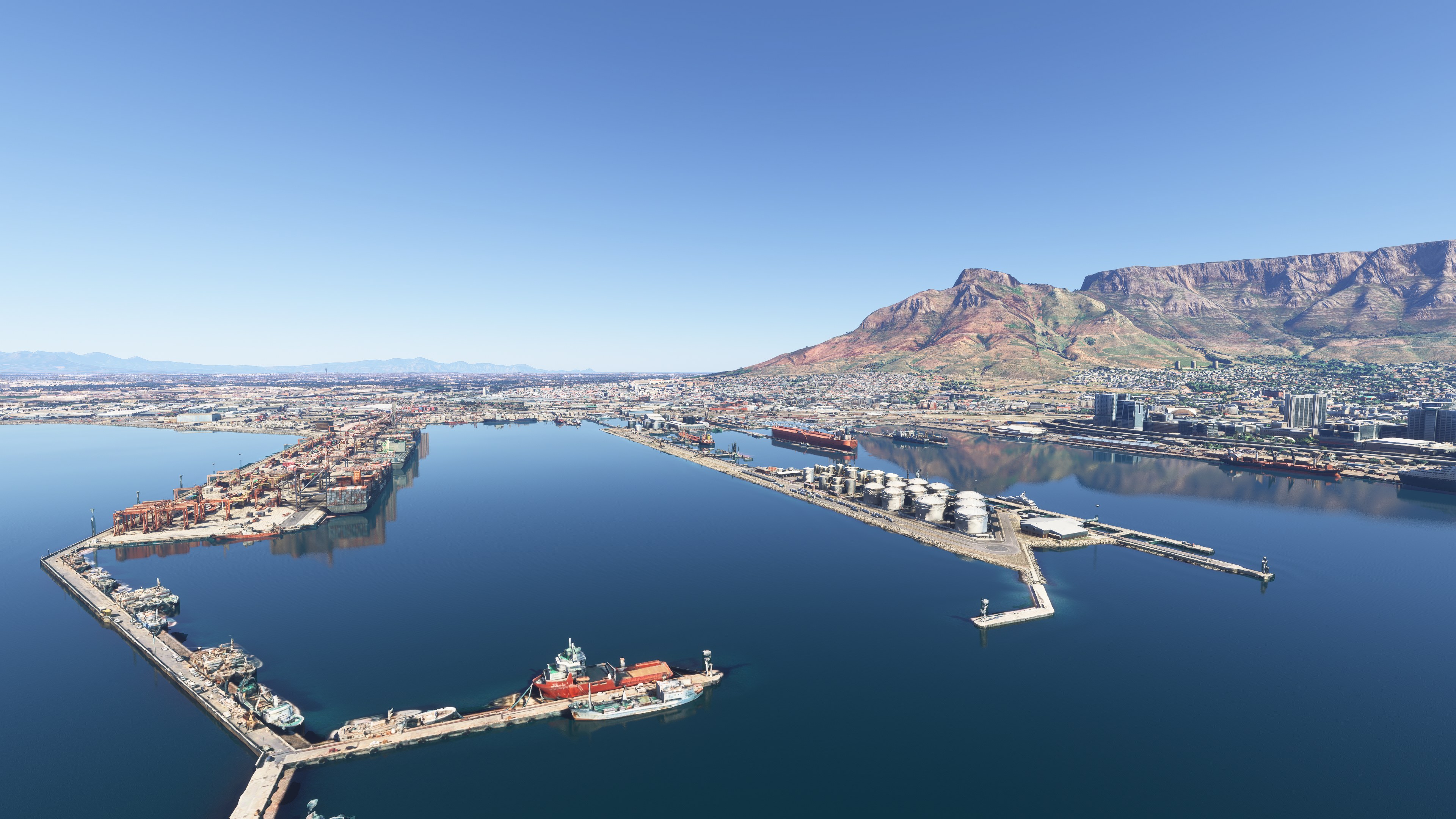
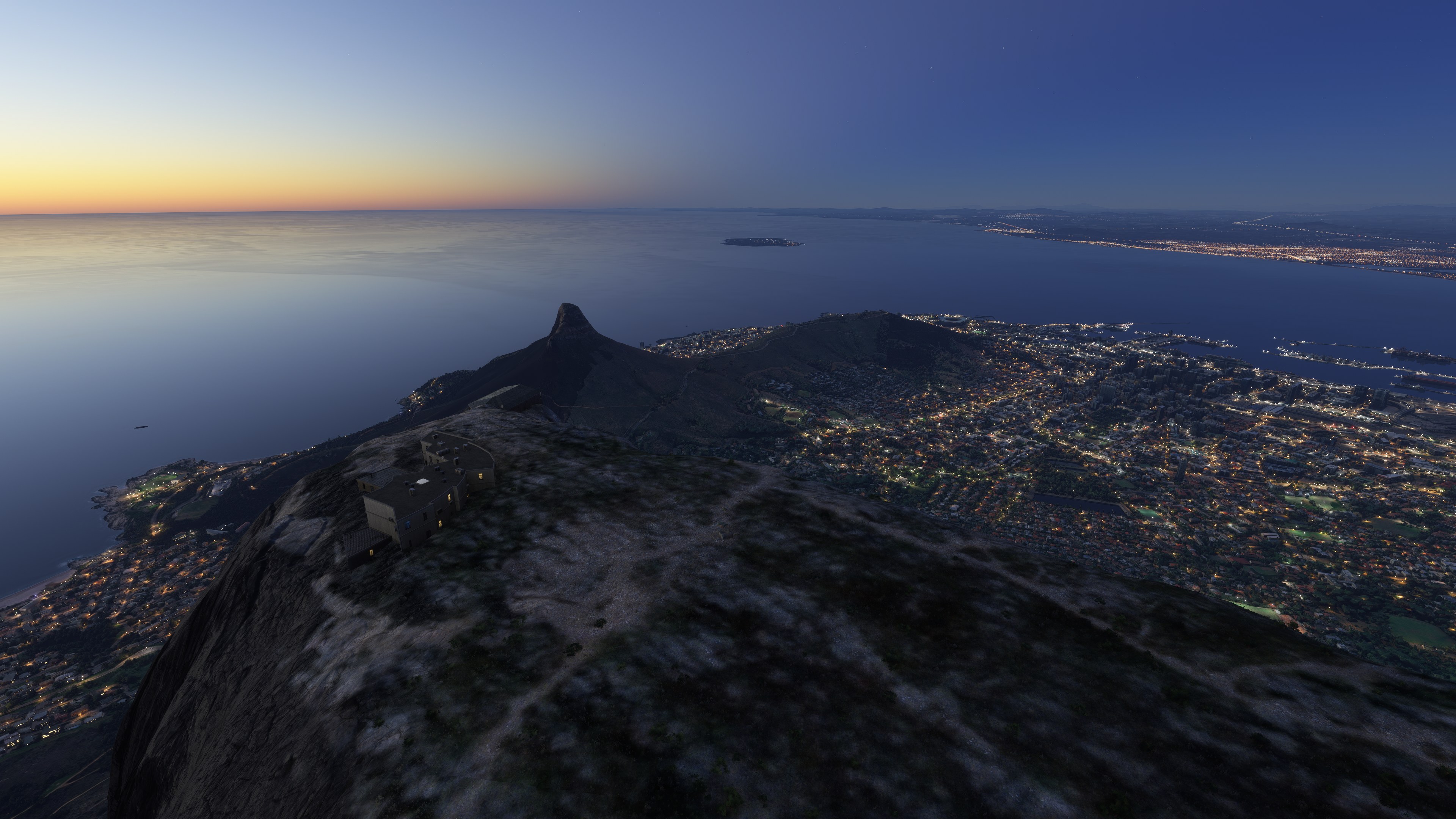
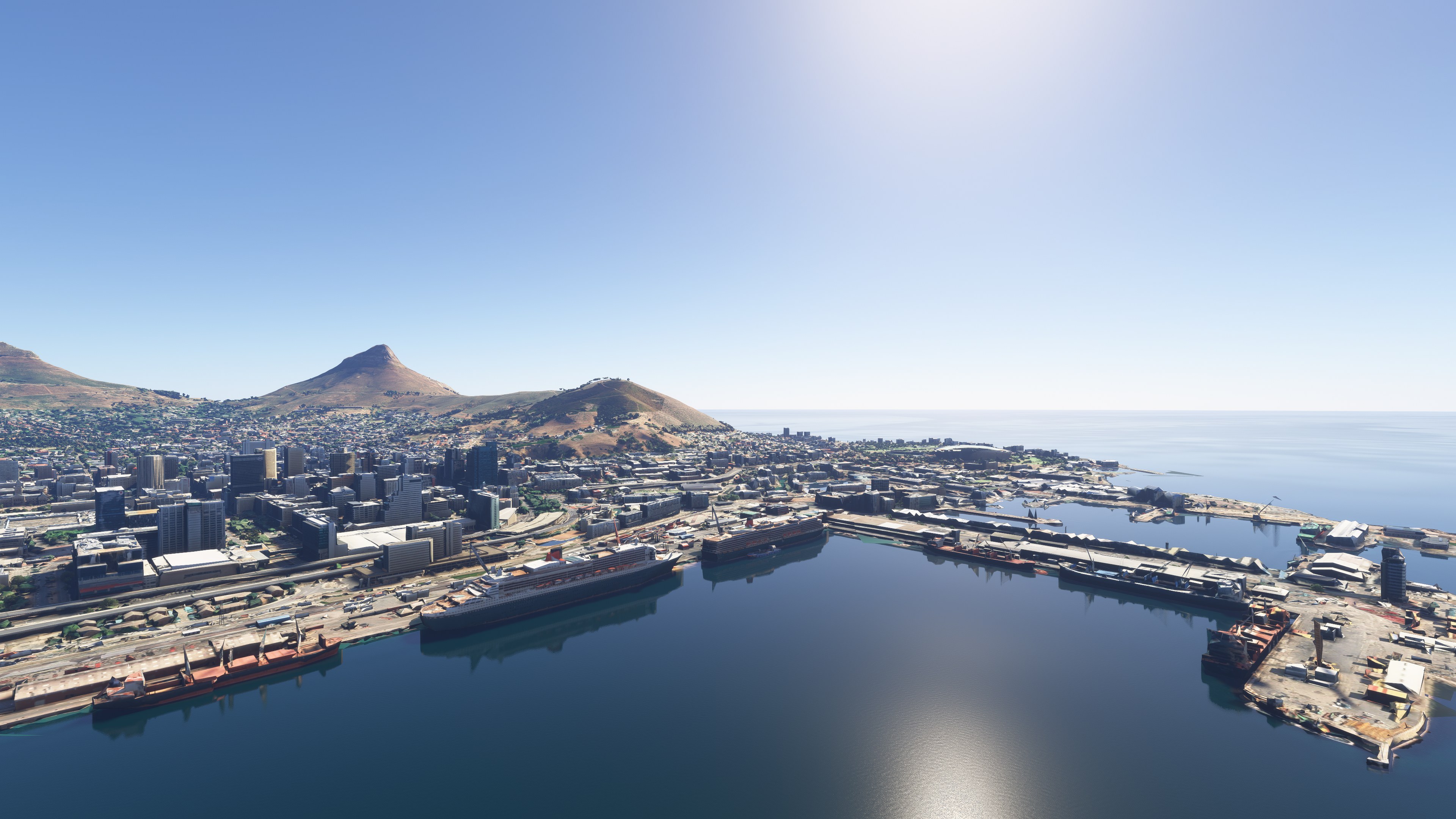
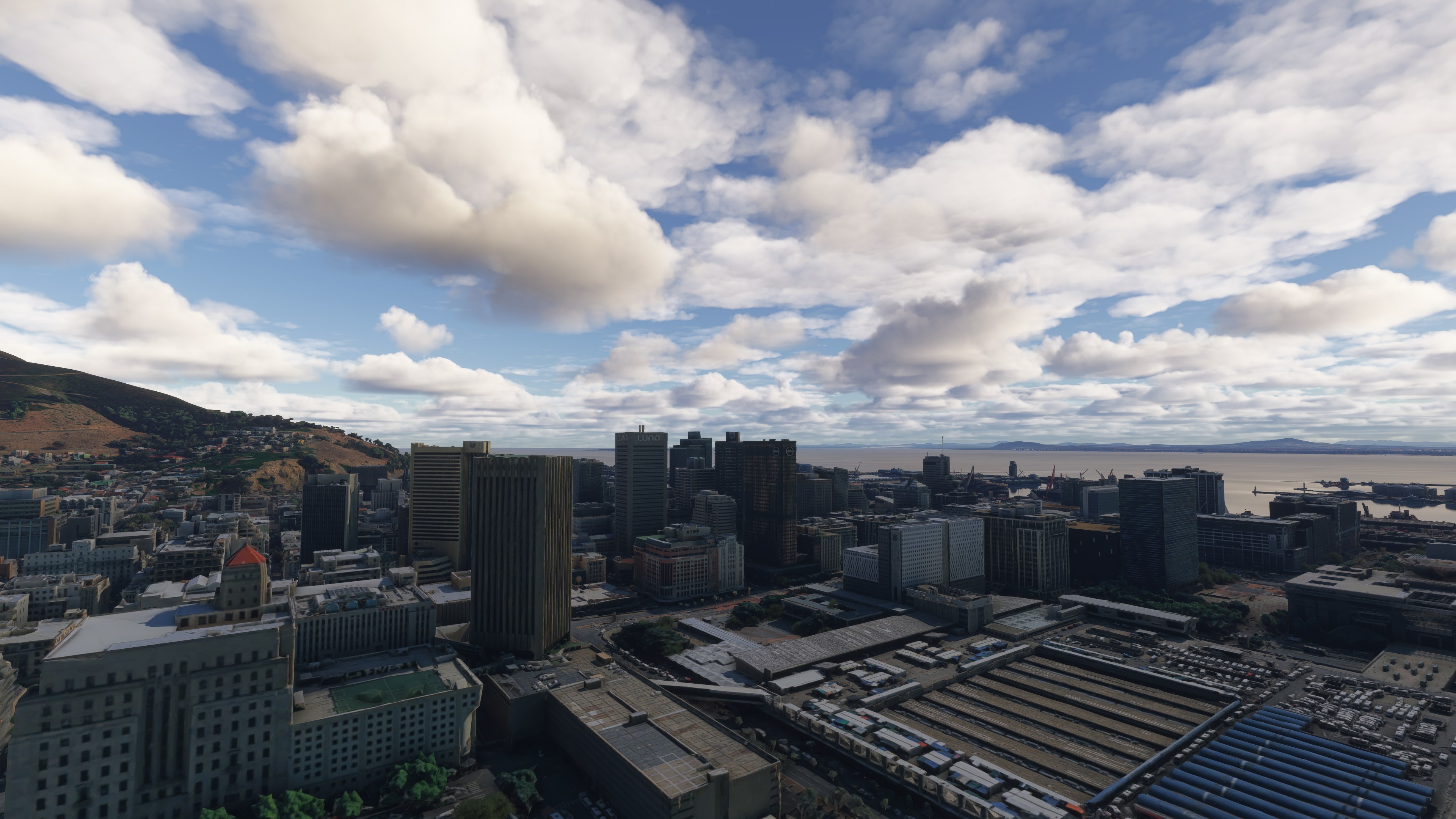
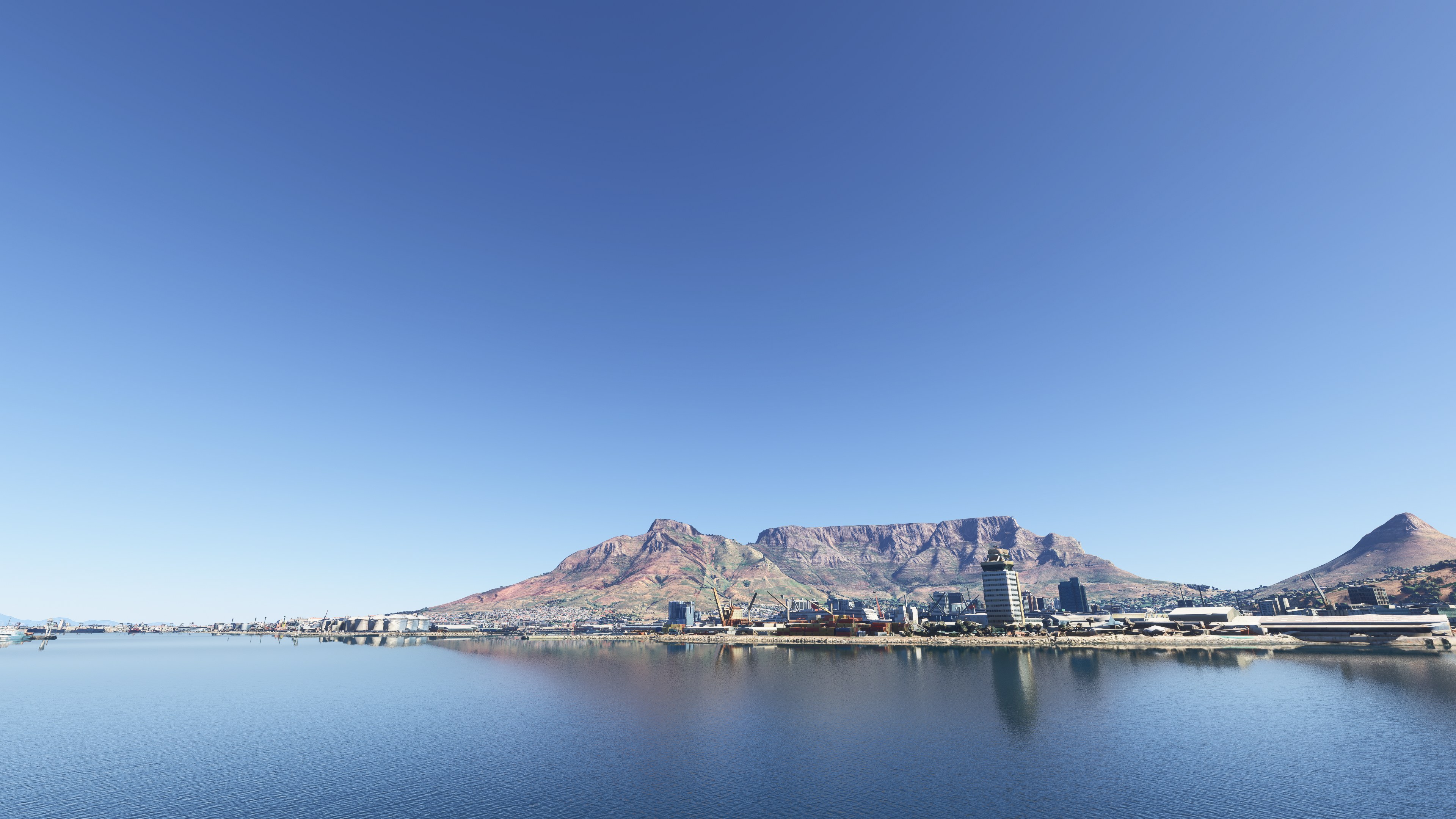

I flew over the marina and central Cape Town in Microsoft Flight Simulator 2024, where the recognizable buildings and retained photographic ground textures gave me useful visual references for VFR sightseeing. The Google Maps photogrammetry brings real-world building shapes and surface detail into the scene, with coverage focused on the central districts rather than the entire metropolitan area. I found the waterfront particularly rewarding to explore, with Table Mountain framing the city beyond.
The important caveat is terrain dependency: extensive terraforming makes all six scenery sections necessary to avoid ground anomalies. They also provide the terrain foundation required by the developer’s separate Table Mountain RSA scenery. I appreciated the combination of urban detail and nearby coastline; Cape Town International’s proximity makes this a practical area for a short scenic flight.
Explore Cape Town’s city center, waterfront and main marina with keinowaara’s freeware photogrammetry scenery for Microsoft Flight Simulator 2024. This six-part package uses Google Maps imagery at LOD 17–19 to depict recognizable buildings, detailed ground surfaces and the urban area beneath Table Mountain, with Cape Town International Airport within reach for VFR flights.
The coverage takes in the central city, its immediate surroundings and the main marina rather than attempting to reproduce the entire metropolitan area. Cape Town spreads around the foot of Table Mountain beside the Atlantic coast, so the combination of waterfront development, rising terrain and nearby shoreline gives visual pilots distinct references for navigation.
Photogrammetry reconstructs three-dimensional surfaces from overlapping photographs. Here, that approach brings location-specific building shapes and surface detail into the simulator, rather than relying solely on generic representations. The practical attraction over default scenery lies in the recognizable central buildings and waterfront layout; however, the developer provides no direct comparison with Microsoft Flight Simulator 2024’s default Cape Town coverage.
For VFR exploration [visual flight rules], the cityscape, Table Mountain and coastline provide the main setting. The developer describes a wider urban area of roughly 3.5 million inhabitants and notes two nearby airports, together with wildlife areas and national parks within the surrounding region.
Fly Away Simulation’s download combines parts 1–6 in one archive, with keinowaara’s explicit permission. The complete package represents a substantial download; you do not need to obtain the earlier separate ZIP files.
Extract the archive, then copy all six folders into your Microsoft Flight Simulator 2024 Community folder:
keinowaara-cape-townkeinowaara-cape-town2keinowaara-cape-town3keinowaara-cape-town4keinowaara-cape-town5keinowaara-cape-town6If extraction leaves loose files and subfolders without their enclosing package folder, create the appropriate folder and place that component’s contents inside it before moving it into Community. Keep each component separate.
Do not omit any of the six parts. Partial installation can cause ground anomalies because the terraforming spans the package. Keinowaara’s separate Table Mountain RSA add-on also requires all six Cape Town components; without them, its terrain adjustments will not work correctly and can leave a large hole in the mountainside.
This release targets Microsoft Flight Simulator 2024. It may also work in Microsoft Flight Simulator 2020, but the supplied information does not confirm compatibility or support for that version.
Free for all simmers · 2.41 GB · Scanned clean Nov 2026
Download speed: Free tier is capped at 2 Mbps (this file takes approximately 2h 53m at the cap). PRO members download at full line speed.
%LOCALAPPDATA%\Packages\Microsoft.FlightSimulator_8wekyb3d8bbwe\LocalCache\Packages\Community\. Steam version: %APPDATA%\Microsoft Flight Simulator\Packages\Community\. Tip: enable Developer Mode in MSFS to see your exact Community folder path.readme.txt or README file. It tells you exactly where files go, what dependencies are needed, and any quirks specific to this add-on.Use these coordinates to fly directly to this location once the mod is installed.
-33.92490000,18.42410000
Paste these coordinates into the Microsoft Flight Simulator search bar when planning a flight, or into the Developer Mode Teleport window, to fly directly to this location.
Keinowaara is a freeware scenery developer for Microsoft Flight Simulator 2024, best known for photogrammetry city scenery across Finland and the wider Nordic region.
Are you keinowaara? Sign in to Fly Away Creators for download stats, comment replies and updates. Make add-ons? Publish them here.
Only PRO members can place votes.
More MSFS add-ons hand-picked based on this download.
MSFS Scenery
Immerse yourself in the stunningly recreated Gibraltar region in Microsoft Fl…
 MSFS Scenery
The MSFS Monaco Photogrammetry Scenery mod is an intricate addition to Micros…
 MSFS Scenery
Embark on a visually stunning exploration with the Lisbon Photogrammetry Scen…
 MSFS Scenery
Step into a world of historical authenticity and stunning detail with the Car…
 MSFS Scenery
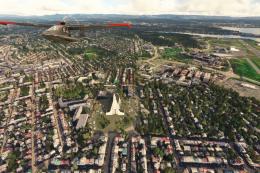
Immerse yourself in the rugged beauty of Iceland's capital with the Reykjavik…
 MSFS Scenery
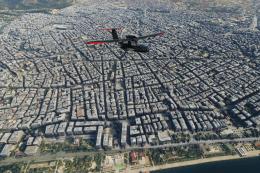
Immerse yourself in the historic charm and breathtaking landscapes of Greece'…
 MSFS Scenery
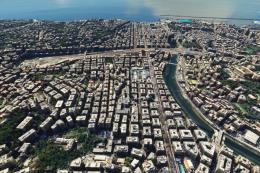
Embark on a visually rich journey over Genoa, the pivotal maritime city in It…
 MSFS Scenery
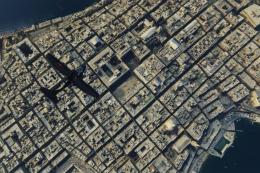
Immerse yourself in the historical and architectural splendor of Valletta, th…
Be the first to leave a comment on this download.
Be the first to share your thoughts on this download.