

 FSX Military Aircraft
Sim Skunk Works F-104 S "53-14" 21 Gruppo 53 Stormo
This high-fidelity repaint reproduces the distinctive livery of the Aeritalia…
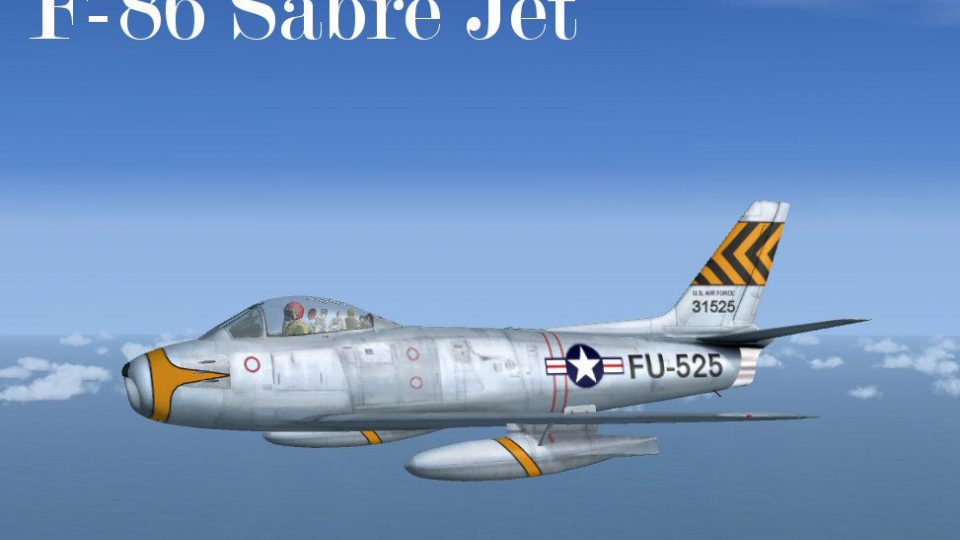
North American F-86 Sabre BU #53-1525 brings a museum-referenced Cold War USAF jet into Microsoft Flight Simulator X with crisp BU markings, an immersive virtual cockpit plus optional 2D panel, and handling tuned to the Sabre’s swept-wing performance across the envelope. Tail number FU-525 mirrors the airframe displayed at Pima Air and Space Museum.
 Rate
Rate
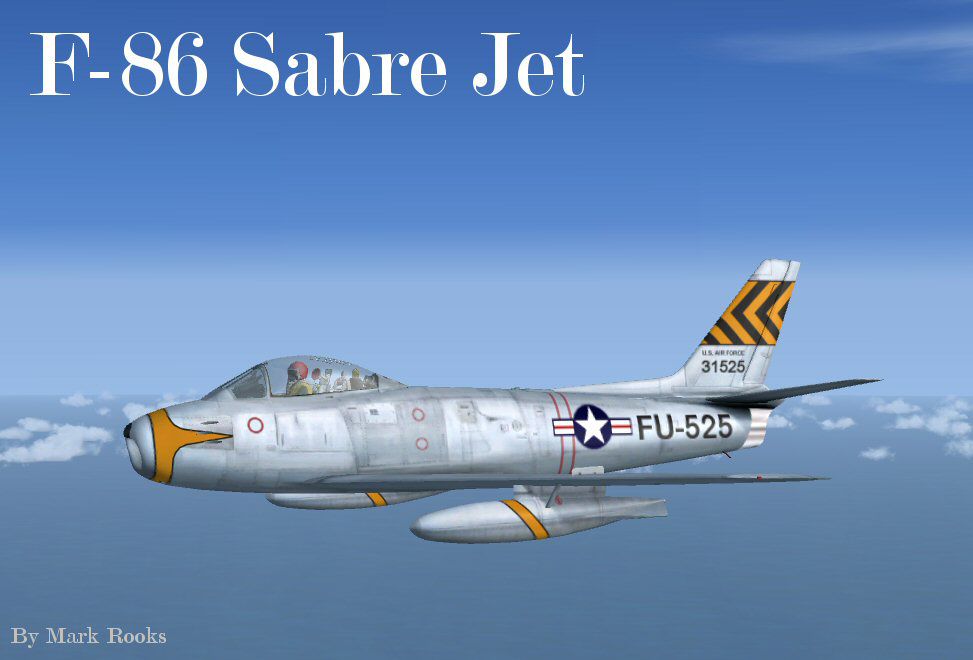
This complete freeware package recreates the North American F-86 Sabre BU #53-1525 in Microsoft Flight Simulator X. It is a detailed representation of an iconic Cold War fighter jet, featuring repaint work by Mark Rooks of RDG Aircraft and a 2D/3D cockpit implementation by Bob Chicilo. Originally developed by Kirk Olsson, this aircraft model showcases the real United States Air Force Sabre tail number FU-525, which is displayed at the Pima Air and Space Museum.
The North American F-86 Sabre served widely throughout the early Jet Age, renowned for its participation in significant military operations. This particular airframe, bearing the BU #53-1525 identifier, exemplifies the sleek fuselage design and swept-wing innovations that provided superior handling at transonic speeds. The Pima Air and Space Museum’s exhibit of this exact Sabre preserves a vital piece of aviation heritage while honoring the pilots who flew these fighters during pivotal conflicts.
USAF F-86 Sabre taking to the skies.
C:\Program Files\Microsoft Games\Microsoft Flight Simulator X\SimObjects\AirplanesC:\Program Files\Microsoft Games\Microsoft Flight Simulator X\Gauges).Thank you for trying out this vivid portrayal of the legendary Sabre. Special thanks go to Kirk Olsson for the original model, Bob Chicilo for the cockpit configurations, and Mark Rooks of RDG Aircraft for the paint scheme. Please enjoy your flights responsibly, and reflect on the proud heritage represented by the F-86 Sabre.
"Fire Ball"
Free for all simmers · 10.81 MB · Scanned clean Oct 2026
Download speed: Free tier is capped at 0.5 Mbps (this file takes approximately 3 mins at the cap). PRO members download at full line speed.
SimObjects\Airplanes\, Addon Scenery\, Effects\, or Gauges\.readme.txt or README file. It tells you exactly where files go, what dependencies are needed, and any quirks specific to this add-on.The archive f-86sabrebu_53-1525fsx.zip has 9 files and directories contained within it.
This list displays the first 500 files in the package. If the package has more, you will need to download it to view them.
| Filename/Directory | File Date | File Size |
|---|---|---|
| Bob Chicilo 's panel.zip | 01.04.10 | 1.73 MB |
| F-86 pictures and History.zip | 01.28.10 | 3.45 MB |
| F-86 Sabre 53-1525.zip | 01.28.10 | 5.57 MB |
| Original Read Me.zip | 01.28.10 | 2.98 kB |
| Read Me First.txt | 01.28.10 | 2.40 kB |
| Reg. Text.txt | 01.28.10 | 415 B |
| ScreenF-86 BU # 53-1525 .jpg | 01.28.10 | 59.40 kB |
| flyawaysimulation.txt | 10.29.13 | 959 B |
| Go to Fly Away Simulation.url | 01.22.16 | 52 B |
Only PRO members can place votes.
More FSX & P3D add-ons hand-picked based on this download.
FSX Military Aircraft
This high-fidelity repaint reproduces the distinctive livery of the Aeritalia…
 FSX Military Aircraft
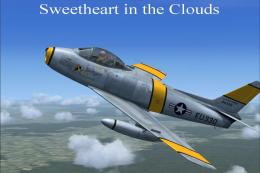
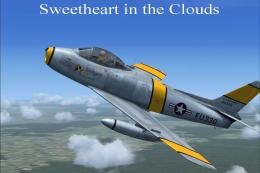
USAF North American F-86 Sabre, "Sweetheart in the Clouds", updated for FSX. …
 FSX Military Aircraft
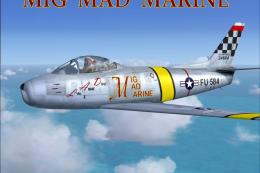
Capture a piece of aviation history with this meticulously updated freeware F…
 FSX Military Aircraft
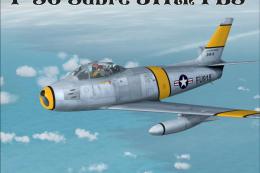
This is a Repaint Kirk Olsson's F-86 Sabre Jet Updated for FSX and Painted in…
 FSX Military Aircraft
Step back in time with this meticulously recreated F-86 Sabre package for Mic…
 FSX Military Aircraft
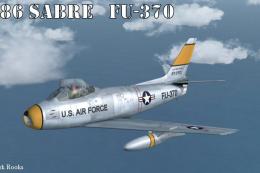
This package offers a highly detailed North American F-86 Sabre modeled for M…
 FSX Military Aircraft
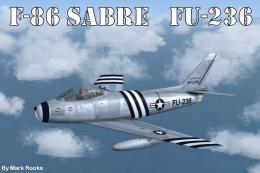
Experience a historic jet fighter within Microsoft Flight Simulator X through…
 FSX Military Aircraft
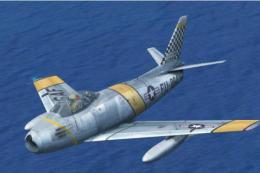
This is an update for FSX acceleration of the F-86 hard wing (full vr) by Kir…
Be the first to leave a comment on this download.
Be the first to share your thoughts on this download.