


 Ecuador
  FSX Scenery
City of Paris - France
City of Paris - France v1.2 The scenery of Paris is for FSX. It covers about …
City of Quito mesh correction refines lake elevations and terrain flattening around Ecuador’s capital, improving shoreline accuracy and reducing altitude anomalies for more believable VFR sightseeing. Designed for Microsoft Flight Simulator X, it requires FSGlobal 2008 to apply the adjusted lake heights and surrounding topography consistently.
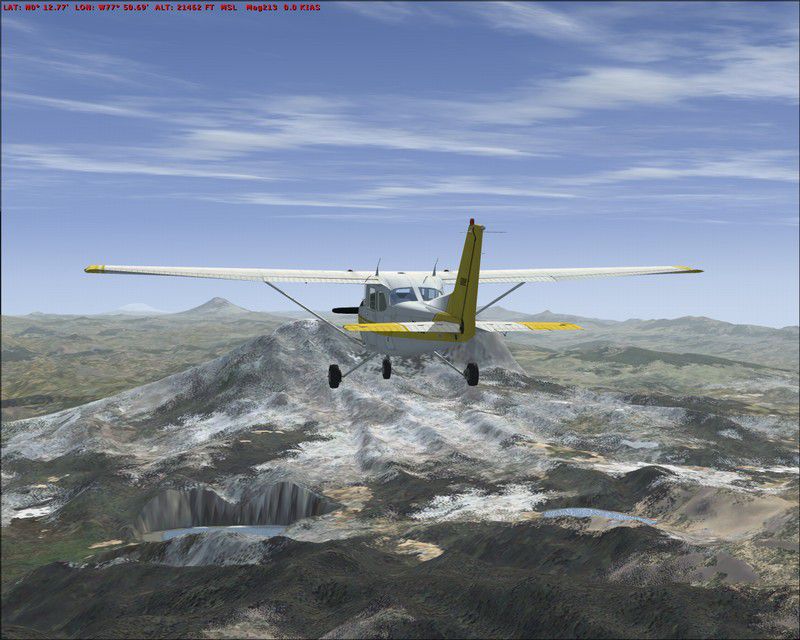
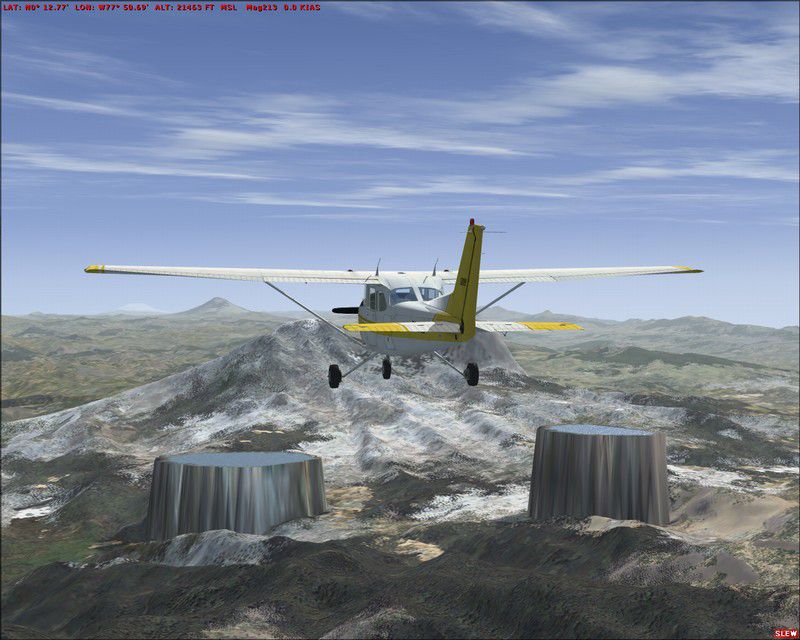

City Of Quito. Correct some wrong altitude of lakes surrounding the City of Quito, Ecuador, with FSGlobal 2008. By Cesar Marinho.
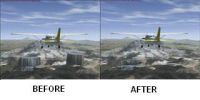
City Of Quito Scenery.
Equator Mesh Correction.
These files correct altitude mesh of some lakes surrounding City of Quito, Ecuator. This correction just work on FSX with FSGlobal 2008.
INSTALL:
Copy Quito_Flatten.BGL to C:\Program Files\Microsoft Games\Microsoft Flight Simulator X\Addon Scenery\scenery or to the folder where the mesh was installed.
IMPORTANT
This correction just run on FSX with FSGlobal 2008 Mesh.
Cesar Marinho
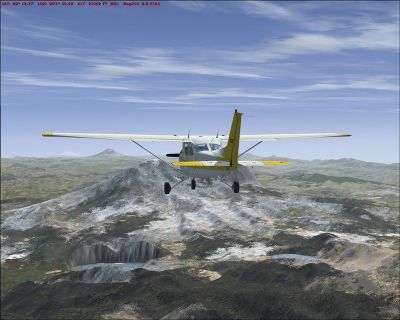
City Of Quito Scenery.
Free for all simmers · 246.73 KB · Scanned clean Oct 2026
Download speed: Free tier is capped at 0.5 Mbps. PRO members download at full line speed.
FSX\Addon Scenery\ containing scenery and texture sub-folders.readme.txt or README file. It tells you exactly where files go, what dependencies are needed, and any quirks specific to this add-on.Use these coordinates to fly directly to this location once the mod is installed.
-0.18070000,-78.46780000
Launch FSX or Prepar3D and use Flights → Load to open the downloaded .pln file. Your aircraft will be positioned at this location.
The archive quitoflt.zip has 8 files and directories contained within it.
This list displays the first 500 files in the package. If the package has more, you will need to download it to view them.
| Filename/Directory | File Date | File Size |
|---|---|---|
| Readme.txt | 02.08.08 | 496 B |
| After.jpg | 02.08.08 | 120.14 kB |
| Before.jpg | 02.08.08 | 116.20 kB |
| THUMB.JPG | 02.08.08 | 9.38 kB |
| File_ID.diz | 02.08.08 | 139 B |
| Quito_Flatten.BGL | 02.08.08 | 704 B |
| flyawaysimulation.txt | 10.29.13 | 959 B |
| Go to Fly Away Simulation.url | 01.22.16 | 52 B |
Only PRO members can place votes.
More FSX & P3D add-ons hand-picked based on this download.
FSX Scenery
City of Paris - France v1.2 The scenery of Paris is for FSX. It covers about …
 FSX Scenery
Toronto City Centre Scenery, Ontario, Canada. Updated scenery for downtown To…
 FSX Scenery
Australian Capital City and regional airports. A basic update of default airp…
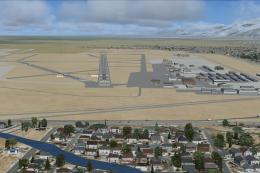 FSX Scenery
KSLC - Salt Lake City Intl Airport 2020, Utah, USA by Ray Smith I have been a…
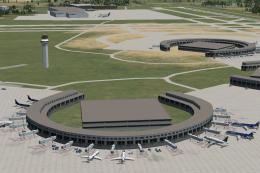 FSX Scenery
Kansas City Int'l Airport (KMCI), Missouri (MO). Several improvements have be…
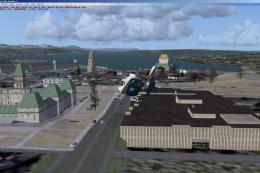 FSX Scenery
Quebec City 2.0, Canada. Quebec City (Ville de Quebec in French) is the capit…
 FSX Scenery
Scenery London City Airport, UK. Scenery for LCY featuring new over-dock apro…
 FSX Scenery
London City Airport Update (EGLC), UK. Version 2 with accurate touchdown zone…
Be the first to leave a comment on this download.
Be the first to share your thoughts on this download.