

 FSX Scenery
RAF Mildenhall
RAF Mildenhall (EGUN), UK. Home to the 100th ARW, RAF Mildenhall is one of th…
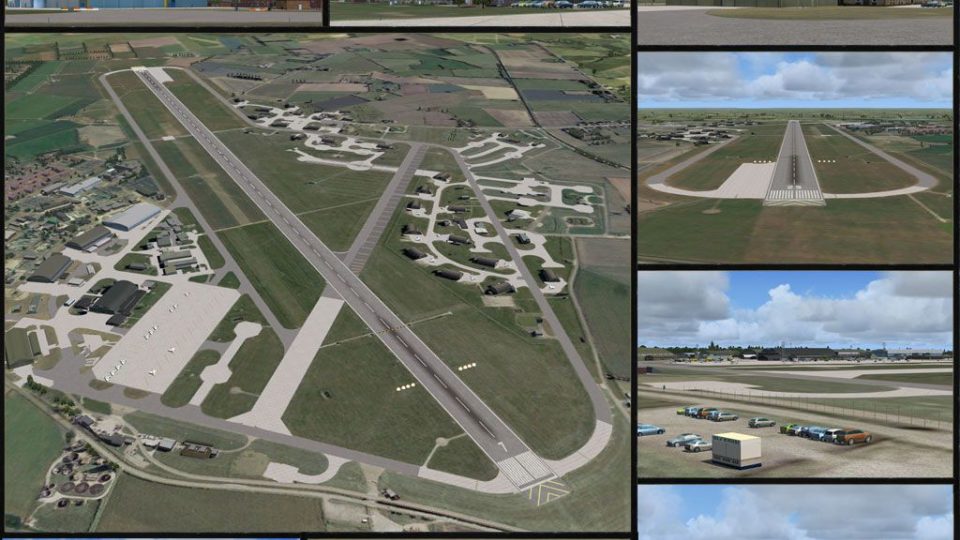
RAF Coningsby in Lincolnshire is recreated for FSX as it appeared on 12 June 2010, with nearly every on-base structure custom modeled and finished in crisp photoreal textures. Careful optimization keeps performance smooth on typical systems, and included AI gate-guard aircraft add a lively touch around the entrances.
 Rate
Rate
 United Kingdom
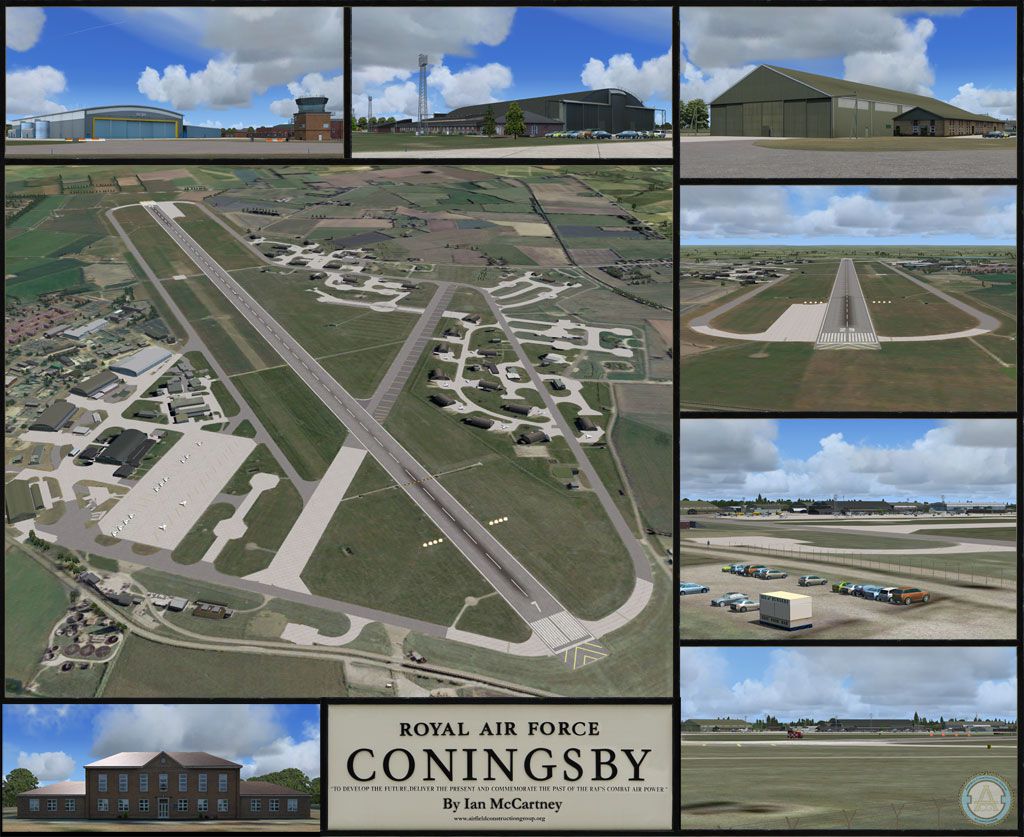
RAF Coningsby UK. This scenery depicts RAF Coningsby, Lincolnshire, England as it was 12th June 2010. Almost all buildings within the airfield boundary have been modelled and beautifully textured with photoreal textures. The airfield has been optimised to allow fast frames per second even on PC's which are 3-4 years old. By Ian McCartney.
Poster for RAF Coningsby Scenery.
INSTALLATION GUIDE
This is a quick install guide the full manual will be viewable at the end of the installation, please check through it as it contains important information about the airfield, AI and performance.
INSTALLATION
Installation is straightforward and follows the usual procedure for installing scenery in FSX.
Step 1
Please disable any existing scenery of RAF Coninsgby by uninstalling, removing from the FSX scenery library or moving any .bgl files with “EGXC” in the name to a temporary folder.
Note: It is essential that you remove any associated EGXC AFCAD2/ AFX files that control AI traffic and parking.
The file will usually be in the form “AF2_EGXC.bgl”. Check by doing a Windows file search of “EGXC”.
Step 2a (Auto Install)
Double click the installer named ACG RAF Coningsby.exe and follow the prompts on screen the scenery files will be extracted to their correct locations in FSX.
Note: The Installer will check the windows registry to find your installation of FSX so please check that the location is correct before installing the airfield.
Step 2b Optional (Alternative Manual install)
You might instead want to install to a temporary folder so that you can see what’s going where.
This is where the files go if you choose to install manually:
The folder named “ACG RAF Coningsby FSX ” with its 2 sub folders “scenery” and “texture” should be moved to FSX\Addon Scenery.
The folder named “Effects” has files in it with an .fx suffix and a folder of textures. The fx files (not the folder) should be moved to your FSX\Effects folder. The textures (not the folder) should be moved to your FSX\Effects\texture folder.
The two gate guards are AI traffic files so the FSX\Simobjects\airplanes folder needs to be placed over into your main FSX \Simobjects\airplanes folder.
Note, if traffic is not turned on the gate guards will not display.
ADDING THE SCENERY TO THE FSX SCENERY LIBRARY
Launch FSX and from the settings menu go to “Scenery Library” and click the “add scenery” button and navigate to the folder where ACG RAF Coningsby has been installed. You will find it as a new area in the FSX\Addon Scenery folder if you used the auto-installer.
UNINSTALLING THE SCENERY
Use any of these options to remove the scenery (only if installed using the installer, manual install needs to be removed manually).
A. Add/Remove programs facility in Windows Control Panel
B. Uninstaller in the main FSX folder named ACG RAF Coningsby Uninstall.exe
C. Link in the start menu
Free for all simmers · 73.27 MB · Scanned clean Oct 2026
Download speed: Free tier is capped at 0.5 Mbps (this file takes approximately 20 mins at the cap). PRO members download at full line speed.
FSX\Addon Scenery\ containing scenery and texture sub-folders.readme.txt or README file. It tells you exactly where files go, what dependencies are needed, and any quirks specific to this add-on.Use these coordinates to fly directly to this location once the mod is installed.
53.09280000,-0.16580000
Launch FSX or Prepar3D and use Flights → Load to open the downloaded .pln file. Your aircraft will be positioned at this location.
The archive rafconingsbyfsx.zip has 9 files and directories contained within it.
This list displays the first 500 files in the package. If the package has more, you will need to download it to view them.
| Filename/Directory | File Date | File Size |
|---|---|---|
| ACG_RAF_Coningsby_FSX.exe | 01.15.11 | 73.88 MB |
| Promo.jpg | 01.02.11 | 198.49 kB |
| README - Installation Guide.pdf | 01.02.11 | 134.01 kB |
| README - Installation Guide.txt | 01.15.11 | 2.63 kB |
| Thumbs.db | 01.11.11 | 5.50 kB |
| ACG RAF Coningsby | 01.15.11 | 0 B |
| ACG.gif | 03.18.09 | 12.98 kB |
| flyawaysimulation.txt | 10.29.13 | 959 B |
| Go to Fly Away Simulation.url | 01.22.16 | 52 B |
Only PRO members can place votes.
More FSX & P3D add-ons hand-picked based on this download.
FSX Scenery
RAF Mildenhall (EGUN), UK. Home to the 100th ARW, RAF Mildenhall is one of th…
 FSX Scenery
RAF Mount Pleasant (EGYP) in the Falkland Islands. It includes aircraft hanga…
 FSX Scenery
Situated on the dramatic Moray Firth coastline of northern Scotland, RAF Loss…
 FSX Scenery
RAF Marham in the UK for the period circa 1993. Designed for use with the Vic…
 FSX Scenery
RAF Fairford 2009 (EGVA), UK. Built with SBuilderX, ADE and Whisplacer with r…
 FSX Scenery
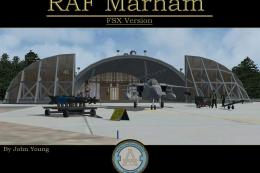
Scenery RAF Marham in the UK. A very detailed, but frame rate efficient scene…
 FSX Scenery
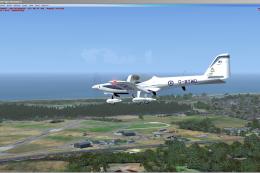
RAF Woodvale UK Scenery for FSX and GenX. EGOW RAF Woodvale for FSX and GenX …
 FSX Scenery
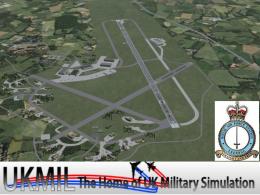
Enhance your virtual flights over North Yorkshire with this freeware scenery …
Read what other simmers think, or add your own.
