

 FSX Historic & Vintage Aircraft
Messerschmitt Bf 109 E "Hungary"
The repaint is purely fictional. Textures only; requires original A2A Simulat…
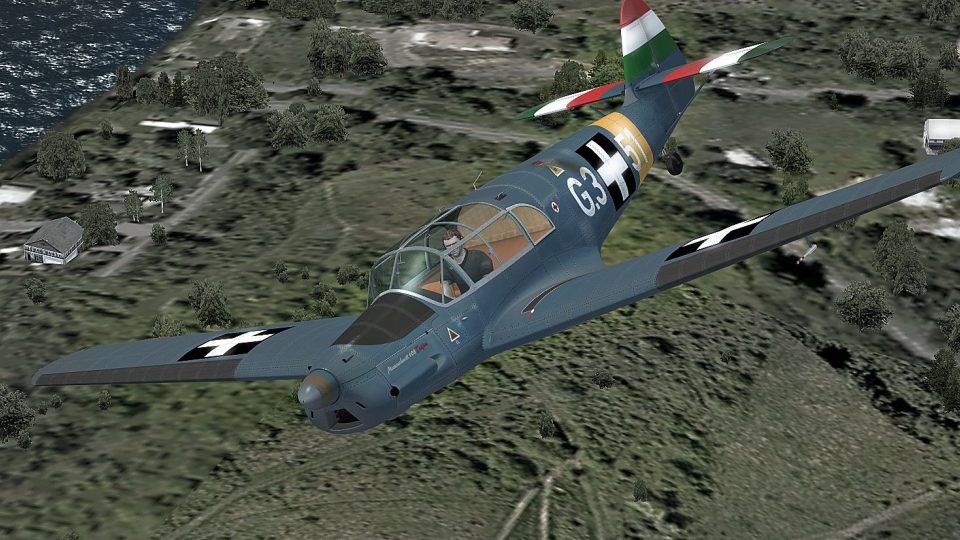
“Hungary 1942” livery for the Messerschmitt Bf 108 Taifun brings an authentic Hungarian Air Force look to this classic liaison aircraft in FSX, matching the period markings and finish. Requires the Classics Hangar Bf 108B base aircraft, and installs as a repaint that complements the original paintkit detailing.
 Rate
Rate
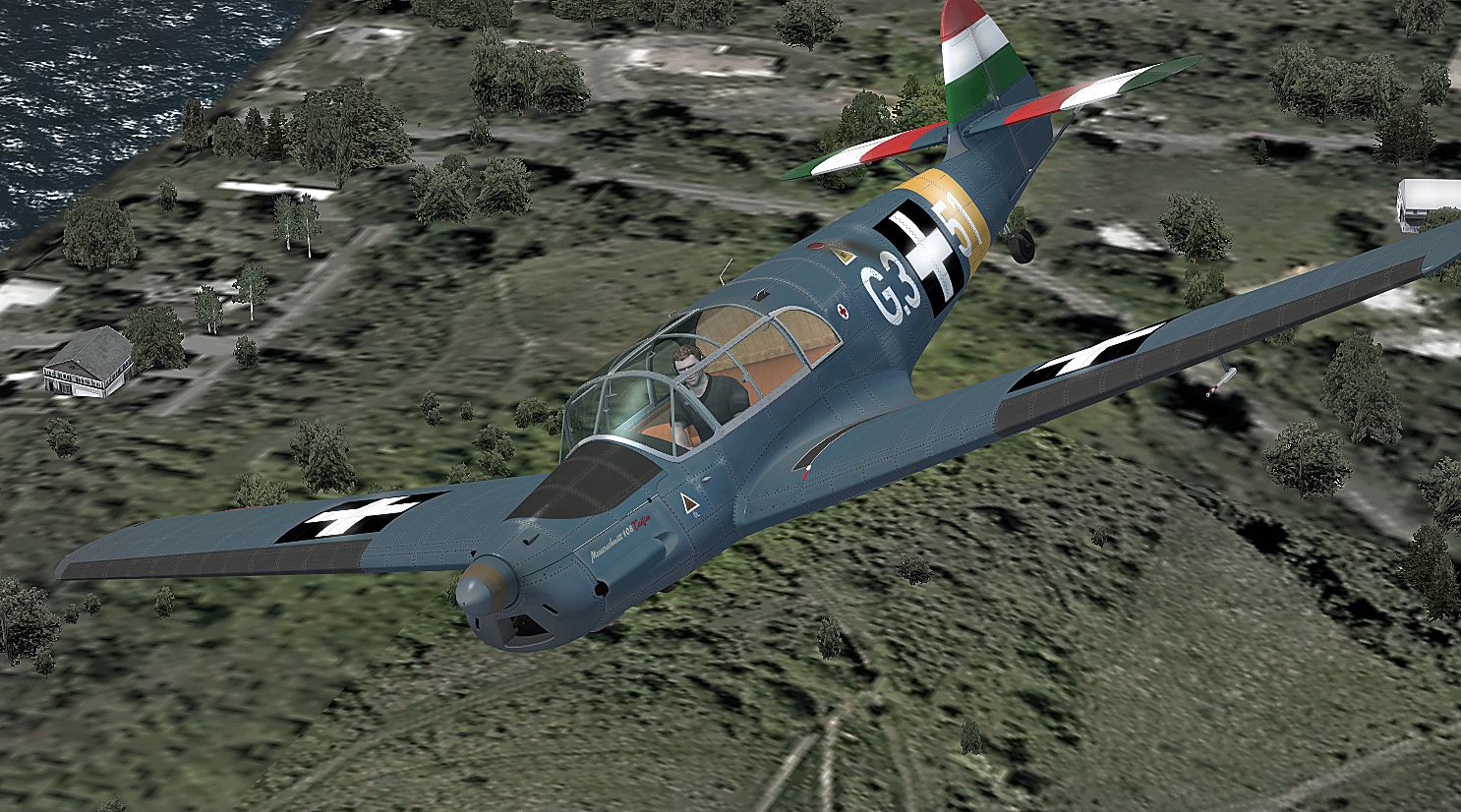
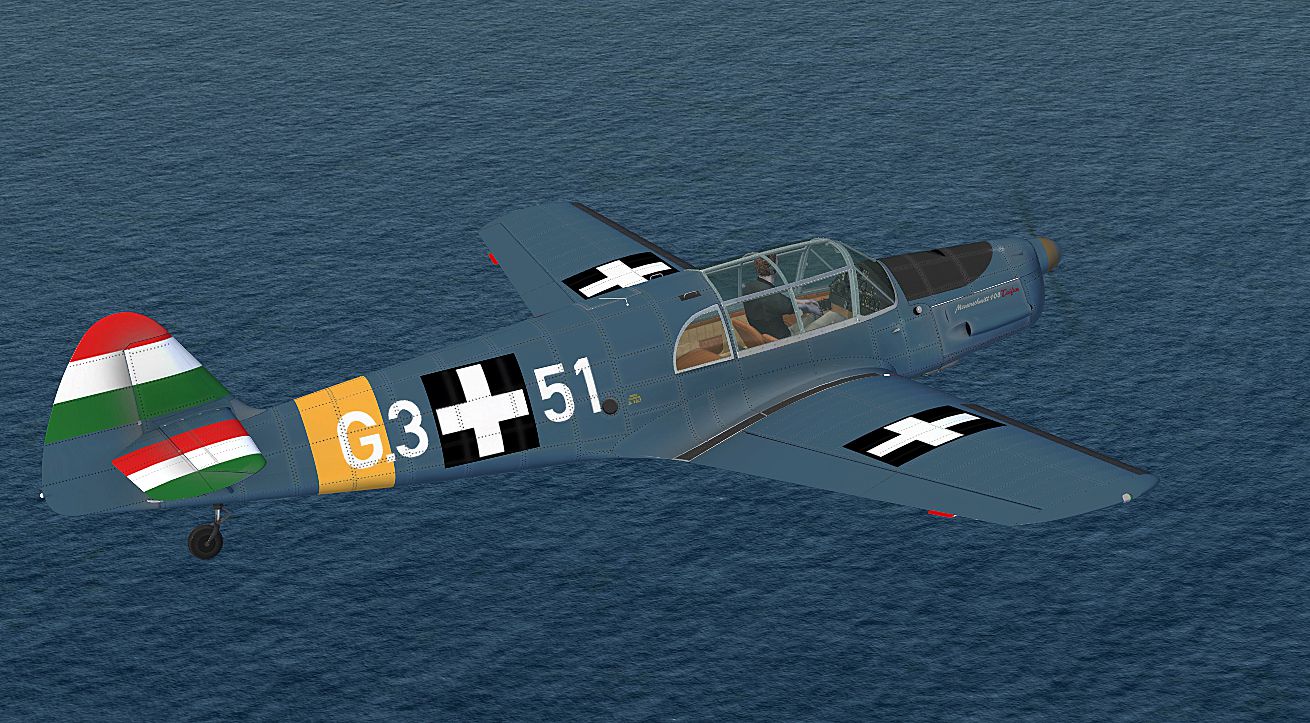
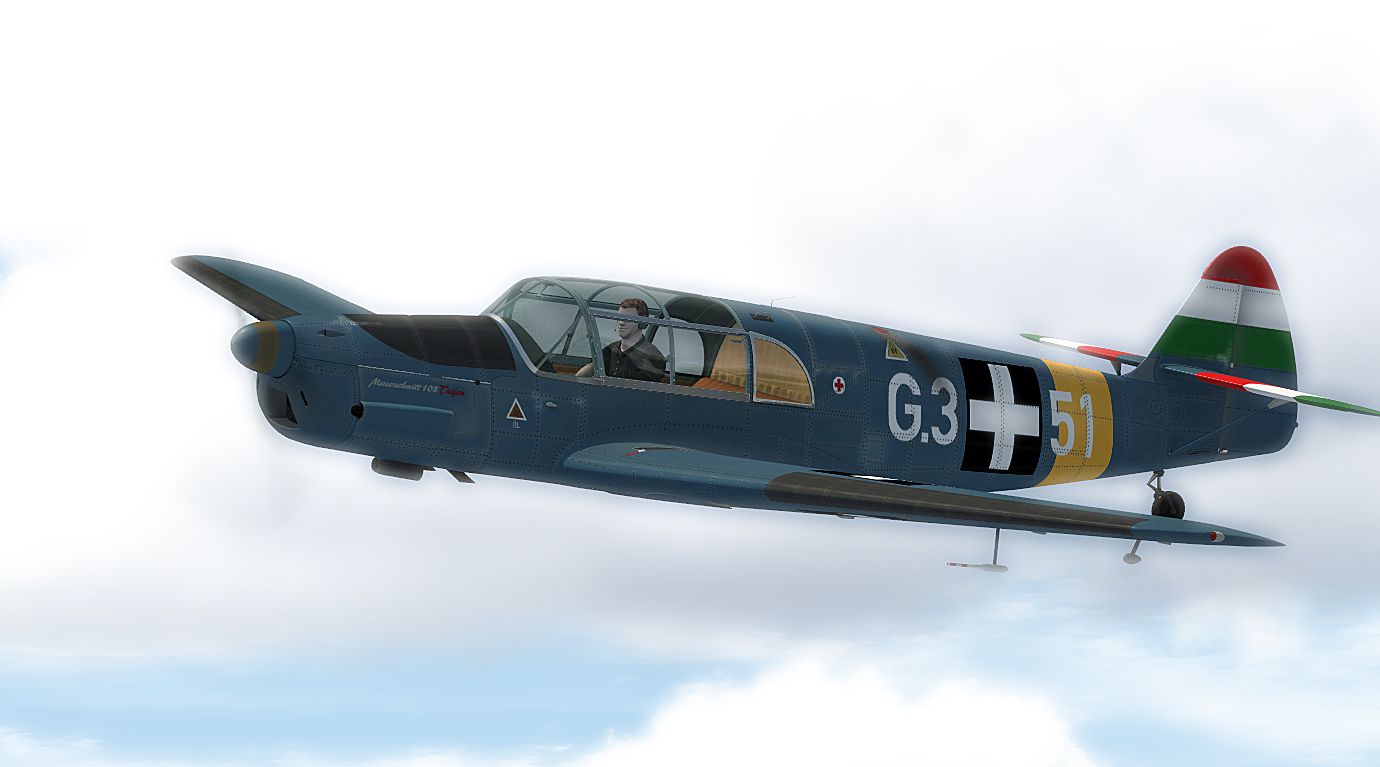
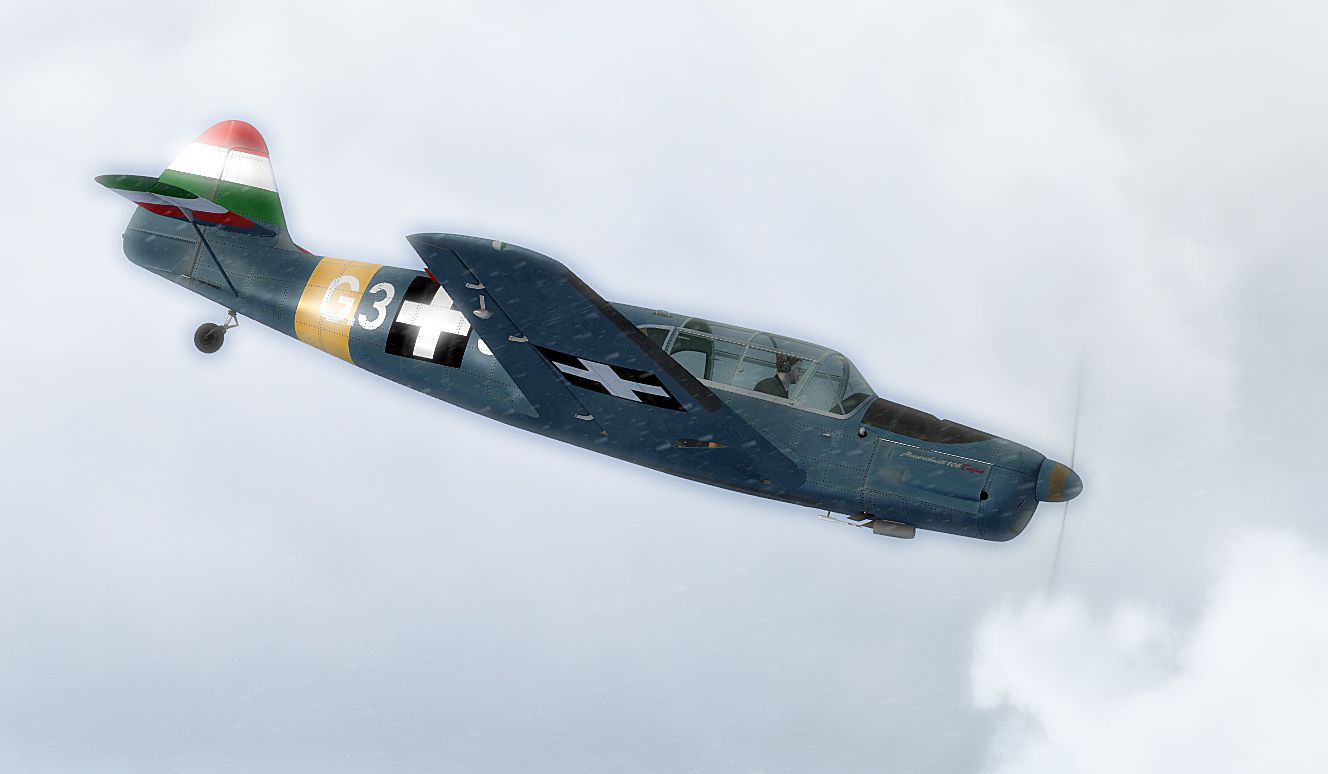
"Hungary 1942" Messerschmitt Bf 108. This is a repaint of Classics Hangar (Mathias Pommerien) Messerschmitt Bf 108 Taifun. This airplane flew around 1942 for the Hungarian Air Force. Repaint only. By B. Lechner.
Screenshot of Hungary 1942 Messerschmitt Bf 108 in flight.
This repaint was created by using the original paintkit released with the aircraft.
Installation:
1. Unzip the file.
2. Put the folder "texture.G3+51" in the directory SIMOBJECTS/AIRPLANES/Classics_Hangar_Bf108B.
3. Open the aircraft.cfg file and paste the following text into the file after the previous aircraft repaint, ensuring to replace [fltsim.XX] with the next number in sequence.
[fltsim.XX]
title = Messerschmitt Bf 108 - G3+51

sim = CH_Bf108B

model =

panel =

sound =

texture = G3+51

kb_checklists = CH_Bf108B_check

kb_reference = CH_Bf108B_ref

ui_typerole = Single Engine Prop

ui_createdby = Classics Hangar

ui_manufacturer = Messerschmitt

ui_type = Bf108B

ui_variation = G3+51

atc_id = G351

description = Hungary 1942
4. Enjoy !
Thank you for downloading this paint !
Bernhard
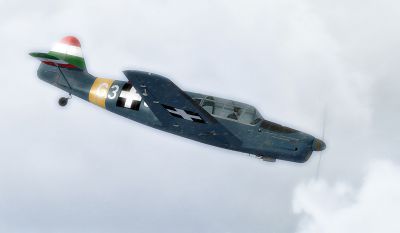
Screenshot of Hungary 1942 Messerschmitt Bf 108 in flight.
Free for all simmers · 8.09 MB · Scanned clean Oct 2026
Download speed: Free tier is capped at 0.5 Mbps (this file takes approximately 2 mins at the cap). PRO members download at full line speed.
texture.{airline}) inside FSX\SimObjects\Airplanes\{base-aircraft}\.aircraft.cfg in Notepad. Add a new [fltsim.X] section per the readme.readme.txt or README file. It tells you exactly where files go, what dependencies are needed, and any quirks specific to this add-on.The archive messerschmitt_bf108_taifun_hungary.zip has 9 files and directories contained within it.
This list displays the first 500 files in the package. If the package has more, you will need to download it to view them.
| Filename/Directory | File Date | File Size |
|---|---|---|
| readme.txt | 06.11.11 | 1.37 kB |
| Screens | 06.11.11 | 0 B |
| 108 - 024.jpg | 06.11.11 | 953.72 kB |
| 108 - 025.jpg | 06.11.11 | 377.27 kB |
| 108 - 026.jpg | 06.11.11 | 1.05 MB |
| 108 - 027.jpg | 06.11.11 | 360.04 kB |
| texture.G3+51.zip | 06.11.11 | 5.46 MB |
| flyawaysimulation.txt | 10.29.13 | 959 B |
| Go to Fly Away Simulation.url | 01.22.16 | 52 B |
Only PRO members can place votes.
More FSX & P3D add-ons hand-picked based on this download.
FSX Historic & Vintage Aircraft
The repaint is purely fictional. Textures only; requires original A2A Simulat…
 FSX Historic & Vintage Aircraft
This is a repaint for the Classics Hangar Messerschmitt BF 108 "Taifun". VVKJ…
 FSX Historic & Vintage Aircraft
Corrected textures for the A2A WWII Fighters Bf109E, Messerschmitt Bf109E-4. …
 FSX Historic & Vintage Aircraft
This is a repaint for Flight Replicas Messerschmitt Bf109 K-4. Repaint only. …
 FSX Historic & Vintage Aircraft
Stinson 108 Voyager. An FSDSv3.5 project compiled with Xtomdl into FSX. It ha…
 FSX Historic & Vintage Aircraft
Stinson 108 Update. for use with STIN108X.ZIP. This update gets rid of the sm…
 FSX Historic & Vintage Aircraft
Messerschmitt Me-163B Komet. Has full animations and clickable gauges, levers…
 FSX Historic & Vintage Aircraft
A paint of Flight Replica's Messerschmitt 109K of 111/Jagdegeschwader 53 'Pik…
Be the first to leave a comment on this download.
Be the first to share your thoughts on this download.