

 MSFS Scenery
Grand Canyon National Park Airport (KGCN)
This mod developed by JustOkayPilot brings Grand Canyon National Park Airport…
Stornoway Airport (EGPO) brings detailed Outer Hebrides scenery to Microsoft Flight Simulator 2020 and 2024, with replacement buildings, revised aprons and markings, terminal parking, signage and perimeter fencing. Directional runway and approach lighting, illuminated taxiways, animated runway guard lights and static vehicles enrich the airfield, while displaying the static Loganair aircraft requires FSLTL models.
 Rate
Rate
 United Kingdom
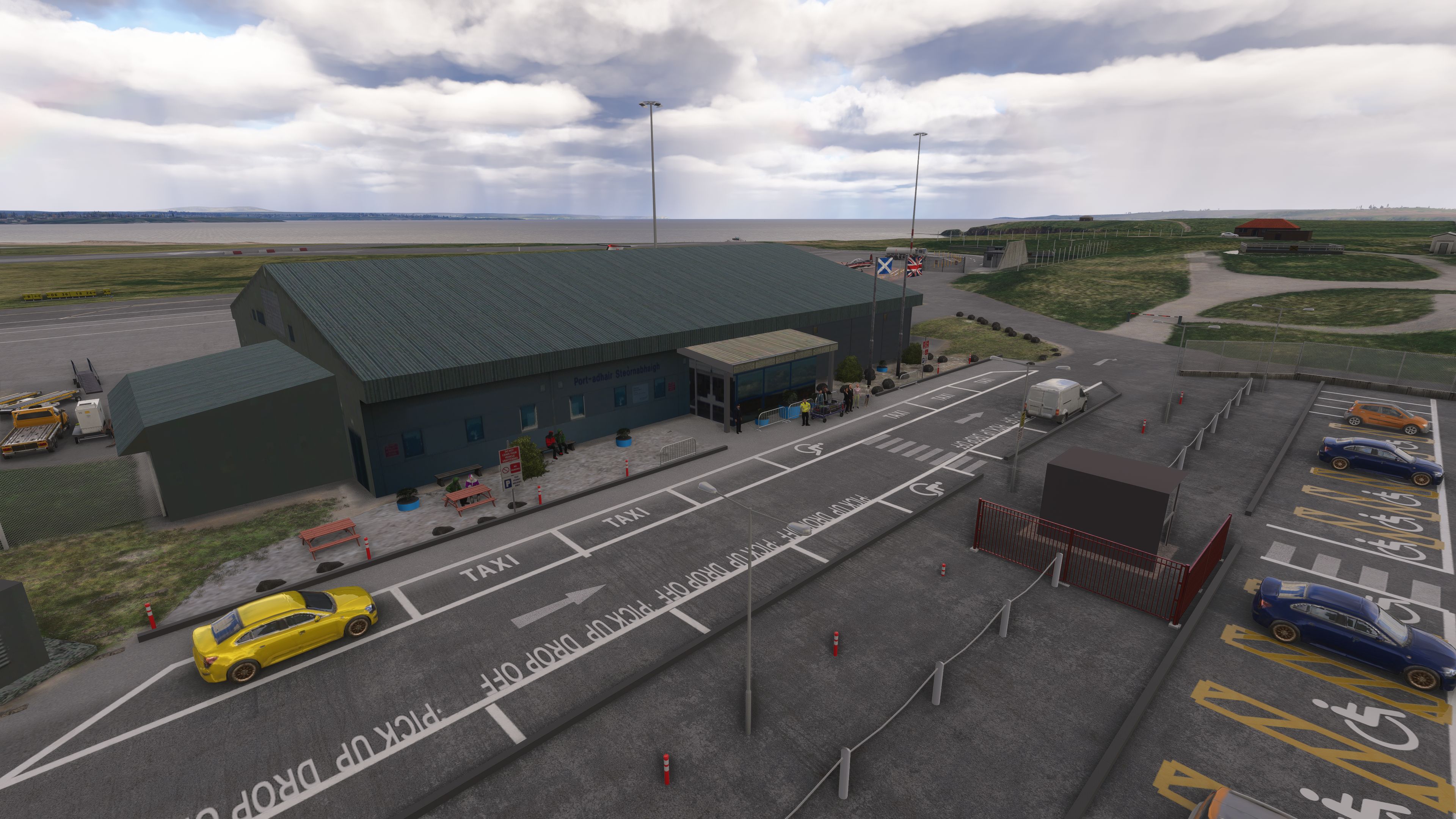
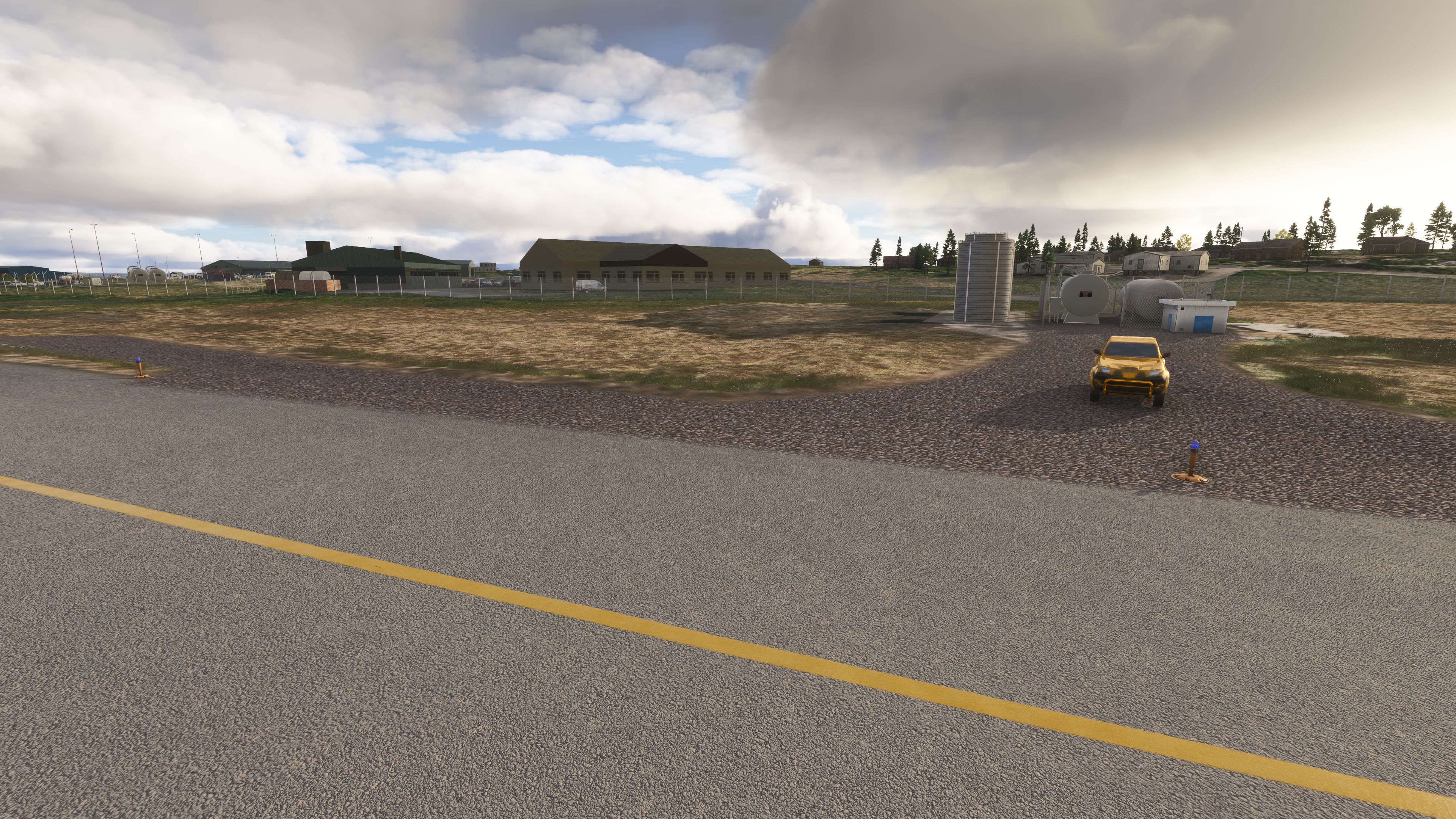
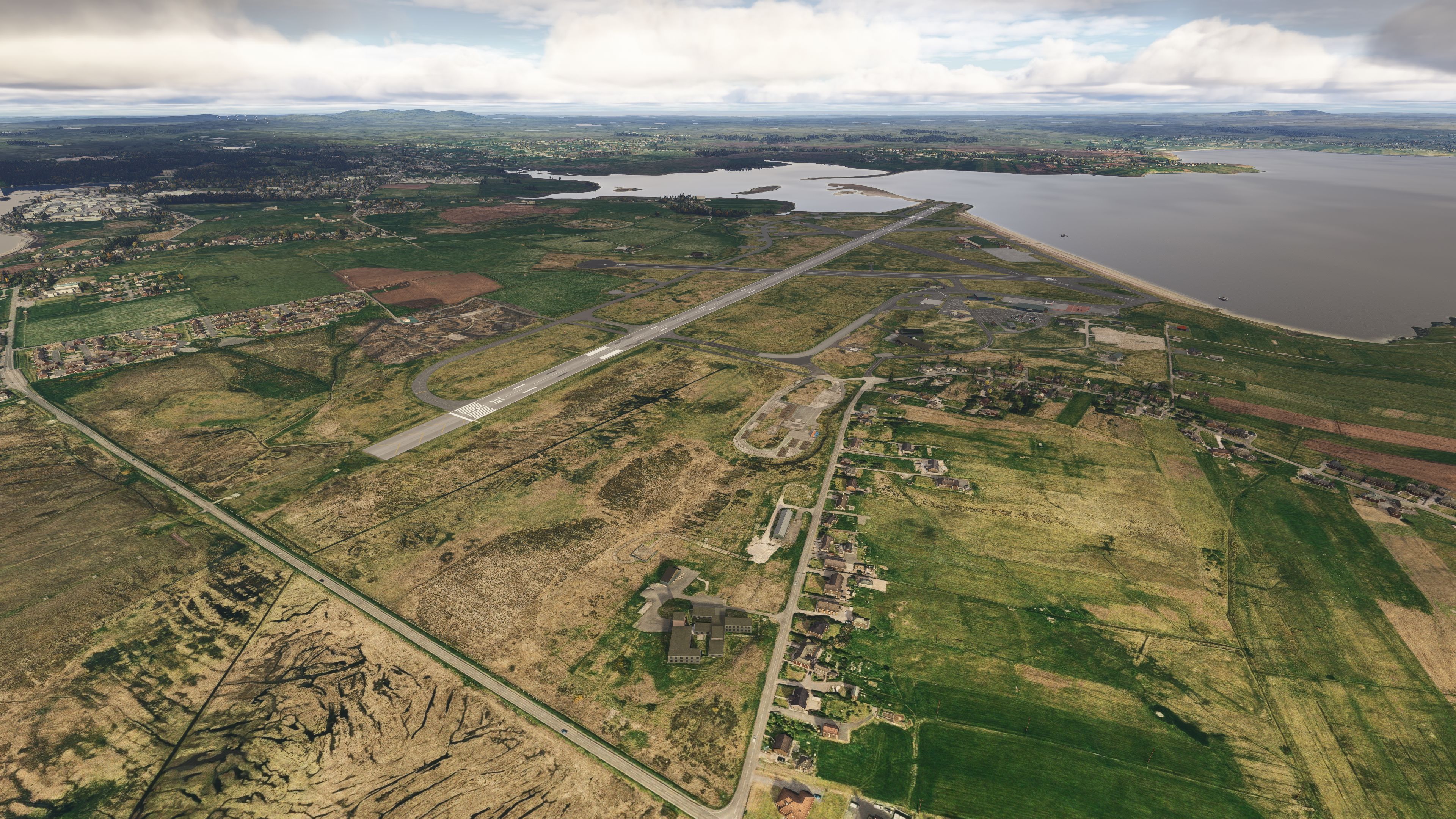
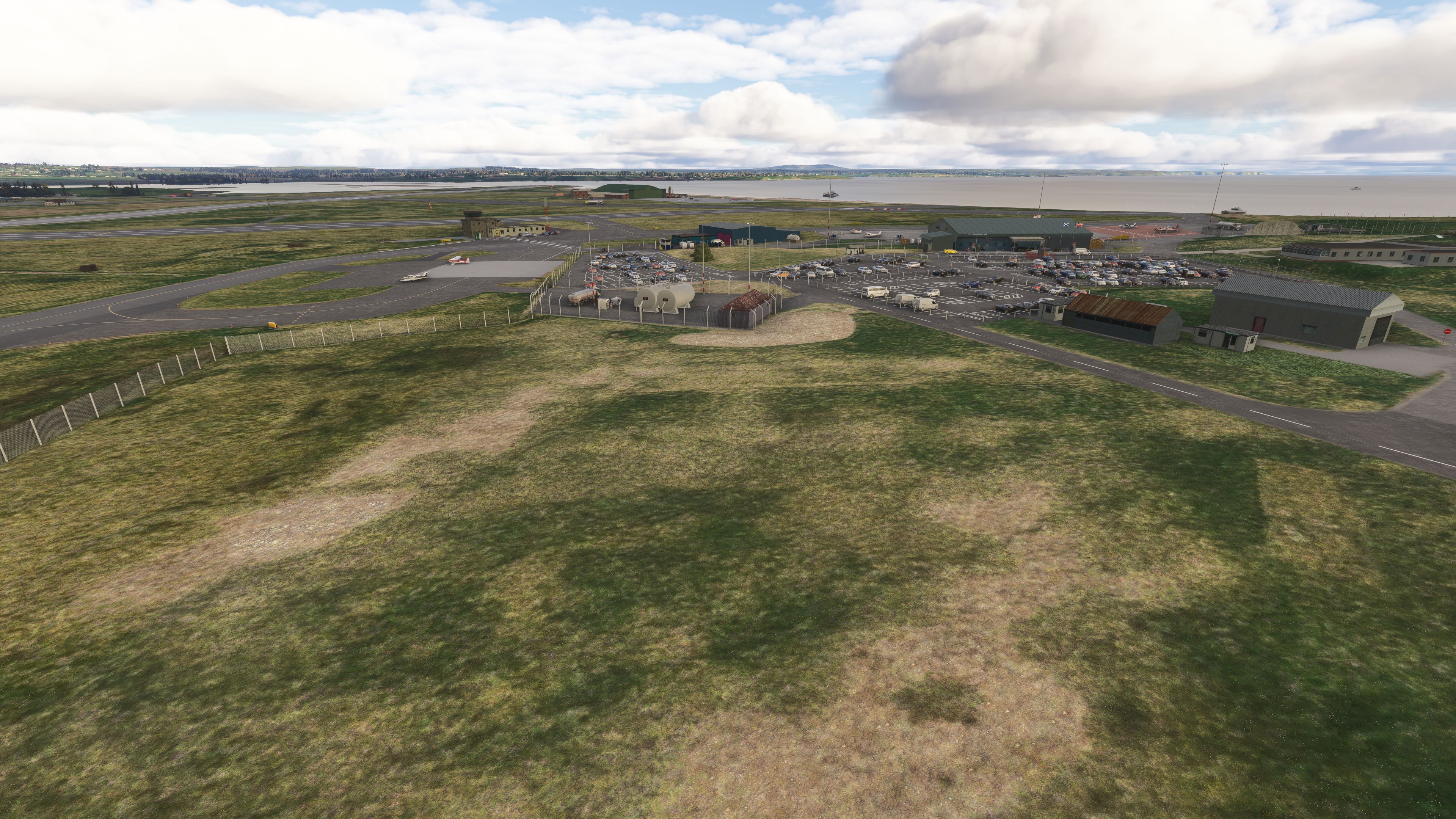
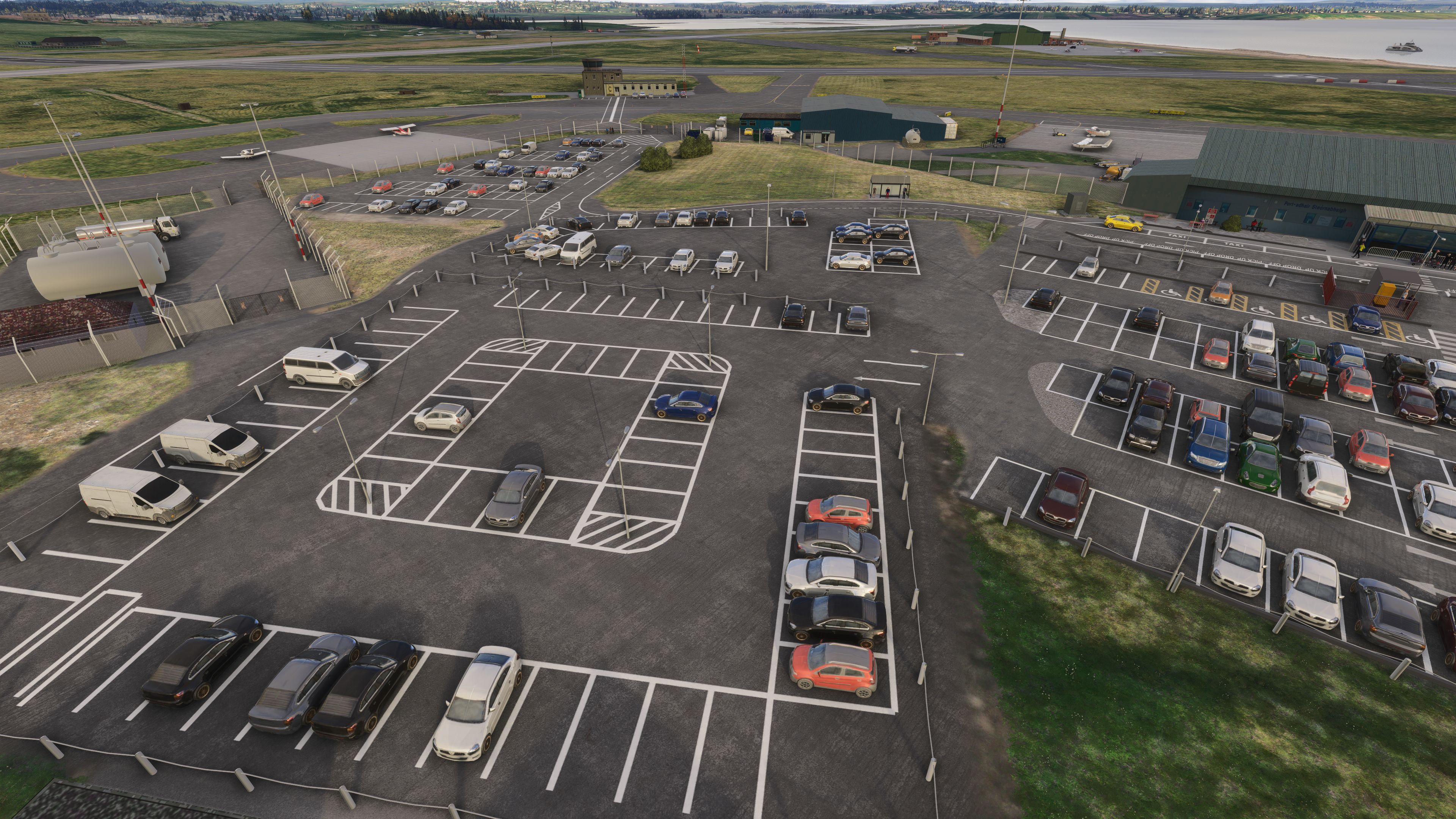
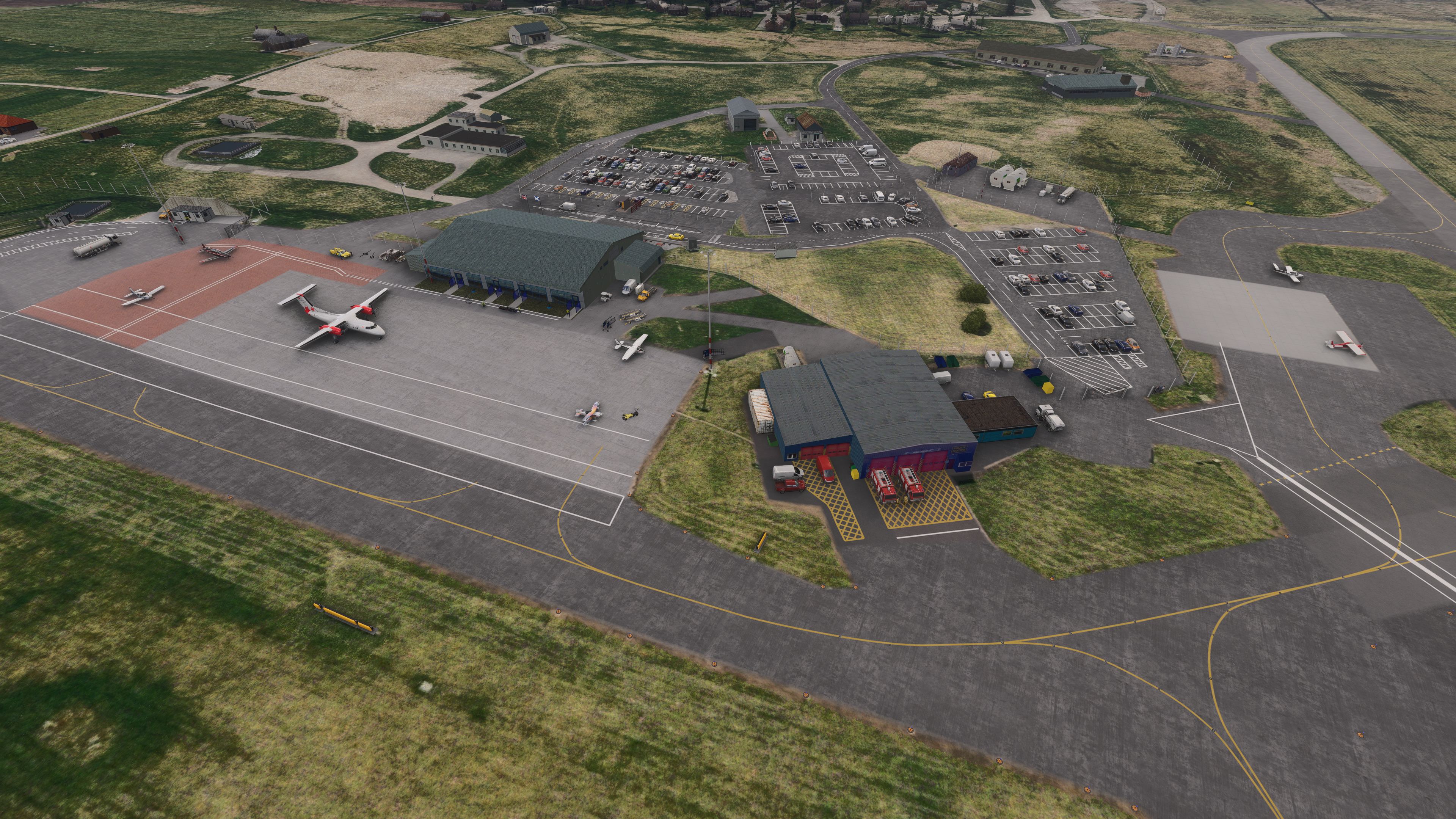
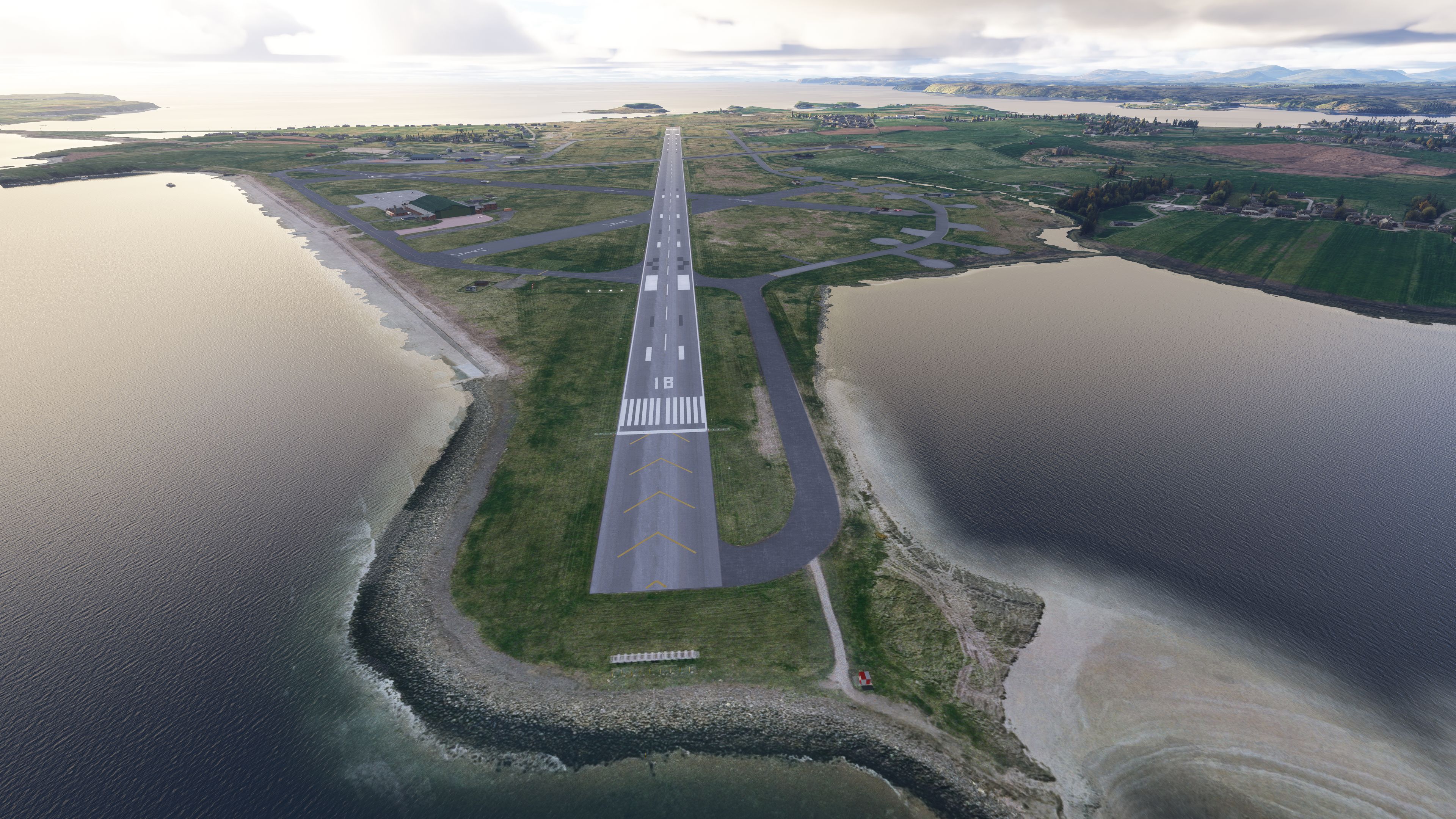
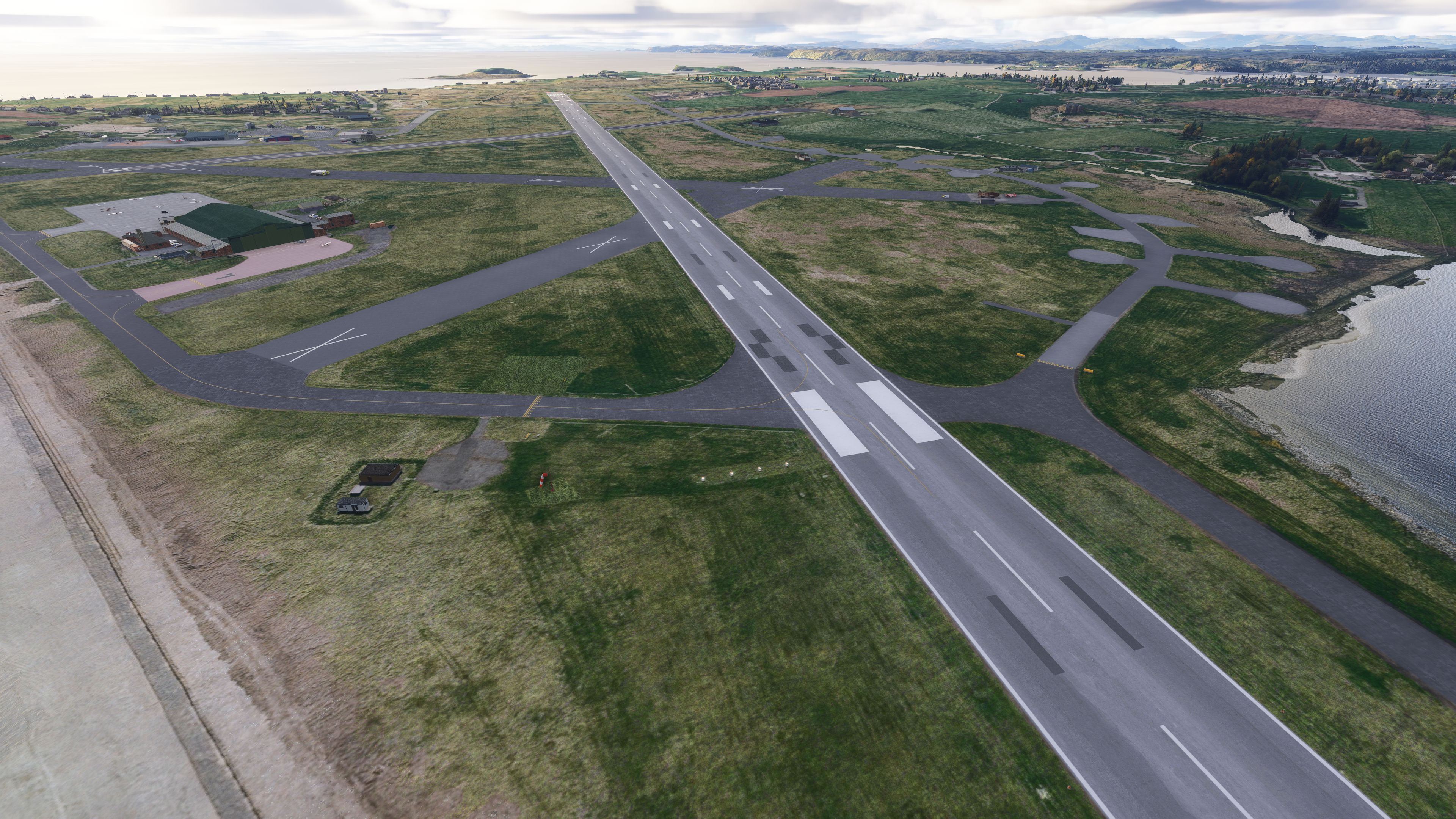
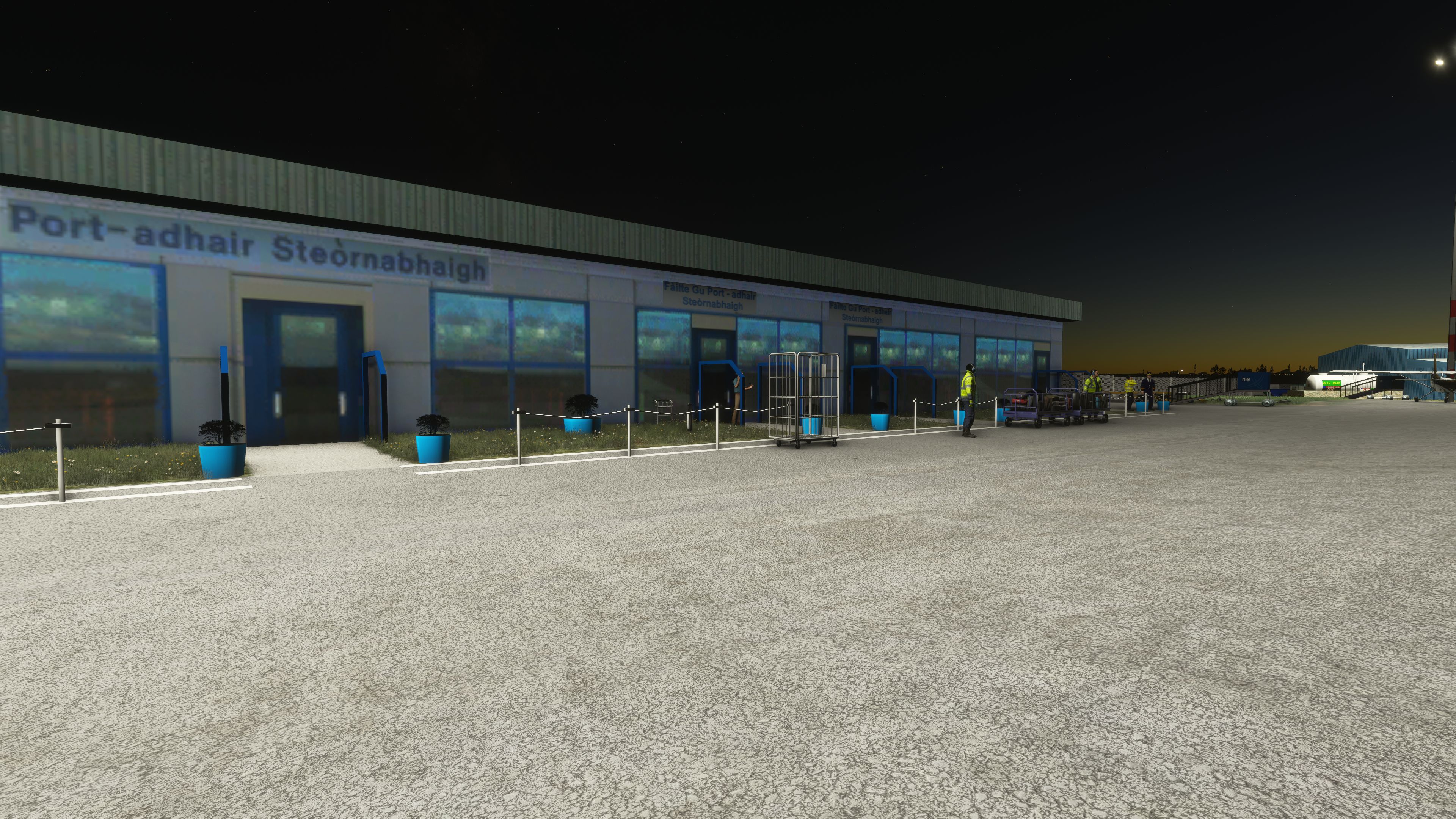
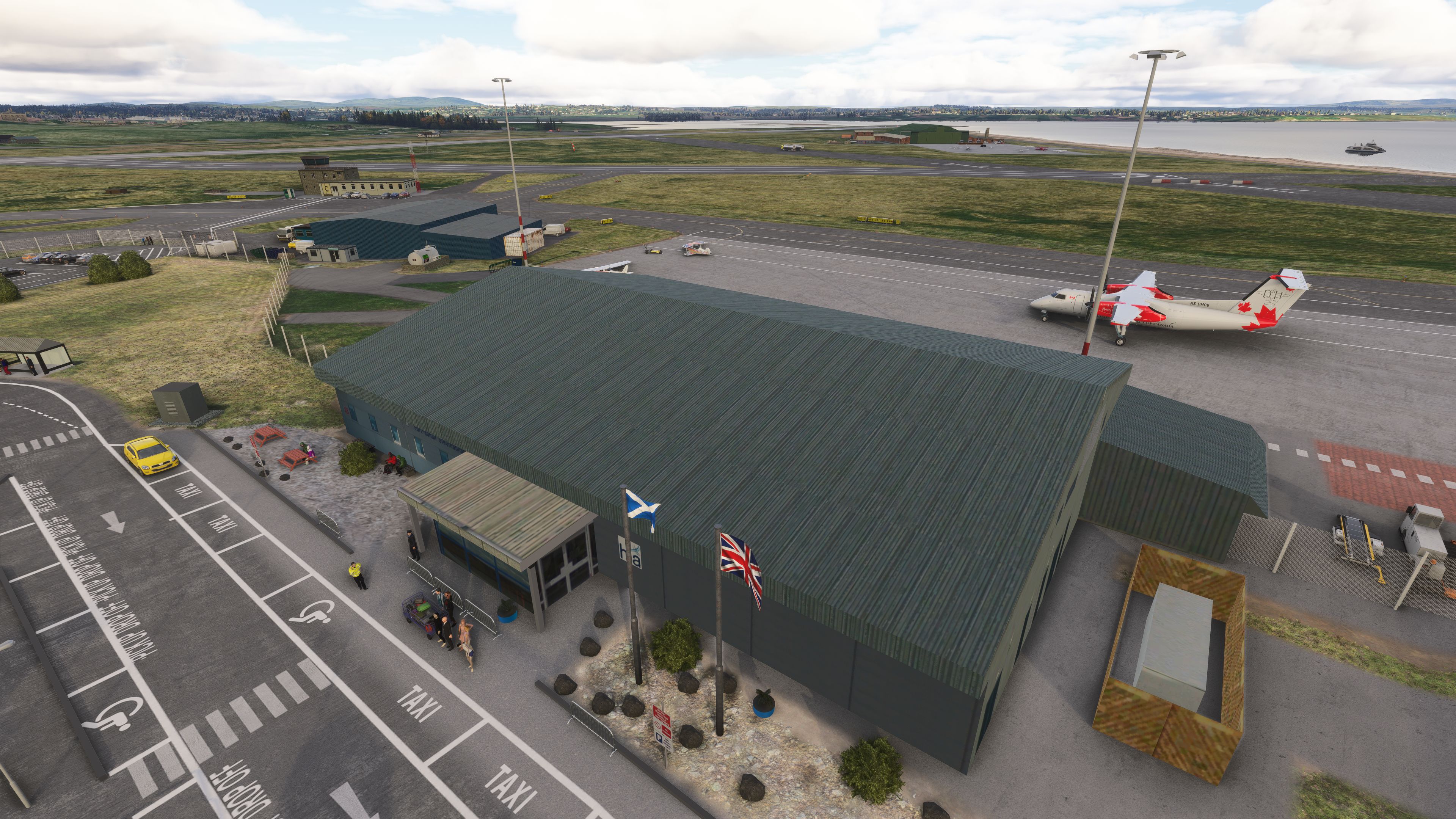
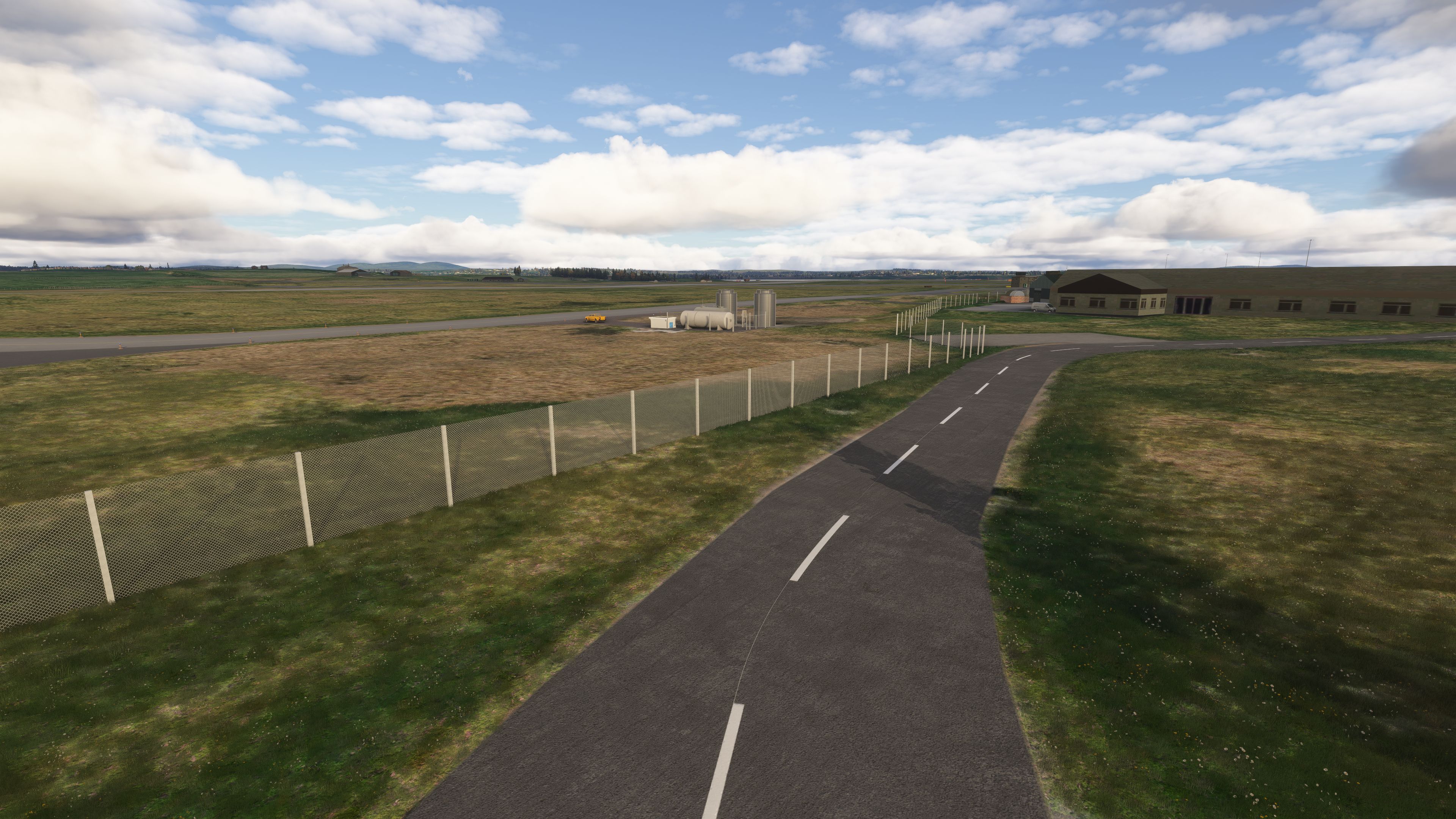
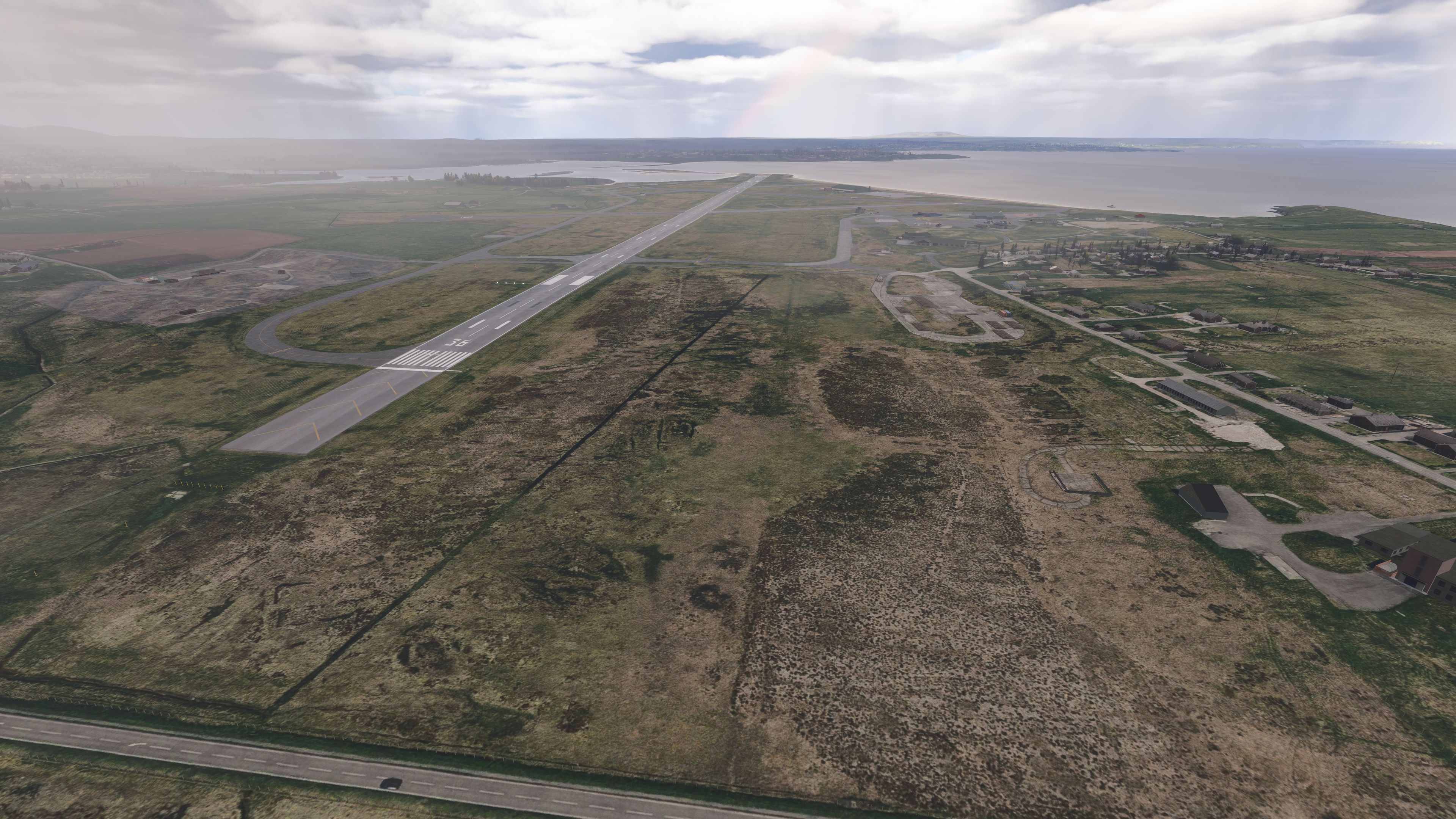
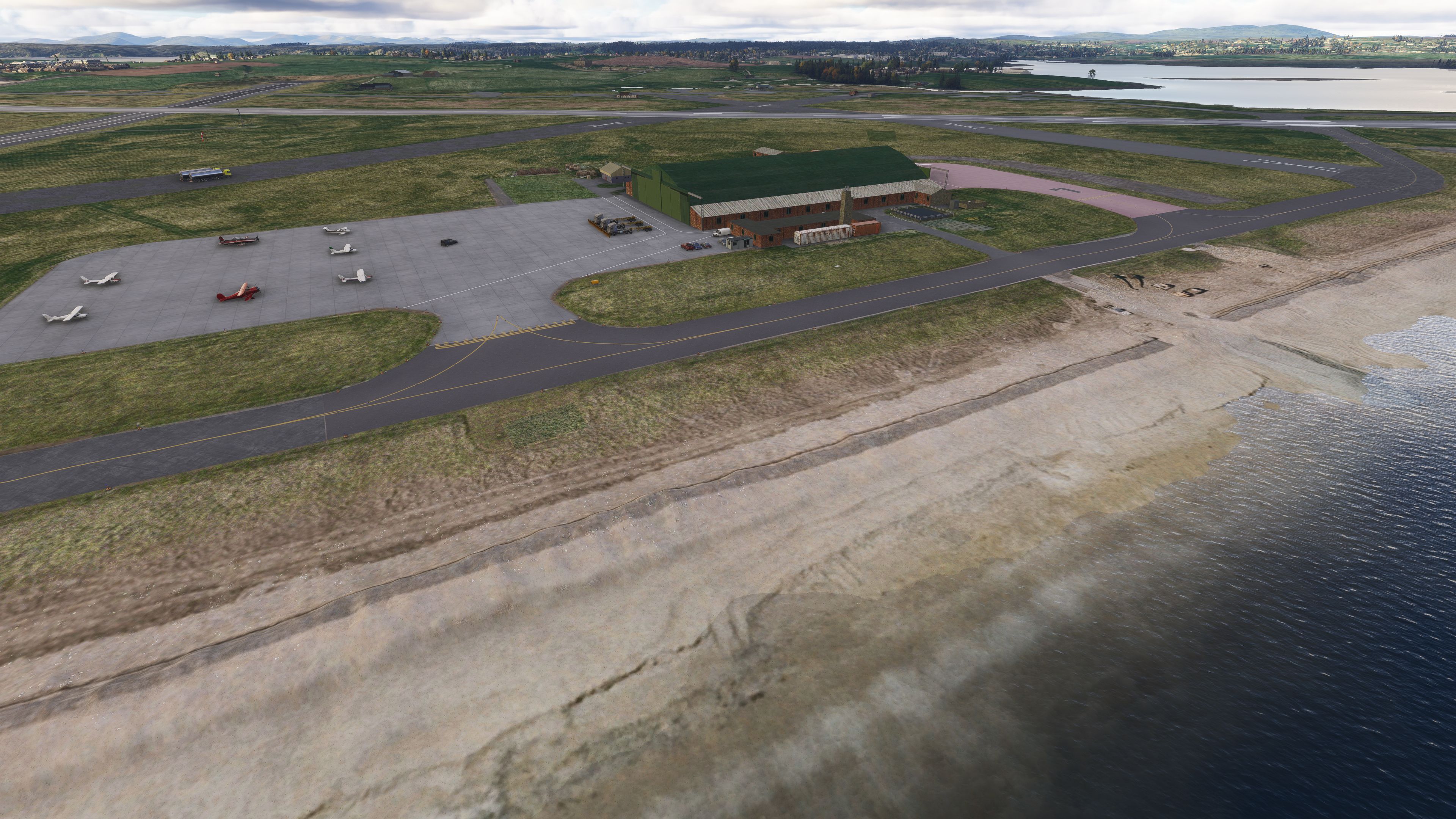
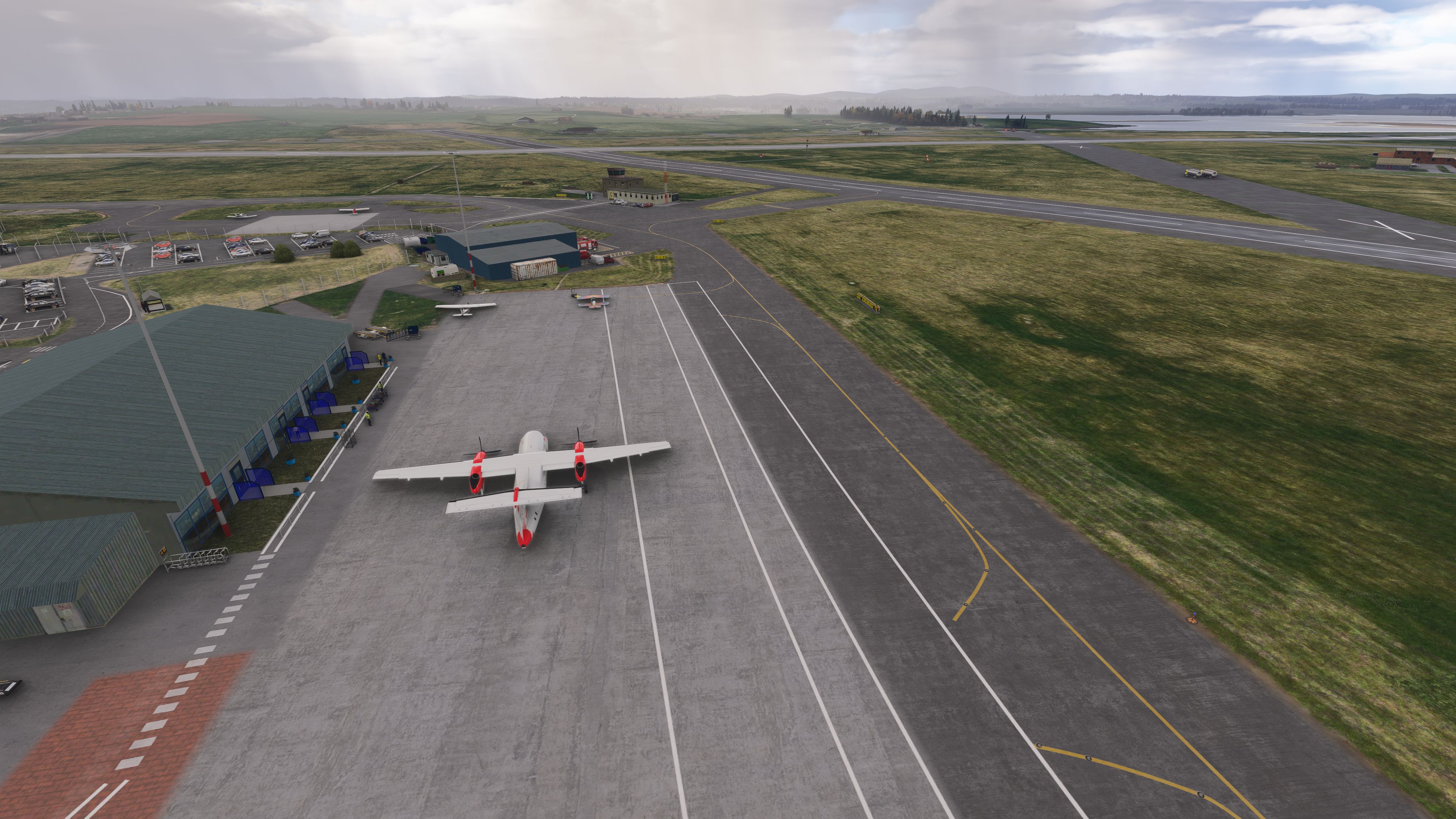
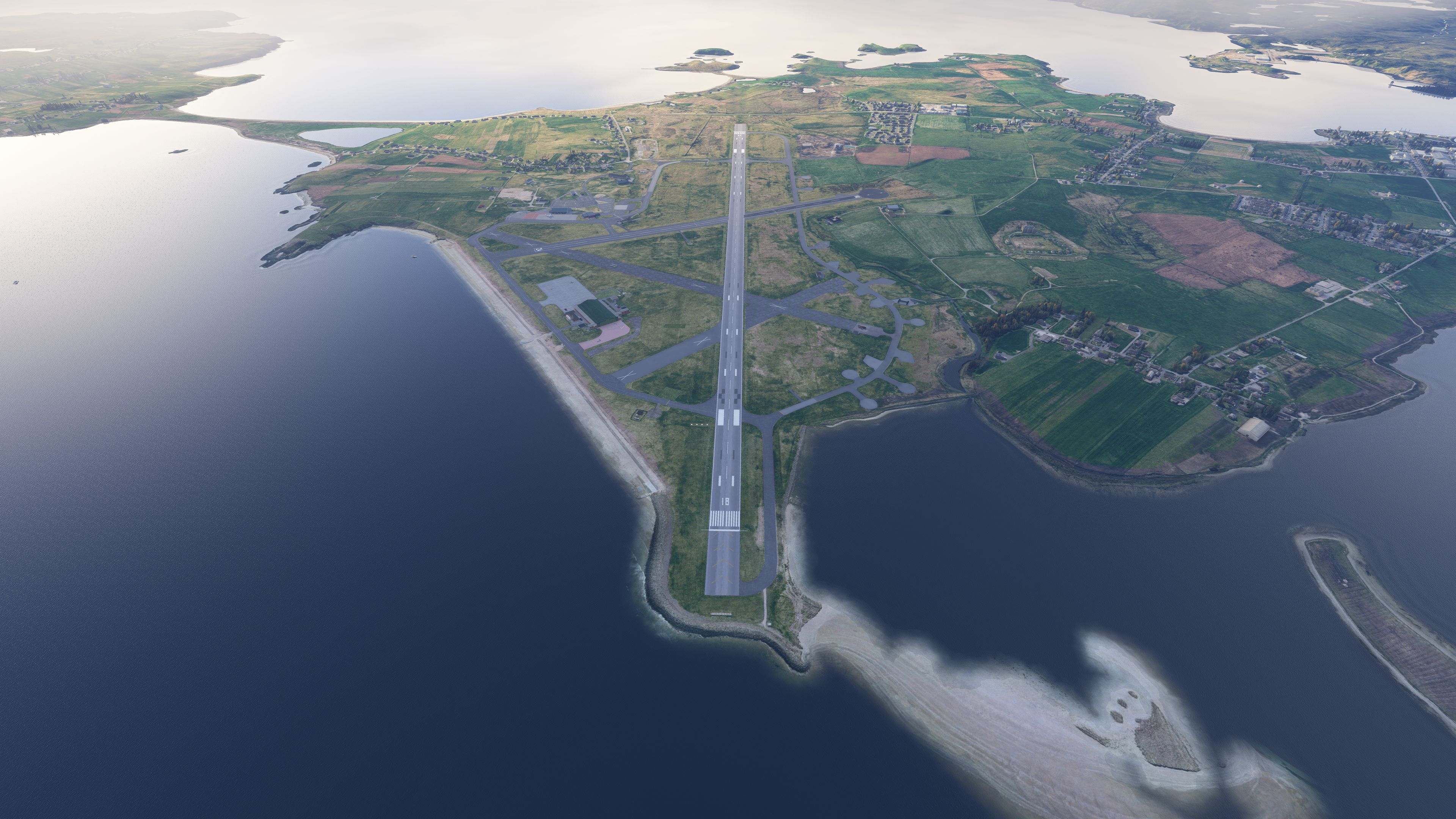
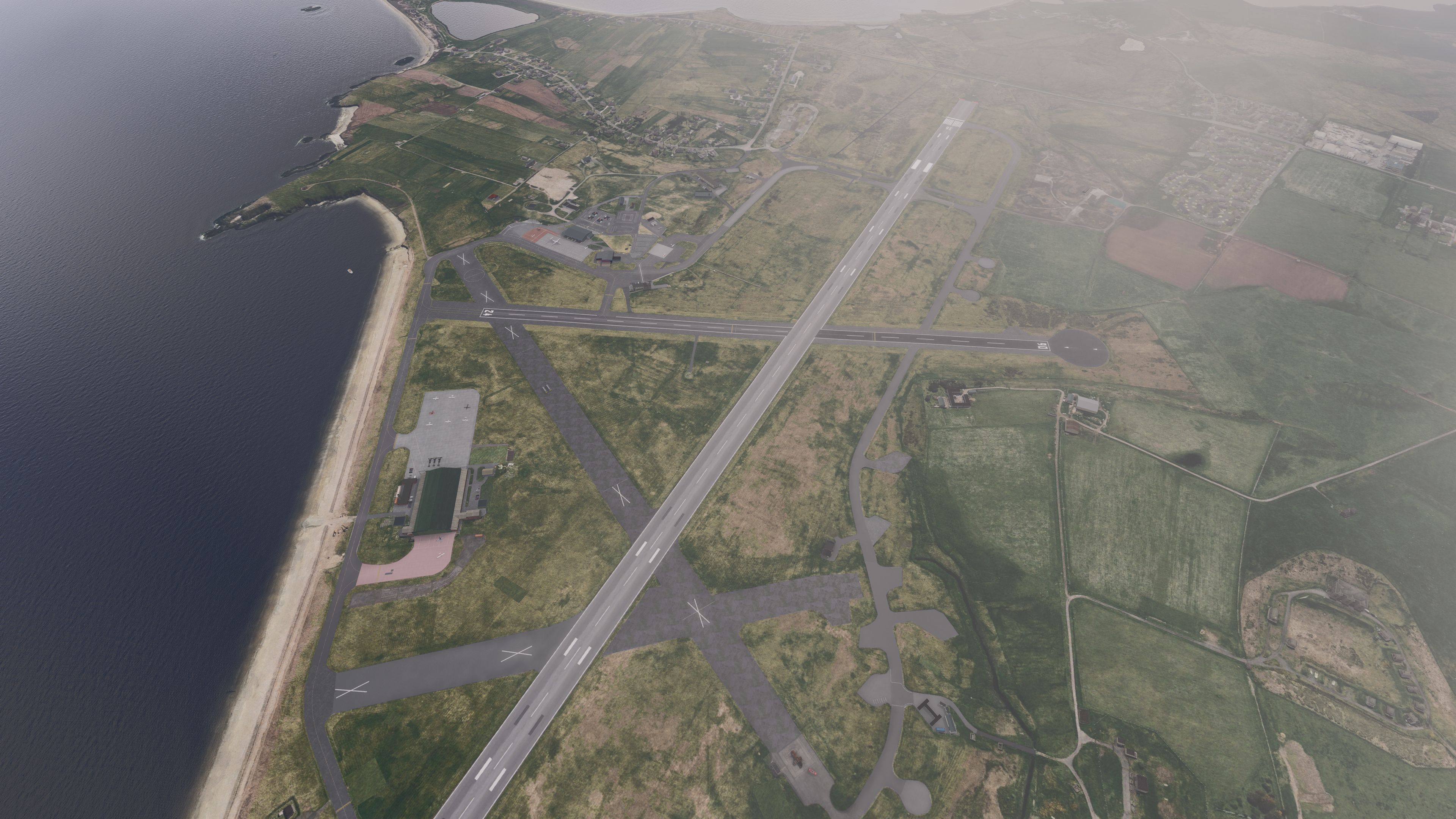
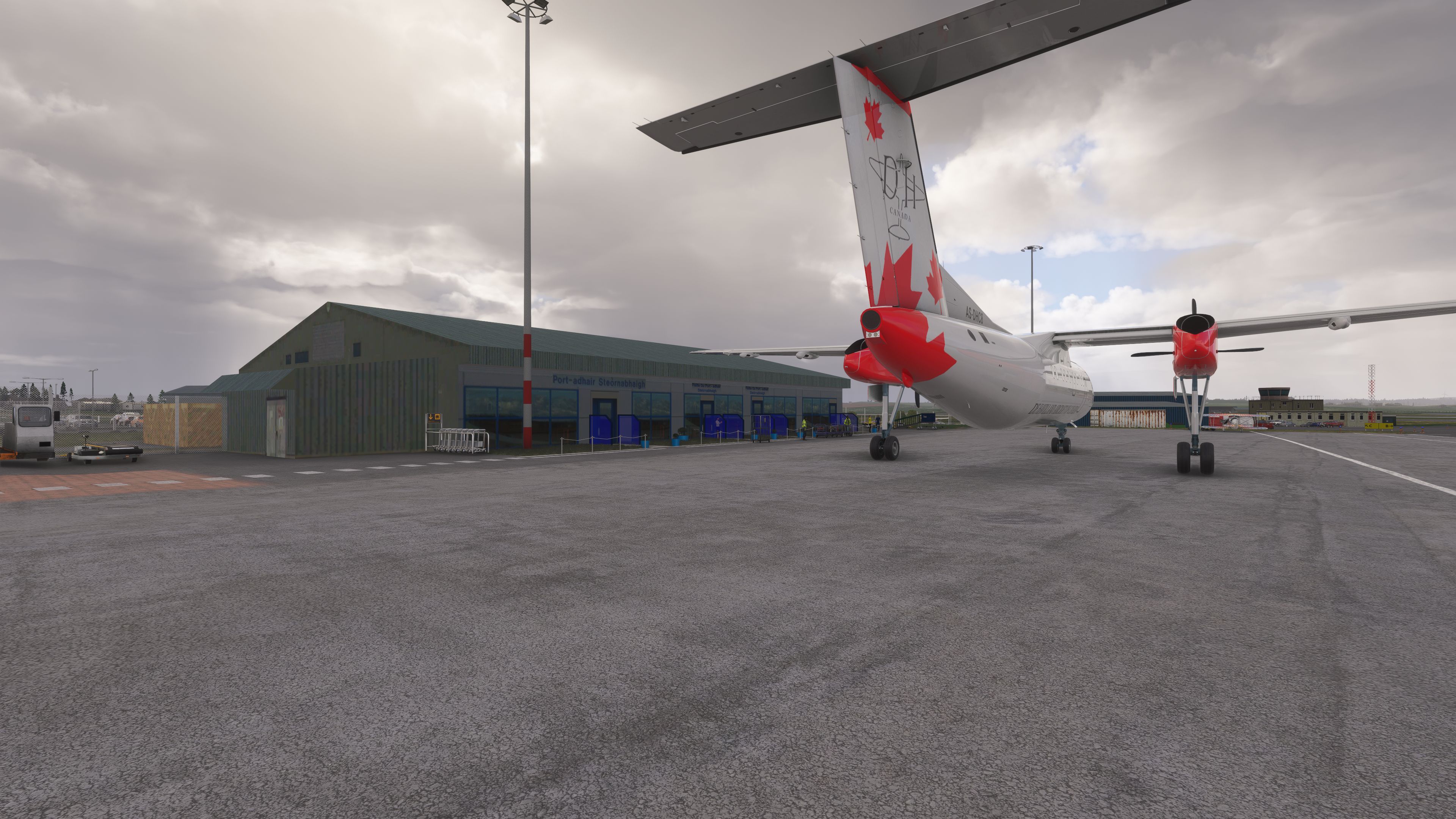
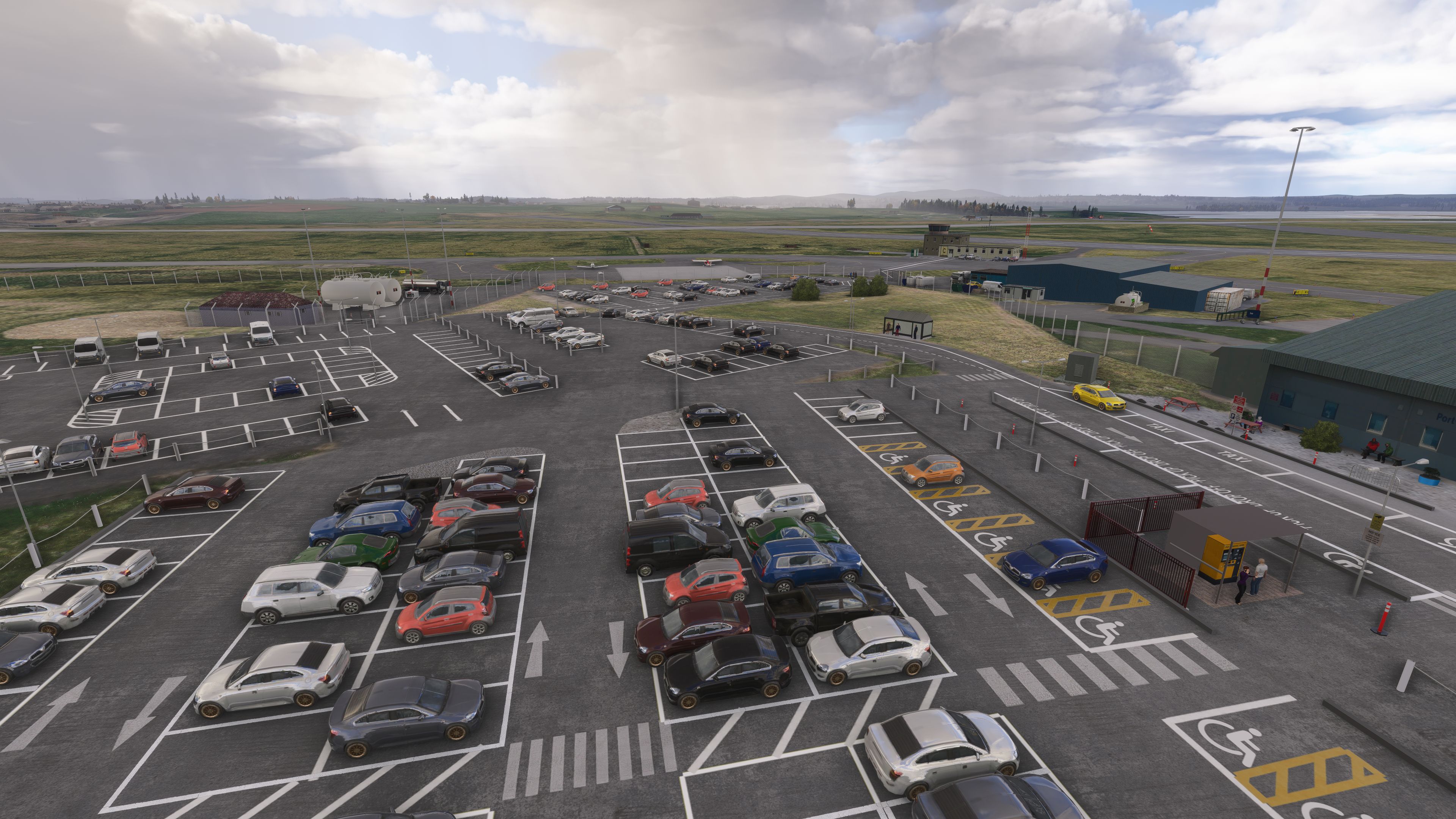
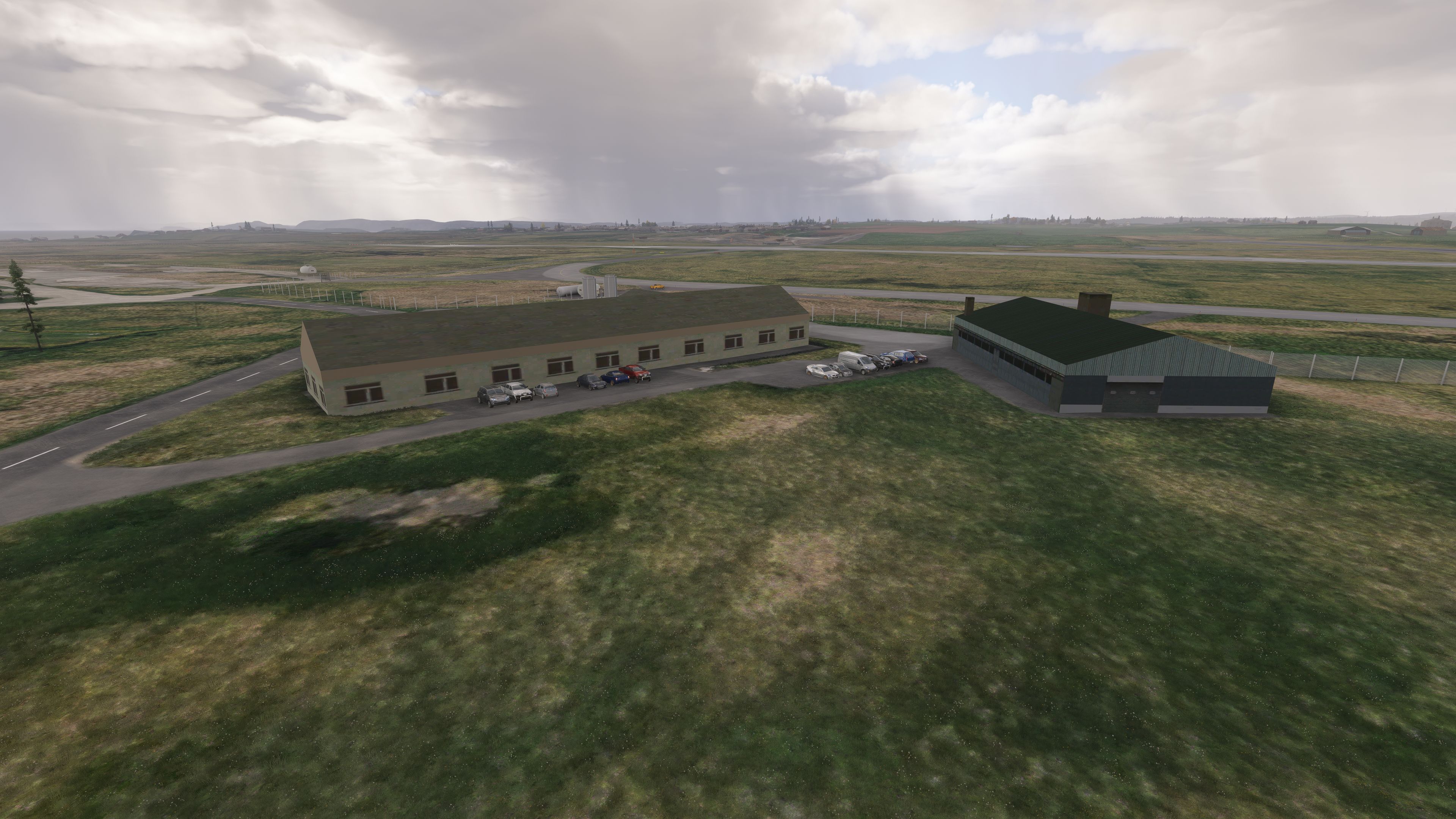
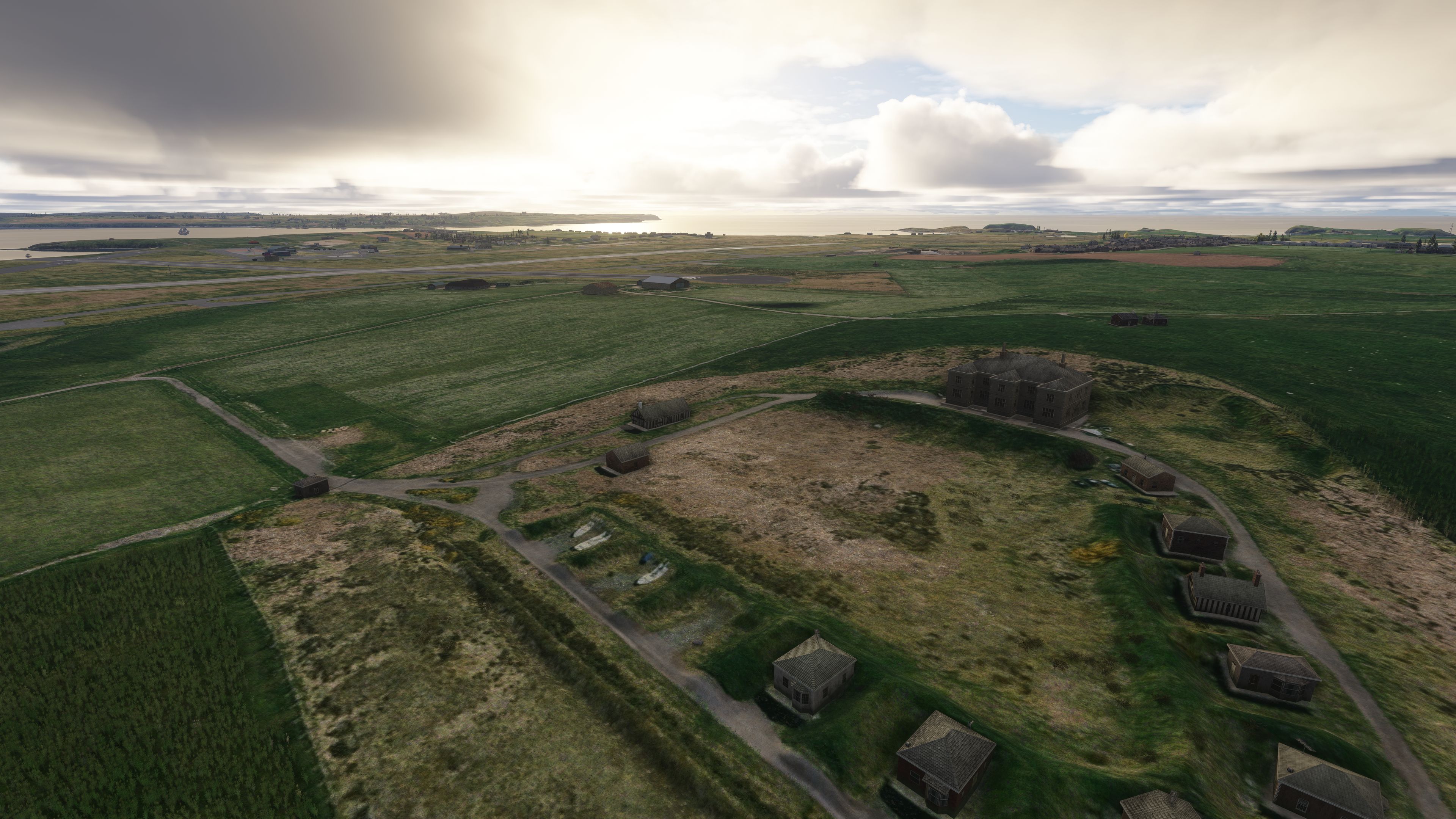
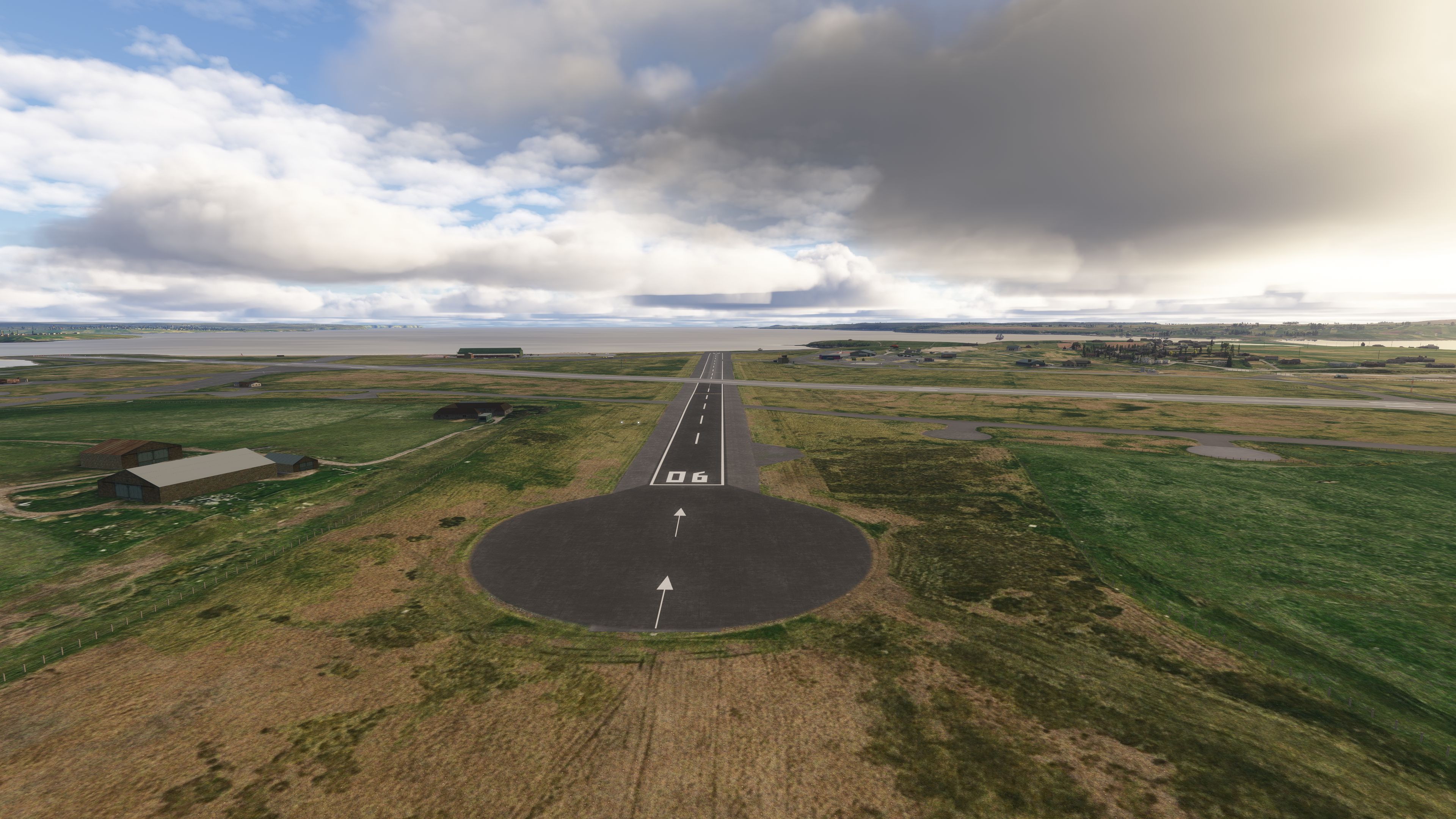
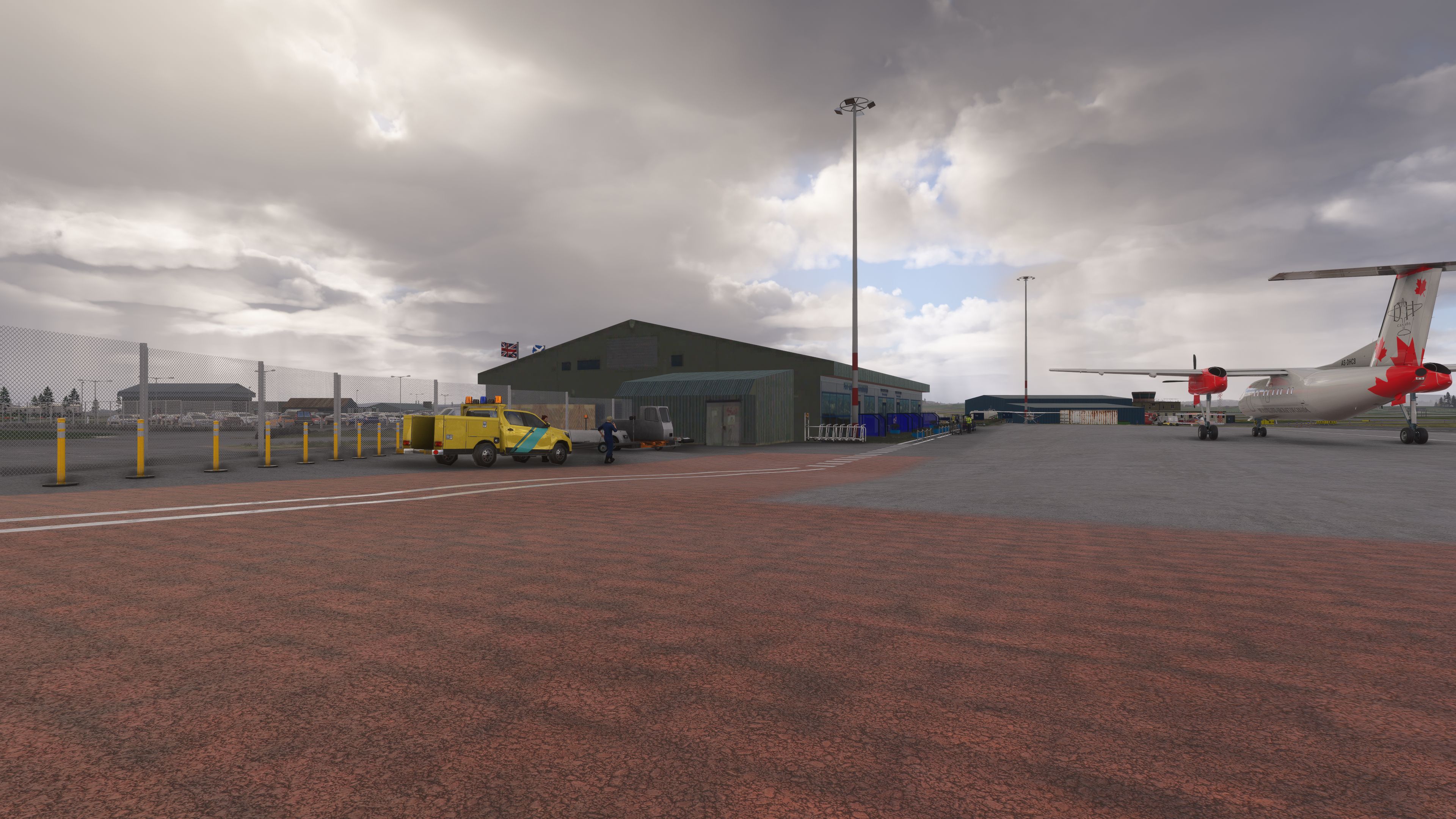
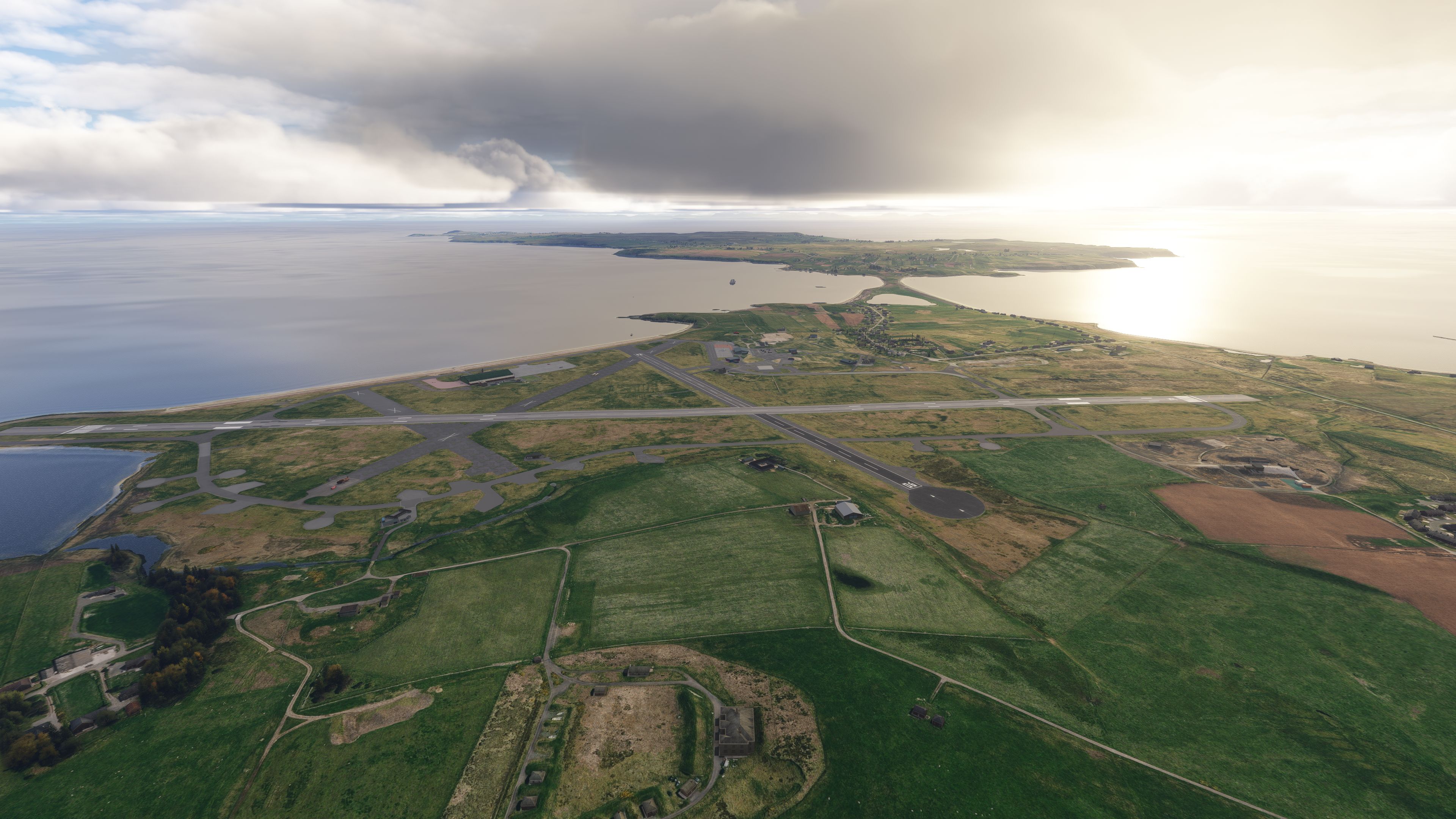
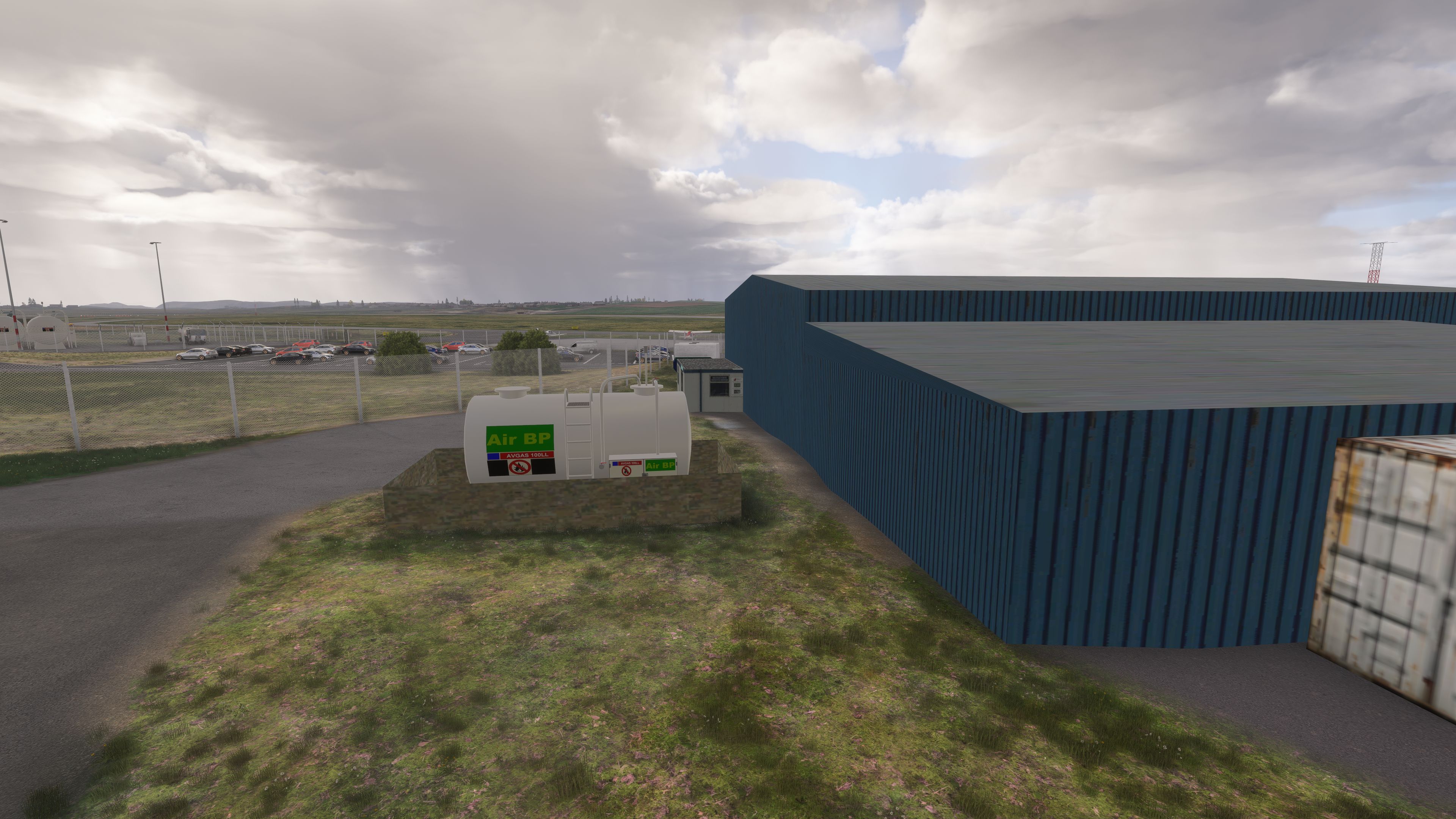
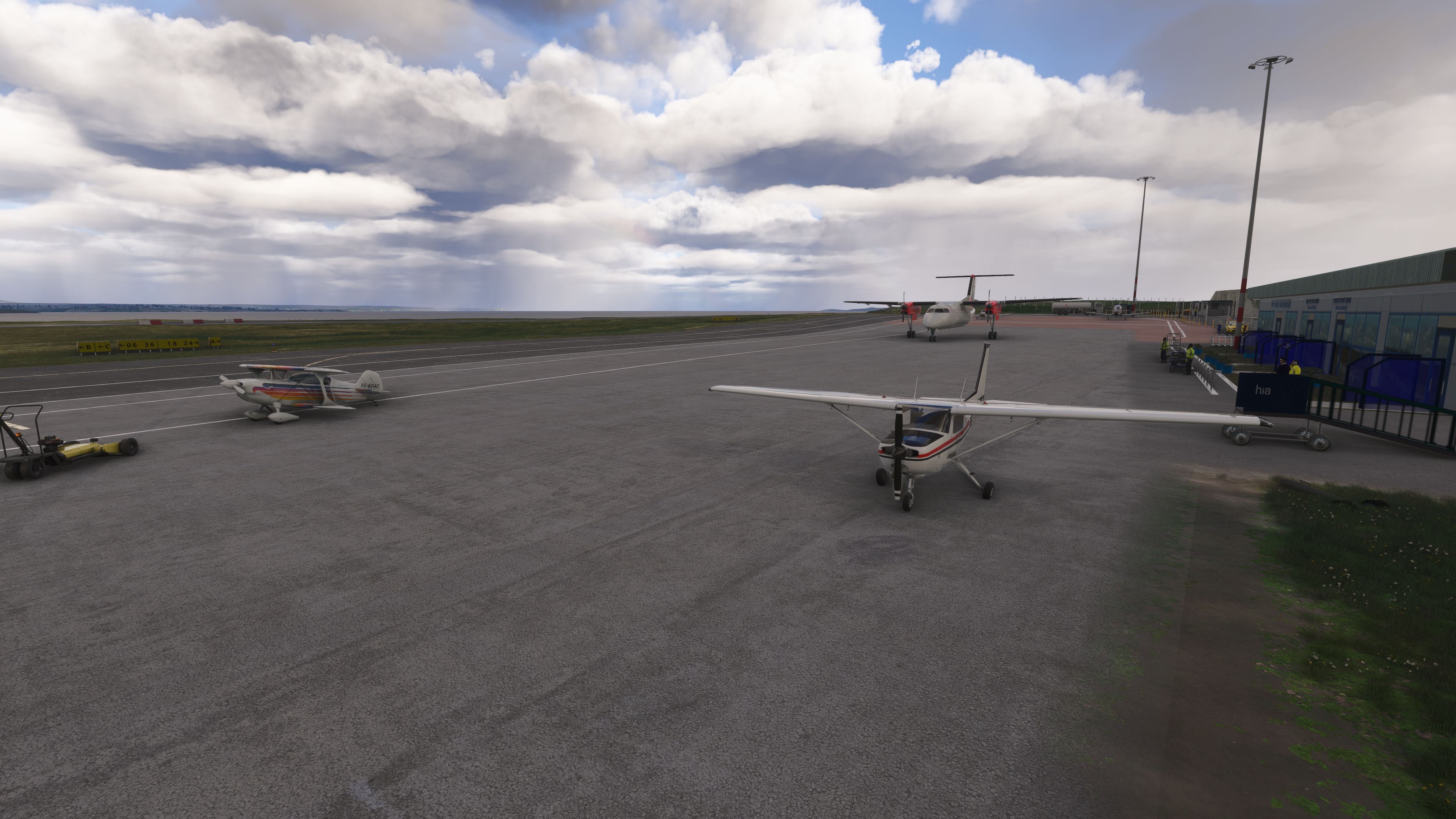
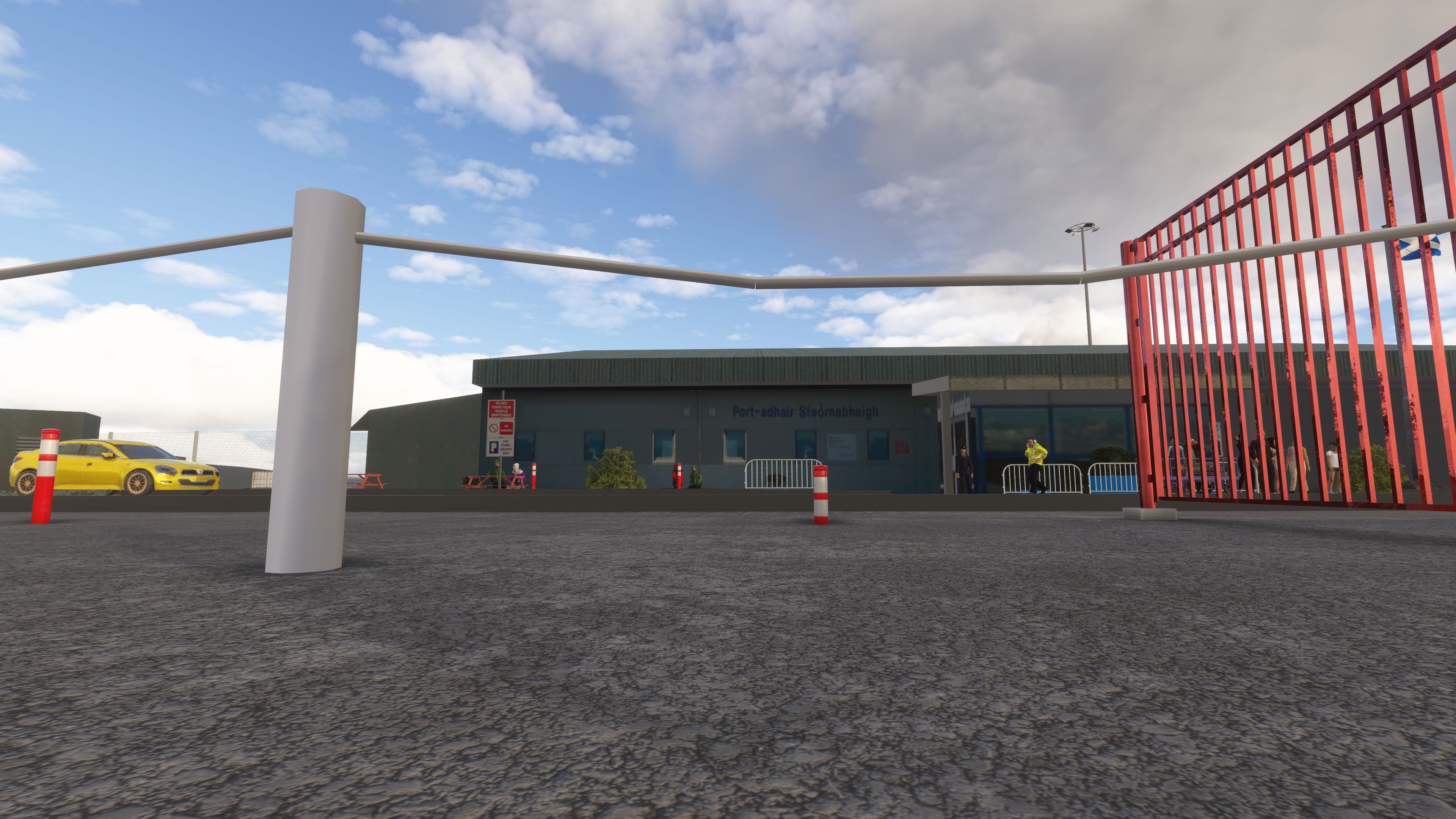
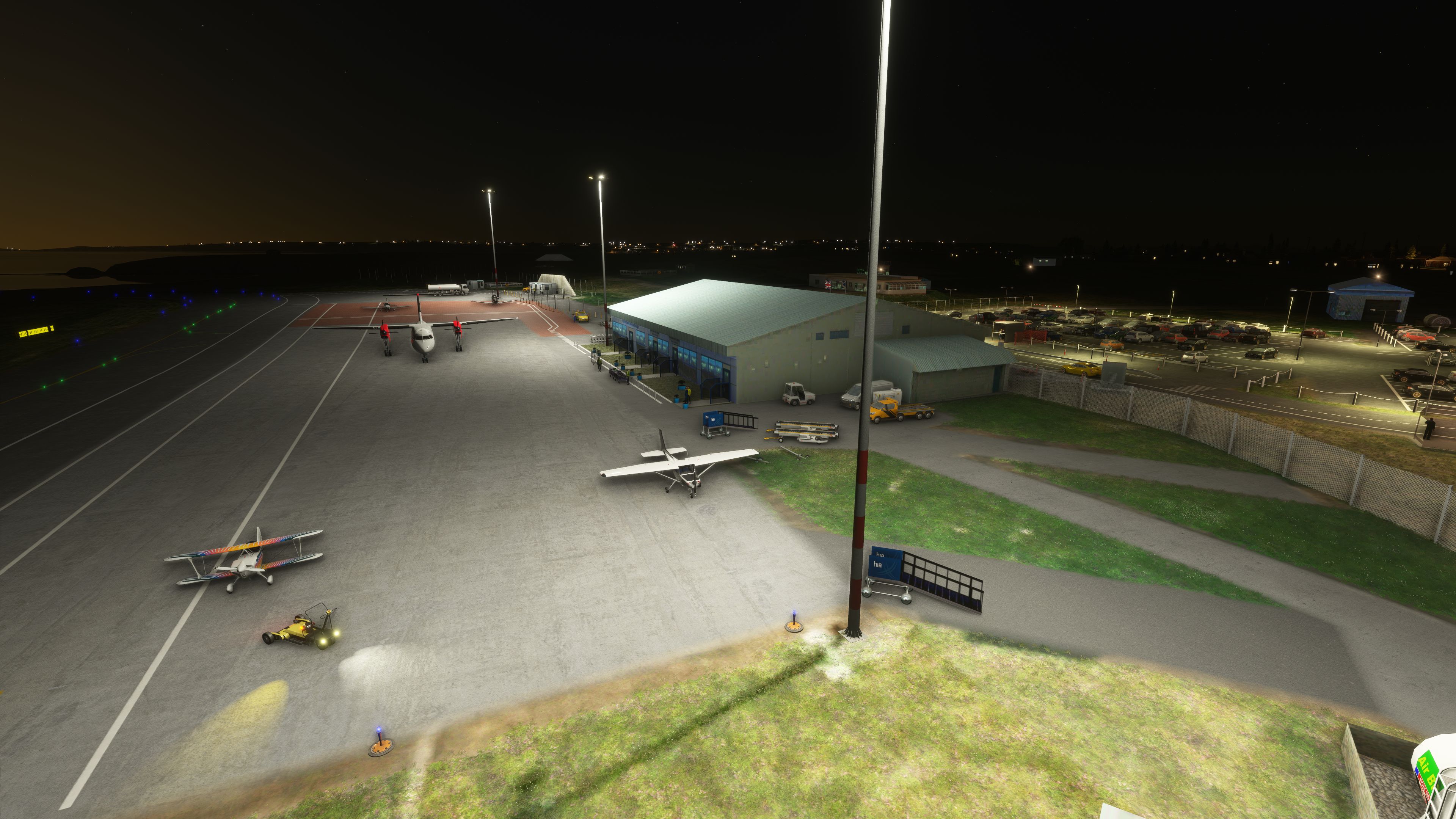
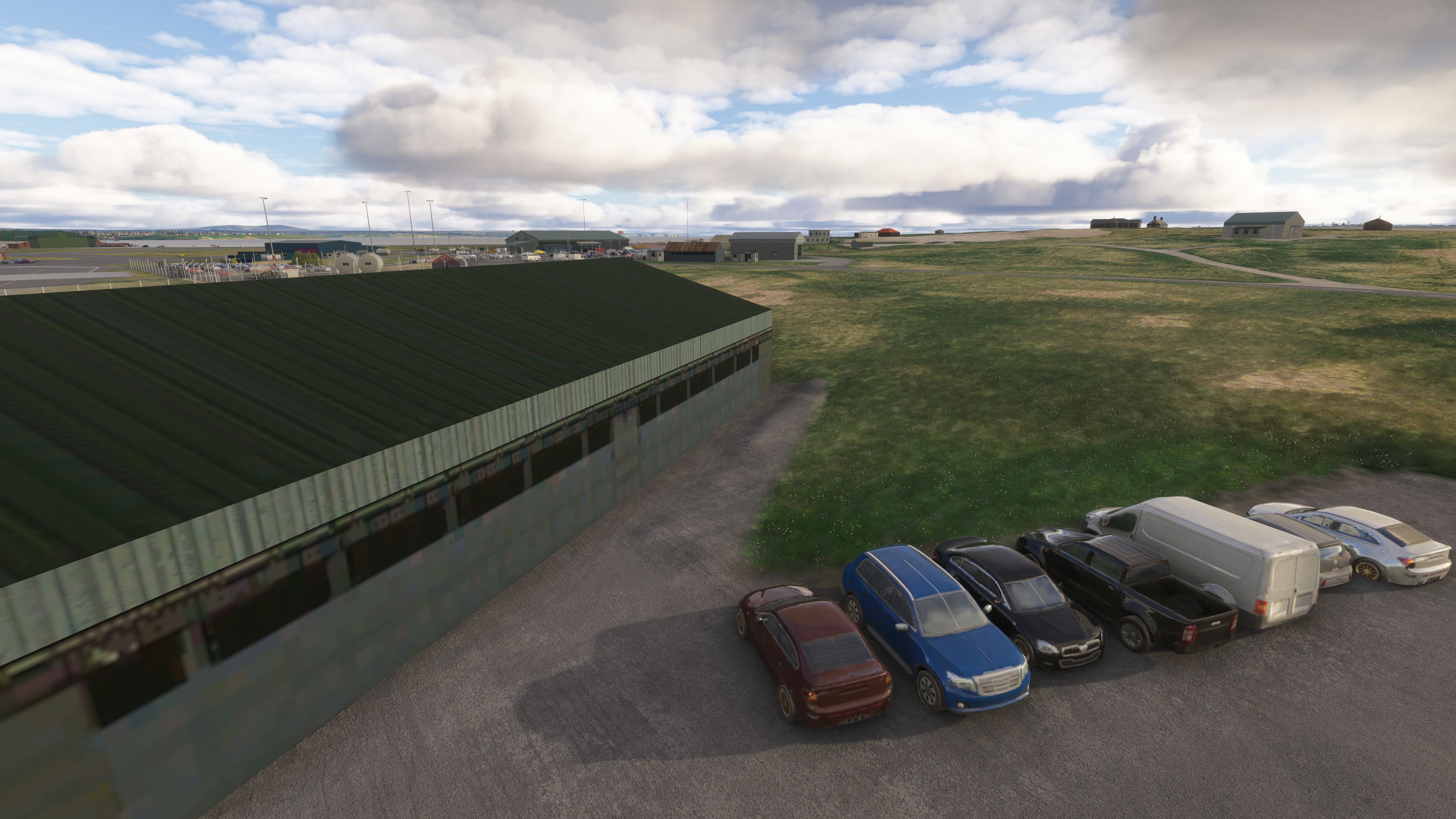
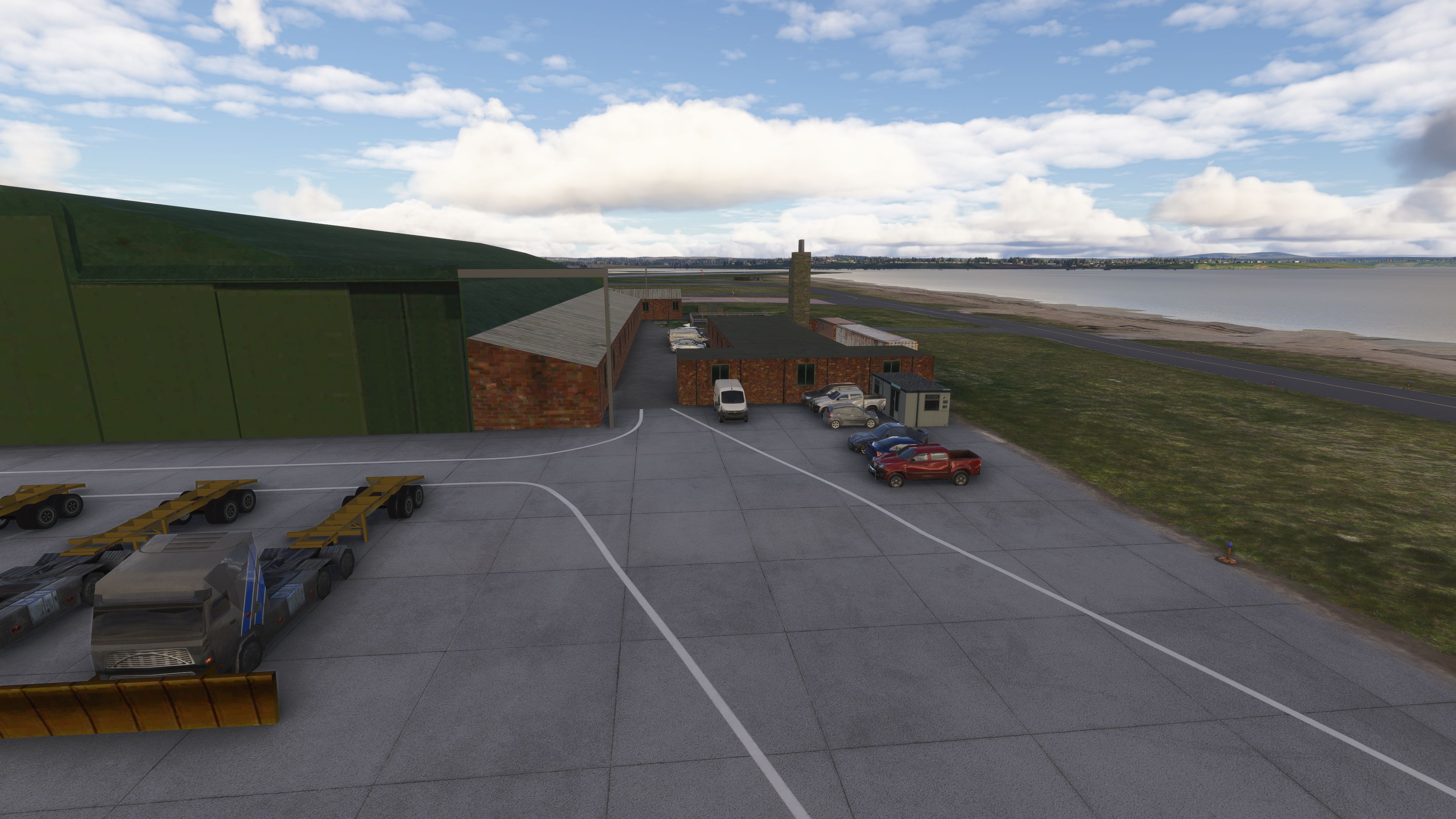
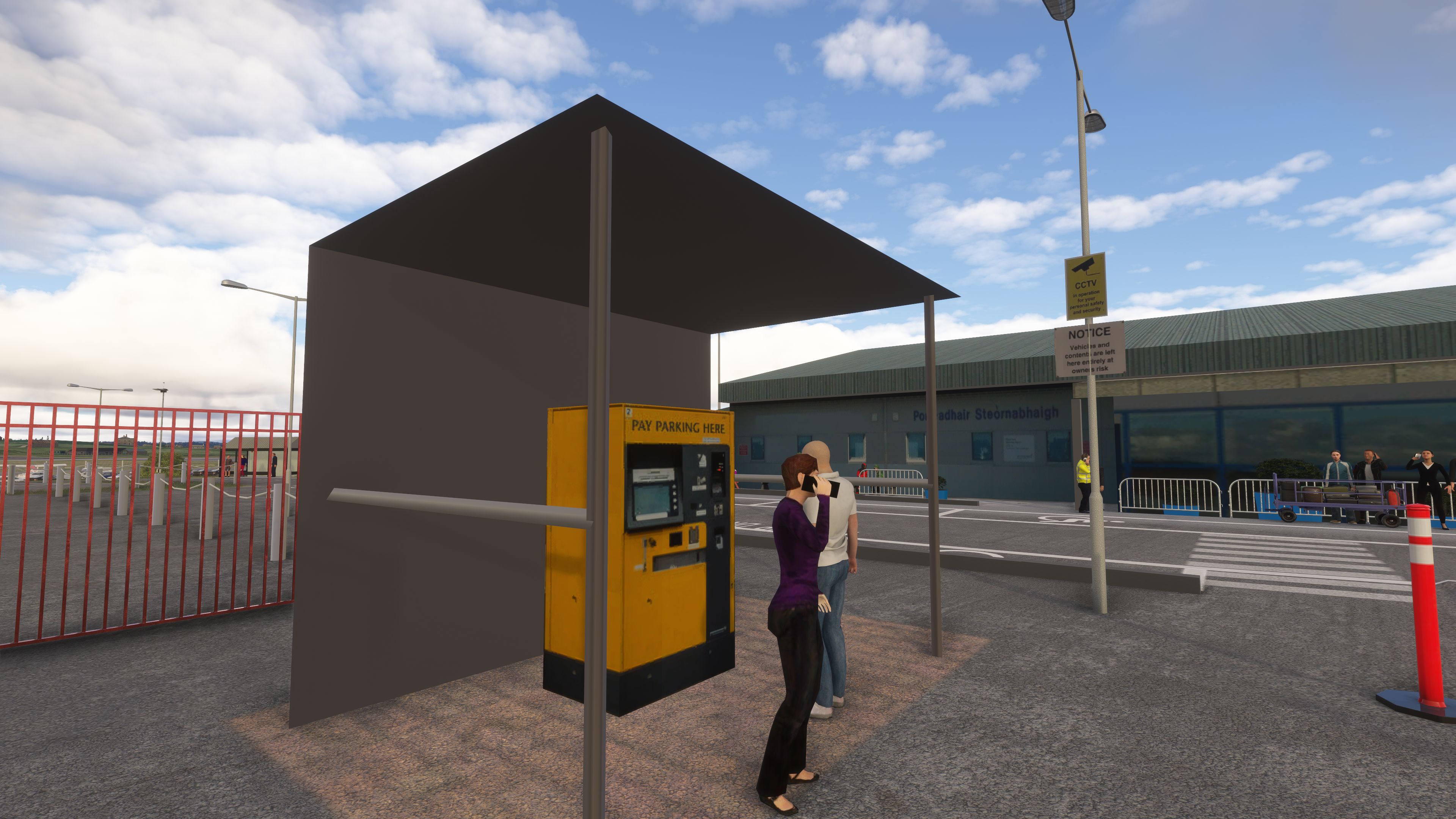
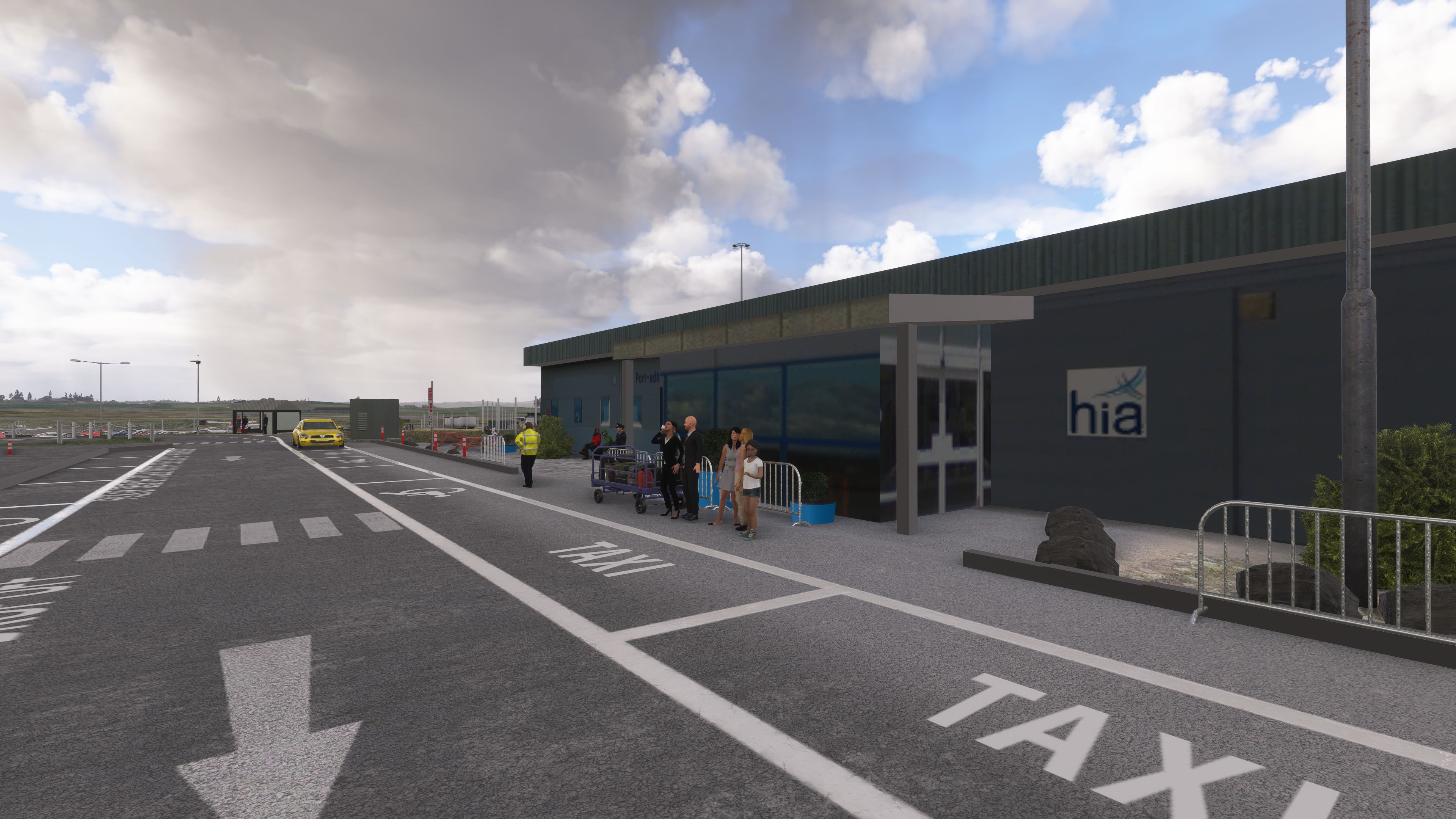
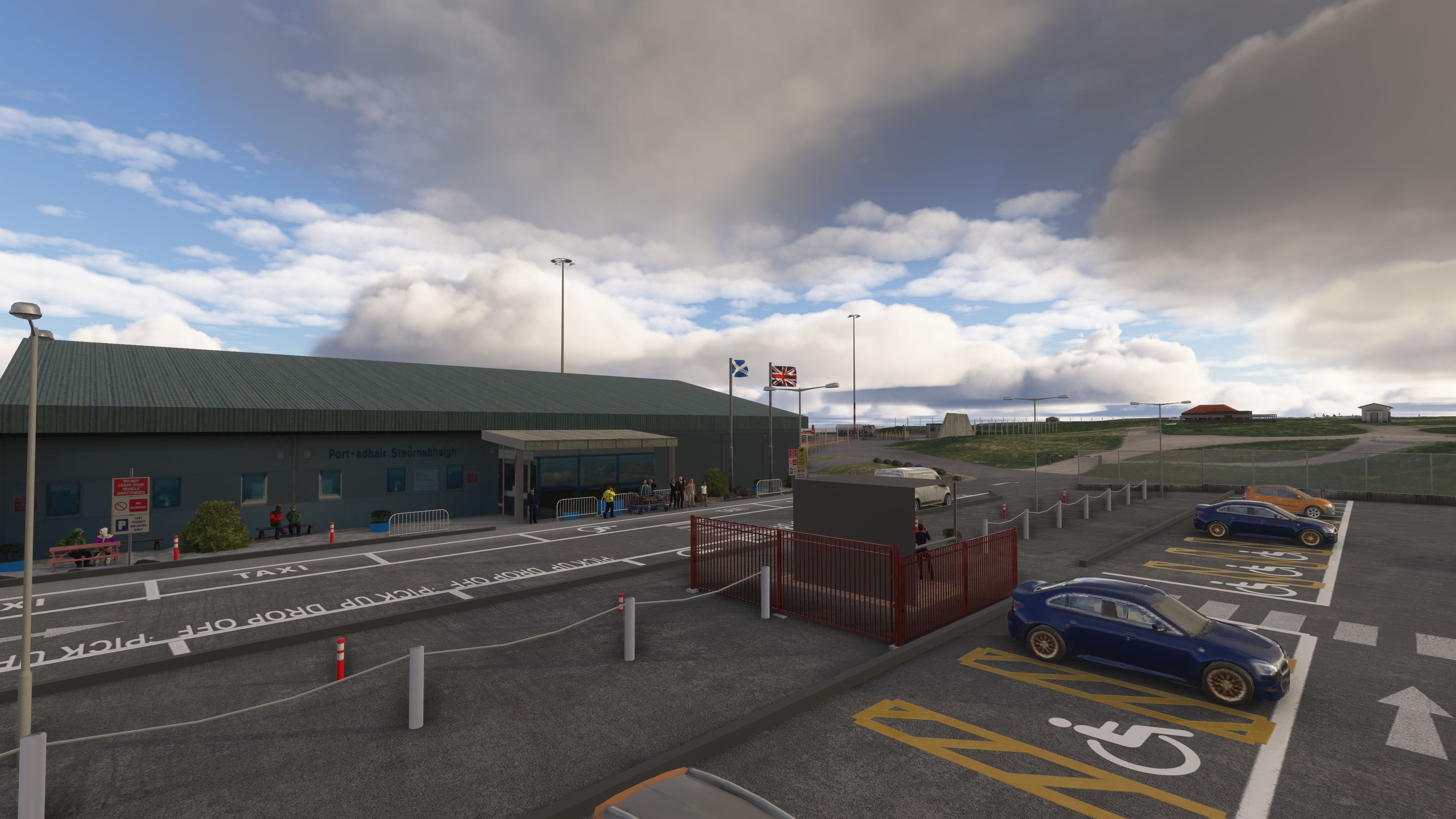
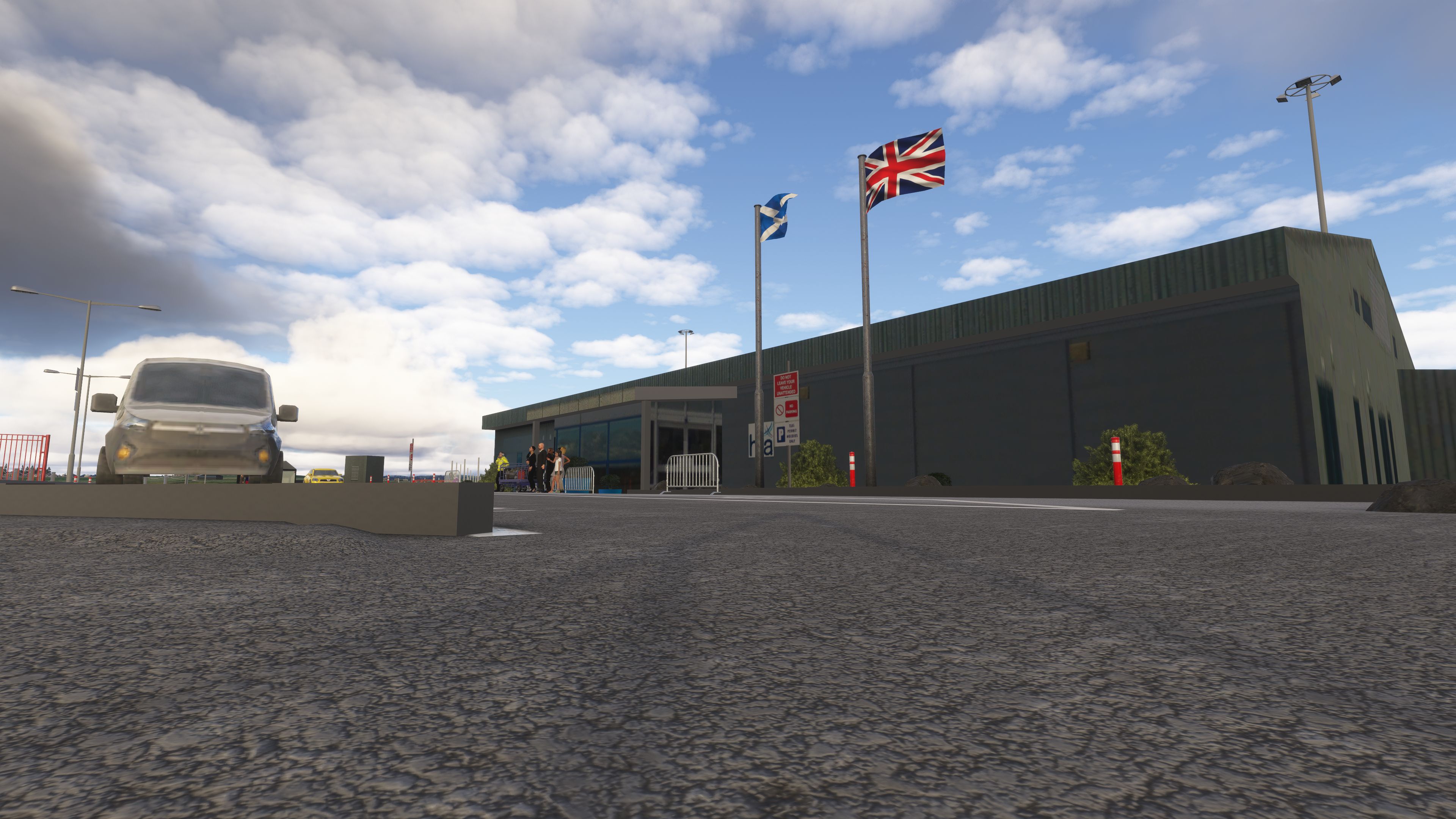
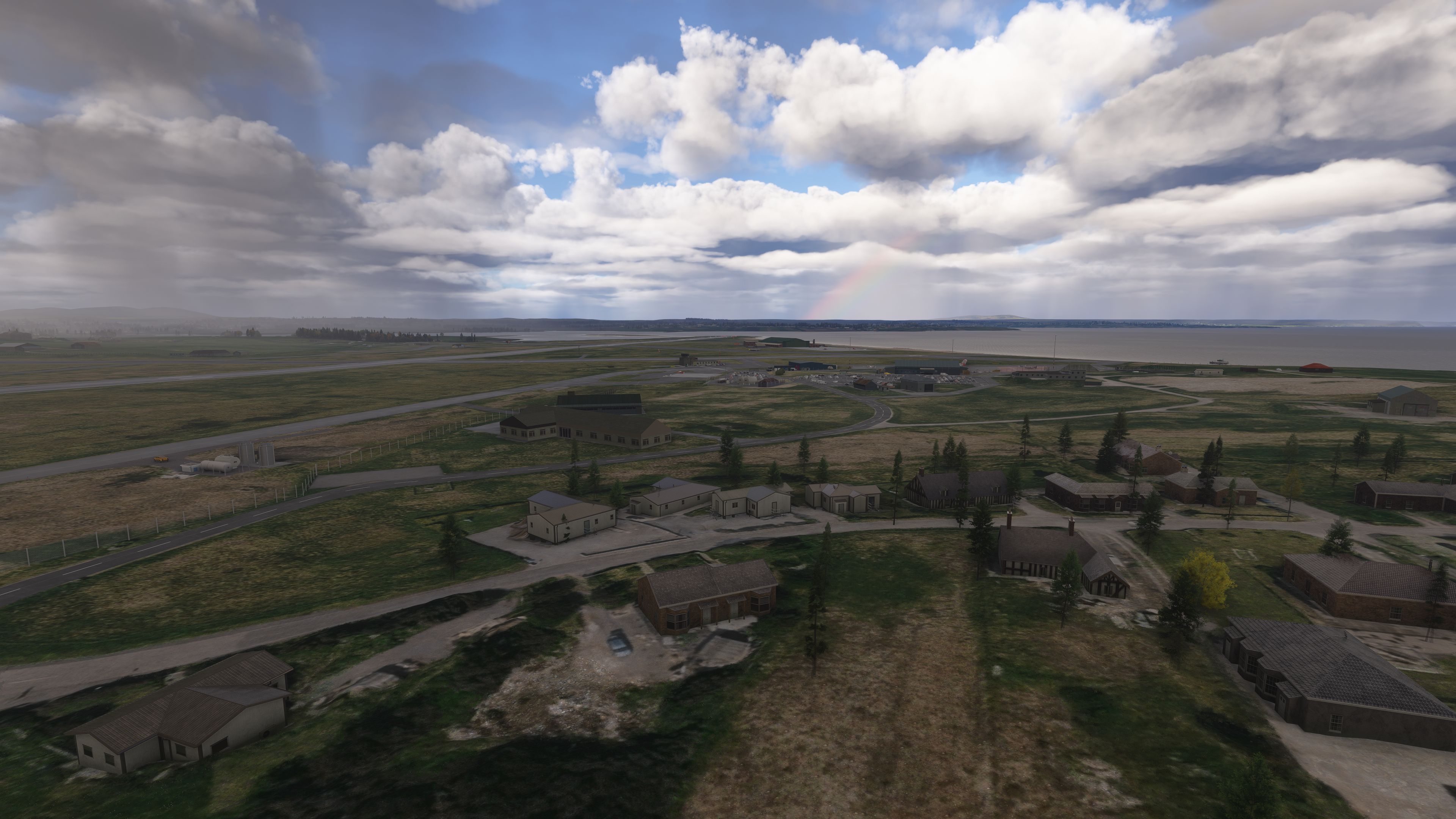
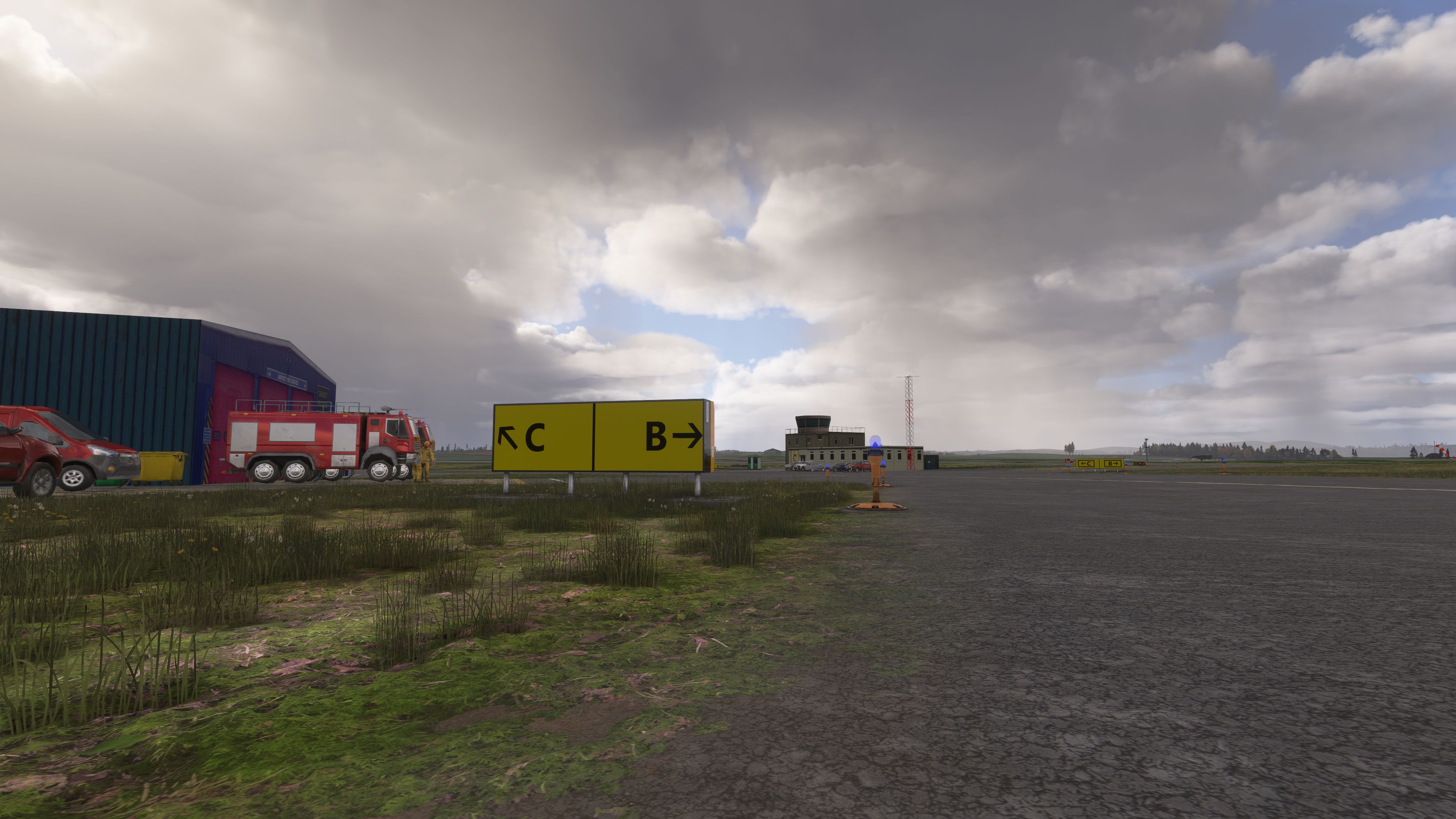
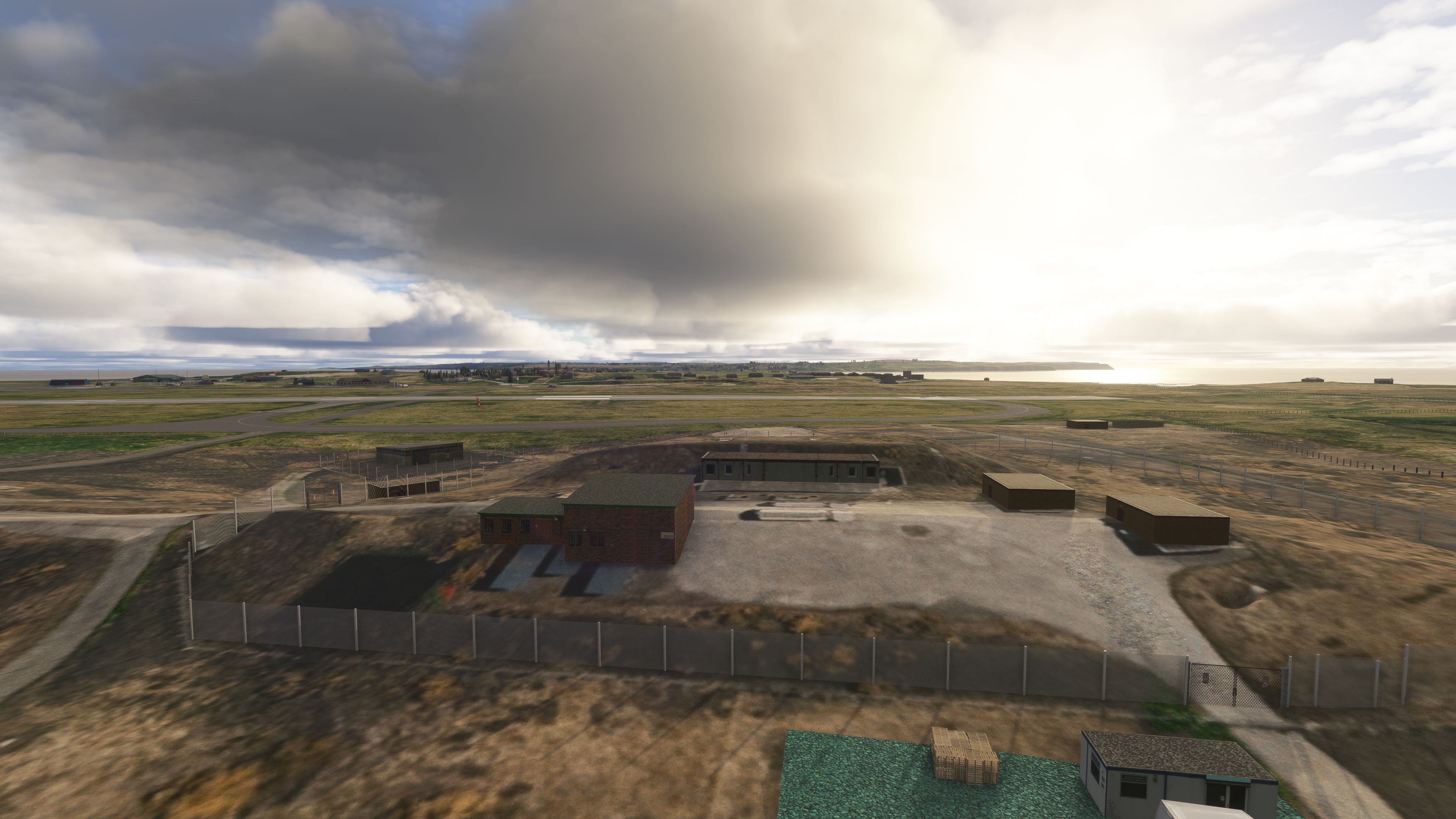
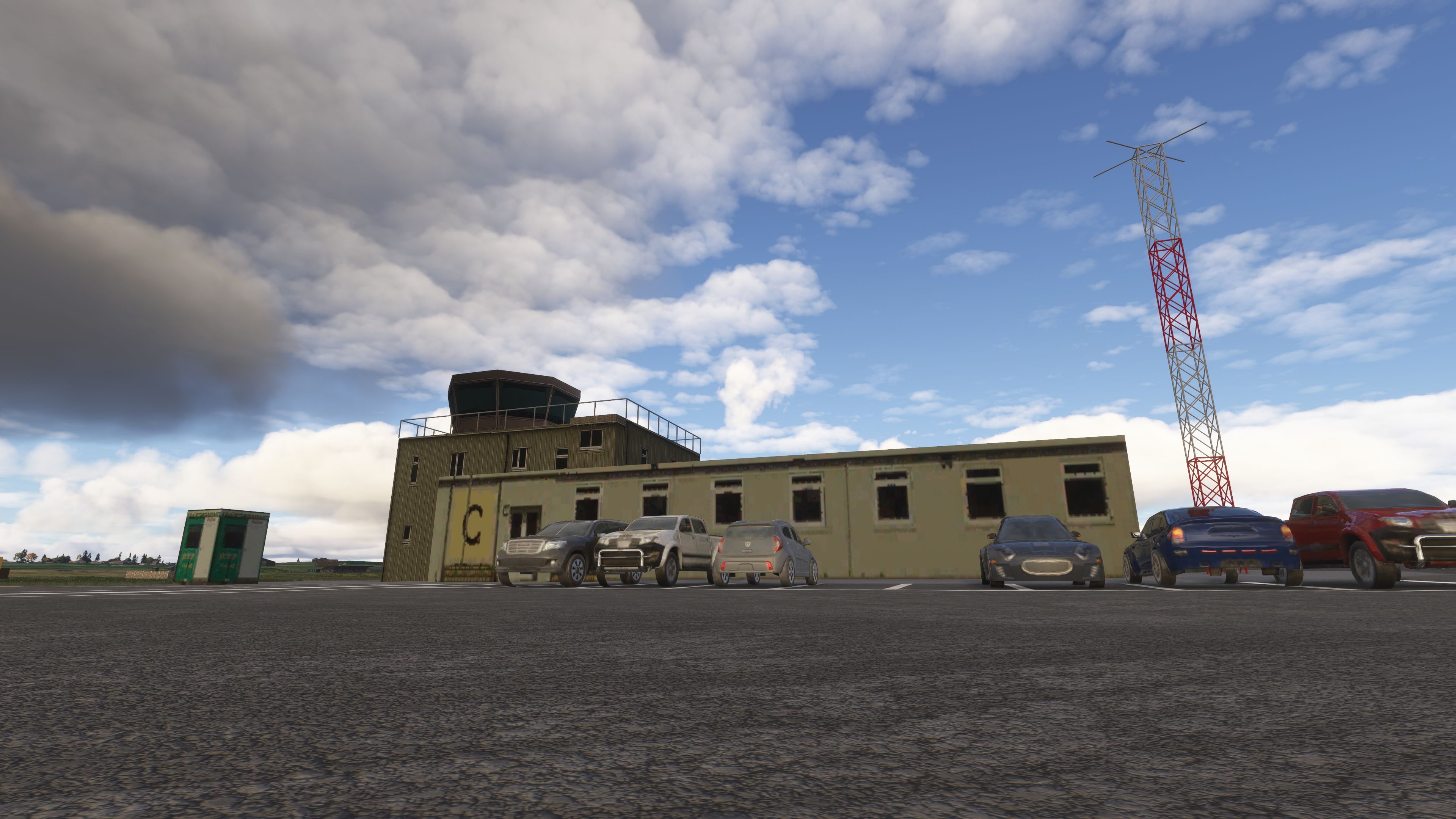
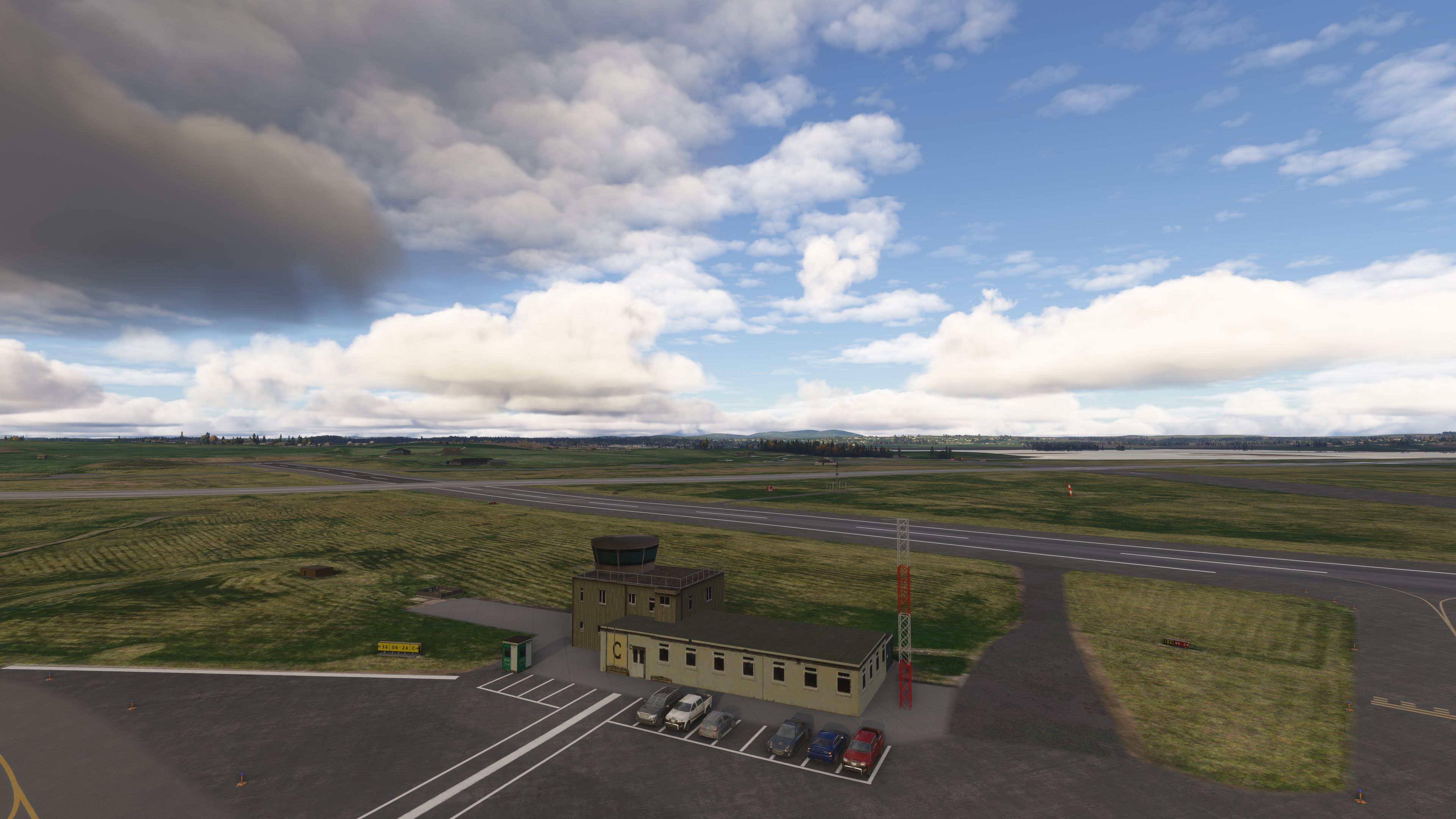
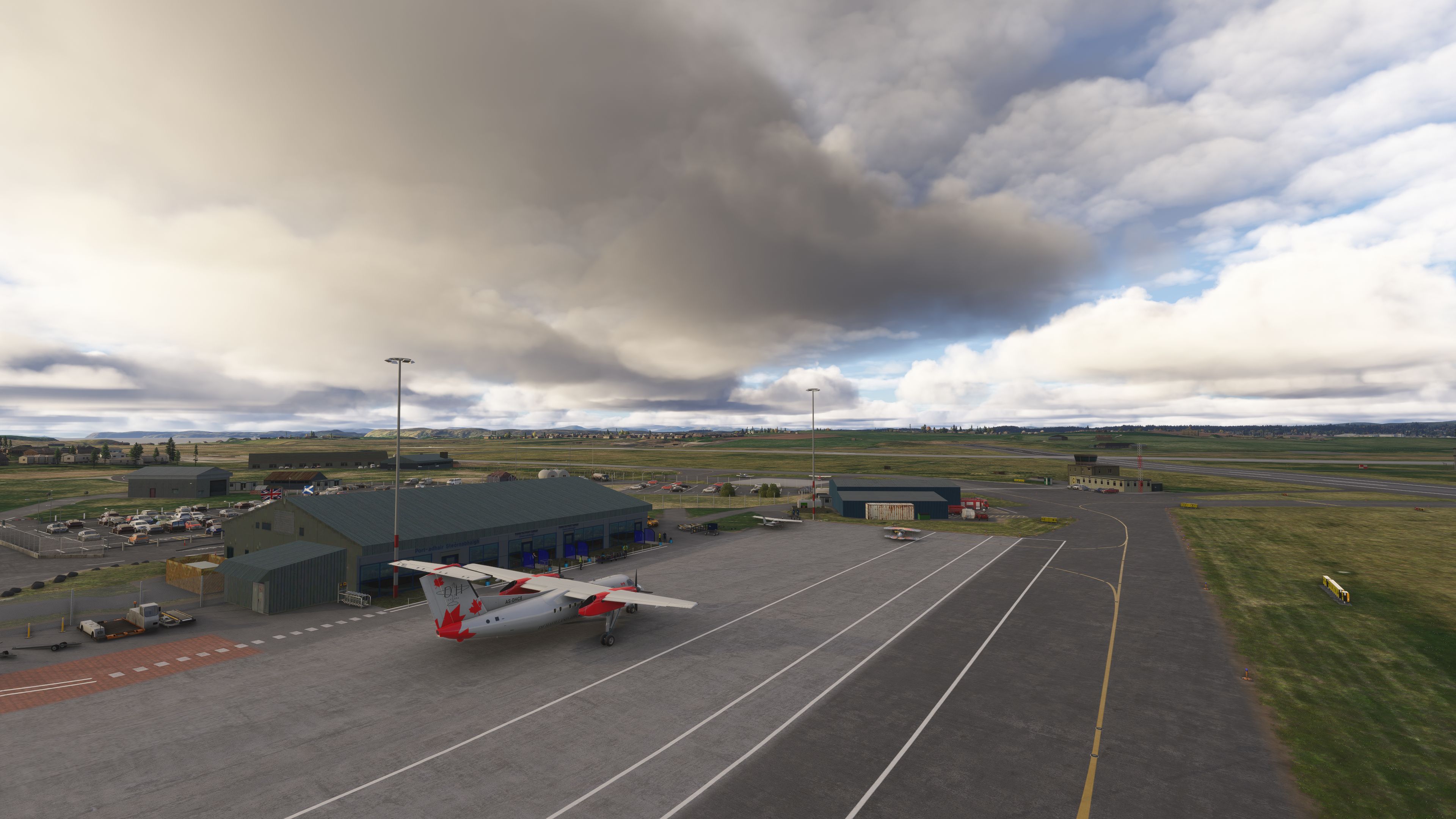
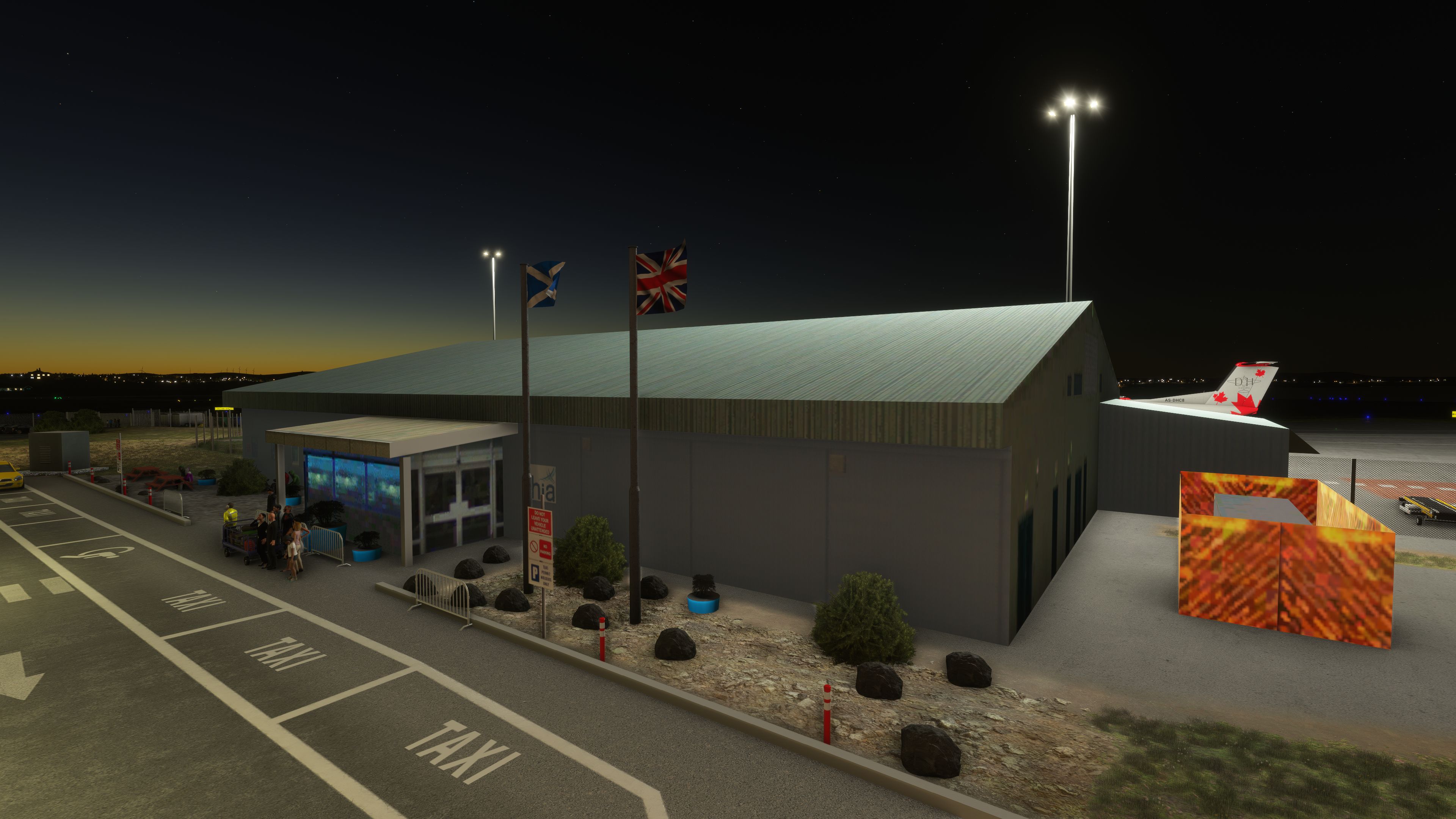
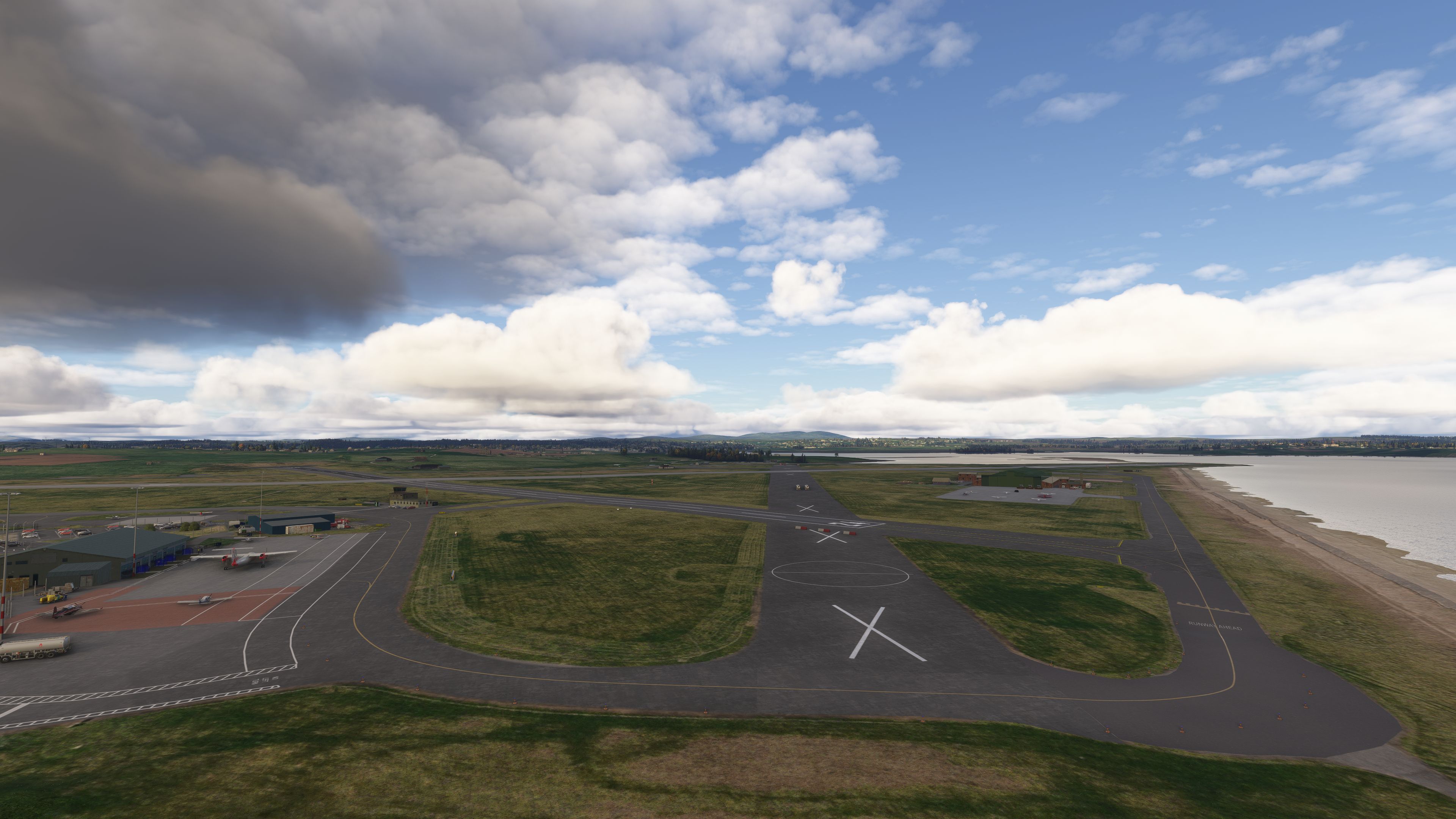
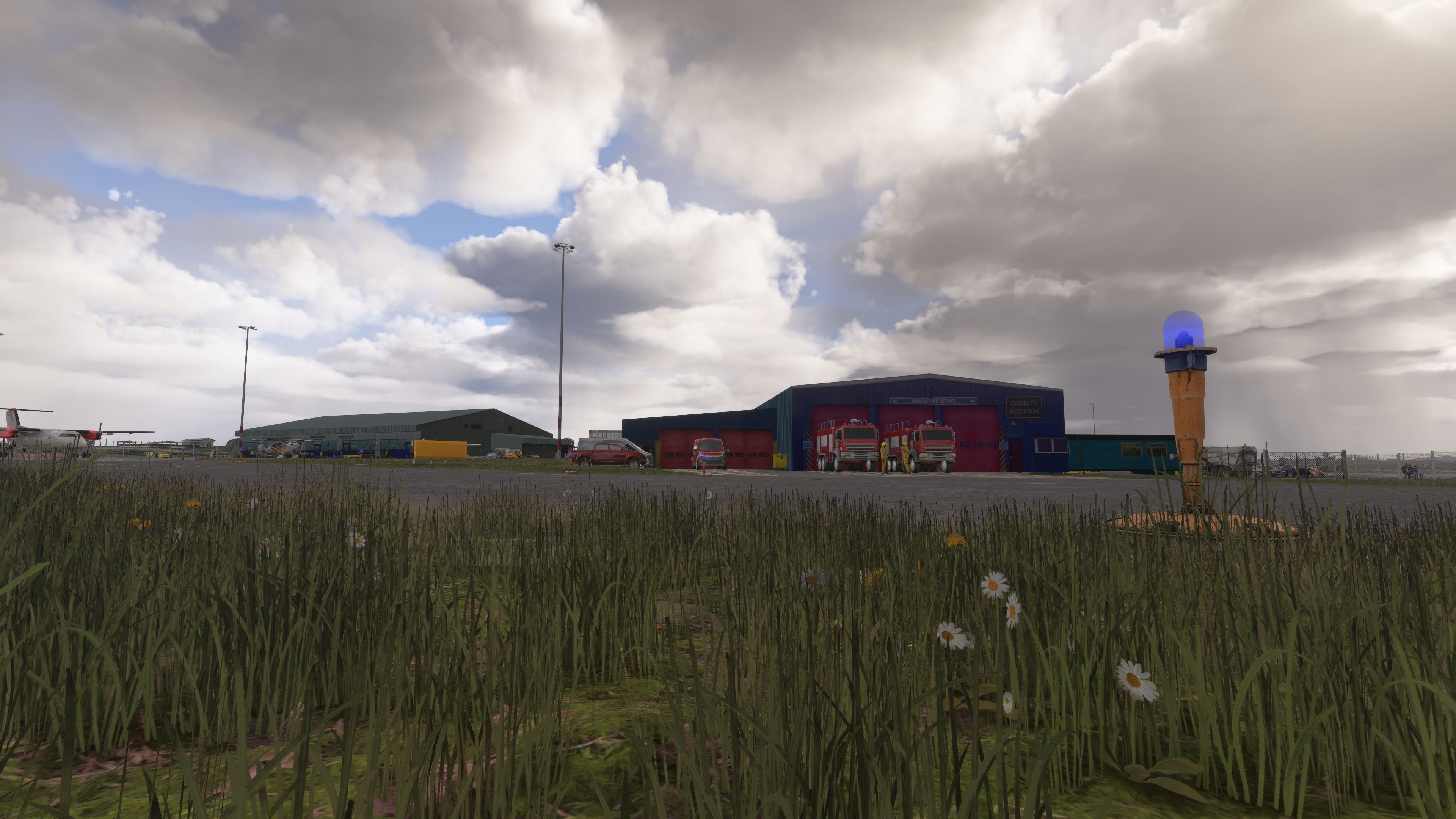
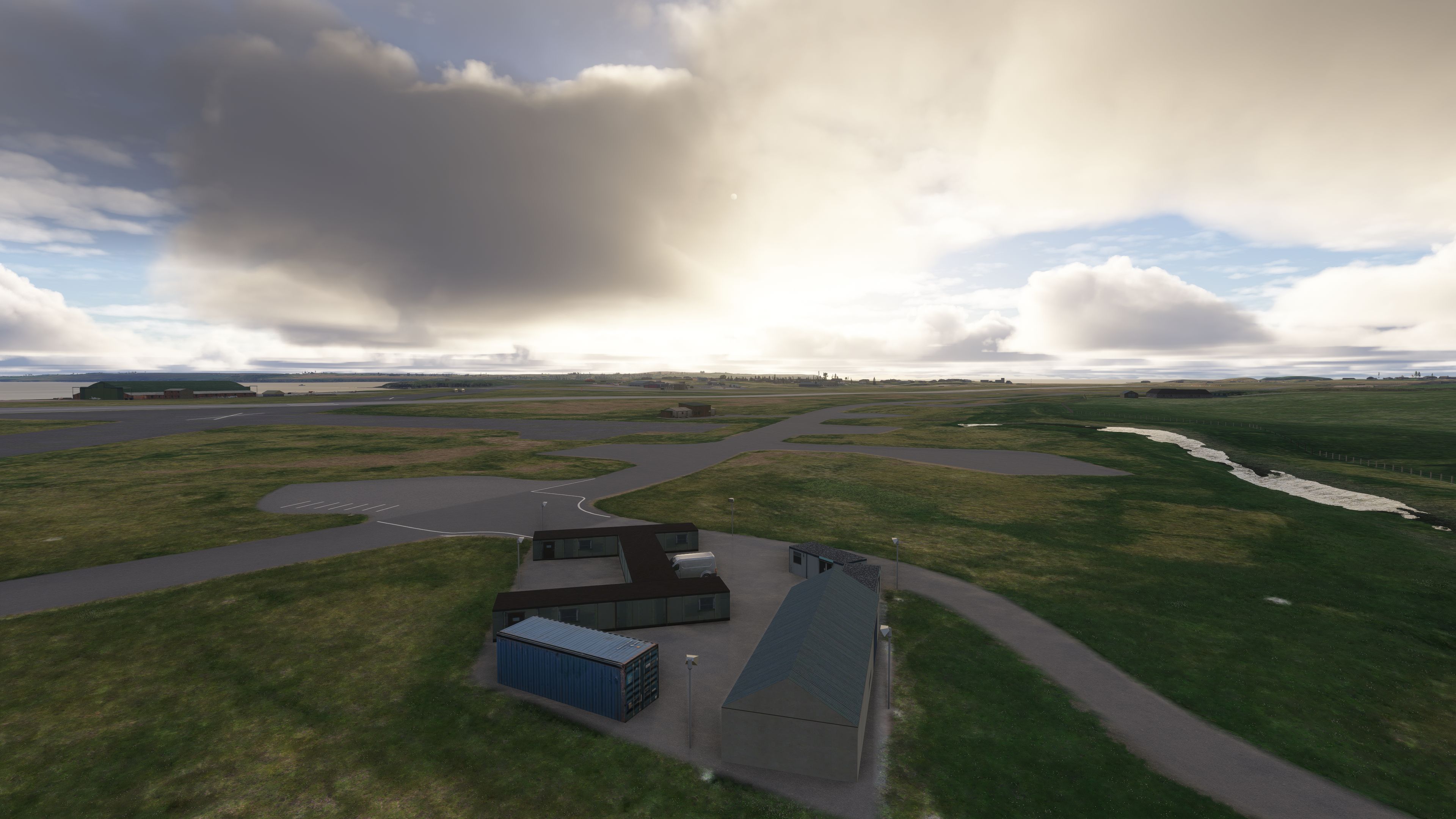
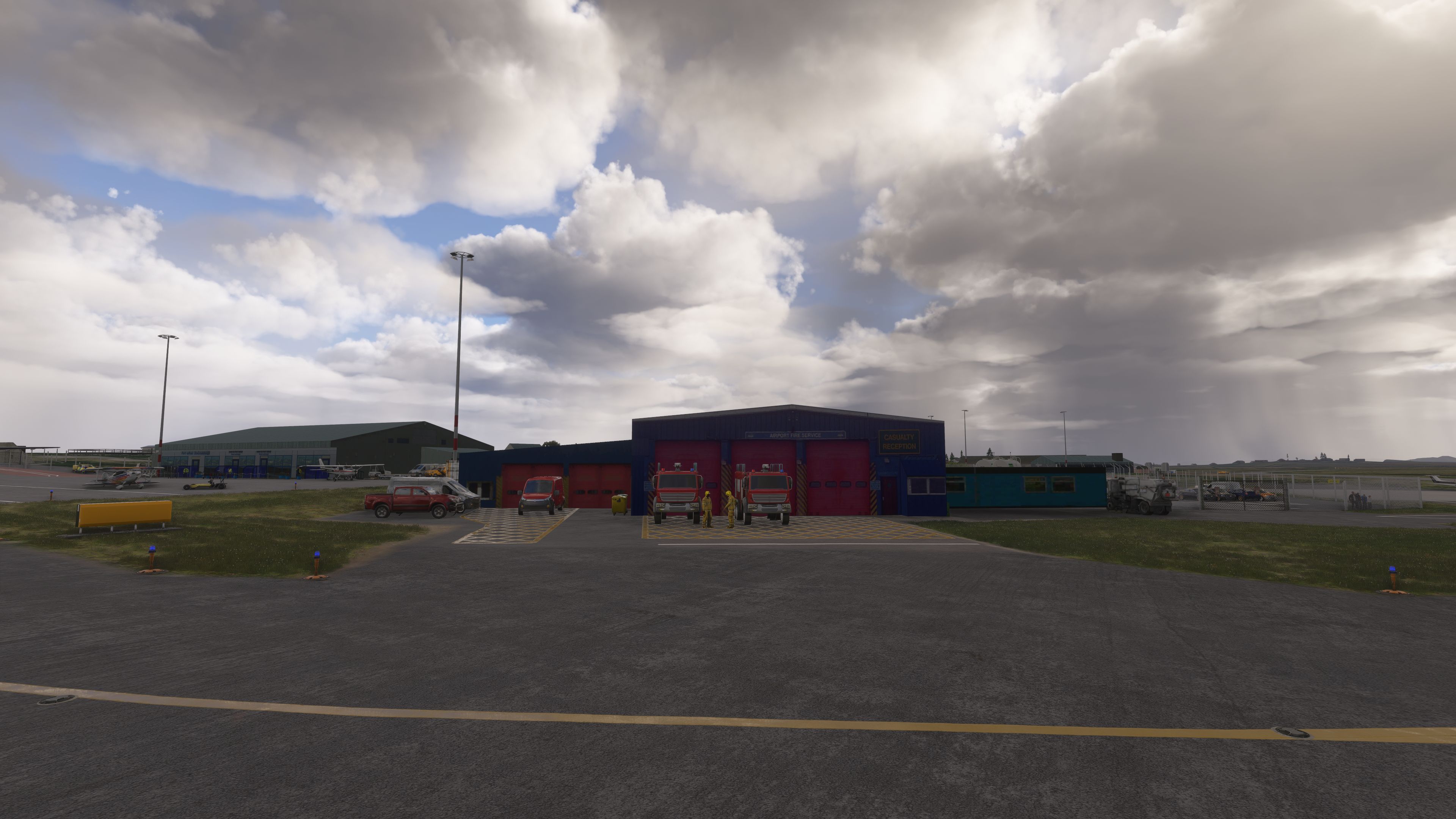
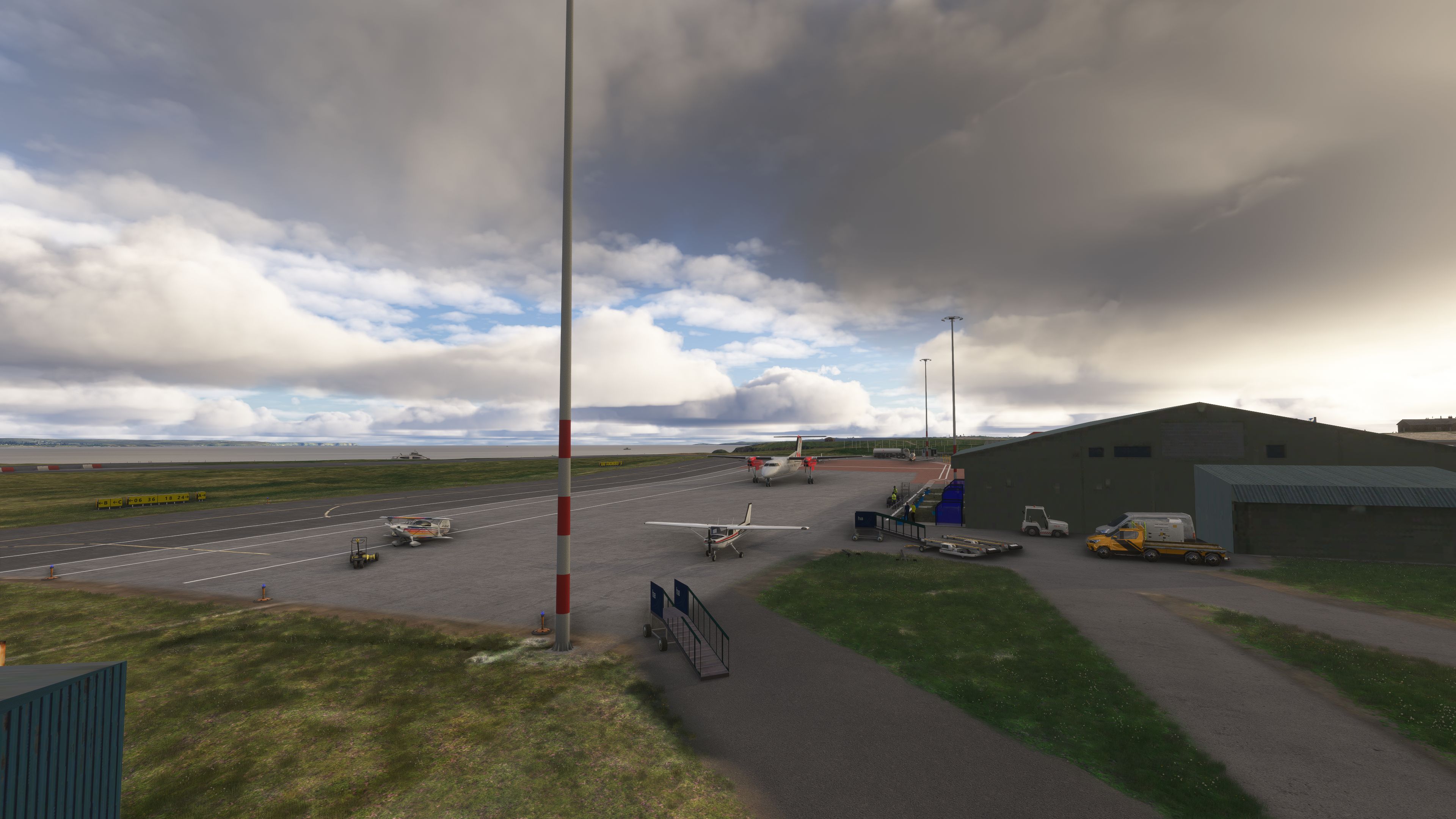
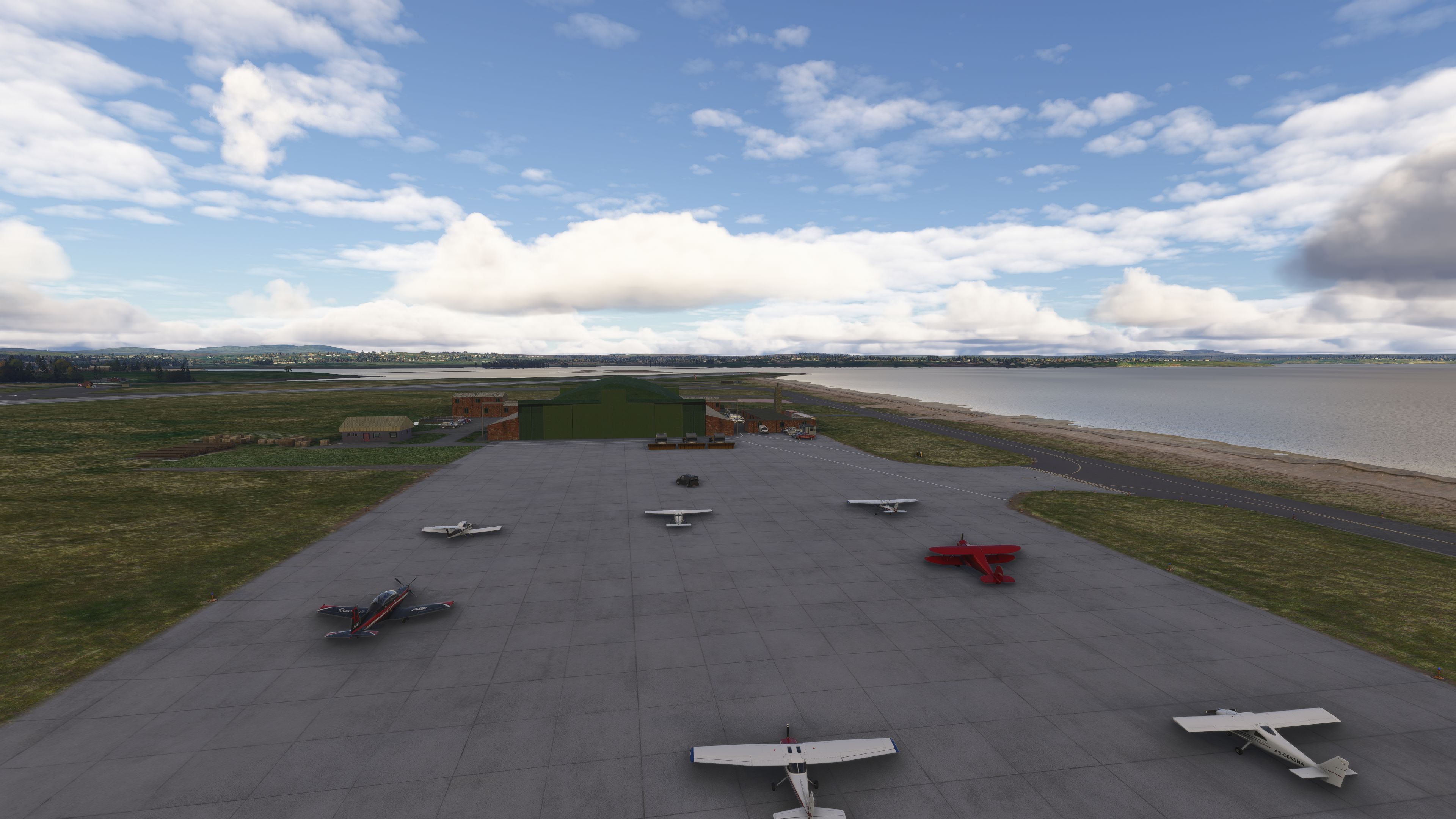
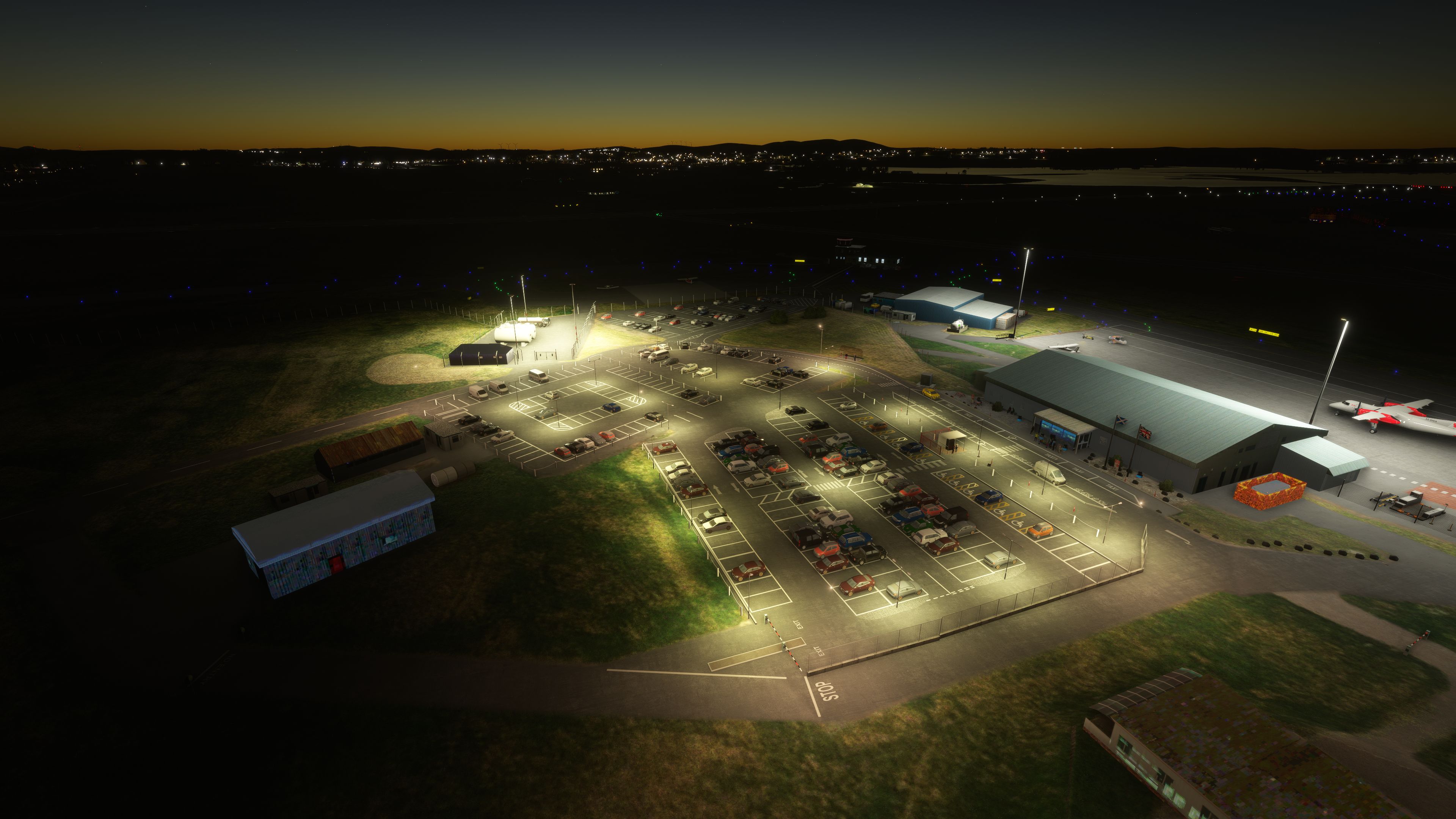
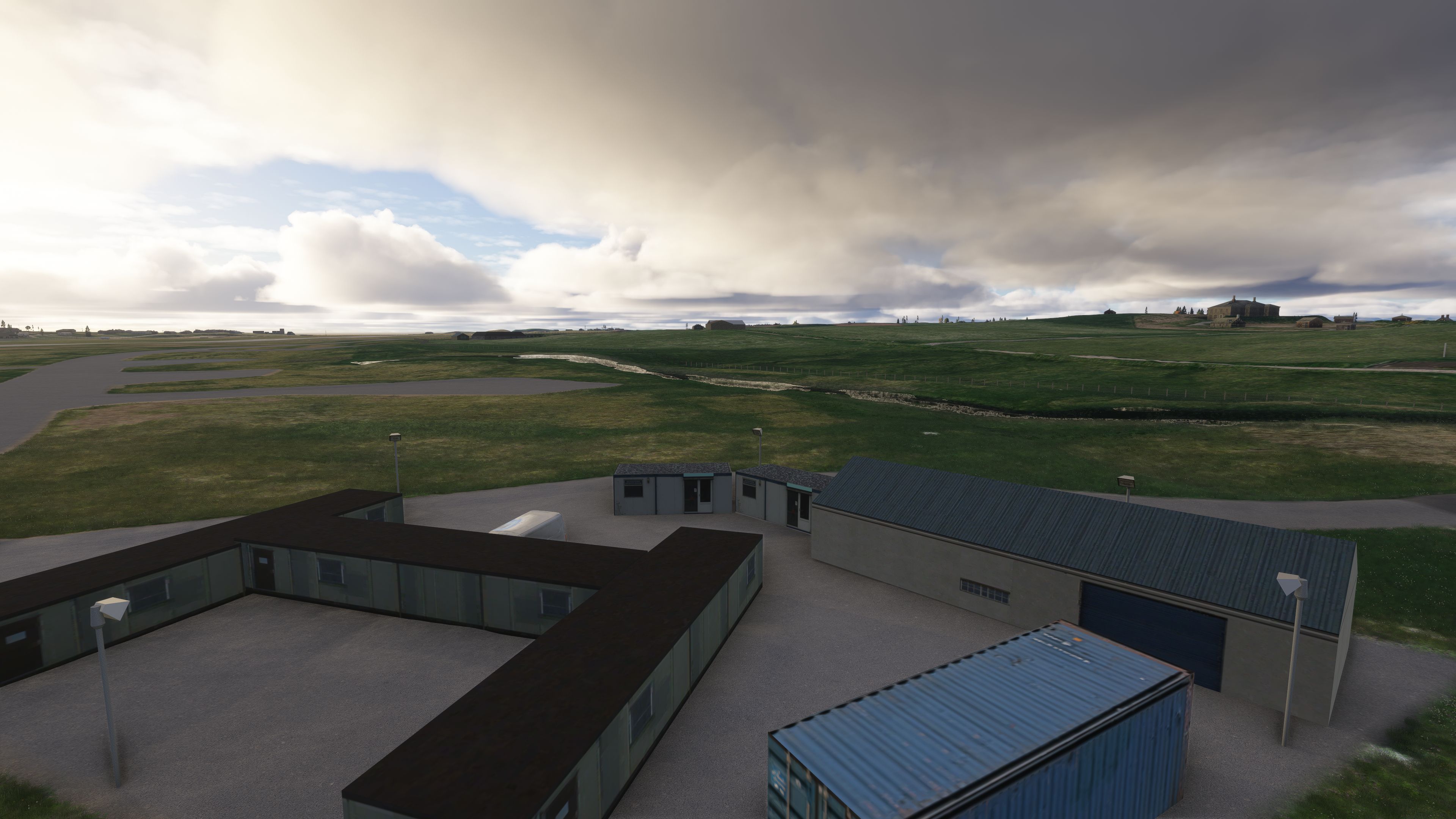
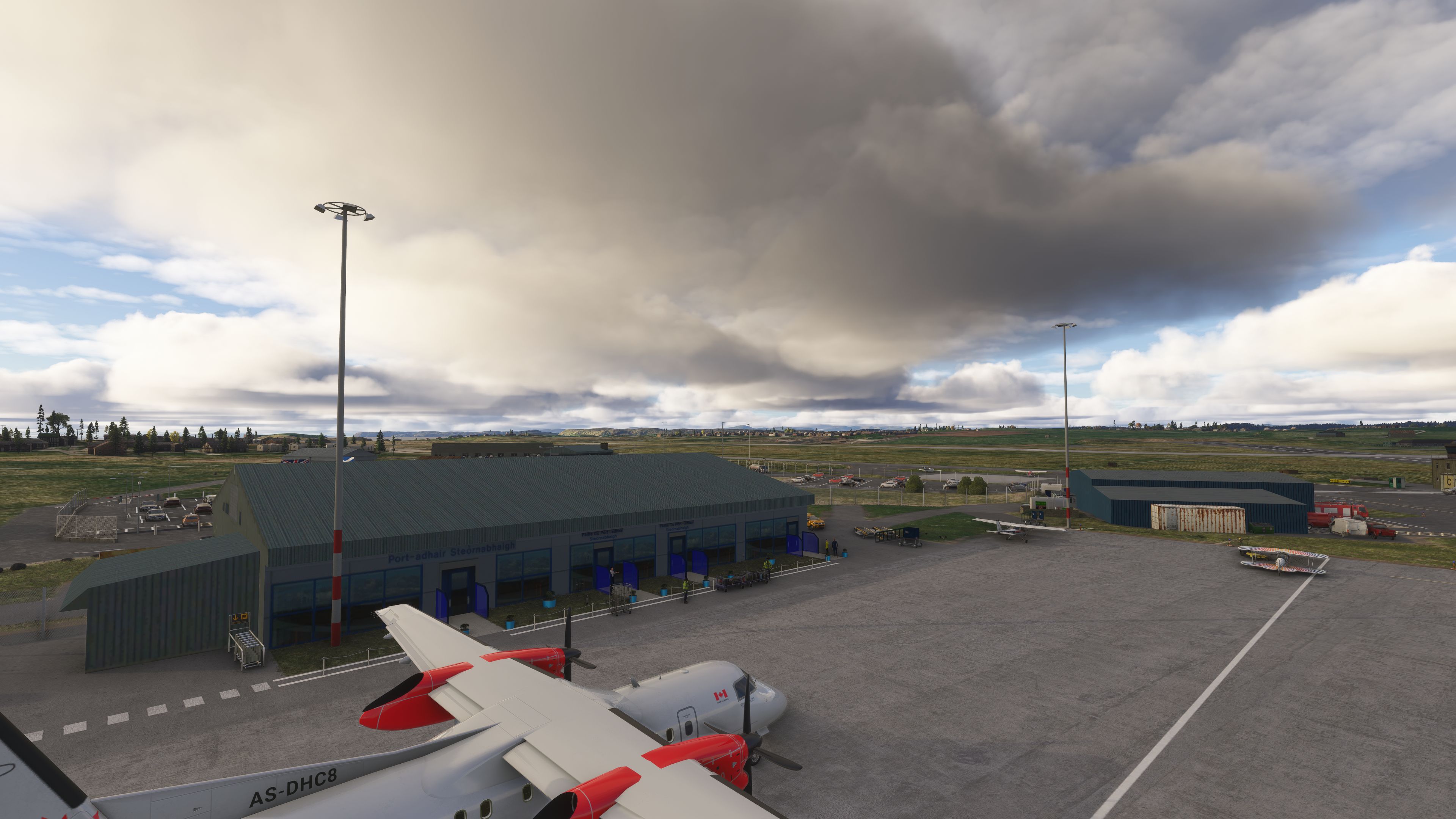
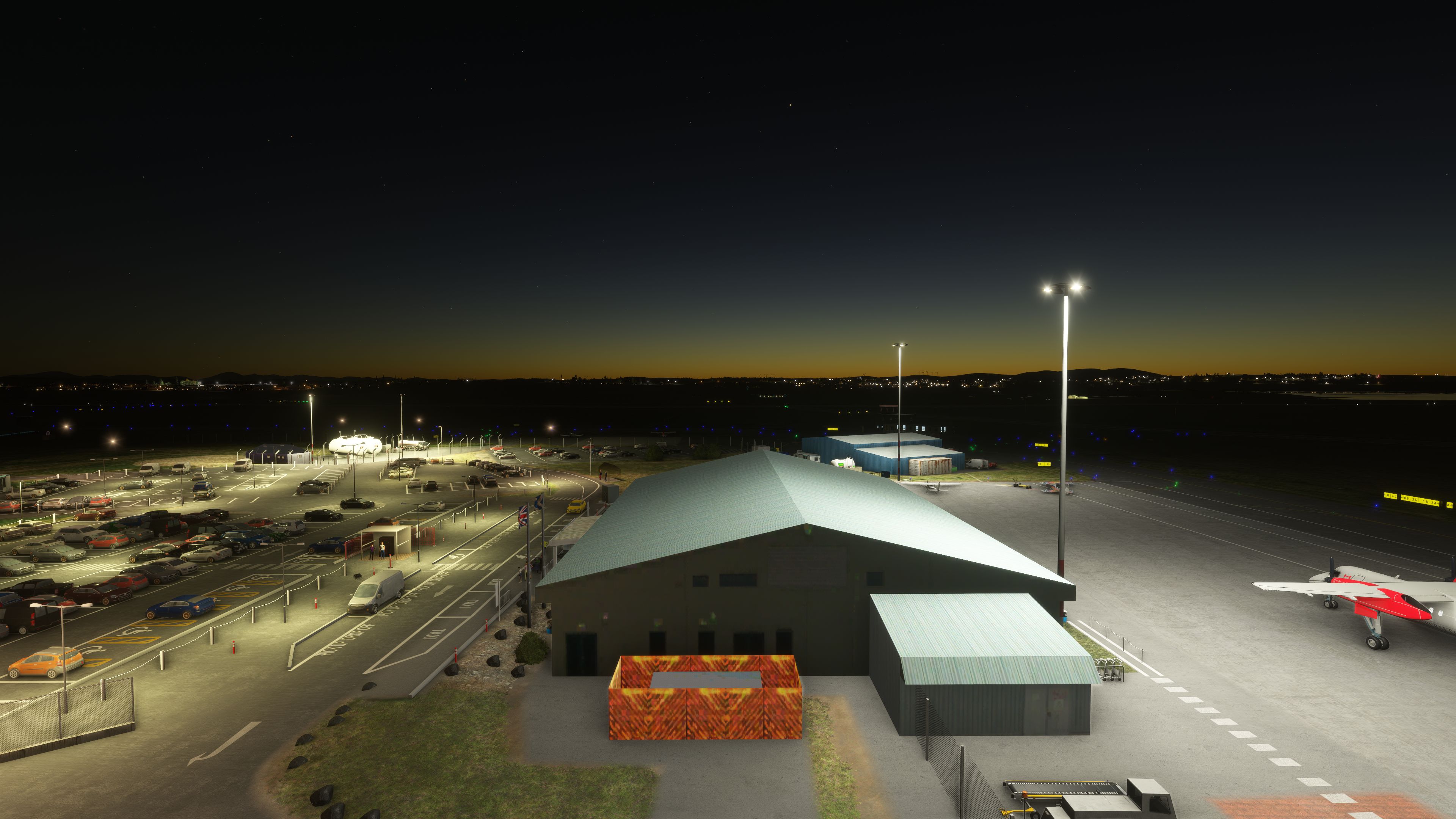
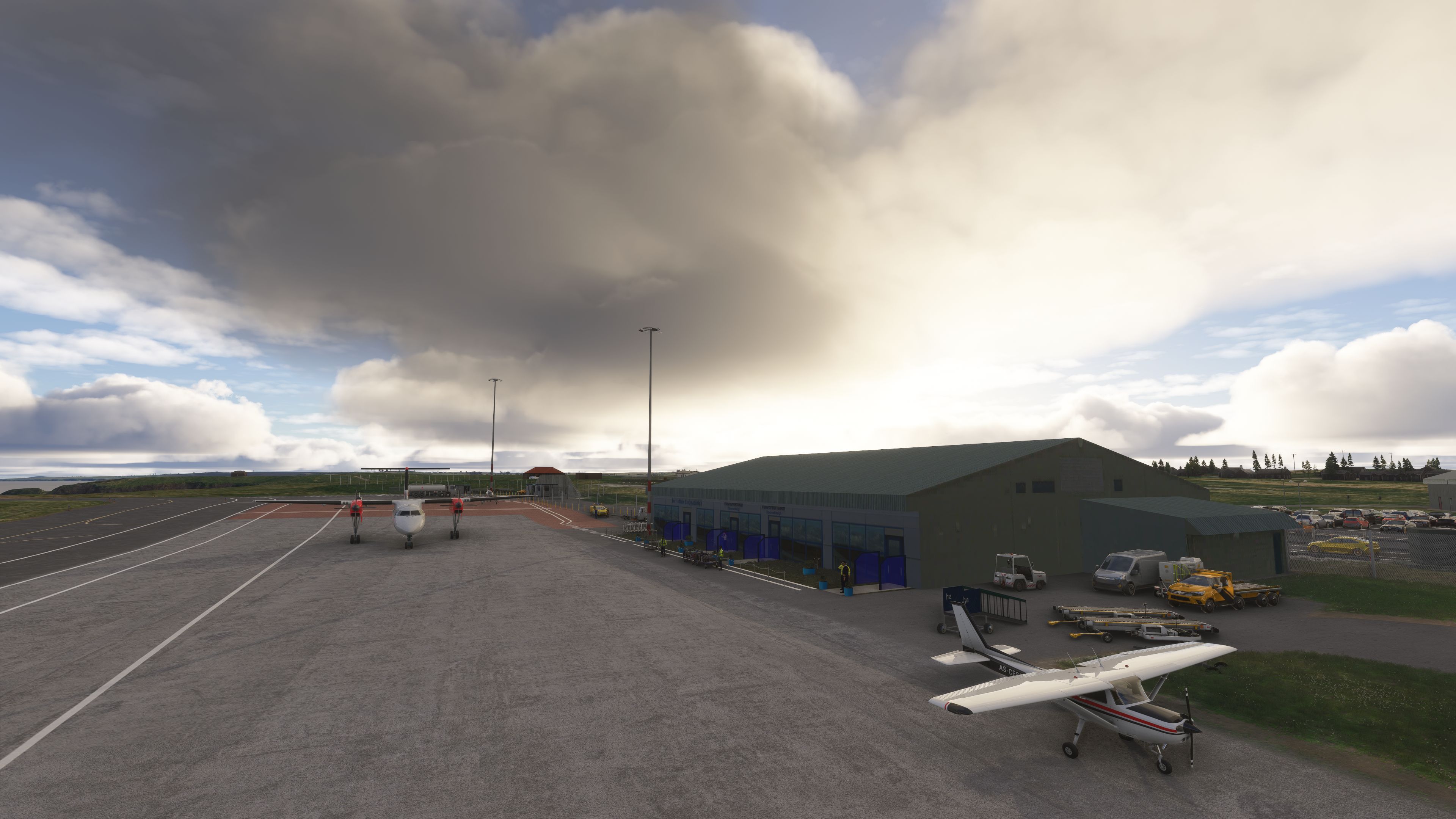
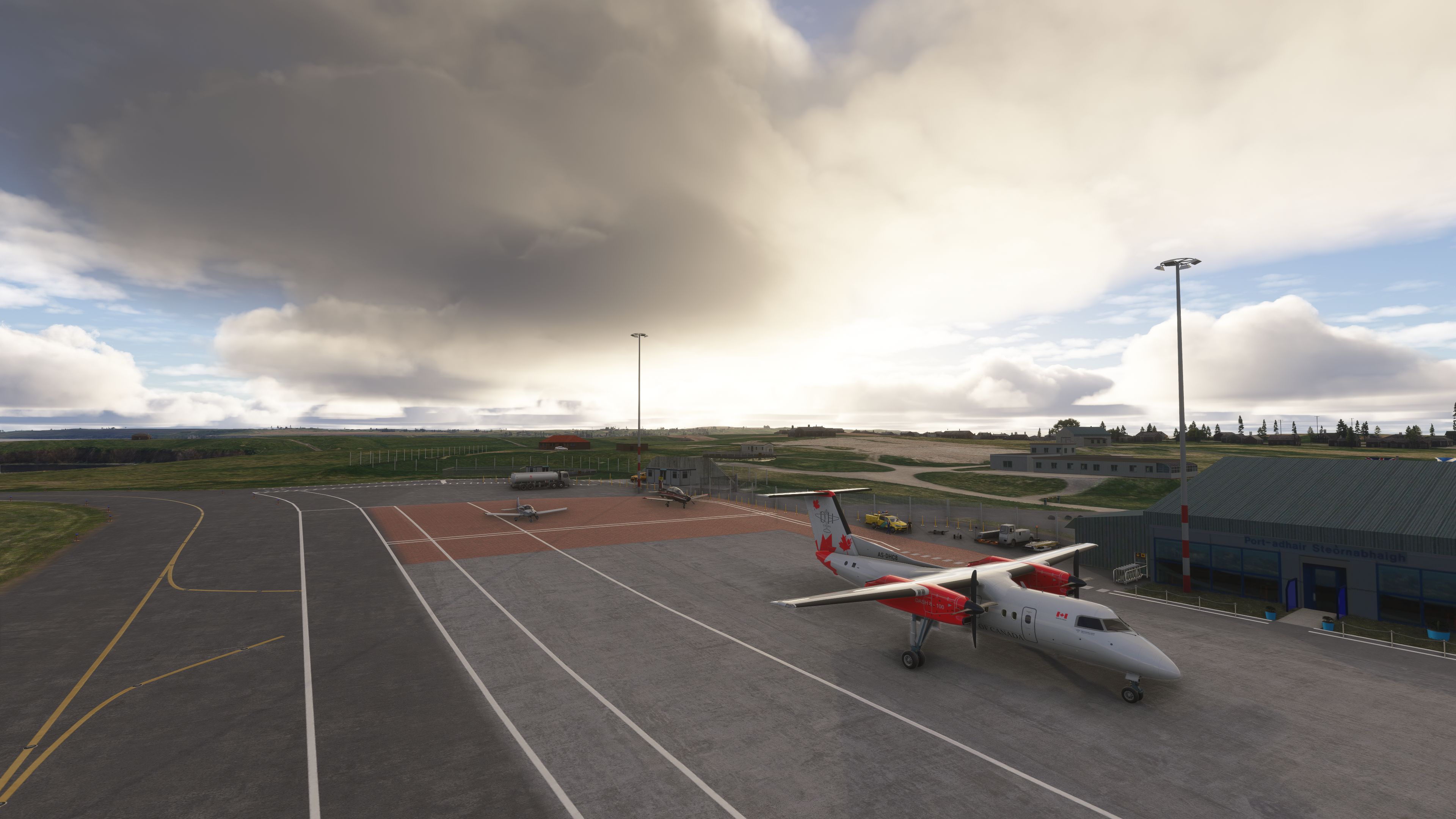
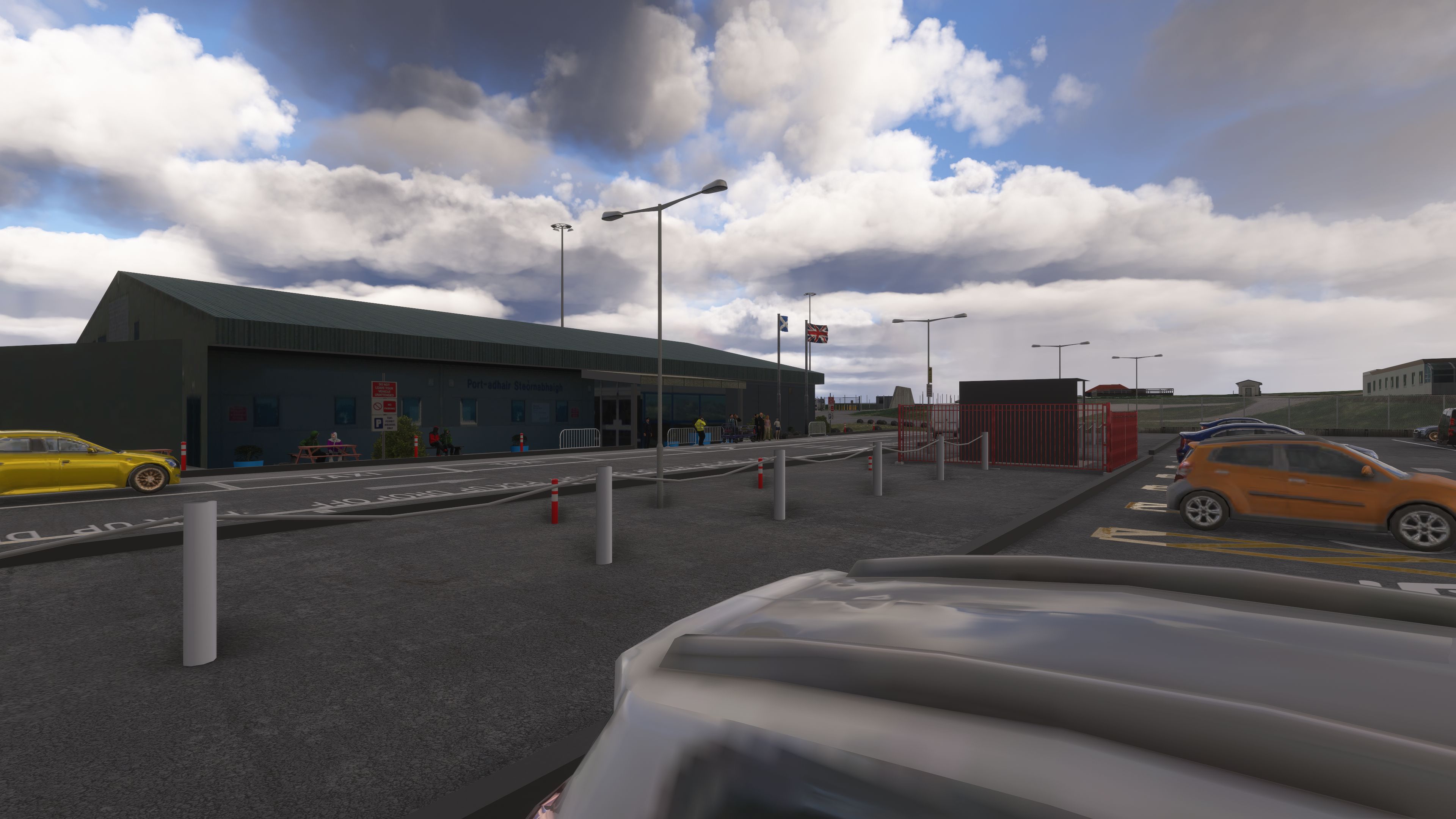
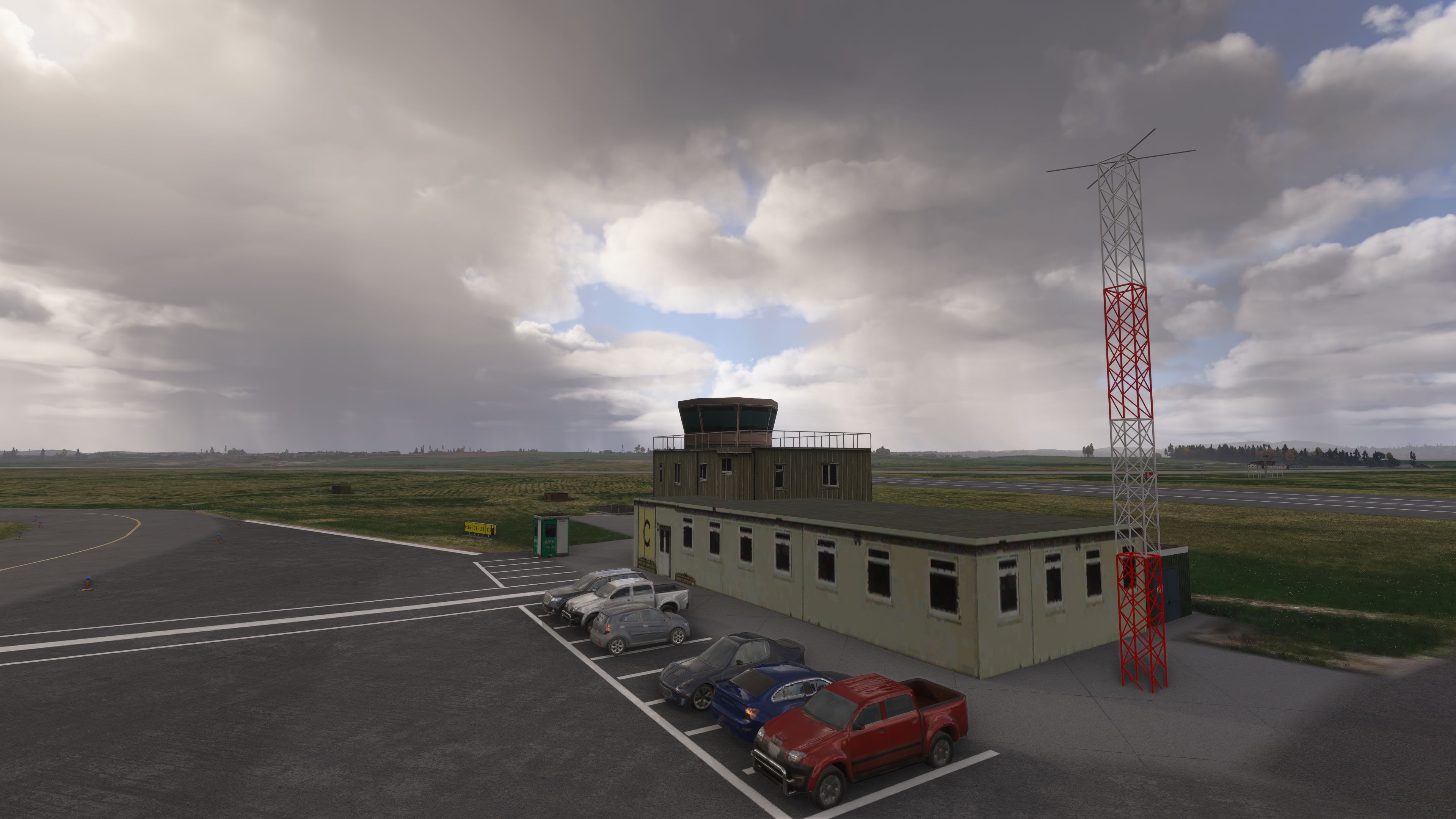
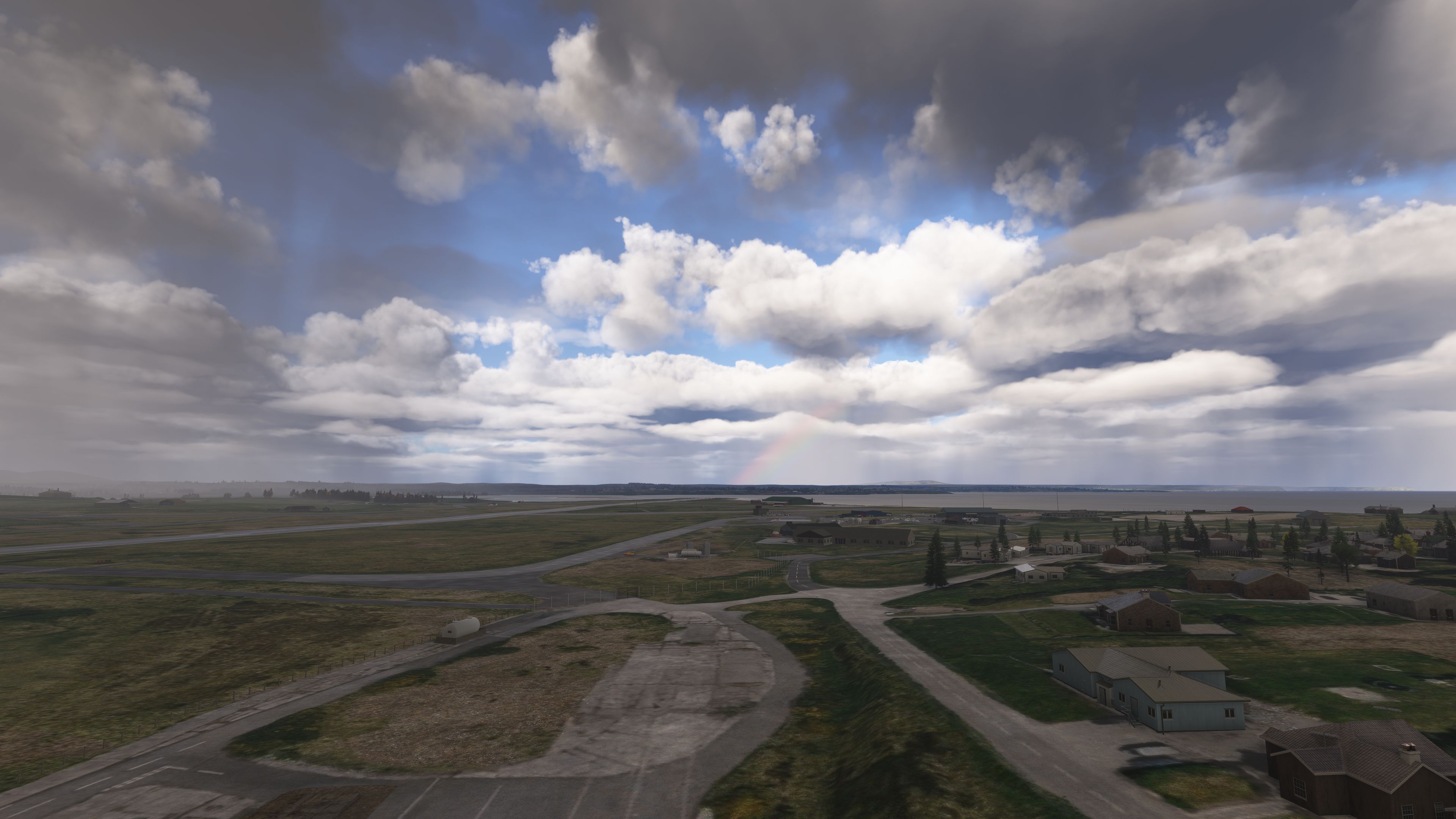
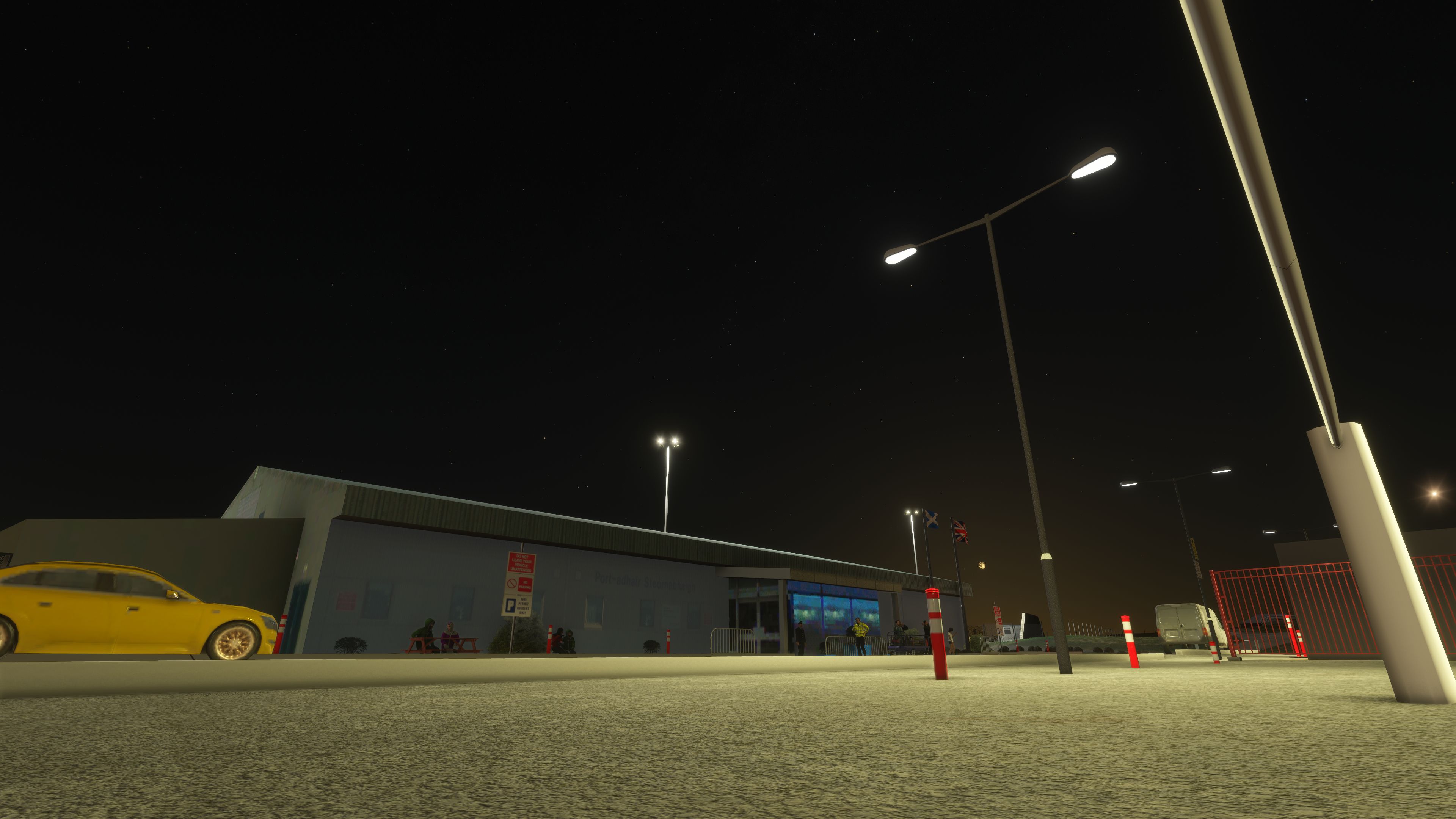
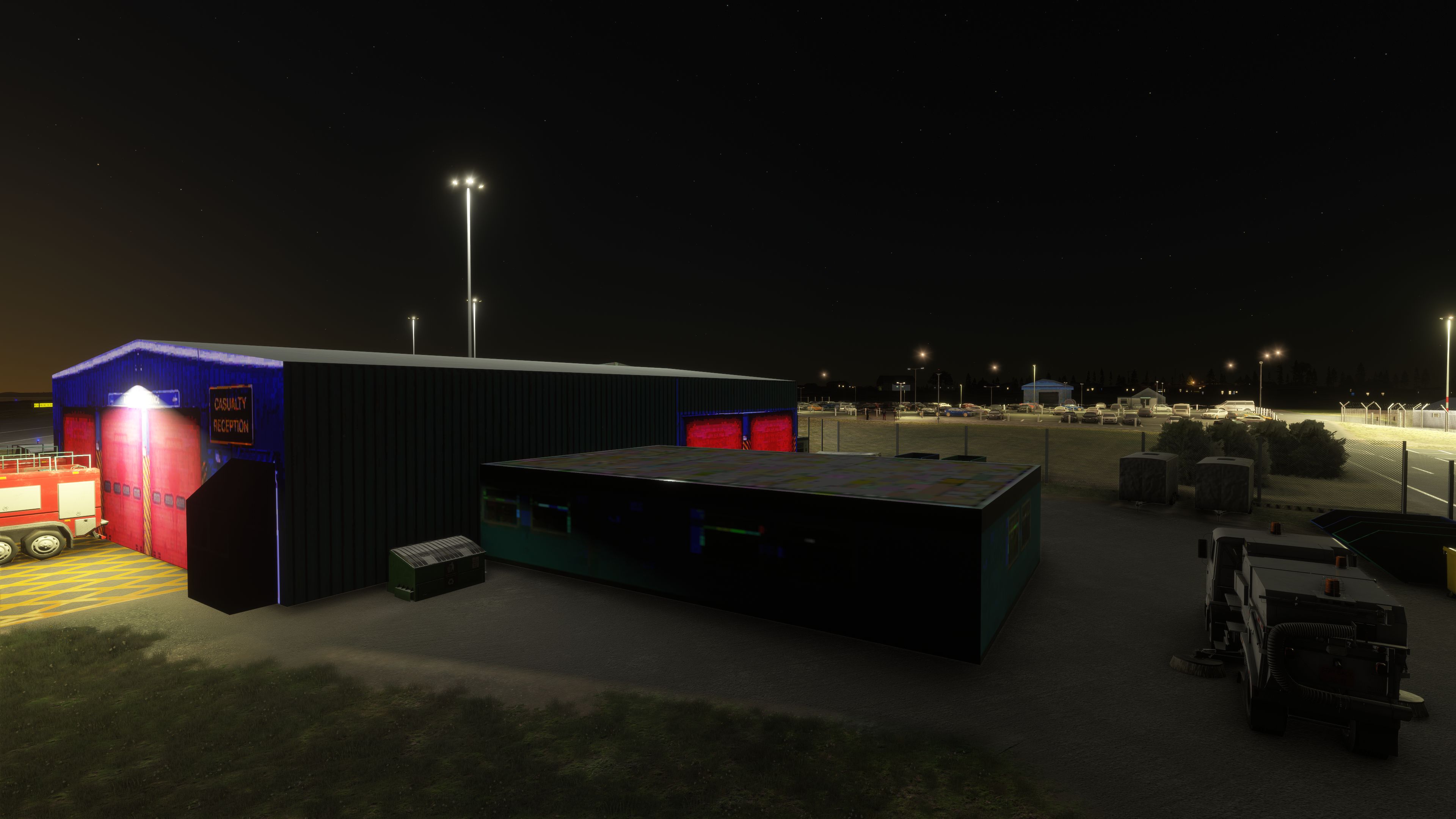
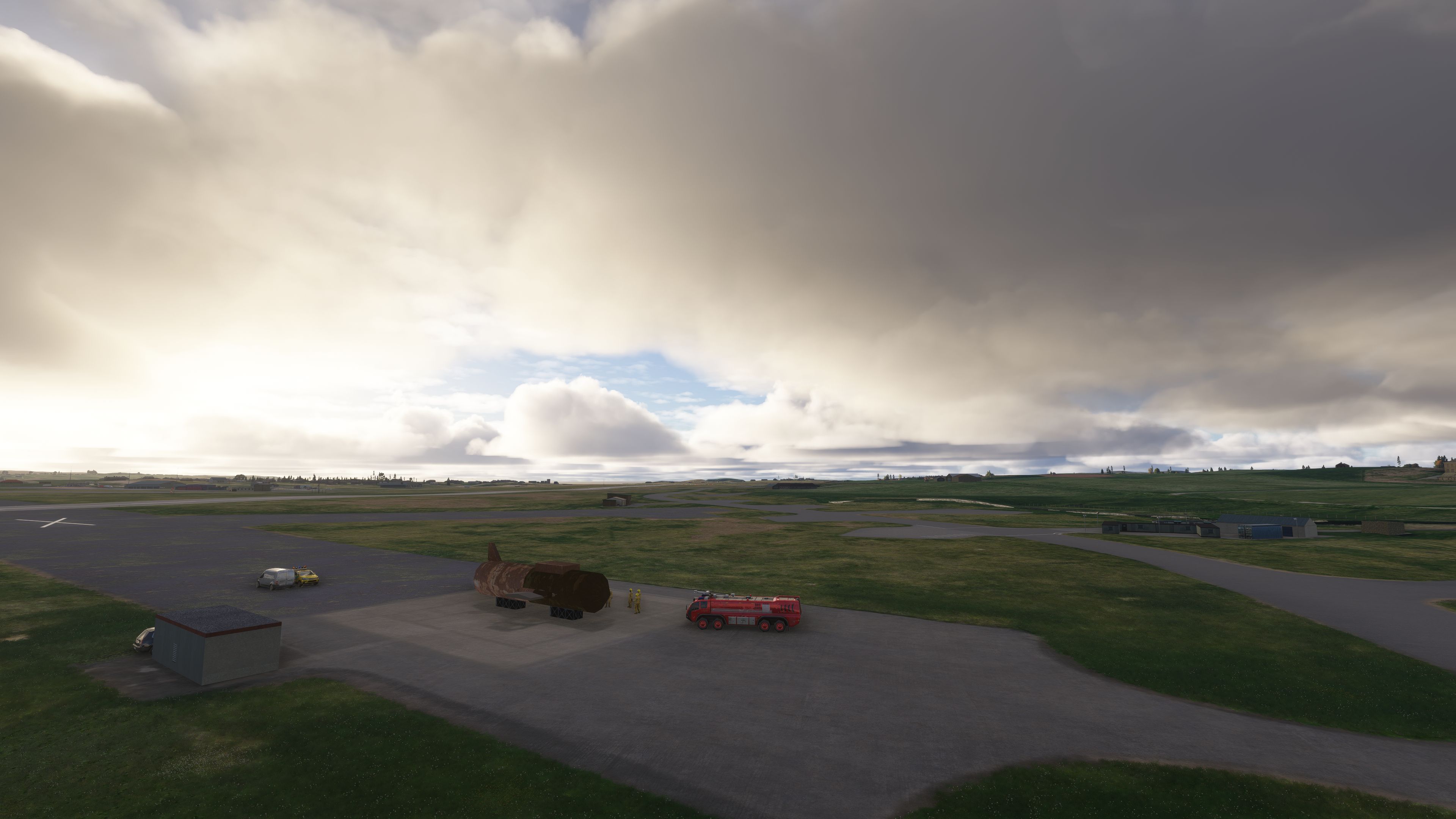

I flew into Scotflight’s Stornoway Airport in Microsoft Flight Simulator 2024 and found the replacement terminal, control tower and Gaydon hangar gave the apron a more distinctive backdrop. The scenery preserves the default airport layout, with much of its work focused on buildings, ground surfaces and the surrounding detail. Around the terminal, the redrawn passenger car park, signs and perimeter cordon make the landside area feel less generic.
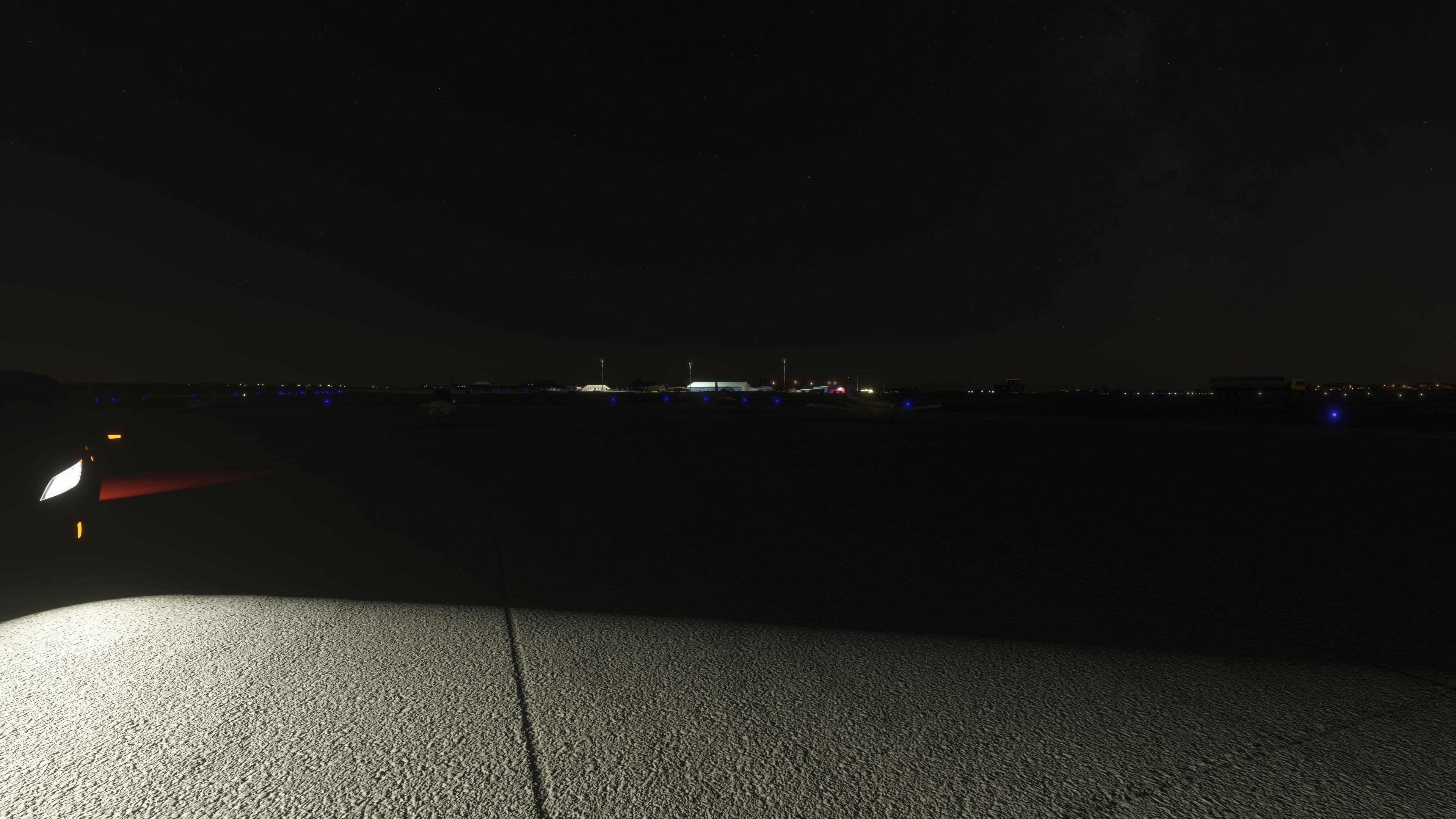
During taxi, I found the illuminated routes and alternating runway guard lights useful for distinguishing runway entries. Directional approach and runway lighting also forms part of the upgrade. I appreciated the attention beyond the main apron, including additional perimeter buildings and the removal of oversized nearby wind turbines. One dependency is worth noting: the static Loganair aircraft require FSLTL models to appear.
Scotflight’s freeware Stornoway Airport (EGPO) scenery upgrades the default airfield in Microsoft Flight Simulator 2020 and Microsoft Flight Simulator 2024 with replacement buildings, revised ground textures, directional airfield lighting and more detailed terminal surroundings. Version 1.7 further refines the passenger car park, apron and signage while removing oversized nearby wind turbines.
Located a few miles east of Stornoway on the Isle of Lewis, EGPO serves Scotland’s Outer Hebrides. Commercial routes connect the island with Inverness, Glasgow, Edinburgh and Benbecula, while an on-airfield Search and Rescue station gives the airport another important role beyond passenger transport.
Scotflight retains the default airport layout but replaces the passenger terminal, fire station, control tower and Gaydon hangar, along with other airfield buildings. Additional structures around the perimeter and at the southern end of the airport add detail beyond the main apron. Earlier updates also corrected control-tower display problems and removed most of the trees that intruded onto the airfield.
The scenery reworks apron surfaces and other ground textures, adds markings around the terminal and fire station, and introduces extensive perimeter fencing. Static aircraft and airfield vehicles provide further apron detail. Static Loganair aircraft also feature, although these require FSLTL models to appear.
For version 1.7, dated 25 October 2025, Scotflight completely redraws the main passenger-terminal car park and adds signage around both the terminal building and adjacent parking areas. This release also adds detail to the main apron and elsewhere around the airfield. A perimeter cordon surrounds the terminal car park, complementing the wider fencing work.
The airport’s positioning incorporates the alignment work from version 1.6, which moved the scenery to match updated Bing Maps imagery. Revised runway markings, taxiway edgings and ground textures accompany that adjustment. Meanwhile, the scenery removes oversized wind turbines near the airport, including those southwest of the field.
Scotflight adds a full set of lights to the designated taxiways and places animated wig-wags [alternating runway guard lights] at appropriate hold-short points. These provide a clearer visual distinction between taxi routes and runway entry points.
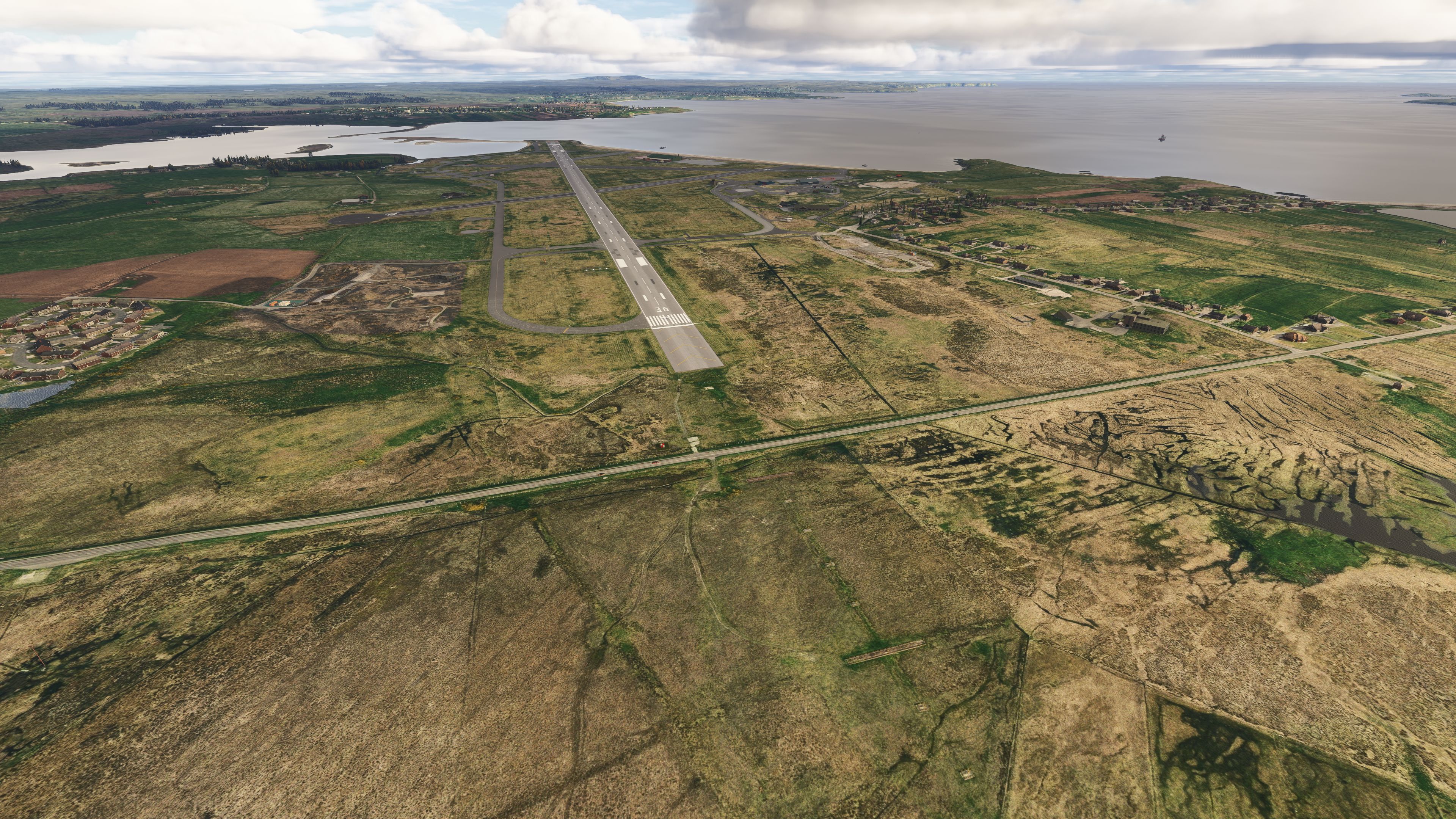
The lighting work also covers the approaches to runway 18/36, including fencing around the approach lights for runway 36. Subsequent revisions replace the main runway’s approach-lighting installation and update the approach, threshold, runway-end and runway-edge lights. All lights covered by that update use directional illumination rather than displaying equally from every viewing angle.
egpo-stornoway folder into your simulator’s Community folder.The package supports both Microsoft Flight Simulator 2020 and Microsoft Flight Simulator 2024. Developer Scotflight has granted Fly Away Simulation explicit permission to distribute its mods through the site.
Free for all simmers · 508.98 MB · Scanned clean Oct 2026
Download speed: Free tier is capped at 2 Mbps (this file takes approximately 36 mins at the cap). PRO members download at full line speed.
%LOCALAPPDATA%\Packages\Microsoft.FlightSimulator_8wekyb3d8bbwe\LocalCache\Packages\Community\. Steam version: %APPDATA%\Microsoft Flight Simulator\Packages\Community\. Tip: enable Developer Mode in MSFS to see your exact Community folder path.readme.txt or README file. It tells you exactly where files go, what dependencies are needed, and any quirks specific to this add-on.Use these coordinates to fly directly to this location once the mod is installed.
58.21560000,-6.33110000
Paste these coordinates into the Microsoft Flight Simulator search bar when planning a flight, or into the Developer Mode Teleport window, to fly directly to this location.
Only PRO members can place votes.
More MSFS add-ons hand-picked based on this download.
MSFS Scenery
This mod developed by JustOkayPilot brings Grand Canyon National Park Airport…
 MSFS Scenery
Sandane Airport (ENSD) is located on the beautiful west coast of Norway and i…
 MSFS Scenery
Enhance your flight simulation experience with this mod for Microsoft Flight …
 MSFS Scenery
The Disney World airport/STOLport (also known as the Lake Buena Vista airport…
 MSFS Scenery
Enhance your flight simulation experience with a detailed rendition of Madrid…
 MSFS Scenery
A complete and extensive replacement freeware scenery package for Paris–Le Bo…
 MSFS Scenery
A highly detailed rendition of Gainesville Regional Airport (KGNV), Florida (…
 MSFS Scenery
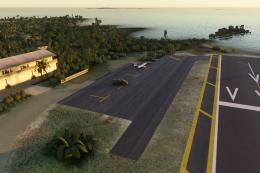
A rendition of George T. Lewis Airport for Microsoft Flight Simulator (MSFS) …
Be the first to leave a comment on this download.
Be the first to share your thoughts on this download.