

 FS2004 Civil Jet Aircraft
FS2004/FS2002 Boeing 737-300 RyanAir
FFX Designed -Boeing 737-3Q8 Ryanair livery. Painted by Hugo & Antonia Espinosa.
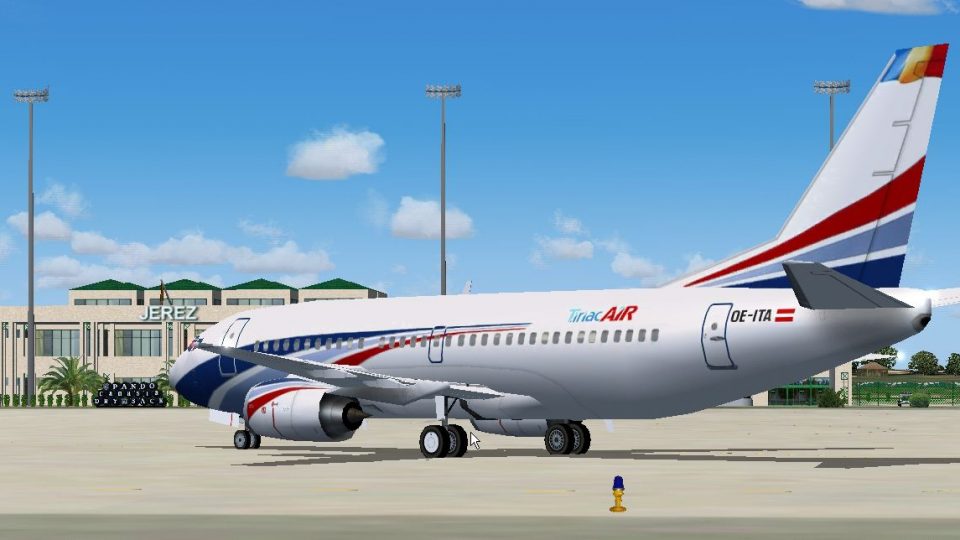
Tiriac Air Romania’s Boeing 737-300 in OE-ITA markings brings a crisp repaint and matching Bucharest LROP AI schedules for FS2004, reflecting its former Private Air heritage with distinctive white wings and tail. Includes a tailored flight plan for cargo-style operations and requires the AI Aardvark 737-300 model.
 Rate
Rate
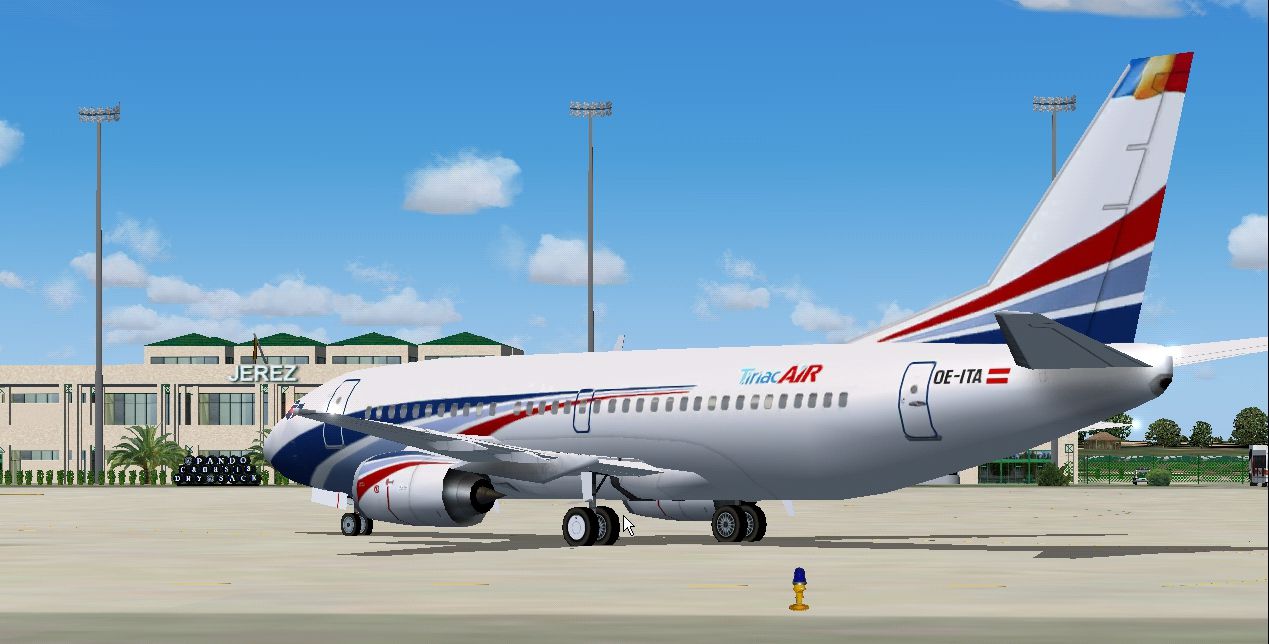
Tiriac Air Romania B737-300, registration OE-ITA, repaint and flight plan for LROP. By Billy Rutherford. Model by AI Aardvark.
Screenshot of TiriacAir Boeing 737-300 on the ground.
This airliner, was formerly with "Private Air" hence the brilliant white wings, fins and former registration: "OE-ITA"! The aircraft is owned by Romanian "Ion Tiriac", who up until now have been operating Cargo flights from Bucharest. Unfortunately their website is still "under construction", therefore I have improvised and made a fictitious flight plan until more information becomes available.
Free for all simmers · 900.85 KB · Scanned clean Sep 2026
Download speed: Free tier is capped at 0.5 Mbps. PRO members download at full line speed.
FS9\Aircraft\, FS9\Addon Scenery\, FS9\Gauges\, or FS9\Effects\.readme.txt or README file. It tells you exactly where files go, what dependencies are needed, and any quirks specific to this add-on.The archive tiriac.zip has 8 files and directories contained within it.
This list displays the first 500 files in the package. If the package has more, you will need to download it to view them.
| Filename/Directory | File Date | File Size |
|---|---|---|
| texture.TiriacAir | 08.22.04 | 0 B |
| aia_737_300_l.bmp | 11.20.03 | 256.07 kB |
| aia_737_300_t.bmp | 08.22.04 | 1.00 MB |
| TiriacAir Boeing 737-300.jpg | 08.22.04 | 782.14 kB |
| Tiriac_FP_readme.txt | 08.22.04 | 2.18 kB |
| Tiriac Air | 08.22.04 | 0 B |
| flyawaysimulation.txt | 10.29.13 | 959 B |
| Go to Fly Away Simulation.url | 01.22.16 | 52 B |
Only PRO members can place votes.
More FS2004 add-ons hand-picked based on this download.
FS2004 Civil Jet Aircraft
FFX Designed -Boeing 737-3Q8 Ryanair livery. Painted by Hugo & Antonia Espinosa.
 FS2004 Civil Jet Aircraft
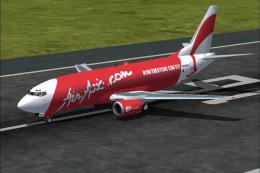
This freeware package showcases a Boeing 737-300 livery representing ASIA Air…
 FS2004 Civil Jet Aircraft
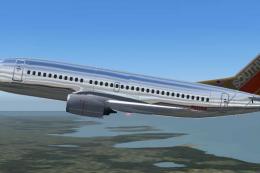
Repaint of the FFX Boeing 737-300 in the colors of Southwest Airlines "Silver…
 FS2004 Civil Jet Aircraft
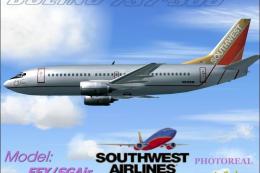
Created by SGA/FFX. Textures by A J Nikoley.
 FS2004 Civil Jet Aircraft
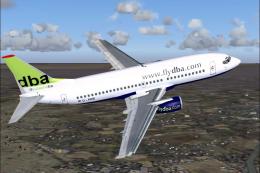
This freeware package offers a Deutsche BA Boeing 737-300 (registration D-ADI…
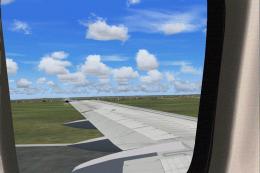 FS2004 Civil Jet Aircraft
Here are a set of wing views for two of the worlds true workhorses of our air…
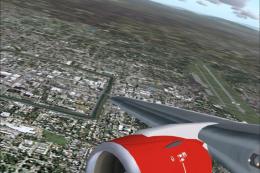 FS2004 Civil Jet Aircraft
"Carabao". Air Asia is a low-cost no frills Malaysian airline which operates …
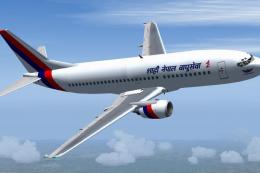 FS2004 Civil Jet Aircraft
Improved Textures and corrections. Features Full Moving parts, folding wings …
Be the first to leave a comment on this download.
Be the first to share your thoughts on this download.