

 MSFS General Aviation Aircraft
Van's RV-7/RV-7A Complete Pack
A complete freeware aircraft pack featuring the Van's RV-7 and RV-7A in accur…
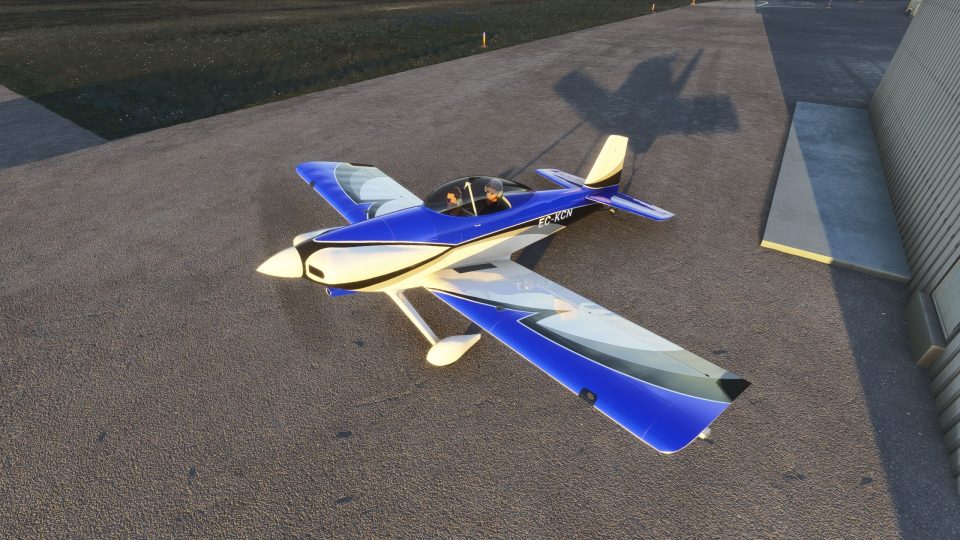
Van’s Aircraft RV-4 offers recreational flying in Microsoft Flight Simulator 2020 and 2024 with a tandem-seat, low-wing taildragger powered by an O-360 engine and fixed-pitch propeller. The complete aircraft package includes a paintkit for custom liveries, smoke and lighting effects, an additional wing variant, and animated carburetor-heat and elevator-trim controls.
 Rate
Rate
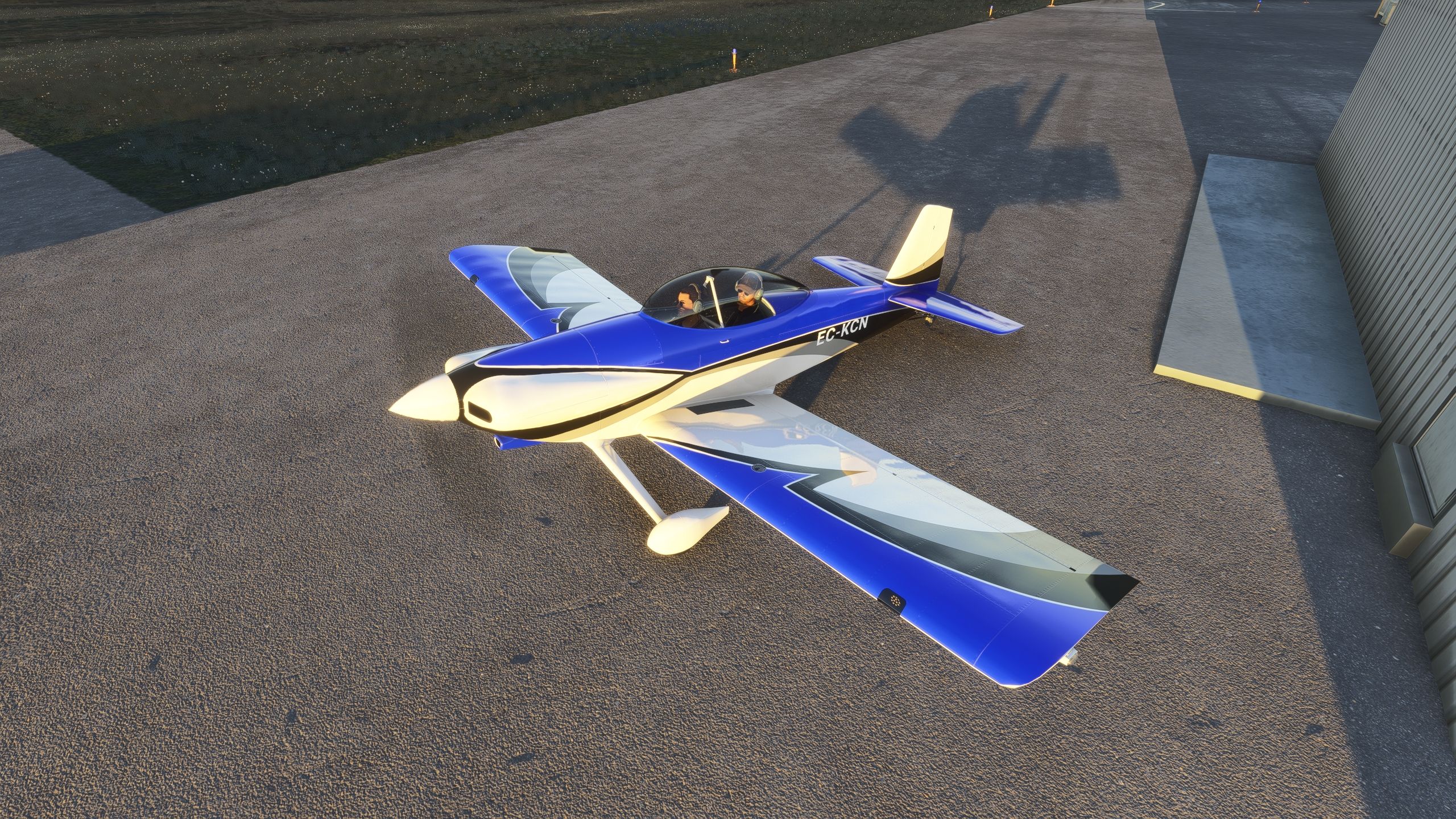
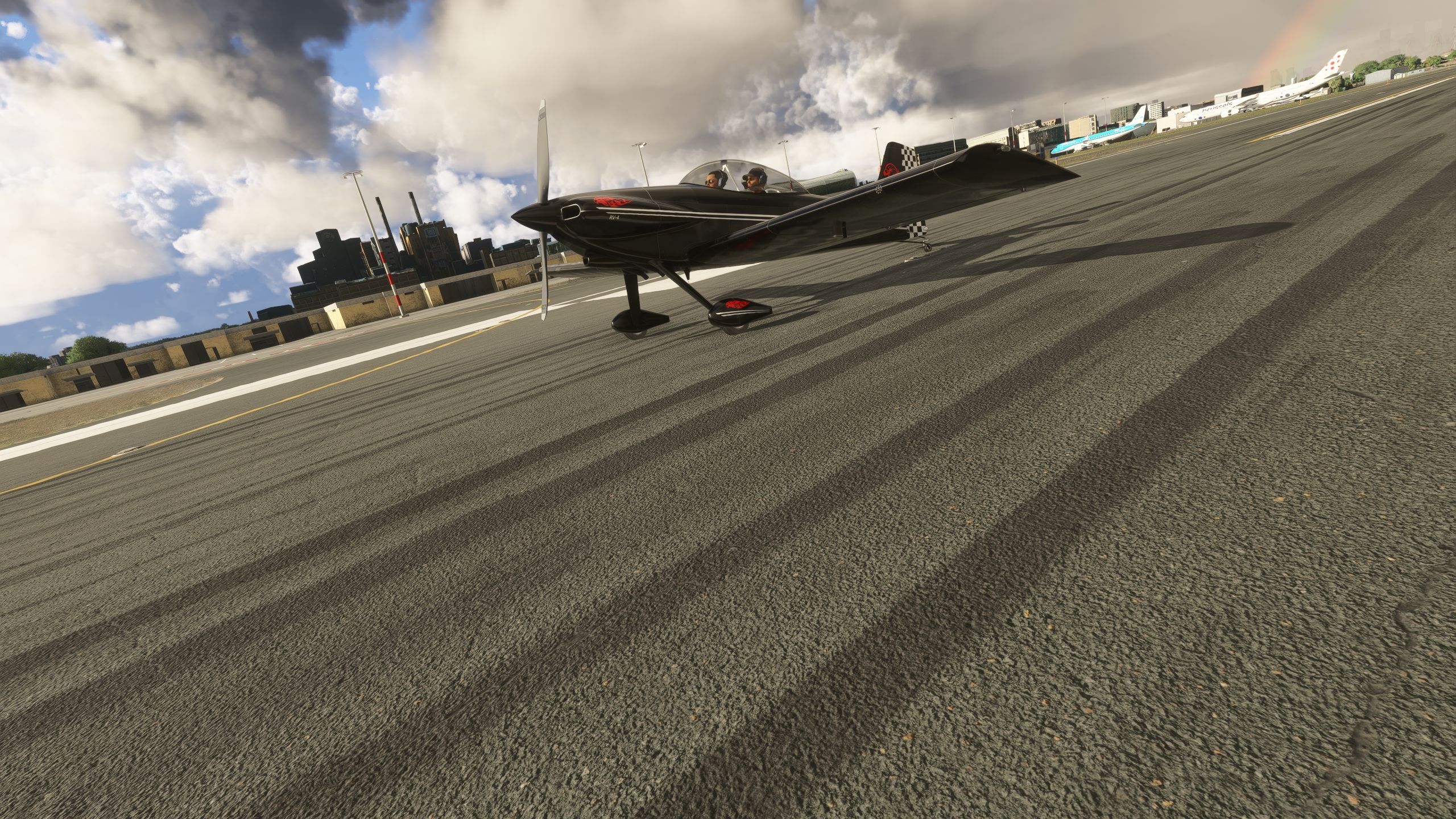
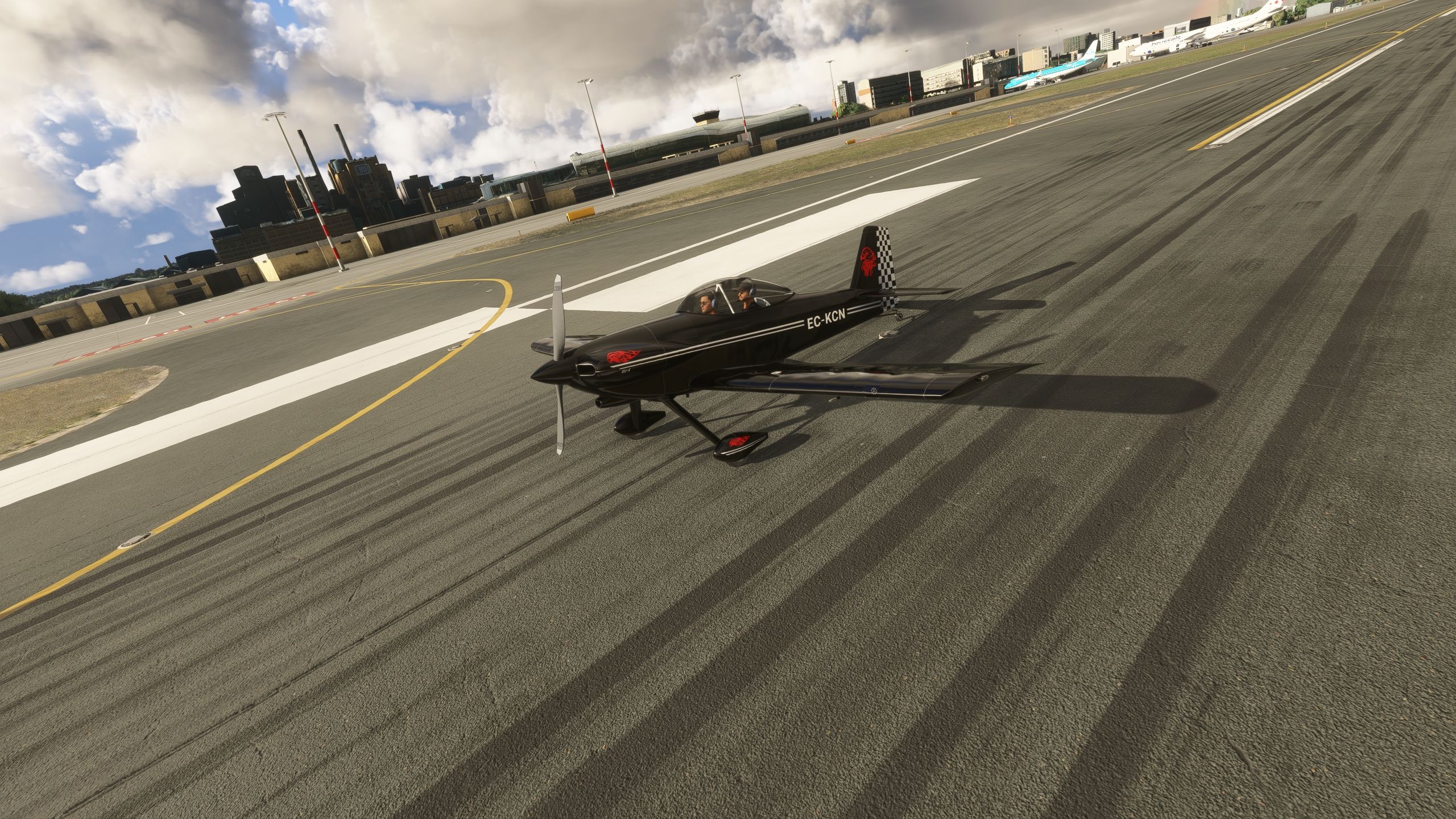

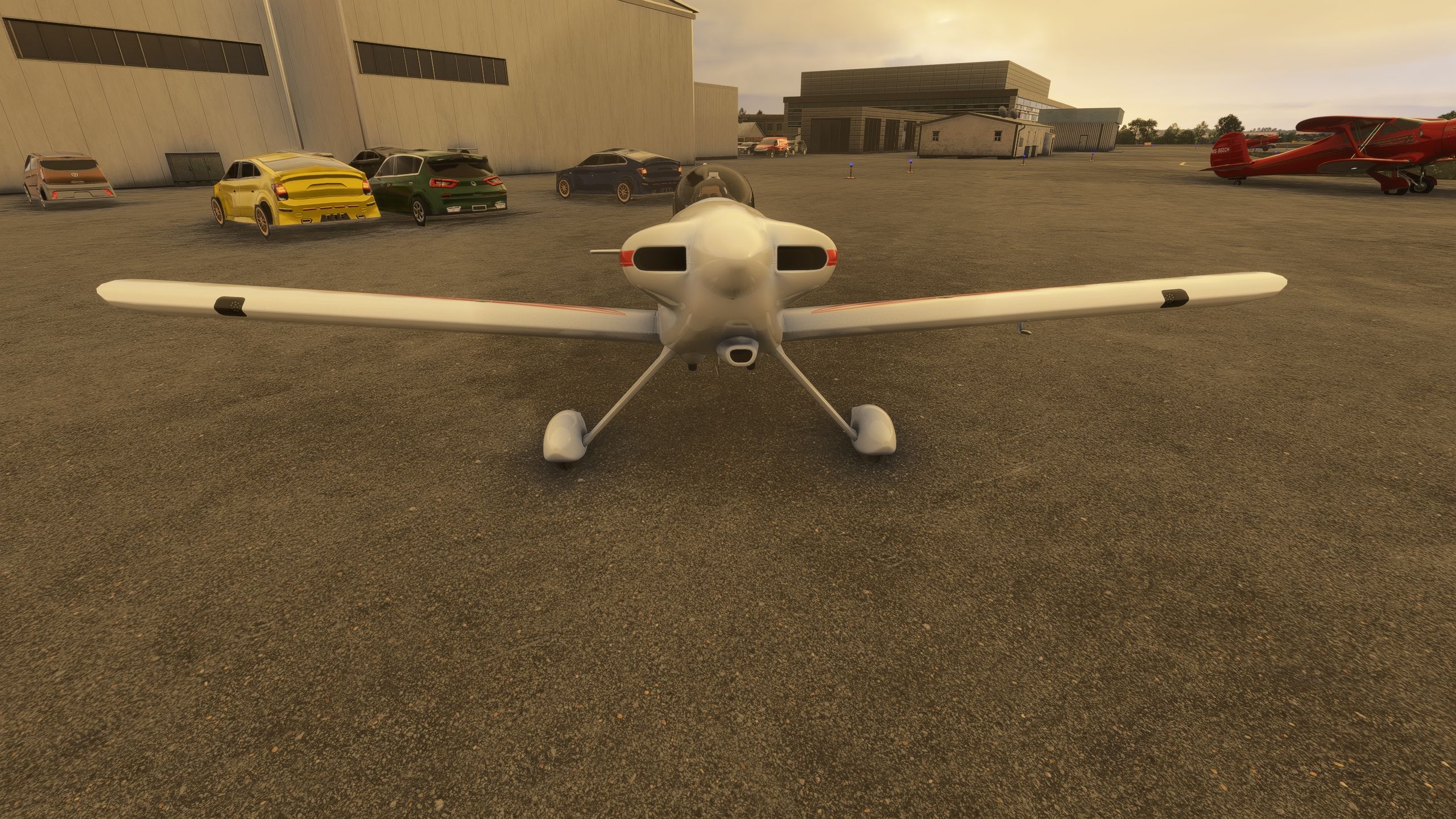
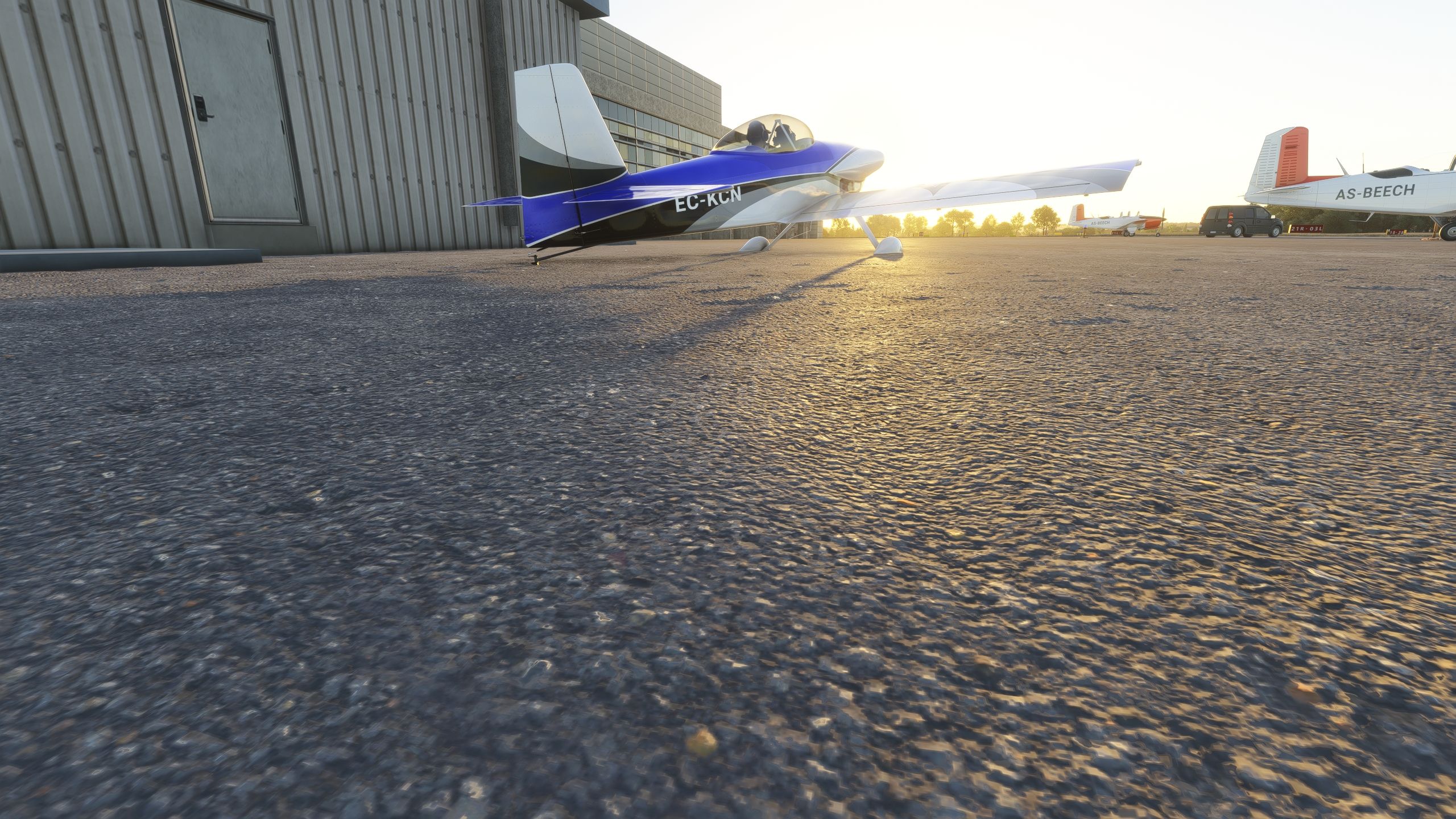

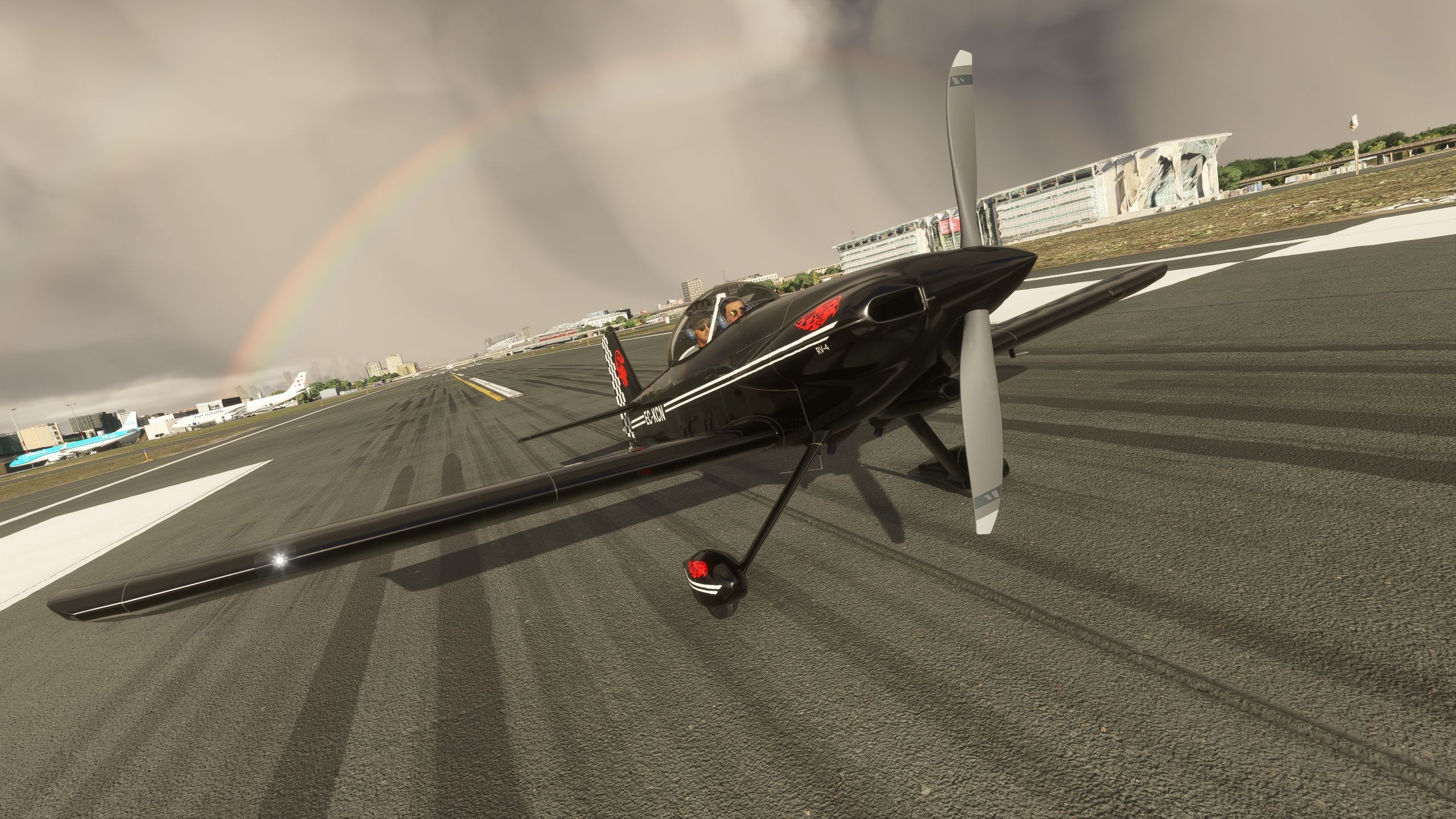
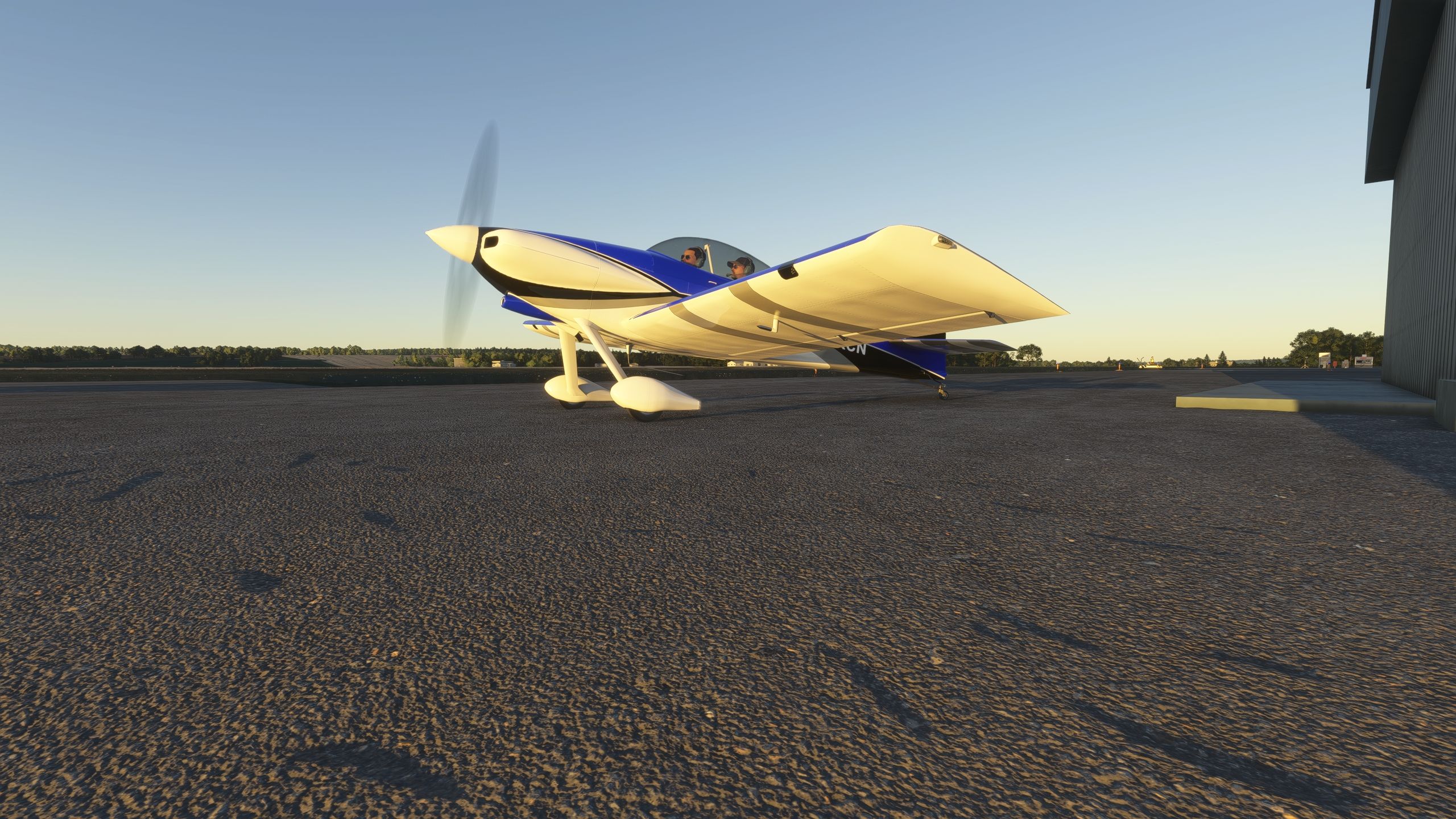
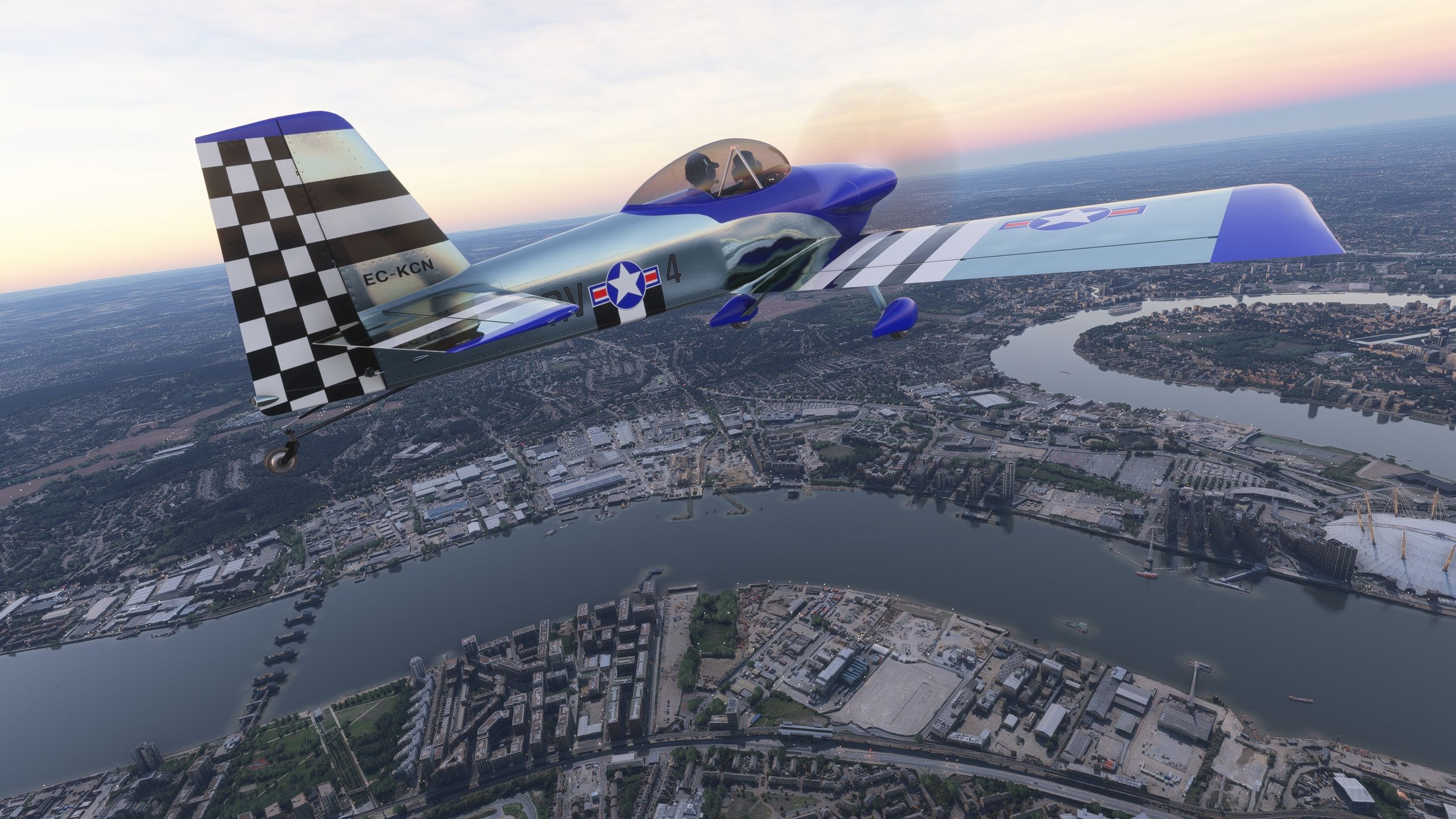
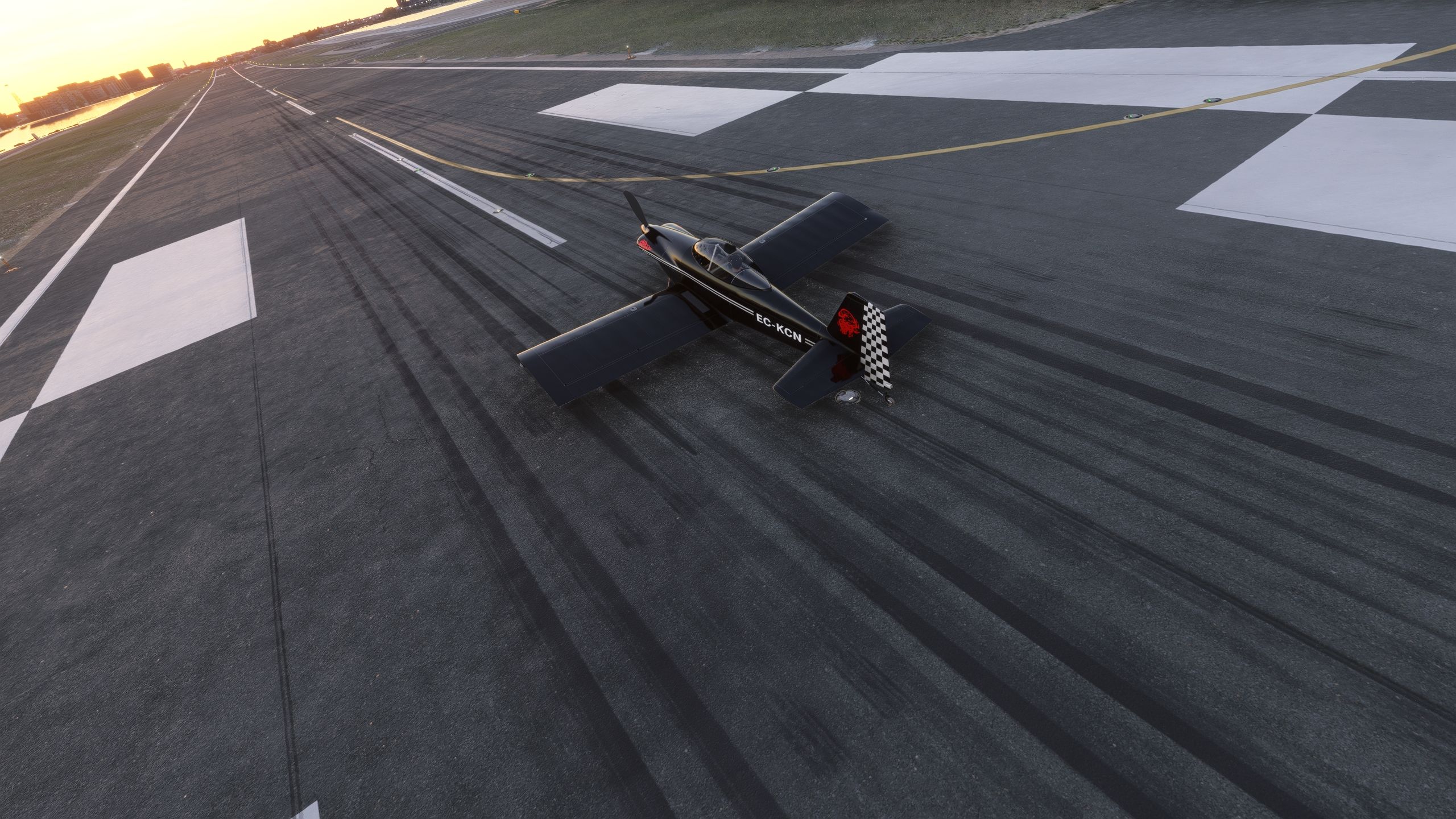
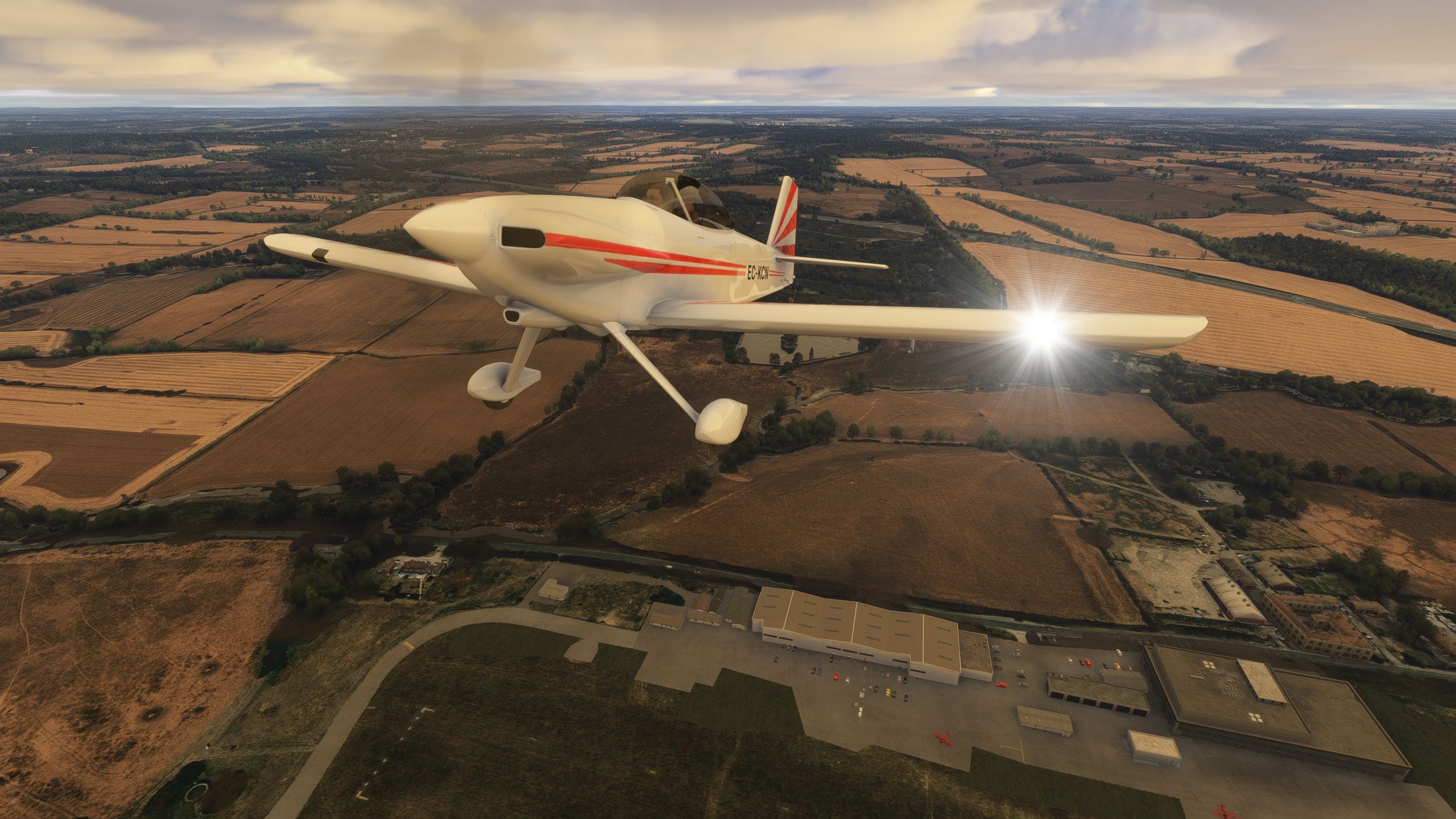
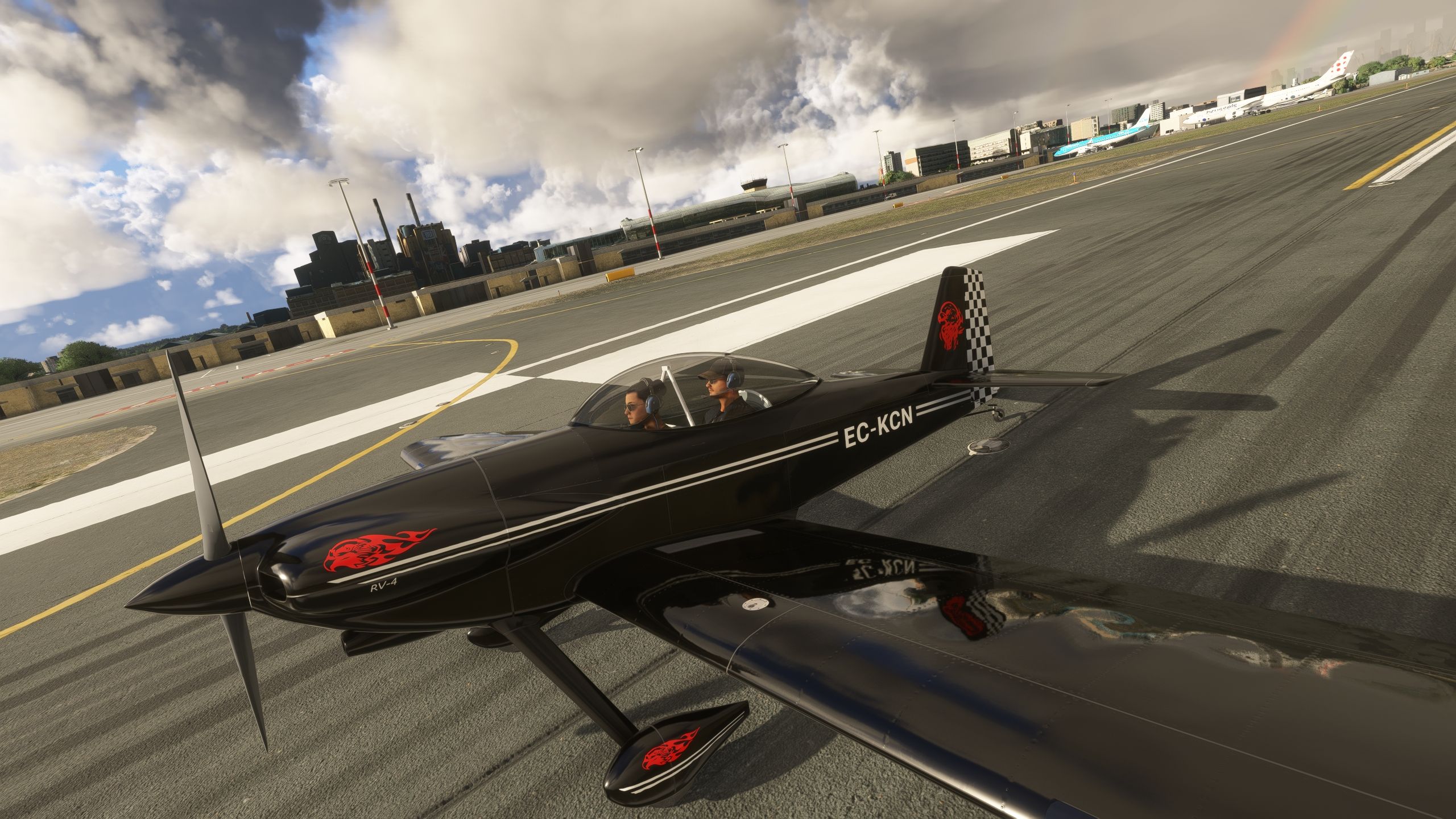
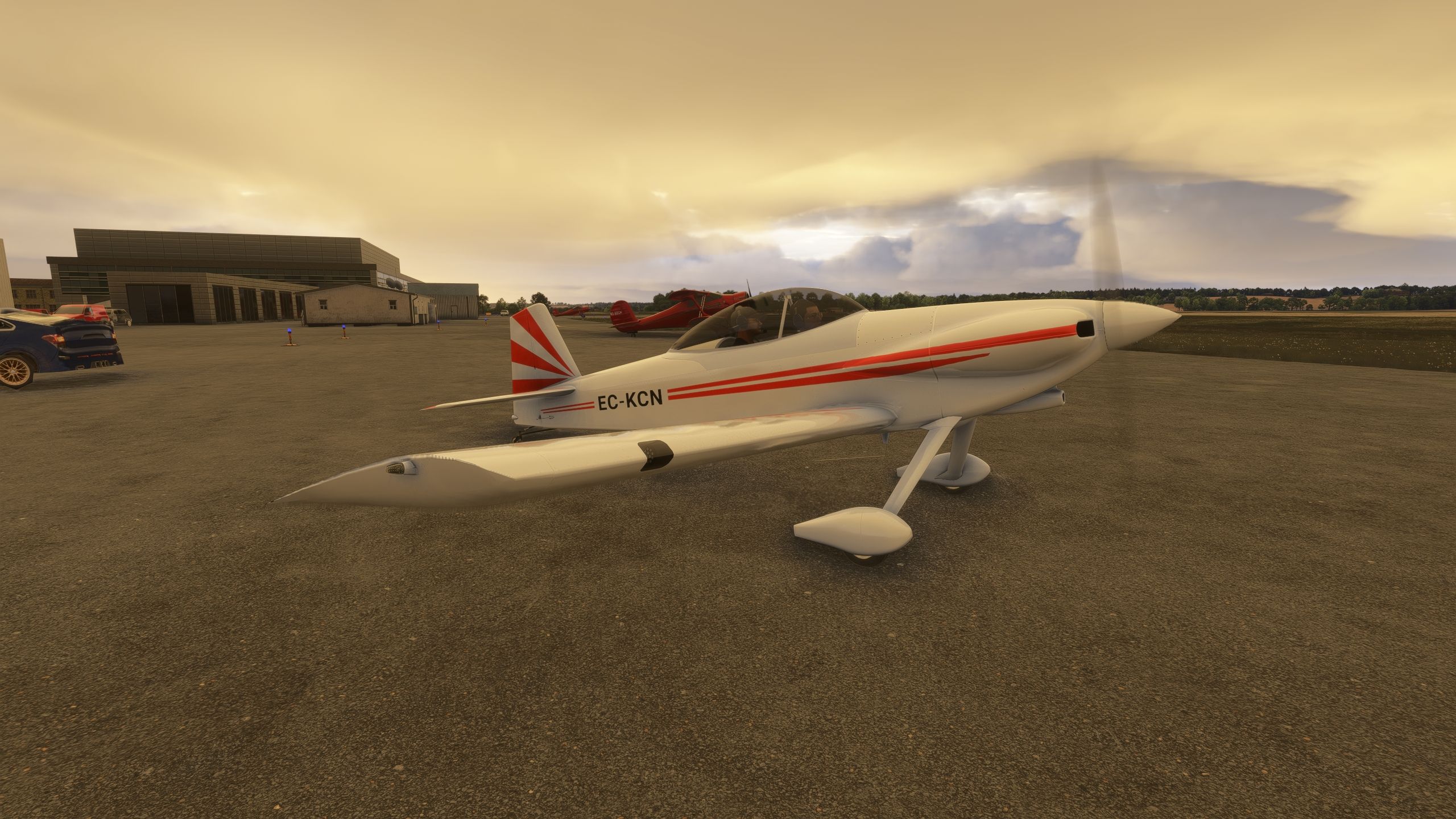
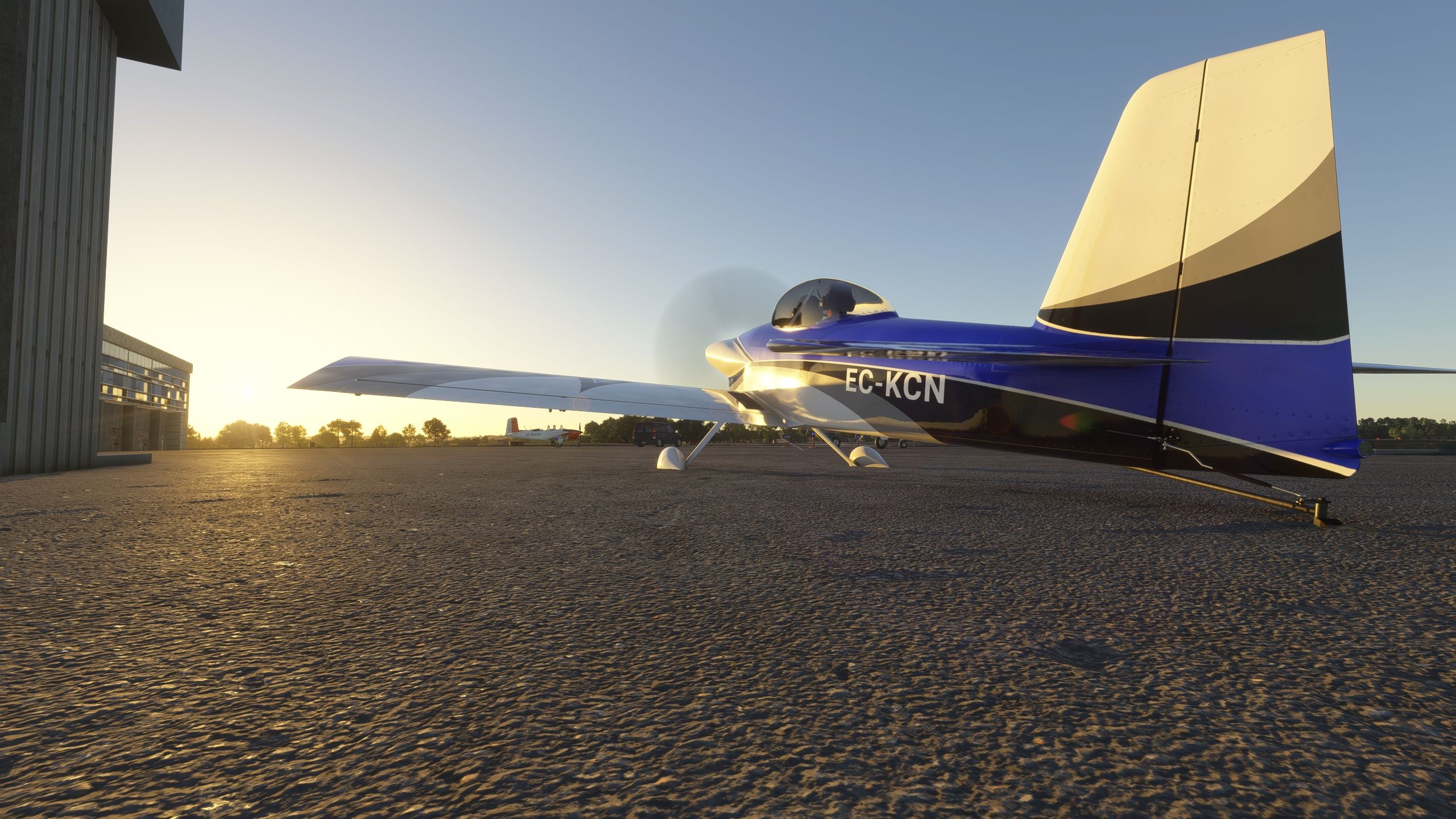
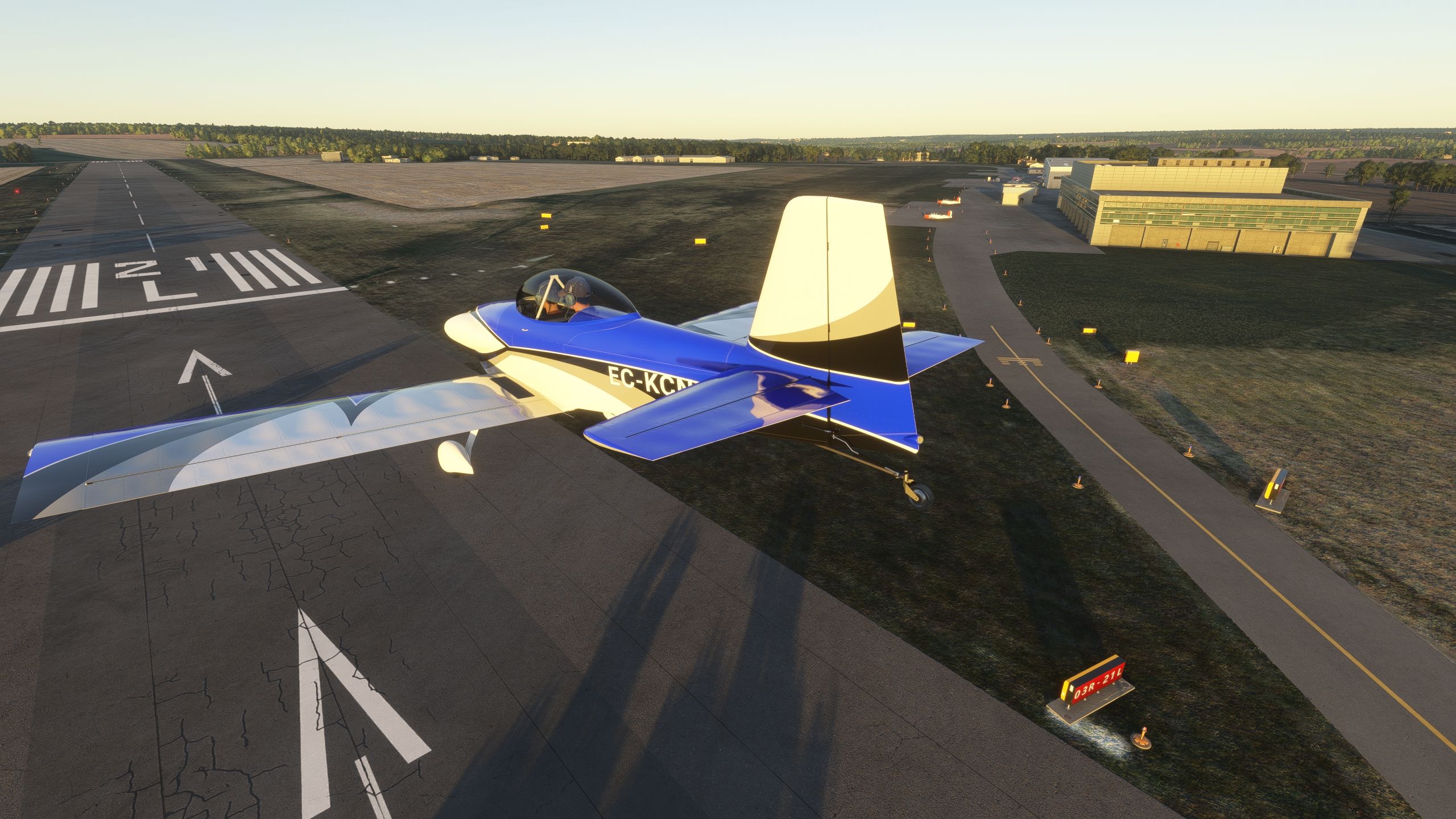
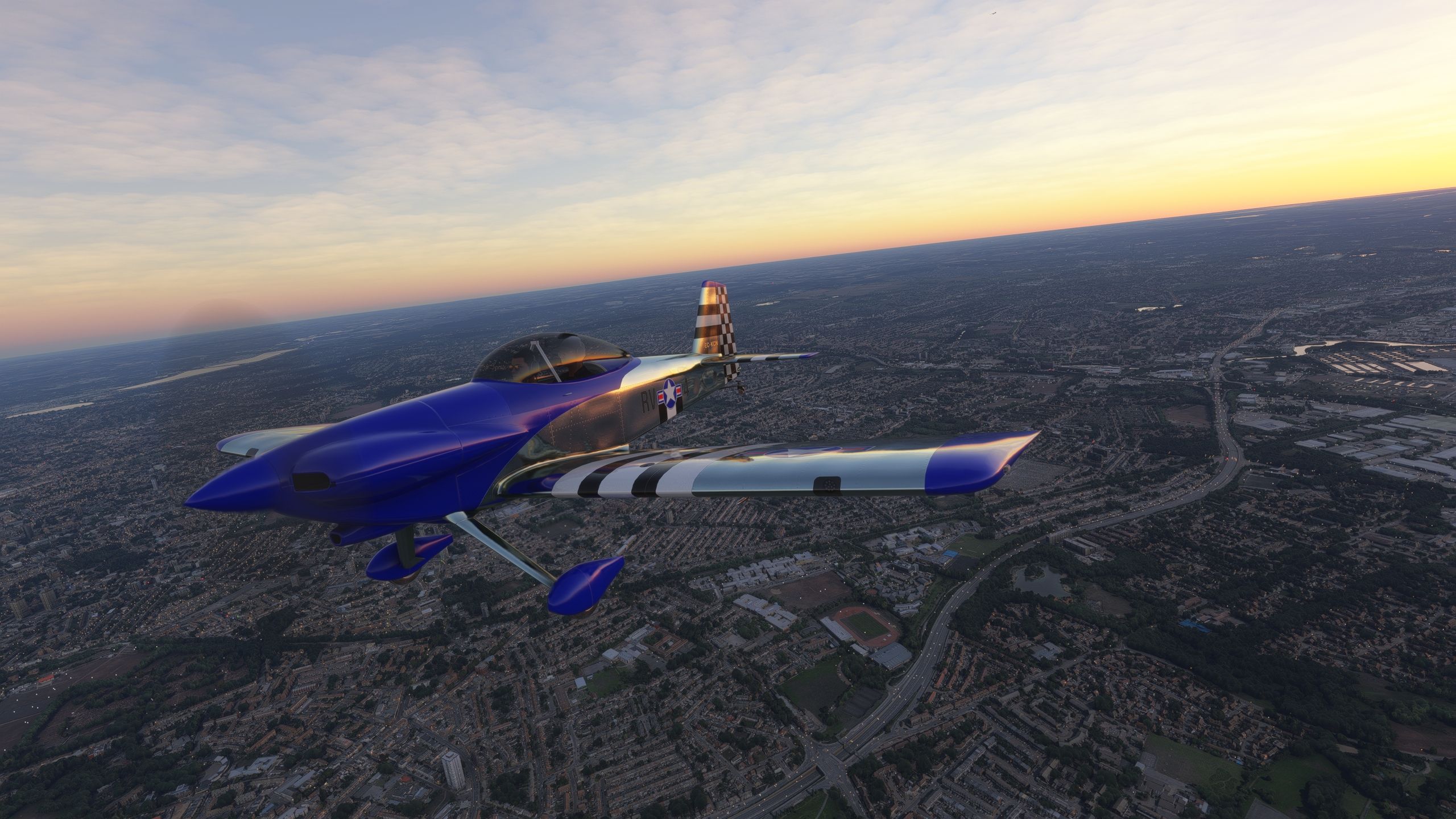
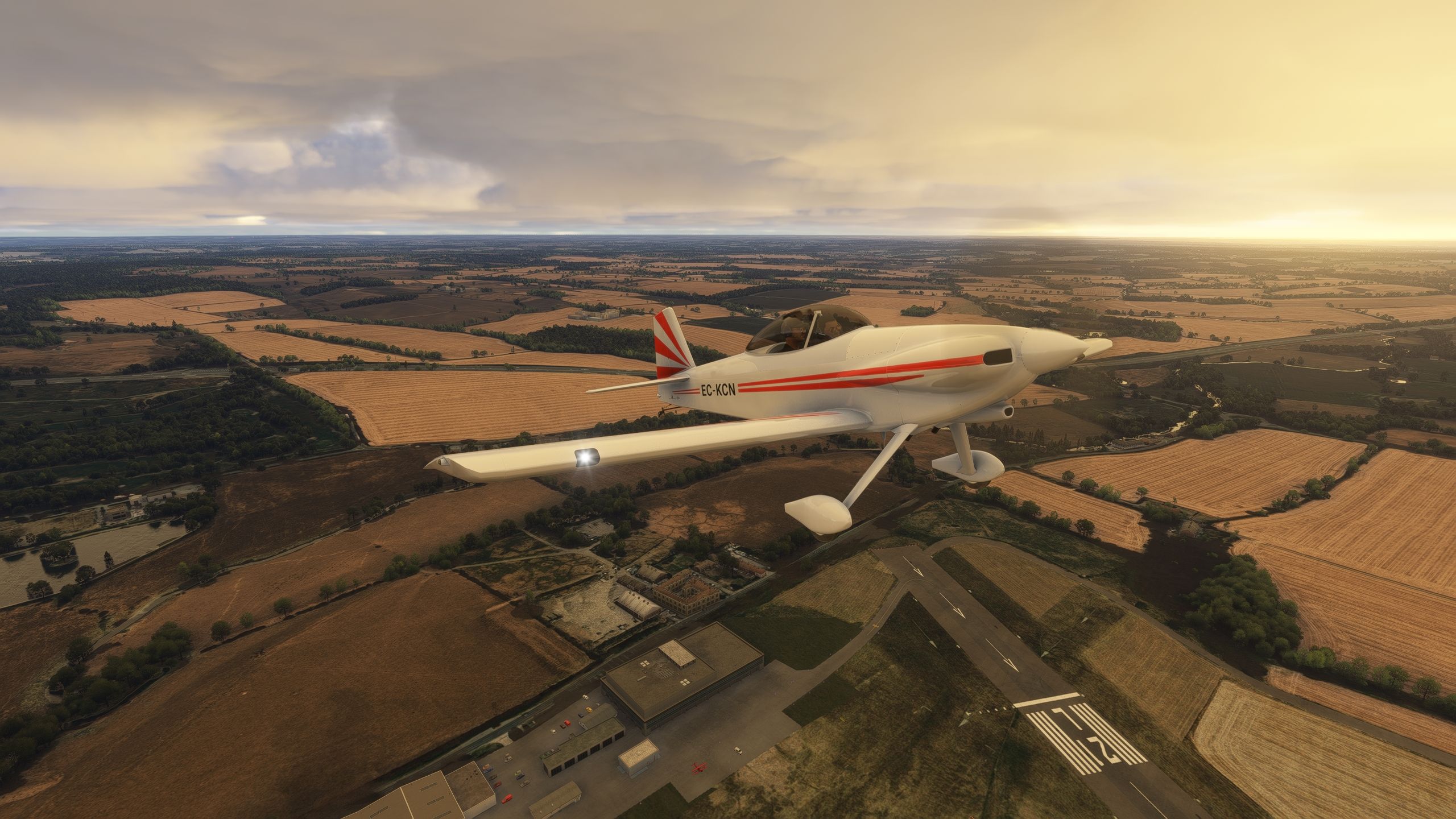
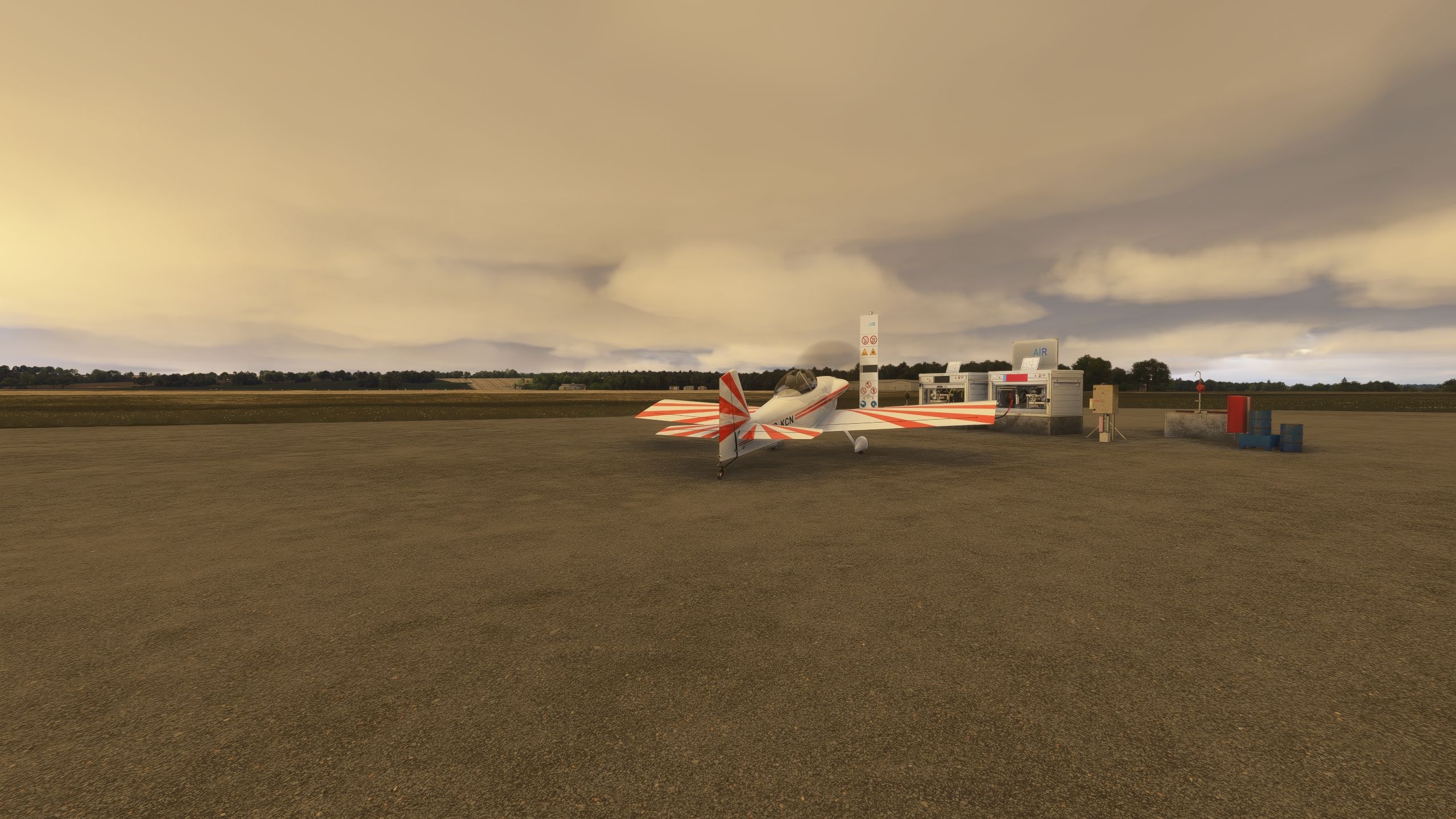
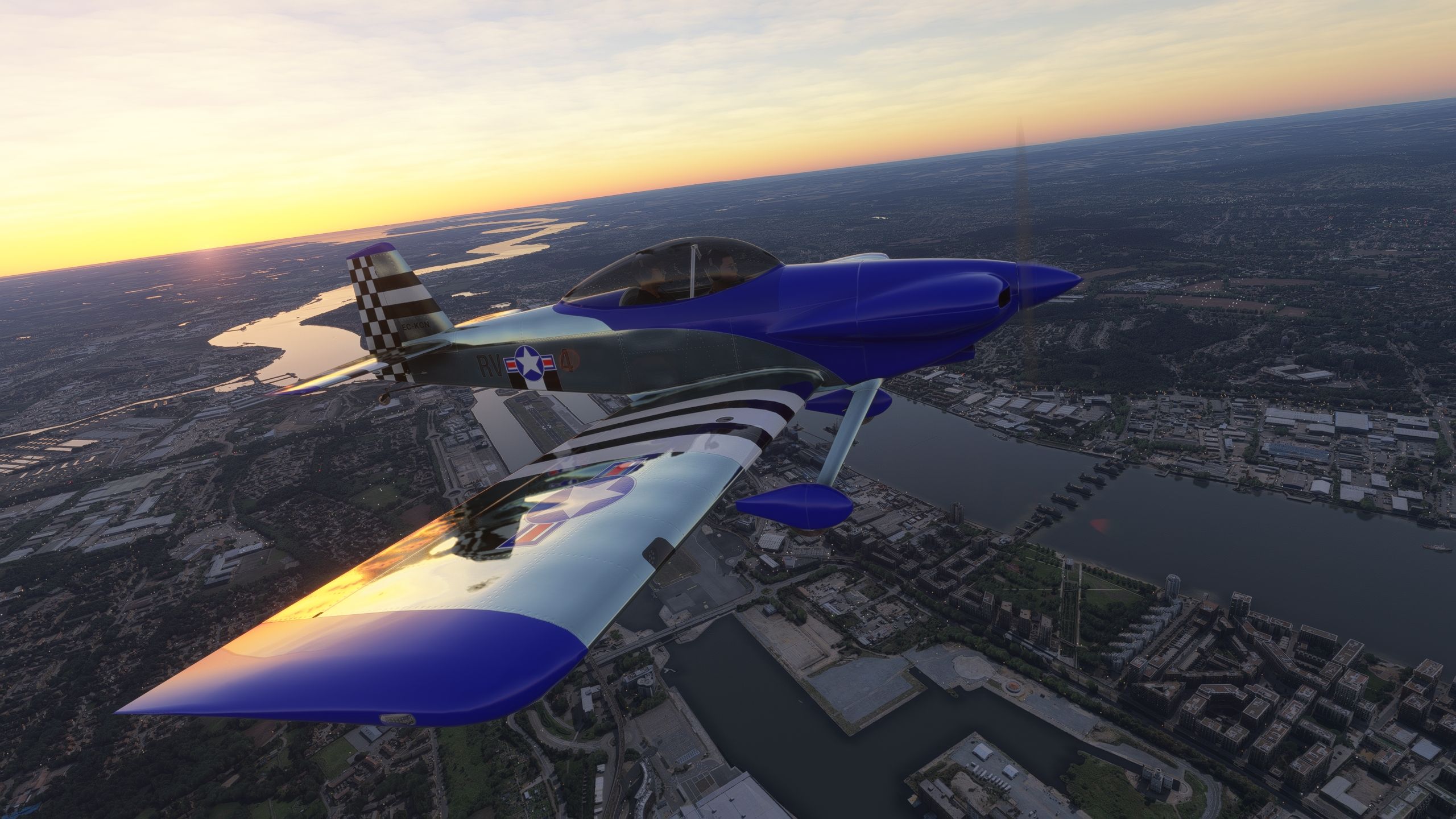
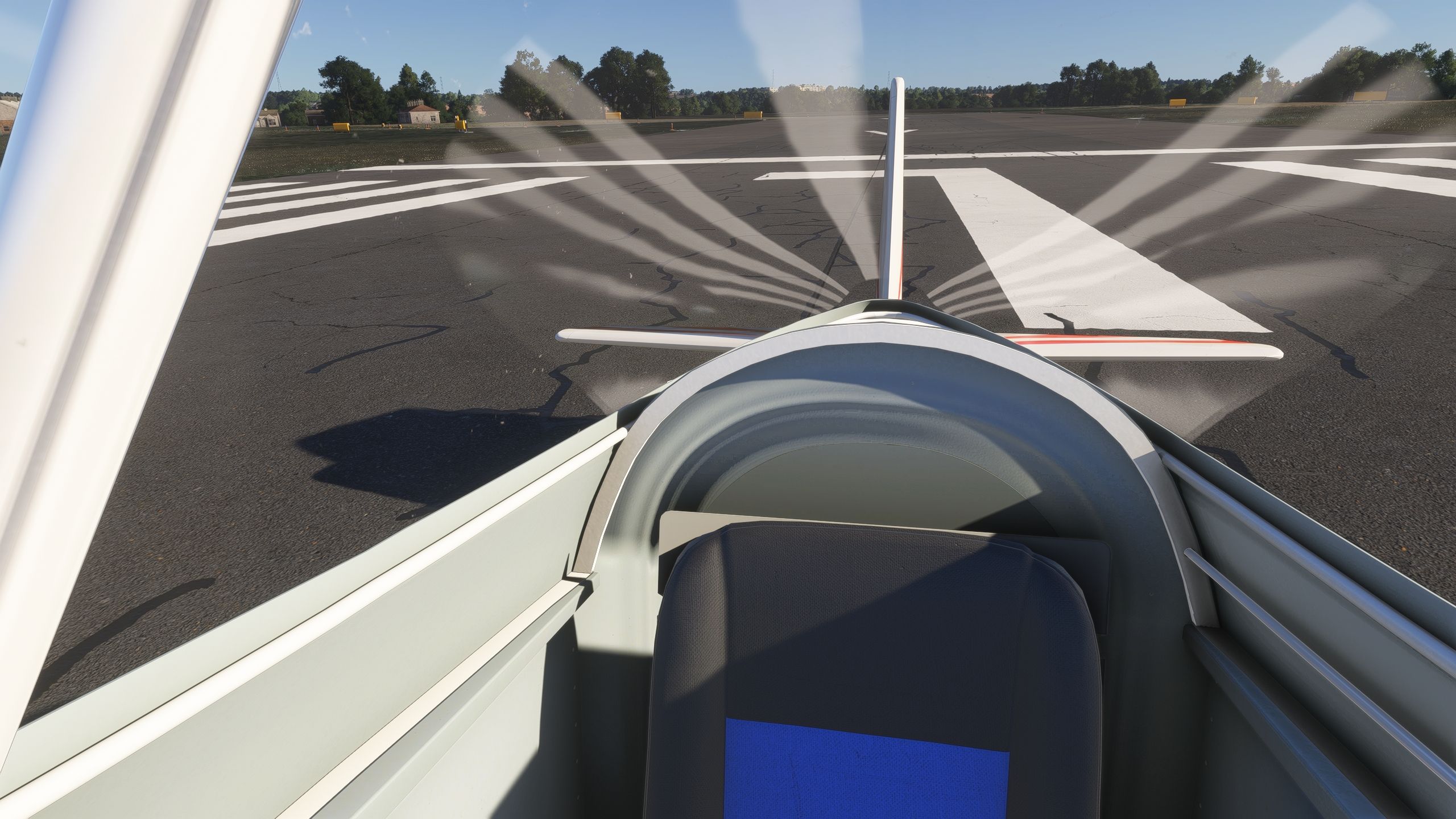
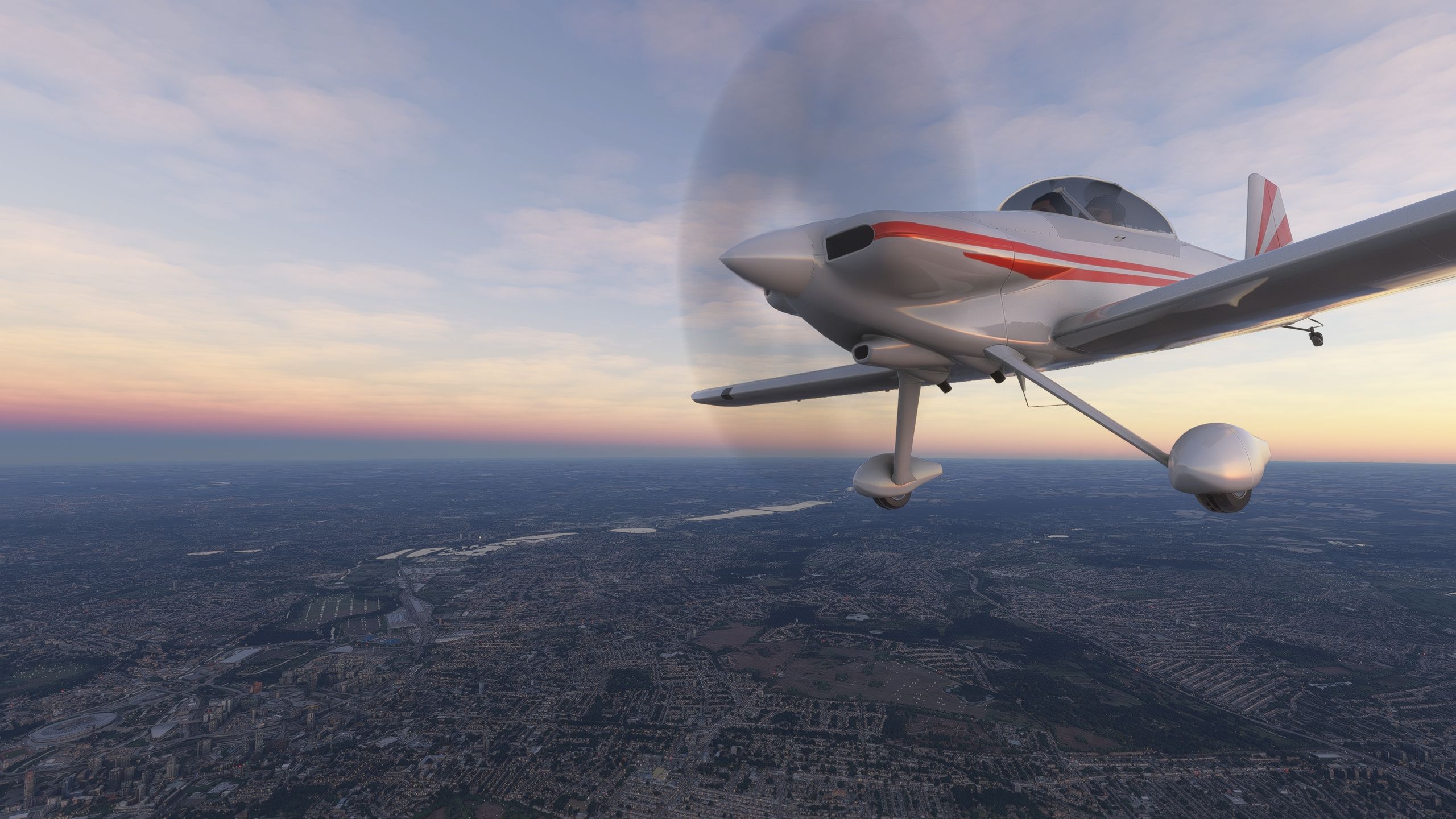
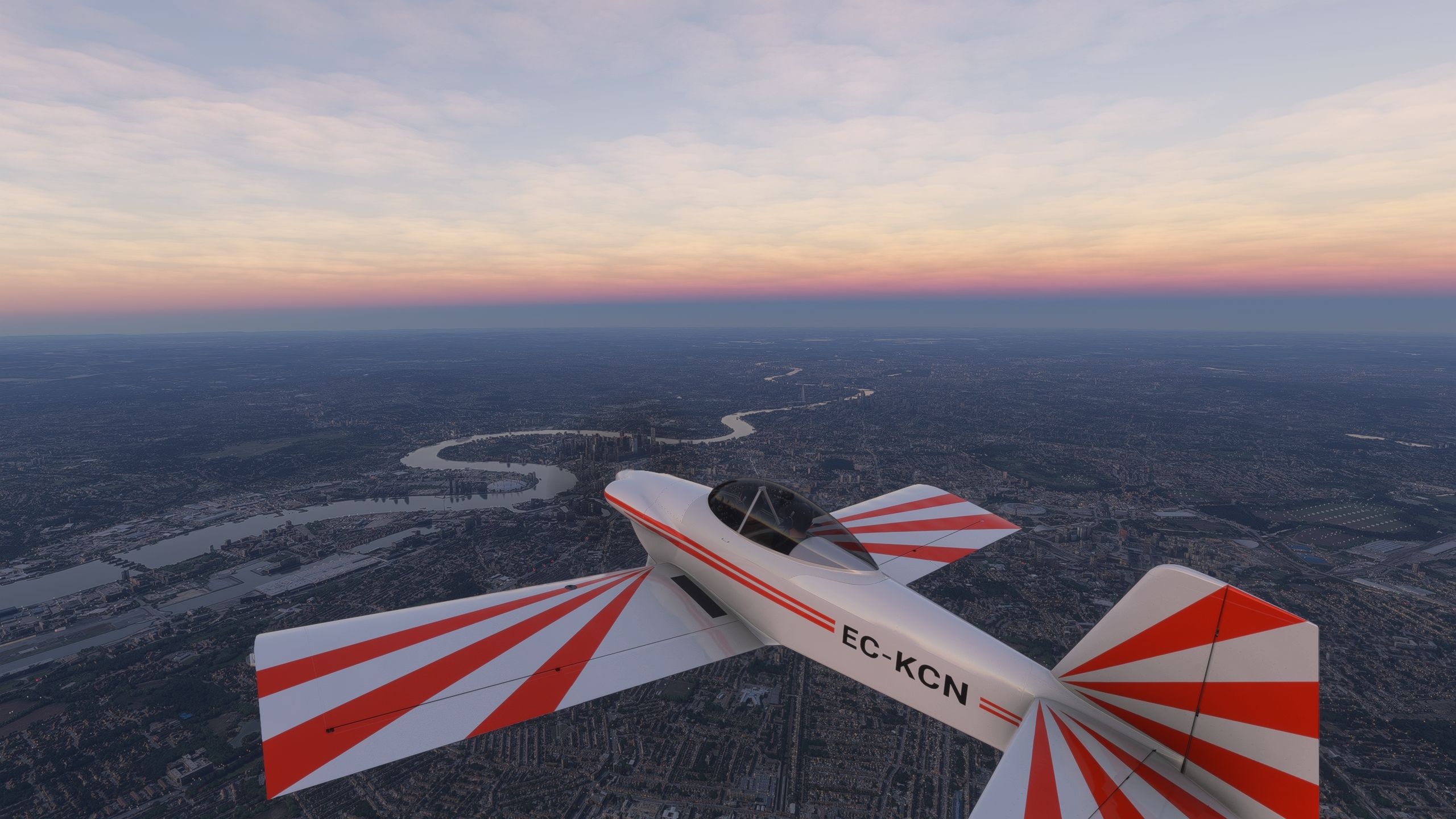
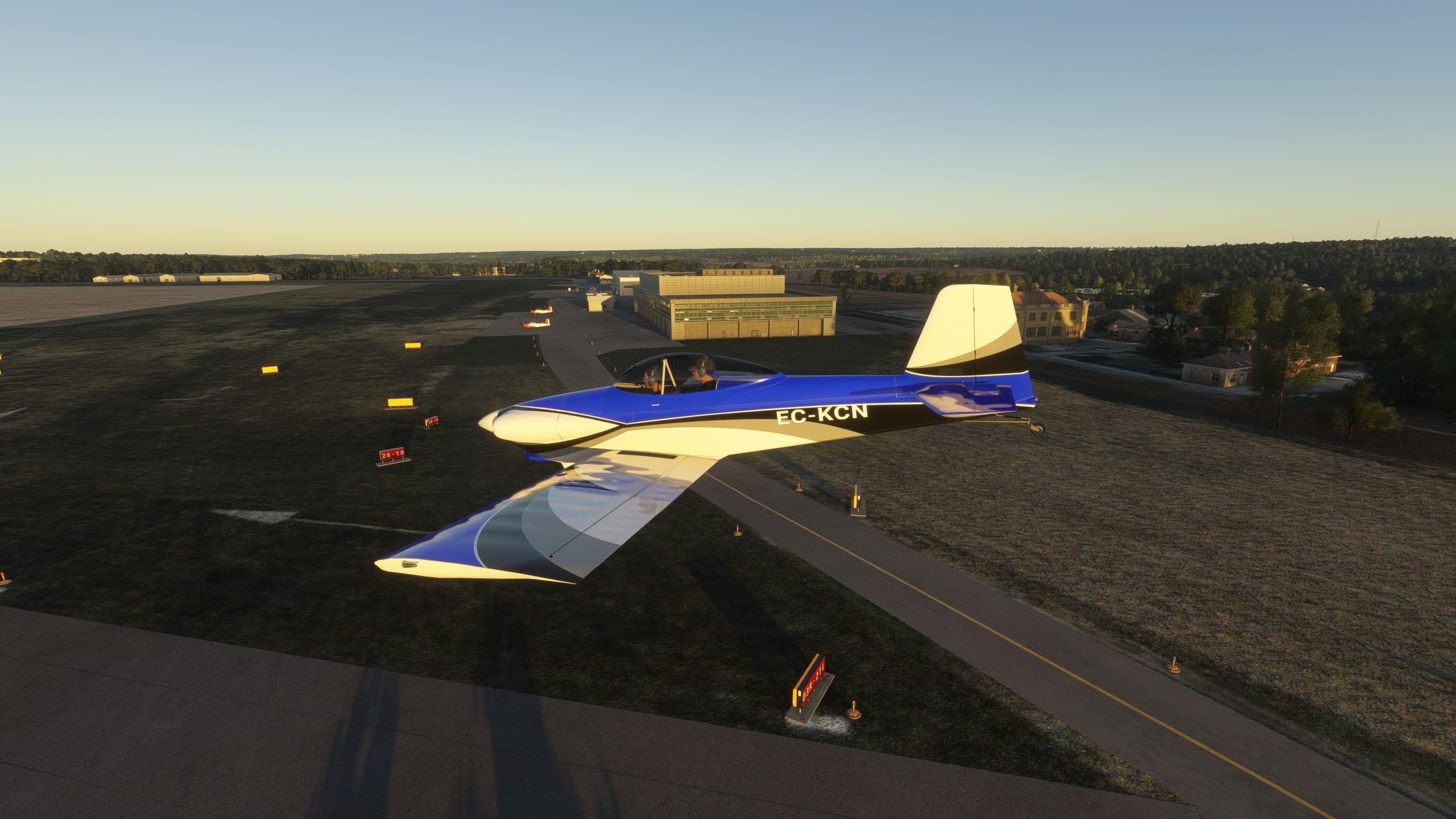
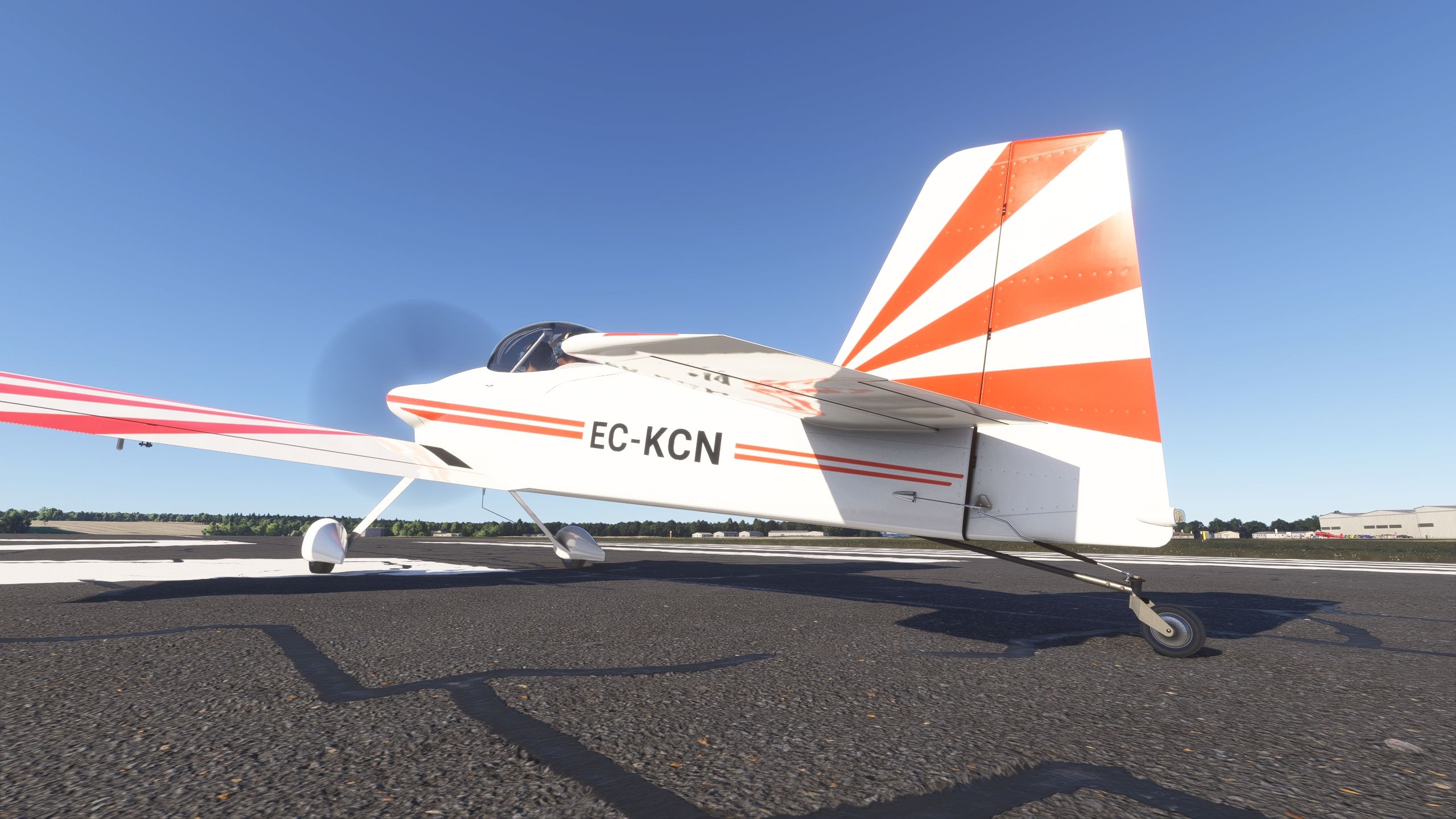
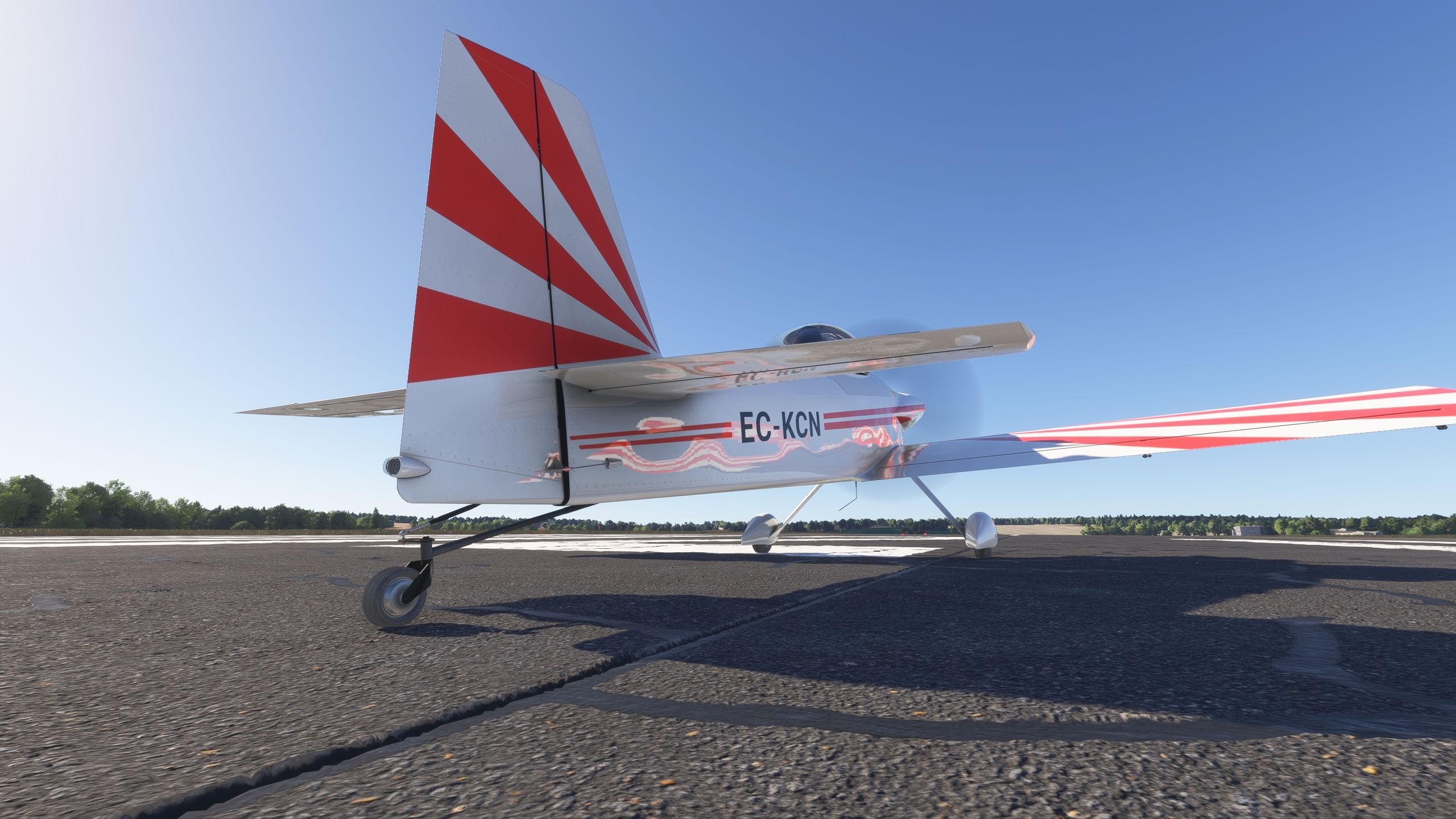
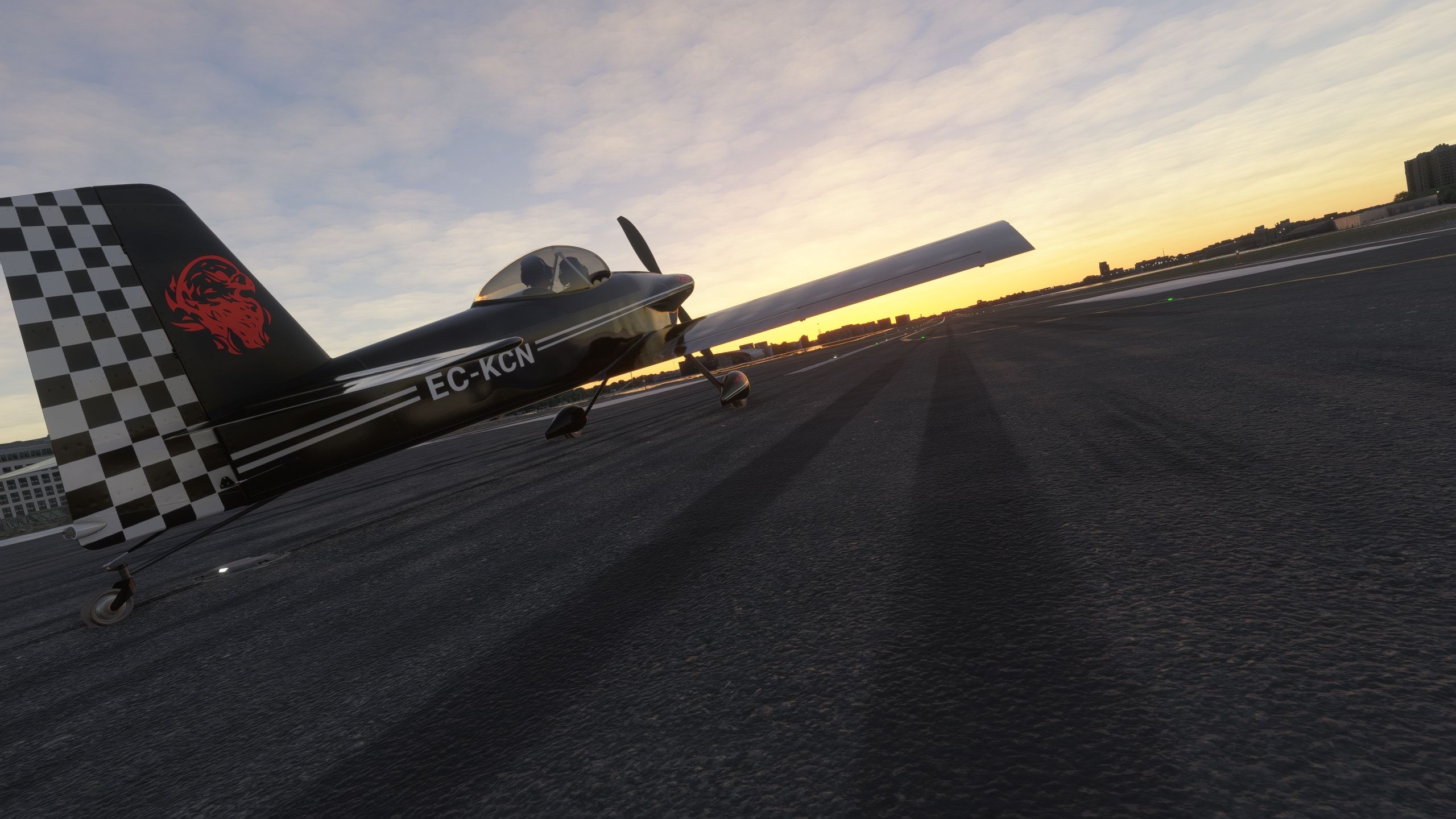
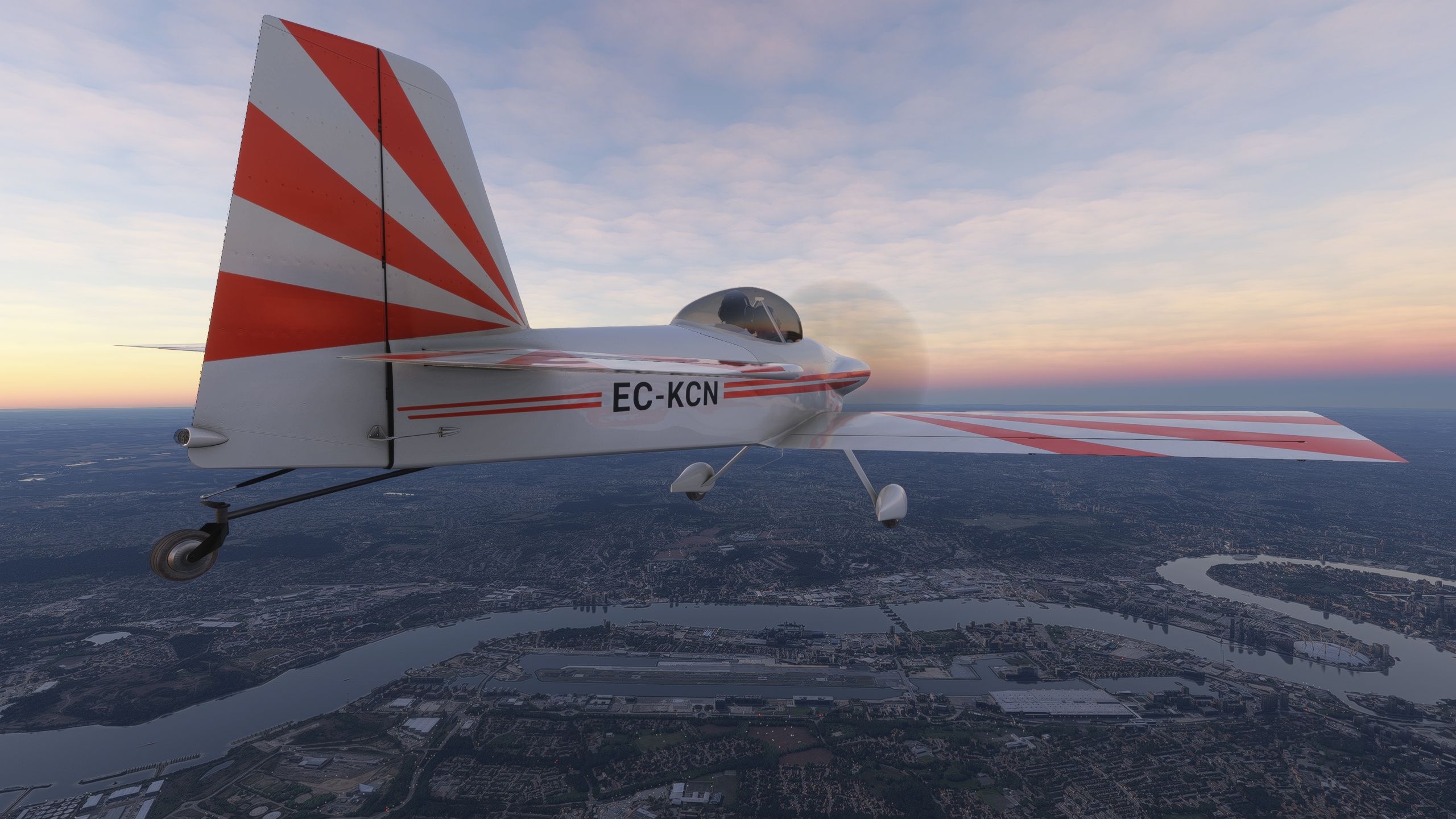
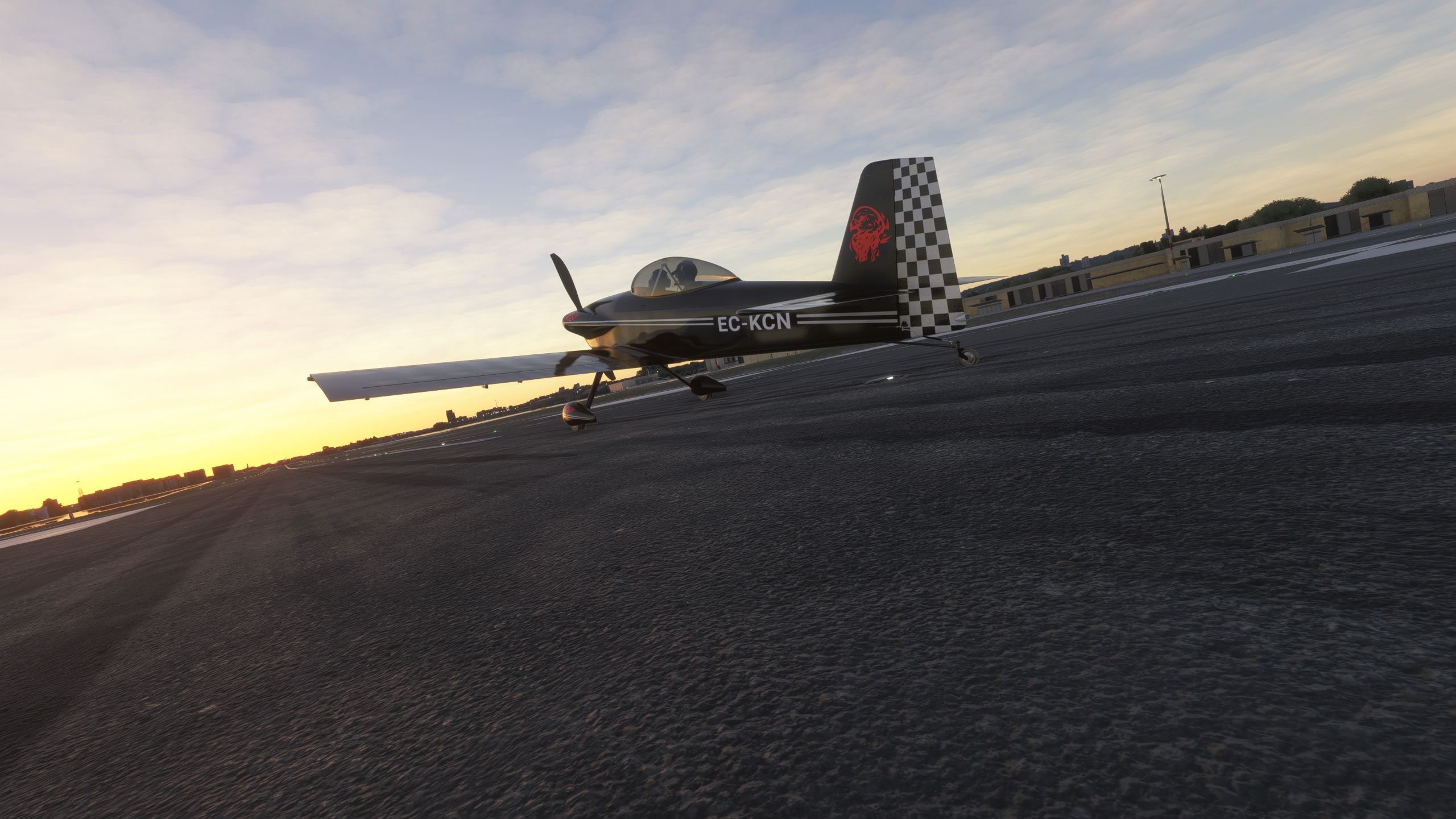
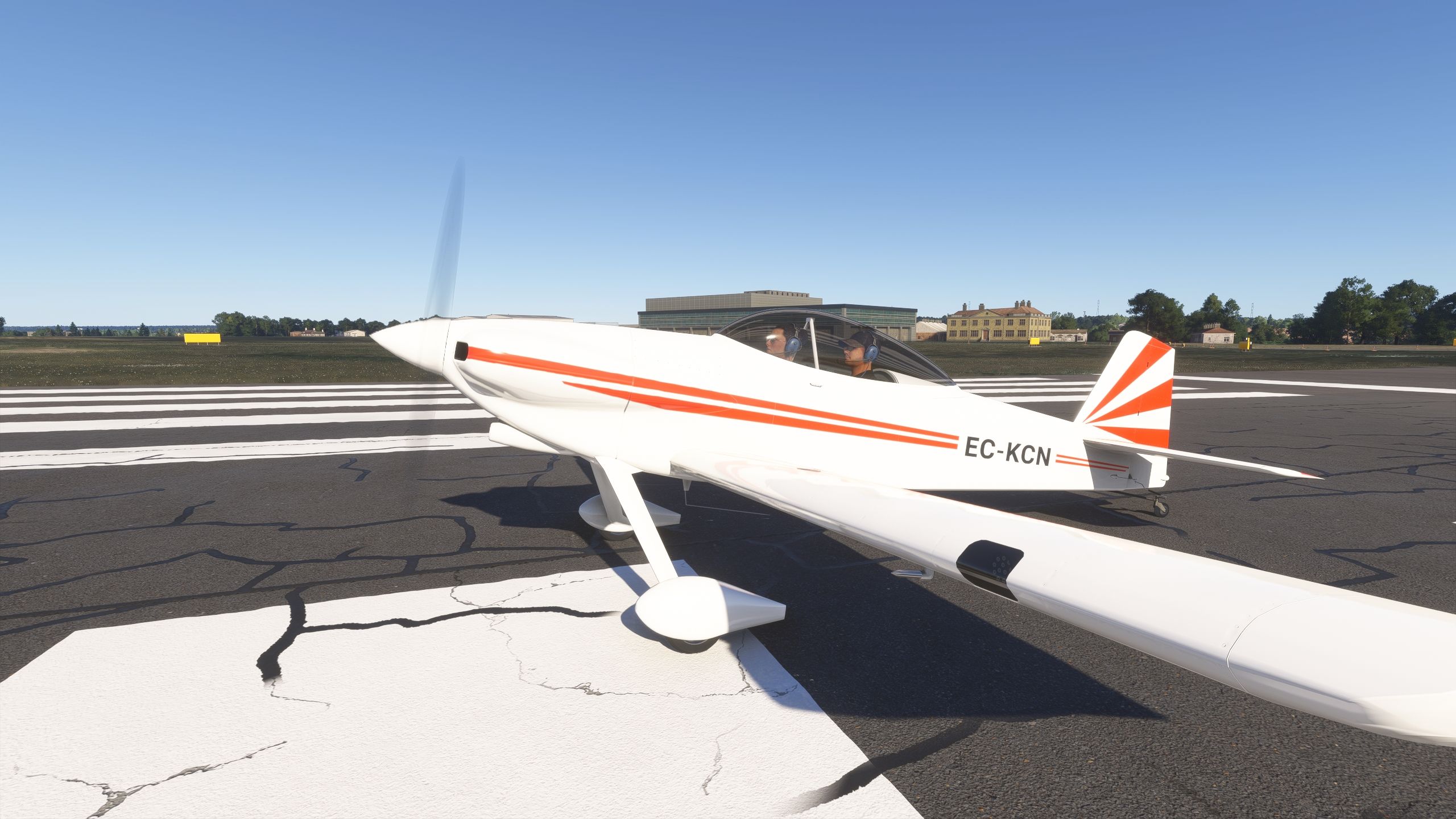
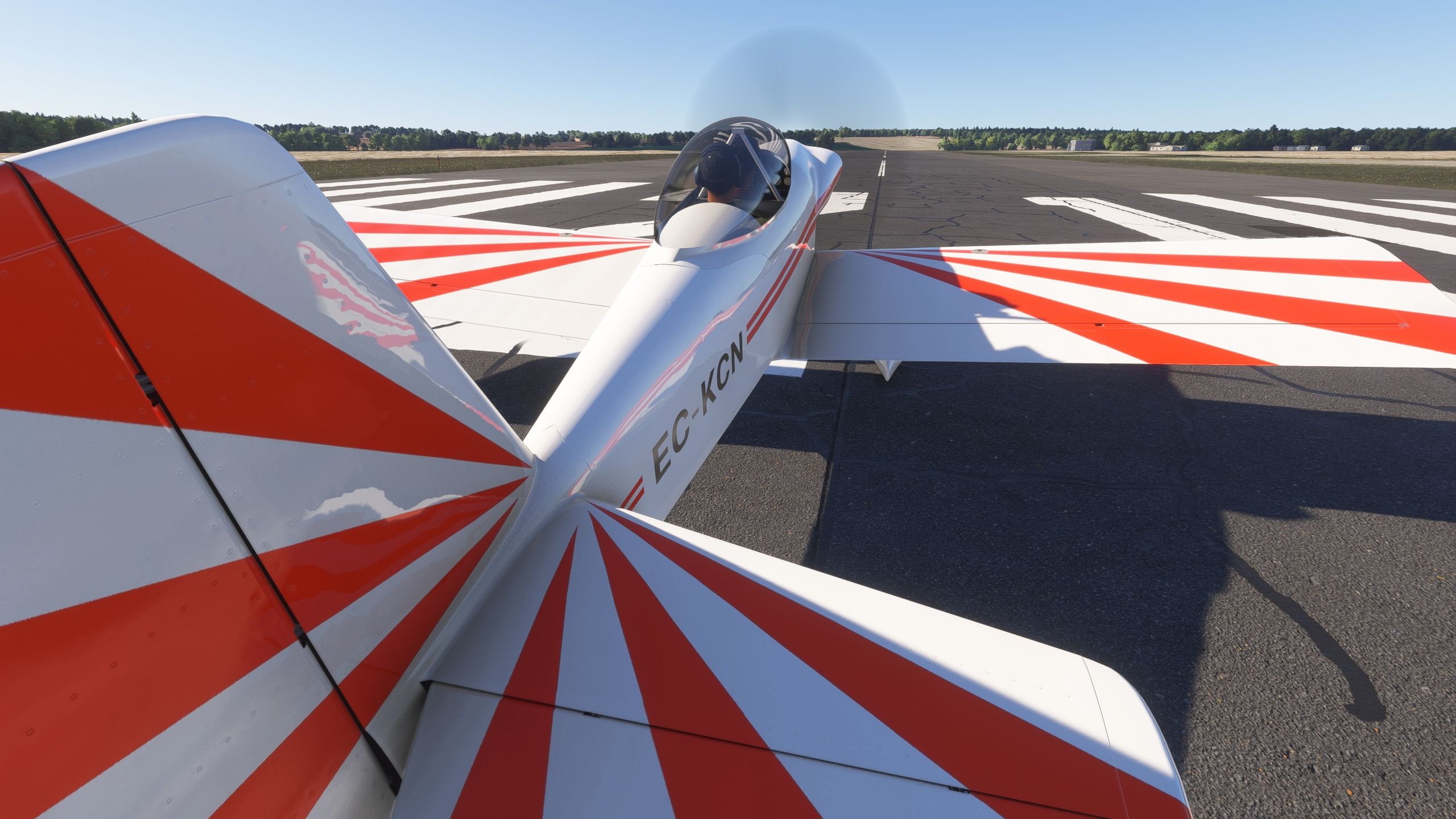
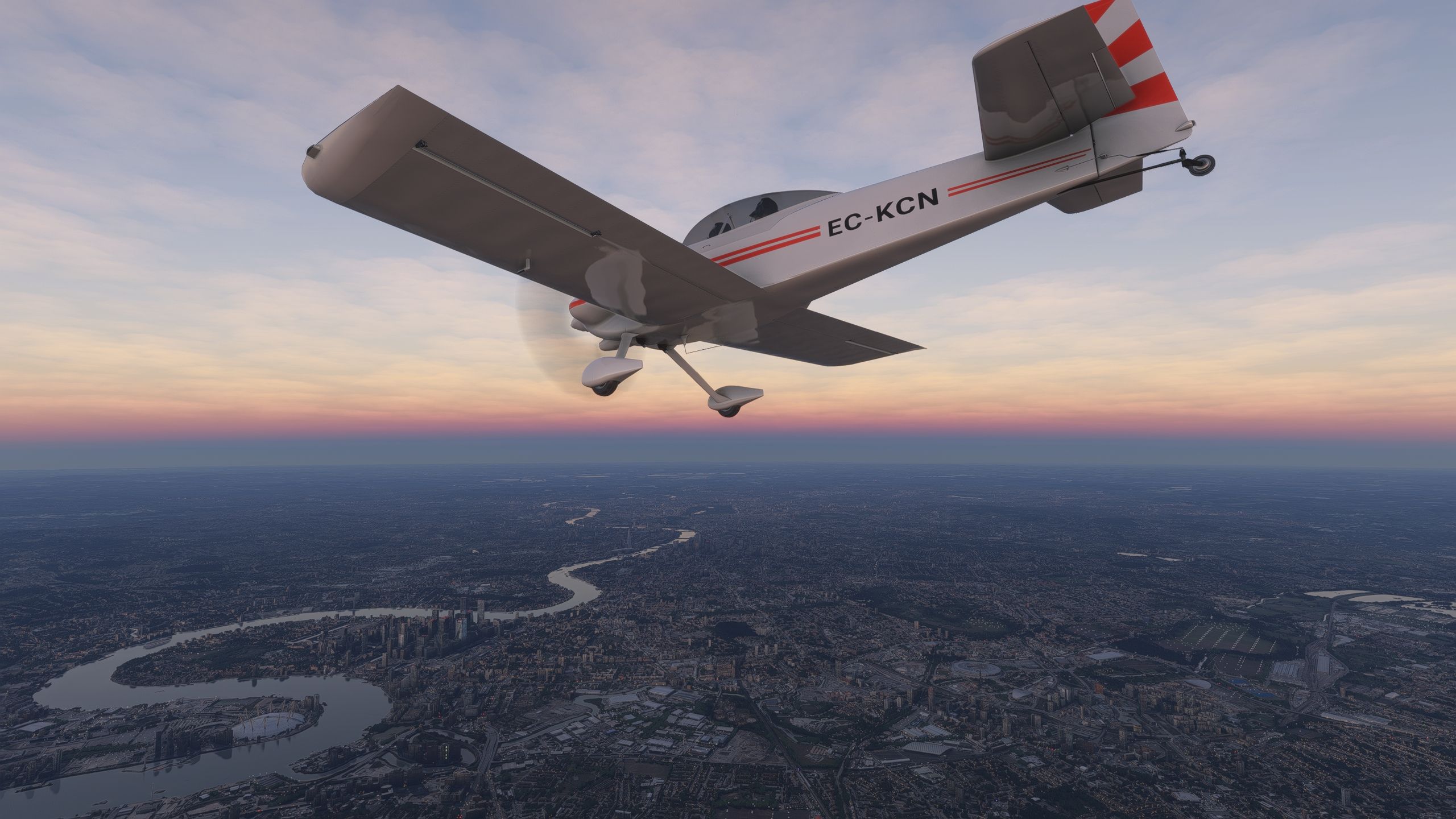
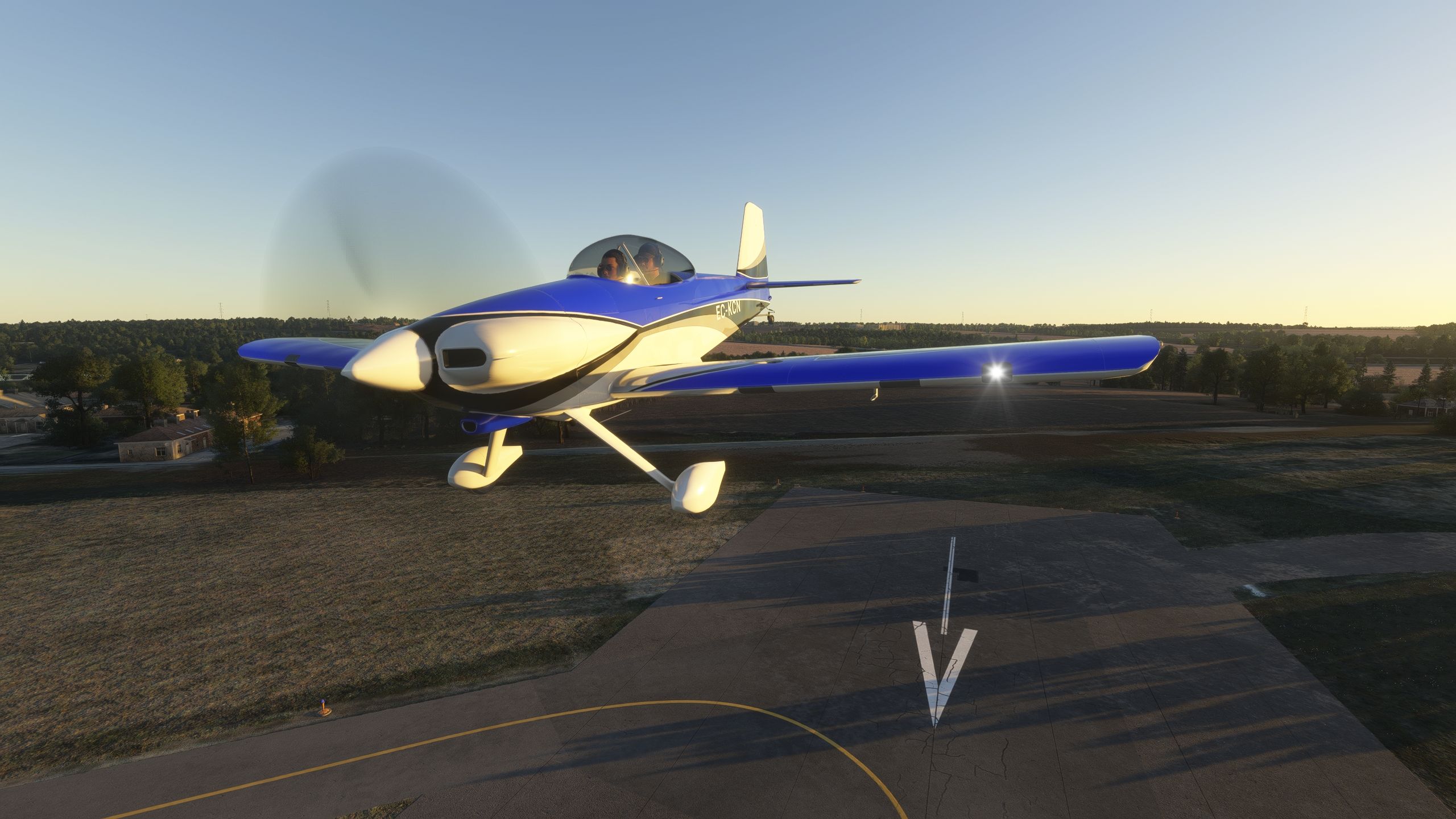
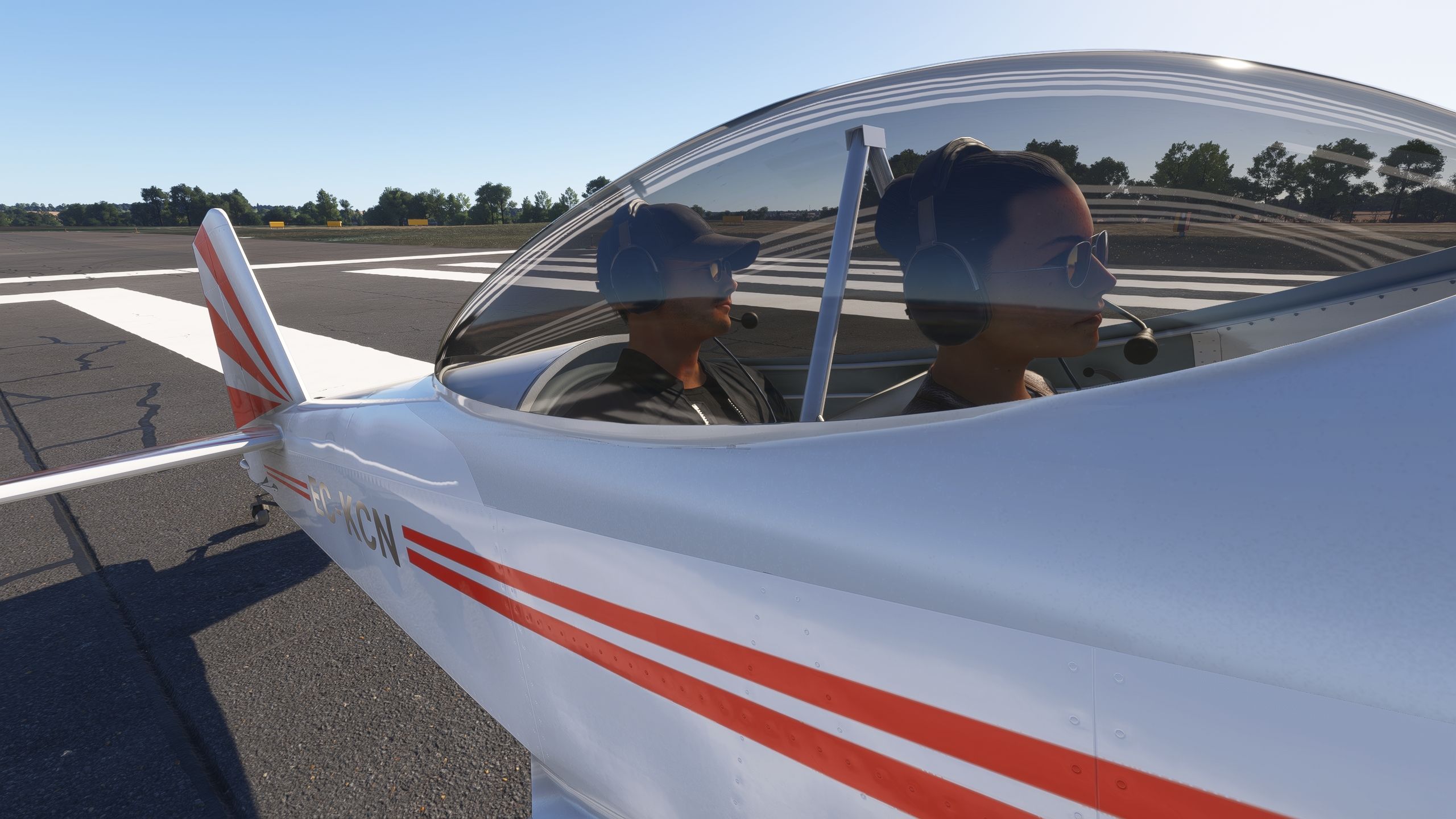
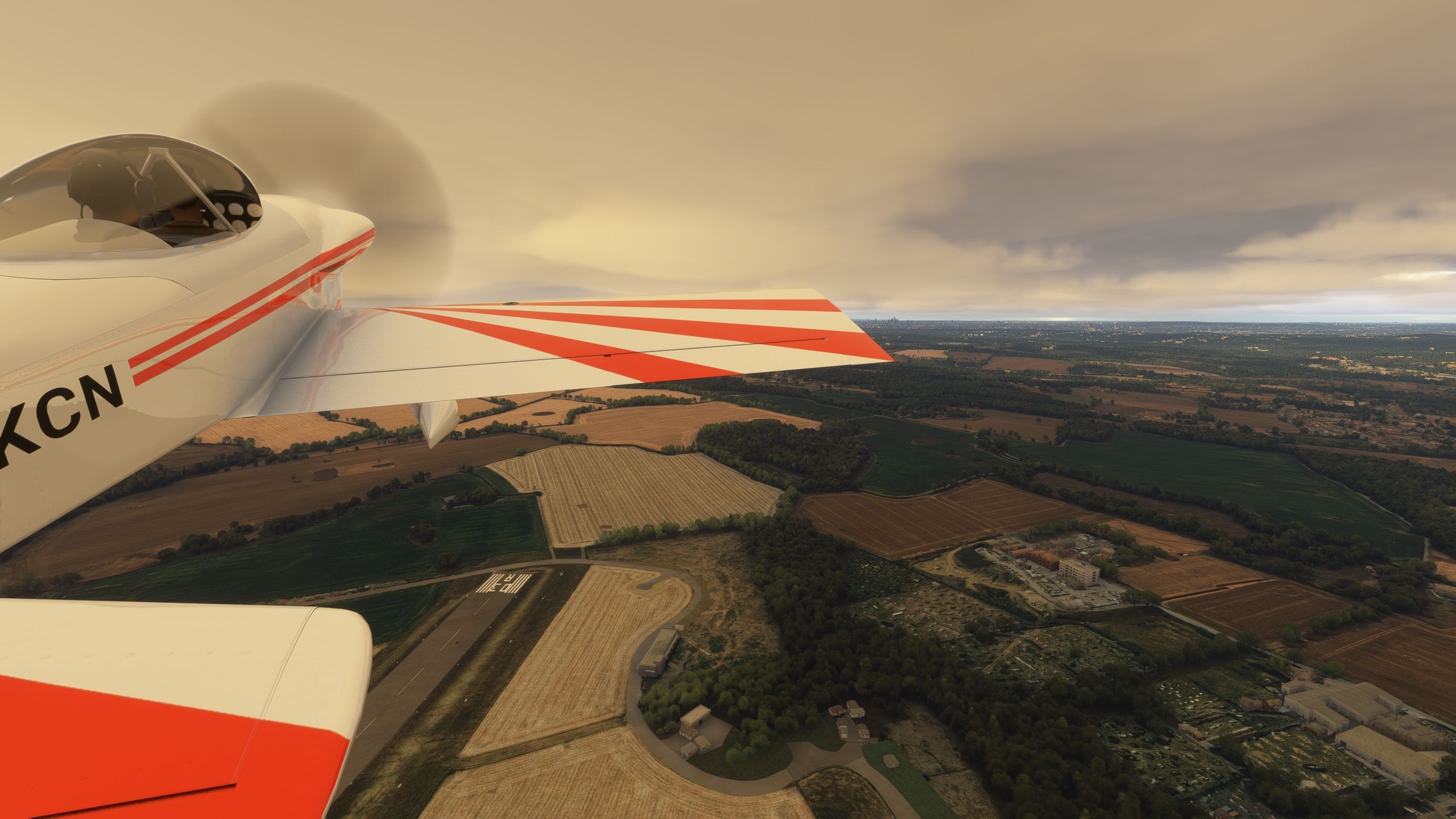
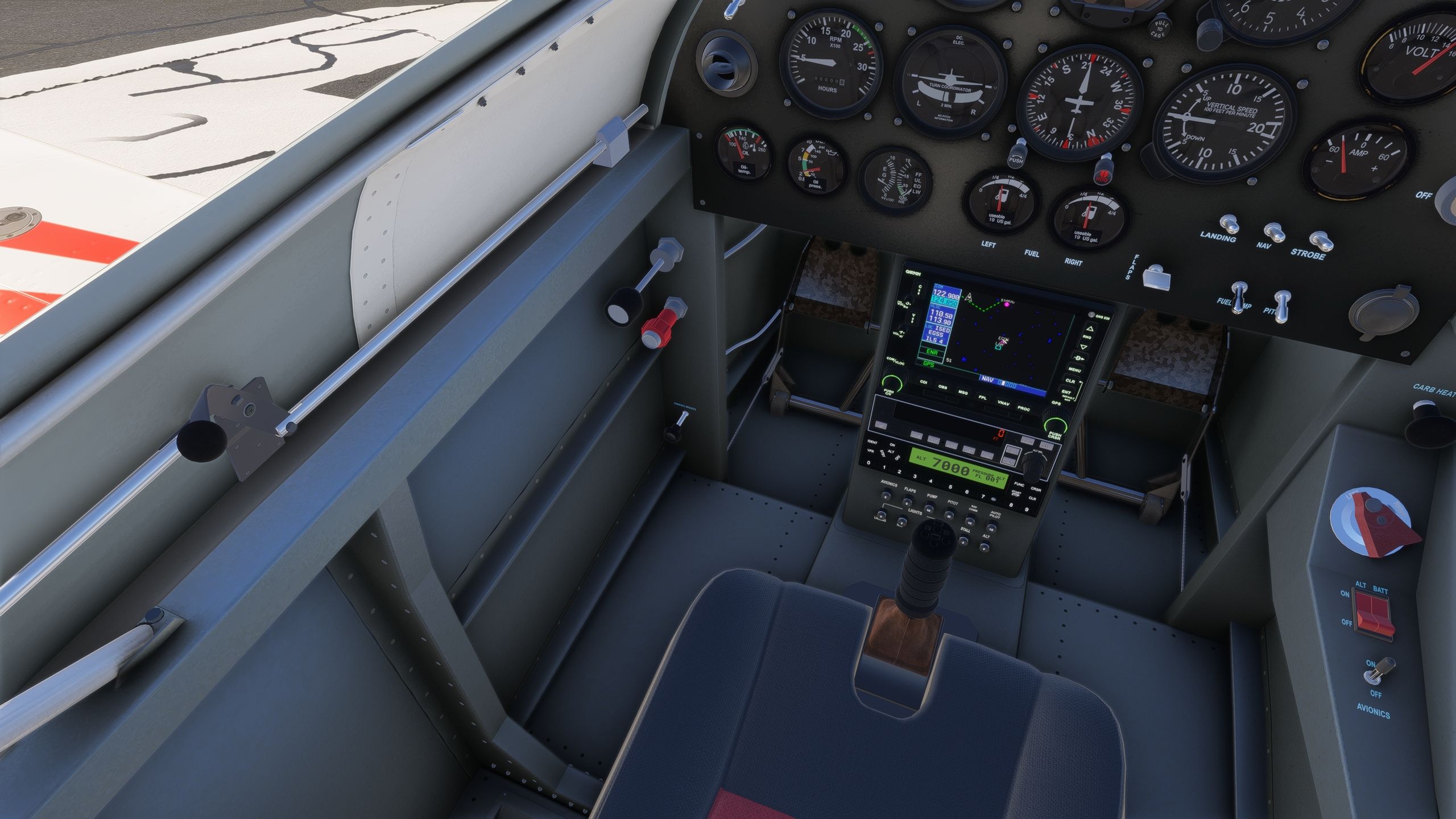
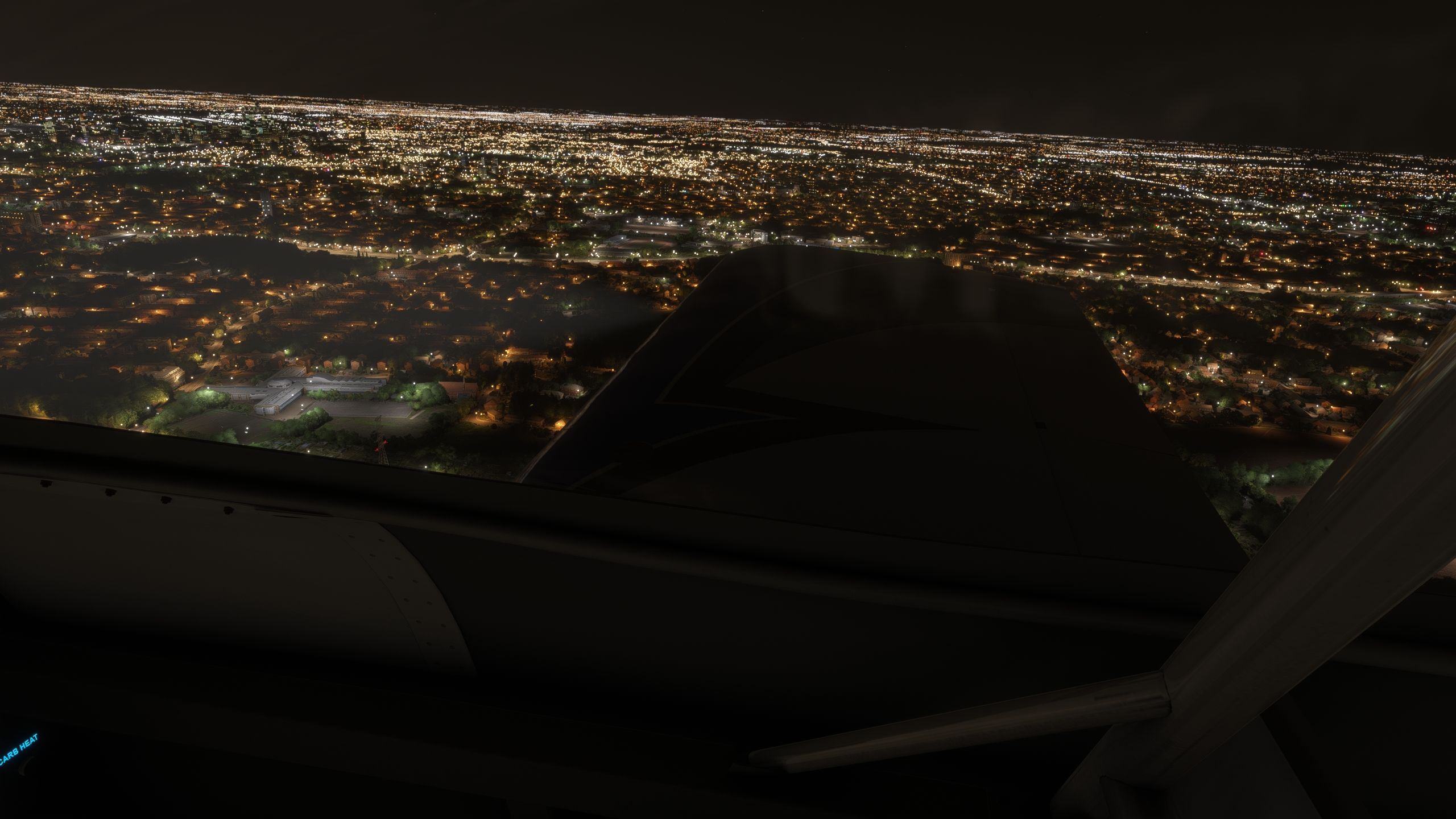
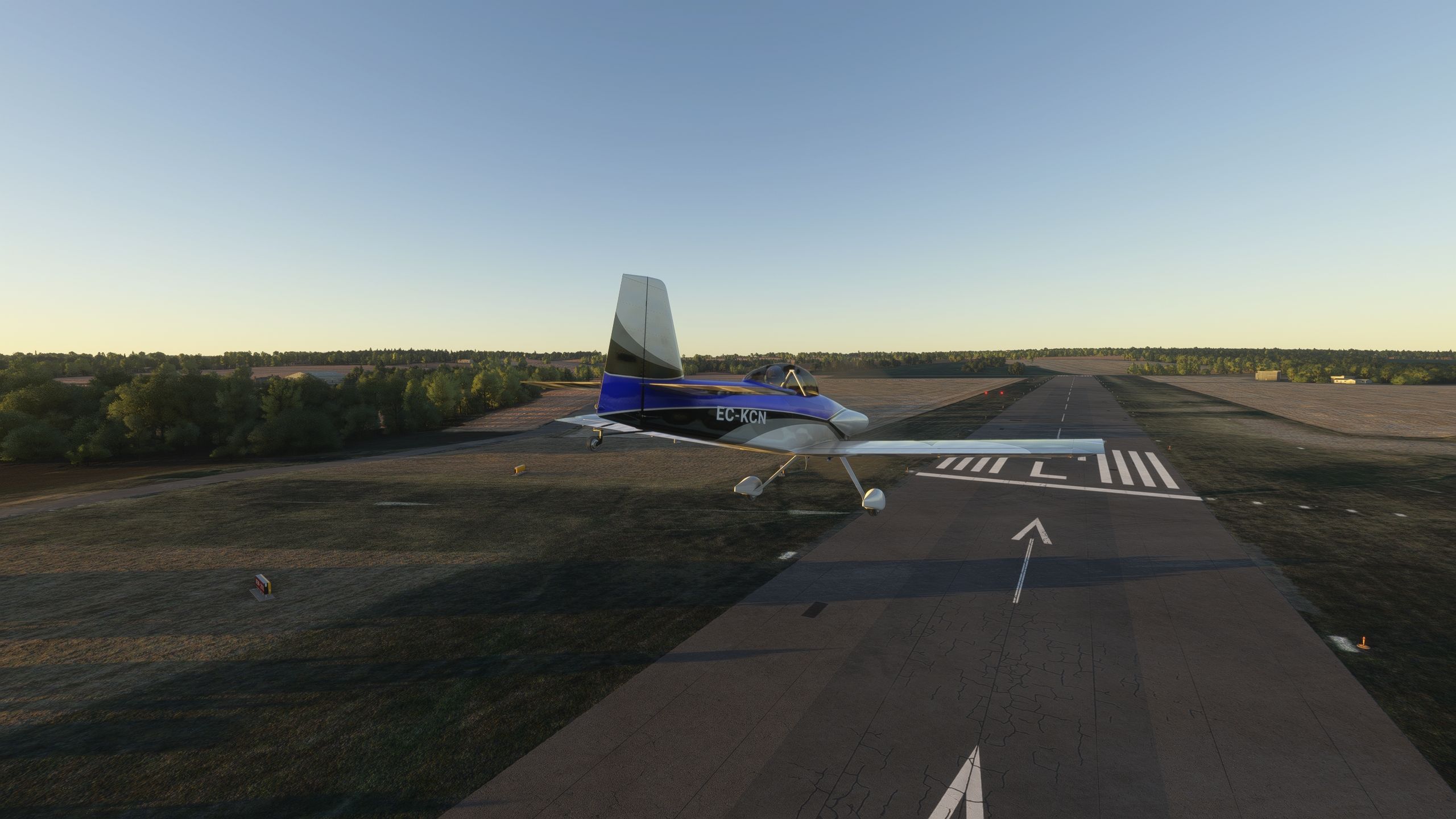
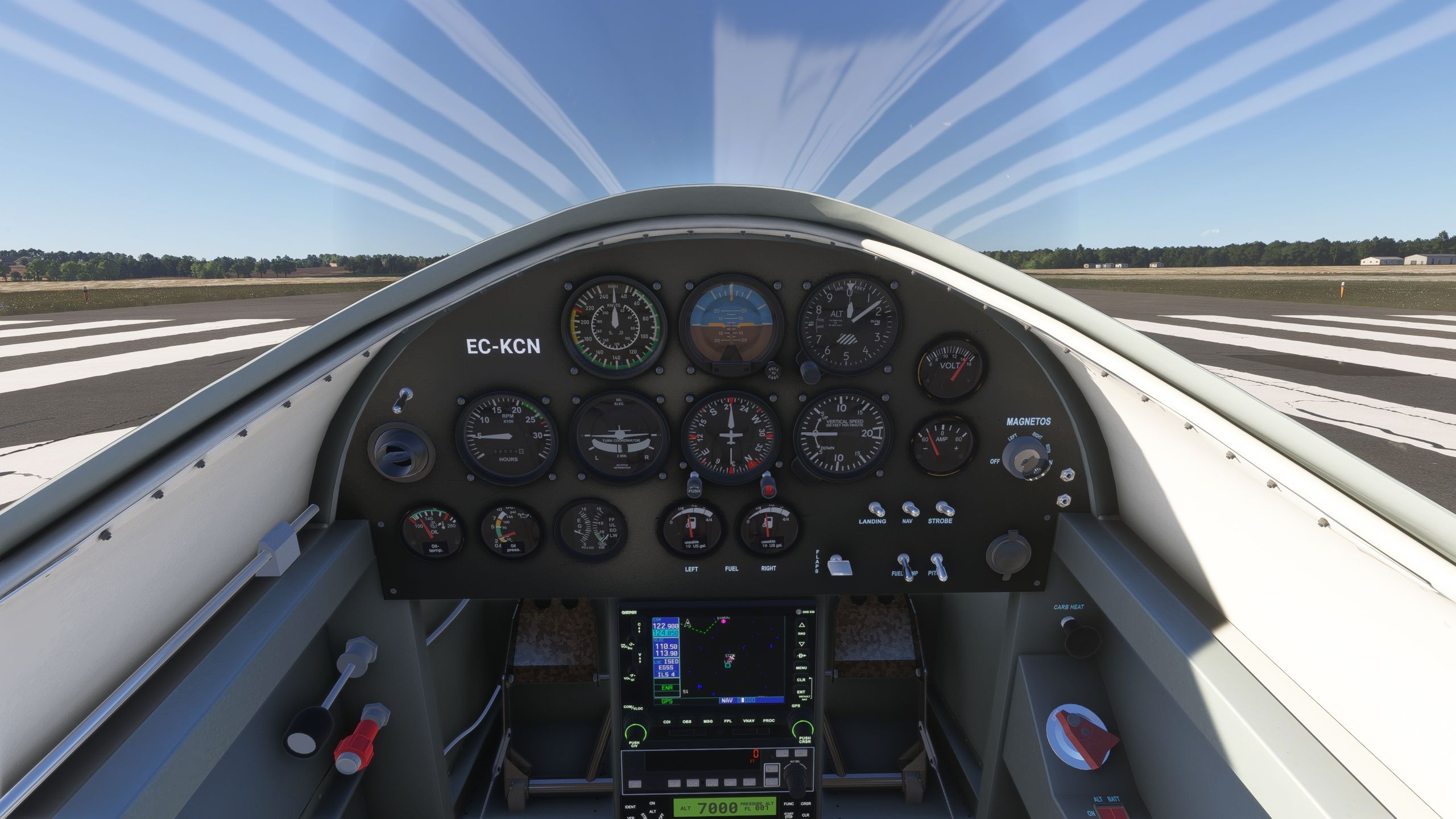
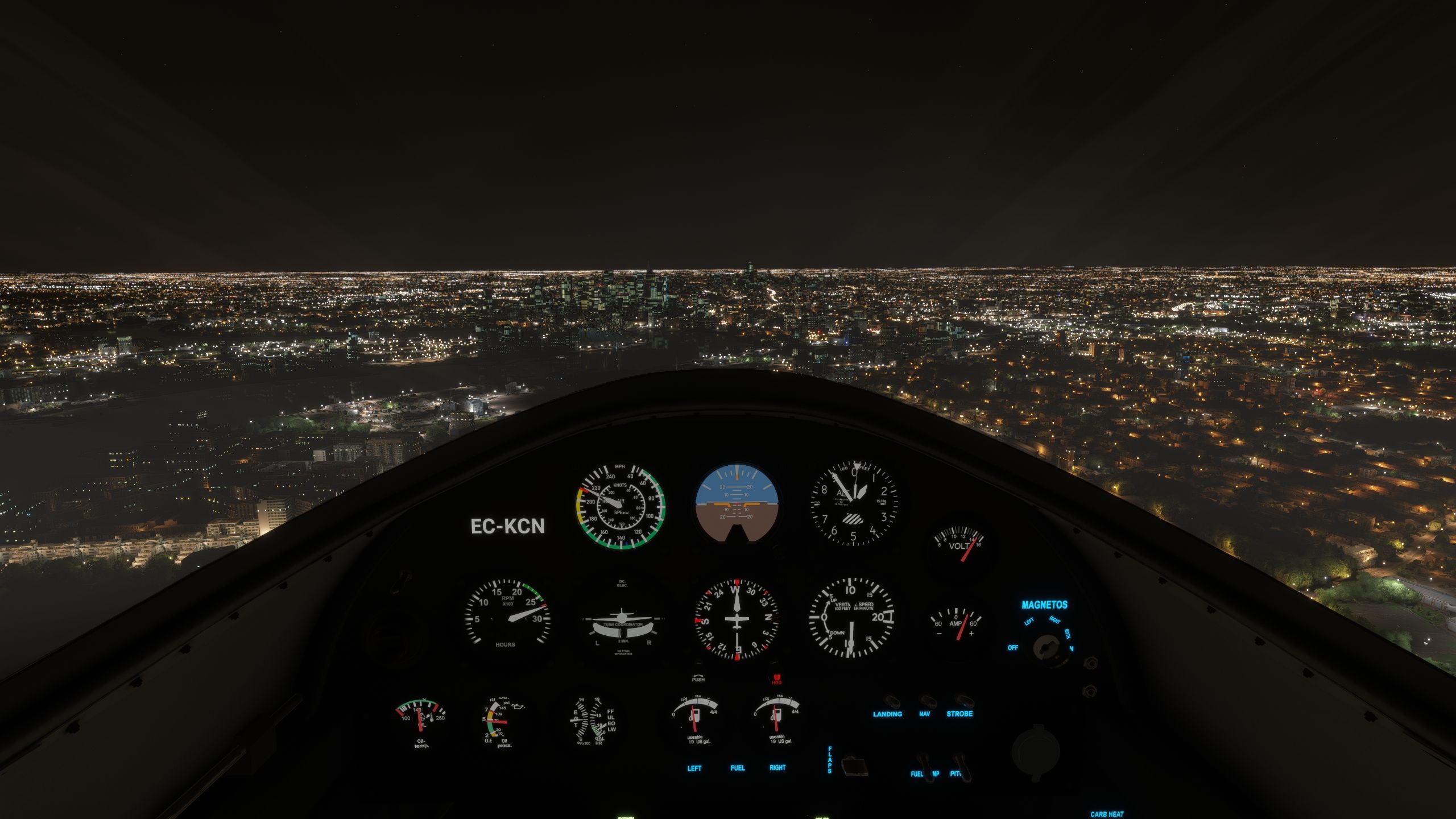
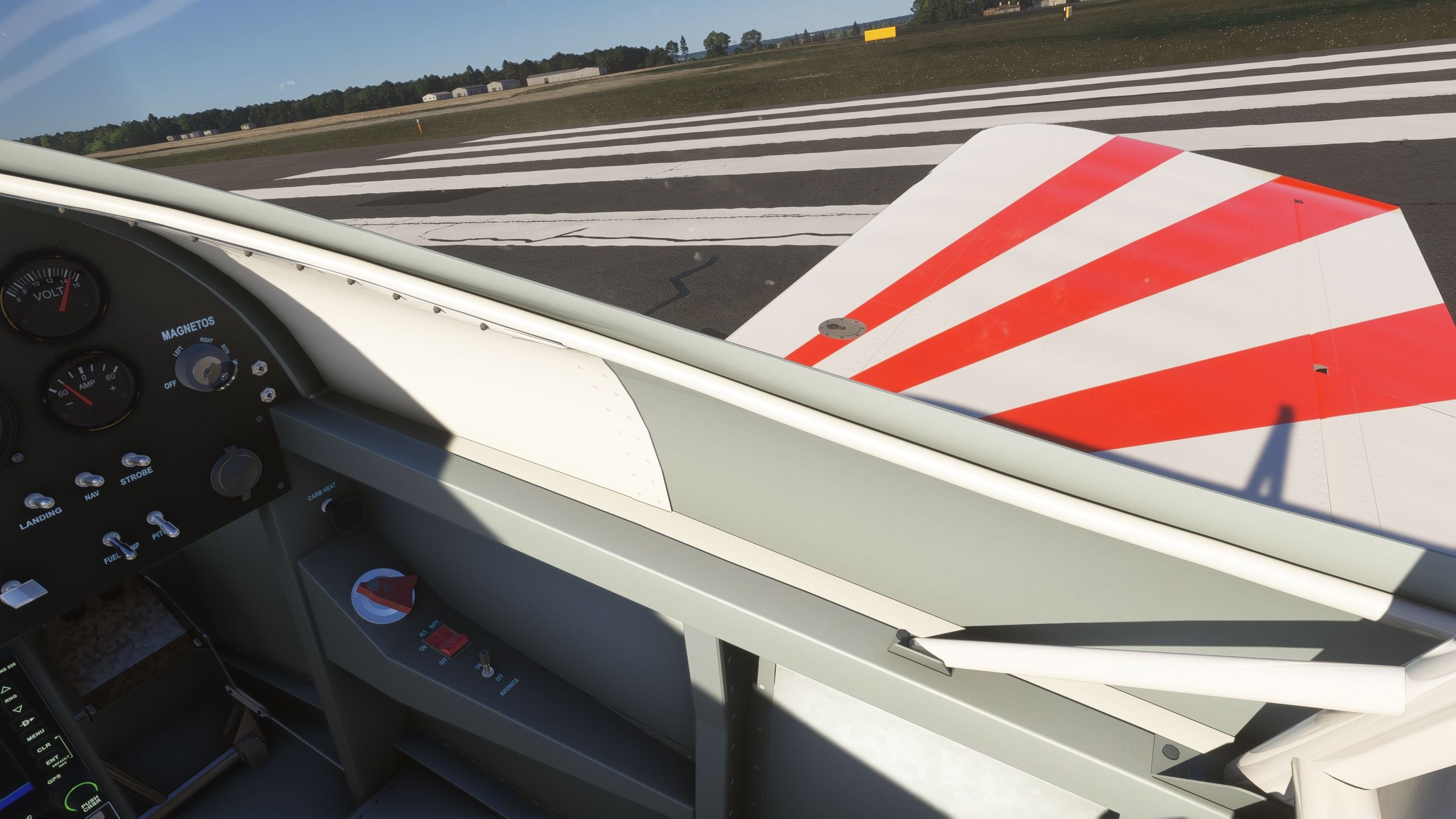
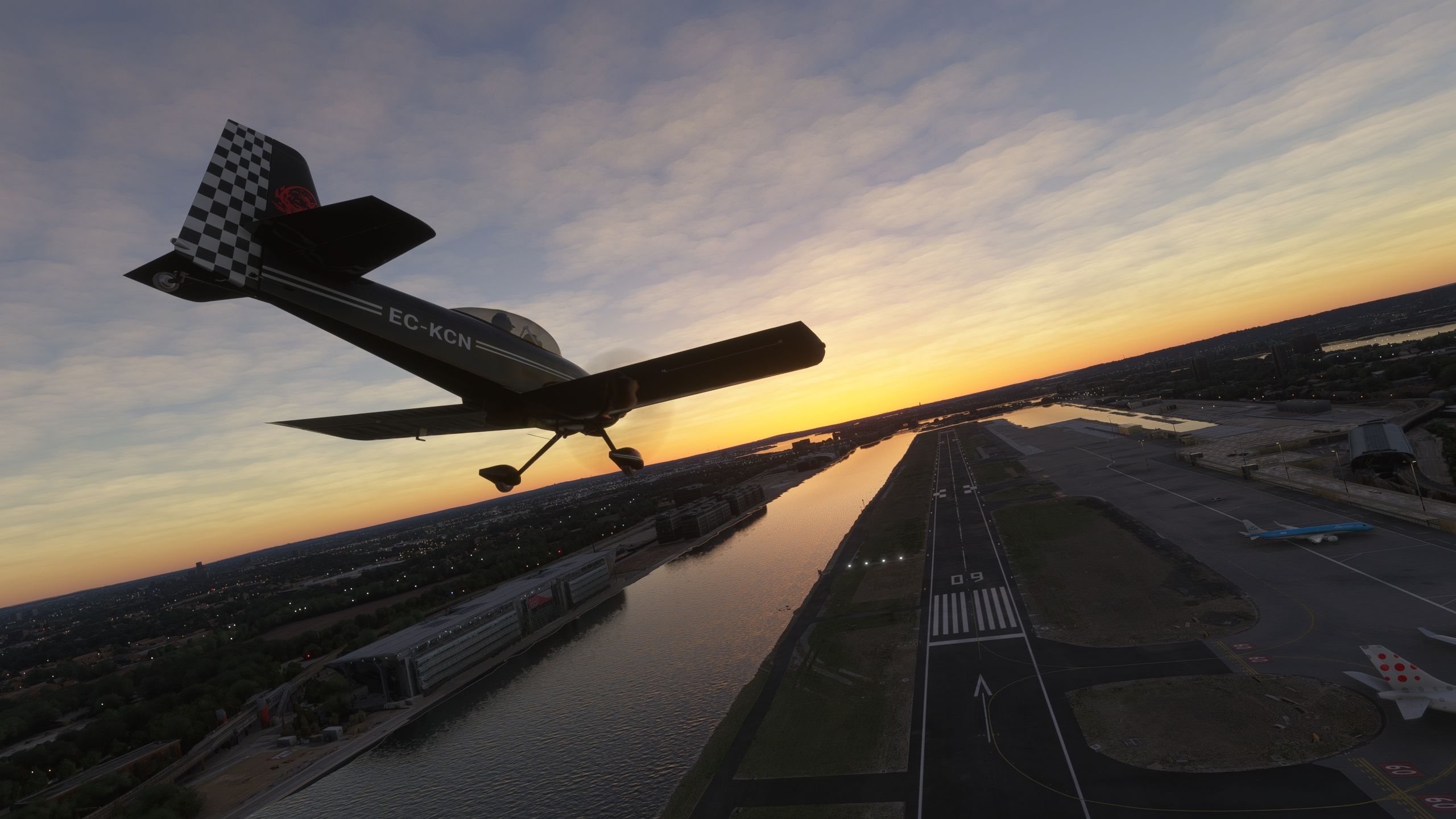
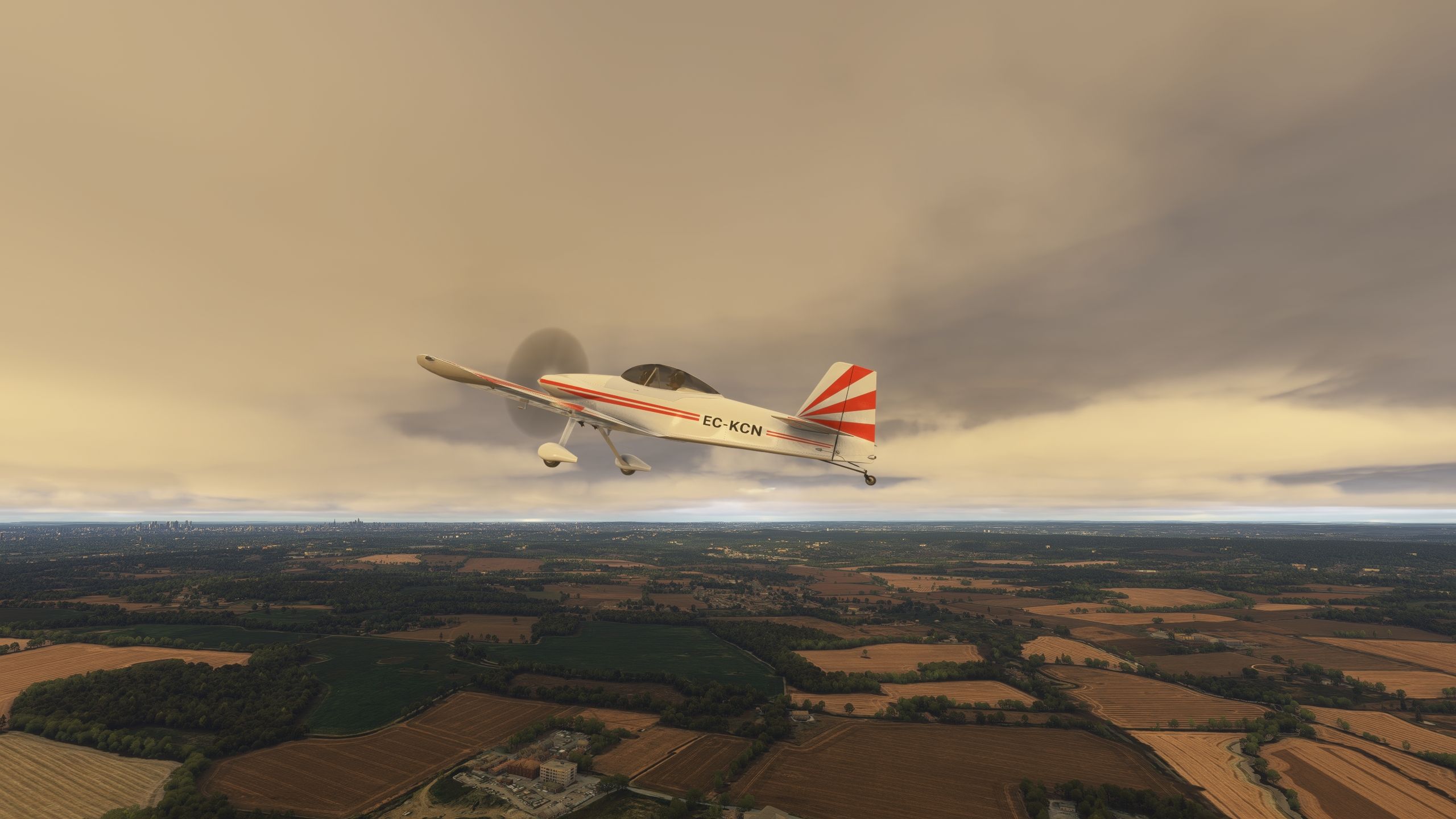
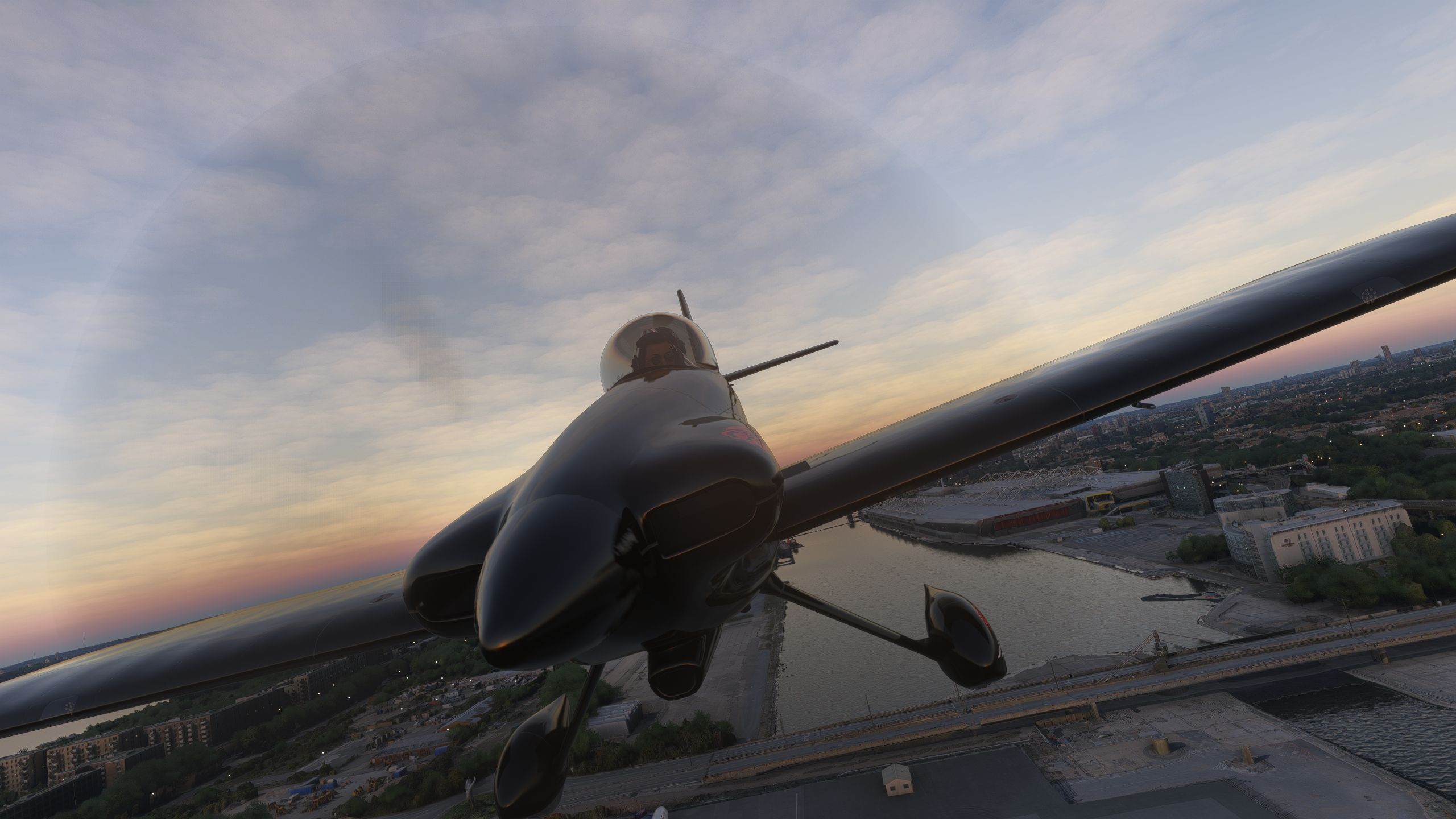
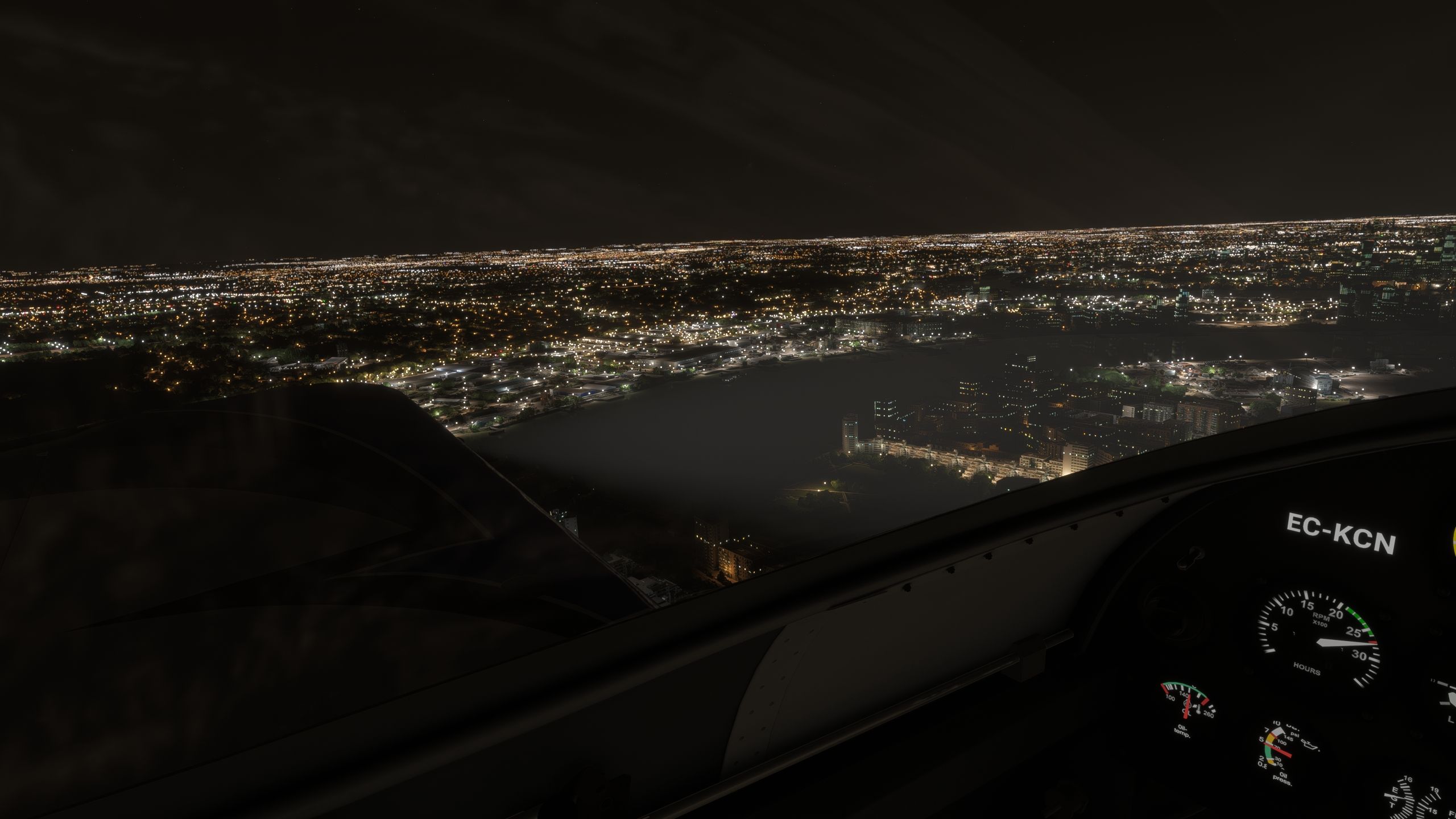
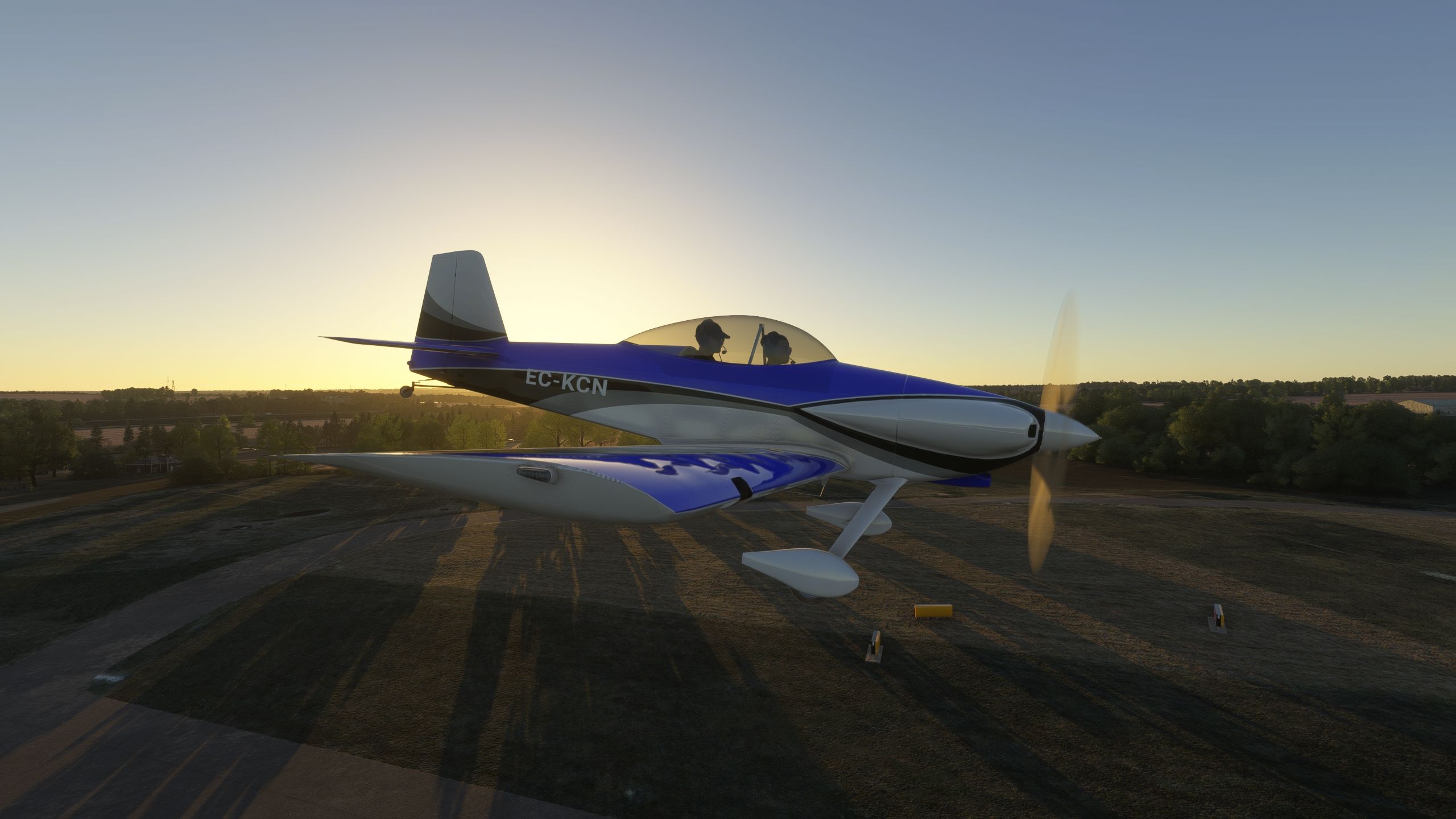
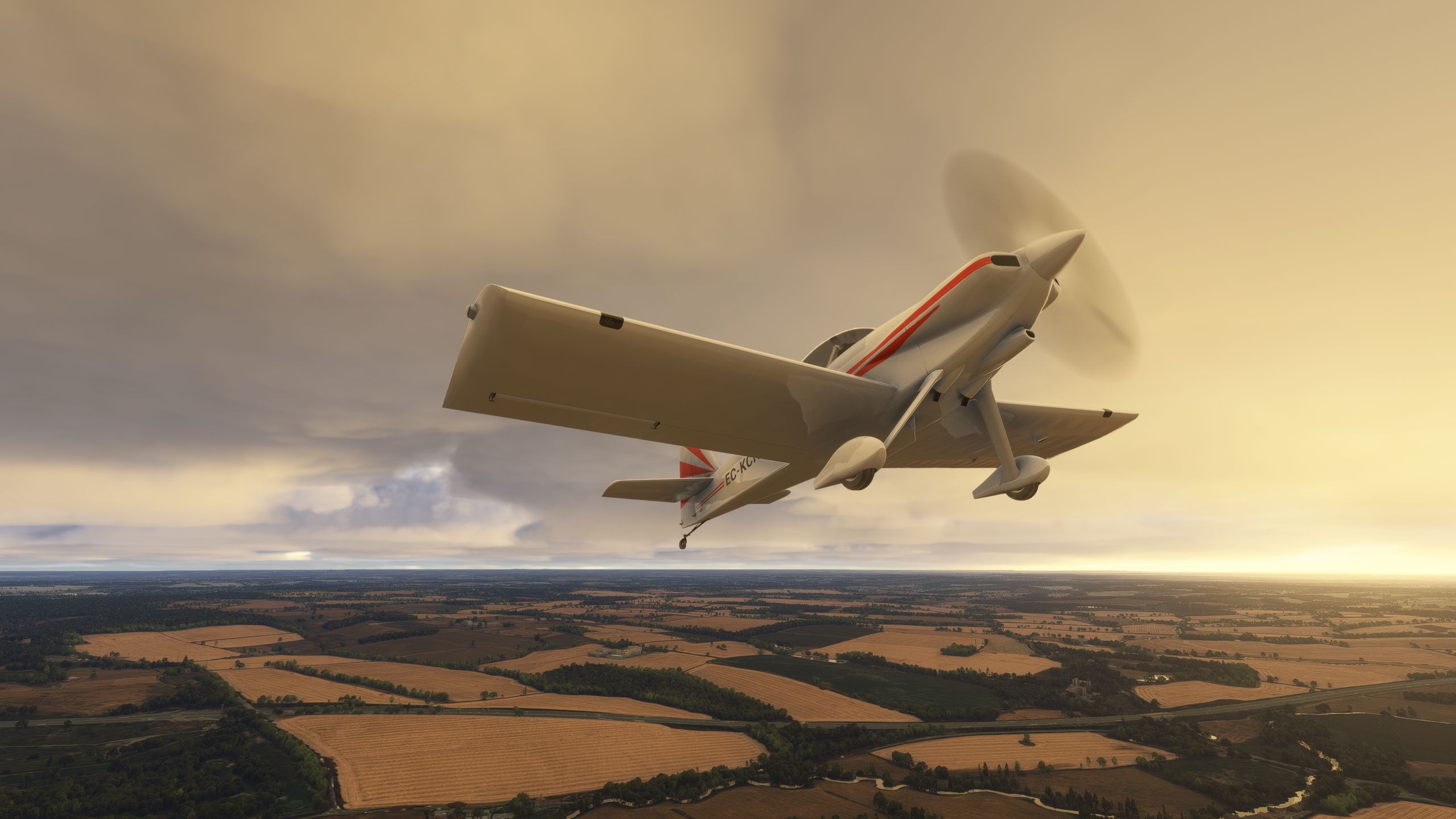
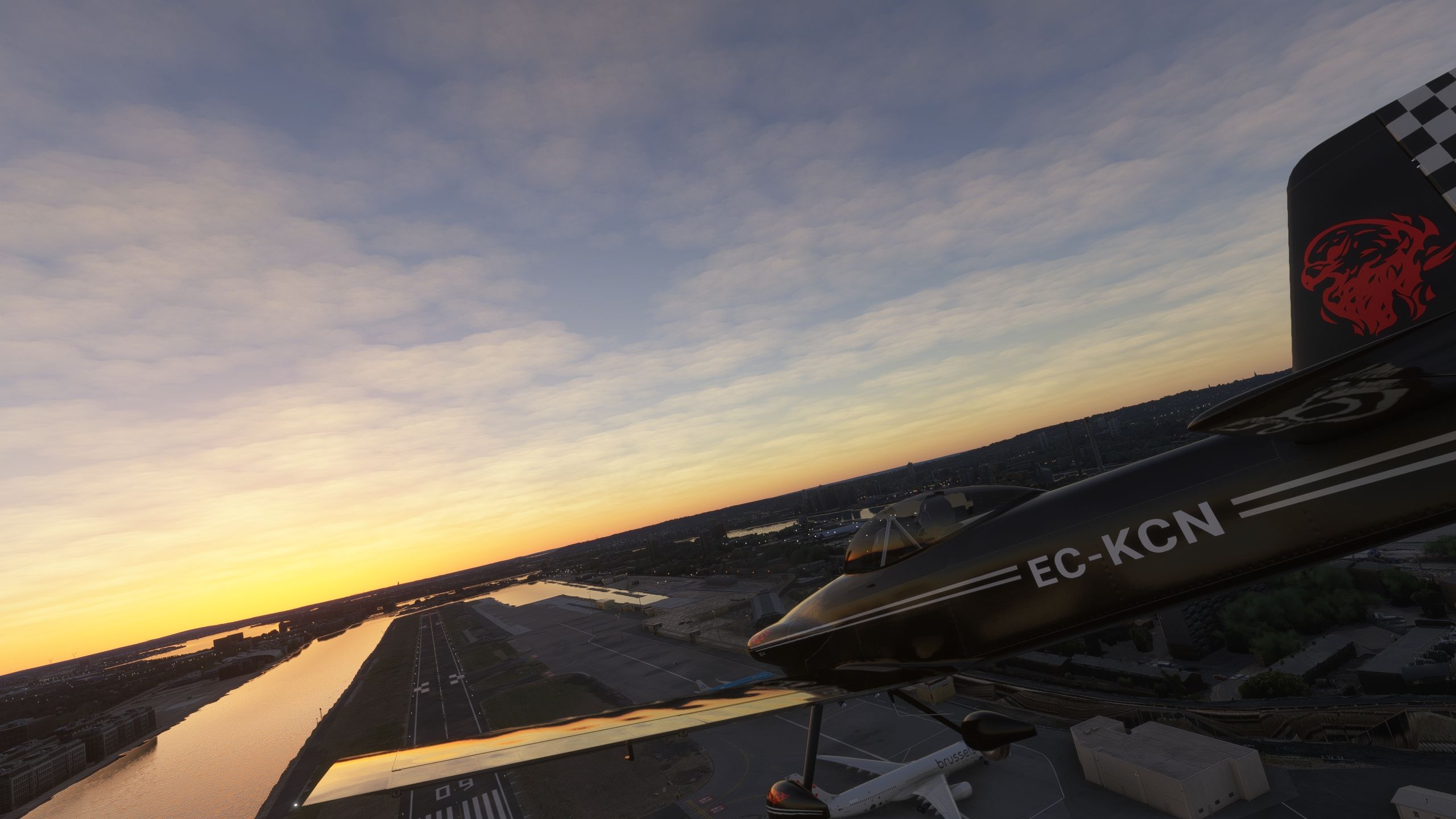
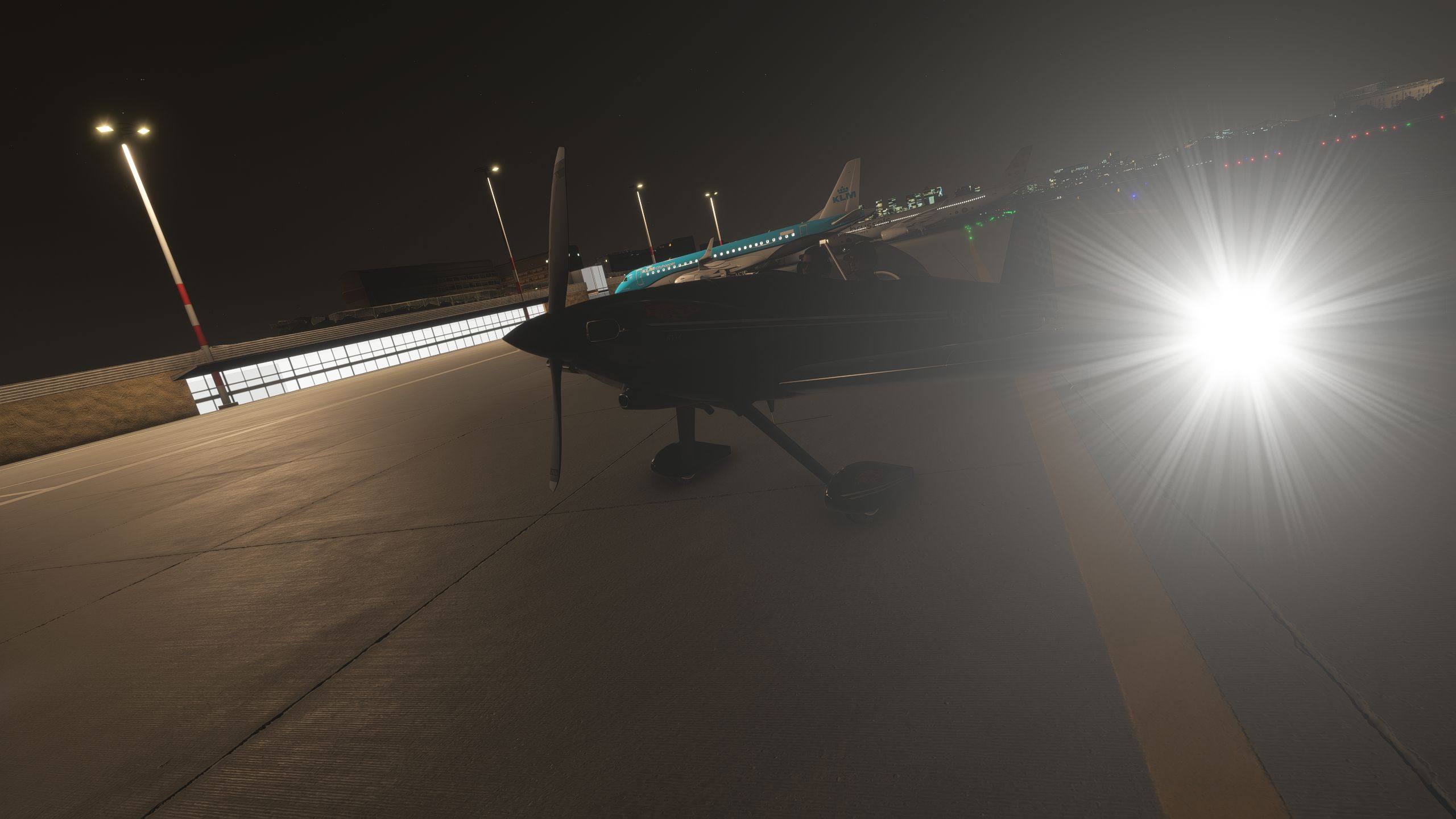
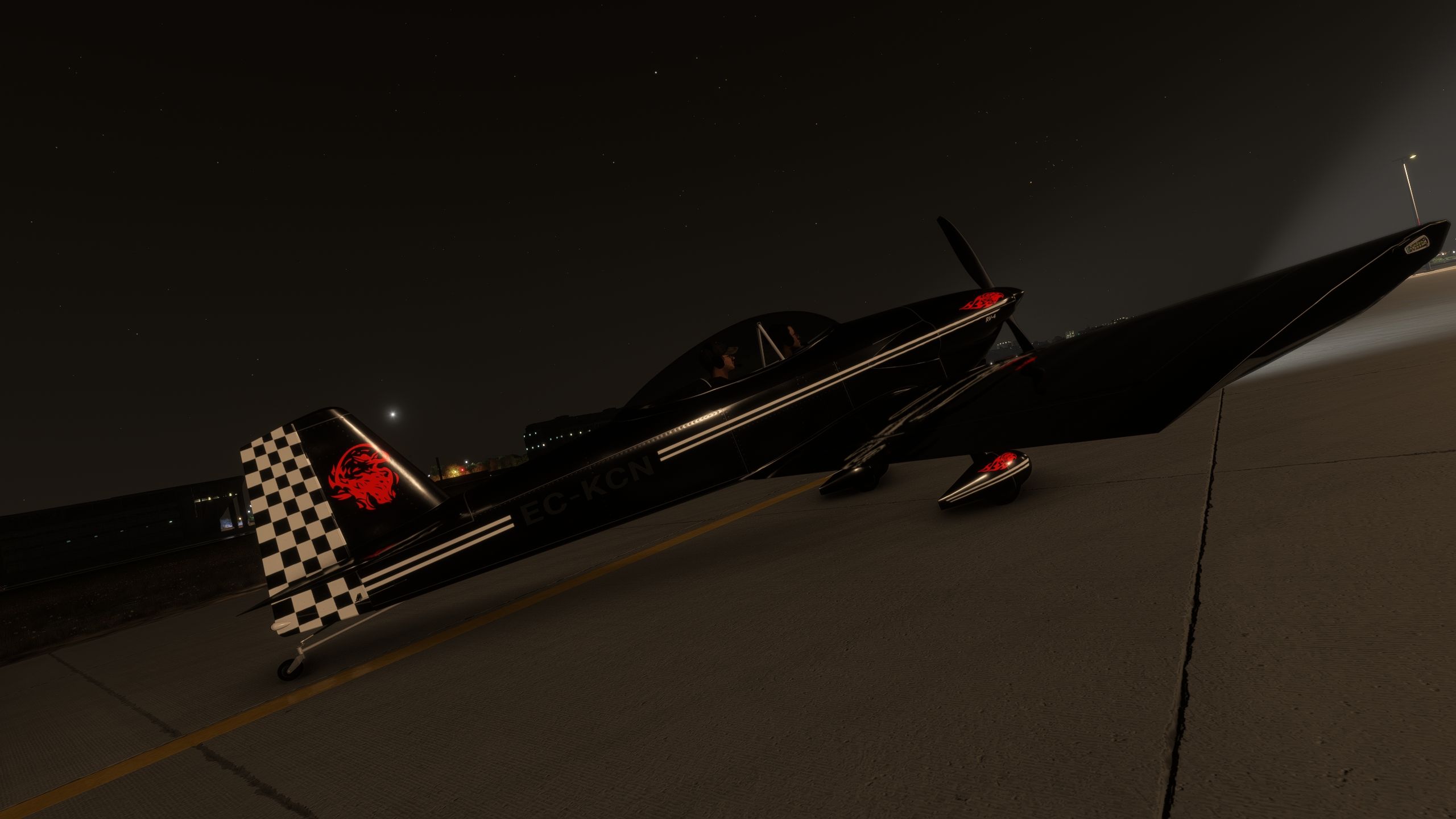
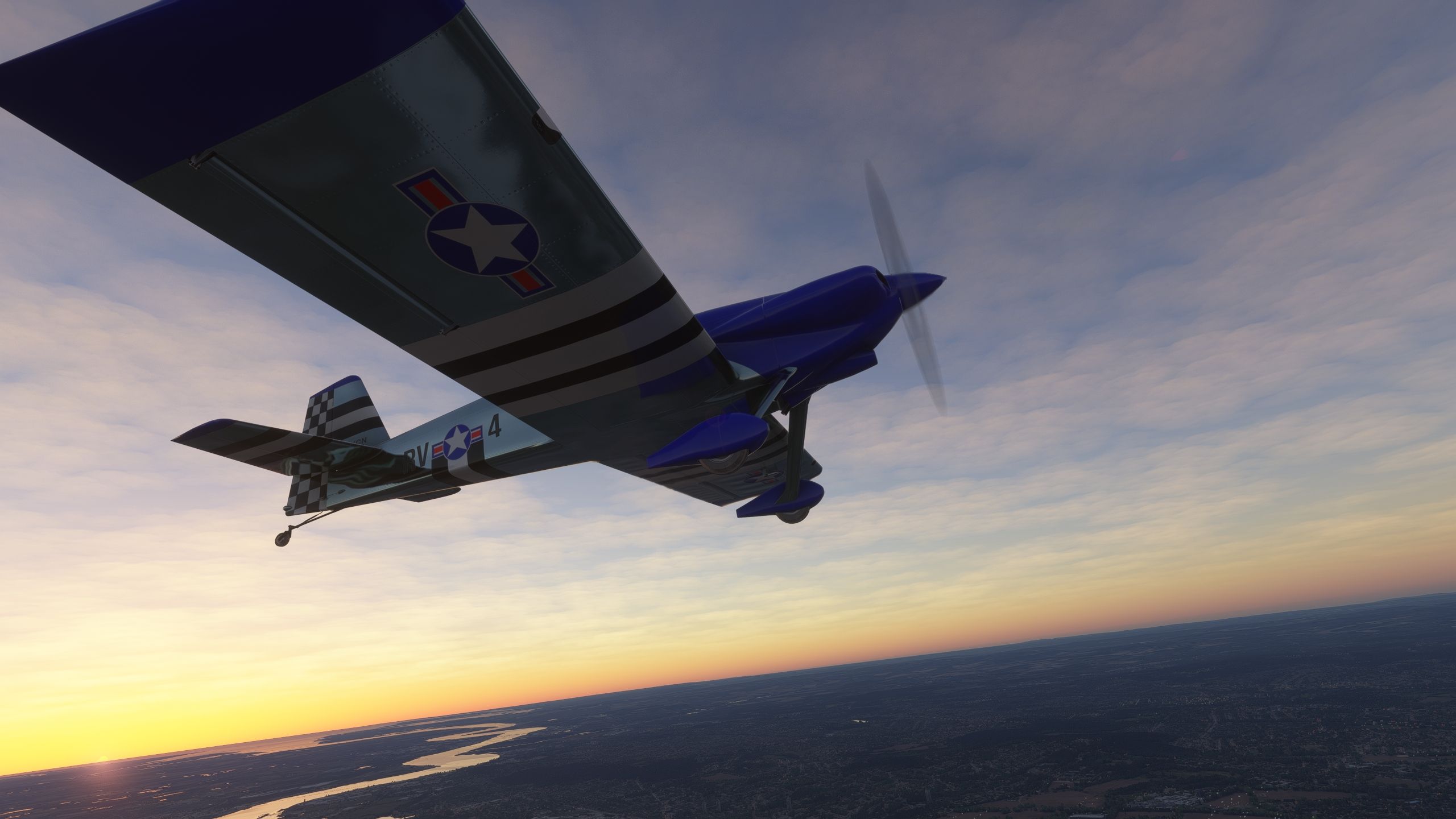

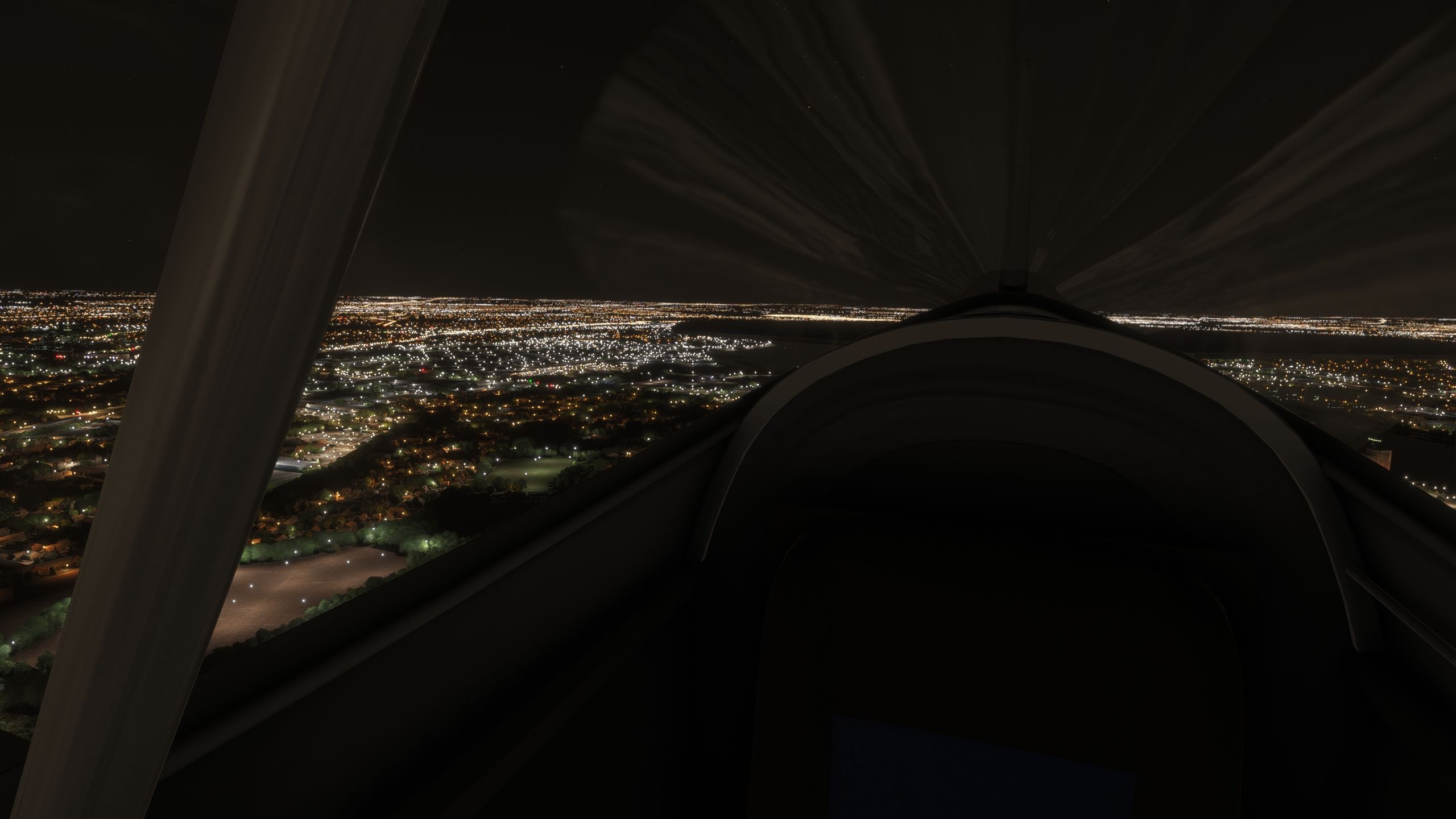
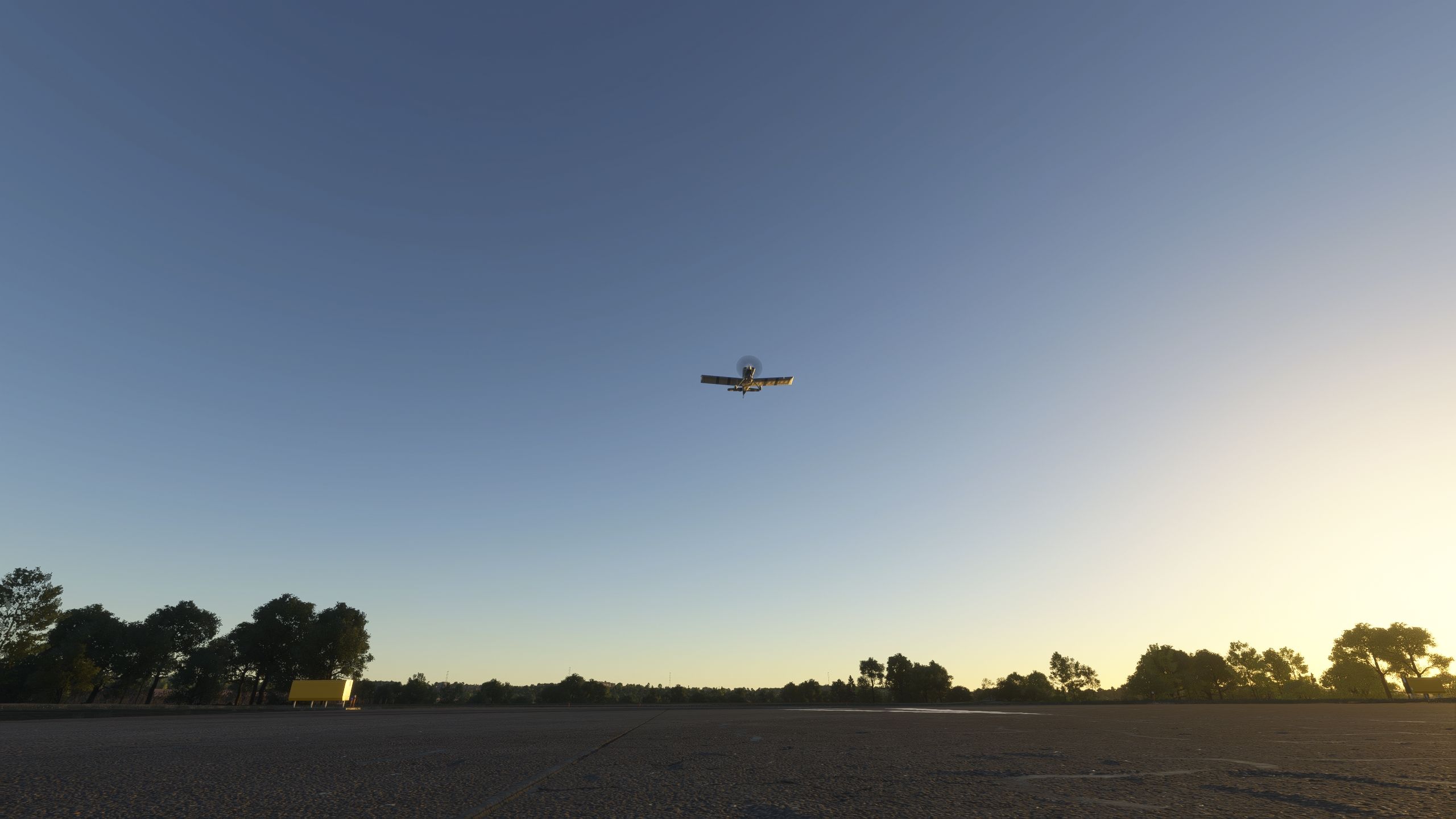
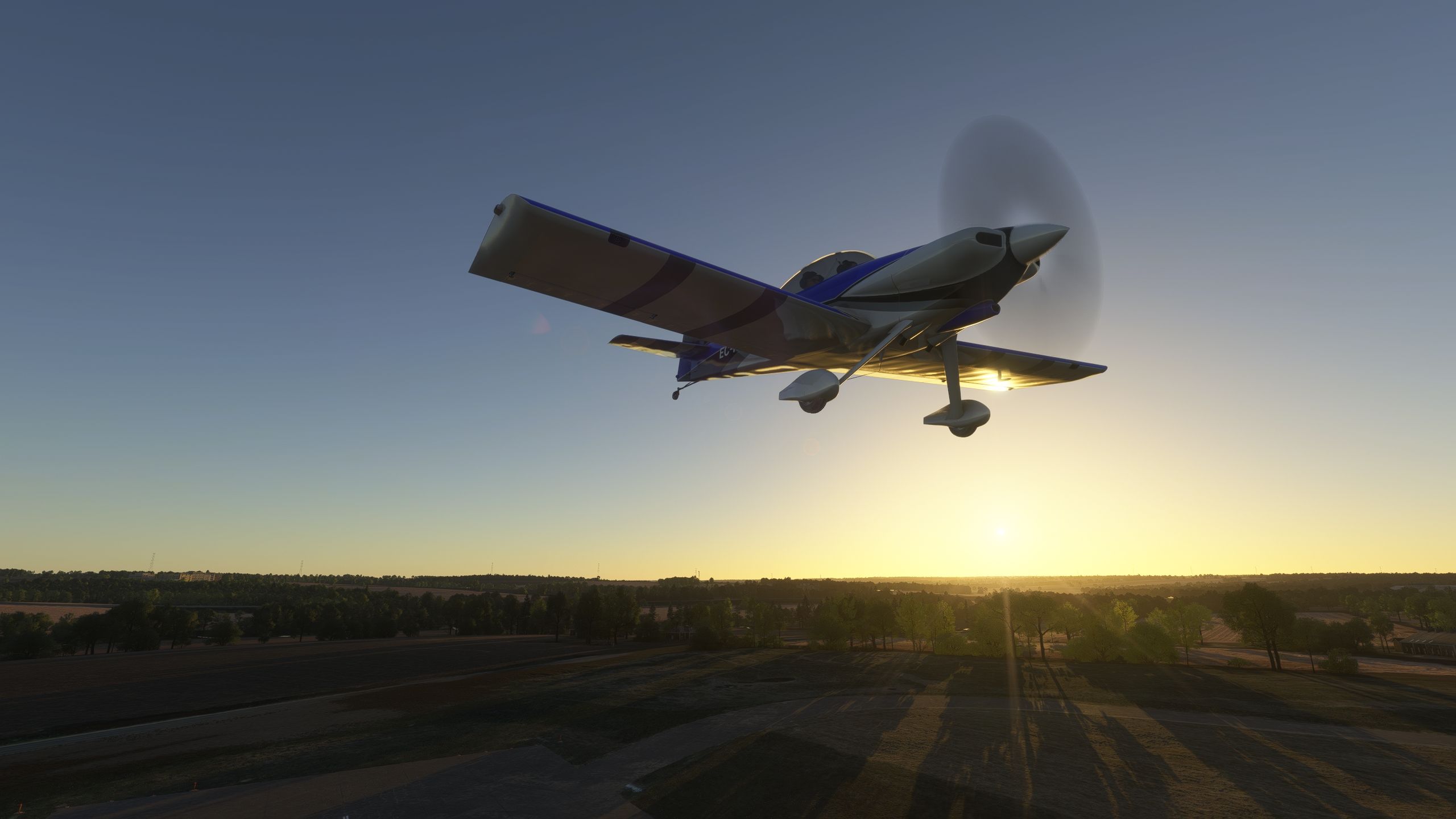
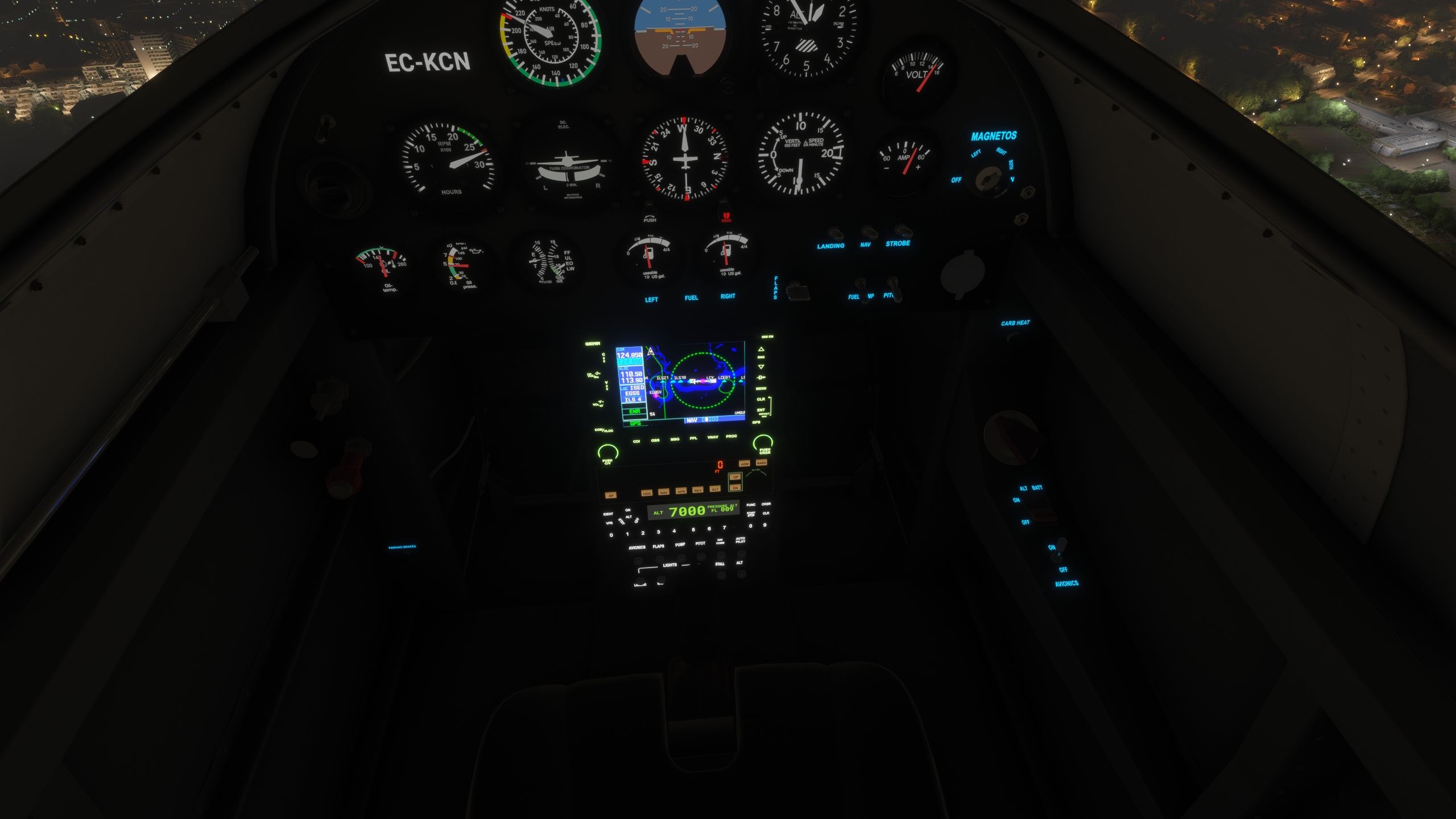
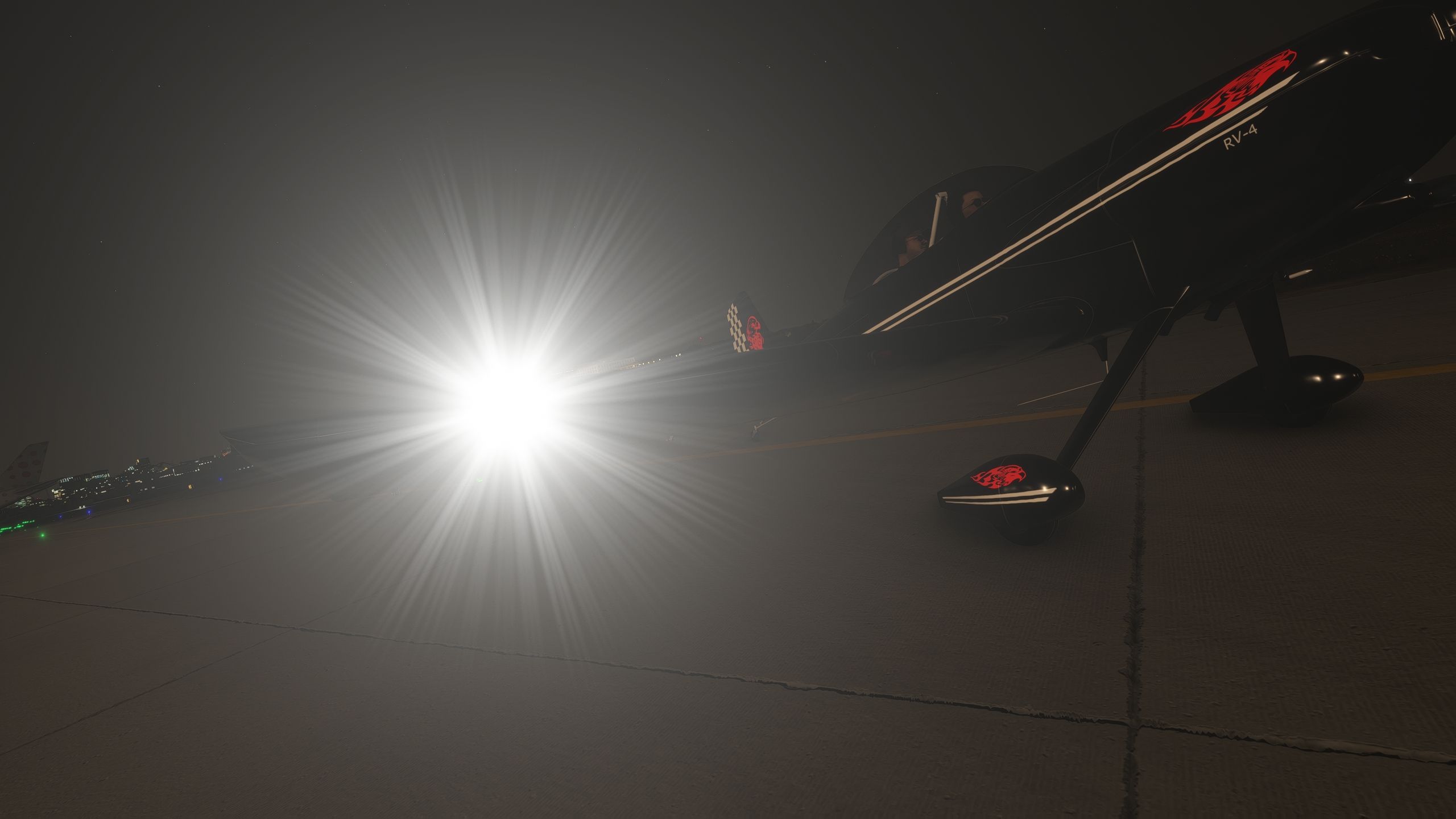
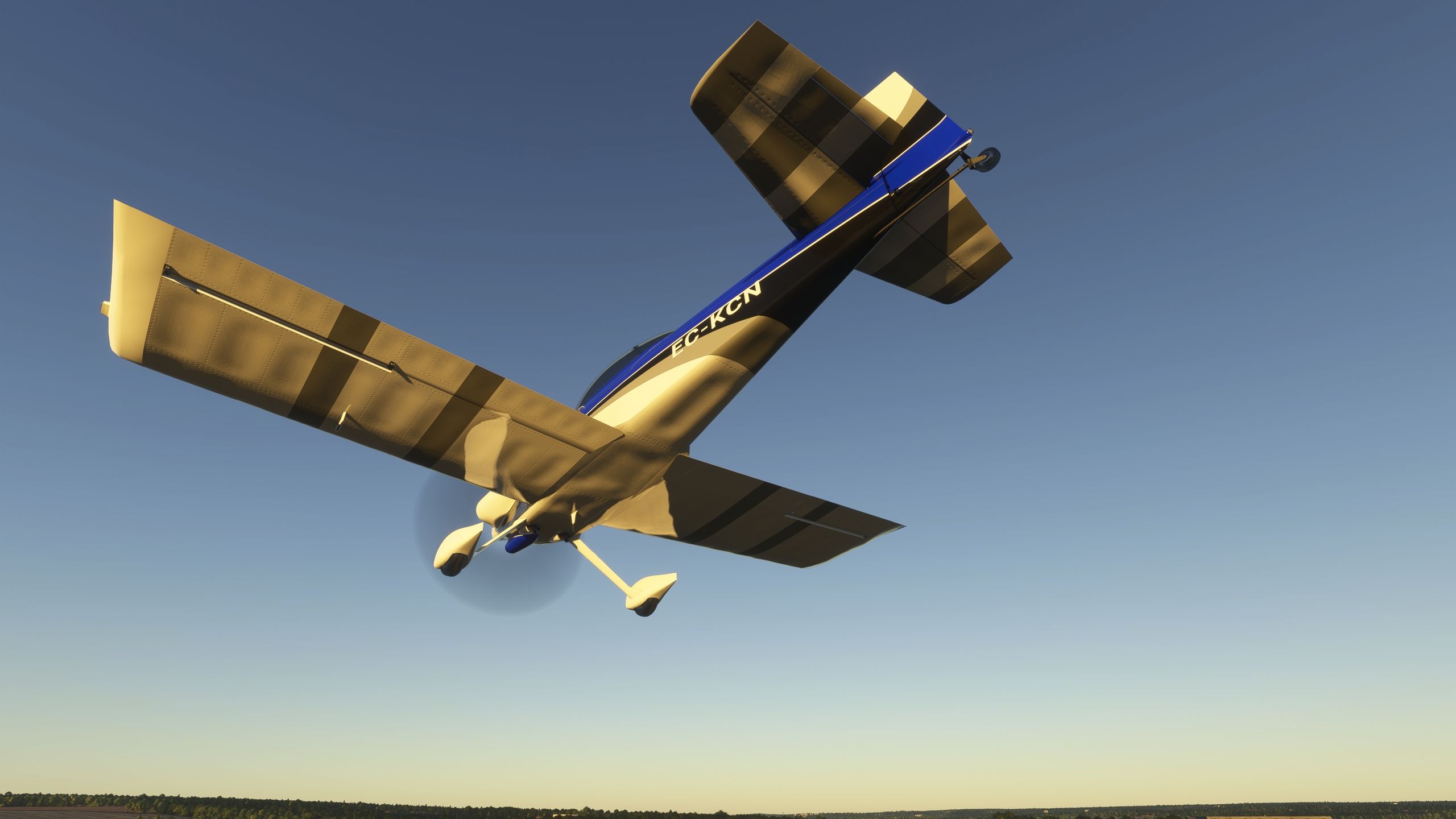
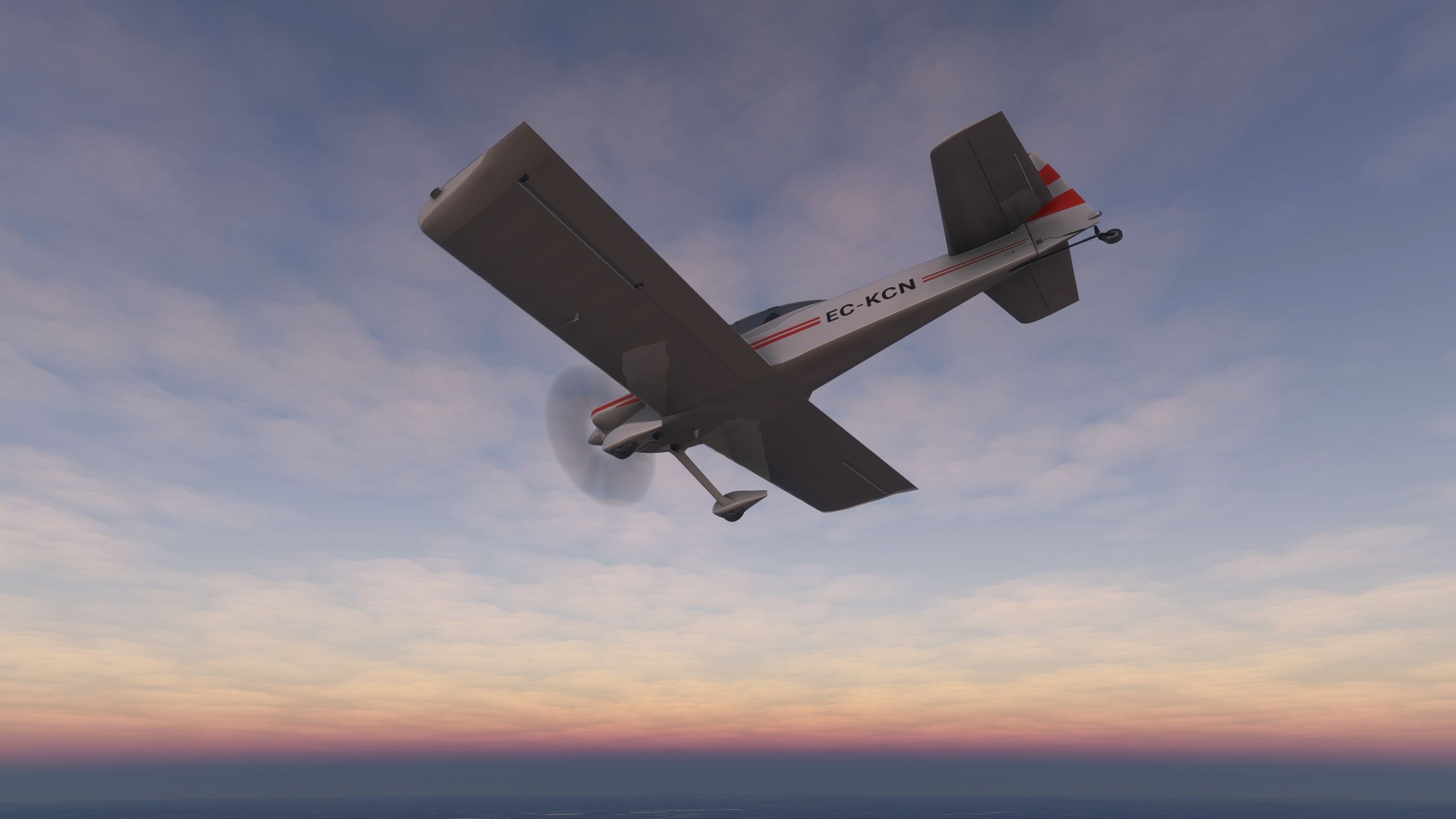
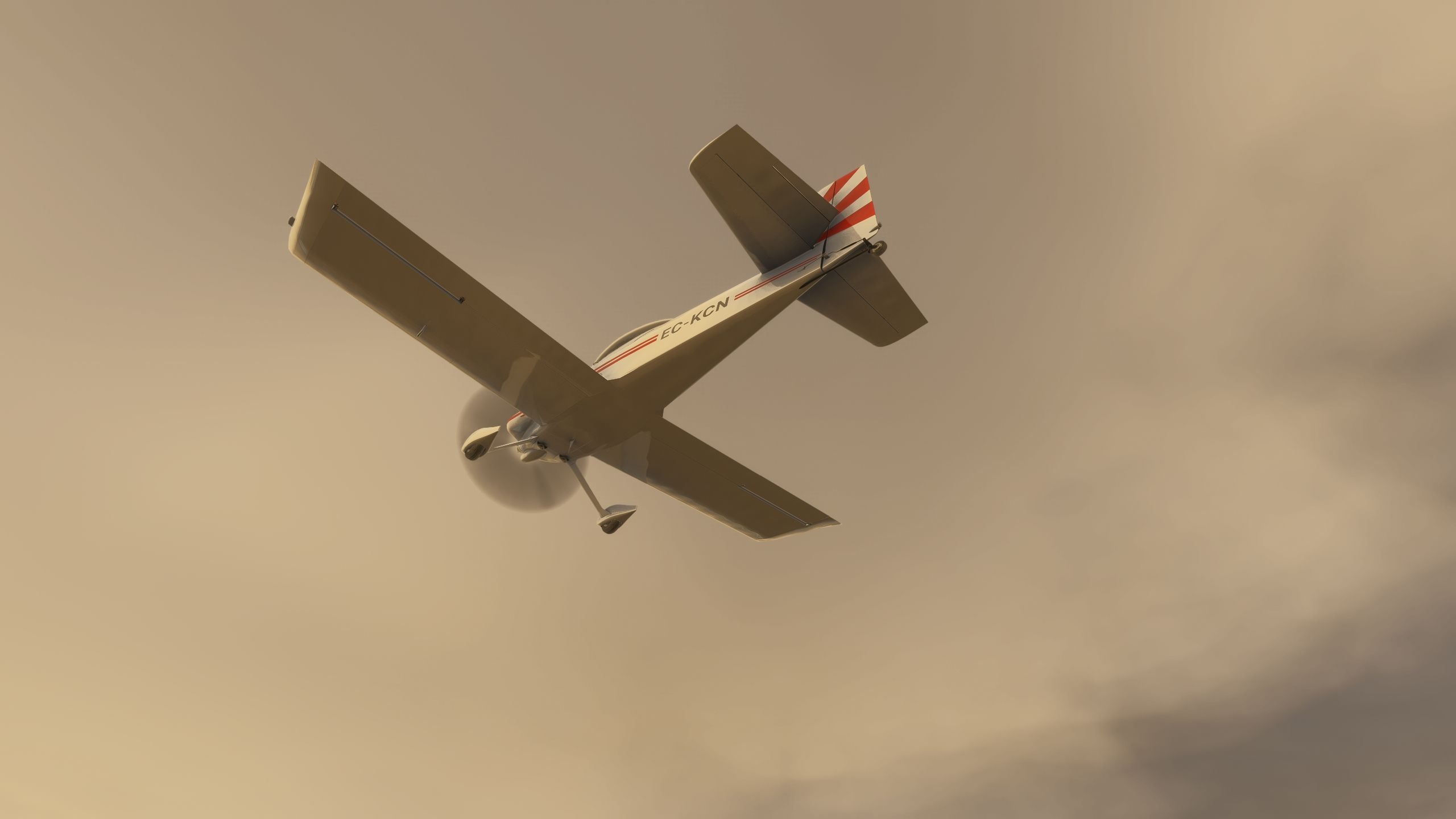

I flew deejing’s RV-4 in Microsoft Flight Simulator 2020 and 2024 as a casual kitplane rather than a handling reference. The fixed-pitch propeller kept my engine-management workload straightforward, while the animated carburetor-heat and elevator-trim controls provided useful visual touches in the cockpit. The tandem seating gives this little taildragger a different character from the side-by-side RV-7.
I found the exterior visibly unfinished in places, consistent with the developer’s acknowledgment of missing rivets and other details. The package combines its own modeling with default Asobo resources and CAP 10 sounds and textures; it also supplies a paintkit, smoke effects and another wing variant. For me, its appeal lies in recreational flying, with real-world systems and handling fidelity explicitly outside its current scope.
deejing’s freeware Van’s Aircraft RV-4 brings a two-seat kitplane to Microsoft Flight Simulator 2020 and 2024, with a complete base model, bundled paintkit and smoke effects. This work-in-progress aircraft favors recreational flying rather than a faithful simulation of real-world RV-4 systems and handling.
Van’s Aircraft supplies the real RV-4 in kit form for amateur construction. Its low-wing, tailwheel layout and tandem cockpit distinguish it from the side-by-side RV-7; two occupants sit one behind the other, with the pilot flying from the front seat.
For this rendition, deejing specifies an O-360 engine and fixed-pitch propeller. That propeller configuration keeps engine management simpler than a constant-speed installation, since it offers no separate blade-pitch control. However, the developer explicitly cautions that the aircraft does not reproduce real-life operation, so treat it as a casual flying option rather than a procedures or handling trainer.
The supplied release history lists v1.0.6, dated September 5, 2024, as the current version. Across these revisions, deejing addresses electrical and sound faults while continuing work on the aircraft’s visuals, controls and flight model.
Extract the deejing-aircraft-rv4 folder from the download archive into your simulator’s Community folder. The archive also contains the complete paintkit for repaint work.
Free for all simmers · 643.75 MB · Scanned clean Sep 2026
Download speed: Free tier is capped at 0.5 Mbps (this file takes approximately 3h 0m at the cap). PRO members download at full line speed.
%LOCALAPPDATA%\Packages\Microsoft.FlightSimulator_8wekyb3d8bbwe\LocalCache\Packages\Community\. Steam version: %APPDATA%\Microsoft Flight Simulator\Packages\Community\. Tip: enable Developer Mode in MSFS to see your exact Community folder path.readme.txt or README file. It tells you exactly where files go, what dependencies are needed, and any quirks specific to this add-on.Only PRO members can place votes.
More MSFS add-ons hand-picked based on this download.
MSFS General Aviation Aircraft
A complete freeware aircraft pack featuring the Van's RV-7 and RV-7A in accur…
 MSFS General Aviation Aircraft
This freeware release brings a refined rendition of Van's RV-7 into the new M…
 FSX General Aviation Aircraft
A frame rate friendly Van's RV9A with a 3D panel and three liveries. By Chuck…
 FSX General Aviation Aircraft
N6731 repaint for the payware BayTower Studio Vans RV7. Textures only. By Gre…
 FSX General Aviation Aircraft
Fictional Yellow Devil repaint for the payware BayTower Studio Vans RV7. Text…
 FSX Scenery
Scenery Van Ferit Melen Airport 2010 (LTCI) in east of Turkey. Update LTCI200…
 X-Plane Scenery Libraries
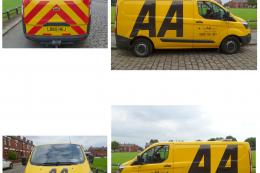
This is an AA (Automobile Association) Ford Transit van which is a common sig…
 FSX General Aviation Aircraft
A pack of freeware liveries/repaints for the payware BayTower Studio Vans RV-…
Be the first to leave a comment on this download.
Be the first to share your thoughts on this download.