

 FSX Scenery
Mesh for Southern Africa (All Parts)
A complete package containing all parts and files of the highly detailed 76m …
Southern Africa VFR scenery enriches Kruger National Park, major harbors, Overvaal resorts, power stations, dams, and refreshed photobackground coverage with default objects and custom models that add clear visual reference points. Built for FSX, it requires the Aeroworx Southern Africa mesh for best elevation-matched terrain and vector accuracy.
 Rate
Rate
 South Africa
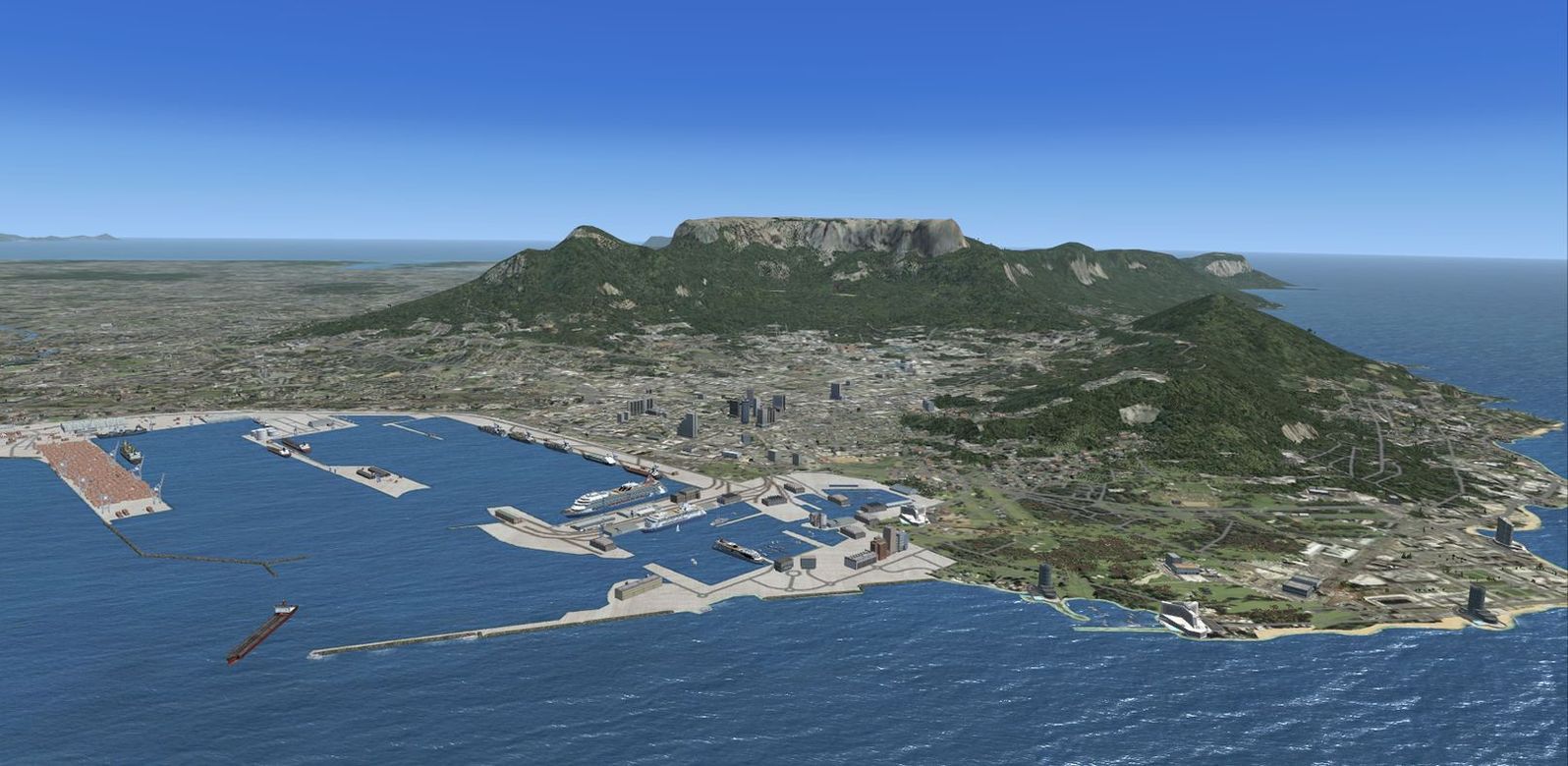
Non airport scenery consists of all previous released scenery concerning Kruger National Park, South African Harbors, Overvaal resorts and all the rest. Added to this are a few more individual scenery enhancements, power stations and revamped photo background scenery, done with default objects and own designed models to act as reference points when flying VFR and enhance your southern Africa scenery. Please install FSXWORX01.ZIP, FSXWORX02.ZIP, and the updates before this scenery. By Hannes Steyn, Martin du Preez, Aeroworx.
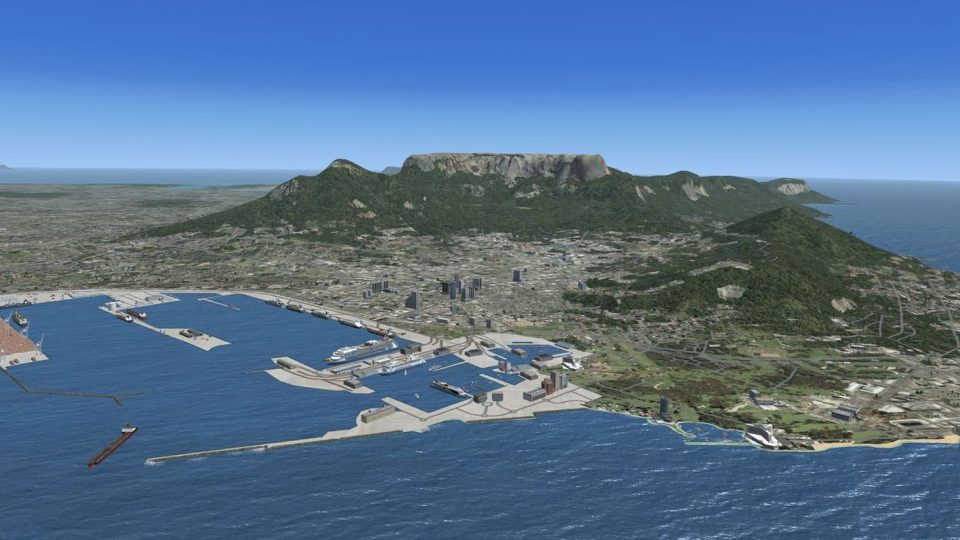
Aerial view of Southern Africa scenery.
IMPORTANT NOTES:
Free for all simmers · 110.92 MB · Scanned clean Oct 2026
Download speed: Free tier is capped at 0.5 Mbps (this file takes approximately 31 mins at the cap). PRO members download at full line speed.
This add-on may require the following files to function properly. If this is a repaint, the dependency below is likely the base aircraft package.
FSX\Addon Scenery\ containing scenery and texture sub-folders.readme.txt or README file. It tells you exactly where files go, what dependencies are needed, and any quirks specific to this add-on.Use these coordinates to fly directly to this location once the mod is installed.
-25.74790000,28.22930000
Launch FSX or Prepar3D and use Flights → Load to open the downloaded .pln file. Your aircraft will be positioned at this location.
The archive fsxworx04.zip has 9 files and directories contained within it.
This list displays the first 500 files in the package. If the package has more, you will need to download it to view them.
| Filename/Directory | File Date | File Size |
|---|---|---|
| Aeroworx_License_Agreement.PDF | 04.29.08 | 66.69 kB |
| fsxWorx04.exe | 11.11.12 | 110.68 MB |
| license.txt | 04.04.09 | 7.38 kB |
| ReadmefsxWorx04.txt | 11.11.12 | 3.70 kB |
| fsxWorx04 | 11.11.12 | 0 B |
| FILE_ID.DIZ | 11.12.12 | 576 B |
| fsxWorx04.jpg | 11.11.12 | 191.18 kB |
| flyawaysimulation.txt | 10.29.13 | 959 B |
| Go to Fly Away Simulation.url | 01.22.16 | 52 B |
Only PRO members can place votes.
More FSX & P3D add-ons hand-picked based on this download.
FSX Scenery
A complete package containing all parts and files of the highly detailed 76m …
 FSX Scenery
Expand your virtual flights across Southern Africa with a detailed freeware s…
 FSX Scenery
This comprehensive update refines terrain class design throughout southern Af…
 FSX Scenery
This comprehensive scenery enhancement introduces detailed harbors and promin…
 FSX Scenery
This comprehensive freeware package enriches Microsoft Flight Simulator X by …
 FSX Scenery
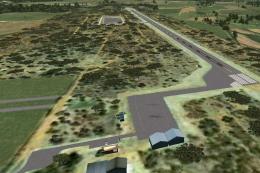
This freeware add-on introduces several smaller airstrips across northwestern…
 FSX Scenery
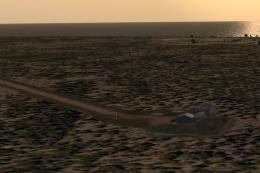
This freeware expansion enriches the collection of smaller aerodromes along t…
 FSX Scenery
Scenery consists of a few dam walls for southern Africa countries. To help as…
Read what other simmers think, or add your own.

Hi there!
I have a problem with my FS2020. I have emailed Ian Stephens but my mail was returned "unknown". Please, could you supply me with Ian Stephen/s email address?
Otherwise, could you help me with the problem of reloading my 2020 programme?
Thanks very much! Kind regards from beautiful CapeTown, South Africa.
John Beck