

 FSX Propliners
NASA Boeing 377 Stratocruiser Guppy
A repaint of the payware a2a Simulations Boeing WoS B377 Pregnant Guppy. Text…
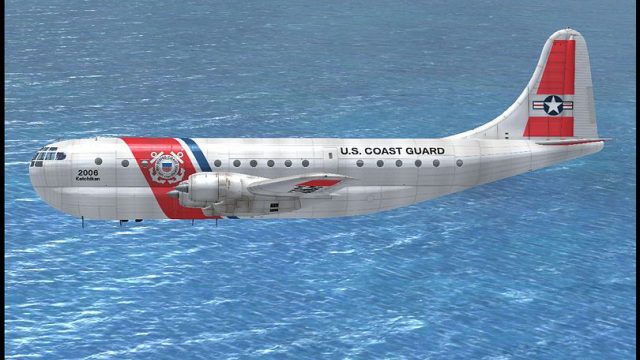
USCG-themed textures dress the Boeing 377 Stratocruiser in a bold, believable Coast Guard-inspired scheme, highlighting the aircraft’s classic nose lines and broad fuselage for standout ramp and in-flight screenshots. Designed for Microsoft Flight Simulator X, this fictional repaint requires the A2A Simulations payware Stratocruiser model.
 Rate
Rate
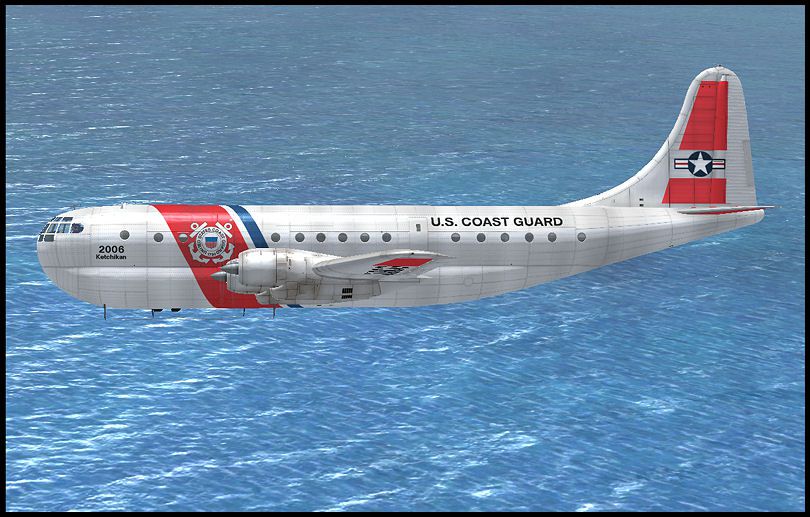
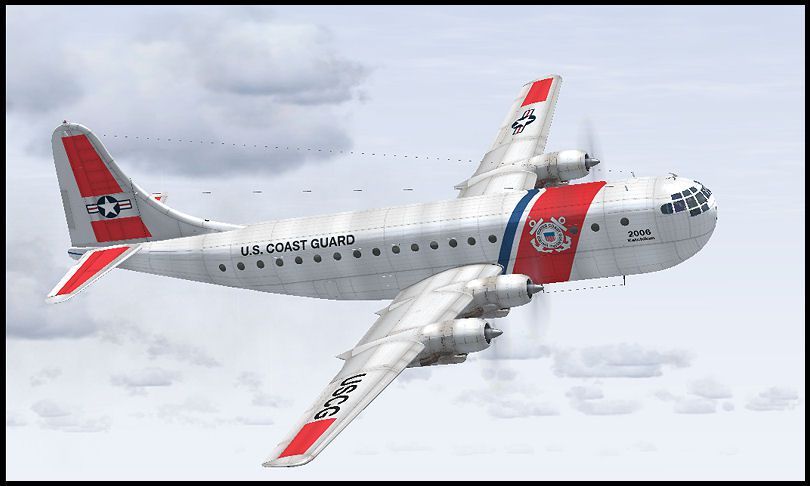
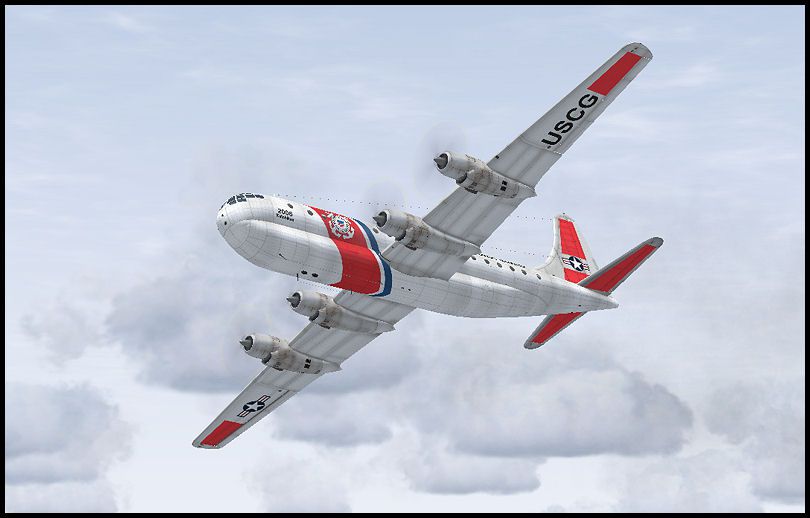
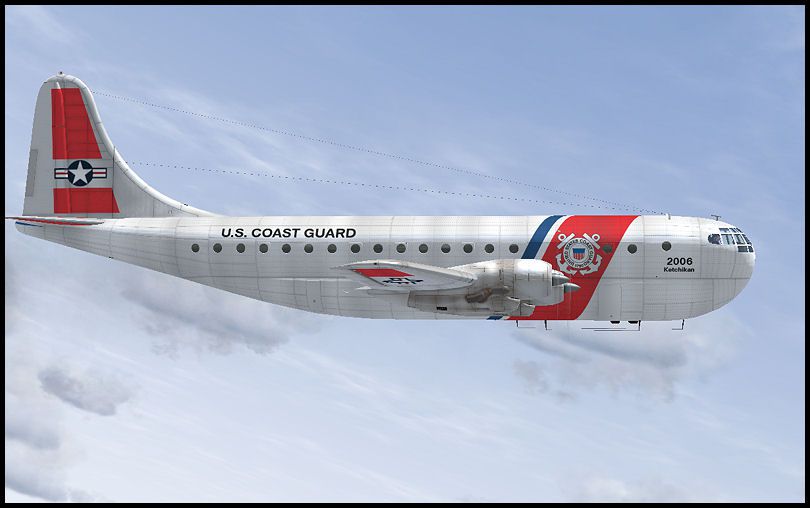
This fictional repaint showcases a distinctive U.S. Coast Guard (USCG) livery for the payware A2A Simulations Boeing 377 Stratocruiser in Microsoft Flight Simulator X. Only the texture files are provided, and you will need the original payware model to use it. Developed by Sean Doran, it merges the storied character of the Stratocruiser with a striking USCG aesthetic.
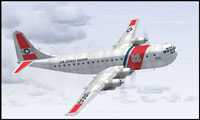
Screenshot of the repainted Boeing 377 wearing a USCG livery in flight.
This repaint borrows subtle design traits from real-world U.S. Coast Guard aircraft, although the livery itself remains fictional. The texture set accentuates the Stratocruiser’s broad fuselage and iconic nose contours, adding an air of authenticity to the simulator experience without sacrificing originality.
The Boeing 377 Stratocruiser debuted as a post-war civilian airliner derived from the military C-97 platform. While Pan American World Airways placed its initial order in November 1945—securing 20 aircraft—extensive certification requirements briefly deferred the introduction of these airliners until 1949. Pan American’s early deliveries were dedicated to transoceanic routes, with one variant named “Clipper Bald Eagle” (registration N1024V). Boeing’s design featured a spacious double-deck cabin layout, which was later utilized in modified versions like the Aero Spacelines Pregnant Guppy.
This repaint offers an imaginative USCG adaptation for the Stratocruiser’s sleek lines and unique proportions. Although the U.S. Coast Guard never operated the 377, the livery complements the aircraft’s imposing frame and draws upon the Coast Guard’s familiar color elements to create a visually appealing finish.
C:\Program Files\Microsoft Games\Microsoft Flight Simulator X\SimObjects\Airplanes\WoS_B377 directory (or the equivalent path where your A2A Stratocruiser is installed).WoS_B377 folder. Add the following code snippet, ensuring that you replace x in [fltsim.x] with the next available sequence number:[fltsim.x] title=Boeing Stratocruiser, USCG sim=b377 model= panel= sound= texture=USCG kb_checklists=b377_check reference= description=On 28 November 1945 Pan American ordered 20 Stratocruisers. This made PAA the first airline to put the new Boeing Stratocruiser into service. It was hoped to have the B-377s in service by the end of 1946 but a long drawn out certification process delayed entry until 1949. Boeing B-377 NX1024V was the third prototype, flying on October 7th, 1948. Though initially named "Clipper America," it was later delivered to Pan American as "Clipper Bald Eagle" (N1024V) in June 1949. Upgrades transformed it into a Super Stratocruiser renamed "Clipper Cathay," primarily operating on Pacific routes. Eventually, it was sold to Aero Spacelines and converted to a Pregnant Guppy. ui_manufacturer=Boeing ui_type=377 "Stratocruiser" ui_variation=USCG ui_typerole="Four Engine Prop" ui_createdby="A2A Simulations Inc." atc_parking_code=PAA atc_heavy=1 atc_id_enable=1 atc_id=2006 atc_airline= Coast Guard atc_flight_number= prop_anim_ratio=0.9 atc_id_color=0x00000000 visual_damage=0 atc_id_font=Verdana,-11,1,600,0
After adjusting the aircraft.cfg file, you can load Microsoft Flight Simulator X and select the newly installed USCG repaint from your aircraft menu. This add-on provides a distinctive custom livery that highlights the classic Stratocruiser shape, bringing an extra layer of immersion to your flying adventures.
Free for all simmers · 12.5 MB · Scanned clean Oct 2026
Download speed: Free tier is capped at 0.5 Mbps (this file takes approximately 4 mins at the cap). PRO members download at full line speed.
texture.{airline}) inside FSX\SimObjects\Airplanes\{base-aircraft}\.aircraft.cfg in Notepad. Add a new [fltsim.X] section per the readme.readme.txt or README file. It tells you exactly where files go, what dependencies are needed, and any quirks specific to this add-on.The archive 337uscg.zip has 39 files and directories contained within it.
This list displays the first 500 files in the package. If the package has more, you will need to download it to view them.
| Filename/Directory | File Date | File Size |
|---|---|---|
| cg1.jpg | 08.17.08 | 56.96 kB |
| cg2.jpg | 08.17.08 | 113.90 kB |
| cg2avs.gif | 08.17.08 | 10.73 kB |
| cg2soh.jpg | 08.17.08 | 26.41 kB |
| cg3.jpg | 08.17.08 | 60.39 kB |
| cg4.jpg | 08.17.08 | 57.39 kB |
| texture.USCG | 08.17.08 | 0 B |
| b377_1_lm.dds | 08.17.08 | 1.00 MB |
| b377_1_t.dds | 08.17.08 | 1.00 MB |
| b377_1_t_bump.dds | 08.17.08 | 4.00 MB |
| b377_1_t_spec.dds | 08.17.08 | 1.00 MB |
| b377_2_lm.dds | 08.17.08 | 1.00 MB |
| b377_2_t.dds | 08.17.08 | 1.00 MB |
| b377_2_t_bump.dds | 08.17.08 | 4.00 MB |
| b377_2_t_spec.dds | 08.17.08 | 1.00 MB |
| b377_3_t.dds | 08.17.08 | 1.00 MB |
| b377_3_t_spec.dds | 08.17.08 | 1.00 MB |
| b377_4_t.dds | 08.17.08 | 1.00 MB |
| b377_4_t_spec.dds | 08.17.08 | 1.00 MB |
| b377_5_t.dds | 08.17.08 | 1.00 MB |
| b377_5_t_spec.dds | 08.17.08 | 1.00 MB |
| b377_6_t.dds | 08.17.08 | 1.00 MB |
| b377_6_t_spec.dds | 08.17.08 | 1.00 MB |
| b377_7_t.dds | 08.17.08 | 1.00 MB |
| b377_7_t_bump.dds | 05.03.08 | 4.00 MB |
| b377_7_t_spec.dds | 08.17.08 | 1.00 MB |
| b377_8_t.dds | 08.17.08 | 1.00 MB |
| b377_8_t_spec.dds | 08.10.08 | 1.00 MB |
| b377_9_t.dds | 08.17.08 | 1.00 MB |
| b377_9_t_bump.dds | 05.03.08 | 4.00 MB |
| b377_9_t_spec.dds | 08.17.08 | 1.00 MB |
| prop.dds | 05.05.08 | 64.12 kB |
| prop_s.dds | 05.03.08 | 64.12 kB |
| texture.cfg | 05.03.08 | 137 B |
| Thumbnail.jpg | 08.17.08 | 4.36 kB |
| WOS 377.txt | 08.17.08 | 2.17 kB |
| wos_377_uscg | 08.17.08 | 0 B |
| flyawaysimulation.txt | 10.29.13 | 959 B |
| Go to Fly Away Simulation.url | 01.22.16 | 52 B |
Only PRO members can place votes.
More FSX & P3D add-ons hand-picked based on this download.
FSX Propliners
A repaint of the payware a2a Simulations Boeing WoS B377 Pregnant Guppy. Text…
 FSX Propliners
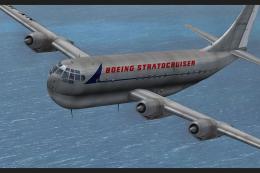
This repaint showcases a meticulously crafted livery designed by Sean Doran f…
 FSX Propliners
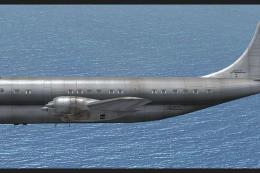
This freeware add-on showcases an unmarked exterior look for the payware A2A …
 FSX Propliners
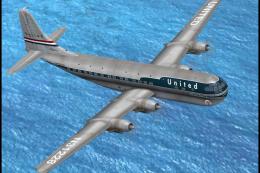
This enhanced repaint showcases a vintage United Airlines Boeing 377 Stratocr…
 FSX Propliners
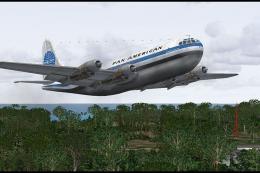
This freeware repaint captures the timeless Pan American Boeing 377 Stratocru…
 FSX Propliners
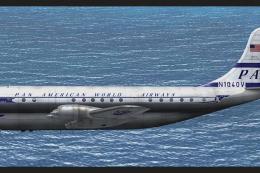
Dive into this meticulously crafted Pan Am “Clipper Invincible” repaint for t…
 FSX Propliners
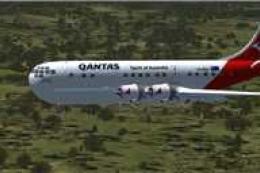
Textures only for the payware a2a B377. Paint kit by Martin Catney. Repaint b…
 FSX Propliners
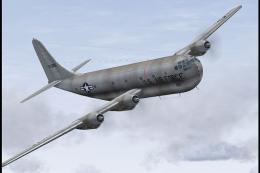
This USAF Boeing 377 Stratocruiser repaint, prepared for Microsoft Flight Sim…
Be the first to leave a comment on this download.
Be the first to share your thoughts on this download.