

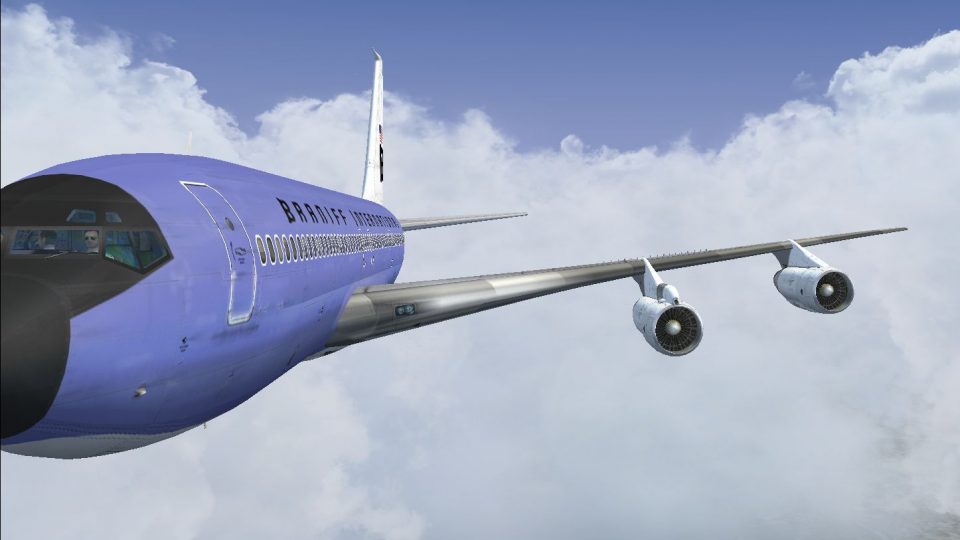
 FSX Civil Aircraft
Braniff Jellybean Lavender Boeing 727-100 N7275
This freeware repaint brings a classic Braniff International Airways lavender…
Braniff International’s “Lavender Jellybean” livery brings Boeing 707-300 N108BN to life in its circa-1968 colors, with crisp markings, accurate fuselage details, and balanced sheen and light weathering. Designed for Microsoft Flight Simulator X, it requires the Captain Sim 707-300 package and adds a vivid slice of classic jet-age style.
 Rate
Rate
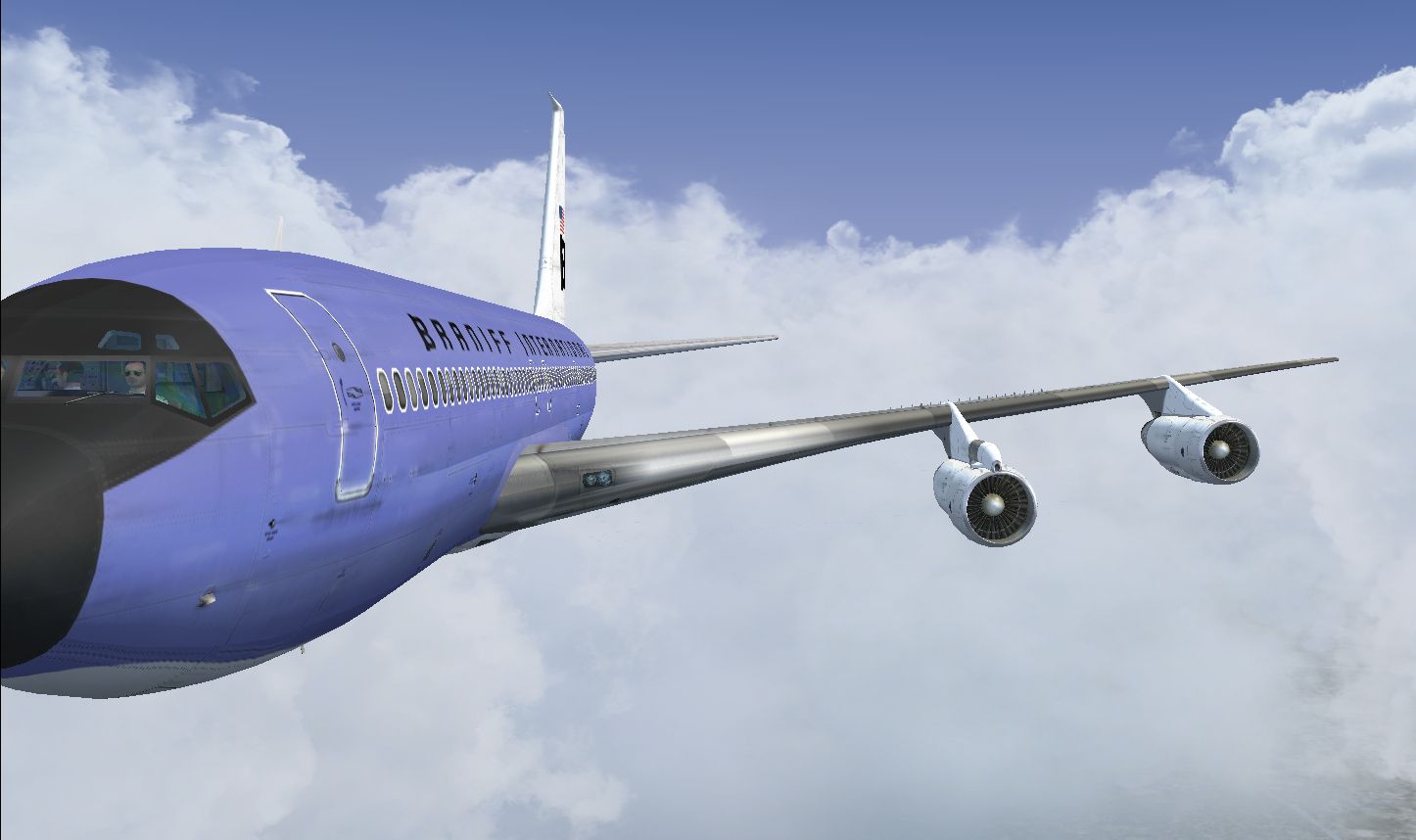
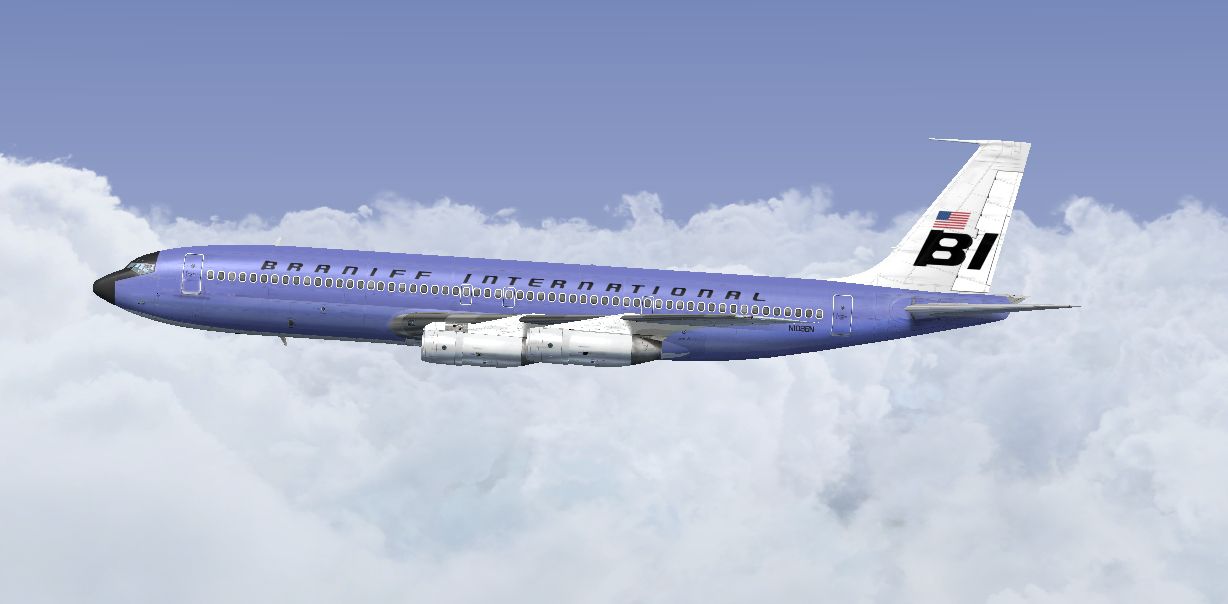
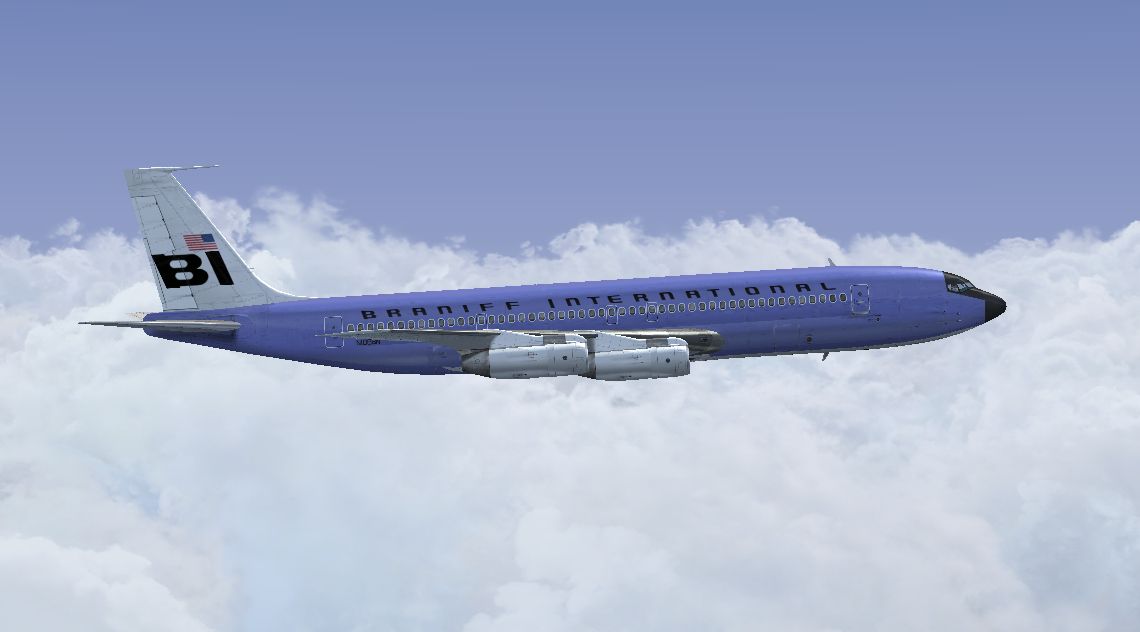

This carefully crafted add-on supplies a distinctive Braniff International “Lavender Jellybean” livery for the Captain Sim Boeing 707-300 package, specifically reflecting N108BN as it appeared around 1968. Created by Marc Brown, the repaint emphasizes the airline’s iconic color-focused style while retaining authentic fuselage details. This repaint has been thoroughly tested in Microsoft Flight Simulator X to ensure compatibility and high-quality visuals.
Braniff International was well-known for its revolutionary approach to aircraft liveries, especially during the late 1960s. The “Lavender Jellybean” scheme represents a memorable slice of aviation heritage. Boeing’s 707 series itself—a four-engine, narrow-body jet powered by high-bypass turbofan engines (the latter often referred to as fanjets)—helped pave the way for intercontinental commercial travel, and its presence in the Braniff fleet made a strong impression on passengers. This repaint pays homage to that historic moment, merging classic design aesthetics with modern texturing.
Screenshot of Braniff Lavender Jellybean Boeing 707 in flight.
This add-on provides texture files only. The underlying payware Captain Sim 707-300 model is not included and must be obtained separately from a reputable source such as SimShack. After acquiring the base product, download and extract these repaint files to facilitate seamless integration into your simulator.
The texture set reflects subtle weathering and natural sheen via carefully tuned alpha channels. Users will observe crisp exterior markings, faithful fuselage stripes, and distinctive Braniff branding. Tail-specific graphics have been reproduced with attention to dimension and proportion. These details enhance the flight deck experience for those looking to relive a unique era of commercial aviation history.
Marc Brown meticulously developed and fine-tuned the repaint to match Braniff’s striking color scheme from 1968. His work demonstrates attention to detail and fidelity, ensuring that nostalgic aviation fans and newcomers alike can enjoy this throwback. By installing these textures, enthusiasts can explore the jet age in a way that remains immersive and visually engaging.
Free for all simmers · 7.16 MB · Scanned clean Sep 2026
Download speed: Free tier is capped at 0.5 Mbps (this file takes approximately 2 mins at the cap). PRO members download at full line speed.
texture.{airline}) inside FSX\SimObjects\Airplanes\{base-aircraft}\.aircraft.cfg in Notepad. Add a new [fltsim.X] section per the readme.readme.txt or README file. It tells you exactly where files go, what dependencies are needed, and any quirks specific to this add-on.The archive braniff_707_lavender.zip has 16 files and directories contained within it.
This list displays the first 500 files in the package. If the package has more, you will need to download it to view them.
| Filename/Directory | File Date | File Size |
|---|---|---|
| 2014-3-27_16-32-53-663.jpg | 03.28.14 | 225.72 kB |
| 2014-3-27_16-32-59-782.jpg | 03.28.14 | 280.33 kB |
| 2014-3-27_16-33-6-198.jpg | 03.28.14 | 261.73 kB |
| Read Me.txt | 03.28.14 | 3.70 kB |
| texture.N108BN | 03.15.14 | 0 B |
| b707_3_T.dds | 03.15.14 | 4.00 MB |
| b707_4_T.dds | 03.07.14 | 4.00 MB |
| b707_b1_T.dds | 03.15.14 | 4.00 MB |
| b707_b2_T.dds | 03.15.14 | 4.00 MB |
| b707_b5_T.dds | 03.15.14 | 4.00 MB |
| b707_b6_T.dds | 03.13.14 | 4.00 MB |
| texture.cfg | 09.06.10 | 118 B |
| thumbnail.jpg | 03.26.14 | 503.66 kB |
| thumbnail.jpg | 03.26.14 | 503.66 kB |
| flyawaysimulation.txt | 10.29.13 | 959 B |
| Go to Fly Away Simulation.url | 01.22.16 | 52 B |
Only PRO members can place votes.
More FSX & P3D add-ons hand-picked based on this download.
FSX Civil Aircraft
This freeware repaint brings a classic Braniff International Airways lavender…
 FSX Civil Aircraft
This classic repaint captures Braniff International’s Medium Blue Jellybean l…
 FSX Civil Aircraft
This freeware repaint offers a meticulously recreated Braniff International D…
 FSX Civil Aircraft
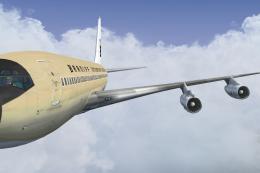
This freeware repaint brings to life the Braniff International Beige Jellybea…
 FSX Civil Aircraft
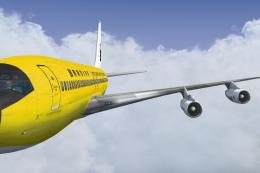
This freeware repaint showcases a 1968-era Braniff International Panagra “Yel…
 FSX Civil Aircraft
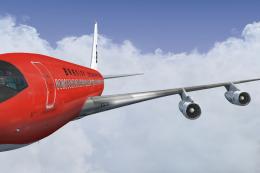
Experience the vivid heritage of Braniff International with this meticulously…
 FSX Civil Aircraft
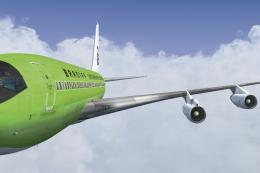
This repaint for the Captain Sim B707-300 features Braniff International’s di…
 FSX Civil Aircraft
Immerse yourself in a distinctive piece of jet-era history with this speciali…
Be the first to leave a comment on this download.
Be the first to share your thoughts on this download.