

 FSX Military Aircraft
USAF Douglas A-1H Skyraider 34-569
This repaint adds the distinctive markings of USAF Douglas A-1H Skyraider ser…
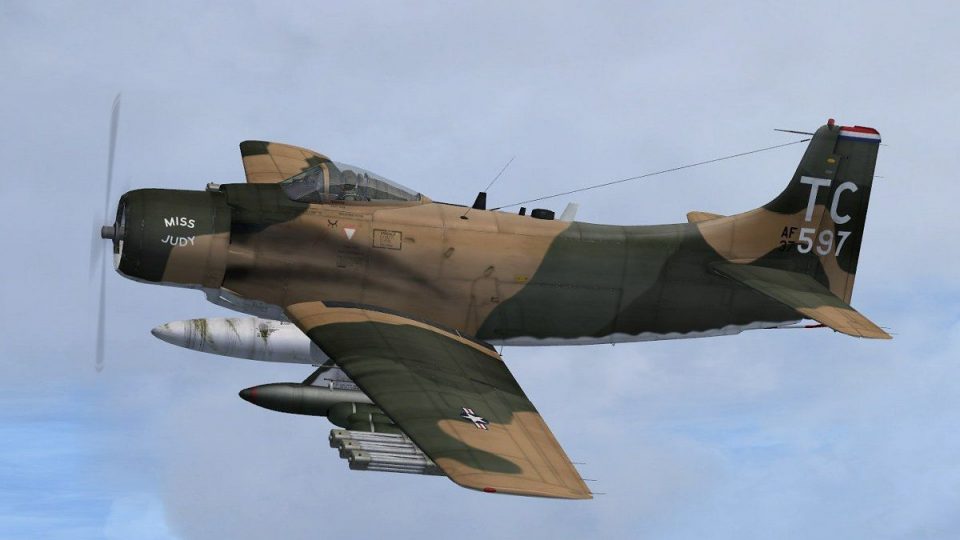
USAF Douglas A-1H Skyraider livery recreates 1st Special Operations Squadron aircraft 37-579 as flown from Nakhon Phanom RTAFB in 1972, with bold unit codes, a distinctive non-standard font, and a tricolor rudder band. Built for Microsoft Flight Simulator X, it requires Tim Conrad’s freeware A-1J Skyraider base model.
 Rate
Rate
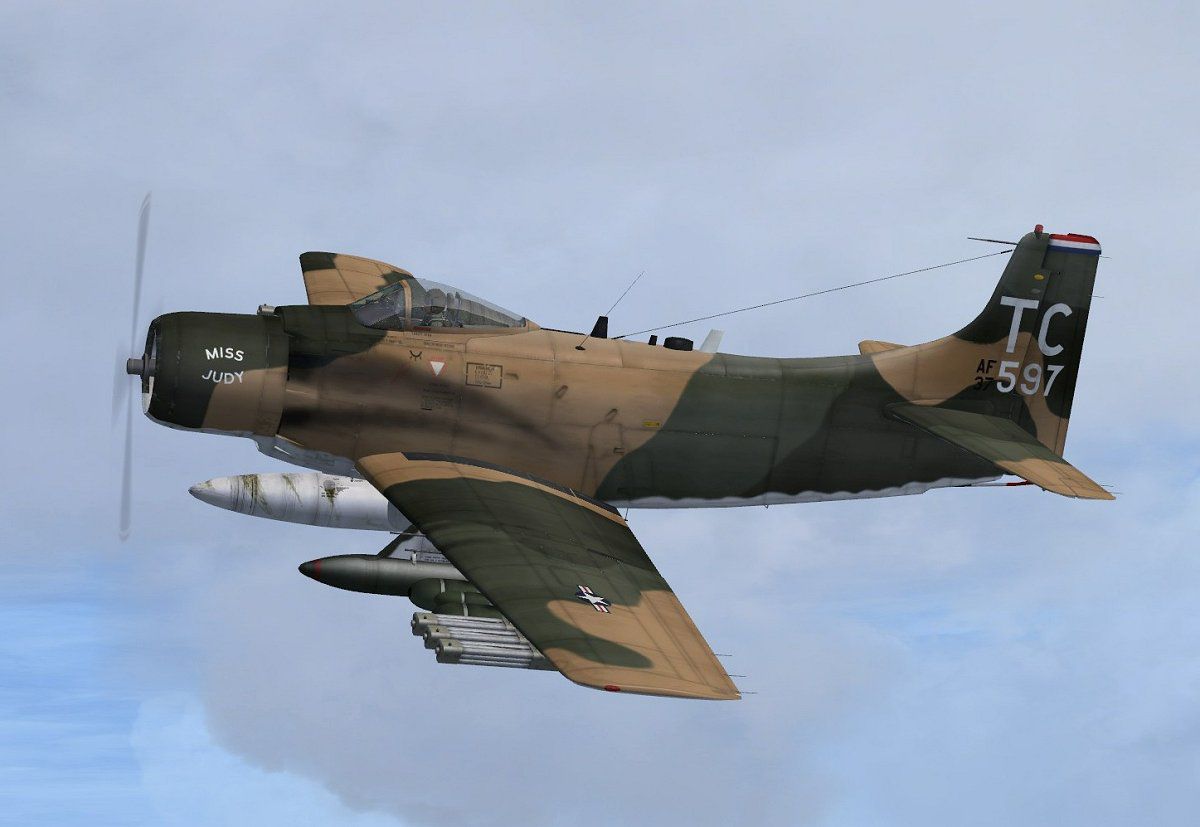
This repaint showcases the USAF Douglas A-1H Skyraider in distinctive 1st Special Operations Squadron markings worn during 1972 at Nakhon Phanom Royal Thai Air Force Base. It replicates aircraft 37-579, which was among the final group of Skyraiders serving with the 1st SOS and the USAF prior to transition over to the VNAF. Bold squadron codes, a unique non-standard font, and a tricolor rudder band are all featured. There is no base model included; you must obtain the freeware A-1J Skyraider by Tim Conrad from the Fly Away Simulation repository. This texture set is designed specifically for Microsoft Flight Simulator X.
The A-1H (commonly known as the Skyraider) evolved from Douglas Aircraft Company’s single-seat, propeller-driven attack platform that excelled in the close air support role. Regarded for its rugged construction and long endurance, it saw extensive operational use, notably in Southeast Asia. The 1st SOS leveraged the A-1H’s ground-attack precision, making it vital for close support and search-and-rescue missions.

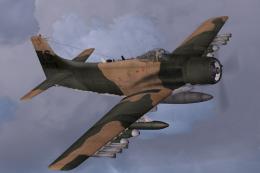
USAF Douglas A-1H Skyraider in flight.
This repaint reflects serial number 37-579, featuring:
Following operational demands, these specific Skyraiders were among the last ones retained by the USAF until late 1972, after which they were delivered to the VNAF.
Important: This package includes repaint textures only. Download Tim Conrad’s “A-1J Skyraider” freeware from the Fly Away Simulation mod library and install it first. The steps below outline how to incorporate these textures as an optional livery:
[fltsim.xx]
title=A-1H_579
sim=A-1J
model=
panel=
sound=
texture=579
panel_alias=
sound_alias=
kb_checklists=
kb_reference=
atc_id=579
atc_id_color=
atc_parking_types=
atc_parking_code=
atc_airline=Air Force
atc_flight_number=
ui_manufacturer=Douglas
ui_createdby="Piglet's Peculiar Planes"
ui_type=A-1H
ui_variation=37-579, 1st SOS, 56th SOW USAF
description=USAF A-1H 37-579 of the 1st Special Operations Squadron at Nakhon Phanom RTAFB, Thailand in 1971-72. This airplane was later transferred to the VNAF. Repaint by Jens-Ole Kjølberg
visual_damage=1
The repaint by Jens-Ole Kjolberg seamlessly integrates with Tim Conrad’s A-1J model, allowing for historically accurate immersion. Ensure you have the correct “A-1J_Skyraider.zip” base package available so that these textures function properly. Once installed, the repainted aircraft offers the same flight dynamics, but visually reflects an iconic sample of the 1st SOS’s operational history.
Free for all simmers · 1.4 MB · Scanned clean Oct 2026
Download speed: Free tier is capped at 0.5 Mbps. PRO members download at full line speed.
This file is a repaint — the package below is the base model it paints onto. Install it first, or the textures will have nothing to load onto.
texture.{airline}) inside FSX\SimObjects\Airplanes\{base-aircraft}\.aircraft.cfg in Notepad. Add a new [fltsim.X] section per the readme.readme.txt or README file. It tells you exactly where files go, what dependencies are needed, and any quirks specific to this add-on.The archive a1h_579.zip has 15 files and directories contained within it.
This list displays the first 500 files in the package. If the package has more, you will need to download it to view them.
| Filename/Directory | File Date | File Size |
|---|---|---|
| a1h_579 | 04.24.10 | 0 B |
| 579.jpg | 04.22.10 | 75.50 kB |
| a1h_579.gif | 04.24.10 | 8.90 kB |
| a1h_579.jpg | 04.22.10 | 36.03 kB |
| file_id.diz | 04.23.10 | 513 B |
| readme.txt | 04.23.10 | 2.19 kB |
| texture.579 | 04.24.10 | 0 B |
| a1_01.dds | 04.23.10 | 4.00 MB |
| a1_02.dds | 04.21.10 | 1.00 MB |
| a1_aircrew.dds | 03.20.10 | 256.12 kB |
| a1_prop.dds | 03.05.10 | 64.12 kB |
| texture.cfg | 03.05.10 | 37 B |
| thumbnail.jpg | 04.22.10 | 36.03 kB |
| flyawaysimulation.txt | 10.29.13 | 959 B |
| Go to Fly Away Simulation.url | 01.22.16 | 52 B |
Only PRO members can place votes.
More FSX & P3D add-ons hand-picked based on this download.
FSX Military Aircraft
This repaint adds the distinctive markings of USAF Douglas A-1H Skyraider ser…
 FSX Military Aircraft
Experience the unique camouflage and historically significant markings of thi…
 FSX Military Aircraft
This add-on provides a historically inspired repaint for a Douglas A-1H Skyra…
 FSX Military Aircraft
SP2 Acceleration Douglas A-1H Skyraider. This release includes two Viet Nam e…
 FSX Military Aircraft
US Navy Douglas A-1H Skyraider, 412/AK, BuNo. 135326, of VA-176. Photoreal re…
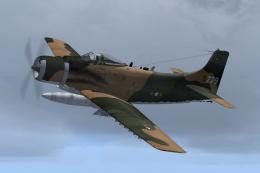 FSX Military Aircraft
VNAF Douglas A-1H Skyraider - 39-779. A repaint of the A-1J by Tim Conrad (A-…
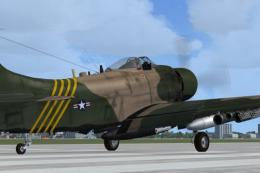 FSX Military Aircraft
SP2 Acceleration Douglas A-1J Skyraider. This release includes three Viet Nam…
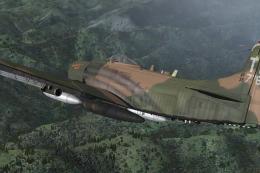 FSX Military Aircraft
US Air Force Douglas A-1J Skyraider. This is a repaint of the Tim Conrad's Do…
Be the first to leave a comment on this download.
Be the first to share your thoughts on this download.