

 FSX Military Aircraft
USAF Douglas A-1H Skyraider 34-569
This repaint adds the distinctive markings of USAF Douglas A-1H Skyraider ser…
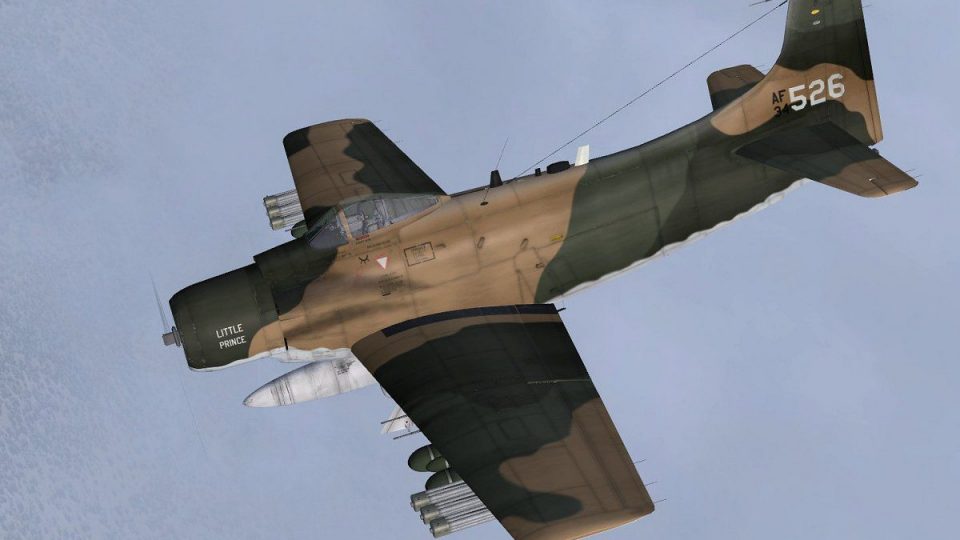
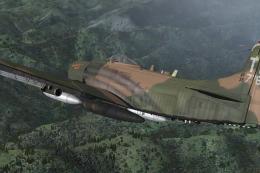
USAF Douglas A-1H Skyraider 34-526 comes to life with a historically grounded repaint depicting 1st Special Operations Squadron operations from Nakhon Phanom RTAFB in 1972, including minimal tail markings and a tricolor rudder band before its later VNAF transfer. Built for Microsoft Flight Simulator X, it requires Tim Conrad’s freeware A-1J base model.
 Rate
Rate
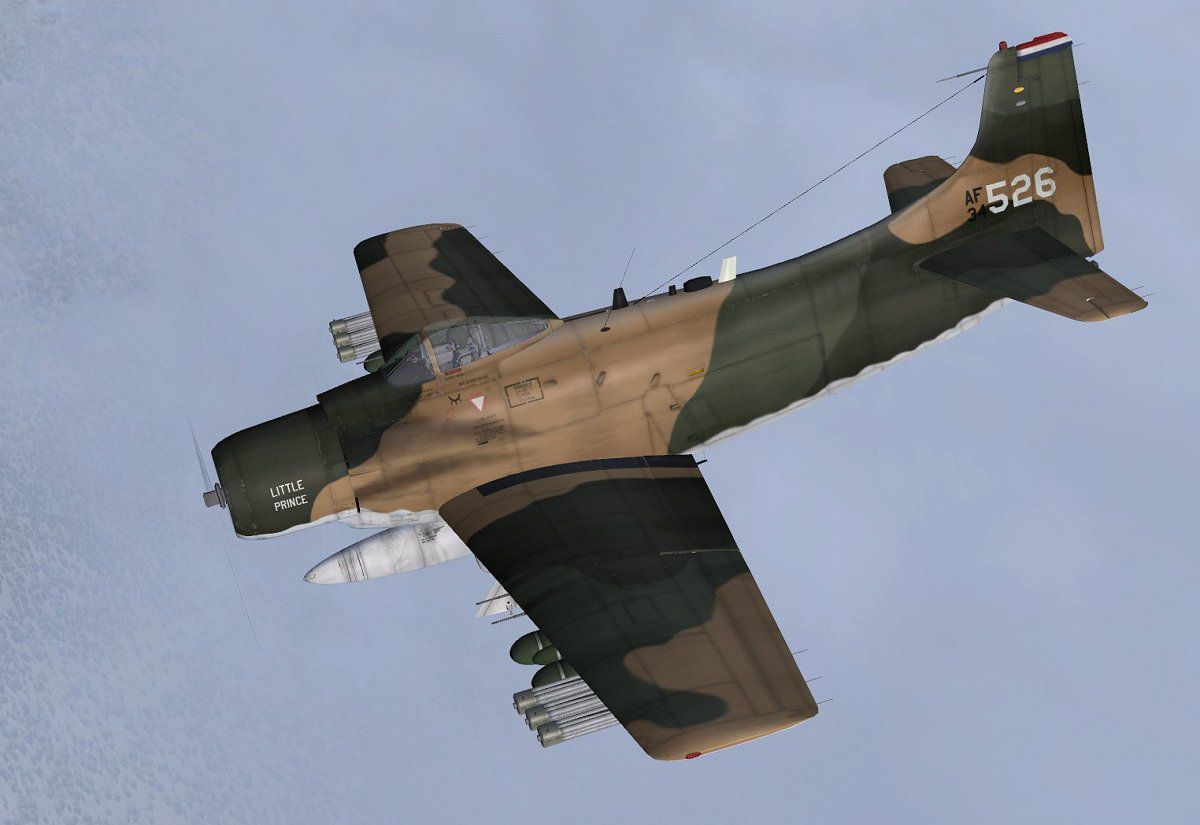
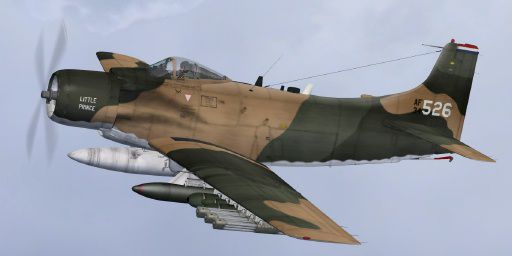
This add-on provides a historically inspired repaint for a Douglas A-1H Skyraider, representing aircraft number 34-526 from the 1st Special Operations Squadron at Nakhon Phanom Royal Thai Air Force Base in 1972. Although configured for use in Microsoft Flight Simulator X, this detailed texture set requires the original freeware A-1J model by Tim Conrad for proper functionality. The repaint, assembled by Jens-Ole Kjolberg, features a distinctive scheme with minimal tail markings, accompanied by a tri-colored rudder band and an accurate depiction of its service transition to the VNAF later that same year.
The single-seat Douglas Skyraider, introduced after World War II, built a legendary reputation for its high endurance and close air-support effectiveness. By the early 1970s, the A-1H variant was heavily deployed in Southeast Asia, assisting specialized operations. The real-life 34-526, assigned to the 1st SOS, operated from Nakhon Phanom RTAFB and was among the last Skyraiders in USAF service before it was handed over to the Republic of Vietnam Air Force (VNAF). Its unusual markings lacked a formal squadron tail code, making it stand out among other A-1H frames on the flight line.
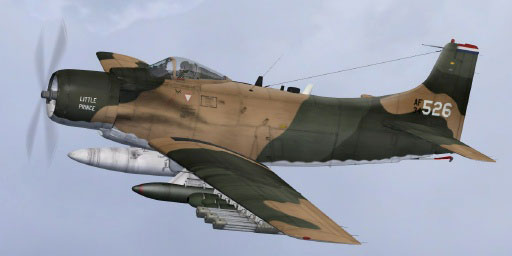
USAF Douglas A-1H Skyraider 34-526 in flight.
This repaint only provides the texture files and does not include the base aircraft model. You will require Tim Conrad’s original A-1J Skyraider freeware, which can usually be found in the Fly Away Simulation library.
Below is an example of how the section might appear:
[fltsim.xx] title=A-1H_526 sim=A-1J model= panel= sound= texture=526 panel_alias= sound_alias= kb_checklists= kb_reference= atc_id=526 atc_id_color= atc_parking_types= atc_parking_code= atc_airline=Air Force atc_flight_number= ui_manufacturer=Douglas ui_createdby="Piglet's Peculiar Planes" ui_type=A-1H ui_variation=34-526, 1st SOS, 56th SOW USAF description=USAF A-1H 34-526 of the 1st Special Operations Squadron at Nakhon Phanom RTAFB, Thailand in 1971-72. This airplane was later transferred to the VNAF. Repaint by Jens-Ole Kjølberg visual_damage=1
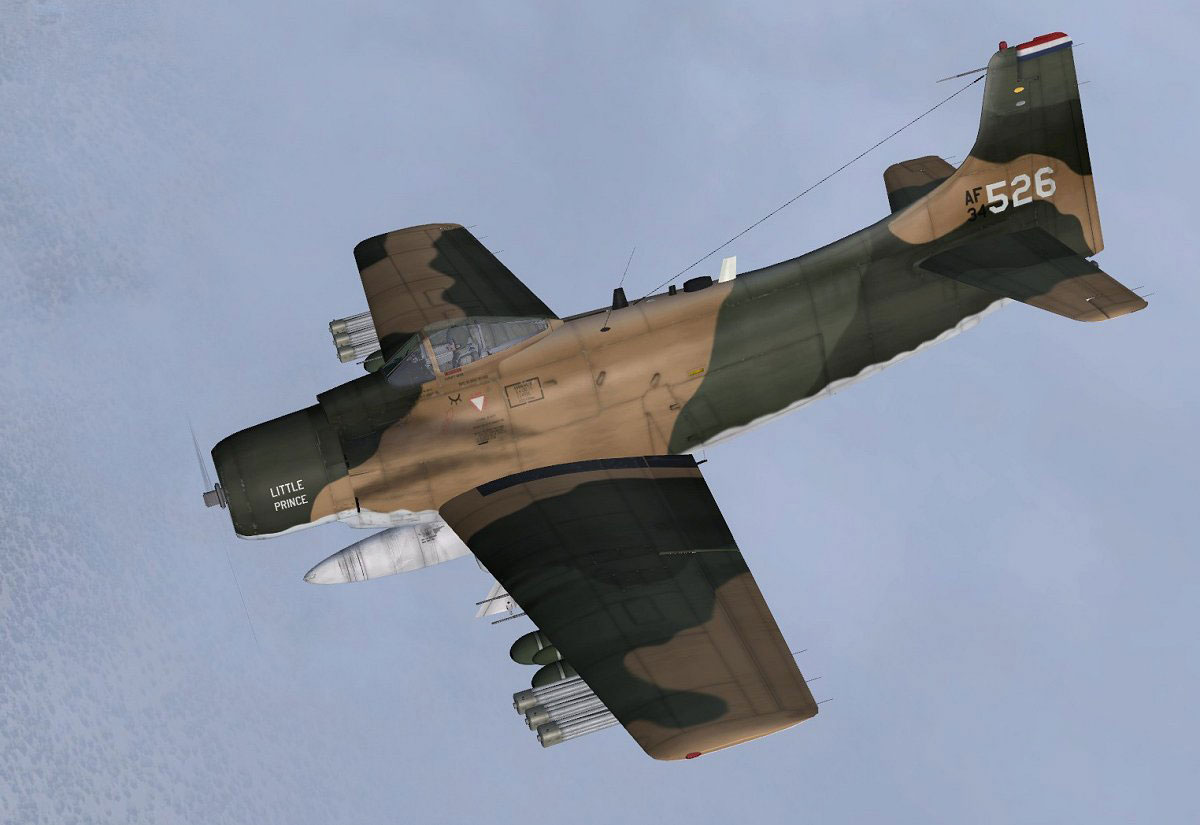
USAF Douglas A-1H Skyraider 34-526 in flight.
This project is a tribute to the excellent work of Tim Conrad, who originally created the freeware A-1J Skyraider. The repaint detailing and final texture refinements come courtesy of Jens-Ole Kjolberg.
Free for all simmers · 1.4 MB · Scanned clean Oct 2026
Download speed: Free tier is capped at 0.5 Mbps. PRO members download at full line speed.
This file is a repaint — the package below is the base model it paints onto. Install it first, or the textures will have nothing to load onto.
texture.{airline}) inside FSX\SimObjects\Airplanes\{base-aircraft}\.aircraft.cfg in Notepad. Add a new [fltsim.X] section per the readme.readme.txt or README file. It tells you exactly where files go, what dependencies are needed, and any quirks specific to this add-on.The archive a1h_526.zip has 15 files and directories contained within it.
This list displays the first 500 files in the package. If the package has more, you will need to download it to view them.
| Filename/Directory | File Date | File Size |
|---|---|---|
| a1h_526 | 04.24.10 | 0 B |
| 526.jpg | 04.18.10 | 83.34 kB |
| a1h_526.gif | 04.24.10 | 8.95 kB |
| a1h_526.jpg | 04.22.10 | 35.73 kB |
| file_id.diz | 04.23.10 | 519 B |
| readme.txt | 04.23.10 | 2.47 kB |
| texture.526 | 04.24.10 | 0 B |
| a1_01.dds | 04.24.10 | 4.00 MB |
| a1_02.dds | 04.17.10 | 1.00 MB |
| a1_aircrew.dds | 03.20.10 | 256.12 kB |
| a1_prop.dds | 03.05.10 | 64.12 kB |
| texture.cfg | 03.05.10 | 37 B |
| thumbnail.jpg | 04.22.10 | 35.73 kB |
| flyawaysimulation.txt | 10.29.13 | 959 B |
| Go to Fly Away Simulation.url | 01.22.16 | 52 B |
Only PRO members can place votes.
More FSX & P3D add-ons hand-picked based on this download.
FSX Military Aircraft
This repaint adds the distinctive markings of USAF Douglas A-1H Skyraider ser…
 FSX Military Aircraft
Experience the unique camouflage and historically significant markings of thi…
 FSX Military Aircraft
This repaint showcases the USAF Douglas A-1H Skyraider in distinctive 1st Spe…
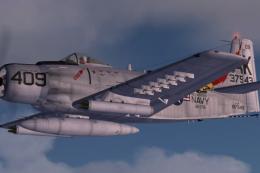 FSX Military Aircraft
SP2 Acceleration Douglas A-1H Skyraider. This release includes two Viet Nam e…
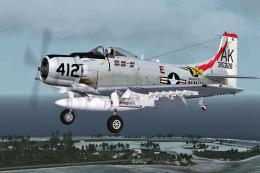 FSX Military Aircraft
US Navy Douglas A-1H Skyraider, 412/AK, BuNo. 135326, of VA-176. Photoreal re…
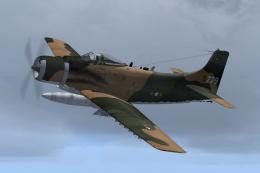 FSX Military Aircraft
VNAF Douglas A-1H Skyraider - 39-779. A repaint of the A-1J by Tim Conrad (A-…
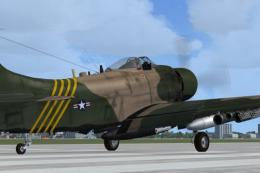 FSX Military Aircraft
SP2 Acceleration Douglas A-1J Skyraider. This release includes three Viet Nam…
 FSX Military Aircraft
US Air Force Douglas A-1J Skyraider. This is a repaint of the Tim Conrad's Do…
Be the first to leave a comment on this download.
Be the first to share your thoughts on this download.