

 FSX Historic & Vintage Aircraft
Douglas B-18A Bolo
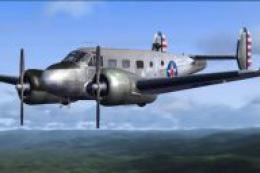
The Douglas B18A entered the USAAC inventory in 1937 and was used as a bomber…
Douglas B-18A Bolo and Boeing B-9 stability fix resolves load-time crashes and “overstressed” warnings in Microsoft Flight Simulator X by replacing zeroed aircraft geometry values with corrected aircraft.cfg files. It targets the B18AVX and BB9VX packages, helping both classic bombers load reliably and fly with proper structural limits.
 Rate
Rate
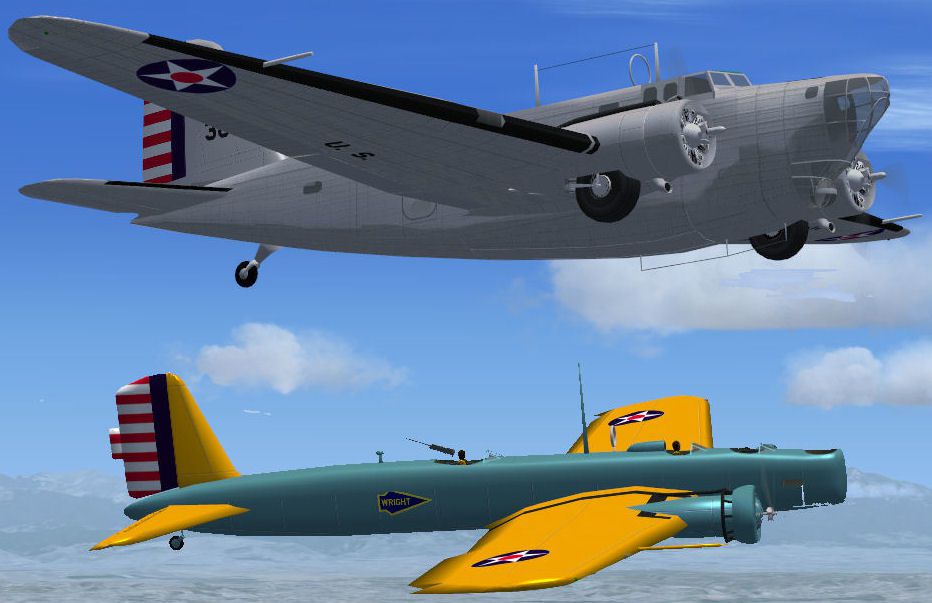
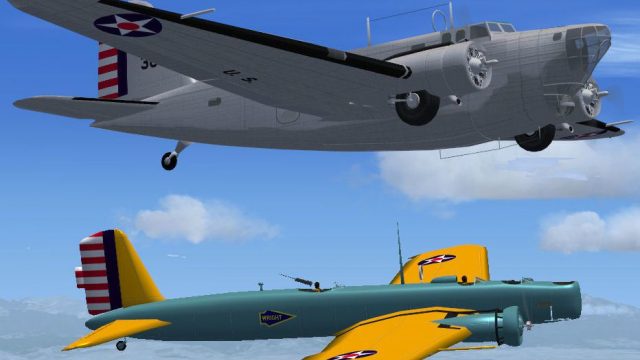
This is a fix for those cases where the Douglas B18A (B18AVX.ZIP) or Boeing B-9 (BB9VX.ZIP) cause FSX to crash or give a overstressed error message when the airplane is loaded. By Paul Clawson.
Screenshot of Douglas B-18A Bolo and Boeing B-9 in flight.
Some flyers have reported FSX crashes or they get an overstressed error message when they open a flight using one of the subject aircraft. This doesn't happen on my system (yes, I do have crash detection turned on in the simulator) so I appreciate it being brought to my attention. There are some entries in the aircraft geometry section of the aircraft.cfg file that are set to zero that need real numbers. I have included a corrected .cfg file for both planes. Just open the appropriate folder and copy the enclosed aircraft.cfg file into the correct airplane folder in FSX. Overwrite the existing file. That's it.
Paul Clawson.
Free for all simmers · 88.97 KB · Scanned clean Oct 2026
Download speed: Free tier is capped at 0.5 Mbps. PRO members download at full line speed.
This add-on may require the following files to function properly. If this is a repaint, the dependency below is likely the base aircraft package.
FSX\SimObjects\Airplanes\. The folder must contain an aircraft.cfg file. Effects go into FSX\Effects\; gauges go into FSX\Gauges\.readme.txt or README file. It tells you exactly where files go, what dependencies are needed, and any quirks specific to this add-on.The archive b-18a_b-9_crash_fix.zip has 10 files and directories contained within it.
This list displays the first 500 files in the package. If the package has more, you will need to download it to view them.
| Filename/Directory | File Date | File Size |
|---|---|---|
| B-18A | 03.19.12 | 0 B |
| aircraft.cfg | 03.11.12 | 16.96 kB |
| B-9 | 03.19.12 | 0 B |
| aircraft.cfg | 03.19.12 | 15.87 kB |
| double.jpg | 03.19.12 | 78.88 kB |
| File_id.diz | 03.19.12 | 197 B |
| Readme.txt | 03.19.12 | 735 B |
| B-18A_B-9_crash_fix | 03.19.12 | 0 B |
| flyawaysimulation.txt | 10.29.13 | 959 B |
| Go to Fly Away Simulation.url | 01.22.16 | 52 B |
Only PRO members can place votes.
More FSX & P3D add-ons hand-picked based on this download.
FSX Historic & Vintage Aircraft
The Douglas B18A entered the USAAC inventory in 1937 and was used as a bomber…
 FSX Historic & Vintage Aircraft
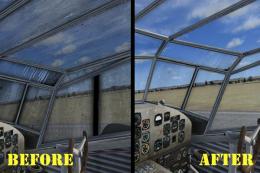
These two files are for the Beechcraft D18S for FS2004 by Milton Shupe, Scott…
 FSX Historic & Vintage Aircraft
Texture Fix For O. Fisher Ju-52/3M Windscreen. DDS texture to fix a transpare…
 FSX Historic & Vintage Aircraft
Sikorsky S-40 Amphibian Fix. For use if you are using FSX and the Sikorsky S-…
 FSX Historic & Vintage Aircraft
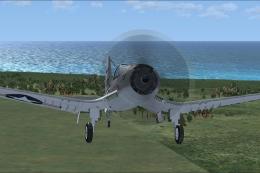
Vista Glass Fix For Alpha Bleu Ciel Vought Corsair F4U-7 (CORSF4U7.ZIP). Test…
 FSX Historic & Vintage Aircraft
Vista Prop Fix For Alpha Bleu Ciel Vought Corsair F4U-7 (CORSF4U7.ZIP). Teste…
 FSX Historic & Vintage Aircraft
Glass Fix For Alpha Bleu Ciel Vought Corsair F4U-7 (CORSF4U7.ZIP). Most of th…
 FSX Historic & Vintage Aircraft
USAAF Piper J-3 Cub Cockpit Fix for A2ACUB.ZIP">USAAFGHA2ACUB.ZIP. By Dean P.…
Be the first to leave a comment on this download.
Be the first to share your thoughts on this download.