

 FSX Historic & Vintage Aircraft
Glass Fix For Alpha Bleu Ciel F4U-7
Glass Fix For Alpha Bleu Ciel Vought Corsair F4U-7 (CORSF4U7.ZIP). Most of th…
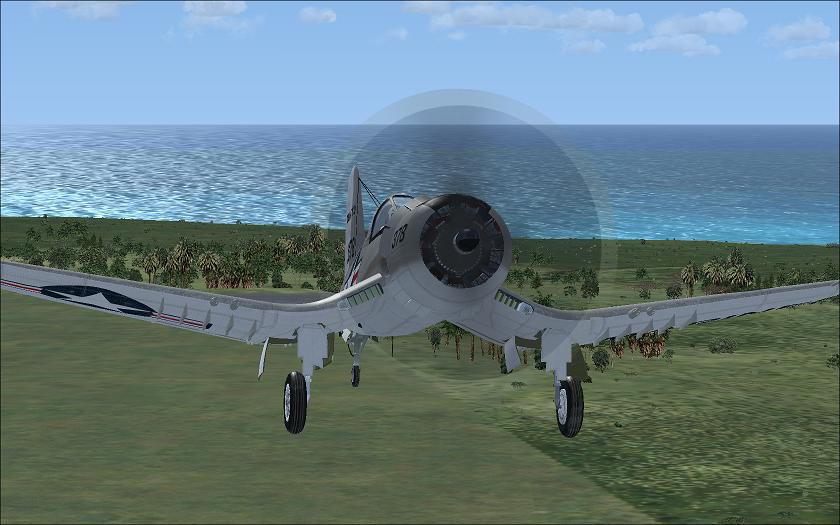
Alpha Bleu Ciel’s Vought Corsair F4U-7 gains a Vista-ready four-blade prop blur with this small texture update, improving in-flight visuals and keeping the spin effect consistent across repaints. Designed for FSX SP2 on Vista, it replaces the prop-blur bitmap in the aircraft’s texture folders for a cleaner look.
 Rate
Rate
Vista Prop Fix For Alpha Bleu Ciel Vought Corsair F4U-7 (CORSF4U7.ZIP). Tested with SP2/Vista. By Tim Scott.
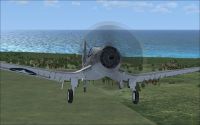
Screenshot of Ciel F4U-7 in flight.
For a Vista compatible four blade prop blur.
Make this Change to all aplicable! Texture Files.
***NOTE:Backup All Files Before Making Any Changes***
Coppy Included Bitmap Image "hel_cors_blur" To Texture Folders!
Thats It!.
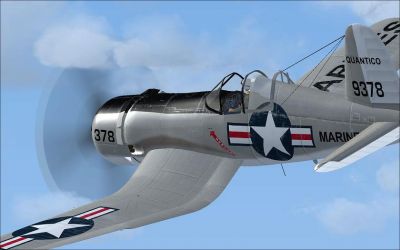
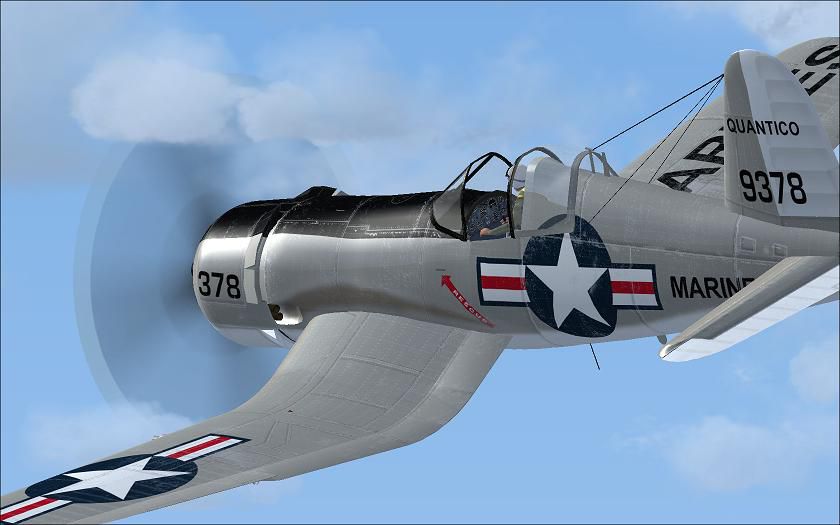
Screenshot of Ciel F4U-7 in flight.
Free for all simmers · 198.94 KB · Scanned clean Oct 2026
Download speed: Free tier is capped at 0.5 Mbps. PRO members download at full line speed.
This add-on may require the following files to function properly. If this is a repaint, the dependency below is likely the base aircraft package.
FSX\SimObjects\Airplanes\. The folder must contain an aircraft.cfg file. Effects go into FSX\Effects\; gauges go into FSX\Gauges\.readme.txt or README file. It tells you exactly where files go, what dependencies are needed, and any quirks specific to this add-on.The archive fvpfabcc.zip has 10 files and directories contained within it.
This list displays the first 500 files in the package. If the package has more, you will need to download it to view them.
| Filename/Directory | File Date | File Size |
|---|---|---|
| Vista F4U Prop | 09.29.08 | 0 B |
| File Info.txt | 09.29.08 | 74 B |
| hel_cors_blur.bmp | 09.29.08 | 1.33 MB |
| Original_readme.txt | 09.08.04 | 4.21 kB |
| readme.txt | 09.29.08 | 704 B |
| thumbnail.jpg | 09.29.08 | 3.32 kB |
| Vista Prop textue.jpg | 09.29.08 | 47.76 kB |
| Vista Prop texture 2.jpg | 09.29.08 | 64.01 kB |
| flyawaysimulation.txt | 10.29.13 | 959 B |
| Go to Fly Away Simulation.url | 01.22.16 | 52 B |
Only PRO members can place votes.
More FSX & P3D add-ons hand-picked based on this download.
FSX Historic & Vintage Aircraft
Glass Fix For Alpha Bleu Ciel Vought Corsair F4U-7 (CORSF4U7.ZIP). Most of th…
 FSX Historic & Vintage Aircraft
Vista Glass Fix For Alpha Bleu Ciel Vought Corsair F4U-7 (CORSF4U7.ZIP). Test…
 FSX Historic & Vintage Aircraft
Version B V to fix the small bug occurred with older gauges., complete packag…
 FSX Historic & Vintage Aircraft
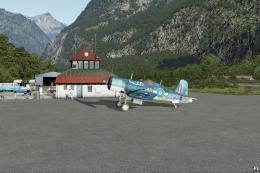
A fully-featured freeware Vought Corsair F4U-1a add-on for all versions of Mi…
 FSX Historic & Vintage Aircraft
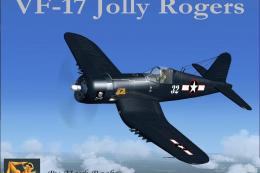
VF-17 Jolly Rogers Vought F4U-7 Corsair "First Mate". A repaint of Guy Hulin'…
 FSX Historic & Vintage Aircraft
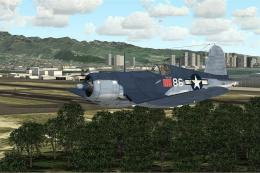
F4u-1A Corsair In Livery Of VMF-214 "Lulubelle" of Major Gregory "Pappy" Boyi…
 FSX Historic & Vintage Aircraft
This texture file will produce a more transparent, subtle, narrower and sligh…
 FSX Historic & Vintage Aircraft
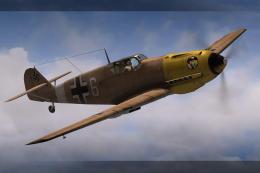
Messerschmitt Me-109 Prop Texture. An alternative propeller texture for A2A's…
Be the first to leave a comment on this download.
Be the first to share your thoughts on this download.