

 FSX Panels & Gauges
2D Cabin Window/Wing View Panel
For use with wing views in FSX. As we all know, FSX doesn't provide this func…
CANT Z512 and Z1014 cockpit refresh for Microsoft Flight Simulator X brings a usable panel configuration with default DC-3 and BF109e gauges, plus tuned cameras including gunner views. It also adds light, smoke, and weapon effects for a more convincing seaplane or bomber experience, and requires GIUZ1014_FIX.ZIP.
 Rate
Rate
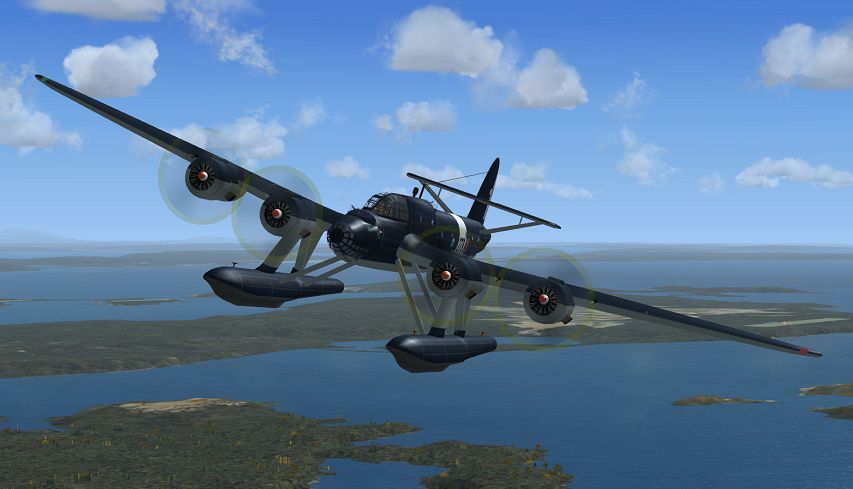
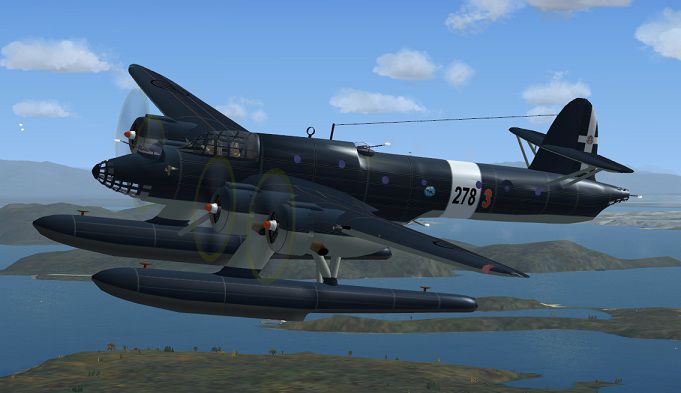
Panel configuration, cameras and weapon effects for the Italian 4-engine seaplane CANT Z512 and/or the bomber version Z1014. Requires GIUZ1014_FIX.ZIP from Francesco Giuli. The panel is now with DC-3 and BF109e default gauges configured and makes the FS2004 version usable in FSX. There are six external and one internal cameras, including three gunner views. The light and smoke system is configured with weapon effects. Configuration by Erwin Welker.
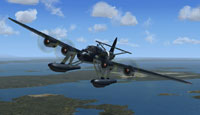
Screenshot of CANT Z512 in flight.
Download giuz1014_fix.zip and install one or both of the versions. Copy and overwrite my panel.cfg into the panel. Copy all the lines from the file "cameras&light&smoke-effects.cfg" somewhere into the aircraft.cfg; remove the original one.
Attention: The original download showes chrome wings in FSX. If you like that, than keep it as it is. If you want to have blue wings, then overwrite the textures with my folder. A thumbnail is within the folder.
Copy the Effects into the main directory of FSX; overwrite YES. That's all!
Attention: The panel of bomber- and seaplane version is the same. I did not test the gun-effects for the bomber version. It should be similar. Weapon effects: Please use the smokesystem and the strob lights
Credits: All the weapon effects are from unknown authors. I cant't find out from whom they are. Many thanks to all of the creative persons, who do such a great work like creating gauges, effects, sounds and other stuff.
Free for all simmers · 268.92 KB · Scanned clean Oct 2026
Download speed: Free tier is capped at 0.5 Mbps. PRO members download at full line speed.
FSX\SimObjects\Airplanes\{aircraft}\panel\. Back up the existing panel folder first.readme.txt or README file. It tells you exactly where files go, what dependencies are needed, and any quirks specific to this add-on.The archive cant512_fsx.zip has 16 files and directories contained within it.
This list displays the first 500 files in the package. If the package has more, you will need to download it to view them.
| Filename/Directory | File Date | File Size |
|---|---|---|
| Cameras&Light&Smoke.cfg | 10.23.12 | 3.99 kB |
| Cant_Z512.jpg | 10.23.12 | 93.89 kB |
| Effects | 10.23.12 | 0 B |
| FSX_Wing_Guns.fx | 11.16.07 | 10.48 kB |
| fx_ShellHit.fx | 01.14.06 | 4.93 kB |
| FX_Wing_Guns_rear1.fx | 12.10.11 | 9.36 kB |
| File_ID.diz | 10.23.12 | 455 B |
| Panel | 10.23.12 | 0 B |
| panel.cfg | 10.23.12 | 4.80 kB |
| Readme.txt | 10.23.12 | 1.80 kB |
| Texture | 10.23.12 | 0 B |
| 512alaDXTOPMODdt.bmp | 06.12.12 | 513.05 kB |
| 512alaSXTOPMODdt.bmp | 06.12.12 | 513.05 kB |
| Thumbnail.jpg | 10.23.12 | 65.08 kB |
| flyawaysimulation.txt | 10.29.13 | 959 B |
| Go to Fly Away Simulation.url | 01.22.16 | 52 B |
Only PRO members can place votes.
More FSX & P3D add-ons hand-picked based on this download.
FSX Panels & Gauges
For use with wing views in FSX. As we all know, FSX doesn't provide this func…
 FSX Panels & Gauges
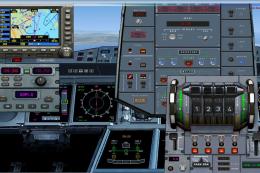
Airbus A380 Panel. Highly detailed panel for Airbus A380. By Pasquale Rinaldi…
 FSX Panels & Gauges
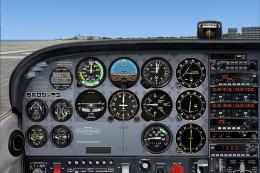
Panel And FDE For Default Cessna 172SP. This package includes new instrument …
 FSX Panels & Gauges
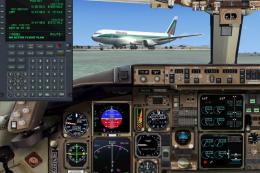
Boeing 767-300 Panel. Reworked B767-300 panel by M. Spada. Uses default and t…
 FSX Panels & Gauges
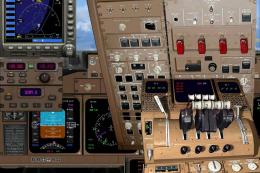
A complete panel, highly detailed for the B747-400. By Pasquale Rinaldi. Scre…
 FSX Panels & Gauges
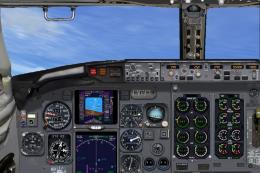
Created using default fsx gauges and photorealistic reworked bitmap. Marco Spada
 FSX Panels & Gauges
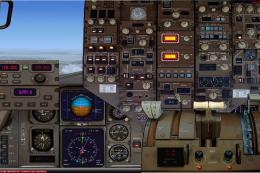
By Pasquale Rinaldi. View of the Boeing 767 panel. Installation: Unzip the co…
 FSX Panels & Gauges
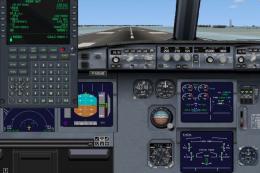
Airbus Panel. Reworked by Marco Spada adding Garret Smith's freeware FMC that…
Be the first to leave a comment on this download.
Be the first to share your thoughts on this download.