

 FSX Civil Aircraft
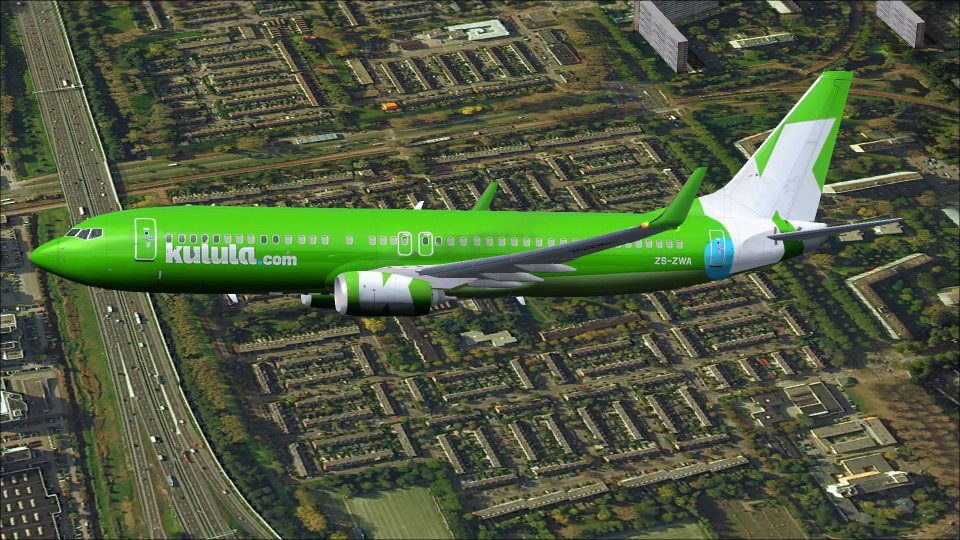
Kulula.com Boeing 737-800 ZS-ZWR
This freeware package presents a meticulously repainted Boeing 737-800 in Kul…
Kulula.com Boeing 737-800 ZS-ZWA brings the airline’s vivid green branding to a detailed Project Open Sky model for FSX, delivered as a complete freeware aircraft. Enjoy animated control surfaces, wing flex, opening doors, responsive gear suspension and steering, thrust reversers and spoilers, reflective materials, cockpit-visible lighting, and tuned flight dynamics for immersive short-haul operations.
 Rate
Rate
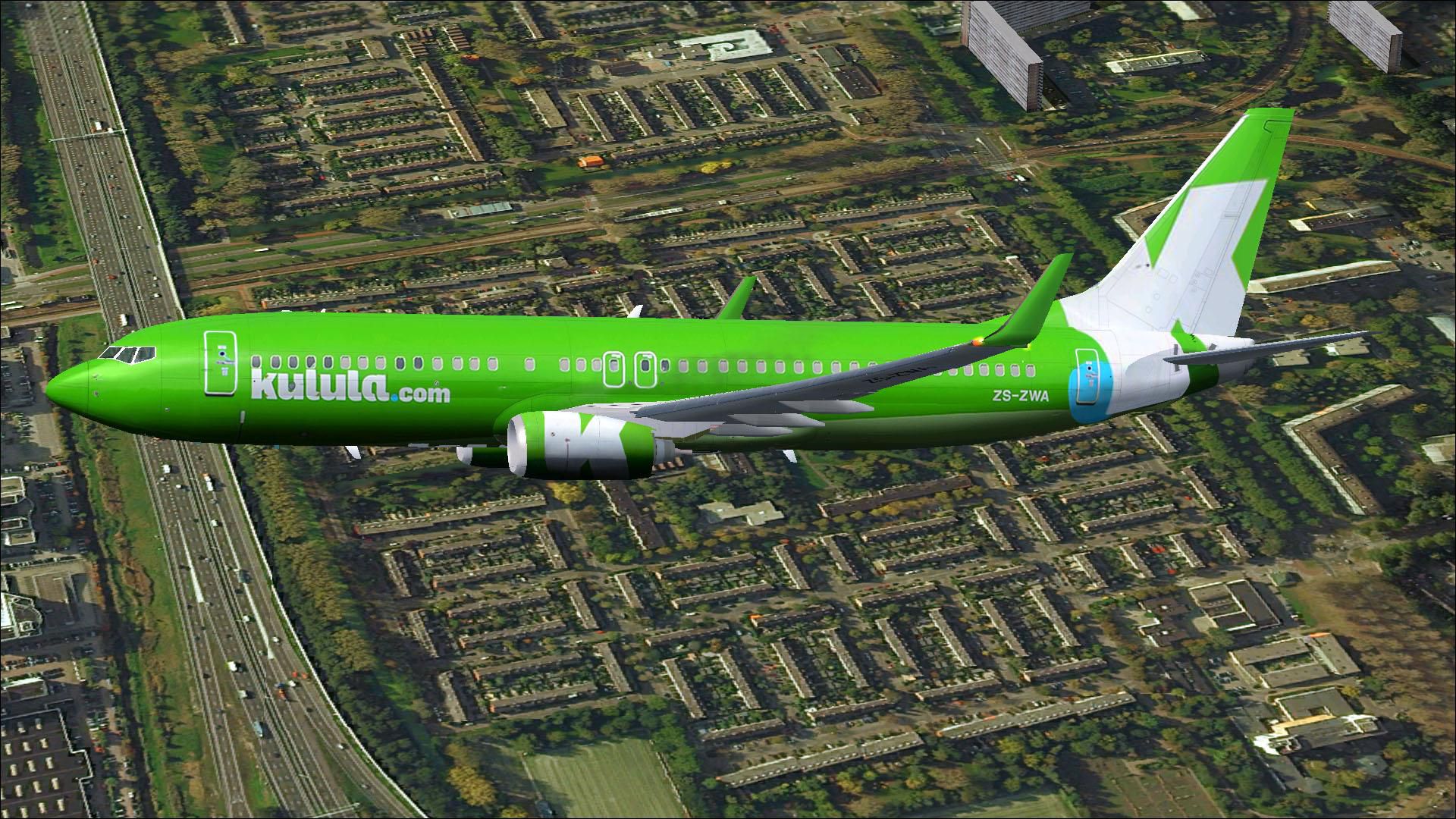
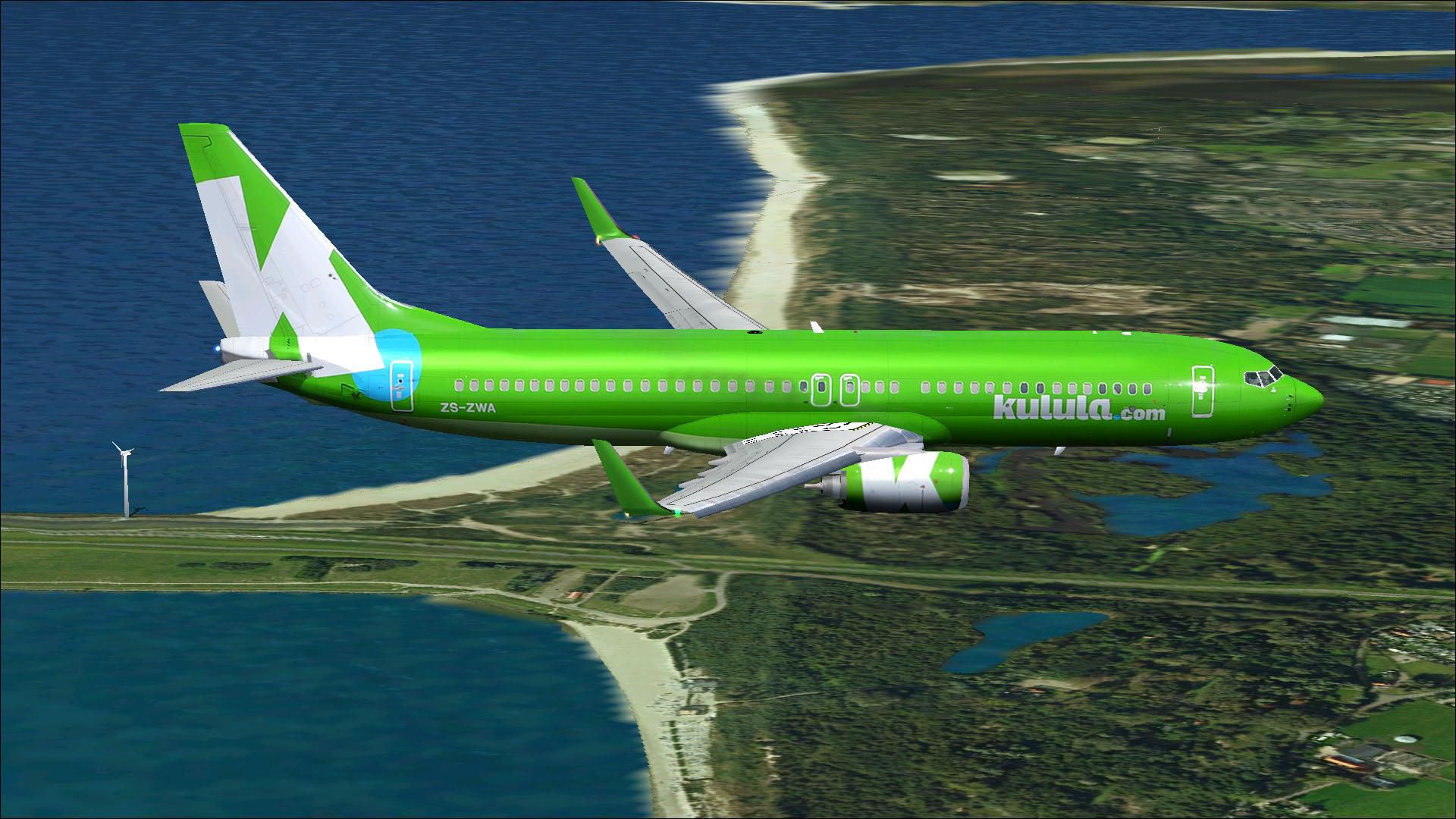
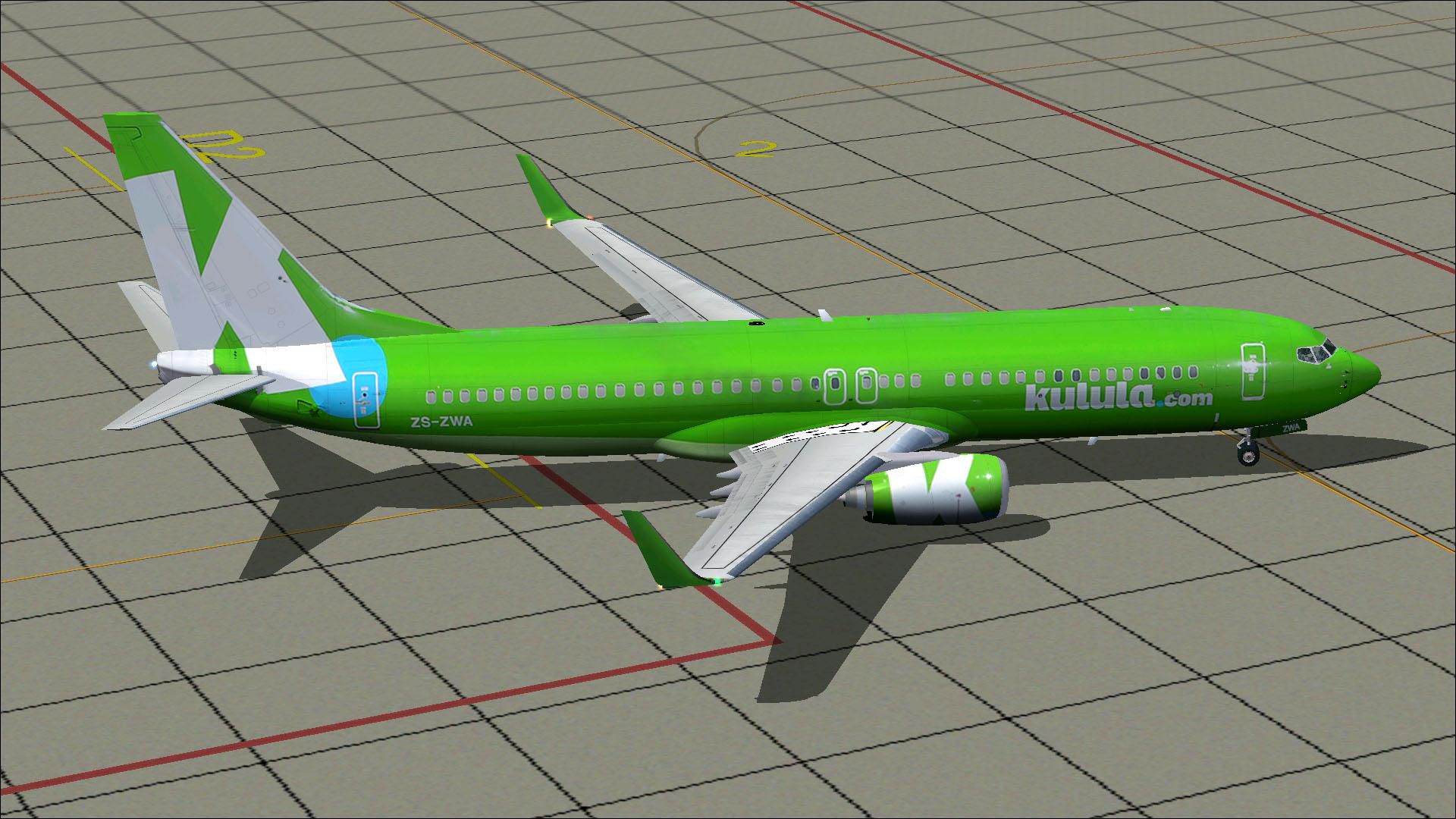
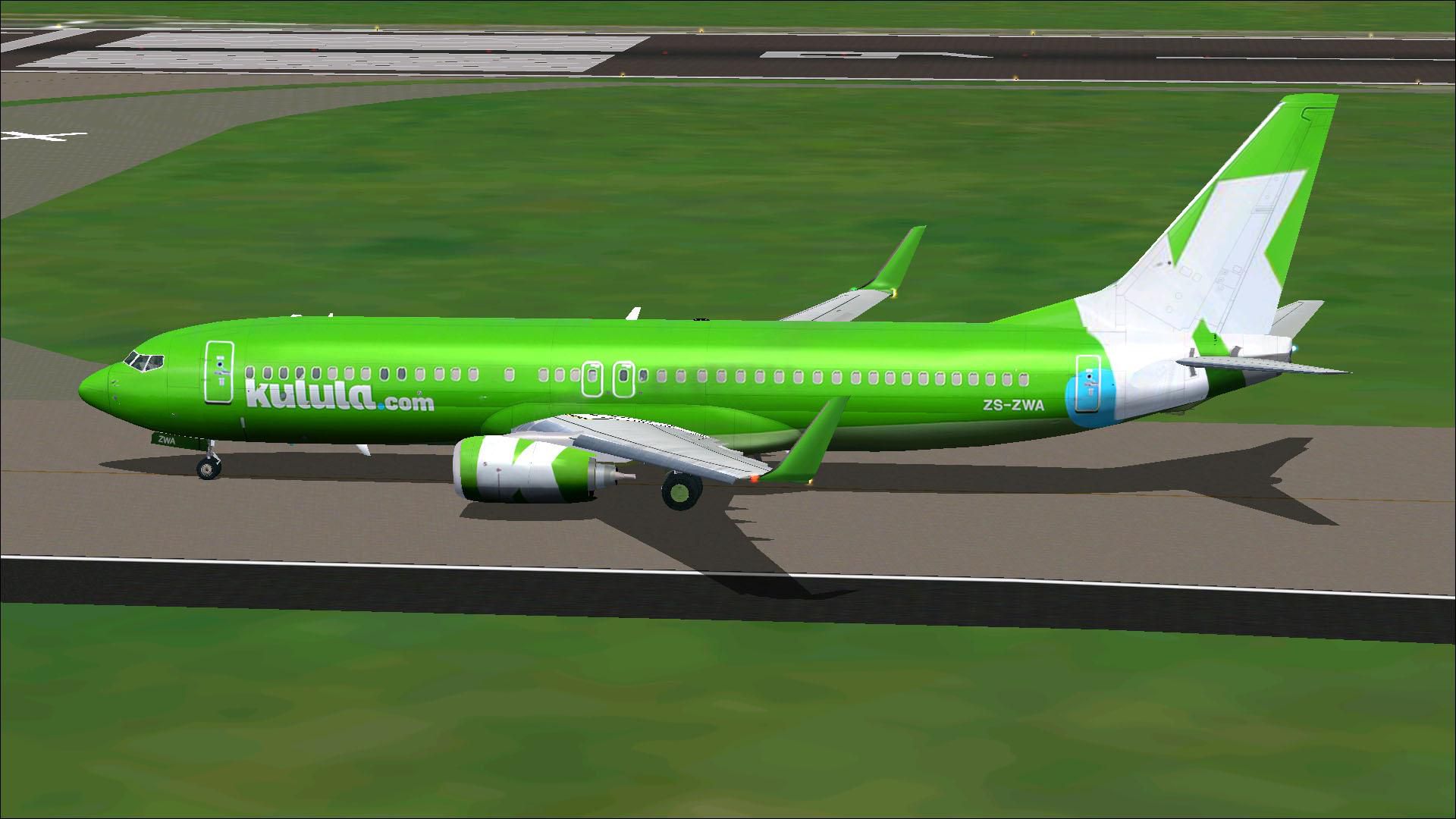
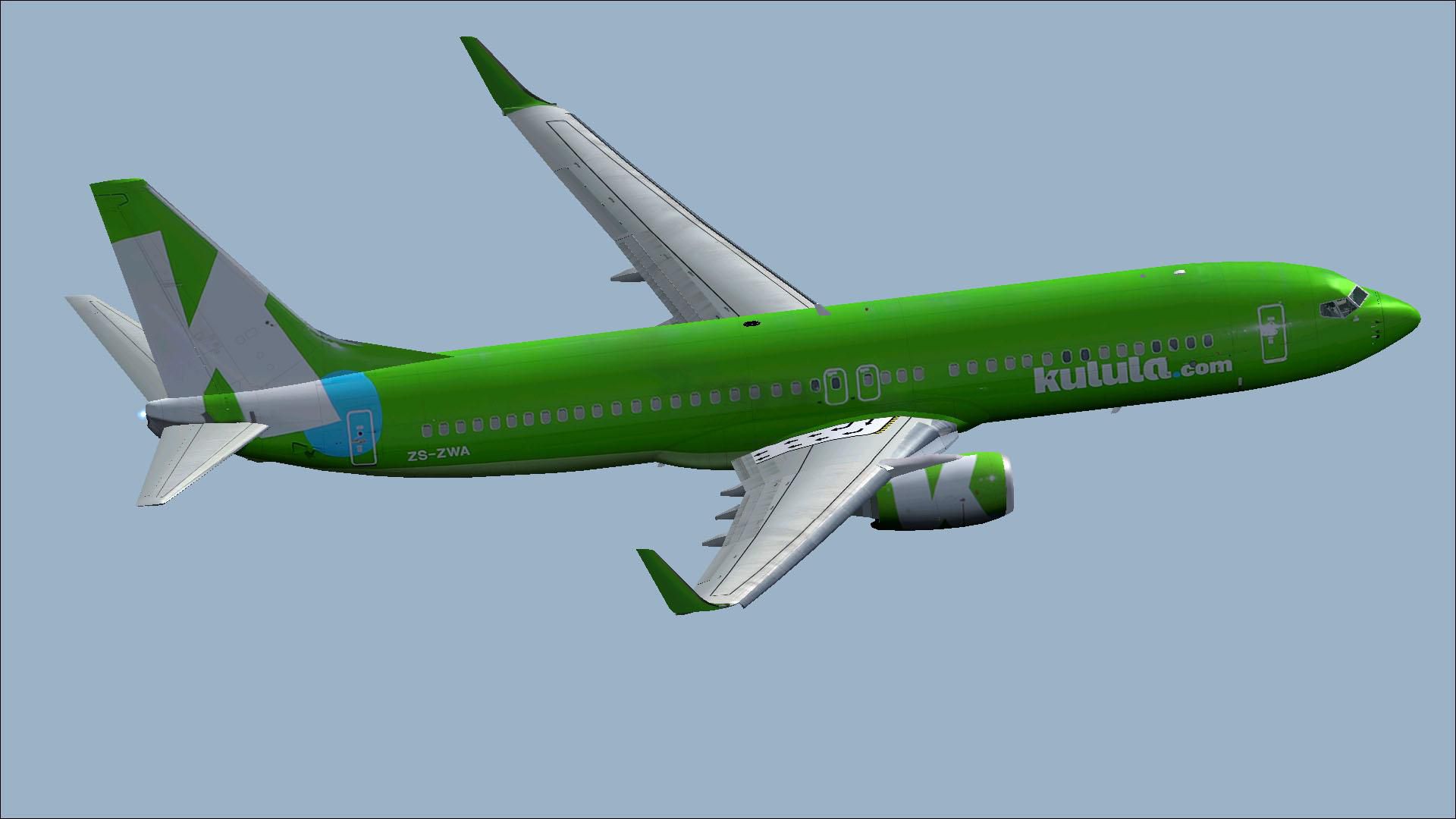
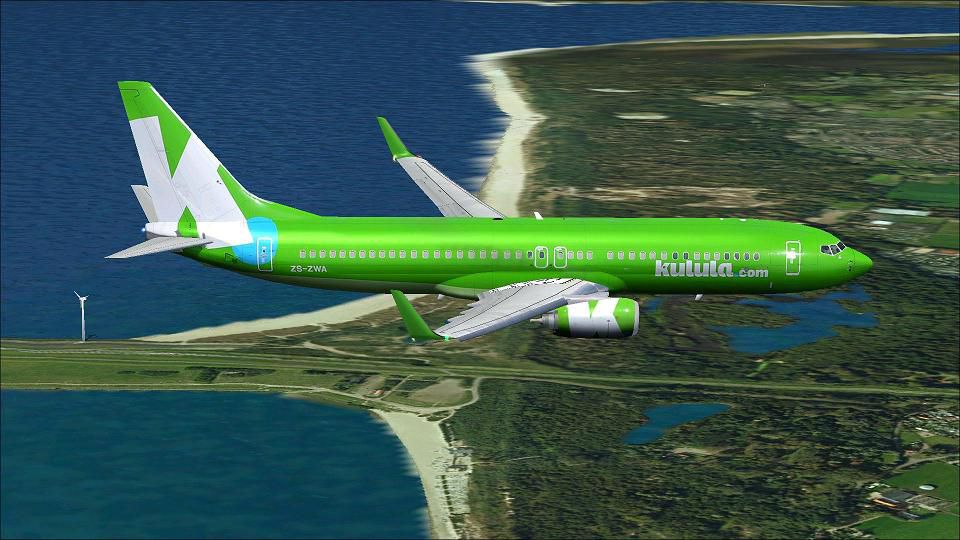
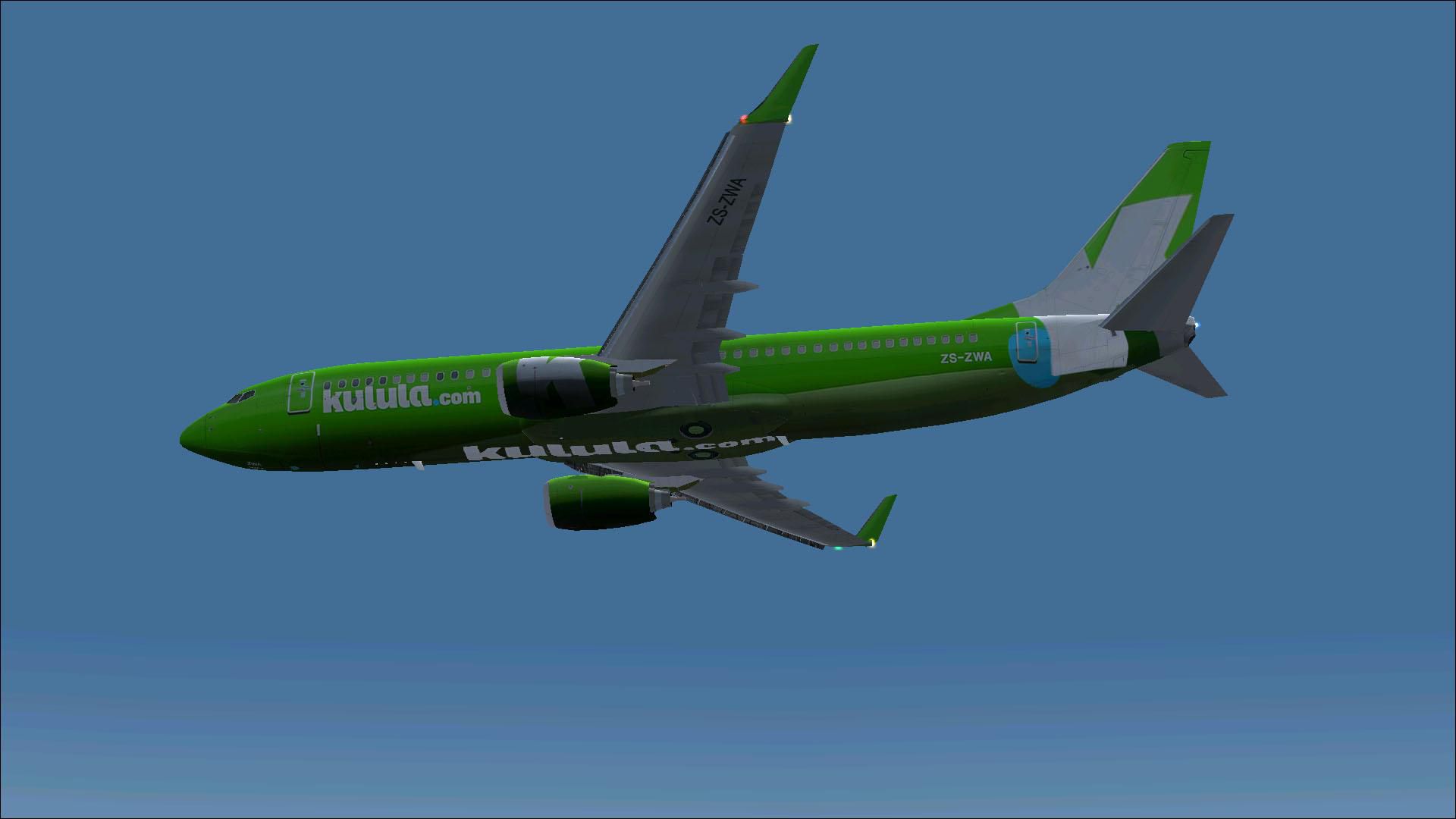
This comprehensive freeware package offers a meticulously repainted Kulula.com Boeing 737-800 (tail number ZS-ZWA) in a fresh green theme, courtesy of Mathieu Vos (APSS). The underlying model, crafted by Project Open Sky, is included here, ensuring a complete standalone solution for avid virtual pilots.
Depiction of the jet above the clouds.
This narrow-body twinjet, flown by South Africa’s renowned low-cost carrier, showcases Kulula.com’s distinct approach to branding. Incorporating ZS-ZWA into your simulator library merges a lively livery design with precise flight modeling, yielding a satisfying operational experience. Developed by Project Open Sky and featuring the specialized repaint by Mathieu Vos (APSS), this freeware release aims to enrich any virtual hangar with an iconic and proficient 737-800 model.
Free for all simmers · 8.8 MB · Scanned clean Sep 2026
Download speed: Free tier is capped at 0.5 Mbps (this file takes approximately 2 mins at the cap). PRO members download at full line speed.
FSX\SimObjects\Airplanes\. The folder must contain an aircraft.cfg file. Effects go into FSX\Effects\; gauges go into FSX\Gauges\.readme.txt or README file. It tells you exactly where files go, what dependencies are needed, and any quirks specific to this add-on.The archive b7378xcawnc.zip has 56 files and directories contained within it.
This list displays the first 500 files in the package. If the package has more, you will need to download it to view them.
| Filename/Directory | File Date | File Size |
|---|---|---|
| Aircraft.cfg | 10.07.12 | 22.76 kB |
| B7378XCAWnc.gif | 10.07.12 | 10.40 kB |
| boeing737-800_check.htm | 12.31.05 | 77.28 kB |
| boeing737-800_ref.htm | 12.31.05 | 27.17 kB |
| Install.txt | 10.07.12 | 2.84 kB |
| model.Wnoeyebrow | 10.07.12 | 0 B |
| model.cfg | 04.25.11 | 27 B |
| OSX738WE.MDL | 04.25.11 | 1.35 MB |
| model | 10.07.12 | 0 B |
| model.cfg | 05.20.11 | 31 B |
| OS738WEB_SFP.mdl | 05.20.11 | 2.76 MB |
| OSBoeing737-800w.air | 12.11.08 | 8.90 kB |
| Panel | 10.07.12 | 0 B |
| panel.cfg | 01.21.12 | 34 B |
| Thumbs.db | 02.13.11 | 32.50 kB |
| Posky 737-800.txt | 01.22.12 | 2.55 kB |
| PoskyB737-800Kululacom_ZS-ZWA.jpg | 10.02.12 | 244.11 kB |
| PoskyB737-800Kululacom_ZS-ZWA2.jpg | 10.02.12 | 177.17 kB |
| PoskyB737-800Kululacom_ZS-ZWA3.jpg | 10.02.12 | 111.62 kB |
| PoskyB737-800Kululacom_ZS-ZWA4.jpg | 10.02.12 | 441.55 kB |
| PoskyB737-800Kululacom_ZS-ZWA5.jpg | 10.02.12 | 90.71 kB |
| PoskyB737-800Kululacom_ZS-ZWA6.jpg | 10.02.12 | 282.25 kB |
| Readme.txt | 10.07.12 | 2.83 kB |
| sound | 10.07.12 | 0 B |
| sound.cfg | 01.22.12 | 34 B |
| Texture.Kulula.com nc | 10.07.12 | 0 B |
| Os737ng_ANTCOL_RED.BMP | 09.05.06 | 1.43 kB |
| Os737ng_Cockpitgray.bmp | 09.05.06 | 1.43 kB |
| Os737ng_darkgray.bmp | 09.05.06 | 1.43 kB |
| Os737ng_engine_l.bmp | 02.13.11 | 1.00 MB |
| Os737ng_engine_t.bmp | 10.02.12 | 4.00 MB |
| Os737ng_gsu.bmp | 04.09.11 | 4.00 MB |
| Os737ng_gsu2.bmp | 04.09.11 | 4.00 MB |
| Os737ng_WINGROOT_GRAY.BMP | 09.05.06 | 1.43 kB |
| Os737ng_WINGTIP_GREEN_GLASS.bmp | 09.05.06 | 1.43 kB |
| Os737ng_WINGTIP_RED_GLASS.bmp | 09.05.06 | 1.43 kB |
| Os737ngstair_l.bmp | 06.26.08 | 341.40 kB |
| Os737ngstair_t.bmp | 02.24.06 | 1.00 MB |
| Os738body_l_l.bmp | 10.03.12 | 1.00 MB |
| Os738body_l_t.bmp | 10.02.12 | 4.00 MB |
| Os738body_r_l.bmp | 10.03.12 | 1.00 MB |
| Os738body_r_t.bmp | 10.02.12 | 4.00 MB |
| Os738BOTTOM.bmp | 10.02.12 | 256.07 kB |
| Os738Option.bmp | 01.06.12 | 16.07 kB |
| OS738Option2.bmp | 04.09.11 | 256.07 kB |
| Os738parts_t.bmp | 02.13.11 | 1.00 MB |
| Os738w_wing_l_l.bmp | 02.13.11 | 1.00 MB |
| Os738w_wing_l_t.bmp | 10.02.12 | 4.00 MB |
| Os738w_wing_r_l.bmp | 02.13.11 | 1.00 MB |
| Os738w_wing_r_t.bmp | 10.02.12 | 4.00 MB |
| ostug_L.bmp | 02.13.11 | 1.00 MB |
| ostug_T.bmp | 04.09.11 | 1.00 MB |
| Thumbnail.jpg | 10.07.12 | 109.91 kB |
| Thumbs.db | 02.13.11 | 58.50 kB |
| flyawaysimulation.txt | 10.29.13 | 959 B |
| Go to Fly Away Simulation.url | 01.22.16 | 52 B |
Only PRO members can place votes.
More FSX & P3D add-ons hand-picked based on this download.
FSX Civil Aircraft
This freeware package presents a meticulously repainted Boeing 737-800 in Kul…
 FSX Civil Aircraft
Kukula AI Boeing 737-800wl ZS-ZWR (EuropCar) for the model by FSX AI Bureau (…
 FSX Civil Aircraft
Kulula Boeing 737-800, registraion ZS-ZWO. Model by Project Open Sky. Livery …
 FSX Civil Aircraft
This comprehensive freeware package for FSX showcases the Boeing 737-800 wear…
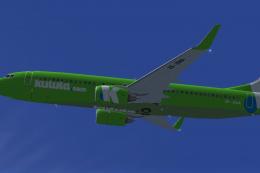 FSX Civil Aircraft
Textures only for the FSX AI Bureau B737-300 model. By Anton Cornelissen. Scr…
 FSX Civil Aircraft
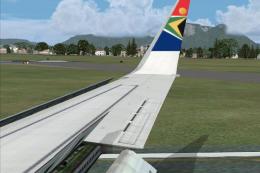
South African Airways Boeing 737-800, registration ZS-SJB. Repaint textures f…
 FSX Civil Aircraft
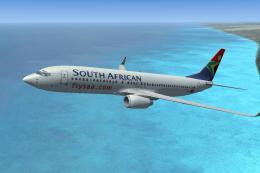
A repaint of the default B737 in South African Airways colors. Textures only.…
 FSX Civil Aircraft
Textures only for model by FSX AI Bureau (faib7378v13.zip). Texture formats i…
Be the first to leave a comment on this download.
Be the first to share your thoughts on this download.