

 FSX Civil Aircraft
WestJet Boeing 737-900
This freeware release provides a detailed Boeing 737-900 in WestJet livery, f…
WestJet Boeing 737-400 brings a convincing classic twinjet to Microsoft Flight Simulator with a Vistaliner-built flight model, crisp airline textures, and a clean exterior profile. The virtual cockpit features modern 737-400 instrumentation, refined autopilot and navigation behavior, and responsive systems for precise control during typical North American point-to-point flying.
 Rate
Rate
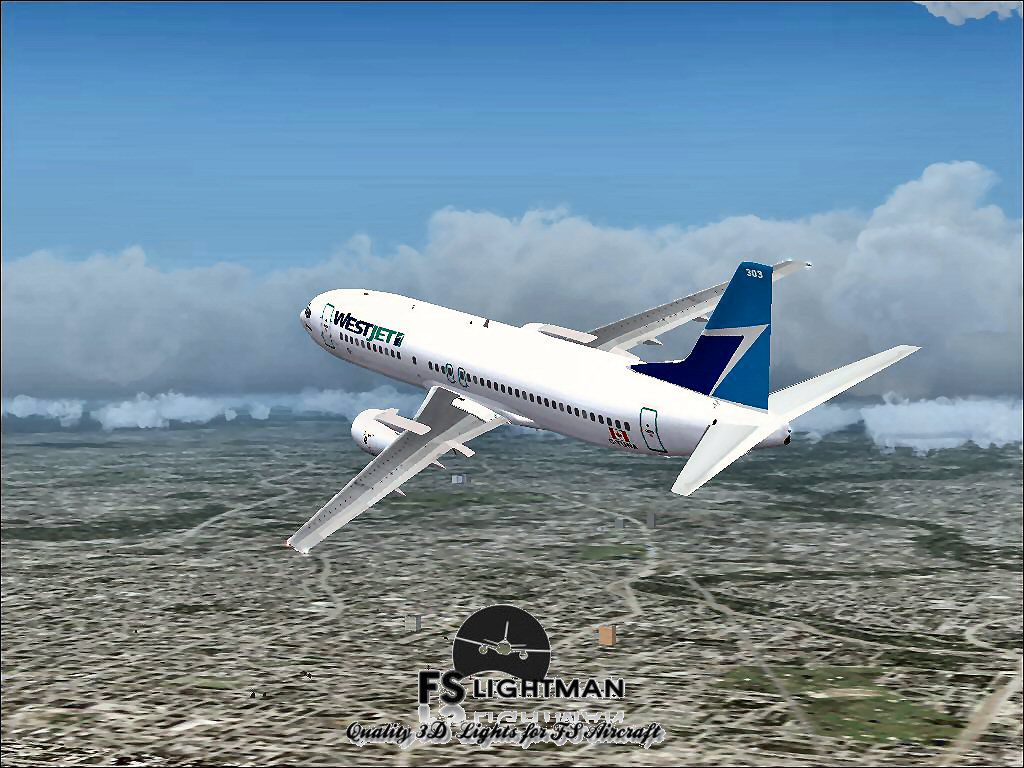

This package delivers a stable rendition of a mid-range twinjet variant painted in WestJet colors, complete with an intuitive installer. It offers flight sim enthusiasts a dependable way to replicate the airline’s typical point-to-point services across North America. In addition, it is distributed as a freeware product, including a fully developed base model that ensures seamless integration within compatible simulator environments.
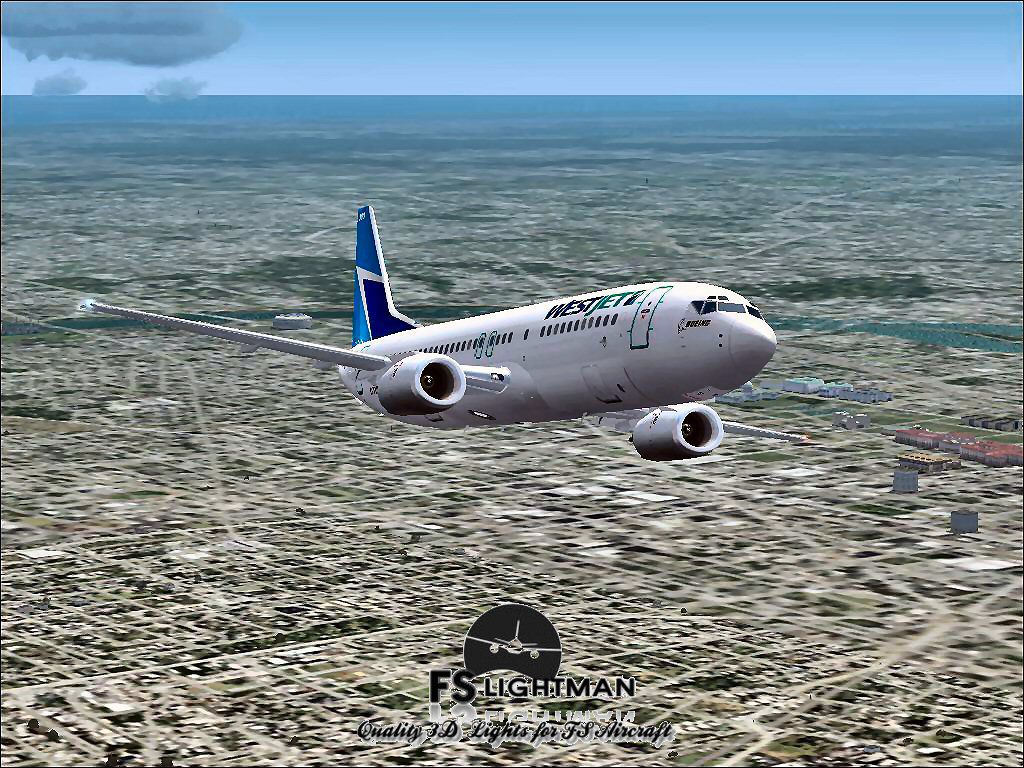
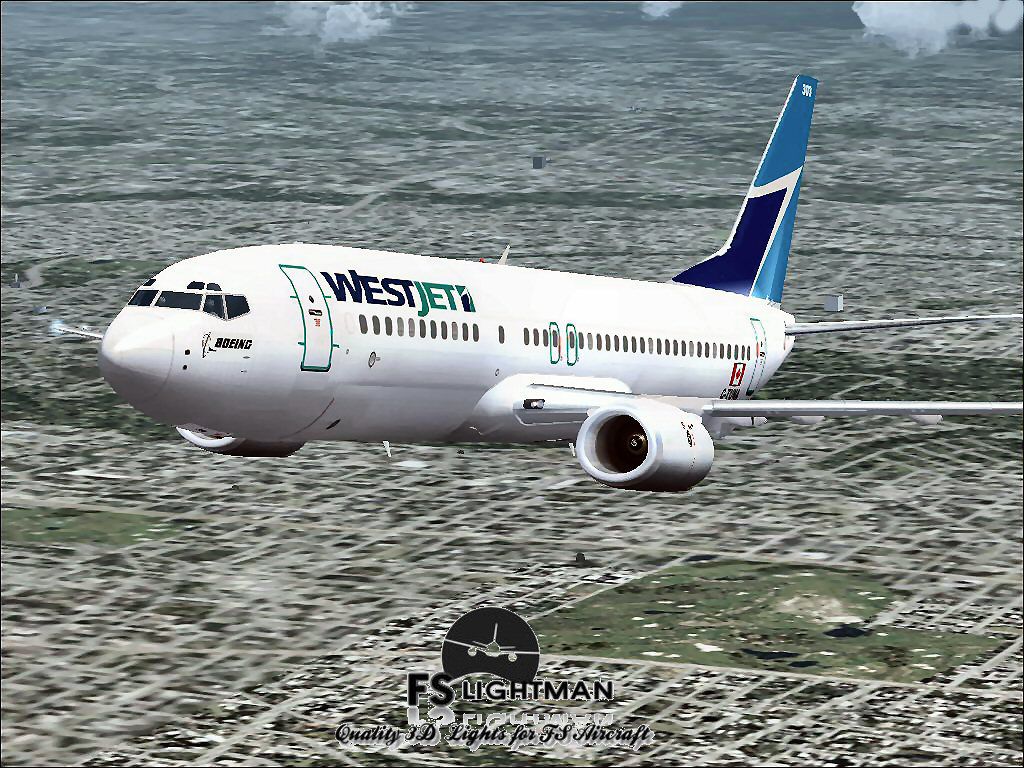
The core flight framework was developed by Vistaliner, reflecting accurate aerodynamic performance and handling characteristics. A detailed exterior showcases the signature WestJet livery, encompassing precise alignments of fuselage markings and virtual cockpit window frames. Textures are optimized for clarity, allowing the aircraft’s visuals to maintain consistent fidelity under varying simulator lighting conditions.

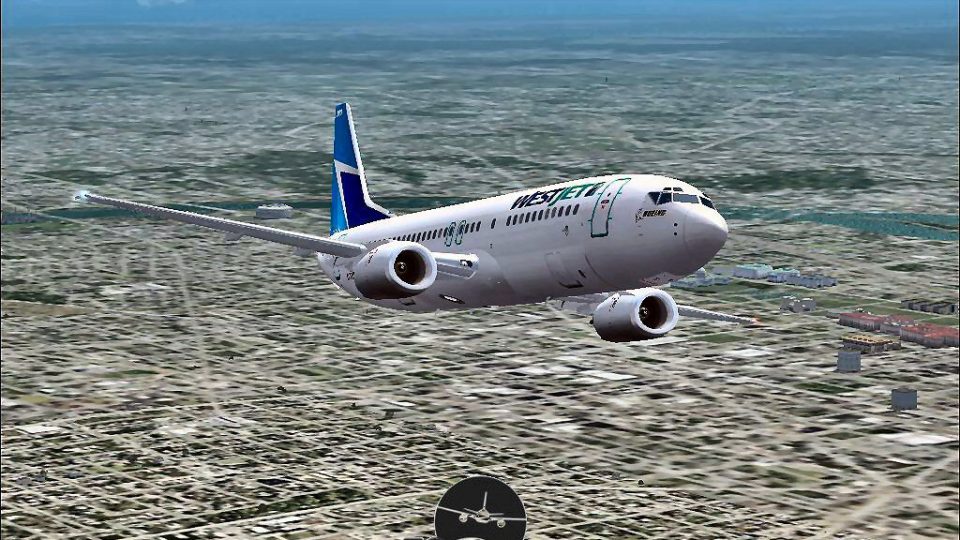
Screenshot of WestJet Boeing 737-400 in flight.
To enhance realism, the cockpit integrates core flight instrumentation suited for a modern 737-400. In-cockpit elements include an advanced primary flight display [a digital screen that provides main flight data] and engine parameter gauges [readouts that relay turbine and temperature values]. The avionics suite, updated by David Grindele, further refines autopilot logic and navigation data to mirror real-world operation. System reaction times are calibrated, helping virtual pilots manage thrust, flaps, and other critical flight controls with precision.
This freeware add-on has been verified on multiple Windows operating systems, including Windows XP, Vista, 7, and 8 in both 32-bit and 64-bit editions. The included automatic installer streamlines setup, ensuring minimal user intervention is needed during the integration process. For best results, confirm that your simulator platform has no conflicting configurations before installing. Also, it is always wise to create safe backups of essential simulator files prior to adding any new content.
As with all third-party modifications, users assume full responsibility when installing and operating this equipment. FSLightman does not accept risk for any computer malfunctions or crashes that may occur. While all files have been vetted and are free of known viruses or malware, always maintain prudent security protocols on your system. In the event of unexpected issues, reverting to previously saved backups can prevent system instability.
Free for all simmers · 39.56 MB · Scanned clean Oct 2026
Download speed: Free tier is capped at 0.5 Mbps (this file takes approximately 11 mins at the cap). PRO members download at full line speed.
FSX\SimObjects\Airplanes\. The folder must contain an aircraft.cfg file. Effects go into FSX\Effects\; gauges go into FSX\Gauges\.readme.txt or README file. It tells you exactly where files go, what dependencies are needed, and any quirks specific to this add-on.The archive wj734vlx.zip has 15 files and directories contained within it.
This list displays the first 500 files in the package. If the package has more, you will need to download it to view them.
| Filename/Directory | File Date | File Size |
|---|---|---|
| A2A 3D Lights & Redux Installation.txt | 10.10.10 | 728 B |
| file_id.diz | 08.26.14 | 579 B |
| Legal Notice.doc | 08.31.11 | 30.50 kB |
| Read Very Important.txt | 02.26.12 | 1008 B |
| Readme.txt | 08.26.14 | 735 B |
| Video Card & Monitor.txt | 02.26.12 | 284 B |
| WestJet B737-400_Vistaliner 1.jpg | 08.25.14 | 113.61 kB |
| WestJet B737-400_Vistaliner 2.jpg | 08.25.14 | 157.10 kB |
| WestJet B737-400_Vistaliner 3.jpg | 08.25.14 | 231.60 kB |
| WestJet B737-400_Vistaliner 4.bmp | 08.25.14 | 2.25 MB |
| WestJet B737-400_Vistaliner 4.jpg | 08.25.14 | 221.35 kB |
| WestJet B737-400_Vistaliner.exe | 08.26.14 | 37.22 MB |
| WestJet B737-400_Vistaliner FSX | 08.26.14 | 0 B |
| flyawaysimulation.txt | 10.29.13 | 959 B |
| Go to Fly Away Simulation.url | 01.22.16 | 52 B |
Only PRO members can place votes.
More FSX & P3D add-ons hand-picked based on this download.
FSX Civil Aircraft
This freeware release provides a detailed Boeing 737-900 in WestJet livery, f…
 FSX Civil Aircraft
This comprehensive freeware package showcases a highly detailed Boeing 737-60…
 FSX Civil Aircraft
FSX WestJet Boeing 737-800. A repaint for the default B737. The first 737-800…
 FSX Civil Aircraft
This freeware package offers an accurately modeled Canadian narrow-body aircr…
 FSX Civil Aircraft
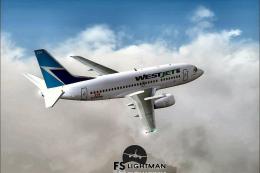
This complete freeware package offers a thoroughly detailed Boeing 737-500 re…
 FSX Civil Aircraft
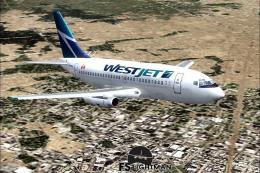
Experience a practical and detailed simulation of the Boeing 737-200 in WestJ…
 FSX Civil Aircraft
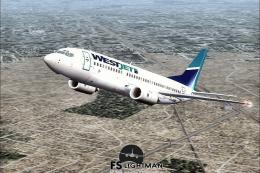
This complete freeware release offers a faithful simulation of the WestJet Bo…
 FSX Civil Aircraft
An update to the Westjet Magic livery to fix alpha channels and lights. Requi…
Be the first to leave a comment on this download.
Be the first to share your thoughts on this download.