

 FSX Civil Aircraft
WestjetBoeing 737-800 Disney Magic
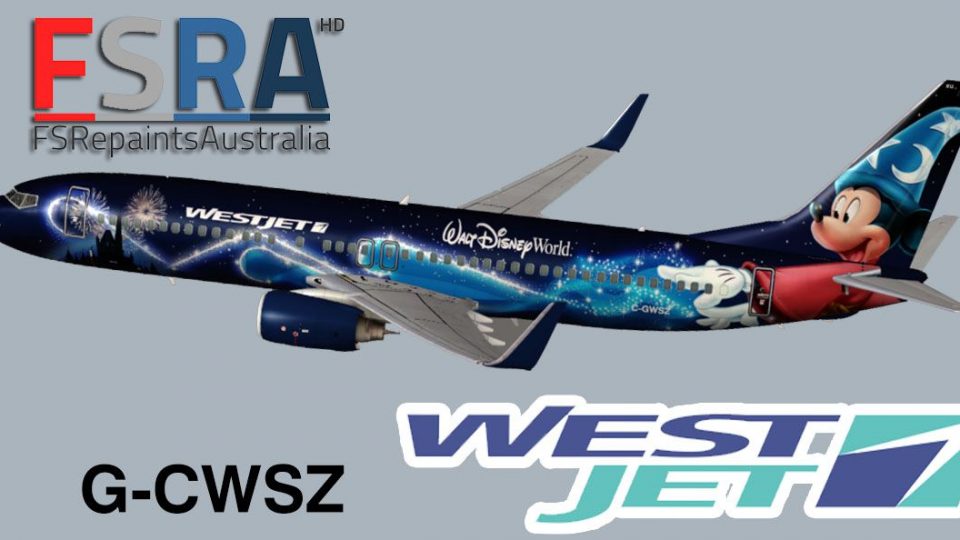
Westjet's new Magic plane livery B737-800. Textures for the payware PMDG 737N…
WestJet’s “Disney Magic” Boeing 737-800 livery update sharpens realism by correcting alpha channels and improving lighting for crisper reflections and nighttime appearance in FSX. Textures follow real-world reference photos for high-detail accuracy and requires the PMDG 737 NGX plus the separate Version 2 repaint package.
 Rate
Rate
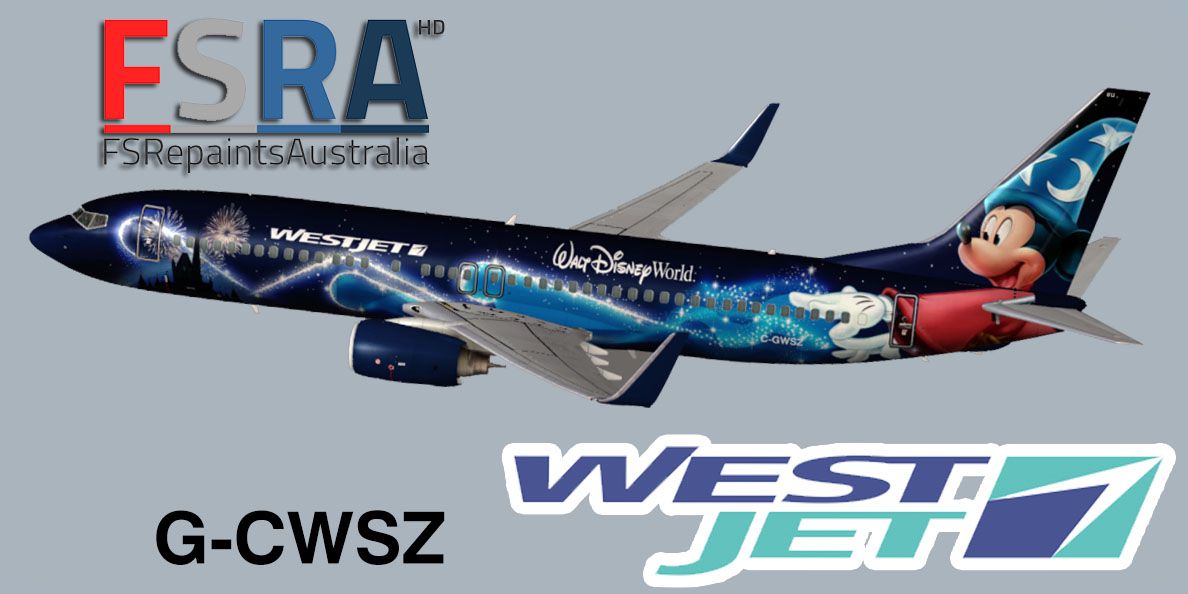
An update to the Westjet Magic livery to fix alpha channels and lights. Requires both the PMDG 737 NGX payware and version 2 of this repaint (PMDG738_WESTJET-DISNEY_FSRAV2.ZIP). Textures by Giulio Catena for FS Repaints Australia.
Screenshot of the "Disney Magic" Westjet Boeing 737-800.
Included textures have been made according to real-world photos of this or similar aircraft to supply the highest detail and accuracy.
Installation:
Free for all simmers · 13.58 MB · Scanned clean Oct 2026
Download speed: Free tier is capped at 0.5 Mbps (this file takes approximately 4 mins at the cap). PRO members download at full line speed.
This file is a repaint — the package below is the base model it paints onto. Install it first, or the textures will have nothing to load onto.
texture.{airline}) inside FSX\SimObjects\Airplanes\{base-aircraft}\.aircraft.cfg in Notepad. Add a new [fltsim.X] section per the readme.readme.txt or README file. It tells you exactly where files go, what dependencies are needed, and any quirks specific to this add-on.The archive pmdg738westjet_disney_fsra_alphaupdate.zip has 12 files and directories contained within it.
This list displays the first 500 files in the package. If the package has more, you will need to download it to view them.
| Filename/Directory | File Date | File Size |
|---|---|---|
| pmdg738westjet_disney_fsra_alphaupdate | 01.09.14 | 0 B |
| 2014-1-2_16-26-8-502.jpg | 01.02.14 | 120.68 kB |
| Readme FIRST! DO NOT REUPLOAD or REPACKAGE!.txt | 01.09.14 | 1.26 kB |
| texture.westjet_disney | 01.09.14 | 0 B |
| pmdg_737NGX_fuselage_1.dds | 01.09.14 | 16.00 MB |
| pmdg_737NGX_fuselage_1_night2.dds | 01.09.14 | 16.00 MB |
| pmdg_737NGX_fuselage_2.dds | 01.09.14 | 16.00 MB |
| pmdg_737NGX_fuselage_2_night2.dds | 01.09.14 | 16.00 MB |
| pmdg_737NGX_fuselage_3.dds | 01.09.14 | 16.00 MB |
| pmdg_737NGX_tailnight.dds | 01.09.14 | 16.00 MB |
| flyawaysimulation.txt | 10.29.13 | 959 B |
| Go to Fly Away Simulation.url | 01.22.16 | 52 B |
Only PRO members can place votes.
More FSX & P3D add-ons hand-picked based on this download.
FSX Civil Aircraft
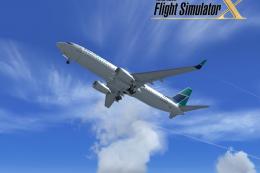
Westjet's new Magic plane livery B737-800. Textures for the payware PMDG 737N…
 FSX Civil Aircraft
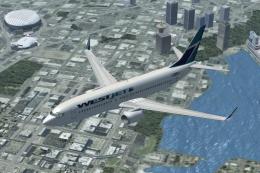
FSX WestJet Boeing 737-800. A repaint for the default B737. The first 737-800…
 FSX Civil Aircraft
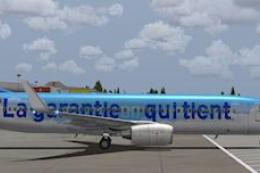
This freeware repaint adds a custom WestJet color scheme for the default Boei…
 FSX Civil Aircraft
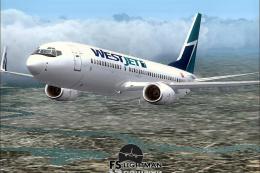
Westjet Care-Antee Boeing 737-800. Westjet in a special Care-Antee livery for…
 FSX Civil Aircraft
This freeware package offers an accurately modeled Canadian narrow-body aircr…
 FSX Civil Aircraft
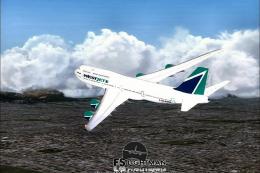
This freeware package features the Boeing 747-800 in a WestJet paint scheme, …
 FSX Civil Aircraft
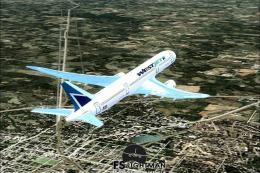
This complete freeware package features a detailed rendition of a Boeing 787-…
 FSX Civil Aircraft
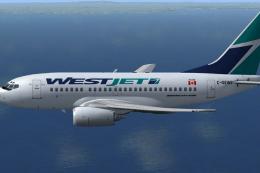
Complete package for FSX only of the Project Open Sky B737-600 model in Westj…
Read what other simmers think, or add your own.
