

 FSX Civil Aircraft
WestJet Boeing 737-900
This freeware release provides a detailed Boeing 737-900 in WestJet livery, f…
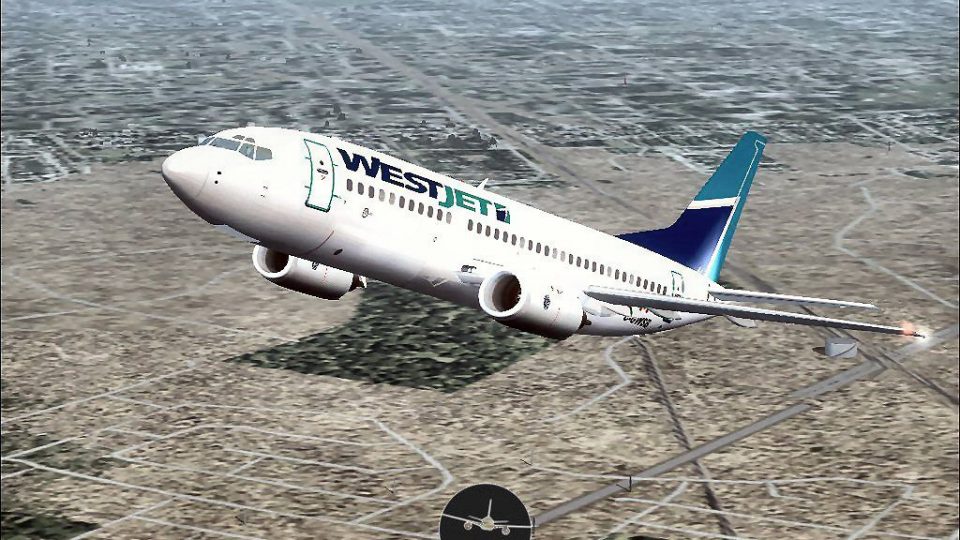
WestJet Boeing 737-300 brings classic 737NG-era short-to-medium range flying to FSX with a detailed exterior model, accurate WestJet textures, realistic lighting and animations, and tuned CFM56 performance. The package includes a functional virtual cockpit and flight dynamics that support believable procedures for regional and domestic routes.
 Rate
Rate
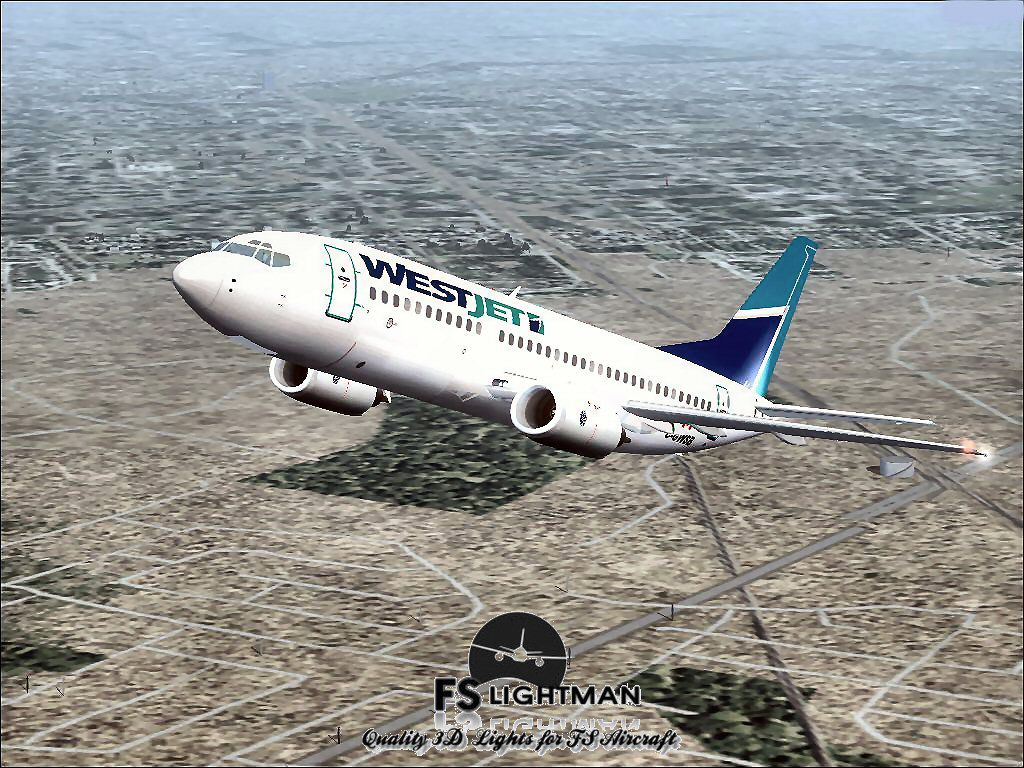
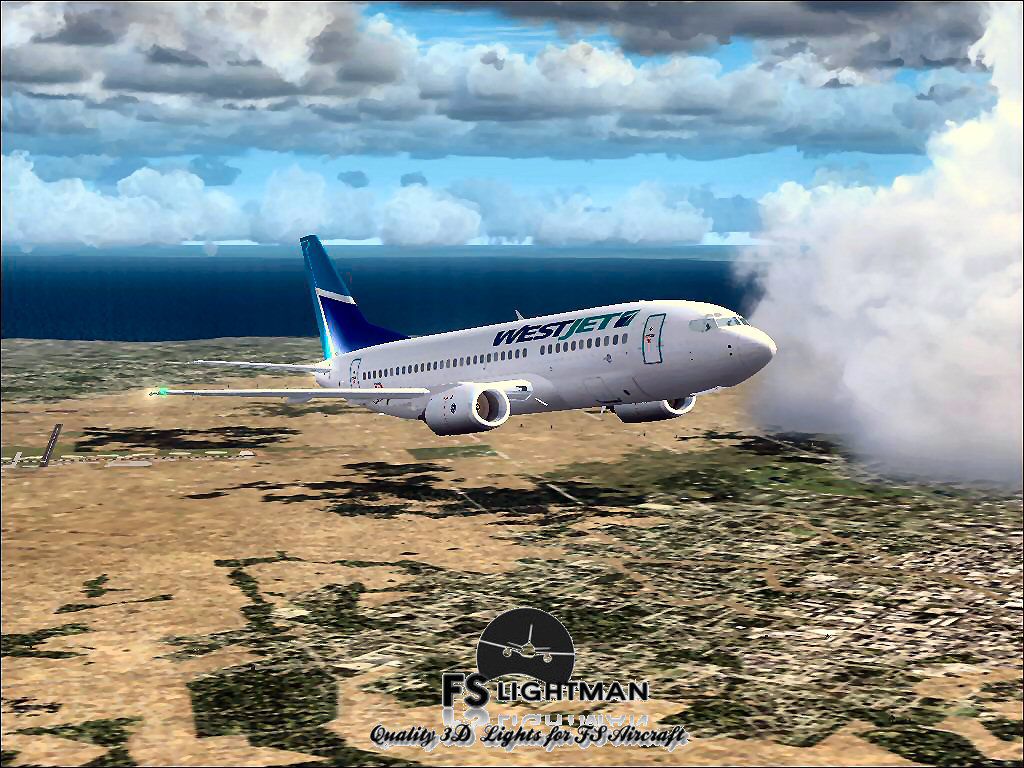
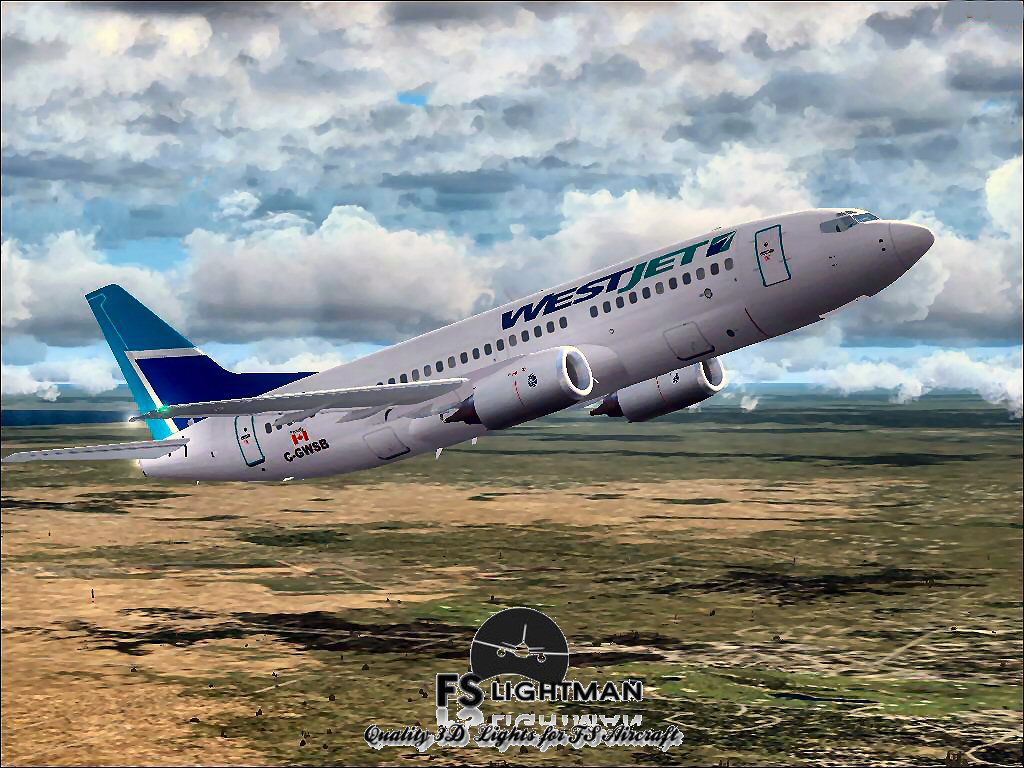
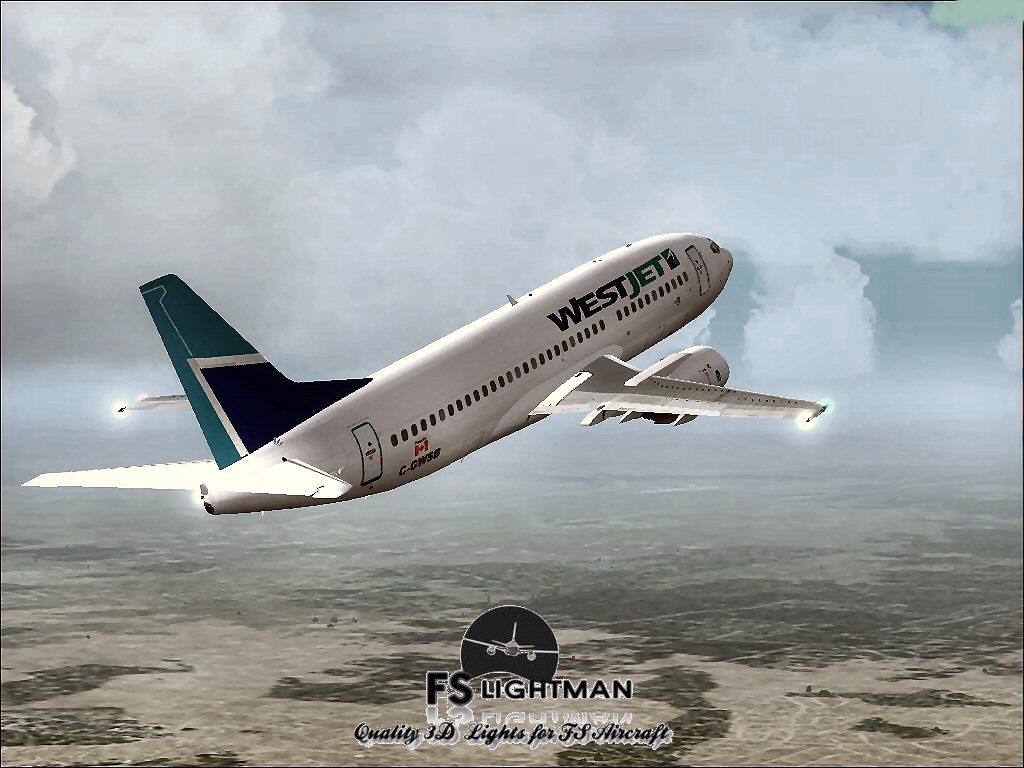
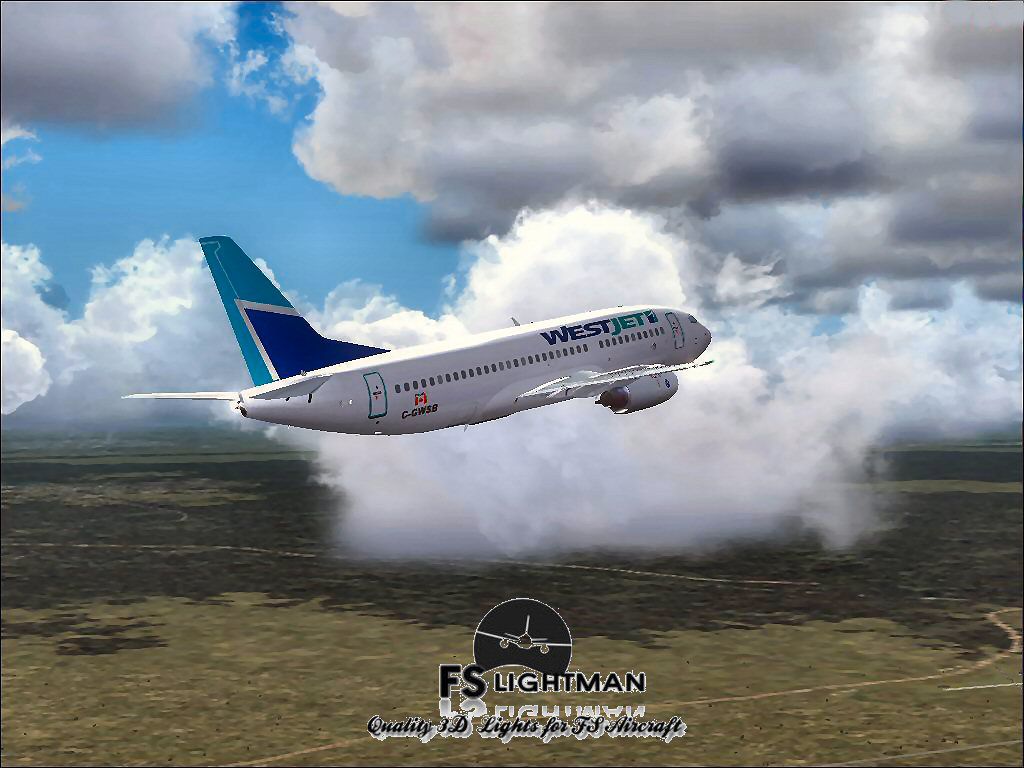
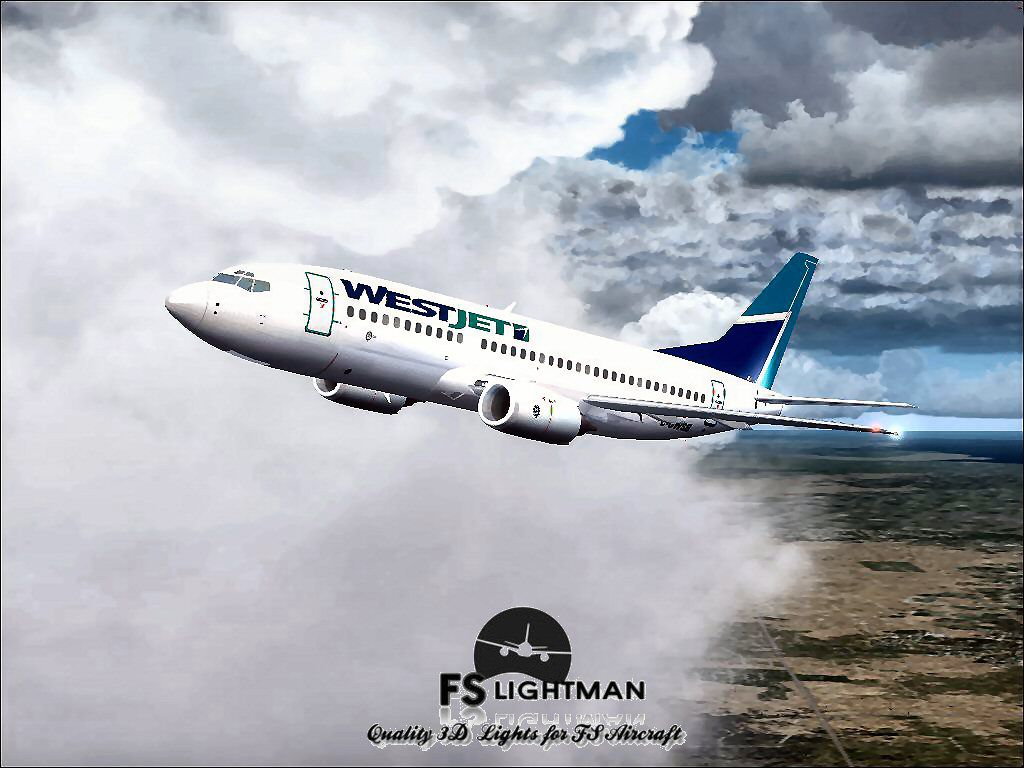
This complete freeware release offers a faithful simulation of the WestJet Boeing 737-300, providing a short-to-medium range aircraft experience configured specifically for FSX. Designed by Vistaliners and updated by David Grindele, it introduces a dependable platform that captures the essence of WestJet’s distinctive livery and operational details. Everything needed for immediate use is included, ensuring a straightforward setup process for those seeking an authentic modeling of this aircraft.
The 737-300 is known for its CFM56 turbofan engines (turbofan refers to a jet engine that uses a fan to compress air before combustion) and its efficient performance over domestic and regional routes. This package reflects those characteristics by replicating the jet’s flight dynamics, control surface response, and internal systems depiction, thus allowing virtual pilots to execute realistic procedures and maneuvering. Vistaliners crafted the flight model, incorporating accurate aerodynamic coefficients and balanced thrust curves, while updates from David Grindele optimize the visual details and simulate cockpit instrumentation behavior.
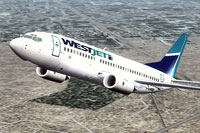
Screenshot of WestJet Boeing 737-300 in flight.
This add-on has been verified to operate in FSX on Windows XP, Windows Vista, and Windows 7 (32-bit). During quality assurance checks, no issues were identified, and the package was scanned with up-to-date antivirus utilities, confirming it contains no harmful elements.
Although the developers—Vistaliners and David Grindele—have taken every effort to deliver a stable modification, it is always advisable to back up essential simulator files before installation. As with any third-party content, all flight operations undertaken with this model are performed at the user’s own risk. The FSLightman and all associated contributors will not be liable for technical malfunctions, data loss, or system crashes.
This freeware package offers an opportunity to expand one’s virtual fleet with a Canadian-operated narrow-body aircraft that remains well-regarded in aviation circles. It is tailored to enhance operations in FSX, giving enthusiasts the means to conduct thoroughly realistic flights under the WestJet banner.
Free for all simmers · 20.73 MB · Scanned clean Oct 2026
Download speed: Free tier is capped at 0.5 Mbps (this file takes approximately 6 mins at the cap). PRO members download at full line speed.
FSX\SimObjects\Airplanes\. The folder must contain an aircraft.cfg file. Effects go into FSX\Effects\; gauges go into FSX\Gauges\.readme.txt or README file. It tells you exactly where files go, what dependencies are needed, and any quirks specific to this add-on.The archive wj733vlx.zip has 17 files and directories contained within it.
This list displays the first 500 files in the package. If the package has more, you will need to download it to view them.
| Filename/Directory | File Date | File Size |
|---|---|---|
| A2A 3D Lights & Redux Installation.txt | 10.10.10 | 728 B |
| file_id.diz | 08.20.14 | 367 B |
| Legal Notice.doc | 08.31.11 | 30.50 kB |
| Read Very Important.txt | 02.26.12 | 1008 B |
| Readme.txt | 08.23.14 | 722 B |
| Video Card & Monitor.txt | 02.26.12 | 284 B |
| WestJet B737-300_Vistaliners 1.bmp | 08.23.14 | 2.25 MB |
| WestJet B737-300_Vistaliners 1.jpg | 08.23.14 | 211.97 kB |
| WestJet B737-300_Vistaliners 2.jpg | 08.23.14 | 112.71 kB |
| WestJet B737-300_Vistaliners 3.jpg | 08.23.14 | 179.23 kB |
| WestJet B737-300_Vistaliners 4.jpg | 08.23.14 | 111.23 kB |
| WestJet B737-300_Vistaliners 5.jpg | 08.23.14 | 113.29 kB |
| WestJet B737-300_Vistaliners 6.jpg | 08.23.14 | 189.32 kB |
| WestJet B737-300_Vistaliners.exe | 08.23.14 | 18.48 MB |
| WestJet B737-300_Vistaliners FSX | 08.23.14 | 0 B |
| flyawaysimulation.txt | 10.29.13 | 959 B |
| Go to Fly Away Simulation.url | 01.22.16 | 52 B |
Only PRO members can place votes.
More FSX & P3D add-ons hand-picked based on this download.
FSX Civil Aircraft
This freeware release provides a detailed Boeing 737-900 in WestJet livery, f…
 FSX Civil Aircraft
This comprehensive freeware package showcases a highly detailed Boeing 737-60…
 FSX Civil Aircraft
FSX WestJet Boeing 737-800. A repaint for the default B737. The first 737-800…
 FSX Civil Aircraft
This freeware package offers an accurately modeled Canadian narrow-body aircr…
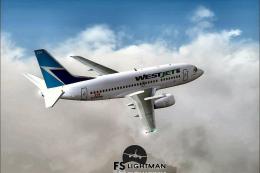 FSX Civil Aircraft
This complete freeware package offers a thoroughly detailed Boeing 737-500 re…
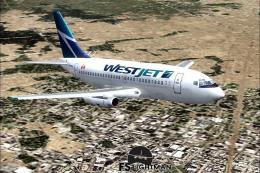 FSX Civil Aircraft
Experience a practical and detailed simulation of the Boeing 737-200 in WestJ…
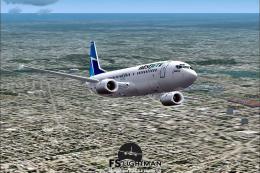 FSX Civil Aircraft
This package delivers a stable rendition of a mid-range twinjet variant paint…
 FSX Civil Aircraft
An update to the Westjet Magic livery to fix alpha channels and lights. Requi…
Be the first to leave a comment on this download.
Be the first to share your thoughts on this download.