

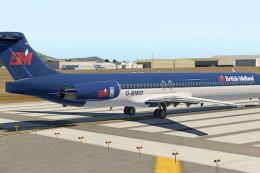
 X-Plane Civil Heavy Aircraft
British Midland Airways McDonnell Douglas MD-80
This is a British Midlands repaint for the default X-Plane 11 MD80. To instal…
British Airways’ iconic Landor-era scheme brings an authentic 1980s look to the default MD-82, with crisp markings and period-correct colors that stand out in screenshots and on the ramp. Designed for X-Plane 11, this repaint refreshes the airliner’s exterior while keeping the original model and cockpit unchanged.
 Rate
Rate
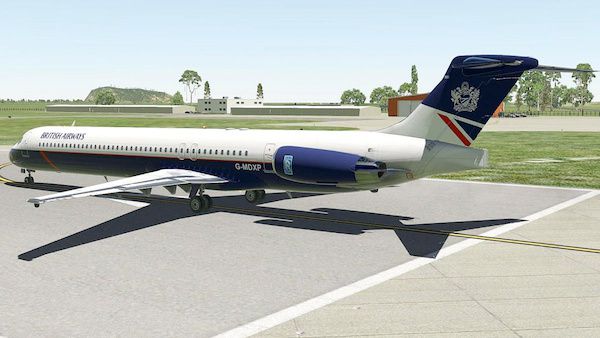
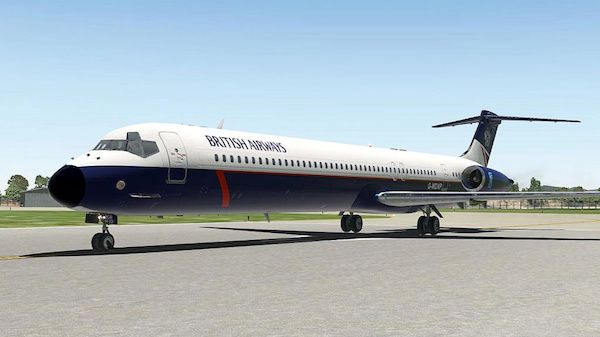
This is a repaint of the default MD-82 in X-Plane 11. The paint includes the iconic British Airways Landor livery famous in the 1980's.
Installation is easy, simply extract the contents of the ZIP file and place within the liveries folder of the default MD-82.
Author: Paul Mort.
Free for all simmers · 8.54 MB · Scanned clean Sep 2026
Download speed: Free tier is capped at 0.5 Mbps (this file takes approximately 2 mins at the cap). PRO members download at full line speed.
{aircraft-folder}/liveries/.readme.txt or README file. It tells you exactly where files go, what dependencies are needed, and any quirks specific to this add-on.The archive ba_landor_g-mdxp.zip has 19 files and directories contained within it.
This list displays the first 500 files in the package. If the package has more, you will need to download it to view them.
| Filename/Directory | File Date | File Size |
|---|---|---|
| BA Landor G-MDXP | 01.18.17 | 0 B |
| MD80_icon11.png | 01.14.17 | 110.98 kB |
| MD80_icon11_thumb.png | 01.14.17 | 8.79 kB |
| image1.jpg | 01.18.17 | 71.78 kB |
| image2.jpg | 01.18.17 | 89.17 kB |
| objects | 01.14.17 | 0 B |
| engines.dds | 01.14.17 | 5.33 MB |
| fuselage_1.dds | 01.14.17 | 5.33 MB |
| fuselage_1_LIT.dds | 12.11.16 | 1.33 MB |
| fuselage_1_NRM.png | 12.11.16 | 1.39 MB |
| fuselage_2.dds | 01.14.17 | 5.33 MB |
| fuselage_2_LIT.dds | 12.11.16 | 1.33 MB |
| fuselage_2_NRM.png | 12.11.16 | 1.28 MB |
| fuselage_3.dds | 01.14.17 | 5.33 MB |
| tail.dds | 01.14.17 | 5.33 MB |
| tail_LIT.dds | 01.14.17 | 5.33 MB |
| wings.dds | 01.14.17 | 5.33 MB |
| flyawaysimulation.txt | 10.29.13 | 959 B |
| Go to Fly Away Simulation.url | 01.22.16 | 52 B |
Only PRO members can place votes.
More X-Plane add-ons hand-picked based on this download.
X-Plane Civil Heavy Aircraft
This is a British Midlands repaint for the default X-Plane 11 MD80. To instal…
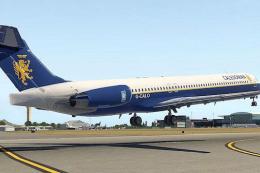 X-Plane Civil Heavy Aircraft
This is a Caledonian Airways repaint for the default X-Plane 11 MD80. To inst…
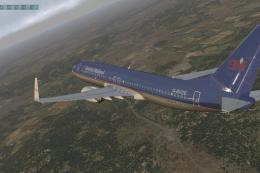 X-Plane Civil Heavy Aircraft
This is a British Midlands (polished) livery for the default X-Plane 11 Boein…
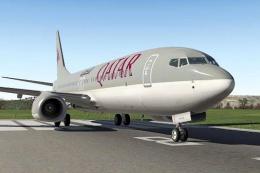 X-Plane Civil Heavy Aircraft
This is a repaint of the default Boeing 737-800 in X-Plane 11. The paint incl…
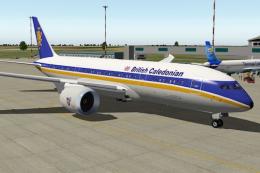 X-Plane Civil Heavy Aircraft
This is a livery for Heinz's B787 Dreamliner. I've decided to go with doing s…
 X-Plane Civil Heavy Aircraft
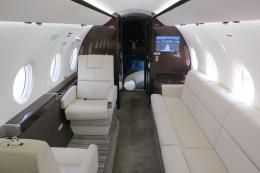
X-Plane 11 Gulfstream G280 1.0. The Gulfstream G280 is a twin-engine business…
 X-Plane Civil Heavy Aircraft
X-Plane 10 And 11 Learjet 23 3.0. The Lear 23 is an American six-to-eight-sea…
 X-Plane Civil Heavy Aircraft
X-Plane 11 Boeing 787 Dreamliner 1.0. This is Jacques Brault's X-Plane 8 and …
Read what other simmers think, or add your own.
