

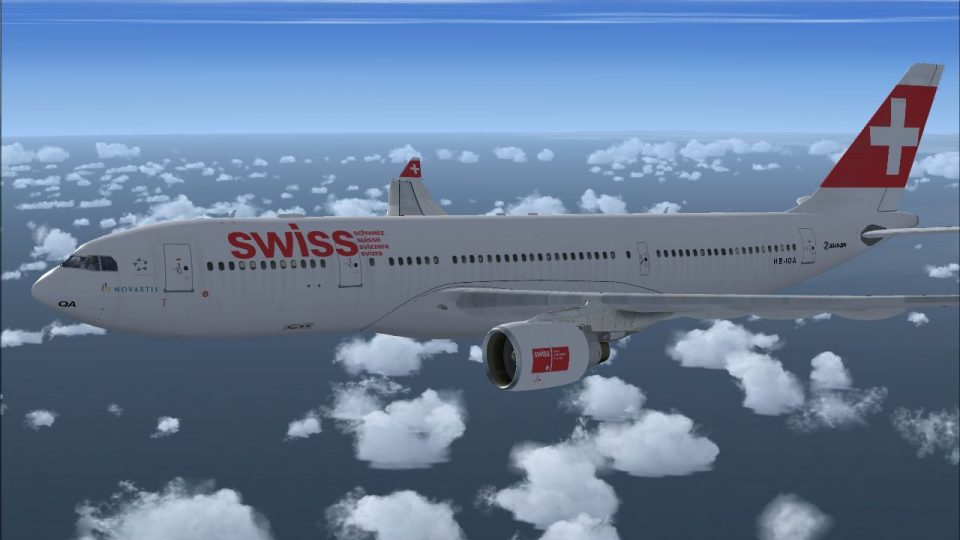
FSX Swiss Airbus A330-223 Fix
Swiss International Air Lines’ Airbus A330-223 repaint loads correctly in FSX with corrected aircraft.cfg entries that fix missing panel numbering and align sound settings for default Thomas Ruth A330-200 folders. Supports proper title, texture, and ATC details for HB-IQA, and requires the TOMA332B base pack plus the A332 SWISS repaint.
 Rate
Rate
Images & Screenshots
1 total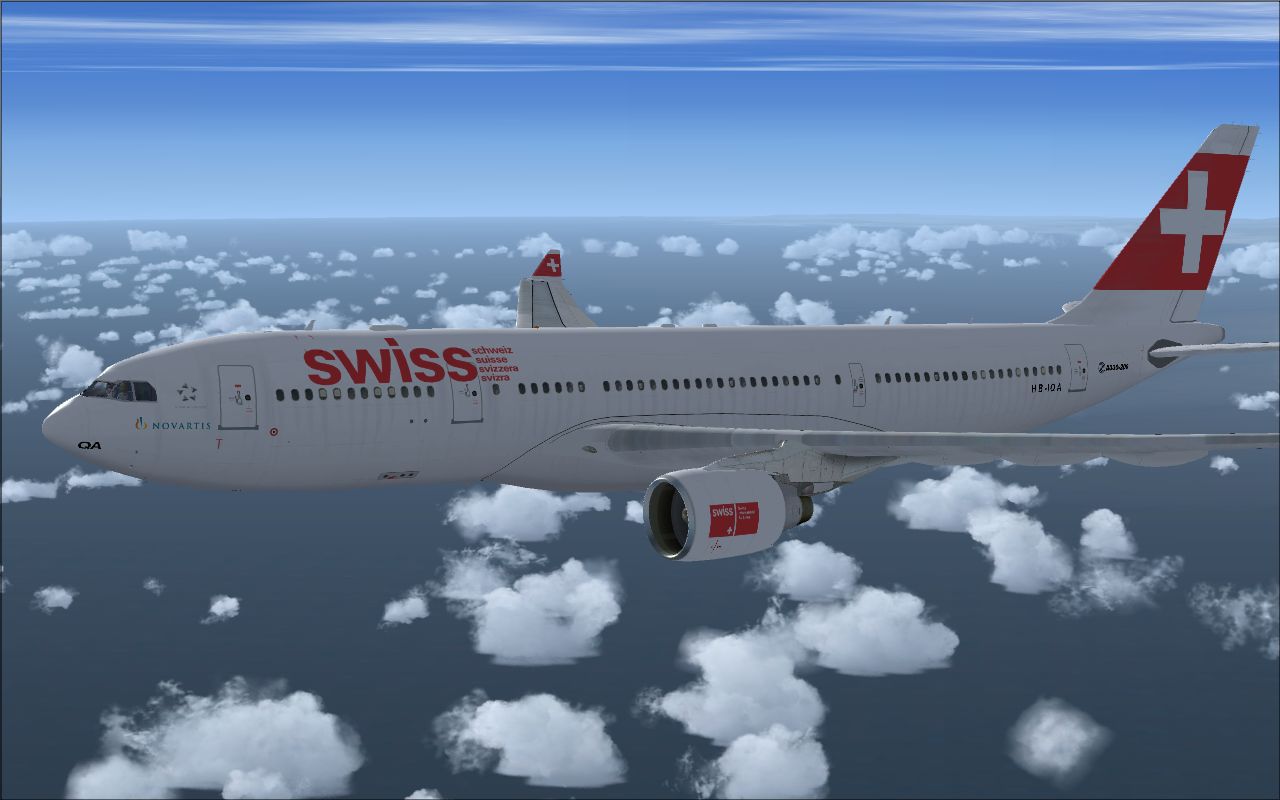
Swiss Airbus A330-223 Fix. These are the correct aircraft.cfg entries that you have to add so that A332-SWISS.ZIP for TOMA332B.ZIP will work. This because in the original readme file the entry "330" after "panel=" is missing, and the entry"PW" after "sound=" is wrong for users that have not changed the Thomas Ruth A330-200 sound folder. This file is for FSX novice users that have not been able to make the Swiss repaint working in FSX. By Mario Monfrecola.
[fltsim.XX] <--------------------Put the next following number

title=A330-200 Swiss

sim=TomA332

model=PW

panel=330

sound=

texture=swiss

kb_checklists=

kb_reference=

atc_id=HB-IQA

atc_airline=Swiss

atc_flight_number=LX160

atc_heavy=1

ui_manufacturer=Airbus

ui_createdby=Thomas Ruth

ui_type="A330-200"

ui_variation=Swiss International Airlines

description= A330-200 in current Swiss livery, repaint by Mario Monfrecola
Author: Mario Monfrecola.
Swiss Airbus A330-223 flying above clouds.
Ready to download Swiss Airbus A330-223 Fix?
Free for all simmers · 83.19 KB · Scanned clean Sep 2026
File information
Download speed: Free tier is capped at 0.5 Mbps. PRO members download at full line speed.
Requires dependencies
This add-on may require the following files to function properly. If this is a repaint, the dependency below is likely the base aircraft package.
How to install this mod
FSX / P3D
Patch / Update
How to install this mod
-
Extract the downloaded archive
Use 7-Zip (free) or WinRAR to extract the ZIP to a temporary folder. Don't install while still zipped — the simulator can't read inside ZIP files. -
Copy aircraft files into SimObjects
Place the aircraft folder insideFSX\SimObjects\Airplanes\. The folder must contain anaircraft.cfgfile. Effects go intoFSX\Effects\; gauges go intoFSX\Gauges\. -
Verify in FSX
Launch FSX, go to Free Flight → Select Aircraft and find your new aircraft under its manufacturer. -
Always read the included readme
Every mod ships with areadme.txtorREADMEfile. It tells you exactly where files go, what dependencies are needed, and any quirks specific to this add-on.
What’s inside this archive
The archive a332-swissfix.zip has 4 files and directories contained within it.
File Contents
This list displays the first 500 files in the package. If the package has more, you will need to download it to view them.
| Filename/Directory | File Date | File Size |
|---|---|---|
| Readme.txt | 11.21.09 | 704 B |
| A332-Swiss.jpg | 11.02.09 | 89.23 kB |
| flyawaysimulation.txt | 10.29.13 | 959 B |
| Go to Fly Away Simulation.url | 01.22.16 | 52 B |
Rate this add-on
PRO perkOnly PRO members can place votes.
0 comments
Be the first to leave a comment on this download.
No comments yet
Be the first to share your thoughts on this download.