


 Canada
  FSX Scenery
Boundary Bay Airport
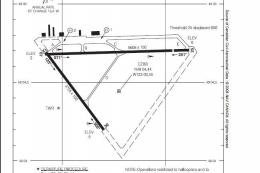
Boundary Bay Airport (CZBB), British Columbia, Canada. All buildings have bee…
Boundary Bay Airport (CZBB) in British Columbia receives a full rebuild for FSX, aligning layout with 2008 charts and satellite imagery. Expect repositioned airport boundaries, a relocated control tower, an extended 07/25 with VASI, added taxiways and signage, refreshed aprons, crosswind runway support, enhanced objects and vegetation, plus an on-call fuel truck for refueling.
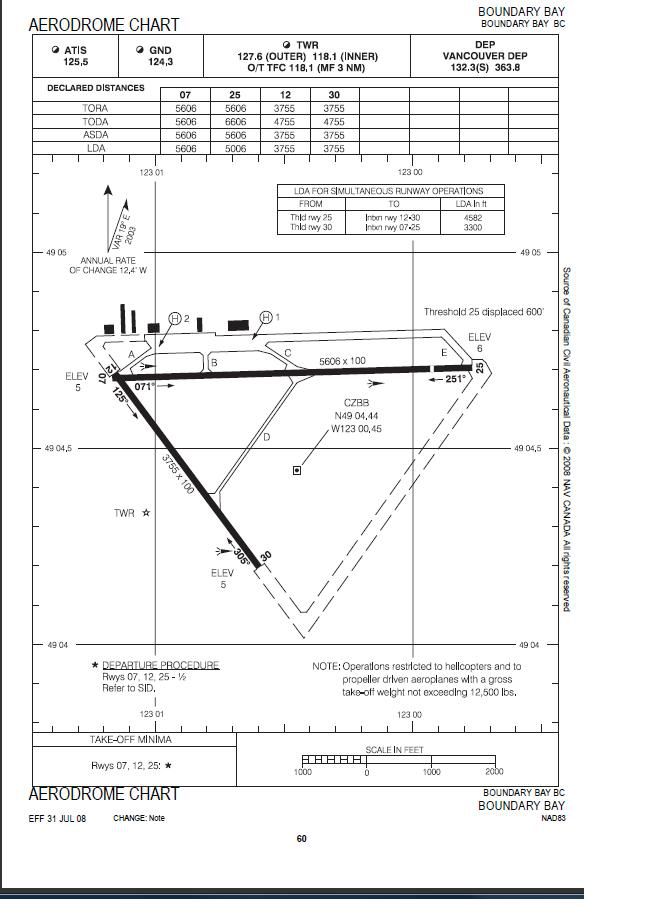
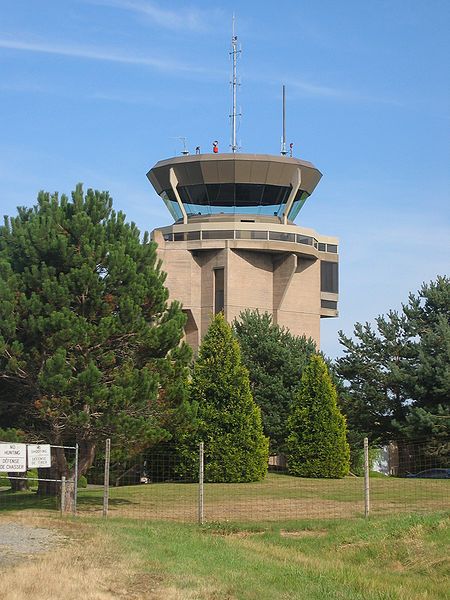
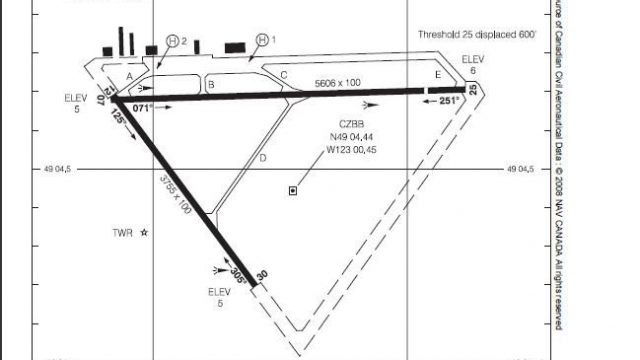
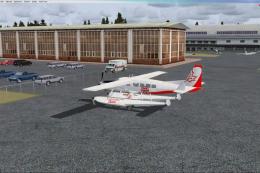
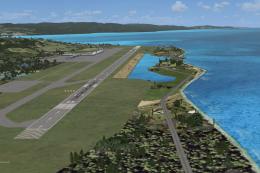
Boundary Bay Airport. This is a complete redo of the default CZBB Boundary Airport, British Columbia, Canada using ADE v1.37, Google Earth satellite image and the airport chart effective as of 31 July 2008. The airport center and boundary repositioned. Control tower moved and replaced. Runway 07/25 extended to 5606 feet from 3540 feet and new taxiway E added. VASI added to runway 07/25. Taxiway signs added and/or corrected. Airport aprons resized and added where necessary. Taxiways and roads added. Static airport library objects and vegetation added for an improved look. Crosswind runways activated. Airport views are from the roof of the control tower when in tower view. A fuel truck has been added; shift-F will bring this truck to your aircraft for refueling and will automatically refuel AI aircraft after landing and before take off. Airport chart and history included. By Robert Catherall.
To Install:
1. Remove any other BGL files that you have installed for this site.
2. Take the two BGL files and place them into your Flight Simulator X/Addon Scenery/scenery folder.
3. Start up the FSX and the changes will be present.
To Uninstall:
1. Delete/remove the BGL files and the default scenery will be reactivated.
Acknowledgements
ADE Utility (freeware) by Jon Masterson.
Please visit here for more information.
Ray Smith for all his help and assistance.
Robert Catherall
Free for all simmers · 138.02 KB · Scanned clean Aug 2026
Download speed: Free tier is capped at 0.5 Mbps. PRO members download at full line speed.
FSX\Addon Scenery\ containing scenery and texture sub-folders.readme.txt or README file. It tells you exactly where files go, what dependencies are needed, and any quirks specific to this add-on.Use these coordinates to fly directly to this location once the mod is installed.
49.07400000,-123.01200000
Launch FSX or Prepar3D and use Flights → Load to open the downloaded .pln file. Your aircraft will be positioned at this location.
The archive czbb-2.zip has 8 files and directories contained within it.
This list displays the first 500 files in the package. If the package has more, you will need to download it to view them.
| Filename/Directory | File Date | File Size |
|---|---|---|
| CZBB Boundary Bay Aerodrome Chart.jpeg | 03.21.09 | 79.92 kB |
| CZBB History.txt | 03.21.09 | 4.04 kB |
| CZBB_Control_Tower.jpg | 03.21.09 | 63.76 kB |
| ReadMe.txt | 03.25.09 | 1.60 kB |
| CZBB Boundary Bay_ADE_RWC_CVX.bgl | 03.25.09 | 265 B |
| CZBB Boundary Bay_ADE_RWC.BGL | 03.25.09 | 30.15 kB |
| flyawaysimulation.txt | 10.29.13 | 959 B |
| Go to Fly Away Simulation.url | 01.22.16 | 52 B |
Only PRO members can place votes.
More FSX & P3D add-ons hand-picked based on this download.
FSX Scenery
Boundary Bay Airport (CZBB), British Columbia, Canada. All buildings have bee…
 FSX Scenery
Boundary Airport (CZBB), British Columbia, Canada. A complete redo based on G…
 FSX Scenery
Montego Bay Airport Scenery. Scenery for Sangster International Airport (MKJS…
 FSX Scenery
Kasaba Bay Airport (FLKY), Nsumbu National Park, Lake Tanganyika, Zambia, v1.…
 FSX Scenery
SF Bay Area Living World. Adds to the living world and as real as it gets the…
 FSX Scenery
Green Bay Austin Straubel International Airport (KGRB), Wisconsin (WI). A com…
 FSX Scenery
Kaneohe Bay Area (PHNG), Hawaii (HI), v1.0. This is the Part II autogen scene…
 FSX Scenery
Scenery Morecambe Bay Gas Rigs. Gas rigs in Morecambe-Bay, slightly west of B…
Be the first to leave a comment on this download.
Be the first to share your thoughts on this download.