


 Canada
  FSX Scenery
Mont-Louis la Quillane Airport
Scenery Mont-Louis la Quillane Airport (LFNQ), France. A magnificent airfield…
Mont-Joli Airport (CYYY) scenery brings Eastern Quebec’s busiest regional field to life in FSX with refined runway layout, enhanced parking areas for varied aircraft, fuel service detailing, and added ground vehicles for stronger ramp atmosphere. Included airport charts support confident VFR planning, pairing the airfield’s rich RCAF heritage with a clean, functional modern look.
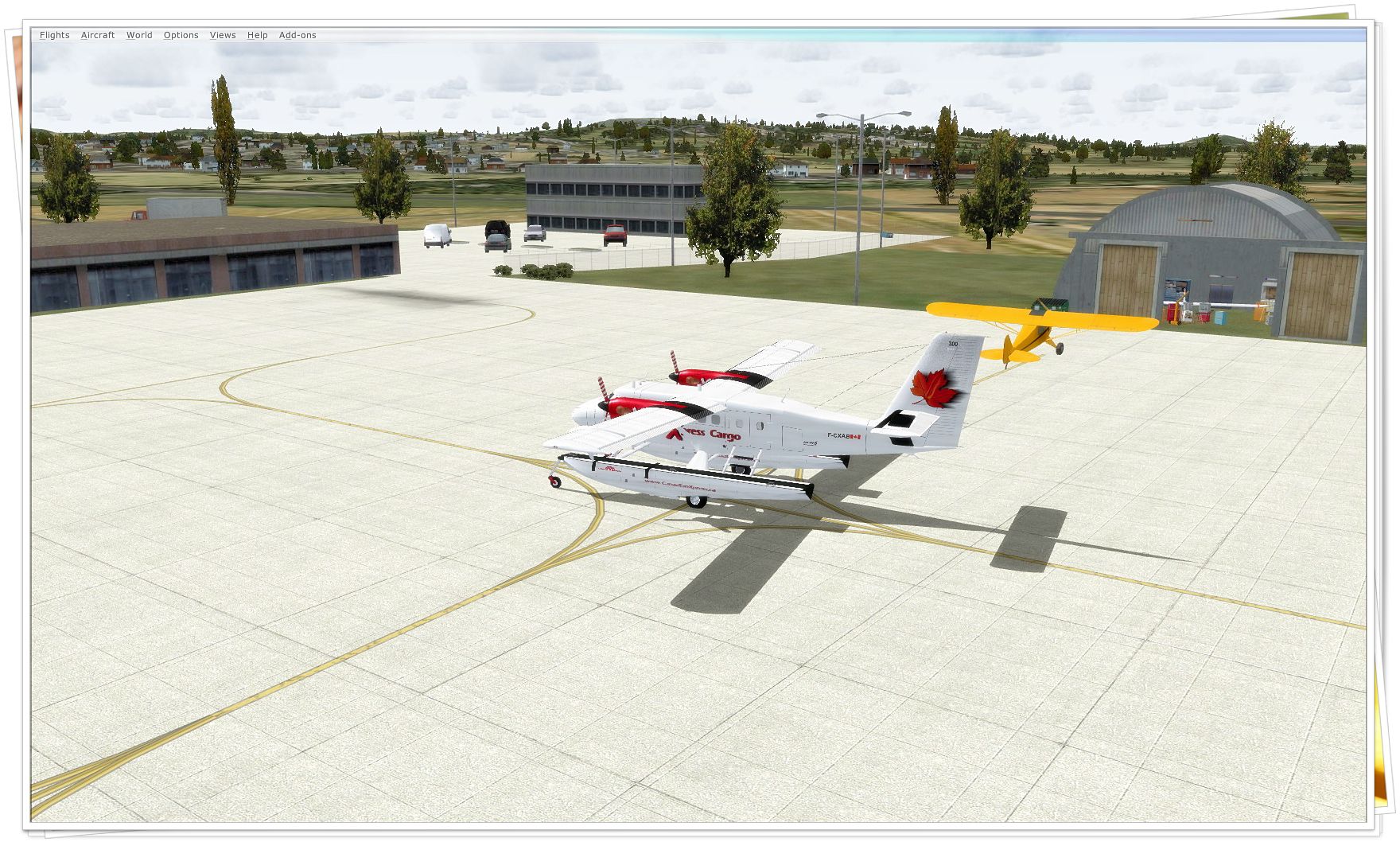
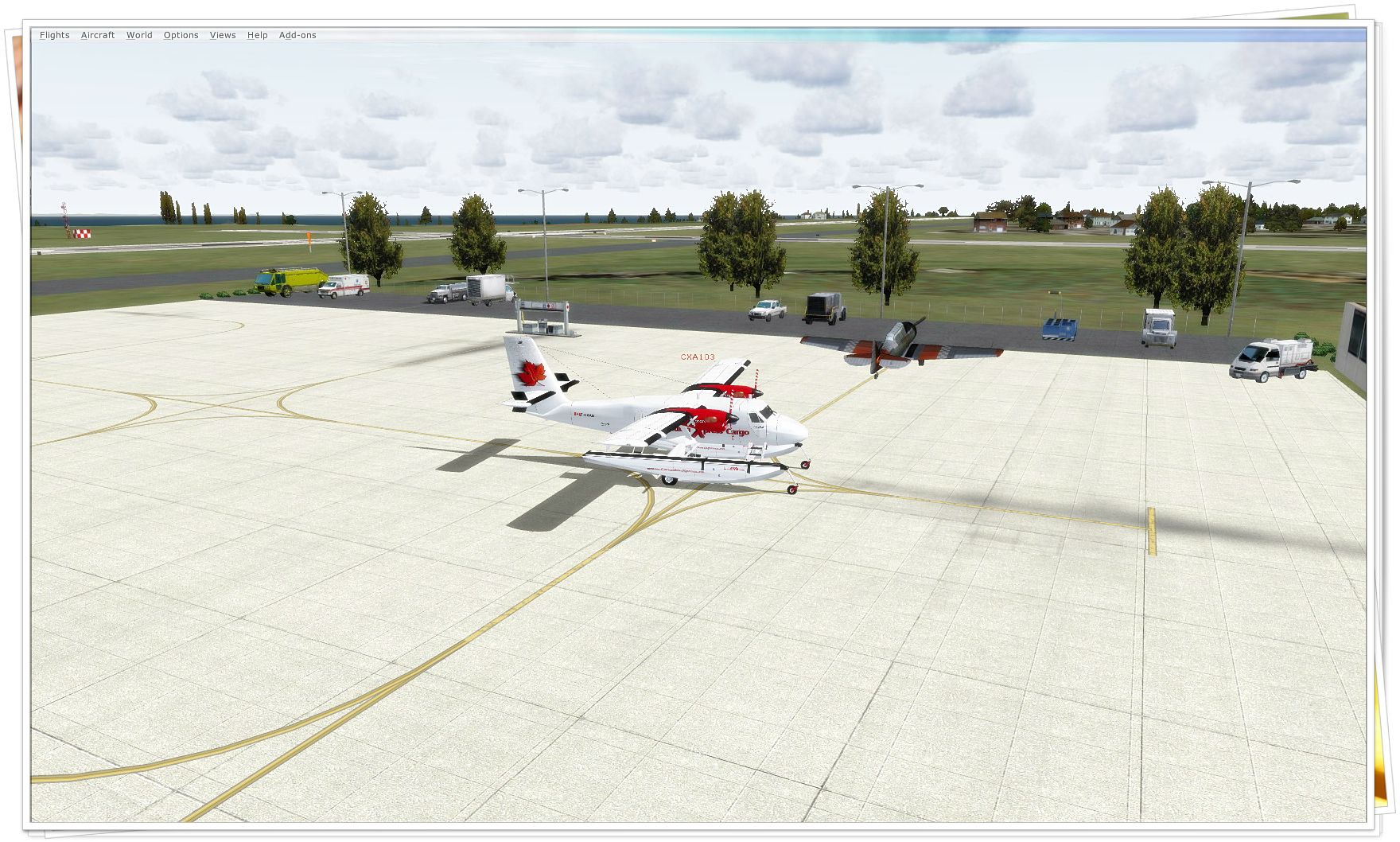

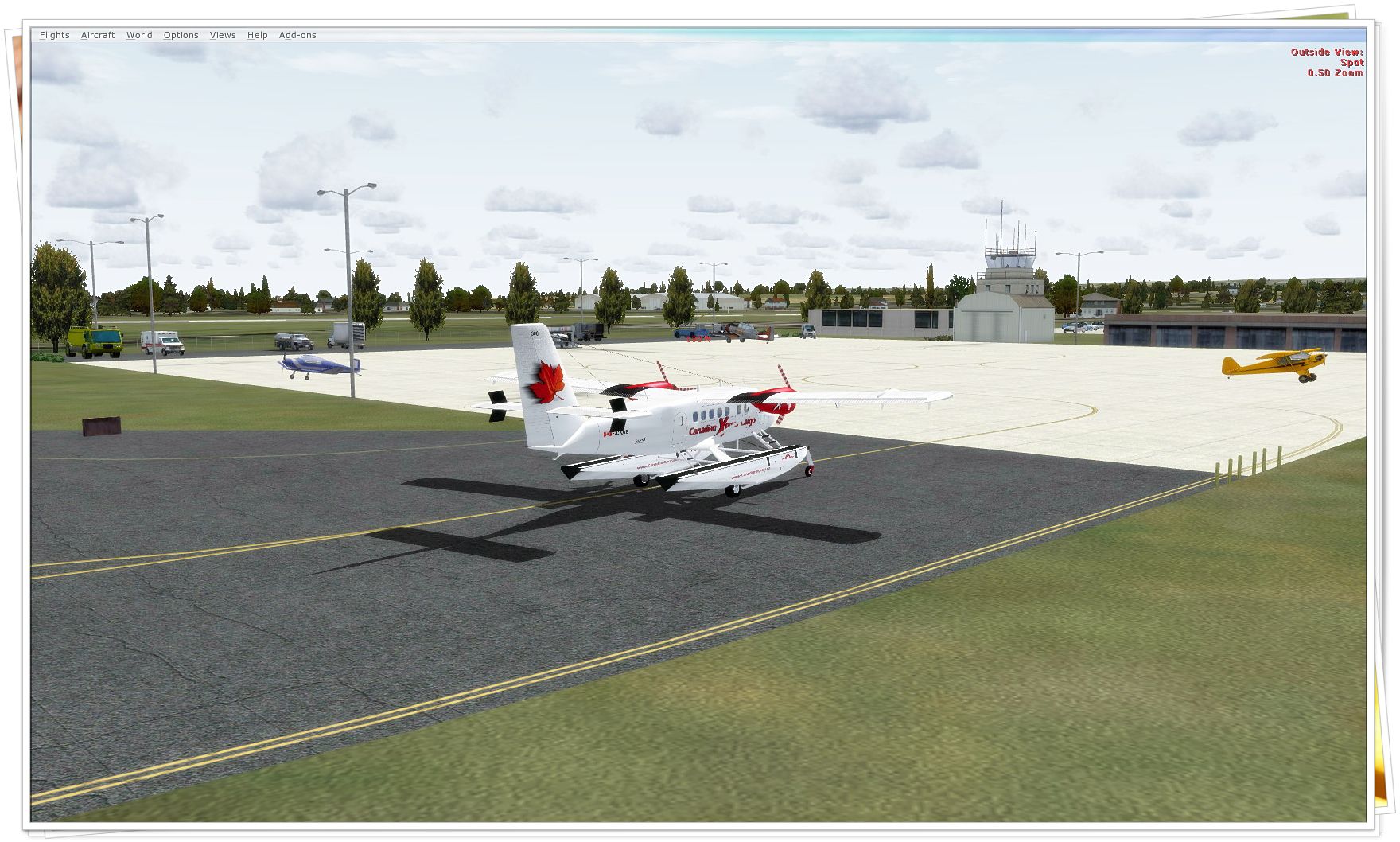
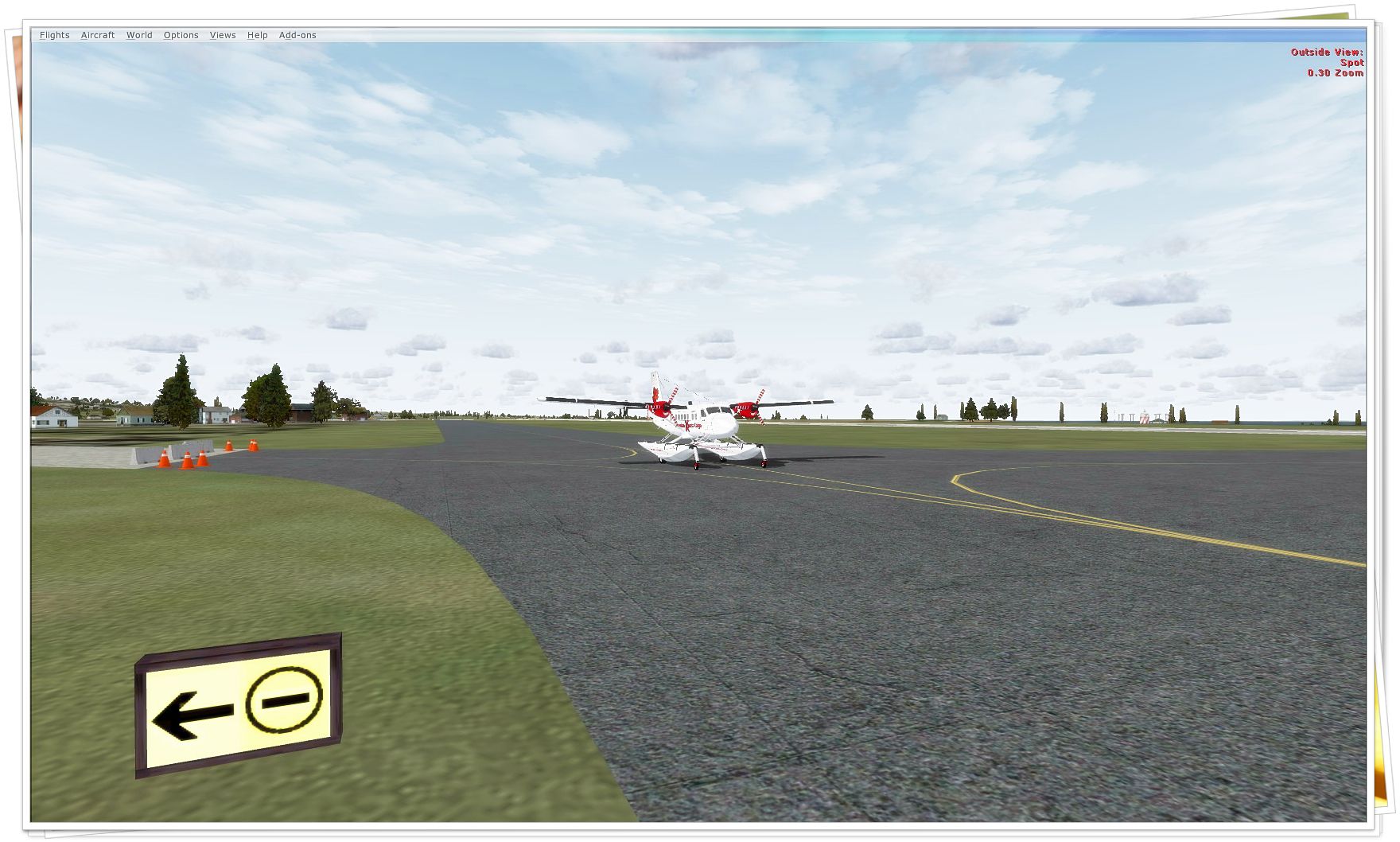
Mont-Joli Airport (CYYY), is located 1.5 nautical miles (2.8 km) north northwest of Mont-Joli, Quebec, Canada. In the summer of 1940 the Royal Canadian Air Force selected a flat area of farmland between Mont-Joli Station (on the Montreal-Halifax Canadian National Railway mainline) and the Saint Lawrence River for a military airfield. Construction on the aerodrome began in October 1941 and was completed by April 1942 at a cost of $200,000. Three paved runways and fifty buildings were constructed for what became known as RCAF Station Mont-Joli. By Daniel Louvet.
Mont-Joli Airport Scenery.
Inaugurated on April 15, 1942, RCAF Station Mont-Joli was used as part of the British Commonwealth Air Training Plan for a bombing and gunnery school until the end of World War II. Less well-known was RCAF Station Mont-Joli's critical role during the Battle of the St. Lawrence when RCAF Eastern Air Command used it as a coastal patrol base; during 1942-1944, dozens of Canadian cargo and warships were sunk by German U-boats in an effort to close the critical Saint Lawrence Seaway off to shipping. Aircraft staging out of Mont-Joli were crucial to warding off U-boats and ensuring the safety of shipping out to the eastern tip of the Gaspé Peninsula at Cap-Gaspé.
RCAF Station Mont-Joli was decommissioned by the air force in 1945 and became the property of the Department of Transport (now Transport Canada) on December 15, 1945 for use as a civilian airport, and its ownership was transferred in 1995 to the "Régie intermunicipale de l’aéroport régional de Mont-Joli". It is the busiest airport in Eastern Quebec, though still very far from the Québec/Jean Lesage International Airport in Quebec City and Montréal-Pierre Elliott Trudeau International Airport in Montreal.
In 2007 a second runway (15/33) was opened and the 06/24 runway decreased in length from 6,000 ft (1,829 m) to 5,000 ft (1,524 m).
I have enhanced both parking lot for all type of aircrafts, fuel service and some extra vehicule. I also included the charts of the airport.
Feedbacks welcome!
Have fun!
Installation:
Drop both .bgl file in your FSX/Addon scenery/scenery folder.
ONLY!
VFR - Short Fields X Airports also available:
-CZBB Boundary Bay
-CYCD Nanaimo
-CYQQ Comox Valley + Update
-CYCZ Fairmont Hot Springs
-CYBA Banff airfield
-CYAZ Tofino
-CAK3 Delta Heritage Airpark
-CyCW Chilliwack Municipal
-CYYB North Bay
-CYPK Pitt Meadows
-CBQ2 Fort Langley
-CSK8 King George Airpark
-CYXX Abbotsford Intl.
-CCS6 Courtenay (smit field)
-TNCB Flamingo Airport (Bonaire)
-TNCC Willemstad Airport (Curacao)
-TNCA Queen Beatrix Intl. Airport (Aruba)
-LFMQ Le Castellet
-LFMA Aix Les Milles
-LFMI Istres
-TGPZ Lauriston Aerodrome
-TVSU Union Island
-TVSC Canouan Island
-CYFB- Frobisher Bay (Iqualuit)
-CYGR- Ile de la Madeleine
-CZBF- Bathurst + Update
These airports are not designed/updated for A.I traffic yet.
Thanks for your support and all your comments!
**Soon to come : a personal website regrouping all sceneries, Forum discutions, charts library and a request field**
Stay tuned!
Remarks:
USE THIS SCENERY AT YOUR OWN RISK. The author is not responsible in any way for any problems arising from the use of this scenery. This includes, but is not limited to, any hardware and/or software problems. Use this scenery and its related files at your own risk. Feel free to make changes for your own usage. This scenery is strictly freeware and should not be redistributed.
Dan
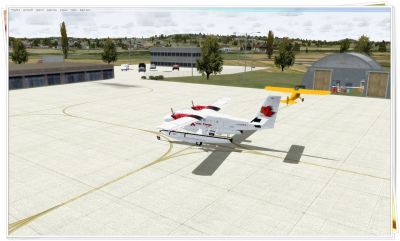
Mont-Joli Airport Scenery.
Free for all simmers · 6.43 MB · Scanned clean Oct 2026
Download speed: Free tier is capped at 0.5 Mbps (this file takes approximately 2 mins at the cap). PRO members download at full line speed.
FSX\Addon Scenery\ containing scenery and texture sub-folders.readme.txt or README file. It tells you exactly where files go, what dependencies are needed, and any quirks specific to this add-on.Use these coordinates to fly directly to this location once the mod is installed.
48.61000000,-68.21000000
Launch FSX or Prepar3D and use Flights → Load to open the downloaded .pln file. Your aircraft will be positioned at this location.
The archive cyyy.zip has 11 files and directories contained within it.
This list displays the first 500 files in the package. If the package has more, you will need to download it to view them.
| Filename/Directory | File Date | File Size |
|---|---|---|
| 005.jpg | 08.16.09 | 1.04 MB |
| 001.jpg | 08.16.09 | 1.15 MB |
| 002.jpg | 08.16.09 | 1.44 MB |
| 003.jpg | 08.16.09 | 1.34 MB |
| 004.jpg | 08.16.09 | 1.15 MB |
| Read me.txt | 08.16.09 | 3.53 kB |
| Short Fields X.gif | 05.14.09 | 296.02 kB |
| CYYY.pdf | 08.16.09 | 114.01 kB |
| CYYY.BGL | 08.16.09 | 34.46 kB |
| flyawaysimulation.txt | 10.29.13 | 959 B |
| Go to Fly Away Simulation.url | 01.22.16 | 52 B |
Only PRO members can place votes.
More FSX & P3D add-ons hand-picked based on this download.
FSX Scenery
Scenery Mont-Louis la Quillane Airport (LFNQ), France. A magnificent airfield…
 FSX Scenery
This freeware add-on places a highly detailed photorealistic rendition of Mon…
 FSX Scenery
Scenery Mont-Tremblant Int'l, La Macaza (CYFJ). A scenery for the Mont-Trembl…
 FSX Scenery
Princess Juliana International Airport (TNCM) in Saint Marteen, Netherlands A…
 FSX Scenery
Los Angeles Airport Scenery v3, California (CA). This photoreal scenery is a …
 FSX Scenery
Barbados International Airport (TBPB). Grantley Adams International Airport f…
 FSX Scenery
Paris Charles de Gaulle Airport (CDG, LFPG), France. The entire airport has b…
 FSX Scenery
John F. Kennedy Airport (KJFK), New York, NYU. This is a photoreal scenery re…
Read what other simmers think, or add your own.

With the download only comes a single ".bgl" file, but the instructions mention that there should be two of them. I put the file in my /scenery and it does not work at all.