


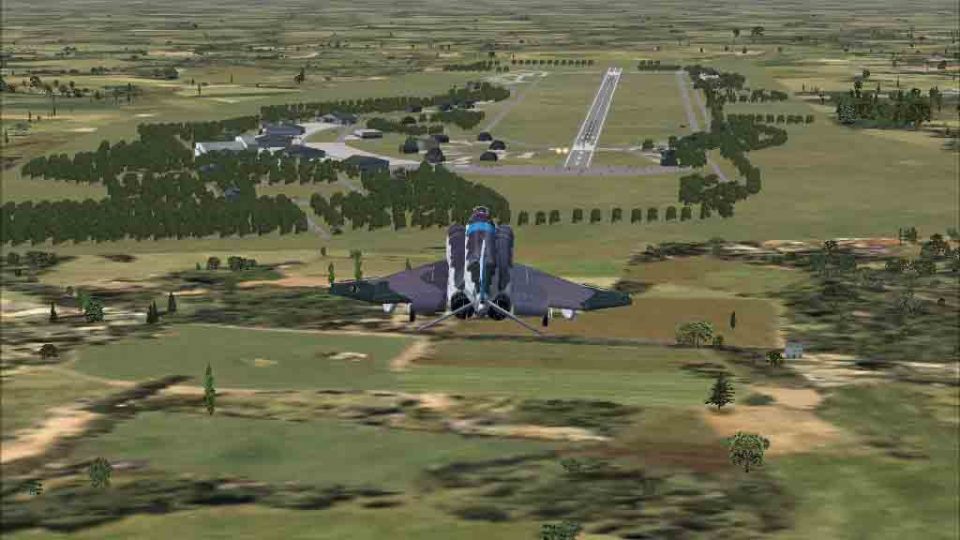
FSX Oldenburg Air Base Scenery
Oldenburg Air Base v1 brings a historic Luftwaffe and RAF-era field to life in northwestern Germany, reflecting its WWI roots through its 1994 closure with authentic layout and flexible parking. Built with ADE X 1.50 using stock objects, it integrates smoothly into Microsoft Flight Simulator X for varied military ramp operations.
 Germany
 Images & Screenshots
1 total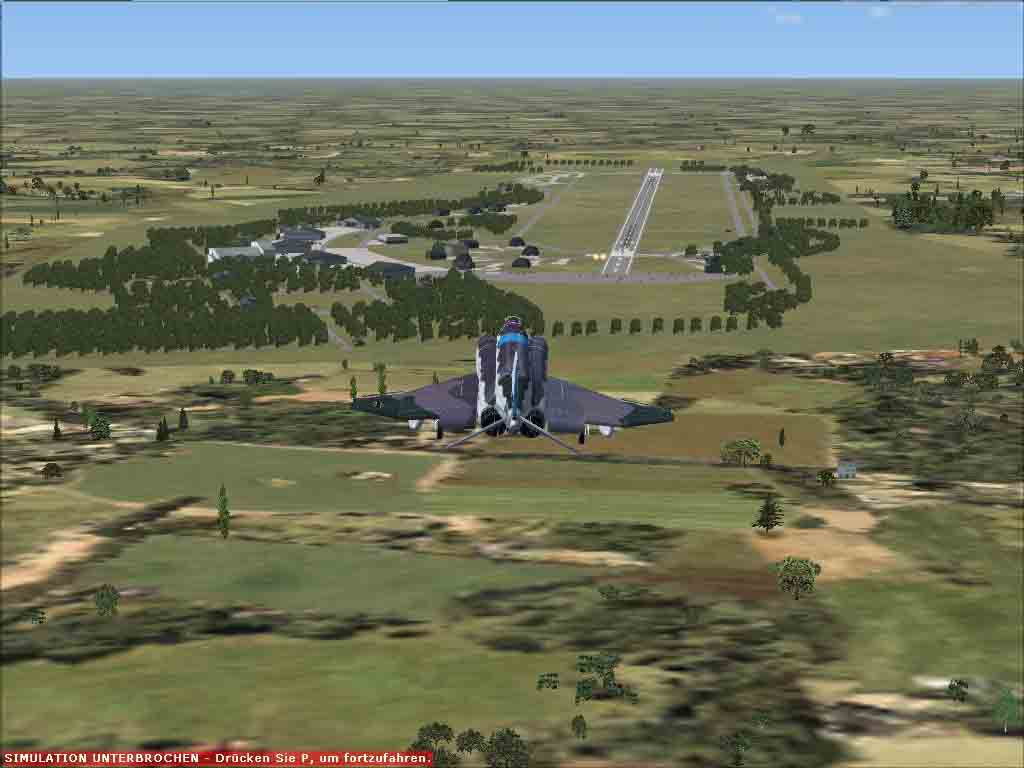
Oldenburg Air Base v1. Oldenburg AB is located in northwestern Germany near the city of Oldenburg in Lower Saxony. It was first opened during the first world war and also later during WWII. In the early 1950's the Royal Air Force build up the airbase to what it is now. From the early 60's it was in hands of the Luftwaffe (GAF). First GAF user was the WaSLw10 (Weapon Training School Luftwaffe 10) with their F-86s. Later the JaboG 43 (FBW 43) equipped with FIAT G-91/R3 and later with the Alpajet. The last flight took place in 1994. This scenery is done with ADE X 1.50 and objects from stock. It has lots of parking spots and you can park everywhere as it was in real. By Uwe Steenweg.
Screenshot of plane flying over Oldenburg Air Base Scenery.
Installation:
- Unzip the file anywhere.
- Move the two .bgl files of the Folder Oldenburg AB V-1 to your FSX /Addon Scenery /scenery Folder and have fun.
Remove:
Just delete the files from the folder metioned above.
Happy landings.
Uwe Steenweg
Ready to download Oldenburg Air Base Scenery?
Free for all simmers · 80.83 KB · Scanned clean Sep 2026
File information
Download speed: Free tier is capped at 0.5 Mbps. PRO members download at full line speed.
How to install this mod
FSX / P3D
scenery
How to install this mod
-
Extract the downloaded archive
Use 7-Zip (free) or WinRAR to extract the ZIP to a temporary folder. Don't install while still zipped — the simulator can't read inside ZIP files. -
Place scenery in Addon Scenery
Create a folder underFSX\Addon Scenery\containingsceneryandtexturesub-folders. -
Activate in Scenery Library
In FSX, go to Settings → Scenery Library → Add Area. Higher priority means it overrides lower entries for the same location. -
Always read the included readme
Every mod ships with areadme.txtorREADMEfile. It tells you exactly where files go, what dependencies are needed, and any quirks specific to this add-on.
Finding the scenery
Use these coordinates to fly directly to this location once the mod is installed.
53.14390000,8.21350000
Launch FSX or Prepar3D and use Flights → Load to open the downloaded .pln file. Your aircraft will be positioned at this location.
What’s inside this archive
The archive etno_oldenburg-ab-v1.zip has 8 files and directories contained within it.
File Contents
This list displays the first 500 files in the package. If the package has more, you will need to download it to view them.
| Filename/Directory | File Date | File Size |
|---|---|---|
| ETNO_Oldenburg-AB_V1 | 01.18.12 | 0 B |
| ETNO_ADEX_US_V-1.BGL | 01.18.12 | 181.84 kB |
| ETNO_ADEX_US_V-1_CVX.bgl | 01.18.12 | 451 B |
| ETNO_Oldenburg_AB.jpg | 01.18.12 | 71.31 kB |
| Readme.txt | 01.18.12 | 1005 B |
| Archive created by free jZip.url | 01.04.11 | 58 B |
| flyawaysimulation.txt | 10.29.13 | 959 B |
| Go to Fly Away Simulation.url | 01.22.16 | 52 B |
Rate this add-on
PRO perkOnly PRO members can place votes.
0 comments
Be the first to leave a comment on this download.
No comments yet
Be the first to share your thoughts on this download.