

 FSX Historic & Vintage Aircraft
SP2 Waco UPF-7
Waco UPF-7. An FSX rebuild of the earlier Waco UPF7 biplane. Includes updated…
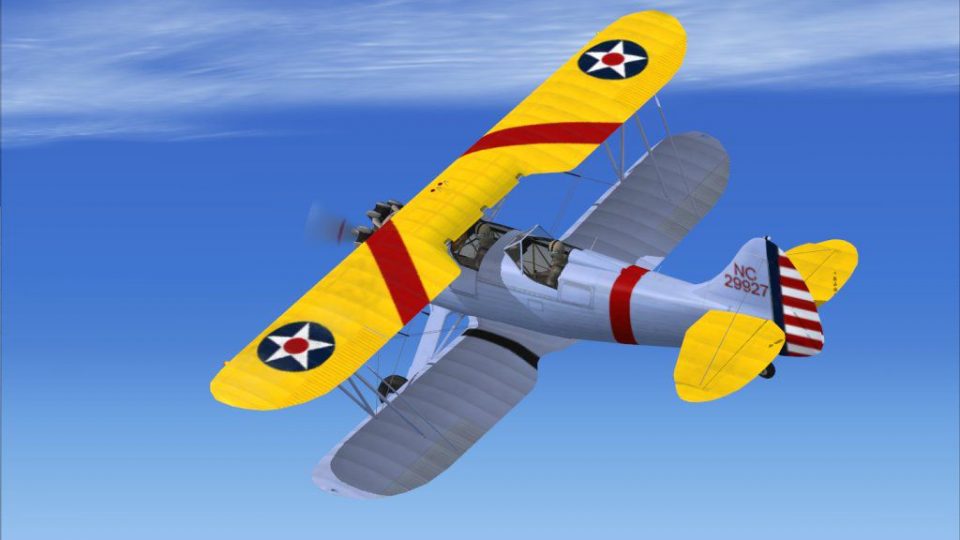
Waco UPF-7 repaint depicting civil-registered NC29927 brings late-1930s trainer character to Microsoft Flight Simulator X with crisp, historically grounded exterior markings and a clean, period-correct finish. Requires Tim Conrad’s freeware WACOUPF7.ZIP base aircraft, adding an authentic livery option that complements classic biplane flying and vintage ramp presence.
 Rate
Rate
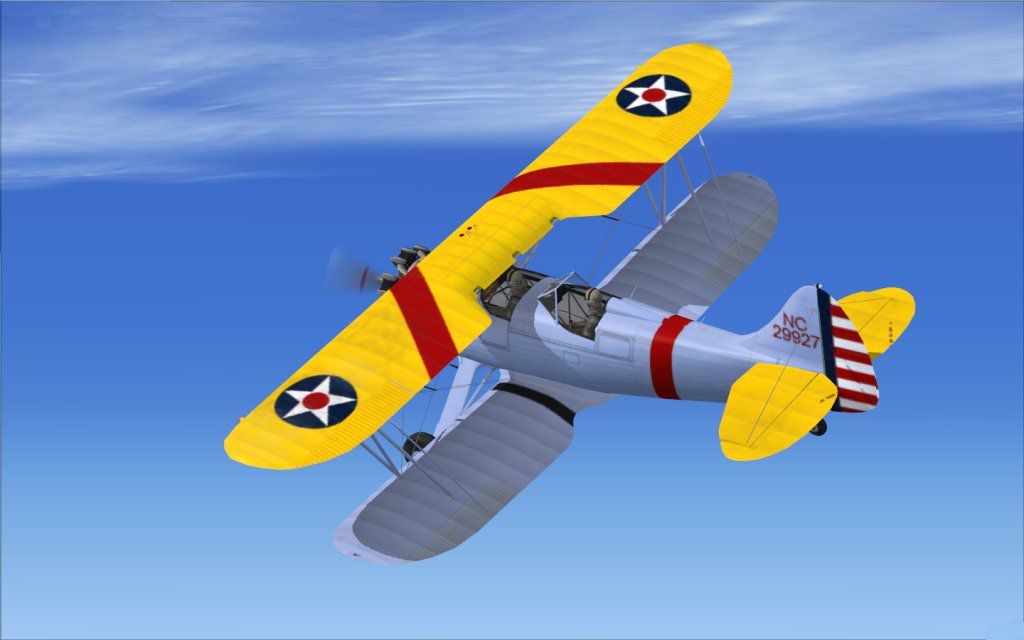
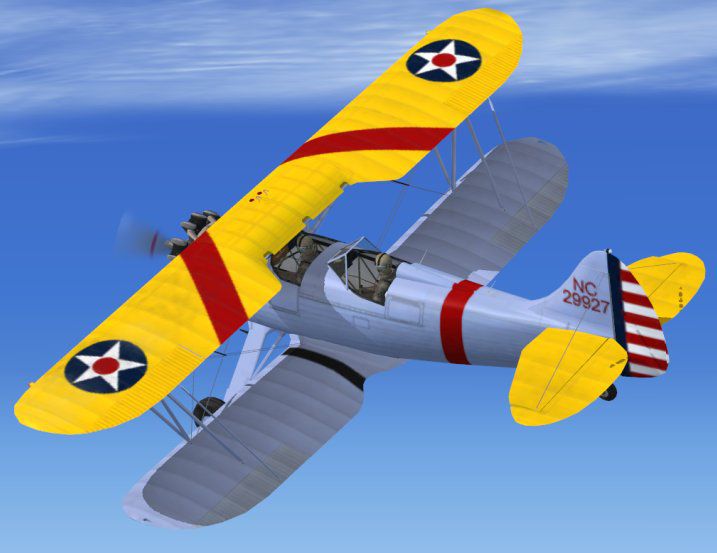
Immerse yourself in a classic aviation adventure with this repaint package crafted specifically for Tim Conrad’s Waco UPF-7 biplane. Displaying the authentic markings of real-world aircraft registration NC29927, this texture pack by John Barner aims to enhance every flight in Microsoft Flight Simulator X with historical flair and technical precision. The base model is not included in this download, so be sure to locate the freeware WACOUPF7.ZIP, available in the Fly Away Simulation library.
Originally produced in the late 1930s, the Waco UPF-7 was a two- or three-seat sports trainer biplane recognized for its agile handling and robust frame. Built by the Waco Aircraft Company—once a prominent manufacturer of civilian biplanes—this model saw notable popularity among private operators and even served in the U.S. Army Air Corps as the PT-14 for training purposes. With this repaint, you can explore that heritage in a detailed package designed to replicate the unique exterior markings of NC29927.
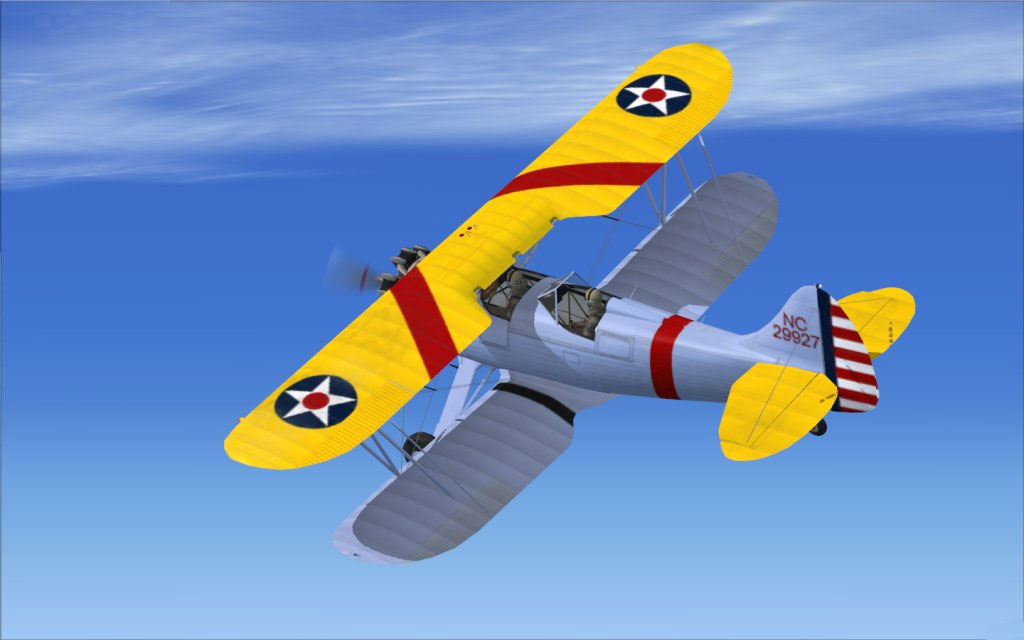
Screenshot of Waco UPF-7 in flight.
texture.tr.texture.tr folder, overwriting the original files there.UPF-7 folder. Insert the snippet below (replacing “xx” with the next available number) underneath the final [fltsim.*] entry.[fltsim.xx]
title = UPF-7 NC29927
sim = UPF-7
model =
panel =
sound =
texture = tr
panel_alias =
sound_alias =
kb_checklists =
kb_reference =
atc_id = NC29927
atc_id_color =
atc_parking_types =
atc_parking_code =
atc_airline=
atc_flight_number=
ui_variation = U.S. Civil Register 3
ui_createdby="Piglet's Peculiar Planes"
ui_manufacturer = WACO
prop_anim_ratio = 1
ui_type = UPF-7
description =2-3 Seat Sport/Trainer Biplane, first built in 1937. The UPF-7 was the latest in Waco's famous line of light biplanes. Also used by the Army Air Corps as the PT-14, with around 600 built.
Once the above configuration step is complete, you can select the newly added livery in your simulator. This update is designed purely as an add-on texture set and remains freeware. All associated risks for installation or damage to files rest with the user. By installing, you agree to these terms. The base model is entirely the work of Tim Conrad, and this modification is not compatible with any commercial package.
Enjoy classic barnstormer charm thanks to John Barner’s meticulous recreation, and immerse yourself in the timeless spirit of the Waco UPF-7 under true-to-life color schemes.
Free for all simmers · 1.99 MB · Scanned clean Oct 2026
Download speed: Free tier is capped at 0.5 Mbps. PRO members download at full line speed.
This file is a repaint — the package below is the base model it paints onto. Install it first, or the textures will have nothing to load onto.
texture.{airline}) inside FSX\SimObjects\Airplanes\{base-aircraft}\.aircraft.cfg in Notepad. Add a new [fltsim.X] section per the readme.readme.txt or README file. It tells you exactly where files go, what dependencies are needed, and any quirks specific to this add-on.The archive upf7rp.zip has 9 files and directories contained within it.
This list displays the first 500 files in the package. If the package has more, you will need to download it to view them.
| Filename/Directory | File Date | File Size |
|---|---|---|
| upf7_02_T.bmp | 02.16.08 | 5.33 MB |
| 2008-2-16_18-16-59-875.jpg | 02.17.08 | 62.23 kB |
| FILE_ID.DIZ | 02.17.08 | 132 B |
| Read Me First.txt | 02.17.08 | 2.50 kB |
| thumbnail.jpg | 02.17.08 | 47.99 kB |
| upf7.gif | 02.17.08 | 10.73 kB |
| upf7_01_T.bmp | 02.16.08 | 5.33 MB |
| flyawaysimulation.txt | 10.29.13 | 959 B |
| Go to Fly Away Simulation.url | 01.22.16 | 52 B |
Only PRO members can place votes.
More FSX & P3D add-ons hand-picked based on this download.
FSX Historic & Vintage Aircraft
Waco UPF-7. An FSX rebuild of the earlier Waco UPF7 biplane. Includes updated…
 FSX Historic & Vintage Aircraft
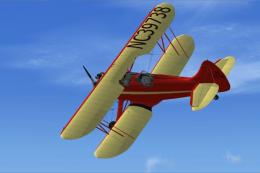
This release provides a meticulous repaint for Tim Conrad’s Waco UPF-7, tailo…
 FSX Historic & Vintage Aircraft
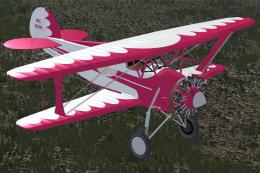
Immerse yourself in a faithful representation of the classic 1937 Waco UPF-7 …
 FSX Historic & Vintage Aircraft
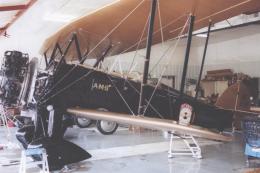
This is a "what if" concept for the Golden Age Simulations WACO ATO Taperwing…
 FSX Historic & Vintage Aircraft
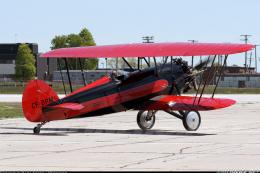
This package includes the Golden Age Simulations CTO models represented as th…
 FSX Historic & Vintage Aircraft
This is the freeware Golden Age Simulations WACO CTO Mailwing in the livery o…
 FSX Historic & Vintage Aircraft
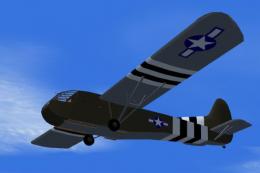
This model flies equally well in both FS2004 and FS.X as a stand alone glider…
 FSX Historic & Vintage Aircraft
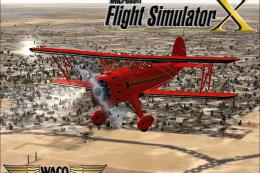
The Waco Classic biplane brings authentic Golden Age aviation flair into Micr…
Be the first to leave a comment on this download.
Be the first to share your thoughts on this download.