

 FSX Historic & Vintage Aircraft
WW2 fighter Spiteful Mk XVI
The Supermarine Spiteful was a direct development of the Spitfire using a new…
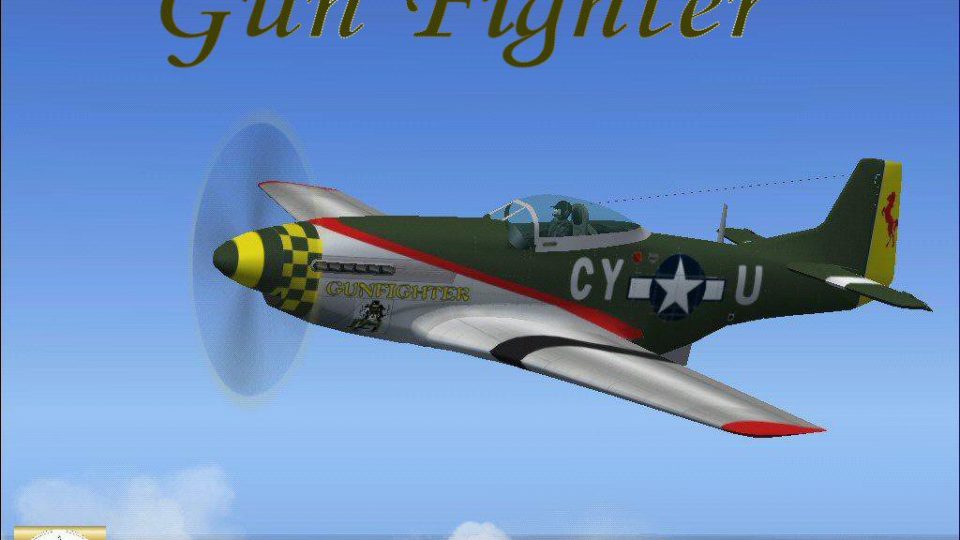
Gun Fighter livery for the North American P-51D Mustang recreates Brigadier General Reg Urschler’s warbird with crisp exterior textures and matching performance tweaks, plus reference photos of the real aircraft. Built for Microsoft Flight Simulator X, it requires Roger Dial’s P-51D Mustang base model and adds authentic ramp presence to vintage sorties.
 Rate
Rate
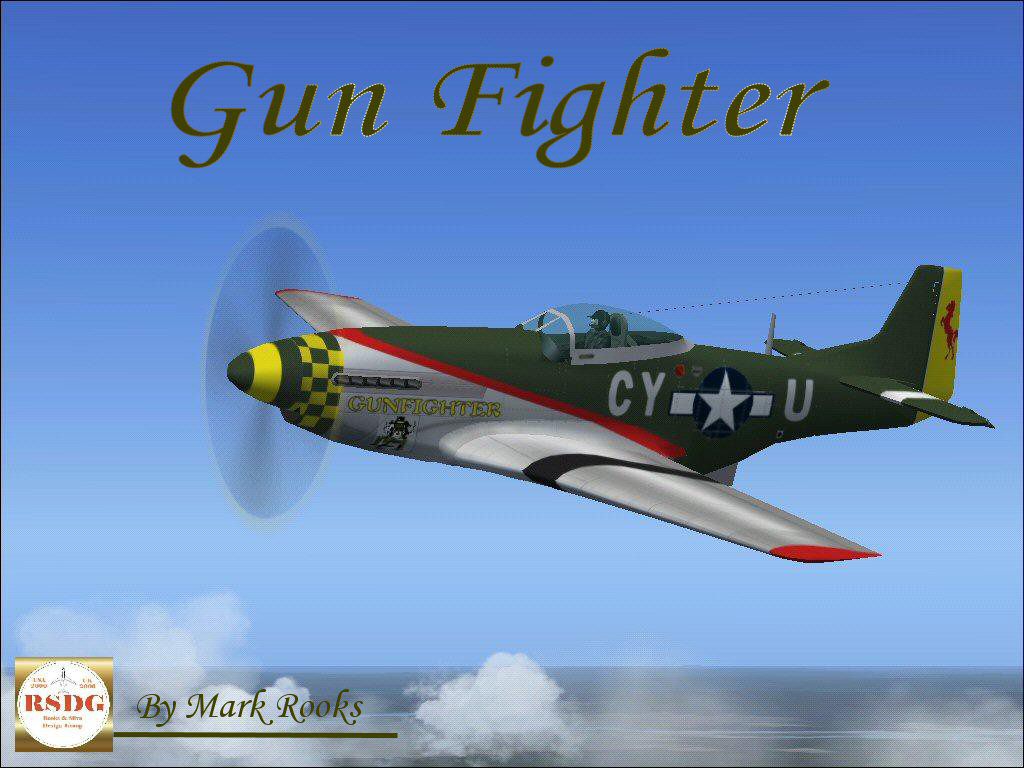
A repaint of Roger Dial's North American P51 Mustang D. Aircraft is entitled "Gunfighter" and piloted by Brigadier General Reg Urschler. Care and upkeep provided by a dedicated crew from of volunteers. Included are pictures of the real Gun Fighter. Modified by Mark Rooks of RSDG.
Screenshot of Gun Fighter P-51 in flight.
To install this aircraft:
As always back up any original files.
1.Unzip downloaded folders to your desktop or temporary directory of your choice.
2.Copy the "Gun Fighter " folder and paste it in the main aircraft folder.
3. Install the Guages
By default the main aircraft folder is located at:
"C:\Program Files\Microsoft Games\FSx\SIM Objects /Aircraft.
Textures created by Mark "Fire Ball" Rooks.
Enjoy your new repaint and air file.
Thanks for downloading,
"Fire Ball"
Free for all simmers · 4.89 MB · Scanned clean Oct 2026
Download speed: Free tier is capped at 0.5 Mbps (this file takes approximately 1 min at the cap). PRO members download at full line speed.
FSX\SimObjects\Airplanes\. The folder must contain an aircraft.cfg file. Effects go into FSX\Effects\; gauges go into FSX\Gauges\.readme.txt or README file. It tells you exactly where files go, what dependencies are needed, and any quirks specific to this add-on.The archive fsxgun.zip has 9 files and directories contained within it.
This list displays the first 500 files in the package. If the package has more, you will need to download it to view them.
| Filename/Directory | File Date | File Size |
|---|---|---|
| gauges.zip | 12.17.06 | 711.29 kB |
| P51 D Gun Fighter.zip | 12.17.06 | 3.04 MB |
| Pictures.zip | 12.17.06 | 1.03 MB |
| Read Me First.txt | 12.17.06 | 707 B |
| Screen Shot .jpg | 12.17.06 | 181.01 kB |
| Text.txt | 12.17.06 | 327 B |
| Thumbs.db | 12.17.06 | 5.50 kB |
| flyawaysimulation.txt | 10.29.13 | 959 B |
| Go to Fly Away Simulation.url | 01.22.16 | 52 B |
Only PRO members can place votes.
More FSX & P3D add-ons hand-picked based on this download.
FSX Historic & Vintage Aircraft
The Supermarine Spiteful was a direct development of the Spitfire using a new…
 FSX Historic & Vintage Aircraft
Bristol Fighter F.2B Mk.1. Screenshot of Bristol Fighter F.2B Mk.1 (E2529). I…
 FSX Historic & Vintage Aircraft
Heinkel He P1079B/II Heavy Fighter for FSX Acceleration. Updated for FSX from…
 FSX Historic & Vintage Aircraft
Nakajima Night Fighter Type-11 Gekkou (J1N1-S), a twin-engine land based nigh…
 FSX Historic & Vintage Aircraft
P-38J-10-LO 459th Fighter Squadron, 80th Fighter Group. Piloted by Maj. Willa…
 FSX Historic & Vintage Aircraft
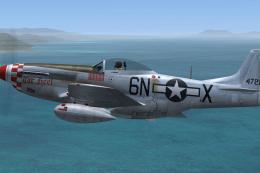
This file contains four texture sets for the A2A North American P-51D Mustang…
 FSX Historic & Vintage Aircraft
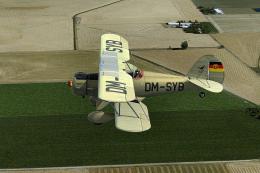
This is a repaint only for the payware Alabeo Waco YMF5 in East Germany milit…
 FSX Historic & Vintage Aircraft
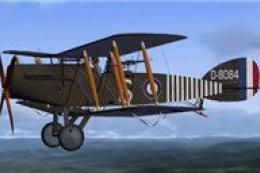
This repaint set showcases the iconic Bristol F.2B “Biff,” specifically regis…
Be the first to leave a comment on this download.
Be the first to share your thoughts on this download.