

 FS2004 Civil Jet Aircraft
FS2004-02 Lockheed L1011-500
designed for AI traffic. Designed with FSDS2 by Charles Dayhuff. FDE by Sam C…
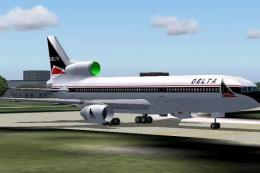
Delta Air Lines colors come alive on the Lockheed L-1011 with this PhotoTex Pro repaint for FS2004, delivering crisp, reflective textures and authentic markings including Lockheed branding for a convincing classic tri-jet look in the virtual cockpit. Requires SL10115.ZIP and replaces the original Texture.1 set.
 Rate
Rate
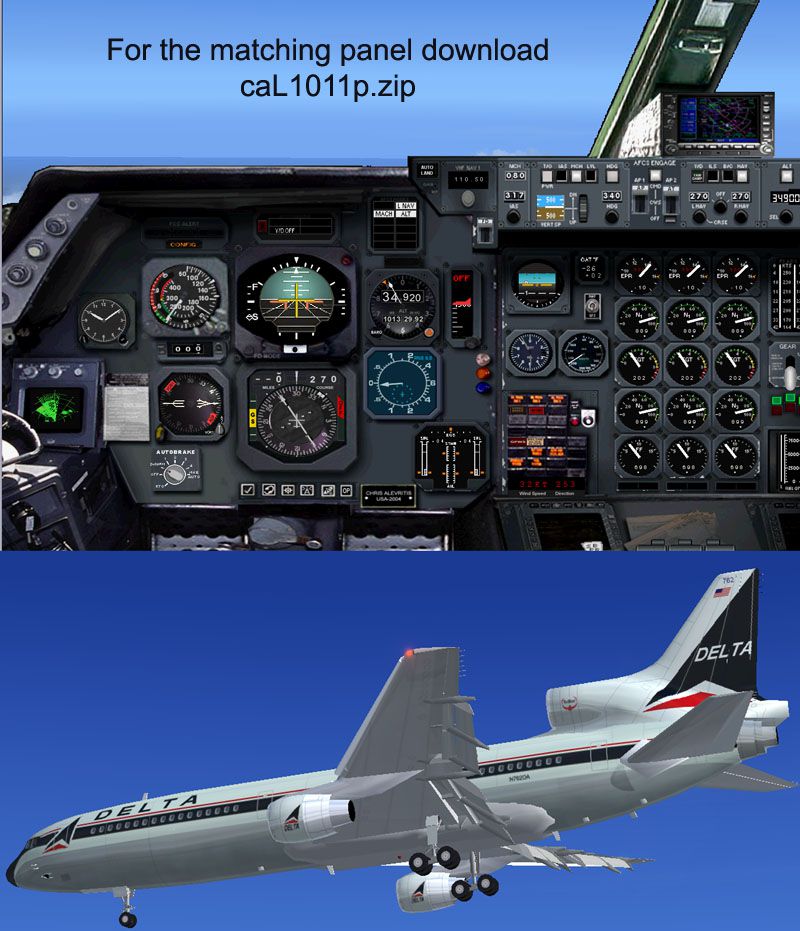
A PhotoTex Pro repaint of Mike Stone's L-1011. Requires SL10115.ZIP. Features proper Delta airlines colors, shining textures and Lockheed's logo. By Chris Alevritis.
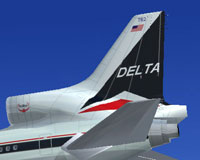
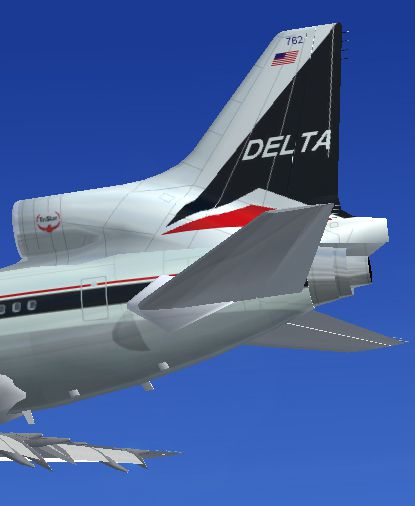
Tail decal of Delta Airlines Lockheed L1011.
Simple to install, just overwrite Mike's Texture.1 with mine.
Free for all simmers · 594.14 KB · Scanned clean Sep 2026
Download speed: Free tier is capped at 0.5 Mbps. PRO members download at full line speed.
FS9\Aircraft\, FS9\Addon Scenery\, FS9\Gauges\, or FS9\Effects\.readme.txt or README file. It tells you exactly where files go, what dependencies are needed, and any quirks specific to this add-on.The archive ca1011tx.zip has 44 files and directories contained within it.
This list displays the first 500 files in the package. If the package has more, you will need to download it to view them.
| Filename/Directory | File Date | File Size |
|---|---|---|
| delta.gif | 05.09.04 | 11.62 kB |
| file_id.diz | 05.09.04 | 287 B |
| image.jpg | 05.09.04 | 108.26 kB |
| paneltxt.jpg | 05.09.04 | 178.44 kB |
| texture.1 | 05.09.04 | 0 B |
| ceng_l.bmp | 10.20.02 | 17.05 kB |
| ceng_t.bmp | 12.15.03 | 21.43 kB |
| cowl_l.BMP | 10.20.02 | 65.05 kB |
| cowl_t.BMP | 12.13.03 | 85.43 kB |
| elev_l.bmp | 10.20.02 | 65.05 kB |
| elev_t.bmp | 11.02.02 | 85.43 kB |
| eng_l.bmp | 10.20.02 | 17.05 kB |
| eng_t.bmp | 12.15.03 | 21.43 kB |
| flaps_l.bmp | 10.20.02 | 257.05 kB |
| flaps_t.bmp | 12.15.03 | 341.43 kB |
| fuslg_l.bmp | 10.20.02 | 1.00 MB |
| fuslg_t.bmp | 12.18.03 | 1.33 MB |
| lwing_bottom_l.bmp | 10.20.02 | 257.05 kB |
| lwing_bottom_t.bmp | 11.02.02 | 341.43 kB |
| lwing_top_l.bmp | 10.20.02 | 257.05 kB |
| lwing_top_t.bmp | 11.02.02 | 341.43 kB |
| ndoor_l.bmp | 10.20.02 | 17.05 kB |
| ndoor_t.bmp | 11.02.02 | 21.43 kB |
| pods_l.bmp | 10.20.02 | 17.05 kB |
| pods_t.bmp | 02.20.02 | 17.05 kB |
| pylon_l.bmp | 10.20.02 | 65.05 kB |
| pylon_t.bmp | 12.15.03 | 85.43 kB |
| root_l.bmp | 10.20.02 | 257.05 kB |
| root_t.bmp | 12.15.03 | 341.43 kB |
| rwing_bottom_l.bmp | 10.20.02 | 257.05 kB |
| rwing_bottom_t.bmp | 11.02.02 | 341.43 kB |
| rwing_top_l.bmp | 10.20.02 | 257.05 kB |
| rwing_top_t.bmp | 11.02.02 | 341.43 kB |
| sroot_l.bmp | 10.20.02 | 17.05 kB |
| sroot_t.bmp | 11.02.02 | 21.43 kB |
| stab_l.bmp | 10.20.02 | 257.05 kB |
| stab_t.bmp | 11.02.02 | 341.43 kB |
| tail_l.bmp | 10.21.02 | 257.05 kB |
| tail_t.bmp | 12.13.03 | 341.43 kB |
| Thumbs.db | 04.11.04 | 74.50 kB |
| wheel_l.bmp | 10.20.02 | 5.05 kB |
| wheel_t.bmp | 12.13.03 | 5.43 kB |
| flyawaysimulation.txt | 10.29.13 | 959 B |
| Go to Fly Away Simulation.url | 01.22.16 | 52 B |
Only PRO members can place votes.
More FS2004 add-ons hand-picked based on this download.
FS2004 Civil Jet Aircraft
designed for AI traffic. Designed with FSDS2 by Charles Dayhuff. FDE by Sam C…
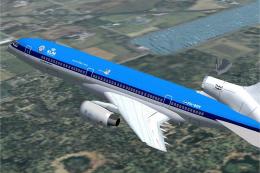 FS2004 Civil Jet Aircraft
This custom repaint places the Lockheed L1011 TriStar in a fictional KLM sche…
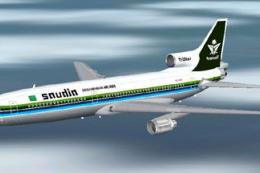 FS2004 Civil Jet Aircraft
This freeware repaint showcases Saudia’s L-1011-200 TriStar in its 1983 liver…
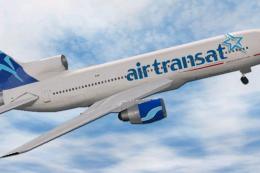 FS2004 Civil Jet Aircraft
Air Transat Lockheed L1011 TriStar. New suggested look for the Air Transat Lo…
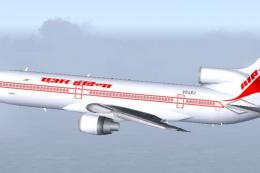 FS2004 Civil Jet Aircraft
Textures only for Charles Dayhuff's Lockeed L-1011 TriStar. Paint by Dave Eva…
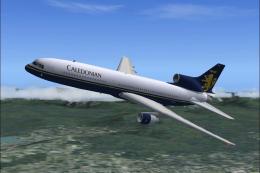 FS2004 Civil Jet Aircraft
This freeware repaint package offers an accurate depiction of the Lockheed L1…
 FS2004 Civil Jet Aircraft
Repainted by Andrew Jarvis. This is a L-1011-385 Tristar 500 in the colours o…
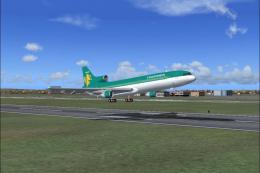 FS2004 Civil Jet Aircraft
This freeware package features a set of high-fidelity textures capturing the …
Be the first to leave a comment on this download.
Be the first to share your thoughts on this download.