

 FSX Historic & Vintage Aircraft
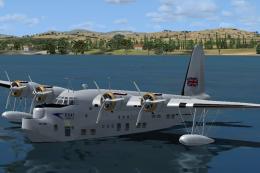
Short Empire
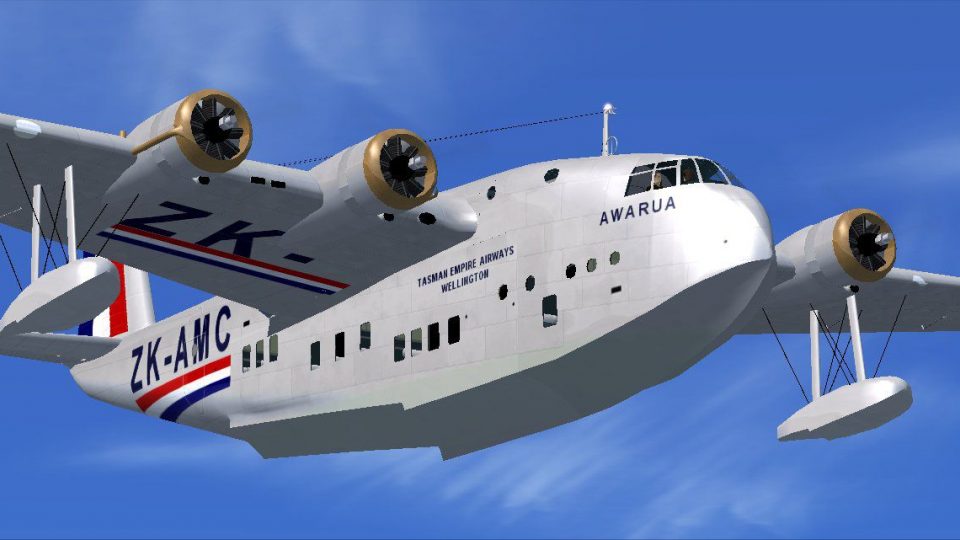
Short Empire flying boat, v3.0. These famous aircraft formed the backbone of …
Short Empire flying boat brings Imperial Airways and BOAC-era long-range routes to life with an updated Version 2 model, complete with three variants and six authentic liveries spanning partners like Qantas Empire Airways and TEAL. Built for FSX and FS2004, it delivers period-correct exterior detail and a functional virtual cockpit for classic waterborne operations.
 Rate
Rate
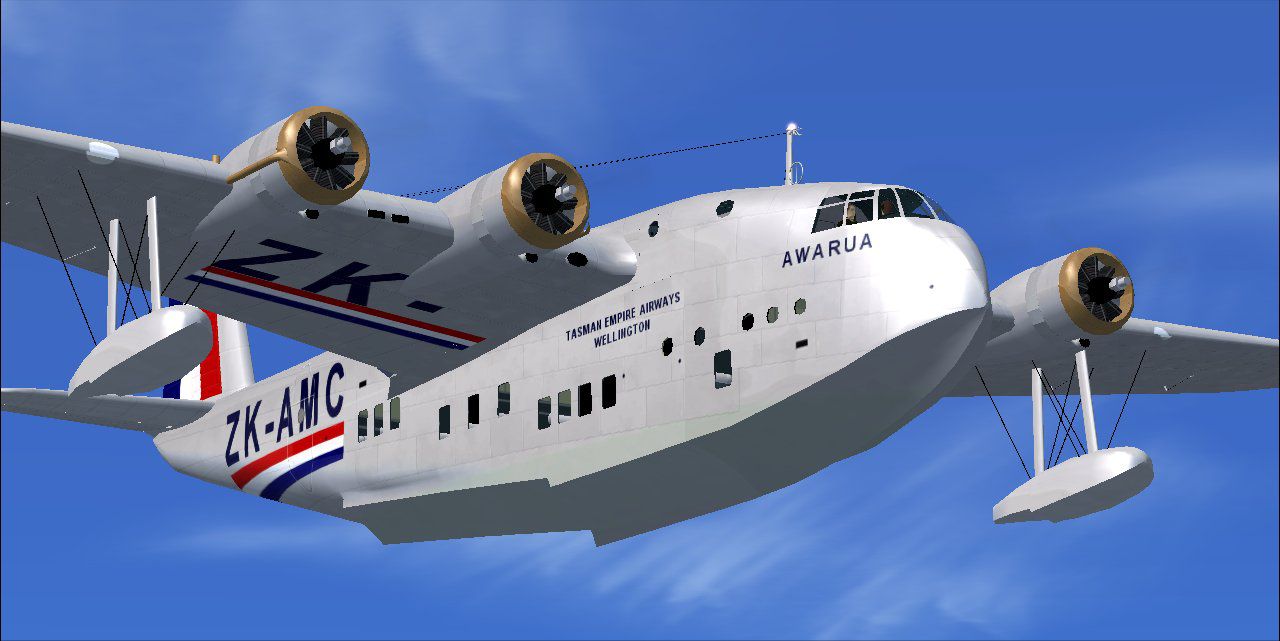
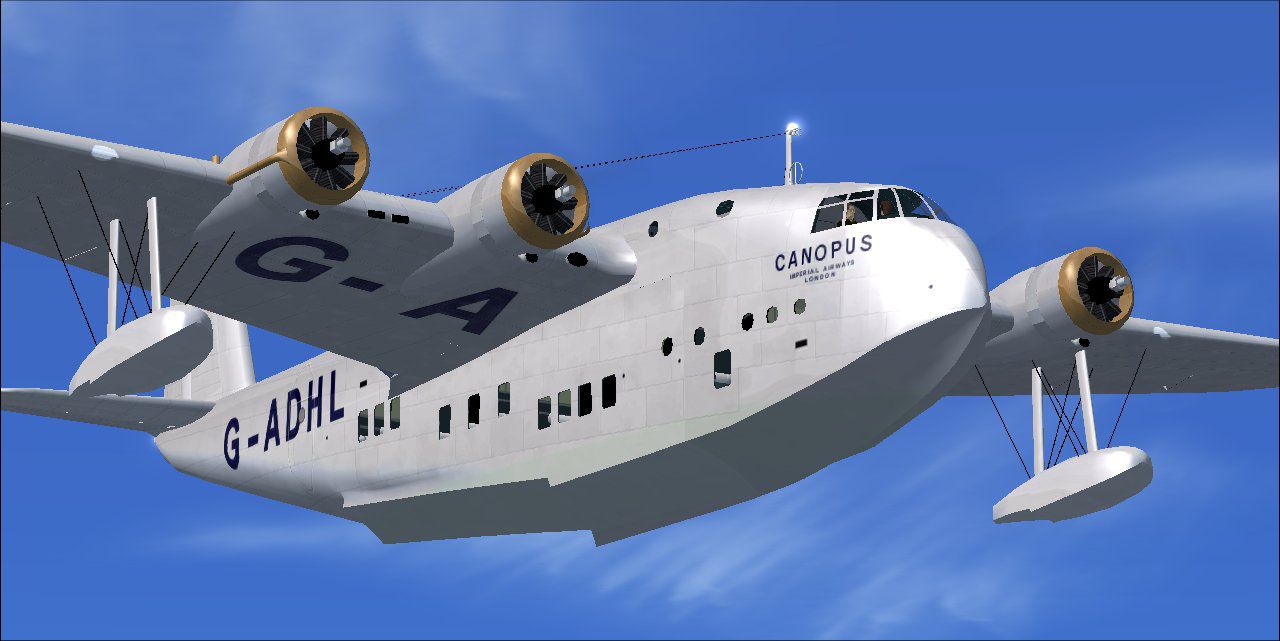

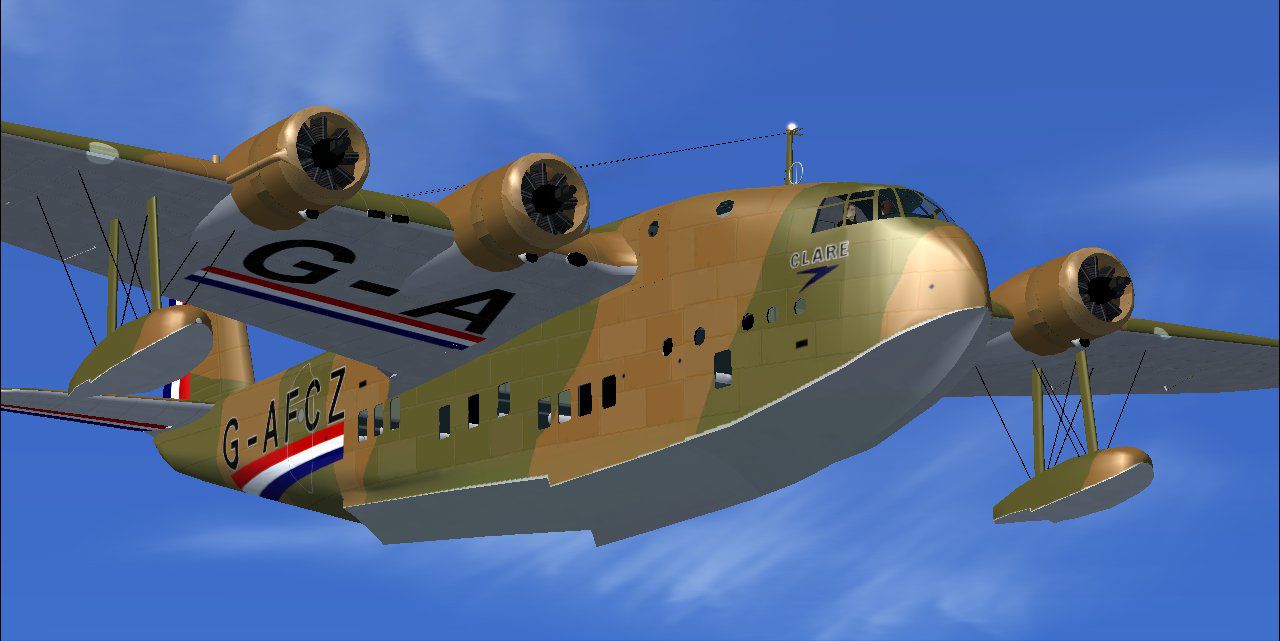
These famous aircraft formed the backbone of the Imperial Airways, it's sucessor BOAC. and its partners Qantas Empire Airways and TEAL from the mid 1930s and through World War Two. Three variants in six color schemes included. Improved version 2 model, modified to work with FSX as well as FS2004. By Jens B. Kristensen.
Free for all simmers · 12.31 MB · Scanned clean Oct 2026
Download speed: Free tier is capped at 0.5 Mbps (this file takes approximately 3 mins at the cap). PRO members download at full line speed.
SimObjects\Airplanes\, Addon Scenery\, Effects\, or Gauges\.readme.txt or README file. It tells you exactly where files go, what dependencies are needed, and any quirks specific to this add-on.The archive empire20.zip has 14 files and directories contained within it.
This list displays the first 500 files in the package. If the package has more, you will need to download it to view them.
| Filename/Directory | File Date | File Size |
|---|---|---|
| setup.exe | 02.11.07 | 12.06 MB |
| Awarua.jpg | 02.10.07 | 92.32 kB |
| Canopus.jpg | 02.10.07 | 88.27 kB |
| Clare.jpg | 02.10.07 | 86.40 kB |
| Coorong.jpg | 02.10.07 | 88.24 kB |
| FileID.diz | 02.10.07 | 365 B |
| FileID.txt | 02.10.07 | 363 B |
| FS2004 Short C-class flights.zip | 02.11.07 | 89.47 kB |
| FSX Short C-class flights.zip | 02.11.07 | 91.87 kB |
| Licence.rtf | 11.04.06 | 11.09 kB |
| Readme.txt | 02.11.07 | 2.49 kB |
| thumbnail.gif | 05.15.04 | 8.04 kB |
| flyawaysimulation.txt | 10.29.13 | 959 B |
| Go to Fly Away Simulation.url | 01.22.16 | 52 B |
Only PRO members can place votes.
More FSX & P3D add-ons hand-picked based on this download.
FSX Historic & Vintage Aircraft
Short Empire flying boat, v3.0. These famous aircraft formed the backbone of …
 FSX Historic & Vintage Aircraft
The Solent was a large and powerful flying boat airliner of 1946 built for BO…
 FSX Historic & Vintage Aircraft
The Short S.25V Sandringham is a freeware add-on that recreates a commercial …
 FSX Historic & Vintage Aircraft
The Short Hythe was a civil conversion of the Short Sunderland III patrol fly…
 FSX Historic & Vintage Aircraft
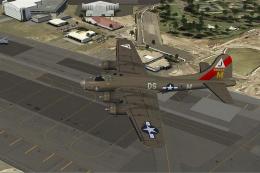
Repaint for FS-Cast Boeing B-17G, version 1.0, 2008.05.16, created by Francis…
 FSX Historic & Vintage Aircraft
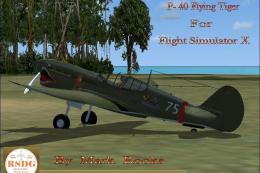
Included are some historical pictures and history of the AVC aircraft this is…
 FSX Historic & Vintage Aircraft
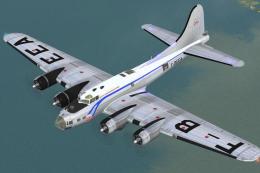
Repaint for FS-Cast Boeing B-17G for FSX, version 1.0, 2008.05.16 Created by …
 FSX Historic & Vintage Aircraft
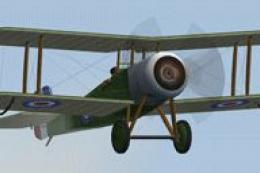
Bristol Scout D Of The Royal Flying Corps. Includes animated pilot, 2D and VC…
Read what other simmers think, or add your own.

Hello, ask: where do I take off the amphibious planes (flying boats) since they do not have landing gear, please help. Thank you.


Great aircraft, love the different variants and paints! Only complaint was a glich that you still hear the sound of the engines at idle when their shut down. Other then that, love it!

THIS PLANE IS VERY PROFESSIONAL AND FUN TO FLY. IT HAS AN INSTALL FILE THAT IS REALLY A TREAT AND YOU CAN CHANGE THE COLORS IF YOU WANT. GOOD LOOKING PANEL AND REALLY NICE DETAIL. I WOULD PAY ABOUT $10 FOR THIS ONE.