

 FSX Civil Aircraft
Tunis Air Airbus A319-114
The Tunis Air Airbus A319-114 showcased here represents registration TS-IMO, …
Air Canada Rouge’s Airbus A319-114 livery sharpens AI traffic realism with accurate red-and-white branding on the FAIB A319-200, looking convincing at the gate and in motion during departures and arrivals. Built for Microsoft Flight Simulator X, it requires the separate FAIB base model to display correctly in your virtual cockpit environment.
 Rate
Rate
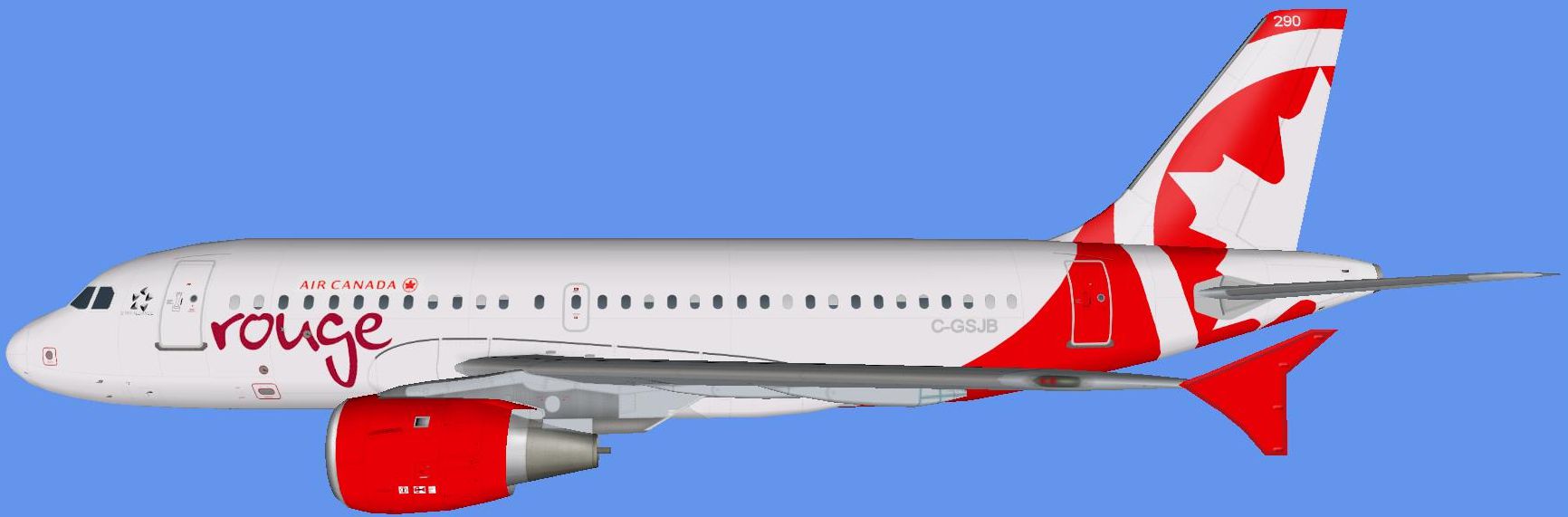
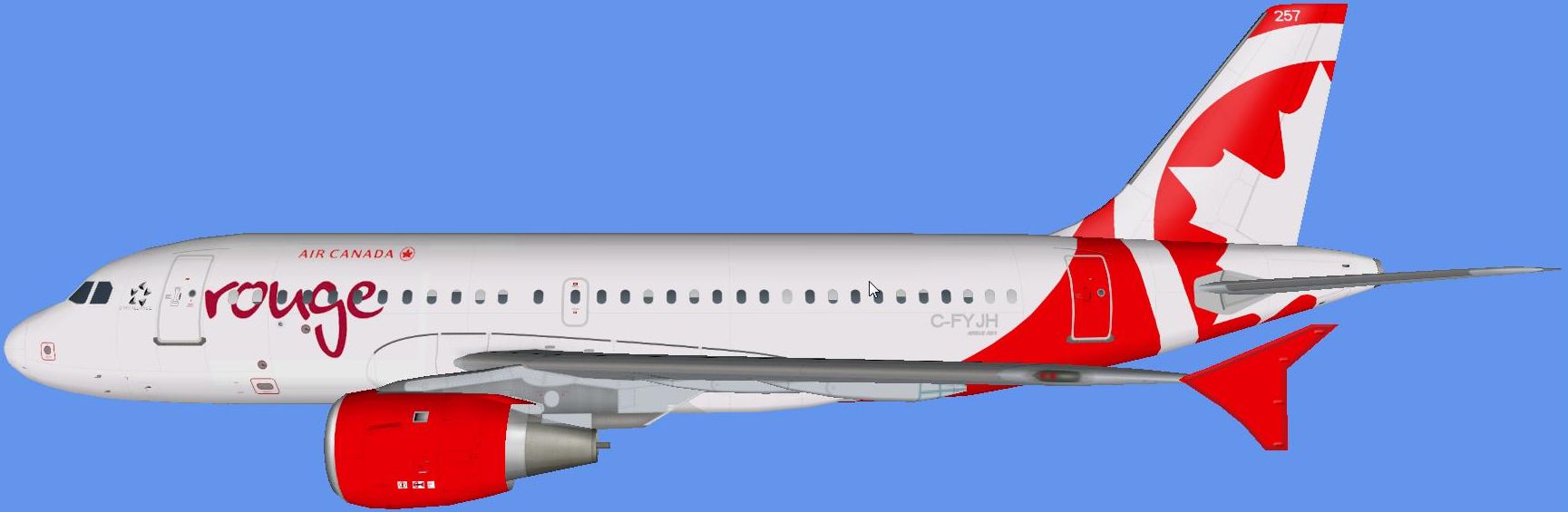
This freeware livery for the FAIB A319-200 model showcases Air Canada Rouge’s fresh color scheme tailored for use with Microsoft Flight Simulator X. Created by Jim Martin, with the underlying paint kit and model by FAIB, it brings a recognizable Canadian carrier to your virtual flight environment and is perfect for strengthening AI traffic realism.
The Airbus A319 is part of the widely recognized A320 family, known for short to medium-haul operations. Air Canada Rouge, established as a leisure division of Air Canada, operates these compact airliners on routes originating from key Canadian hubs. Their fleet layout offers a comfortable cabin, and the airline’s branding stands out with its distinctive combination of red and white.
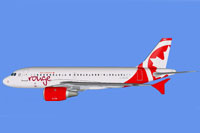
Side profile of Air Canada Rouge Airbus.
This adaptation is aimed at improving authenticity in AI traffic. The FAIB A319-200 model ensures that the aircraft’s proportions look impressive both while parked at the gate and during takeoff or landing sequences observed from surrounding positions on the tarmac.
Once you complete these steps, you will see Jim Martin’s repaint in action, leveraging FAIB’s precise A319-200 model to enrich your simulated environment. This freeware release does not include the original base model, so be certain to download that separately before installing this livery.
Free for all simmers · 2.22 MB · Scanned clean Oct 2026
Download speed: Free tier is capped at 0.5 Mbps. PRO members download at full line speed.
texture.{airline}) inside FSX\SimObjects\Airplanes\{base-aircraft}\.aircraft.cfg in Notepad. Add a new [fltsim.X] section per the readme.readme.txt or README file. It tells you exactly where files go, what dependencies are needed, and any quirks specific to this add-on.The archive jhma319rou.zip has 10 files and directories contained within it.
This list displays the first 500 files in the package. If the package has more, you will need to download it to view them.
| Filename/Directory | File Date | File Size |
|---|---|---|
| READ ME.txt | 02.27.14 | 1.06 kB |
| PREVIEW C-FYGH.png | 02.27.14 | 375.23 kB |
| jhma319rou.gif | 02.27.14 | 4.40 kB |
| UPLOAD_ReadMe.txt | 04.12.13 | 3.32 kB |
| FILE_ID.DIZ | 02.27.14 | 165 B |
| PREVIEW C-GSJB.png | 02.27.14 | 374.95 kB |
| FAIB_A319_CFM_T.dds | 02.27.14 | 5.33 MB |
| FAIB_A319_CFM_T.dds | 02.27.14 | 5.33 MB |
| flyawaysimulation.txt | 10.29.13 | 959 B |
| Go to Fly Away Simulation.url | 01.22.16 | 52 B |
Only PRO members can place votes.
More FSX & P3D add-ons hand-picked based on this download.
FSX Civil Aircraft
The Tunis Air Airbus A319-114 showcased here represents registration TS-IMO, …
 FSX Civil Aircraft
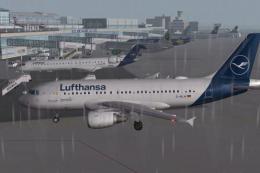
This is a repaint of the Project Airbus A319-114, in Lufthansa "2018 livery" …
 FSX Civil Aircraft
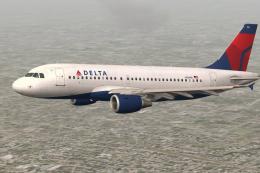
It has the config from the default Microsoft Airbus A321. The aircraft has ne…
 FSX Civil Aircraft
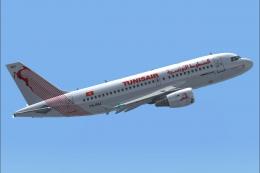
FSX Tunisair Airbus A319-114, registration TS-IMJ. Textures only for the payw…
 FSX Civil Aircraft
Designed to be a competitor to the Boeing 777-200, Airbus Industries has out …
 FSX Civil Aircraft
This freeware package brings a meticulously crafted Air Canada Airbus A330-30…
 FSX Civil Aircraft
FSX Air Canada Airbus A321 registration C-GJWO, in dynamic blue for the defau…
 FSX Civil Aircraft
This repaint package brings Air Canada’s Airbus A330-343X, identified by regi…
Be the first to leave a comment on this download.
Be the first to share your thoughts on this download.