
 FSX Civil Aircraft
Oman Air Airbus A330-343X
This detailed repaint introduces Oman Air’s Airbus A330-343X (registration A4…
Air Canada Airbus A330-343X repaint depicting registration C-GFUR brings current airline branding and crisp exterior textures to Thomas Ruth’s A330-300 in Microsoft Flight Simulator X. Designed to preserve shared bump and specular layers for a cohesive look, it requires the TOMA333B-1.ZIP base package for full visual fidelity.
 Rate
Rate
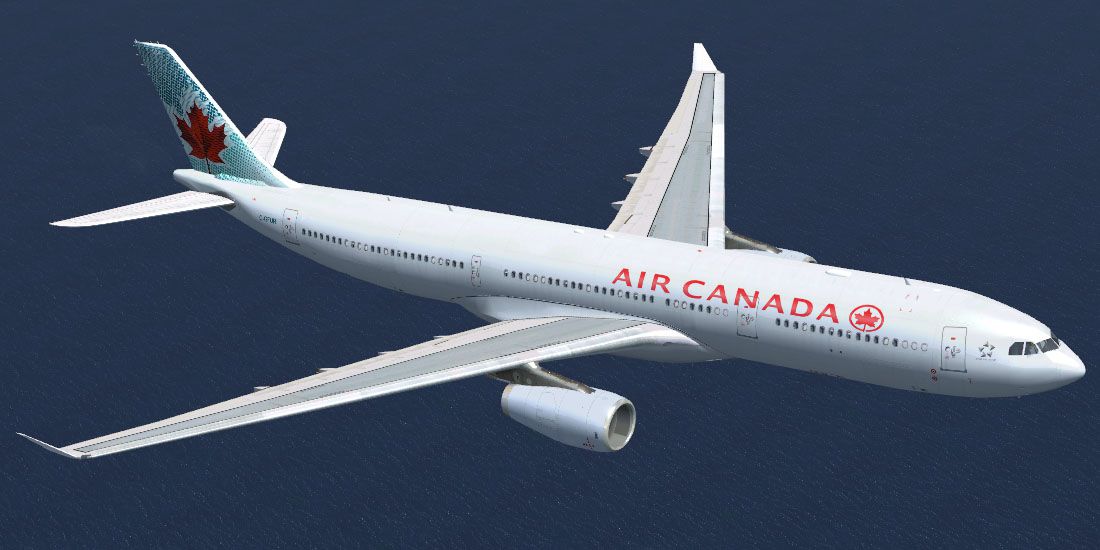
This repaint package brings Air Canada’s Airbus A330-343X, identified by registration C-GFUR, to Microsoft Flight Simulator X. It has been carefully crafted by Mario Monfrecola for use with the freeware Thomas Ruth A330-300 model. Enthusiasts looking to expand their virtual fleet with a Canadian-based wide-body addition can enjoy this texture set on one of the nation’s largest carriers. As a reminder, this repaint uses the TOMA333B-1.ZIP base package and does not include the original model. The base files are available in the Fly Away Simulation library—ensure you have them installed beforehand.
Air Canada’s A330-343X is a twin-engine wide-body aircraft optimized for medium- to long-haul routes. This repaint offers updated fuselage markings reflecting the airline’s latest branding elements, ensuring an authentic representation of C-GFUR in flight. The Airbus A330 family is recognized for its efficient Rolls-Royce powerplant options, excellent aerodynamics, and modern cockpit avionics. Real-world operators appreciate its balance of passenger capacity and range, and this repaint aims to capture those details in memorable textures.
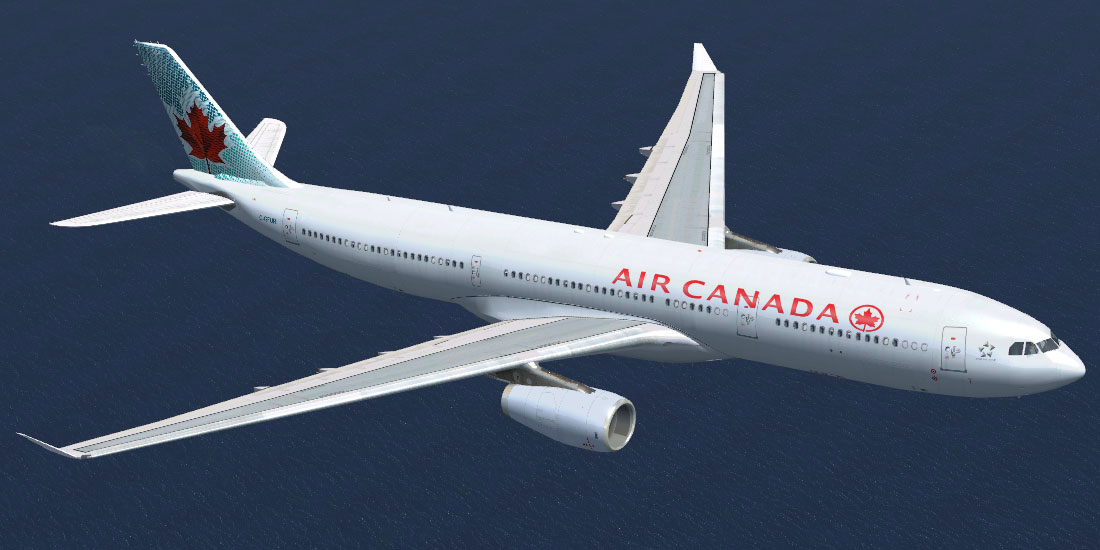
Air Canada Airbus A330-343X in flight.
This add-on is specifically built for Thomas Ruth’s A330-300 freeware model. Installation requires the unaltered default texture folder structure present in the base package. Users should confirm they have installed TOMA333B-1.ZIP per Thomas Ruth’s original instructions, complete with its associated files (bump maps, specular textures, and shared resources). If the stock liveries have been removed, the new repaint may fail to display certain visual layers.
The repaint has been tested in Microsoft Flight Simulator X with Service Packs 1 and 2. For those using DirectX 10 preview mode, please be aware that it is not officially verified under this setting, so disabling DirectX 10 preview in FSX might be necessary to avoid texture issues. This repaint primarily targets an FSX environment configured with up-to-date hardware and software support.
[fltsim.x] <---------- use next available index title=Air Canada A330-300RR sim=TomA333 model=RR panel=330 sound= texture=ACA kb_checklists= kb_reference= atc_id=C-GFUR atc_airline=Air Canada atc_flight_number=0847 atc_heavy=1 ui_manufacturer=Airbus ui_type="A330-300" ui_variation=Air Canada ui_typerole="Commercial Airliner" ui_createdby="Thomas Ruth" description=
This repaint for the Air Canada Airbus A330-343X was prepared by Mario Monfrecola, with all essential model components provided by Thomas Ruth. Flight simulation hobbyists can enjoy this stand-alone texture set while celebrating the significance of Canadian aviation in the virtual skies.
Free for all simmers · 1.74 MB · Scanned clean Oct 2026
Download speed: Free tier is capped at 0.5 Mbps. PRO members download at full line speed.
texture.{airline}) inside FSX\SimObjects\Airplanes\{base-aircraft}\.aircraft.cfg in Notepad. Add a new [fltsim.X] section per the readme.readme.txt or README file. It tells you exactly where files go, what dependencies are needed, and any quirks specific to this add-on.The archive a333xaircanada.zip has 12 files and directories contained within it.
This list displays the first 500 files in the package. If the package has more, you will need to download it to view them.
| Filename/Directory | File Date | File Size |
|---|---|---|
| texture.ACA | 07.31.10 | 0 B |
| main.dds | 07.31.10 | 4.00 MB |
| main_light.dds | 07.31.10 | 4.00 MB |
| texture.cfg | 04.17.09 | 140 B |
| thumbnail.jpg | 07.31.10 | 99.62 kB |
| wing_l.dds | 07.31.10 | 1.00 MB |
| wing_r.dds | 07.31.10 | 1.00 MB |
| thumbnail.jpg | 07.31.10 | 99.62 kB |
| LEGGIMI.txt | 07.31.10 | 3.03 kB |
| README.txt | 07.31.10 | 3.02 kB |
| flyawaysimulation.txt | 10.29.13 | 959 B |
| Go to Fly Away Simulation.url | 01.22.16 | 52 B |
Only PRO members can place votes.
More FSX & P3D add-ons hand-picked based on this download.
FSX Civil Aircraft
This detailed repaint introduces Oman Air’s Airbus A330-343X (registration A4…
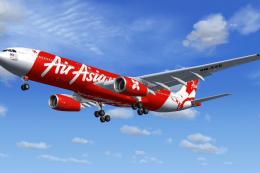 FSX Civil Aircraft
This is a repaint of AirAsia X on the Commercial Level Simulation A330-300 RR…
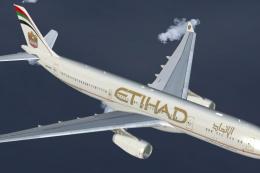 FSX Civil Aircraft
Etihad Airways Airbus A330-343X, registration number A6-AFA. Textures only fo…
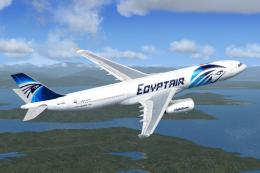 FSX Civil Aircraft
EgyptAir Airbus A330-343X. A repaint of EgyptAir on the Commercial Level Simu…
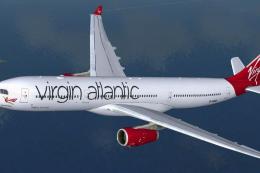 FSX Civil Aircraft
Repaint of Tom Ruth's Airbus A330-300 in Virgin Atlantic livery, registration…
 FSX Civil Aircraft
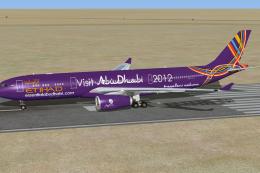
This is a repaint of special colors of Etihad Airways "Visit Abu Dhabi" on th…
 FSX Civil Aircraft
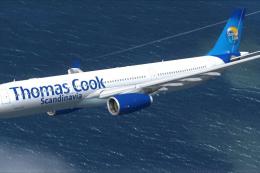
This is a semi-photoreal repaint of the Commercial Level Simulations Airbus A…
 FSX Civil Aircraft
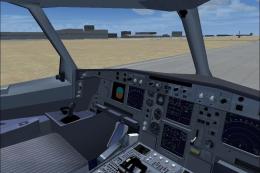
This freeware package brings a meticulously crafted Air Canada Airbus A330-30…
Be the first to leave a comment on this download.
Be the first to share your thoughts on this download.