

 FSX Historic & Vintage Aircraft
North American P-51D Mustang V1.1
North American P-51D Mustang v1.1. The freeware Alphasim P-51 Mustang upgrade…
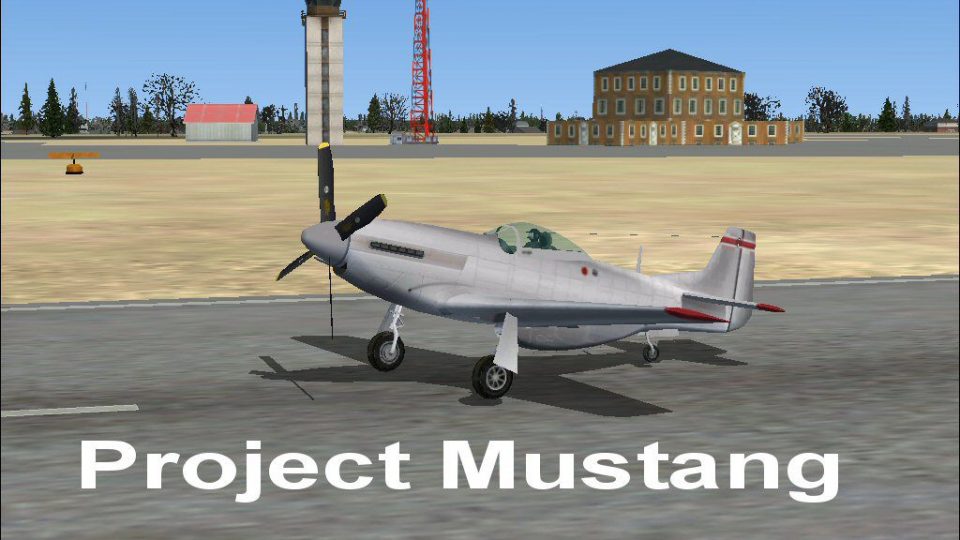
FSX Project Mustang provides a clean, blank repaint for Roger Dial’s North American P-51 Mustang, ideal as a starting canvas for custom liveries and project aircraft. It includes straightforward bitmap-based textures designed for easy editing and conversion, and requires the default aircraft sound and panel files for a complete setup.
 Rate
Rate
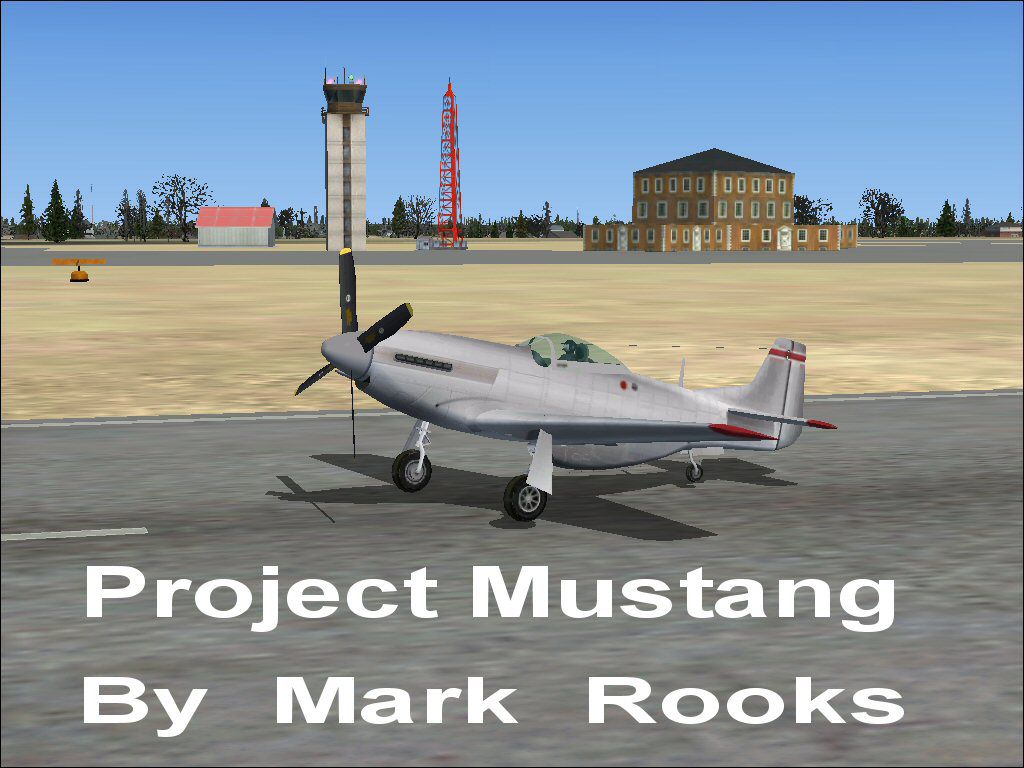
A repaint of Roger Dial's North American P-51 Mustang created as a blank texture for project aircraft. A good starting point for any Mustang project. Created with easy to use bitmap files and easy to follow instructions on how to convert for FSX. Textures by Mark Rooks of RSDG.
Screenshot of Mustang on runway.
To install this aircraft:
As always back up any original files.
1.Unzip downloaded folders to your desktop or temporary directory of your choice.
2.Copy the "Project P-51 Mustang " folder and paste it in the main aircraft folder.
By default the main aircraft folder is located at:
"C:\Program Files\Microsoft Games\FSx\Sim Objects/Aircraft".
3. Must Use The default Sound Due to the large size did not include.
4. Aircraft is the FSx default aircraft with easyer to use bit map textures.
5. After painting must be saved in a bit map format compatable with FSX I use FS70 DXT1BMP and convert with MW Graphics convim tool.
6. Don't For get to change the name of your new aircraft in the CFG file ... Change Title=________and Variation=___________ to what you like sample Title =Safari Tours Variation=Zebra Camo.
Enjoy Don't forget the default sound and panel files.
Be sure to contact Roger Dial for permission to use his model.
Textures created by Mark "Fire Ball" Rooks.
Thanks for downloading,
"Fire Ball"
Free for all simmers · 6.34 MB · Scanned clean Oct 2026
Download speed: Free tier is capped at 0.5 Mbps (this file takes approximately 2 mins at the cap). PRO members download at full line speed.
SimObjects\Airplanes\, Addon Scenery\, Effects\, or Gauges\.readme.txt or README file. It tells you exactly where files go, what dependencies are needed, and any quirks specific to this add-on.The archive fsxmp.zip has 9 files and directories contained within it.
This list displays the first 500 files in the package. If the package has more, you will need to download it to view them.
| Filename/Directory | File Date | File Size |
|---|---|---|
| Blank Aircraft Read Me First.txt | 02.10.07 | 1.28 kB |
| gauges.zip | 12.17.06 | 711.29 kB |
| Mustang text1.txt | 02.10.07 | 304 B |
| panel.zip | 12.17.06 | 385.29 kB |
| Pictures.zip | 02.10.07 | 2.34 MB |
| Project Mustang.zip | 02.10.07 | 2.81 MB |
| screenshot.jpg | 02.10.07 | 129.35 kB |
| flyawaysimulation.txt | 10.29.13 | 959 B |
| Go to Fly Away Simulation.url | 01.22.16 | 52 B |
Only PRO members can place votes.
More FSX & P3D add-ons hand-picked based on this download.
FSX Historic & Vintage Aircraft
North American P-51D Mustang v1.1. The freeware Alphasim P-51 Mustang upgrade…
 FSX Historic & Vintage Aircraft
An update of the P-51D Mustang by J.E. Narcizo. The flight dynamics have been…
 FSX Historic & Vintage Aircraft
This is a Repaint of J.E.Narcizo's P51D Mustang For FSX Entitled "Red Tail De…
 FSX Historic & Vintage Aircraft
This fully freeware release introduces the North American P-51 Mustang into M…
 FSX Historic & Vintage Aircraft
A P51D Mustang entitled "Red Tail Devil". This is a historically accurate rep…
 FSX Historic & Vintage Aircraft
This specially crafted repaint of the classic P-51D Mustang, displaying the “…
 FSX Historic & Vintage Aircraft
Warbirdsim North American Aviation P-51 Mustang Moonbeam McSwine ''Little Fri…
 FSX Historic & Vintage Aircraft
This enhanced package brings the P-51D Mustang into Microsoft Flight Simulato…
Be the first to leave a comment on this download.
Be the first to share your thoughts on this download.