

 FS2004 Utilities/Misc
and FS2002 FX: Nick's A-I JET Exhaust with Control Gauge
Hanging around the airport watching the A-I traffic and chasing A-I jet aircr…
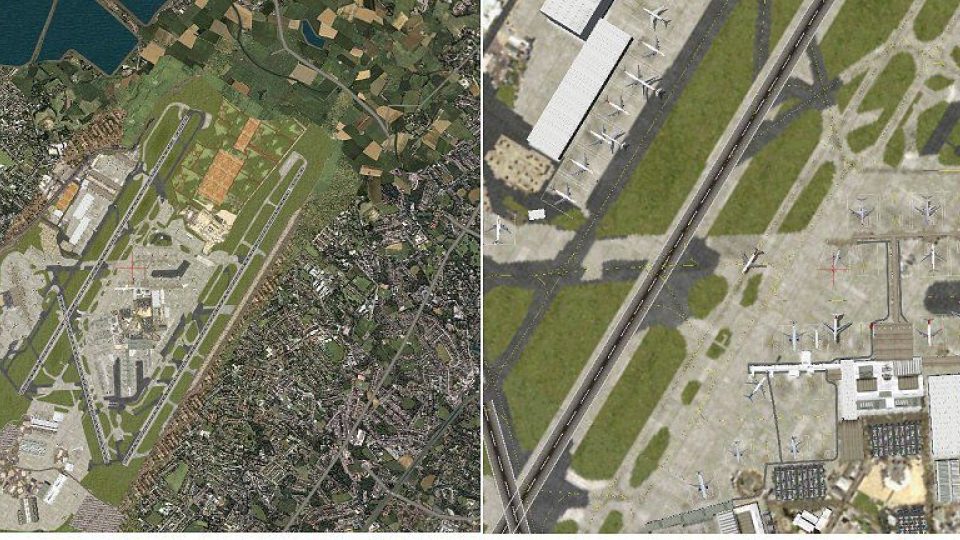
Mobile Control Tower for FS2004 turns your aircraft list into a fully movable ATC vantage point, letting you manage AI arrivals and departures via MARCIANO’s radar gauge or FSUIPC ground and traffic radar. A rotating tower and fast level changes deliver 360-degree virtual cockpit views across five heights, plus redesigned panels and precise blimp-style positioning.
 Rate
Rate


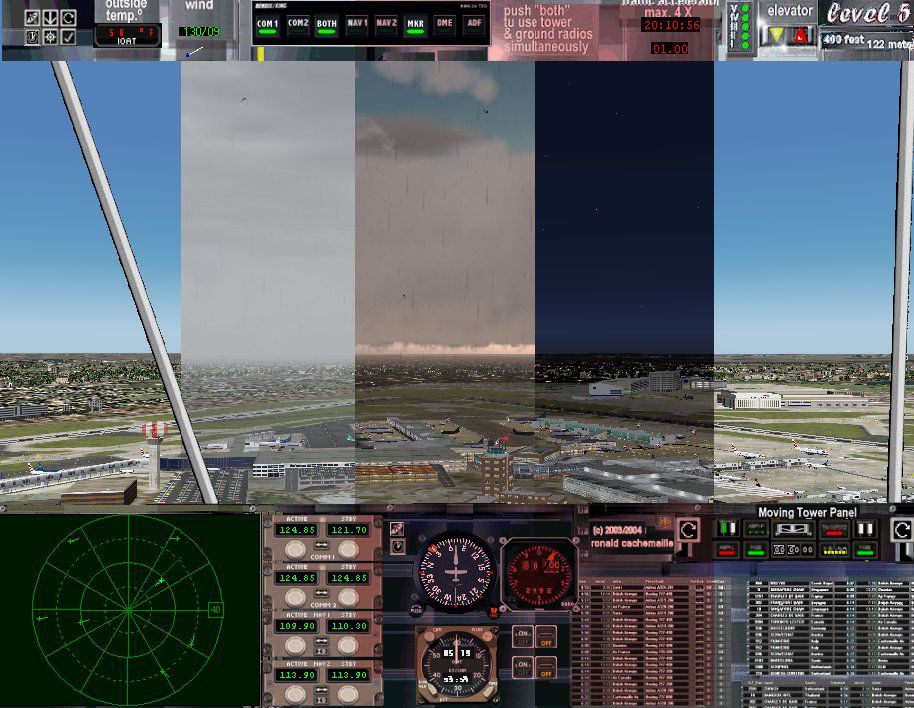
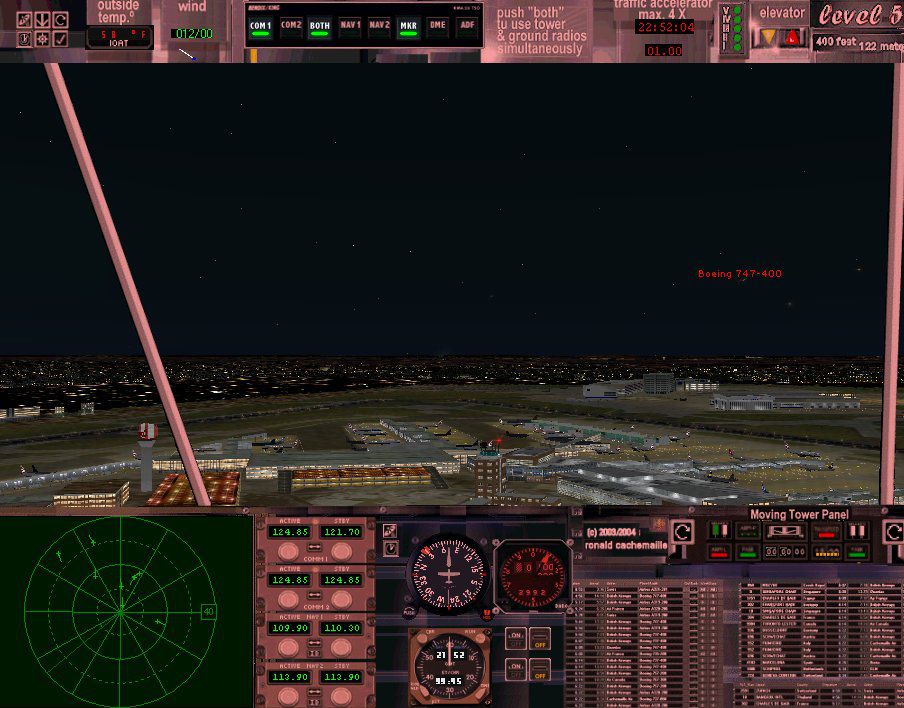
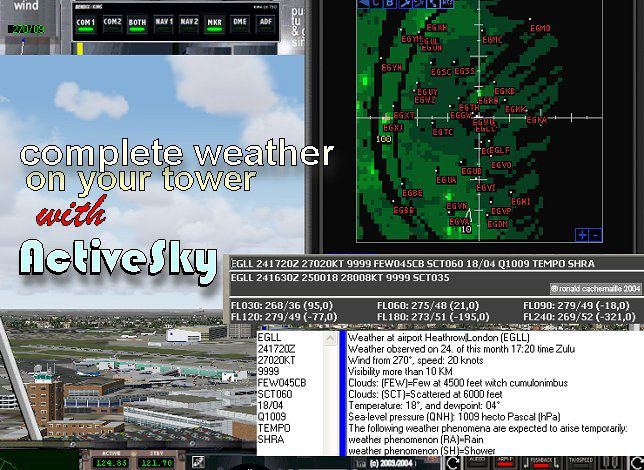
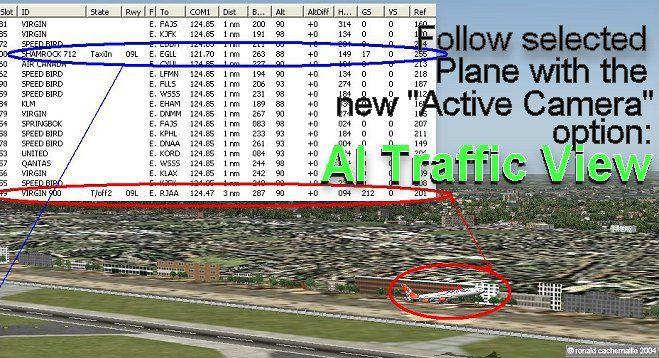
Control the incoming and outgoing traffic on your RADAR screen (MARCIANO’s great Radar gauge) or with the excellent Ground and Traffic Radar included in the FSUIPC addon as AI planes fly around you.Rotating engine rotates the tower for a cockpit full 360ª View on 5 different levels or with the virtual view. Completely re-designing of the Main panel for a more professional look and new 7 panels for other views. Now listed as Mobile Tower in the FS2004 planes list with 1 to 5 levels variation. The tower moves easily and rapidly from one level to another without FS2004 reloading scenery textures while Traffic AI remains active. Revolutionary rotating and positioning engines by Rob Barendregt ! Precise and exact "GoodYear Blimp" view ideal for AFCAD designer. Serves also as mirador or observatiopn tower anywhere. This is a complete new Control tower and does not need the 2002 version which was downlaoded more than 11.500 times.This sucessfull accesory is intended to be the most complete and useful FREEWARE Control Tower available at the moment for FS2004. Full Web support. by Ronald R. Cachemaille.
Free for all simmers · 12.7 MB · Scanned clean Oct 2026
Download speed: Free tier is capped at 0.5 Mbps (this file takes approximately 4 mins at the cap). PRO members download at full line speed.
FS9\Aircraft\, FS9\Addon Scenery\, FS9\Gauges\, or FS9\Effects\.readme.txt or README file. It tells you exactly where files go, what dependencies are needed, and any quirks specific to this add-on.The archive rcmct64.zip has 36 files and directories contained within it.
This list displays the first 500 files in the package. If the package has more, you will need to download it to view them.
| Filename/Directory | File Date | File Size |
|---|---|---|
| rcmct64 | 09.13.12 | 0 B |
| __MACOSX | 09.13.12 | 0 B |
| rcmct64 | 09.13.12 | 0 B |
| aaaNight.jpg | 06.26.04 | 133.08 kB |
| abpanoramica.jpg | 07.01.04 | 178.80 kB |
| acGoodYearView.jpg | 07.01.04 | 192.38 kB |
| adNew Control Tower 2004TrafficTools_3.jpg | 06.25.04 | 100.58 kB |
| aeWeather forcast_040624 (5).jpg | 06.25.04 | 101.76 kB |
| azfportda_II.jpg | 06.26.04 | 154.54 kB |
| file_id.diz | 07.01.04 | 1.13 kB |
| gauges.zip | 07.01.04 | 8.36 MB |
| List of Gauges Used Mobil Tower.xls | 06.24.04 | 19.00 kB |
| mct_aide_franaÌais.doc | 07.01.04 | 238.50 kB |
| mct_ayuda_espa§ol.doc | 07.01.04 | 242.50 kB |
| mct_help_english.doc | 07.01.04 | 236.50 kB |
| Mobile Control Tower 2004.zip | 07.01.04 | 3.10 MB |
| readme.txt | 07.01.04 | 9.34 kB |
| flyawaysimulation.txt | 10.29.13 | 959 B |
| Go to Fly Away Simulation.url | 01.22.16 | 52 B |
Only PRO members can place votes.
More FS2004 add-ons hand-picked based on this download.
FS2004 Utilities/Misc
Hanging around the airport watching the A-I traffic and chasing A-I jet aircr…
 FS2004 Utilities/Misc
This gauge/effects package automatically senses the terrain the aircraft is i…
 FS2004 Utilities/Misc
"Shoot 1.6.3" voice control file for use with FS2004. You will need to downlo…
 FS2004 Utilities/Misc
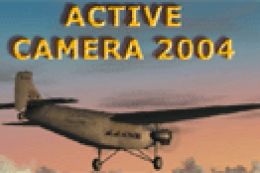
FS2004 Active Camera 2004 v2.1. This package includes both the install files,…
 FS2004 Utilities/Misc
No-CD patch or 'crack' for FS2004. When applied, there is no need to insert y…
FS2004 Utilities/Misc
This is the No-CD patch (crack) for Microsoft Flight Simulator 2004 v9.1. Thi…
 FS2004 Utilities/Misc
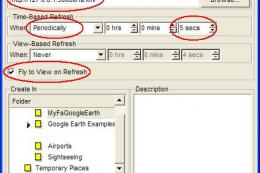
MyFsGoogleEarth is a small webserver that links Flight Simulator with Google …
 FS2004 Utilities/Misc
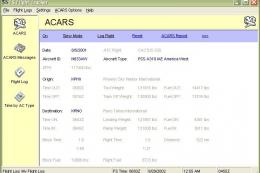
More than a log, automatically record: a/c type, a/c reg number, airline + fl…
Read what other simmers think, or add your own.
