

 FSX Civil Aircraft
Air India Boeing 777-337ER
A repaint of the SkySpirit2012 B777-300ER aircraft. Features 32 bit textures,…
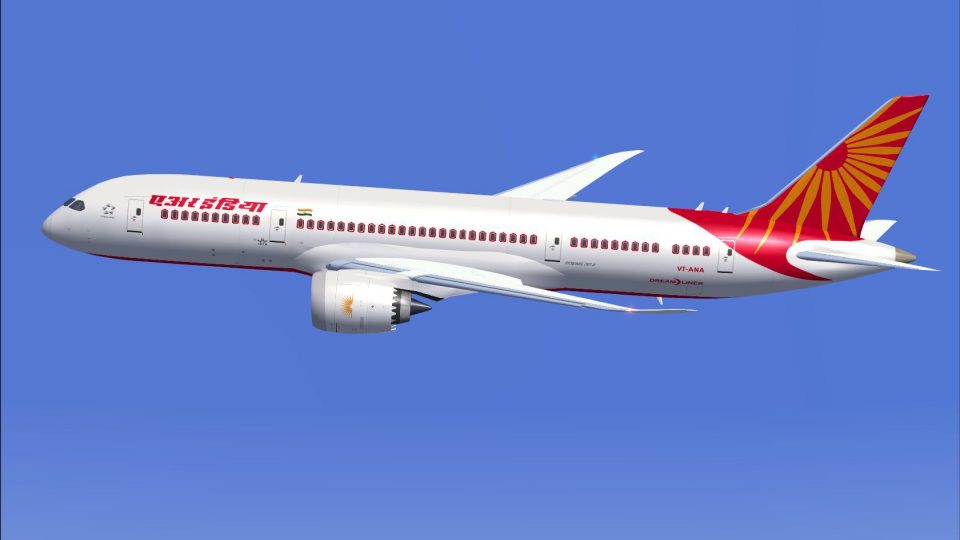
Air India’s Boeing 787-8 livery brings authentic long-haul AI traffic to your skies with crisp airline markings, window trim, and correct branding on the Dreamliner’s sleek composite airframe. Designed for FSX, these textures require the freeware CamSim AI 787-8 base model and integrate cleanly into busy airline schedules.
 Rate
Rate
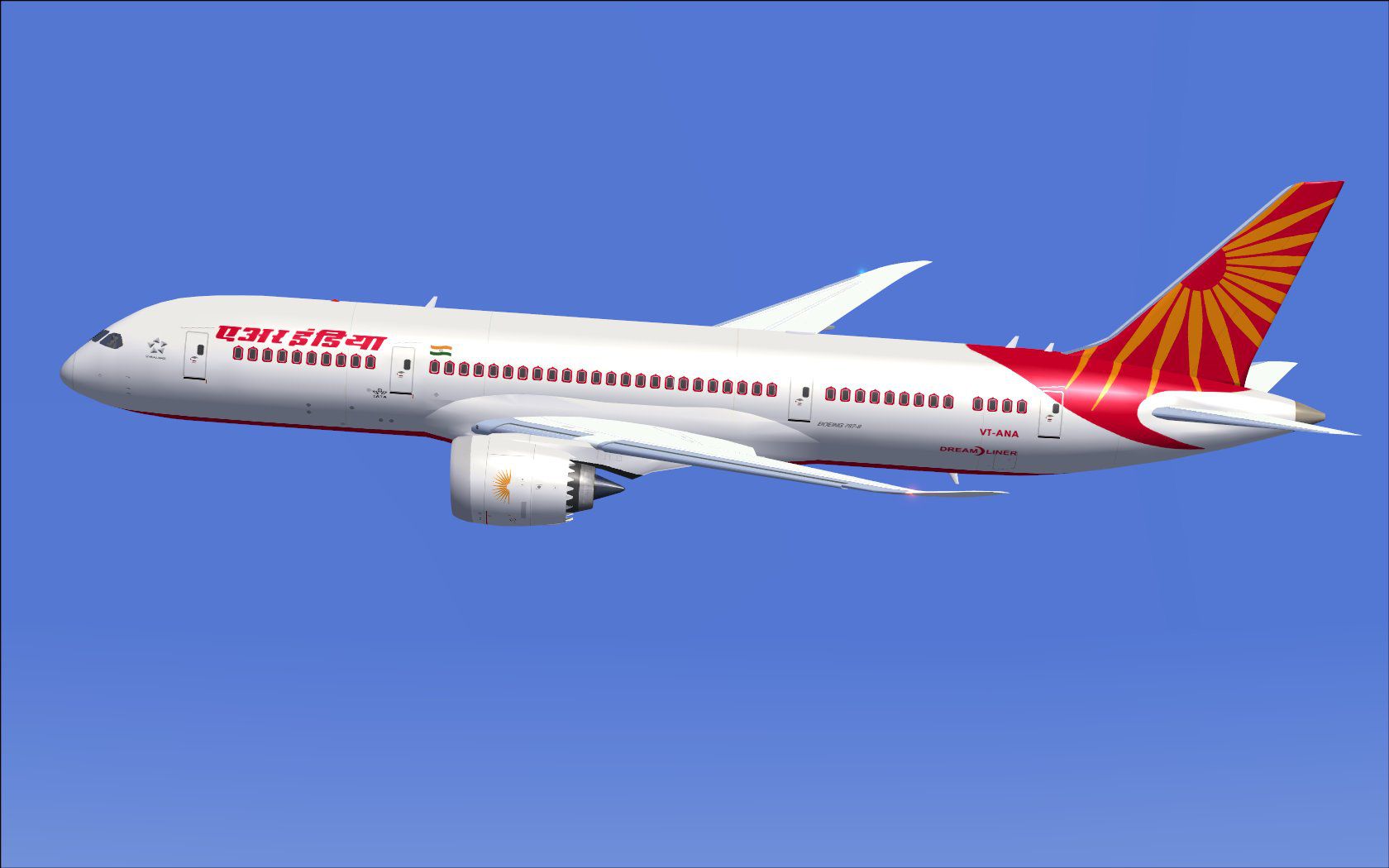
Experience a detailed Air India Boeing 787-8 repaint intended for use with the freeware CamSim AI traffic aircraft (base model package required and available separately). This particular set of textures displays Air India’s distinctive livery on the Dreamliner, which is recognized for its composites-based fuselage and advanced flight deck systems. Created by talented developer Camil Valiquette (often credited under CamSim), this paint set provides an authentic look for anyone who wants to populate their virtual skies with modern AI traffic.
Air India, widely known as India’s national carrier, operates the Boeing 787-8 on various long-haul routes. Each aircraft in the fleet boasts the airline’s characteristic window trim and logo that reflect a strong commitment to tradition paired with modern flight operations. By applying these textures, simmers can replicate real-world traffic scenarios and integrate Air India’s presence into their virtual environment.
Snapshot of Air India’s Boeing 787-8 displaying its prominent tail fin design.
The image above illustrates how the livery merges seamlessly with the 787-8 model, highlighting engines, fuselage paint layout, and airline branding.
[fltsim.x] to the next incremental number to ensure it reflects the correct sequence.[fltsim.x] title=Boeing 787-8 v5 AI Air India sim=787-8 model=787-8 ai v5 panel= sound= texture=ai kb_checklists= kb_reference= atc_id=xx atc_airline=xxx atc_flight_number=xxx atc_heavy=1 ui_manufacturer="CamSim AI Aircaft" ui_type="Boeing 787-8 V5 AI" ui_variation="AI Air India" ui_typerole="Commercial Airliner" ui_createdby="CamSim" description="Boeing AI Boeing 787-8 Version 5."
If you encounter missing elements at dawn or dusk in FSX on a Windows 7 setup, uncheck the Preview DirectX 10 option (located in the Display Global settings). Disabling this preview mode typically resolves the issue of partially transparent or missing textures on these AI aircraft.
Free for all simmers · 431.66 KB · Scanned clean Oct 2026
Download speed: Free tier is capped at 0.5 Mbps. PRO members download at full line speed.
texture.{airline}) inside FSX\SimObjects\Airplanes\{base-aircraft}\.aircraft.cfg in Notepad. Add a new [fltsim.X] section per the readme.readme.txt or README file. It tells you exactly where files go, what dependencies are needed, and any quirks specific to this add-on.The archive camsim788ai_ai_x.zip has 17 files and directories contained within it.
This list displays the first 500 files in the package. If the package has more, you will need to download it to view them.
| Filename/Directory | File Date | File Size |
|---|---|---|
| CamSim Boeing 787-8 V5 AI Texture Only Air India | 11.06.14 | 0 B |
| 788V3ai_.jpg | 01.10.12 | 89.96 kB |
| file_id.diz | 11.06.14 | 235 B |
| Read Me_FSX.txt | 11.06.14 | 1.59 kB |
| texture.ai | 11.06.14 | 0 B |
| 787eng_t.bmp | 01.10.12 | 1.00 MB |
| 787int_t.bmp | 01.10.12 | 1.00 MB |
| 787tail_t.bmp | 01.10.12 | 1.00 MB |
| 788fuse_t.bmp | 11.06.14 | 1.00 MB |
| 789wings_t.bmp | 08.21.13 | 1.00 MB |
| gris_t.bmp | 12.09.09 | 16.07 kB |
| tail.bmp | 12.02.12 | 1.00 MB |
| thumbnail.jpg | 11.06.14 | 5.83 kB |
| w787x_t.bmp | 07.17.13 | 16.07 kB |
| w_t.bmp | 10.22.13 | 16.07 kB |
| flyawaysimulation.txt | 10.29.13 | 959 B |
| Go to Fly Away Simulation.url | 01.22.16 | 52 B |
Only PRO members can place votes.
More FSX & P3D add-ons hand-picked based on this download.
FSX Civil Aircraft
A repaint of the SkySpirit2012 B777-300ER aircraft. Features 32 bit textures,…
 FSX Civil Aircraft
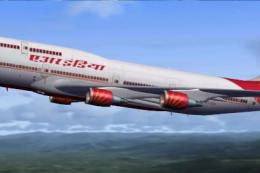
Air India Boeing 747-400. A repaint for the iFly Freeware 747-400 (FLY74711.Z…
 FSX Civil Aircraft
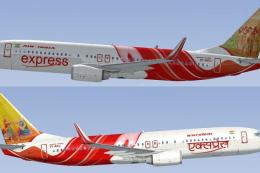
FSX Air India Express Boeing 737-800. Includes all 19 special liveries for Ai…
 FSX Civil Aircraft
This updated freeware package features a complete Boeing 777-200LR in the Air…
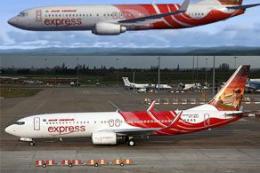 FSX Civil Aircraft
or the default 737-800. Tex Connolly.
 FSX Civil Aircraft
FSX Air India Express Boeing 737-8Q8, registration VT-AXG. Photoreal repaint,…
 FSX Civil Aircraft
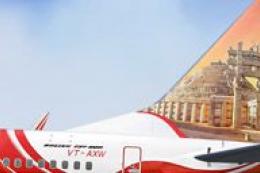
FSX Air India Boeing 737-800, registration VT-AXW. Model by Project Open Sky.…
 FSX Civil Aircraft
Repaint of Erez the Werber FAIB B737-800 in Air India Express color scheme (f…
Read what other simmers think, or add your own.
