

 FSX Civil Aircraft
Ethiopian Boeing 787-8
This upgraded release offers a dynamic representation of the Ethiopian Boeing…
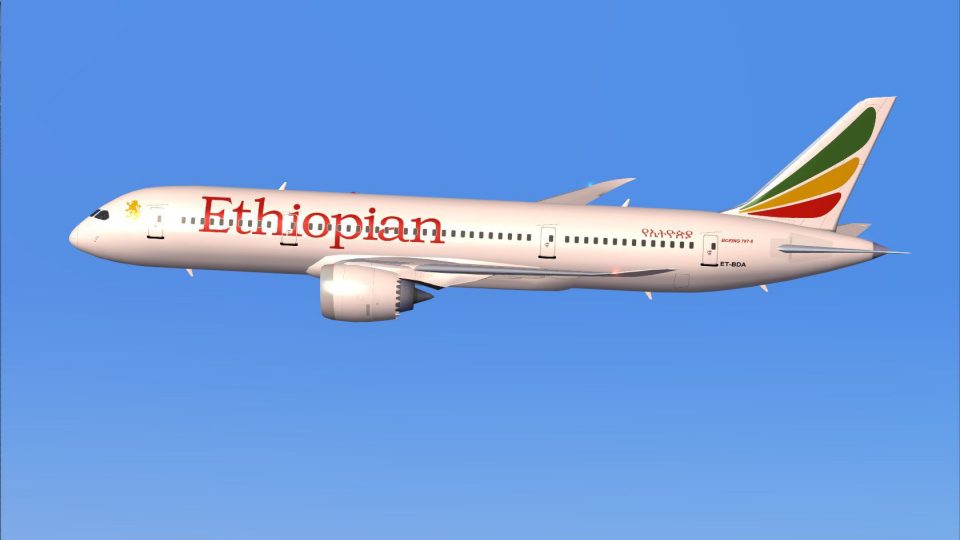
Ethiopian Airlines’ Boeing 787-8 joins AI traffic with a crisp, true-to-life livery that captures the carrier’s signature fuselage band and tail emblem for convincing long-haul airport scenes in FSX. Designed for performance-friendly AI use, it requires the CamSim AI Boeing 787-8 base model and includes matching configuration details.
 Rate
Rate
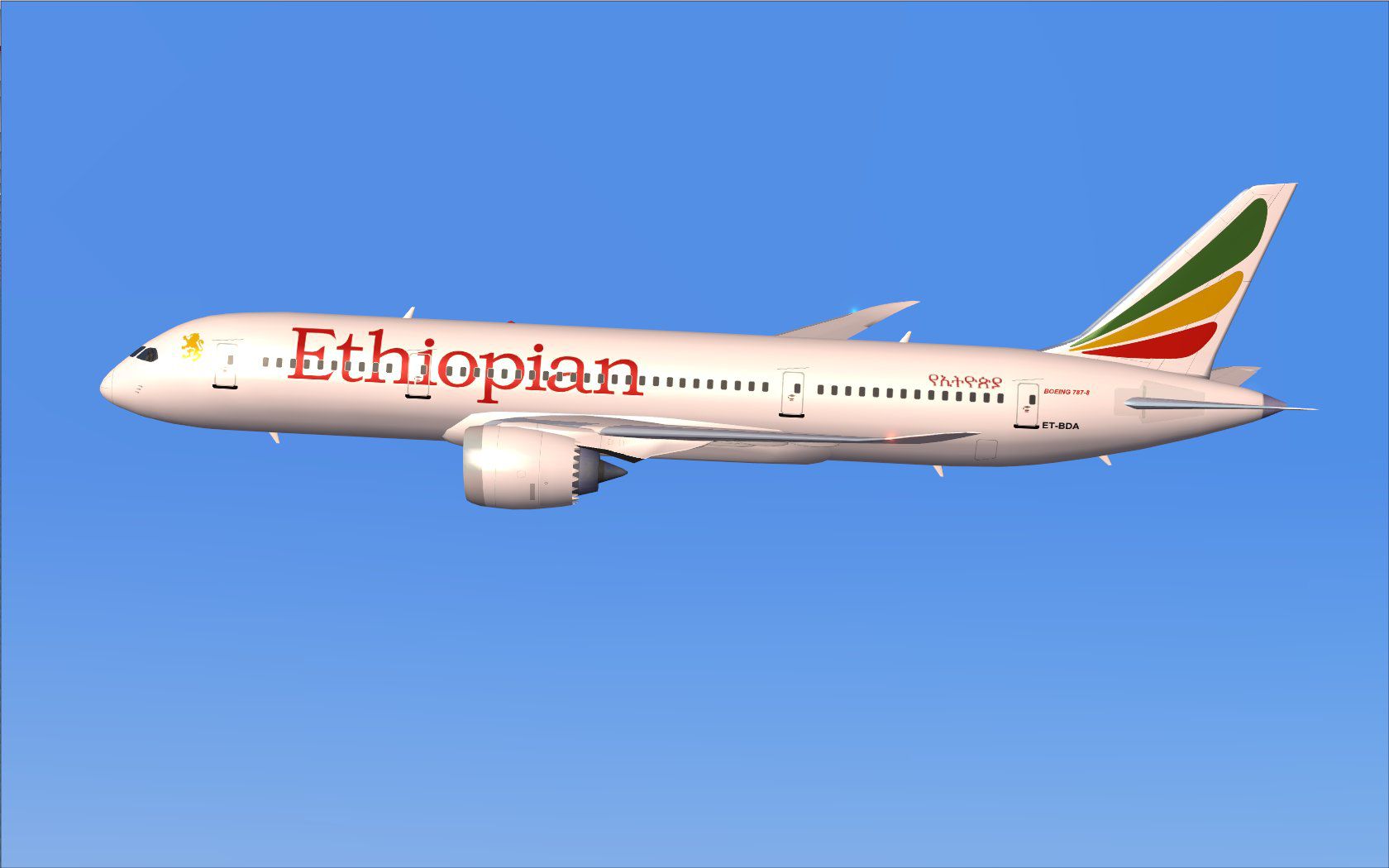
This freeware repaint brings the AI Ethiopian Boeing 787-8 to life with vivid detail and an authentic Ethiopian Airlines livery, intended for use alongside the separate CamSim AI Boeing 787-8 base model. Created by Camil Valiquette, this package preserves essential realism for AI traffic simulations and ensures that enthusiasts can witness East Africa’s prominent carrier operating the modern Dreamliner. Below, you’ll find a step-by-step process guiding you through the integration of these textures into your simulator environment.
The included textures reflect Ethiopian Airlines’ distinctive color scheme, a design recognized worldwide for its signature pan-African band along the fuselage and the airline’s emblematic tail motif. This Boeing 787-8 Dreamliner, constructed primarily with advanced composite materials, is known for its enhanced fuel efficiency and refined aerodynamics. Ethiopian Airlines utilizes the 787 on extensive transcontinental routes and remains one of the leading operators in Africa, making this repaint highly relevant for virtual long-haul traffic.
Screenshot of Ethiopian Boeing 787-8 in flight.
This repaint set operates in conjunction with the CamSim AI Boeing 787-8 model (files package name: CAMSIM788AI_X.ZIP). You must install the freeware base package from the Fly Away Simulation library. The author, Camil Valiquette, meticulously designed both the 3D model and paint configuration, ensuring full alignment with AI traffic demands.
[fltsim.x] title=Boeing 787-8 v5 AI Ethiopian sim=787-8 model=787-8 ai v5 panel= sound= texture=et kb_checklists= kb_reference= atc_id=xx atc_airline=xxx atc_flight_number=xxx atc_heavy=1 ui_manufacturer="CamSim AI Aircaft" ui_type="Boeing 787-8 V5 AI" ui_variation="AI Ethiopian" ui_typerole="Commercial Airliner" ui_createdby="CamSim" description="Boeing AI Boeing 787-8 Version 5."
Users running FSX on Windows 7 may notice missing aircraft components at dawn or dusk if “Preview DirectX 10” is checked. Unselecting that option under Options > Settings > Display > Global typically resolves any rendering issues.
As an AI-oriented livery, this package is designed primarily for traffic scenarios rather than user-controlled flight. Nevertheless, it closely replicates Ethiopian’s modern Dreamliner fleet in terms of visual fidelity, thereby intensifying immersion at domestic and international airports within your AI environment. Created for those who appreciate accurate airline representations, this repaint stands out due to the precise color matching and attention to finer details like windows, doors, and logo placement, all accomplished by developer Camil Valiquette.
Free for all simmers · 393.62 KB · Scanned clean Oct 2026
Download speed: Free tier is capped at 0.5 Mbps. PRO members download at full line speed.
texture.{airline}) inside FSX\SimObjects\Airplanes\{base-aircraft}\.aircraft.cfg in Notepad. Add a new [fltsim.X] section per the readme.readme.txt or README file. It tells you exactly where files go, what dependencies are needed, and any quirks specific to this add-on.The archive camsim788ai_et_x.zip has 17 files and directories contained within it.
This list displays the first 500 files in the package. If the package has more, you will need to download it to view them.
| Filename/Directory | File Date | File Size |
|---|---|---|
| CamSim Boeing 787-8 V5 AI Texture Only Ethiopian | 11.06.14 | 0 B |
| 787et1.jpg | 11.18.09 | 79.76 kB |
| file_id.diz | 11.06.14 | 235 B |
| Read Me_FSX.txt | 11.06.14 | 1.59 kB |
| texture.et | 11.06.14 | 0 B |
| 787eng_t.bmp | 07.09.13 | 1.00 MB |
| 787int_t.bmp | 11.18.09 | 1.00 MB |
| 787tail_t.bmp | 11.17.09 | 1.00 MB |
| 788fuse_t.bmp | 11.05.14 | 1.00 MB |
| 789wings_t.bmp | 08.21.13 | 1.00 MB |
| gris_t.bmp | 12.09.09 | 16.07 kB |
| tail.bmp | 12.02.12 | 1.00 MB |
| thumbnail.jpg | 11.06.14 | 5.11 kB |
| w787x_t.bmp | 07.17.13 | 16.07 kB |
| w_t.bmp | 10.22.13 | 16.07 kB |
| flyawaysimulation.txt | 10.29.13 | 959 B |
| Go to Fly Away Simulation.url | 01.22.16 | 52 B |
Only PRO members can place votes.
More FSX & P3D add-ons hand-picked based on this download.
FSX Civil Aircraft
This upgraded release offers a dynamic representation of the Ethiopian Boeing…
 FSX Civil Aircraft
Texture only, you will need the TDS B737-800 base pack (TDS_B737-800_BASE_PAC…
 FSX Civil Aircraft
This compact freeware package showcases an updated twin-engine widebody that …
 FSX Civil Aircraft
A repaint of the payware Captain Sim L1011. Textures only. Painted by Corina …
 FSX Civil Aircraft
This freeware package delivers a dedicated Boeing 787-9 model optimized speci…
 FSX Civil Aircraft
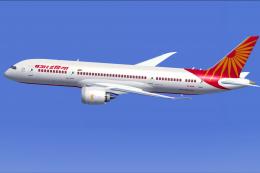
Experience a detailed Air India Boeing 787-8 repaint intended for use with th…
 FSX Civil Aircraft
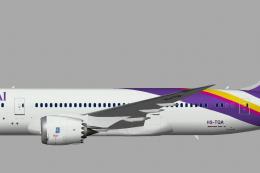
A repaint of the United Traffic Team (UTT) B787-8 in Thai Airways color schem…
 FSX Civil Aircraft
This repaint package provides an AI rendition of Virgin Atlantic’s Boeing 787…
Be the first to leave a comment on this download.
Be the first to share your thoughts on this download.