

 FSX Historic & Vintage Aircraft
Ford Tri-Motor
Ford Tri-Motor converted from the FS2004 default TriMotor. Includes many new …
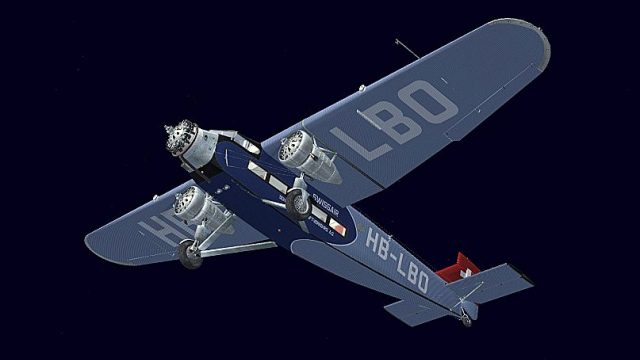
Swissair-inspired Ford Tri-Motor repaint brings classic airline styling to the Cr1-Software aircraft in FSX, with period-appropriate markings and a clean, cohesive exterior finish built from the original paintkit. The livery is intentionally fictional for Swiss service and requires the Cr1-Software.Ltd Ford Tri-Motor base model.
 Rate
Rate
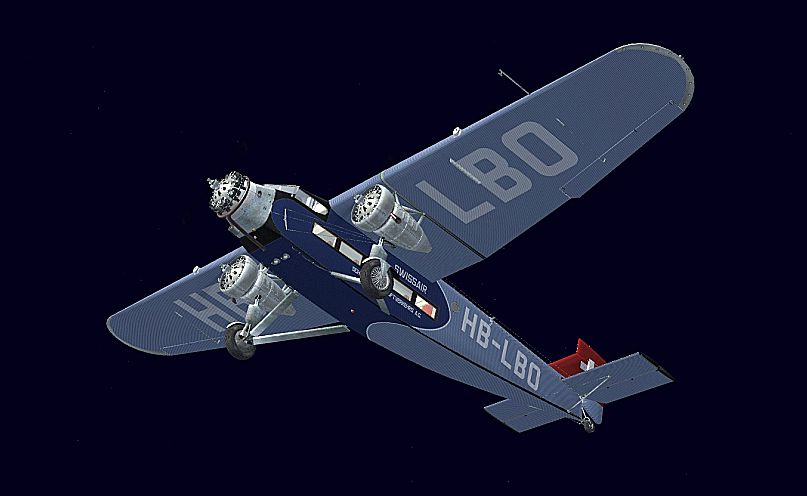
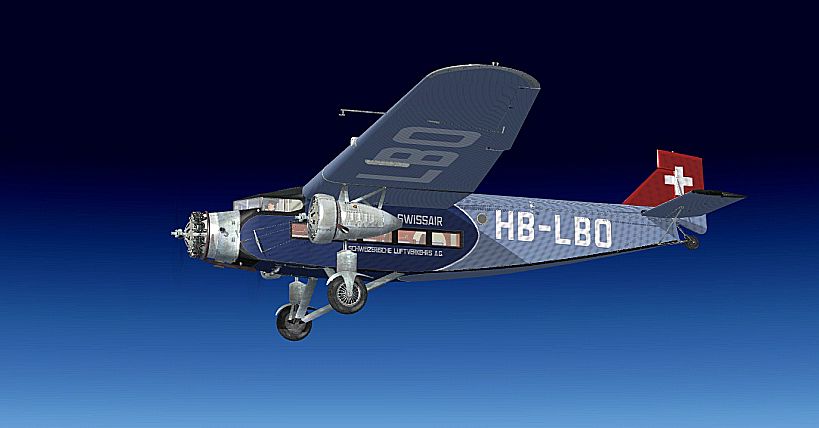


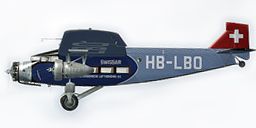
Swissair Ford Tri-Motor. This is a repaint of Cr1-Software Ford Tri-Motor (fictional). Repaint only. By B. Lechner.
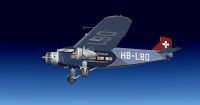
Screenshot of Swissair Ford Tri-Motor.
Attention, it is fictitious. In Switzerland only flew Fokker F VII.
Repaint only, requires Cr1-Software.Ltd "Ford Tri-Motor".
This repaint was created by using the original paintkit released with the aircraft.
Installation:
1. Unzip the file.
2. Put the folder "texture.HB-LBO" in the directory SimObjects\Airplanes\CR1-Ford Trimotor.
3. Open the aircraft.cfg file and paste the following text into the file after the previous aircraft repaint, ensuring to replace [fltsim.XX] with the next number in sequence.
[FLTSIM.XX]
title= CR-1 SCHWEIZERISCHE LUFTVERKEHRS A.G.

sim= ford_tri

model= cowls

panel=

sound=

texture= HB-LBO

kb_checklists= Ford_Trimotor_check

kb_reference= Ford_Trimotor_ref

atc_id= HB-LBO

ui_manufacturer= CR-1 Software.Ltd

ui_type= Ford Tri

ui_variation= SWISSAIR

description= .
4. Enjoy !
Thank you for downloading this paint !
SQUIRREL
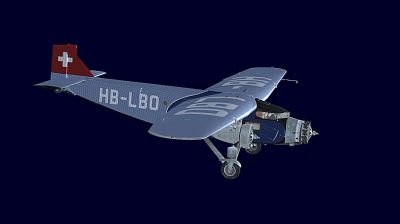
Screenshot of Swissair Ford Tri-Motor.
Free for all simmers · 1.13 MB · Scanned clean Oct 2026
Download speed: Free tier is capped at 0.5 Mbps. PRO members download at full line speed.
texture.{airline}) inside FSX\SimObjects\Airplanes\{base-aircraft}\.aircraft.cfg in Notepad. Add a new [fltsim.X] section per the readme.readme.txt or README file. It tells you exactly where files go, what dependencies are needed, and any quirks specific to this add-on.The archive ford_trimotor_swissair.zip has 13 files and directories contained within it.
This list displays the first 500 files in the package. If the package has more, you will need to download it to view them.
| Filename/Directory | File Date | File Size |
|---|---|---|
| readme.txt | 03.26.11 | 1.26 kB |
| Screens | 03.26.11 | 0 B |
| FT - 022.jpg | 03.26.11 | 199.84 kB |
| FT - 023.jpg | 03.26.11 | 107.71 kB |
| FT - 025.jpg | 03.26.11 | 163.00 kB |
| FT - 027.jpg | 03.26.11 | 150.67 kB |
| texture.HB-LBO | 03.26.11 | 0 B |
| FORDPAINT.dds | 03.26.11 | 4.00 MB |
| texture.cfg | 11.12.10 | 158 B |
| THUMBNAIL.jpg | 03.26.11 | 36.09 kB |
| Thumbs.db | 02.16.11 | 5.00 kB |
| flyawaysimulation.txt | 10.29.13 | 959 B |
| Go to Fly Away Simulation.url | 01.22.16 | 52 B |
Only PRO members can place votes.
More FSX & P3D add-ons hand-picked based on this download.
FSX Historic & Vintage Aircraft
Ford Tri-Motor converted from the FS2004 default TriMotor. Includes many new …
 FSX Historic & Vintage Aircraft
The paint represents a Ford TriMotor used by Grand Canyon Airlines. The repai…
 FSX Historic & Vintage Aircraft
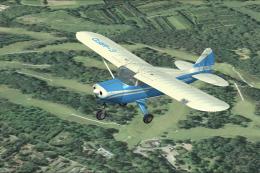
A British repaint for the payware Lionheart Creations Piper TriPacer. G-ARFD …
 FSX Historic & Vintage Aircraft
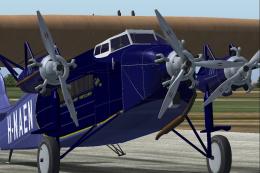
The Fokker FVII trimotor was one of the most successful airliners of 1925-193…
 FSX Historic & Vintage Aircraft
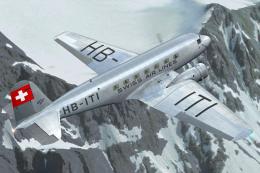
Experience an authentic Swissair livery for the Douglas DC-2, meticulously re…
 FSX Historic & Vintage Aircraft
Now version 3.14 (V3.1406). This package includes the latest Douglas C-47 Sky…
 FSX Historic & Vintage Aircraft
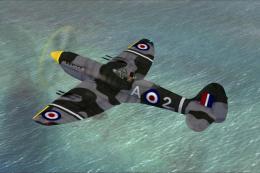
This is A.F. Scrub's Submarine MK-22 Spitfire Updated For Flight Simulator X.…
 FSX Historic & Vintage Aircraft
Note this aircraft originally was made by Gary Herbert due to the fact that h…
Be the first to leave a comment on this download.
Be the first to share your thoughts on this download.