

 FSX Civil Aircraft
Merpati Nusantara Airlines Boeing 737-200 PK-MBY
Textures only for use with the payware Milviz B737-200C. By Muhammad Chariri.…
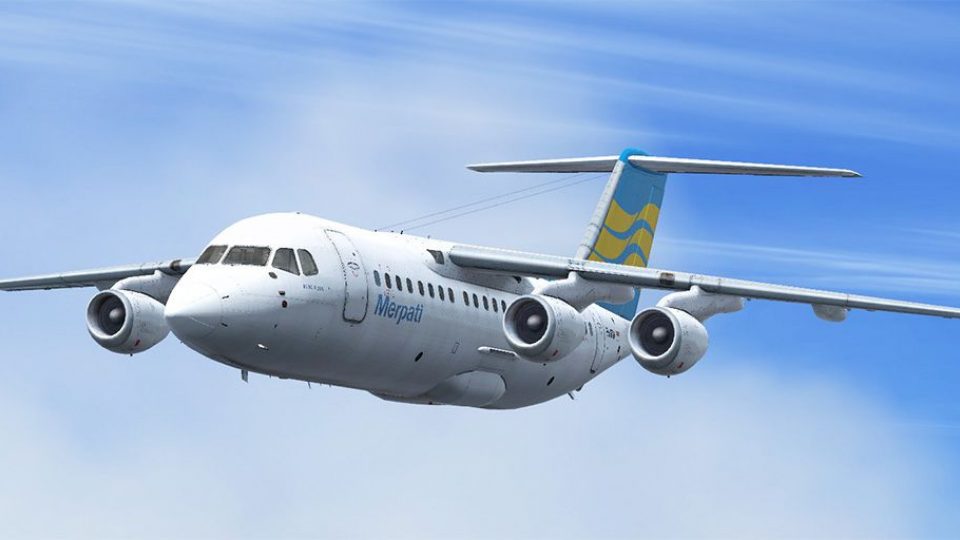
Merpati Nusantara Airlines colors come to life on the QualityWings BAe 146-200 with a faithful PK-MTA repaint, featuring carefully matched logos and era-accurate exterior details for regional Indonesian operations. Delivered as .qwl textures that load via the QW 146 dispatcher in Microsoft Flight Simulator X, it requires the payware aircraft.
 Rate
Rate
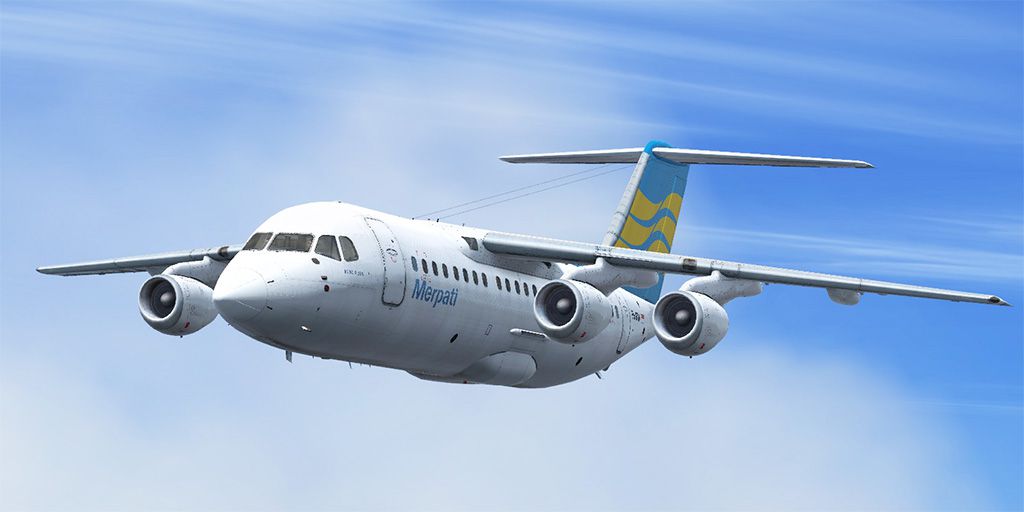
This freeware repaint offers faithful Merpati Nusantara markings for the payware QualityWings BAe 146-200, featuring registration PK-MTA. It contains meticulously designed texture files in .qwl format that integrate seamlessly using the QW 146 dispatcher. By Muhammad Chariri.
The British Aerospace 146 family is recognized for its high-lift wing and compact fuselage, suited for short-range flights and demanding regional routes. Many virtual pilots in Microsoft Flight Simulator X choose this series for its versatile flight dynamics, allowing them to practice short-takeoff and landing procedures at smaller airports. The BAe 146-200 variant stands out with four turbofan engines mounted on a high wing, enhancing runway performance and operator versatility.
This texture set portrays the classic Merpati Nusantara Airlines color scheme, reflecting the airline’s operational history in Indonesia. The exterior elements match the carrier’s original design, incorporating distinctive logos on the fuselage and tail section. These textures are tailored to capture the real-world appearance of PK-MTA during its service era.
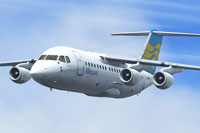
Screenshot of Merpati Nusantara BAe 146-200 in flight.
This repaint was assembled by Muhammad Chariri, who focused on accurately recreating the Merpati Nusantara theme to enrich your virtual flying experience. It is provided as a freeware add-on but requires the payware BAe 146-200 package for full functionality.
Free for all simmers · 31.77 MB · Scanned clean Oct 2026
Download speed: Free tier is capped at 0.5 Mbps (this file takes approximately 9 mins at the cap). PRO members download at full line speed.
texture.{airline}) inside FSX\SimObjects\Airplanes\{base-aircraft}\.aircraft.cfg in Notepad. Add a new [fltsim.X] section per the readme.readme.txt or README file. It tells you exactly where files go, what dependencies are needed, and any quirks specific to this add-on.The archive qw146200x_merpati.zip has 6 files and directories contained within it.
This list displays the first 500 files in the package. If the package has more, you will need to download it to view them.
| Filename/Directory | File Date | File Size |
|---|---|---|
| 1024x512.jpg | 02.07.15 | 106.02 kB |
| Readme.txt | 02.07.15 | 416 B |
| texture.merpati.qwl | 02.07.15 | 32.19 MB |
| 512x256.jpg | 02.07.15 | 47.37 kB |
| flyawaysimulation.txt | 10.29.13 | 959 B |
| Go to Fly Away Simulation.url | 01.22.16 | 52 B |
Only PRO members can place votes.
More FSX & P3D add-ons hand-picked based on this download.
FSX Civil Aircraft
Textures only for use with the payware Milviz B737-200C. By Muhammad Chariri.…
 FSX Civil Aircraft
This repaint package depicts a Merpati Nusantara Boeing 737-400 (PK-MDR) for …
 FSX Civil Aircraft
This freeware repaint offers an AI-optimized Merpati Nusantara Boeing 737-500…
 FSX Civil Aircraft
This repaint showcases a Merpati Nusantara Boeing 737-300 (PK-MDQ) for AI tra…
 FSX Civil Aircraft
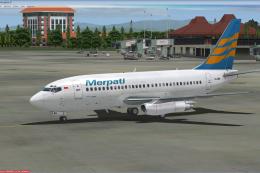
This is the repaint of payware Captain Sim B737-200 Adv model in livery of Me…
 FSX Civil Aircraft
This repaint brings the Merpati Nusantara Boeing 737-300 KLI logo jet (regist…
 FSX Civil Aircraft
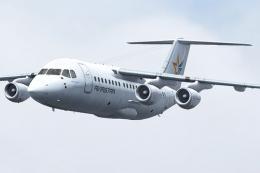
This repaint package offers the Aviastar color scheme for the payware Quality…
 FSX Civil Aircraft
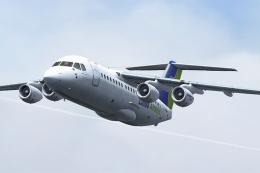
This repaint package showcases the Linus Airways color scheme applied to the …
Be the first to leave a comment on this download.
Be the first to share your thoughts on this download.