

 FSX Civil Aircraft
Aviastar BAe 146-200 PK-BRE
This repaint package offers the Aviastar color scheme for the payware Quality…
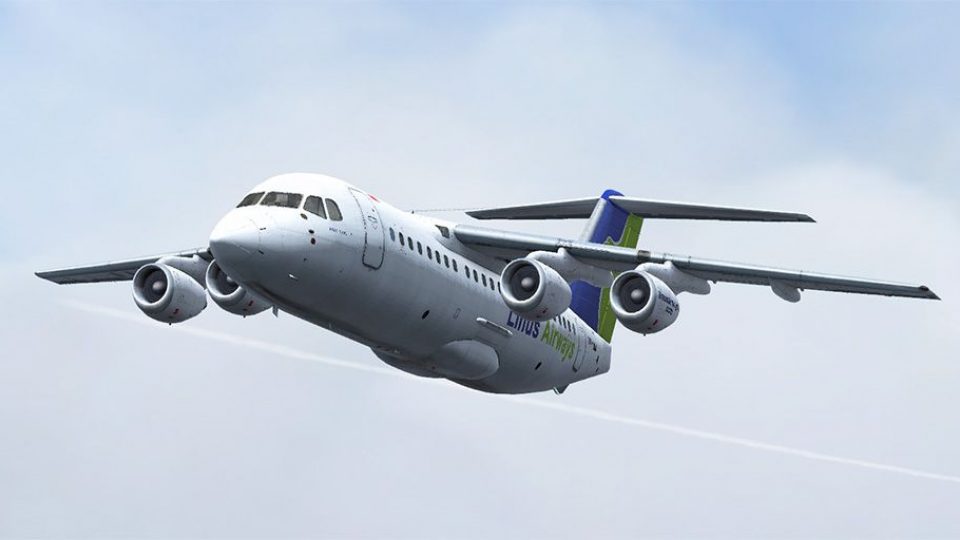
Linus Airways’ PK-LNJ livery for the QualityWings BAe 146-200 brings authentic Indonesian regional branding to Microsoft Flight Simulator X, with crisp fuselage markings, accurate door outlines, and a correctly placed tail logo. The repaint installs via the .qwl format and requires the QW 146 Dispatcher plus the payware aircraft.
 Rate
Rate

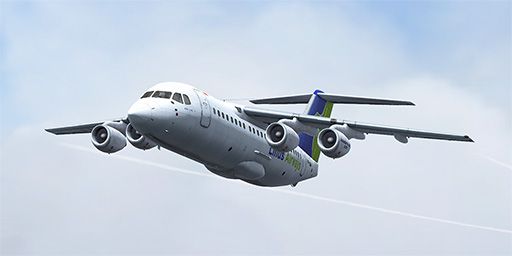
This repaint package showcases the Linus Airways color scheme applied to the payware QualityWings BAe 146-200, featuring registration PK-LNJ. It is prepared by Muhammad Chariri to bring authentic Indonesian regional branding into Microsoft Flight Simulator X fleets. These texture files come compressed in the .qwl format, which requires the dedicated QW 146 Dispatcher for installation.
The repaint highlights intricate fuselage details and accurately replicates the carrier’s branding across the exterior surfaces. Linus Airways, a former Indonesian operator, employed short-haul jets for domestic routes, making this BAe 146 rendition especially suitable for brisk commuter legs. The design integrates region-specific markings around the door outlines and includes the airline’s logo on the vertical stabilizer, closely matching textual placements from the real-world aircraft.
The BAe 146-200 series, known for its high-lift wings and efficient approach profiles, is a short-haul regional airliner designed by British Aerospace. Its quiet turbofan engines permit operations at airports with stringent noise regulations, which adds realism to flight sim approaches in urban areas. Pilots who enjoy challenging descents and shorter runways will appreciate this nimble but capable airframe.
These textures require the QualityWings commercial release of the 146-200, which is not included in this package. Once you acquire the original payware, you can integrate these Linus Airways textures without manual editing by employing the dedicated QW 146 Dispatcher tool supplied by QualityWings.
texture.linus.qwl file included in this download.
Showcasing the BAe 146-200 on a short-haul sector in Linus Airways branding.
Free for all simmers · 31.54 MB · Scanned clean Oct 2026
Download speed: Free tier is capped at 0.5 Mbps (this file takes approximately 9 mins at the cap). PRO members download at full line speed.
texture.{airline}) inside FSX\SimObjects\Airplanes\{base-aircraft}\.aircraft.cfg in Notepad. Add a new [fltsim.X] section per the readme.readme.txt or README file. It tells you exactly where files go, what dependencies are needed, and any quirks specific to this add-on.The archive qw146200x_linus.zip has 6 files and directories contained within it.
This list displays the first 500 files in the package. If the package has more, you will need to download it to view them.
| Filename/Directory | File Date | File Size |
|---|---|---|
| texture.linus.qwl | 02.07.15 | 31.98 MB |
| 512x256.jpg | 02.07.15 | 38.80 kB |
| 1024x512.jpg | 02.07.15 | 88.16 kB |
| Readme.txt | 02.07.15 | 405 B |
| flyawaysimulation.txt | 10.29.13 | 959 B |
| Go to Fly Away Simulation.url | 01.22.16 | 52 B |
Only PRO members can place votes.
More FSX & P3D add-ons hand-picked based on this download.
FSX Civil Aircraft
This repaint package offers the Aviastar color scheme for the payware Quality…
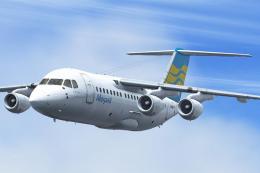 FSX Civil Aircraft
This freeware repaint offers faithful Merpati Nusantara markings for the payw…
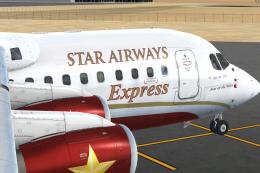 FSX Civil Aircraft
Star Airways BAe 146-100 in express livery. This aircraft is a regional airli…
 FSX Civil Aircraft
Enhance your virtual flight lineup with this custom-painted BAe 146-100, show…
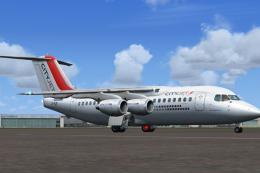 FSX Civil Aircraft
This is a repaint for the payware Just Flight BAe 146-200 in the colors of Ai…
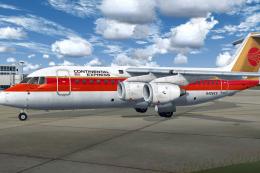 FSX Civil Aircraft
The payware QualityWings BAe 146-200 in the Continental Express livery seen d…
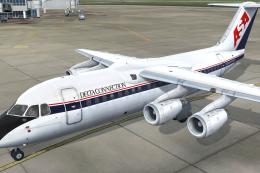 FSX Civil Aircraft
QualityWings BAe 146 in the Delta Connection livery seen during the 1990s. Th…
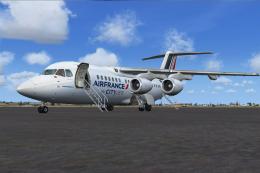 FSX Civil Aircraft
This is a repaint for the the payware Just Flight BAe 146-200. The repaint is…
Be the first to leave a comment on this download.
Be the first to share your thoughts on this download.