

 FSX Panels & Gauges
McDonnell Douglas MD-80-87 Panel Project
Four panels for the MD-80-87 (SGA MD-80 and MD-87 Series, or similar). Sub-pa…
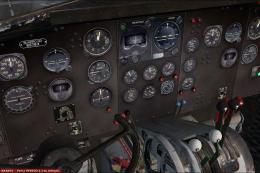
Douglas Boston MkIII and A-20 Havoc pilots get an alternative 2D and 3D panel that borrows the familiar Douglas DC-3 gauge set for a clean, period-appropriate instrument layout. Updated for Microsoft Flight Simulator X, it drops into Alphasim’s freeware model and requires the default FS2004 Douglas DC-3 gauges.
 Rate
Rate
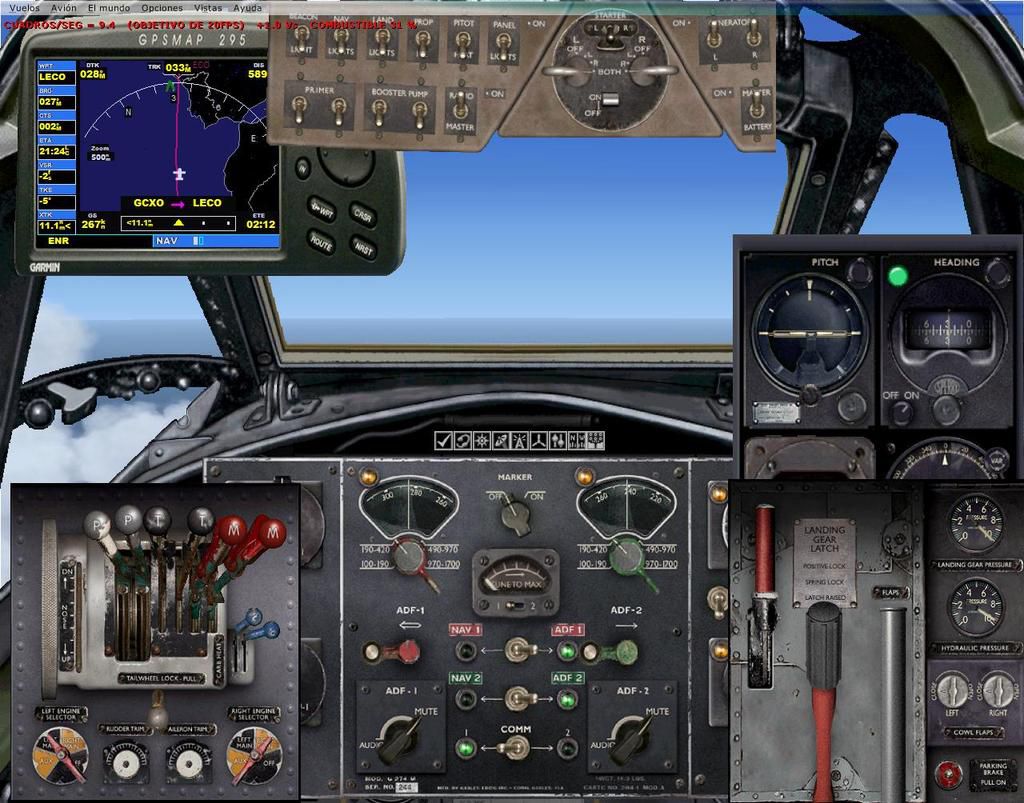
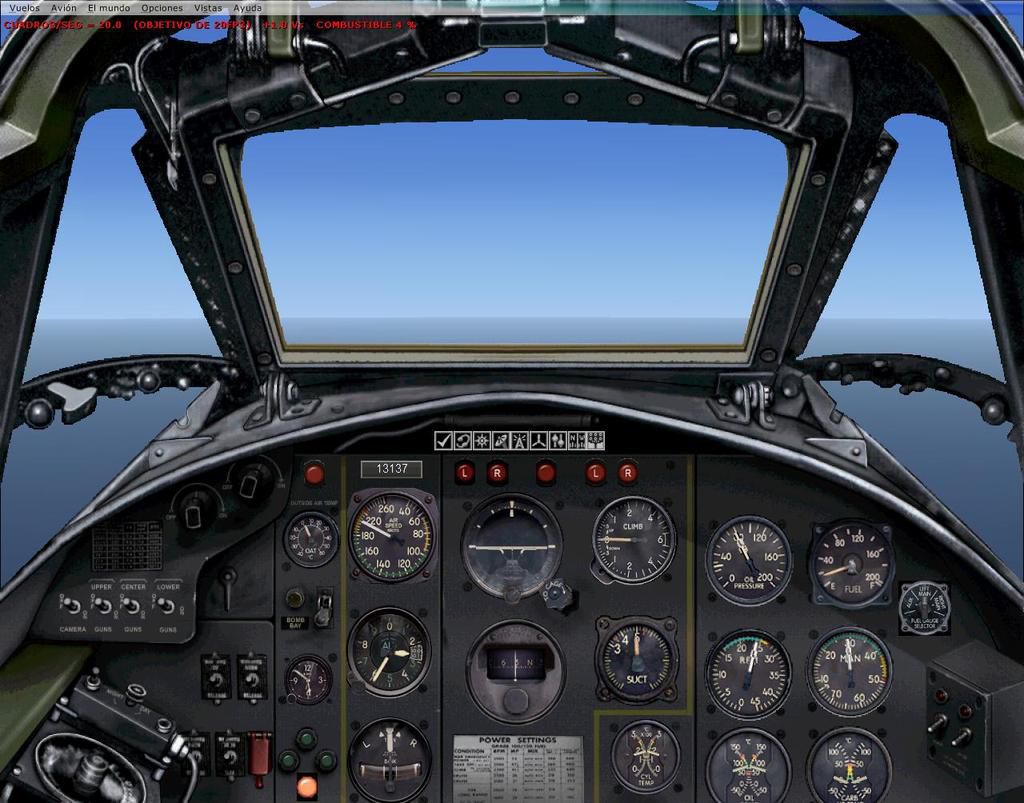
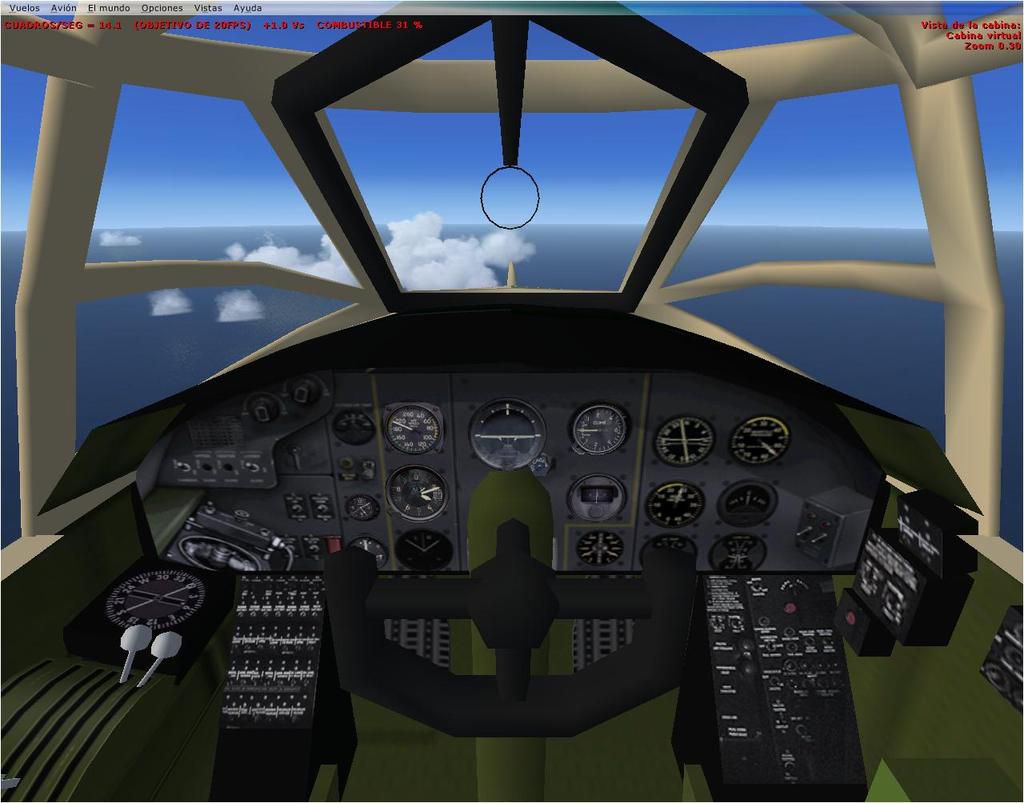
Panel--Douglas Boston. This alternative 2D and 3D panel is for Alphasim's freeware Douglas Boston MkIII / A-20 Havoc (BOSTONMKIII.ZIP or ALPHBST9.ZIP), and uses the default gauges of the Douglas DC-3. Updated for FSX by Enrique Medal.
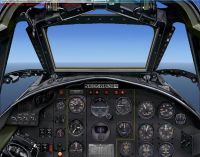
Douglas Boston Panel.
I dont know if this panel could be used in Fs2004.
DEFAULT FS2004 GAUGES NEEDED: Douglas DC3.
Installation :
1. Copy new panel.cfg and bitmap files into "panel" folder of your aircraft previously downloaded.
2. For use in FSX, should be replaced (or added if not) the following lines into the file aircraft.cfg:
//LINES TO REPLACE/ADD in FSX (for the correct functioning of gauges)
[autopilot]

	autopilot_available=1

	flight_director_available=0

	pitch_takeoff_ga=0.0

	default_vertical_speed=700.000000

	autothrottle_available=0

	direction_indicator=1

	attitude_indicator=1

	max_pitch=10.000000

	max_pitch_acceleration=1.000000

	max_pitch_velocity_lo_alt=2.000000

	max_pitch_velocity_hi_alt=1.500000

	max_pitch_velocity_lo_alt_breakpoint=20000.000000

	max_pitch_velocity_hi_alt_breakpoint=28000.000000

	max_bank=25.000000

	max_bank_acceleration=1.800000

	max_bank_velocity=3.000000

	max_throttle_rate=0.100000

	nav_proportional_control=9.000000

	nav_integrator_control=0.250000

	nav_derivative_control=0.000000

	nav_integrator_boundary=2.500000

	nav_derivative_boundary=0.000000

	gs_proportional_control=9.520000

	gs_integrator_control=0.260000

	gs_derivative_control=0.000000

	gs_integrator_boundary=0.700000

	gs_derivative_boundary=0.000000

	yaw_damper_gain=0.0

	default_bank_mode=2 //Default to Heading Hold
[direction_indicators]

	;/1 Type: 0=None, 1=Vacuum Gyro, 2=Electric Gyro, 3=Electro-Mag Slaved Compass, 4=Slaved to another

	;/2 Indicator number of slaving indicator if Type = 4

	direction_indicator.0=1,0

	direction_indicator.1=2,0
[attitude_indicators]

	;/Type: 0=None, 1=Vacuum Gyro, 2=Electric Gyro

	attitude_indicator.0=1

	attitude_indicator.1=2
[altimeters]

	altimeter.0=1

	altimeter.1=1
[turn_indicators]

	;/Type: 0=None, 1=Electric Gyro, 2=Vacuum Gyro

	turn_indicator.0=2,0
[Radios]

	;/ Radio Type = availiable, standby frequency, has glide slope

	Audio.1=1

	Com.1=1, 0

	Com.2=1, 0

	Nav.1=1, 0, 1

	Nav.2=1, 0, 0

	Adf.1=1

	Adf.2=1

	Transponder.1=0

	Marker.1=1
//END OF LINES TO REPLACE/ADD in FSX.
NOTE: In FSX, if the starters does not work, simply change the following value in aircraft.cfg:
[piston_engine]

	...

	normalized_starter_torque= 0.35
This is freeware and is not to be sold or used to make money in any way.
Enrique Medal
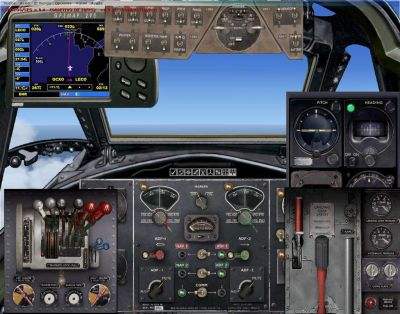
Douglas Boston Panel.
Free for all simmers · 610.41 KB · Scanned clean Oct 2026
Download speed: Free tier is capped at 0.5 Mbps. PRO members download at full line speed.
FSX\SimObjects\Airplanes\{aircraft}\panel\. Back up the existing panel folder first.readme.txt or README file. It tells you exactly where files go, what dependencies are needed, and any quirks specific to this add-on.The archive panel_alphabostonmkiii.zip has 11 files and directories contained within it.
This list displays the first 500 files in the package. If the package has more, you will need to download it to view them.
| Filename/Directory | File Date | File Size |
|---|---|---|
| panel | 08.21.11 | 0 B |
| DB-7pnl.bmp | 08.21.11 | 769.05 kB |
| Navpanel.bmp | 01.23.01 | 134.53 kB |
| panel.cfg | 08.21.11 | 6.17 kB |
| panel_backup001.cfg | 10.11.04 | 3.20 kB |
| AltPanel_ALPHA_Boston_MkIII_1.jpg | 08.21.11 | 132.63 kB |
| README.txt | 08.22.11 | 2.92 kB |
| AltPanel_ALPHA_Boston_MkIII_2.jpg | 08.21.11 | 156.54 kB |
| AltPanel_ALPHA_Boston_MkIII_VC.jpg | 08.21.11 | 92.73 kB |
| flyawaysimulation.txt | 10.29.13 | 959 B |
| Go to Fly Away Simulation.url | 01.22.16 | 52 B |
Only PRO members can place votes.
More FSX & P3D add-ons hand-picked based on this download.
FSX Panels & Gauges
Four panels for the MD-80-87 (SGA MD-80 and MD-87 Series, or similar). Sub-pa…
 FSX Panels & Gauges
This is a free download for the McDonnell-Douglas MD-80 Instrument Panel brin…
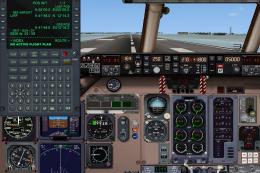 FSX Panels & Gauges
McDonnell Douglas MD-80 / MD-83 Panel. Reworked by adding new gauges and free…
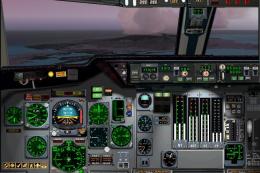 FSX Panels & Gauges
FSX sample Aircraft.cfg linking FSX DC-10 Panel Project (FSX_DC-10_PANEL_PROJ…
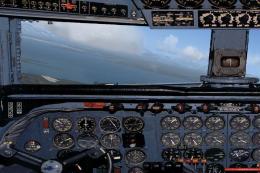 FSX Panels & Gauges
Updated photorealistic panel for the Douglas DC6 from Jens B. Kristensen (DC6…
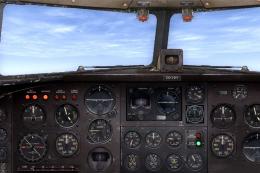 FSX Panels & Gauges
Douglas DC-3 Widescreen 2D Panel. Original DC3 2D panel extended for use with…
 FSX Panels & Gauges
Douglas R4D Panel. Modified default panel for the Manfred Jahn C-47. This pan…
 FSX Panels & Gauges
For use with wing views in FSX. As we all know, FSX doesn't provide this func…
Be the first to leave a comment on this download.
Be the first to share your thoughts on this download.