

 FSX Panels & Gauges
Embraer A-29B Widescreen 2D Panel
A 2D panel for Tim Conrad's Super Tucano now extended for use with widescreen…
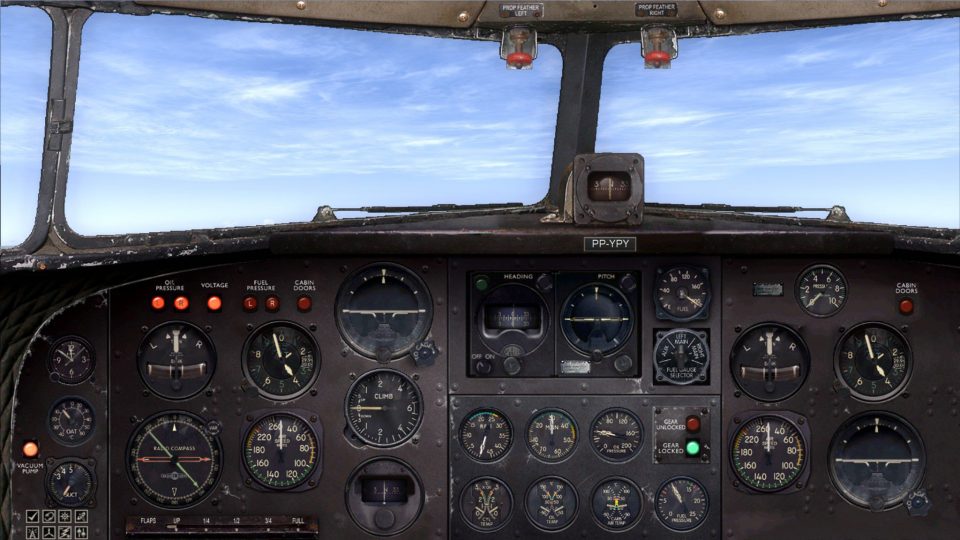
Douglas DC-3 widescreen 2D panel modernizes the cockpit layout for wide monitors in FSX, using a single reworked bitmap and fully working captain and first officer gauges. Choose worn, clean, or black finishes with matching night lighting, and an optional pack supports the Just Flight DC-3/C-47.
 Rate
Rate
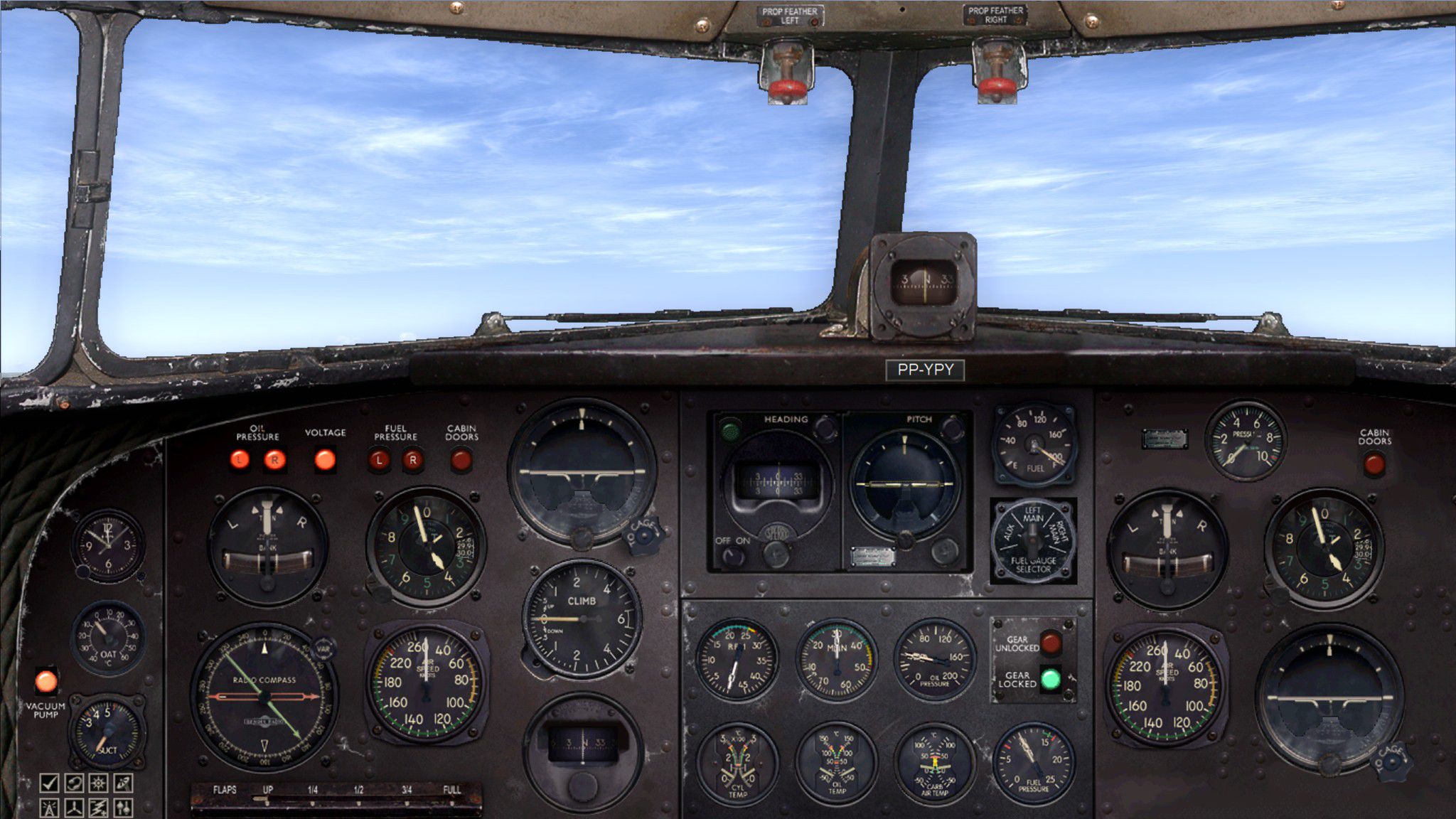
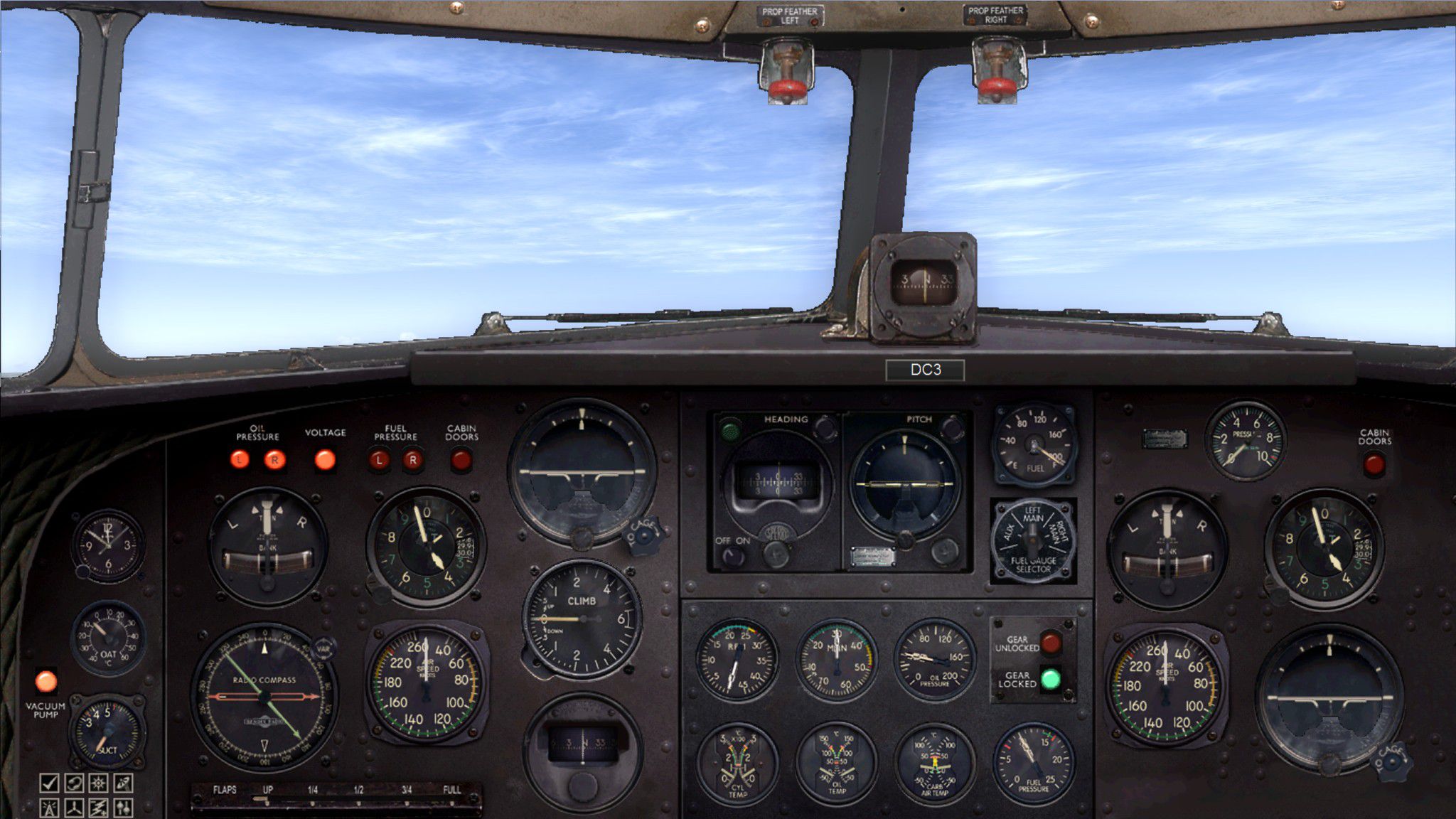
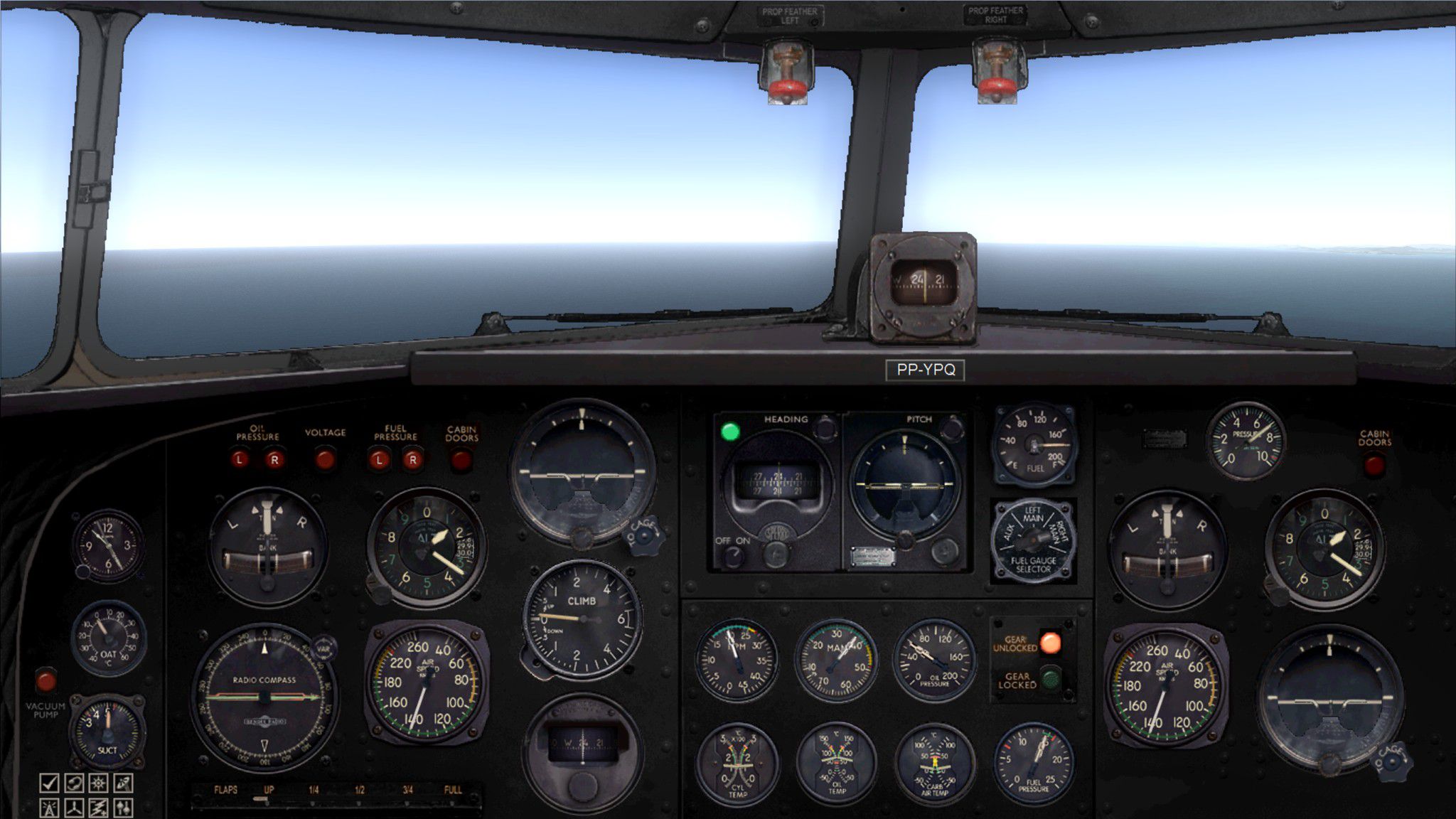
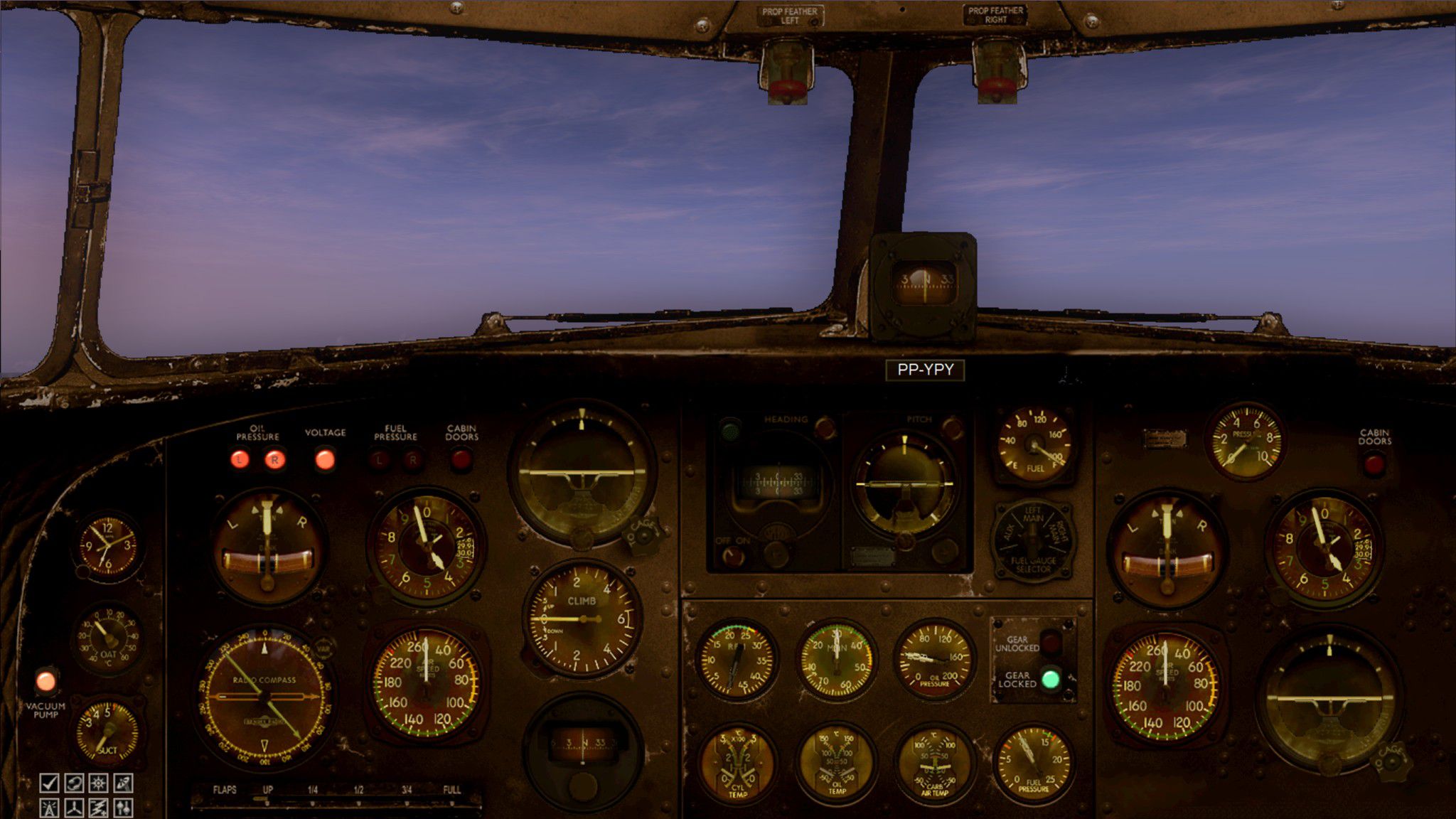
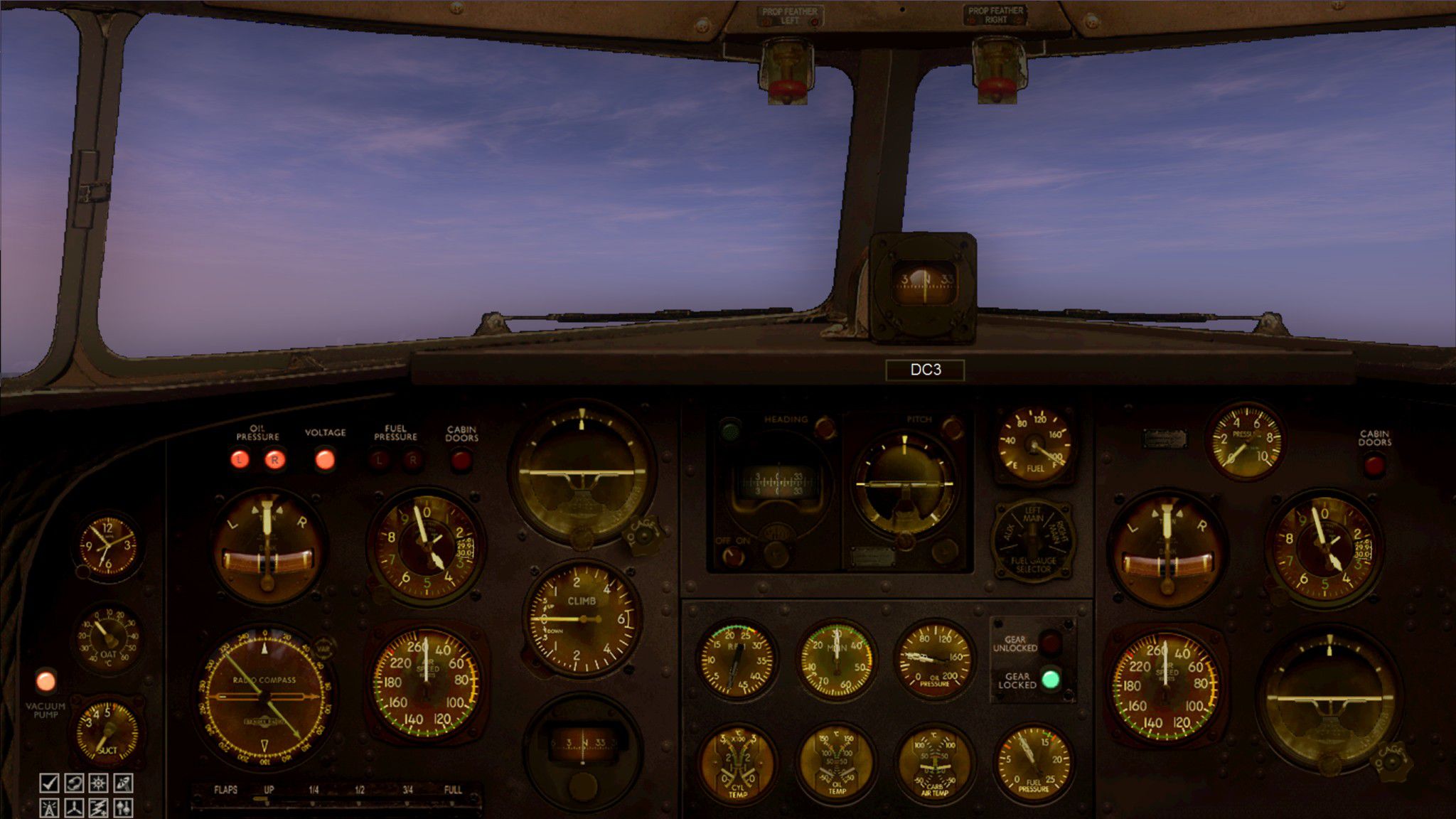
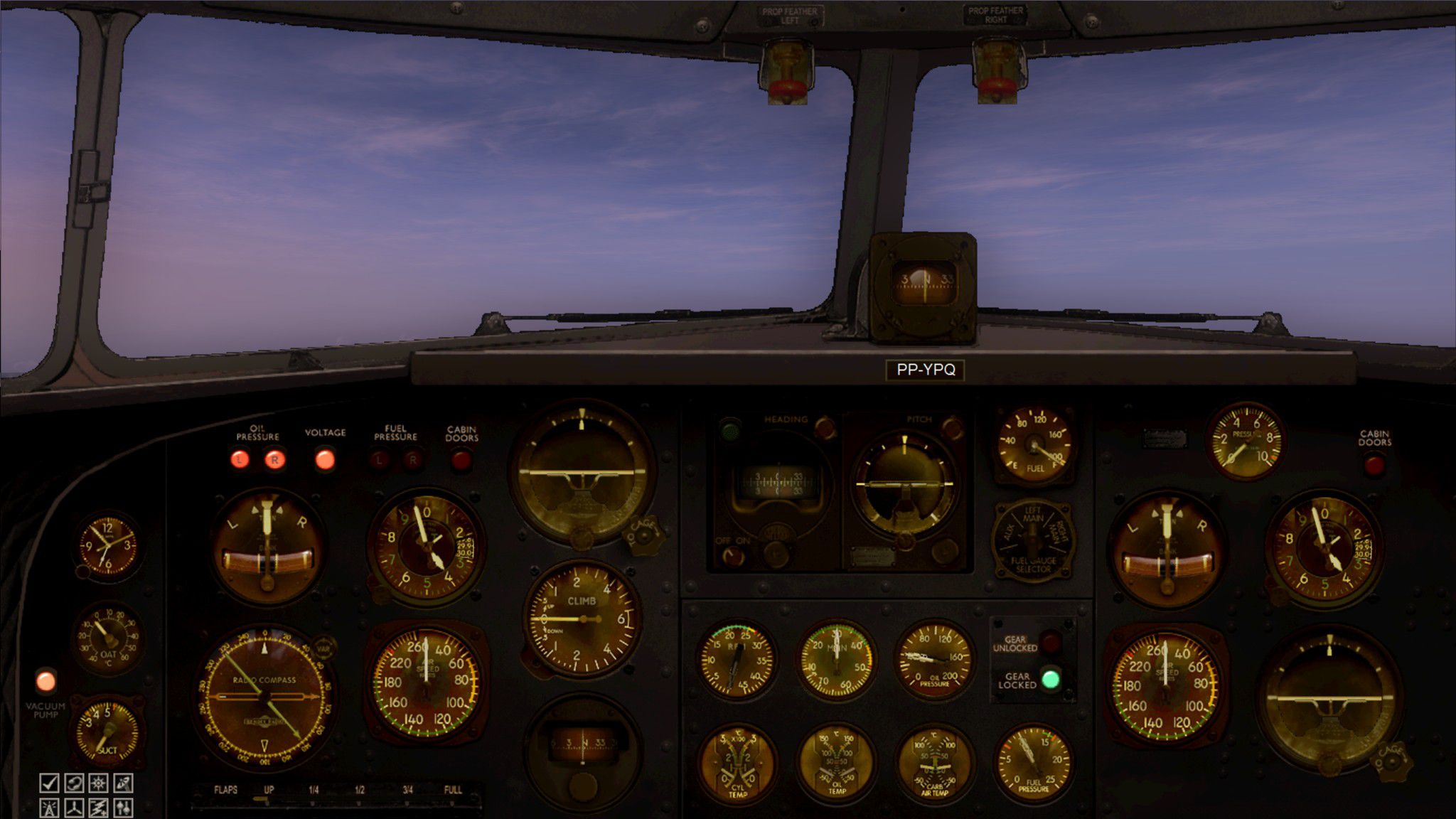
Douglas DC-3 Widescreen 2D Panel. Original DC3 2D panel extended for use with wide screen monitors. With three options of finish: original (worn), clean and black with respective night lighting modes. Includes panel pack for use of widescreen with Just Flight DC3/C47. Originally developed for 2048 x 1152, but should work as well with similar screen ratios. For those of you who don't feel at ease with oval gages. By Luiz Alvarenga.
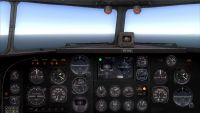
Douglas DC-3 Widescreen 2D Panel.
This is a 2D panel for widescreen video monitors.
It was developed and fine tuned in a 2048 x 1152 video resolution monitor but should work as well with similar screen ratios.
It is a fully functional widescreen panel with the first officer gages working as well, and differently from my previous works, contains a single reworked bitmap which comprises all the 2D visible area.
INSTALLATION:
1. Unzip the contents of this file to a temporary directory.
2. Make a copy or rename your "panel.cfg" file which is inside the panel folder of default DC-3 (SimObjects\Airplanes\Douglas_DC3\panel) just in case you want to get back to the original installation.
3. Now copy and paste the contents of the supplied panel folder into the folder of default DC-3. Say yes when asked about copying the new "panel.cfg".
4. The supplied panel folder contains the original (worn) panel. If you wish to substitute for the Clean or Black types, just put the 2 bmp files supplied in the Black or Clean folders inside the panel folder and say yes when asked about the change.
4. Please note that the supplied "panel.cfg" file is based on the original FSX file. If you happen to have any additional gages or panel add-ons you will have to make manual adjustments to the file.
5. Enjoy!
INSTALLATION OF Just Flight PANEL PACK
If you want to use the Widescreen 2D panel with the payware Just Flight Douglas DC3/C47, follow the same procedure described above, but using the supplied panel folder inside the JustFlight Pack folder.
Don't forget to make a backup copy of the original "panel.cfg" file just in case you want to get back to the original installation.
The panel supplied is in the Black style in order to have an appearance closer to the Just Flight VC panel, but you can also change to the other styles supplied as described.
ATTENTION:
This addon is supplied as it is. All effort was made to make it fully functional, but there is no warranty, implicit or explicit, that fitness for use will be fully achieved.
This is a copyrighted freeware, and, as such, can not be sold or used for any commercial purposes.
Fly more and be happy!
Luiz Alvarenga
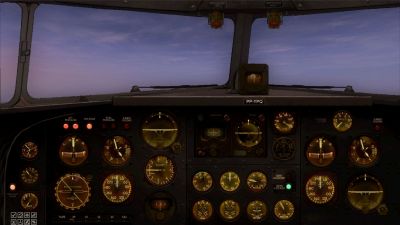
Douglas DC-3 Widescreen 2D Panel.
Free for all simmers · 5.78 MB · Scanned clean Oct 2026
Download speed: Free tier is capped at 0.5 Mbps (this file takes approximately 2 mins at the cap). PRO members download at full line speed.
FSX\SimObjects\Airplanes\{aircraft}\panel\. Back up the existing panel folder first.readme.txt or README file. It tells you exactly where files go, what dependencies are needed, and any quirks specific to this add-on.The archive ws2d-panel-dc-3.zip has 26 files and directories contained within it.
This list displays the first 500 files in the package. If the package has more, you will need to download it to view them.
| Filename/Directory | File Date | File Size |
|---|---|---|
| Black | 02.03.11 | 0 B |
| DC3_background.bmp | 01.26.11 | 3.00 MB |
| DC3_background_night.bmp | 01.27.11 | 3.00 MB |
| black-day.jpg | 01.28.11 | 344.92 kB |
| black-night.jpg | 02.04.11 | 308.80 kB |
| Clean | 02.03.11 | 0 B |
| DC3_background.bmp | 01.26.11 | 3.00 MB |
| DC3_background_night.bmp | 01.26.11 | 3.00 MB |
| clean-day.jpg | 02.04.11 | 405.67 kB |
| clean-night.jpg | 02.04.11 | 323.30 kB |
| File_ID.DIZ | 02.03.11 | 446 B |
| JustFlight Pack | 02.03.11 | 0 B |
| panel | 02.03.11 | 0 B |
| DC3_background.bmp | 01.26.11 | 3.00 MB |
| DC3_background_night.bmp | 01.27.11 | 3.00 MB |
| panel.cfg | 02.04.11 | 7.35 kB |
| panel | 02.03.11 | 0 B |
| DC3_background.bmp | 08.05.10 | 3.00 MB |
| DC3_background_night.bmp | 08.05.10 | 3.00 MB |
| panel.cfg | 02.04.11 | 7.93 kB |
| Read1st.txt | 02.04.11 | 2.38 kB |
| worn-night.jpg | 02.04.11 | 358.92 kB |
| WS2D-panel.jpg | 02.04.11 | 429.54 kB |
| WS2D-panel-DC-3 | 02.04.11 | 0 B |
| flyawaysimulation.txt | 10.29.13 | 959 B |
| Go to Fly Away Simulation.url | 01.22.16 | 52 B |
Only PRO members can place votes.
More FSX & P3D add-ons hand-picked based on this download.
FSX Panels & Gauges
A 2D panel for Tim Conrad's Super Tucano now extended for use with widescreen…
 FSX Panels & Gauges
For use with wing views in FSX. As we all know, FSX doesn't provide this func…
 FSX Panels & Gauges
A photorealistic 2D panel for the Dan Cownan Icon A5 (A5.ZIP). Contains all n…
 FSX Panels & Gauges
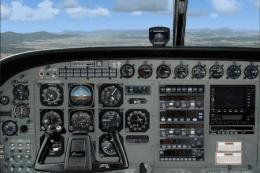
Designed from a real photo as replacement for the default FSX C208. XML gauge…
 FSX Panels & Gauges
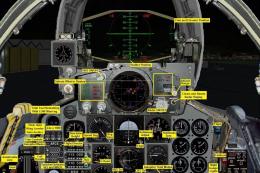
F-4 Phantom 2D Panel. Photo-based F4 Phantom II panel. Includes a complete su…
 FSX Panels & Gauges
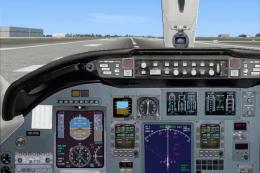
Citation Excel 560XL 2D Panel. Based on the Aryus FS2004 model but flying ver…
 FSX Panels & Gauges
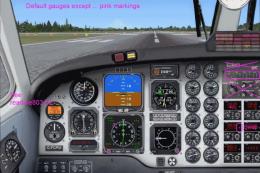
Based on the default Beechcraft King Air 350 with modified bitmap, default FS…
 FSX Panels & Gauges
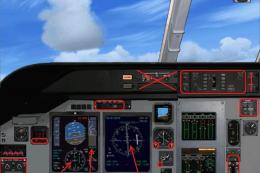
Casa 295 2D Panel. Based on the model built by Premier Aircraft Design. Some …
Be the first to leave a comment on this download.
Be the first to share your thoughts on this download.