


 Bahamas
  FSX Scenery
MCAS Cherry Point
This scenery update elevates the default MCAS Cherry Point (KNKT) environment…
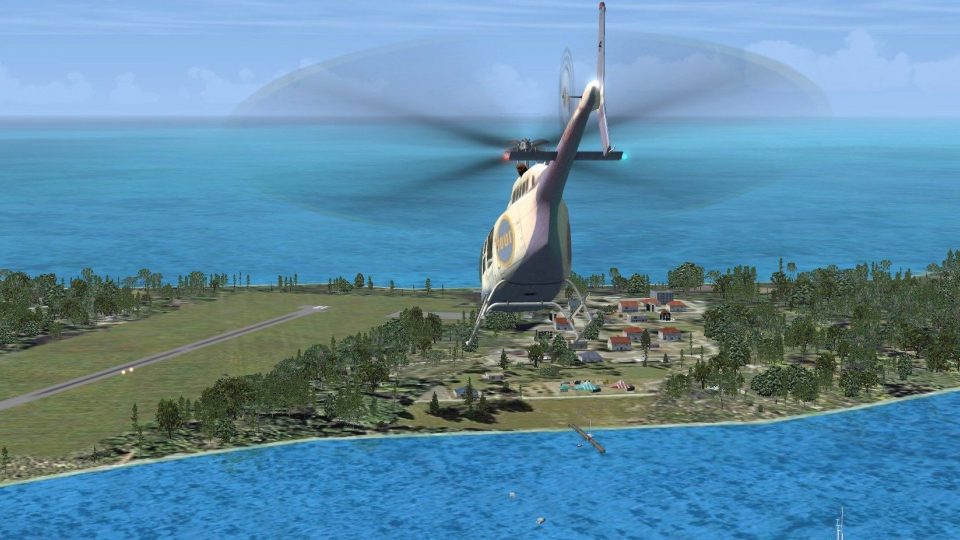
Black Point and Staniel Island scenery brings the Bahamas airstrips MYE2 and MYES to life with custom airport surroundings and animated groups of people using flash cameras for extra island atmosphere in FSX. It requires FSX Gold Acceleration for the crowd effects, making low-and-slow hops and resort runs feel lively.

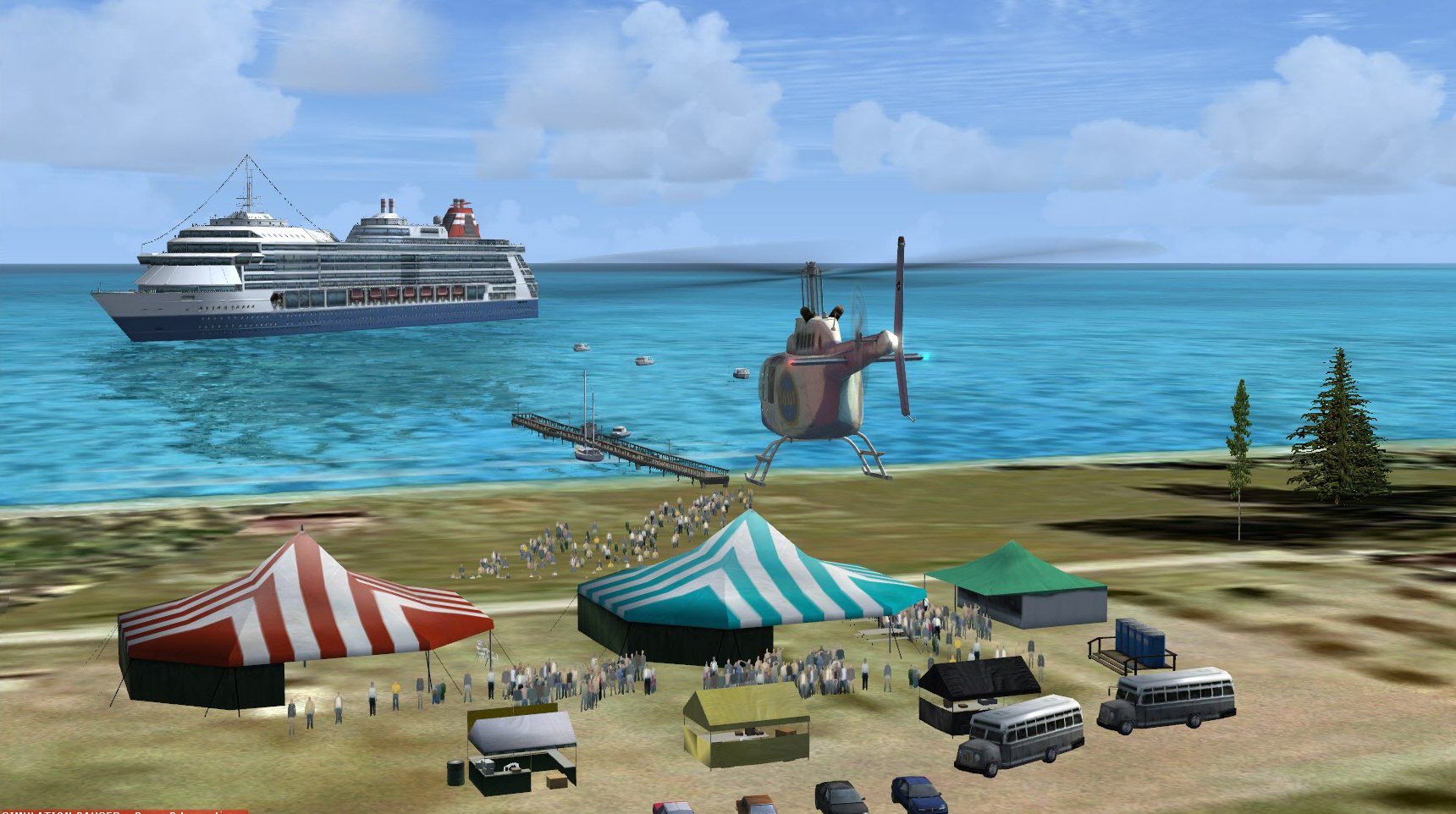
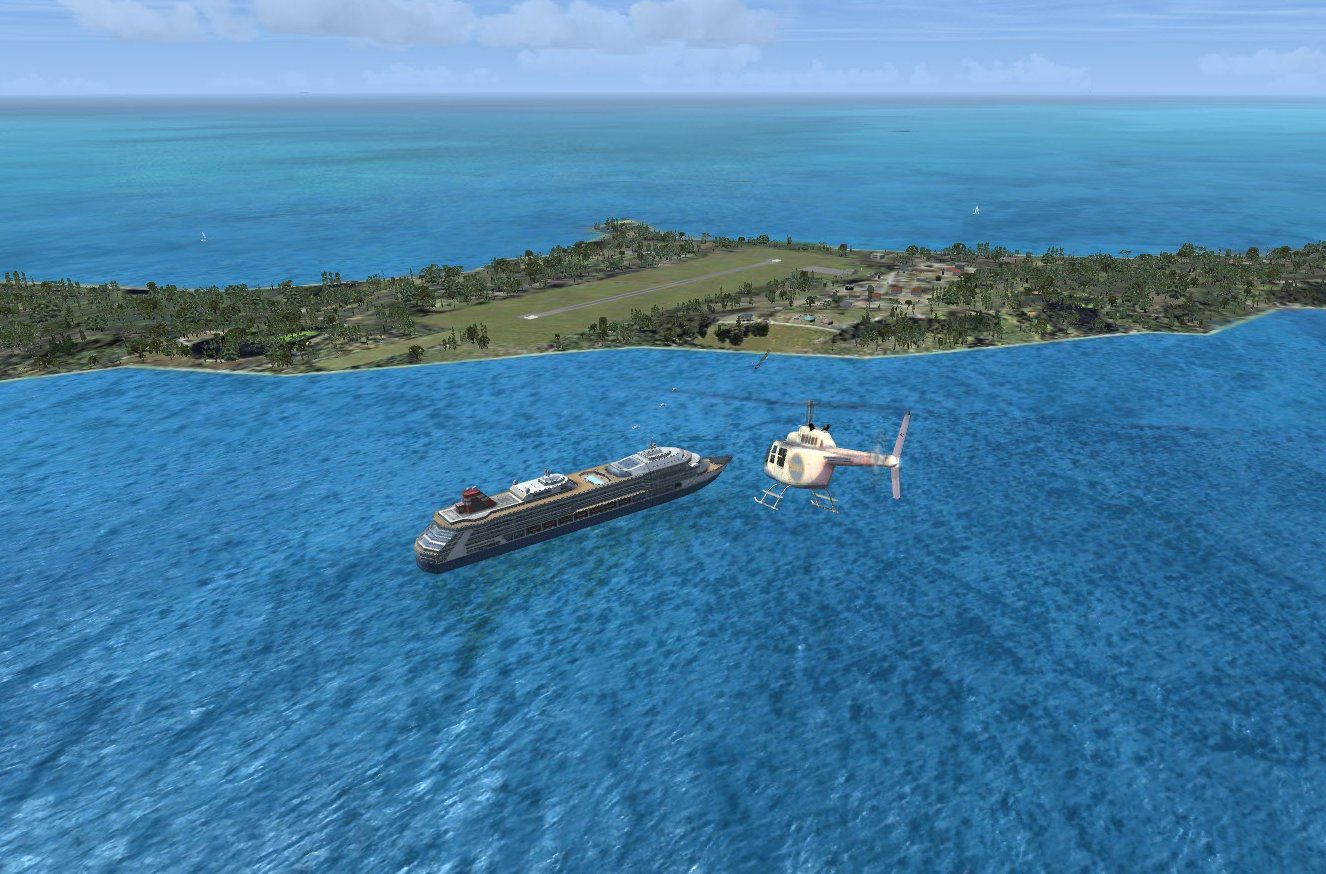

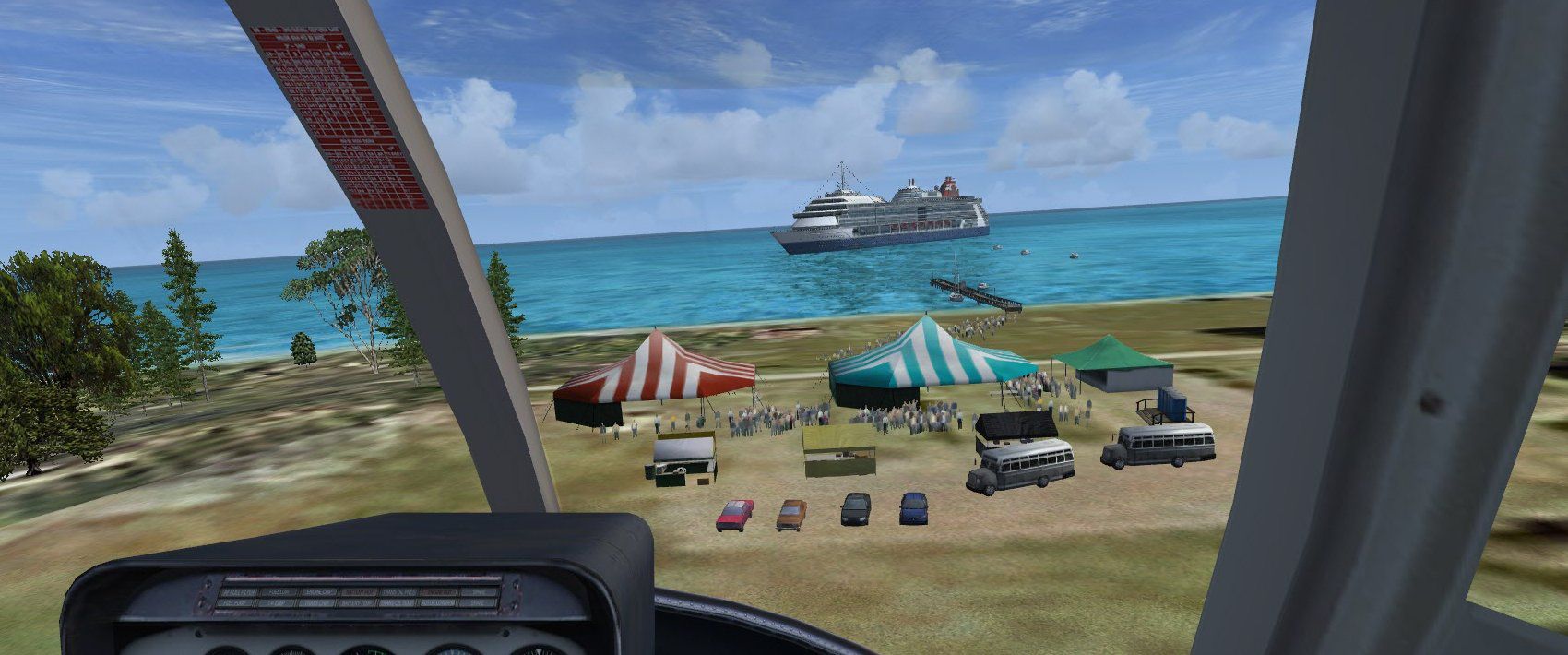


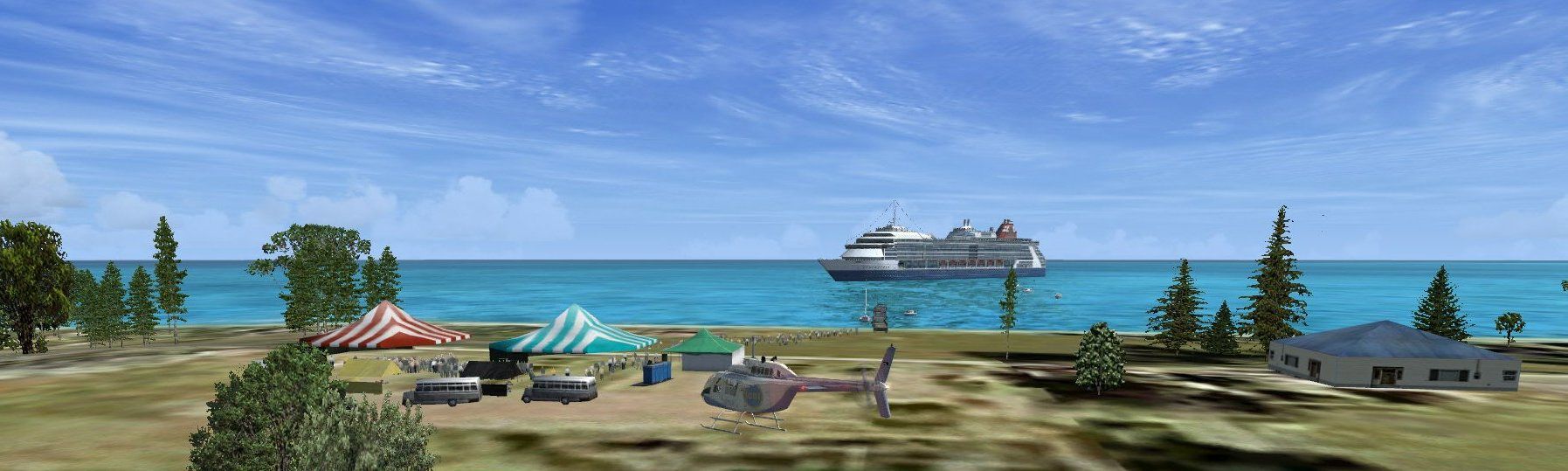
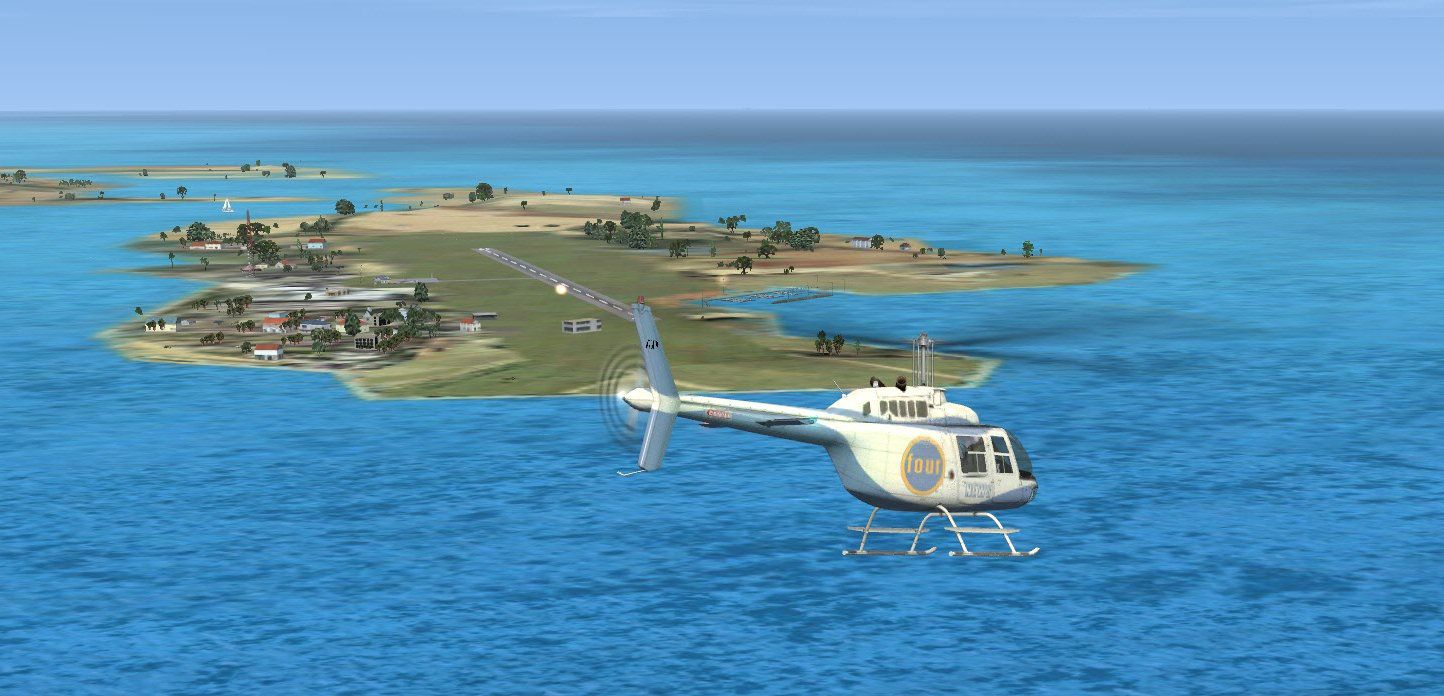
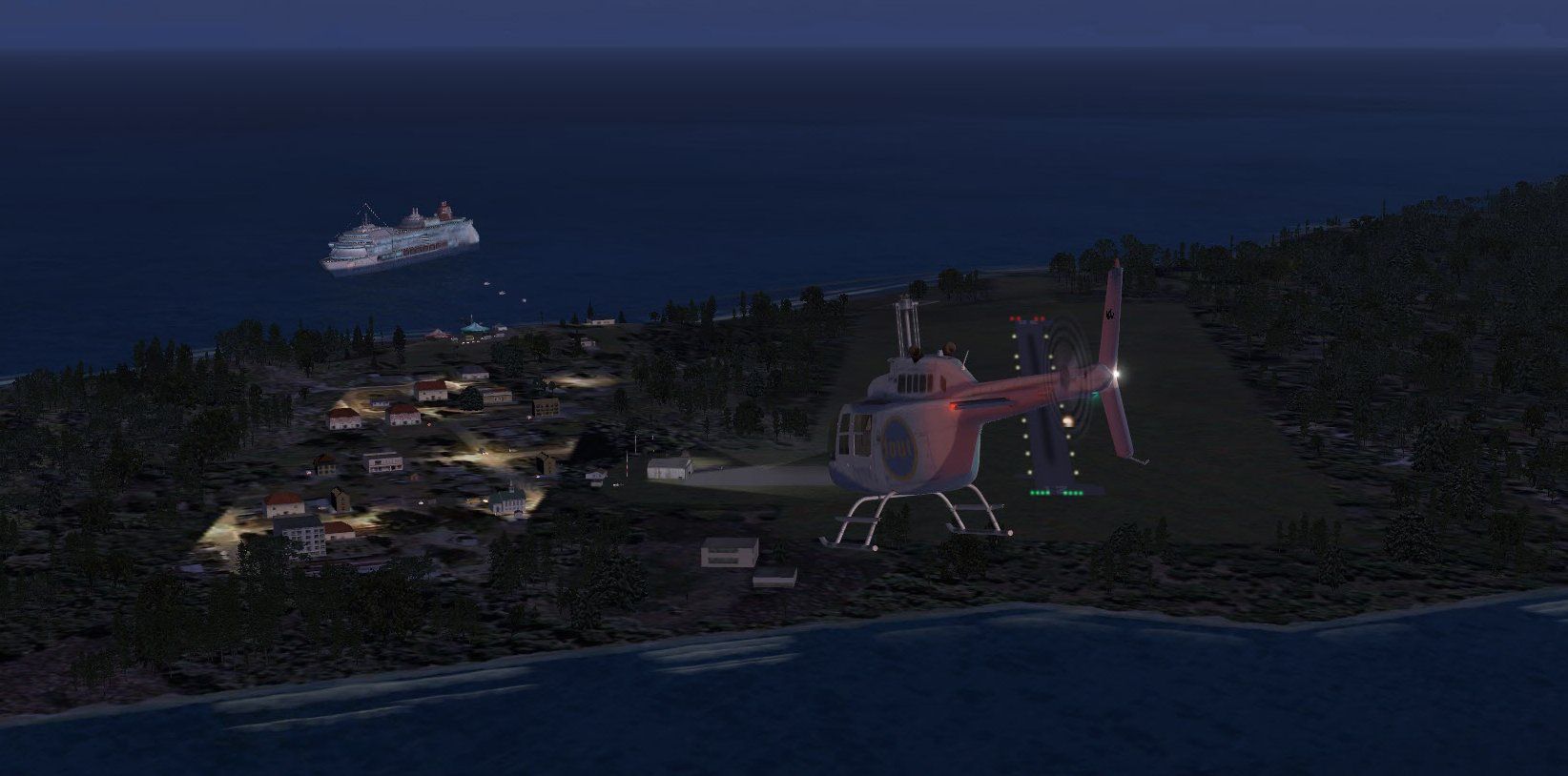
Black Point And Stanel Island, Bahamas (MYE2, MYES). FSX Gold Acceleration needed for groups of people with flash cameras. By Jimmy R. Martin.
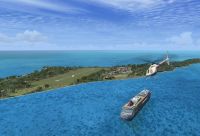
Screenshot of Black Point And Stanel Island.
Leaf Cay, MYXD is not included. It is a private island owned by Nicholas Cage and I cannot find data on it.
Place the two folders into your addon scenery folder.
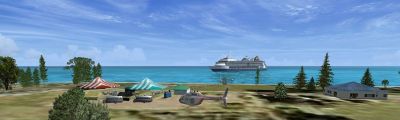
Screenshot of Black Point And Stanel Island.
Free for all simmers · 1.98 MB · Scanned clean Oct 2026
Download speed: Free tier is capped at 0.5 Mbps. PRO members download at full line speed.
FSX\Addon Scenery\ containing scenery and texture sub-folders.readme.txt or README file. It tells you exactly where files go, what dependencies are needed, and any quirks specific to this add-on.Use these coordinates to fly directly to this location once the mod is installed.
24.16910000,-76.43920000
Launch FSX or Prepar3D and use Flights → Load to open the downloaded .pln file. Your aircraft will be positioned at this location.
The archive mye2_myes.zip has 31 files and directories contained within it.
This list displays the first 500 files in the package. If the package has more, you will need to download it to view them.
| Filename/Directory | File Date | File Size |
|---|---|---|
| file_id.diz | 01.11.12 | 144 B |
| PS0331..jpg | 01.11.12 | 162.72 kB |
| PS0332..jpg | 01.11.12 | 168.07 kB |
| PS0333..jpg | 01.11.12 | 278.09 kB |
| PS0334..jpg | 01.11.12 | 175.68 kB |
| PS0338..jpg | 01.11.12 | 219.24 kB |
| PS0342..jpg | 01.11.12 | 183.55 kB |
| PS0343..jpg | 01.11.12 | 270.00 kB |
| PS0344..jpg | 01.11.12 | 192.46 kB |
| PS0345..jpg | 01.11.12 | 132.77 kB |
| PS0346..jpg | 01.11.12 | 154.97 kB |
| Ramp Lighting.txt | 12.04.11 | 1.46 kB |
| readme.txt | 01.11.12 | 508 B |
| scenery | 01.11.12 | 0 B |
| MYE2_ADEX_ADE.BGL | 01.10.12 | 2.01 kB |
| MYE2_ADEX_ADE.xml | 01.10.12 | 16.40 kB |
| MYE2_ADEX_ADE_CVX.bgl | 01.10.12 | 312 B |
| MYE2_ADEX_XXX.ad2.ad2 | 01.10.12 | 36.70 kB |
| MYE2_MYES_JRM.bgl | 01.10.12 | 3.25 kB |
| MYES_ADEX_ADE.BGL | 01.11.12 | 1.93 kB |
| MYES_ADEX_ADE.xml | 01.11.12 | 15.75 kB |
| MYES_ADEX_ADE_CVX.bgl | 01.11.12 | 258 B |
| MYES_ADEX_XXX.ad2.ad2 | 01.11.12 | 40.06 kB |
| MYES_FSX_JRM.bgl | 01.11.12 | 3.39 kB |
| RampLight_Library.bgl | 01.11.05 | 30.63 kB |
| texture | 01.11.12 | 0 B |
| ESDG_ramp.BMP | 01.09.05 | 32.07 kB |
| ESDG_ramp_lm.BMP | 01.09.05 | 32.07 kB |
| MYE2_MYES | 01.11.12 | 0 B |
| flyawaysimulation.txt | 10.29.13 | 959 B |
| Go to Fly Away Simulation.url | 01.22.16 | 52 B |
Only PRO members can place votes.
More FSX & P3D add-ons hand-picked based on this download.
FSX Scenery
This scenery update elevates the default MCAS Cherry Point (KNKT) environment…
 FSX Scenery
Leeward Point Field, Guantanamo Bay, Cuba (MUGM). Includes moved and replaced…
 FSX Scenery
Barbers Point / Electric Beach (PHJR), Hawaii (HI), v1.0. This scenery is an …
 FSX Scenery
Scenery Salmon Point (AKSP), Chenega, Alaska (AK). A fictitious airport with …
 FSX Scenery
This is the Green Point Soccer Stadium in Cape Town. This stadium was built f…
 FSX Scenery
Friday Harbor Airport And Lopez Island. This package was made using Airport D…
 FSX Scenery
Australia And Norfolk Island landclass. Best used in spring, summer and fall.…
 FSX Scenery
St Barthelemy island (TFFJ) is situated in the Caribbean Sea. It's small slop…
Be the first to leave a comment on this download.
Be the first to share your thoughts on this download.