

 United States of America









 MSFS Scenery
Albi, France City Area
A complete pack for Microsoft Flight Simulator (MSFS) 2020 release bringing A…
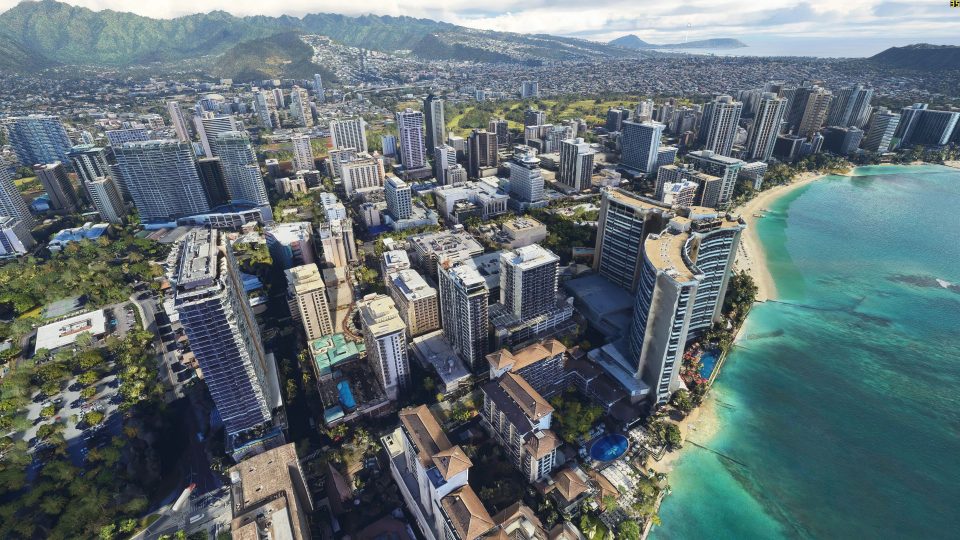
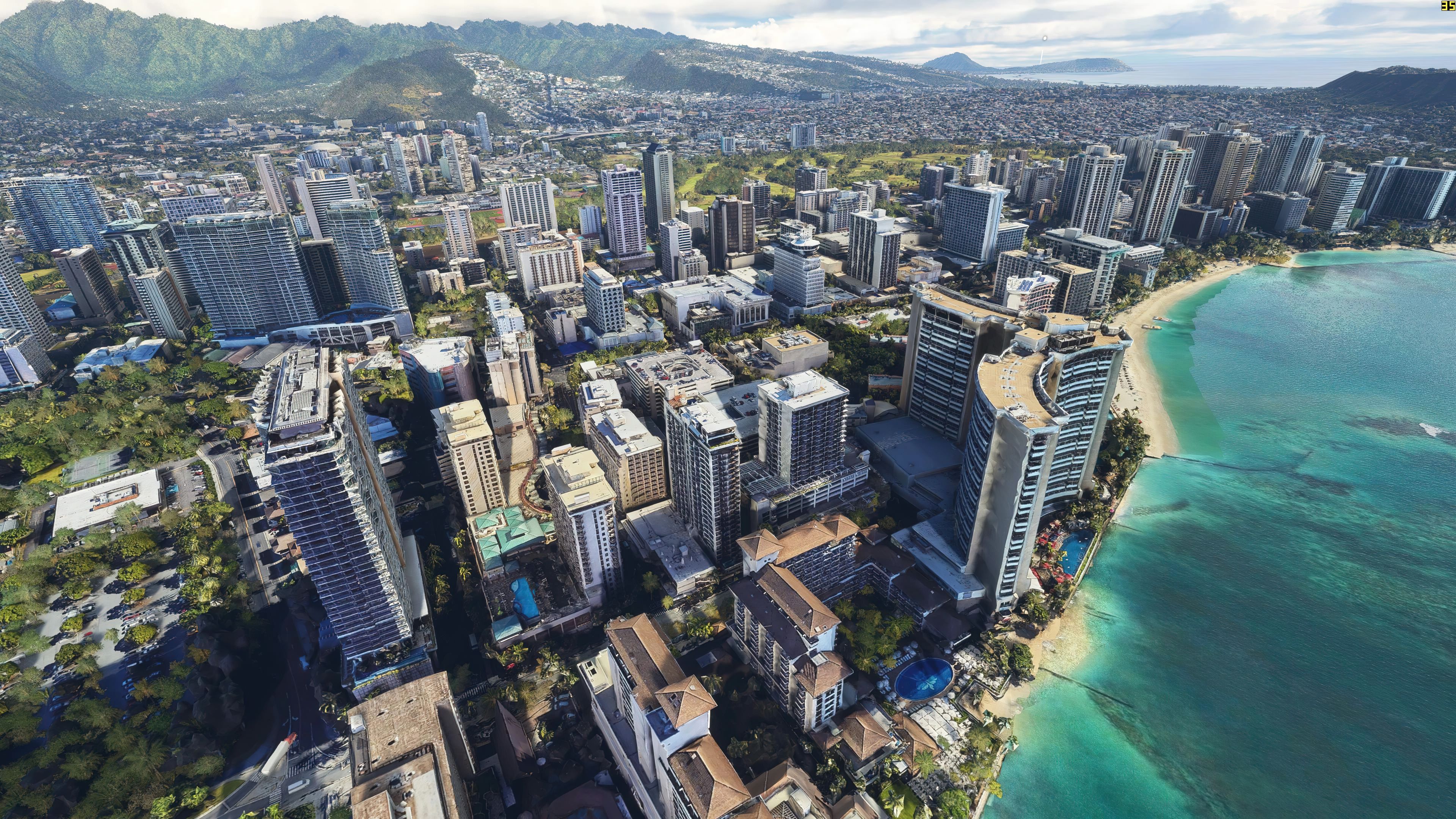
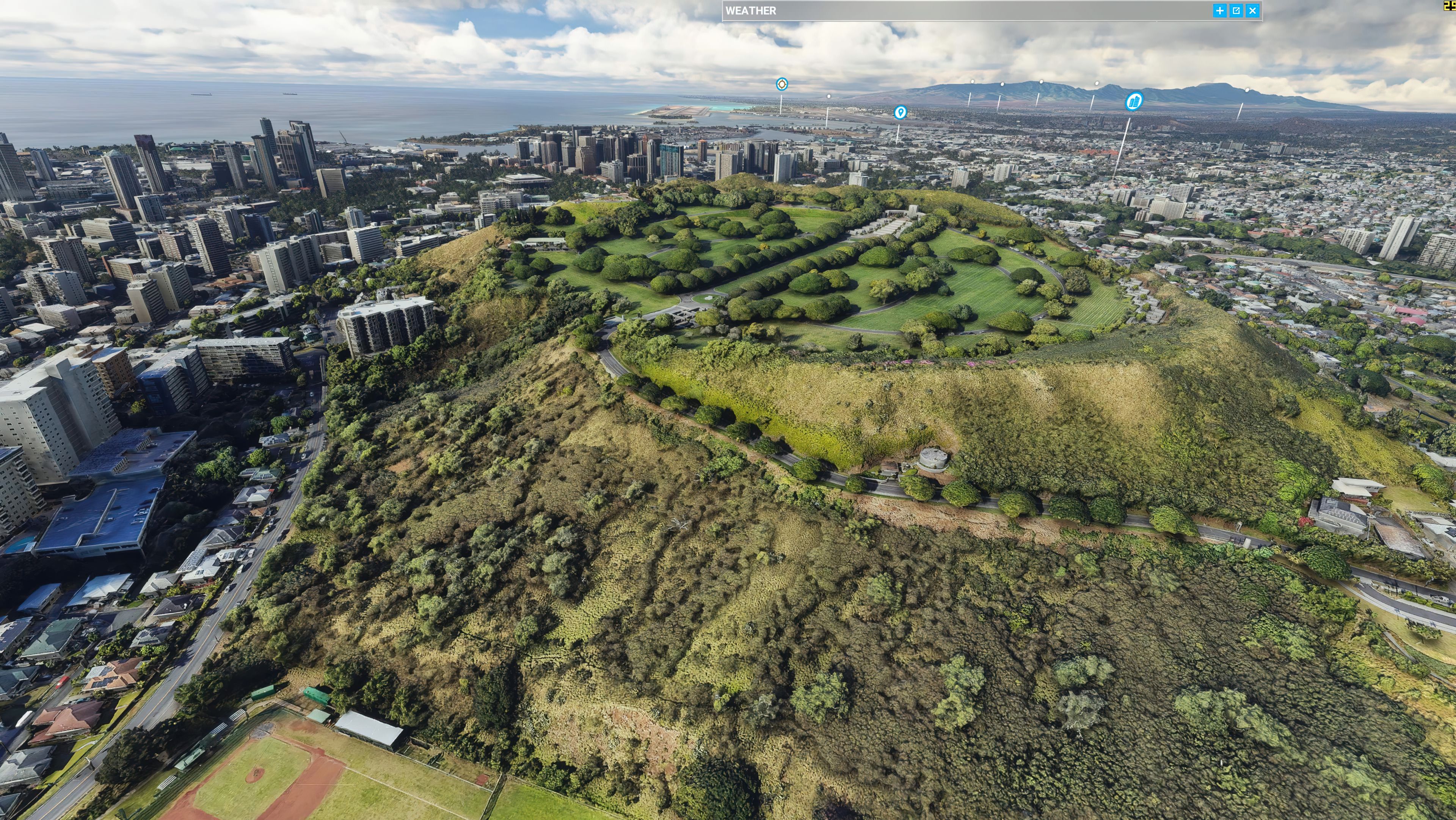
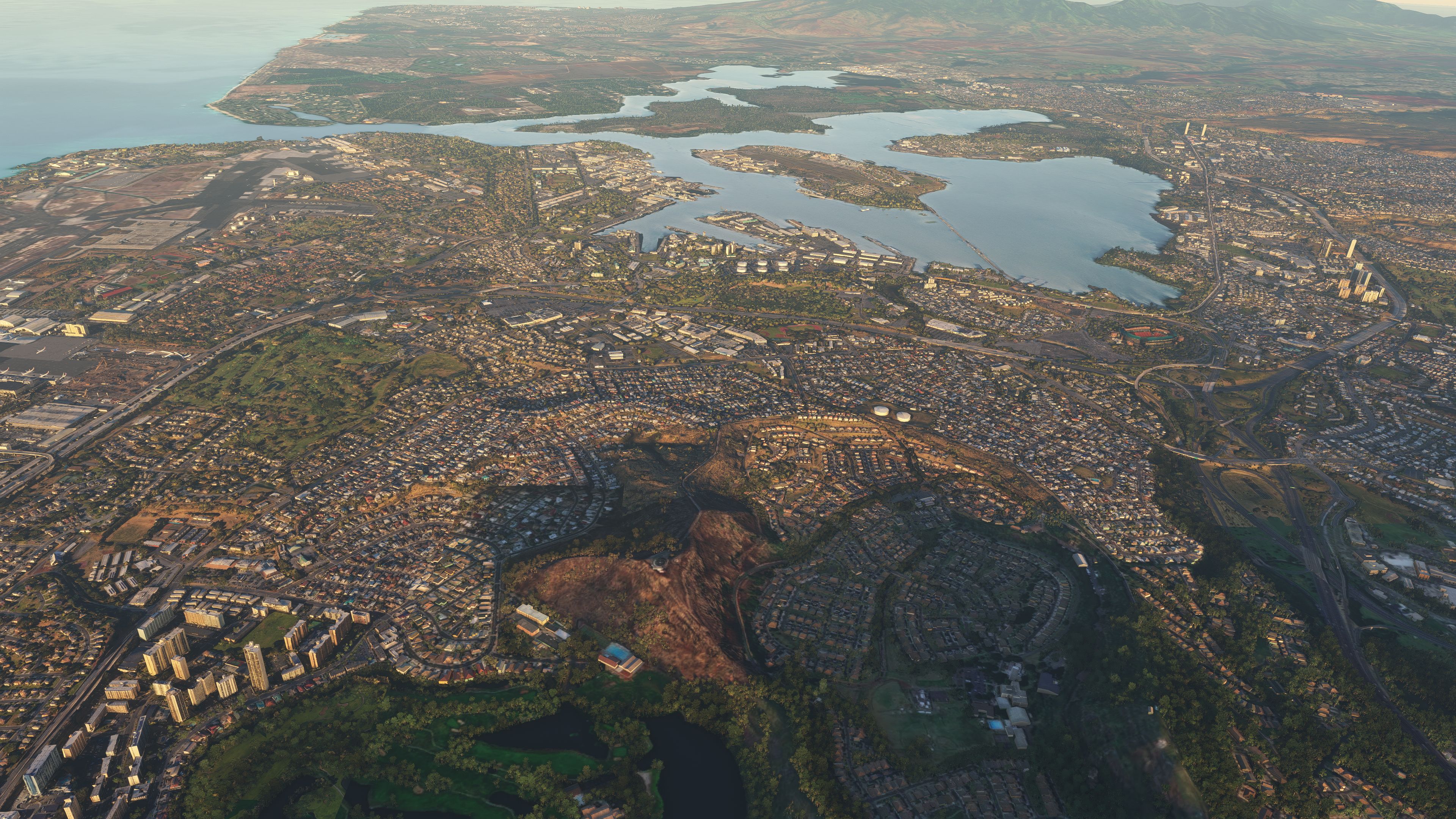
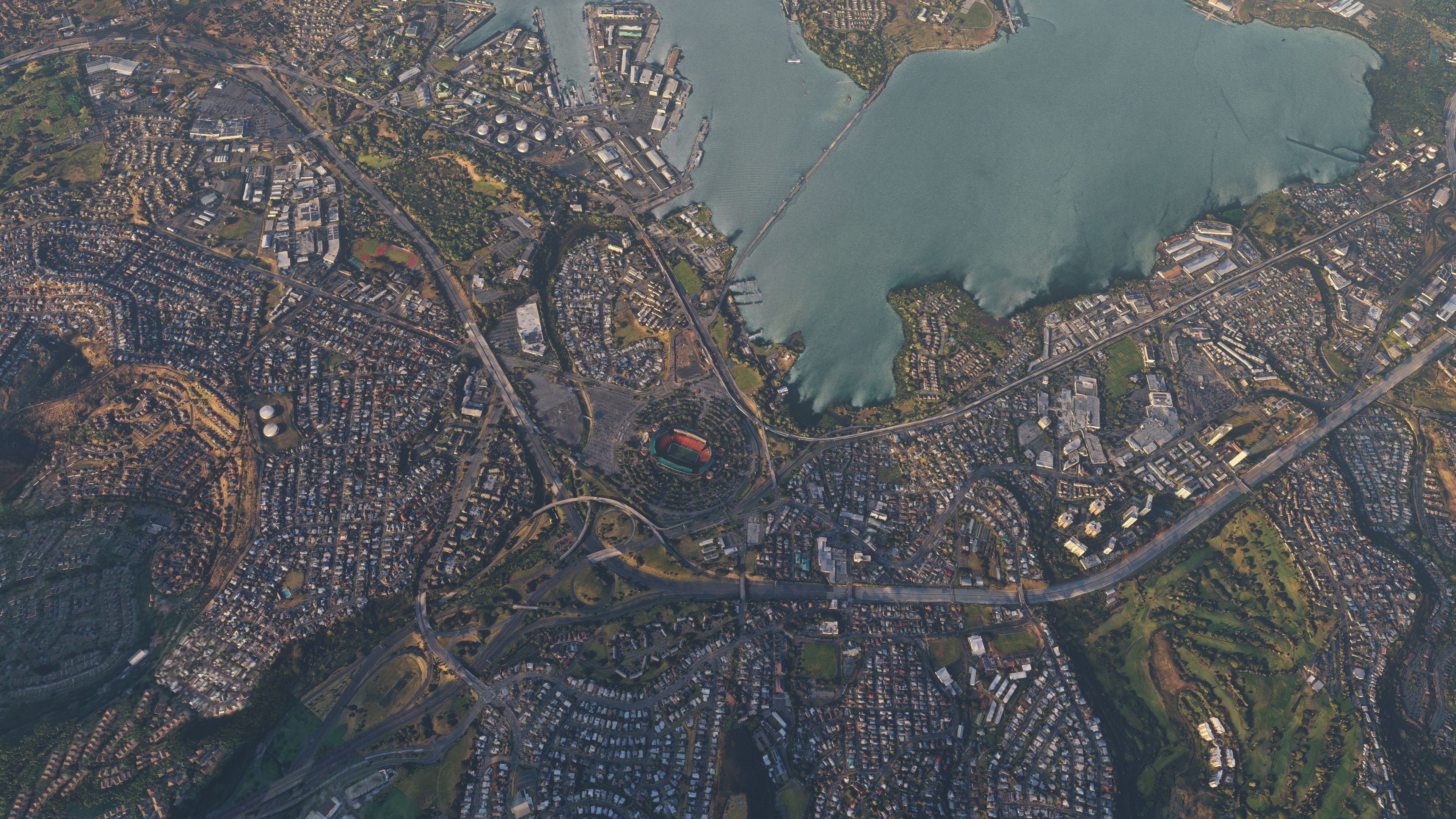
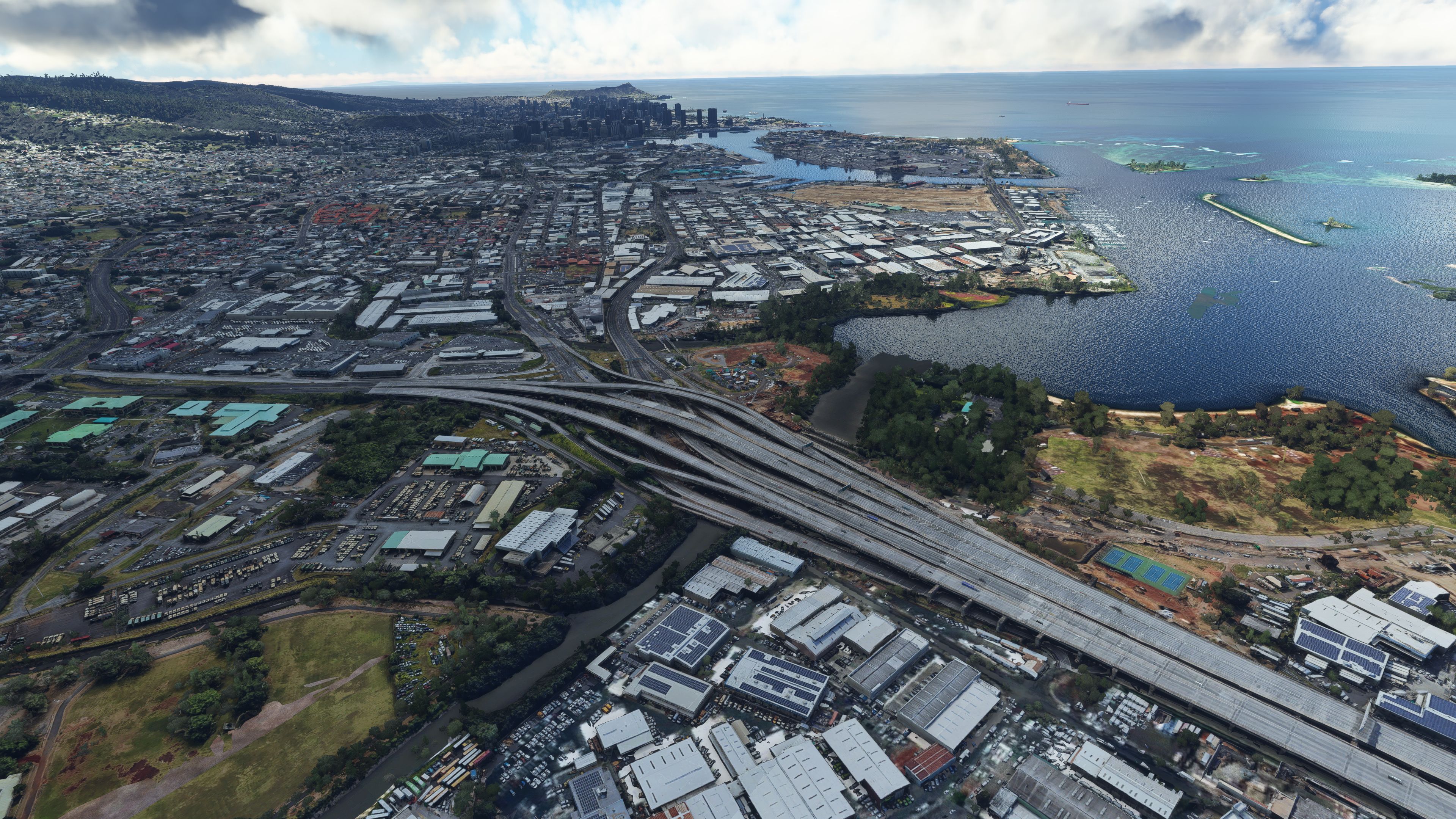
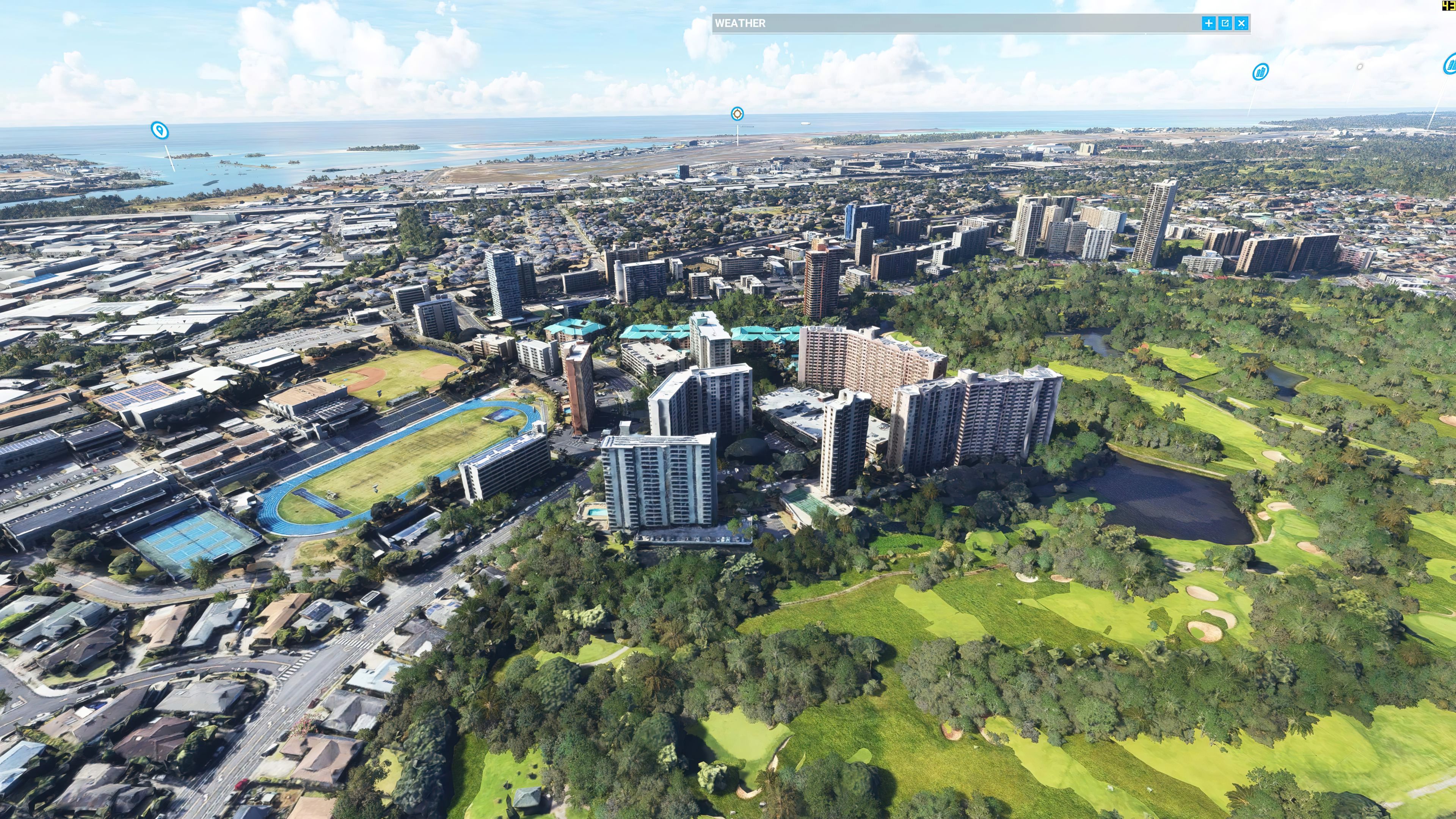
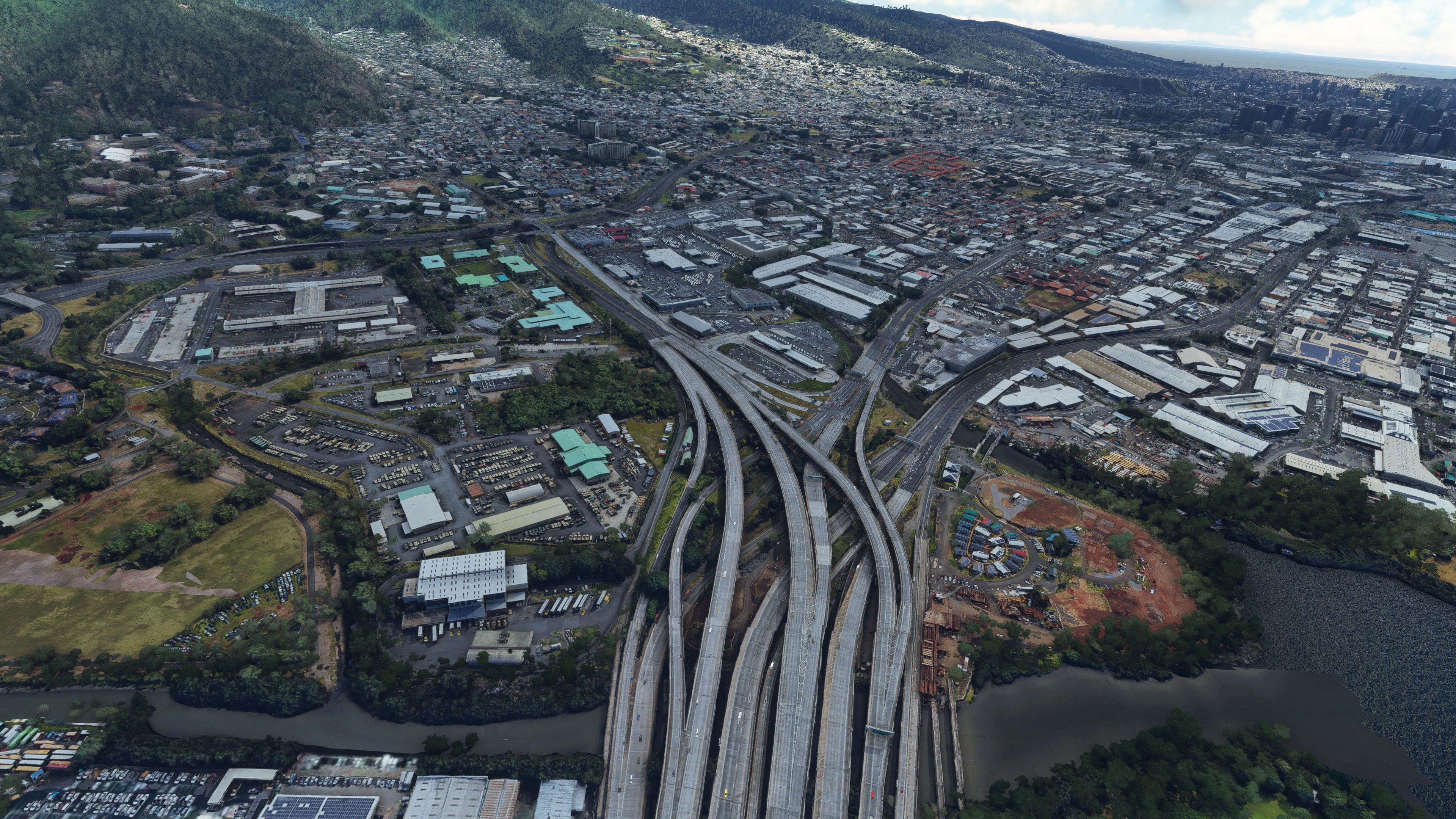
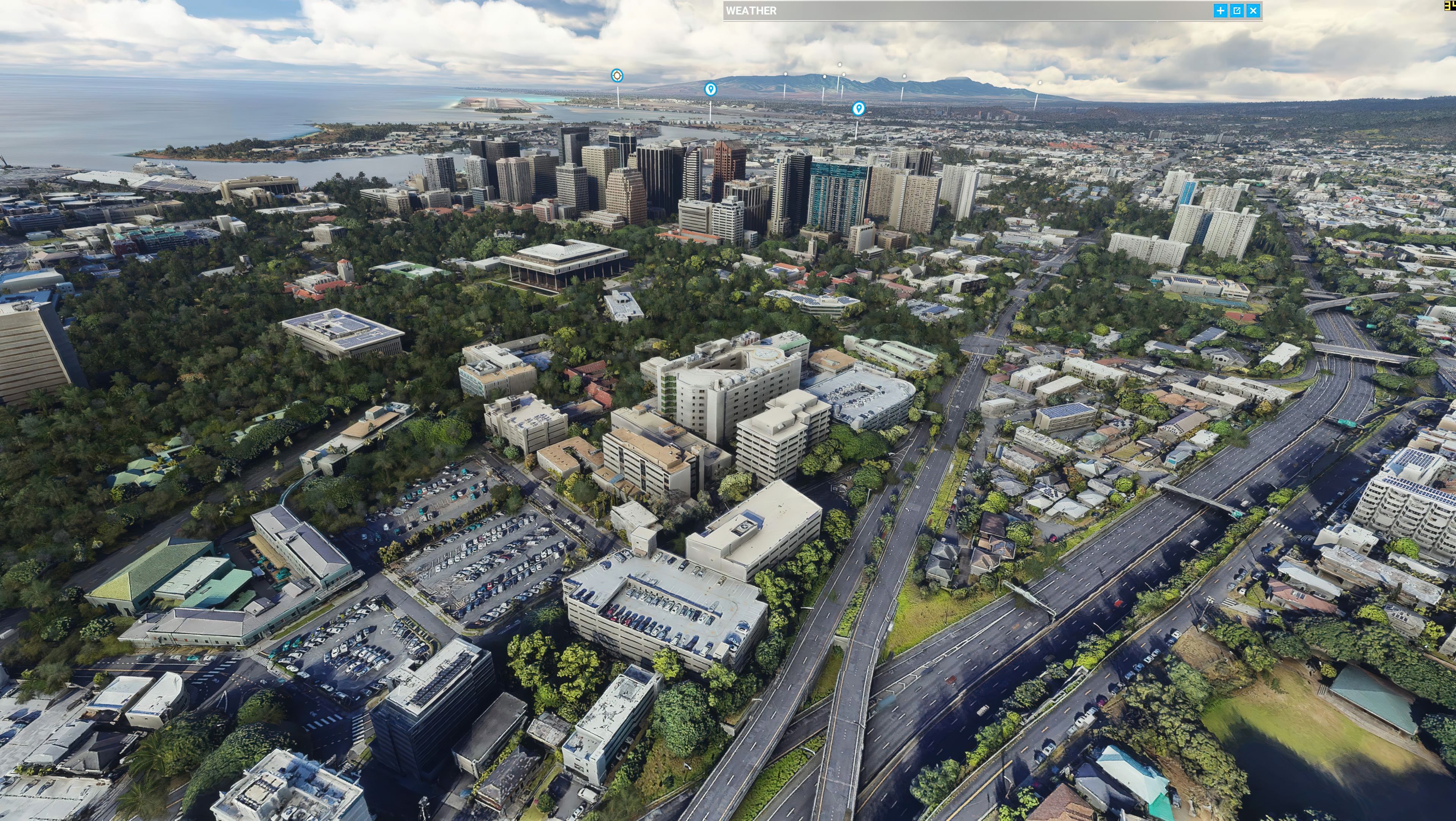
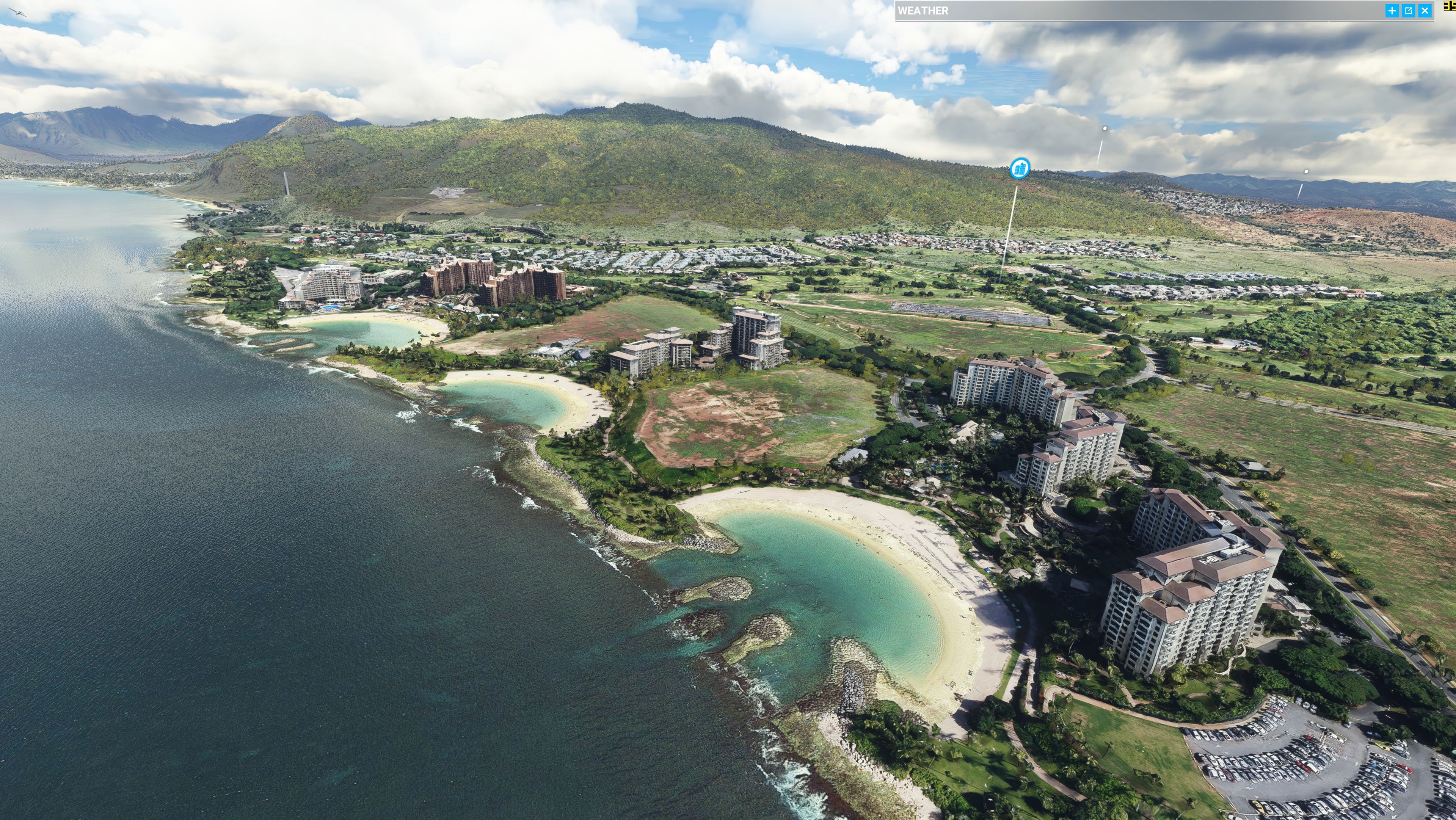
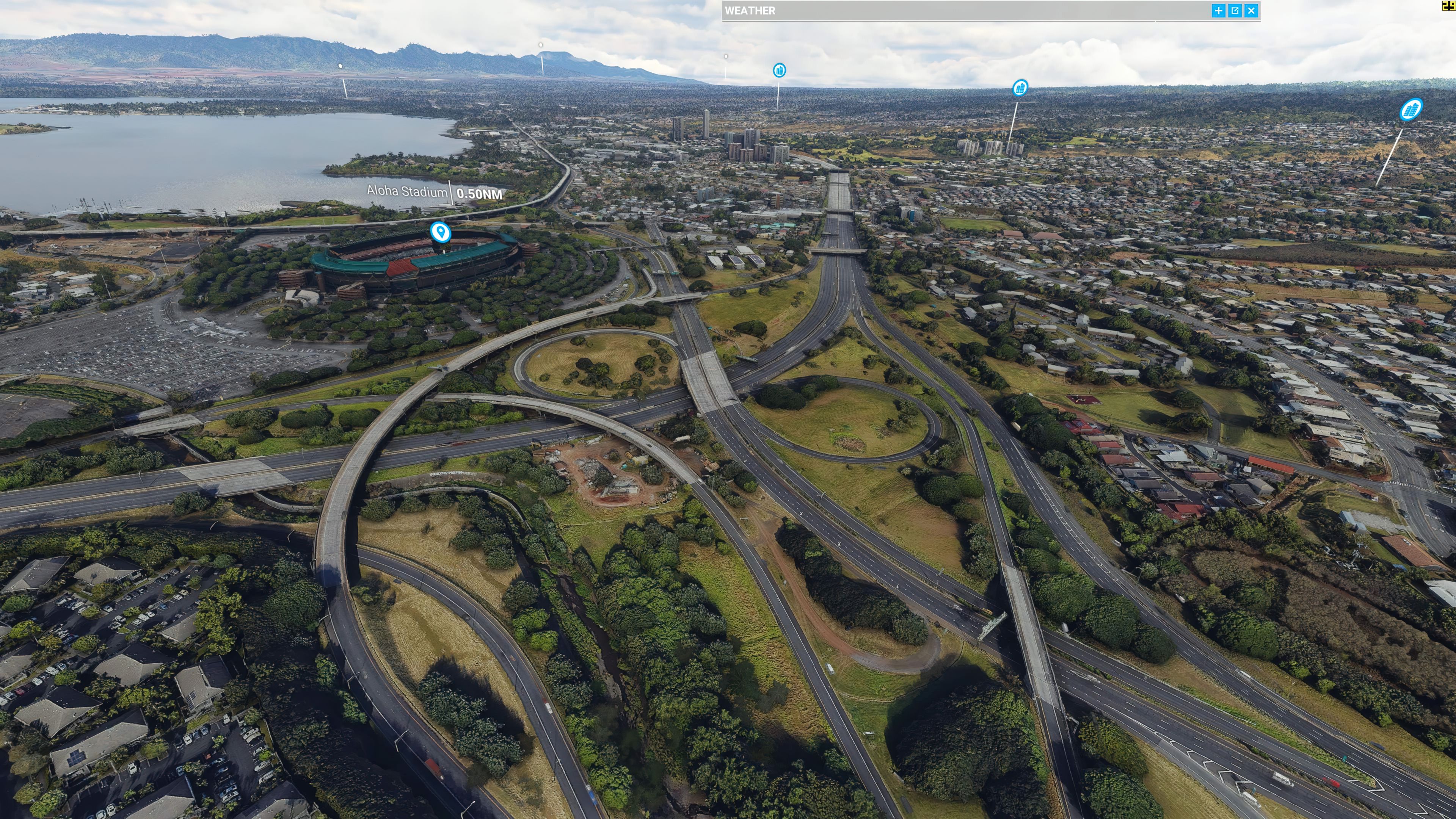
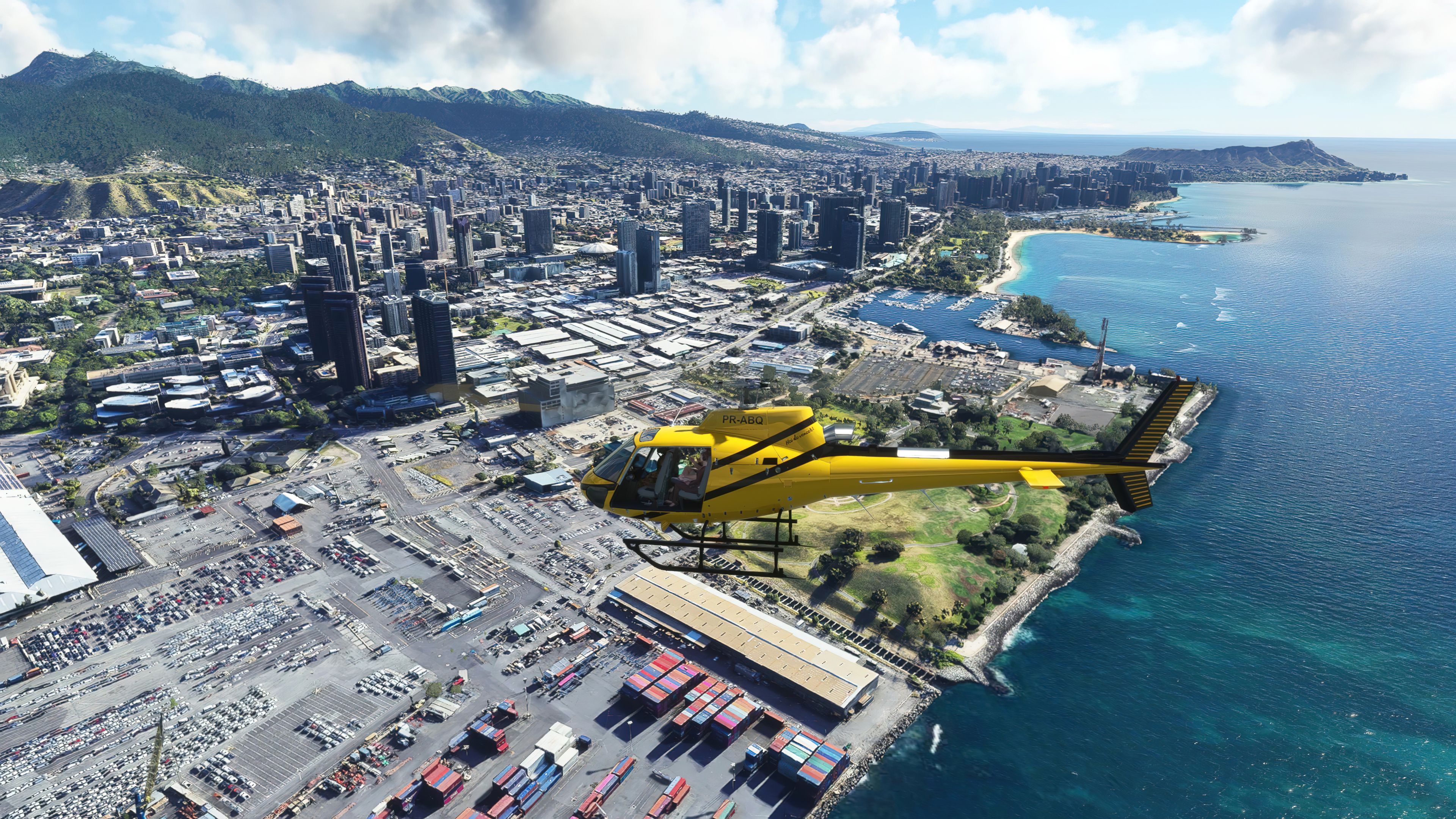
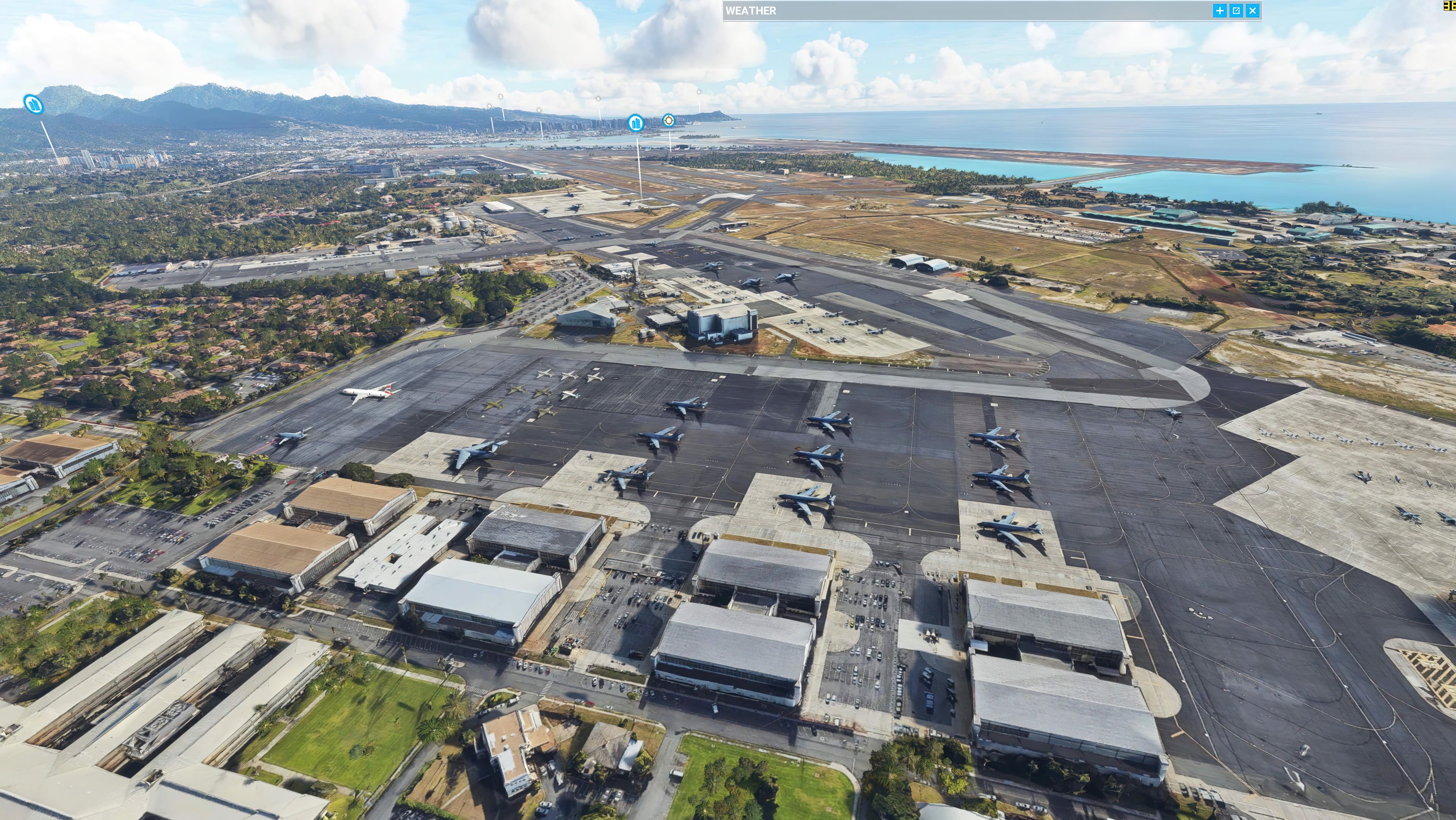
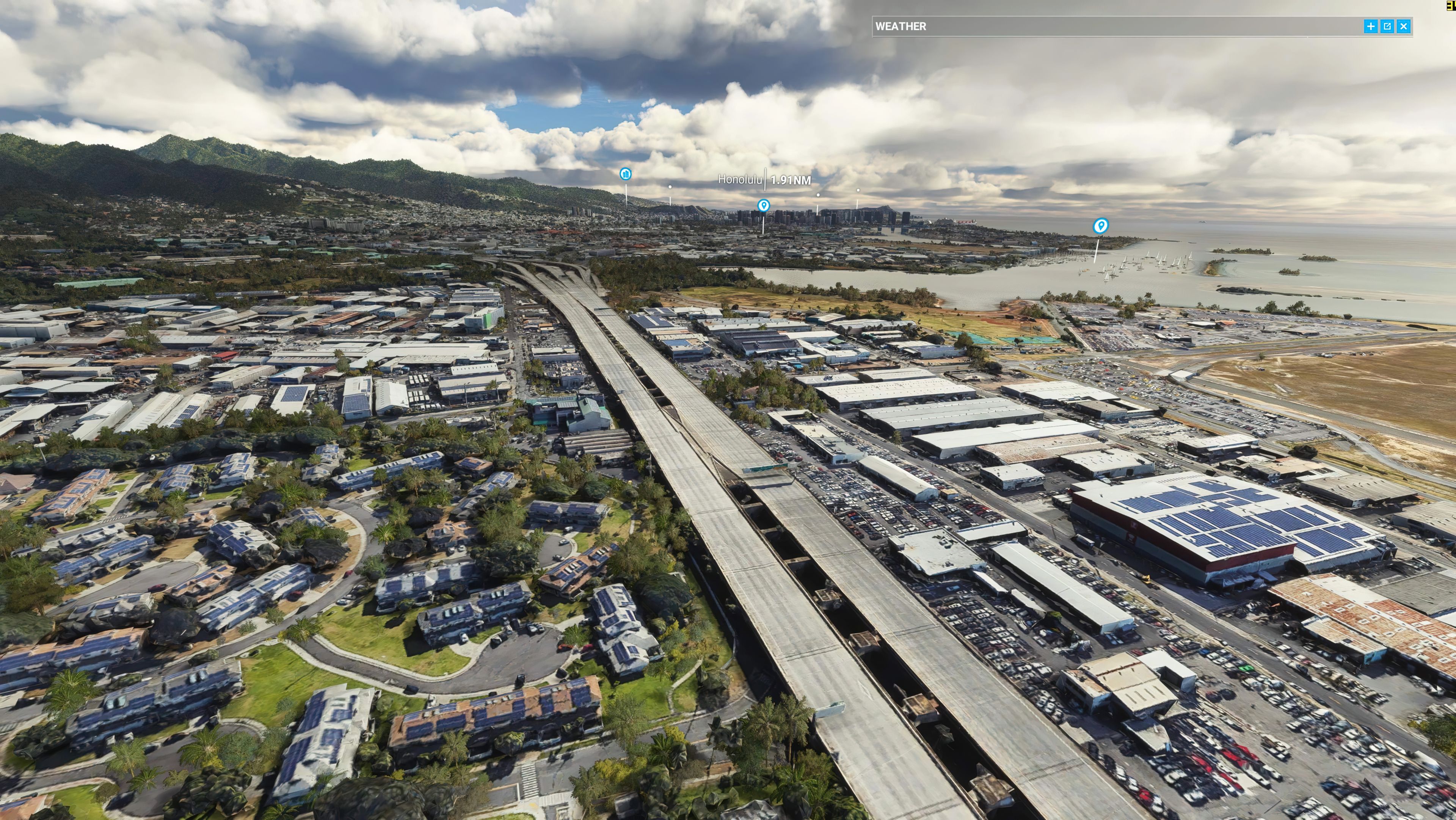
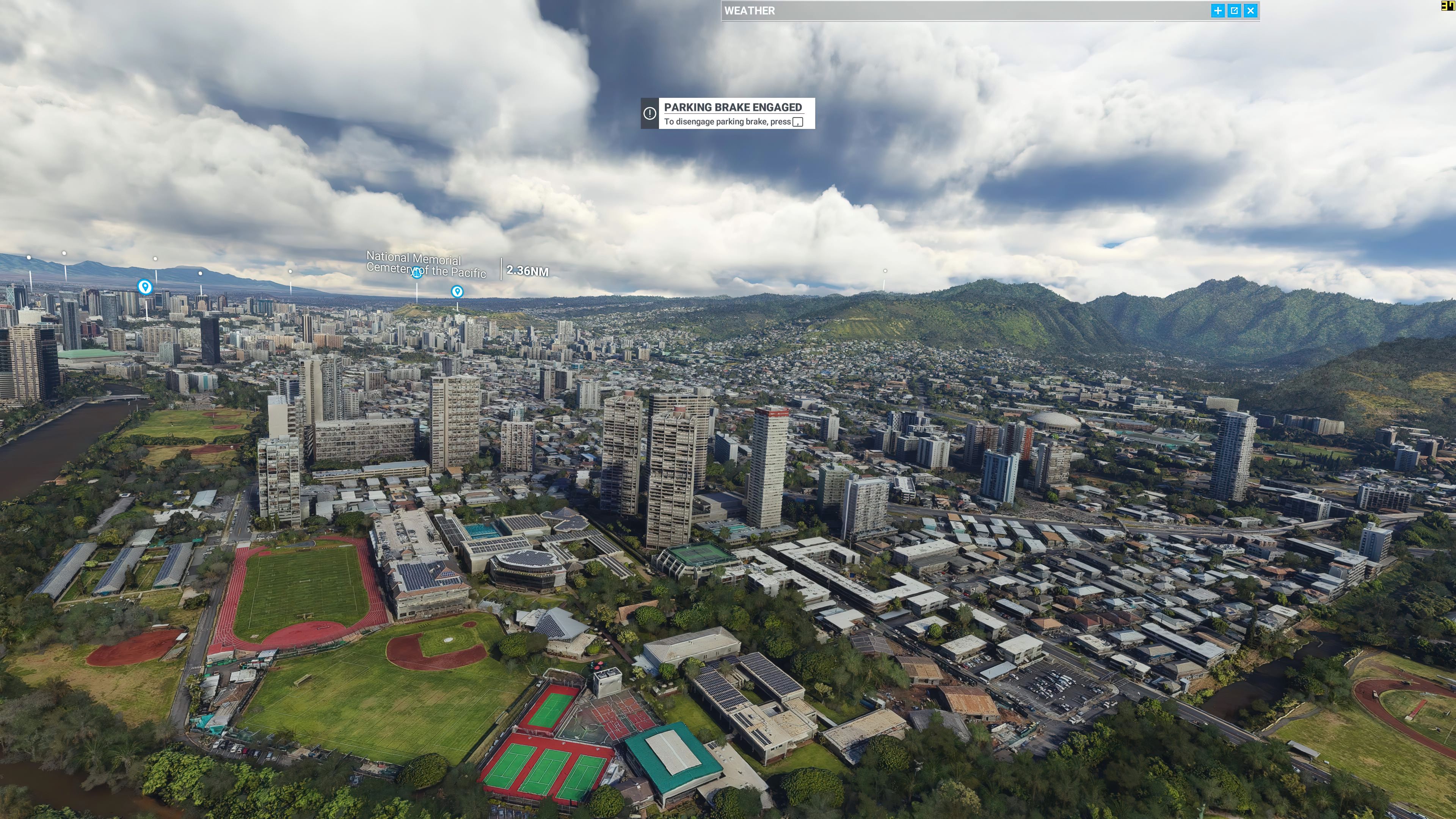
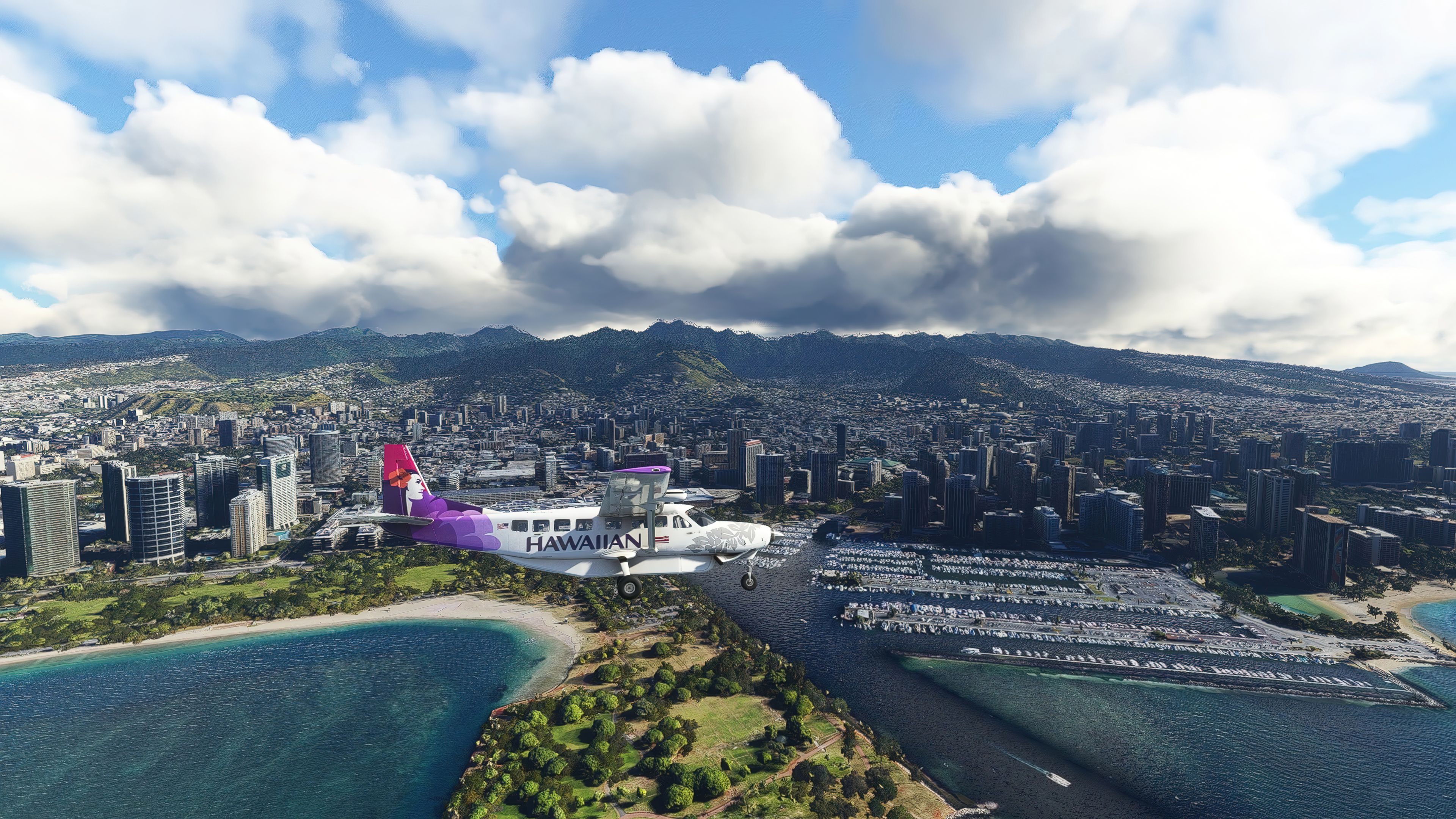
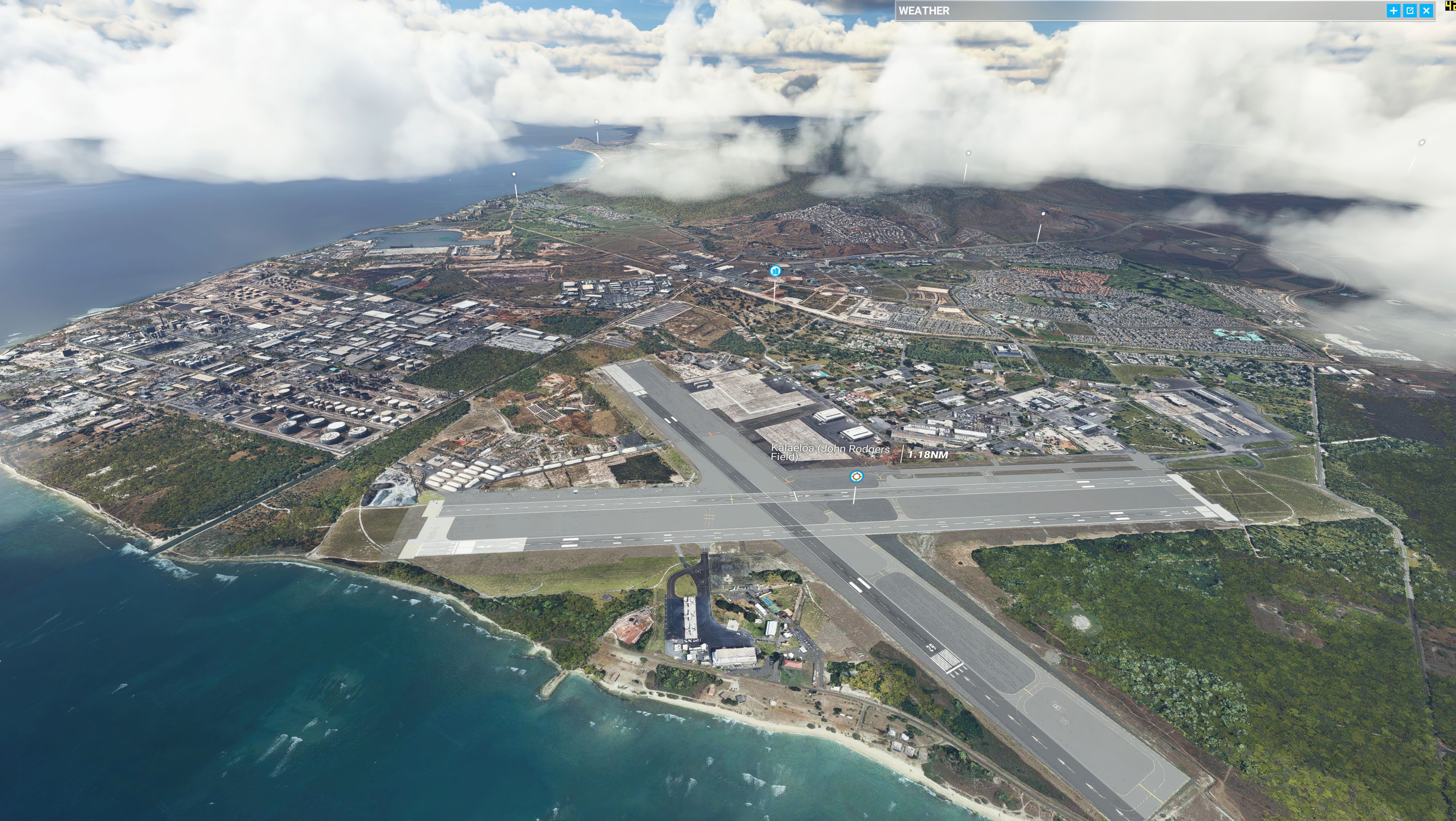
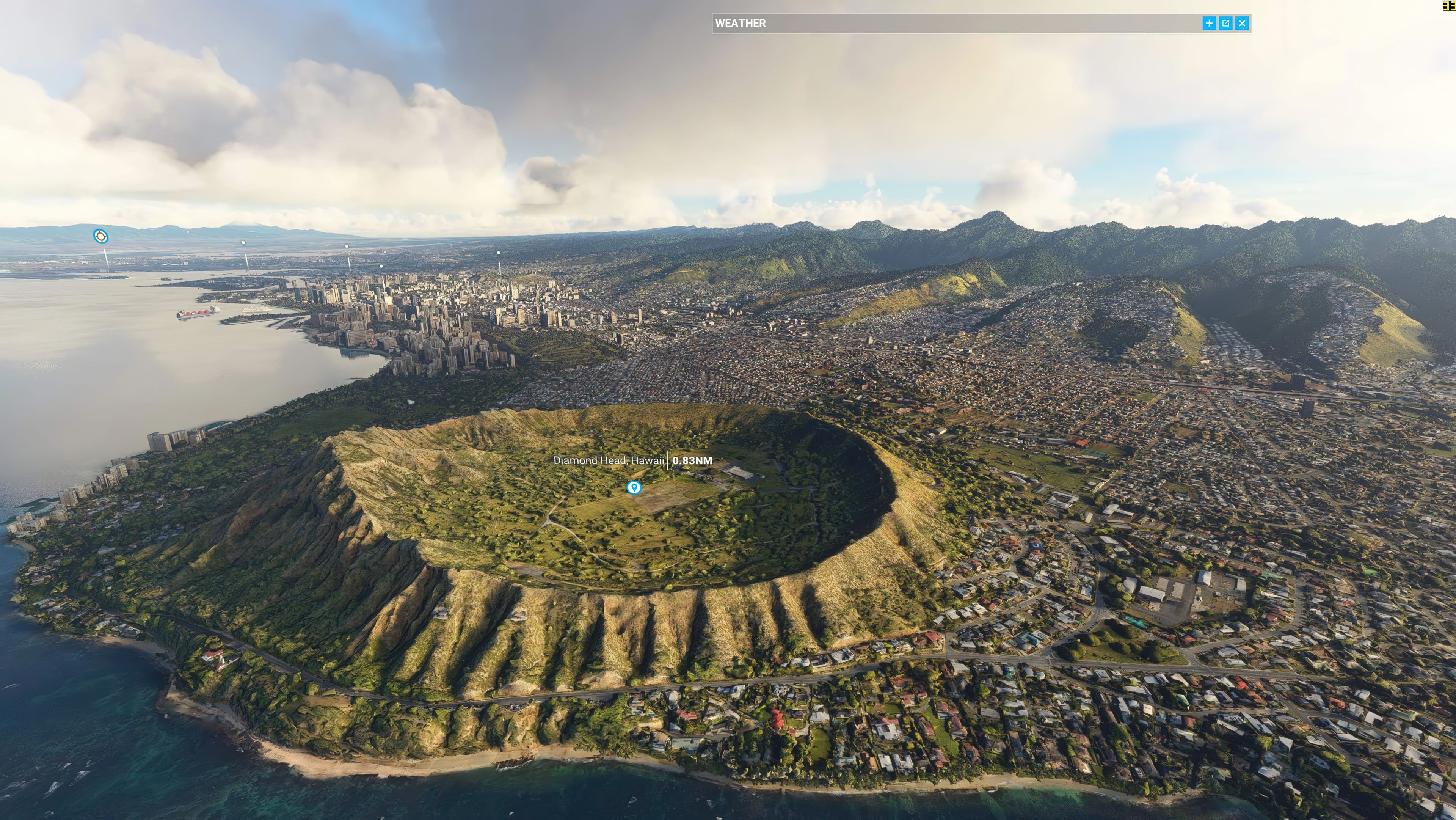
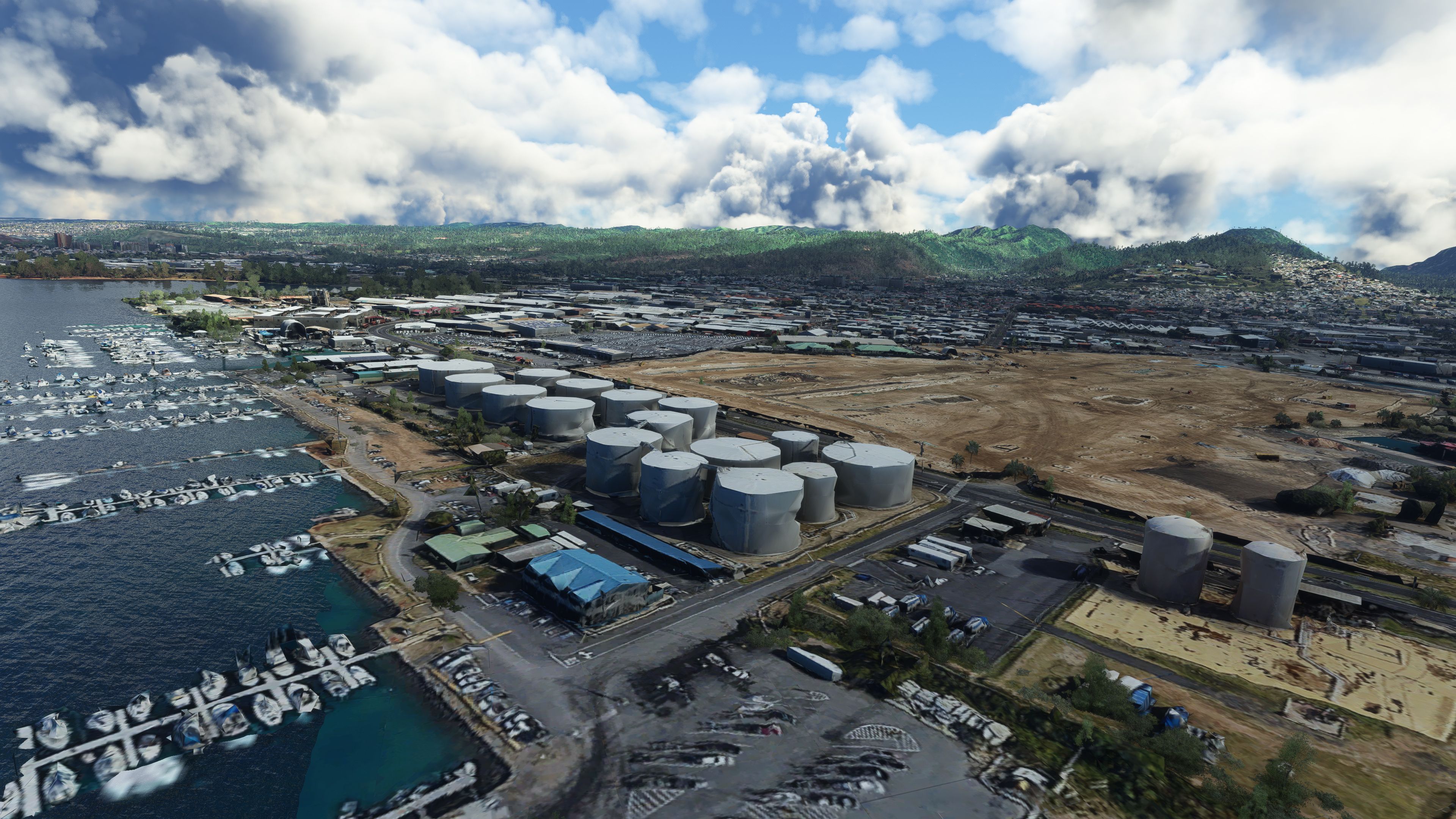
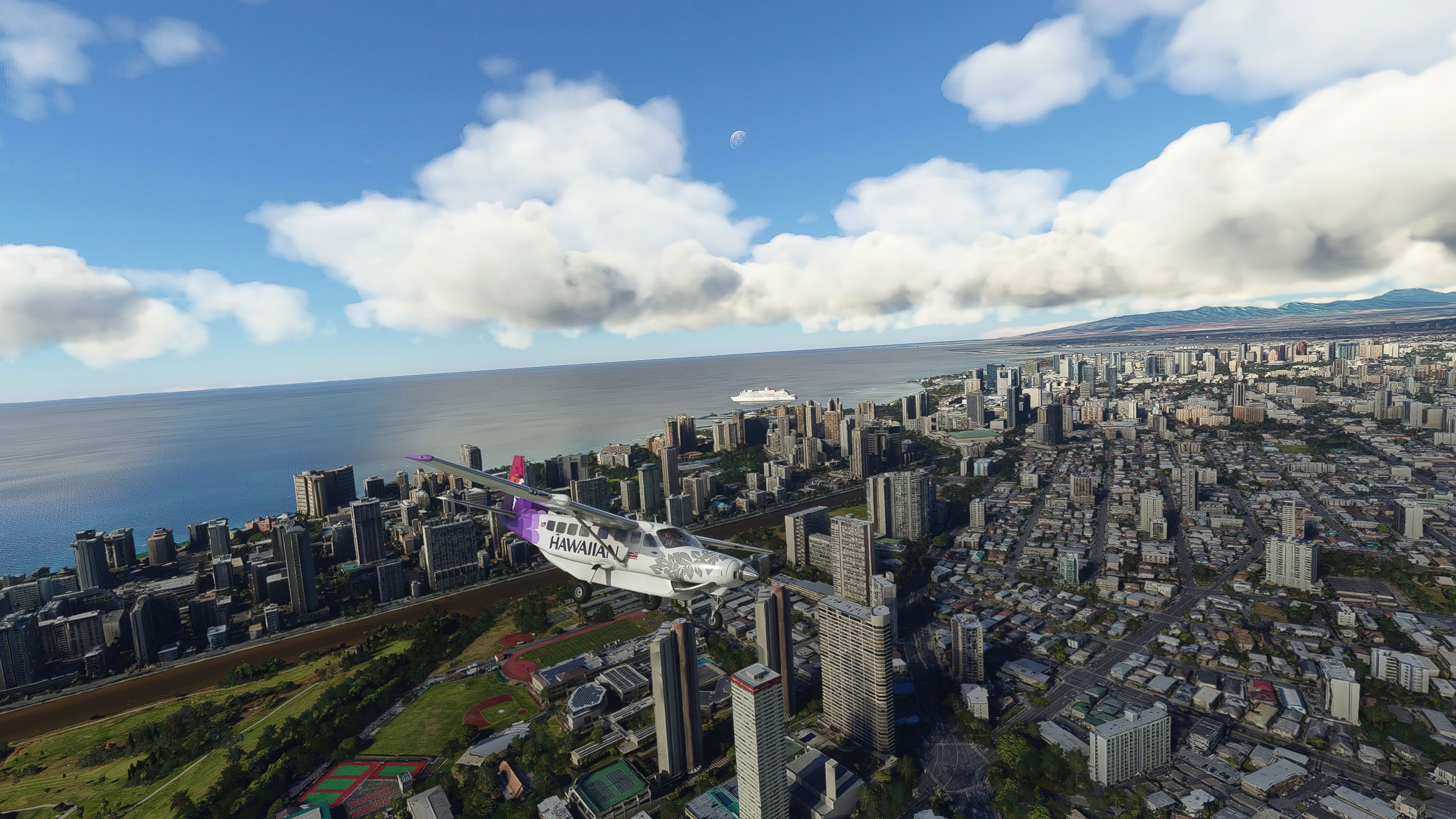
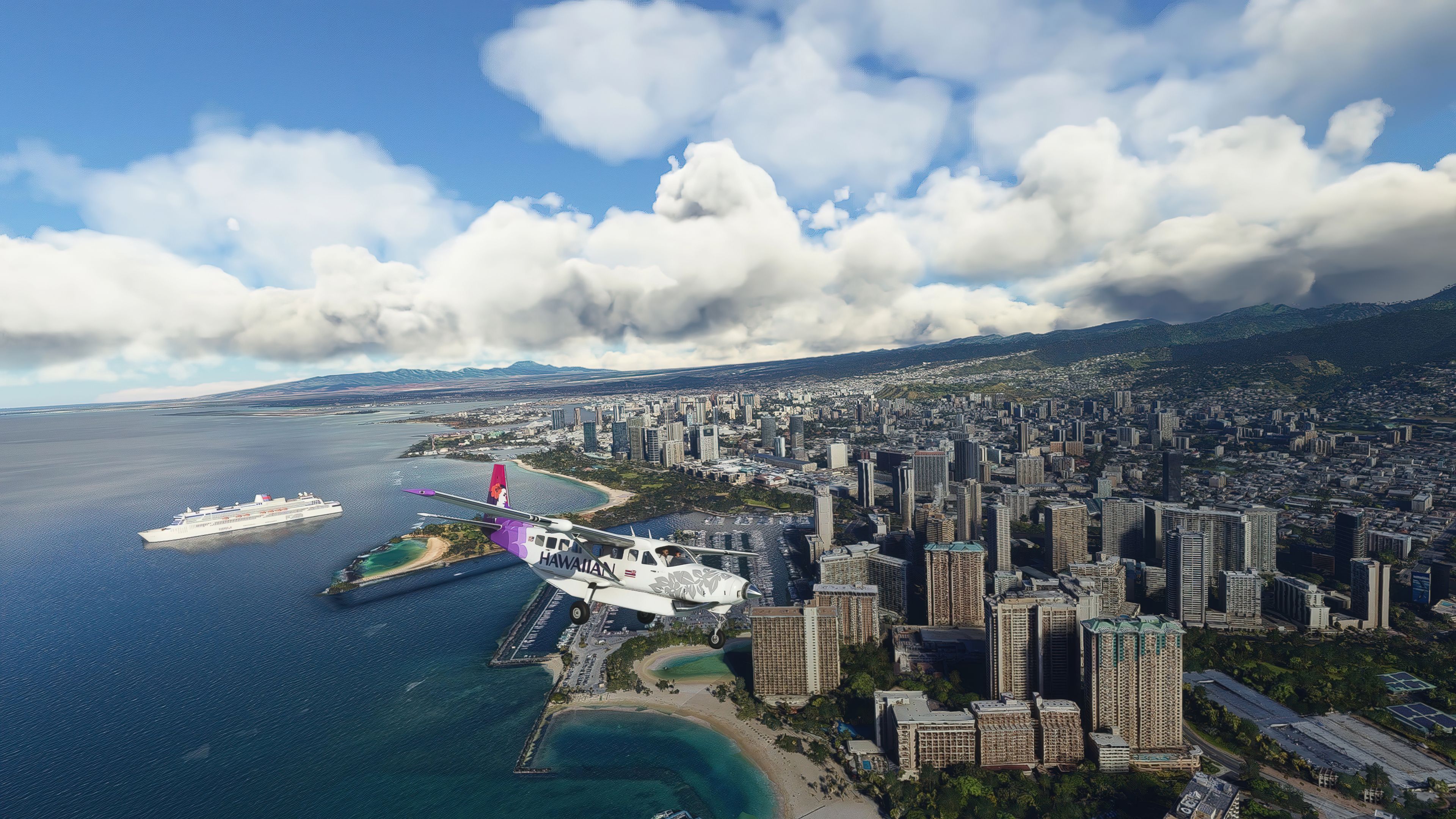
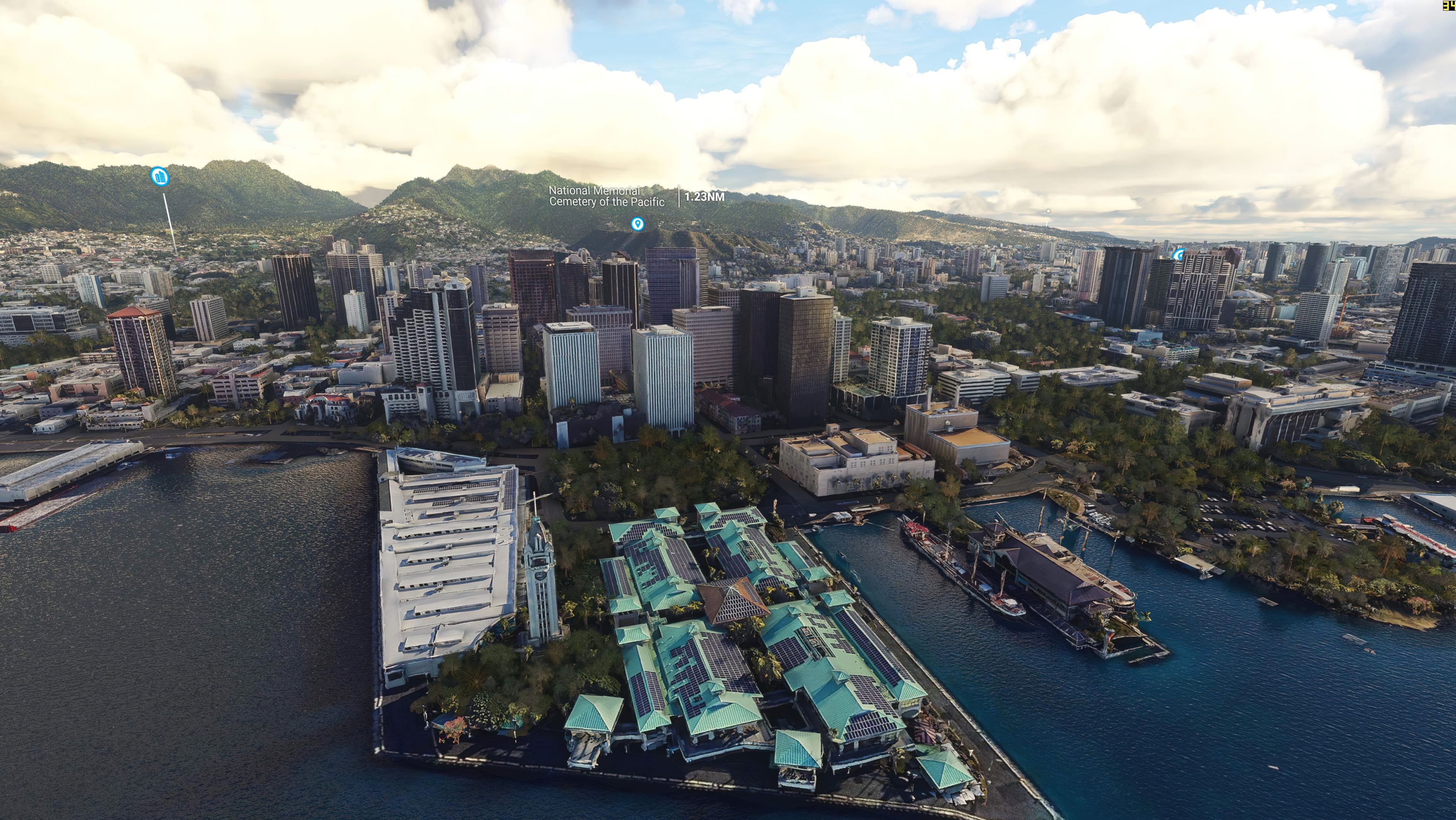
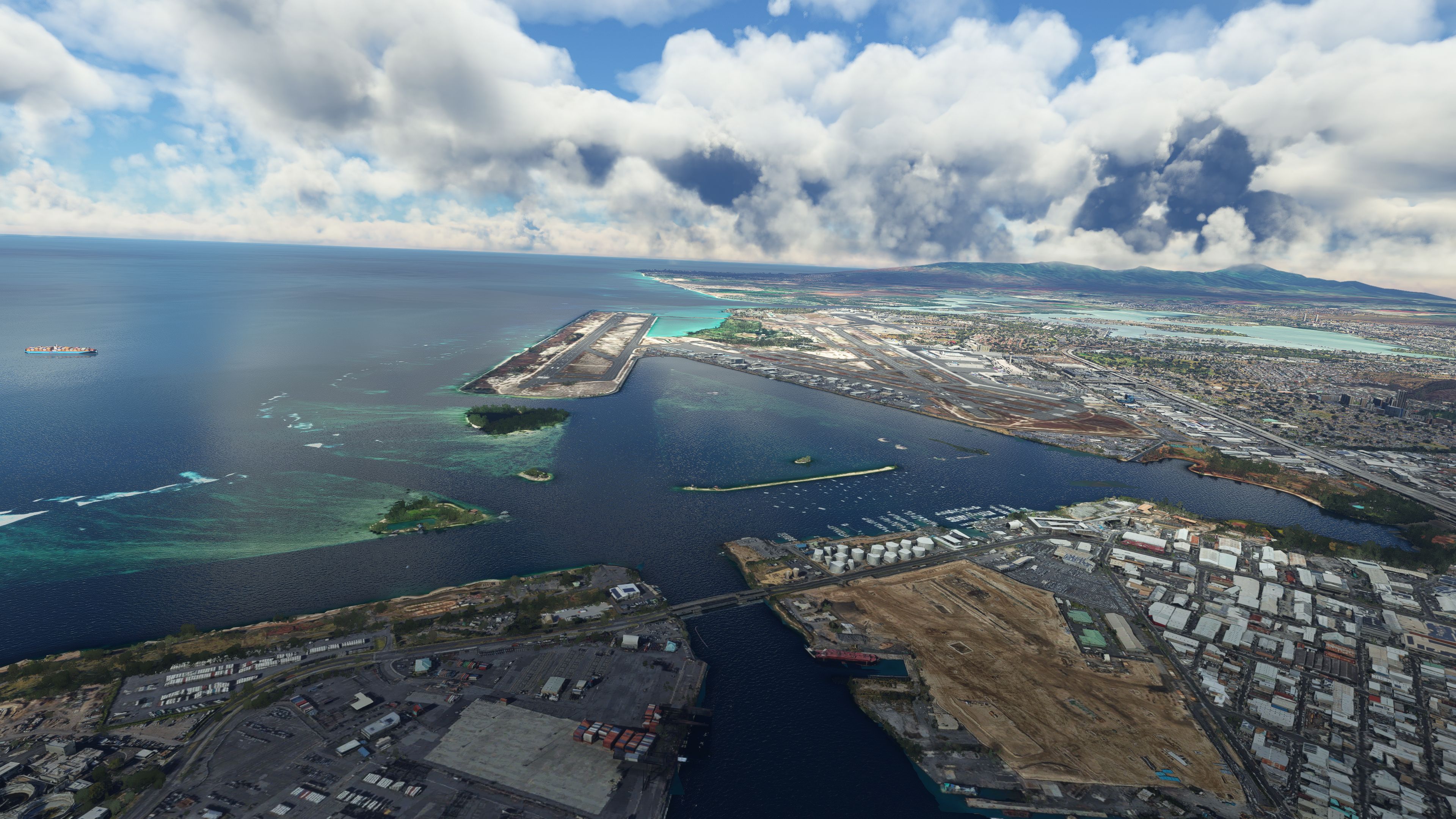
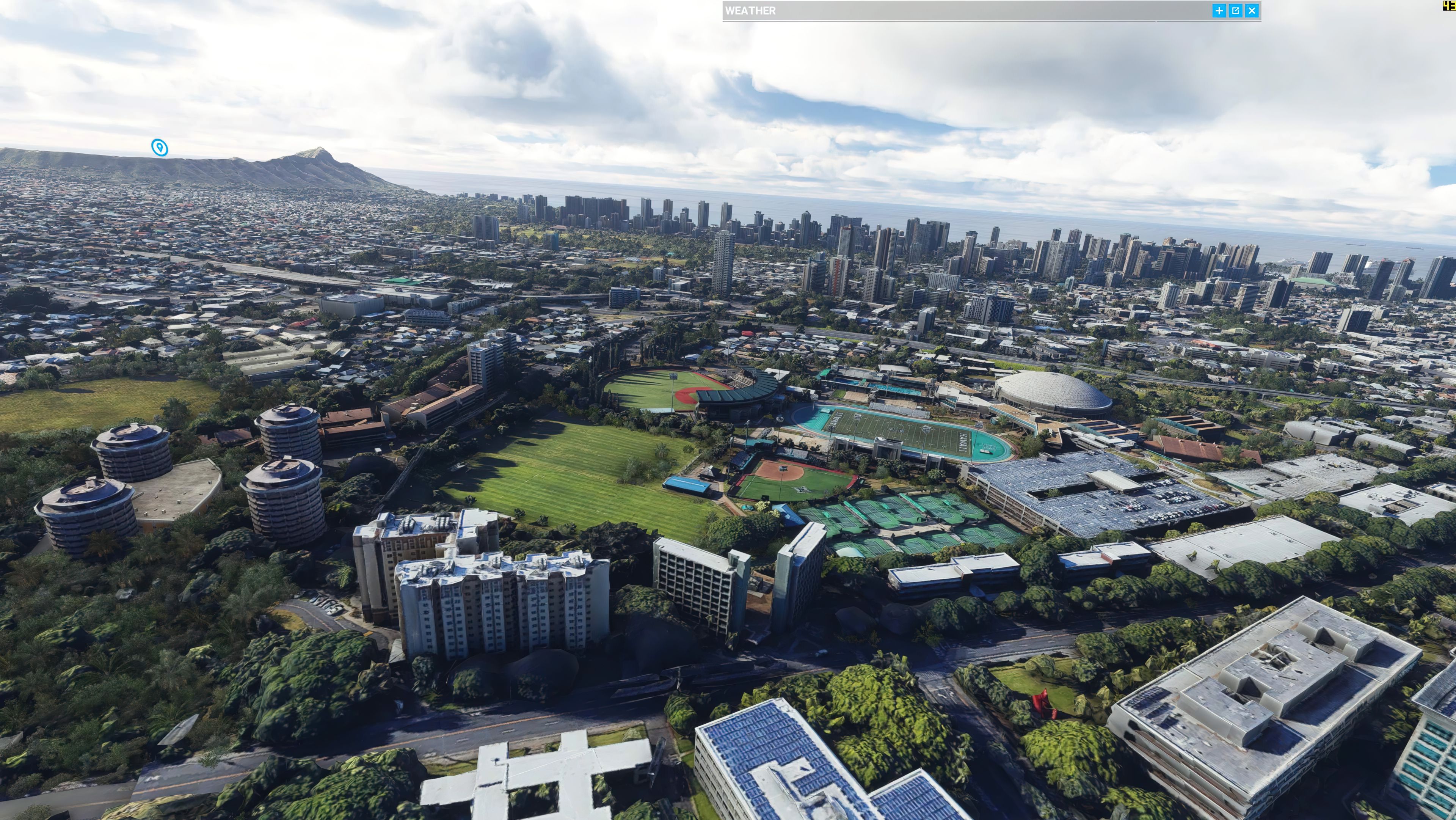
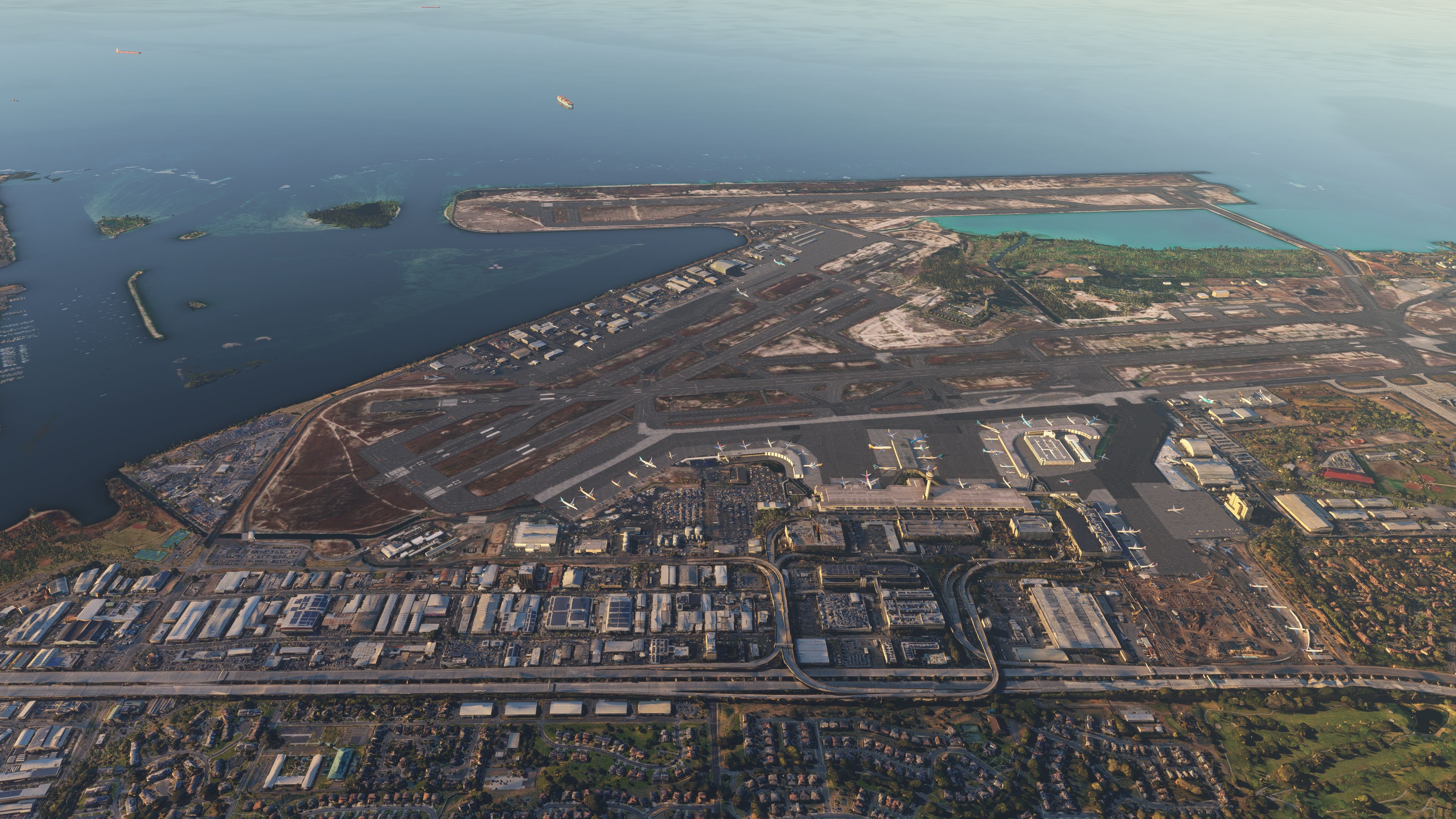
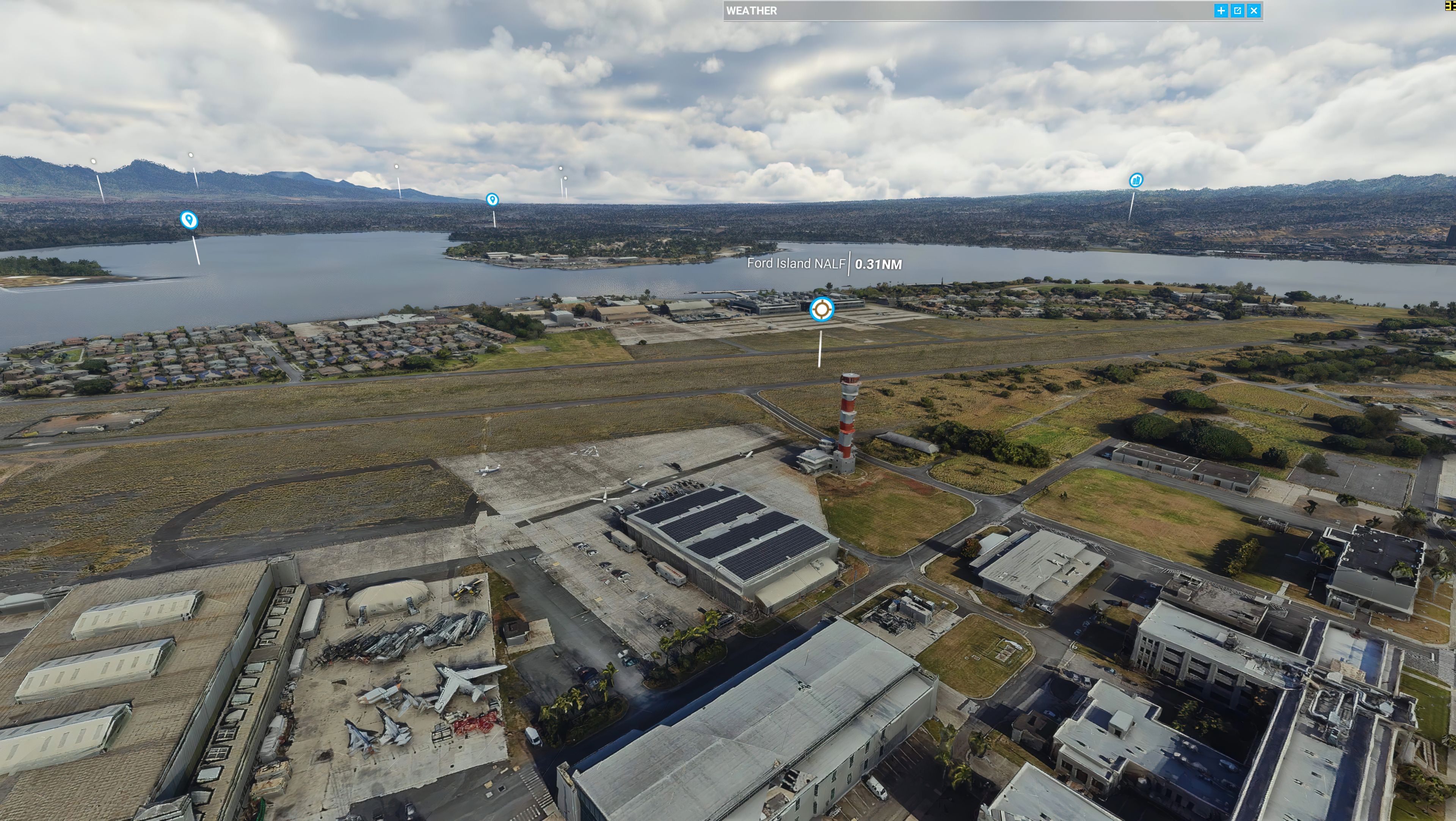
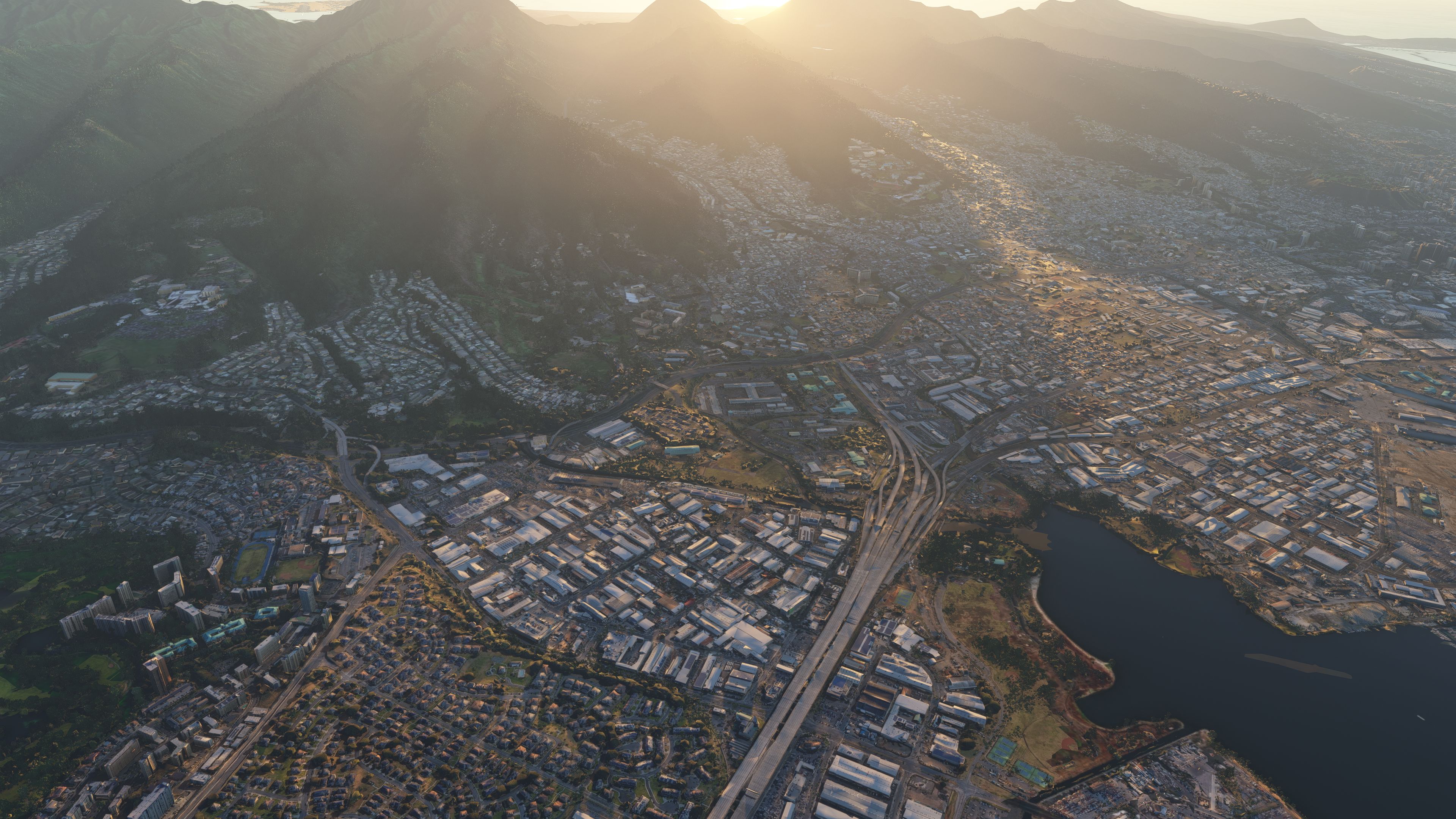
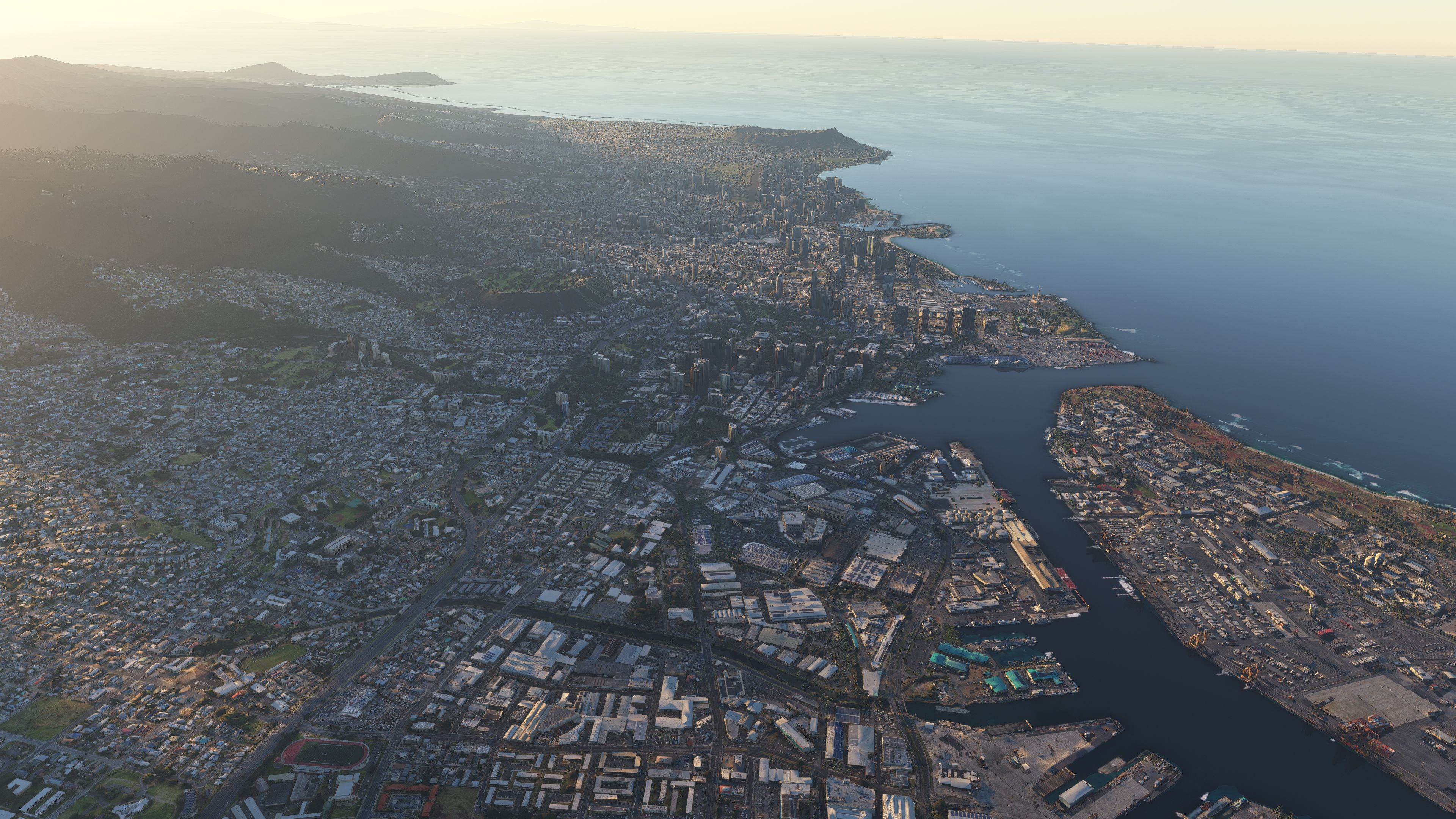
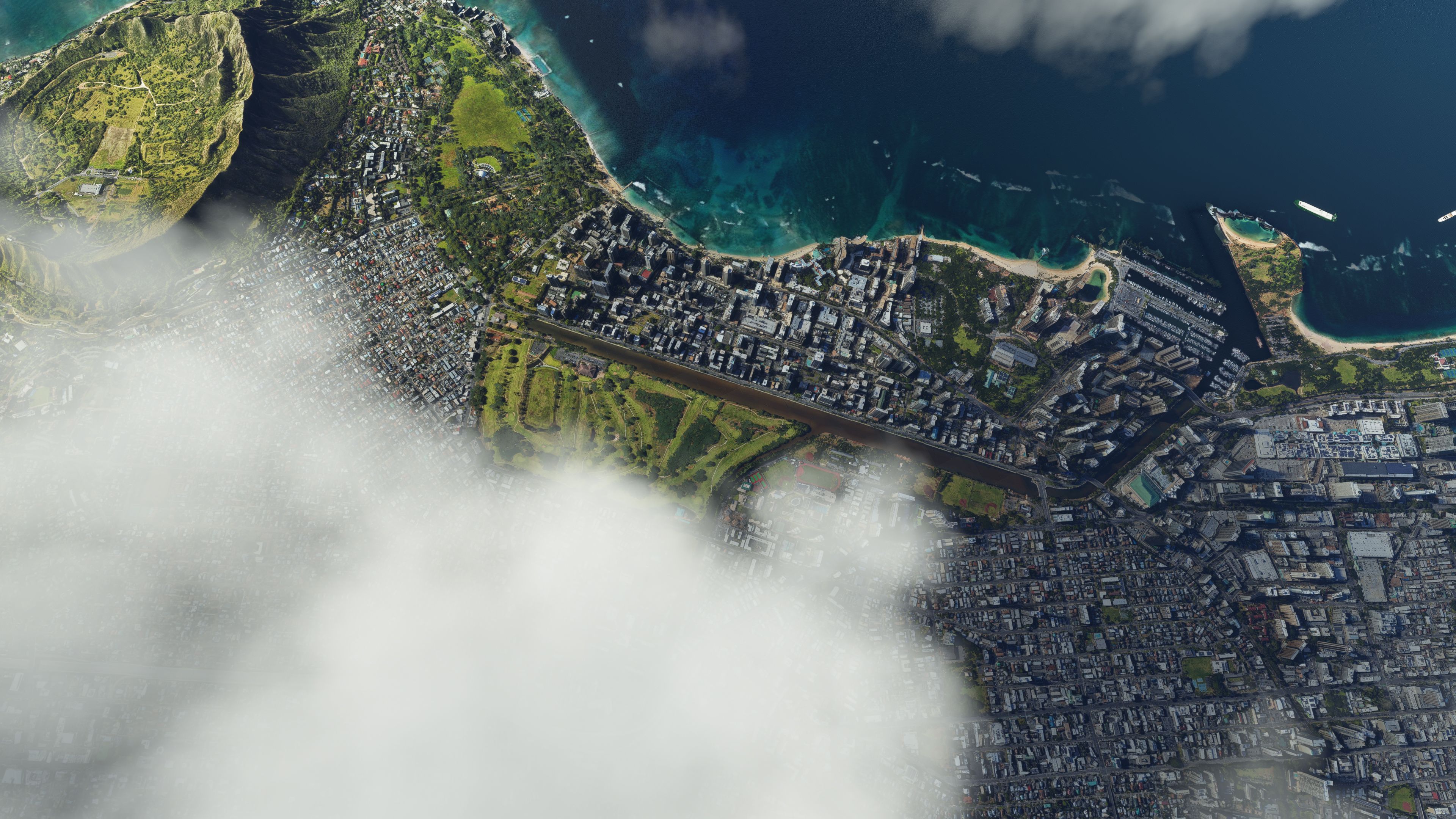
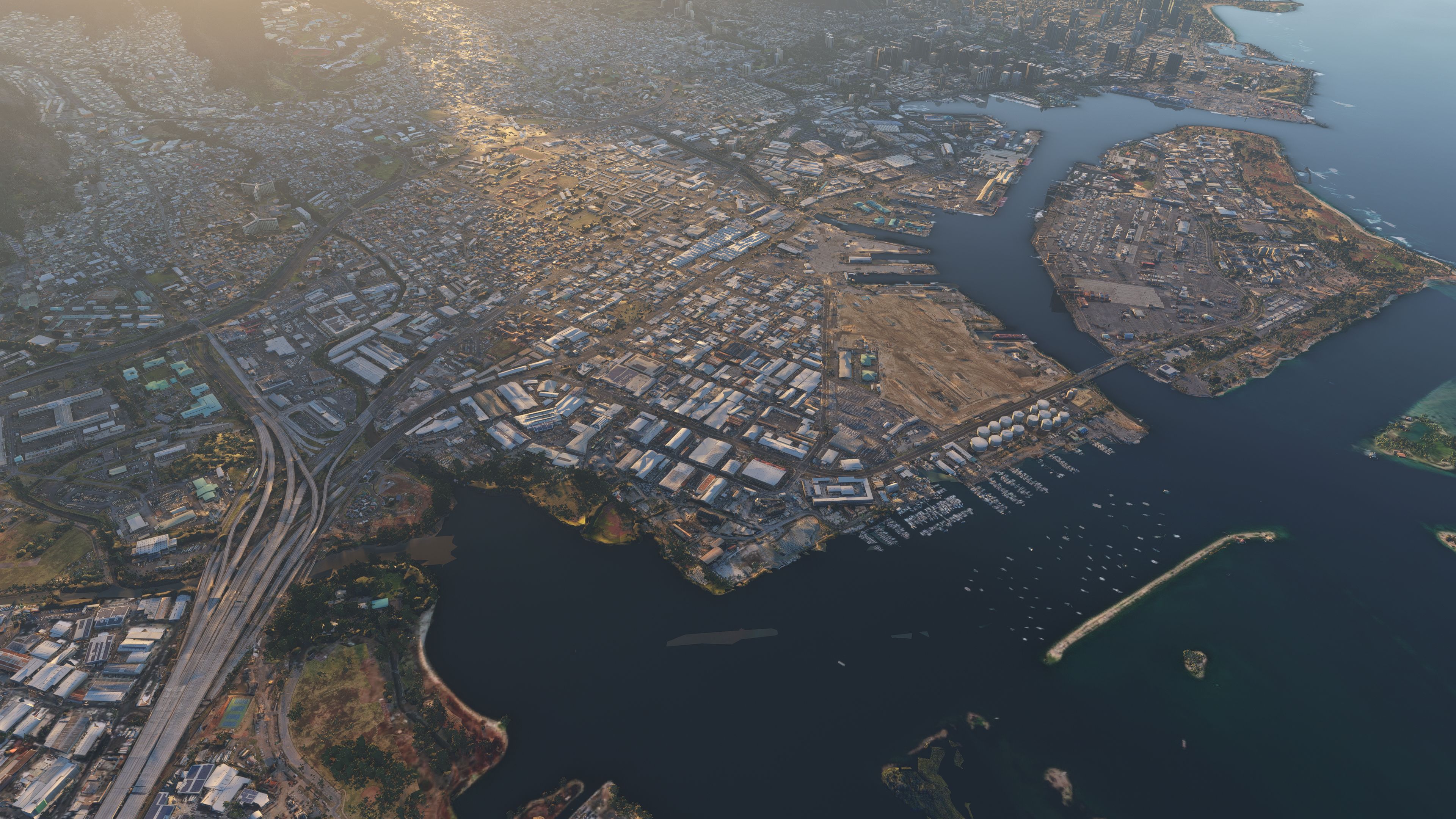
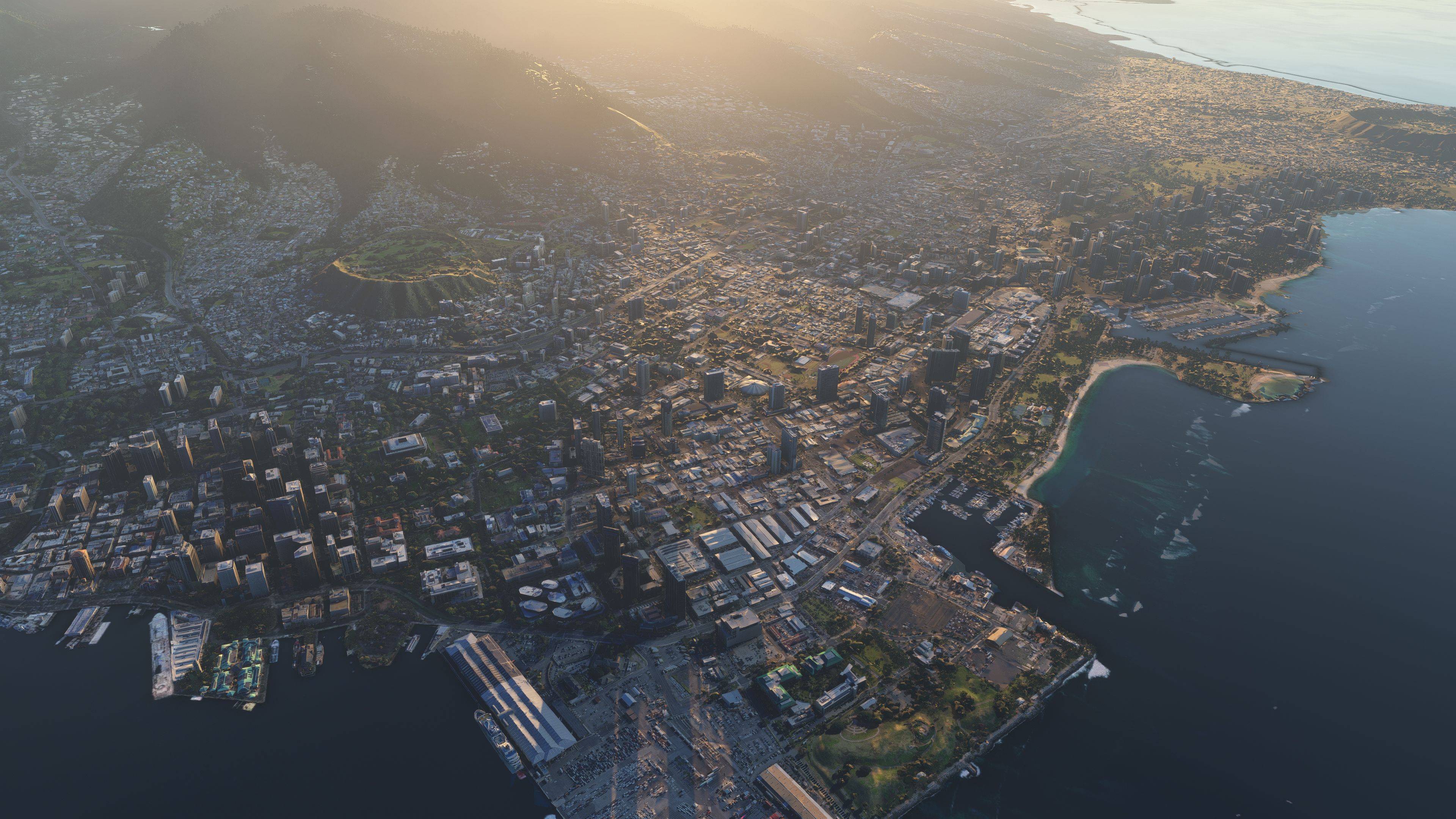
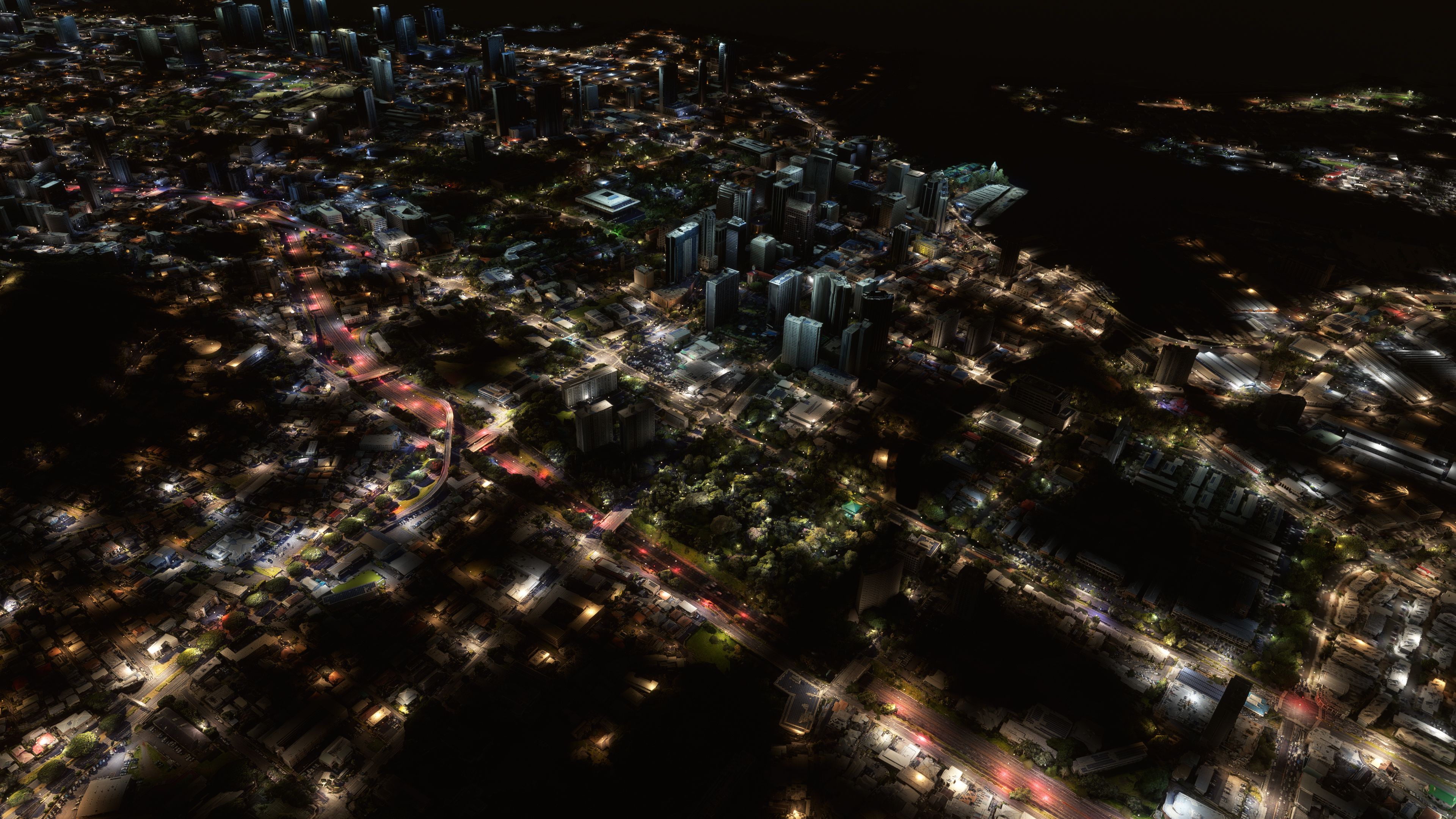
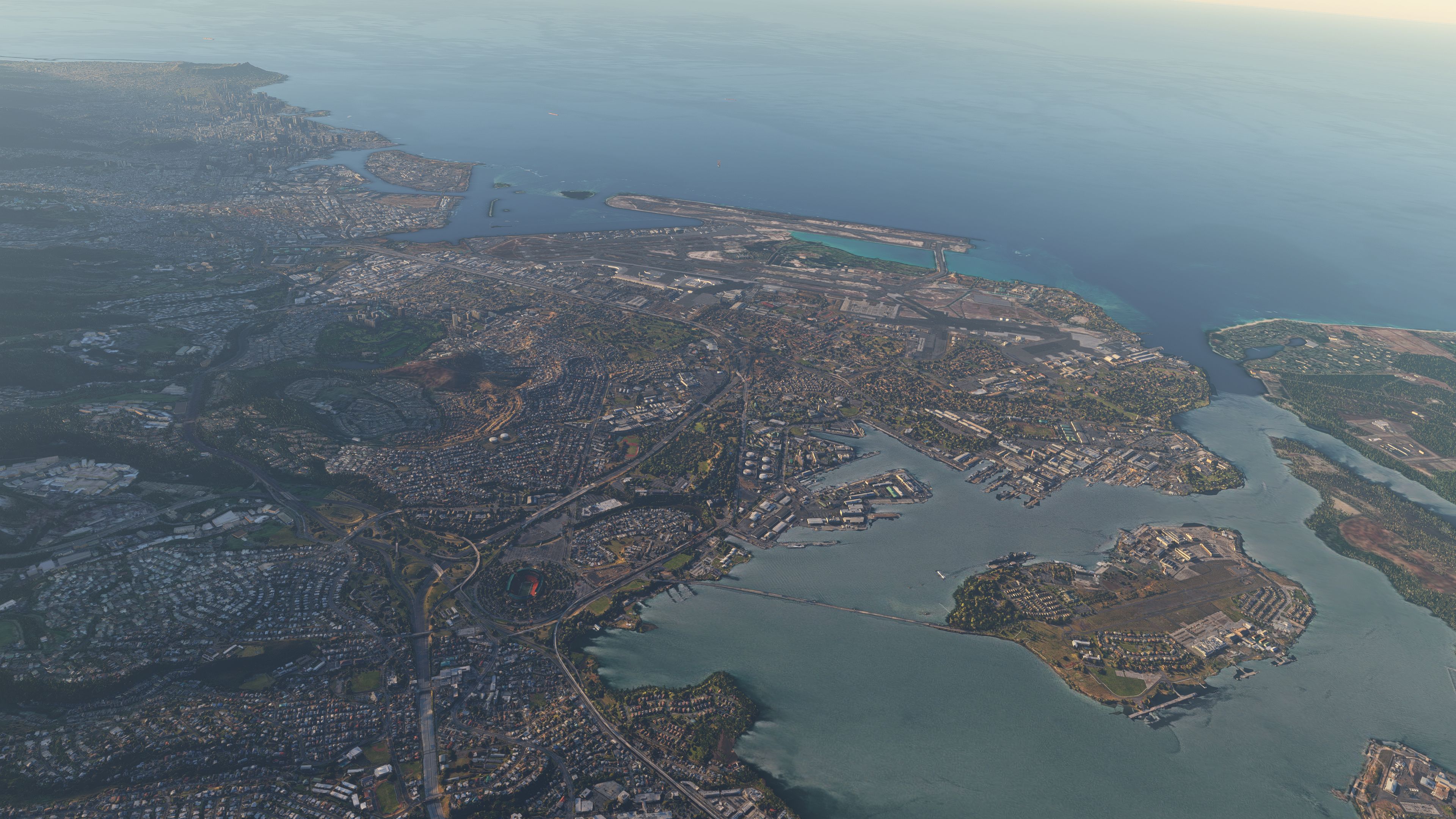
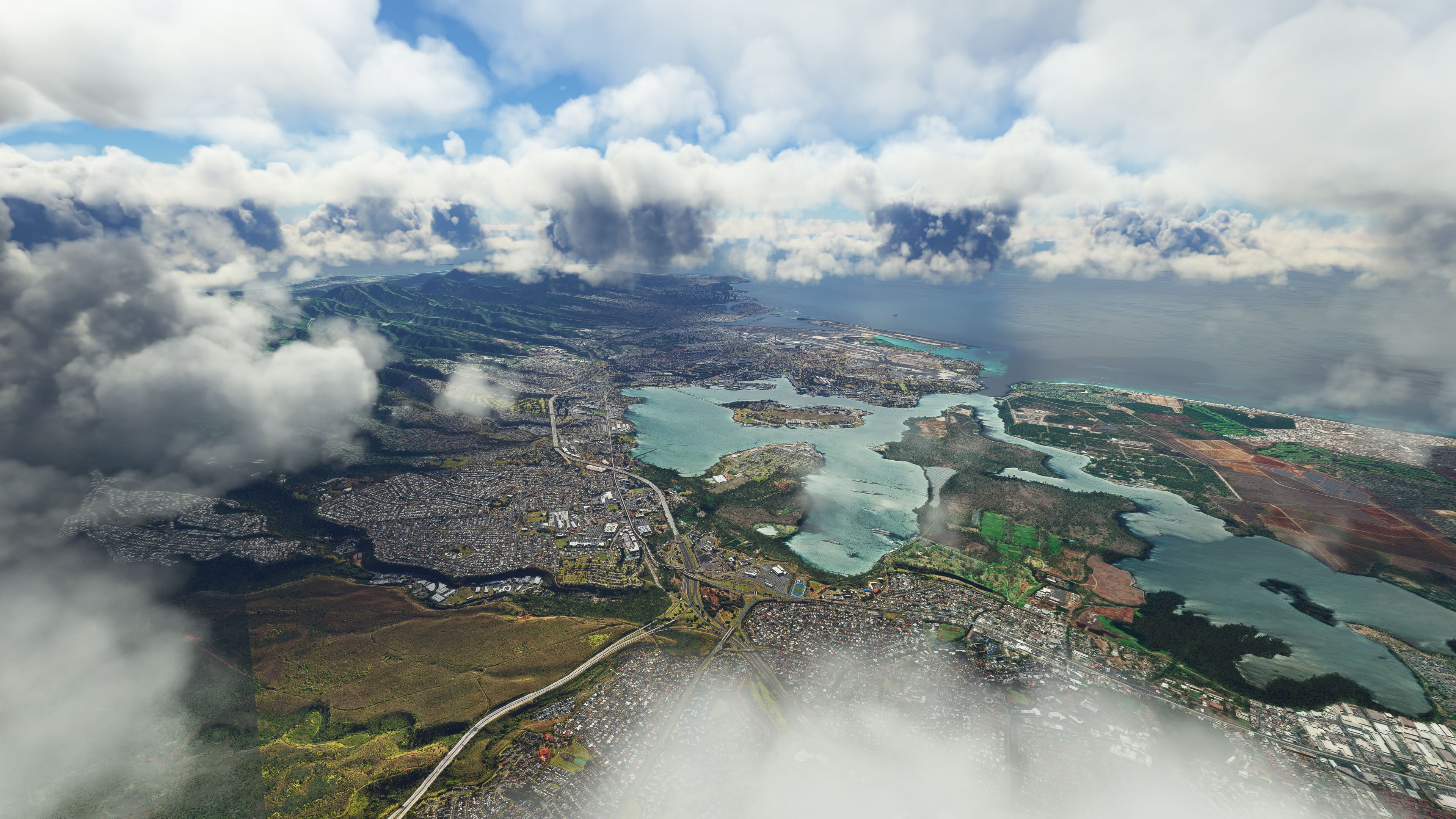
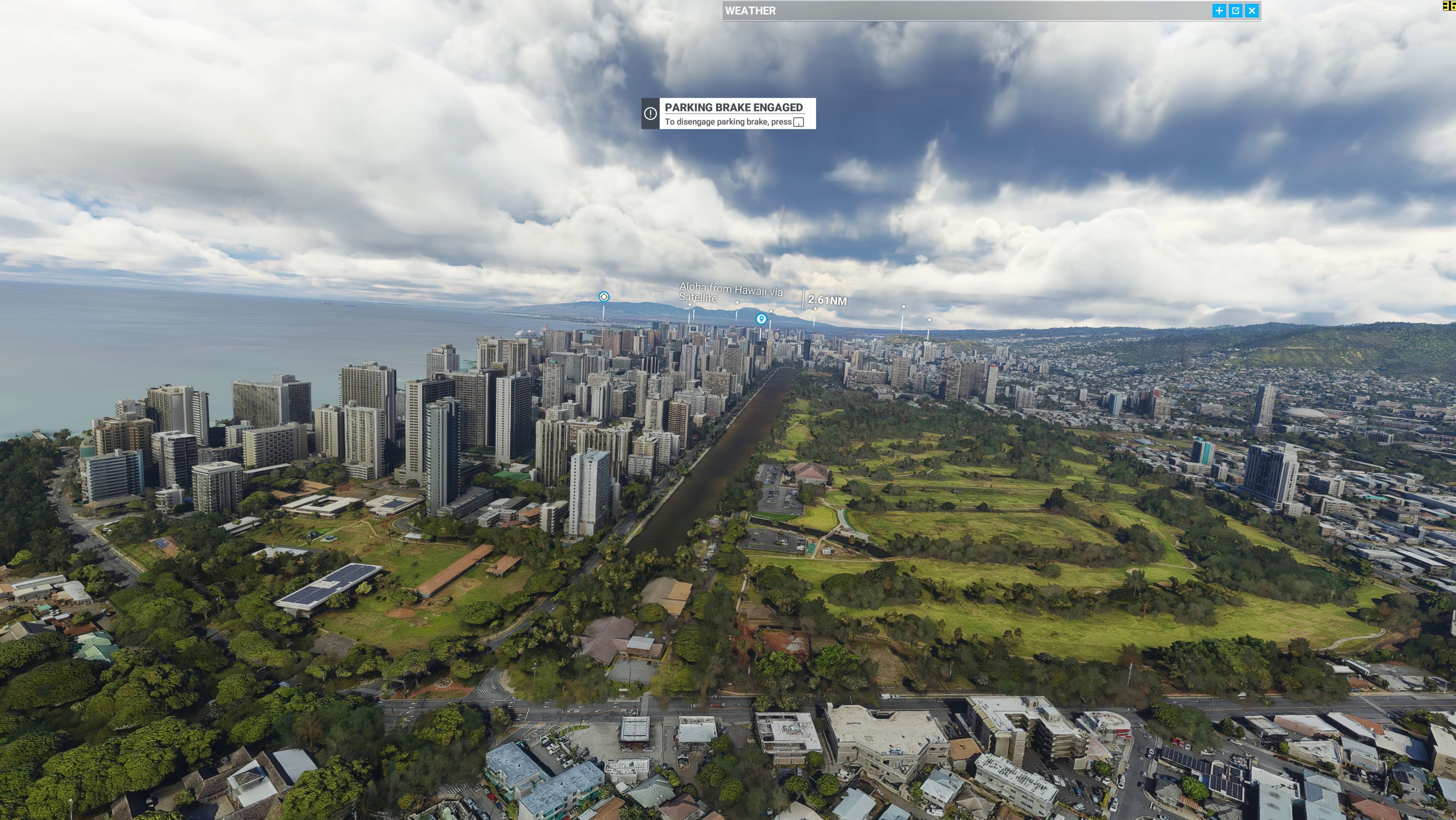
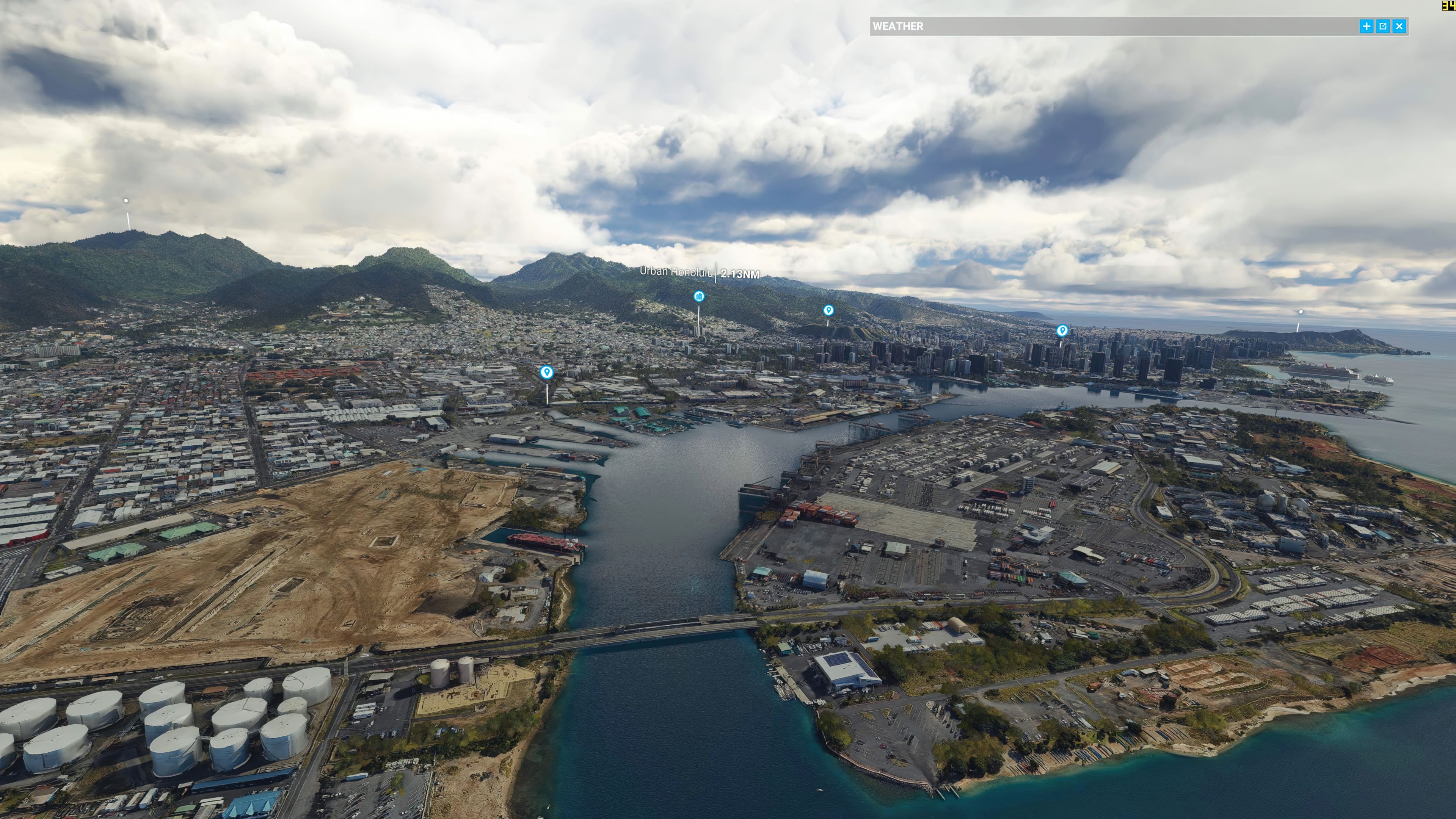
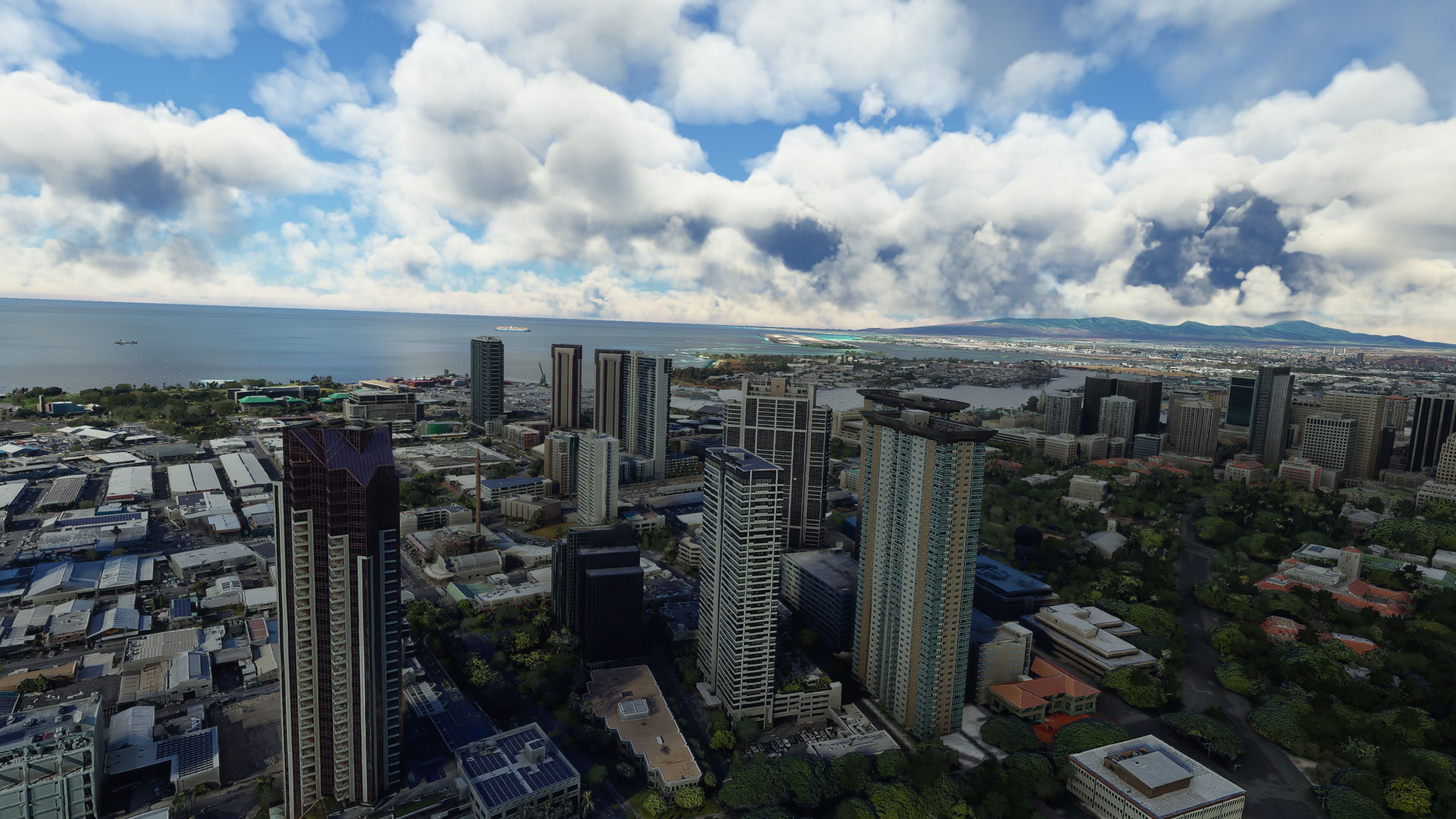
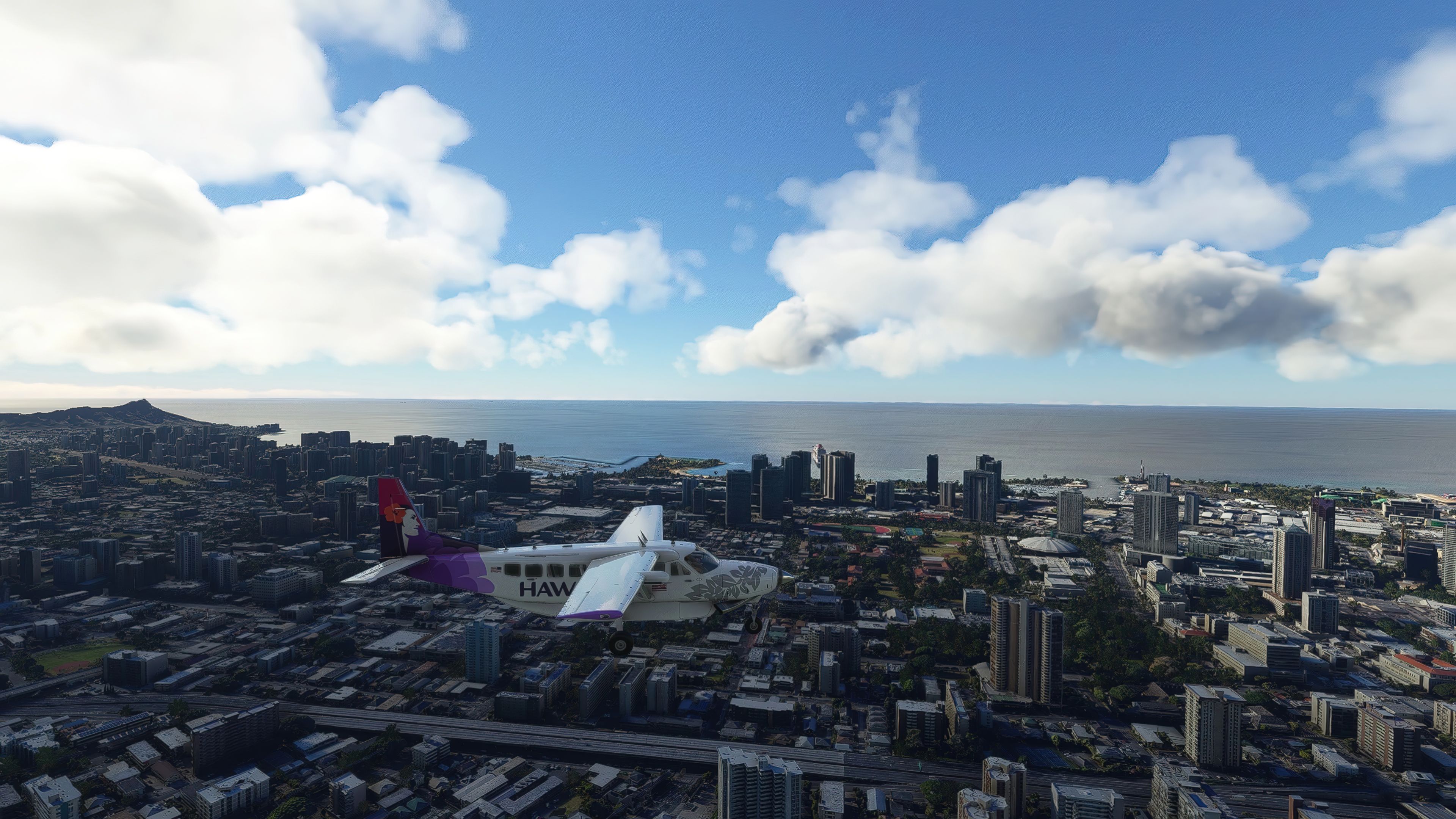
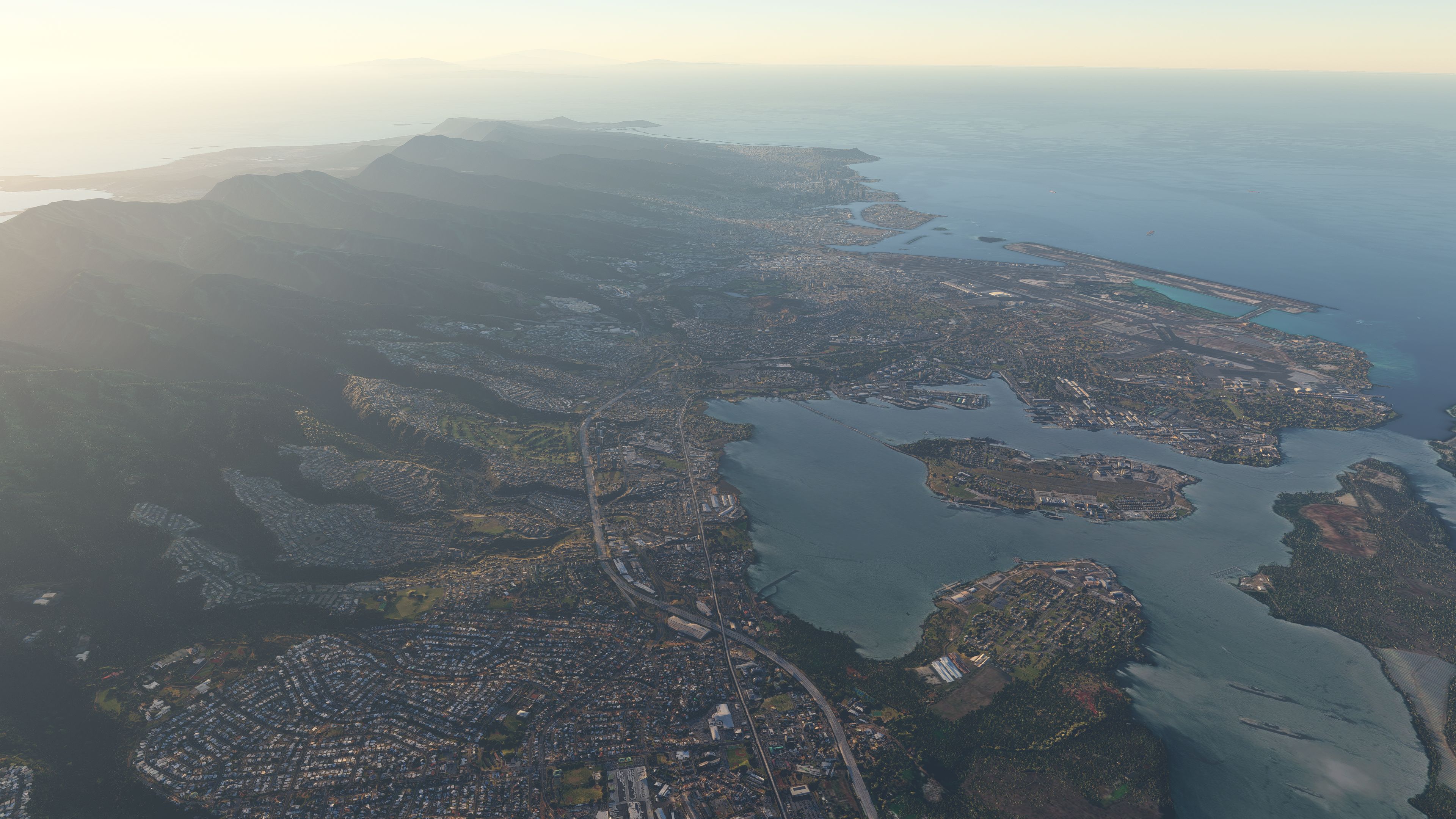
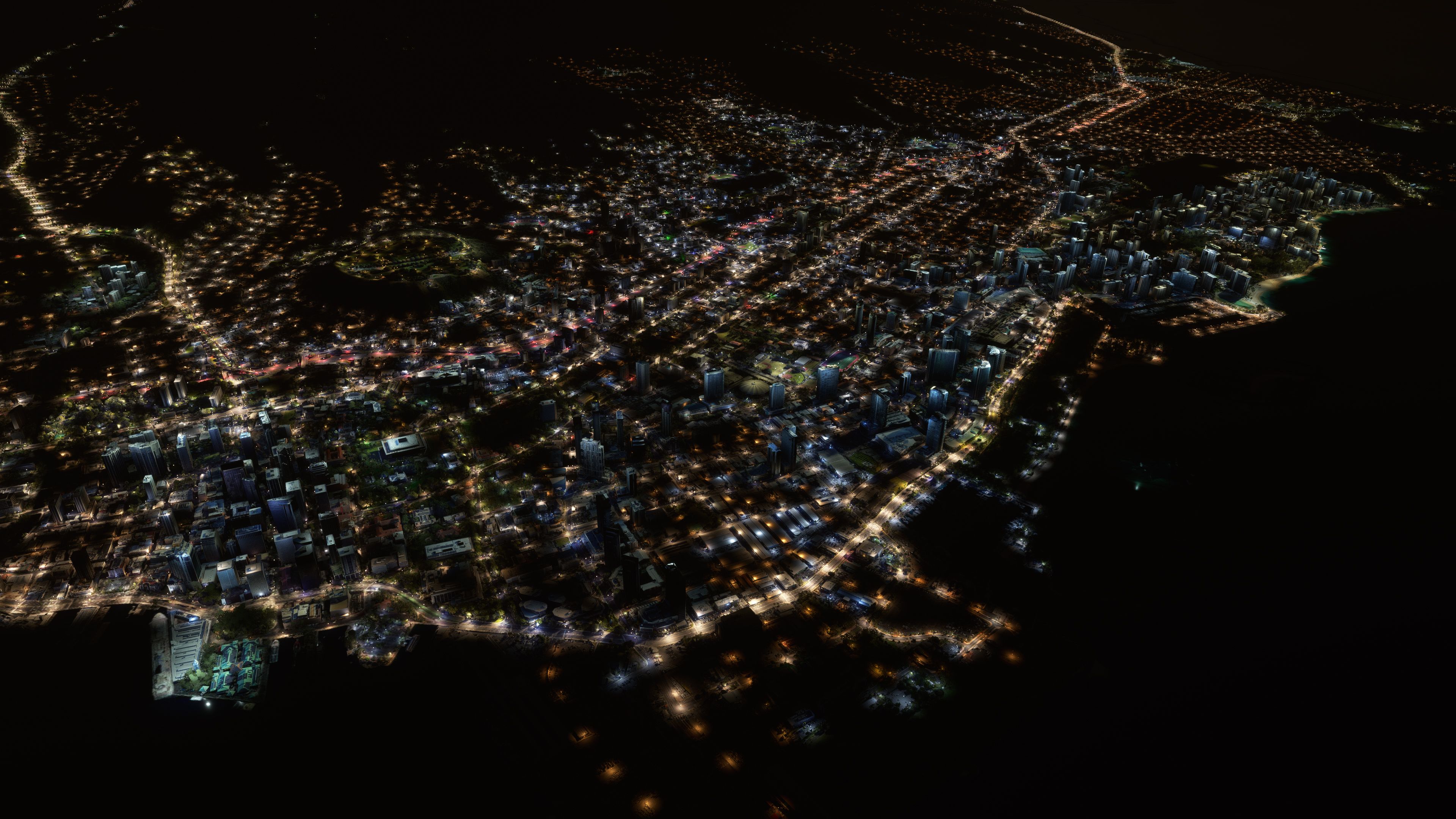
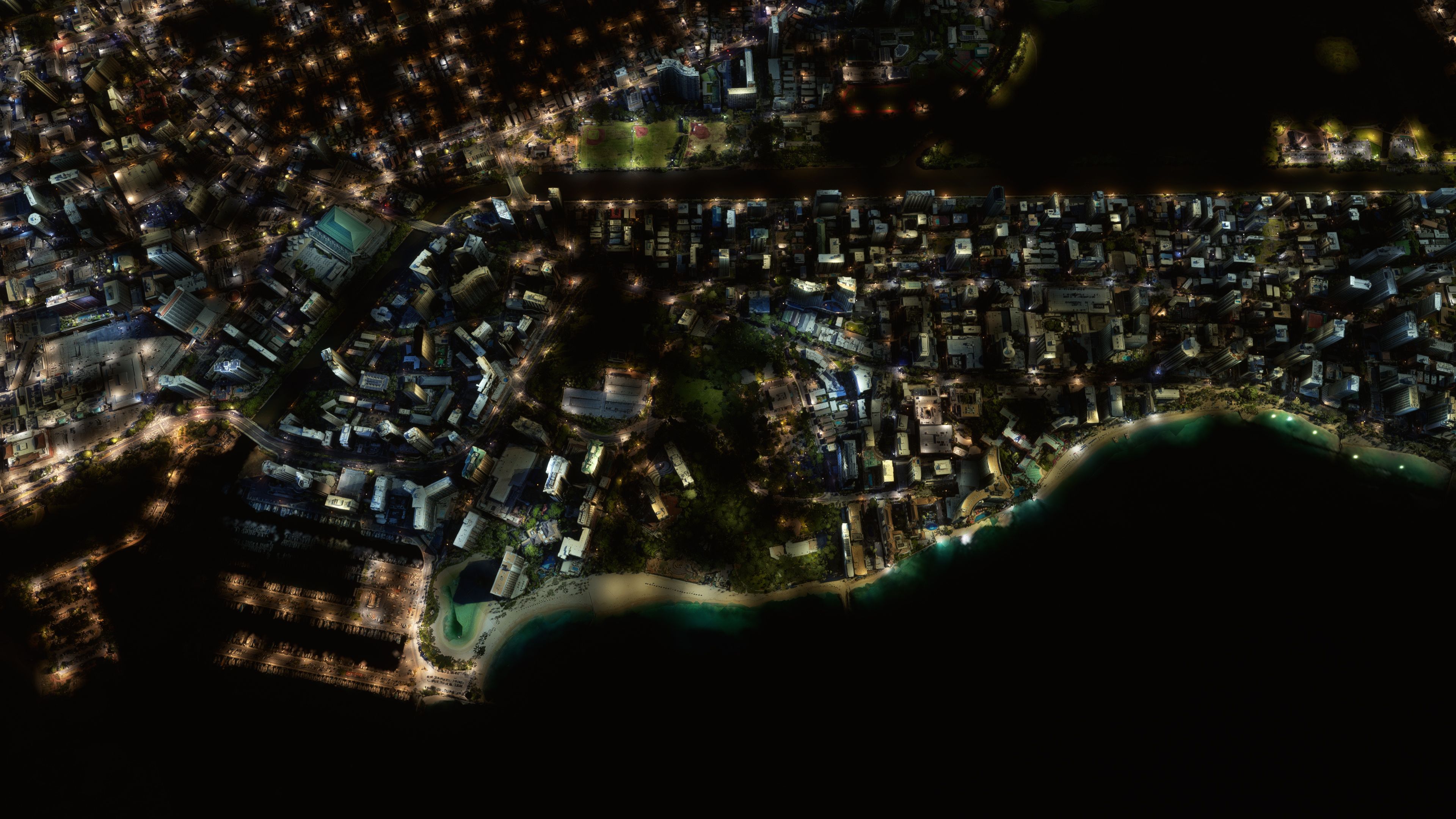
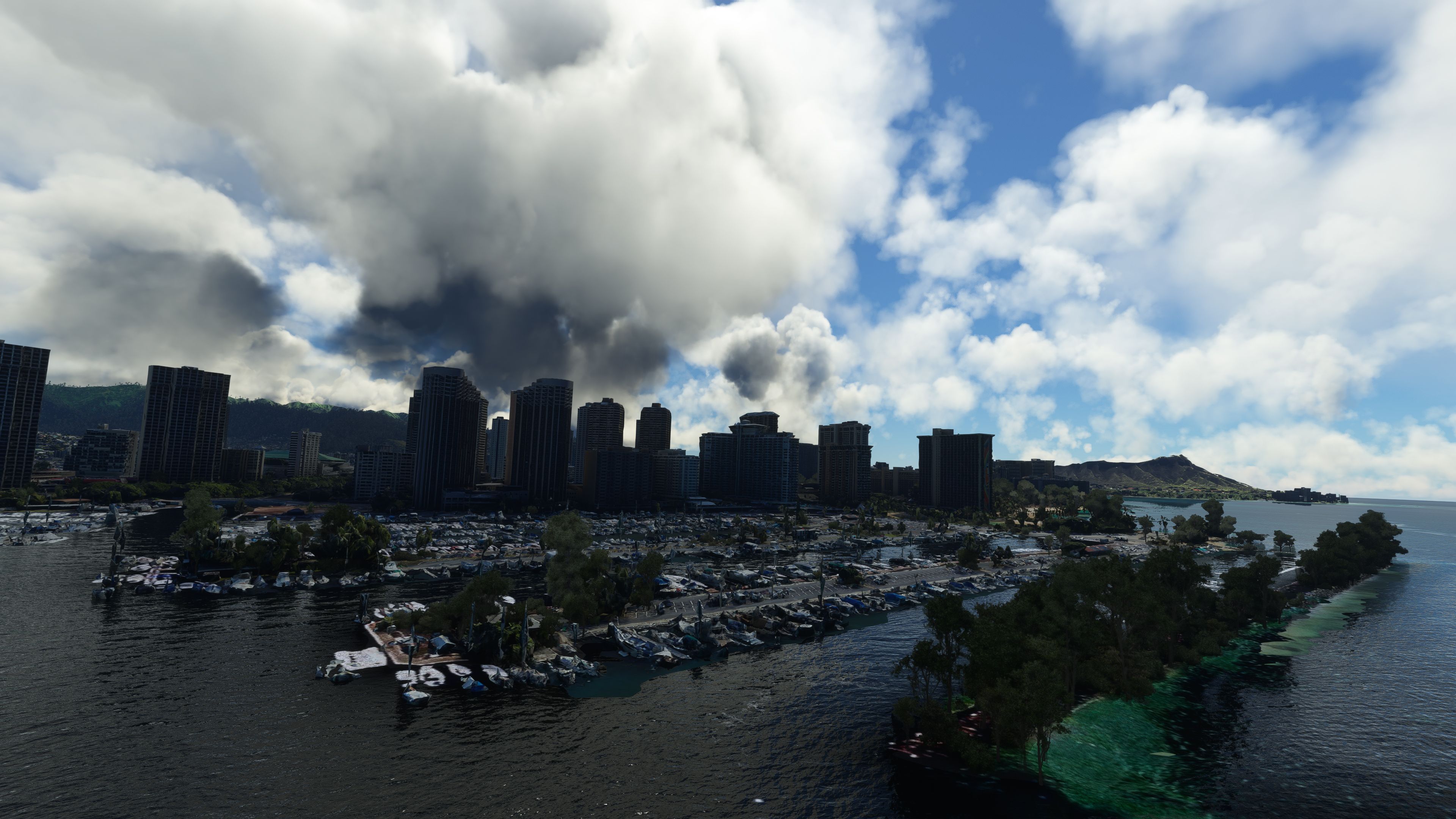
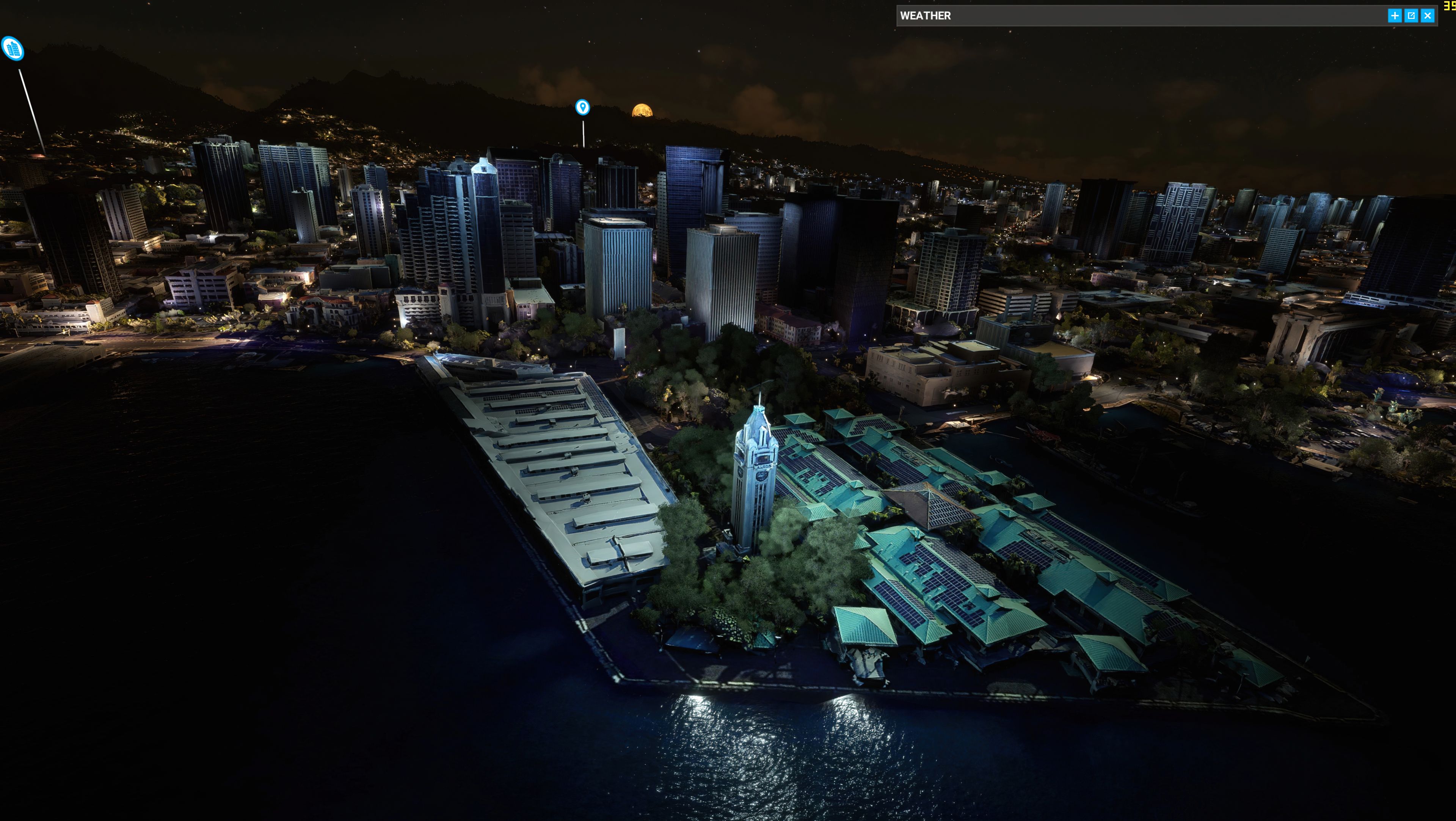
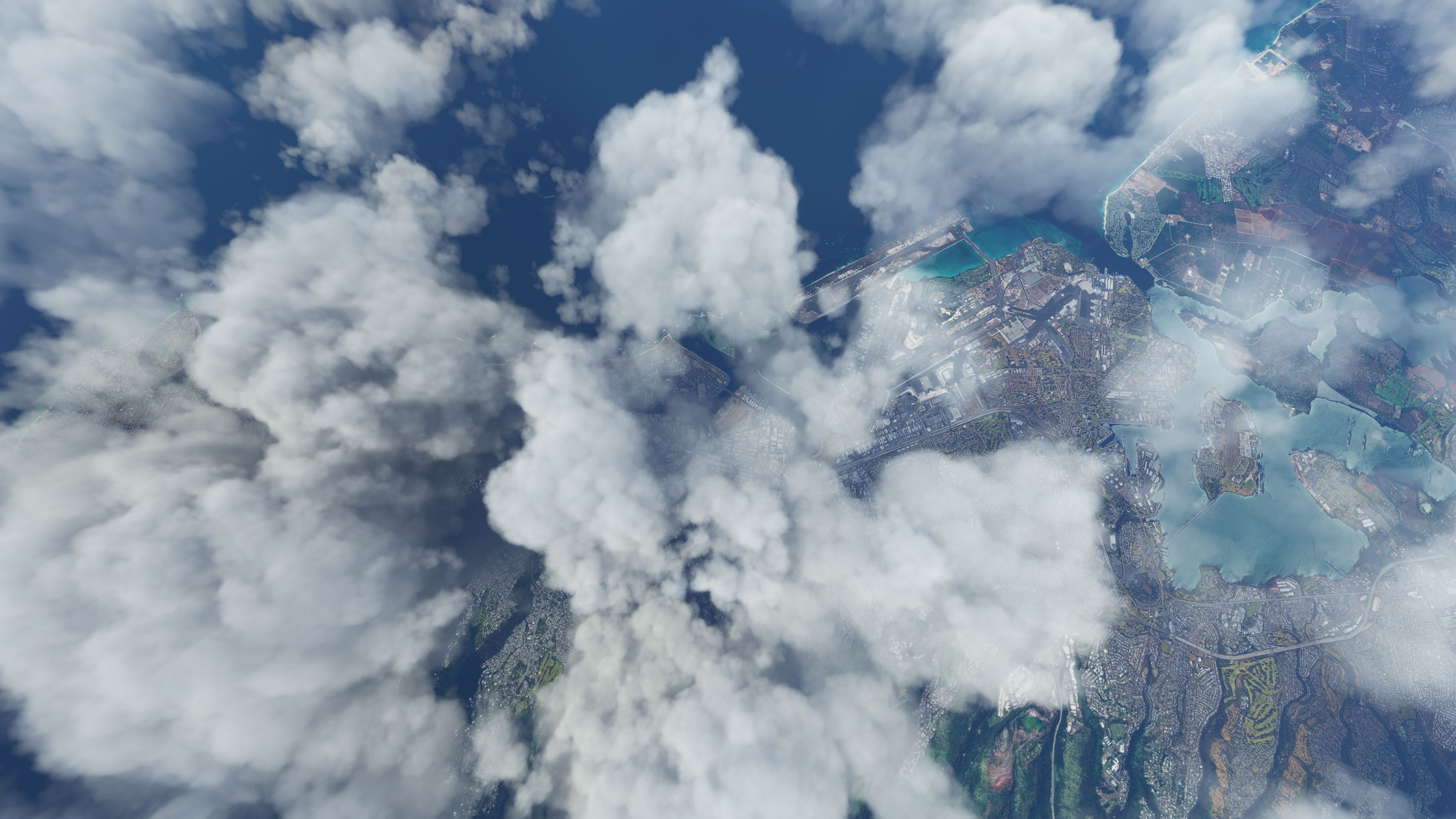
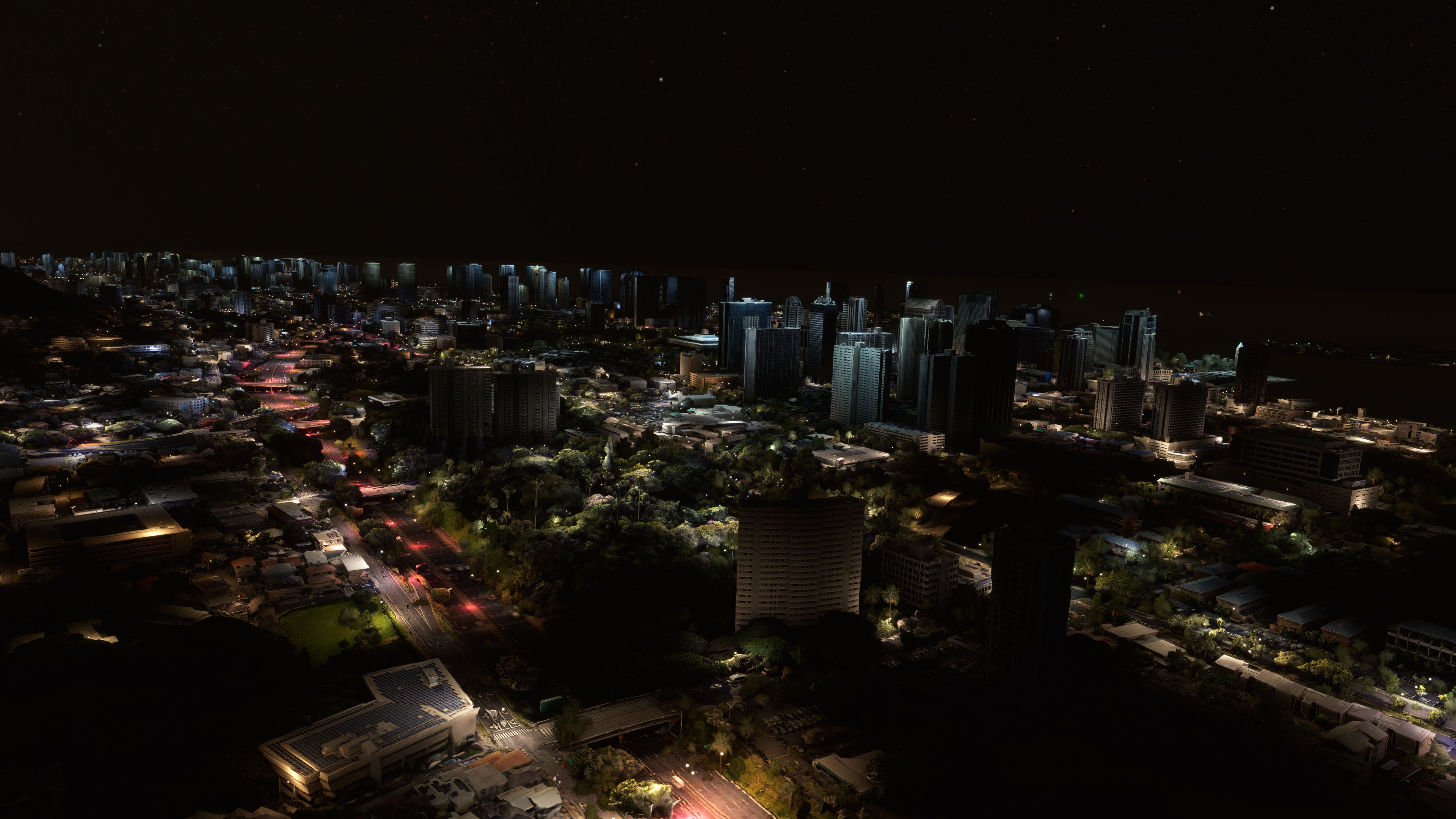
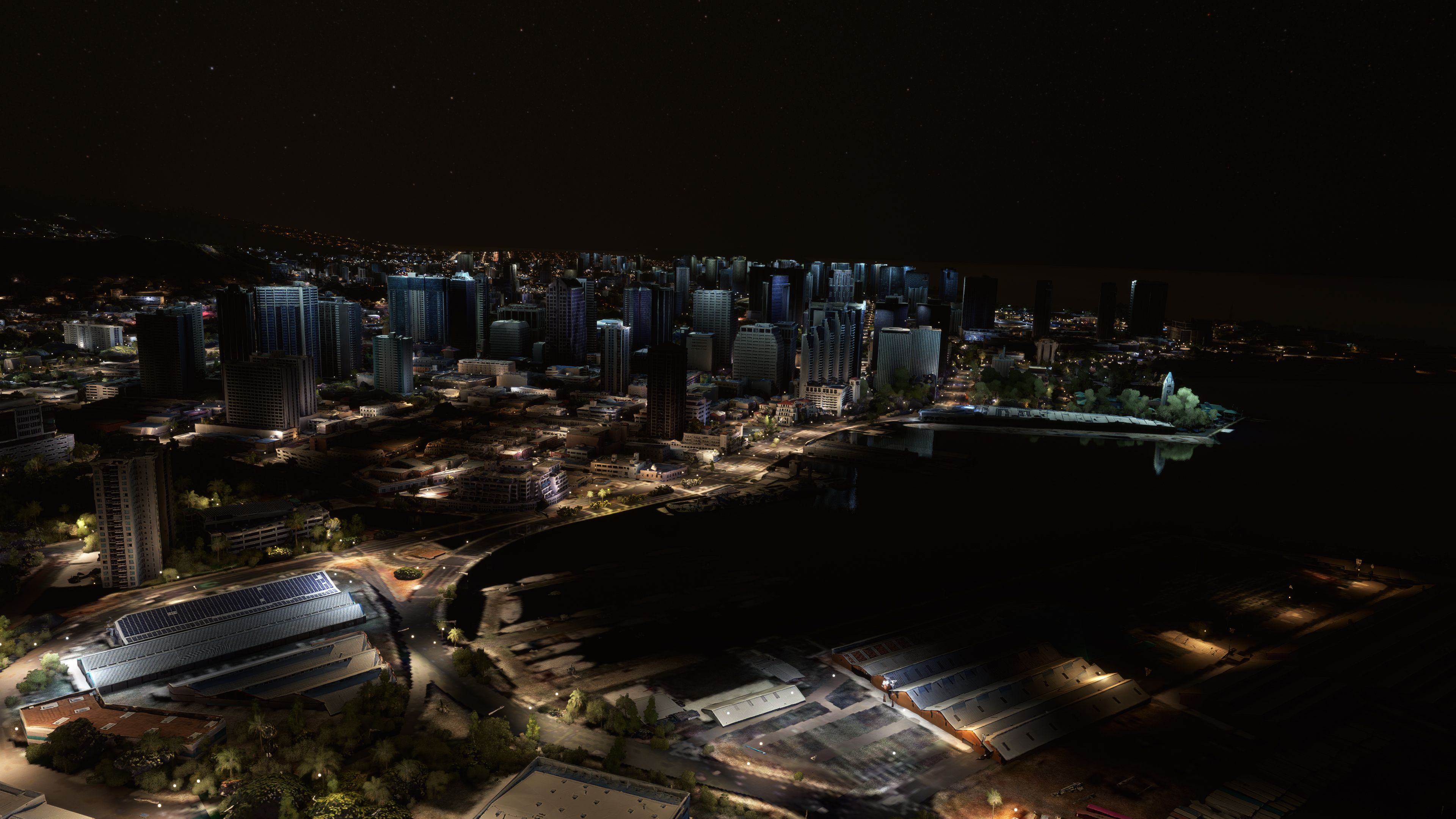
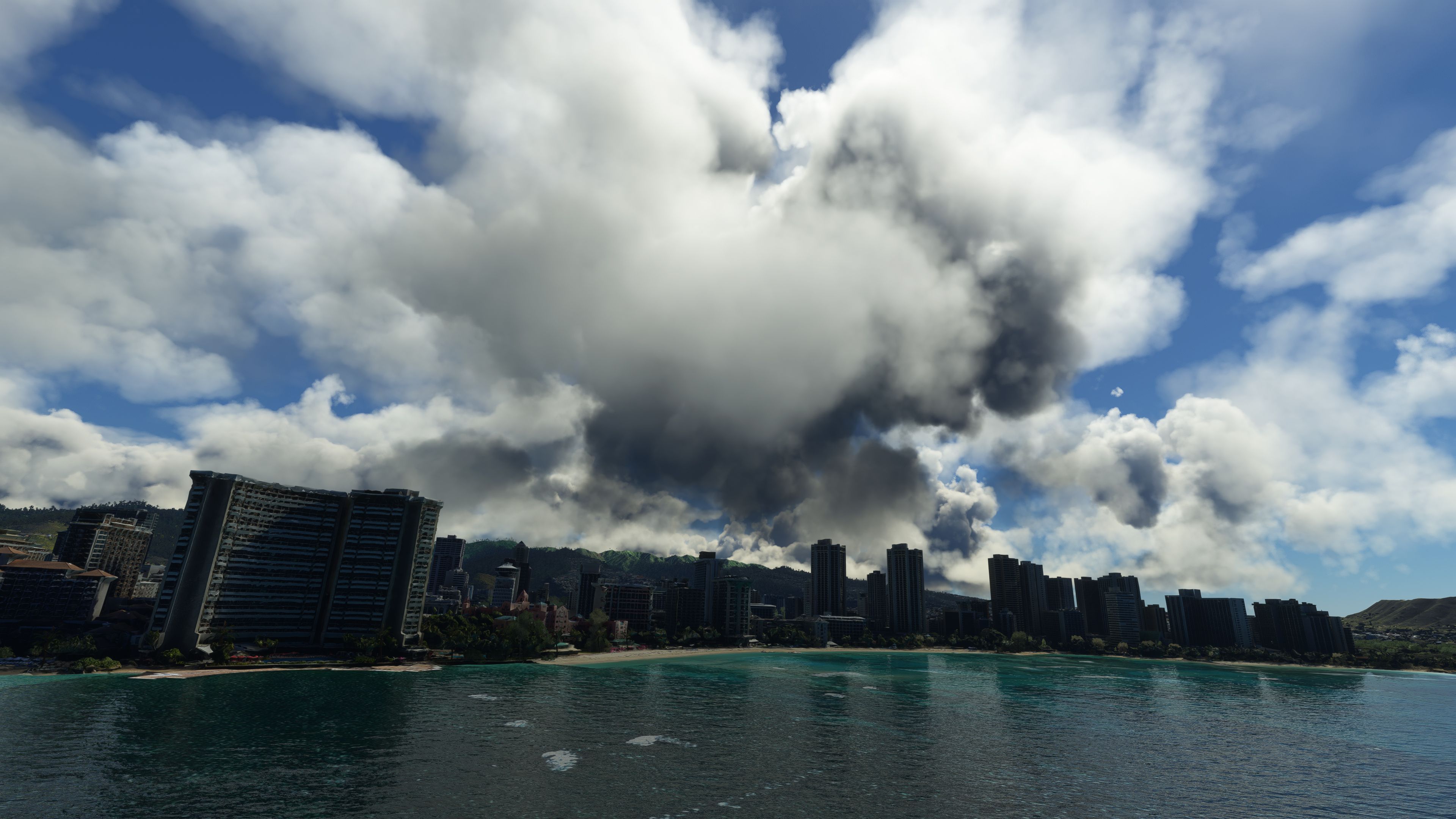
Honolulu, Pearl Harbor, and nearby Oahu terrain get a full scenery overhaul with sharper photogrammetry and higher-resolution ground textures, replacing the default landscape with more accurate coastlines, urban detail, and island color. Built for Microsoft Flight Simulator, it blends LOD19–20 coverage across the metro area and key landmarks while staying performance-friendly.

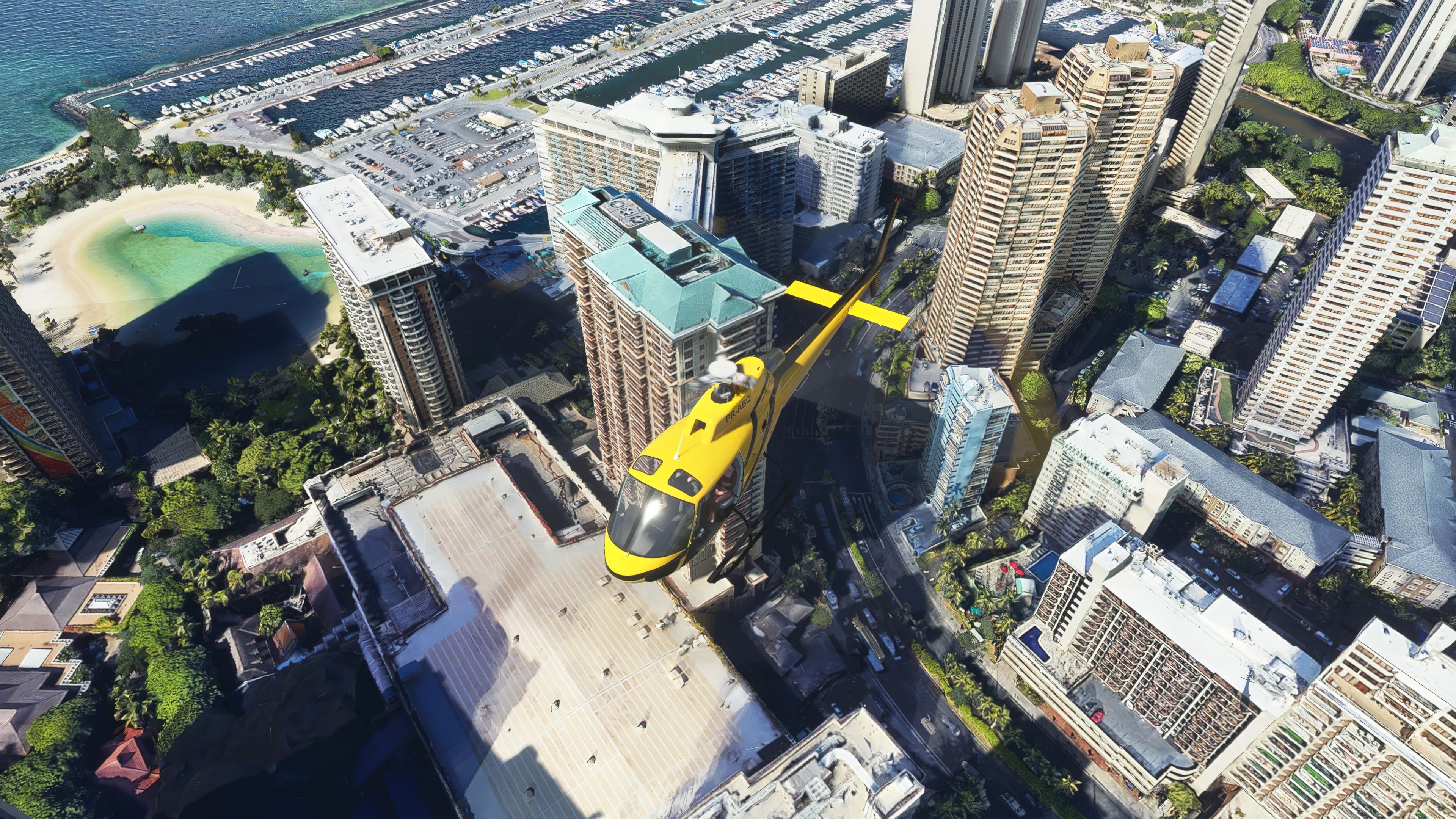
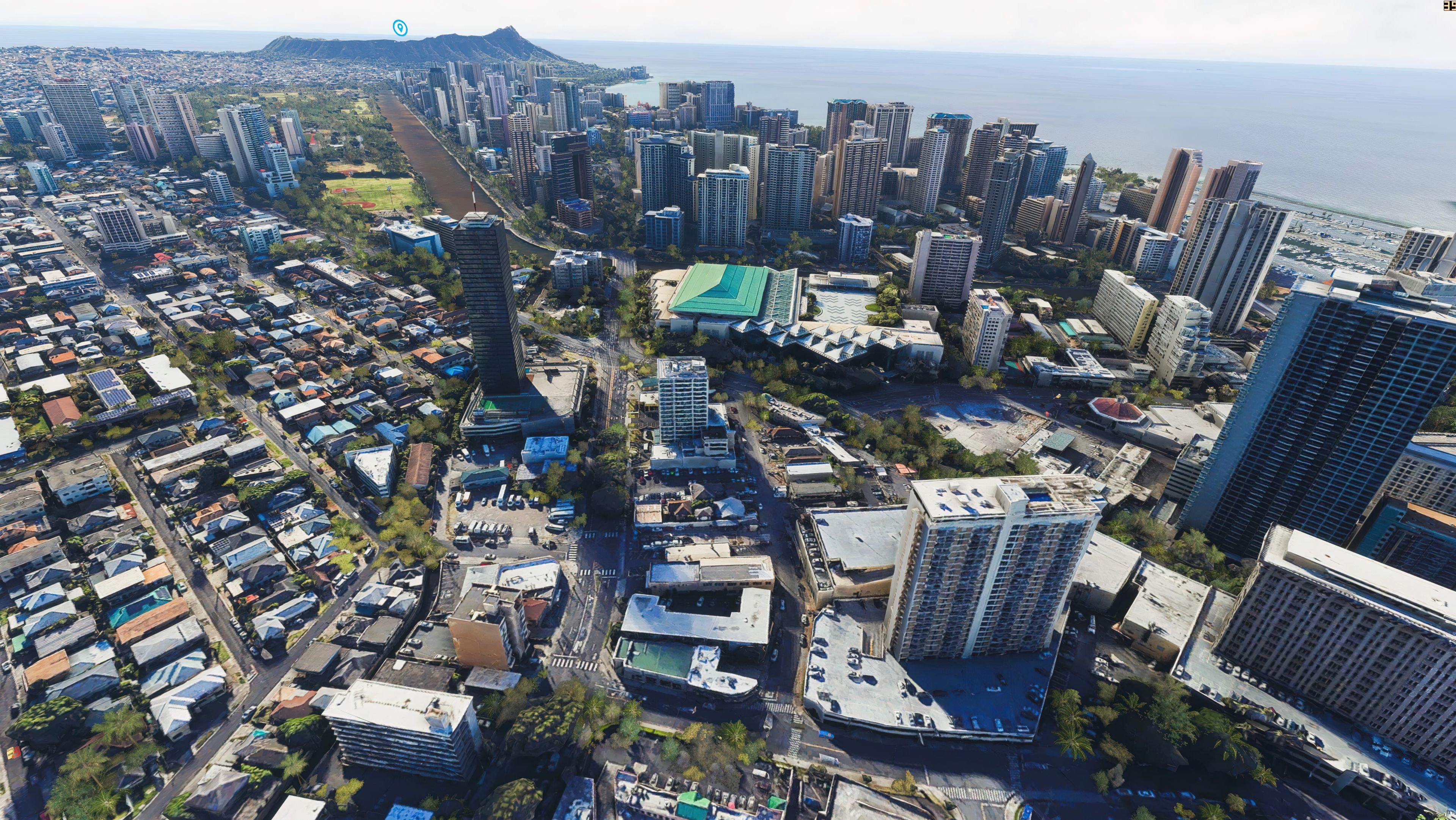
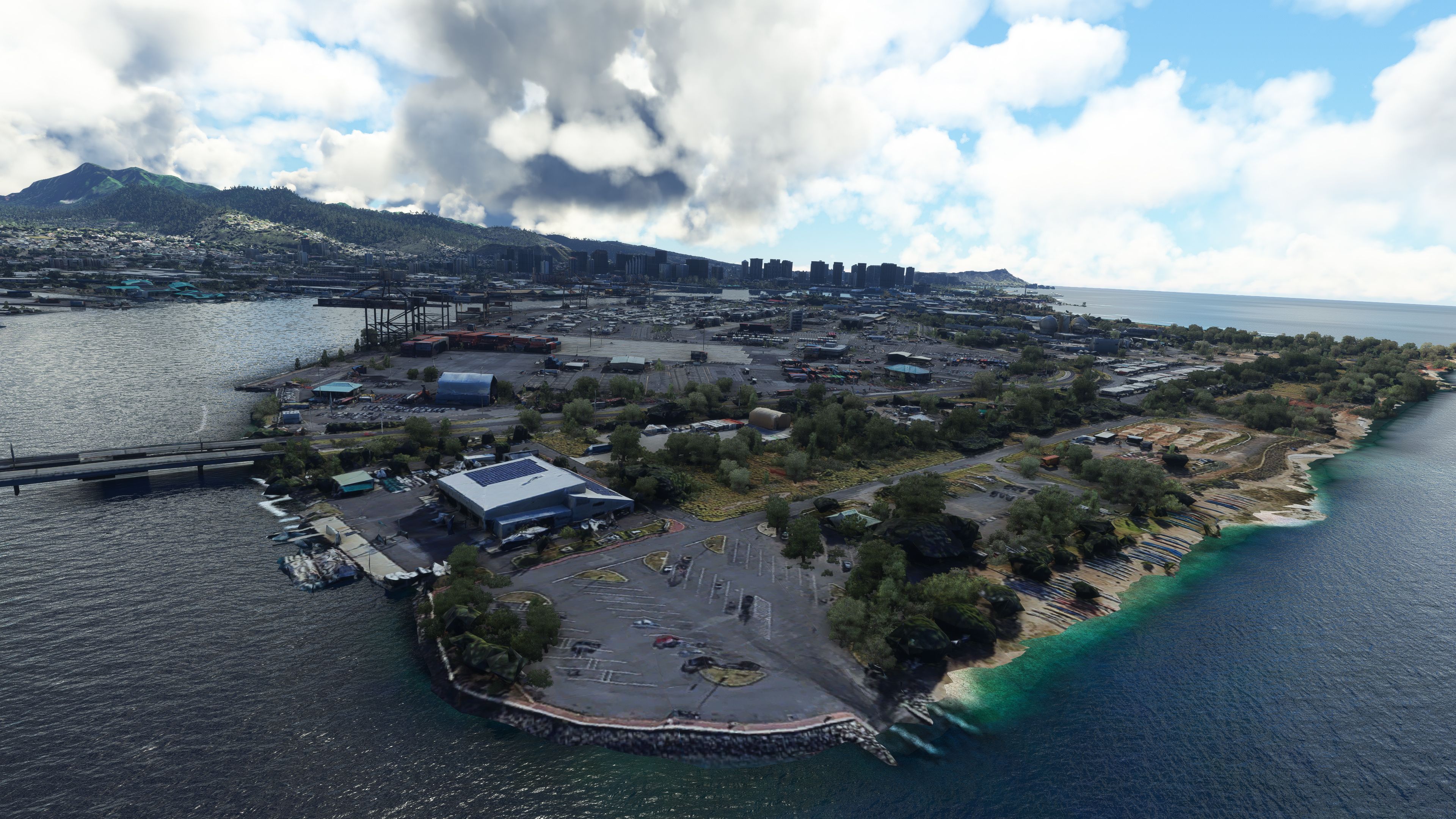
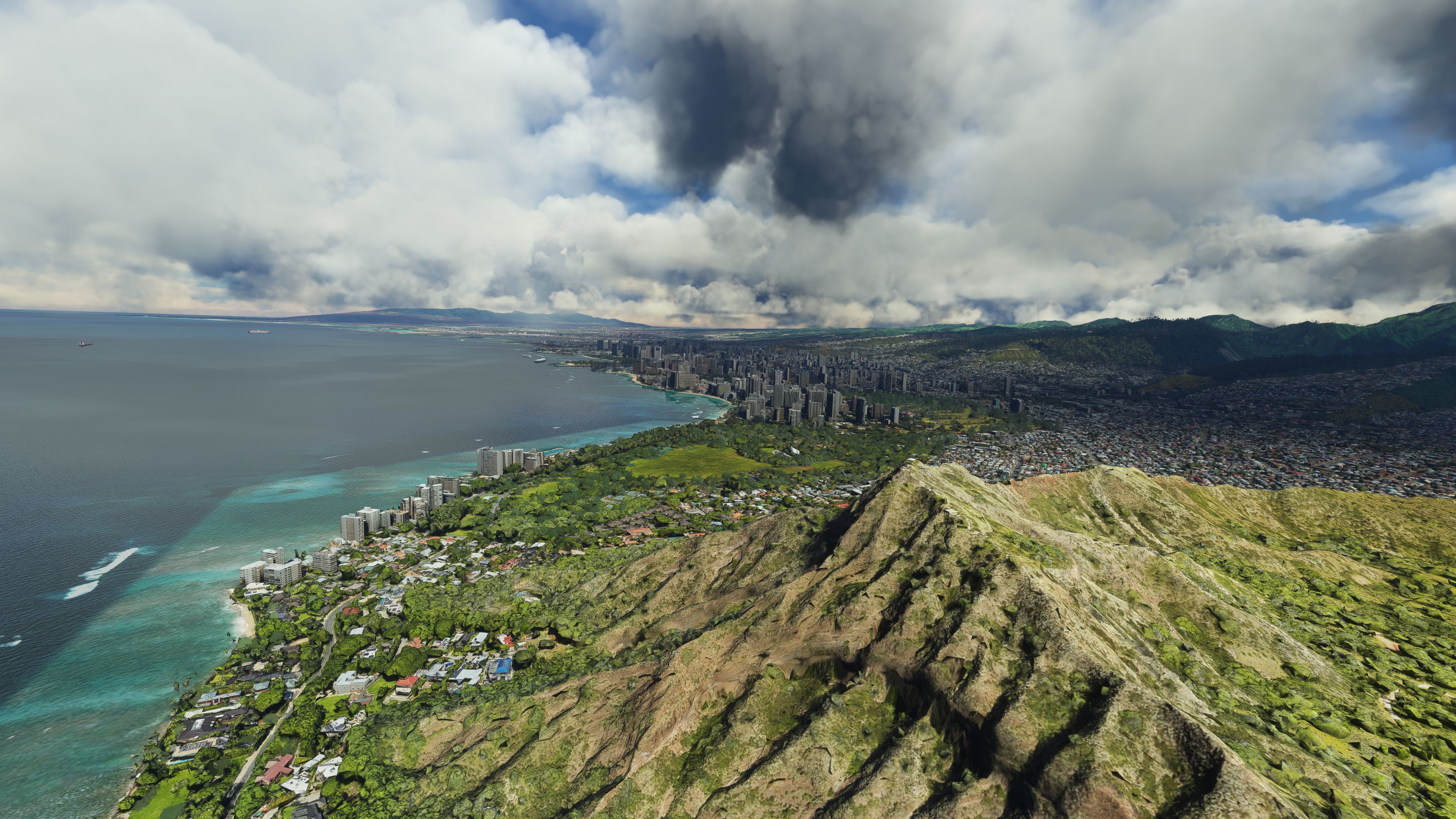
This Honolulu and Hawaii scenery mod for Microsoft Flight Simulator dramatically enhances the entire city of Honolulu, Pearl Harbor, and the surrounding region with upgraded fidelity and photogrammetry. Drawing on external data with LOD19 and LOD20 coverage, it renders the island’s volcanic terrain, iconic landmarks, and rich tropical hues more convincingly than the default MSFS offering. Users have praised it for superior accuracy, improved textures, and optimized performance on a wide range of PCs.
Developed by steveli, this free package merges all parts into one comprehensive set, so simmers can fully explore Oahu without juggling separate downloads. From the historic Pearl Harbor area to the breathtaking coastline around Waikiki, the level of detail delivers an authentic Hawaiian ambience. Having flown across these islands for decades, I find this mod is a welcome upgrade that enriches both low-altitude tours and high-elevation flights with its bright, realistic landscapes and immersive cityscapes.
This is a complete replacement scenery pack covering the entire city of Honolulu, Pearl Harbour, and a large coverage of the surrounding areas in Hawaii for the Microsoft Flight Simulator (MSFS) 2020 release. This pack replaces the default scenery and brings it up to an even higher level of detail with better accuracy and higher resolution textures.
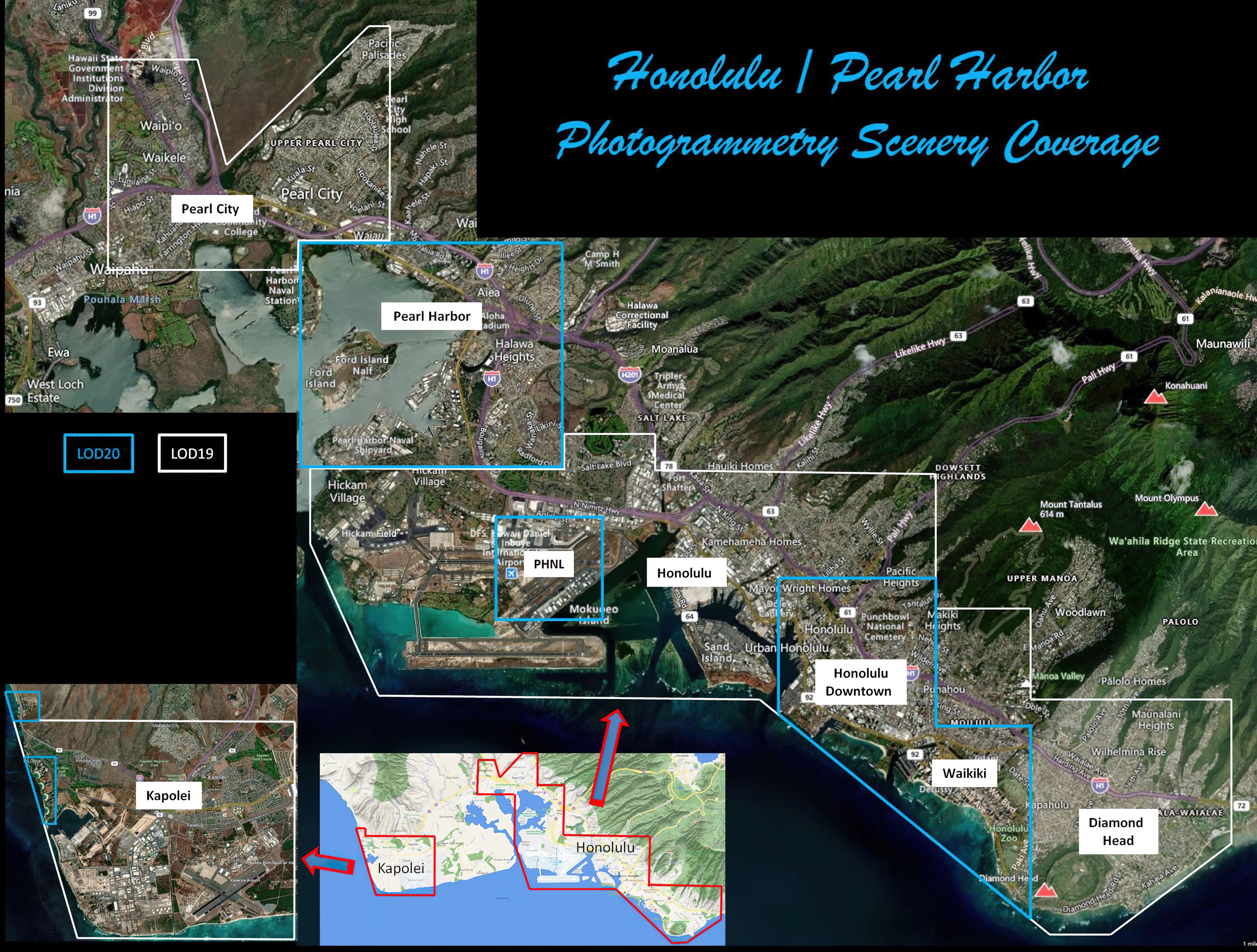
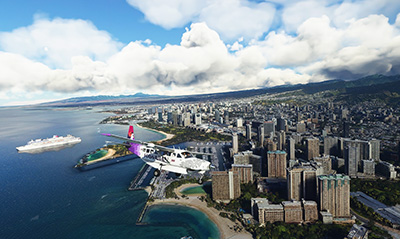 The scenery has been based on sources external outside of Microsoft (Bing Maps) and has a LOD (level of detail) of between 19 and 20. The City of Honolulu and Pearl Harbour are baked at LOD19 while downtown Honolulu and Pearl Harbour are baked with LOD20 data.
The scenery is a complete replacement of the default and many users are already highly rating this freeware pack claiming it's much better than the default Microsoft offering.
The pack is put together and released by the freeware developer steveli and it is free of charge to download and use in MSFS.
The developer has also stated that it has been tweaked and optimized to run on pretty much any machine - be it a top-end all bells and whistles or a normal PC you can buy in the store - you should have no issues with frame rates (FPS). Having said that, Microsoft released a Sim Update that seemed to help with the FPS issue of these photogrammetry scenery packages which also plays a part.
The scenery add-on captures Hawaii and Honolulu in stunning detail and the vibrate green colors around the volcanic island are perfectly represented. I've always found Hawaii in any flight simulator to be very colorful and vivid and this mod certainly sticks to that memory.
The freeware release available from Fly Away Simulation includes all packs needed to experience the whole scenery area. Some other sites that list this file release it in parts. The one you download from here will include all parts (1-6) and is a complete, single download pack with no need to source or search for additional files or releases. It's a complete package with a single download. The developer originally released this scenery in 6 parts - they are all included and are listed below;
This is a very large download and while it's easy to download (all in one pack), we recommend a download manager should your connection get interrupted.
If using simply GPS, the coordinates are: 21.3099° N, 157.8581° W
If you're wanting to start/stop flights at airports in and around the scenery coverage area, the best places to take off from and land at are;
Once you have downloaded the archive, simply browse into the MSFS Scenery Files folder and copy the following folders into your MSFS community folder:
Hawaii_honolulu_Part1Hawaii_honolulu_Part2Hawaii_honolulu_Part3Hawaii_honolulu_Part4Hawaii_honolulu_Part5Hawaii_honolulu_Part6Once that's complete, you should be able to load the scenery and perhaps use one of the starting airports listed above. However, if you know Hawaii and the Honolulu area, you will know just where to start in the sim.
This freeware scenery package for MSFS has been developed by steveli and they have allowed republication on any website providing they are credited correctly.
The developer does publish a public donation page for their freeware work and if you like this pack, you can donate to the developer using this PayPal link.
Free for all simmers · 16.56 GB · Scanned clean Oct 2026
Download speed: Free tier is capped at 2 Mbps (this file takes approximately 19h 46m at the cap). PRO members download at full line speed.
%LOCALAPPDATA%\Packages\Microsoft.FlightSimulator_8wekyb3d8bbwe\LocalCache\Packages\Community\. Steam version: %APPDATA%\Microsoft Flight Simulator\Packages\Community\. Tip: enable Developer Mode in MSFS to see your exact Community folder path.readme.txt or README file. It tells you exactly where files go, what dependencies are needed, and any quirks specific to this add-on.Only PRO members can place votes.
More MSFS add-ons hand-picked based on this download.
MSFS Scenery
A complete pack for Microsoft Flight Simulator (MSFS) 2020 release bringing A…
 MSFS Scenery
A large freeware scenery add-on pack put together by the developer who goes b…
 MSFS Scenery
A quick rework of several Swiss cities and landmarks such as the Matterhorn u…
 MSFS Scenery
This pack by the developer who simply goes by the name of Chris brings the me…
 MSFS Scenery
Enhance your Microsoft Flight Simulator experience with the Downtown Los Ange…
 MSFS Scenery
A massive freeware pack created by the developer Srinivasman containing over …
 MSFS Scenery
A new, easy-to-install, and accurate replacement of the default Paris photore…
 MSFS Scenery
A complete overhaul of Zion Canyon National Park in Utah, the USA for Microso…
Read what other simmers think, or add your own.


I have downloaded the Hawaii Scenery Pack. The installation instructions say to copy the Part 1 through Part 6 folders into the Community Folder. The first issue I am having is that there is only 1 Folder under MSFS Scenery Files and that is the Part 1 folder. NO OTHER FOLDERS ARE IN THE SCENERY FOLDER. There is NO Part 2,3,4,5 or 6.
How do I get the entire package? What I have downloaded is 16,281,679kb.
Thx.

Does not interface well with ini builds even if you leave out Part 6. The maintenance hangars along Taxiway L are completely sunken under the terrain.

Great work! Will there be an update for this addon to mesh better with inibuilds PHNL?

Excellent! What an improvement...The only thing better would be if I could park my Seaplane on the beach and watch all the bikinis walk by!

I couldn't see any improvement when I just put the whole directory in the community folder. Then I moved Part 1 through Part 5 into the root of the community folder like everything else is and it seems to be working now.
The only problem I have now is that the Might Moe still isn't there. The Warf that it's tied up to is now there but no ship. The Arizona Memorial was already looking pretty good after one of the updates, but this made it look even better!