


 United States of America
  FSX Scenery
Bremerton National Airport WA
Bremerton National Airport (KPWT), Washington (WA). Patch for Mark Smith's FS…
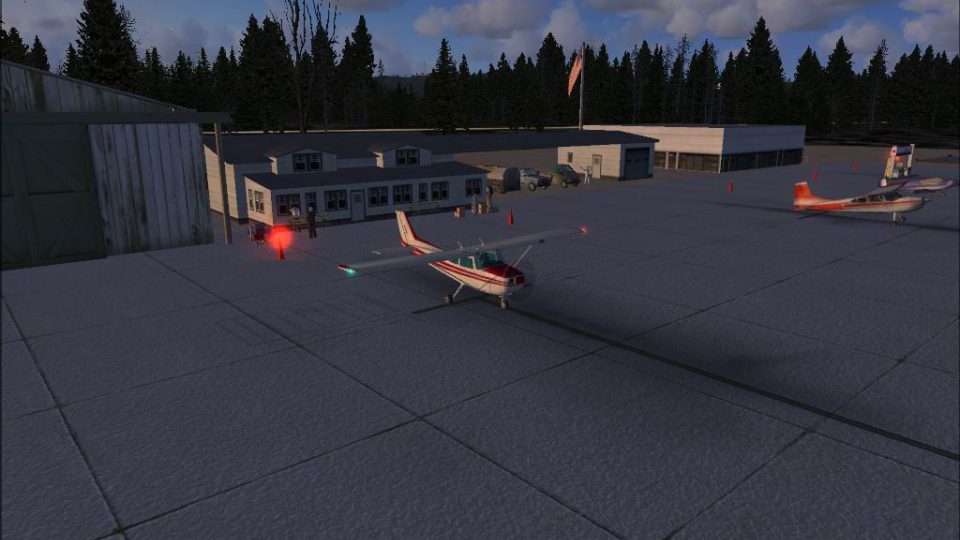
Bremerton National Airport (KPWT) scenery brings Washington’s field to life in FSX with a company FBO and hangar, cargo parking, heli pads, and a glider club, plus animated people, vehicles, and hangar clutter. Spot birds overhead, a hot air balloon, and a hidden bear near runway 19; requires FSX Acceleration for some library objects.
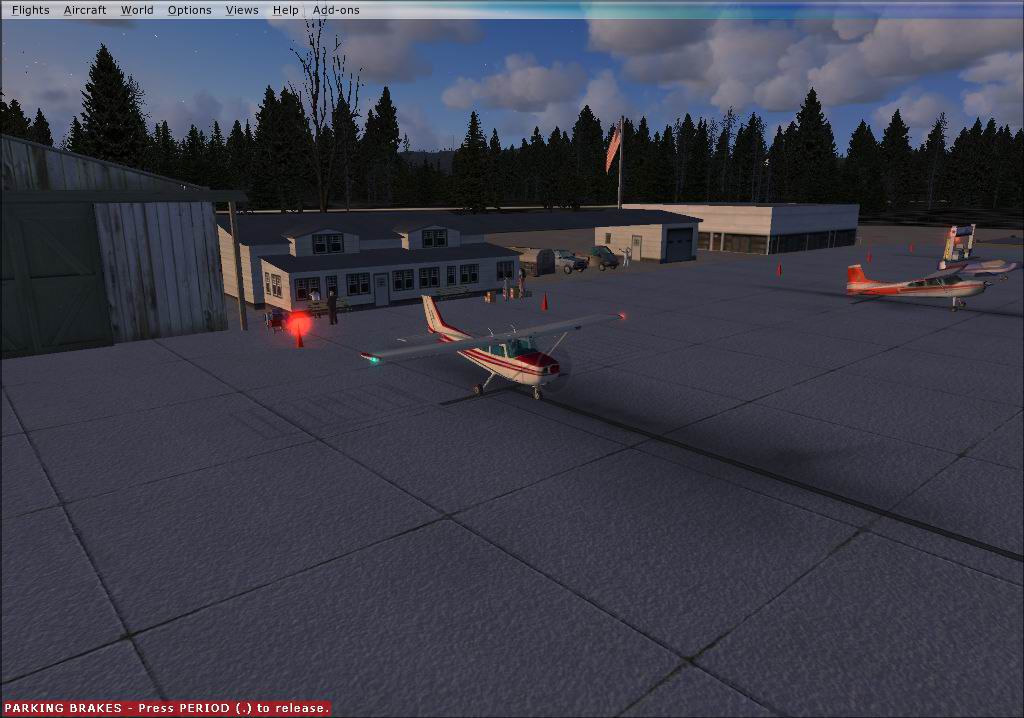
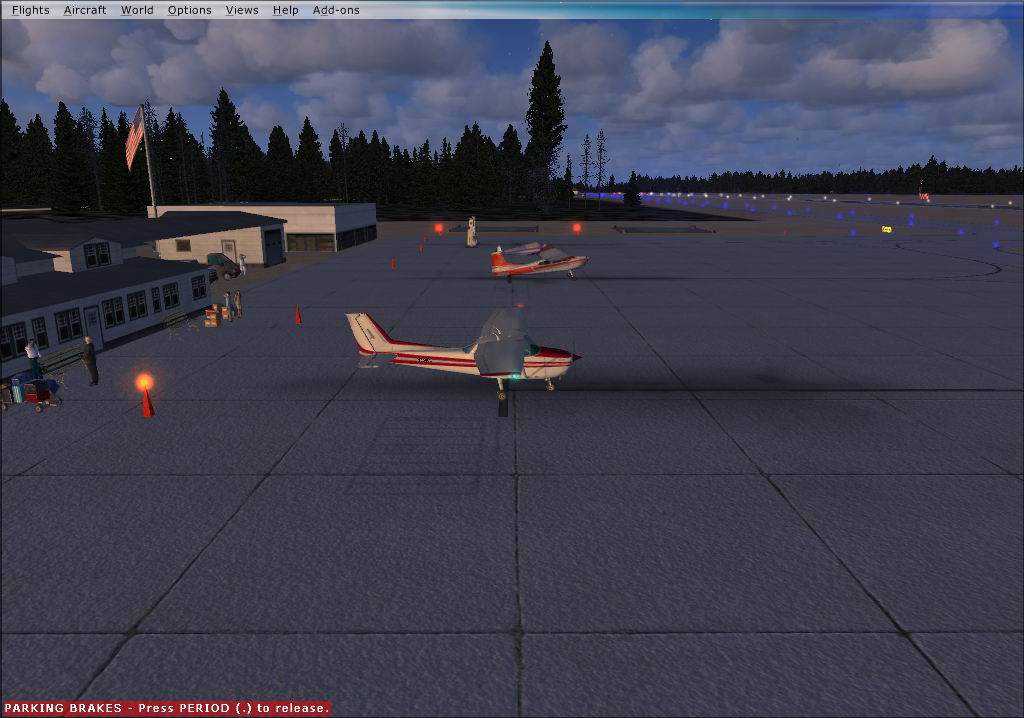
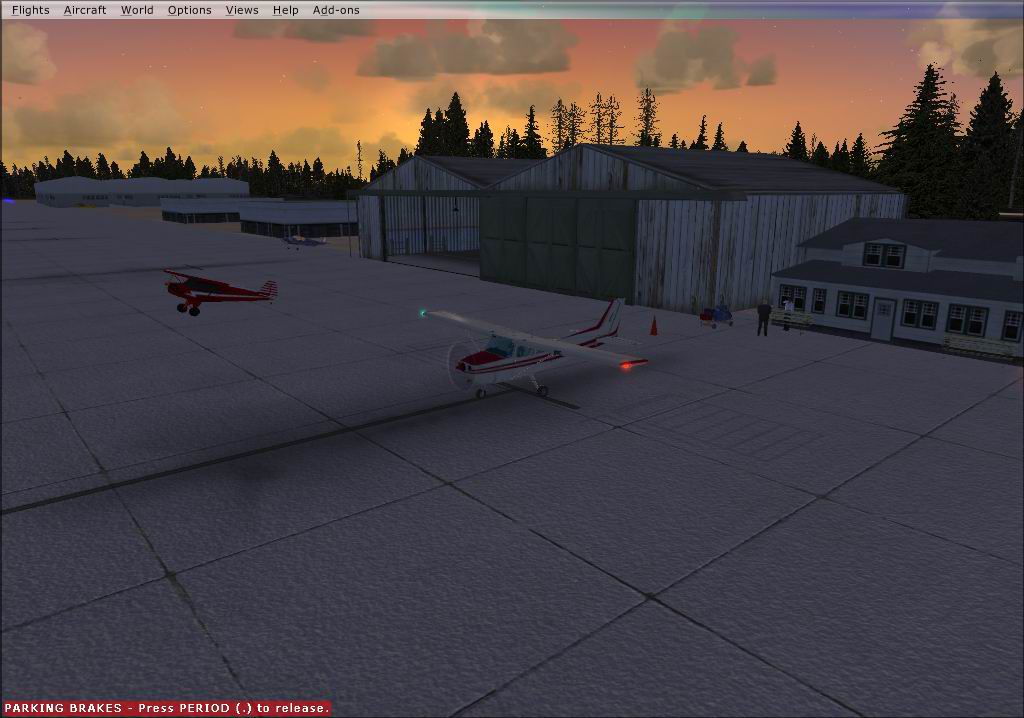
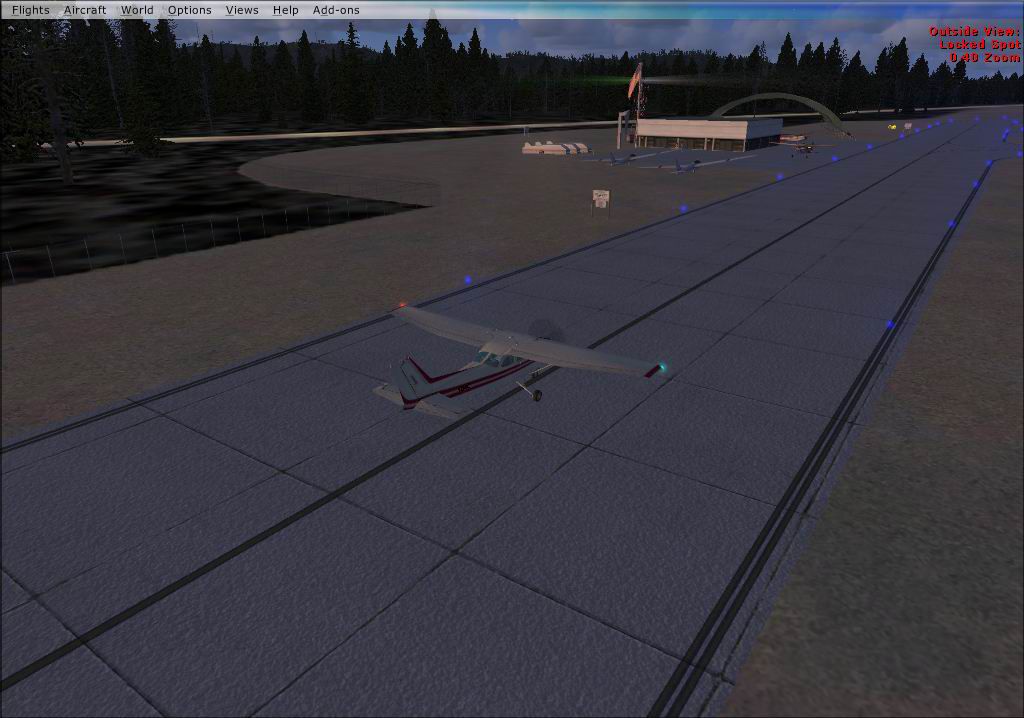
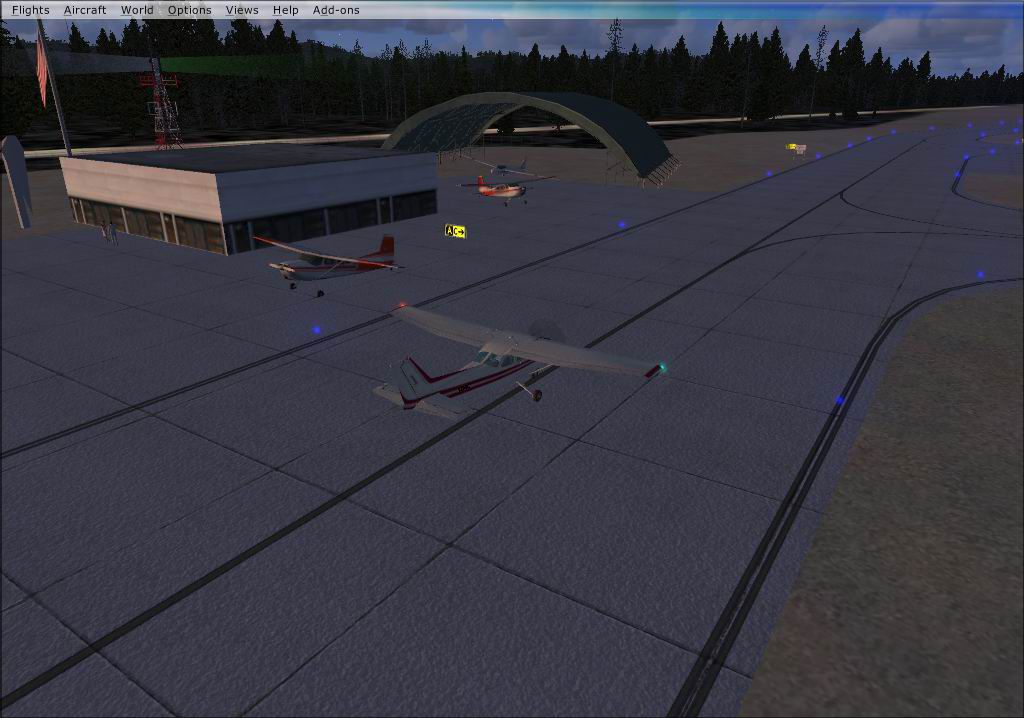
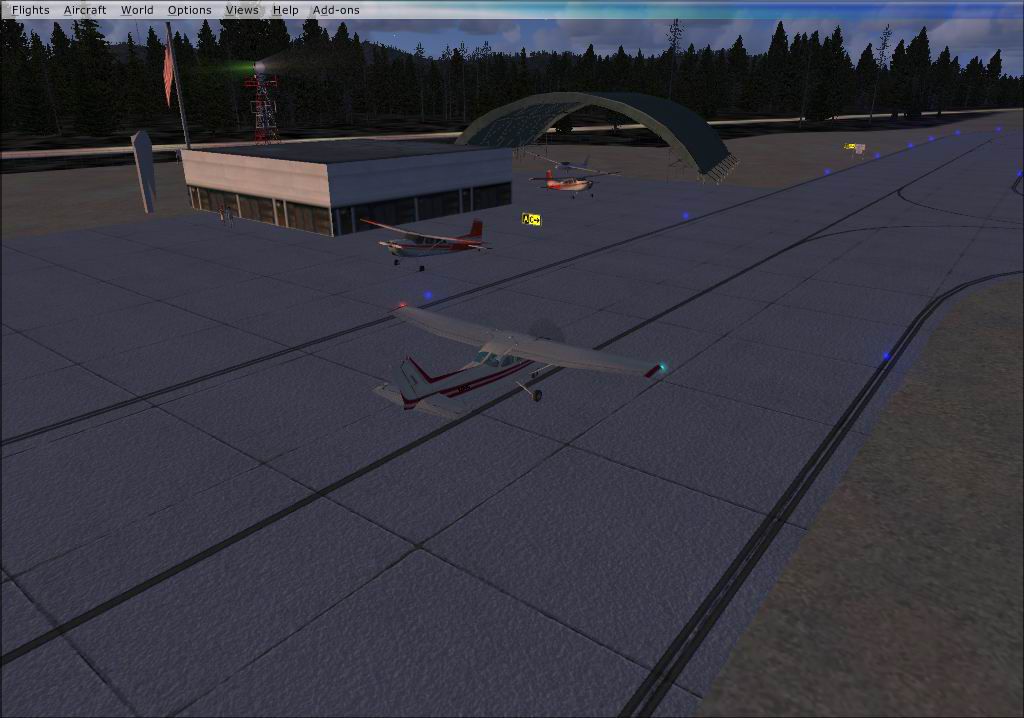
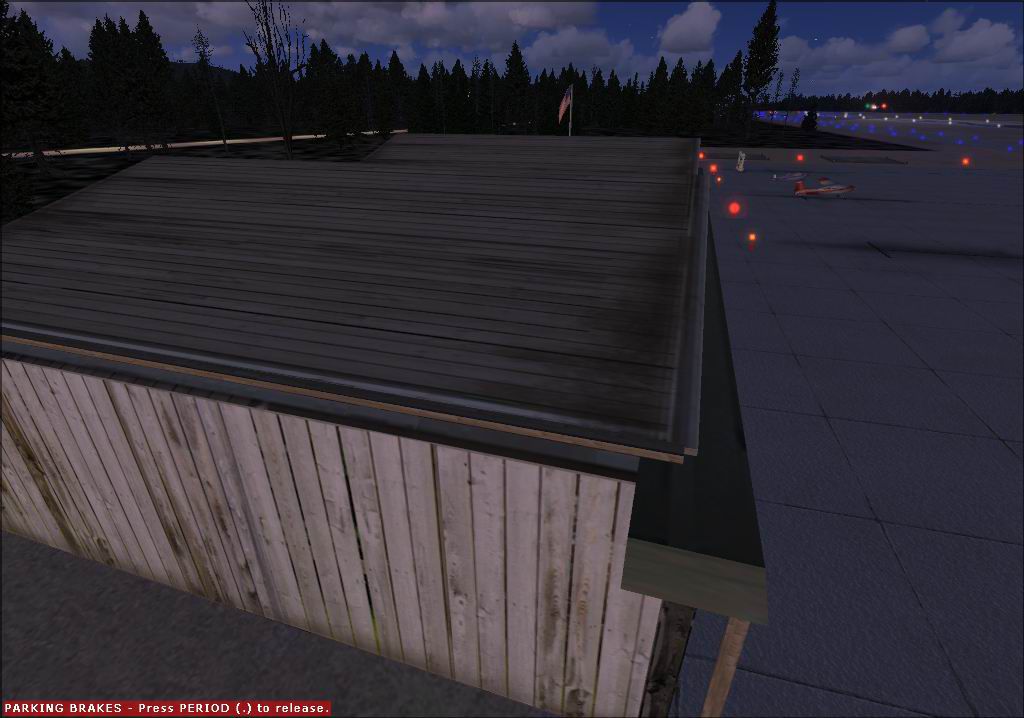
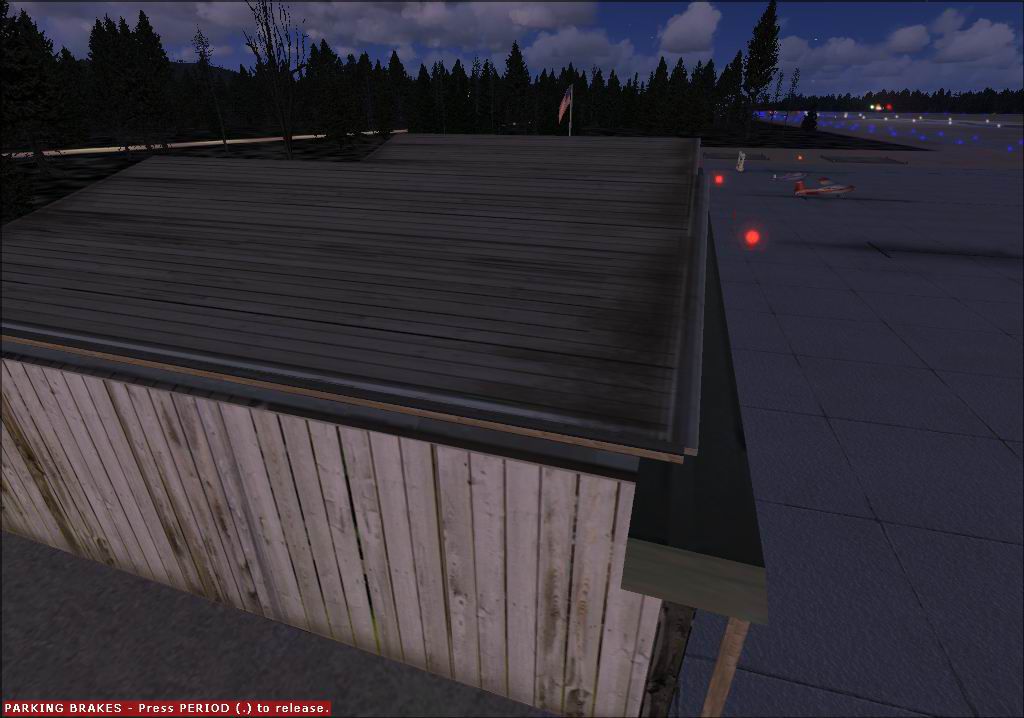
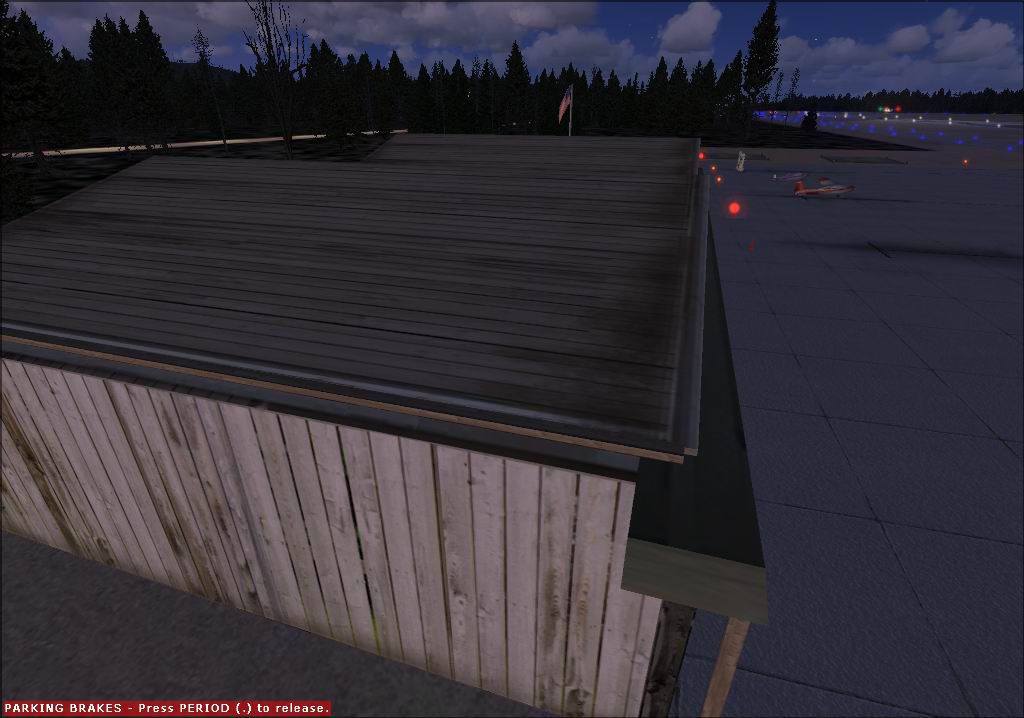
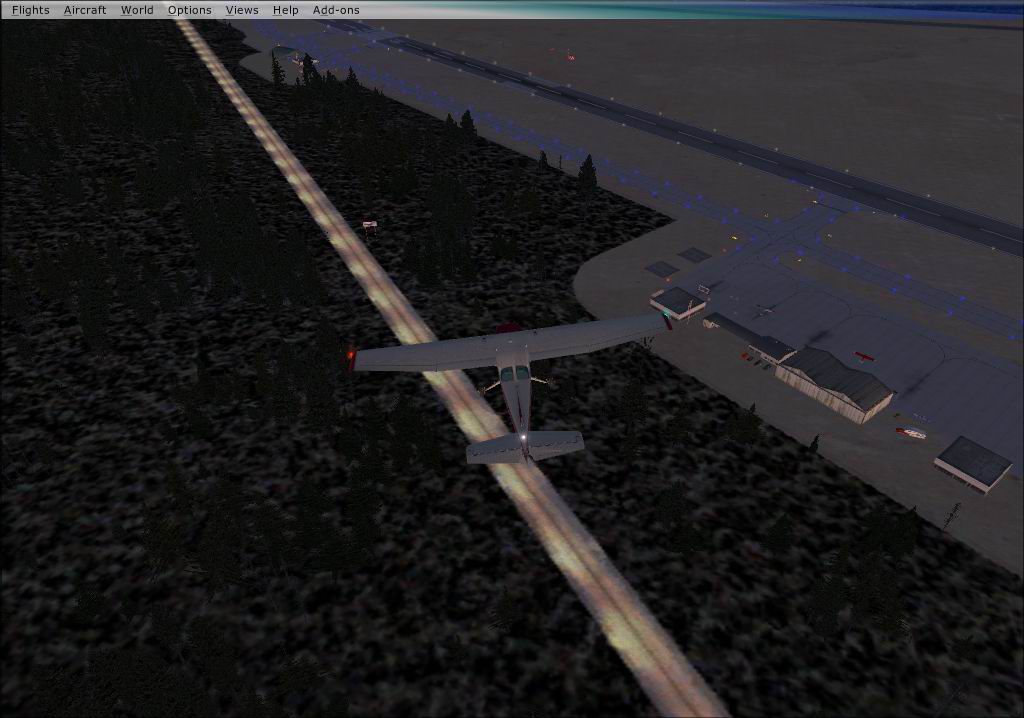
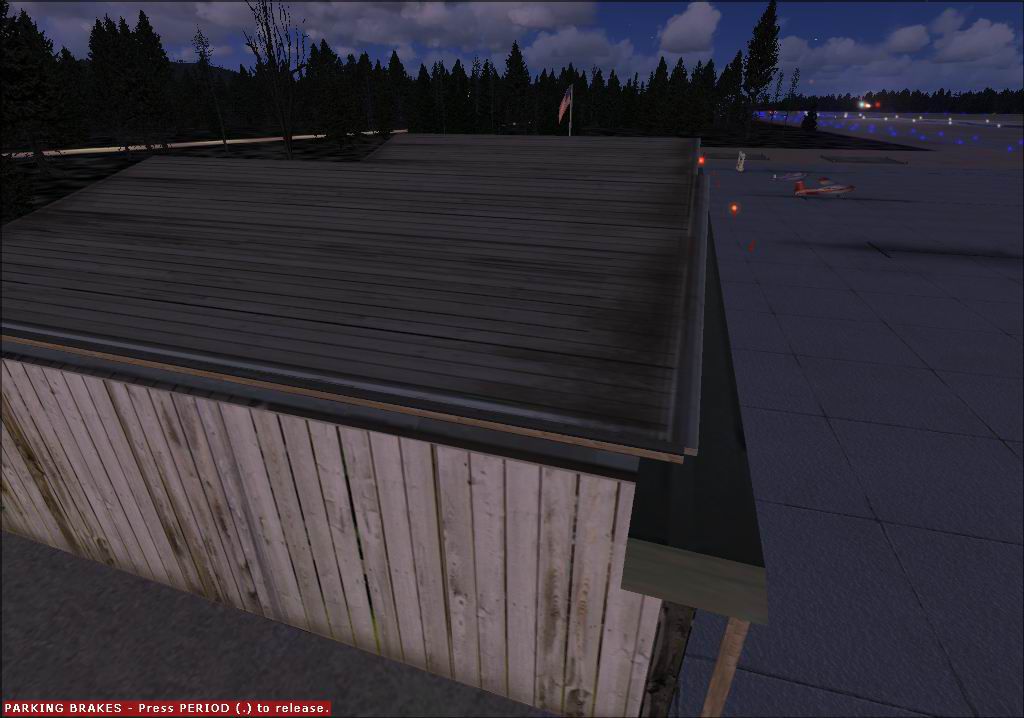
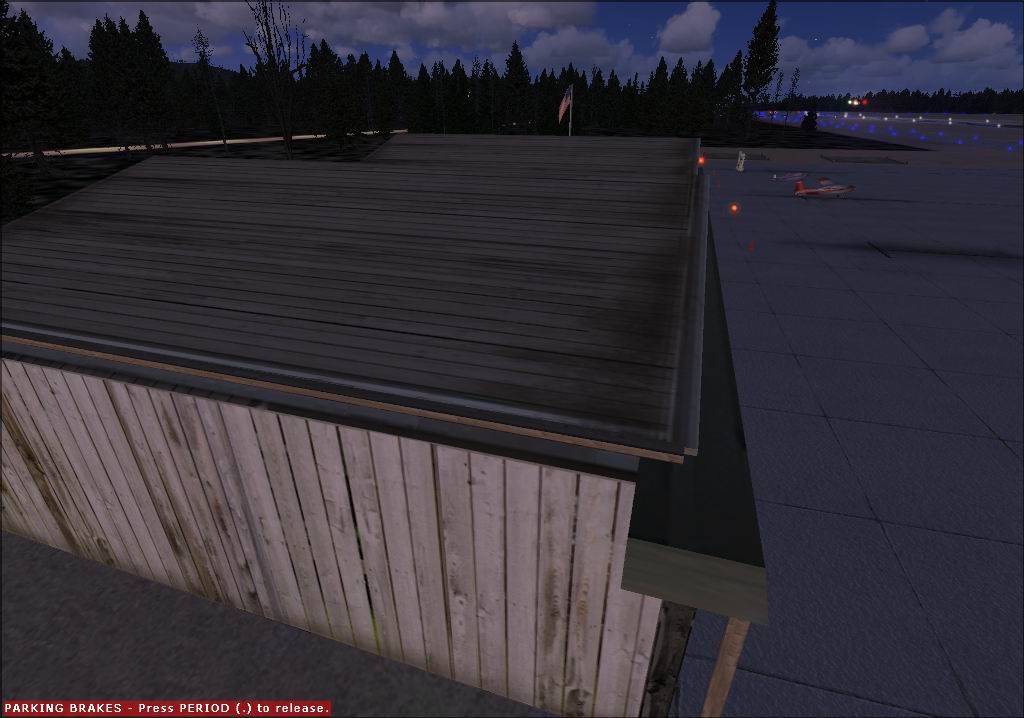
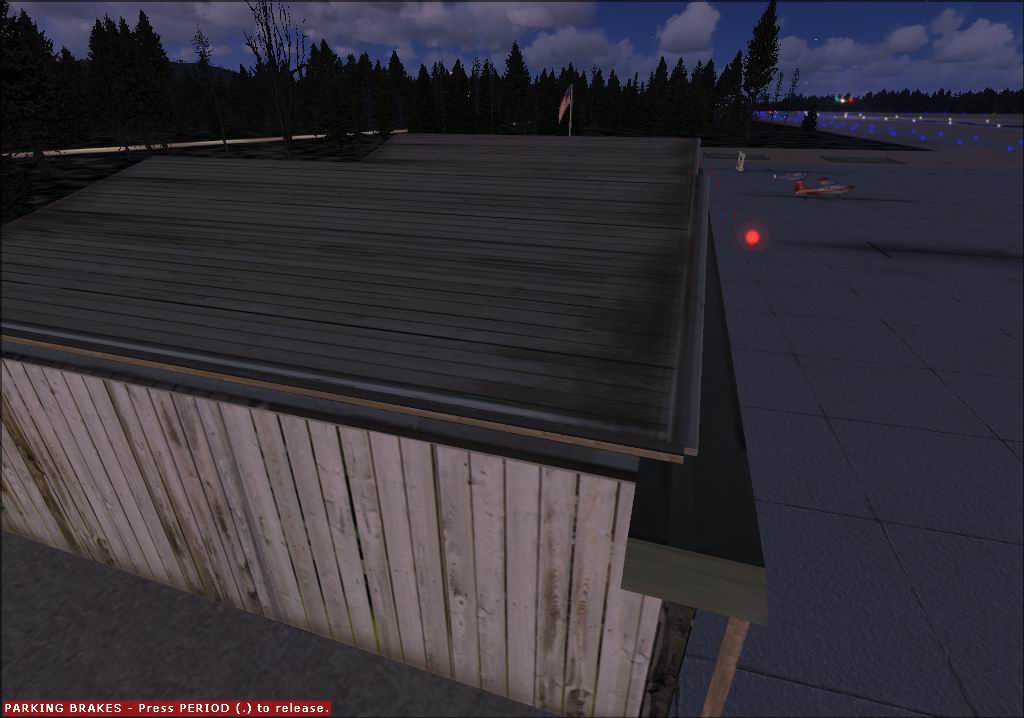
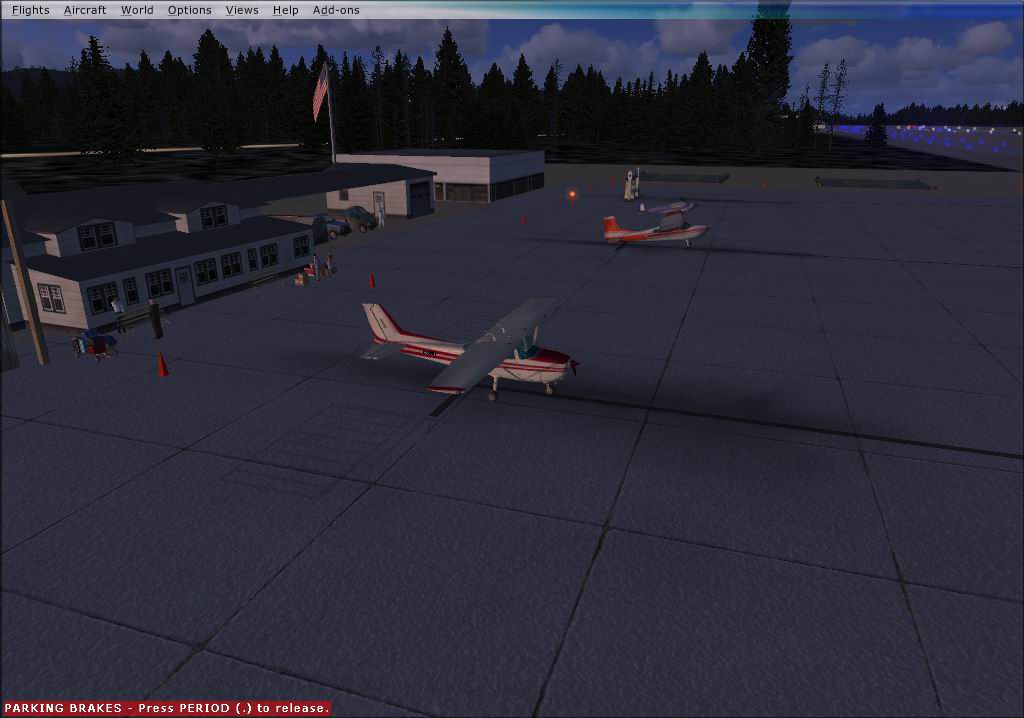
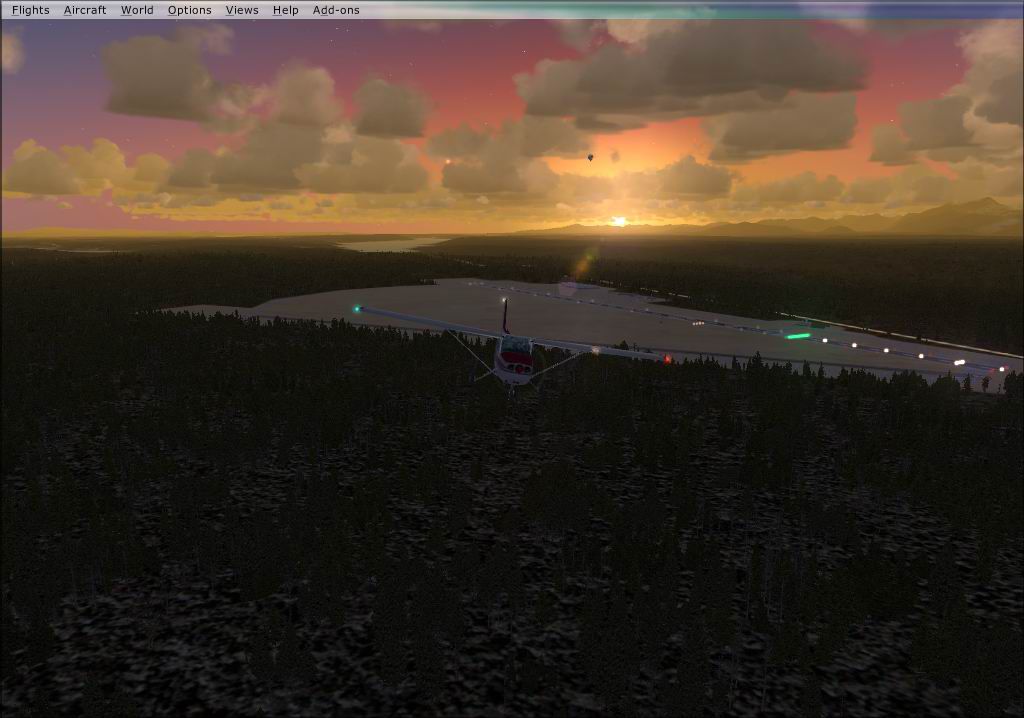
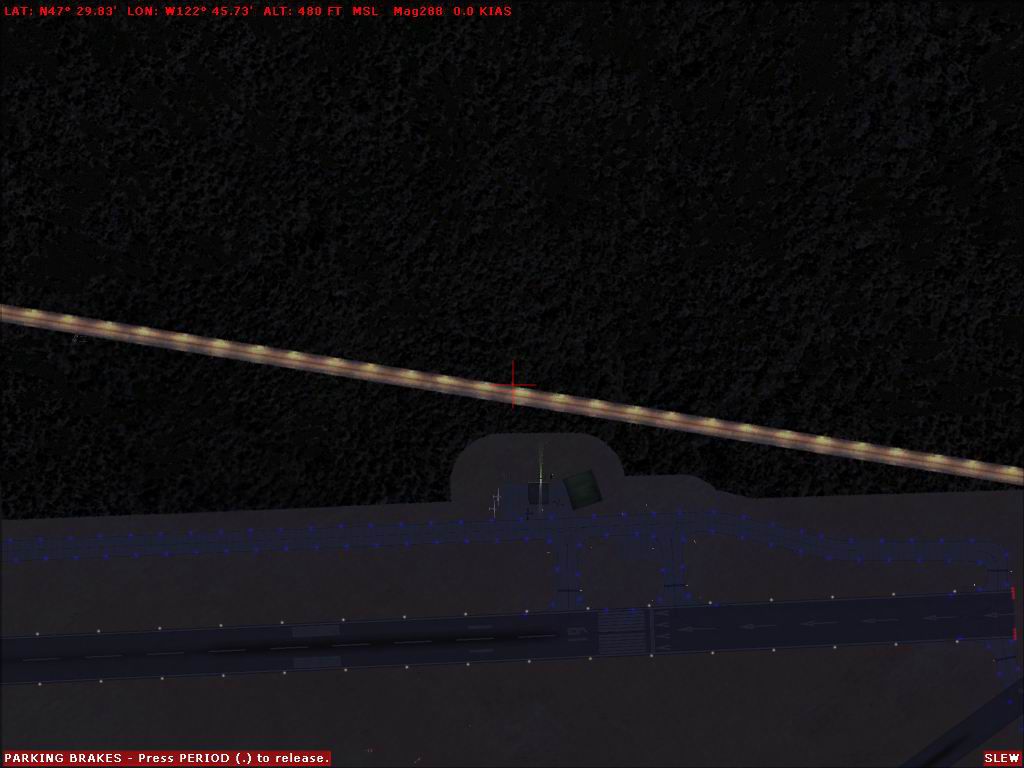
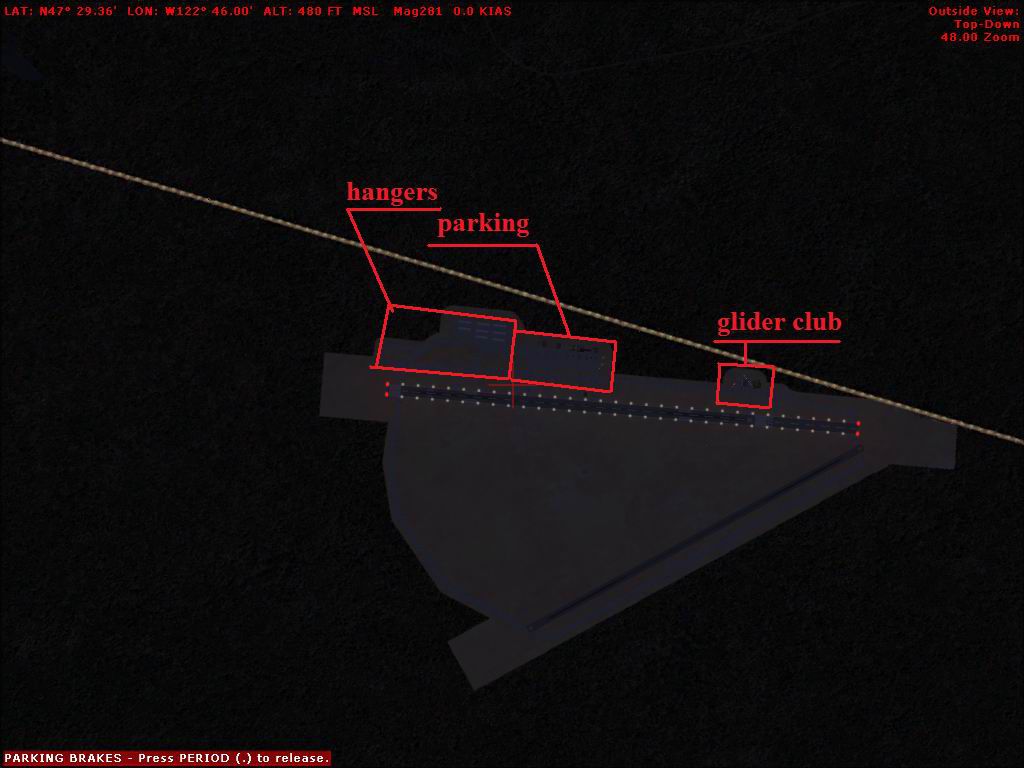
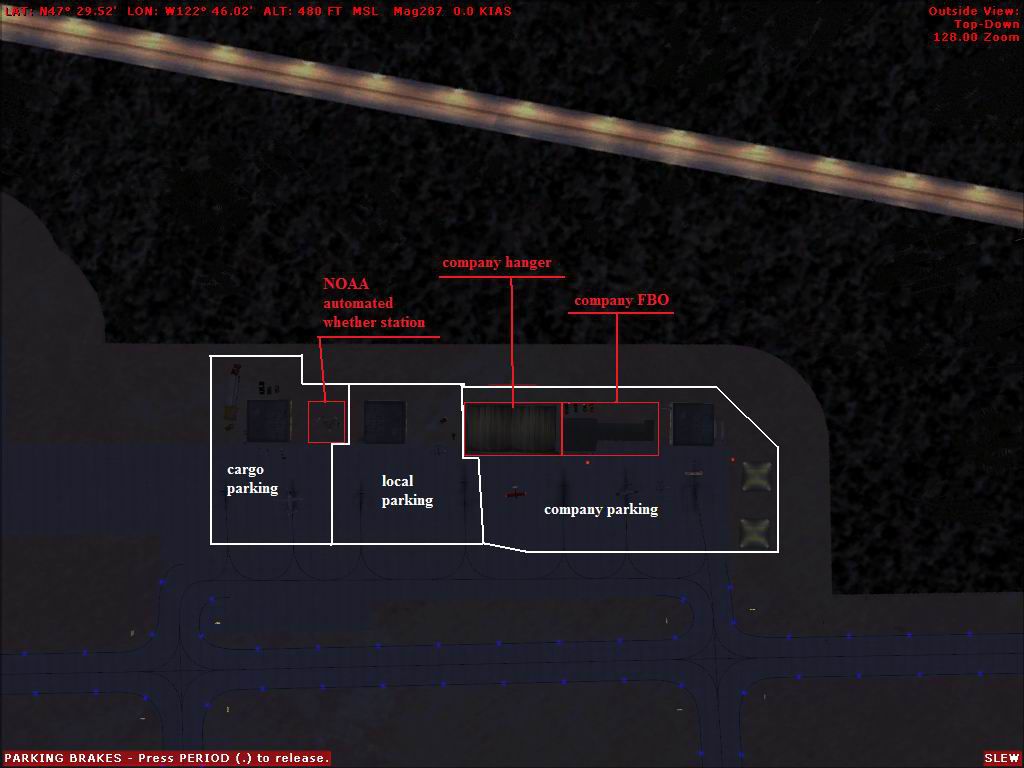
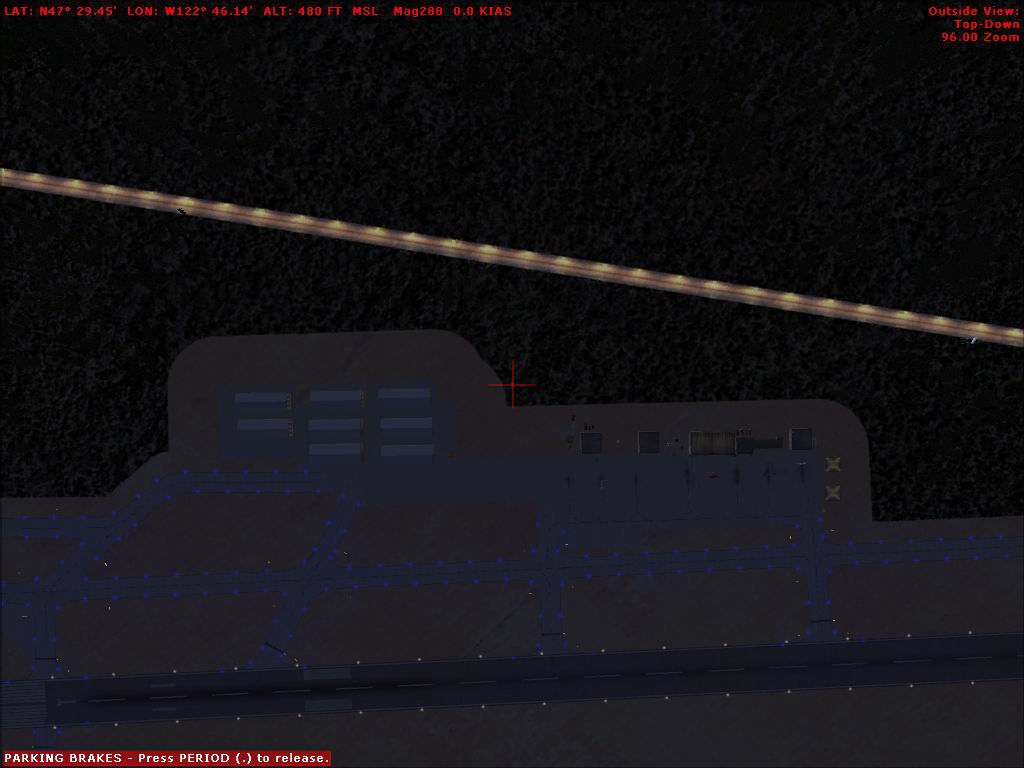
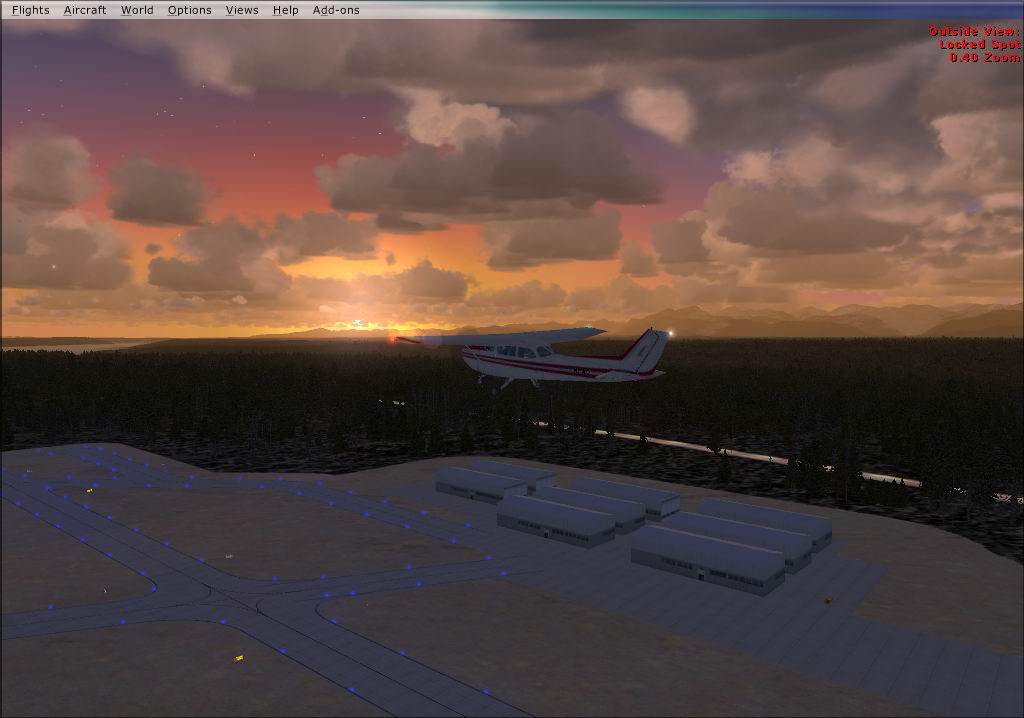
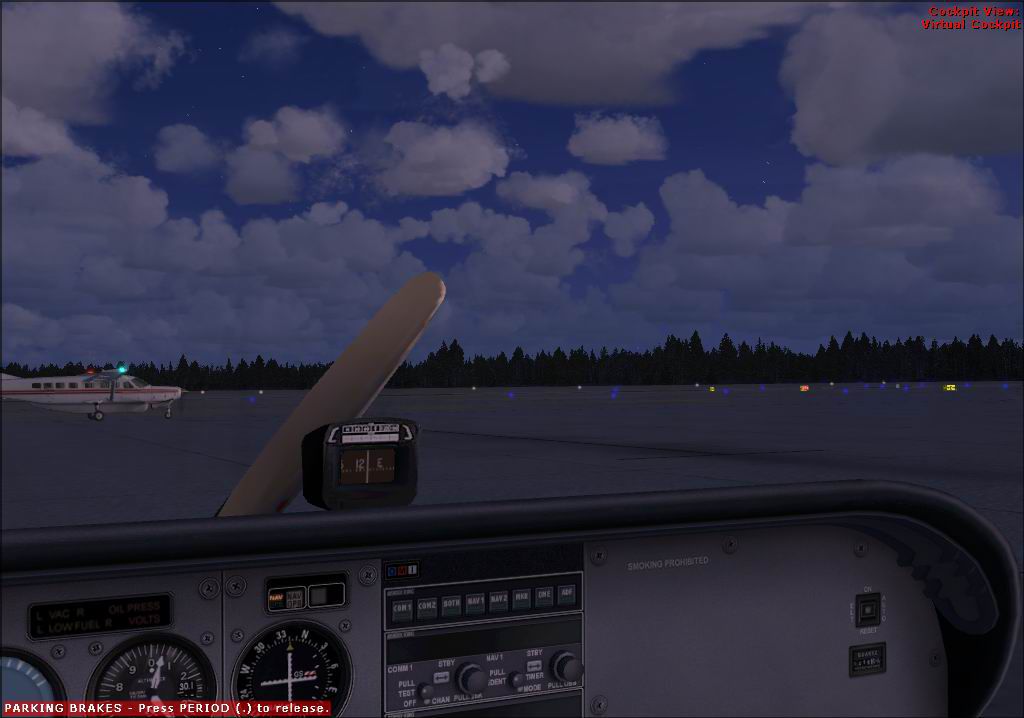
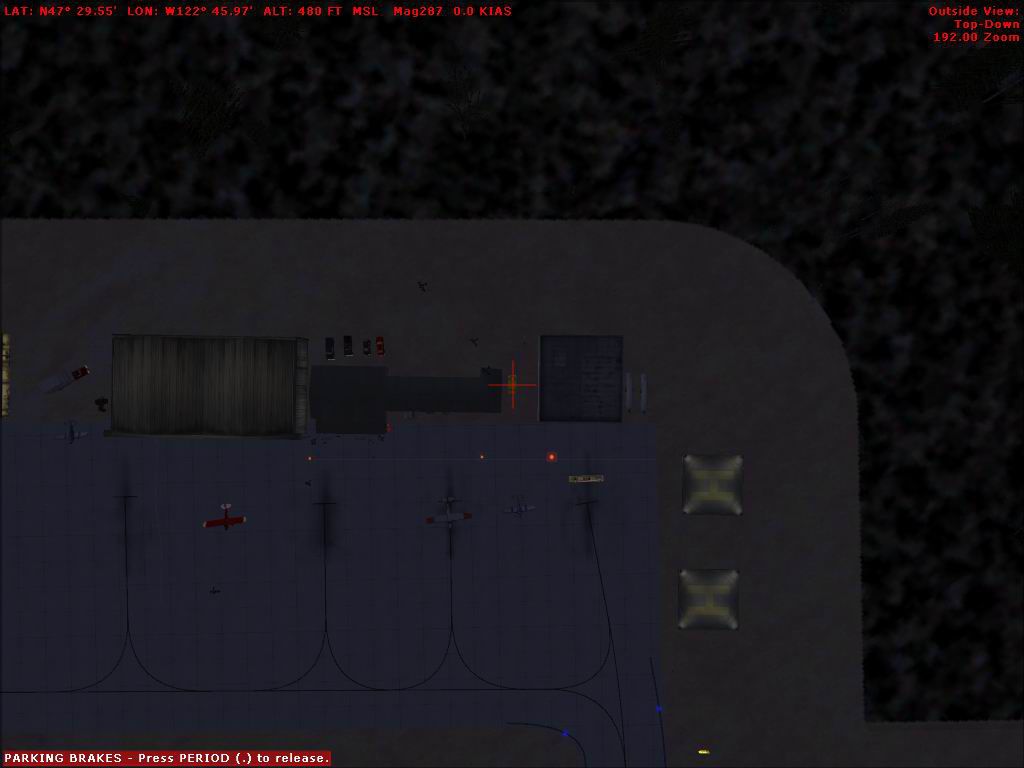
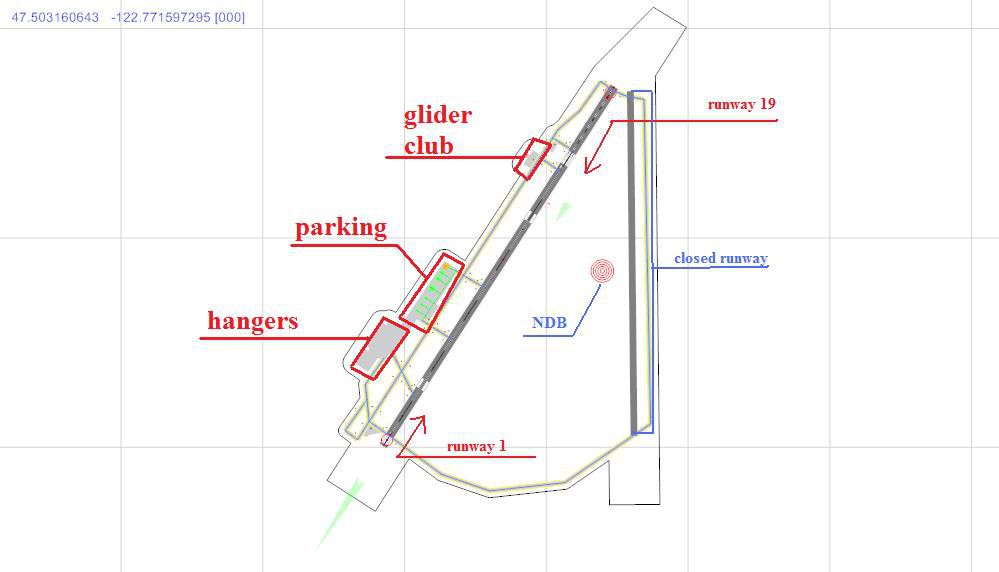
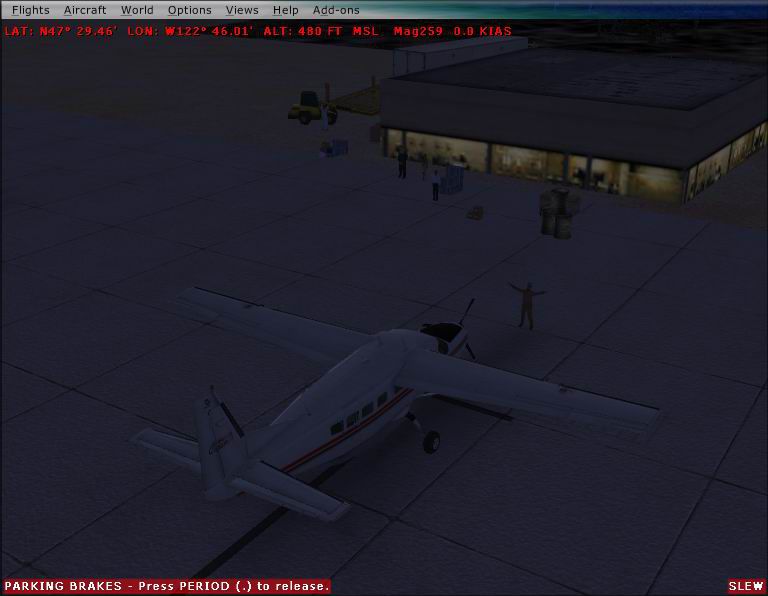
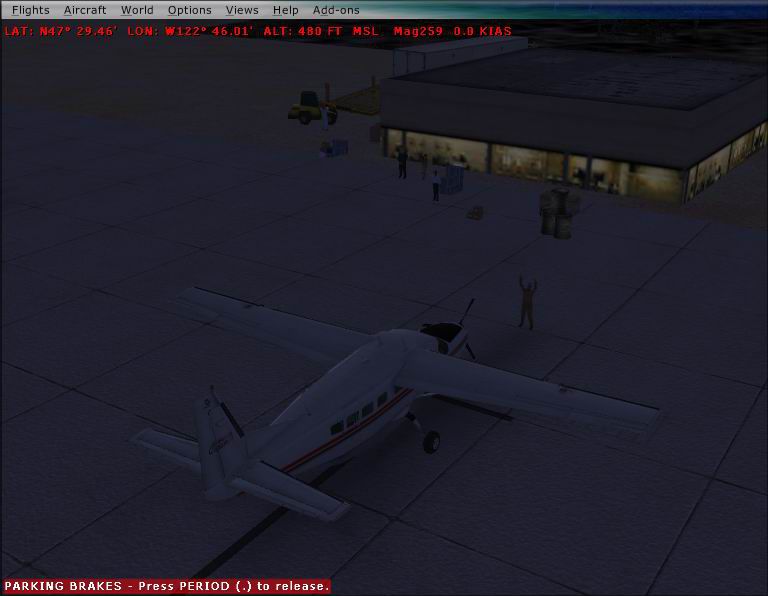
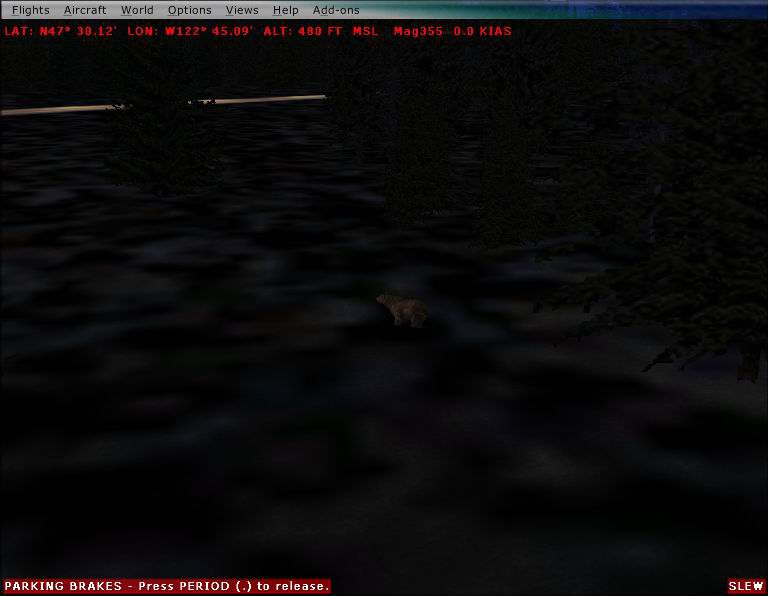
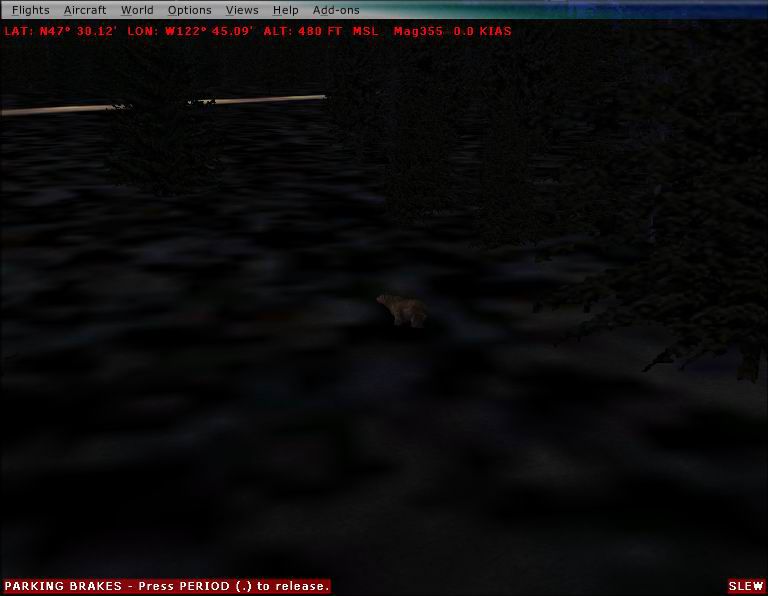
Bremerton National Airport (KPWT), Washington (WA). Includes a company FBO, company hangar, cargo parking, glider club, and more. Advanced features are animals on field (birds above and a bear hidden in the woods just behind runway 19), a hot air balloon above the field, people placed in the field, objects in the hangar. Requires FSX Acceleration to have certain library objects By TimTom Productions.
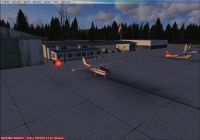
Bremerton National Airport Scenery.
Overview
This is scenery for the KPWT airport about 25 miles west of Seattle Tacoma intl. It includes a company FBO, company hanger, cargo parking, glider club, and more. Advance feathers are animals on field (birds above and a bear hidden in the woods just behind runway 19), a hot air ballooned above the field. People placed in the field. Objects in the hanger. It requires FSX acceleration to have certain library objects. Other items included in package are approach charts of the airport, airport information, 3 homemade airport taxi charts, made by me and ADE.
This scenery if from TimTom productions.
Installation:
After downloading the file, put it in a temporary location. (I recommend it on the desk top).
Unzip it to the same location.
Open you FSX add-on scenery folder (computer/OS,C:/program files/Microsoft games/Microsoft Flight Simulator X/add-on scenery.
Open the file you downloaded. The open the scenery folder.
Copy both files.
Paste the copied files into the folder titled add on scenery (the one in the FSX game files).
Start FSX.
Go to settings/ scenery library.
Then add the scenery (or you can move the scenery area titled add on scenery to the top of the list.
Click okay.
Go to the airport and test it out.
Features:
Cars parked next to buildings.
People standing around the airport.
A small company FBO, with static aircraft.
Blinking lights indicate stop areas.
A hot air ballooned above the field.
Helicopter pads.
Company hanger, objects inside and a repair technician.
A glider club.
Animals including birds and a bear.
Repositioned and numbered parking spots, and Fuel trucks.
Charts:
The included charts are airport taxi charts, approach plates, and a airport information sheet. The airport information and approach plates are brought to you by airnav. I recommend printing them out. The taxi charts are screen shots of FSX and ADE, edited in MS paint.
Other information:
The people and animals are animated with moving body parts. However these are Microsoft default objects. So unless you have the right hardware, and settings on your PC, they may not even show up let alone move their body parts. There is a large amount of stuff in this file. Their may be a small-medium performance hit on your frames per second.
Have a nice flight.
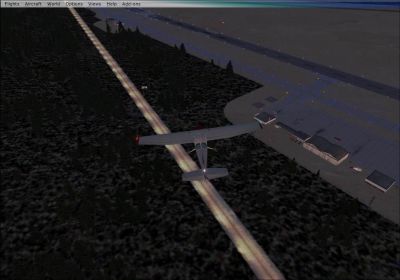
Bremerton National Airport Scenery.
Free for all simmers · 3.06 MB · Scanned clean Oct 2026
Download speed: Free tier is capped at 0.5 Mbps. PRO members download at full line speed.
FSX\Addon Scenery\ containing scenery and texture sub-folders.readme.txt or README file. It tells you exactly where files go, what dependencies are needed, and any quirks specific to this add-on.Use these coordinates to fly directly to this location once the mod is installed.
47.49000000,-122.76500000
Launch FSX or Prepar3D and use Flights → Load to open the downloaded .pln file. Your aircraft will be positioned at this location.
The archive kpwt.zip has 40 files and directories contained within it.
This list displays the first 500 files in the package. If the package has more, you will need to download it to view them.
| Filename/Directory | File Date | File Size |
|---|---|---|
| charts | 06.27.08 | 0 B |
| Airport information.wps | 06.27.08 | 108.50 kB |
| ILS approch.pdf | 06.27.08 | 356.66 kB |
| KPWT chart.JPG | 06.27.08 | 39.95 kB |
| large chart.JPG | 06.27.08 | 72.43 kB |
| NDB runway 1.pdf | 06.27.08 | 290.11 kB |
| parking chart.JPG | 06.27.08 | 71.11 kB |
| Rnav runway 1.pdf | 06.27.08 | 252.95 kB |
| Rnav runway 19.pdf | 06.27.08 | 322.36 kB |
| read me.txt | 06.27.08 | 3.10 kB |
| scenery files | 06.27.08 | 0 B |
| KPWT_objectdata.bgl | 06.27.08 | 9.89 kB |
| KPWT_parkdata.BGL | 06.27.08 | 13.14 kB |
| screen shots | 06.27.08 | 0 B |
| 2008-2-15_20-38-19-55.JPG | 06.27.08 | 95.99 kB |
| 2008-2-15_20-38-24-525.JPG | 06.27.08 | 90.51 kB |
| 2008-2-15_20-38-9-151.JPG | 06.27.08 | 89.15 kB |
| 2008-2-15_20-40-26-196.JPG | 06.27.08 | 87.78 kB |
| 2008-2-15_20-40-45-507.JPG | 06.27.08 | 86.66 kB |
| 2008-2-15_20-40-48-25.JPG | 06.27.08 | 87.16 kB |
| 2008-2-15_20-43-57-95.JPG | 06.27.08 | 59.84 kB |
| 2008-2-15_20-45-0-250.JPG | 06.27.08 | 84.46 kB |
| 2008-2-15_20-45-52-559.JPG | 06.27.08 | 75.69 kB |
| 2008-2-15_20-51-43-907.JPG | 06.27.08 | 78.62 kB |
| 2008-2-15_20-55-10-659.JPG | 06.27.08 | 83.18 kB |
| 2008-2-15_20-55-6-110.JPG | 06.27.08 | 83.00 kB |
| 2008-2-15_20-55-7-635.JPG | 06.27.08 | 83.01 kB |
| 2008-2-15_20-55-8-878.JPG | 06.27.08 | 83.09 kB |
| 2008-2-15_20-55-9-483.JPG | 06.27.08 | 83.45 kB |
| 2008-2-15_20-55-9-899.JPG | 06.27.08 | 83.20 kB |
| 2008-2-15_20-56-52-422.JPG | 06.27.08 | 57.12 kB |
| 2008-2-15_21-18-37-211.JPG | 06.27.08 | 36.28 kB |
| 2008-2-15_21-18-40-348.JPG | 06.27.08 | 35.88 kB |
| 2008-2-15_21-23-14-198.JPG | 06.27.08 | 34.31 kB |
| 2008-2-15_21-23-16-394.JPG | 06.27.08 | 34.25 kB |
| 2008-2-15_21-24-1-347.JPG | 06.27.08 | 68.54 kB |
| 2008-2-15_21-24-17-89.JPG | 06.27.08 | 75.10 kB |
| 2008-2-15_21-24-53-308.JPG | 06.27.08 | 43.37 kB |
| flyawaysimulation.txt | 10.29.13 | 959 B |
| Go to Fly Away Simulation.url | 01.22.16 | 52 B |
Only PRO members can place votes.
More FSX & P3D add-ons hand-picked based on this download.
FSX Scenery
Bremerton National Airport (KPWT), Washington (WA). Patch for Mark Smith's FS…
 FSX Scenery
Bremerton National Airport (KPWT), Washington (WA). Features buildings, hanga…
 FSX Scenery
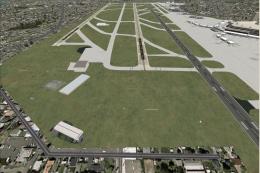
Seattle-Tacoma International (KSEA), Washington (WA), with three-runway confi…
 FSX Scenery
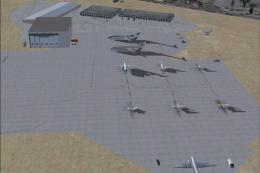
Seattle-Tacoma International airport (KSEA), Washington (WA). Additional info…
 FSX Scenery
Fireworks placed throughout western Washington (WA) from Port Angeles, Port T…
 FSX Scenery
Beach Party at Carnarvon W.A. FSX scenery and flights: Mayor Justing Pruttlez…
 FSX Scenery
Reagan National Airport KDCA 2011. This is a complete revamp of the Reagan Na…
 FSX Scenery
This package includes Canaima Airport-SVCN, Angel Falls (created by Jean St-C…
Be the first to leave a comment on this download.
Be the first to share your thoughts on this download.