

 FS2004 Civil Jet Aircraft
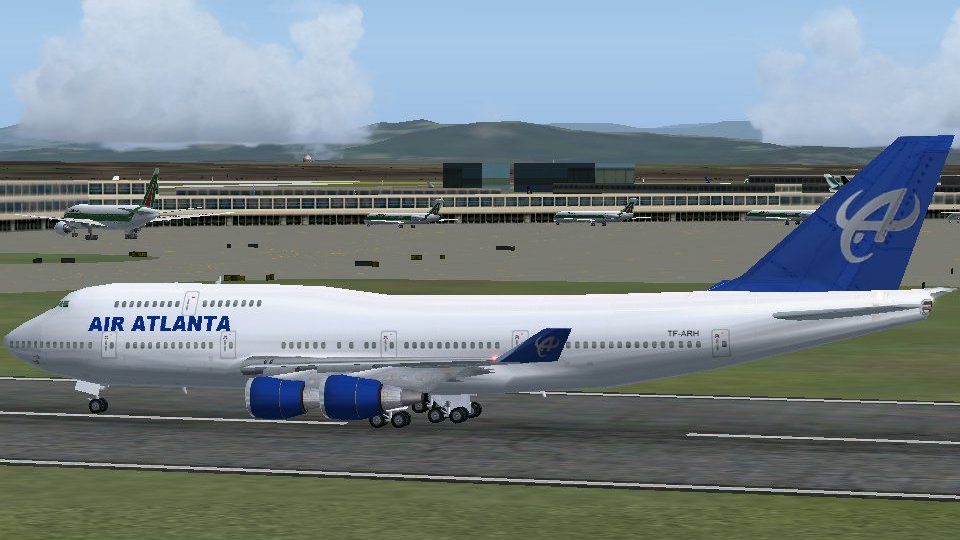
Air Atlanta Cargo Boeing 747-400F
This freeware cargo repaint brings Air Atlanta’s distinctive 747-400F marking…
Air Atlanta’s livery brings the default Boeing 747-400 to life with custom exterior textures that capture the airline’s signature colors and markings for convincing charter or cargo operations. Designed for Microsoft Flight Simulator 2004, it requires the stock 747-400 and preserves the standard flight model while adding a distinctive wide-body look.
 Rate
Rate
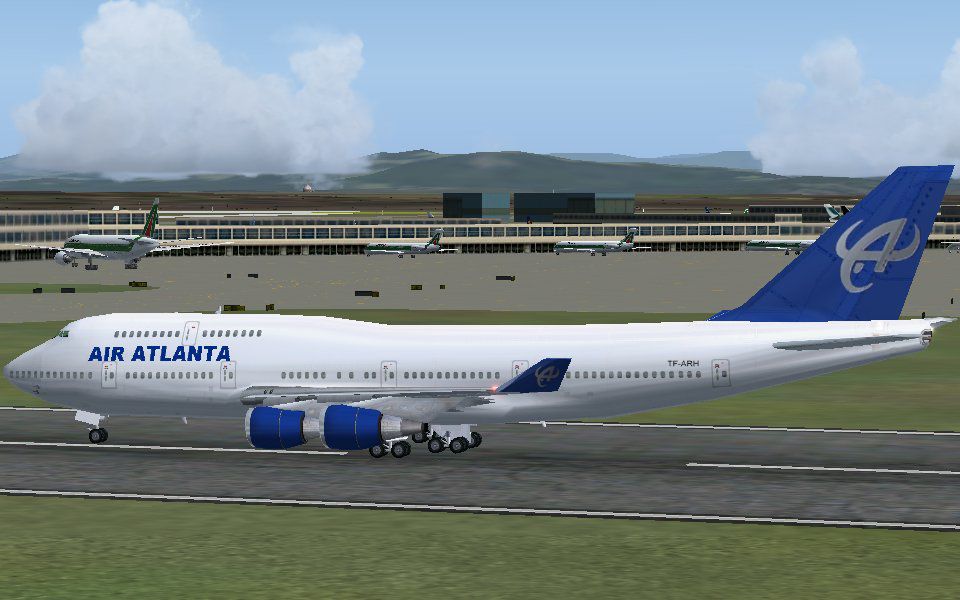
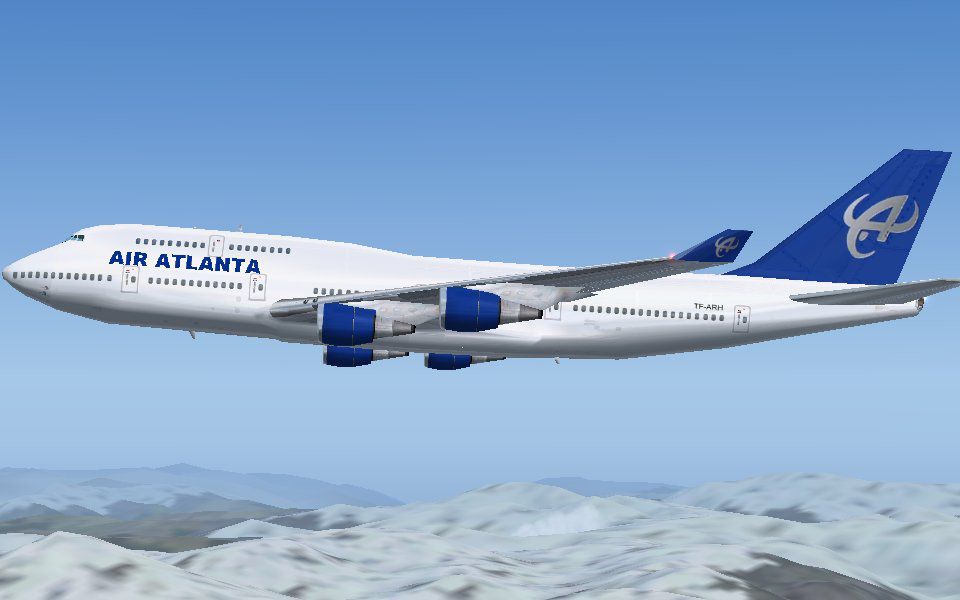
This freeware release provides a new paint scheme for the default Boeing 747-400 in Microsoft Flight Simulator 2004, representing Air Atlanta. Although it is not an exact replica, it includes the essential exterior aesthetic. Created by Guy Sterges, this package allows enthusiasts to explore the airline’s distinctive look in the simulator.
Air Atlanta, sometimes known for its charter and wet-lease operations, has a special connection with the Boeing 747-400 due to the aircraft’s wide-body design and long-haul capability. This repaint pays homage to those real-world services by featuring core elements of the airline’s recognizable markings. While not perfectly matching the real hull layout, it accurately reflects many key details, including the color scheme and associated registration characteristics (in brackets, the airline’s flight identifiers and cargo affiliations are often listed to separate them from passenger services).
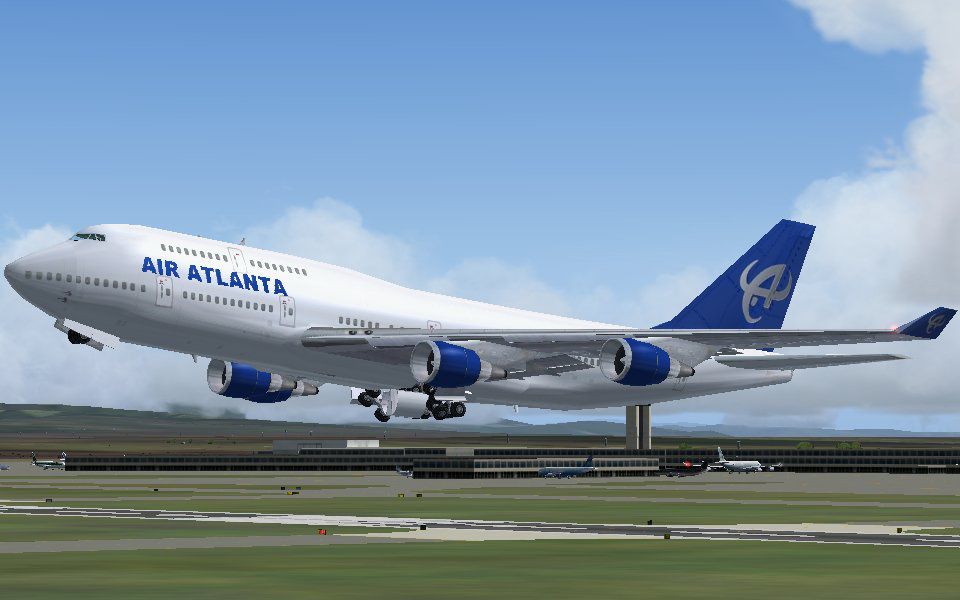
Screenshot of Air Atlanta Boeing 747-400 taking off.
The repaint utilizes the base Boeing 747-400 model that comes standard with Microsoft Flight Simulator 2004. Its texture folder is labeled texture.atlanta. Once installed, it offers a livery that includes custom fuselage graphics reflecting the Air Atlanta brand.
texture.atlanta folder inside the FS2004\aircraft\b747_400 directory.aircraft.cfg file found in the same aircraft folder, then add the snippet below. Make sure to adjust [fltsim.X] to the correct consecutive number.[fltsim.X]
title=Air Atlanta B747-400
sim=Boeing747-400
model=
panel=
sound=
texture=atlanta
kb_checklists=Boeing747-400_check
kb_reference=Boeing747-400_ref
atc_id=
atc_airline=Air Atlanta
atc_flight_number=658
atc_heavy=1
atc_parking_types=CARGO
ui_manufacturer=Boeing
ui_type=747-400
ui_variation=Air Atlanta
description
Maintain the format precisely so the simulator recognizes the new livery. If you are flying purely cargo routes, remember to keep atc_parking_types=CARGO for a realistic ground experience.
This repaint, although based on actual Air Atlanta operations, may show minor inaccuracies compared to a real-world Boeing 747-400. However, it retains the distinctive palette that made the airline’s 747 so recognizable. It was created by Guy Sterges and remains freeware for all virtual aviators to enjoy.
Free for all simmers · 1.05 MB · Scanned clean Oct 2026
Download speed: Free tier is capped at 0.5 Mbps. PRO members download at full line speed.
FS9\Aircraft\, FS9\Addon Scenery\, FS9\Gauges\, or FS9\Effects\.readme.txt or README file. It tells you exactly where files go, what dependencies are needed, and any quirks specific to this add-on.The archive atlan747.zip has 15 files and directories contained within it.
This list displays the first 500 files in the package. If the package has more, you will need to download it to view them.
| Filename/Directory | File Date | File Size |
|---|---|---|
| atlanta_747_1.JPG | 09.28.04 | 87.98 kB |
| atlanta_747_2.JPG | 09.28.04 | 72.09 kB |
| atlanta_747_3.JPG | 09.28.04 | 54.86 kB |
| atlanta_747_thumbnail.GIF | 09.28.04 | 7.39 kB |
| Readme.txt | 09.28.04 | 754 B |
| texture.atlanta | 09.28.04 | 0 B |
| 747_decal_label_1.bmp | 09.19.01 | 170.74 kB |
| 747_decal_label_2.bmp | 04.02.03 | 42.74 kB |
| b747_400_c.bmp | 09.19.01 | 682.74 kB |
| b747_400_l.bmp | 12.08.01 | 341.40 kB |
| b747_400_t.bmp | 09.27.04 | 1.00 MB |
| decal_b747_400.bmp | 09.27.04 | 8.07 kB |
| Thumbs.db | 09.28.04 | 20.50 kB |
| flyawaysimulation.txt | 10.29.13 | 959 B |
| Go to Fly Away Simulation.url | 01.22.16 | 52 B |
Only PRO members can place votes.
More FS2004 add-ons hand-picked based on this download.
FS2004 Civil Jet Aircraft
This freeware cargo repaint brings Air Atlanta’s distinctive 747-400F marking…
 FS2004 Civil Jet Aircraft
Textures only. Model by Project Open Sky. Screenshot of Air Atlanta Europe Bo…
 FS2004 Civil Jet Aircraft
This aircraft is being used to carry the Olympic torch around the world for t…
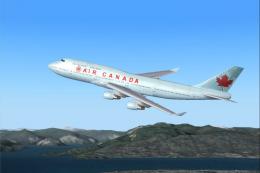 FS2004 Civil Jet Aircraft
Boeing 747-400 in Air Canada's new livery, using AI Aardvark's 747-400 model,…
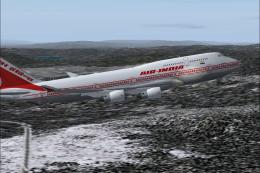 FS2004 Civil Jet Aircraft
Air India Boeing 747-400 "Konark". Painted with POSKY PW paintkit. Hand paint…
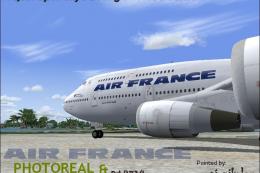 FS2004 Civil Jet Aircraft
Textures only for the Project Open Sky B747-400 (747V0485.ZIP). Livery by AJ …
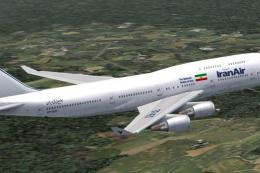 FS2004 Civil Jet Aircraft
Textures only. Model by AI Aardvark. Livery by Pantee Farhangi. Screenshot of…
 FS2004 Civil Jet Aircraft
This freeware package introduces a faithful Korean Air Boeing 747-400 renditi…
Be the first to leave a comment on this download.
Be the first to share your thoughts on this download.