

 MSFS Civil Jet Aircraft
Boeing 737 MAX 8 Southwest N1776R 250th Anniversary Livery
Southwest Airlines’ N1776R gets a 4K repaint for the built-in Asobo Boeing 73…
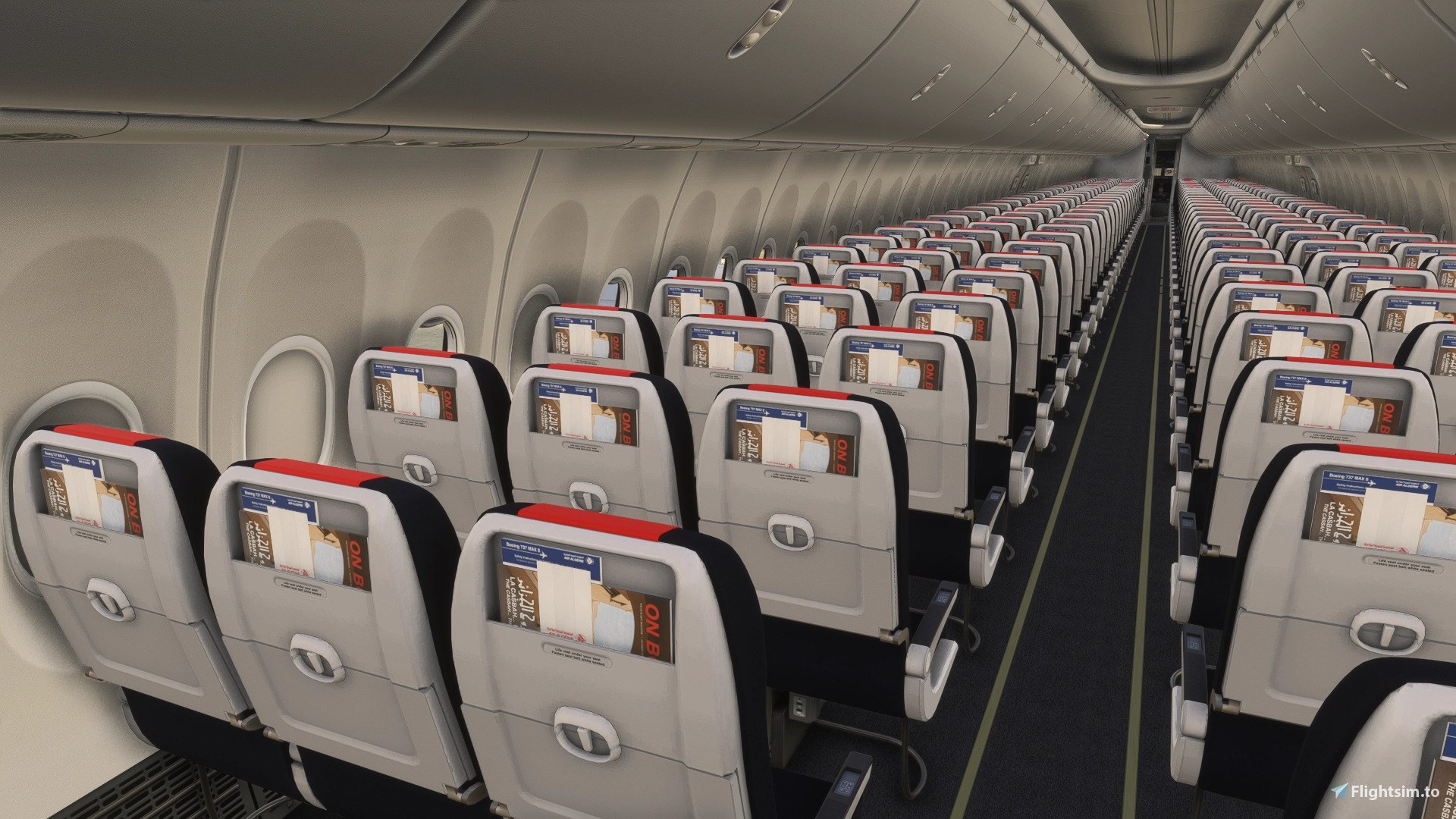
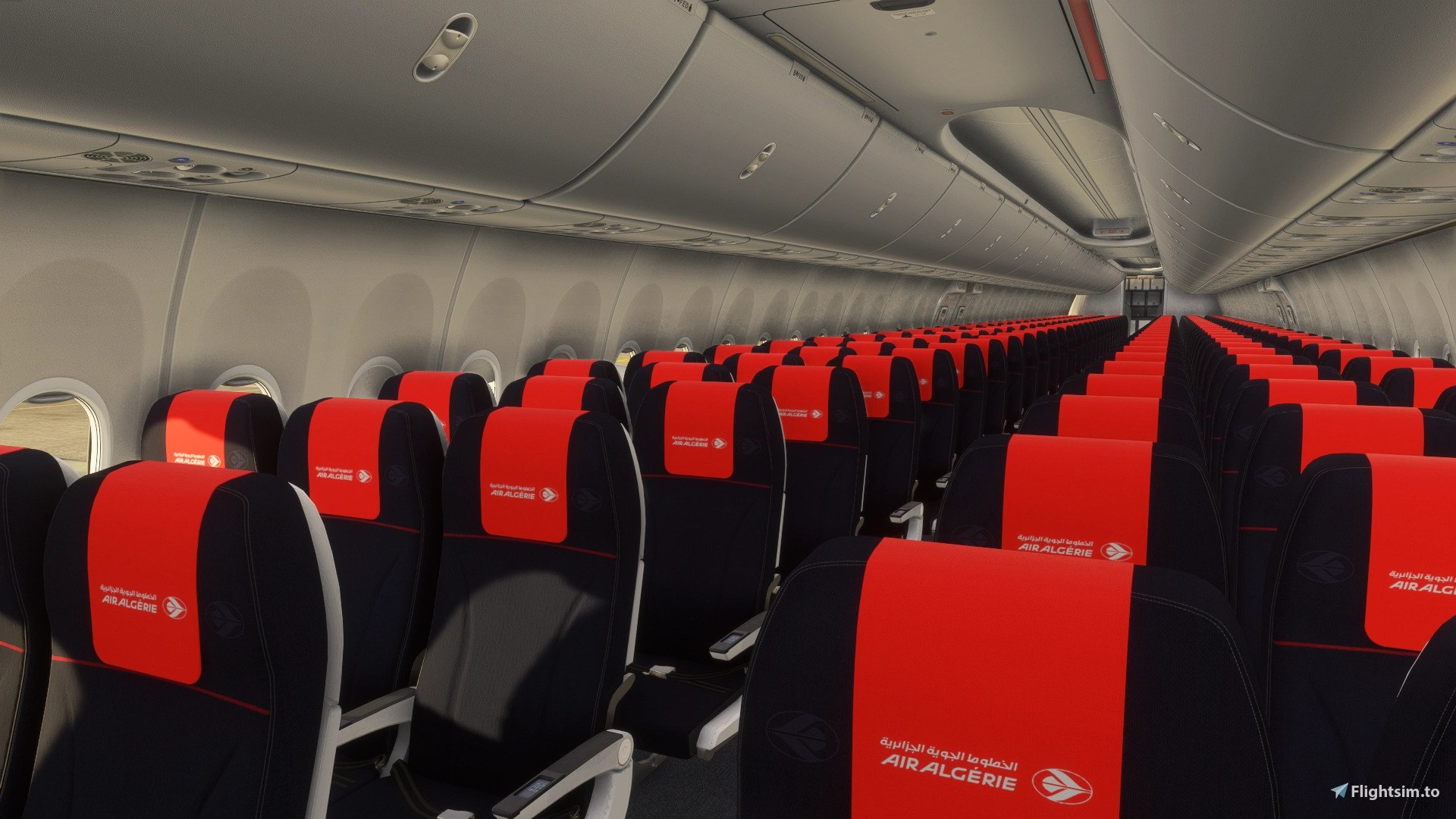
Air Algérie’s 7T-VLR livery recreates the exterior colors, markings and details of the aircraft named “السّلام” (Peace) in Microsoft Flight Simulator 2024. The package includes a matching cabin configured for the 189-seat Full Economy layout and requires the iFly Boeing 737 MAX 8 SP1.
 Rate
 By dmeh_liveries
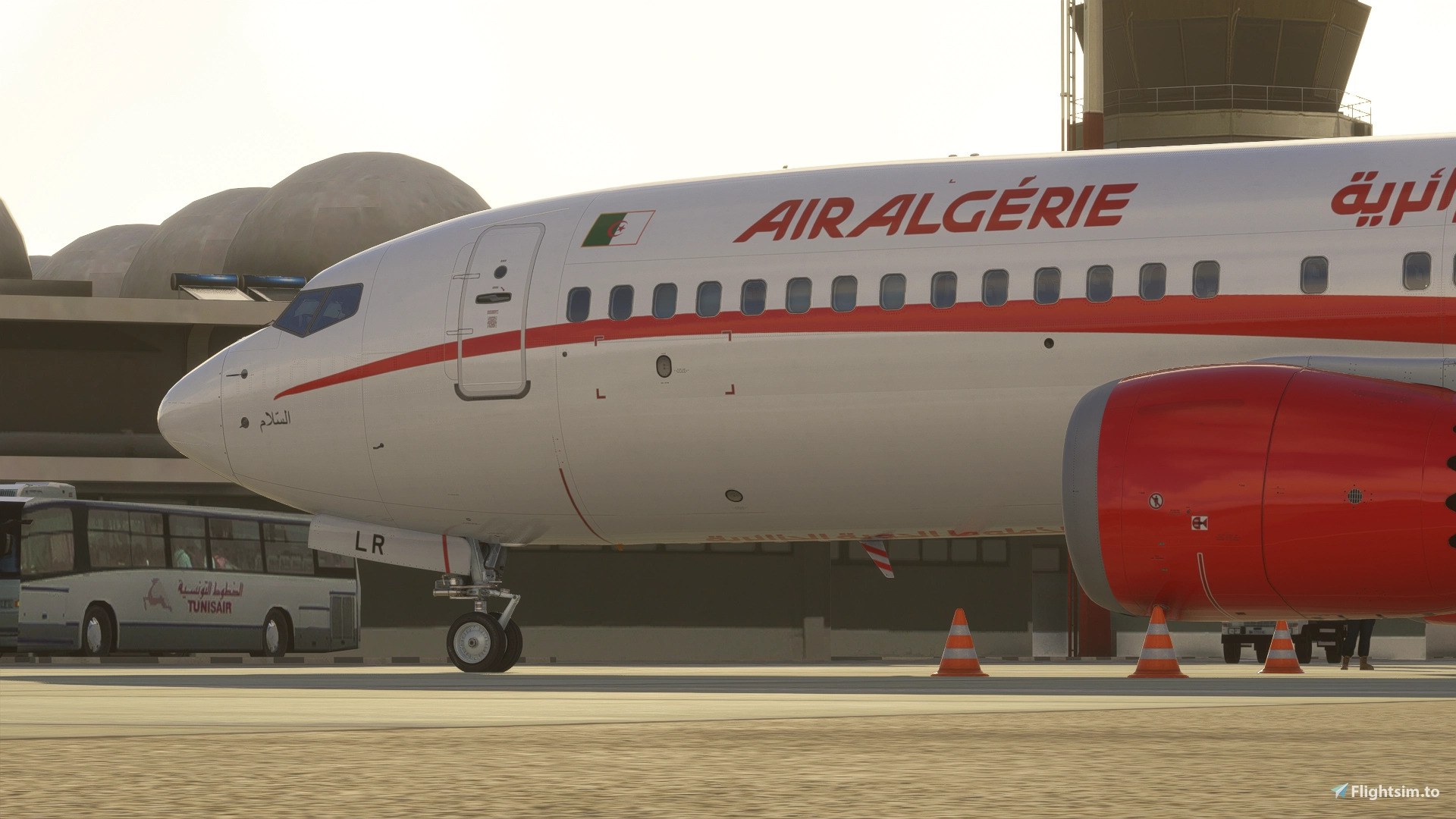
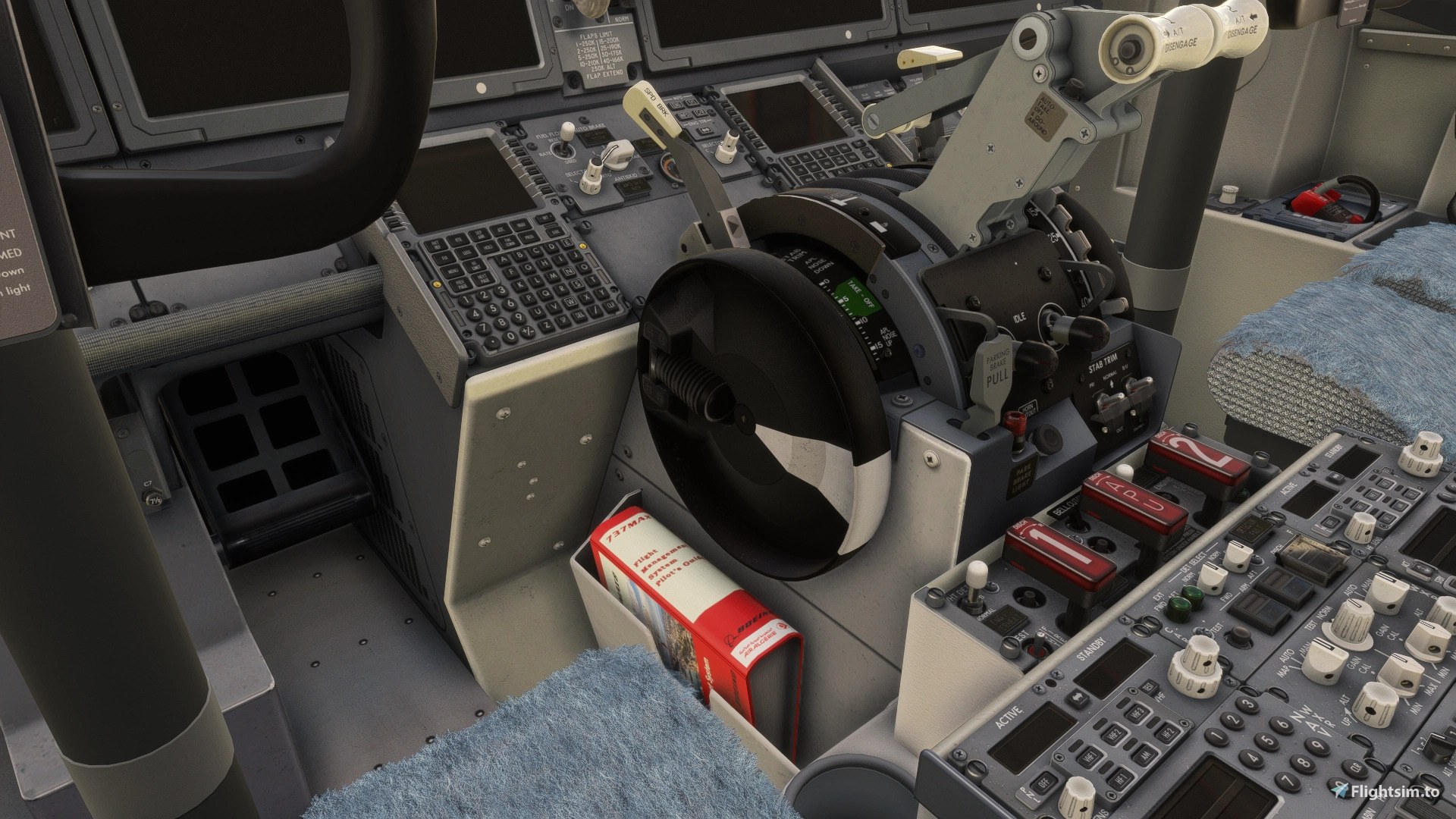
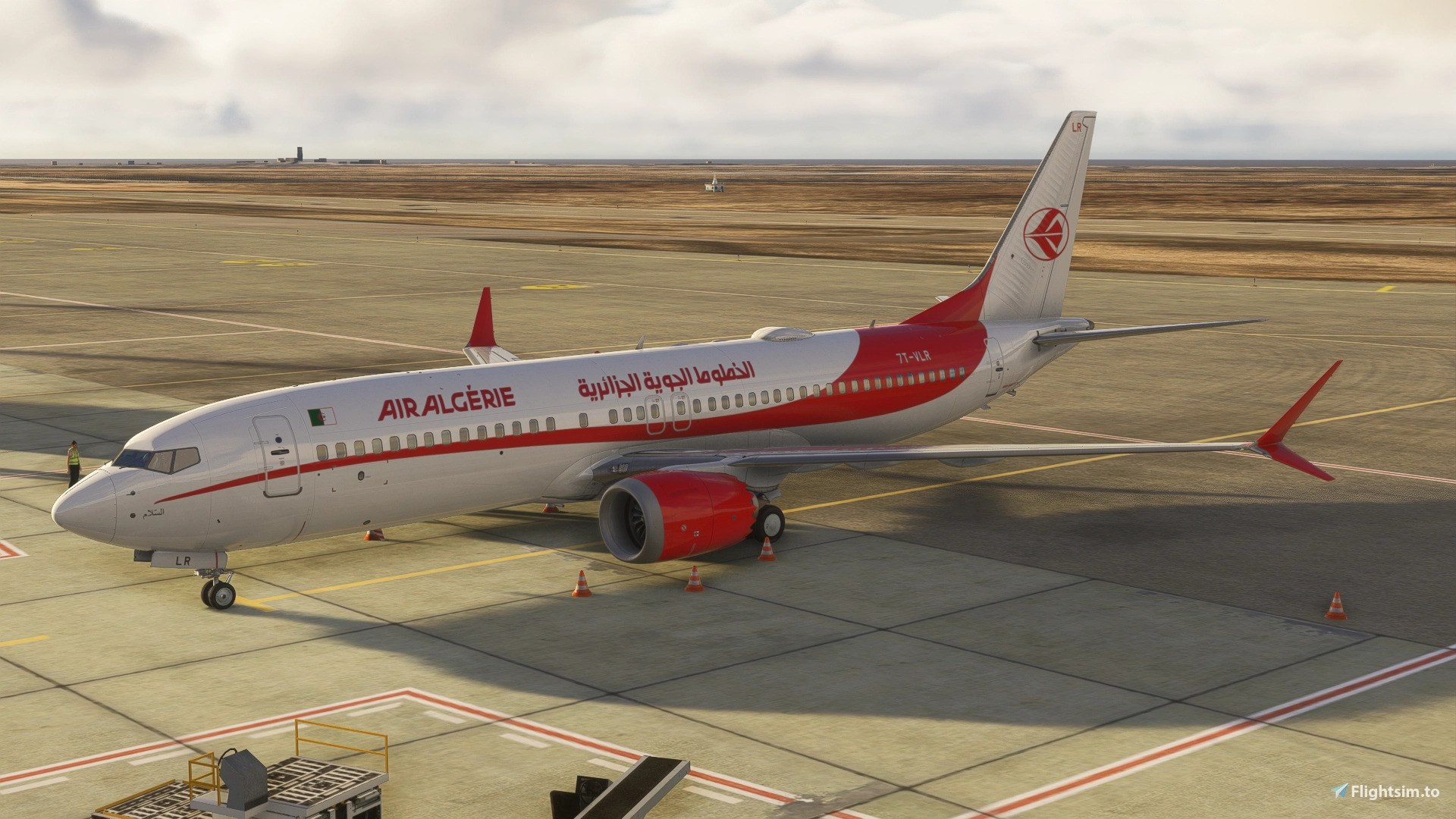
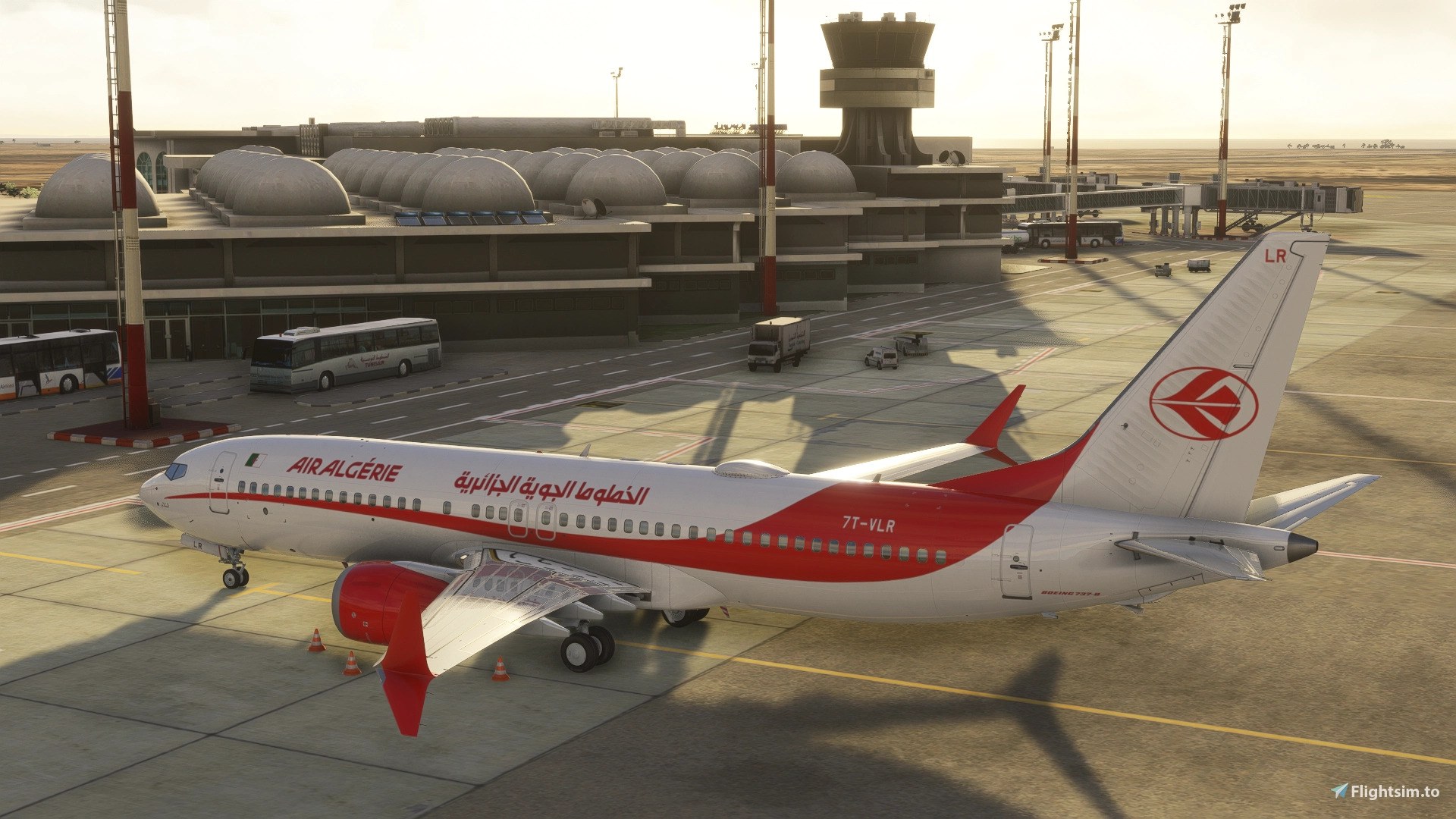
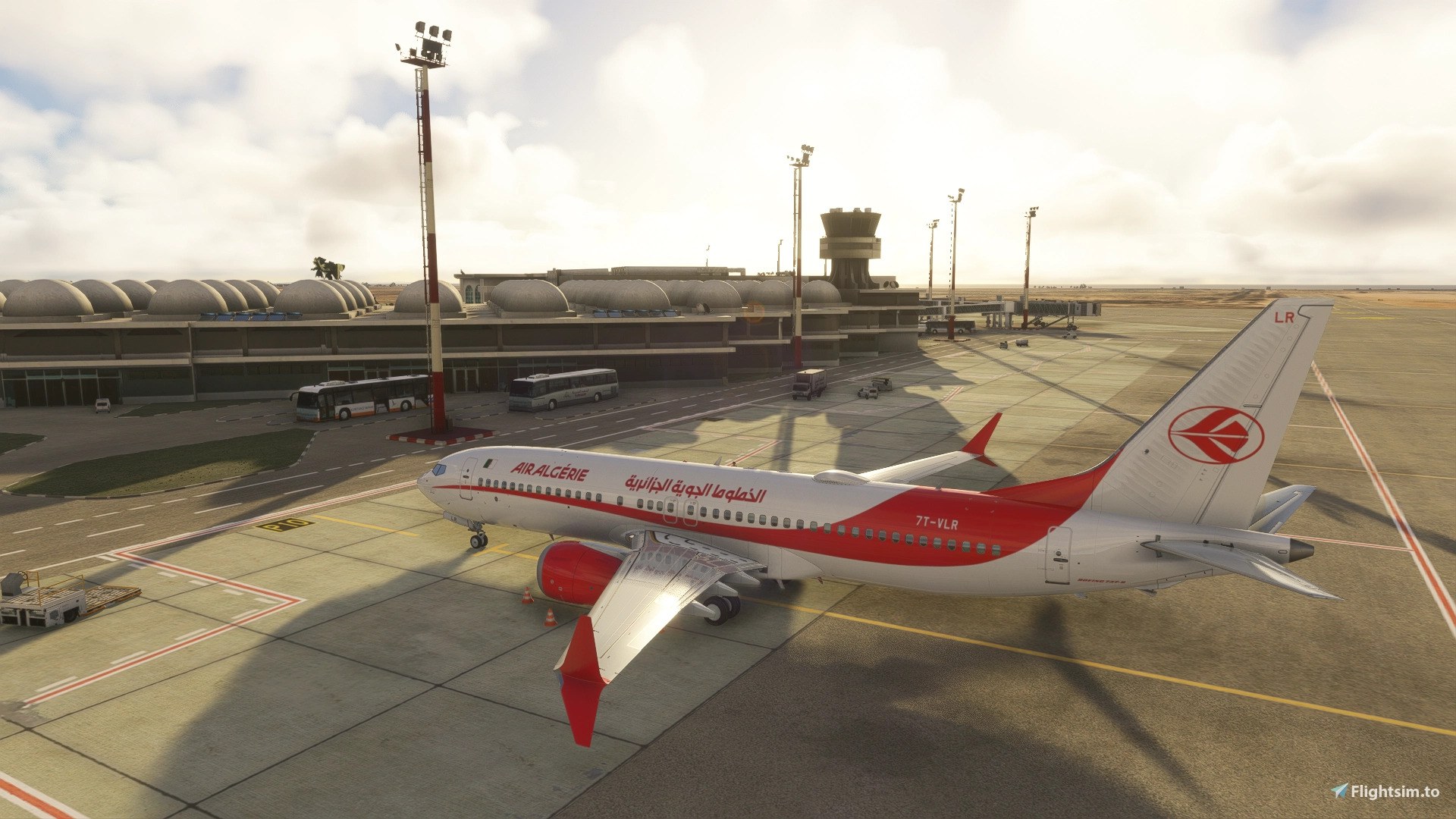
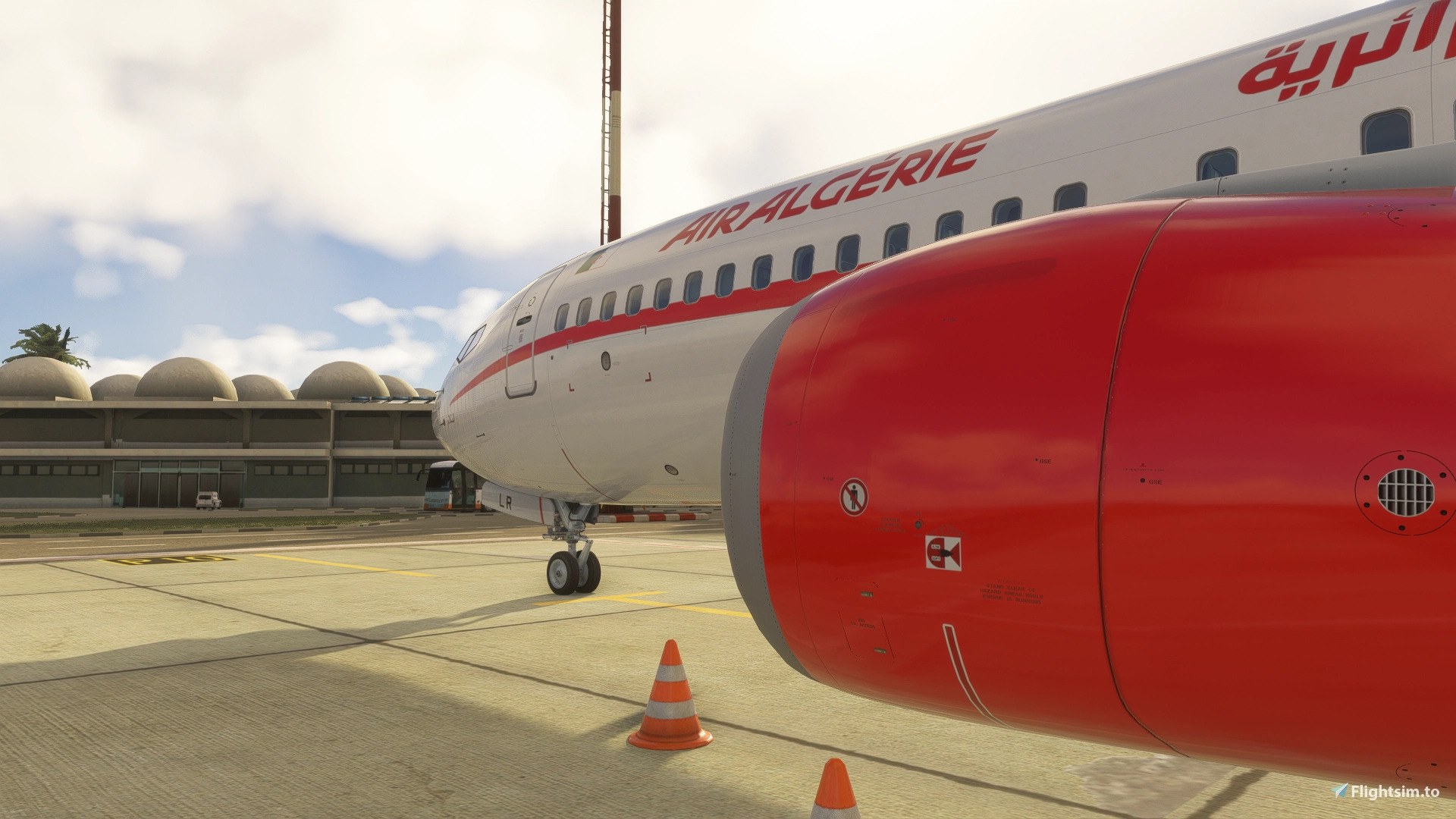

I normally judge an airline repaint from a side view, but this one had me moving the camera around the tail. The red band widens across the rear fuselage, and the white 7T-VLR lettering stays easy to pick out against it. That sweep suits the MAX’s proportions. I like the choice of subject, too: a regular fleet aircraft with enough color to make the view from the gate interesting, without needing a special scheme.
The cabin’s seating compromise is worth knowing about. It uses the iFly Full Economy configuration rather than reproducing the real aircraft’s 186 seats; I can accept those three extra seats, but wouldn’t call it an exact cabin replica. Stick to that configuration, since others aren’t guaranteed. I’d also treat this as a 2024 download: the developer’s suggestion that it might work in 2020 isn’t confirmed compatibility.
dmeh_liveries painted Air Algérie’s 7T-VLR for the iFly Boeing 737 MAX 8 in Microsoft Flight Simulator 2024. Produced on request, the package covers one registration with its exterior markings, colors, and details, plus a cabin configured for the iFly Full Economy layout. The payware aircraft must be purchased separately.
You’ll need IFly Boeing 737Max 8 SP1; the model isn’t included. This livery is configured exclusively for its Full Economy cabin (189 seats). Compatibility with other cabin configurations is not guaranteed. That leaves a small seating difference from the real 7T-VLR, which has 186 economy-class seats.
The supported simulator for this listing is MSFS 2024, the only simulator on which the developer tested the repaint. The developer suggests that the iFly aircraft’s file structure and extensions may also allow it to work in Microsoft Flight Simulator 2020, but that compatibility remains untested and unconfirmed.
The real Boeing 737-8 MAX carries manufacturer serial number (MSN) 44043 and the name “السّلام” (Peace). Powered by two CFM International LEAP-1B engines, it was originally intended for GOL Linhas Aéreas before being reassigned to Air Algérie.
Delivery to Air Algérie followed in July 2026. The aircraft was ferried from Budapest to Algiers on July 28, 2026, and entered commercial service two days later, on July 30.
CC BY-NC-SA 4.0
Free for all simmers · 131.78 MB · Scanned clean Nov 2026
Download speed: Free tier is capped at 2 Mbps (this file takes approximately 9 mins at the cap). PRO members download at full line speed.
%LOCALAPPDATA%\Packages\Microsoft.FlightSimulator_8wekyb3d8bbwe\LocalCache\Packages\Community\. Steam version: %APPDATA%\Microsoft Flight Simulator\Packages\Community\. Tip: enable Developer Mode in MSFS to see your exact Community folder path.readme.txt or README file. It tells you exactly where files go, what dependencies are needed, and any quirks specific to this add-on.Currently an engineering student in France from Tunisia. / Started publishing liveries for FSX on the Aerosoft forum. Also publishing liveries for MSFS2024 on flightsim.to.Making liveries for MSFS2024 (NOT for MSFS2020)
Are you dmeh_liveries? Sign in to Fly Away Creators for download stats, comment replies and updates. Make add-ons? Publish them here.
Only PRO members can place votes.
More MSFS add-ons hand-picked based on this download.
MSFS Civil Jet Aircraft
Southwest Airlines’ N1776R gets a 4K repaint for the built-in Asobo Boeing 73…
 MSFS Civil Jet Aircraft
dmeh_liveries has painted Tunisair’s TS-IMT for the Fenix A320 CFM in Microso…
 MSFS Civil Jet Aircraft
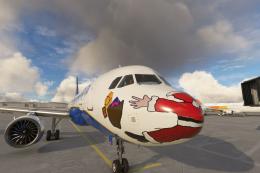
Introducing the comprehensive Ryanair Santa Repaint Mega Pack, meticulously c…
 MSFS Civil Jet Aircraft
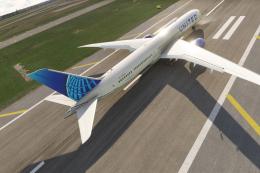
A complete freeware add-on for Microsoft Flight Simulator (MSFS) 2020 release…
 MSFS Civil Jet Aircraft
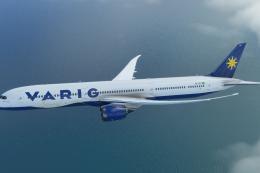
A completely fictional livery for the default Microsoft Flight Simulator (MSF…
 MSFS Civil Jet Aircraft
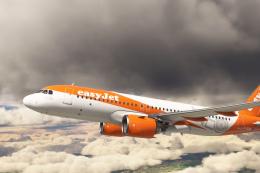
An add-on for MSFS 2020 brings the easyJet A320neo registration G-UZHA livery…
 MSFS Civil Jet Aircraft
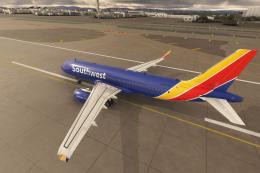
A high-definition Southwest Airlines livery/repaint for the default Microsoft…
 MSFS Civil Jet Aircraft
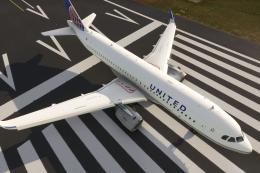
A livery pack for the default Airbus A320neo in Microsoft Flight Simulator (M…
Be the first to leave a comment on this download.
Be the first to share your thoughts on this download.