

 MSFS Civil Jet Aircraft
easyJet Airbus A320neo (G-UZHA) 8K Livery
An add-on for MSFS 2020 brings the easyJet A320neo registration G-UZHA livery…
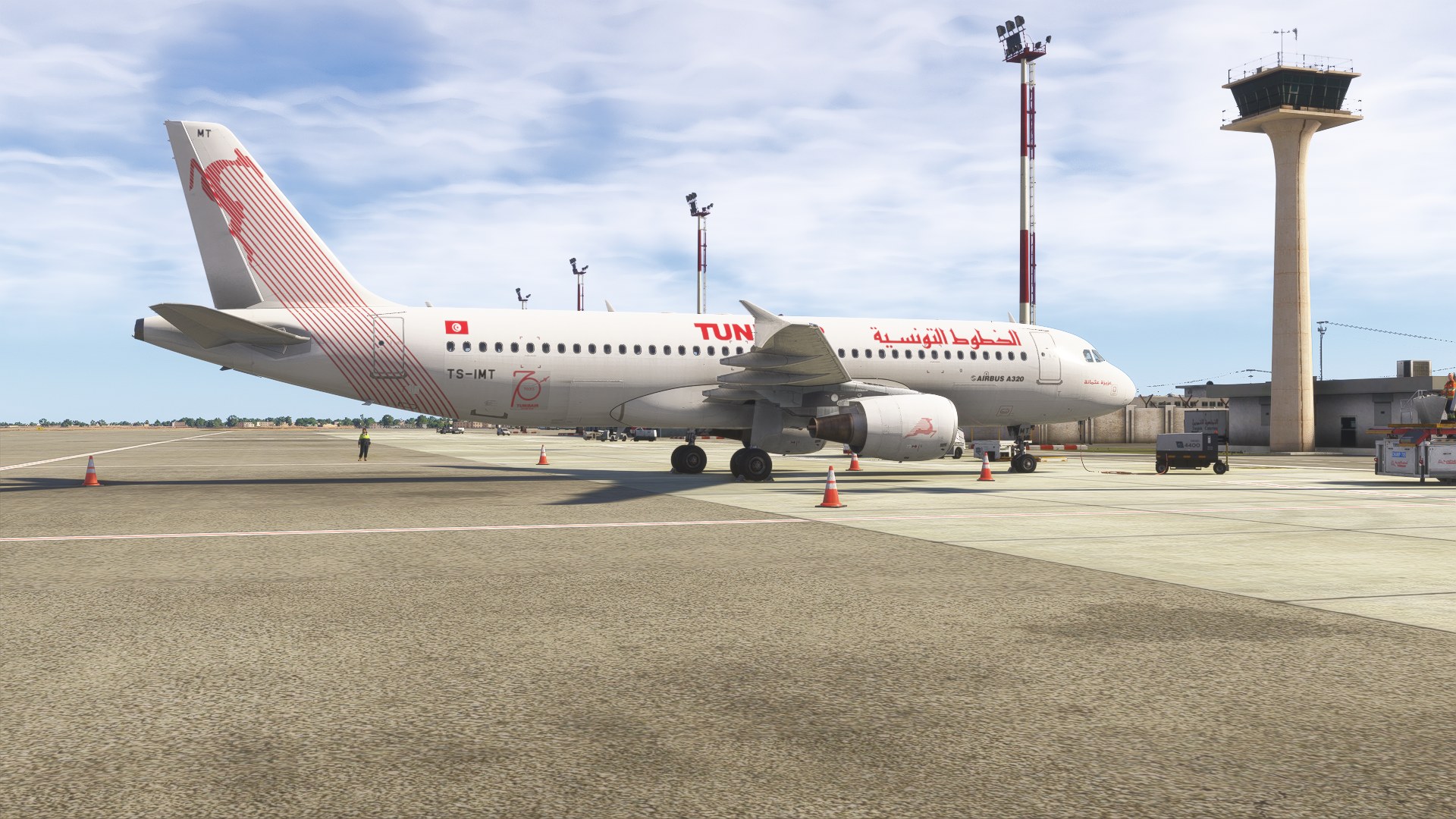
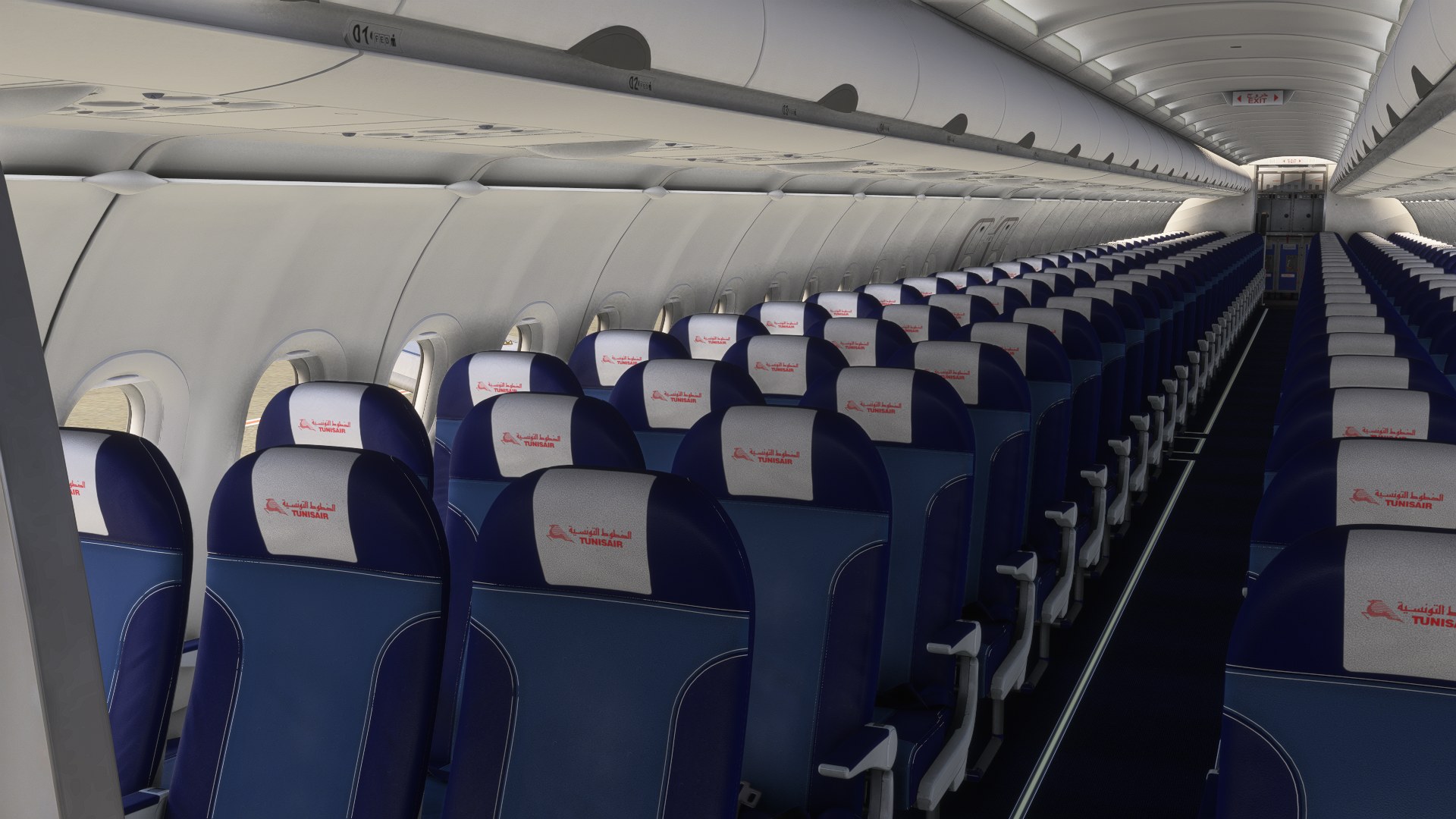
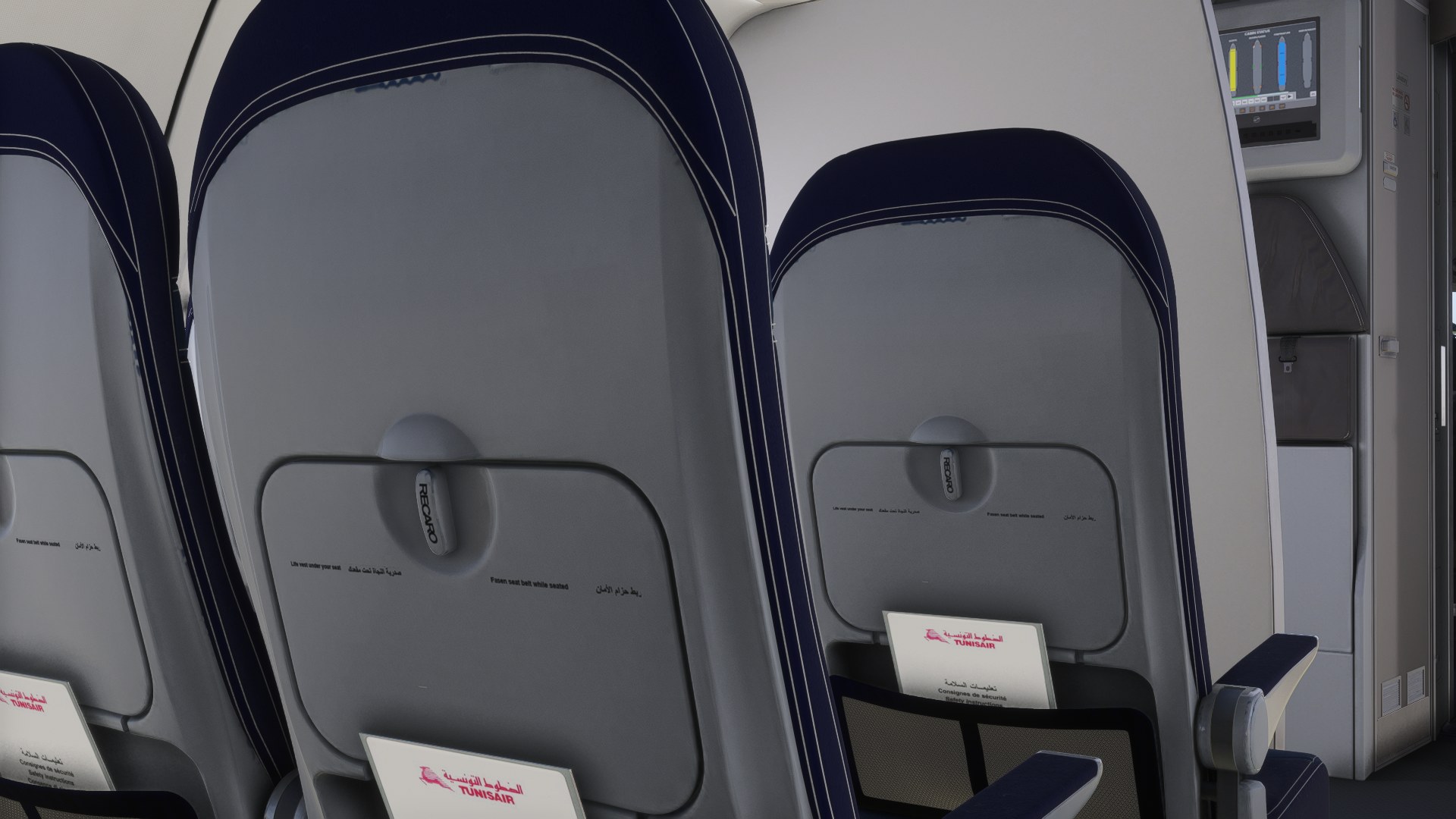
Tunisair’s TS-IMT “Aziza Othmana” livery recreates the Airbus A320-214 with an included cabin and commemorative Tunisian and Libyan flag stickers for Microsoft Flight Simulator 2024. The markings celebrate the June 2021 resumption of flights between the two countries, grounding the repaint in a specific moment in the airline’s history; the package requires the Fenix A320 CFM.
 Rate
 By dmeh_liveries
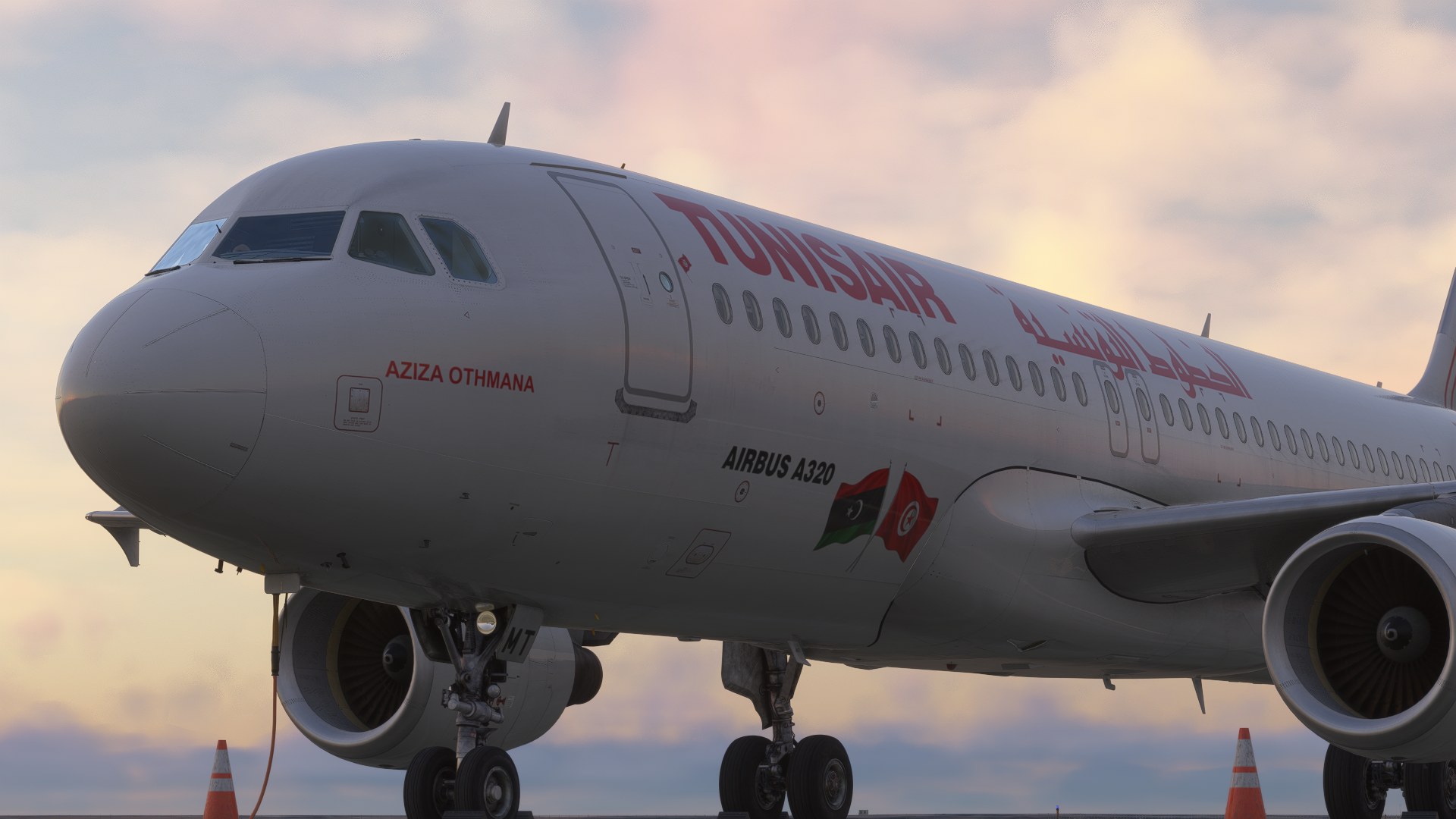
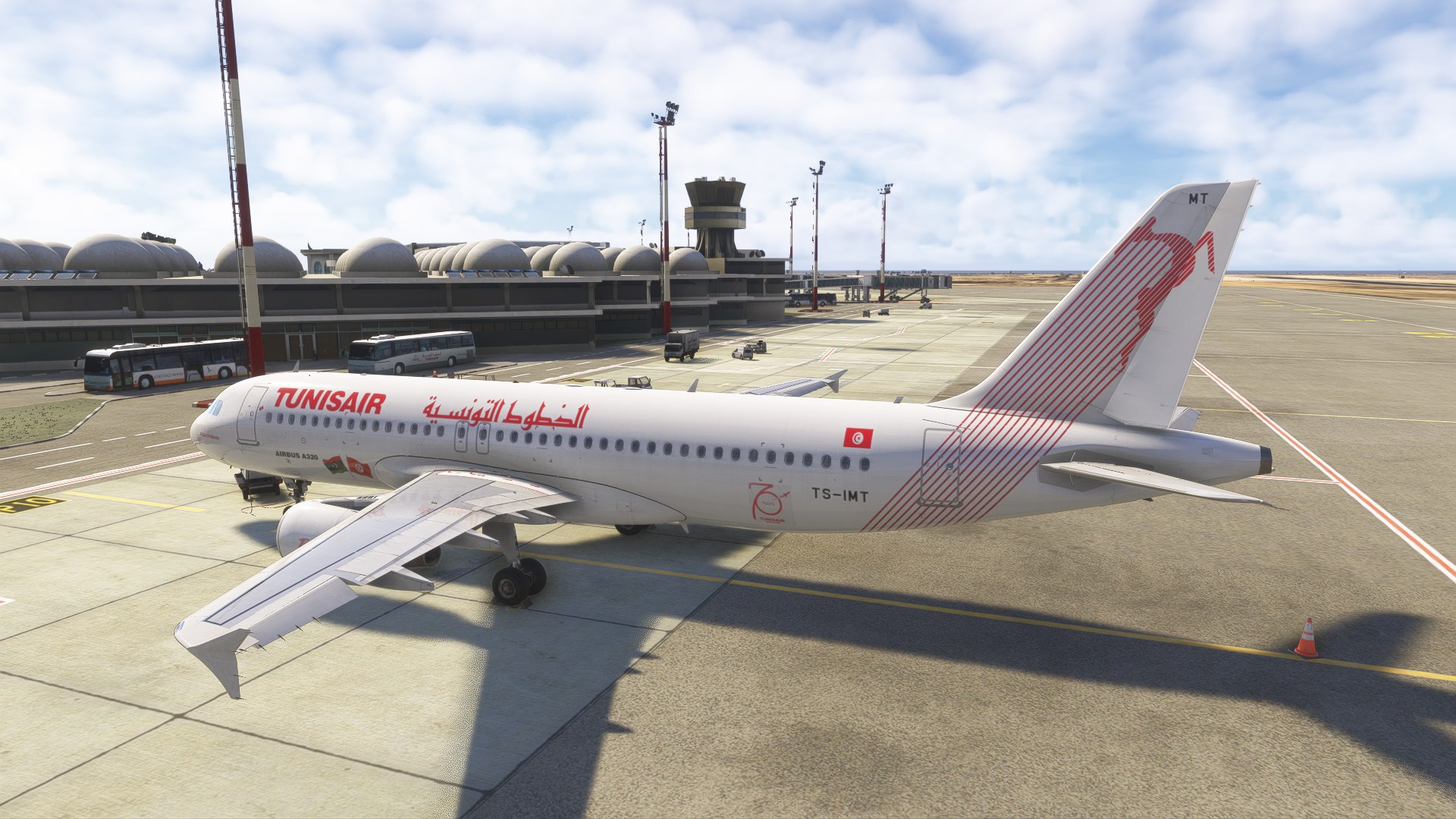
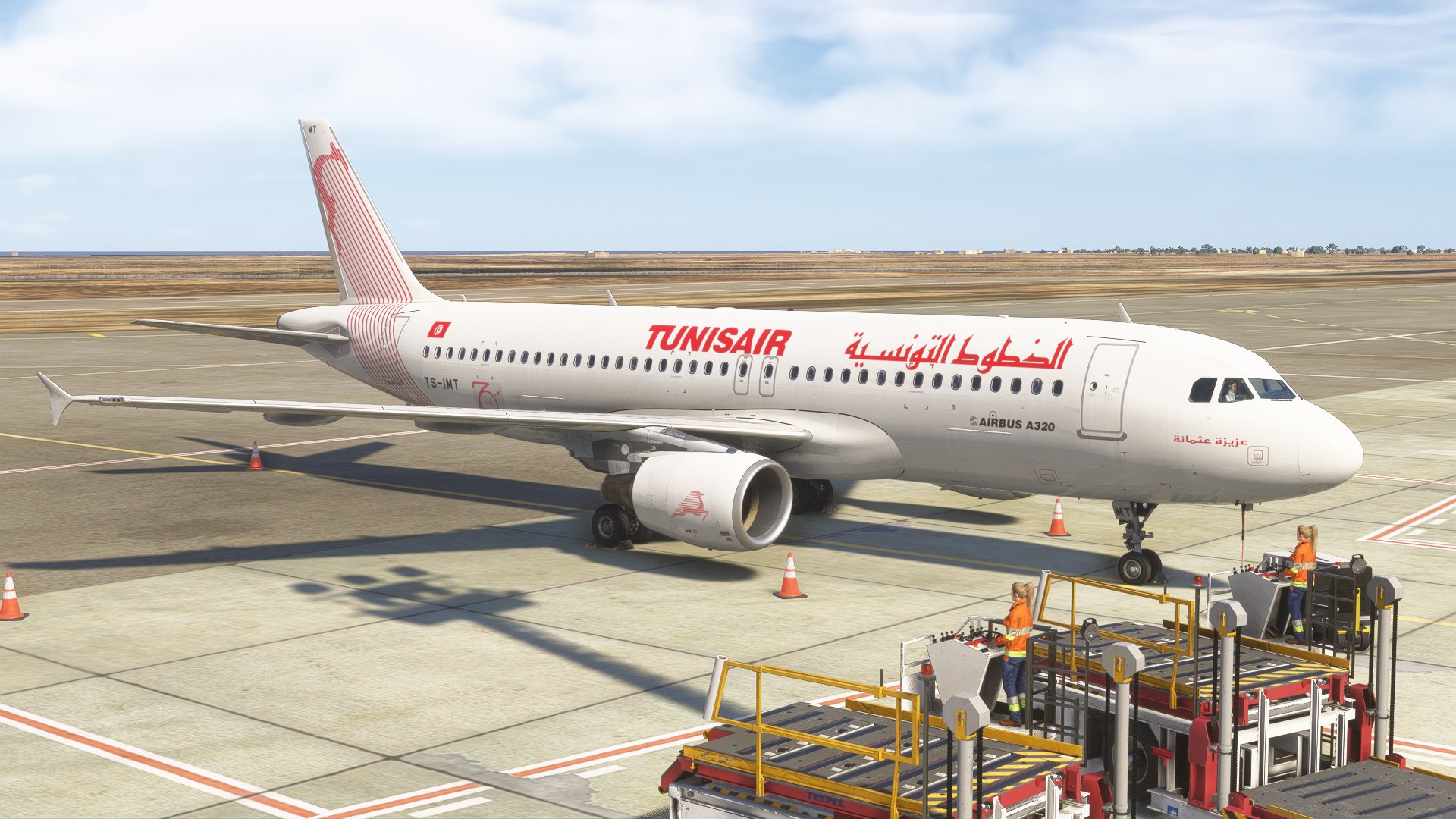
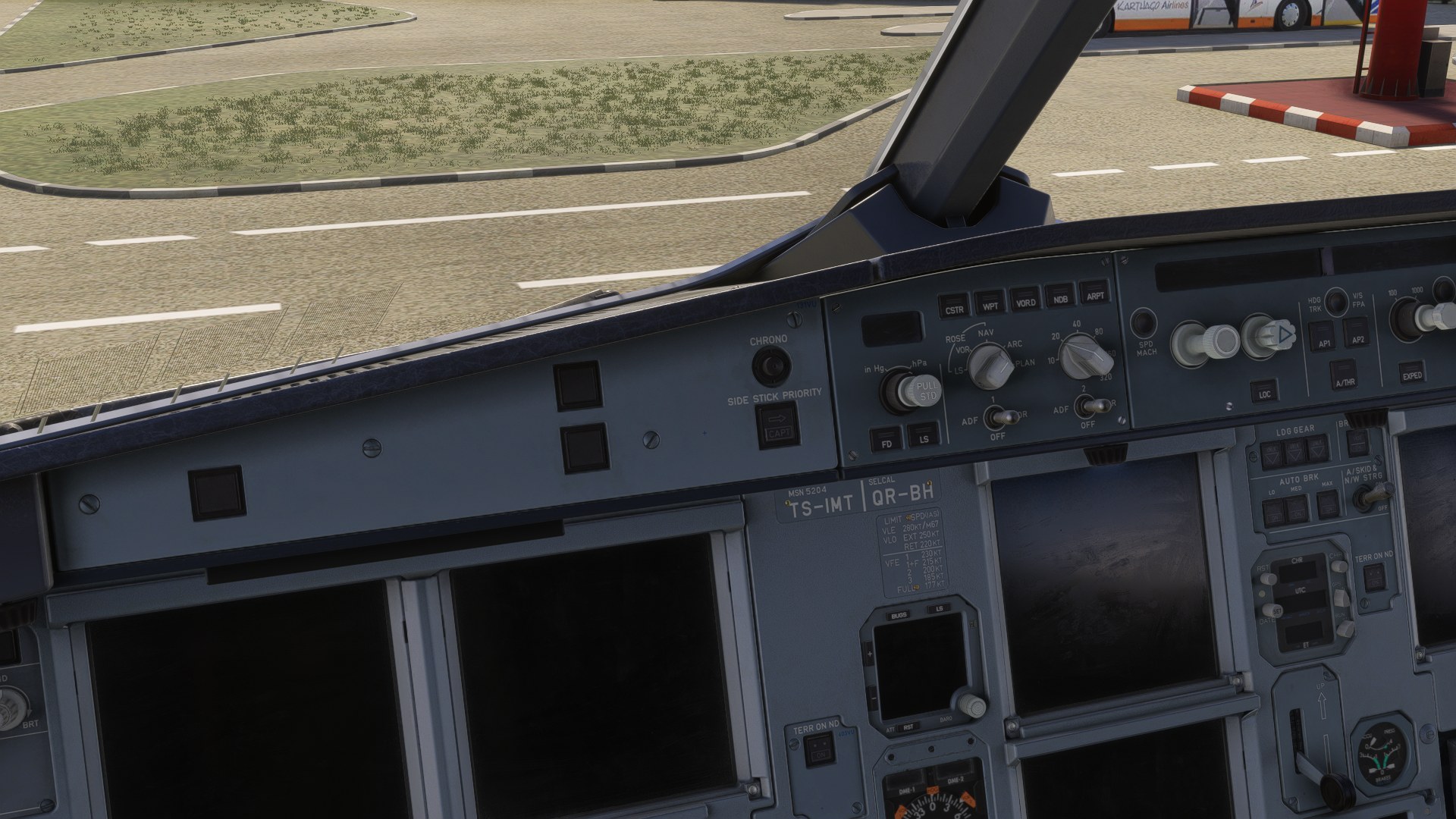
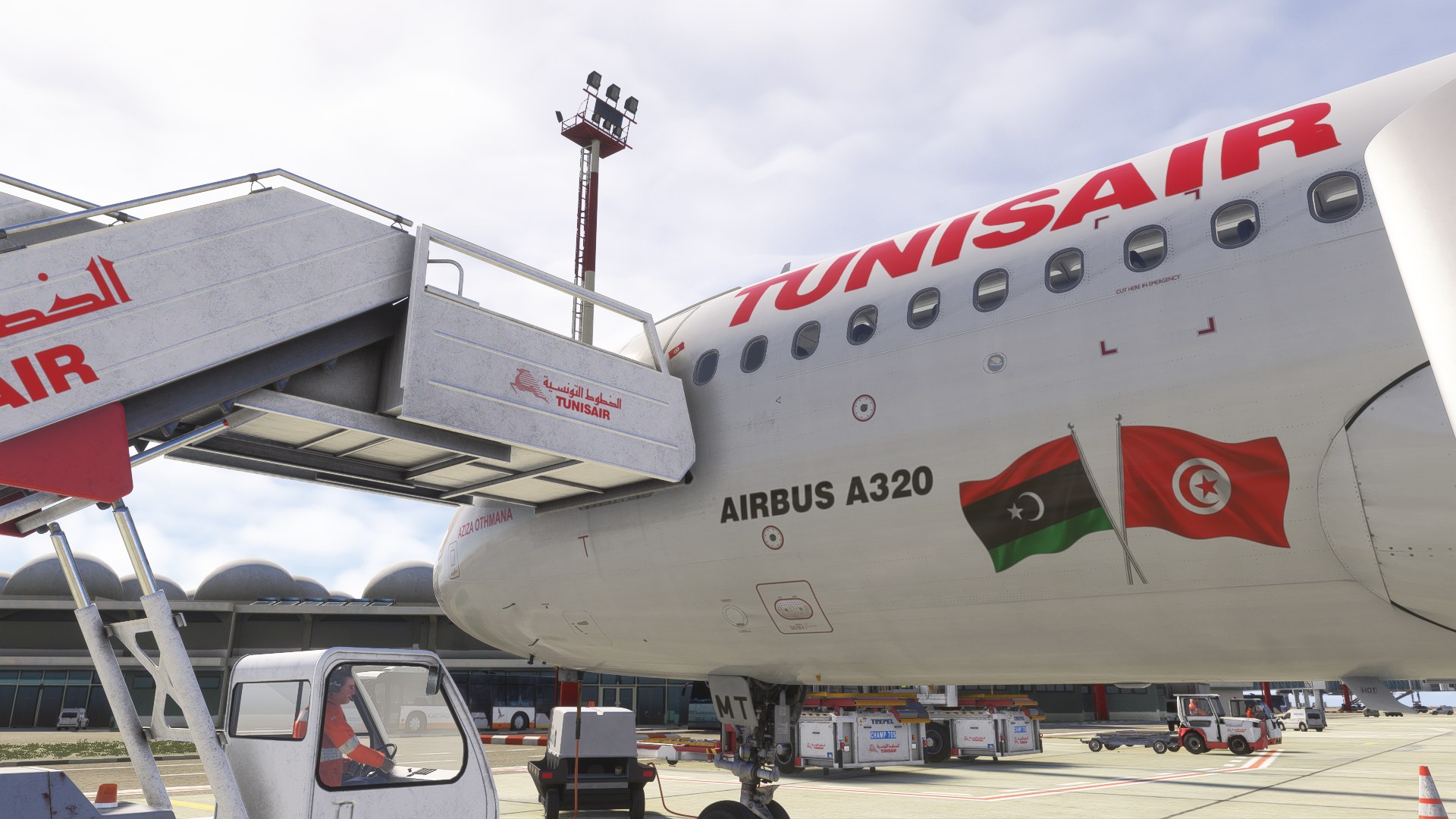
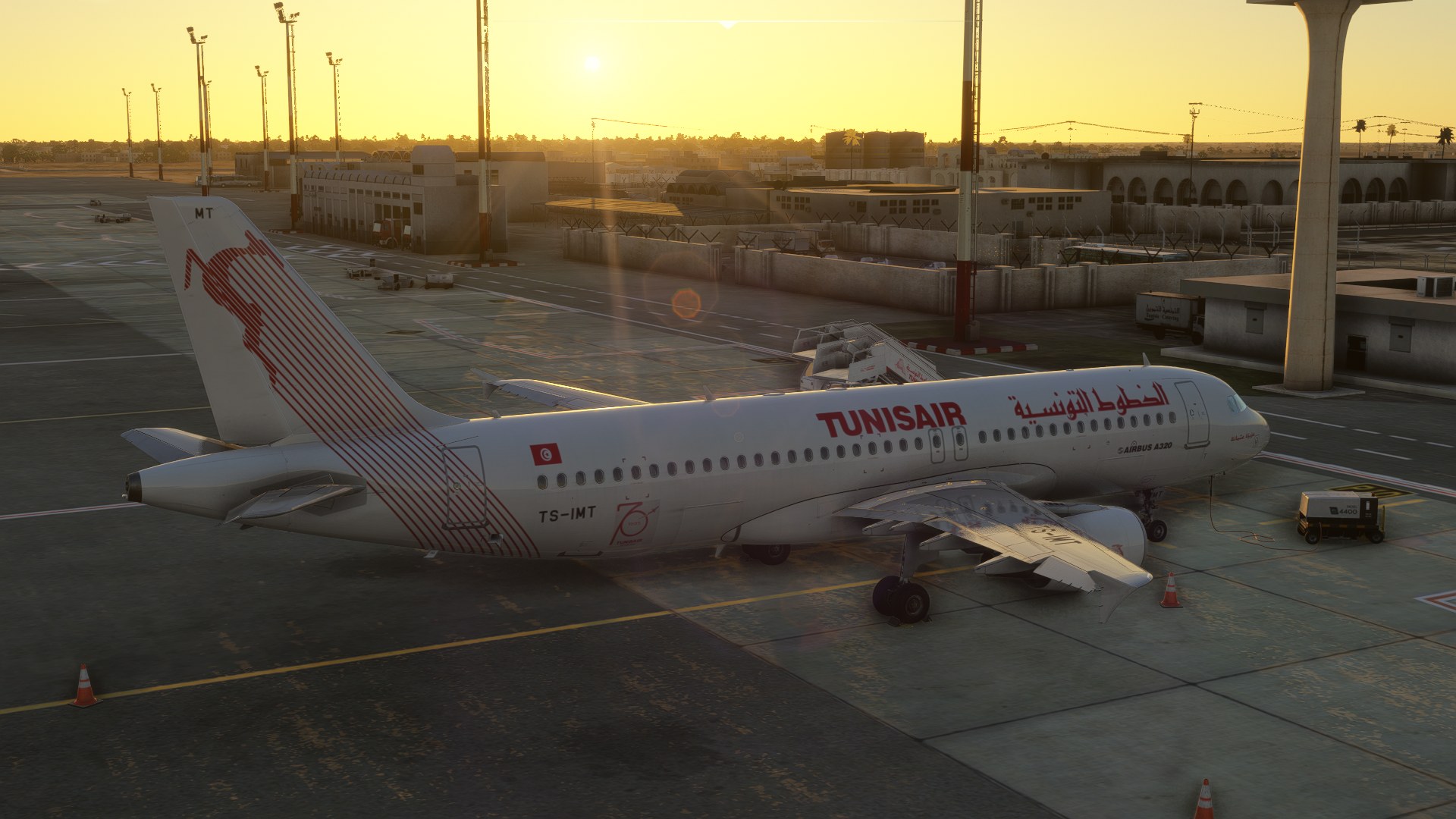
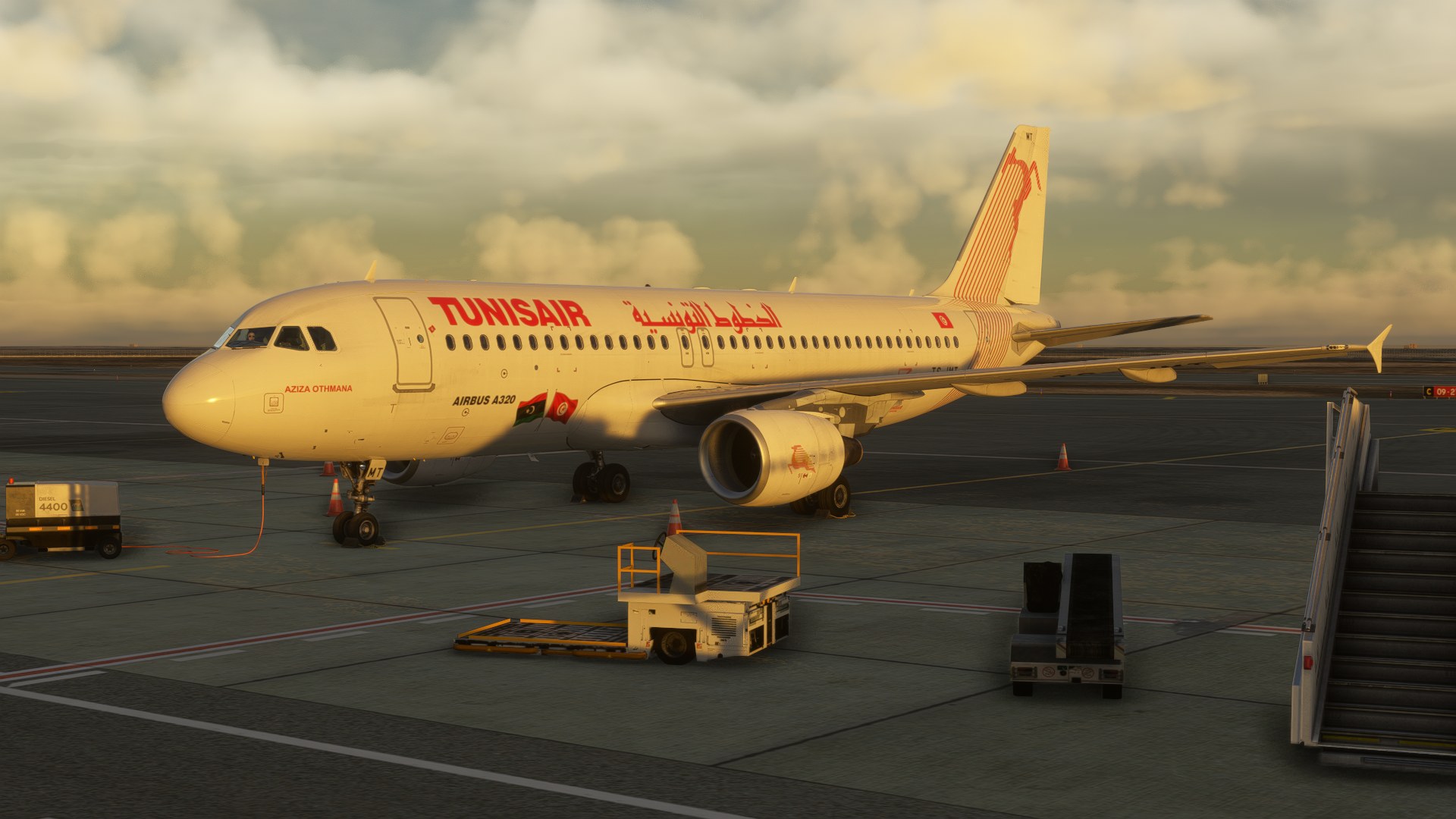
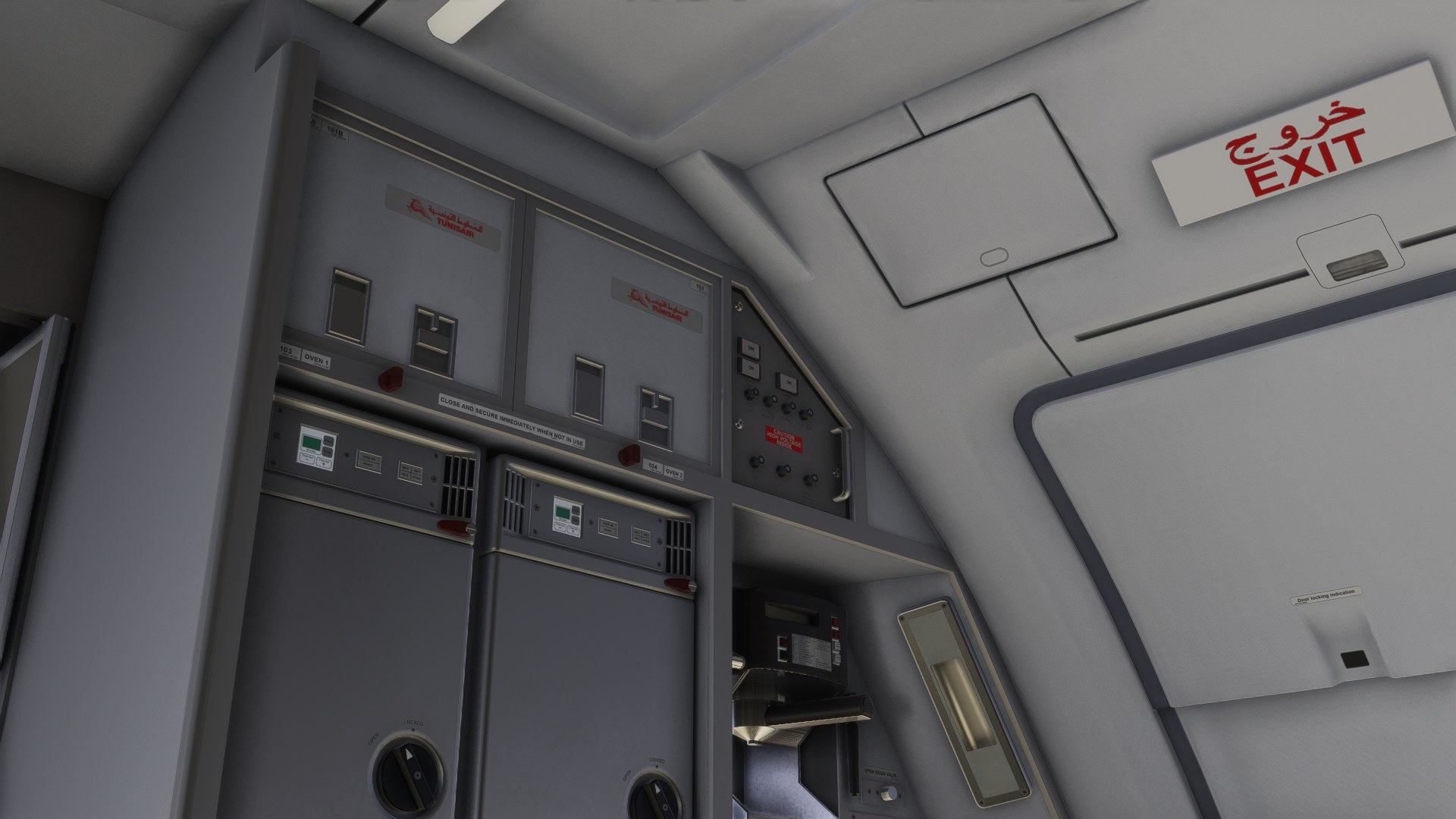
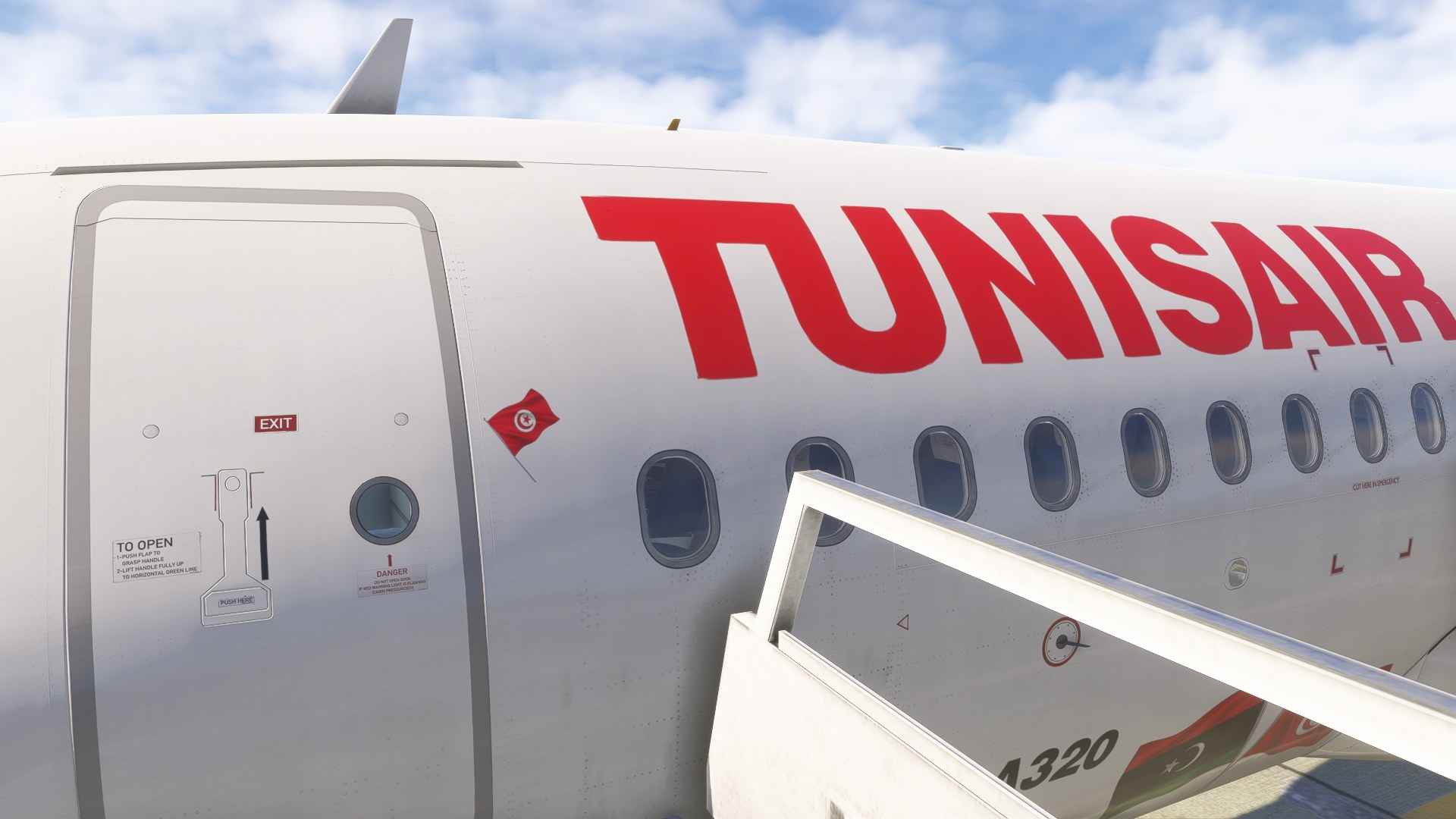
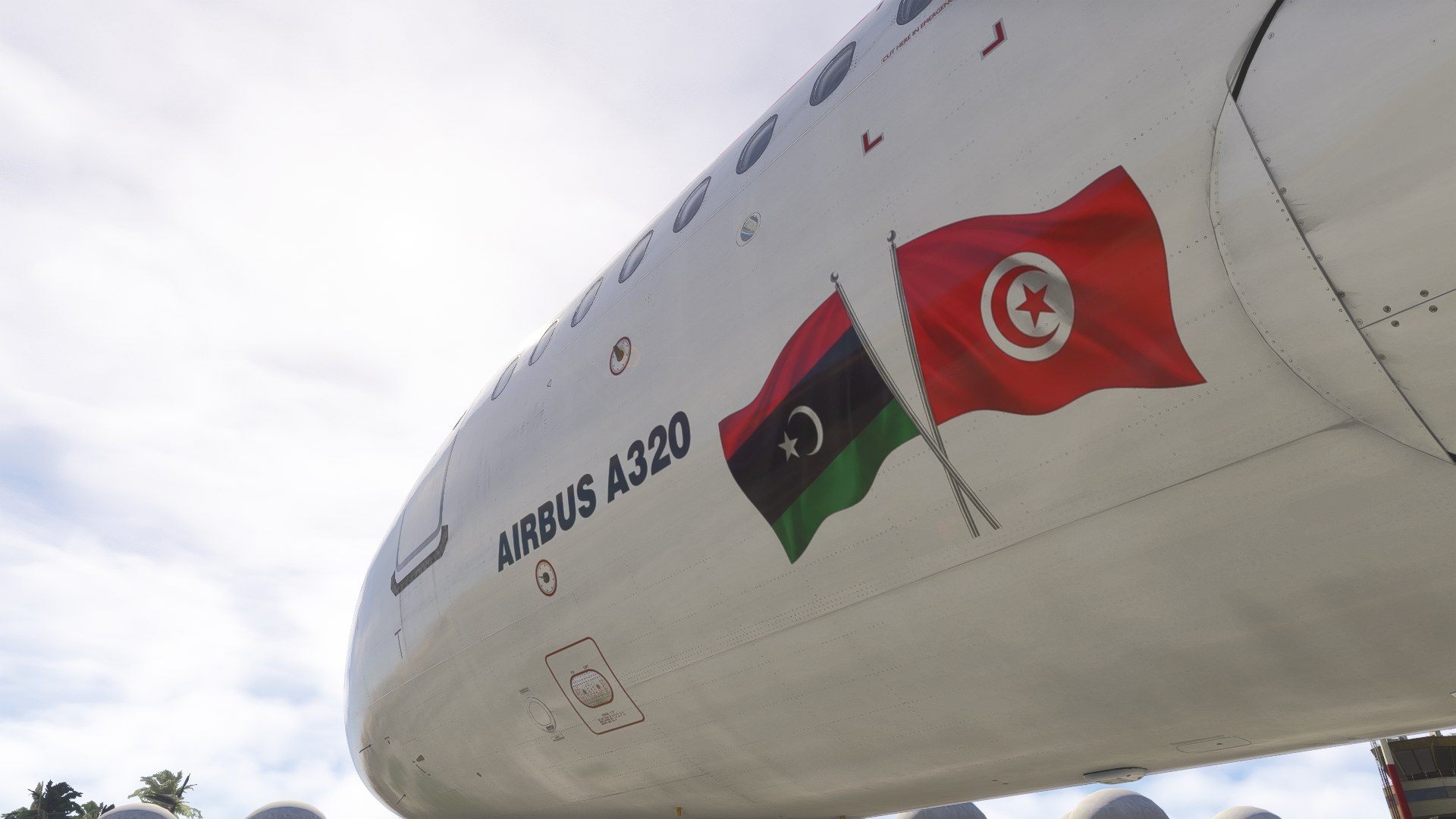

Moving around the parked aircraft in the external view, I had to look below the forward titles to pick out the paired flag stickers. They’re modest markings, and I like that: the commemorative detail doesn’t overwhelm the familiar red-and-white Tunisair scheme.
That restraint is what sells this repaint to me. I’d choose it when recreating the renewed Libya services, where those little flags give the flight a more specific context than a standard fleet paint would. It’s an appealing subject precisely because it records a working airliner carrying a small, meaningful addition, rather than a wholesale special scheme.
dmeh_liveries has painted Tunisair’s TS-IMT for the Fenix A320 CFM in Microsoft Flight Simulator 2024, with the Tunisia / Libya commemorative fuselage stickers and a cabin included. Completed as a requested livery, the package depicts one specific Airbus A320-214 and requires the separately purchased Fenix aircraft.
The payware Fenix A320 model is not included. This package is exclusive to MSFS 2024 and will not work in Microsoft Flight Simulator 2020. Check that you’re using the CFM model before installing it.
TS-IMT carries manufacturer serial number (MSN) 5204 and was delivered to Tunisair in July 2012. Named “Aziza Othmana” (عزيزة عثمانة), the aircraft is powered by two CFM International CFM56-5B4/3 engines. Those details tie the paint to a particular airframe within Tunisia’s flag-carrier fleet.
The special markings date from June 2021, when stickers showing the Tunisian and Libyan flags were applied to the fuselage. They celebrated the resumption of Tunisair flights to Libyan airports and the renewed air links between the two neighboring countries.
CC BY NC SA 4.0
Free for all simmers · 574.6 MB · Scanned clean Nov 2026
Download speed: Free tier is capped at 2 Mbps (this file takes approximately 40 mins at the cap). PRO members download at full line speed.
NONE / Initial version
%LOCALAPPDATA%\Packages\Microsoft.FlightSimulator_8wekyb3d8bbwe\LocalCache\Packages\Community\. Steam version: %APPDATA%\Microsoft Flight Simulator\Packages\Community\. Tip: enable Developer Mode in MSFS to see your exact Community folder path.readme.txt or README file. It tells you exactly where files go, what dependencies are needed, and any quirks specific to this add-on.Currently an engineering student in France from Tunisia. / Started publishing liveries for FSX on the Aerosoft forum. Also publishing liveries for MSFS2024 on flightsim.to.Making liveries for MSFS2024 (NOT for MSFS2020)
Are you dmeh_liveries? Sign in to Fly Away Creators for download stats, comment replies and updates. Make add-ons? Publish them here.
Only PRO members can place votes.
More MSFS add-ons hand-picked based on this download.
MSFS Civil Jet Aircraft
An add-on for MSFS 2020 brings the easyJet A320neo registration G-UZHA livery…
 MSFS Civil Jet Aircraft
A complete freeware add-on for Microsoft Flight Simulator (MSFS) 2020 release…
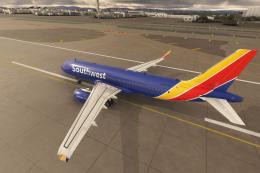 MSFS Civil Jet Aircraft
A high-definition Southwest Airlines livery/repaint for the default Microsoft…
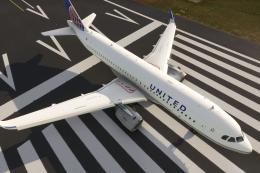 MSFS Civil Jet Aircraft
A livery pack for the default Airbus A320neo in Microsoft Flight Simulator (M…
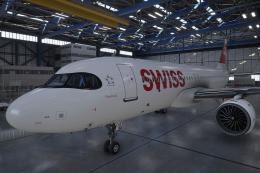 MSFS Civil Jet Aircraft
A pack containing a complete rendition of 8K resolution liveries for the defa…
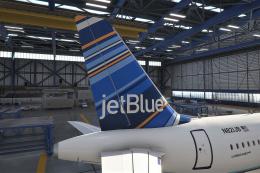 MSFS Civil Jet Aircraft
A freeware livery for the default MSFS 2020 A320neo bringing the JetBlue 'Bar…
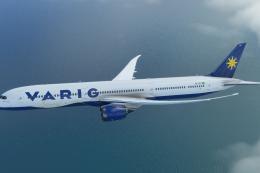 MSFS Civil Jet Aircraft
A completely fictional livery for the default Microsoft Flight Simulator (MSF…
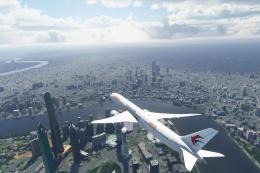 MSFS Civil Jet Aircraft
A fully-featured repaint/livery of the default Boeing 787-10 in the China Eas…
Be the first to leave a comment on this download.
Be the first to share your thoughts on this download.